
Dark Fantasy Sketch Refinement
Transforms a rough action doodle into a polished dark fantasy undead knight illustration with armor, magic energy, and a wasteland setting.
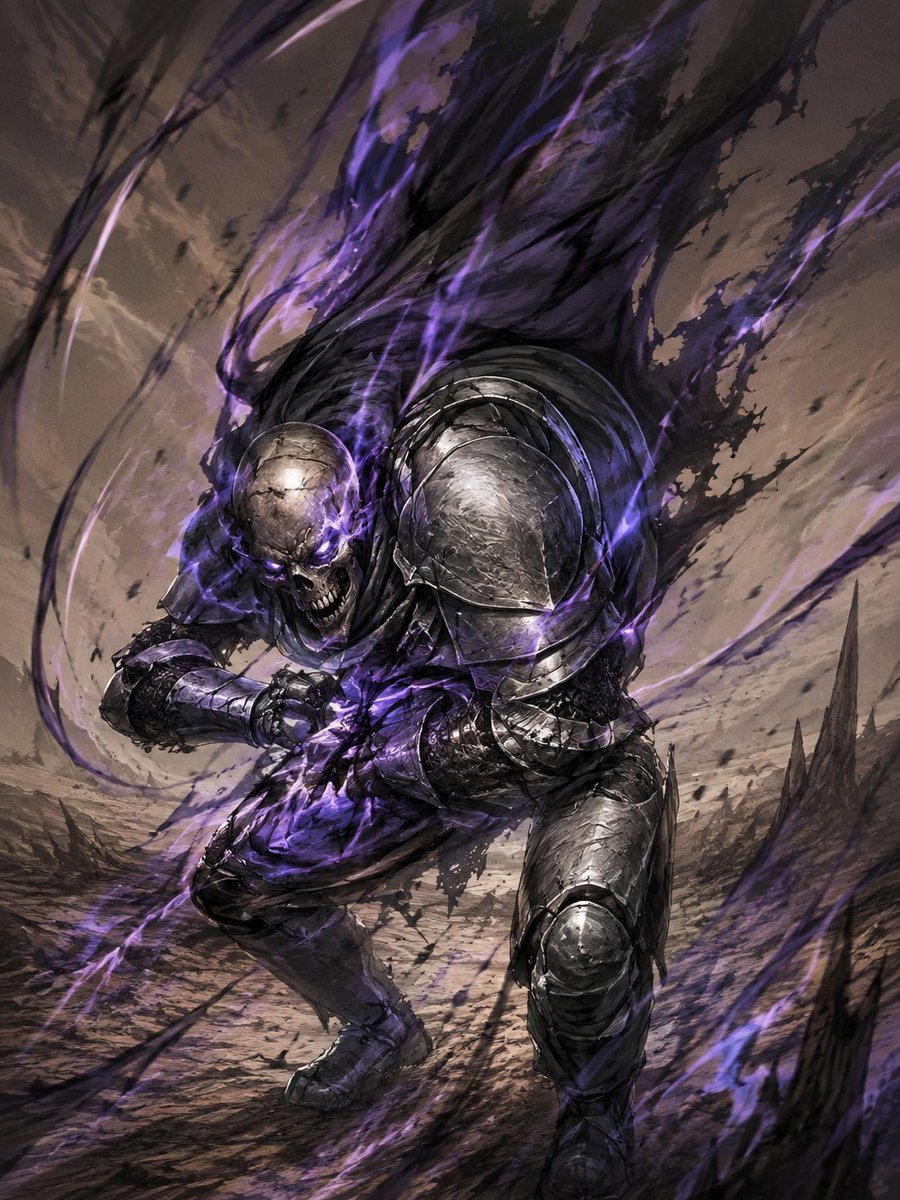
- Prompt included
- Model and format preset
- Free template
The prompt behind this image
Copy the exact prompt behind Dark Fantasy Sketch Refinement, or open it in the studio and make it yours.
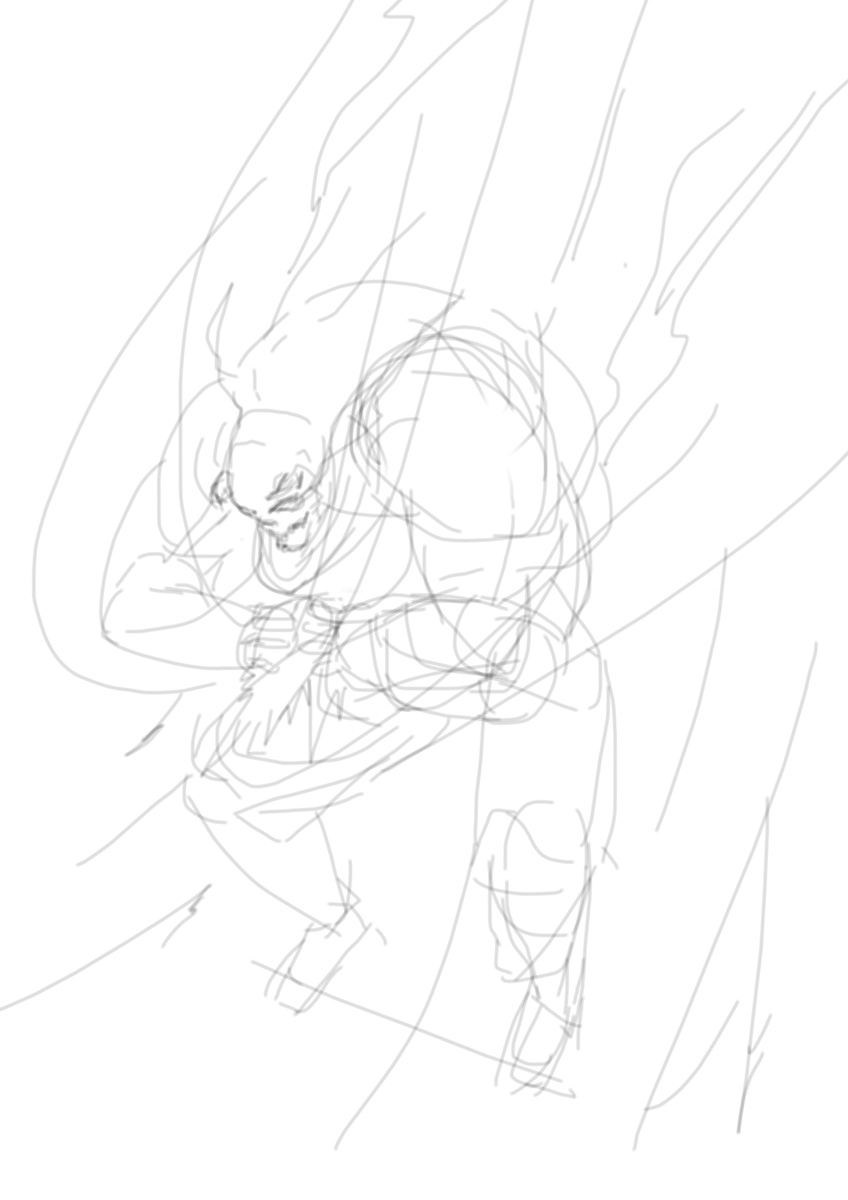
Using the provided reference sketch as the exact pose and composition guide, turn the rough doodle into a highly finished dark fantasy action illustration. Preserve the low, lunging forward stance, the clenched arms in front of the torso, the large rounded right shoulder mass, the skull-like head placement, and the sweeping upward motion lines from the sketch. Transform the figure into {argument name="character type" default="an undead armored knight"}: exactly 1 central warrior with a cracked skull face, glowing purple eyes, a snarling open jaw, battered black-steel plate armor, heavy rounded shoulder armor, gauntlets, greaves, and tattered dark cloth. Replace the sketch motion lines with violent supernatural energy: black smoke and purple flame ribbons erupting upward behind the figure, wrapping around the body and sweeping diagonally through the frame. Add a new environment not present in the sketch: a desolate battlefield or wasteland with cracked ground, dust, debris, and jagged dark rock spires in the background. Use a dramatic low-angle perspective, intense motion blur, gritty brush texture, high-detail fantasy concept art rendering, cinematic lighting, and a limited palette of gunmetal gray, black, dusty brown, and {argument name="magic color" default="electric violet"}. Make the final image vertical, dynamic, ominous, and polished, while still clearly following the original sketch’s silhouette and action flow.
Reference images included
Dark Fantasy Sketch Refinement needs input media to work. They load alongside the prompt when you open it in the studio.
How to use Dark Fantasy Sketch Refinement in 3 steps
- 1Upload ImagePNG, JPG or paste
Add your photo
Upload the photo the template builds on. The prompt, model and format are already set.
- 2…a portrait of your subject in softgolden-hour light, 85mm…
Personalize
Edit the subject and creative details for your destination.
- 3Generate
Generate
Press Generate — your image is created in PicX Studio, so you can compare it with the original and refine one variable at a time.
More like this
Templates with the same subject, style or setup. Open one to see its prompt.

Unfinished Sketch Comes Alive Portrait

Dark Fantasy Sorceress Storyboard

Dark Fantasy Smoke Monster Transformation

Anime Fantasy Celestial Movie Poster

Japanese Café Sketch Duo Illustration

Delicate Japanese Café Lifestyle Illustration
Anime Fantasy Celestial Movie Poster

Selective Color Monochrome Football Poster

Minecraft Fantasy Kingdom Voxel Landscape

Open Travel Journal Overhead Still Life

Tiny Woman Miniature Fantasy Macro Scene
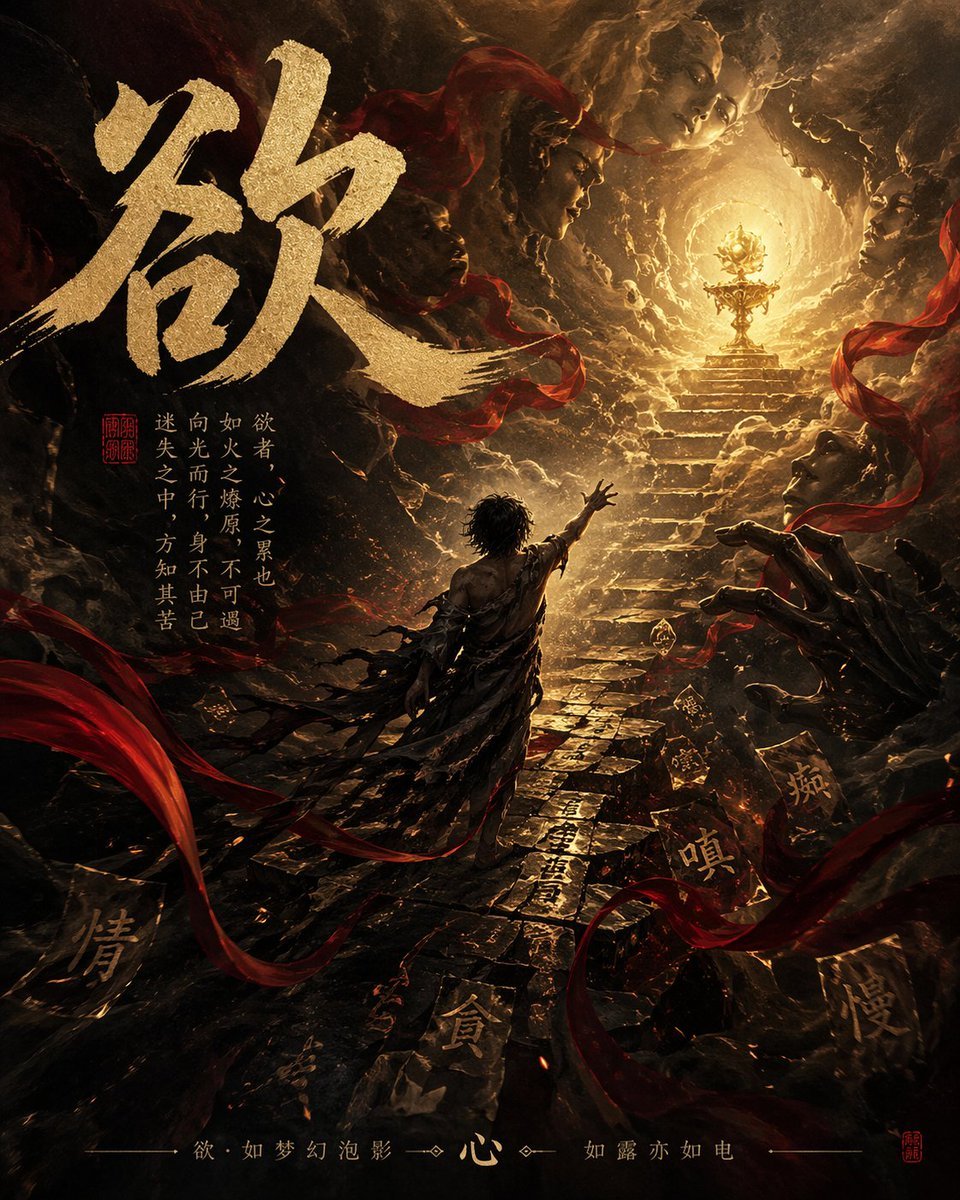
Dark Chinese Fantasy Desire Poster
Make it yours
Dark Fantasy Sketch Refinement works as-is. These are the safest ways to change it without losing the look.
Change one field
Copy a single group, rewrite it, and generate again so you can see what that field is doing.
Keep the frame, change the subject
Hold the composition and light of Dark Fantasy Sketch Refinement, then swap wardrobe, props or the person for a new take.
| If the result… | Why | Fix |
|---|---|---|
| The result drifts from the preview | Too many fields changed at once. | Reuse Dark Fantasy Sketch Refinement as-is first, then change one group — subject, light, or setting. |
| The model over-stylizes the scene | The prose prompt leaves finish and camera underspecified. | Add one camera or lighting sentence and stay on GPT Image 2. |
More GPT Image 2 templates
Other prompts made for GPT Image 2.

Six VTuber Japanese Logo Sheet

Realistic Portrait of Woman and Deer

The Vista Modular Condo Poster

AI Model Routing Comparison Infographic

2.5D Anime Art Board

Isometric Productivity Desk Scene

New York Double Exposure Poster

Four-Panel AI Landscape Comparison

Japanese Tatami Lifestyle Magazine Cover

NESCAFÉ Coffee Map Poster
More image prompts
Fresh picks from across the catalog.
panoramic image
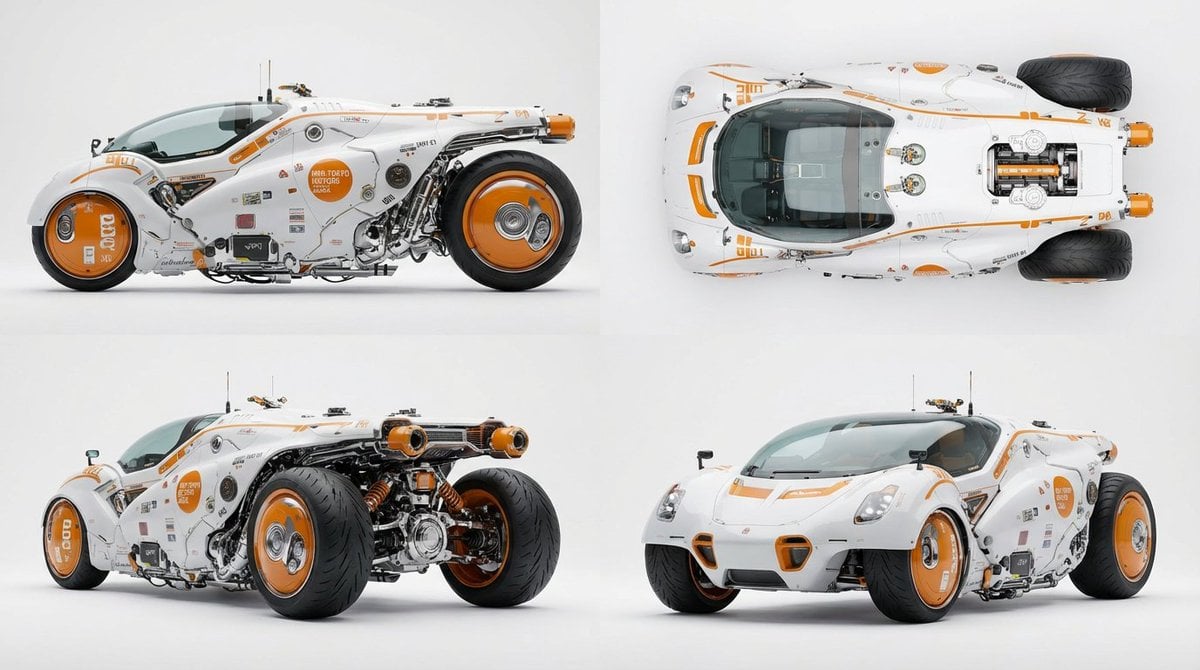
Multi-View Car Sheet
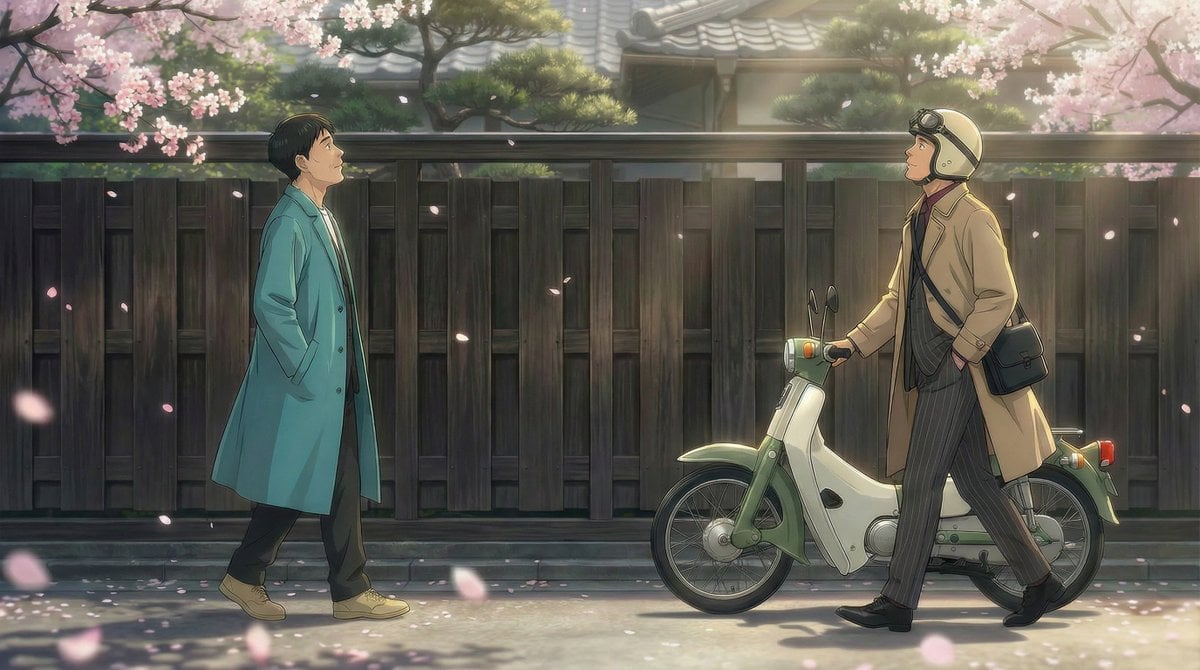
Nano Banana Pro Prompt for 'Scramble Spring' Fan Art
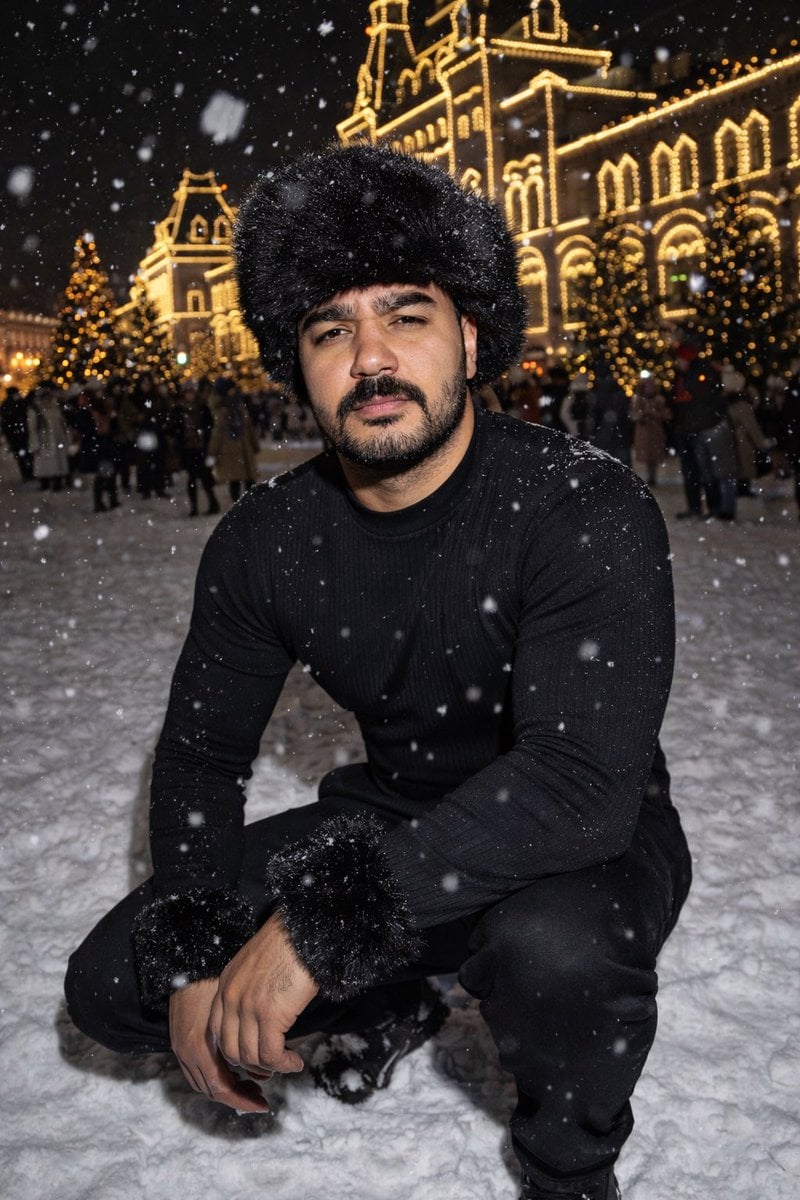
Y2K Candid Flash Photo in Snowy Moscow
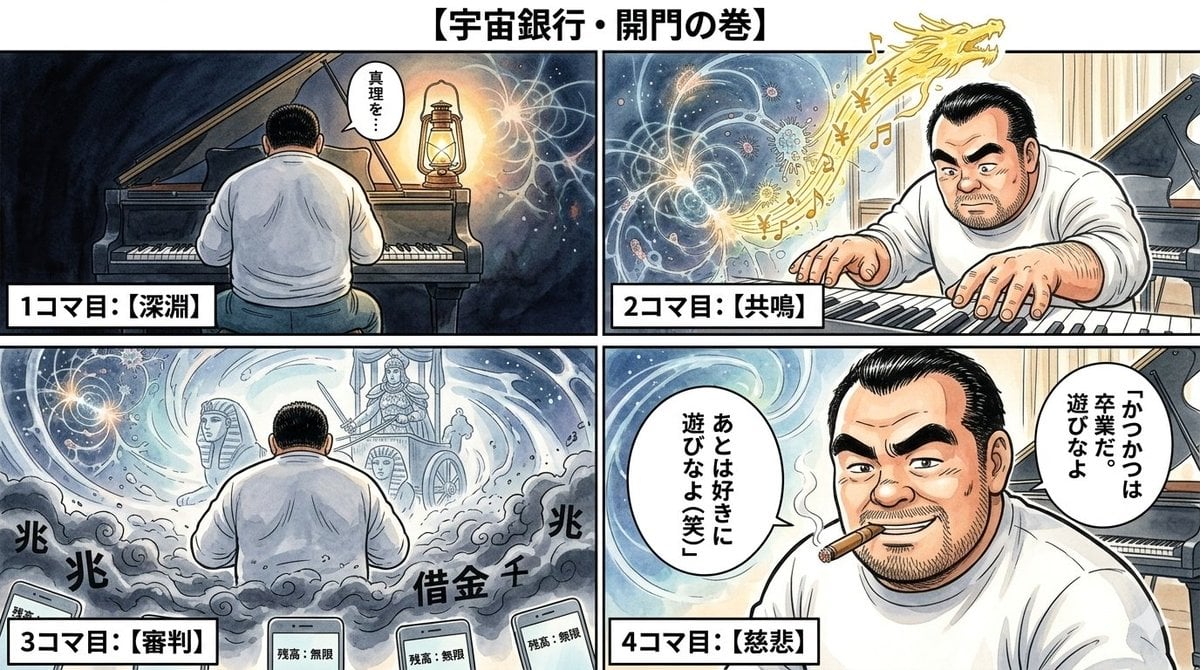
Nano Banana Pro Image Generation Prompt: Currency Issuance and Infinite Balance
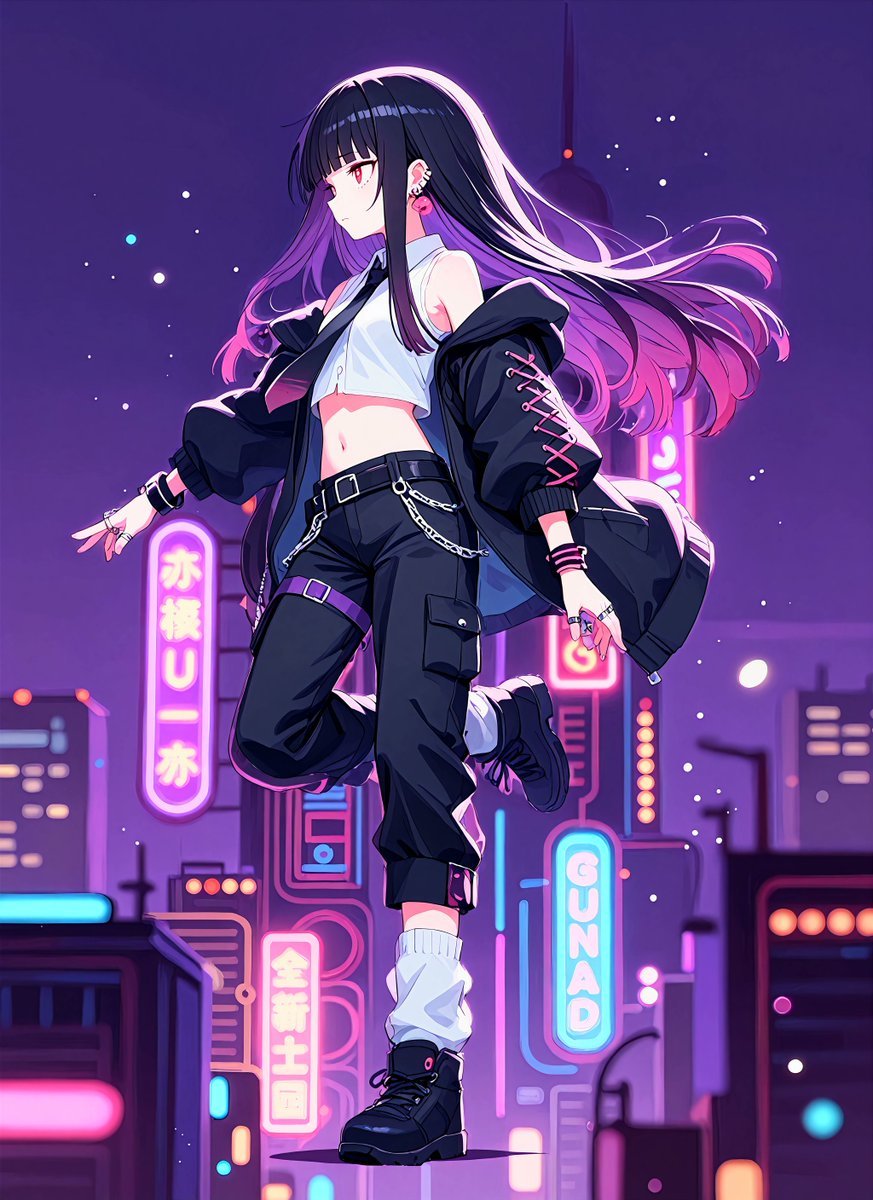
Neon Midnight Anime Streetwear Girl
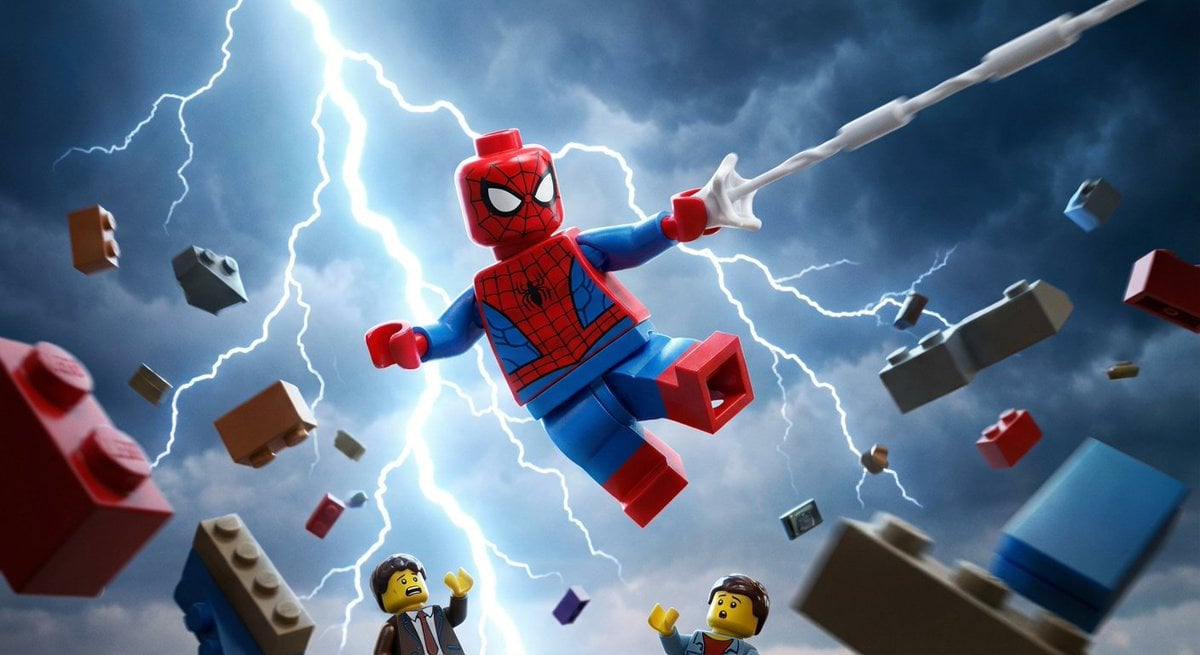
Epic LEGO Spider-Man movie poster scene
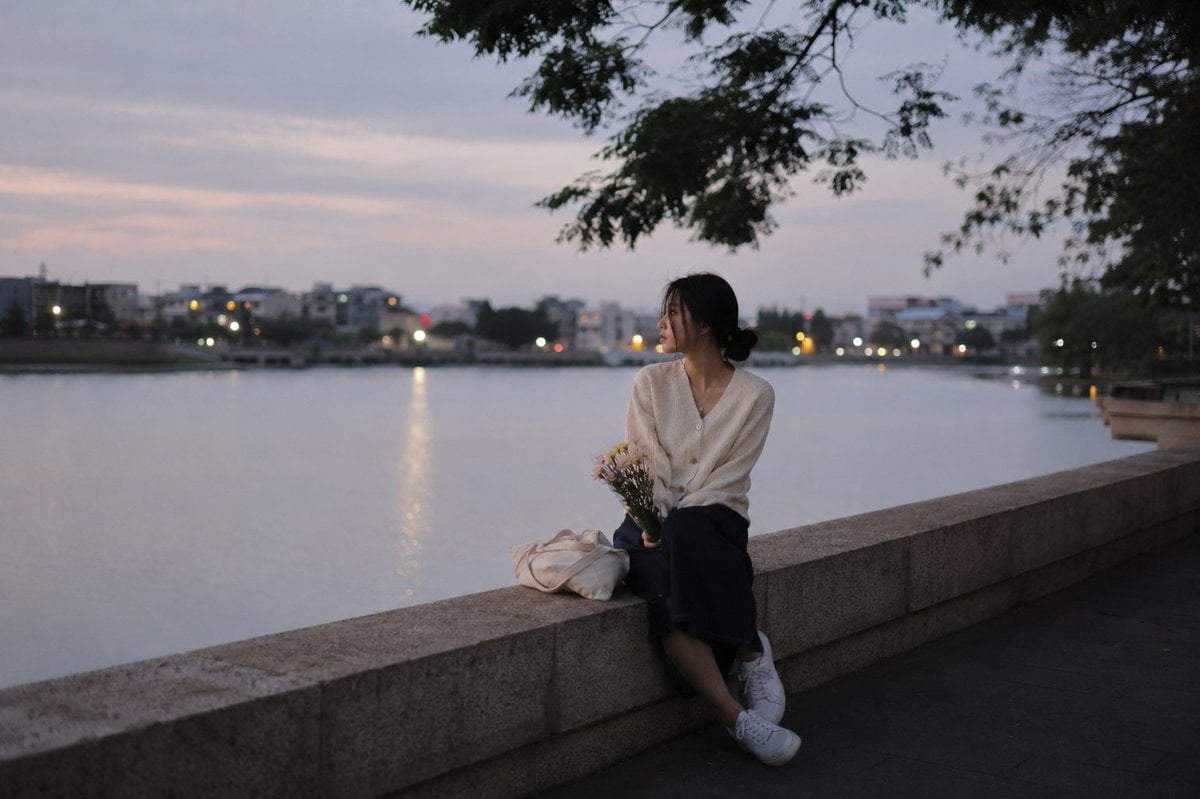
Peaceful Summer Riverside Evening

Gpt2 Youtube Thumbnail Anime Music Bootcamp Promo Poster
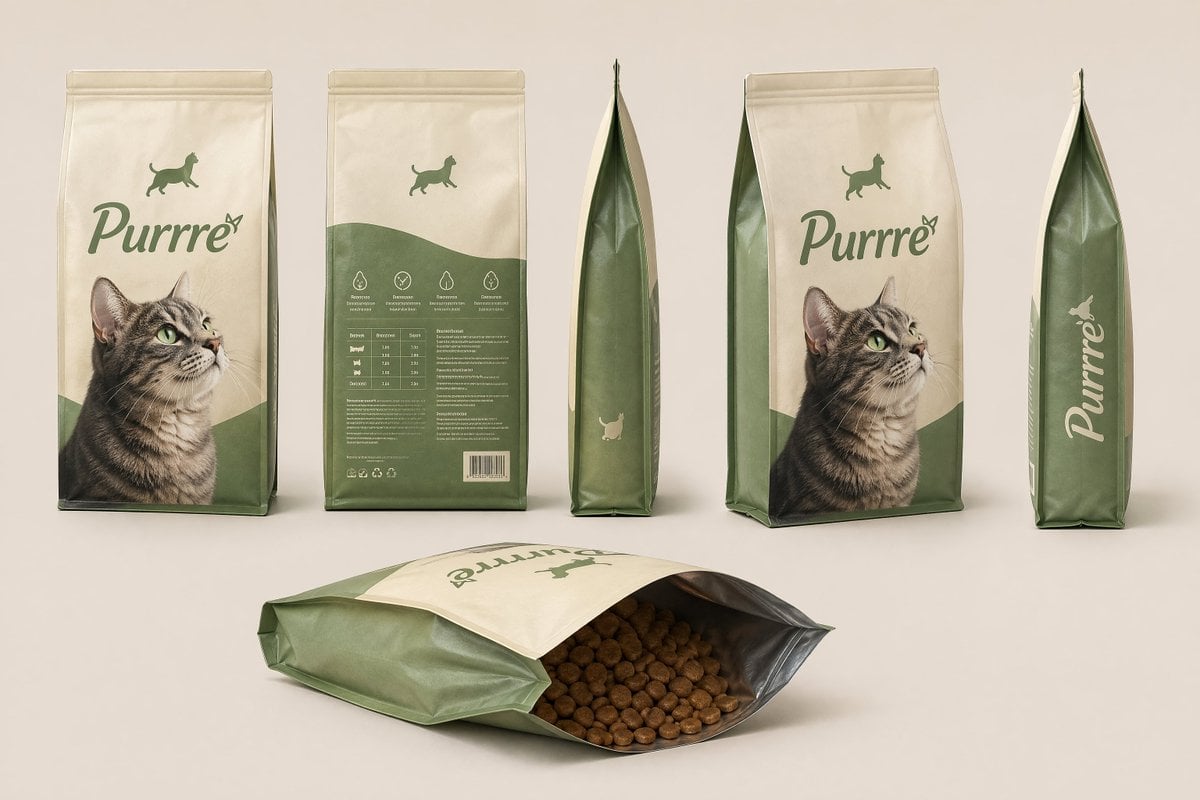
Consistent Product Kit Photography
Browse template categories
Dark Fantasy Sketch Refinement questions
How do I use the Dark Fantasy Sketch Refinement template?
Add your photo if the template asks for one, edit the prompt if you like — the template's model and format are already selected — and press Generate. Your version opens in PicX Studio.
Can I customize the Dark Fantasy Sketch Refinement template?
Yes. You can change the subject, setting, lighting, mood, format, and available model controls before creating your image.
Is the Dark Fantasy Sketch Refinement template free?
Opening and editing this template is free. Generating uses credits, shown on the Generate button when you are signed in.
Which AI model should I use?
Start with GPT Image 2, which is the model associated with this template. You can compare another compatible model for a different finish.
Looking for something else? Browse all templates.

Your photo, any look
Thousands of ready templates for every top image and video model, from one credit balance.