
Neon Midnight Anime Streetwear Girl
Generates a dynamic anime full-body fashion illustration of a punk streetwear girl floating through a purple neon cyberpunk city at night.
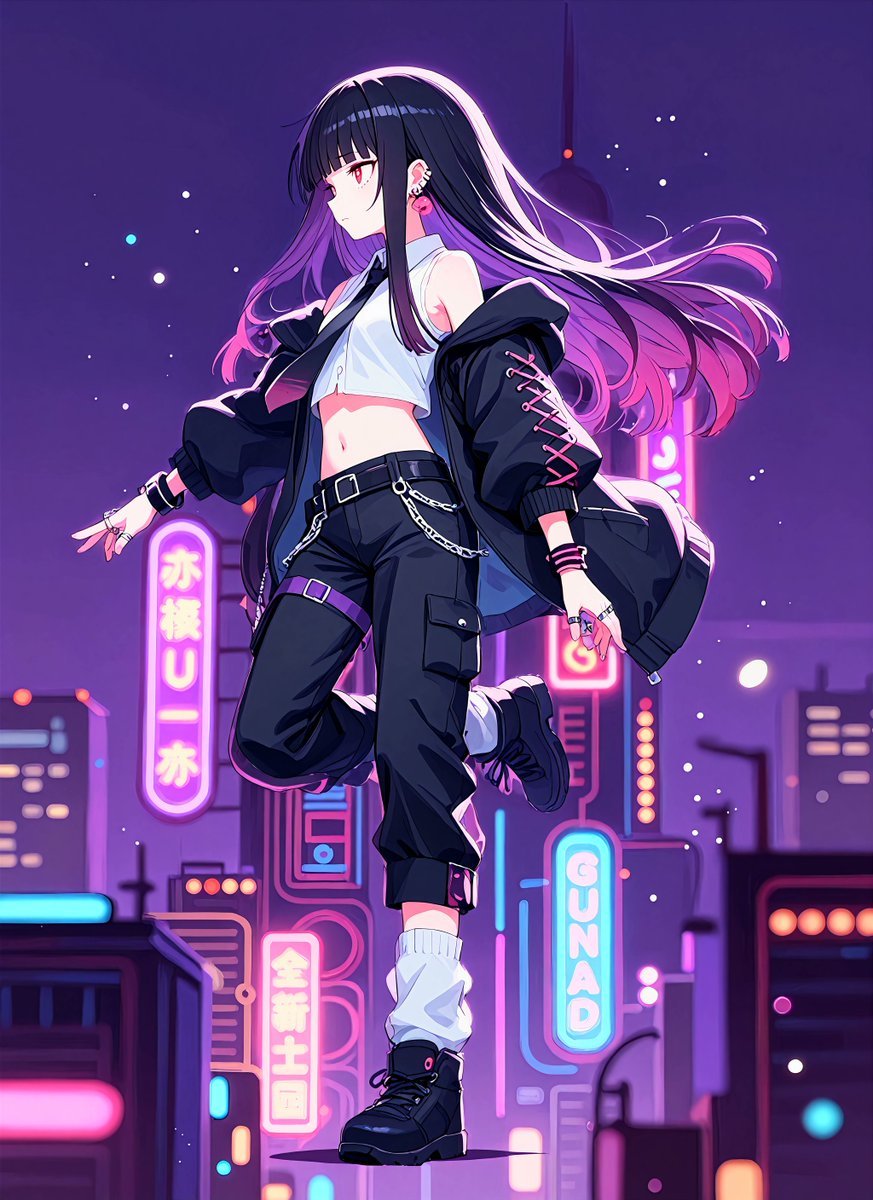
- Prompt included
- Model and format preset
- Free template
The prompt behind this image
Copy the exact prompt behind Neon Midnight Anime Streetwear Girl, or open it in the studio and make it yours.
Create a vibrant anime-style full-body illustration of a fashionable young woman on a midnight stroll through a futuristic neon city, centered in the frame and floating or stepping midair with one knee bent and one boot extended downward. She has very long flowing {argument name="hair color" default="black hair with violet and hot-pink ombré ends"}, glossy highlights, and wind-swept strands streaming to the right; her face is intentionally soft-blurred and featureless like a privacy blur. Dress her in a cropped white sleeveless button shirt, loose black bomber jacket slipping off the shoulders with pink lace-up details on one sleeve, black cargo jogger pants with pockets, straps, a belt, silver chain accessories, a purple thigh strap, white slouch socks, and chunky black lace-up boots. Add punk streetwear jewelry: rings, bracelets, ear piercings, and small metal accents. The background is a deep purple night skyline with scattered glowing particles like snow or city sparks, soft bokeh lights, and five prominent neon sign elements: one tall rounded pink Japanese-style sign on the left, one vertical pink sign with Japanese-style characters near the lower center, one tall pink sign behind her on the right, one cyan vertical sign reading {argument name="cyan sign text" default="GUNAD"}, and one low foreground building sign made of bright cyan and pink horizontal bars. Use saturated magenta, violet, cyan, and electric blue lighting, strong rim light on the hair and jacket, clean cel-shaded anime rendering, crisp line art, luminous gradients, cinematic depth of field, and a dynamic urban night atmosphere. Overall mood: {argument name="mood" default="cool, dreamy, rebellious midnight fashion"}.
How to use Neon Midnight Anime Streetwear Girl in 3 steps
- 1Upload ImagePNG, JPG or paste
Add your photo
Upload the photo the template builds on. The prompt, model and format are already set.
- 2…a portrait of your subject in softgolden-hour light, 85mm…
Personalize
Edit the subject and creative details for your destination.
- 3Generate
Generate
Press Generate — your image is created in PicX Studio, so you can compare it with the original and refine one variable at a time.
More like this
Templates with the same subject, style or setup. Open one to see its prompt.

Anime Midnight Carriage
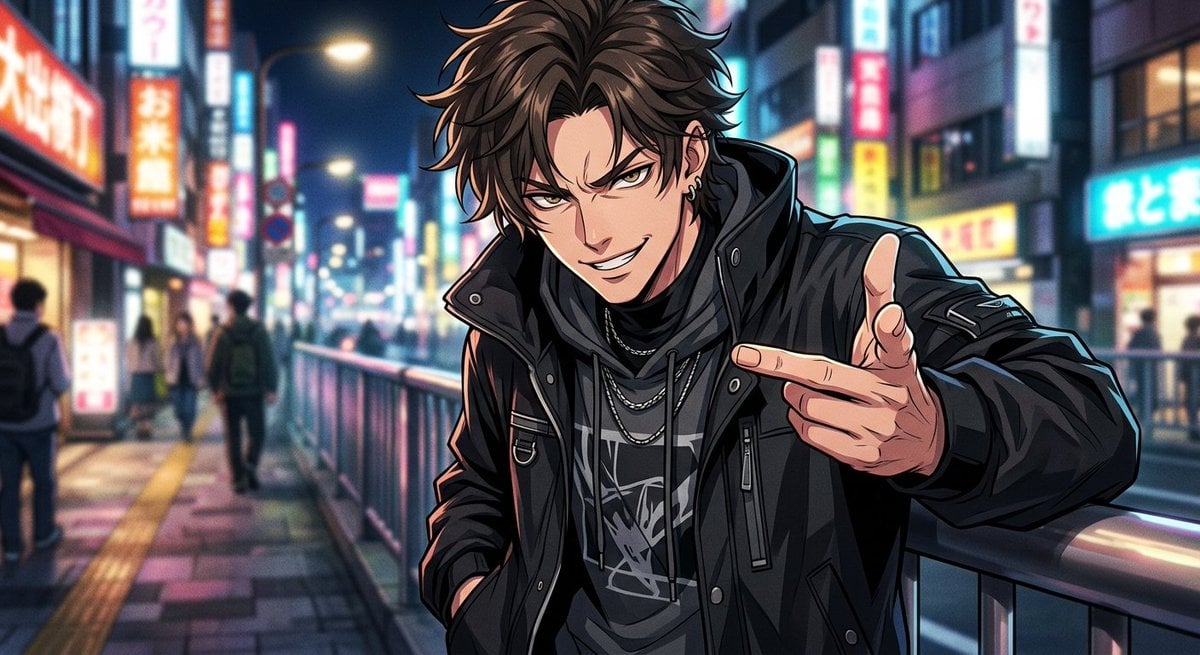
Neon Anime Streetwear Portrait

1988 Mall Style

80s Neon Disco Night

Teen Girl Alpine Lake Mountain View

Framed Quilling Anime Girl

Anime Lantern Girl Character Sheet

Anime Girl Generation Grid

Neon Anime Fireworks Magazine Cover

Chaotic Anime Schoolgirl Fan Collage
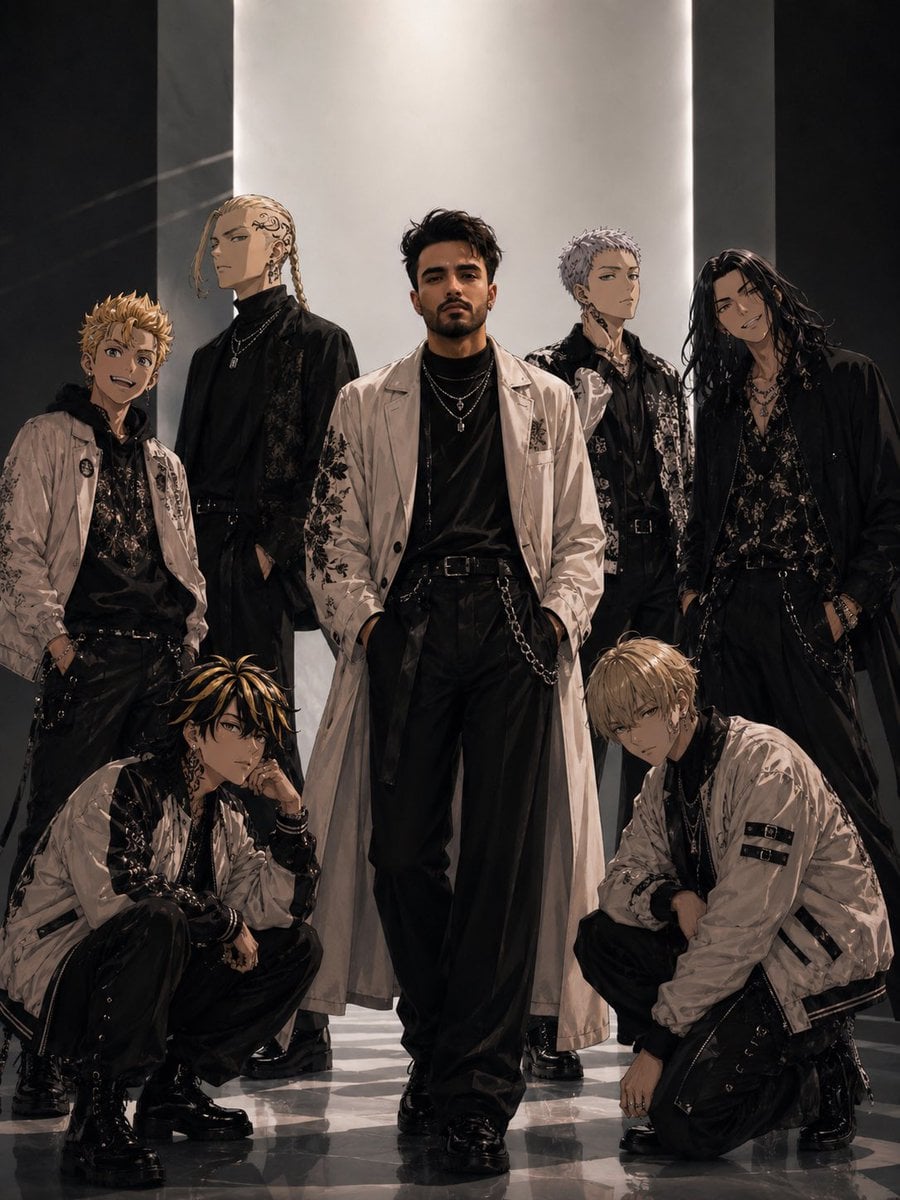
Tokyo Streetwear Anime Leader Portrait

Cel 2D Finale Fireworks
Make it yours
Neon Midnight Anime Streetwear Girl works as-is. These are the safest ways to change it without losing the look.
Change one field
Copy a single group, rewrite it, and generate again so you can see what that field is doing.
Keep the frame, change the subject
Hold the composition and light of Neon Midnight Anime Streetwear Girl, then swap wardrobe, props or the person for a new take.
| If the result… | Why | Fix |
|---|---|---|
| The result drifts from the preview | Too many fields changed at once. | Reuse Neon Midnight Anime Streetwear Girl as-is first, then change one group — subject, light, or setting. |
| The model over-stylizes the scene | The prose prompt leaves finish and camera underspecified. | Add one camera or lighting sentence and stay on GPT Image 2. |
More GPT Image 2 templates
Other prompts made for GPT Image 2.

Six VTuber Japanese Logo Sheet

Realistic Portrait of Woman and Deer

The Vista Modular Condo Poster

AI Model Routing Comparison Infographic

2.5D Anime Art Board

Isometric Productivity Desk Scene

New York Double Exposure Poster

Four-Panel AI Landscape Comparison

Japanese Tatami Lifestyle Magazine Cover

NESCAFÉ Coffee Map Poster
More image prompts
Fresh picks from across the catalog.
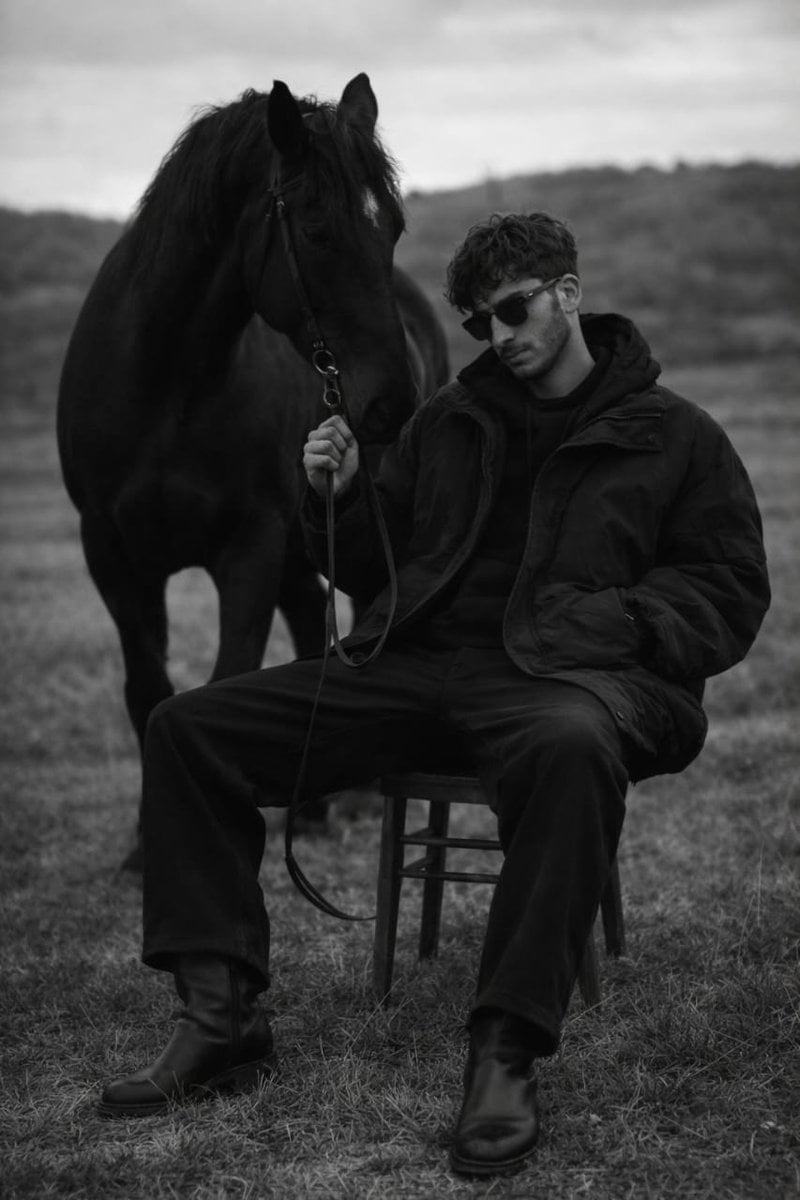
Monochrome Editorial Portrait: Man and Horse
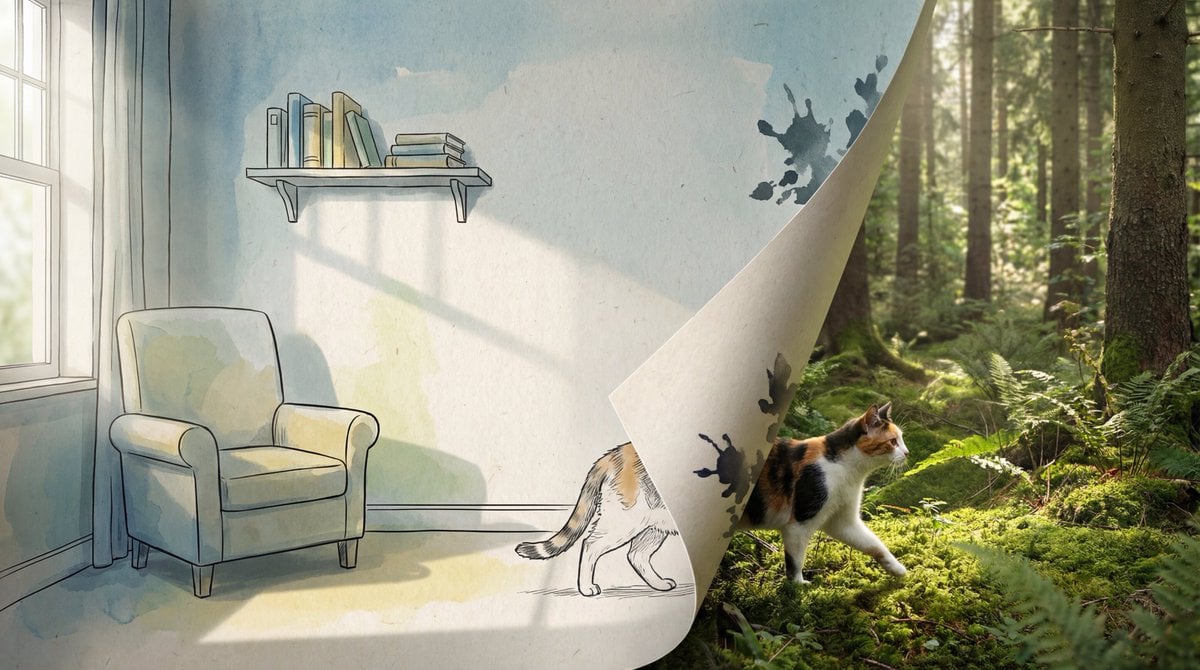
2D/3D Mixed-Dimension Illusion Room
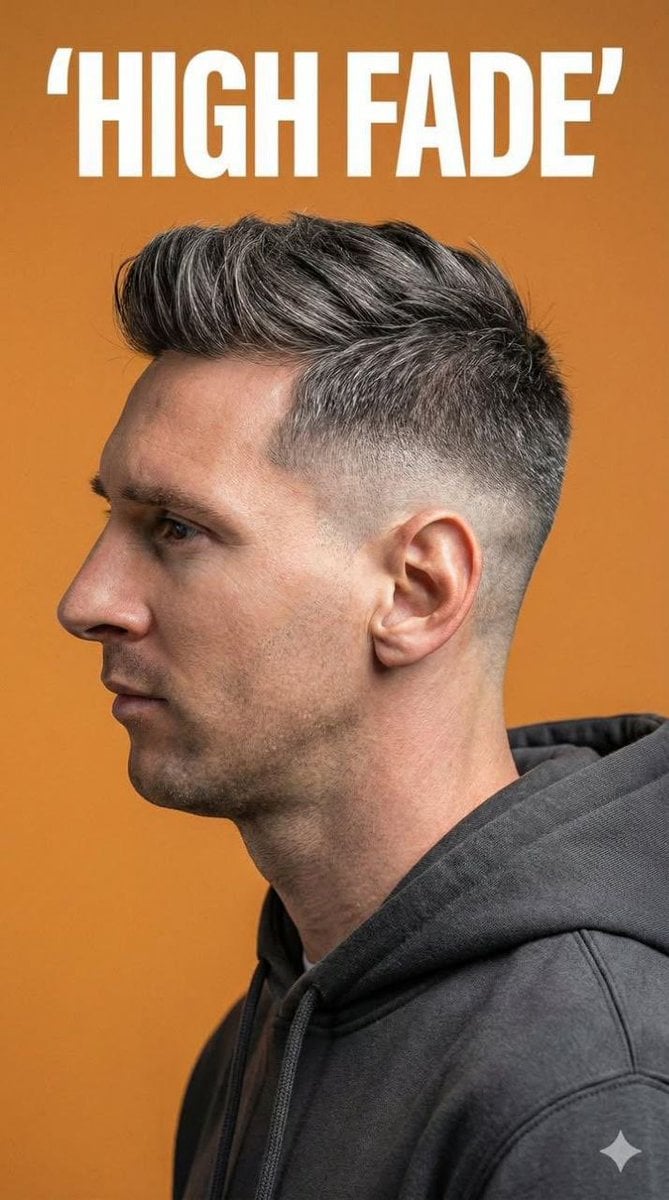
Ultra-Realistic Studio Portrait for Men's Hairstyles
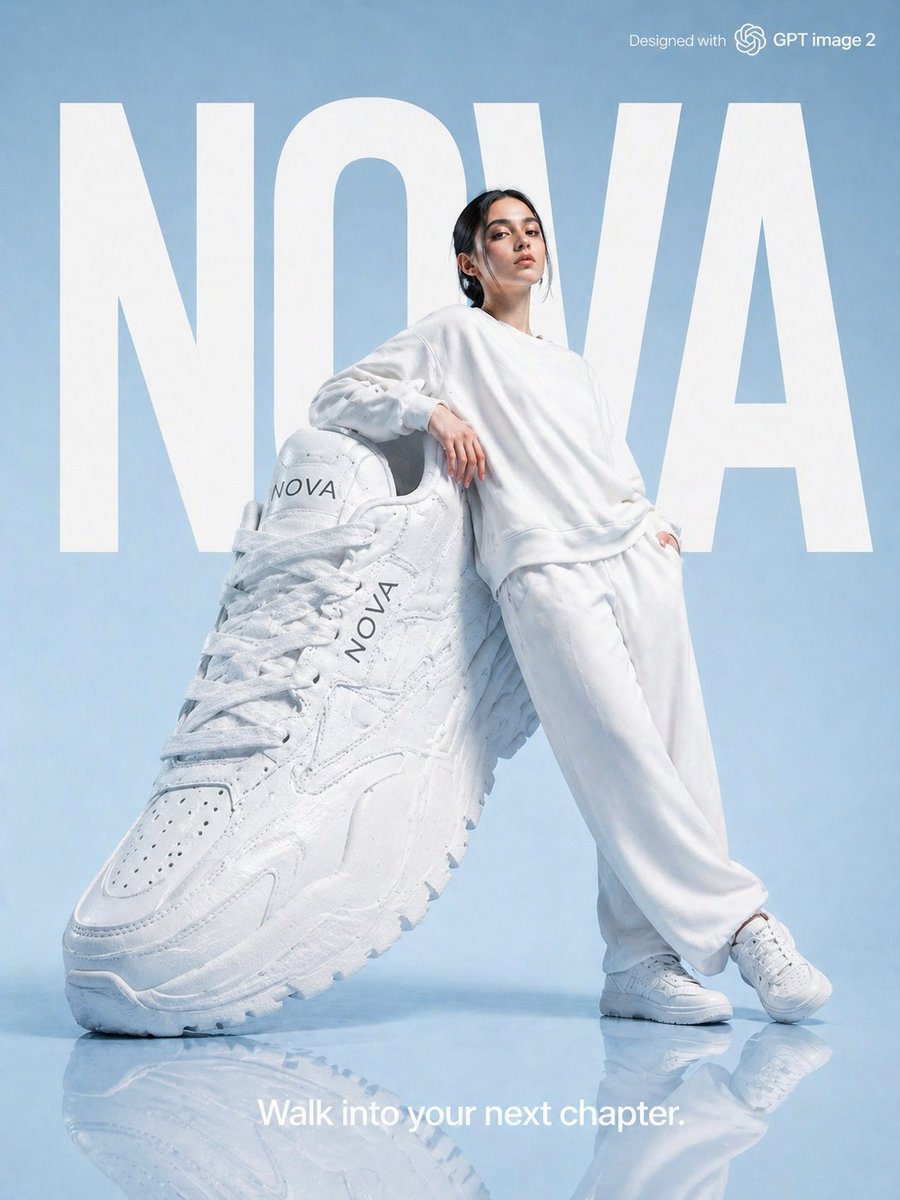
High-Fashion Brand Advertising Layout
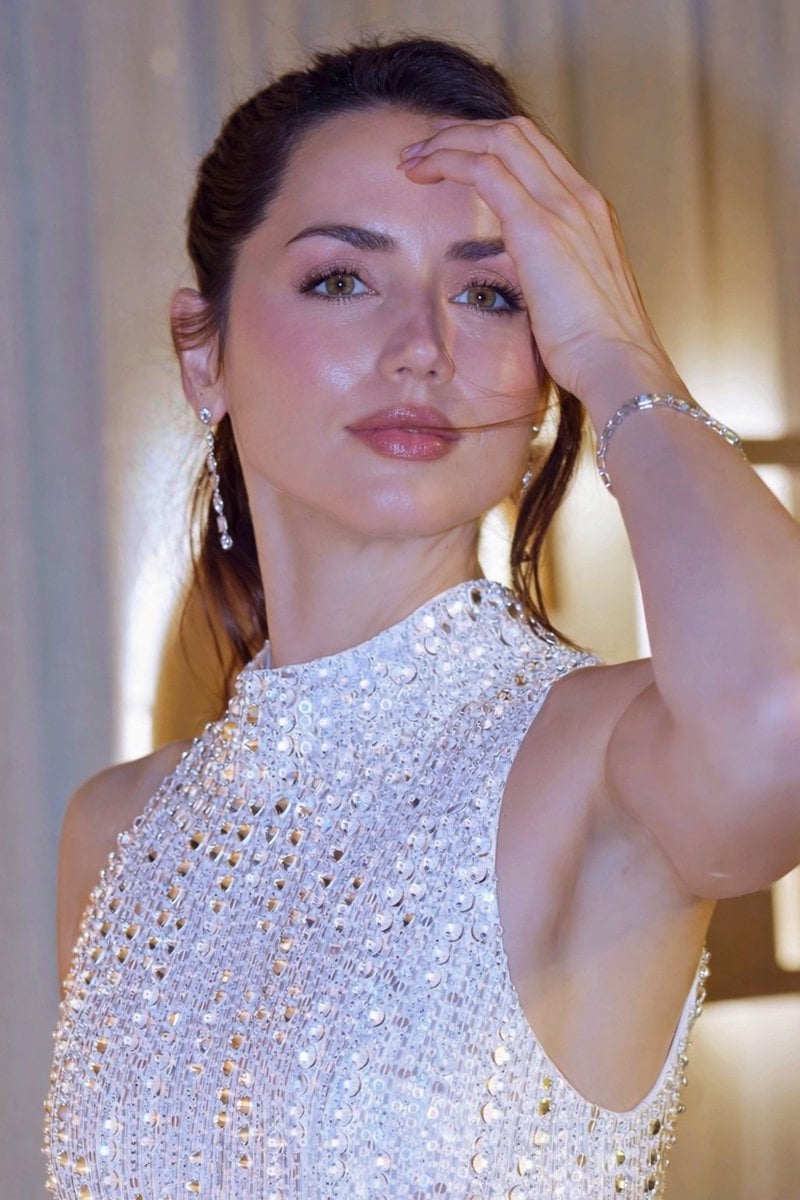
Glossy Sequined Portrait with Hand Pose
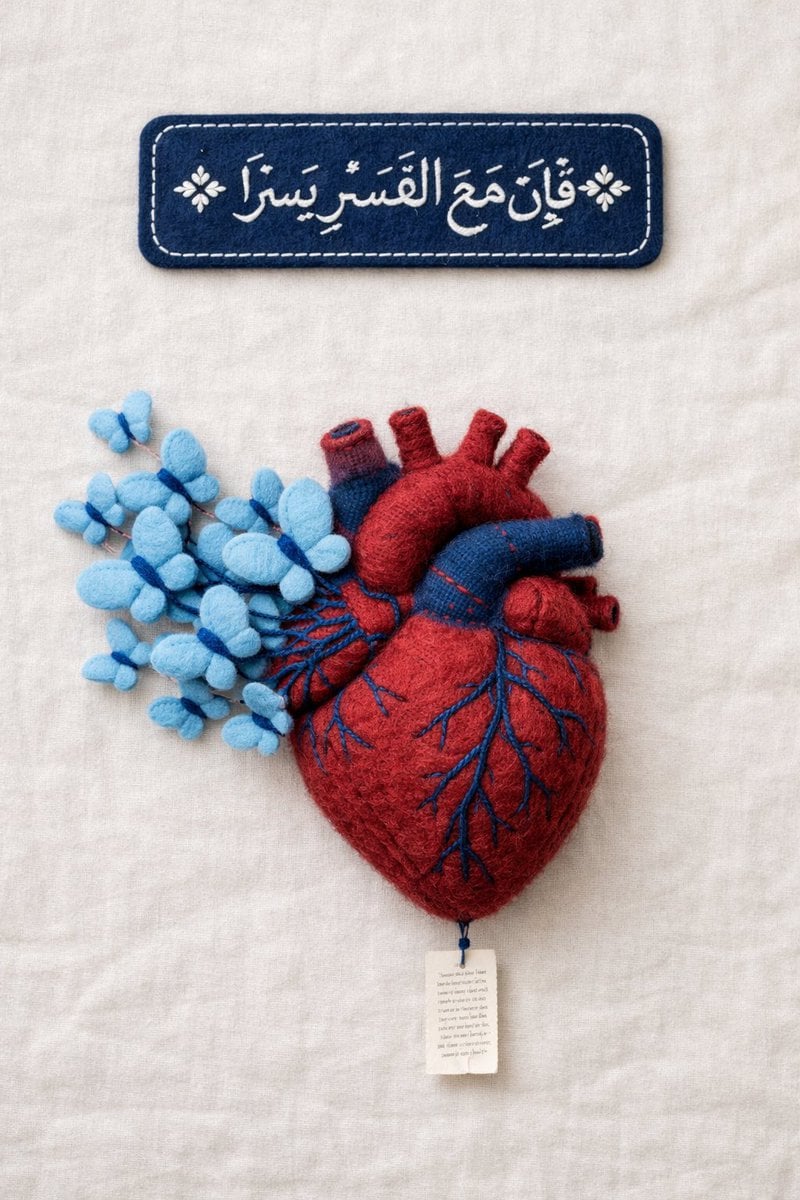
Fine Art Textile Photography Prompt (Arabic Calligraphy)
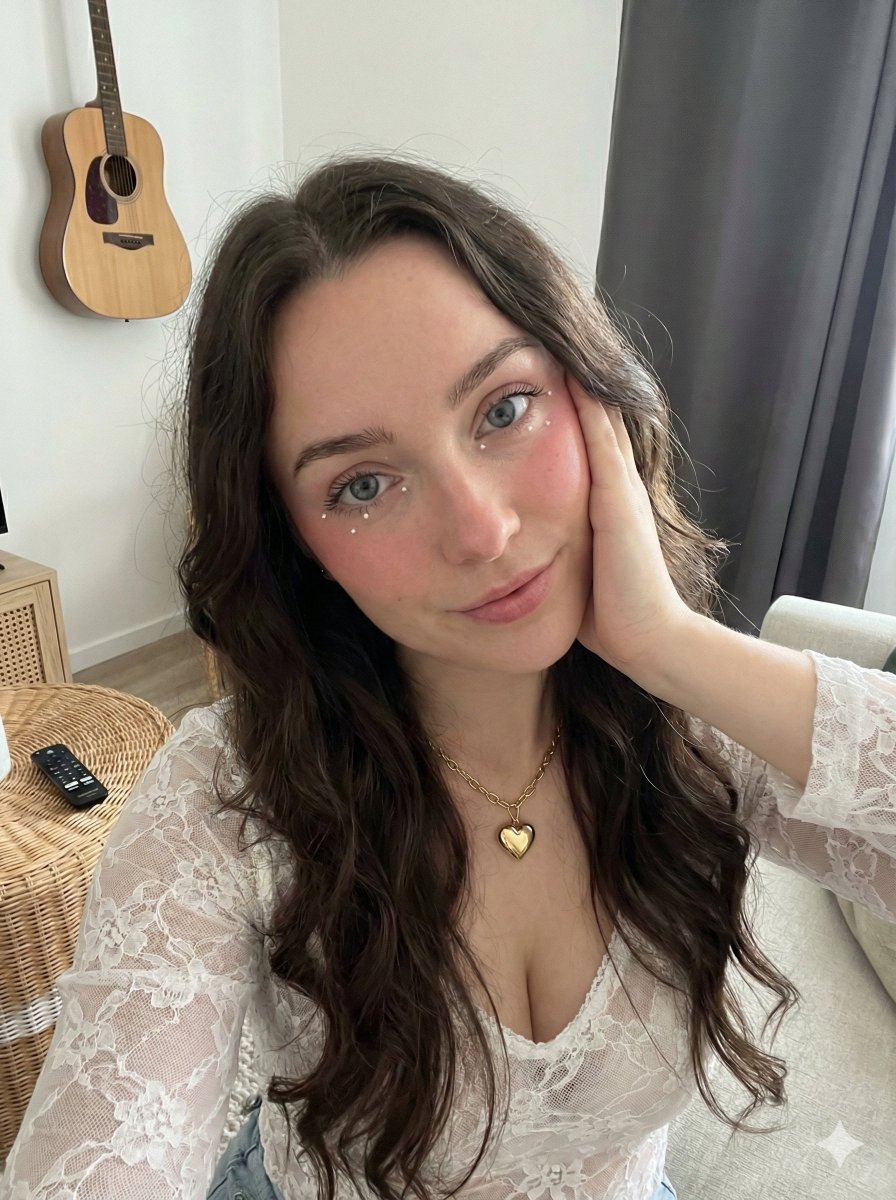
Coquette Aesthetic High-Angle Selfie
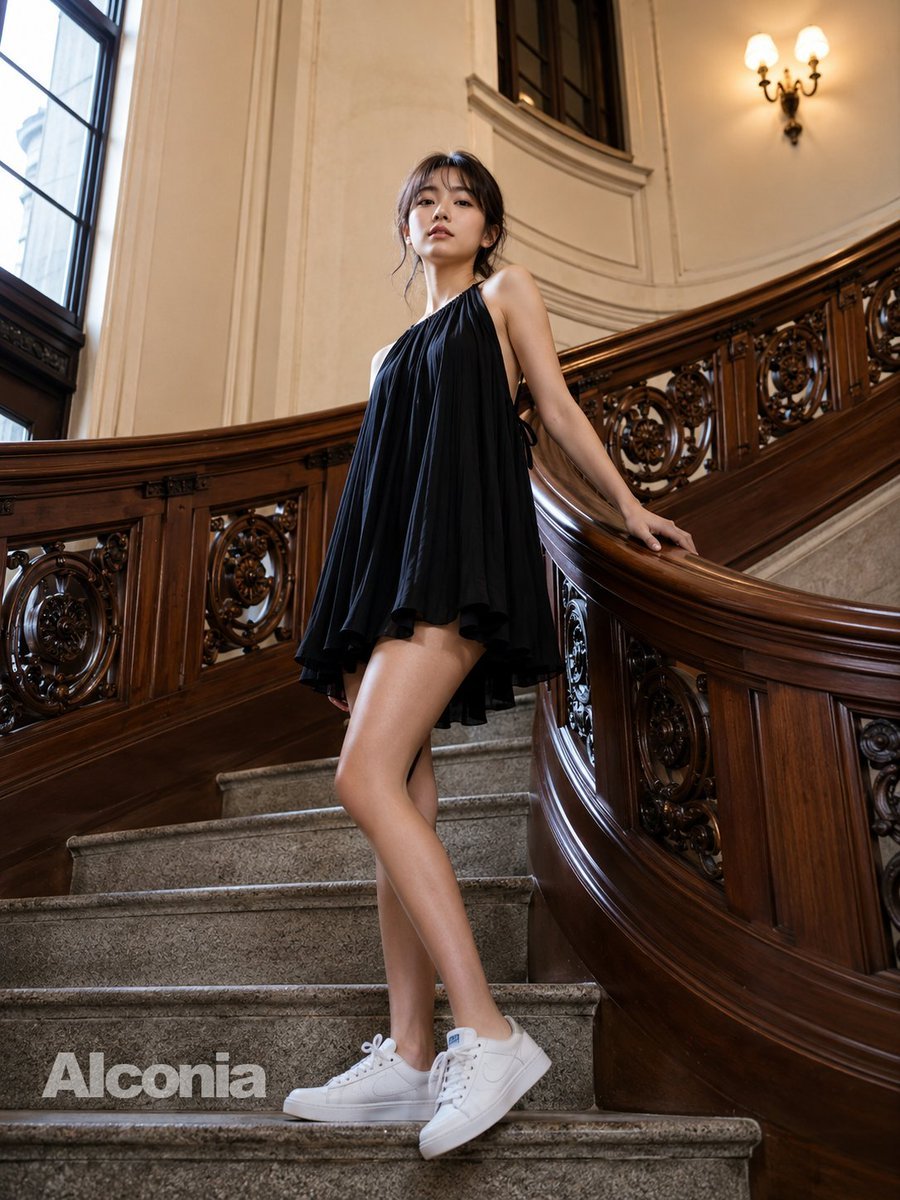
Fashion Portrait on Grand Staircase
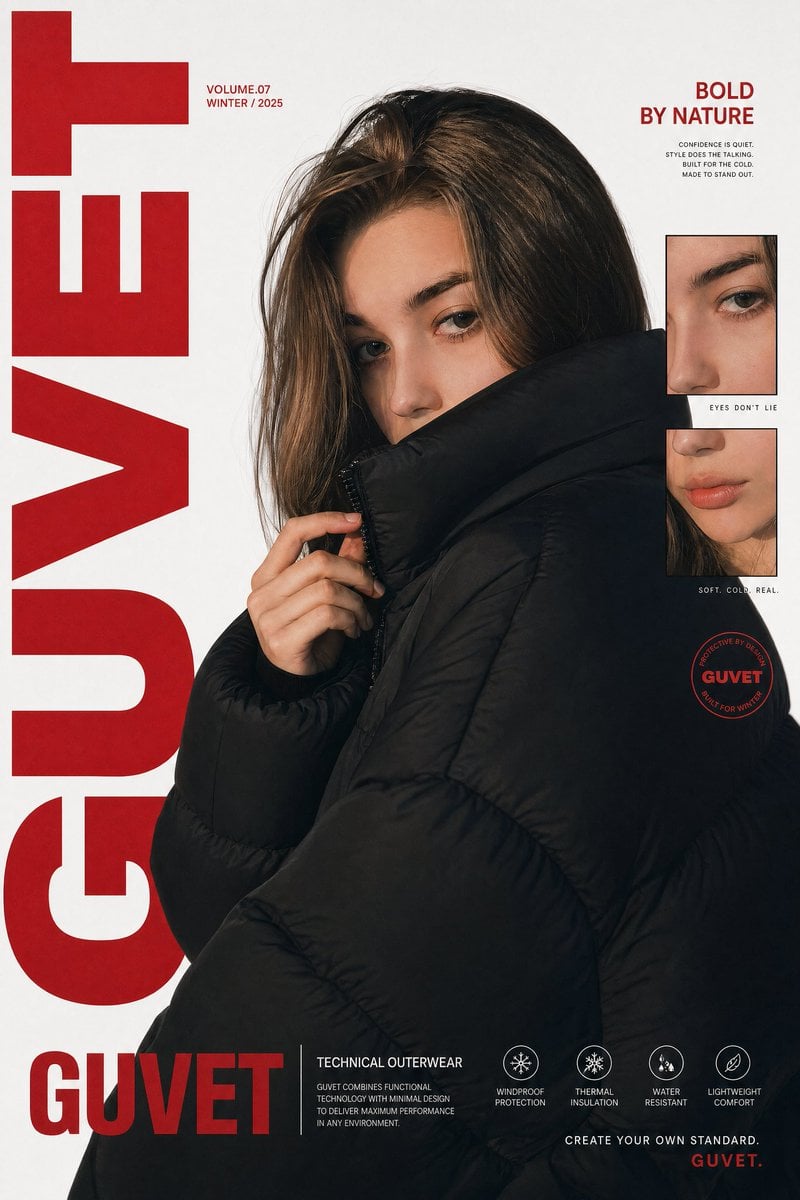
Luxury Streetwear Fashion Poster
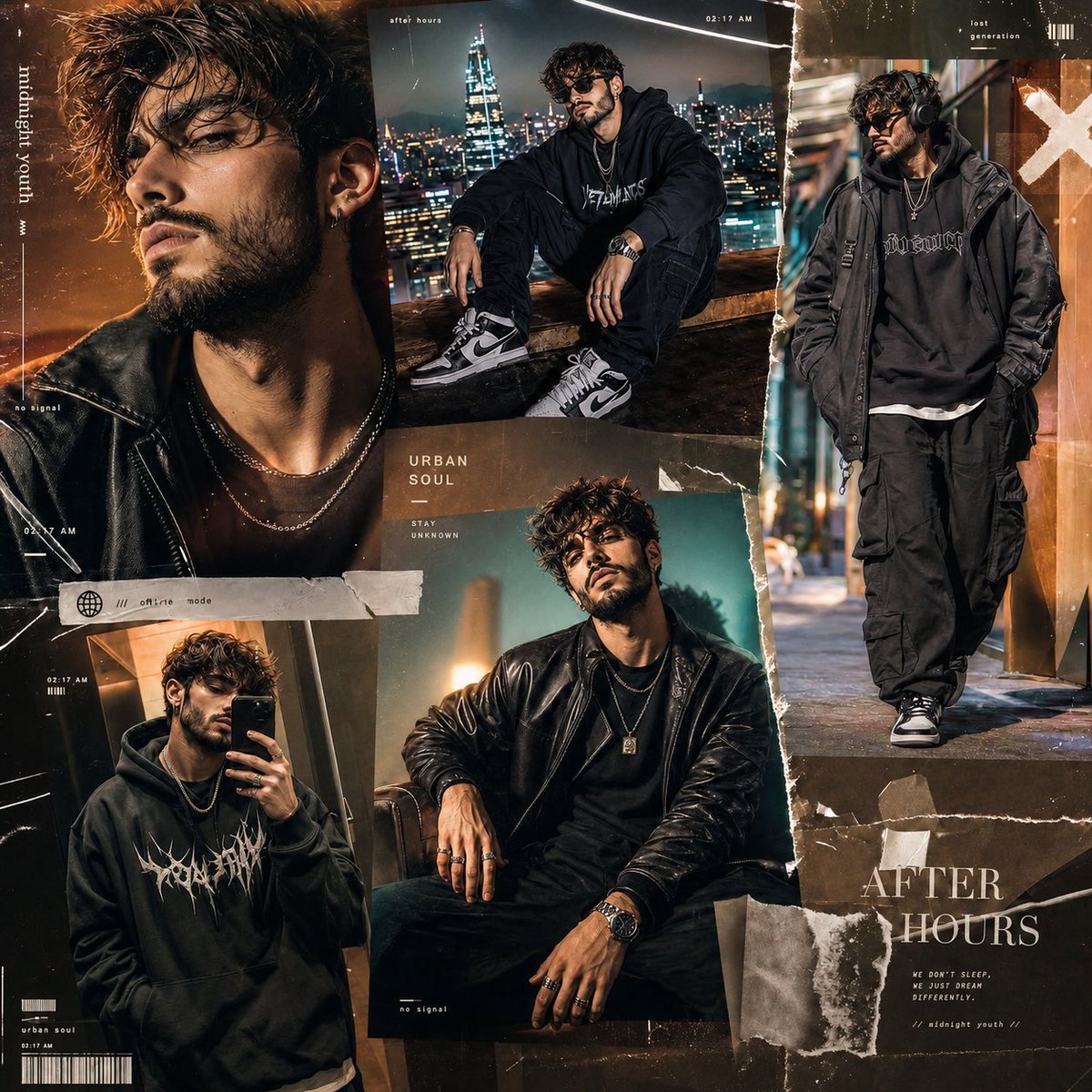
Premium Gen-Z Streetwear Fashion Collage
Browse template categories
Neon Midnight Anime Streetwear Girl questions
How do I use the Neon Midnight Anime Streetwear Girl template?
Add your photo if the template asks for one, edit the prompt if you like — the template's model and format are already selected — and press Generate. Your version opens in PicX Studio.
Can I customize the Neon Midnight Anime Streetwear Girl template?
Yes. You can change the subject, setting, lighting, mood, format, and available model controls before creating your image.
Is the Neon Midnight Anime Streetwear Girl template free?
Opening and editing this template is free. Generating uses credits, shown on the Generate button when you are signed in.
Which AI model should I use?
Start with GPT Image 2, which is the model associated with this template. You can compare another compatible model for a different finish.
Looking for something else? Browse all templates.

Your photo, any look
Thousands of ready templates for every top image and video model, from one credit balance.