
Fashion Portrait on Grand Staircase
Generates a realistic editorial fashion photo of an anonymous woman in a halter mini dress posing on an ornate mansion staircase.
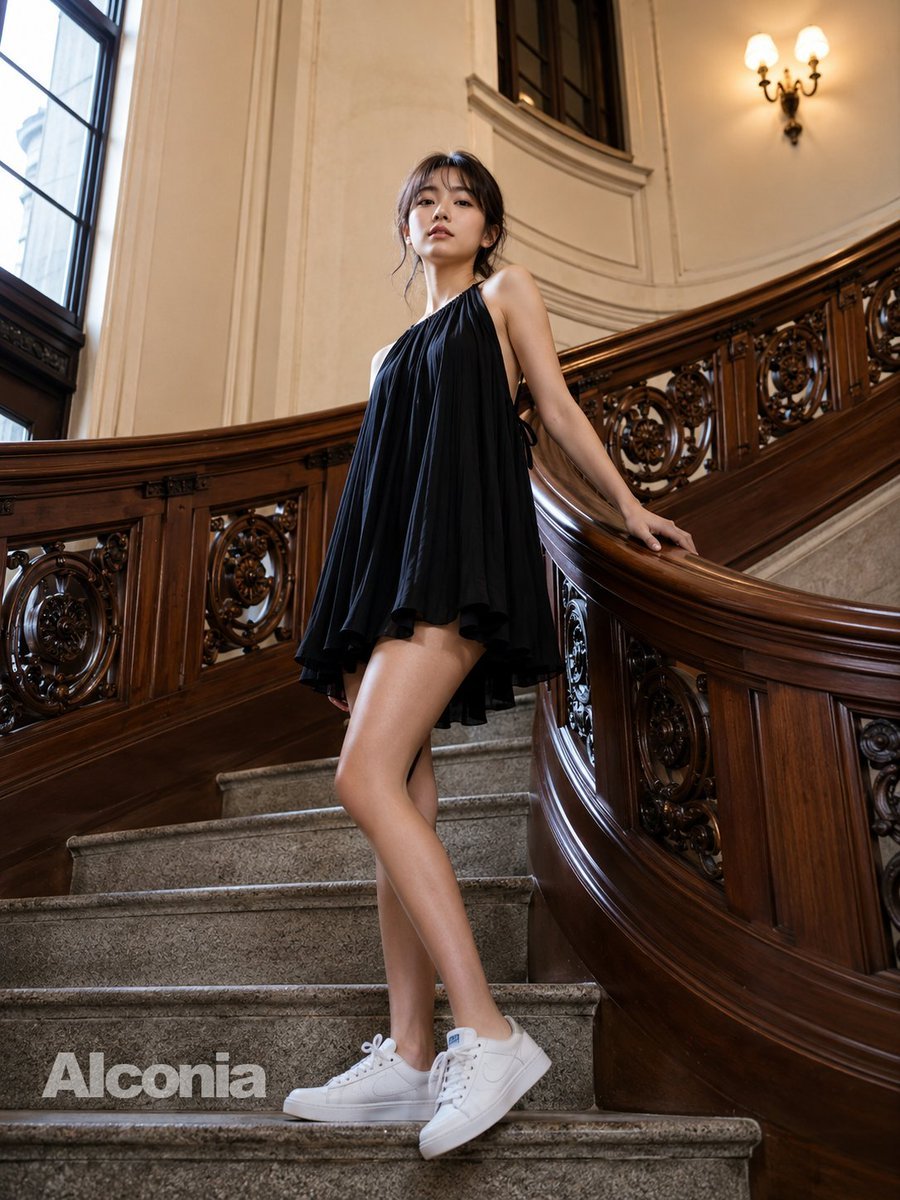
- Prompt included
- Model and format preset
- Free template
The prompt behind this image
Copy the exact prompt behind Fashion Portrait on Grand Staircase, or open it in the studio and make it yours.
Create a high-resolution fashion editorial photograph of a slim young woman standing on an ornate indoor staircase in a grand historic mansion. She wears a loose, flowing {argument name="dress color" default="black"} halter mini dress with gathered fabric at the neckline, open sides, a short asymmetric fluttering hem, and side tie details, paired with clean {argument name="shoe style" default="white low-top sneakers"}. Her {argument name="hair color" default="dark brown"} hair is loosely tied back with wispy strands around the face, and her face is covered by a soft square blur for anonymity. She poses elegantly on gray stone steps with one leg crossed in front of the other, one hand resting on the polished curved wooden banister, photographed from a low slightly wide-angle perspective. The setting features richly carved dark wood railings with circular floral ornament panels, tall cream-colored walls, a large window on the left casting natural daylight, a warm two-bulb wall sconce on the upper right, and a sweeping staircase curve behind her. Use realistic skin tones, detailed fabric folds, glossy carved wood, natural indoor lighting, shallow editorial depth, vertical composition, and upscale lifestyle magazine styling. Add a subtle semi-transparent watermark reading {argument name="watermark text" default="Alconia"} near the lower left on the stairs.
How to use Fashion Portrait on Grand Staircase in 3 steps
- 1Upload ImagePNG, JPG or paste
Add your photo
Upload the photo the template builds on. The prompt, model and format are already set.
- 2…a portrait of your subject in softgolden-hour light, 85mm…
Personalize
Edit the subject and creative details for your destination.
- 3Generate
Generate
Press Generate — your image is created in PicX Studio, so you can compare it with the original and refine one variable at a time.
More like this
Templates with the same subject, style or setup. Open one to see its prompt.

Nano Banana 2 High Fashion Sports Campai

Couture Fashion Editorial Woman and Drag

Ive Yujin Fashion Portrait in Blue

Nano Banana 2 Editorial Fashion Portrait

Caution Tape Fashion — Industrial Editorial
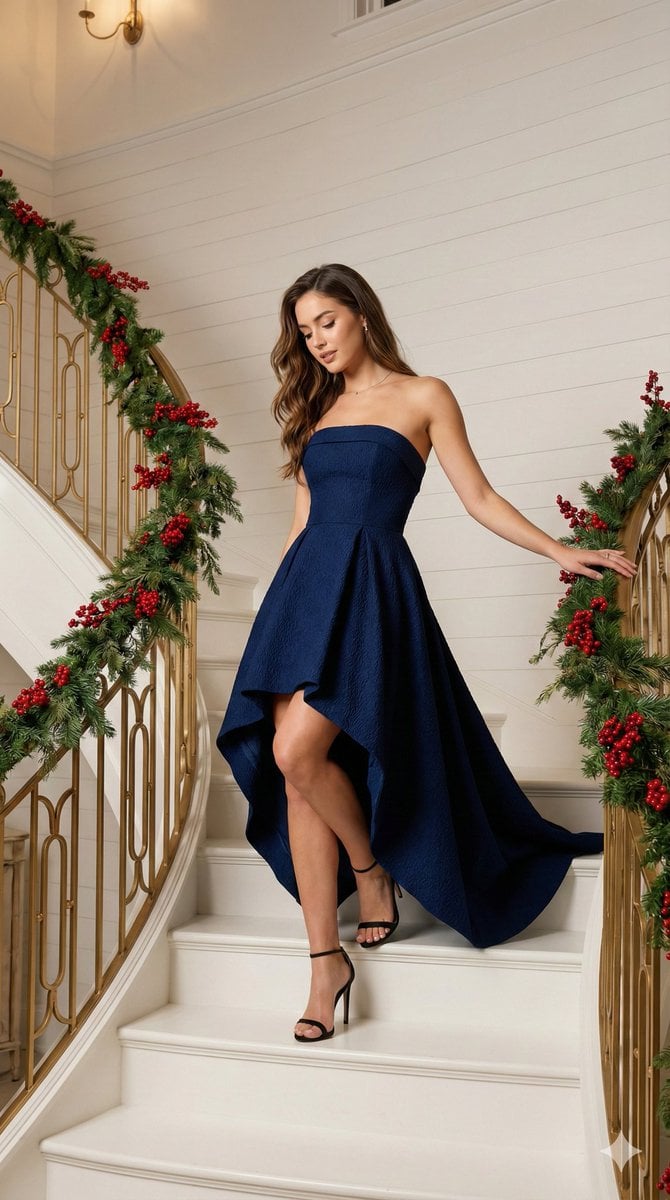
High-Fashion Editorial of Woman on Grand Staircase
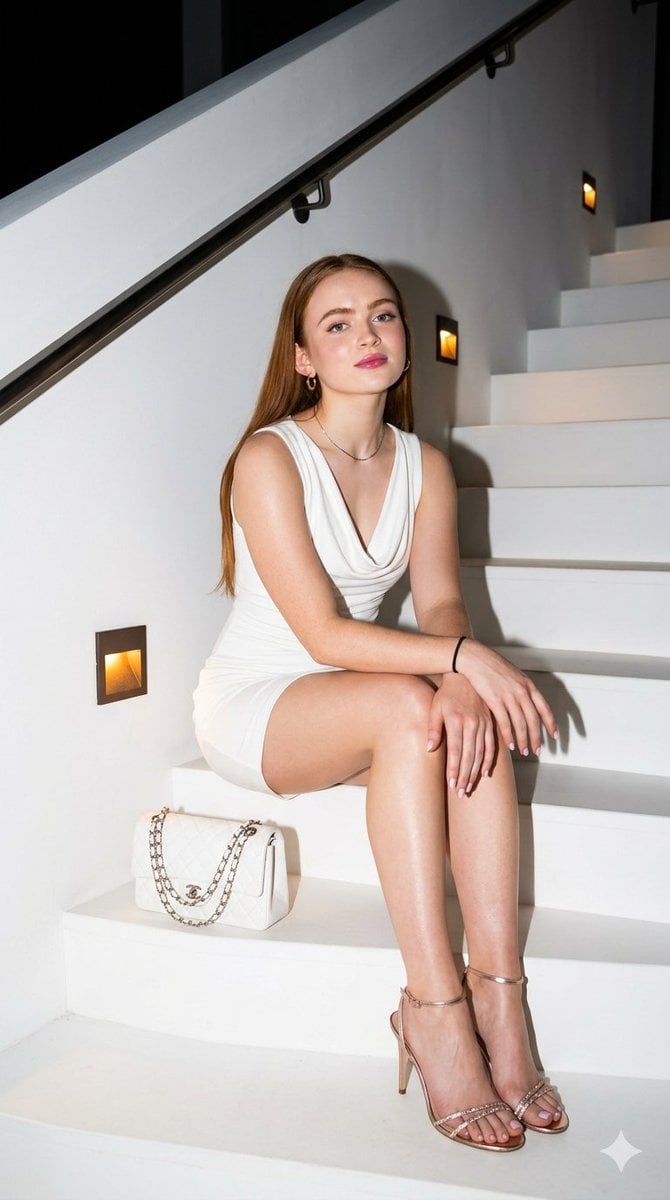
Elegant Nighttime Staircase Fashion Portrait

Miniature Self Portrait Collage

Found Photograph: Us, 1970

80s Couple Studio Portrait

80s College Gate

1988 Mall Style
Make it yours
Fashion Portrait on Grand Staircase works as-is. These are the safest ways to change it without losing the look.
Change one field
Copy a single group, rewrite it, and generate again so you can see what that field is doing.
Keep the frame, change the subject
Hold the composition and light of Fashion Portrait on Grand Staircase, then swap wardrobe, props or the person for a new take.
| If the result… | Why | Fix |
|---|---|---|
| The result drifts from the preview | Too many fields changed at once. | Reuse Fashion Portrait on Grand Staircase as-is first, then change one group — subject, light, or setting. |
| The model over-stylizes the scene | The prose prompt leaves finish and camera underspecified. | Add one camera or lighting sentence and stay on GPT Image 2. |
More GPT Image 2 templates
Other prompts made for GPT Image 2.

Six VTuber Japanese Logo Sheet

Realistic Portrait of Woman and Deer

The Vista Modular Condo Poster

AI Model Routing Comparison Infographic

2.5D Anime Art Board

Isometric Productivity Desk Scene

New York Double Exposure Poster

Four-Panel AI Landscape Comparison

Japanese Tatami Lifestyle Magazine Cover

NESCAFÉ Coffee Map Poster
More image prompts
Fresh picks from across the catalog.
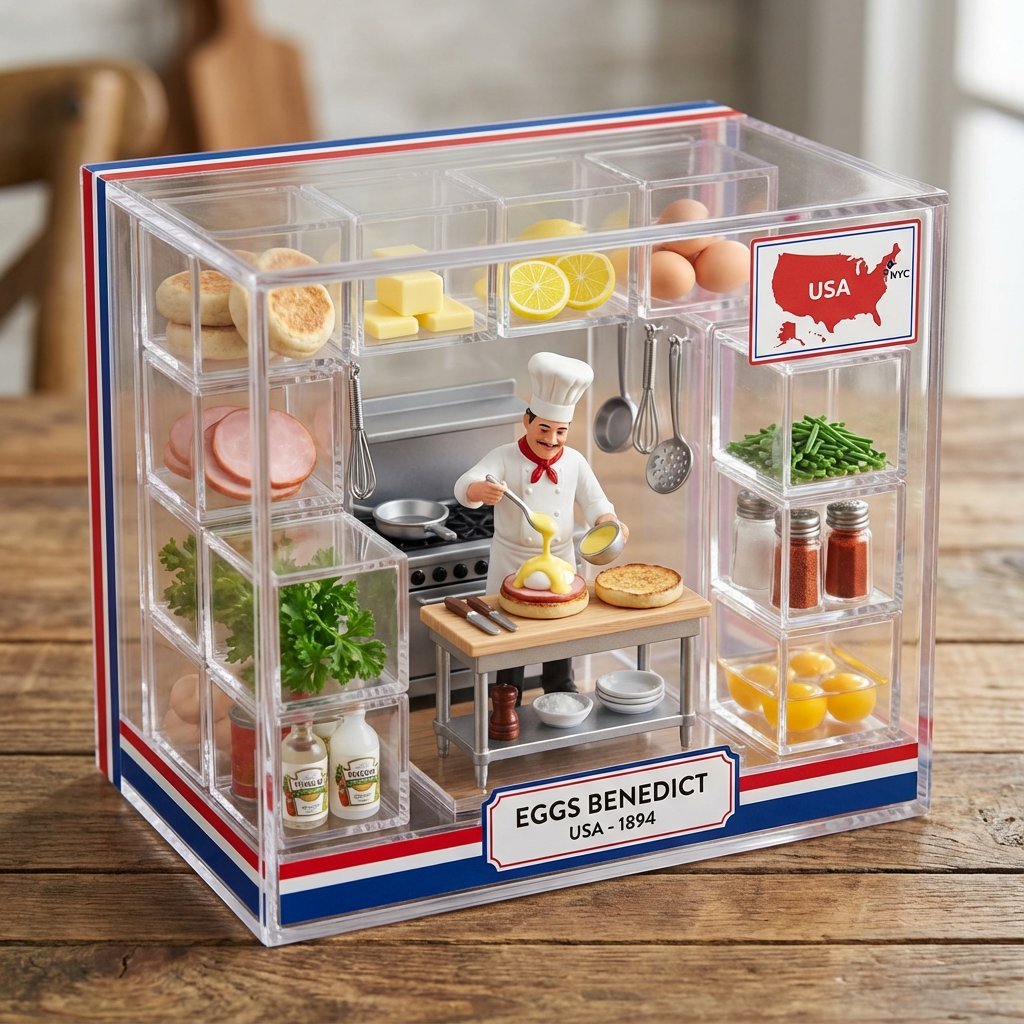
Culinary Origin Miniature Kitchen Display
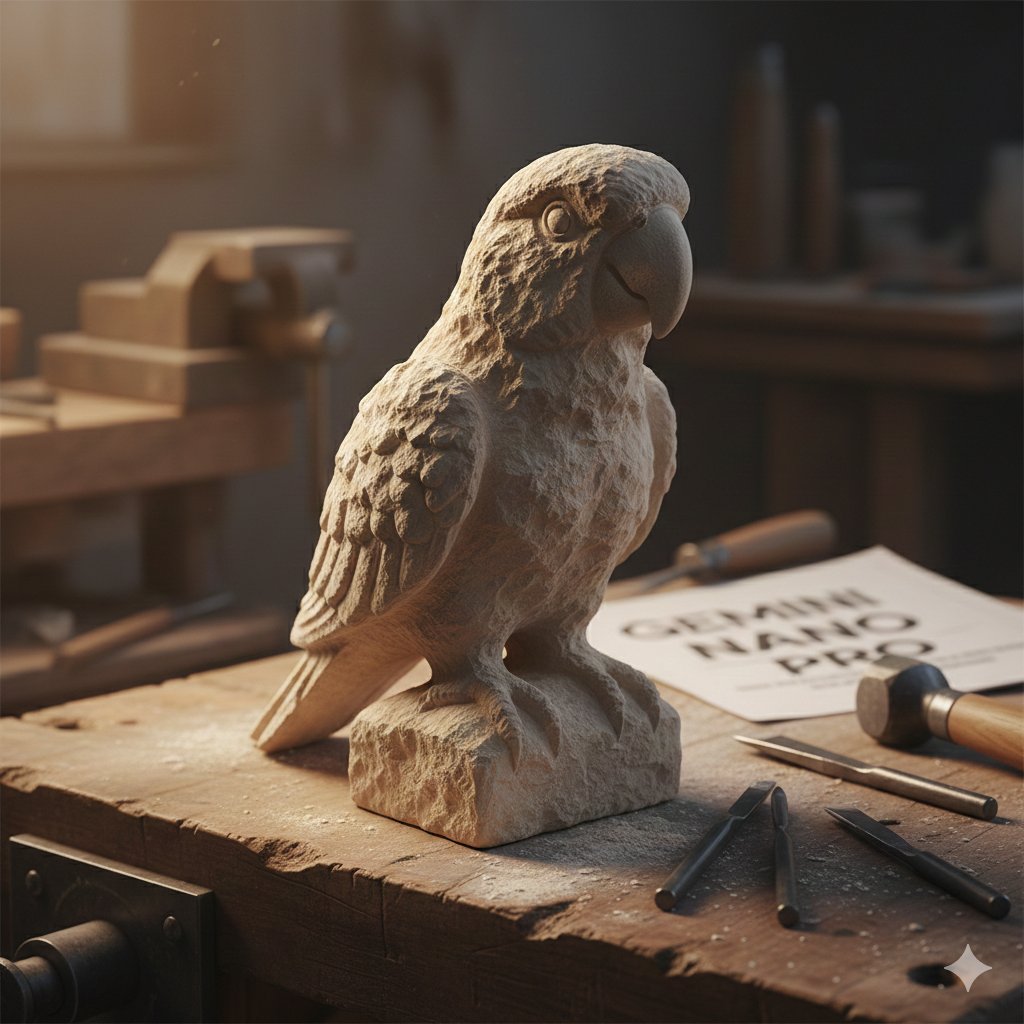
Stone-Carved Pet Statue on Workbench
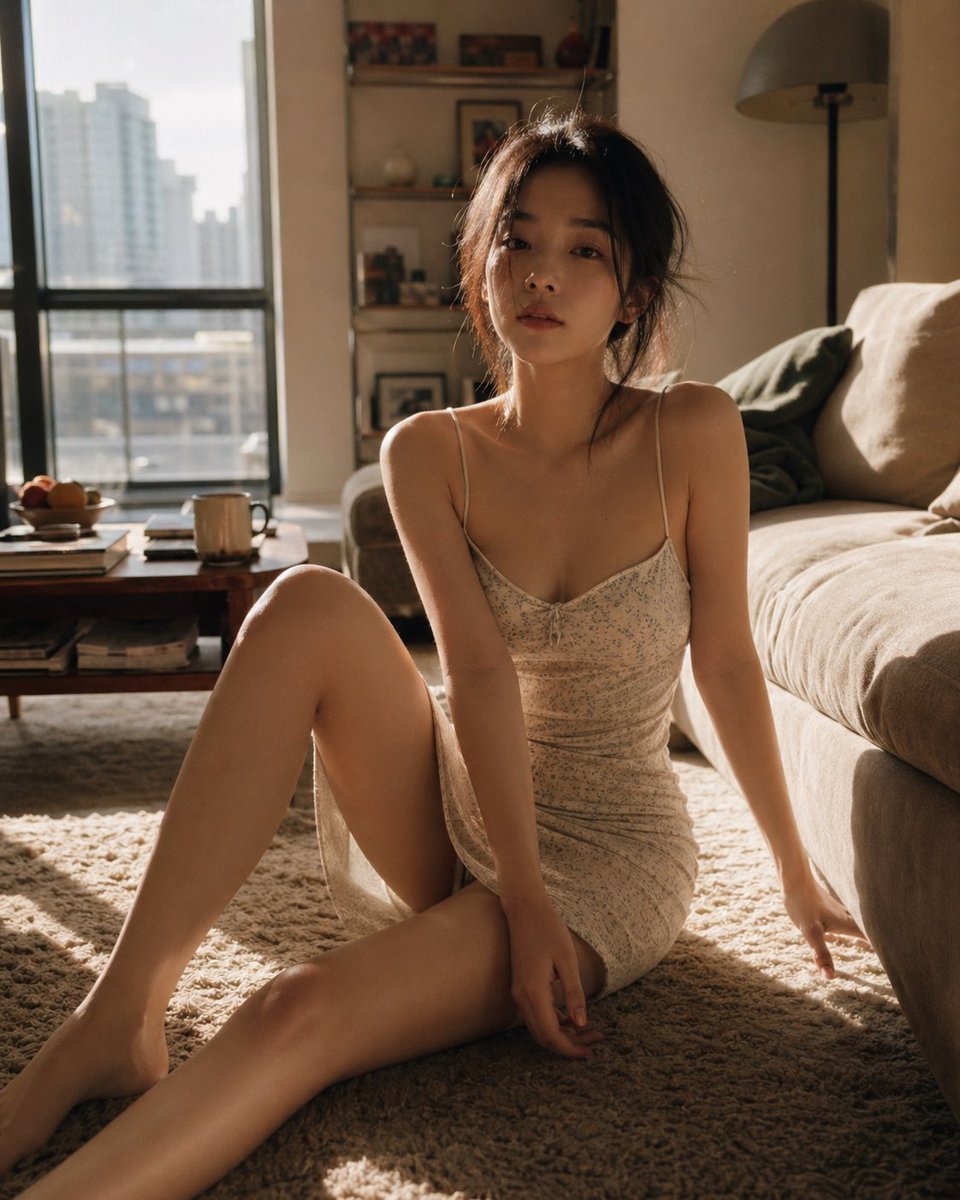
Cozy Living Room Afternoon Scene
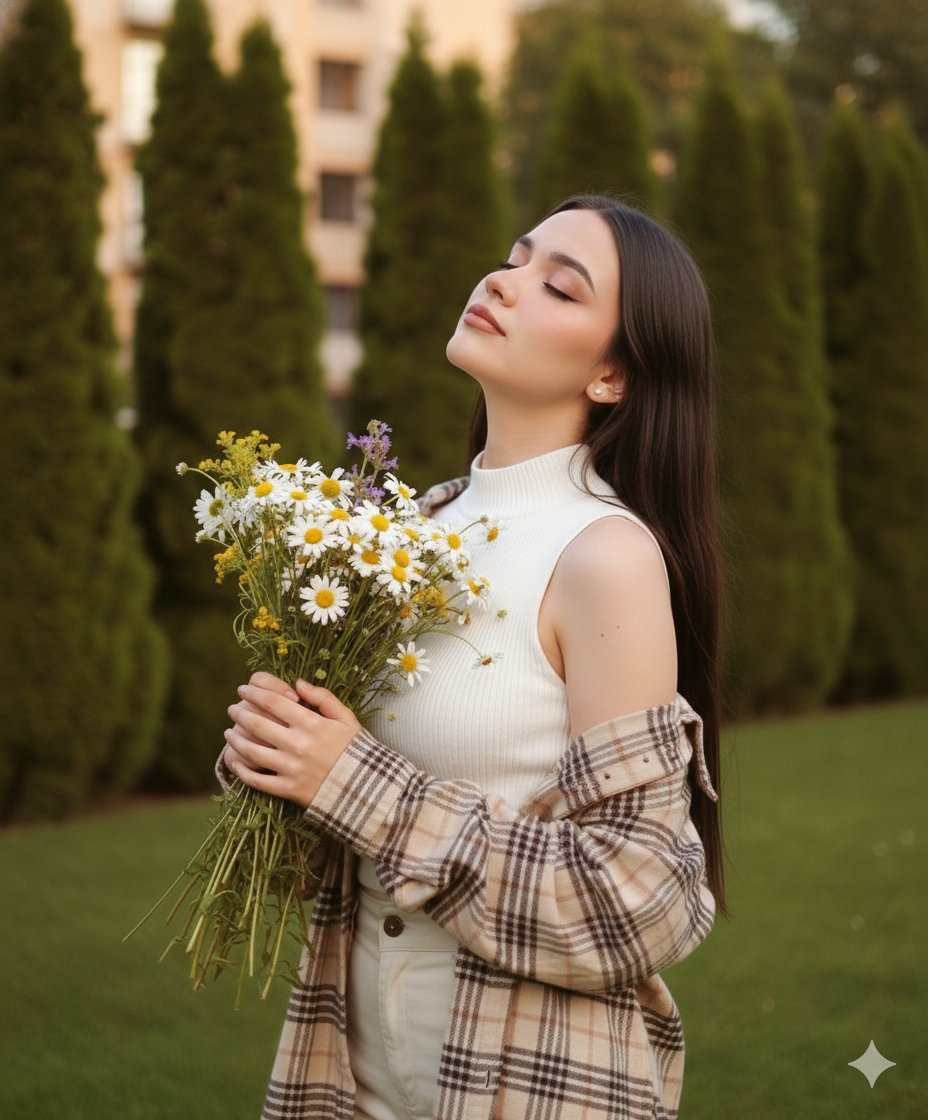
Dreamy Cinematic Portrait with Wild Bouquet in Golden Hour
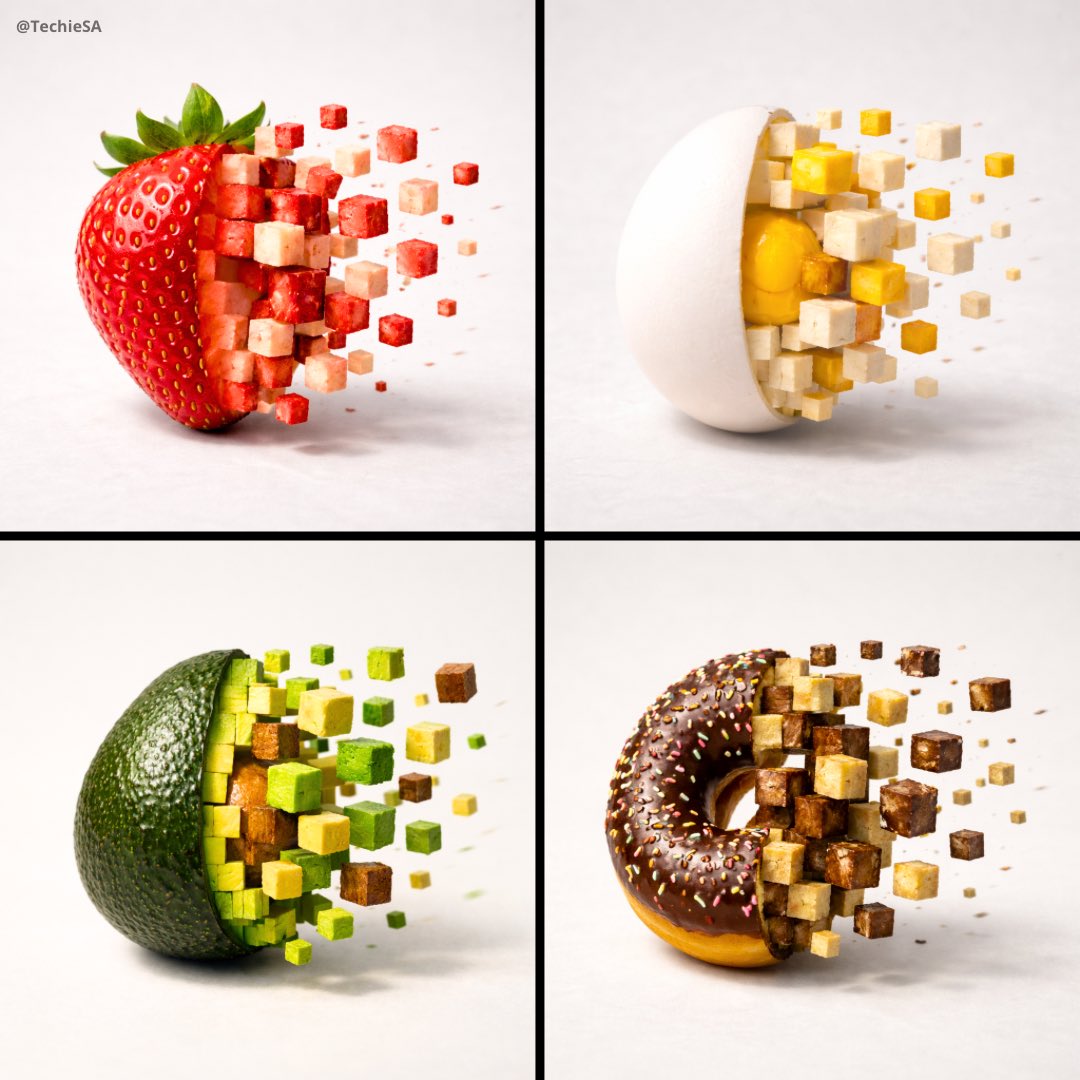
3D Pixel Food Disintegration
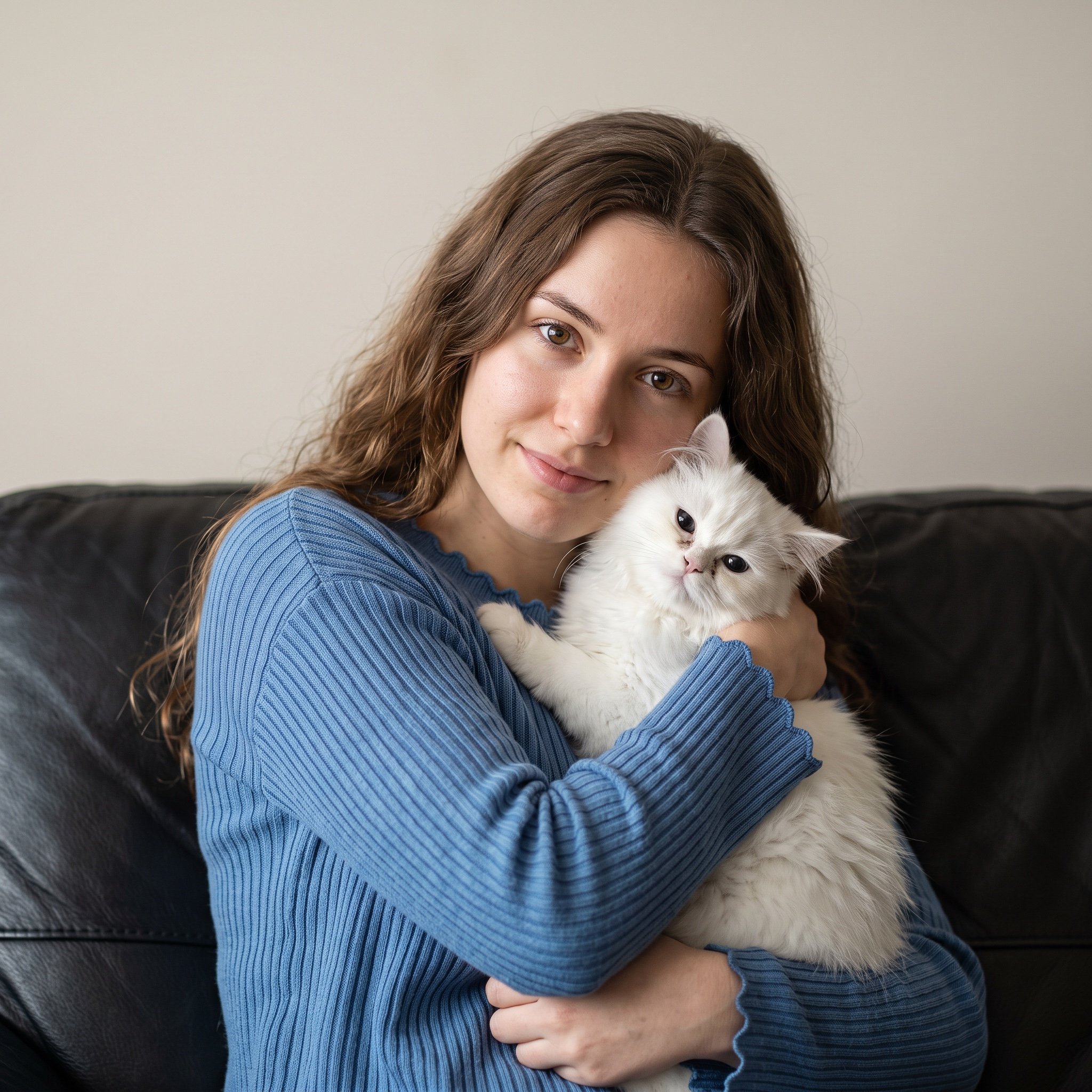
Ultra-Realistic Portrait of Woman Hugging a Persian Cat
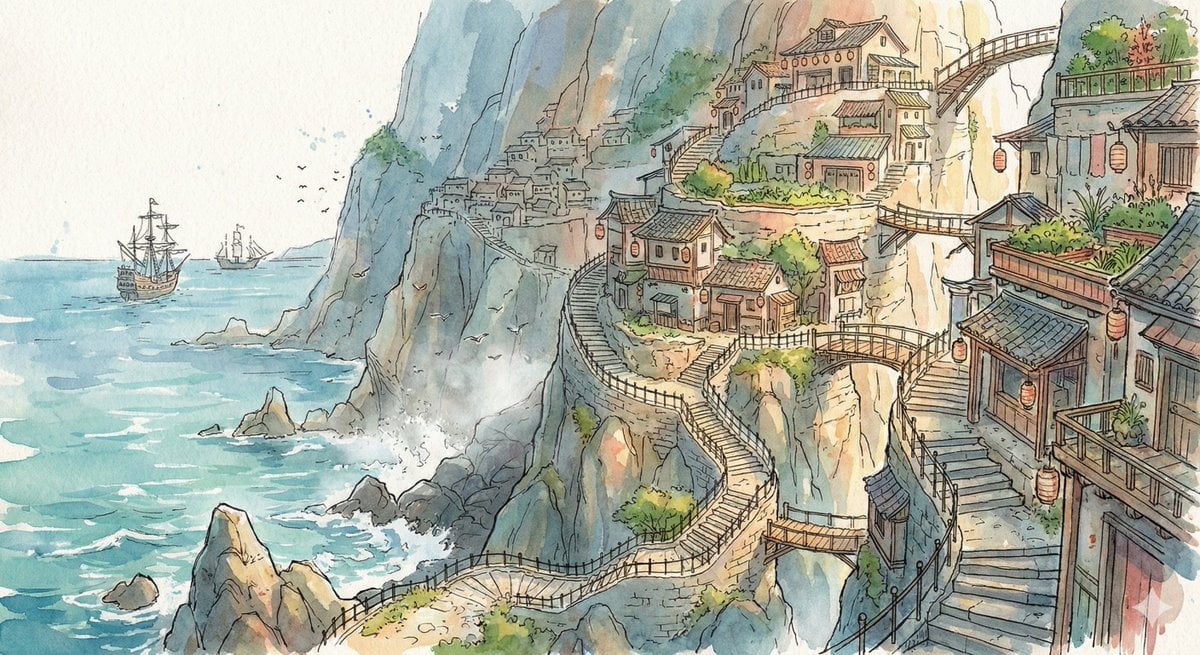
Watercolor Cliffside Village Illustration
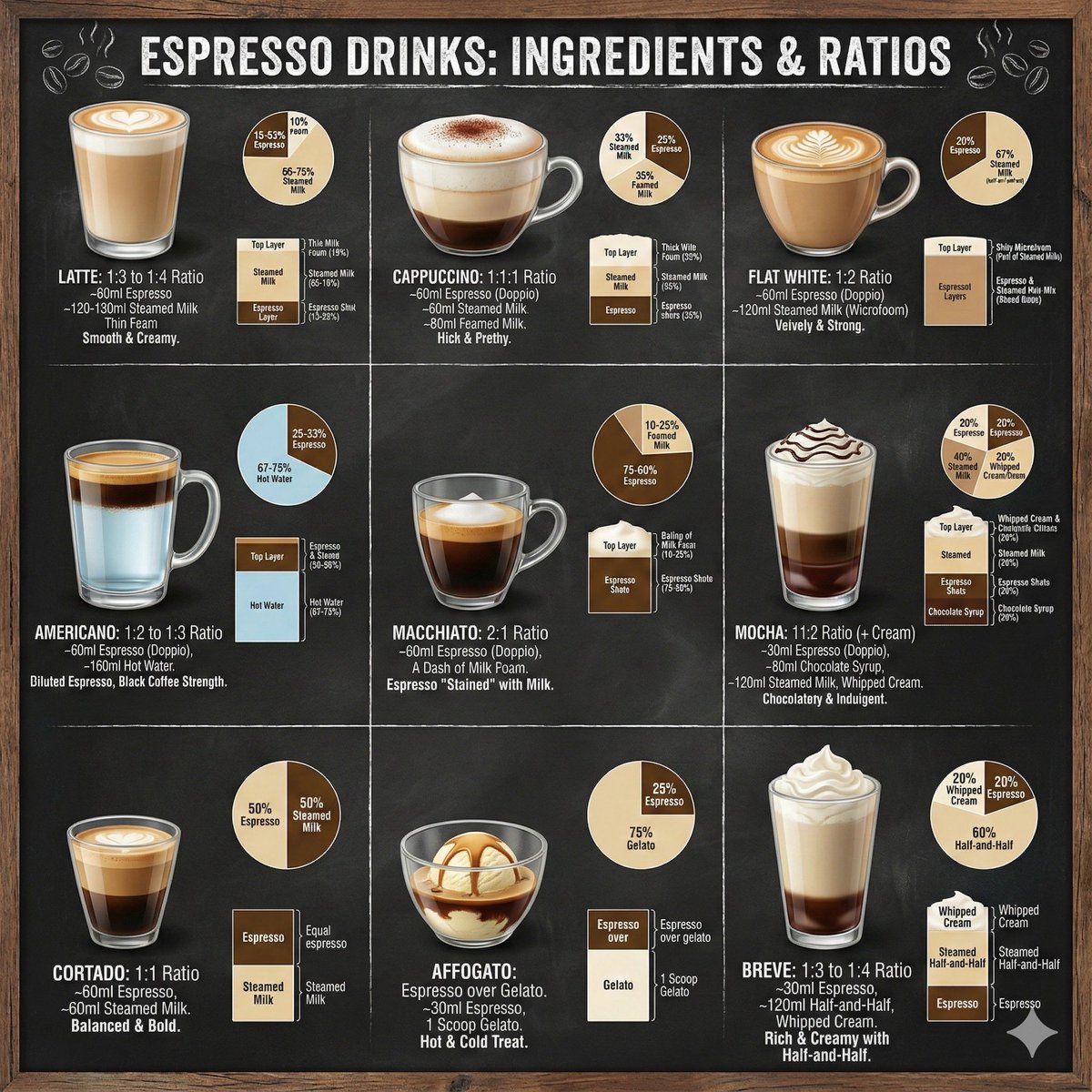
Coffee drinks infographic
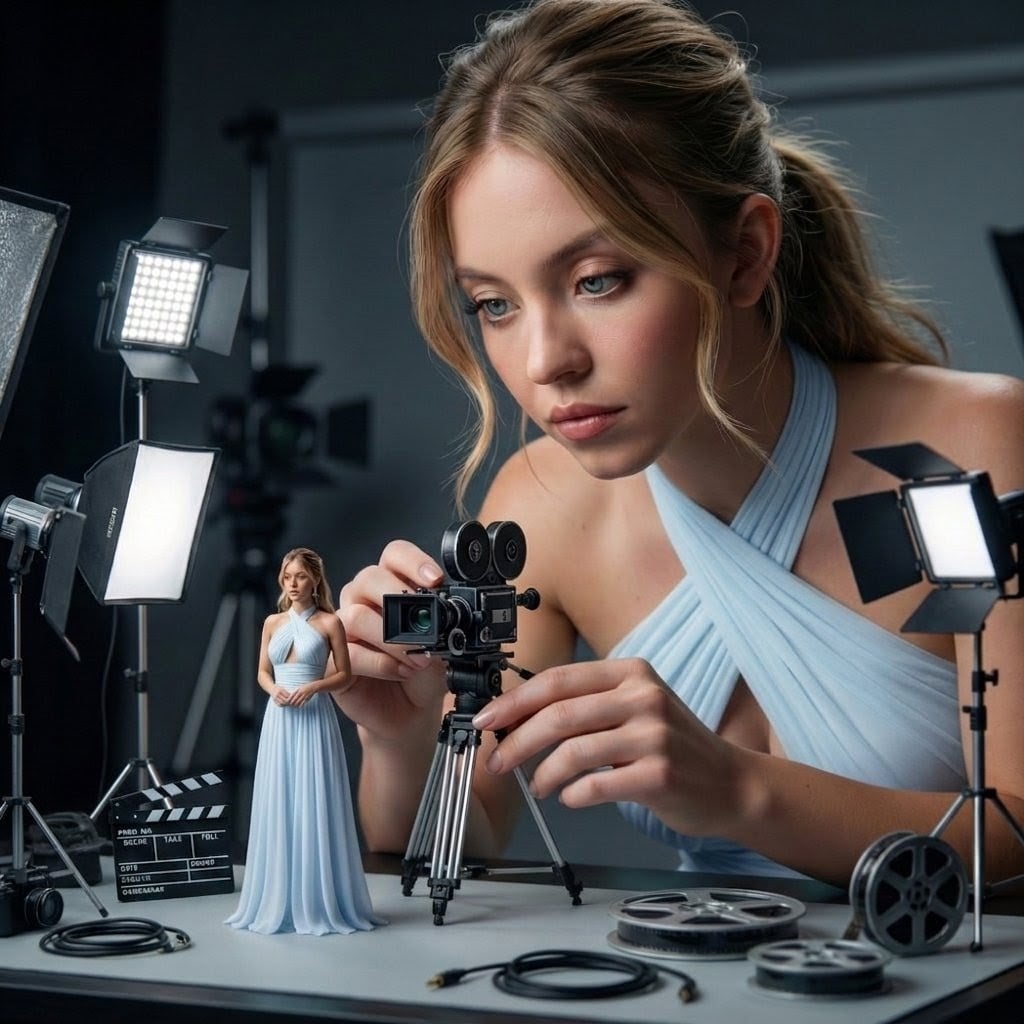
Giant Woman Filmmaker with Miniature Model
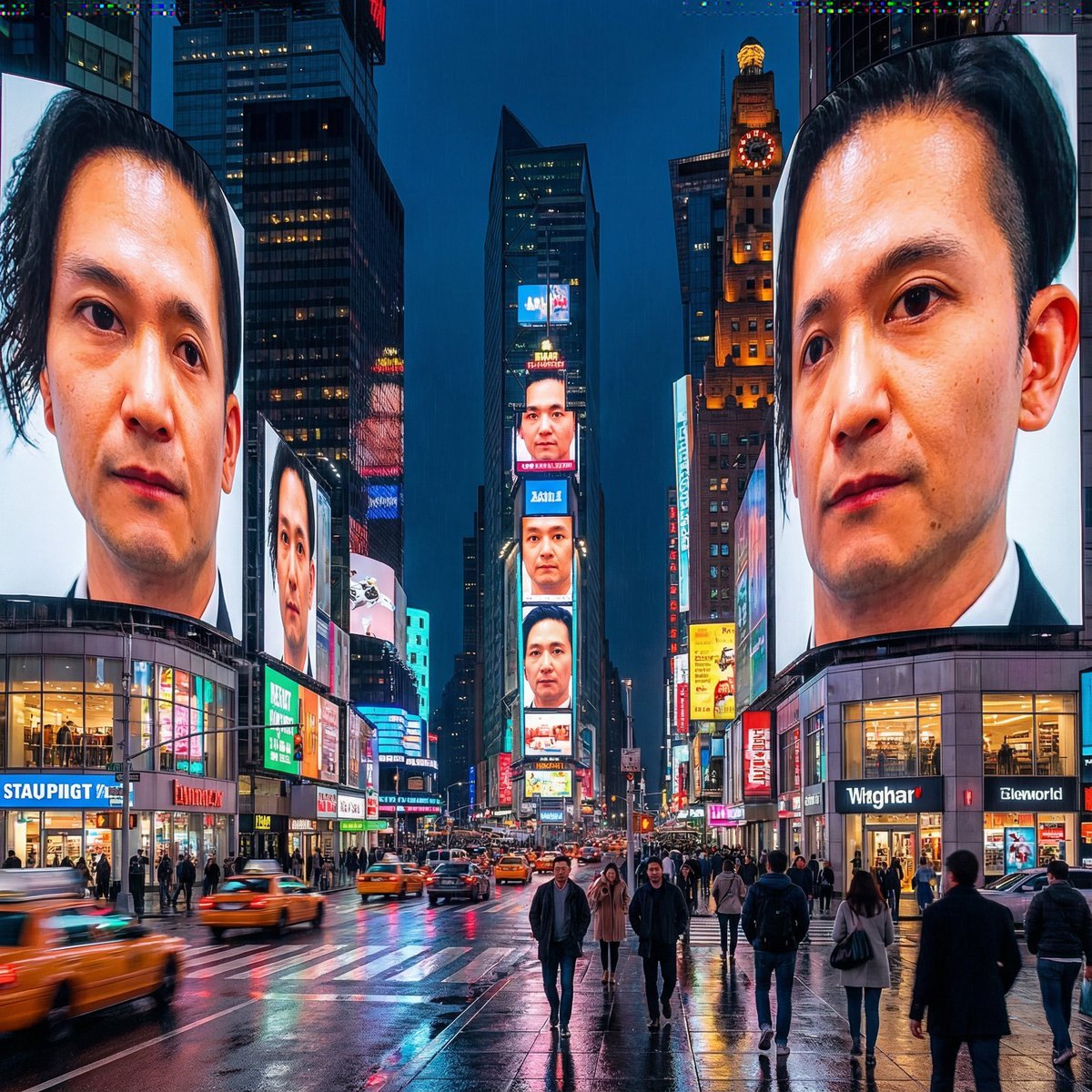
Generating City-Scale Self-Portrait Advertising
Browse template categories
Fashion Portrait on Grand Staircase questions
How do I use the Fashion Portrait on Grand Staircase template?
Add your photo if the template asks for one, edit the prompt if you like — the template's model and format are already selected — and press Generate. Your version opens in PicX Studio.
Can I customize the Fashion Portrait on Grand Staircase template?
Yes. You can change the subject, setting, lighting, mood, format, and available model controls before creating your image.
Is the Fashion Portrait on Grand Staircase template free?
Opening and editing this template is free. Generating uses credits, shown on the Generate button when you are signed in.
Which AI model should I use?
Start with GPT Image 2, which is the model associated with this template. You can compare another compatible model for a different finish.
Looking for something else? Browse all templates.

Your photo, any look
Thousands of ready templates for every top image and video model, from one credit balance.