
Watercolor Cliffside Village Illustration
A detailed prompt for generating a fantasy watercolor illustration of a vast, terraced cliffside village overlooking the sea.
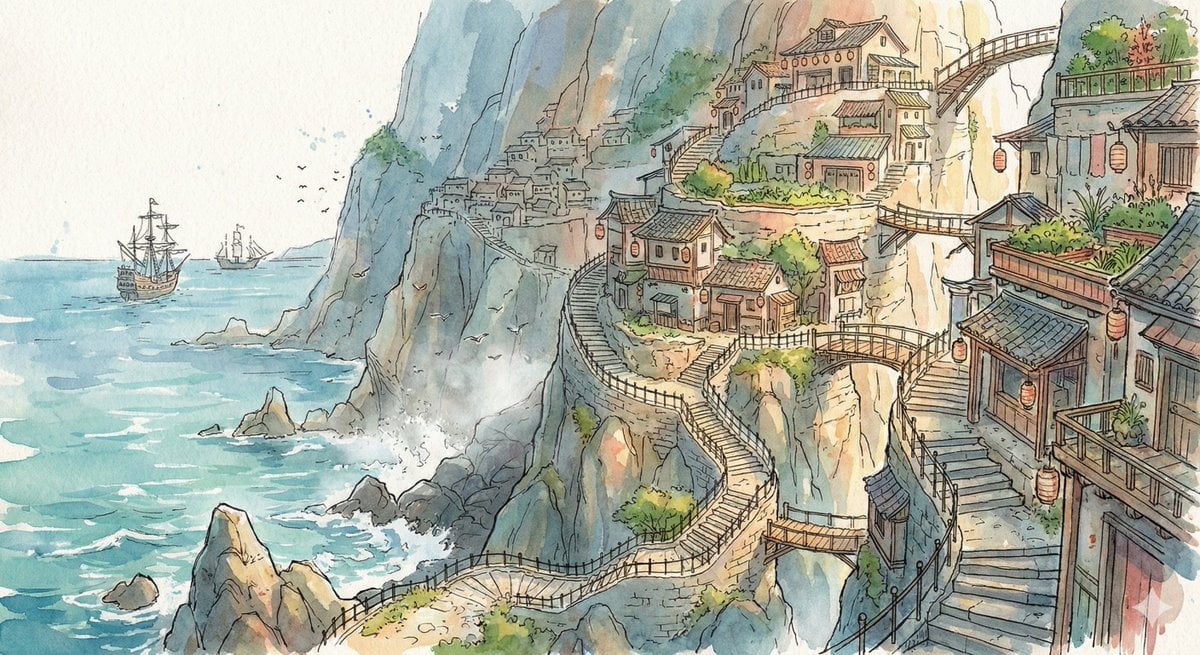
- Prompt included
- Model and format preset
- Free template
The prompt behind this image
Copy the exact prompt behind Watercolor Cliffside Village Illustration, or open it in the studio and make it yours.
Scene: A vast terraced cliffside village carved into the face of a massive coastal mountain overlooking a shimmering turquoise sea. Narrow stone stairways wind between stacked homes with hanging lanterns, rooftop gardens, and small wooden bridges connecting levels. Below, waves crash against jagged rocks while distant trading ships drift across the horizon. Seabirds circle through drifting coastal mist, and warm sunlight catches the edges of the terraces, emphasizing the enormous vertical scale and layered architectural depth of the settlement. Style: Fantasy hand-drawn watercolor illustration style. Traditional watercolor rendering with visible pigment splashes, fluid paint diffusion, and softly blended tonal transitions. Delicate hand-illustrated linework with expressive drawn detailing and organic sketch-like contours. Soft, gentle color palette emphasizing airy tones and subtle saturation rather than strong contrast. Painterly layered watercolor textures combined with illustrative fantasy art aesthetics. Decorative, richly illustrated environments with numerous small background details integrated into the composition. Elegant full illustration treatment prioritizing handcrafted visual charm, artistic softness, and classic storybook-inspired fantasy rendering.
How to use Watercolor Cliffside Village Illustration in 3 steps
- 1
Open
The prompt is already in the box next to the preview, with the template's model and format selected.
- 2…a portrait of your subject in softgolden-hour light, 85mm…
Personalize
Edit the subject and creative details for your destination.
- 3Generate
Generate
Press Generate — your image is created in PicX Studio, so you can compare it with the original and refine one variable at a time.
More like this
Templates with the same subject, style or setup. Open one to see its prompt.

Watercolor Café Cheesecake Editorial Illustration

Japanese Café Sketch Duo Illustration

Delicate Japanese Café Lifestyle Illustration
Japanese Café Sketch Duo Illustration
Delicate Japanese Café Lifestyle Illustration
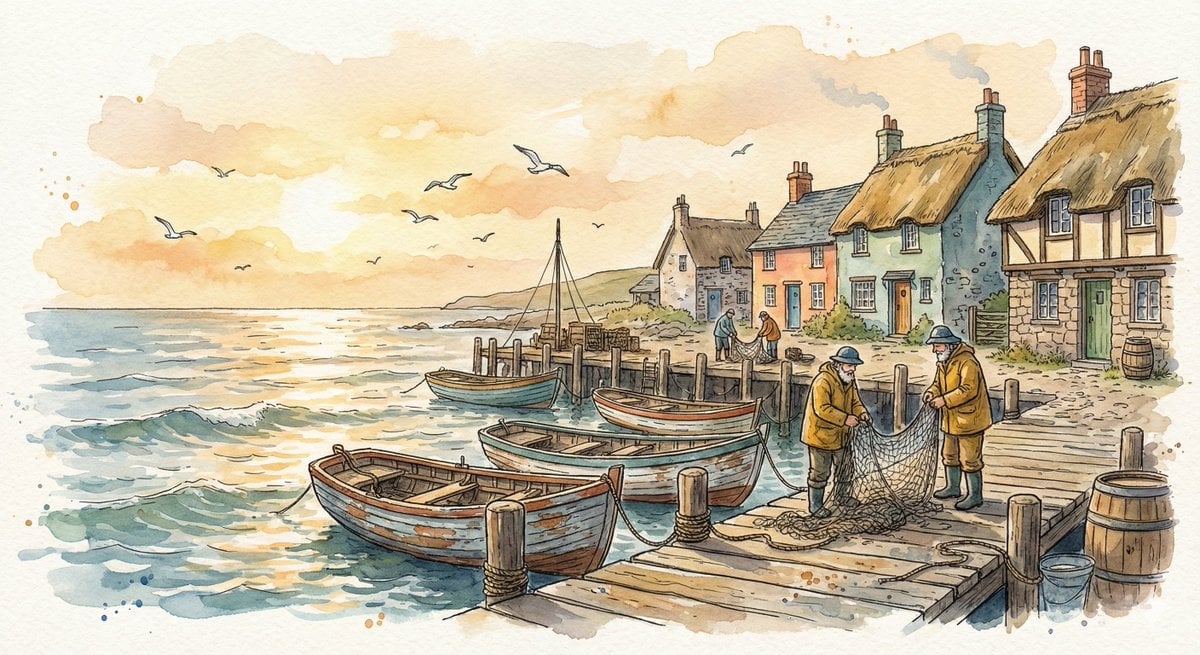
Watercolor Illustration of a Cozy Seaside Harbor Village
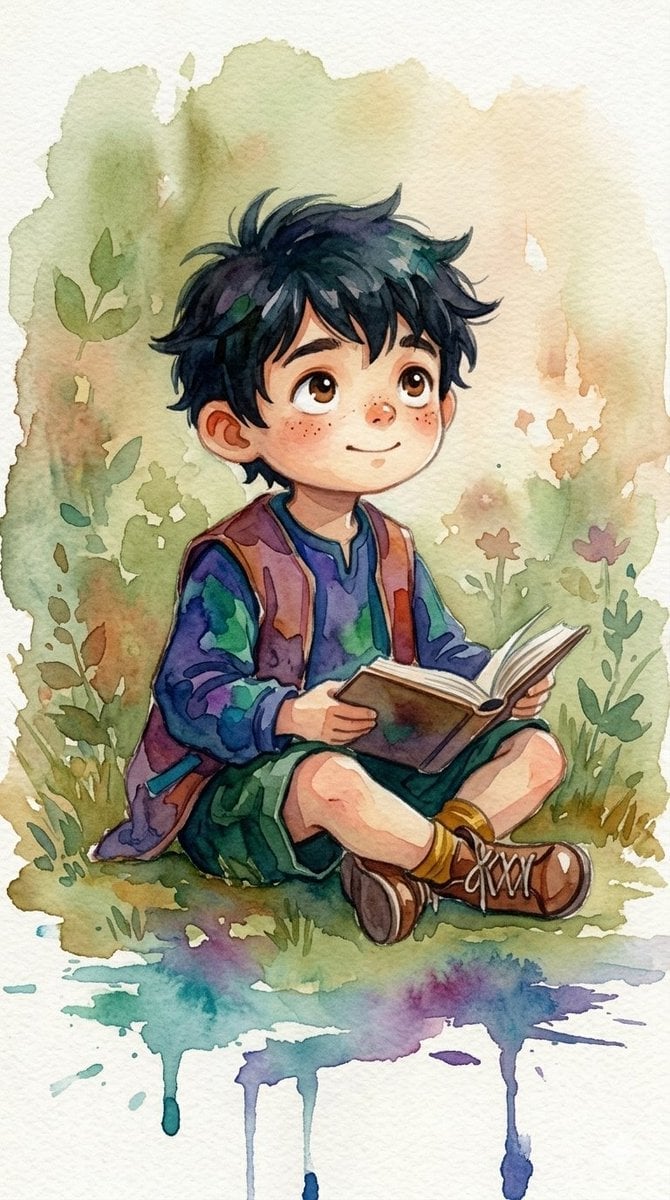
Watercolor Woodland Children Illustrations
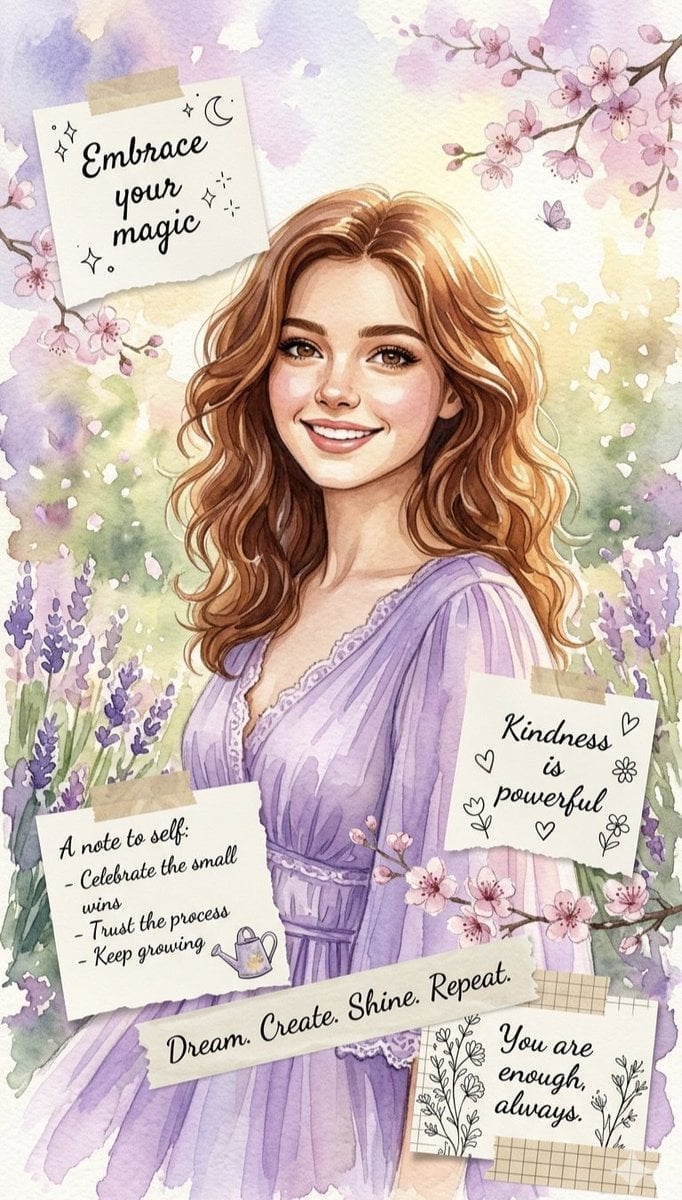
Watercolor Affirmation Illustration
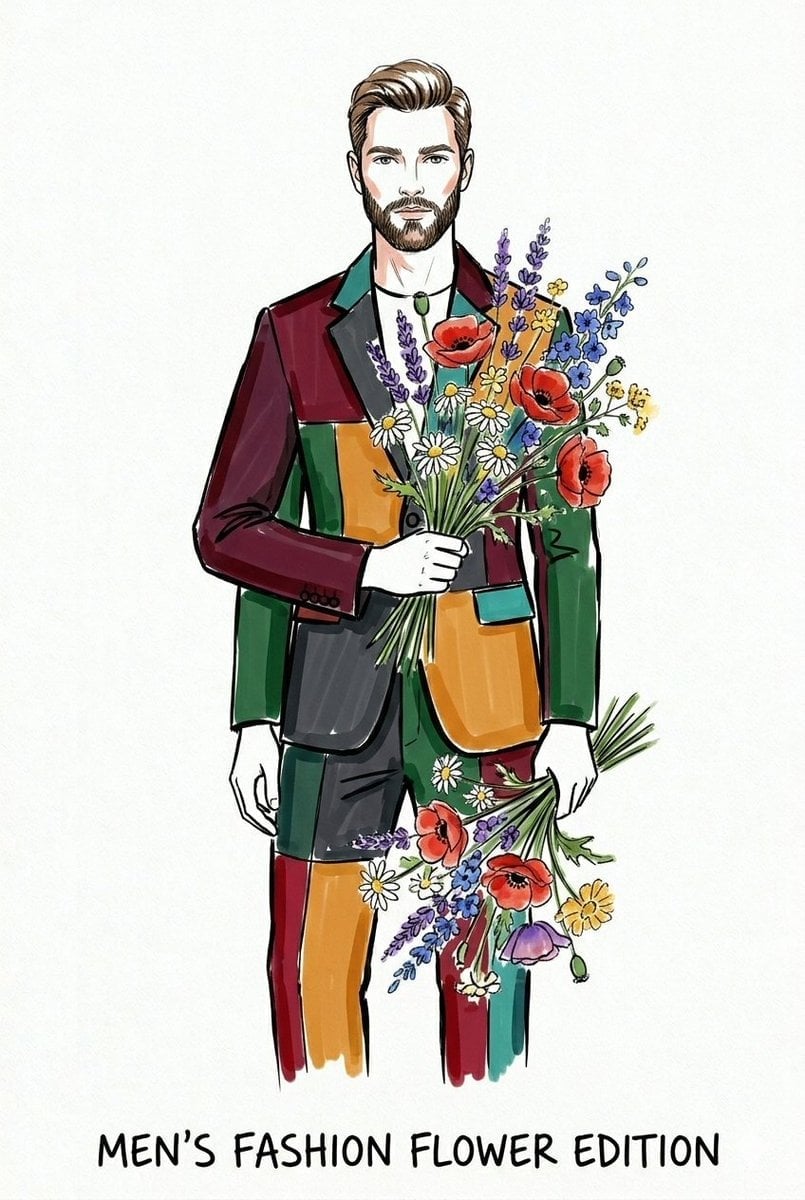
Watercolor Fashion Illustration Sketch
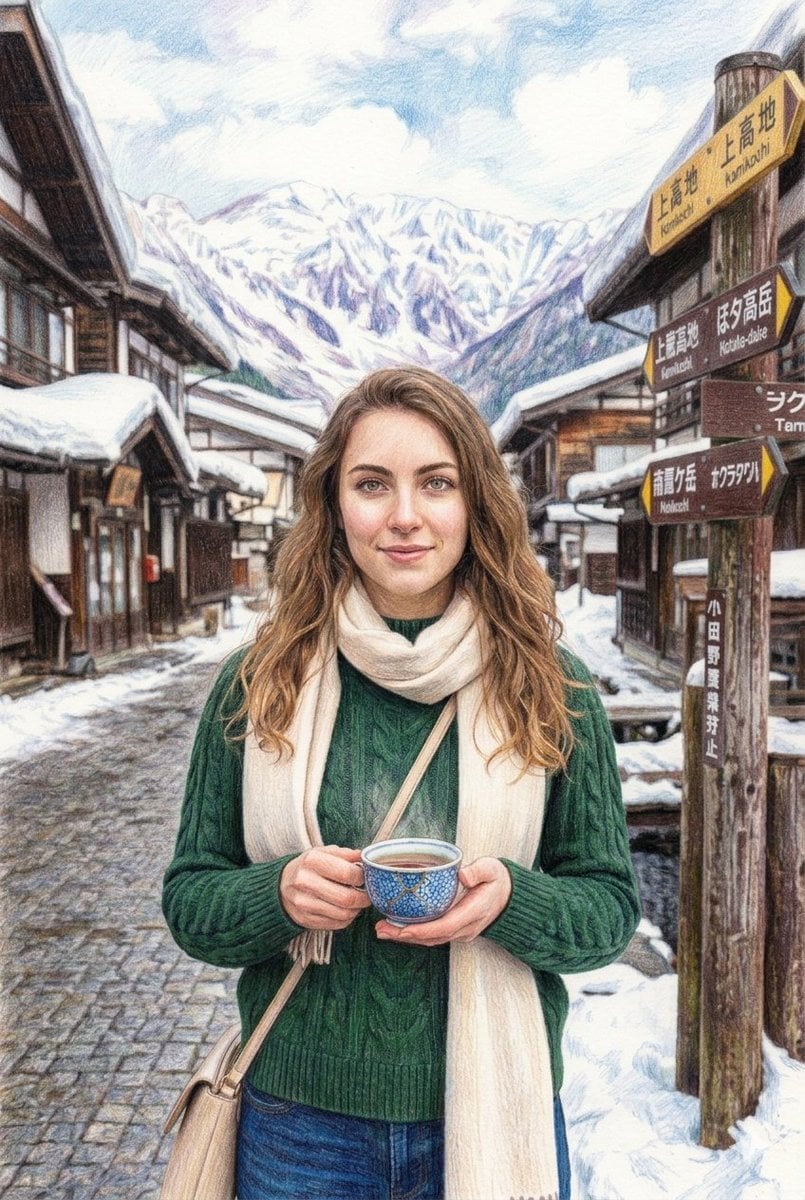
Snowy Japanese Village Winter Illustration
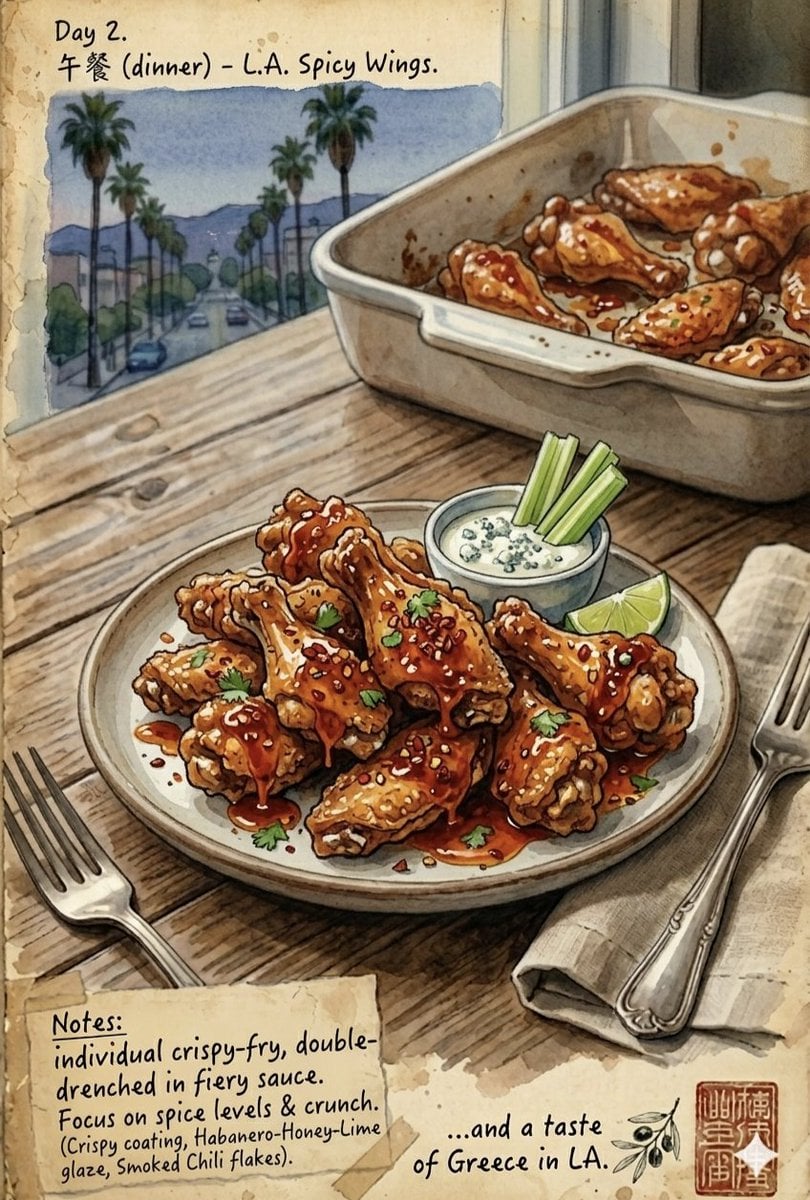
Watercolor Culinary Travel Diary Illustration
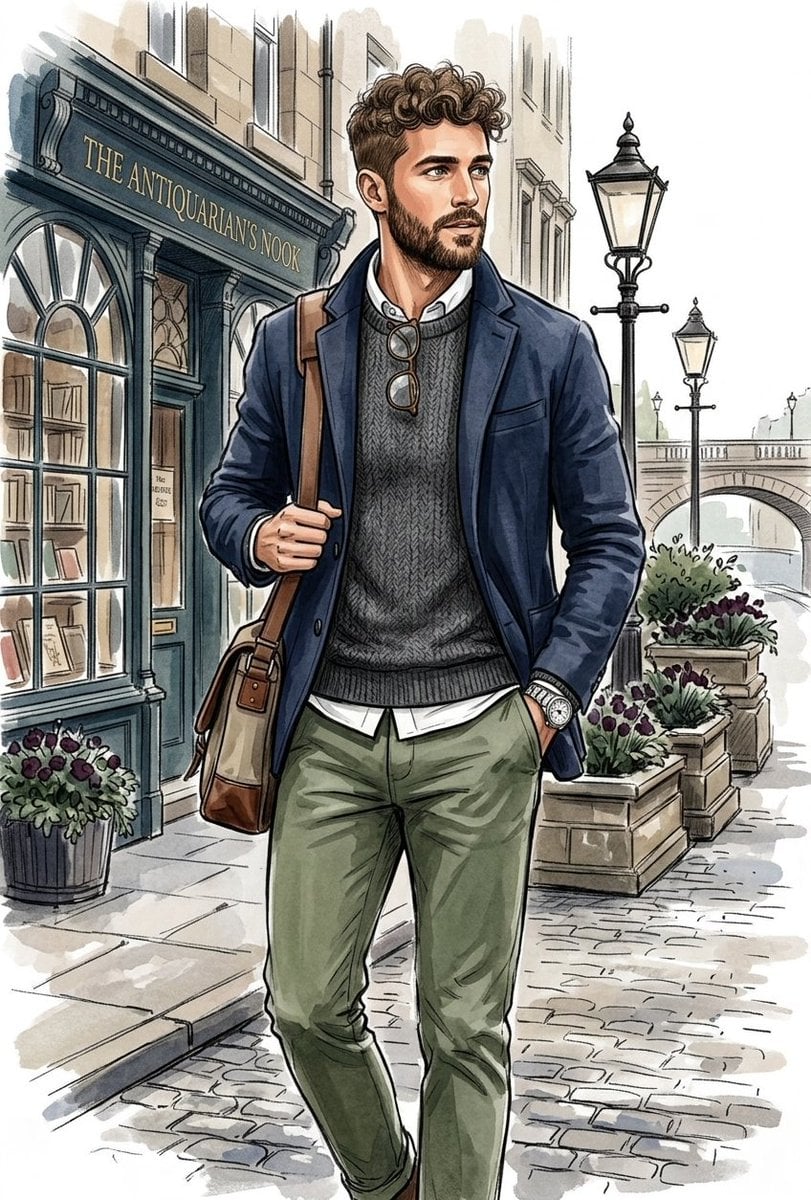
Vintage Explorer Watercolor Illustration
Make it yours
Watercolor Cliffside Village Illustration works as-is. These are the safest ways to change it without losing the look.
Change one field
Copy a single group, rewrite it, and generate again so you can see what that field is doing.
Keep the frame, change the subject
Hold the composition and light of Watercolor Cliffside Village Illustration, then swap wardrobe, props or the person for a new take.
| If the result… | Why | Fix |
|---|---|---|
| The result drifts from the preview | Too many fields changed at once. | Reuse Watercolor Cliffside Village Illustration as-is first, then change one group — subject, light, or setting. |
| The model over-stylizes the scene | The prose prompt leaves finish and camera underspecified. | Add one camera or lighting sentence and stay on Nano Banana 2. |
More Nano Banana 2 templates
Other prompts made for Nano Banana 2.

Photorealistic Leaf Shaped Like a Dragon

K-Pop Idol Portrait Grid for Rapid Selection

Poetic Rain Forest Portrait During Golden Hour

Urban Street Portrait with Cartoon Inner Self Duo

Candid Nighttime Photo with Cat Prompt

High-Concept 3D Diorama Generation Prompt

Cinematic Futuristic Studio Portrait Template

Skincare Editorial Photography Collage Prompt

Hyper-Realistic Commercial Product Photography (Splash Effect)

Hyper-Realistic Nightclub Portrait Prompt
More image prompts
Fresh picks from across the catalog.
Industrial Prismatic Glassform Product Visual

E-commerce Product Poster Transformation

Photorealistic Cinematic Kitchen Scene Prompt (JSON structure)
Luxury Sunset Rooftop Terrace
Nostalgic Polaroid Corkboard Collage
Cinematic Street-Style Portrait Prompt
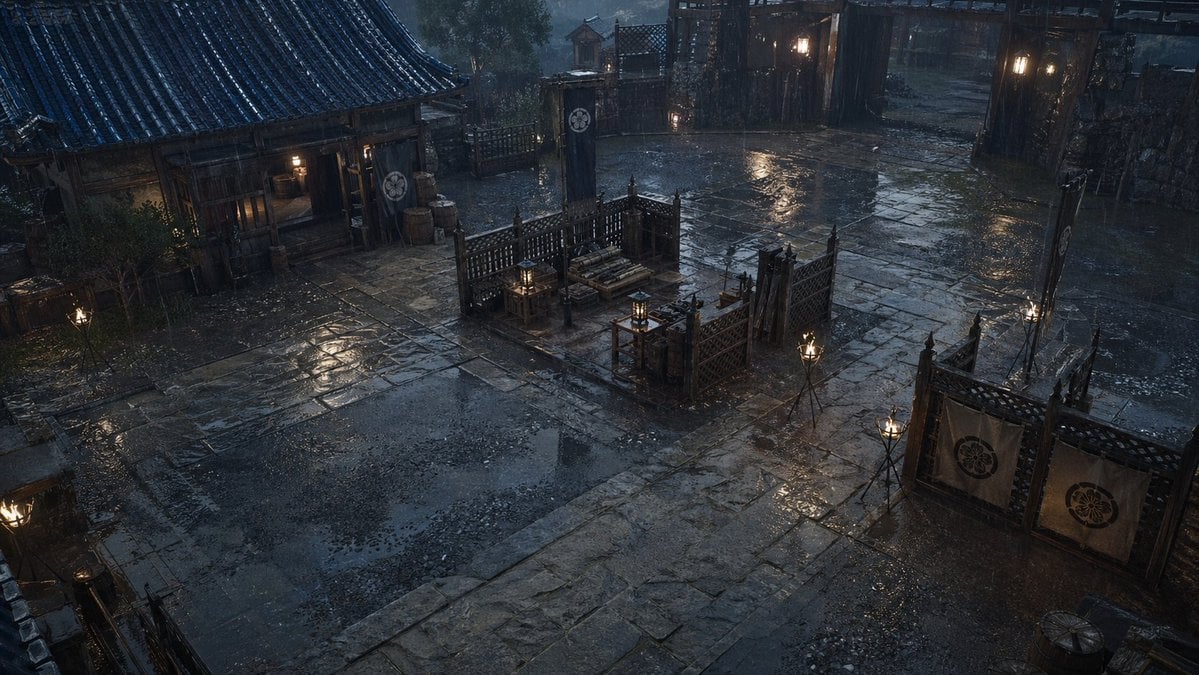
Rainy Feudal Japan Courtyard
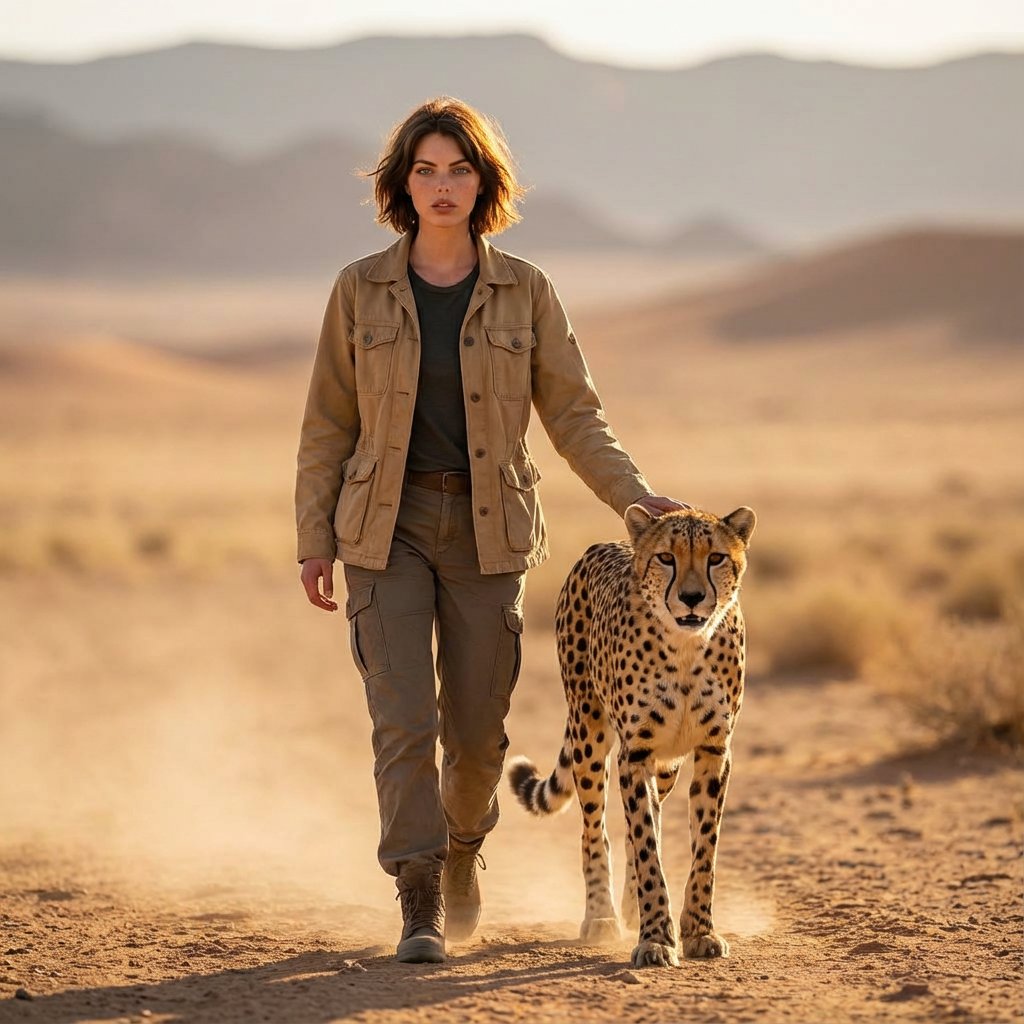
Golden Hour Desert Photo of Woman and Cheetah

Anime Protagonist and Companion Generator
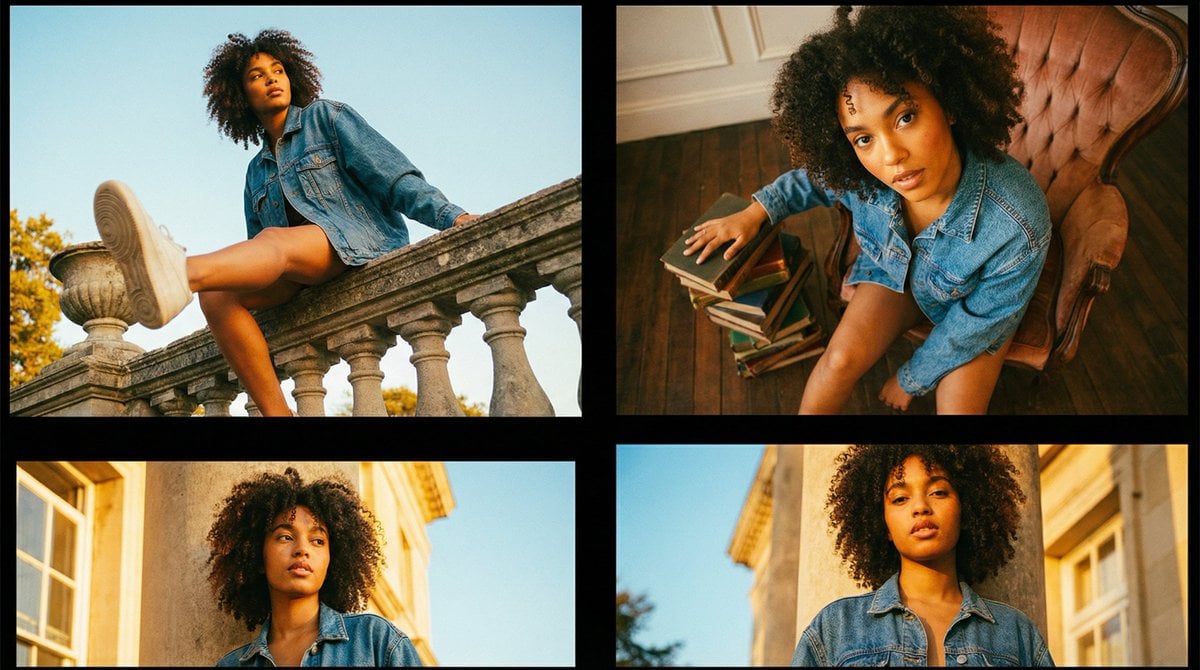
Editorial Fashion Portrait Series Grid Template
Browse template categories
Watercolor Cliffside Village Illustration questions
How do I use the Watercolor Cliffside Village Illustration template?
Add your photo if the template asks for one, edit the prompt if you like — the template's model and format are already selected — and press Generate. Your version opens in PicX Studio.
Can I customize the Watercolor Cliffside Village Illustration template?
Yes. You can change the subject, setting, lighting, mood, format, and available model controls before creating your image.
Is the Watercolor Cliffside Village Illustration template free?
Opening and editing this template is free. Generating uses credits, shown on the Generate button when you are signed in.
Which AI model should I use?
Start with Nano Banana 2, which is the model associated with this template. You can compare another compatible model for a different finish.
Looking for something else? Browse all templates.

Your photo, any look
Thousands of ready templates for every top image and video model, from one credit balance.