
Nostalgic Polaroid Corkboard Collage
Generates a moody corkboard collage of 10 Polaroid photos featuring a dreamy white jellyfish-themed character in cinematic analog scenes.
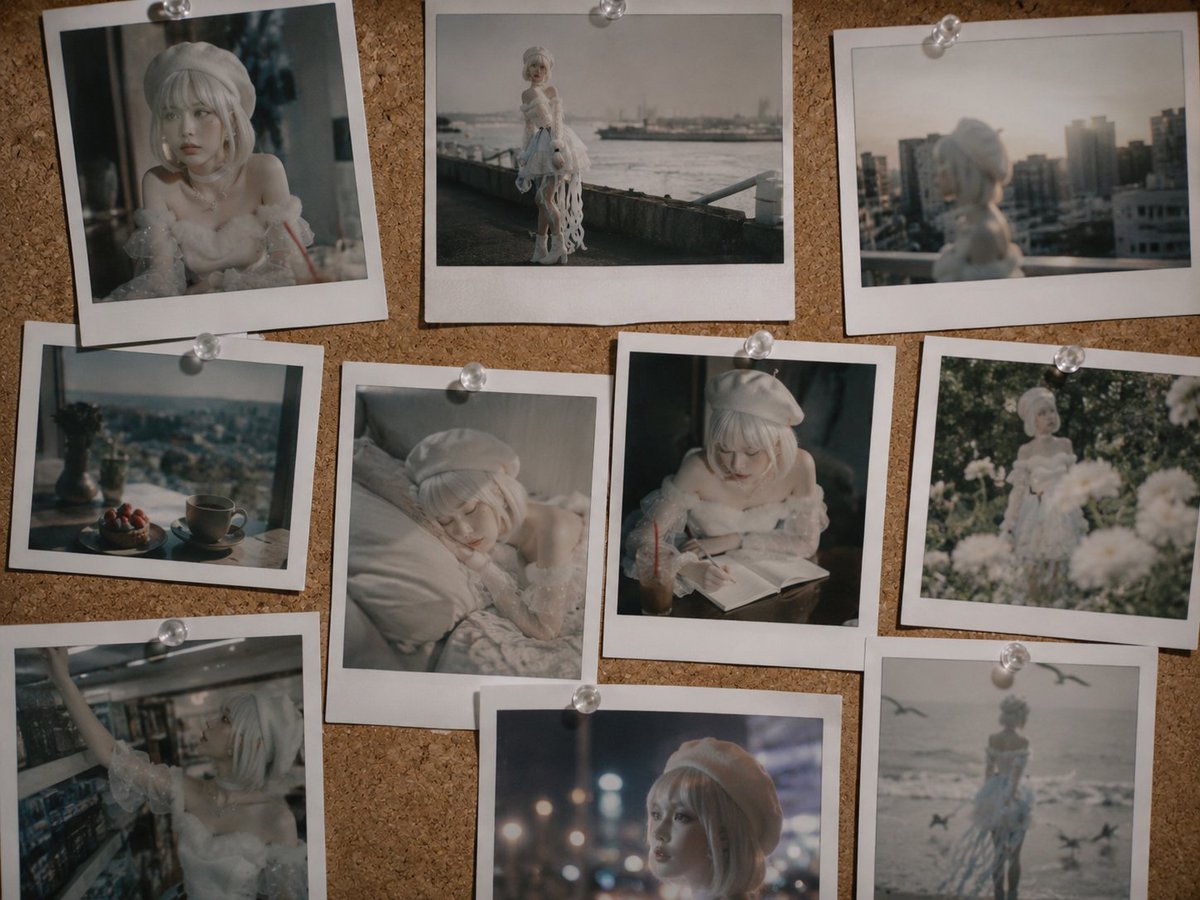
- Prompt included
- Model and format preset
- Free template
The prompt behind this image
Copy the exact prompt behind Nostalgic Polaroid Corkboard Collage, or open it in the studio and make it yours.
Create a nostalgic corkboard collage of exactly 10 pinned Polaroid-style photographs featuring {argument name="character name" default="Kurage-chan"}, a dreamy faceless anime-inspired girl or ball-jointed doll with {argument name="hair color" default="silvery white"} bobbed hair, a soft white beret, pale skin, and an ethereal jellyfish-themed white outfit with fluffy translucent sleeves, lace, pearls, ribbons, and trailing tentacle-like fabric. The overall mood should be cinematic, muted, emotional, and slightly melancholic, like faded film photography. Arrange the 10 Polaroids on a warm brown corkboard, each with a thick white instant-film border and held by small clear round pushpins; allow slight overlaps and tilted angles. The exact 10 photo contents are: 1) top left, close-up indoor portrait of the girl in white, face softly obscured, moody window light; 2) top center, full-body shot by a waterfront promenade with hazy ships in the distance; 3) top right, rear view on a rooftop or balcony overlooking a blurred city skyline at sunset; 4) middle left, still life by a window with a vase of flowers, a teacup, and berries on a plate; 5) middle center, intimate bedroom shot of the girl lying on white sheets in soft morning light; 6) middle right, the girl sitting at a desk or cafe table reading an open book with an iced drink beside her; 7) middle far right, back view of the girl standing among white flowers in a sun-dappled garden; 8) bottom left, the girl reaching upward in a dim convenience store or shop aisle; 9) bottom center, close-up night portrait with blurred city lights and bokeh behind her; 10) bottom right, distant back view of the girl at a gray beach with flying birds and waves. Use {argument name="photo style" default="analog Polaroid film"} aesthetics: soft focus, shallow depth of field, slight blur, muted grays and creams, warm shadows, subtle grain, imperfect exposure, and no visible text. Keep the character consistent across all photos, keep the faces blank or softly obscured, and make the collage look like physical prints pinned to a real corkboard.
How to use Nostalgic Polaroid Corkboard Collage in 3 steps
- 1Upload ImagePNG, JPG or paste
Add your photo
Upload the photo the template builds on. The prompt, model and format are already set.
- 2…a portrait of your subject in softgolden-hour light, 85mm…
Personalize
Edit the subject and creative details for your destination.
- 3Generate
Generate
Press Generate — your image is created in PicX Studio, so you can compare it with the original and refine one variable at a time.
More like this
Templates with the same subject, style or setup. Open one to see its prompt.










Make it yours
Nostalgic Polaroid Corkboard Collage works as-is. These are the safest ways to change it without losing the look.
Change one field
Copy a single group, rewrite it, and generate again so you can see what that field is doing.
Keep the frame, change the subject
Hold the composition and light of Nostalgic Polaroid Corkboard Collage, then swap wardrobe, props or the person for a new take.
| If the result… | Why | Fix |
|---|---|---|
| The result drifts from the preview | Too many fields changed at once. | Reuse Nostalgic Polaroid Corkboard Collage as-is first, then change one group — subject, light, or setting. |
| The model over-stylizes the scene | The prose prompt leaves finish and camera underspecified. | Add one camera or lighting sentence and stay on GPT Image 2. |
More GPT Image 2 templates
Other prompts made for GPT Image 2.

Six VTuber Japanese Logo Sheet

Realistic Portrait of Woman and Deer

The Vista Modular Condo Poster

AI Model Routing Comparison Infographic

2.5D Anime Art Board

Isometric Productivity Desk Scene

New York Double Exposure Poster

Four-Panel AI Landscape Comparison

Japanese Tatami Lifestyle Magazine Cover

NESCAFÉ Coffee Map Poster
More image prompts
Fresh picks from across the catalog.
Luxury Influencer Branding Poster

Ultra-Premium Luxury Perfume Advertisement

Cinematic Fire Portrait - Boy
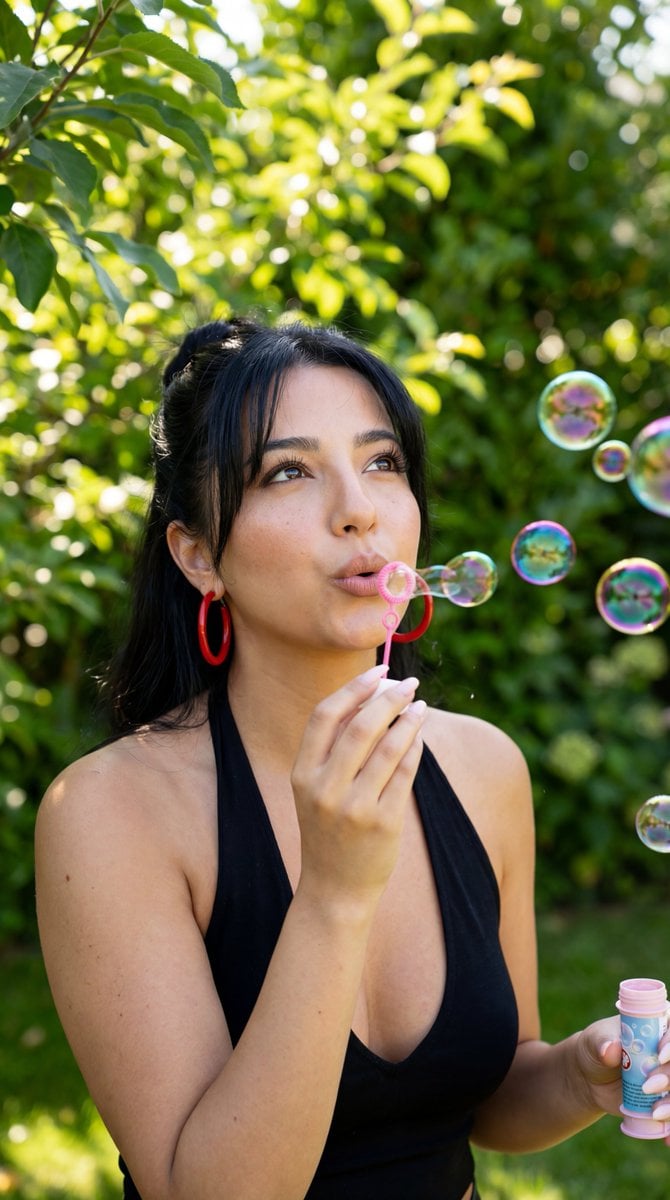
Photorealistic Candid Bubble Blowing Portrait

Structured Bedroom Selfie Prompt
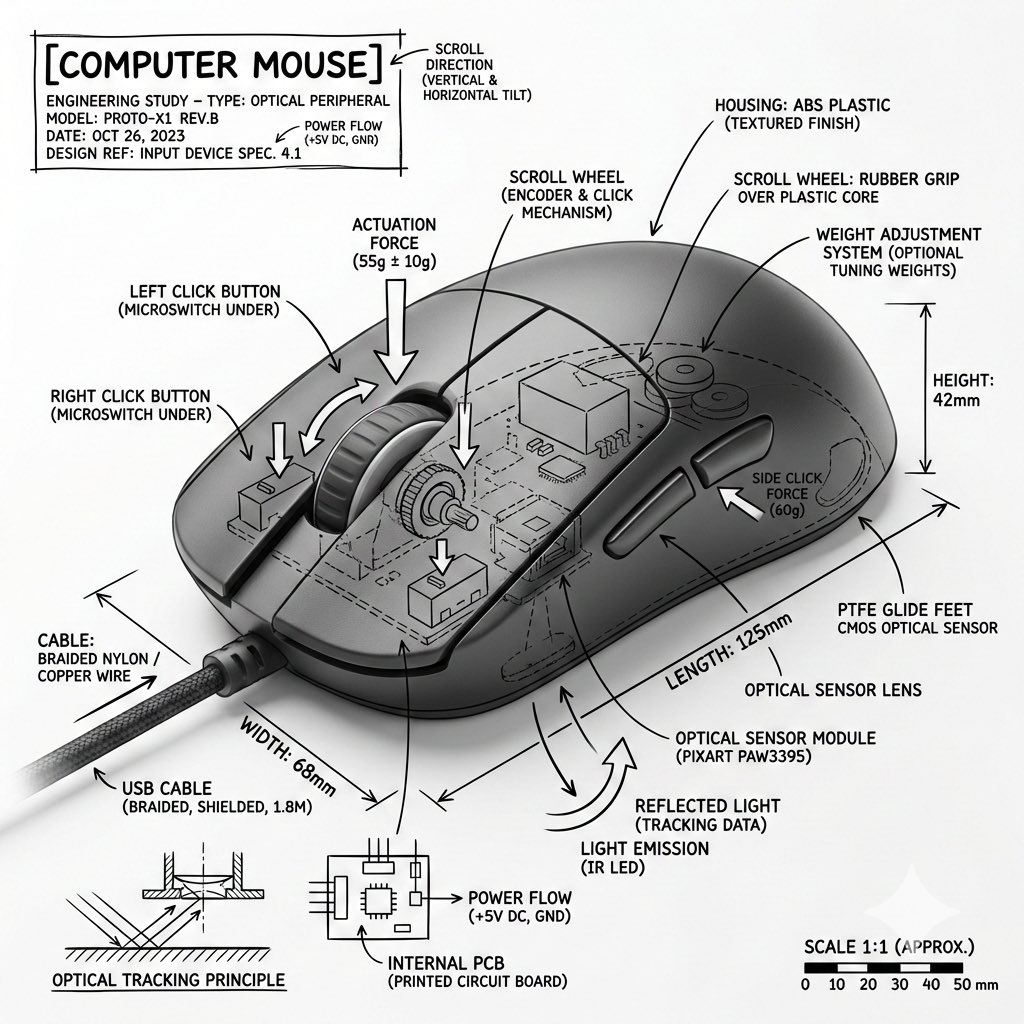
Technical Infographic Overlay for Object Annotation
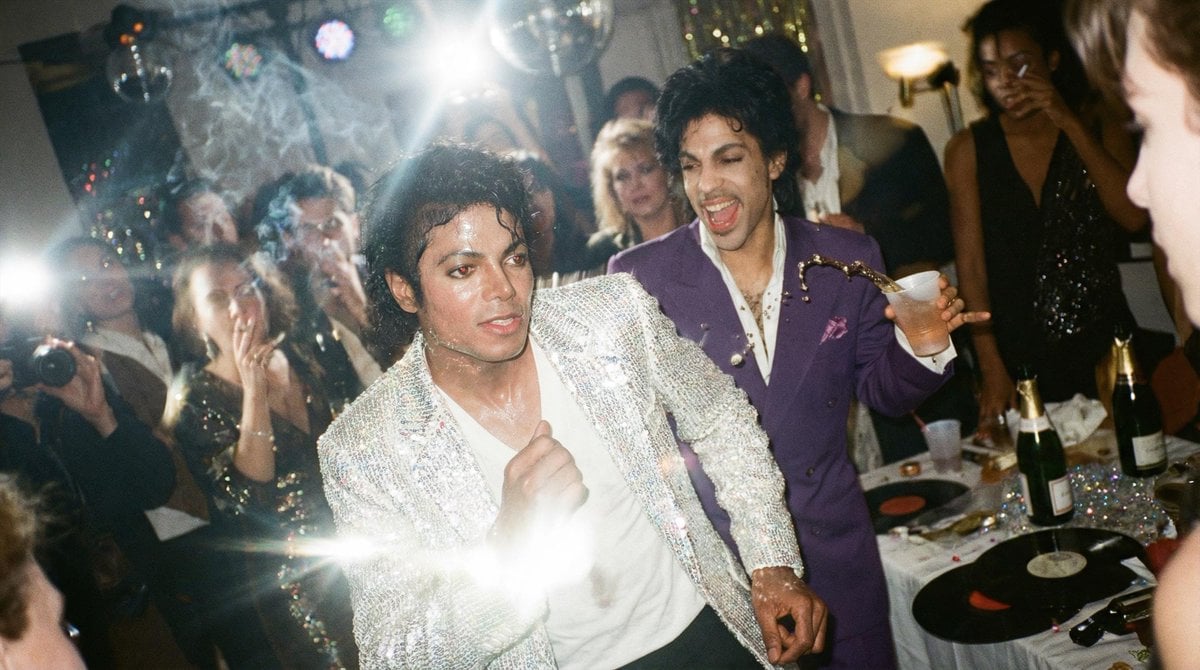
Messy Disposable Camera Party Shot Prompt
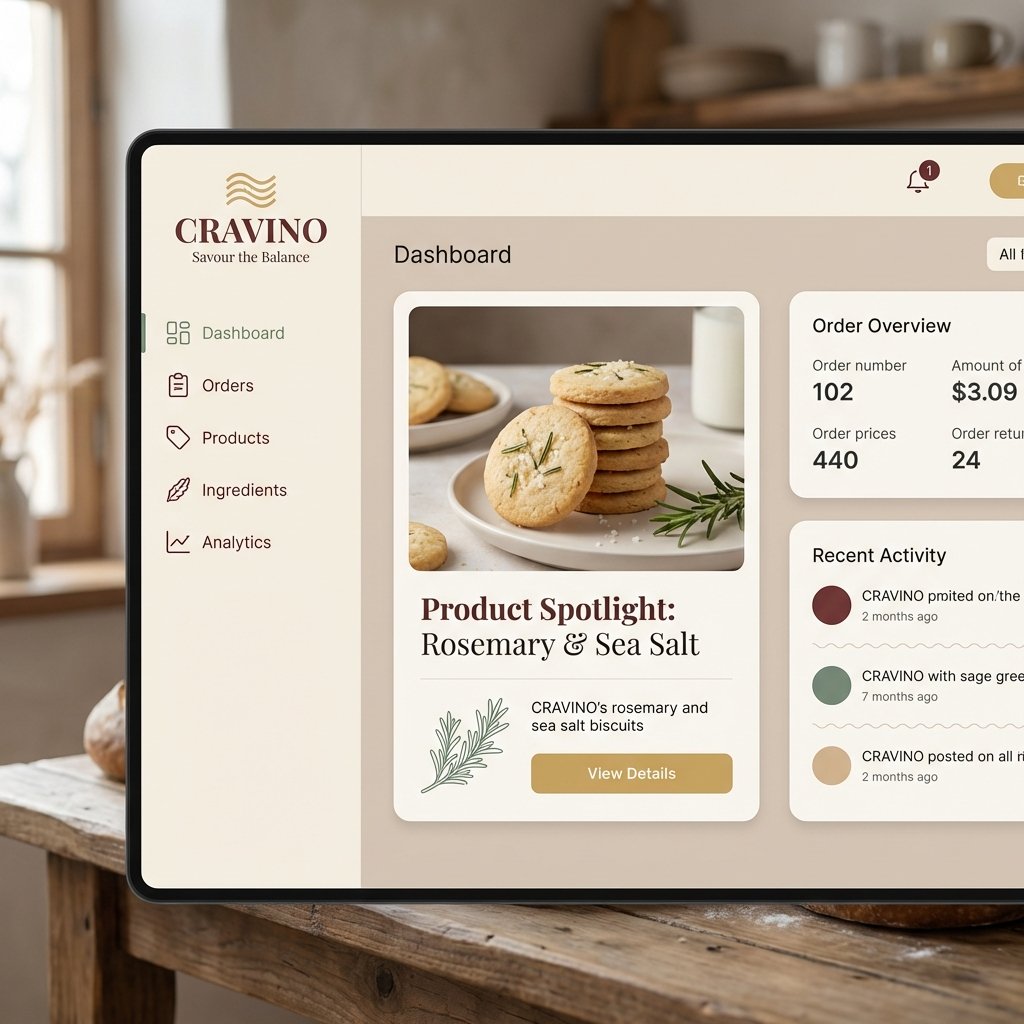
Atmospheric Product Interface Visual Prompt for SaaS UI

Editorial Studio Portrait in Blazer
Magical Shadow Illusion Prompt for Nano Banana Pro
Browse template categories
Nostalgic Polaroid Corkboard Collage questions
How do I use the Nostalgic Polaroid Corkboard Collage template?
Add your photo if the template asks for one, edit the prompt if you like — the template's model and format are already selected — and press Generate. Your version opens in PicX Studio.
Can I customize the Nostalgic Polaroid Corkboard Collage template?
Yes. You can change the subject, setting, lighting, mood, format, and available model controls before creating your image.
Is the Nostalgic Polaroid Corkboard Collage template free?
Opening and editing this template is free. Generating uses credits, shown on the Generate button when you are signed in.
Which AI model should I use?
Start with GPT Image 2, which is the model associated with this template. You can compare another compatible model for a different finish.
Looking for something else? Browse all templates.

Your photo, any look
Thousands of ready templates for every top image and video model, from one credit balance.