
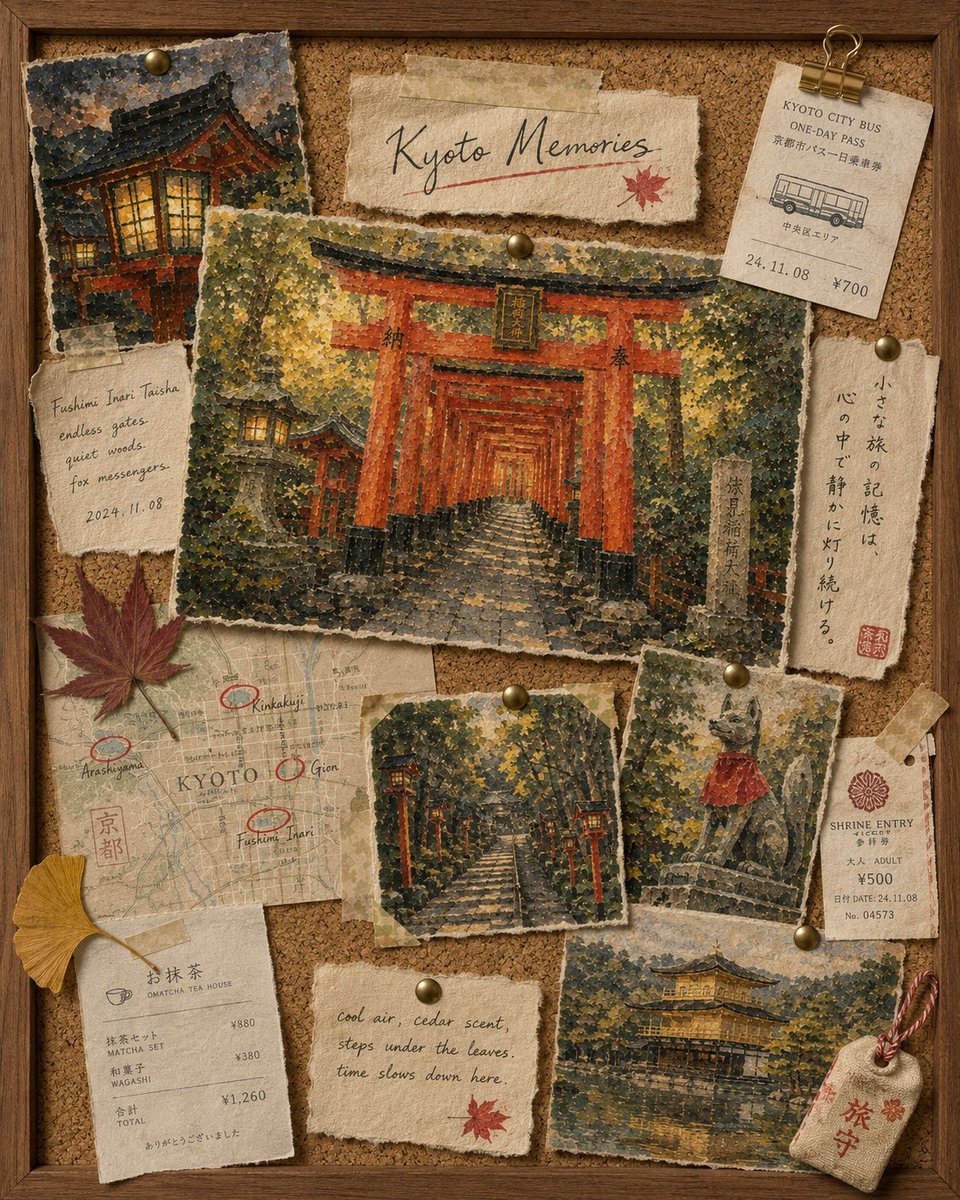
Kyoto Memories Corkboard Collage
Creates a nostalgic Kyoto travel scrapbook corkboard with pinned painted postcards, tickets, notes, leaves, and souvenirs for a warm autumn keepsake aesthetic.
- Prompt included
- Model and format preset
- Free template
The prompt behind this image
Copy the exact prompt behind Kyoto Memories Corkboard Collage, or open it in the studio and make it yours.
Goal: Create a warm nostalgic travel scrapbook collage on a cork bulletin board titled {argument name="headline text" default="Kyoto Memories"}, filled with pinned torn-paper souvenirs and impressionistic painted postcard scenes from Kyoto. Canvas: Vertical 4:5 image, viewed straight-on like a framed corkboard. Use a dark wooden frame around all edges, textured brown cork background, brass pushpins, washi tape, binder clip, torn handmade paper, aged cream receipts, and muted autumn lighting. Layout and counted elements: Include exactly 12 main pinned paper/souvenir elements: 1 large central postcard painting of Fushimi Inari’s endless red torii gates on a stone path in a forest, 1 upper-left small postcard painting of a warmly lit shrine building at dusk, 1 top-center torn title strip reading “Kyoto Memories” with a red underline and small red maple leaf, 1 top-right Kyoto City Bus one-day pass ticket clipped with a brass binder clip, 1 left handwritten note reading “Fushimi Inari Taisha / endless gates / quiet woods / fox messengers / 2024.11.08”, 1 right vertical Japanese poem strip, 1 lower-left Kyoto map with four red circled locations labeled Arashiyama, Kinkakuji, Gion, and Fushimi Inari, 1 bottom-left tea house receipt, 1 lower-middle small postcard of lantern-lined stone steps in a dark cedar grove, 1 lower-right small postcard of a fox statue wearing a red bib, 1 bottom-center torn handwritten quote card, and 1 bottom-right postcard painting of the Golden Pavilion reflected in water. Add exactly 3 loose natural objects: 1 red maple leaf on the left over the map, 1 yellow ginkgo leaf near the bottom-left receipt, and 1 small beige shrine charm tag at the bottom right tied with red-and-white cord. Subject details: The central Fushimi Inari painting should dominate the board, pinned with brass tacks, showing many vermilion torii gates receding into deep perspective, mottled green-yellow foliage, stone steps, and an old vertical stone marker on the right. All painted scenes should look like thick stippled gouache or oil-pastel travel sketches on rough torn paper, with visible grain and irregular deckled edges. Text content: Use the headline “Kyoto Memories”. The bus ticket should read “KYOTO CITY BUS / ONE-DAY PASS” with smaller Japanese text, date “24.11.08”, and price “¥700”. The shrine entry ticket should read “SHRINE ENTRY”, “ADULT”, “¥500”, date “24.11.08”, and a ticket number. The tea receipt should include Japanese tea-house styling, “MATCHA SET ¥880”, “WAGASHI ¥380”, and “TOTAL ¥1,260”. The bottom quote card should read {argument name="quote" default="Cool air, cedar scent, steps under the leaves — time slows down here."}. The right vertical Japanese poem strip should contain elegant black calligraphy and a small red seal. Visual style: Cozy handcrafted Kyoto travel journal aesthetic, realistic corkboard materials mixed with painterly miniature landscapes, muted autumn palette of cedar green, warm ochre, vermilion red, cream paper, and dark walnut wood. Soft shadows under every paper item, slightly uneven pin placements, tape stains, paper fibers, scuffed edges, and analog keepsake atmosphere. Constraints: No people, no modern digital UI, no watermark. Keep all 12 paper/souvenir elements and 3 loose natural objects visible, layered but readable, with the central torii-gate postcard as the focal point.
How to use Kyoto Memories Corkboard Collage in 3 steps
- 1Upload ImagePNG, JPG or paste
Add your photo
Upload the photo the template builds on. The prompt, model and format are already set.
- 2…a portrait of your subject in softgolden-hour light, 85mm…
Personalize
Edit the subject and creative details for your destination.
- 3Generate
Generate
Press Generate — your image is created in PicX Studio, so you can compare it with the original and refine one variable at a time.
More like this
Templates with the same subject, style or setup. Open one to see its prompt.












Make it yours
Kyoto Memories Corkboard Collage works as-is. These are the safest ways to change it without losing the look.
Change one field
Copy a single group, rewrite it, and generate again so you can see what that field is doing.
Keep the frame, change the subject
Hold the composition and light of Kyoto Memories Corkboard Collage, then swap wardrobe, props or the person for a new take.
| If the result… | Why | Fix |
|---|---|---|
| The result drifts from the preview | Too many fields changed at once. | Reuse Kyoto Memories Corkboard Collage as-is first, then change one group — subject, light, or setting. |
| The model over-stylizes the scene | The prose prompt leaves finish and camera underspecified. | Add one camera or lighting sentence and stay on GPT Image 2. |
More GPT Image 2 templates
Other prompts made for GPT Image 2.

Six VTuber Japanese Logo Sheet

Realistic Portrait of Woman and Deer

The Vista Modular Condo Poster

AI Model Routing Comparison Infographic

2.5D Anime Art Board

Isometric Productivity Desk Scene

New York Double Exposure Poster

Four-Panel AI Landscape Comparison

Japanese Tatami Lifestyle Magazine Cover

NESCAFÉ Coffee Map Poster
More image prompts
Fresh picks from across the catalog.
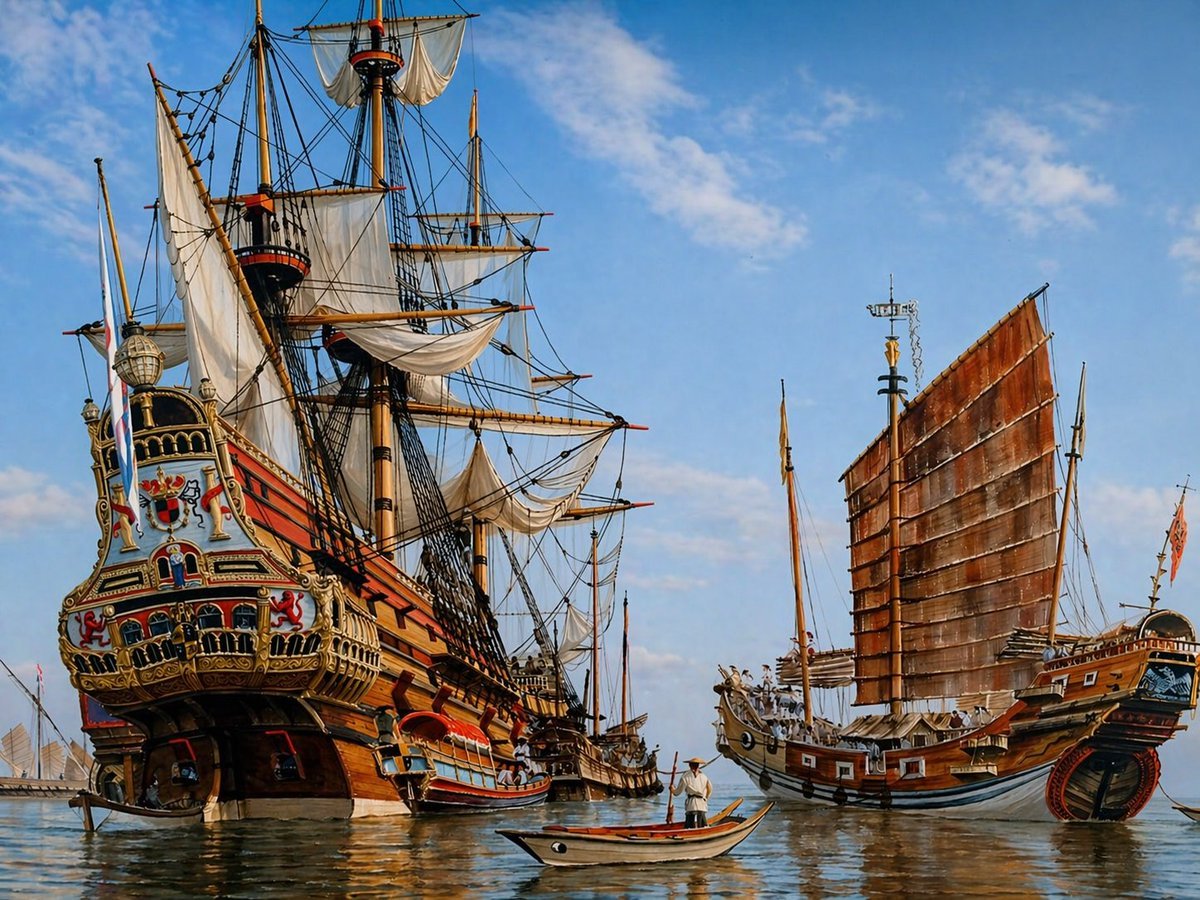
Historic Galleon and Chinese Junk

Golden Hour Fashion Portrait of a South Asian Man

Retro-Futuristic Binocular Cinematic Close-up
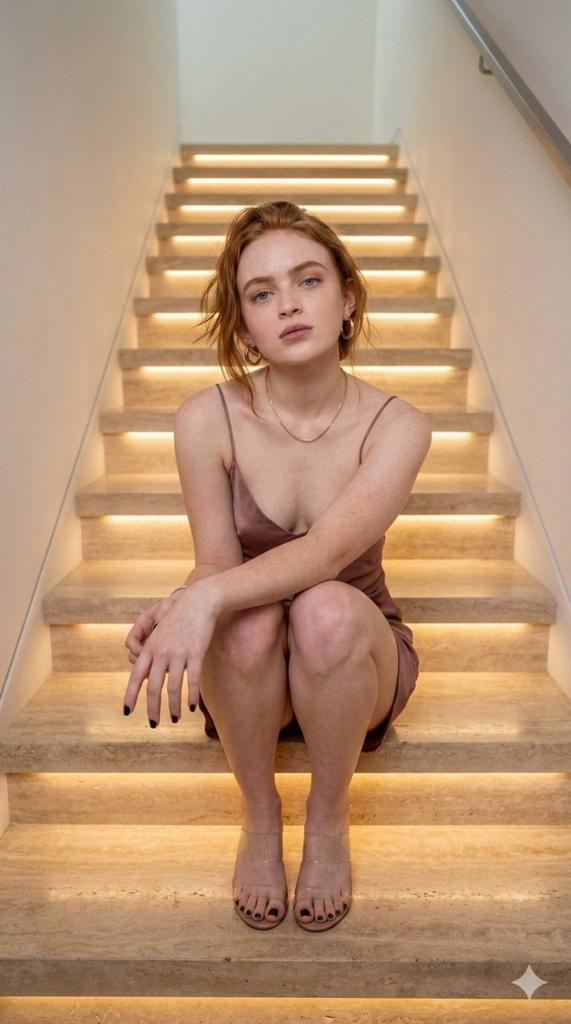
Cinematic Portrait of a Woman on Illuminated Stairs
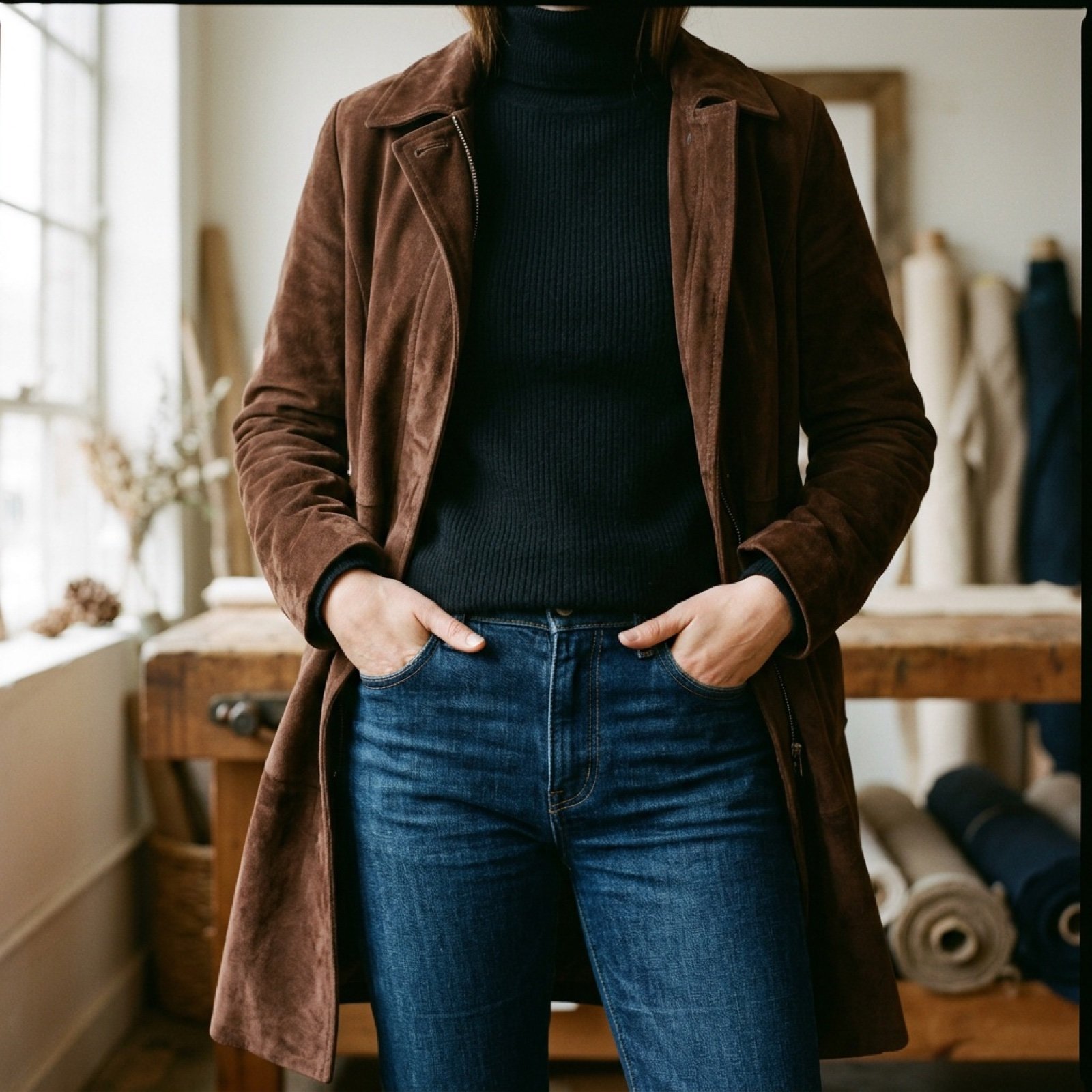
Video Prompt for Suede Trench Coat Showcase

Extreme Fisheye Streetwear Portrait
Japanese Anime Character Sheet Prompt
Vintage Football Action Portrait
Avant-garde Fashion Advertisement
Image Generation Prompt for Stylized 3D Caricature
Browse template categories
Kyoto Memories Corkboard Collage questions
How do I use the Kyoto Memories Corkboard Collage template?
Add your photo if the template asks for one, edit the prompt if you like — the template's model and format are already selected — and press Generate. Your version opens in PicX Studio.
Can I customize the Kyoto Memories Corkboard Collage template?
Yes. You can change the subject, setting, lighting, mood, format, and available model controls before creating your image.
Is the Kyoto Memories Corkboard Collage template free?
Opening and editing this template is free. Generating uses credits, shown on the Generate button when you are signed in.
Which AI model should I use?
Start with GPT Image 2, which is the model associated with this template. You can compare another compatible model for a different finish.
Looking for something else? Browse all templates.

Your photo, any look
Thousands of ready templates for every top image and video model, from one credit balance.