
Luxury Summer Polaroid Campaign Collage
Creates a square luxury lifestyle social media collage with nine cohesive fashion poses arranged as Polaroids and film strips.
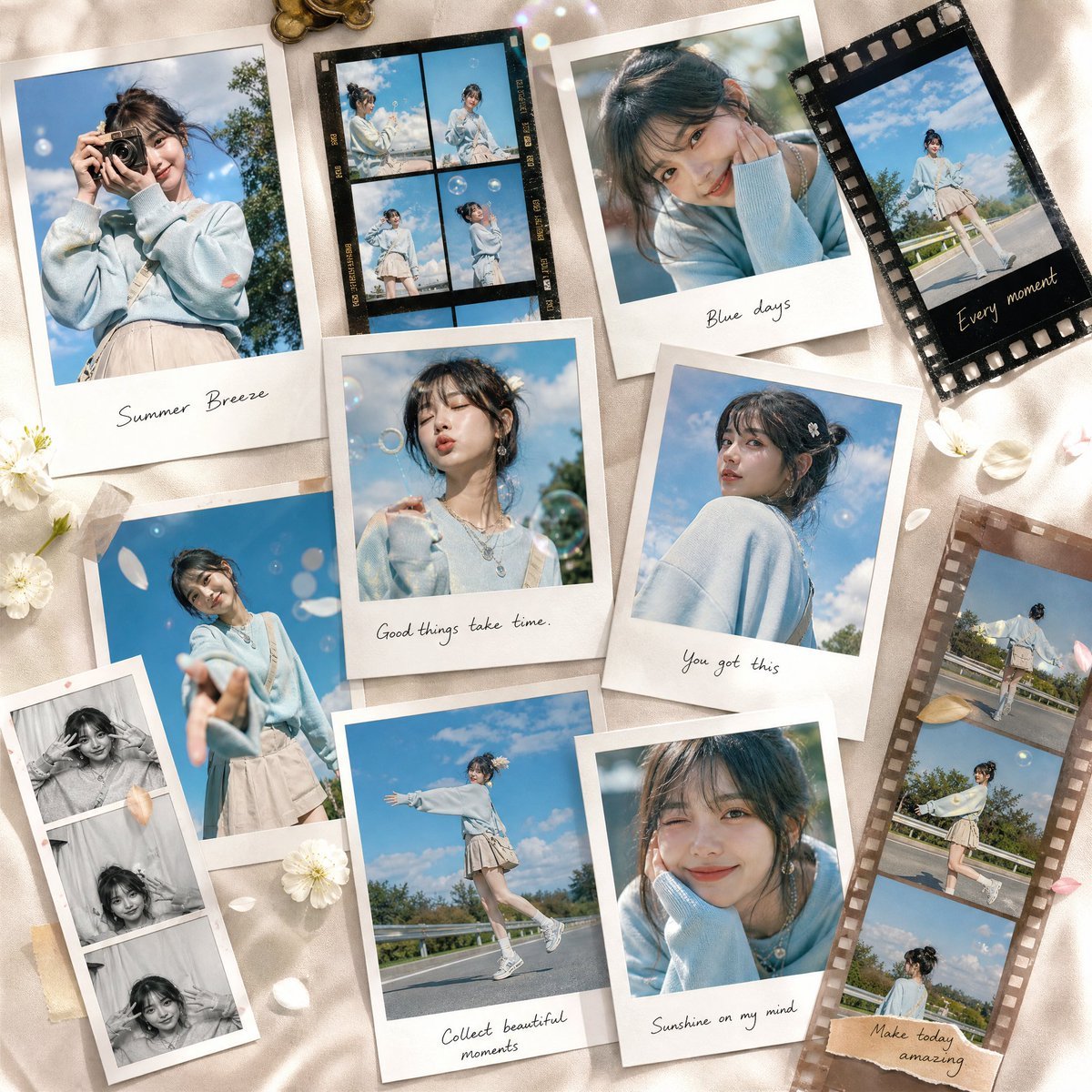
- Prompt included
- Model and format preset
- Premium template
The prompt behind this image
Copy the exact prompt behind Luxury Summer Polaroid Campaign Collage, or open it in the studio and make it yours.
Goal: Create a premium luxury lifestyle social media campaign collage for {argument name="character name" default="a young East Asian woman"}, with a cohesive airy summer identity and editorial fashion storytelling. Canvas: Square 1:1 composition, flat-lay view on warm champagne satin fabric with soft folds, creamy beige highlights, gentle shadows, and a polished luxury campaign feel. Main subject: The same woman appears consistently across exactly 9 unique expressive lifestyle poses. She has dark brown messy updo hair with wispy bangs, delicate earrings and layered necklaces, soft natural makeup, and a sweet dreamy expression. Outfit is consistent: pale powder-blue oversized sweater, cream pleated mini skirt, white socks, white sneakers, and a small cream crossbody bag. Setting inside each photo is bright outdoor summer daylight with blue sky, soft clouds, greenery, road or railing details, and shallow-depth-of-field bokeh. Layout: Arrange the 9 poses as an artistic mix of overlapping instant Polaroid prints, scattered 35mm film strips, and vintage photo booth strips rather than a strict grid. Use realistic paper thickness, curled corners, shadows, tape pieces, film perforations, handwritten captions, and slightly varied rotations. The arrangement should feel curated, editorial, and collectible. Photo elements, exactly 9 unique poses: 1. Large left Polaroid: woman holding a small camera up to her face under a blue sky, captioned “Summer Breeze”. 2. Top-center black 35mm film strip: four tiny frames showing her in playful outdoor poses, including standing, sitting, and looking up. 3. Upper-right Polaroid: close-up portrait with chin resting on a sweater-covered hand, captioned “Blue days”. 4. Far upper-right black film frame: full-body walking pose against blue sky, handwritten caption “Every moment”. 5. Center Polaroid: close portrait blowing soap bubbles, captioned “Good things take time.” 6. Mid-right Polaroid: over-the-shoulder portrait with flower hair clip and soft sky background, captioned “You got this”. 7. Lower-center Polaroid: full-body joyful walking pose with arms open on a sunny road, captioned “Collect beautiful moments”. 8. Lower-right Polaroid: smiling close-up with cheek resting on hand, captioned “Sunshine on my mind”. 9. Tall right brown film strip: three stacked frames of the woman walking and posing along a road, captioned “Make today amazing”. Additional decorative elements: Add exactly 3 white daisy-like flowers around the collage, scattered white and pale-pink petals, a few translucent soap bubbles, subtle lens sparkles, tiny gold coins or charms near the top edge, and small pieces of beige masking tape anchoring some prints. Visual style: High-end fashion campaign, soft natural sunlight, pastel blue and cream color palette, realistic photographic collage, warm satin texture, refined shadows, delicate bokeh, premium lifestyle branding. Make all handwritten captions thin, casual, elegant, and legible. Text customization: Use the visible captions as written, or replace the main campaign mood with {argument name="campaign mood" default="summer breeze"}. Keep the overall palette centered on {argument name="primary color" default="powder blue"}, the location feeling like {argument name="location" default="a sunny outdoor road under a blue sky"}, and the brand tone as {argument name="brand tone" default="premium luxury lifestyle"}. Constraints: No grid layout, no extra people, no logos, no watermark, no distorted hands or faces, no duplicated inconsistent identity, no excessive text beyond the listed captions.
How to use Luxury Summer Polaroid Campaign Collage in 3 steps
- 1Upload ImagePNG, JPG or paste
Add your photo
Upload the photo the template builds on. The prompt, model and format are already set.
- 2…a portrait of your subject in softgolden-hour light, 85mm…
Personalize
Edit the subject and creative details for your destination.
- 3Generate
Generate
Press Generate — your image is created in PicX Studio, so you can compare it with the original and refine one variable at a time.
More like this
Templates with the same subject, style or setup. Open one to see its prompt.
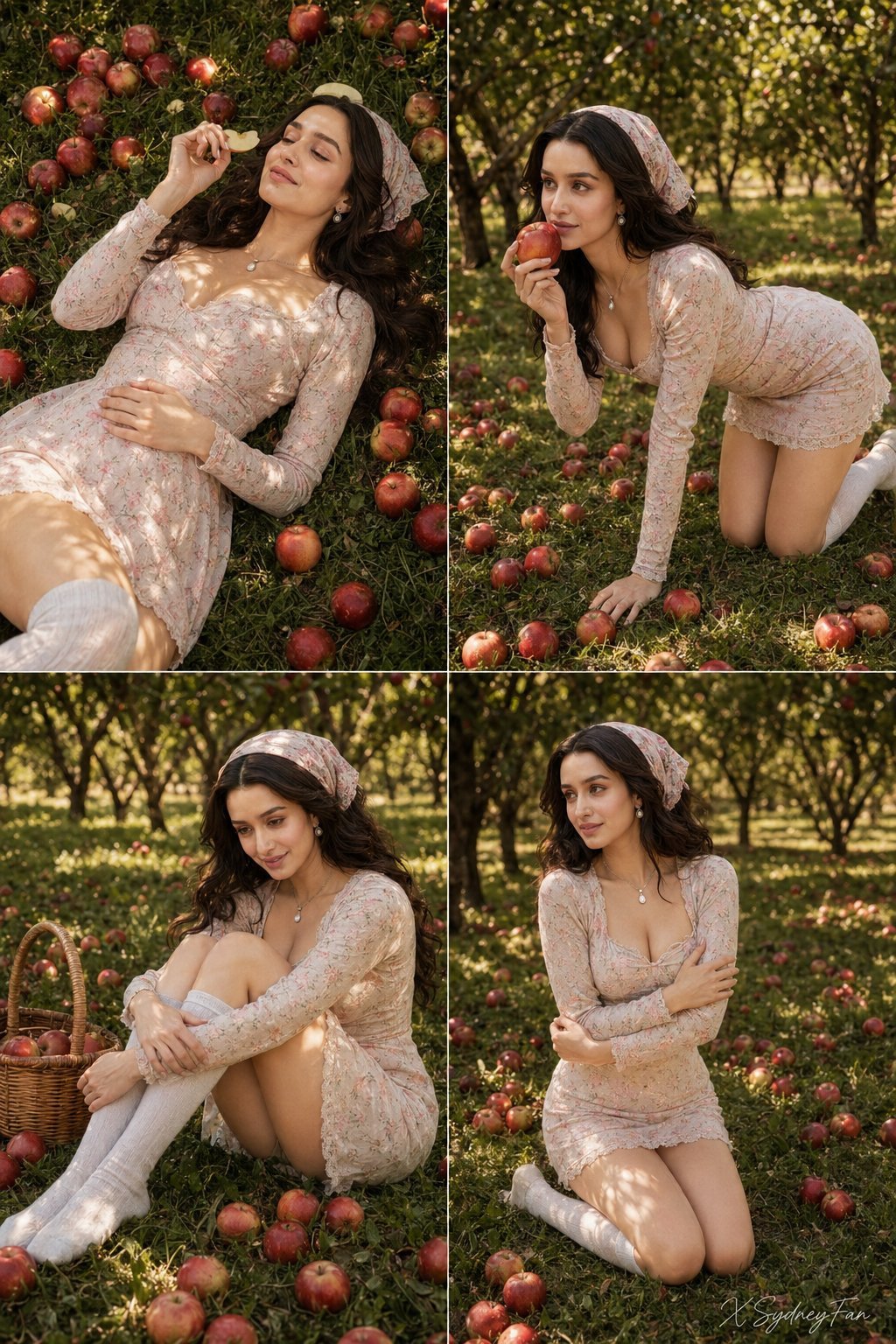
Nano Banana Apple Orchard Collage
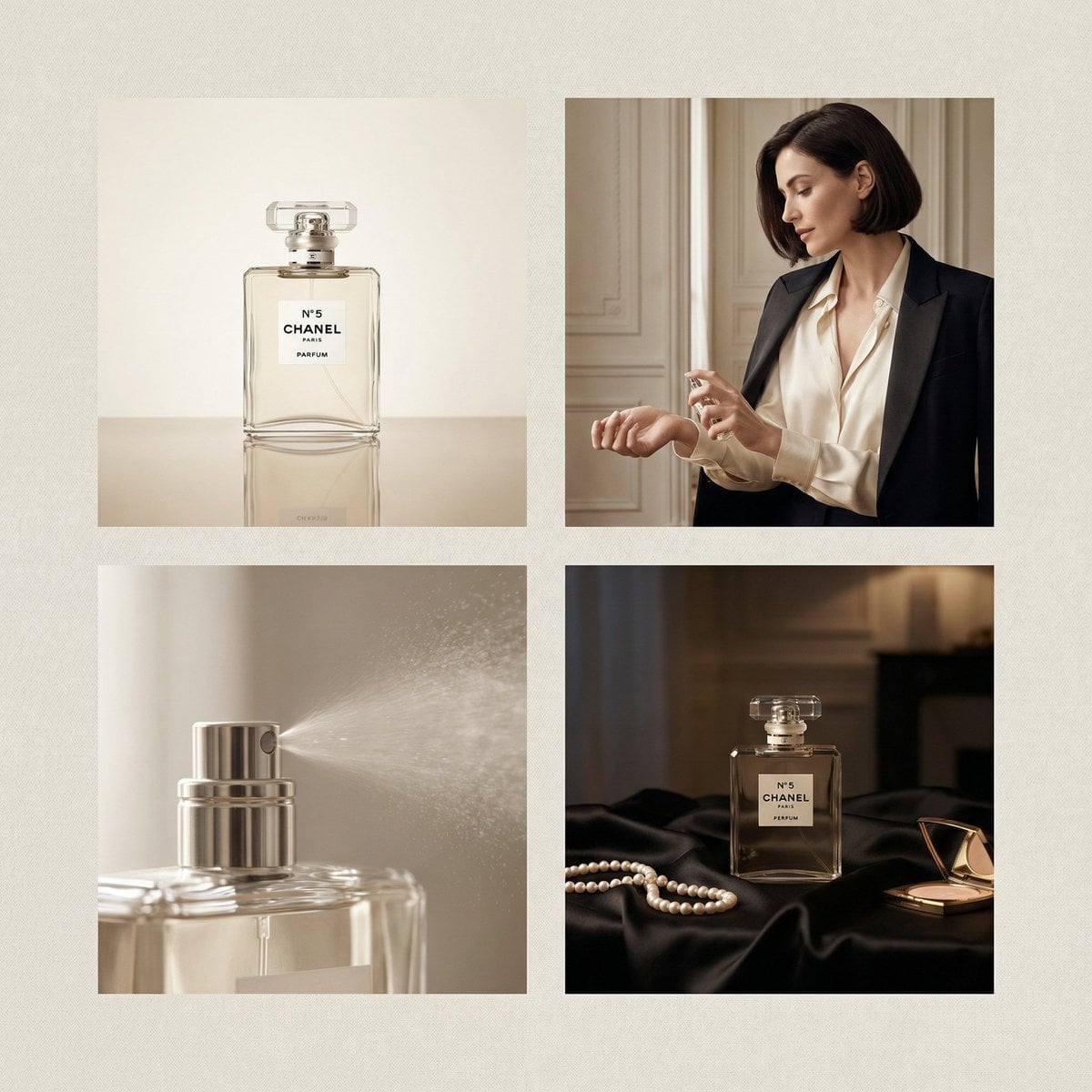
Chanel Perfume 2x2 Grid Luxury Campaign
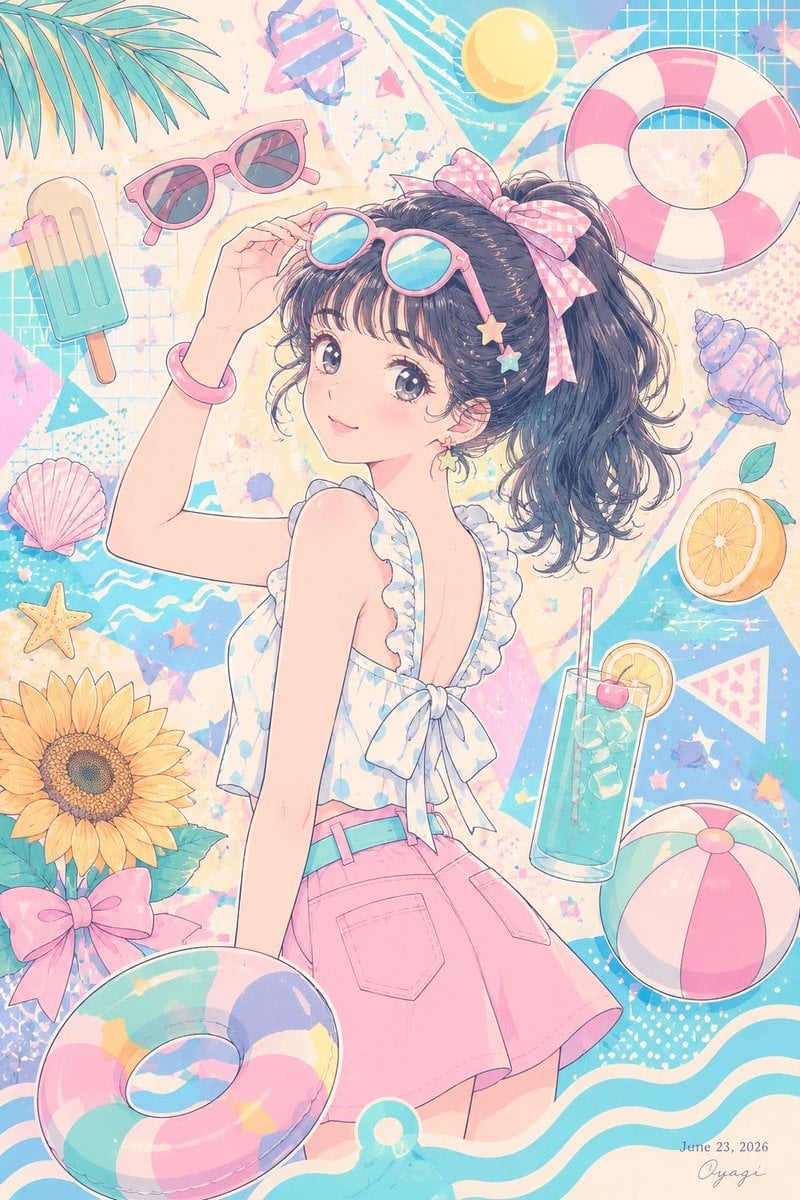
Pastel Anime Summer Beach Collage
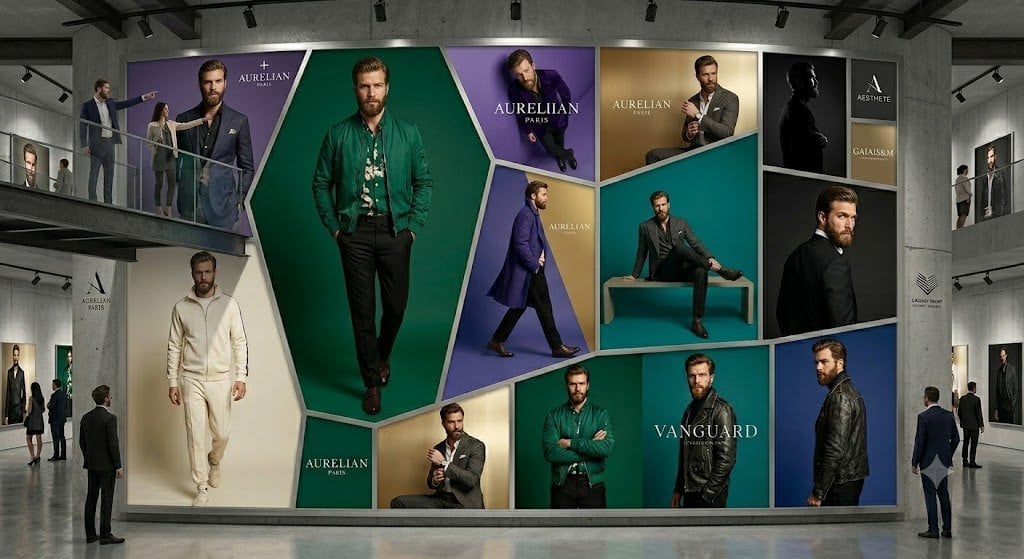
Luxury Menswear Gallery Collage
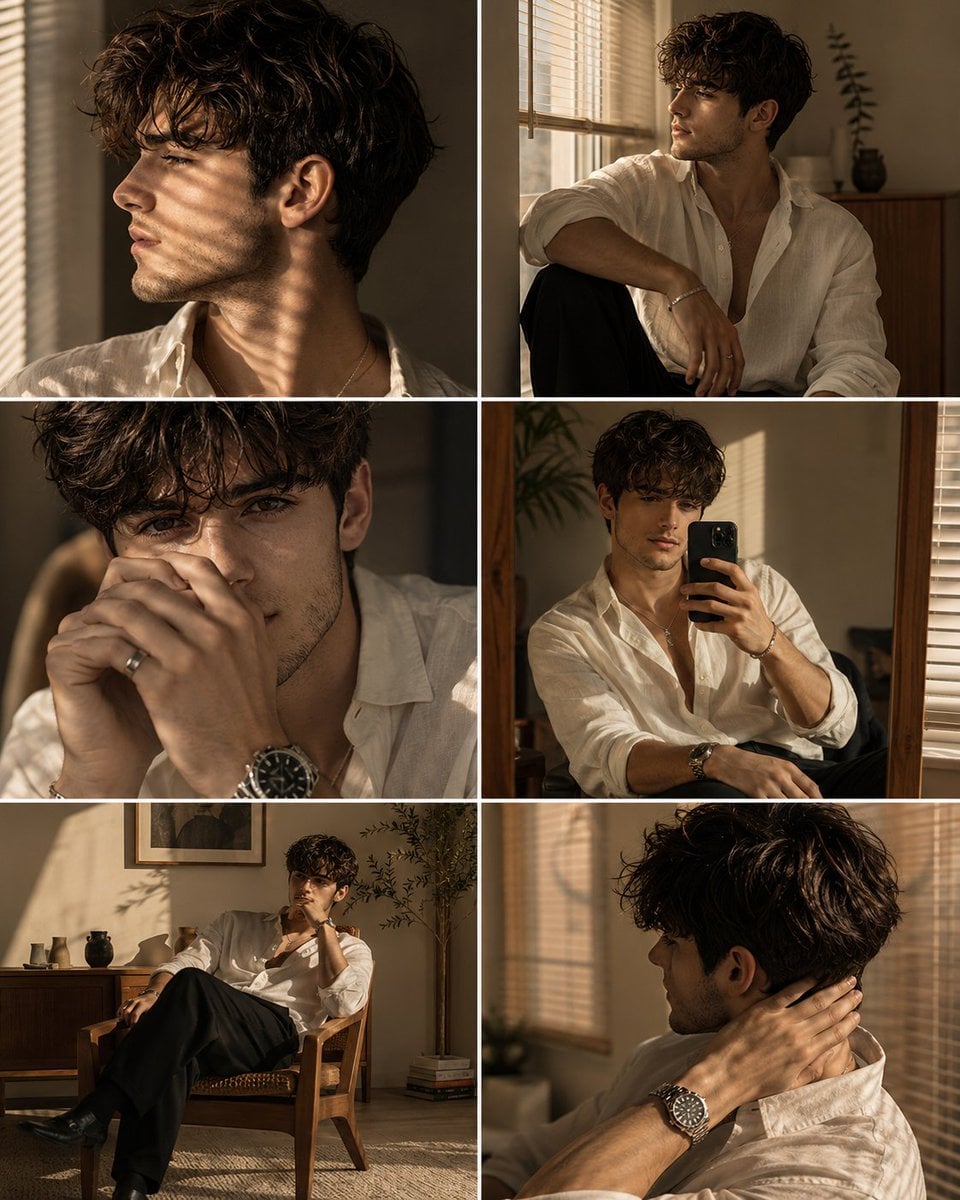
Luxury Men's Golden Hour Collage
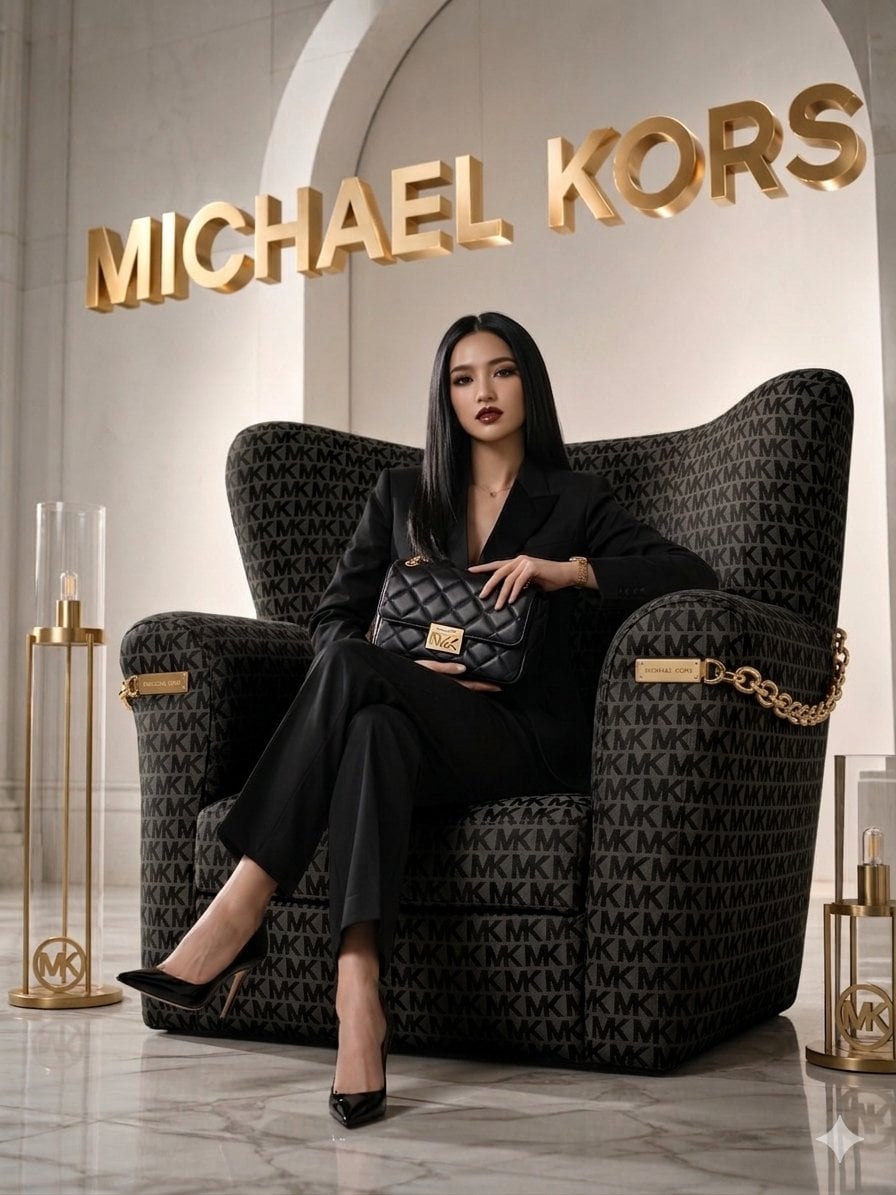
Luxury Brand Campaign Portrait
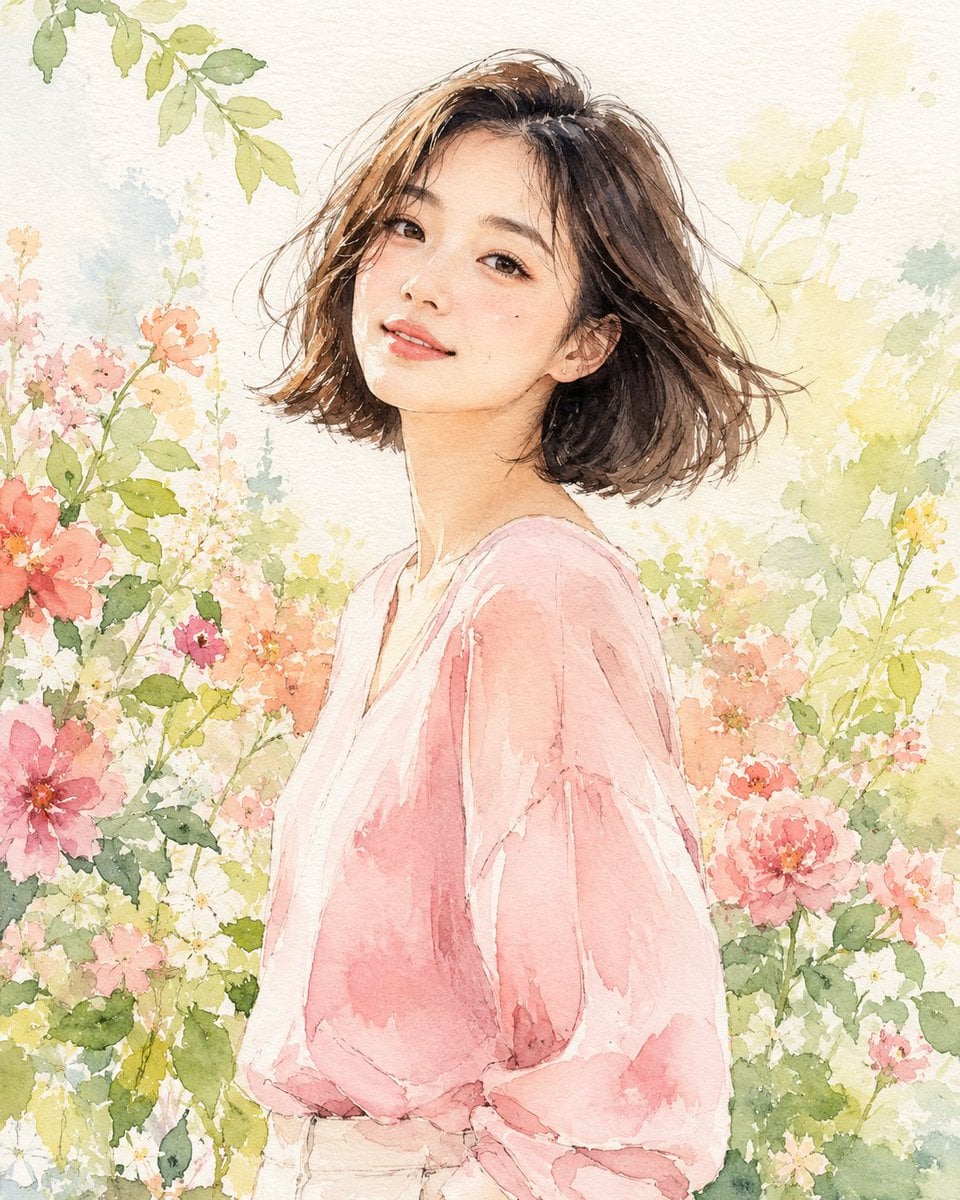
Paper Cut Finale Fireworks
Paper Cut Garden Maze
Paper Cut Rooftop Concert

Paper Cut Bicycle Coast
Paper Cut Castle Gate
Paper Cut Kitchen Chaos
Make it yours
Luxury Summer Polaroid Campaign Collage works as-is. These are the safest ways to change it without losing the look.
Change one field
Copy a single group, rewrite it, and generate again so you can see what that field is doing.
Keep the frame, change the subject
Hold the composition and light of Luxury Summer Polaroid Campaign Collage, then swap wardrobe, props or the person for a new take.
| If the result… | Why | Fix |
|---|---|---|
| The result drifts from the preview | Too many fields changed at once. | Reuse Luxury Summer Polaroid Campaign Collage as-is first, then change one group — subject, light, or setting. |
| The model over-stylizes the scene | The prose prompt leaves finish and camera underspecified. | Add one camera or lighting sentence and stay on GPT Image 2. |
More GPT Image 2 templates
Other prompts made for GPT Image 2.

Six VTuber Japanese Logo Sheet

Realistic Portrait of Woman and Deer

The Vista Modular Condo Poster

AI Model Routing Comparison Infographic

2.5D Anime Art Board

Isometric Productivity Desk Scene

New York Double Exposure Poster

Four-Panel AI Landscape Comparison

Japanese Tatami Lifestyle Magazine Cover

NESCAFÉ Coffee Map Poster
More image prompts
Fresh picks from across the catalog.
Hyper-Realistic Selfie Portrait
Video prompt for surreal miniature Pringles can snowboard scene
Surreal Cinematic Fashion Editorial on a Lunar Plain
Vintage Photo Restoration to Professional Portrait
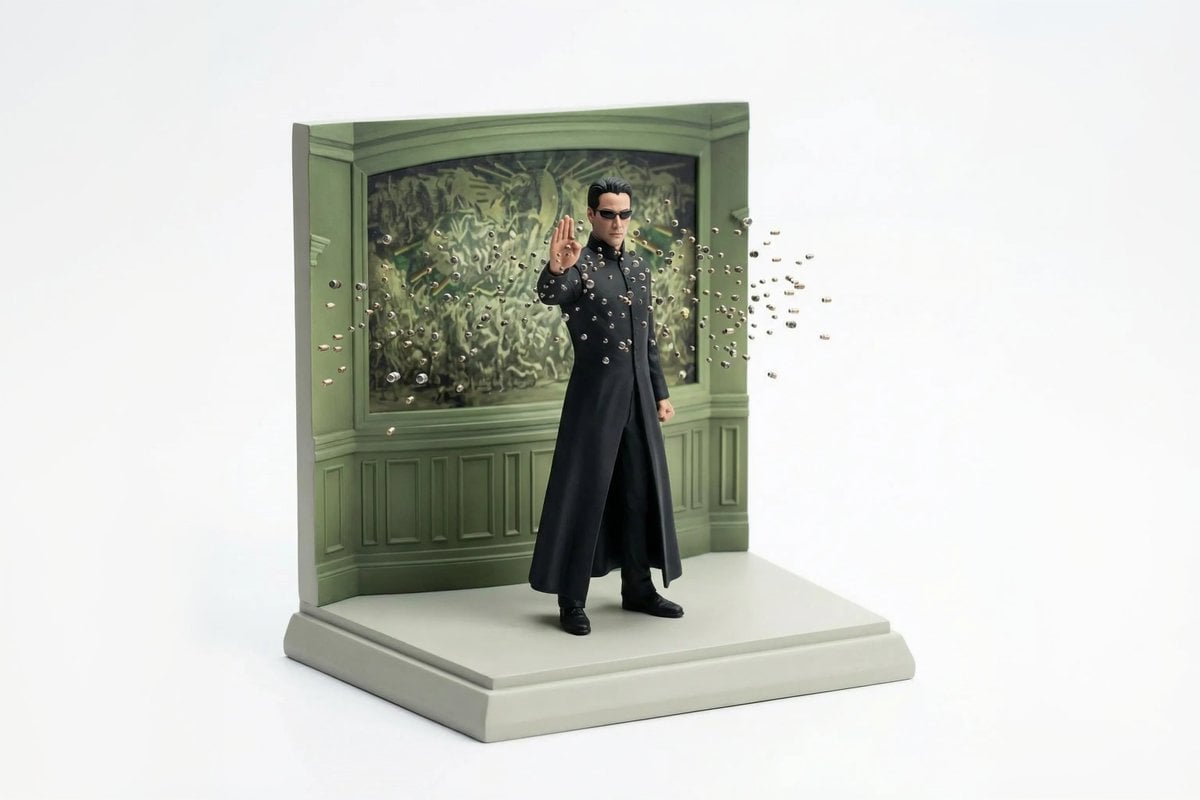
Miniature Diorama Reconstruction from a Reference Scene
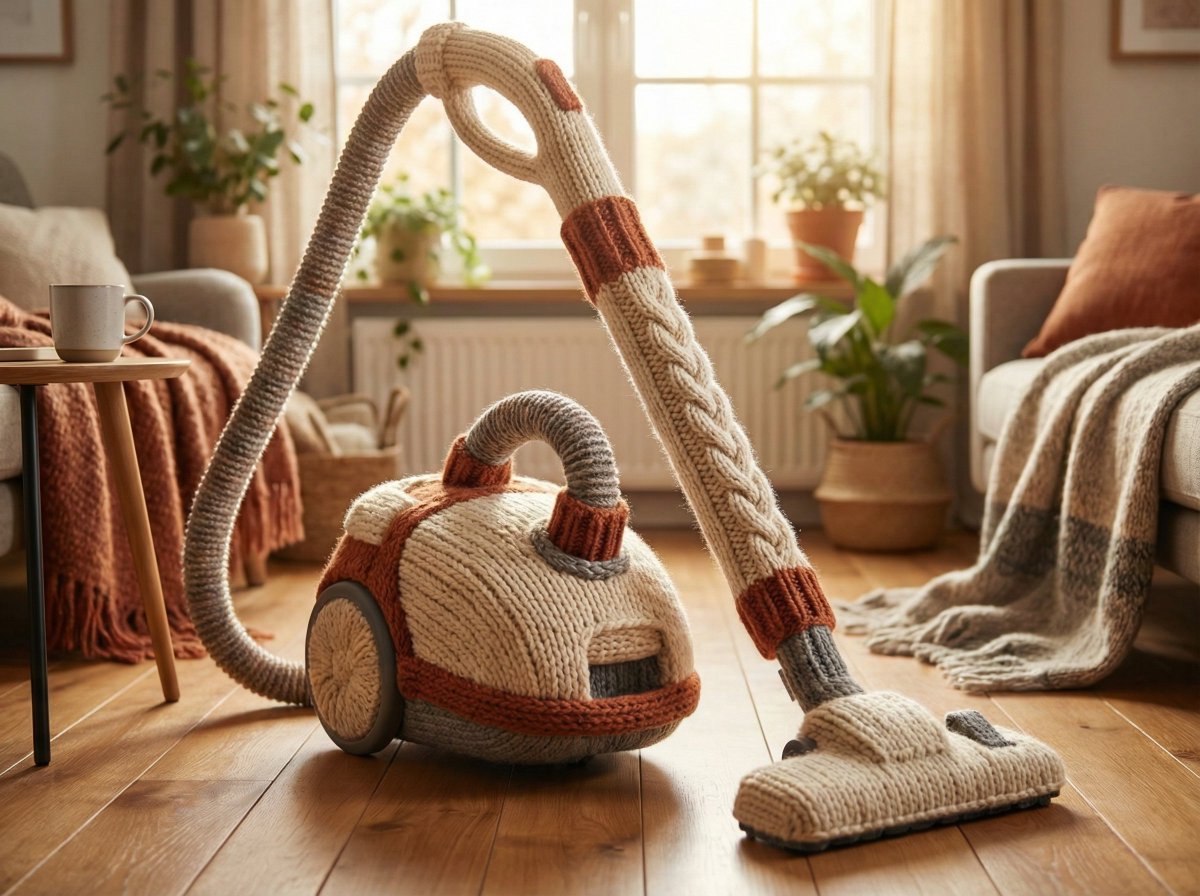
Cozy Knit Industrial Design Prompt
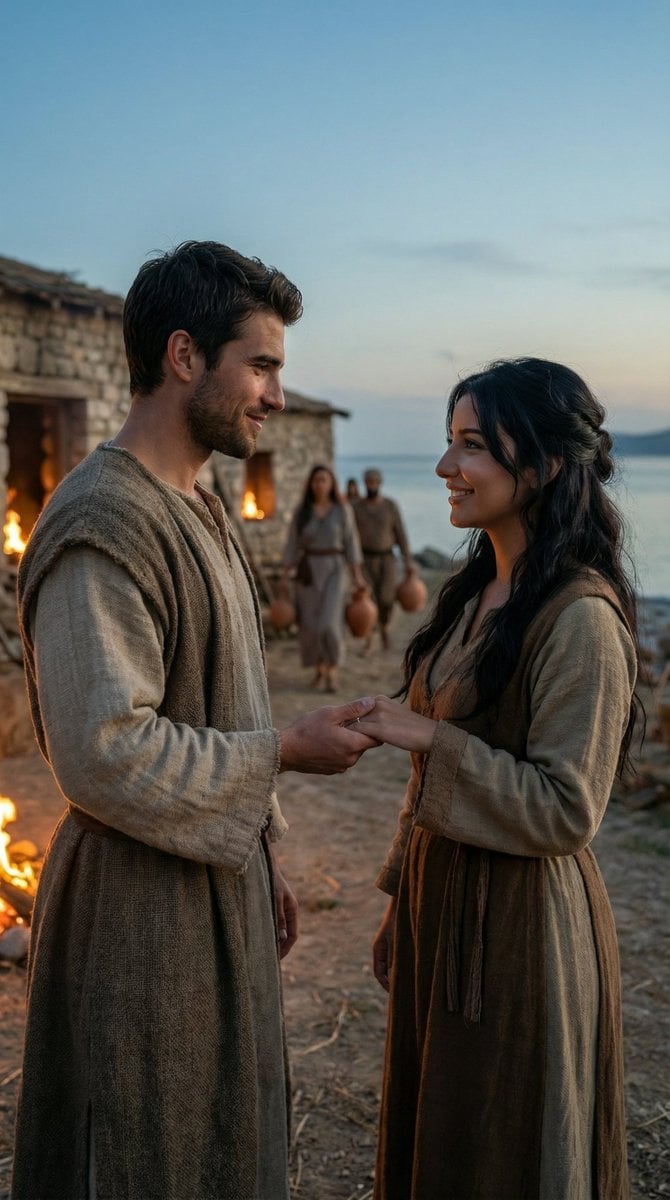
Cinematic Historical Love Story Scene Prompt
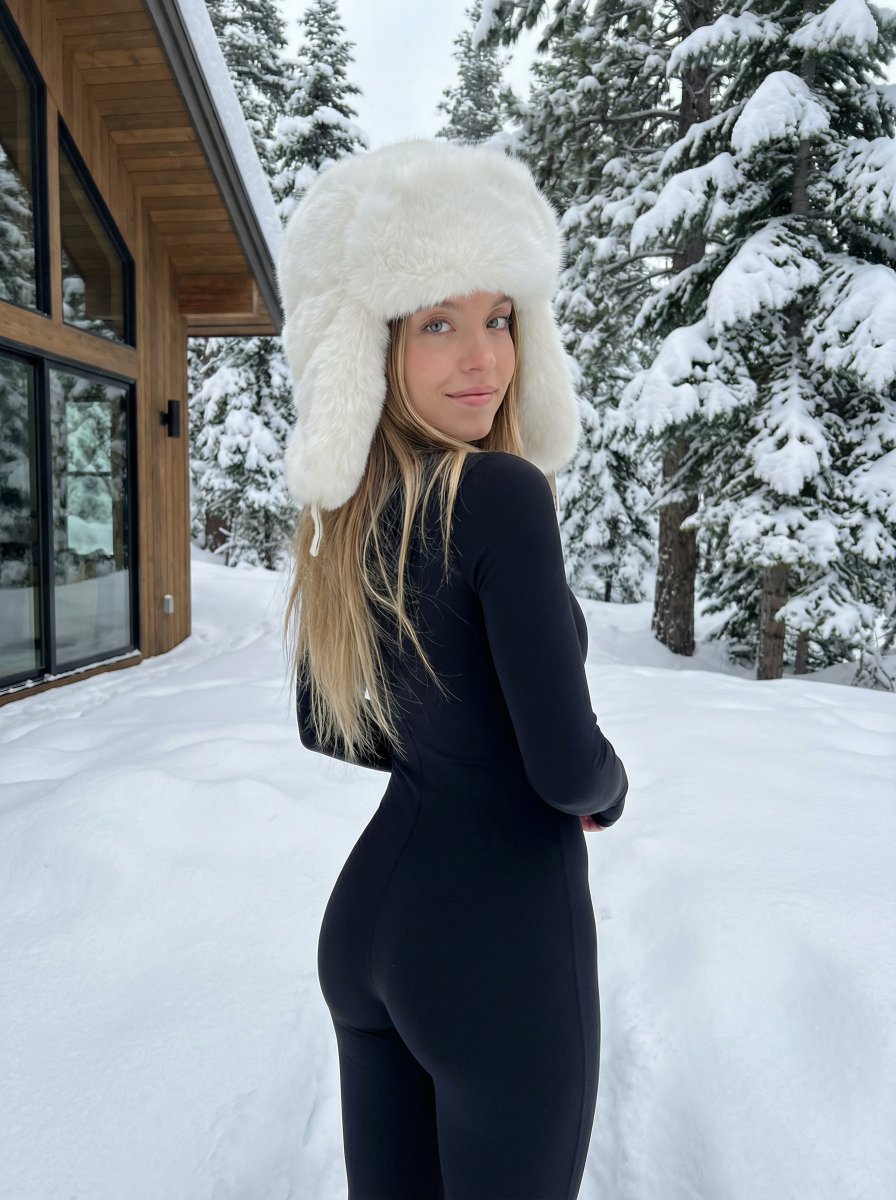
Winter fashion portrait with faux-fur hat and black bodysuit
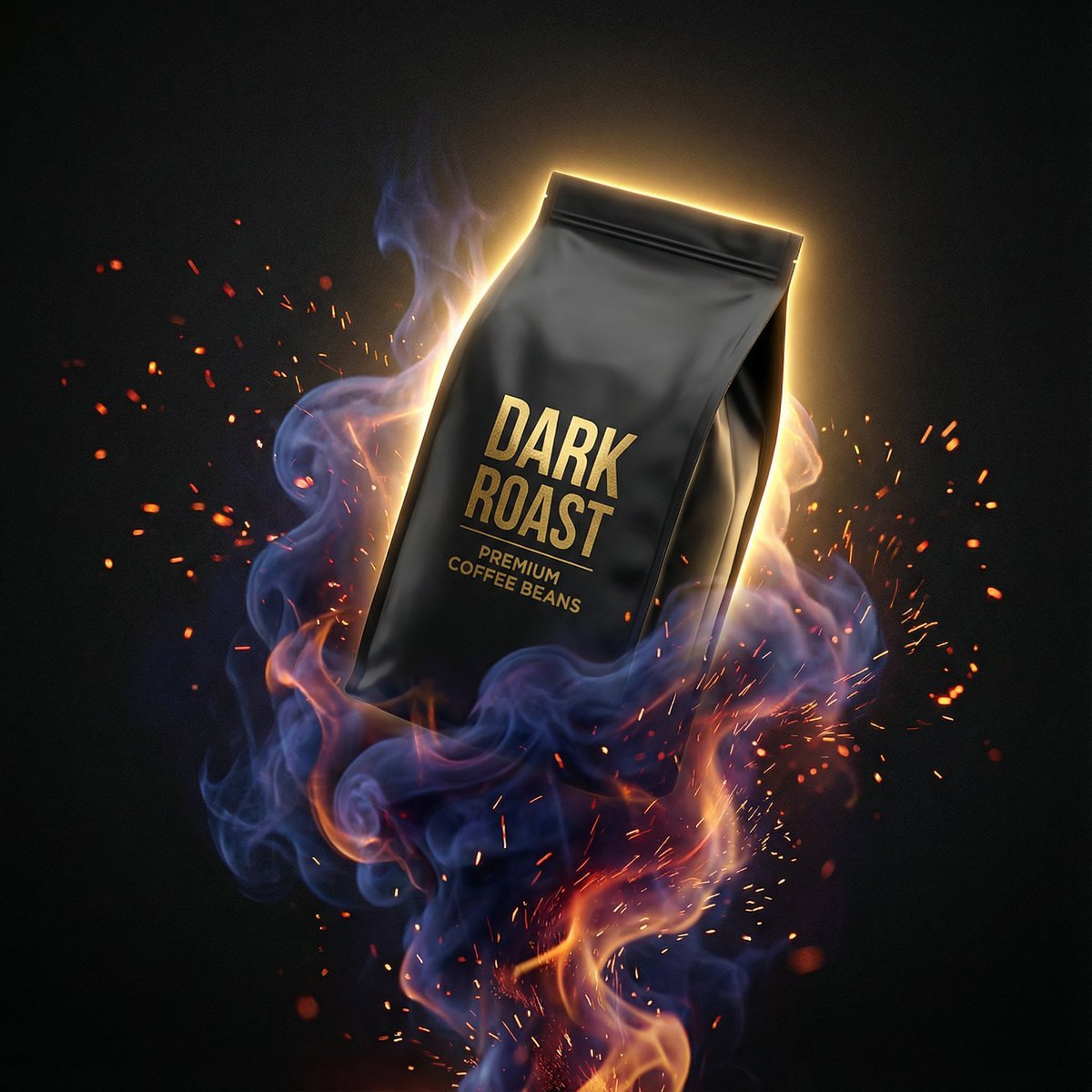
Dynamic Product Photography Prompt for Nano Banana Pro
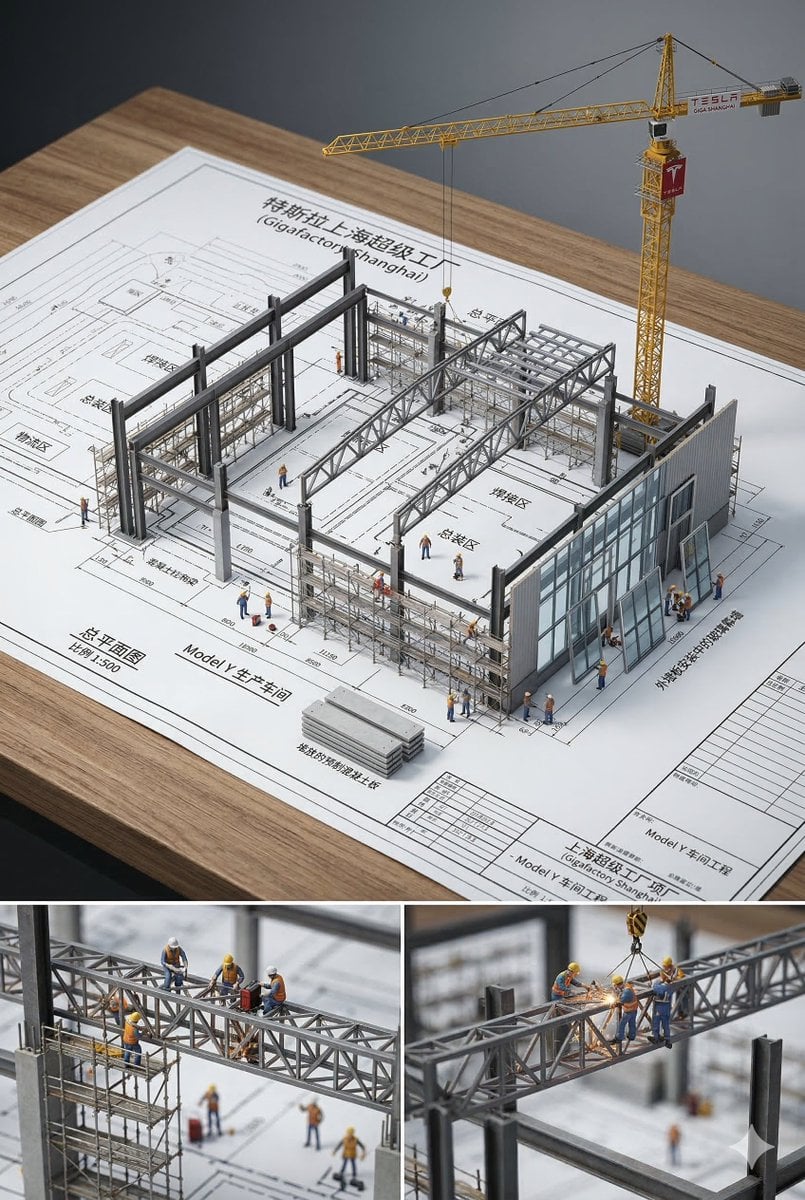
3D Miniature Architectural Blueprint
Browse template categories
Luxury Summer Polaroid Campaign Collage questions
How do I use the Luxury Summer Polaroid Campaign Collage template?
Add your photo if the template asks for one, edit the prompt if you like — the template's model and format are already selected — and press Generate. Your version opens in PicX Studio.
Can I customize the Luxury Summer Polaroid Campaign Collage template?
Yes. You can change the subject, setting, lighting, mood, format, and available model controls before creating your image.
Is the Luxury Summer Polaroid Campaign Collage template free?
Opening and editing this template is free. Generating uses credits, shown on the Generate button when you are signed in.
Which AI model should I use?
Start with GPT Image 2, which is the model associated with this template. You can compare another compatible model for a different finish.
Looking for something else? Browse all templates.

Your photo, any look
Thousands of ready templates for every top image and video model, from one credit balance.