
Miniature Diorama Reconstruction from a Reference Scene
This is a highly detailed structured prompt designed to transform a provided reference image into a clean, collectible-scale miniature diorama.
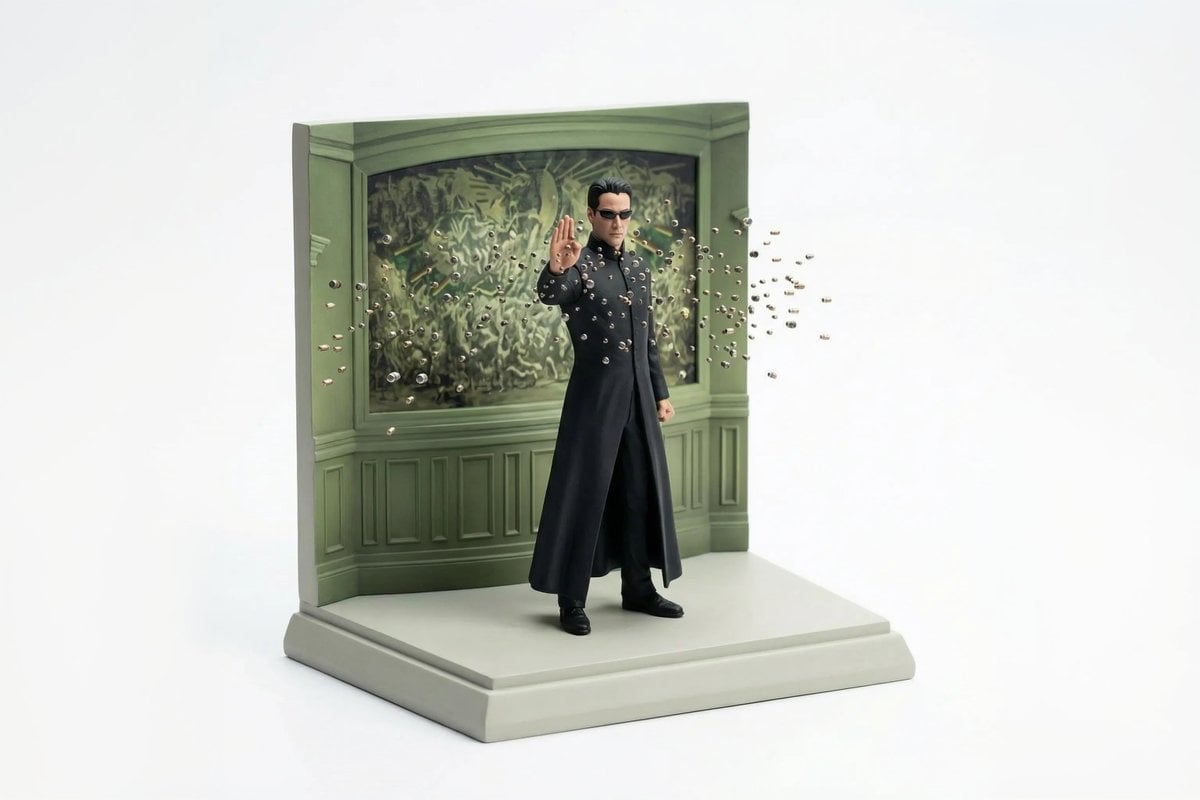
- Prompt included
- Model and format preset
- Free template
The prompt behind this image
Copy the exact prompt behind Miniature Diorama Reconstruction from a Reference Scene, or open it in the studio and make it yours.
- Reference Images › Scene Reference
- ATTACHED_IMAGE
- Reference Images › Usage Rule
- Use this image as the sole and exact source for scene layout, object placement, and composition. Do not reinterpret or replace the scene.
- Concept › Type
- miniature diorama reconstruction
- Concept › Intent
- Rebuild the attached scene as a clean, collectible-scale diorama while preserving the original spatial relationships
- Environment › Scale
- tabletop miniature
- Environment › Ground › Type
- sculpted base
- Environment › Ground › Behavior
- supports all objects naturally without enclosure
- Environment › Ground › Edges
- clean, minimal, slightly beveled
- Environment › Background › Type
- seamless studio backdrop
- Environment › Background › Color
- pure white
- Environment › Background › Constraint
- no environment beyond the diorama base
- Objects And Elements › Layout Rule
- All objects must remain in the same relative positions as in the reference image
- Objects And Elements › Primary Elements
- exact vehicles, structures, props, and terrain visible in the reference
- Objects And Elements › Detail Handling
- simplified but faithful miniature proportions
- Objects And Elements › Characters › Presence
- only if present in the reference
- Objects And Elements › Characters › Style
- miniature figurines, no facial realism
- Composition › View
- isometric or slightly elevated 3/4 perspective
- Composition › Framing
- entire diorama visible, centered
- Composition › Cropping
- no zoom, no cinematic crop
- Camera › Lens Equivalent
- 35mm–50mm
- Camera › Perspective
- miniature realism
- Camera › Distortion
- none
- Lighting › Type
- soft studio lighting
- Lighting › Direction
- overhead and slightly angled
Raw JSON
{
 "reference_images": {
 "scene_reference": "ATTACHED_IMAGE",
 "usage_rule": "Use this image as the sole and exact source for scene layout, object placement, and composition. Do not reinterpret or replace the scene."
 },

 "concept": {
 "type": "miniature diorama reconstruction",
 "intent": "Rebuild the attached scene as a clean, collectible-scale diorama while preserving the original spatial relationships"
 },

 "environment": {
 "scale": "tabletop miniature",
 "ground": {
 "type": "sculpted base",
 "behavior": "supports all objects naturally without enclosure",
 "edges": "clean, minimal, slightly beveled"
 },
 "background": {
 "type": "seamless studio backdrop",
 "color": "pure white",
 "constraint": "no environment beyond the diorama base"
 }
 },

 "objects_and_elements": {
 "layout_rule": "All objects must remain in the same relative positions as in the reference image",
 "primary_elements": "exact vehicles, structures, props, and terrain visible in the reference",
 "detail_handling": "simplified but faithful miniature proportions",
 "characters": {
 "presence": "only if present in the reference",
 "style": "miniature figurines, no facial realism"
 }
 },

 "composition": {
 "view": "isometric or slightly elevated 3/4 perspective",
 "framing": "entire diorama visible, centered",
 "cropping": "no zoom, no cinematic crop"
 },

 "camera": {
 "lens_equivalent": "35mm–50mm",
 "perspective": "miniature realism",
 "distortion": "none"
 },

 "lighting": {
 "type": "soft studio lighting",
 "direction": "overhead and slightly angled",
 "shadows": "subtle contact shadows only beneath objects",
 "avoid": [
 "dramatic lighting",
 "spotlights",
 "cinematic contrast"
 ]
 },

 "materials_and_style": {
 "surface_finish": "smooth, matte or lightly satin",
 "material_quality": "high-quality scale model materials",
 "aesthetic": "clean, modern, premium diorama"
 },

 "quality_controls": {
 "image_clarity": "ultra-clean",
 "grain": "none",
 "noise": "none",
 "motion_blur": "none"
 },

 "negative_prompts": [
 "glass case",
 "display box",
 "museum enclosure",
 "transparent cube",
 "protective casing",
 "reflections on glass",
 "labels or plaques",
 "text overlays",
 "busy background",
 "cinematic blur"
 ]
}How to use Miniature Diorama Reconstruction from a Reference Scene in 3 steps
- 1Upload ImagePNG, JPG or paste
Add your photo
Upload the photo the template builds on. The prompt, model and format are already set.
- 2…a portrait of your subject in softgolden-hour light, 85mm…
Personalize
Edit the subject and creative details for your destination.
- 3Generate
Generate
Press Generate — your image is created in PicX Studio, so you can compare it with the original and refine one variable at a time.
More like this
Templates with the same subject, style or setup. Open one to see its prompt.

Isometric Brand Store Diorama
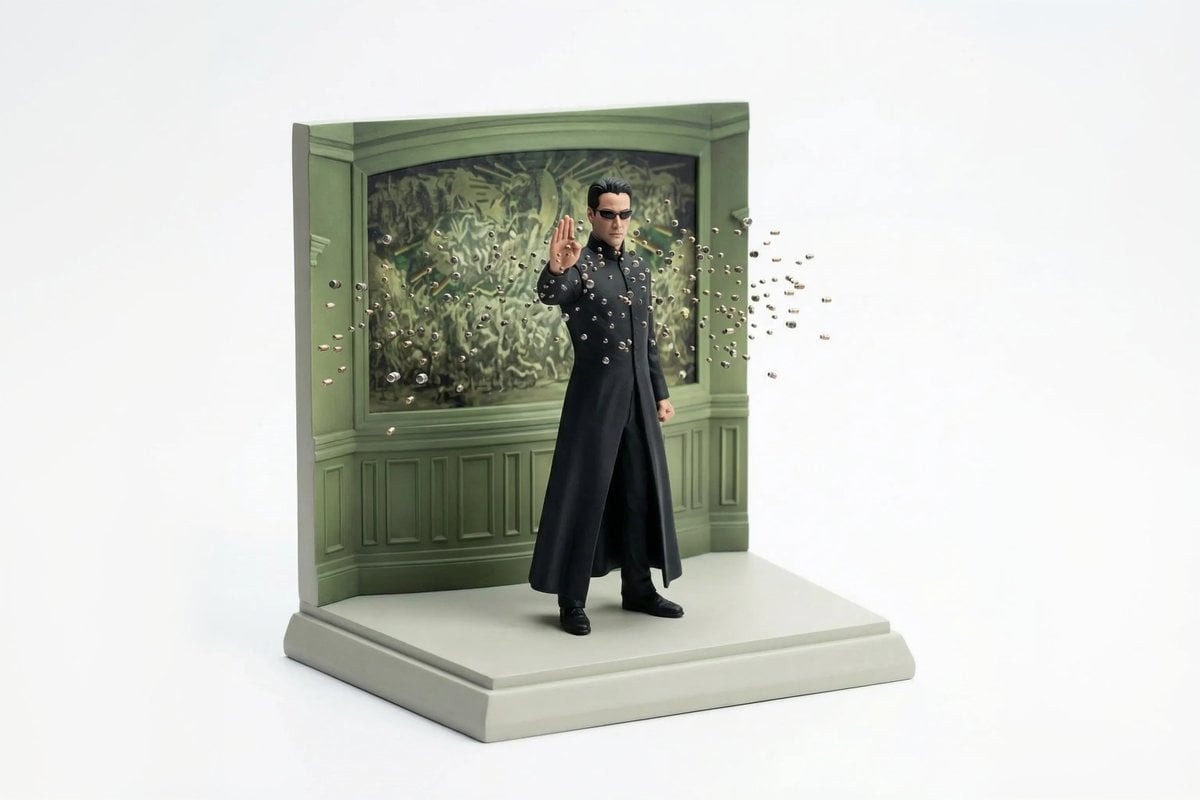
Miniature Diorama Scene Reconstruction

Miniature Sick Day Diorama

Stylized Miniature 3D Diorama Craft

Cozy Isometric Bathroom Miniature Diorama

Paper Tunnel Book Architecture

Layered Paper Cut Forest Diorama

Soft Handcrafted Paper-Cut Layered Illustration
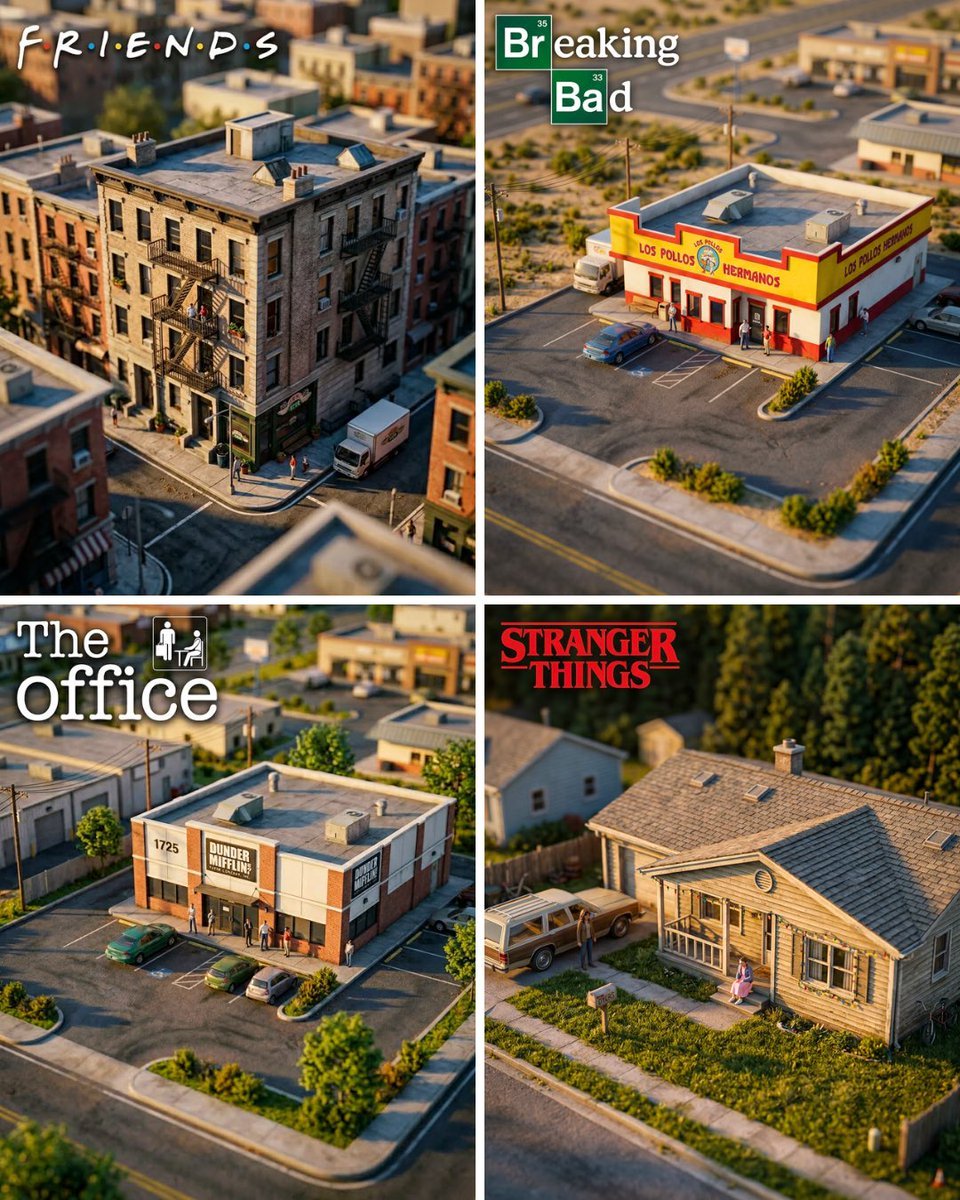
Hyper-Realistic Miniature Diorama Creator

Isometric Process Educational Diorama

FIFA World Cup — Brazil National Pass Diorama
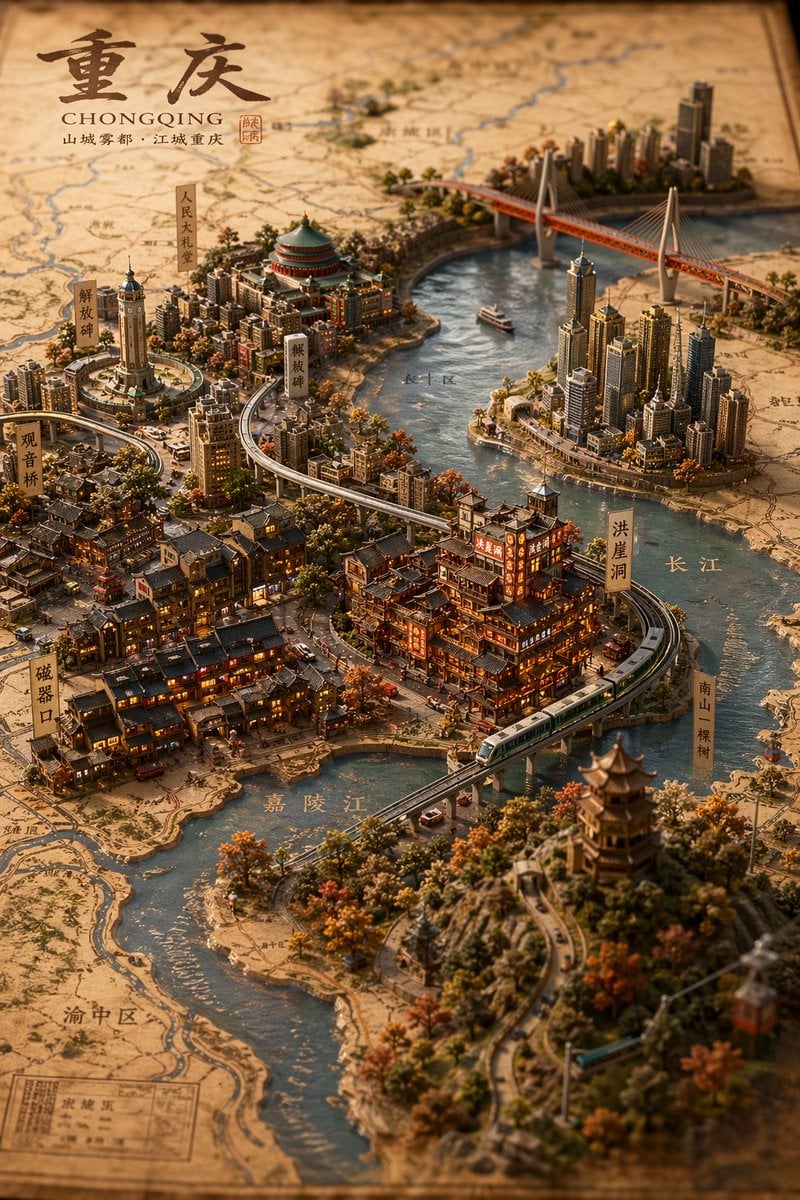
Miniature 3D City Diorama Map
Make it yours
Miniature Diorama Reconstruction from a Reference Scene works as-is. These are the safest ways to change it without losing the look.
Swap the setting
Keep the rest of the prompt and replace the location block. The current setting is “tabletop miniature”.
Swap the light
One lighting change is enough to compare takes. Current light: “soft studio lighting”.
Change one field
Copy a single group, rewrite it, and generate again so you can see what that field is doing.
| If the result… | Why | Fix |
|---|---|---|
| The result drifts from the preview | Too many fields changed at once. | Reuse Miniature Diorama Reconstruction from a Reference Scene as-is first, then change one group — subject, light, or setting. |
| Nano Banana 2 ignores part of the JSON | Some models flatten or skip nested keys. | Keep the same values and paste them as a short paragraph instead. |
More Nano Banana 2 templates
Other prompts made for Nano Banana 2.

Photorealistic Leaf Shaped Like a Dragon

K-Pop Idol Portrait Grid for Rapid Selection

Poetic Rain Forest Portrait During Golden Hour

Urban Street Portrait with Cartoon Inner Self Duo

Candid Nighttime Photo with Cat Prompt

High-Concept 3D Diorama Generation Prompt

Cinematic Futuristic Studio Portrait Template

Skincare Editorial Photography Collage Prompt

Hyper-Realistic Commercial Product Photography (Splash Effect)

Hyper-Realistic Nightclub Portrait Prompt
More image prompts
Fresh picks from across the catalog.
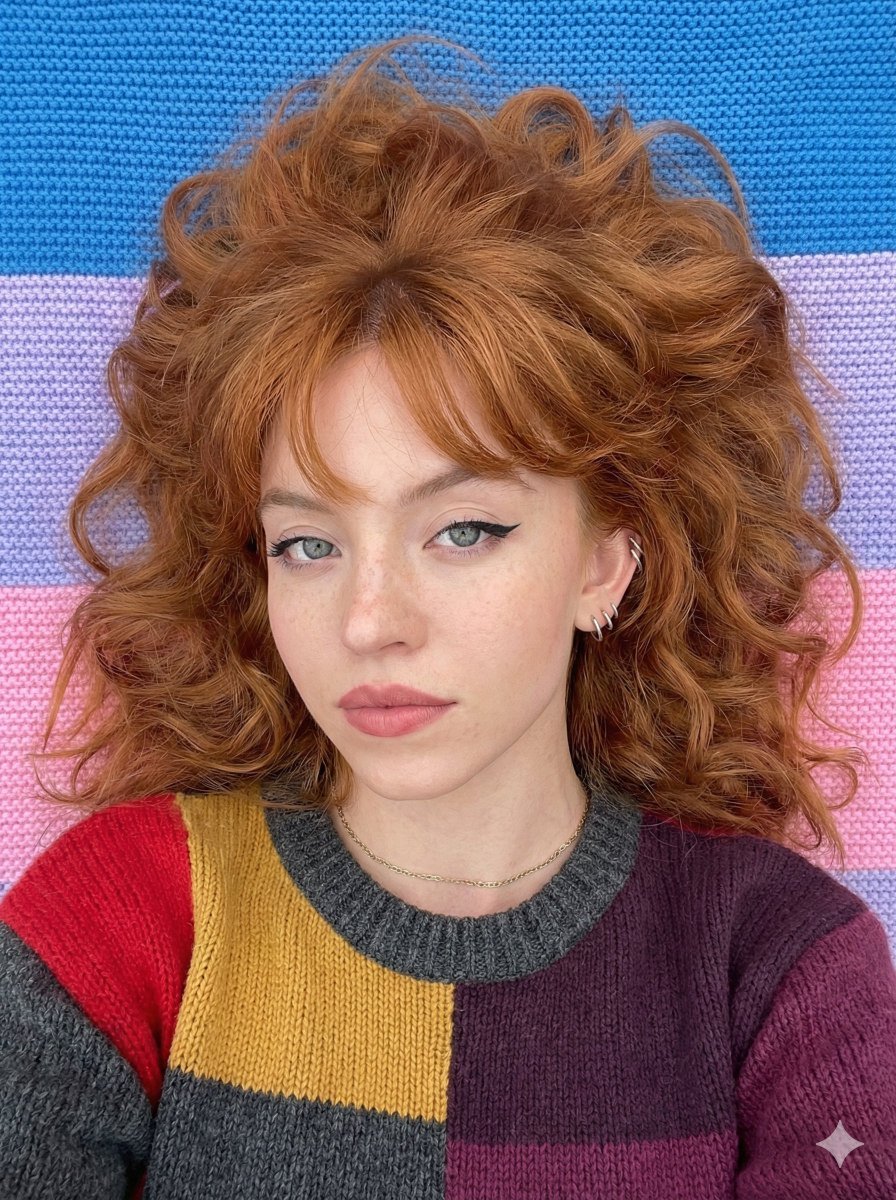
Top-Down Cozy Patchwork Portrait
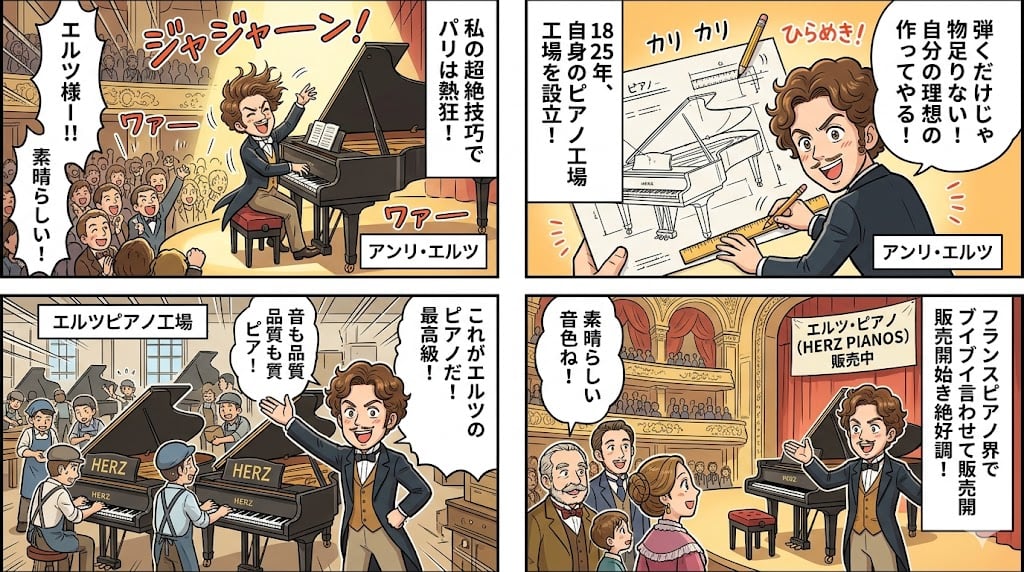
Piano Prodigy Manga Story
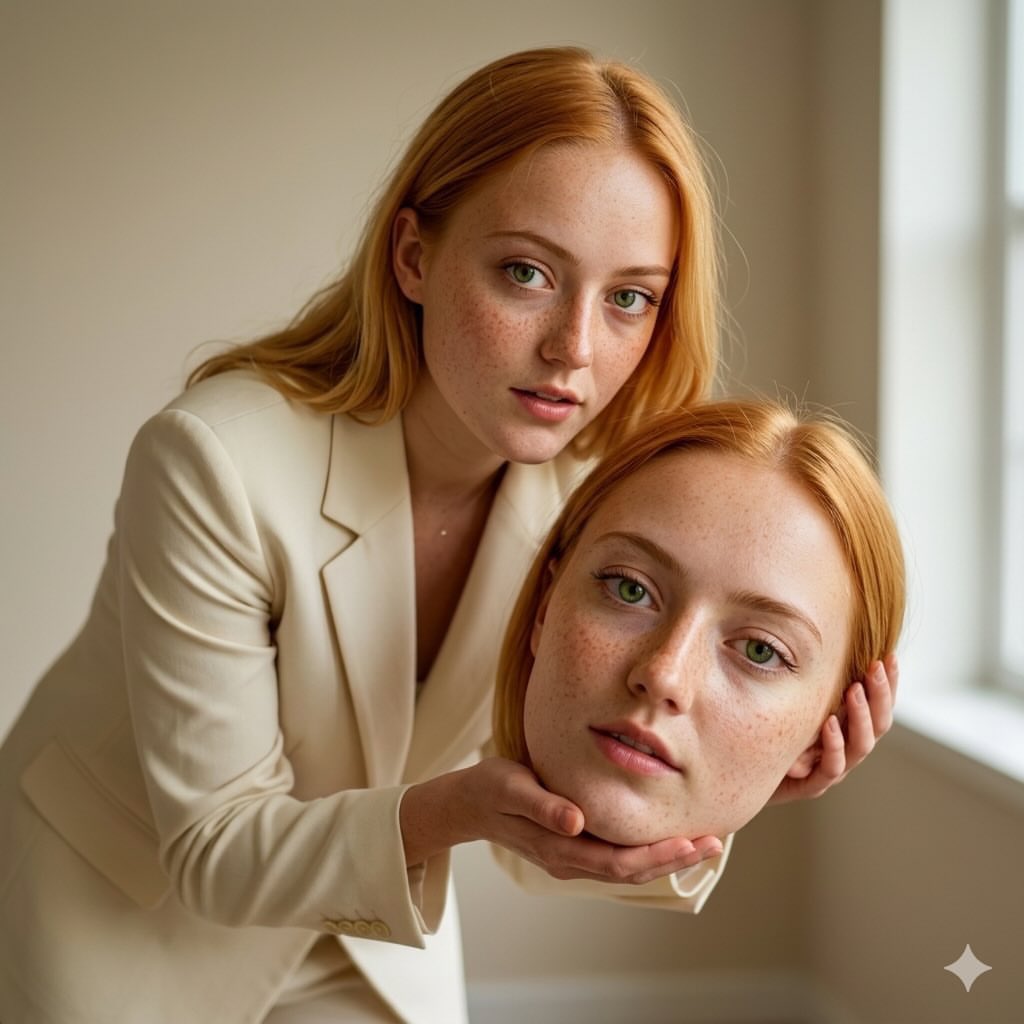
Surreal Conceptual Fashion Portrait
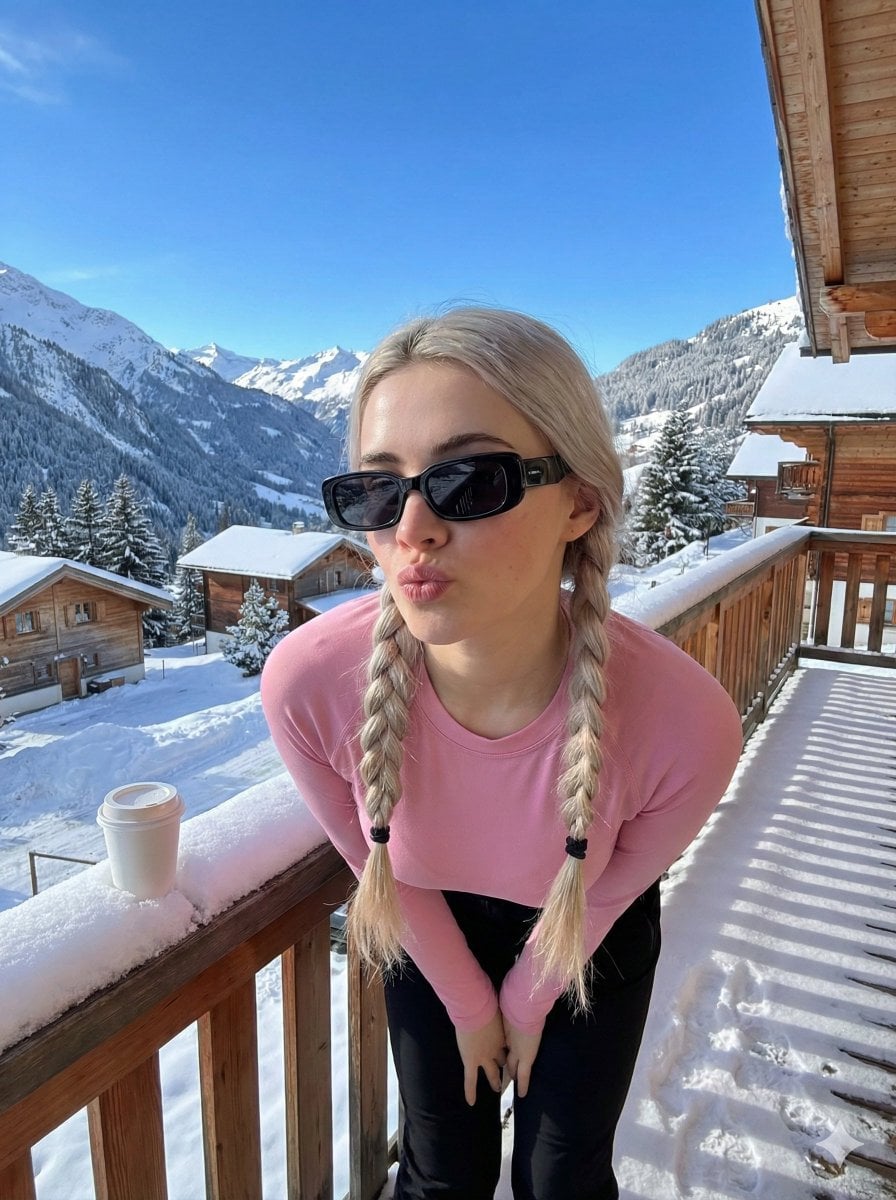
Image-to-Image Winter Alpine Portrait
Mechanical Keyboard Themed Art Poster Prompt
HSP3 Manga Introduction Comic
Panel Dance Editorial Grid Prompt
Character Expression Sheet Generation (Anime Style)
Cozy Bedtime Woman With Ginger Kitten
Image-to-SD Papercraft Conversion Prompt
Browse template categories
Miniature Diorama Reconstruction from a Reference Scene questions
How do I use the Miniature Diorama Reconstruction from a Reference Scene template?
Add your photo if the template asks for one, edit the prompt if you like — the template's model and format are already selected — and press Generate. Your version opens in PicX Studio.
Can I customize the Miniature Diorama Reconstruction from a Reference Scene template?
Yes. You can change the subject, setting, lighting, mood, format, and available model controls before creating your image.
Is the Miniature Diorama Reconstruction from a Reference Scene template free?
Opening and editing this template is free. Generating uses credits, shown on the Generate button when you are signed in.
Which AI model should I use?
Start with Nano Banana 2, which is the model associated with this template. You can compare another compatible model for a different finish.
Looking for something else? Browse all templates.

Your photo, any look
Thousands of ready templates for every top image and video model, from one credit balance.