
Image-to-SD Papercraft Conversion Prompt
A detailed prompt for Nano Banana Pro (used via Lovart) to convert an input image into two outputs: a Super Deformed (SD) character papercraft template (unfolded view) and the final assembled papercraft product.
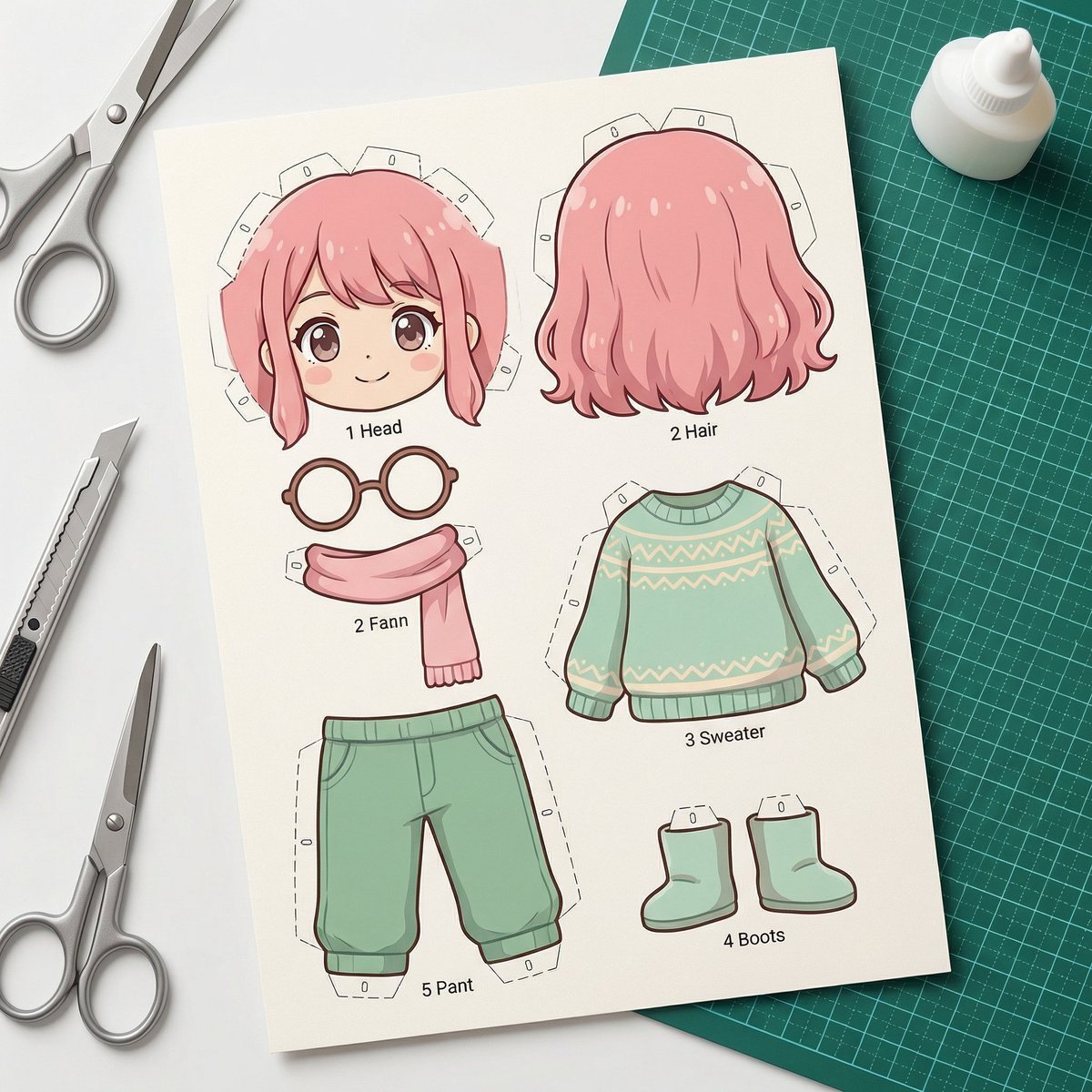
- Prompt included
- Model and format preset
- Free template
The prompt behind this image
Copy the exact prompt behind Image-to-SD Papercraft Conversion Prompt, or open it in the studio and make it yours.
[AI指示: 画像→SDペーパークラフト変換] [入力画像] を分析する。 抽出: [入力画像]から人物/キャラクターの顔の特徴、髪型、髪色、服装、アクセサリー、ポーズを読み取る。 SD化: 2〜3頭身のSDキャラクター(スーパーデフォルメ)としてペーパークラフト化。 出力: 2枚の画像を生成。 [画像1: 展開図・パーツ] ペーパークラフトの展開図状態。厚紙に印刷されたカラフルなパーツ。頭、顔、髪、胴体、腕、脚、アクセサリーなど各パーツの展開図。折り線(点線)、のりしろ、番号が見える。背景にハサミ、カッター、のり、カッターマットが散らばっている。真上からの俯瞰構図。企業名・ロゴは一切表示しない。 [画像2: 完成品] 組み立て済みの立体ペーパークラフト。SDキャラクターとして2〜3頭身。髪型、髪色、服装、アクセサリーは入力画像を参考に再現。紙の質感、折り目、角の丸み、手作り感のある温かみ。商品プロモーション撮影のような構図とライティング。 [注意] 実在の企業名、ブランドロゴ、商標は一切含めない。 [雰囲気] クラフト雑誌やハンドメイド作品の写真のようなクオリティ。柔らかいスタジオライティング、クリーンな背景。高解像度。
How to use Image-to-SD Papercraft Conversion Prompt in 3 steps
- 1
Open
The prompt is already in the box next to the preview, with the template's model and format selected.
- 2…a portrait of your subject in softgolden-hour light, 85mm…
Personalize
Edit the subject and creative details for your destination.
- 3Generate
Generate
Press Generate — your image is created in PicX Studio, so you can compare it with the original and refine one variable at a time.
More like this
Templates with the same subject, style or setup. Open one to see its prompt.
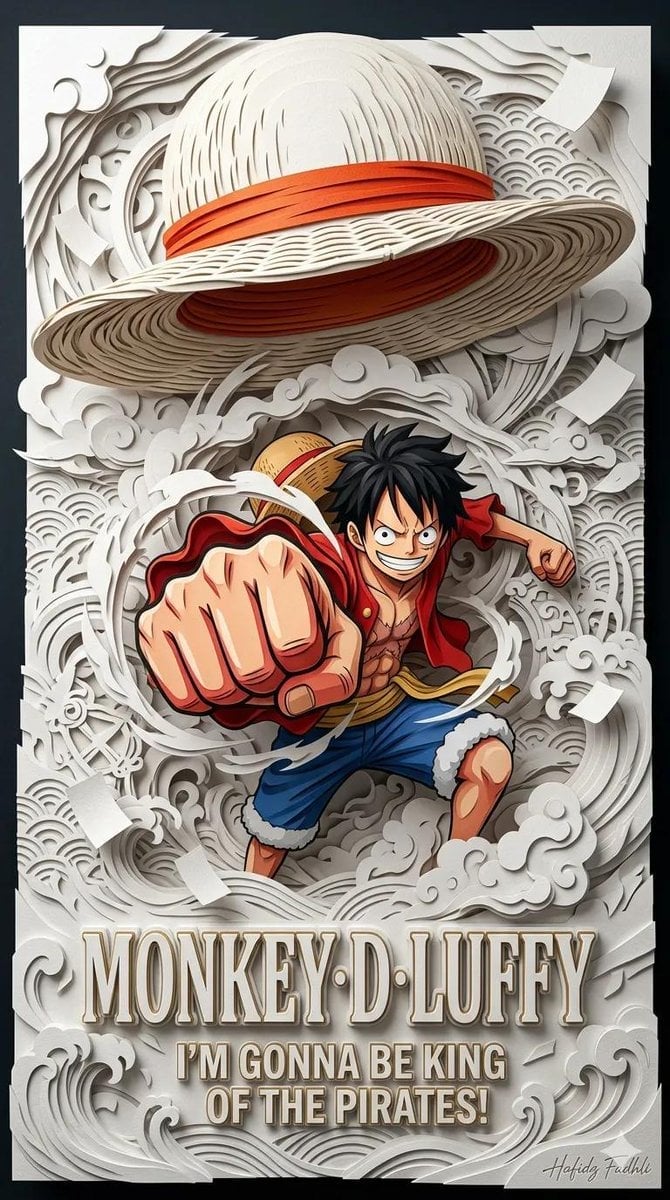
Master Papercraft Shadow Box — Anime Hero Emerging from Paper Waves

Soft Handcrafted Paper-Cut Layered Illustration
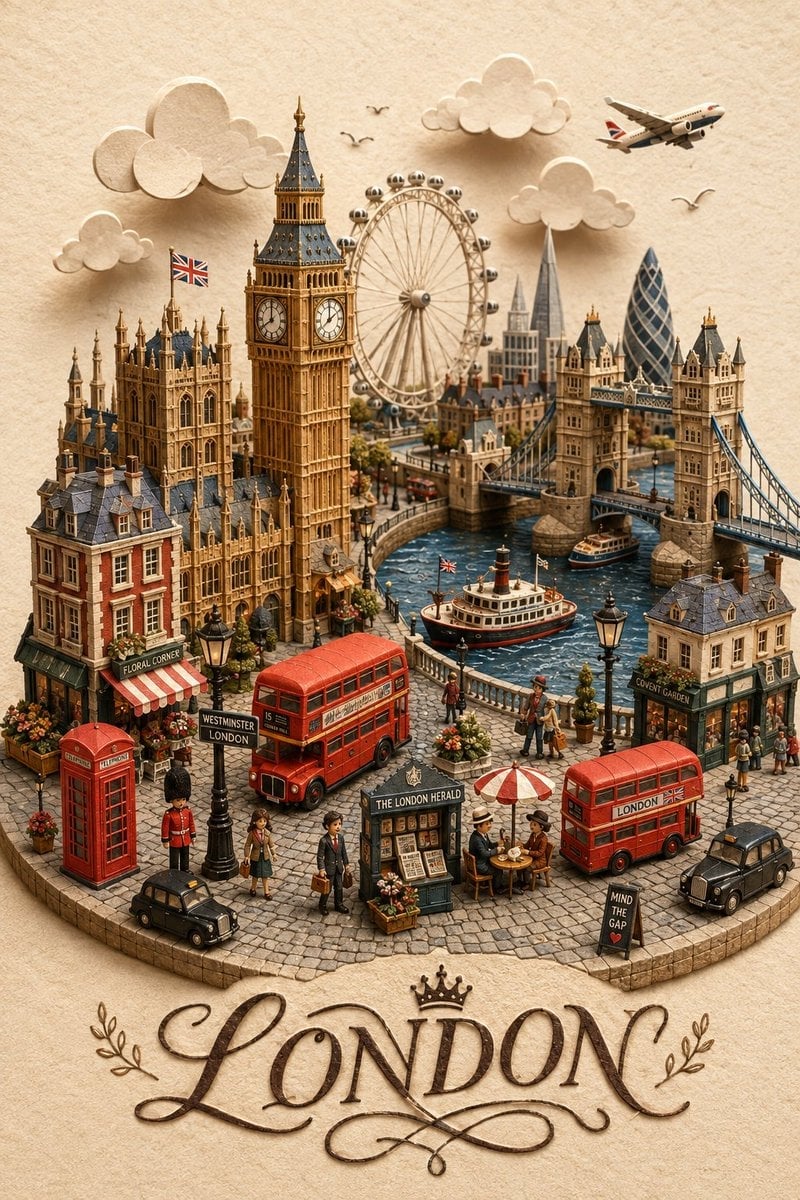
London Papercraft and Clay Diorama
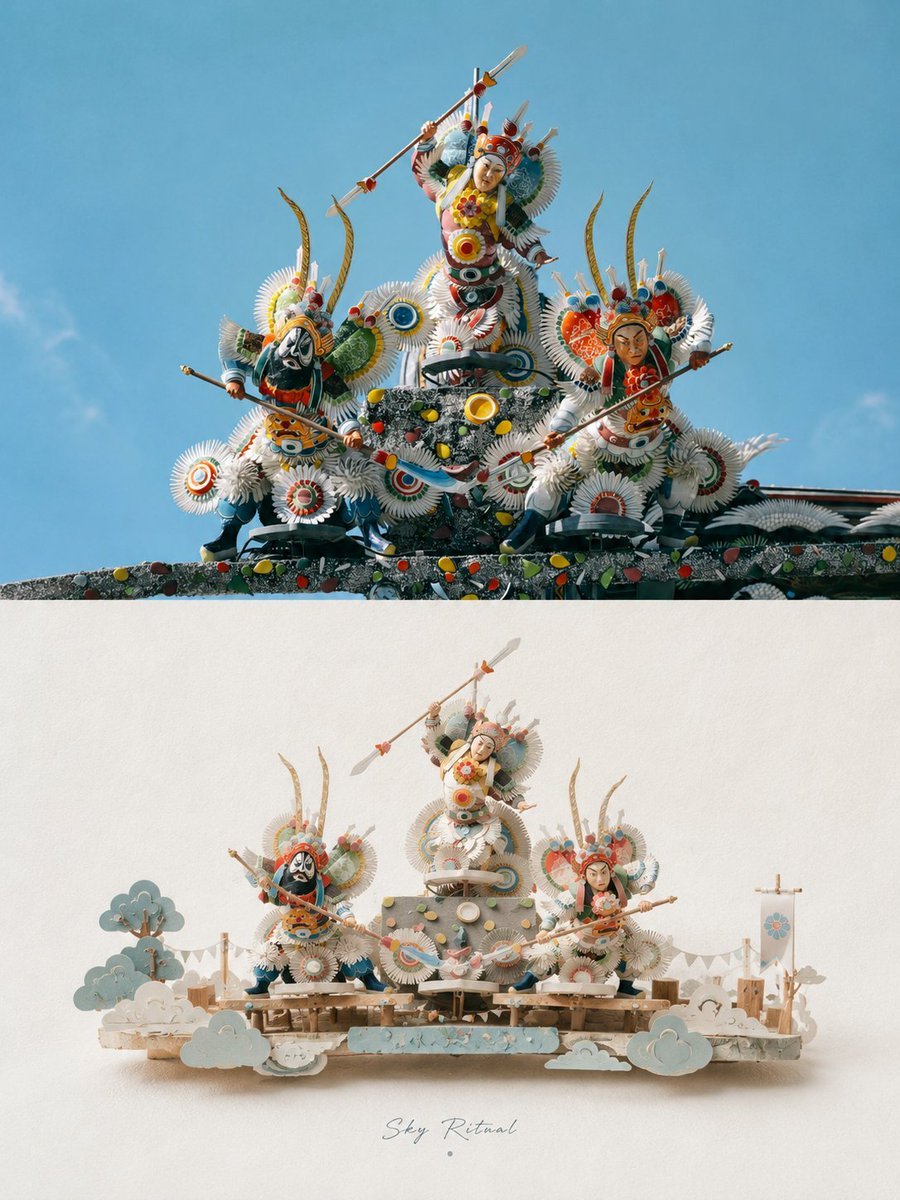
3D Papercraft Miniature Poster Design
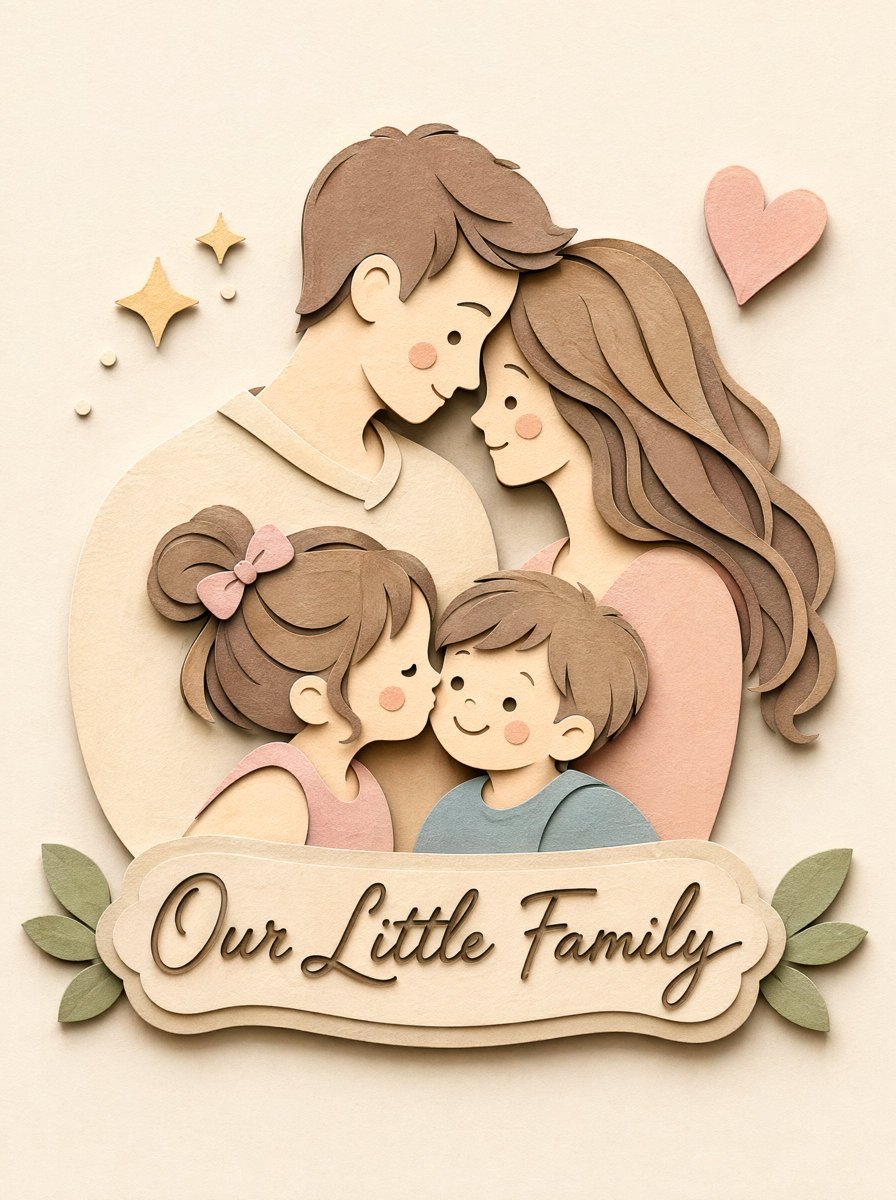
Papercraft Diorama Style Portrait
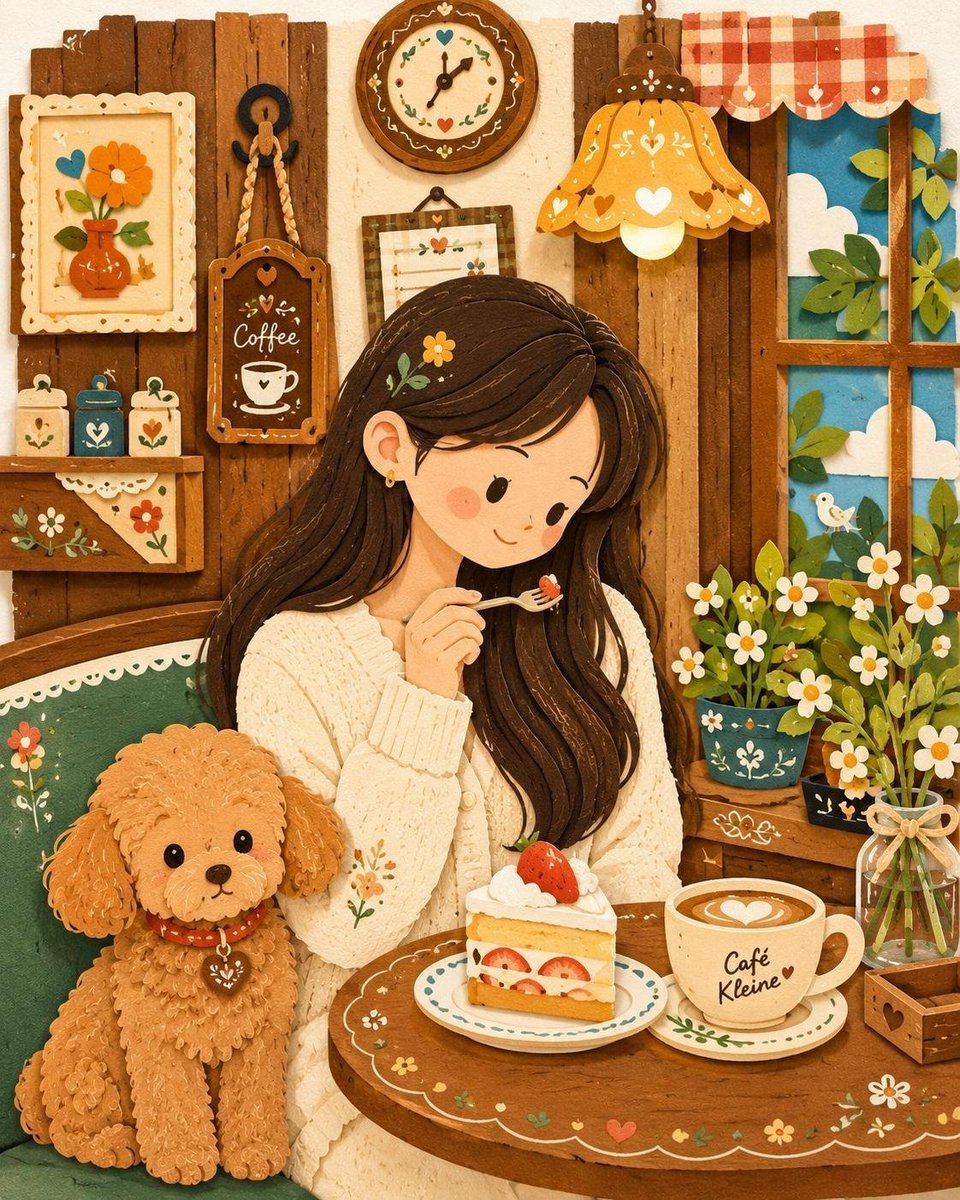
Decorative Folk Papercraft Illustration
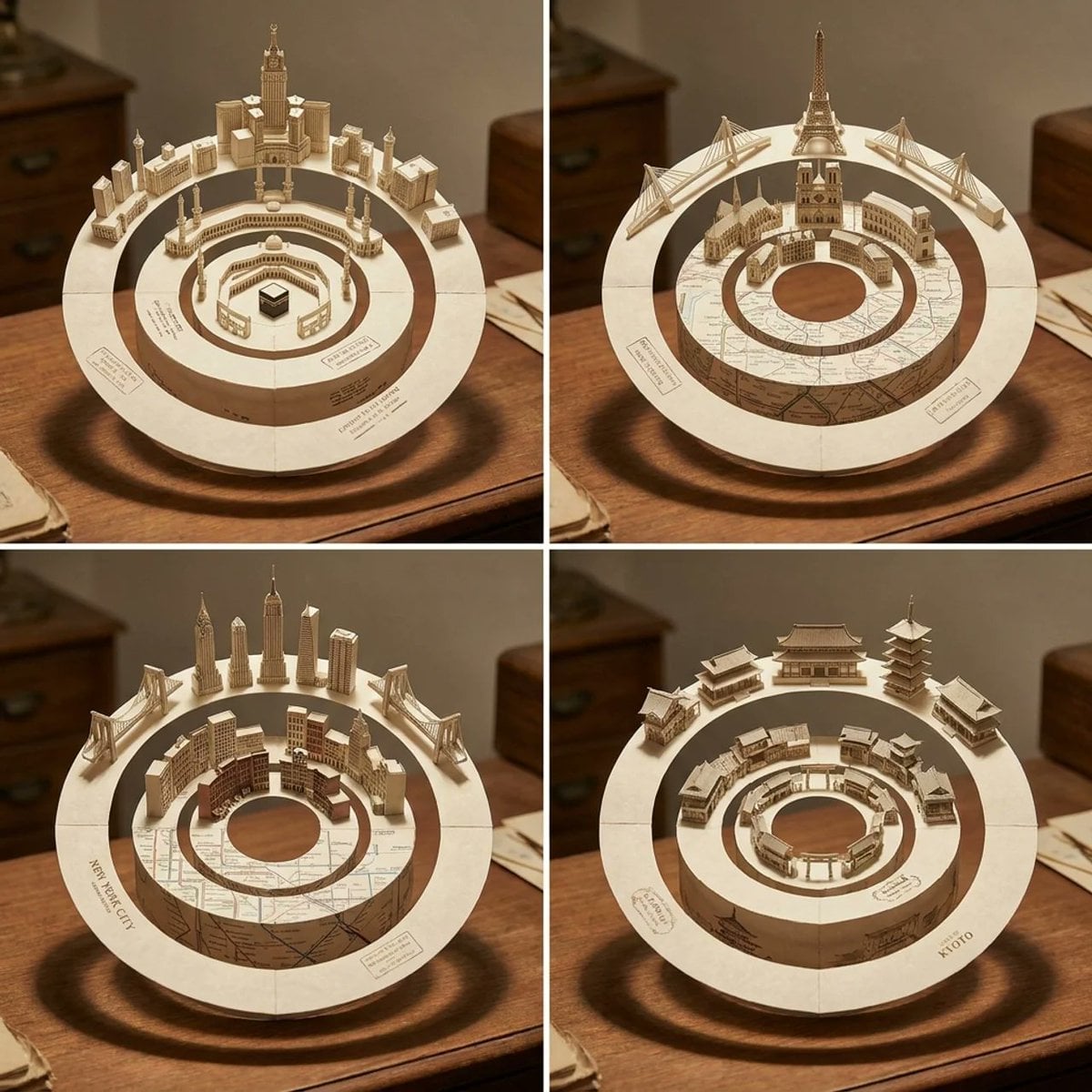
Concentric Papercraft City Installation
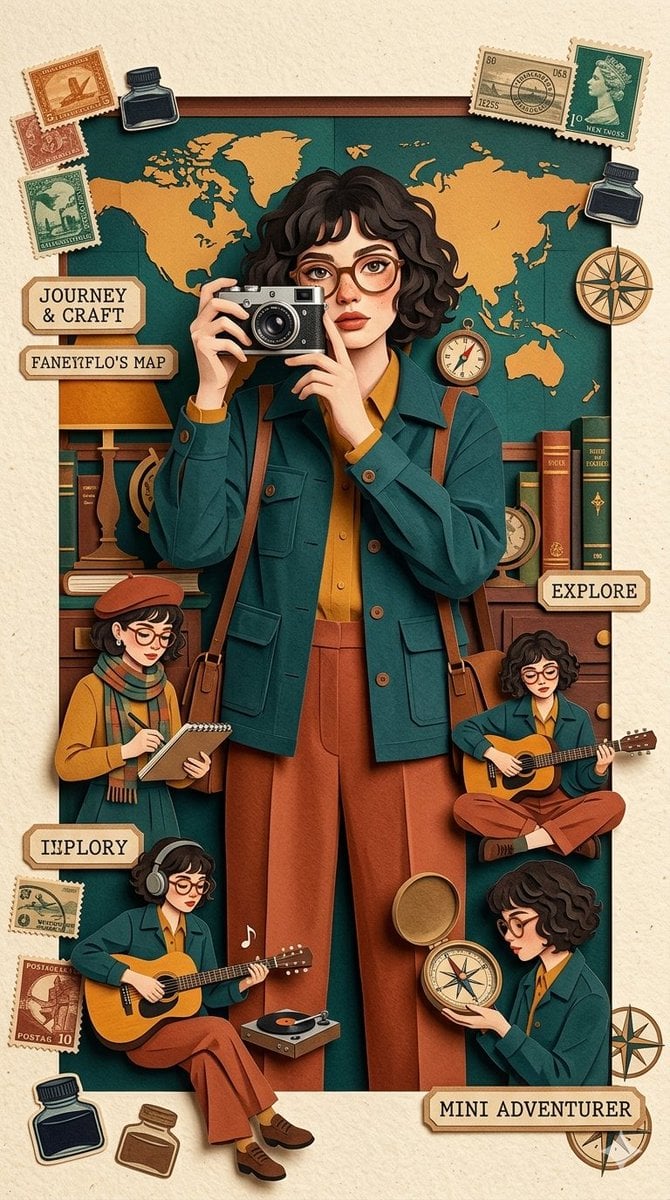
Travel Papercraft Illustration
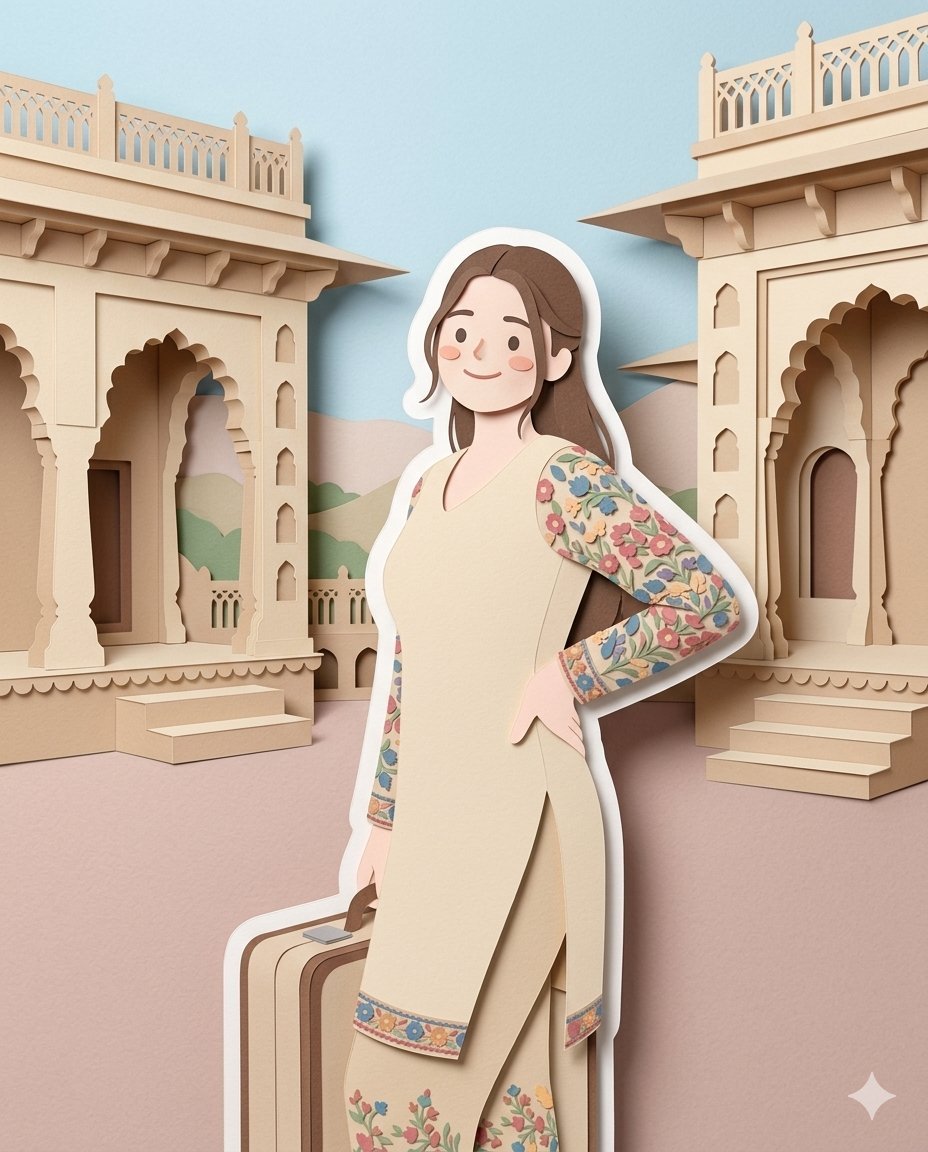
Layered Papercraft Diorama Prompt
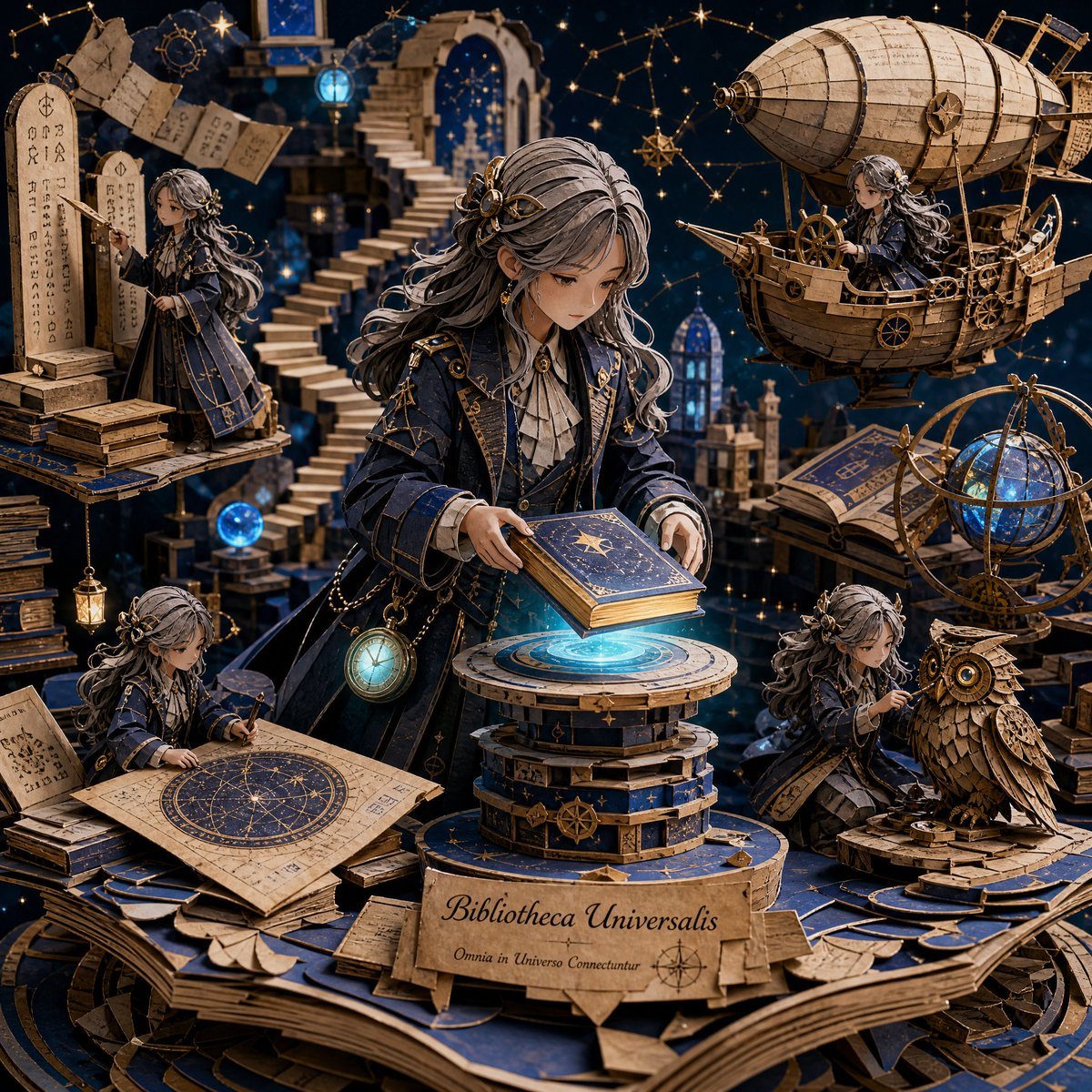
3D Papercraft Cosmic Library Diorama
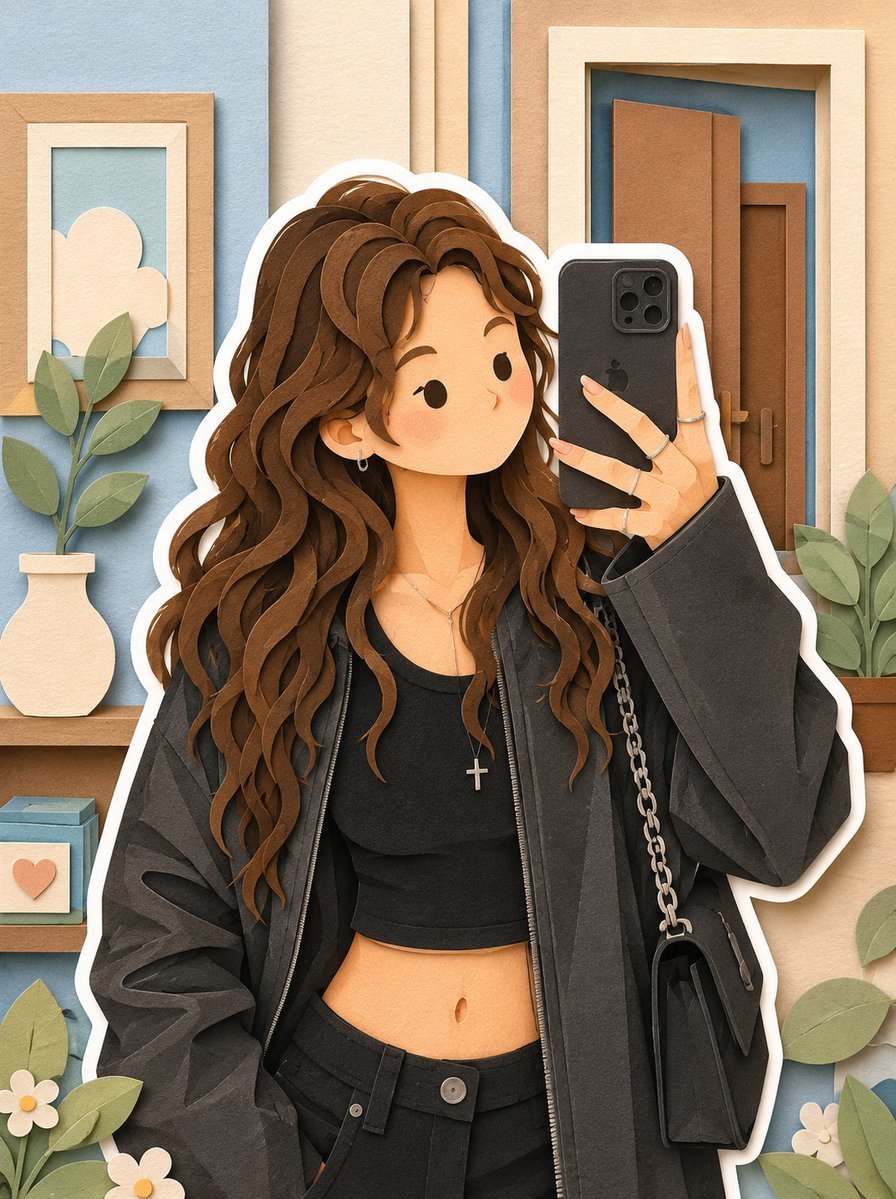
Soft Layered Papercraft Diorama
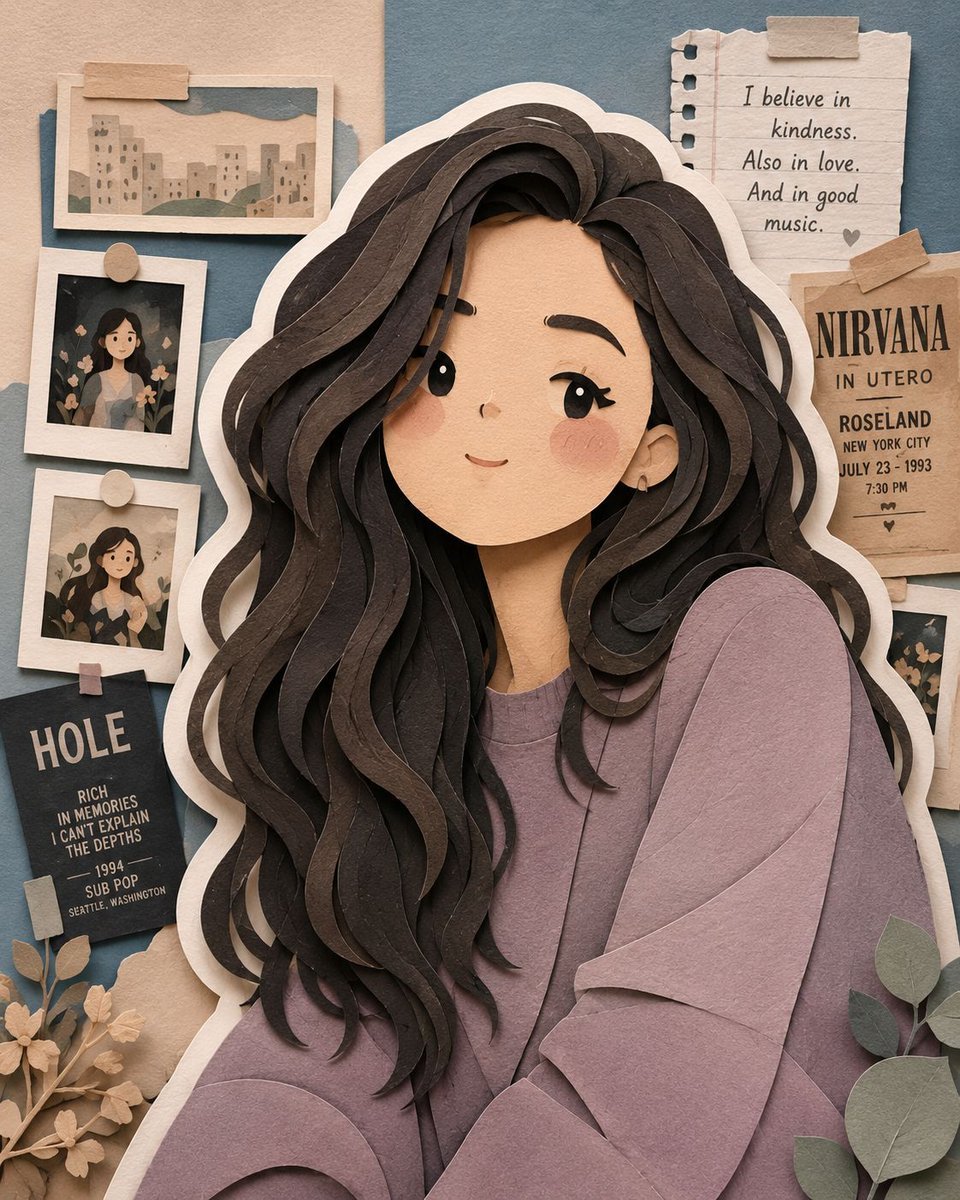
Handcrafted Layered Papercraft Artwork
Make it yours
Image-to-SD Papercraft Conversion Prompt works as-is. These are the safest ways to change it without losing the look.
Change one field
Copy a single group, rewrite it, and generate again so you can see what that field is doing.
Keep the frame, change the subject
Hold the composition and light of Image-to-SD Papercraft Conversion Prompt, then swap wardrobe, props or the person for a new take.
| If the result… | Why | Fix |
|---|---|---|
| The result drifts from the preview | Too many fields changed at once. | Reuse Image-to-SD Papercraft Conversion Prompt as-is first, then change one group — subject, light, or setting. |
| The model over-stylizes the scene | The prose prompt leaves finish and camera underspecified. | Add one camera or lighting sentence and stay on Nano Banana 2. |
More Nano Banana 2 templates
Other prompts made for Nano Banana 2.

Photorealistic Leaf Shaped Like a Dragon

K-Pop Idol Portrait Grid for Rapid Selection

Poetic Rain Forest Portrait During Golden Hour

Urban Street Portrait with Cartoon Inner Self Duo

Candid Nighttime Photo with Cat Prompt

High-Concept 3D Diorama Generation Prompt

Cinematic Futuristic Studio Portrait Template

Skincare Editorial Photography Collage Prompt

Hyper-Realistic Commercial Product Photography (Splash Effect)

Hyper-Realistic Nightclub Portrait Prompt
More image prompts
Fresh picks from across the catalog.
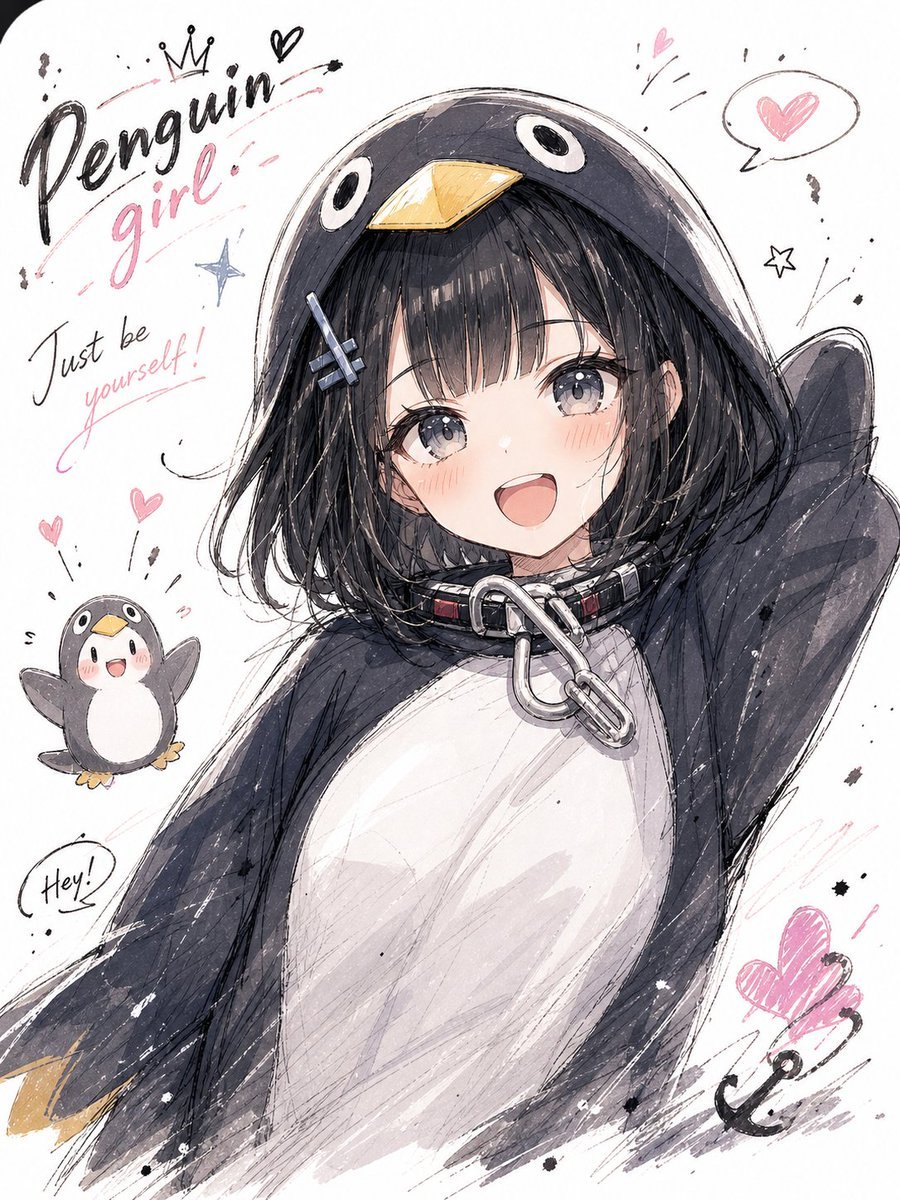
Manga Sketch Doodle Portrait
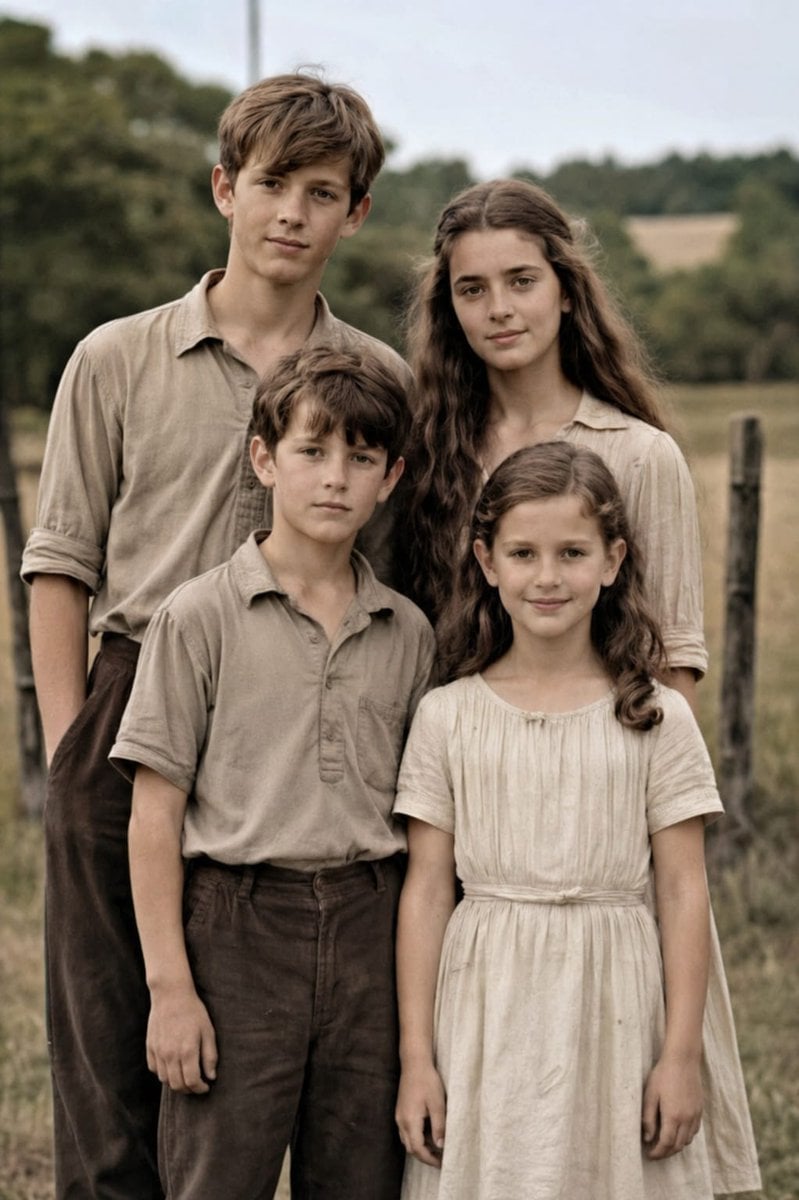
Old Photo Restoration to DSLR Portrait
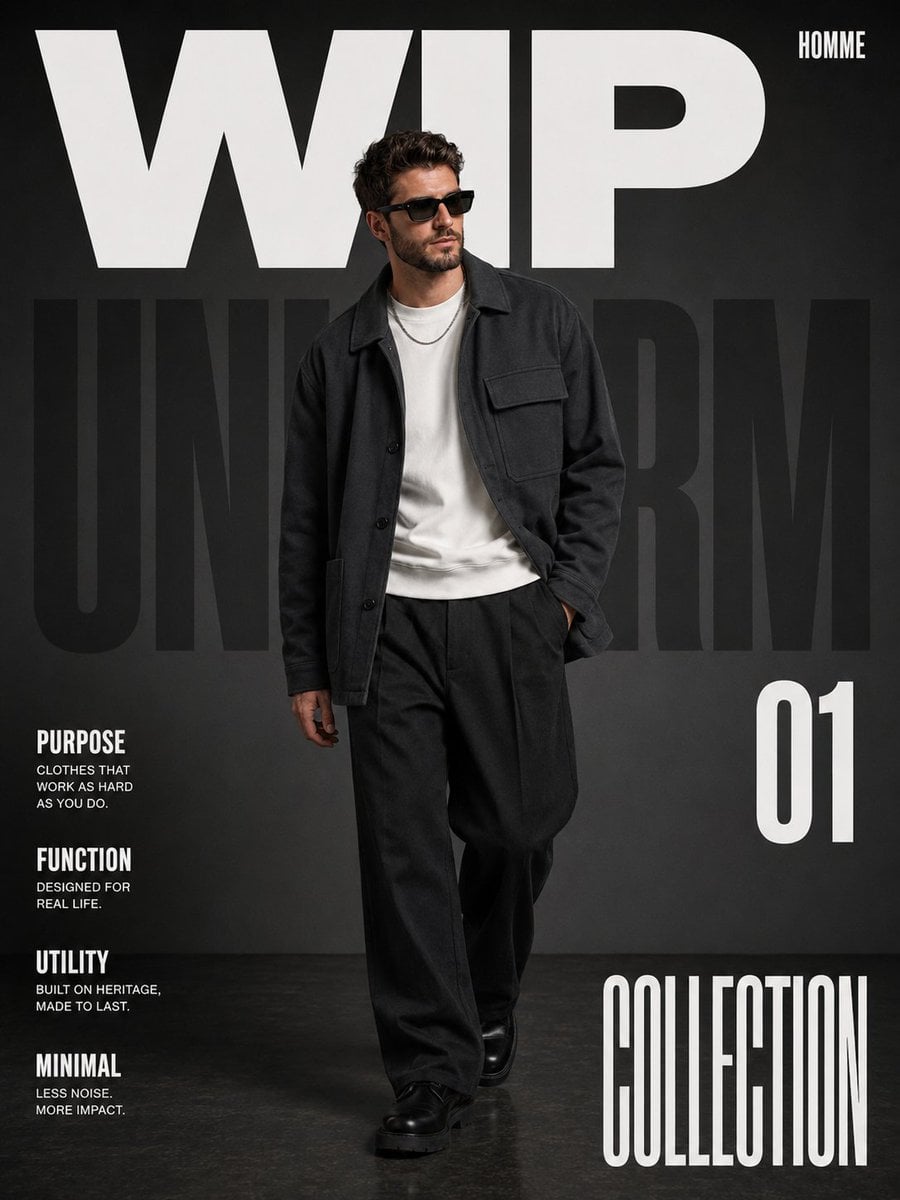
Premium Editorial Fashion Magazine
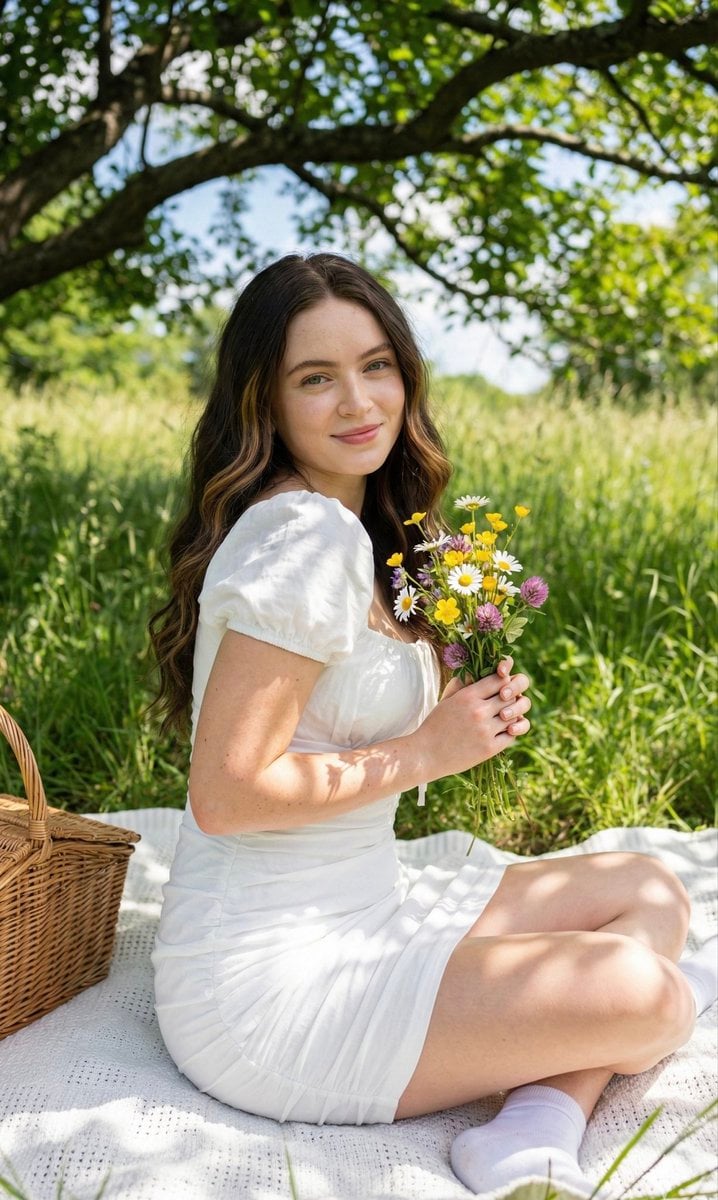
Cottagecore Picnic Portrait Prompt

X Ozayrr Irl Chatgpt Image 2 Vs Google
Stylish Man with Luxury Mustang
Minimalist Fashion Editorial Portrait
Funny Chat App Screenshot Prompt
Kawaii Rabbit Smartphone Case Mockup
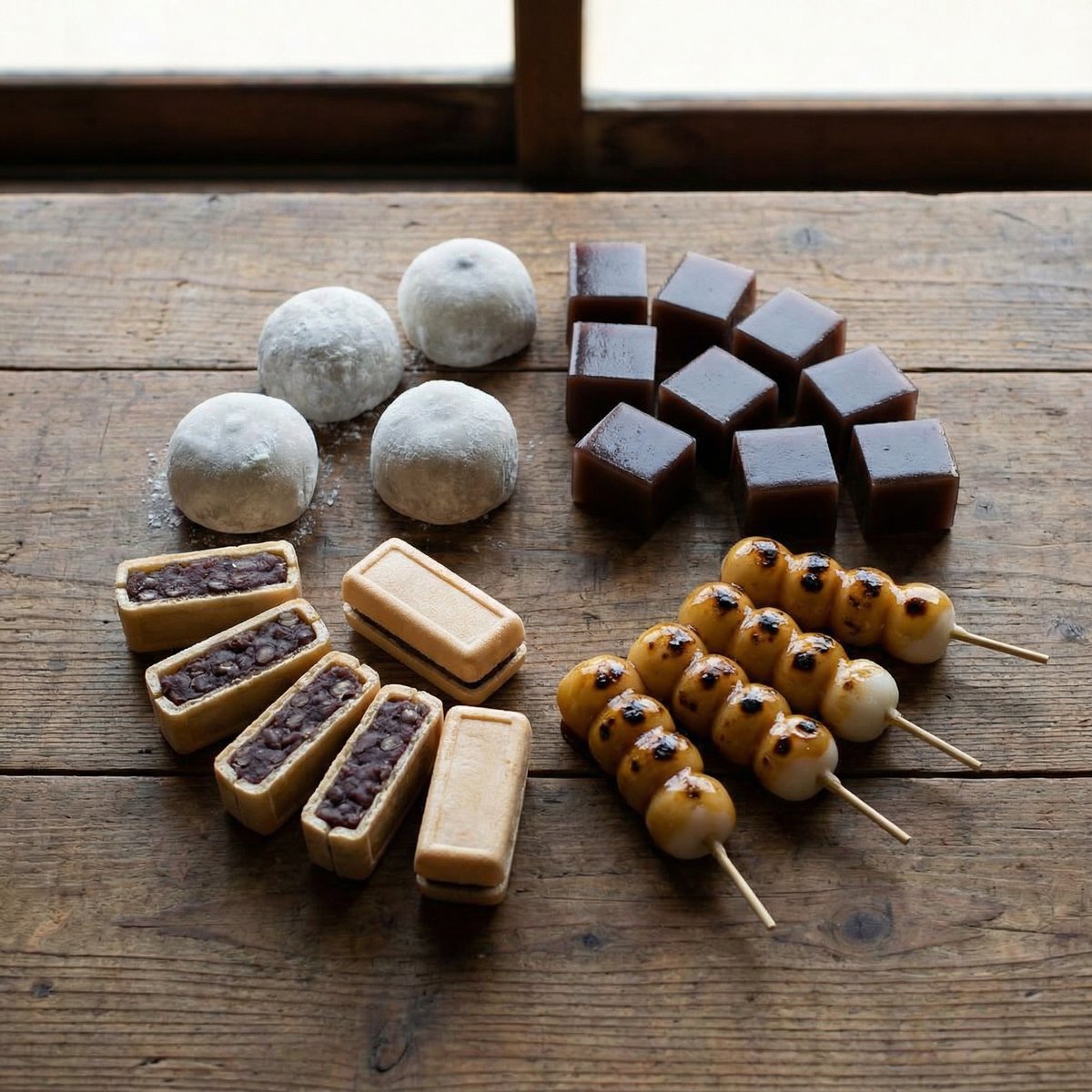
Perfectly Aligned Japanese Wagashi Sweets
Browse template categories
Image-to-SD Papercraft Conversion Prompt questions
How do I use the Image-to-SD Papercraft Conversion Prompt template?
Add your photo if the template asks for one, edit the prompt if you like — the template's model and format are already selected — and press Generate. Your version opens in PicX Studio.
Can I customize the Image-to-SD Papercraft Conversion Prompt template?
Yes. You can change the subject, setting, lighting, mood, format, and available model controls before creating your image.
Is the Image-to-SD Papercraft Conversion Prompt template free?
Opening and editing this template is free. Generating uses credits, shown on the Generate button when you are signed in.
Which AI model should I use?
Start with Nano Banana 2, which is the model associated with this template. You can compare another compatible model for a different finish.
Looking for something else? Browse all templates.

Your photo, any look
Thousands of ready templates for every top image and video model, from one credit balance.