
Kawaii Rabbit Smartphone Case Mockup
A detailed prompt for creating a dreamy product photo of a custom clear phone case with a matching fairy-tale rabbit wallpaper.
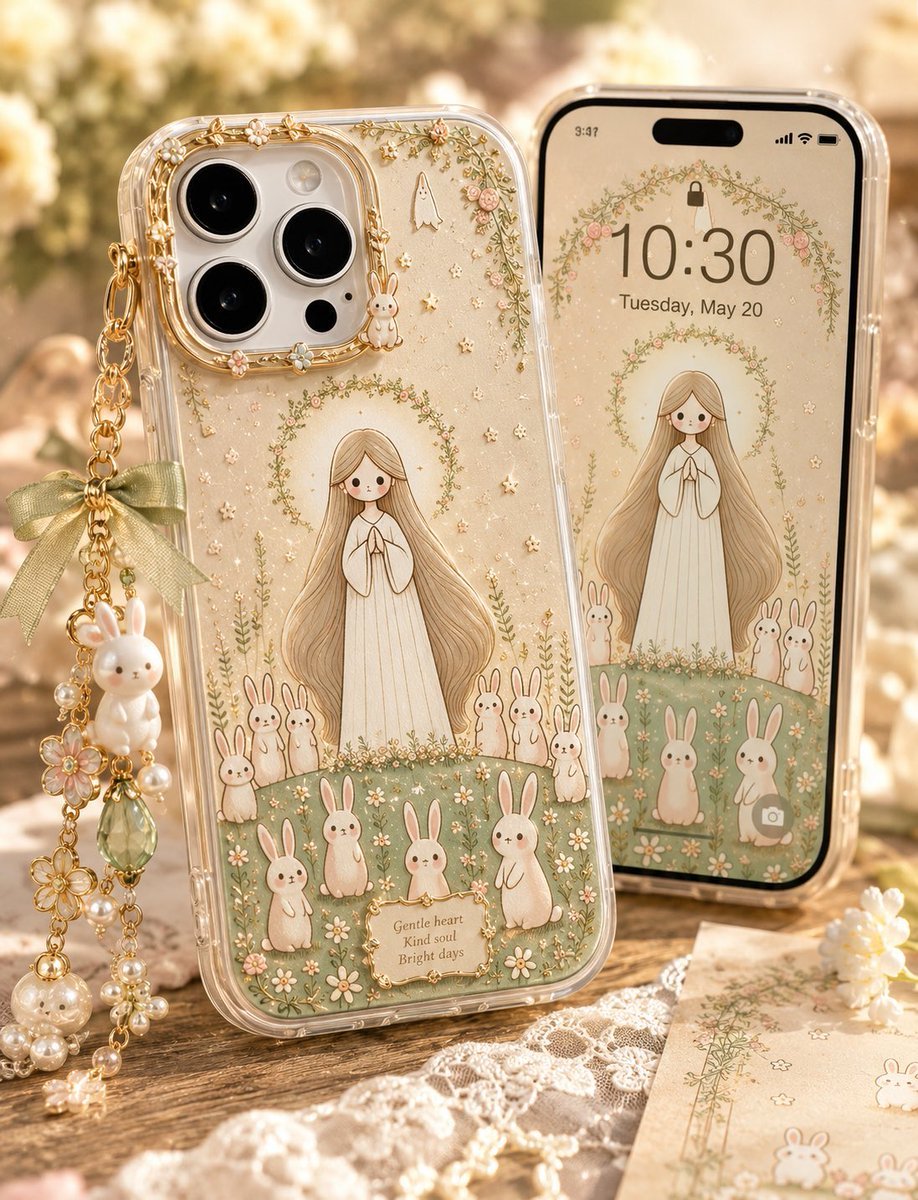
- Prompt included
- Model and format preset
- Free template
The prompt behind this image
Copy the exact prompt behind Kawaii Rabbit Smartphone Case Mockup, or open it in the studio and make it yours.
Create a warm, dreamy product photography scene for an original clear smartphone case and matching phone wallpaper. Show two phones standing upright on a rustic wooden table: the left phone is angled forward showing the back case, and the right phone is slightly behind it showing the front lock screen. The case design is a delicate fairy-tale illustration featuring {argument name="main character" default="a gentle long-haired girl in a flowing cream dress with hands clasped"} standing on a soft green meadow, surrounded by {argument name="animal motif" default="white rabbits"}, tiny flowers, gold stars, vines, and soft beige sparkles. Count exactly 11 rabbits on the phone case illustration: 3 small rabbits at the lower left of the girl, 3 small rabbits at the lower right of the girl, 3 larger rabbits along the bottom foreground, and 2 upright rabbits near the lower center-right. Add exactly 1 small white ghost charm illustration near the top center of the case and exactly 1 tiny bunny charm illustration beside the camera area. The phone case is transparent glossy plastic with raised gold edging around a triple-lens camera module, subtle embedded glitter, rounded corners, and visible side buttons. Attach a dangling gold chain strap to the upper left side of the case with exactly 7 charm elements: 1 sage-green satin bow, 1 white bunny charm, 1 pink flower charm, 1 green faceted teardrop crystal, 1 gold flower charm, 1 pearl cluster charm, and 1 small dangling pearl-and-flower charm at the bottom. At the bottom of the case illustration, include a tiny cream plaque with the quote {argument name="case quote" default="Gentle heart / Kind soul / Bright days"}. The matching front phone wallpaper on the right should repeat the same girl, meadow, rabbits, floral vines, and sparkles, with a floral arch near the top; display large lock-screen time {argument name="lock screen time" default="10:30"} and date {argument name="lock screen date" default="Tuesday, May 20"}, plus typical small phone status icons. Use a soft cream, sage green, pale pink, and antique gold palette. Background: sunlit bokeh garden atmosphere with warm golden light, lace fabric on the table, a small illustrated paper card at the lower right, and scattered pearls and floral decorations. Style: high-end kawaii handmade accessory product photo, shallow depth of field, realistic glossy materials, fine illustrated linework, soft highlights, cozy morning glow, no harsh shadows, no watermark, no extra text beyond the lock screen and quote.
How to use Kawaii Rabbit Smartphone Case Mockup in 3 steps
- 1Upload ImagePNG, JPG or paste
Add your photo
Upload the photo the template builds on. The prompt, model and format are already set.
- 2…a portrait of your subject in softgolden-hour light, 85mm…
Personalize
Edit the subject and creative details for your destination.
- 3Generate
Generate
Press Generate — your image is created in PicX Studio, so you can compare it with the original and refine one variable at a time.
More like this
Templates with the same subject, style or setup. Open one to see its prompt.
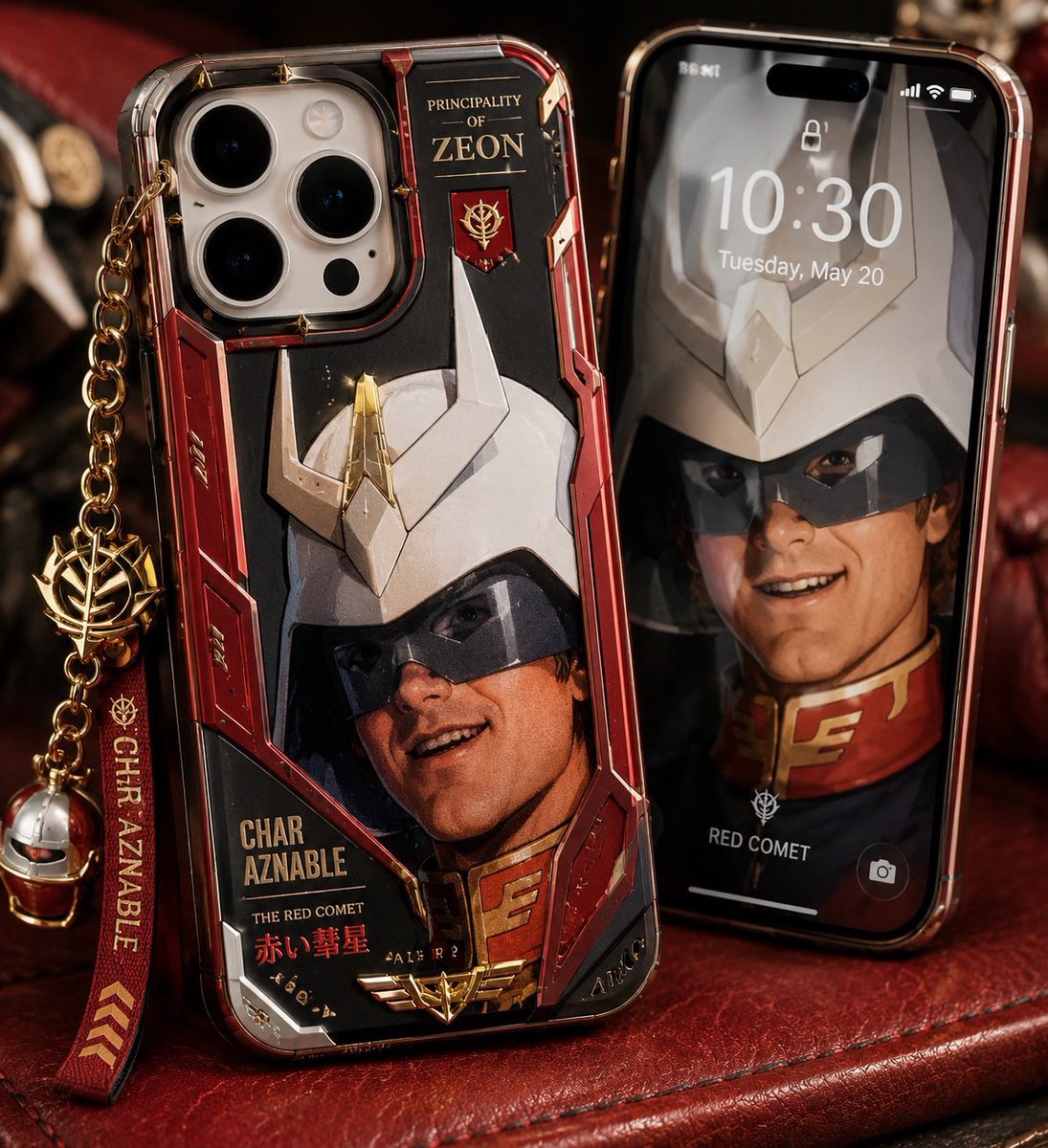
Luxury Mecha Smartphone Case Mockup

Cute Layered Paper Cut Chibi Girl
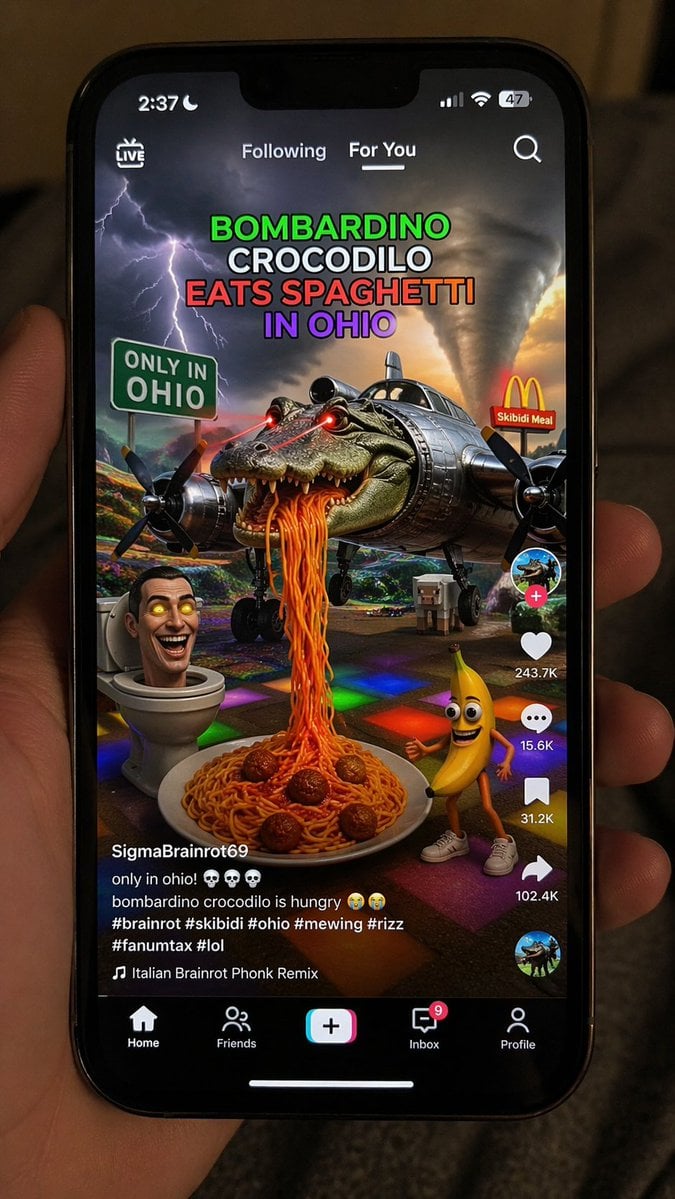
Smartphone Screen Mockup
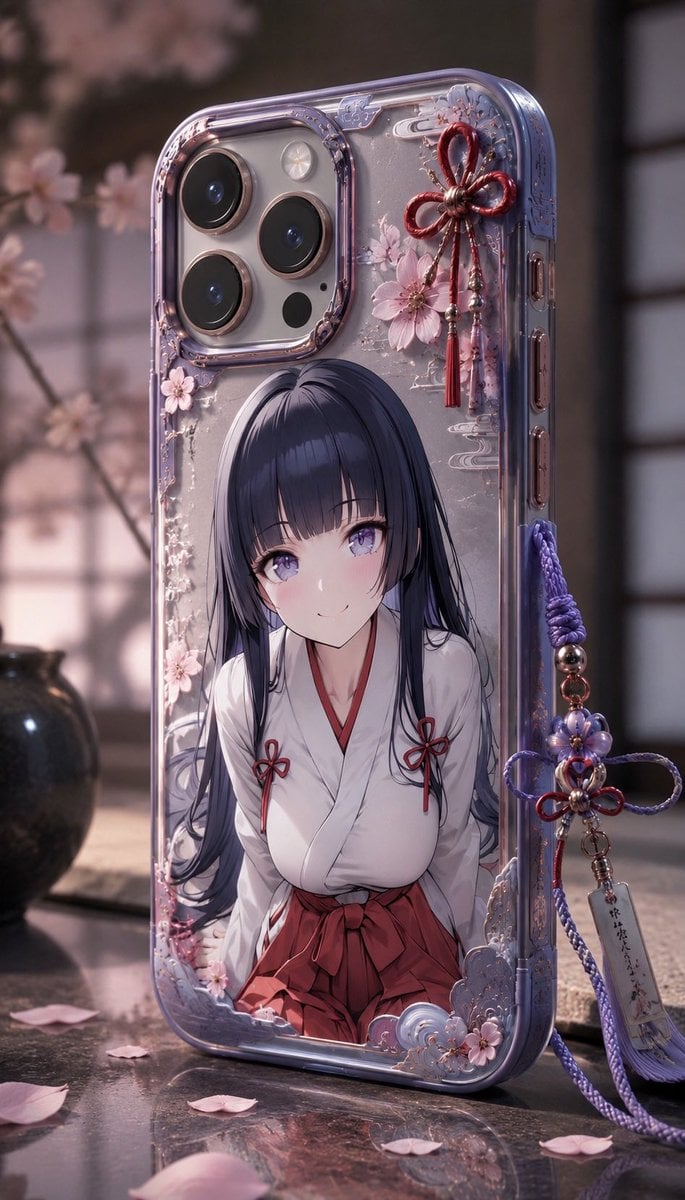
Anime Sakura Smartphone Case Product Shot

Floating Woman Above Cityscape with Notifications

Nano Banana Pro 2.0 — 3x3 Travel Profile Grid
Nano Banana 2 Portrait Gemini

Paris Travel Collage Grid - Face Reference

Product Shot - T-Shirt Mockup
Rabbit Gentleman Character Sheet
Woman with Plush Rabbit Close-up

Cinematic Anime Shinobi Poster Mockup
Make it yours
Kawaii Rabbit Smartphone Case Mockup works as-is. These are the safest ways to change it without losing the look.
Change one field
Copy a single group, rewrite it, and generate again so you can see what that field is doing.
Keep the frame, change the subject
Hold the composition and light of Kawaii Rabbit Smartphone Case Mockup, then swap wardrobe, props or the person for a new take.
| If the result… | Why | Fix |
|---|---|---|
| The result drifts from the preview | Too many fields changed at once. | Reuse Kawaii Rabbit Smartphone Case Mockup as-is first, then change one group — subject, light, or setting. |
| The model over-stylizes the scene | The prose prompt leaves finish and camera underspecified. | Add one camera or lighting sentence and stay on GPT Image 2. |
More GPT Image 2 templates
Other prompts made for GPT Image 2.

Six VTuber Japanese Logo Sheet

Realistic Portrait of Woman and Deer

The Vista Modular Condo Poster

AI Model Routing Comparison Infographic

2.5D Anime Art Board

Isometric Productivity Desk Scene

New York Double Exposure Poster

Four-Panel AI Landscape Comparison

Japanese Tatami Lifestyle Magazine Cover

NESCAFÉ Coffee Map Poster
More image prompts
Fresh picks from across the catalog.
Cyber-Urban Subway Fashion Shot
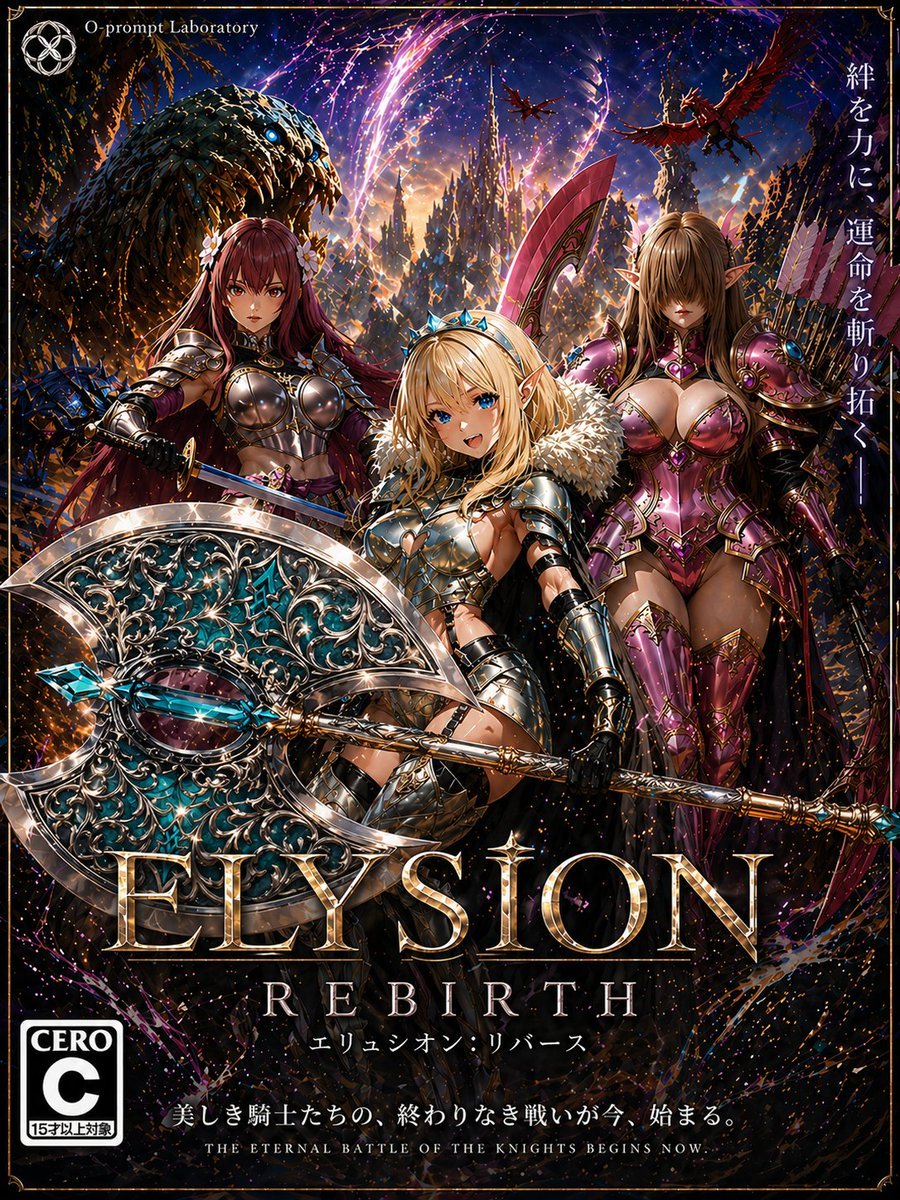
Fantasy RPG Game Cover with Three Knight Women
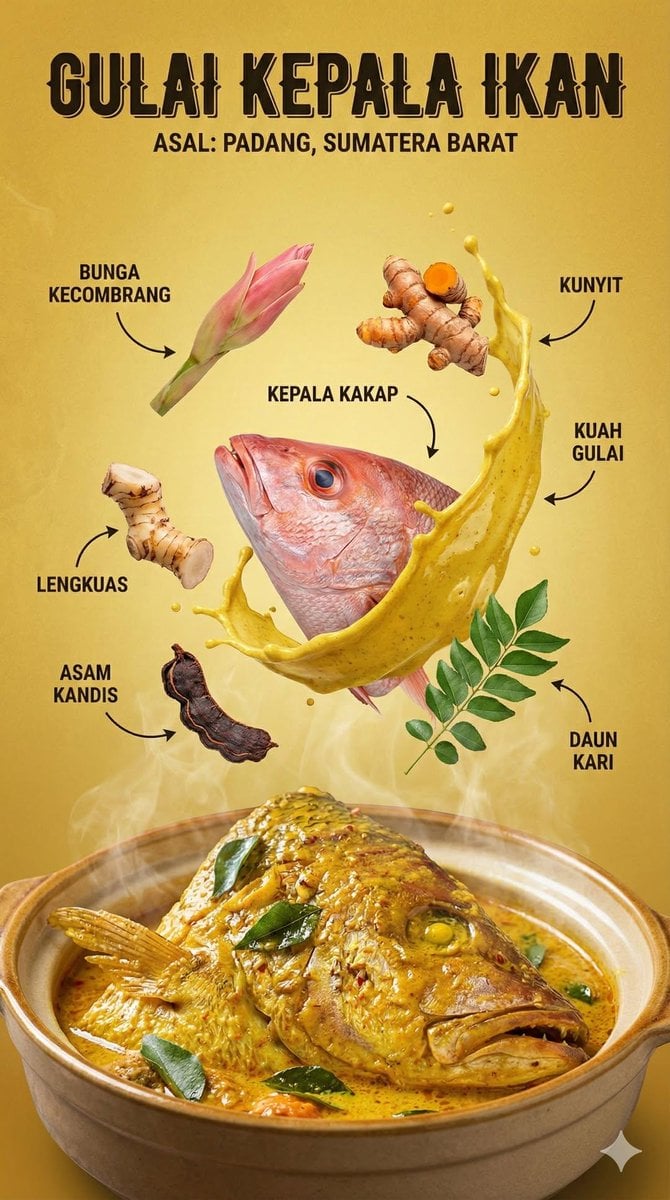
Structured Indonesian Food Infographic Prompt
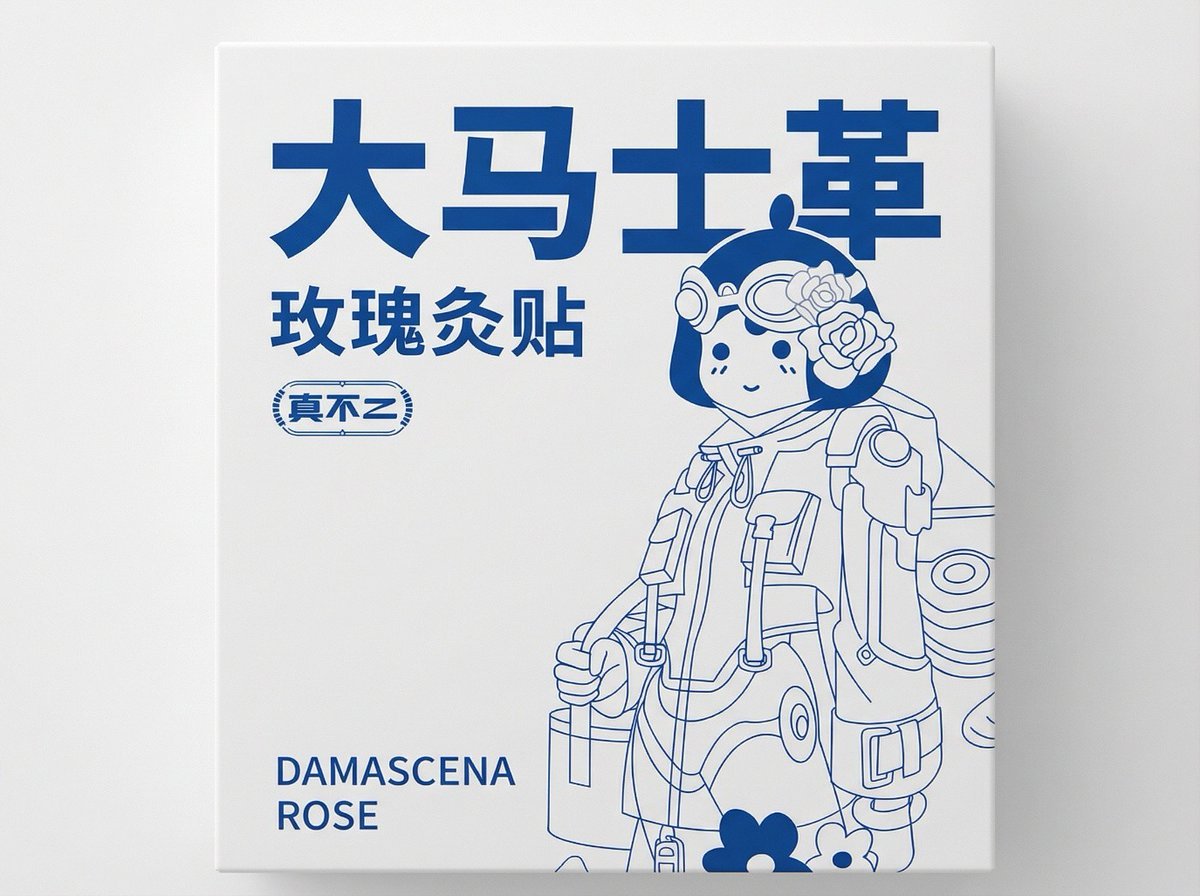
2D Flat Packaging Generation
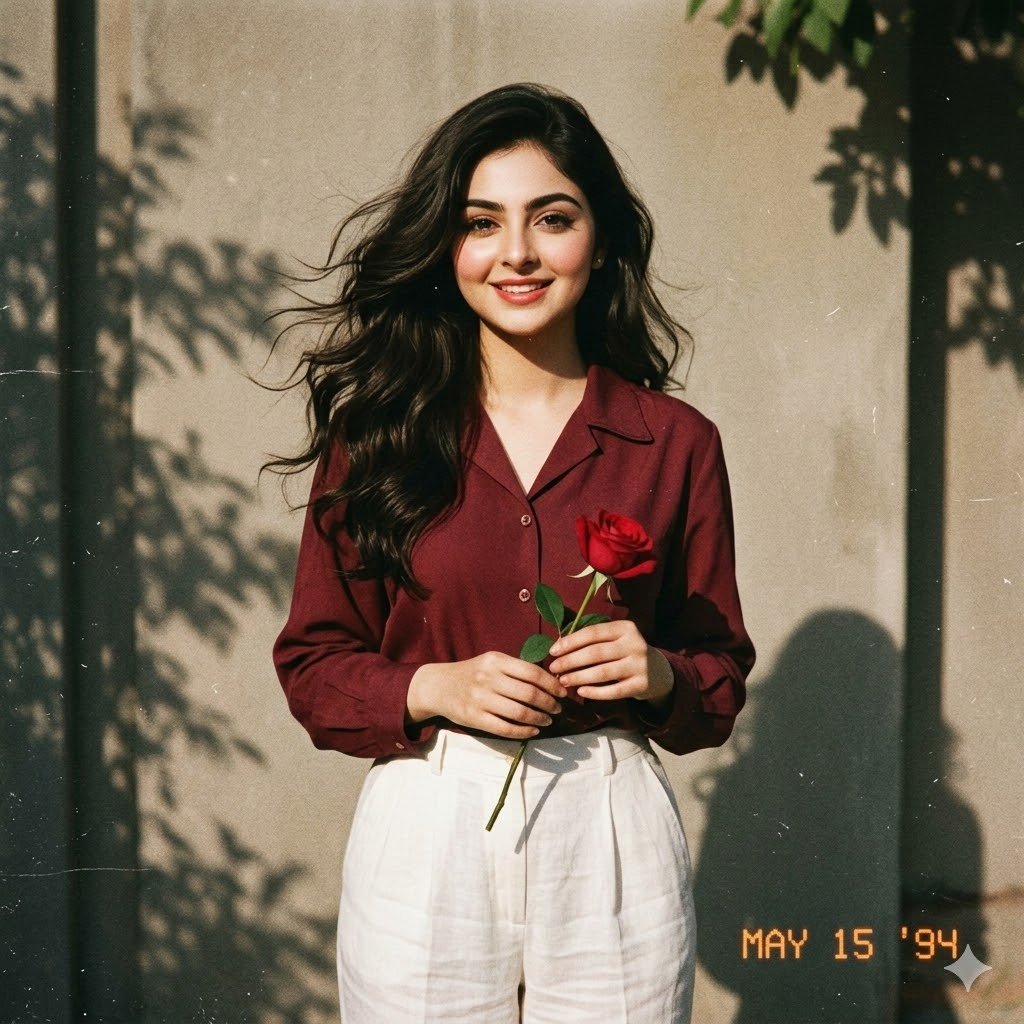
Retro 90s Movie Fashion Portrait
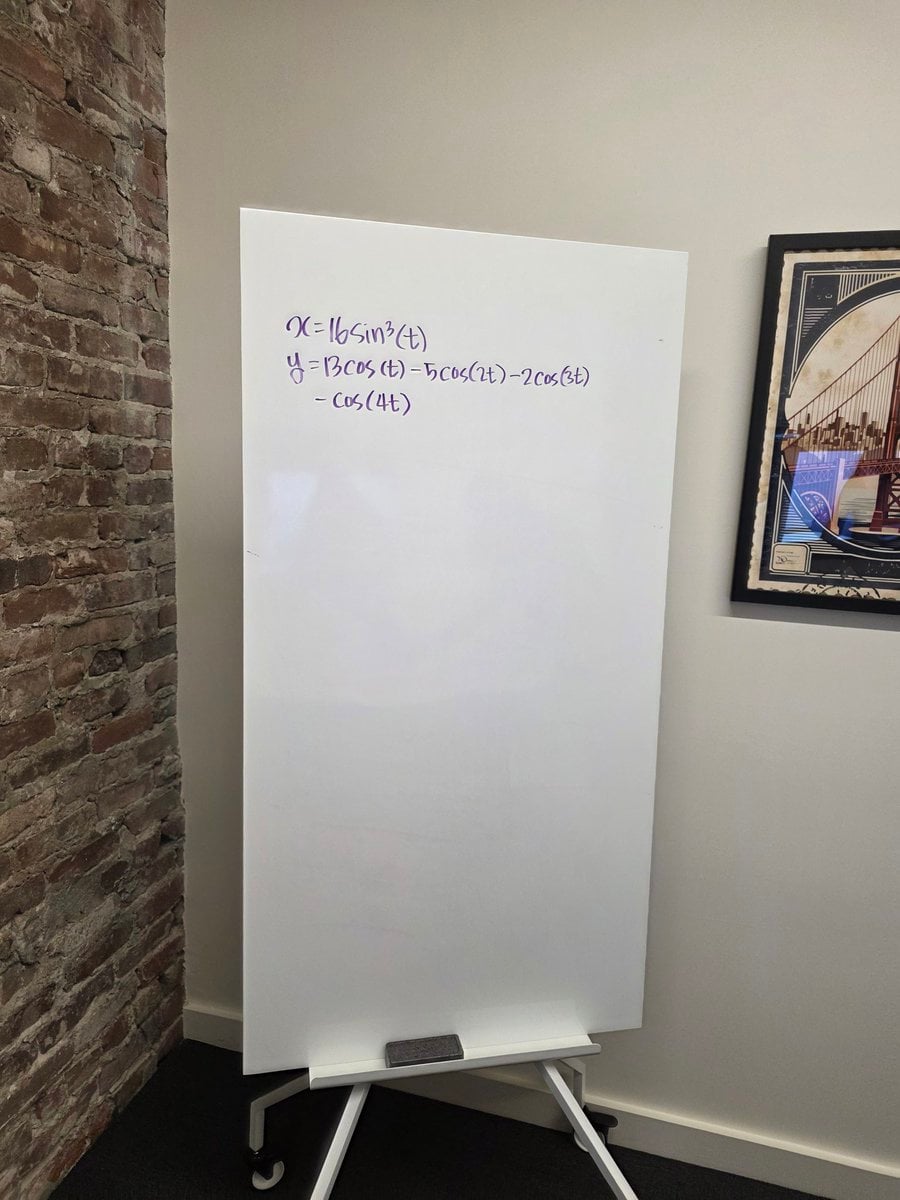
Formula graph on whiteboard
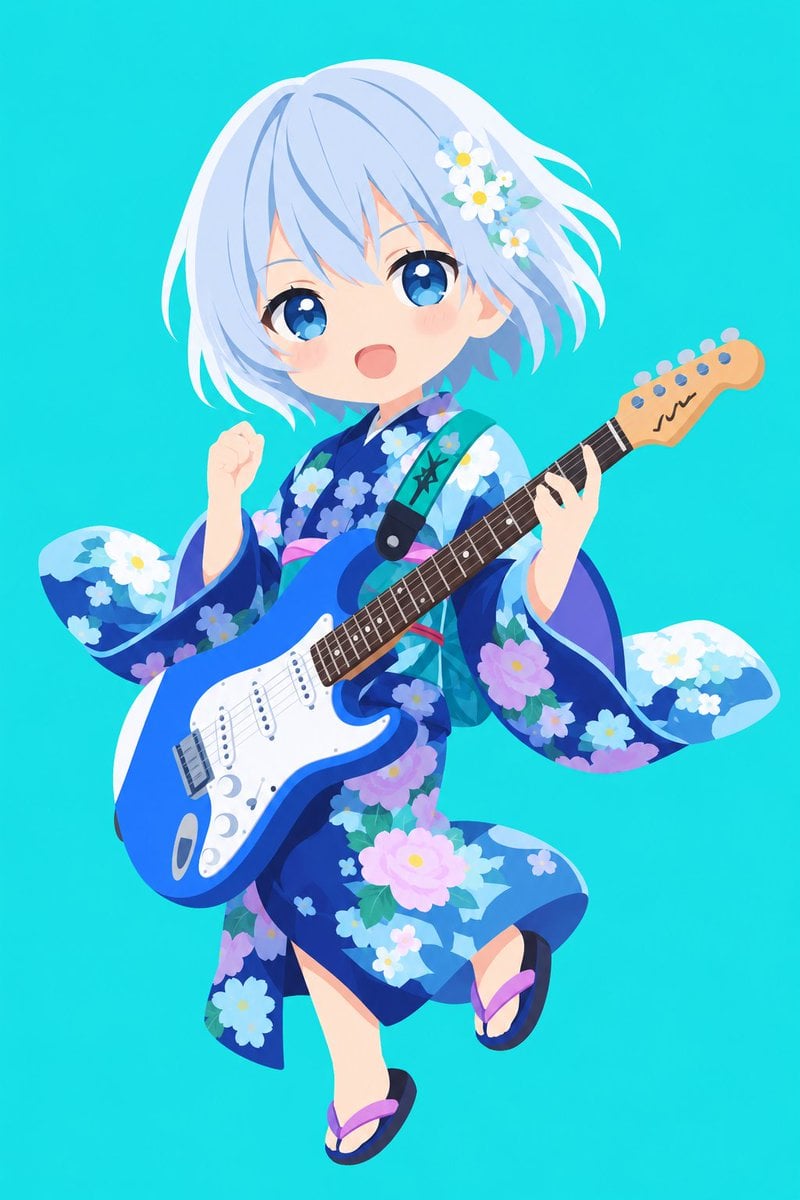
Vector Style Character Redraw
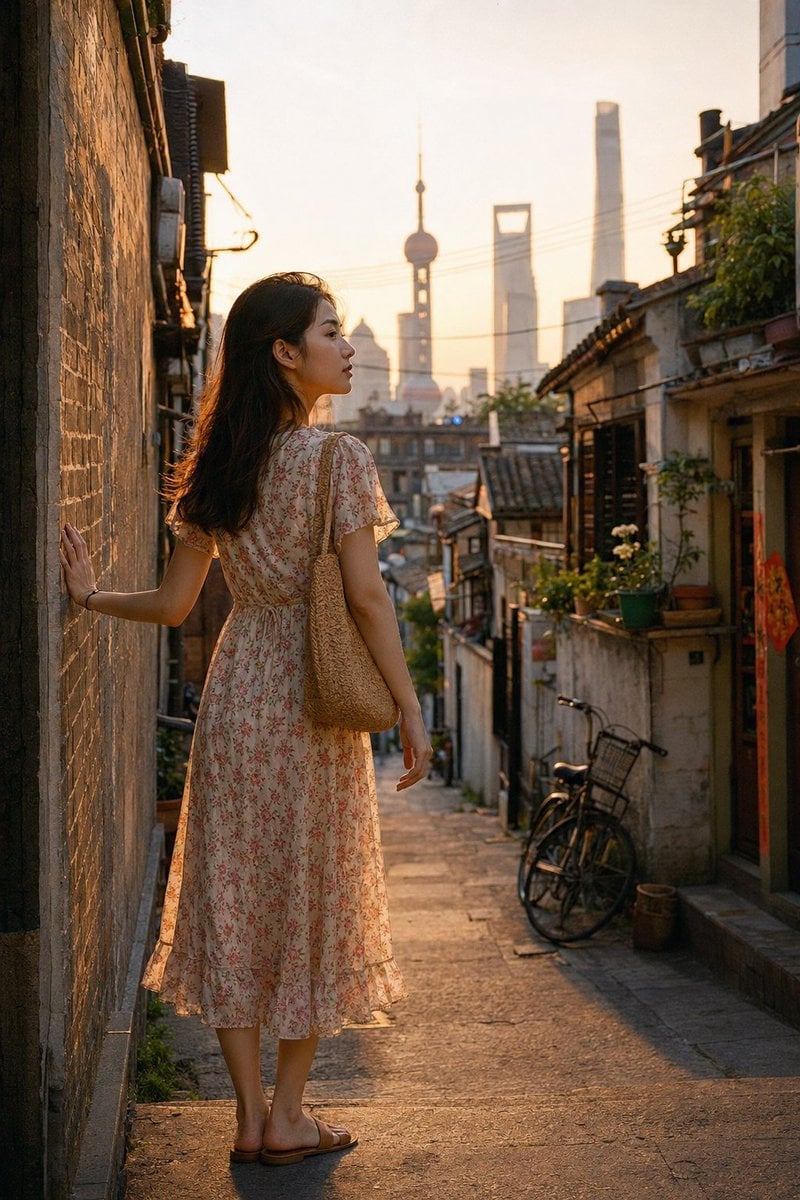
Shanghai Longtang Dusk Portrait
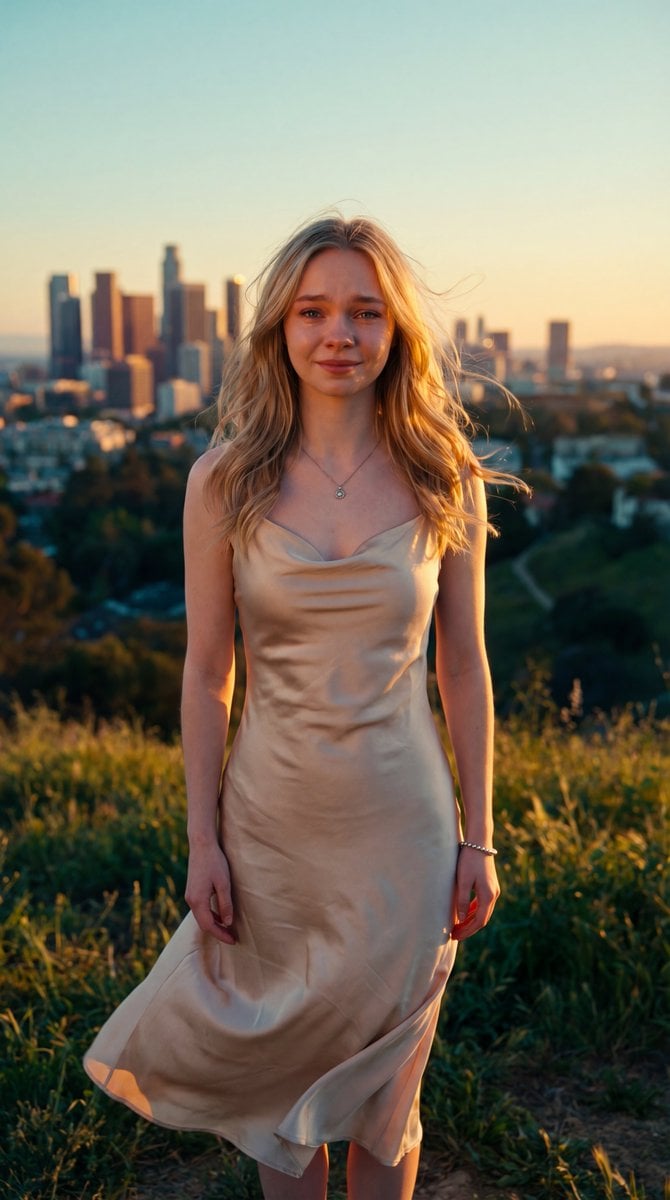
Cinematic Golden Hour Portrait
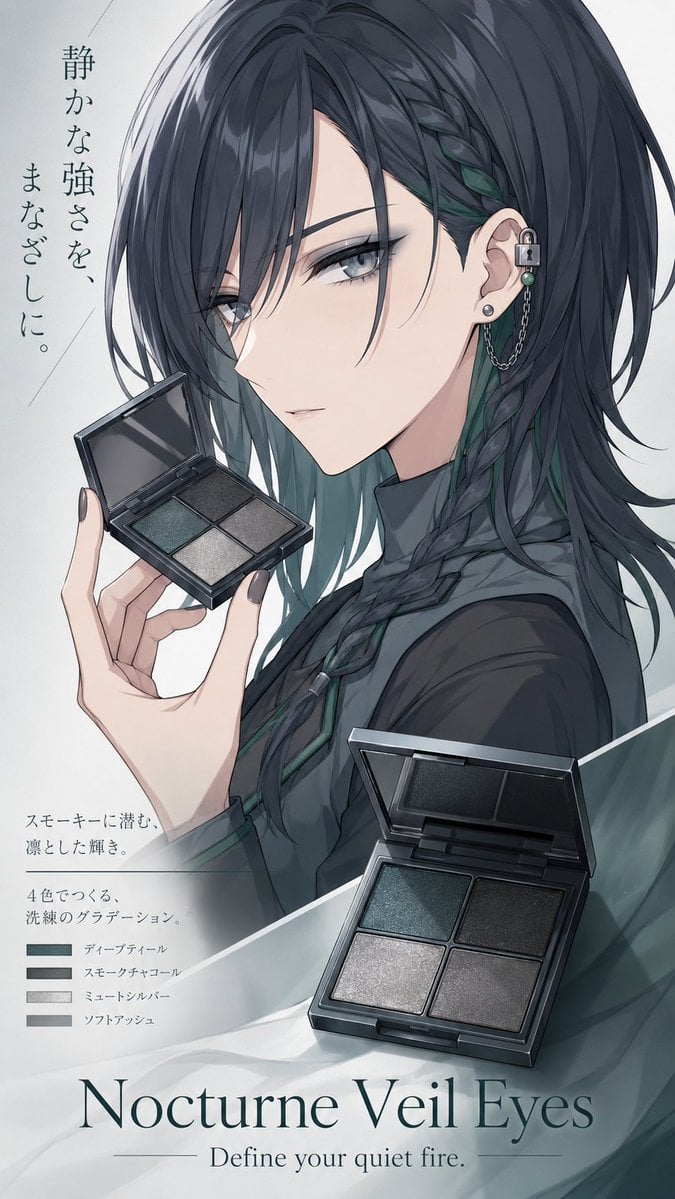
Nocturne Veil Eyes Anime Beauty Poster
Browse template categories
Kawaii Rabbit Smartphone Case Mockup questions
How do I use the Kawaii Rabbit Smartphone Case Mockup template?
Add your photo if the template asks for one, edit the prompt if you like — the template's model and format are already selected — and press Generate. Your version opens in PicX Studio.
Can I customize the Kawaii Rabbit Smartphone Case Mockup template?
Yes. You can change the subject, setting, lighting, mood, format, and available model controls before creating your image.
Is the Kawaii Rabbit Smartphone Case Mockup template free?
Opening and editing this template is free. Generating uses credits, shown on the Generate button when you are signed in.
Which AI model should I use?
Start with GPT Image 2, which is the model associated with this template. You can compare another compatible model for a different finish.
Looking for something else? Browse all templates.

Your photo, any look
Thousands of ready templates for every top image and video model, from one credit balance.