
Luxury Mecha Smartphone Case Mockup
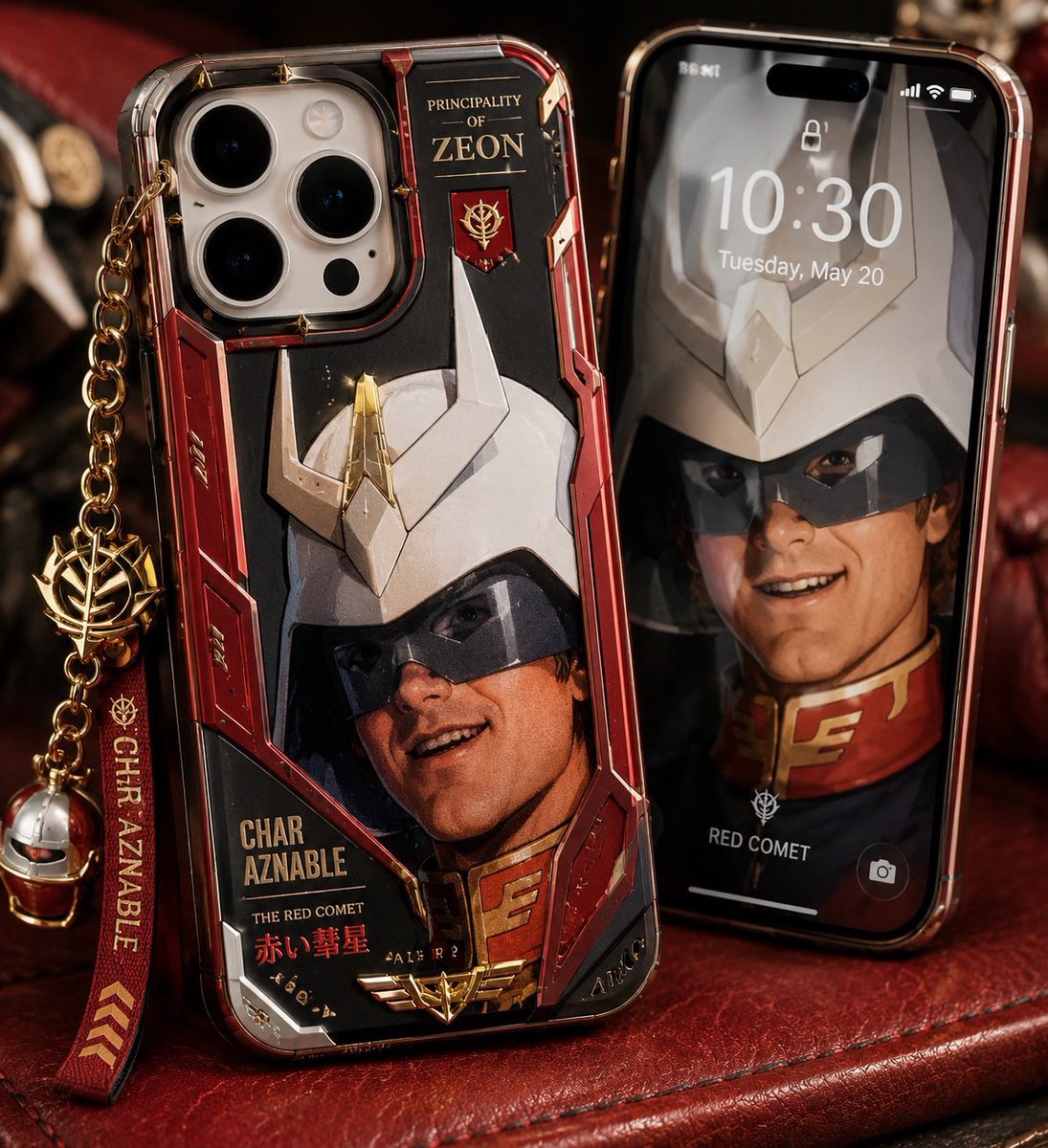
A photorealistic premium product shot for showcasing a custom anime mecha-inspired smartphone case with matching lock screen and charms.
- Prompt included
- Model and format preset
- Free template
The prompt behind this image
Copy the exact prompt behind Luxury Mecha Smartphone Case Mockup, or open it in the studio and make it yours.
Create a high-end photorealistic product mockup of a custom anime mecha-themed smartphone case displayed beside a matching phone lock screen. The main subject is an iPhone Pro-style device standing upright at a slight angle on a dark red leather surface, wearing a glossy transparent hard case with metallic red, black, white, and gold armor-panel artwork inspired by a masked red ace pilot and a white horned robot helmet. Include a triple-lens camera cutout at the upper left, beveled clear edges, reflective plastic, tiny gold rivets, red mechanical side panels, and printed gold text reading “PRINCIPALITY OF ZEON” near the top, “CHAR AZNABLE,” “THE RED COMET,” and Japanese red text “赤い彗星” near the bottom, plus a small gold emblem. Attach a luxury dangling accessory from the left side: a gold chain, a gold faction-style emblem charm, a red fabric strap with gold text “CHAR AZNABLE” and chevron marks, and a small metallic helmet charm. To the right, place a second iPhone standing behind it with a black glass front and red metallic frame, showing a lock screen at 10:30, Tuesday, May 20, with a blurred matching character wallpaper, small lock icon, status icons, bottom camera icon, and the label “RED COMET.” Use dramatic warm studio lighting, shallow depth of field, premium macro product photography, realistic reflections, leather texture, cinematic shadows, and a dark collector’s desk background. The visible composition contains exactly 2 phones and exactly 4 dangling accessory elements: gold chain, gold emblem charm, red name strap, and small helmet charm. Customize the case theme as {argument name="case theme" default="red ace pilot mecha armor"}, the main printed name as {argument name="character name" default="CHAR AZNABLE"}, the faction title as {argument name="faction title" default="PRINCIPALITY OF ZEON"}, the lock screen time as {argument name="lock screen time" default="10:30"}, and the phone case color palette as {argument name="color palette" default="metallic red, black, white, and gold"}. Avoid extra phones, extra charms, watermarks, distorted unreadable typography, or cartoon rendering.
How to use Luxury Mecha Smartphone Case Mockup in 3 steps
- 1Upload ImagePNG, JPG or paste
Add your photo
Upload the photo the template builds on. The prompt, model and format are already set.
- 2…a portrait of your subject in softgolden-hour light, 85mm…
Personalize
Edit the subject and creative details for your destination.
- 3Generate
Generate
Press Generate — your image is created in PicX Studio, so you can compare it with the original and refine one variable at a time.
More like this
Templates with the same subject, style or setup. Open one to see its prompt.









Make it yours
Luxury Mecha Smartphone Case Mockup works as-is. These are the safest ways to change it without losing the look.
Change one field
Copy a single group, rewrite it, and generate again so you can see what that field is doing.
Keep the frame, change the subject
Hold the composition and light of Luxury Mecha Smartphone Case Mockup, then swap wardrobe, props or the person for a new take.
| If the result… | Why | Fix |
|---|---|---|
| The result drifts from the preview | Too many fields changed at once. | Reuse Luxury Mecha Smartphone Case Mockup as-is first, then change one group — subject, light, or setting. |
| The model over-stylizes the scene | The prose prompt leaves finish and camera underspecified. | Add one camera or lighting sentence and stay on GPT Image 2. |
More GPT Image 2 templates
Other prompts made for GPT Image 2.

Six VTuber Japanese Logo Sheet

Realistic Portrait of Woman and Deer

The Vista Modular Condo Poster

AI Model Routing Comparison Infographic

2.5D Anime Art Board

Isometric Productivity Desk Scene

New York Double Exposure Poster

Four-Panel AI Landscape Comparison

Japanese Tatami Lifestyle Magazine Cover

NESCAFÉ Coffee Map Poster
More image prompts
Fresh picks from across the catalog.
Realistic X-Style French Profile Screen
Vintage 35mm Flash Portrait
Black and White Studio Portrait Collage (3x3 Grid)
Professional profile photo prompt for Nano Banana Pro
Neon Temple Chase
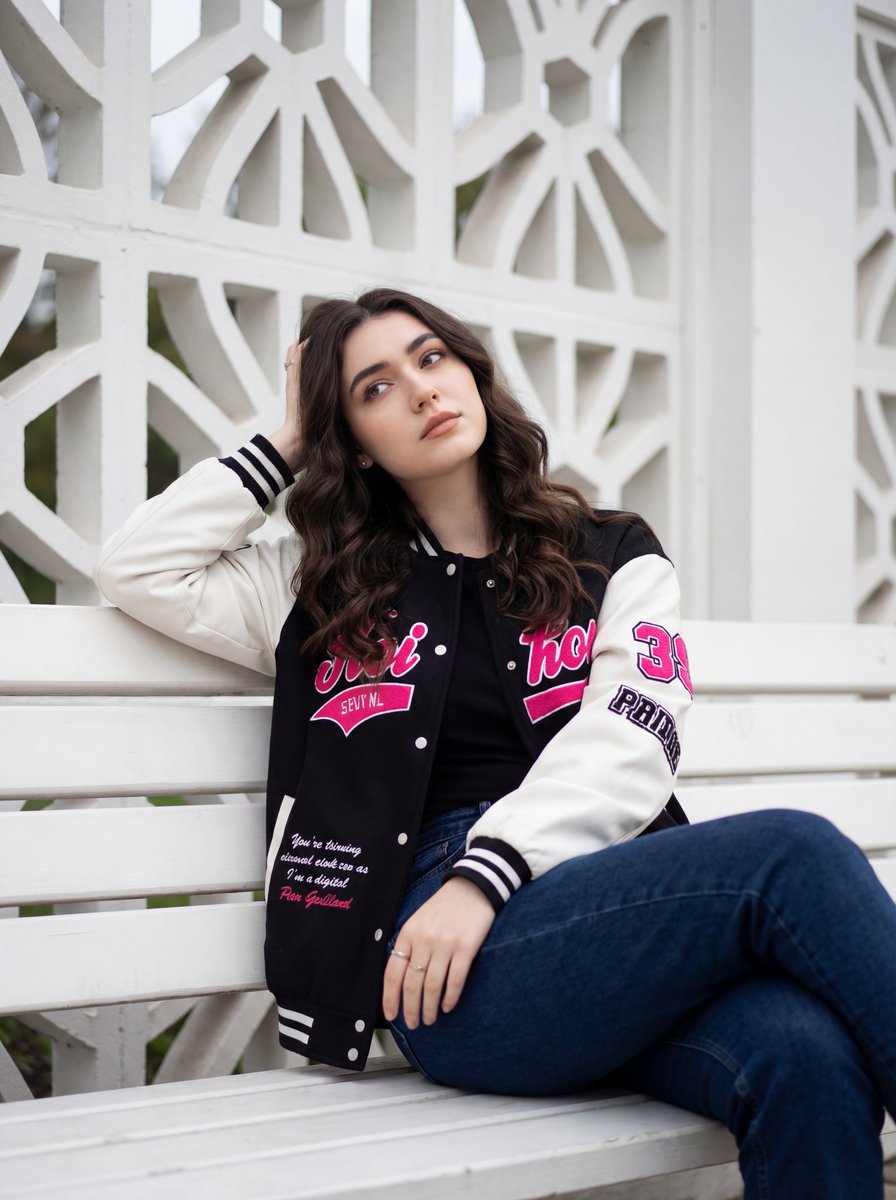
Candid Urban Portrait with Identity Preservation
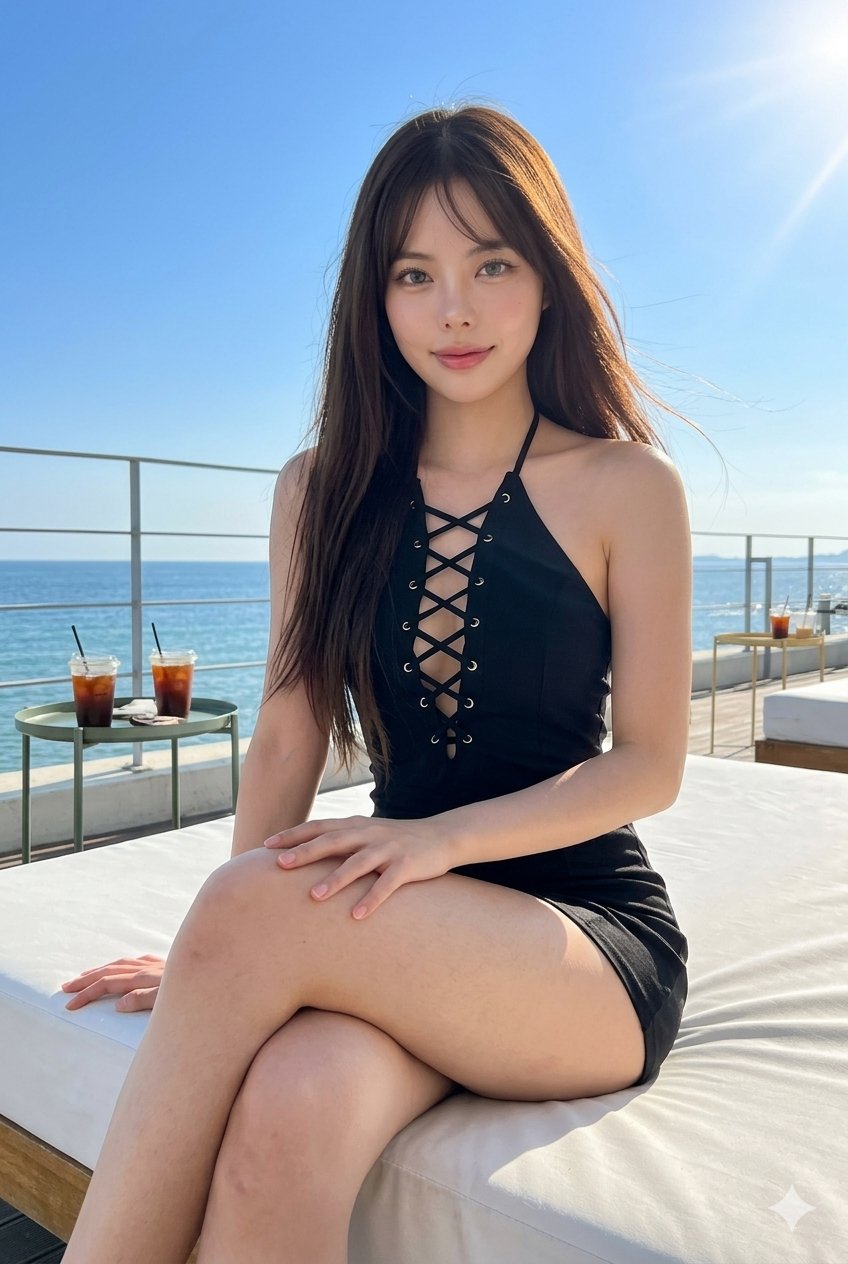
Gemini Nano Banana Portrait
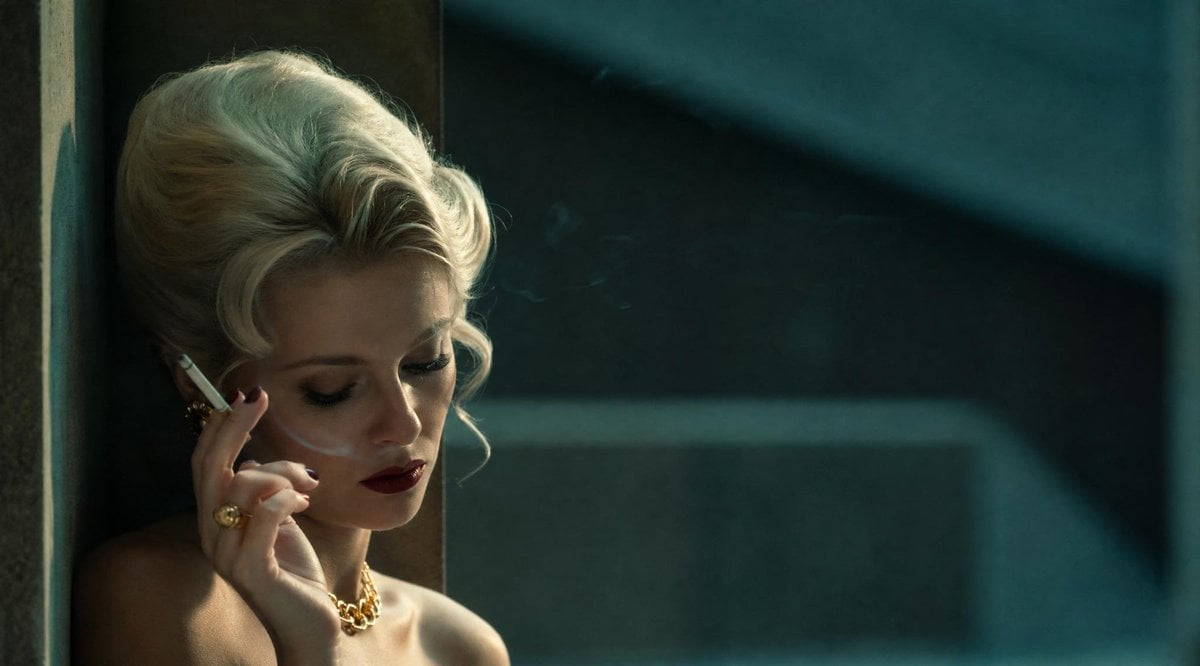
Censored Vintage Film Portrait
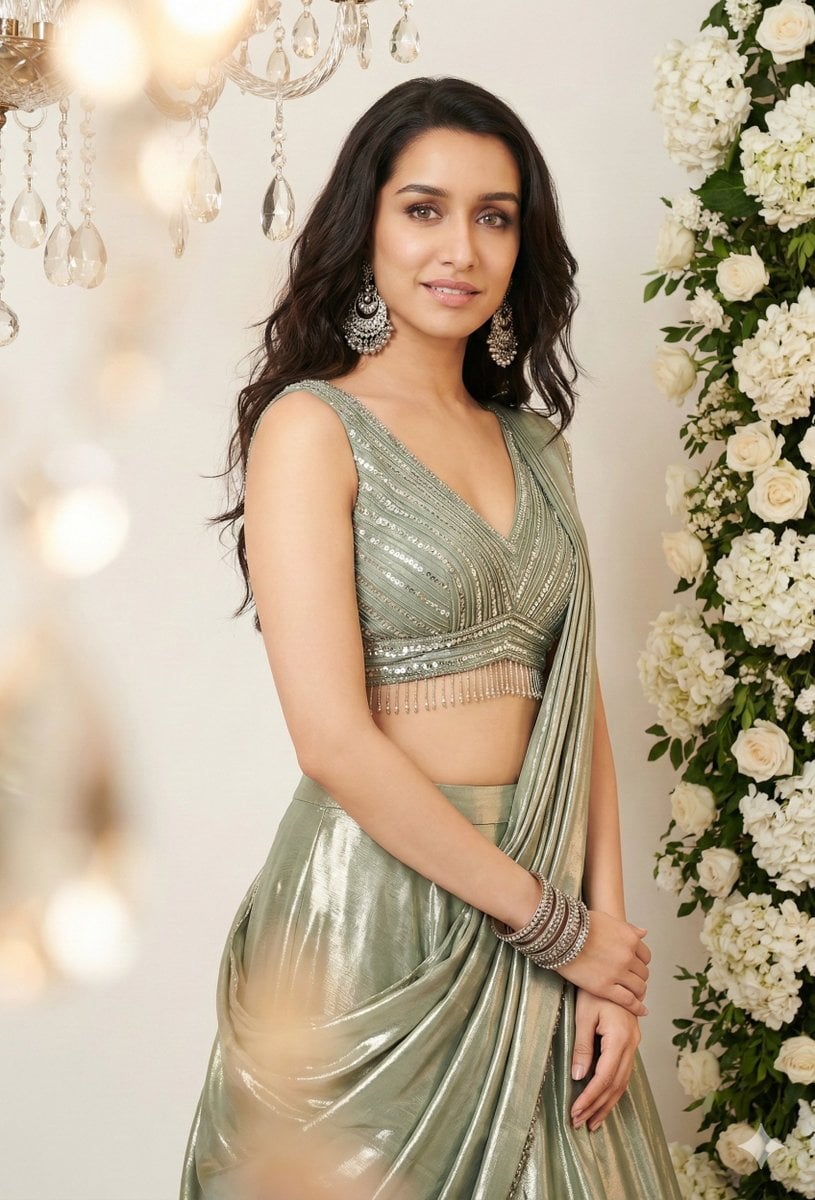
Indian Saree Fashion Portraits (Two Prompts)
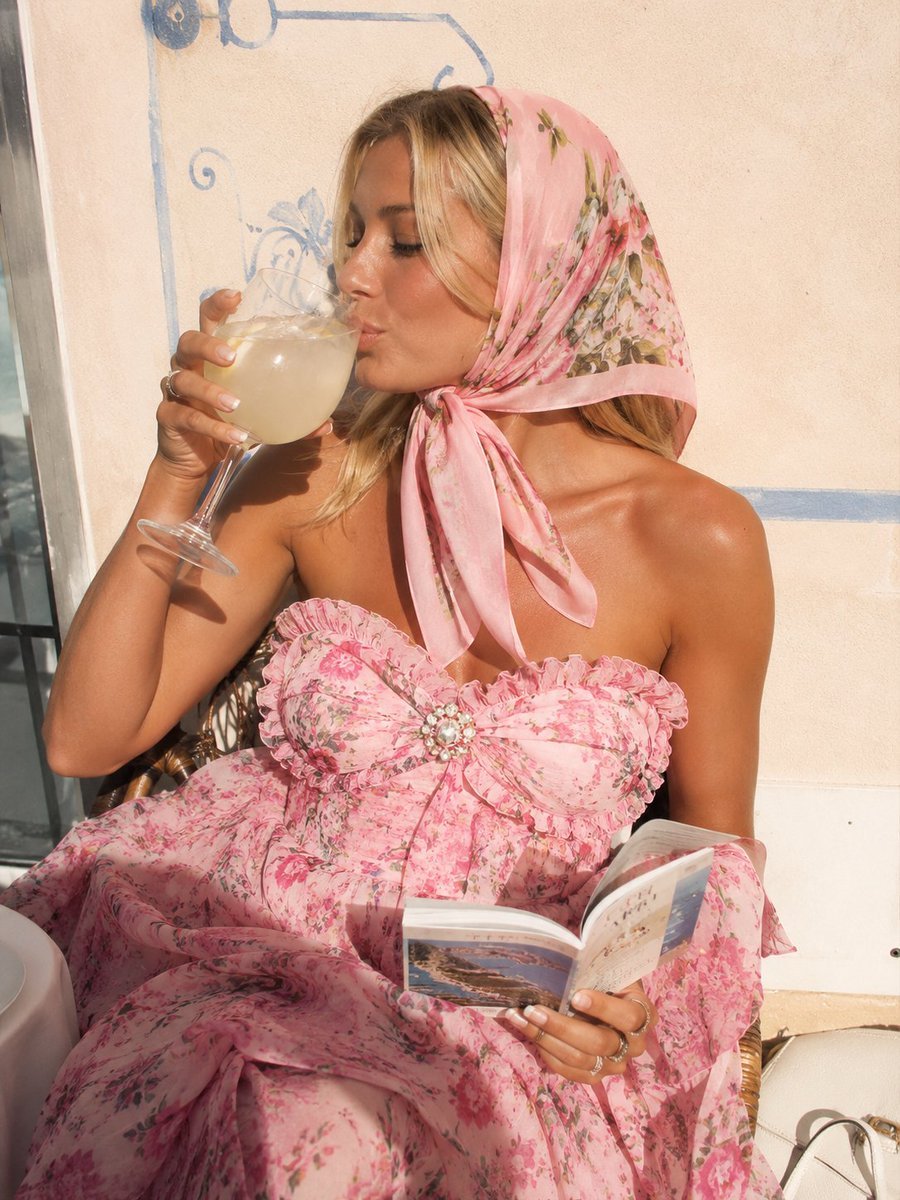
Pink Floral Vacation Café Portrait
Browse template categories
Luxury Mecha Smartphone Case Mockup questions
How do I use the Luxury Mecha Smartphone Case Mockup template?
Add your photo if the template asks for one, edit the prompt if you like — the template's model and format are already selected — and press Generate. Your version opens in PicX Studio.
Can I customize the Luxury Mecha Smartphone Case Mockup template?
Yes. You can change the subject, setting, lighting, mood, format, and available model controls before creating your image.
Is the Luxury Mecha Smartphone Case Mockup template free?
Opening and editing this template is free. Generating uses credits, shown on the Generate button when you are signed in.
Which AI model should I use?
Start with GPT Image 2, which is the model associated with this template. You can compare another compatible model for a different finish.
Looking for something else? Browse all templates.

Your photo, any look
Thousands of ready templates for every top image and video model, from one credit balance.