
Character Expression Sheet Generation (Anime Style)
A highly detailed, structured prompt for Nano Banana Pro designed to generate a 2x3 grid expression sheet (6 panels) of a character from a reference image.
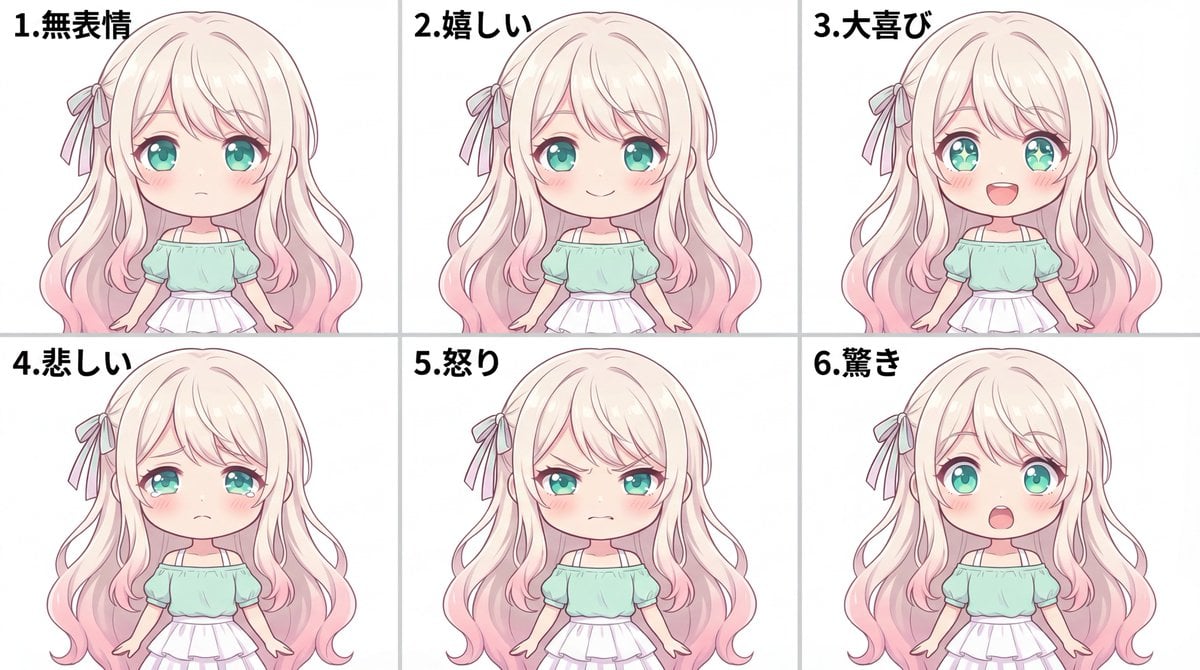
- Prompt included
- Model and format preset
- Free template
The prompt behind this image
Copy the exact prompt behind Character Expression Sheet Generation (Anime Style), or open it in the studio and make it yours.
添付の参照画像のキャラクターを元に、表情差分シートを1枚の画像として作成。 フォーマット: - 2行×3列のグリッド(同じ大きさの6コマ) - 全体のアスペクト比 3:2 - 背景は完全な白(#FFFFFF) - コマの境界線は細く控えめに(薄いグレー)でOK - 各コマ左上に小さく数字「1. 無表情」「2. 嬉しい」「3. 大喜び」「4. 悲しい」「5. 怒り」「6. 驚き」を入れる(黒、読みやすく) 共通条件(6コマすべてで完全に同一): - 髪型、髪色、目の色、顔の輪郭、服装、アクセサリー - 顔の向き(正面)、バストアップの画角、頭の大きさ、位置 - ライティング、影の落ち方、彩色(anime-style soft shading) 変えていいのは「表情」だけ。ポーズや角度は変えない。 配置(左→右、上段→下段の順で固定。入れ替えない): 1(上段左): 無表情。落ち着いたリラックス顔。口は閉じる。 2(上段中央): 嬉しい。穏やかな微笑み。目元は柔らかく。 3(上段右): 大喜び。満面の笑み。口を開けて笑う。瞳のハイライトが強く入って輝いて見える(過剰なエフェクトは不要)。 4(下段左): 悲しい。目が潤む。伏し目がち。口角が下がる。 5(下段中央): 怒り。眉をひそめて眉間にシワ。歯を食いしばる(または唇をきつく結ぶ)。 6(下段右): 驚き。目を見開く。眉が上がる。口が開く。 不要: - 背景の小物、文字(数字1〜6以外)、効果線、汗マーク、別衣装、別アクセサリー
How to use Character Expression Sheet Generation (Anime Style) in 3 steps
- 1
Open
The prompt is already in the box next to the preview, with the template's model and format selected.
- 2…a portrait of your subject in softgolden-hour light, 85mm…
Personalize
Edit the subject and creative details for your destination.
- 3Generate
Generate
Press Generate — your image is created in PicX Studio, so you can compare it with the original and refine one variable at a time.
More like this
Templates with the same subject, style or setup. Open one to see its prompt.
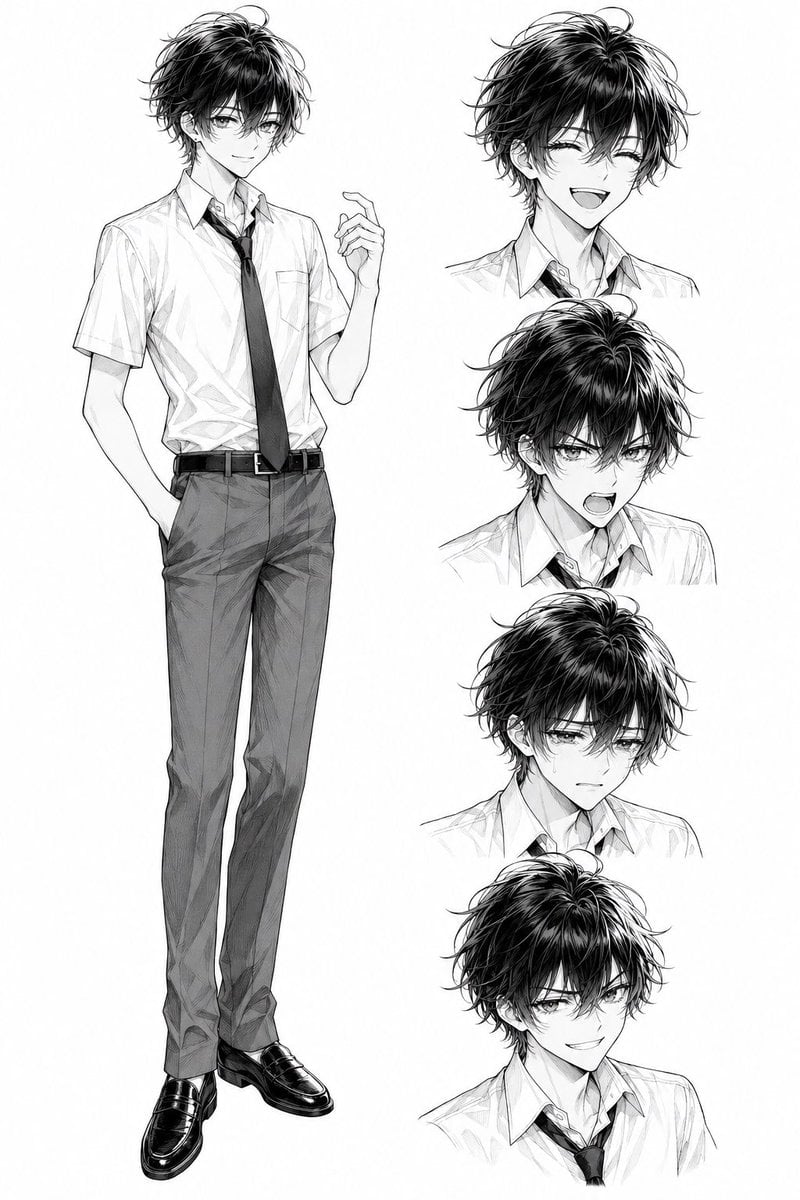
Monochrome Anime Schoolboy Expression Sheet

Anime Character Charm Analysis Sheet

Anime Lantern Girl Character Sheet

Anime Character Sheet Reference Prompt

Anime Girl Generation Grid
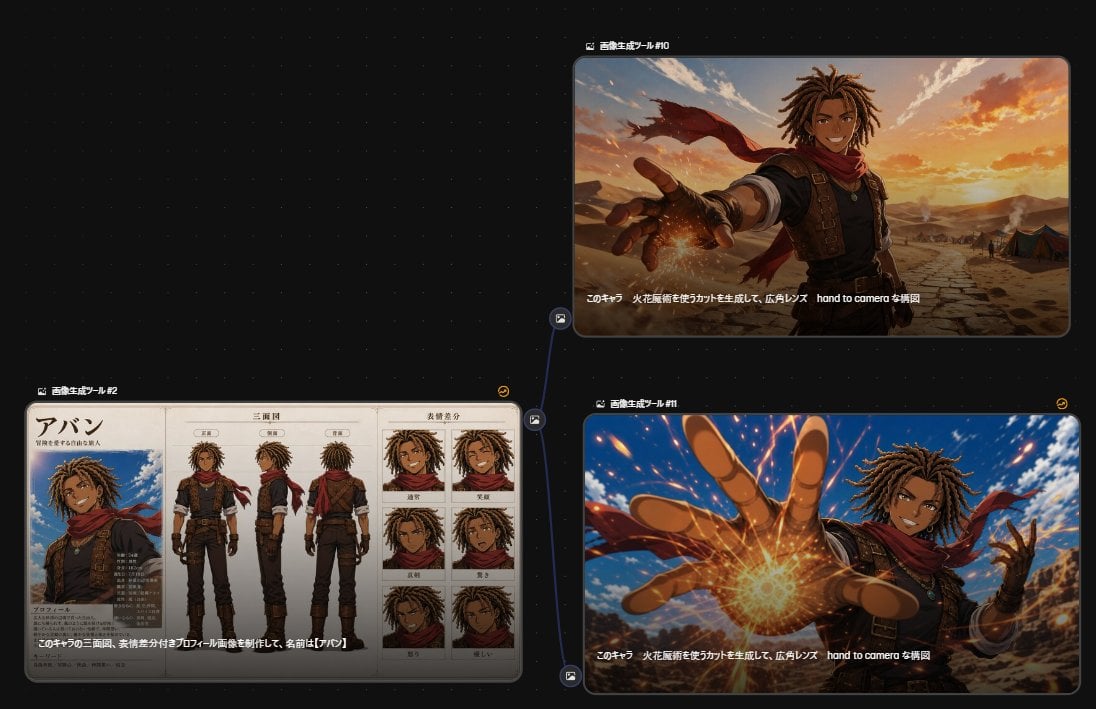
Anime Character Generation Workflow

Cel 2D Finale Fireworks

Cel 2D Garden Maze

Cel 2D Rooftop Concert

Cel 2D Bicycle Coast

Cel 2D Castle Gate

Cel 2D Kitchen Chaos
Make it yours
Character Expression Sheet Generation (Anime Style) works as-is. These are the safest ways to change it without losing the look.
Change one field
Copy a single group, rewrite it, and generate again so you can see what that field is doing.
Keep the frame, change the subject
Hold the composition and light of Character Expression Sheet Generation (Anime Style), then swap wardrobe, props or the person for a new take.
| If the result… | Why | Fix |
|---|---|---|
| The result drifts from the preview | Too many fields changed at once. | Reuse Character Expression Sheet Generation (Anime Style) as-is first, then change one group — subject, light, or setting. |
| The model over-stylizes the scene | The prose prompt leaves finish and camera underspecified. | Add one camera or lighting sentence and stay on Nano Banana 2. |
More Nano Banana 2 templates
Other prompts made for Nano Banana 2.

Photorealistic Leaf Shaped Like a Dragon

K-Pop Idol Portrait Grid for Rapid Selection

Poetic Rain Forest Portrait During Golden Hour

Urban Street Portrait with Cartoon Inner Self Duo

Candid Nighttime Photo with Cat Prompt

High-Concept 3D Diorama Generation Prompt

Cinematic Futuristic Studio Portrait Template

Skincare Editorial Photography Collage Prompt

Hyper-Realistic Commercial Product Photography (Splash Effect)

Hyper-Realistic Nightclub Portrait Prompt
More image prompts
Fresh picks from across the catalog.
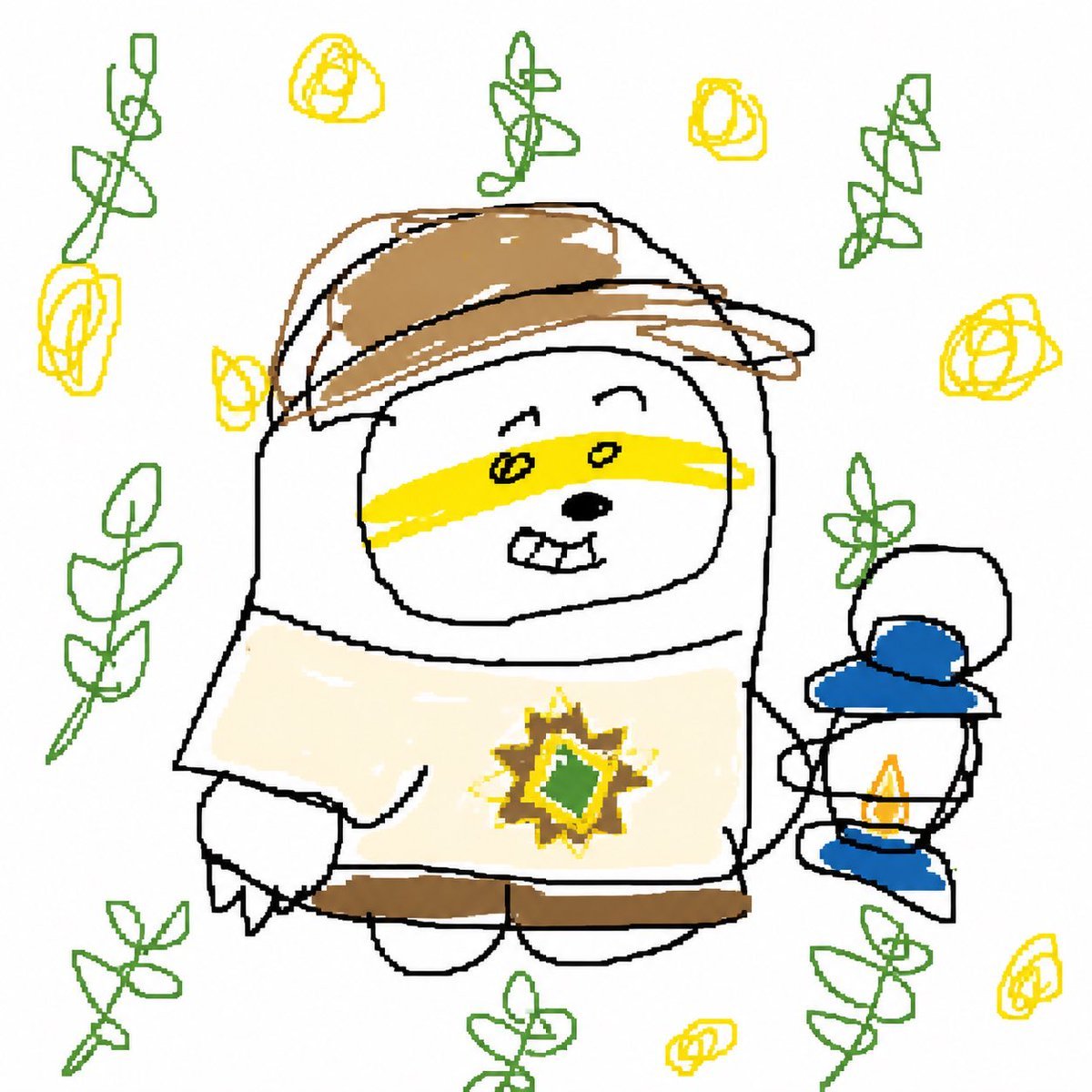
Intentional Low Quality MS Paint Redraw
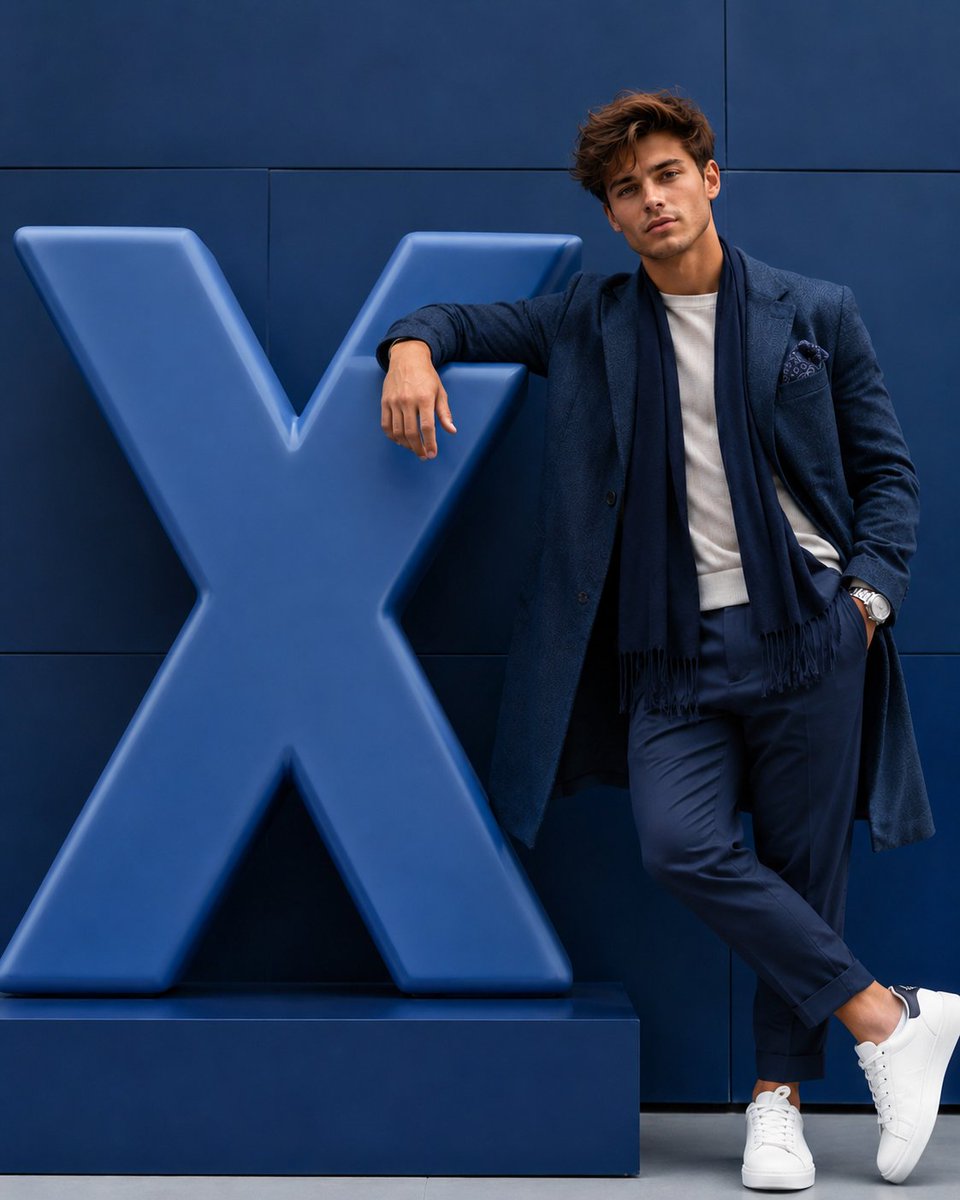
Hyper-realistic Fashion Editorial with 3D Brand Logo
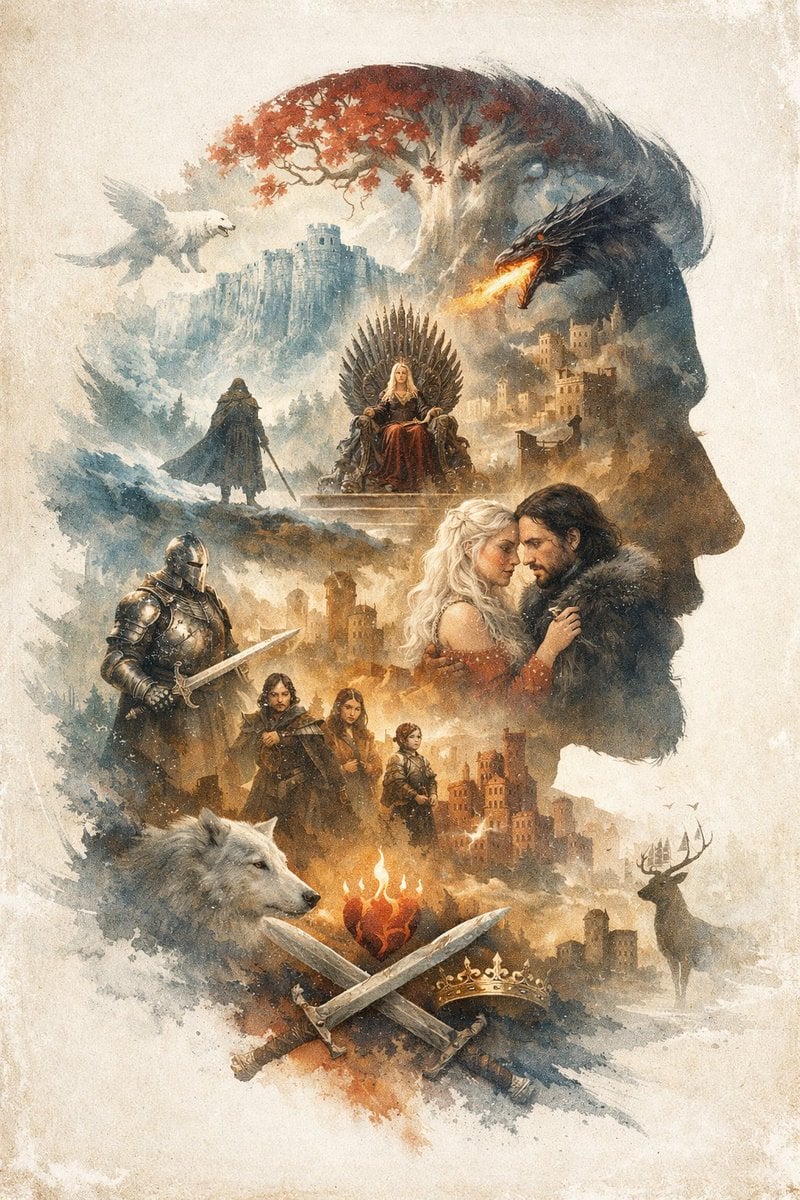
Epic Fantasy Double Exposure Silhouette
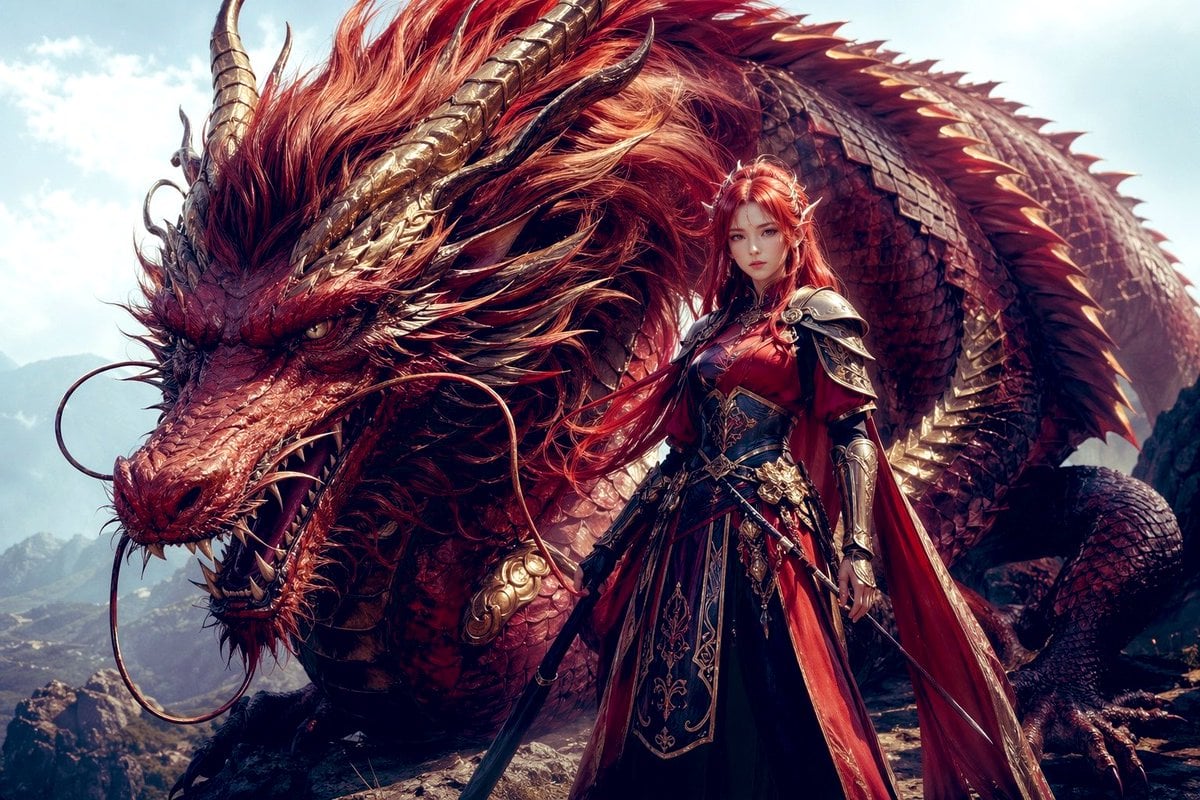
Dragon Knight and Crimson Dragon
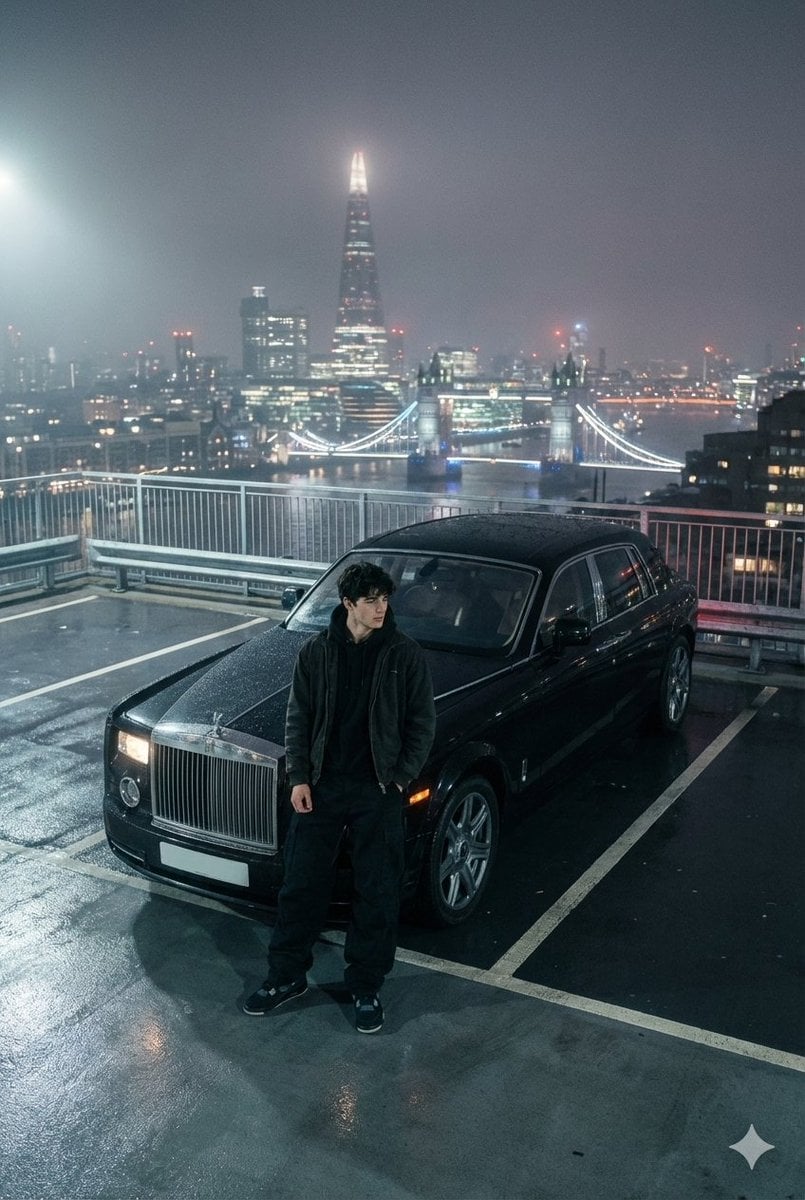
Moody London Rooftop Fashion Editorial
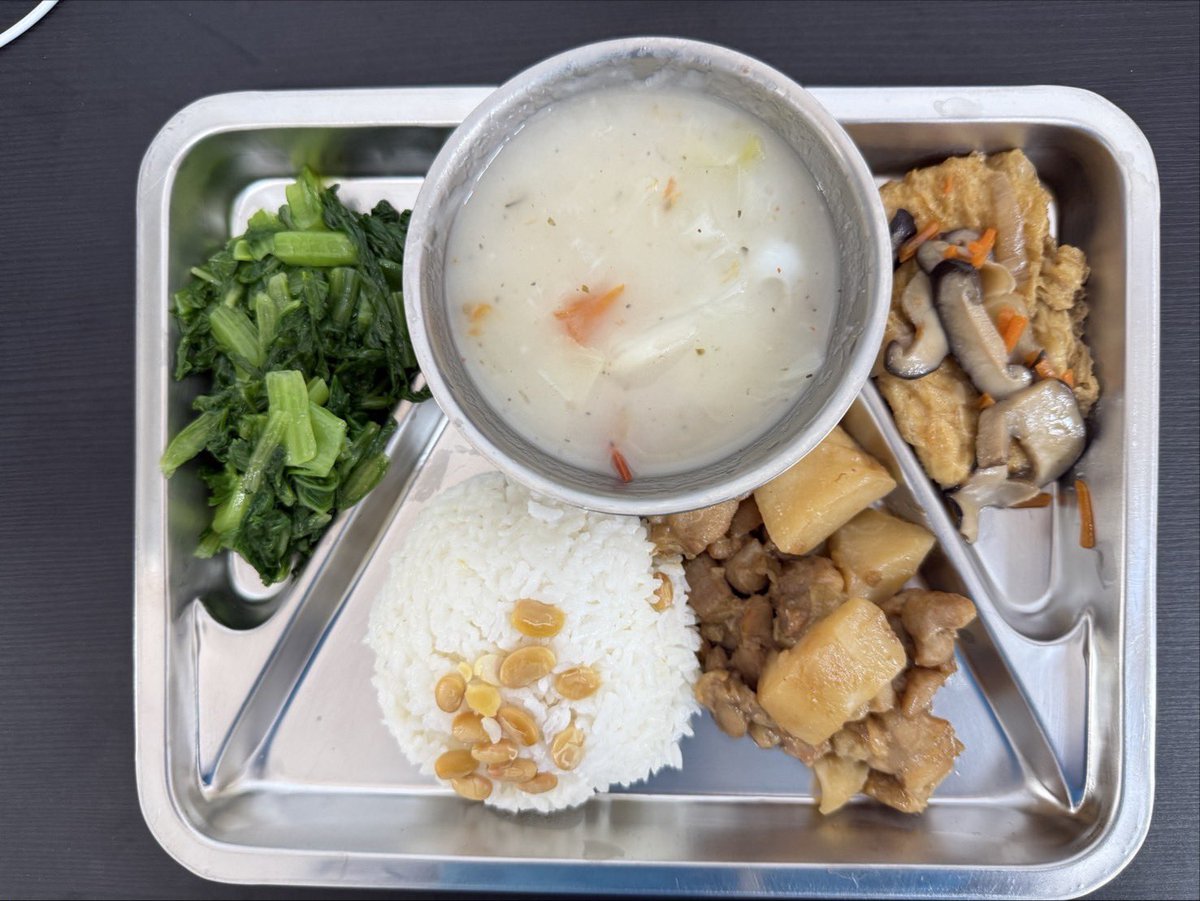
Prompt for Exploding or Static Food Photography
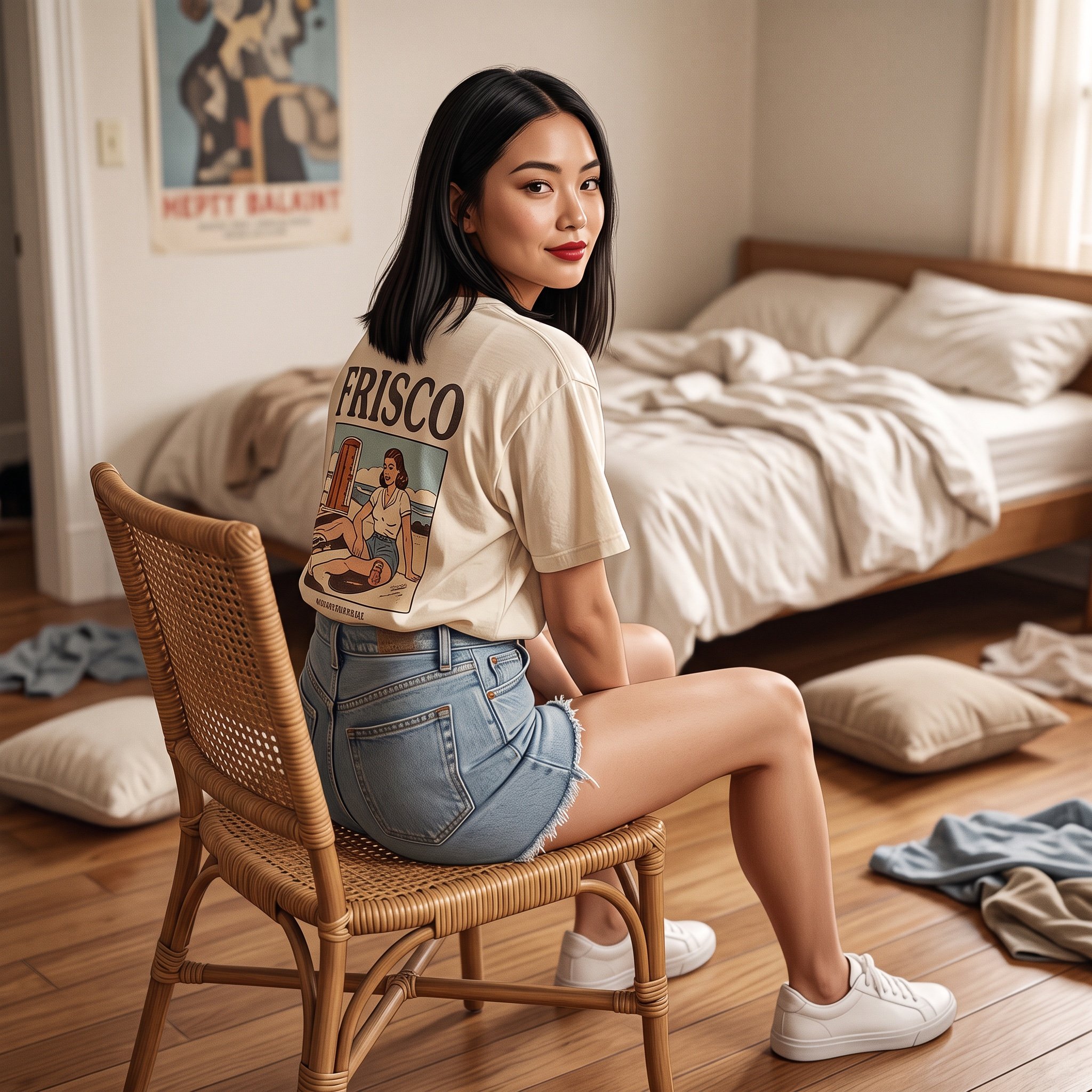
Photorealistic Frisco T-Shirt Lifestyle Portrait Prompt
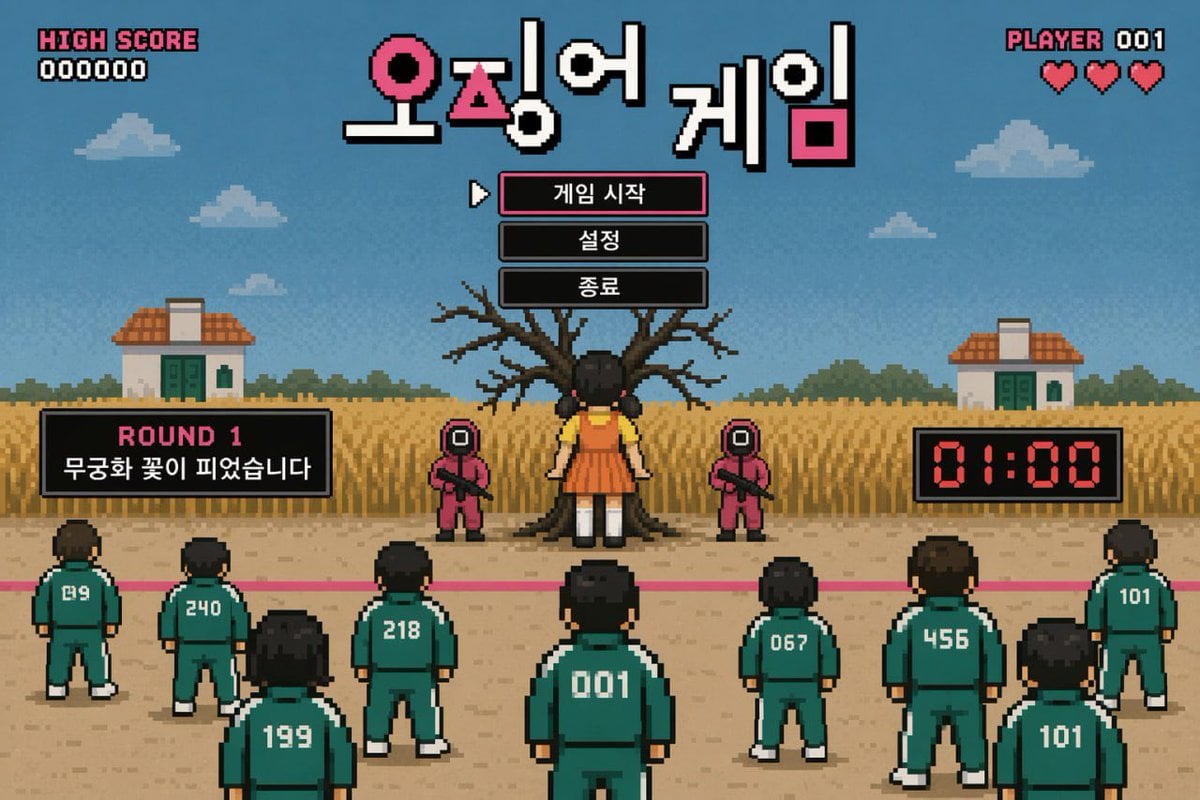
Pixel Art Survival Game UI Mockup
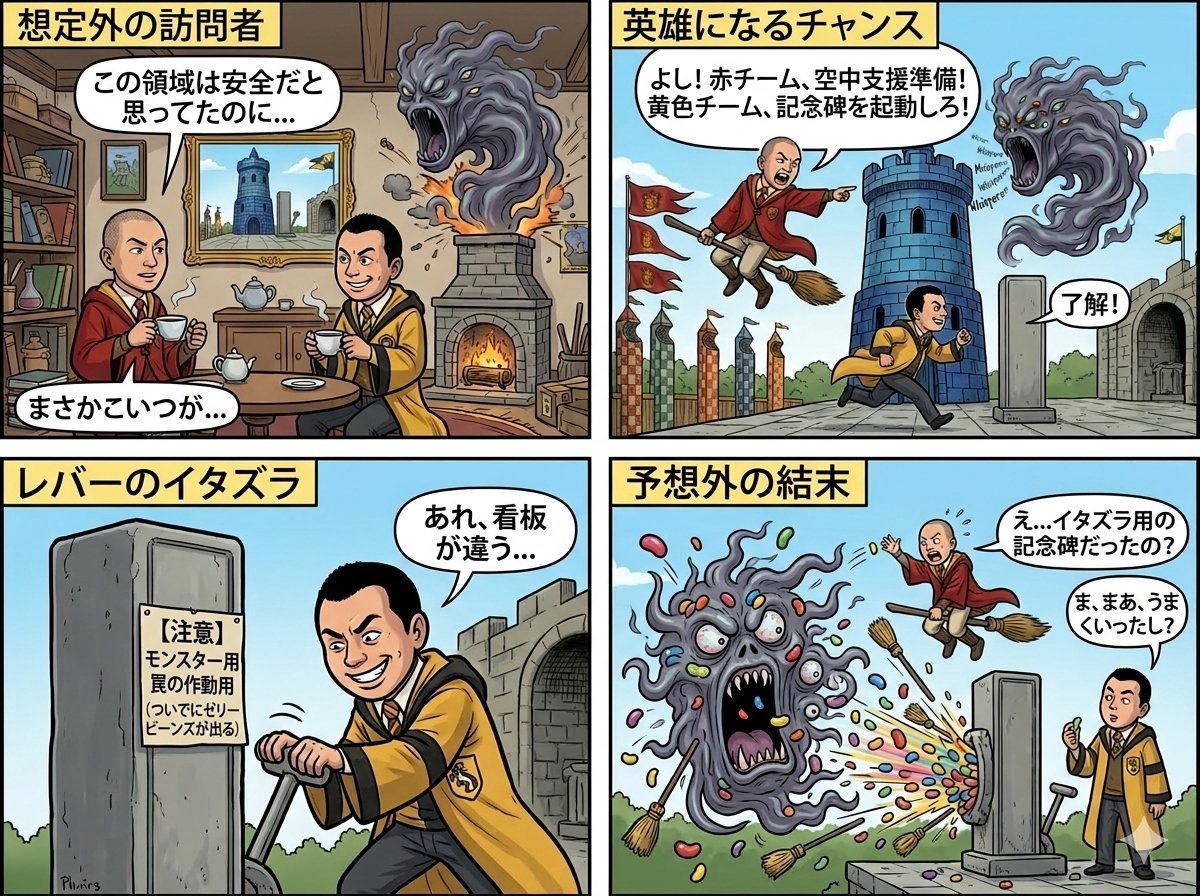
Four-Panel Manga: Judgment of the Ministry of Magic
Luxury Gala Fashion Editorial Prompt (JSON)
Browse template categories
Character Expression Sheet Generation (Anime Style) questions
How do I use the Character Expression Sheet Generation (Anime Style) template?
Add your photo if the template asks for one, edit the prompt if you like — the template's model and format are already selected — and press Generate. Your version opens in PicX Studio.
Can I customize the Character Expression Sheet Generation (Anime Style) template?
Yes. You can change the subject, setting, lighting, mood, format, and available model controls before creating your image.
Is the Character Expression Sheet Generation (Anime Style) template free?
Opening and editing this template is free. Generating uses credits, shown on the Generate button when you are signed in.
Which AI model should I use?
Start with Nano Banana 2, which is the model associated with this template. You can compare another compatible model for a different finish.
Looking for something else? Browse all templates.

Your photo, any look
Thousands of ready templates for every top image and video model, from one credit balance.