
Nano Banana Pro in Geminiapp
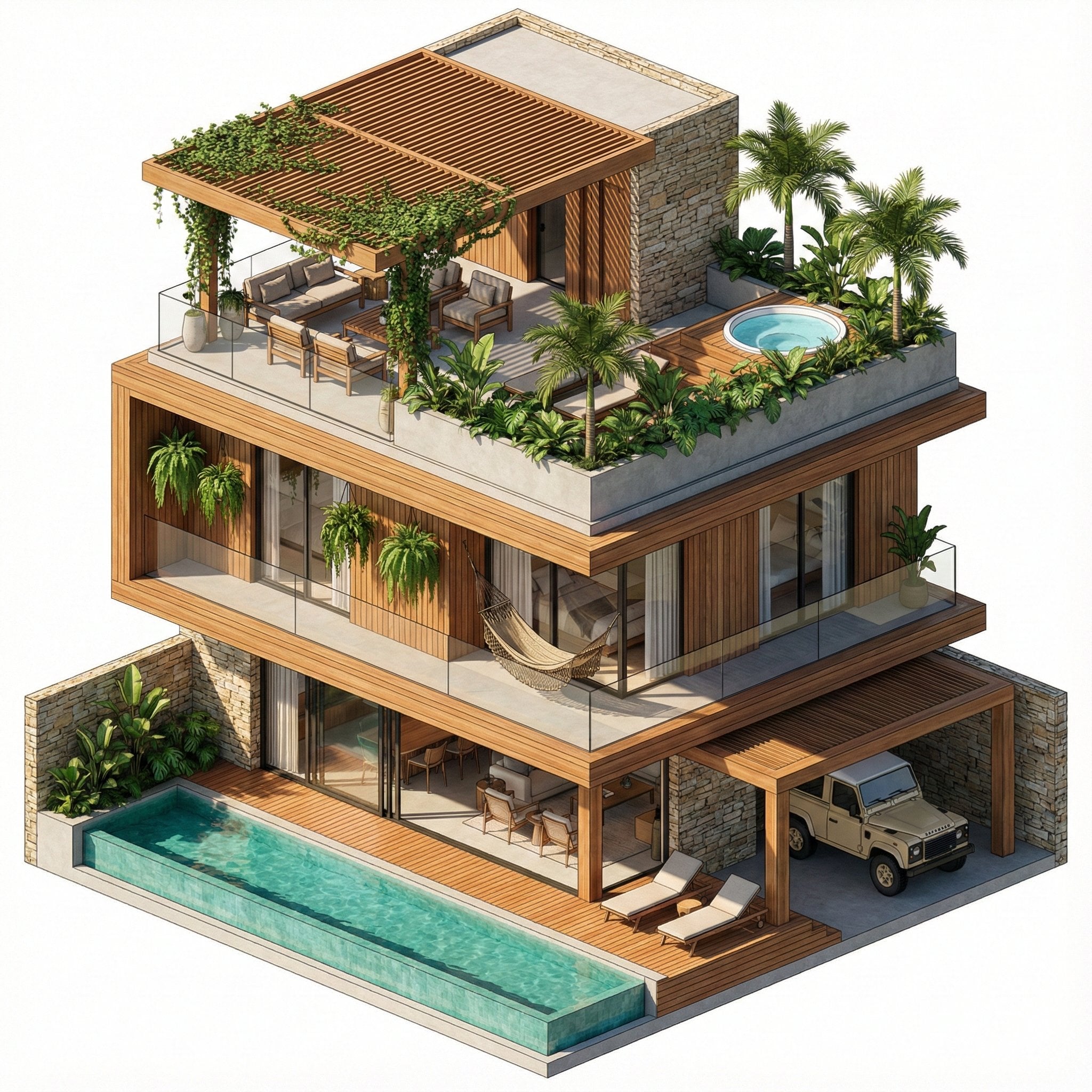
Nano Banana Pro in Geminiapp is a ready photo look for Nano Banana.
- Prompt included
- Model and format preset
- Free template
The prompt behind this image
Copy the exact prompt behind Nano Banana Pro in Geminiapp, or open it in the studio and make it yours.
An isometric 3D architectural rendering of a luxury three-story tropical villa isolated on a pure white background. The design emphasizes natural materials with warm timber cladding, stacked stone accent walls, and extensive floor-to-ceiling glass. The Rooftop: Features a large cantilevered pergola with climbing vines shading a lounge area, built-in planter boxes with palm trees, and a small, elevated jacuzzi. The Middle Floors: Deep balconies with glass railings, featuring hanging plants and a woven hammock. The Ground Floor: Boasts a lap pool with turquoise water and a wooden deck, an open-plan living area visible through glass doors, and a carport housing a vintage beige Land Rover Defender. Style: Clean architectural visualization, SketchUp style, bright warm daylight, sharp shadows, rich textures, 8k resolution.
How to use Nano Banana Pro in Geminiapp in 3 steps
- 1
Open
The prompt is already in the box next to the preview, with the template's model and format selected.
- 2…a portrait of your subject in softgolden-hour light, 85mm…
Personalize
Edit the subject and creative details for your destination.
- 3Generate
Generate
Press Generate — your image is created in PicX Studio, so you can compare it with the original and refine one variable at a time.
More like this
Templates with the same subject, style or setup. Open one to see its prompt.

Nano Banana Is So Addictive

Nano Banana 2 Perspective Experiment

Gemini Nano Banana 2 Isometric 3d City D

Nano Banana 2

Gemini Nano Banana 2

Gemini Nano Banana 2 Logo in Wet Sand Be

Nano Banana 2 Gourmet Ice Cream Commerci

Nano Banana Pro Photoreal Playful Couple

Nano Banana 2 High Fashion Sports Campai

Nano Banana 2 Editorial Fashion Portrait

B&W Photobooth Expression Grid 4x4 — Nano Banana

Gen Z TikTok Viral Expression Grid 4x4 — Nano Banana
Make it yours
Nano Banana Pro in Geminiapp works as-is. These are the safest ways to change it without losing the look.
Change one field
Copy a single group, rewrite it, and generate again so you can see what that field is doing.
Keep the frame, change the subject
Hold the composition and light of 150-nano-banana-pro-in-geminiapp, then swap wardrobe, props or the person for a new take.
| If the result… | Why | Fix |
|---|---|---|
| The result drifts from the preview | Too many fields changed at once. | Reuse 150-nano-banana-pro-in-geminiapp as-is first, then change one group — subject, light, or setting. |
| The model over-stylizes the scene | The prose prompt leaves finish and camera underspecified. | Add one camera or lighting sentence and stay on Nano Banana. |
More Nano Banana templates
Other prompts made for Nano Banana.










More image prompts
Fresh picks from across the catalog.
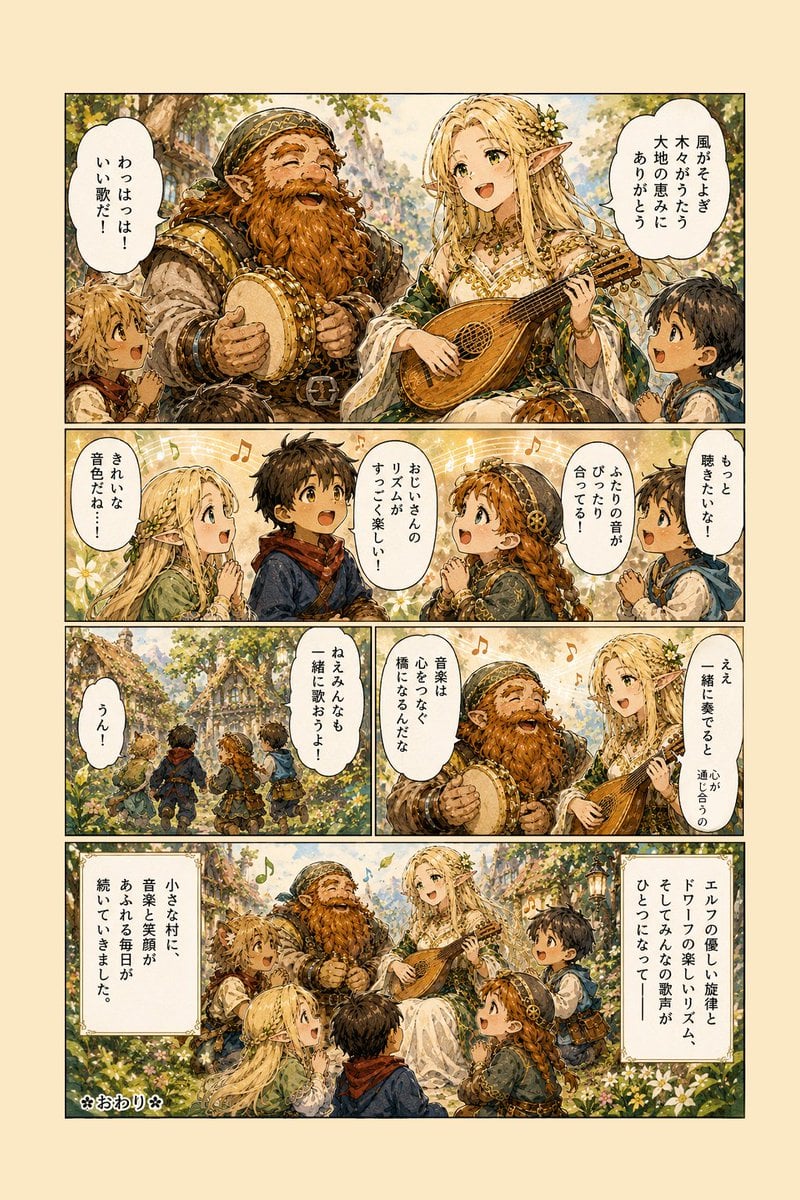
Fantasy Forest Music Manga Page
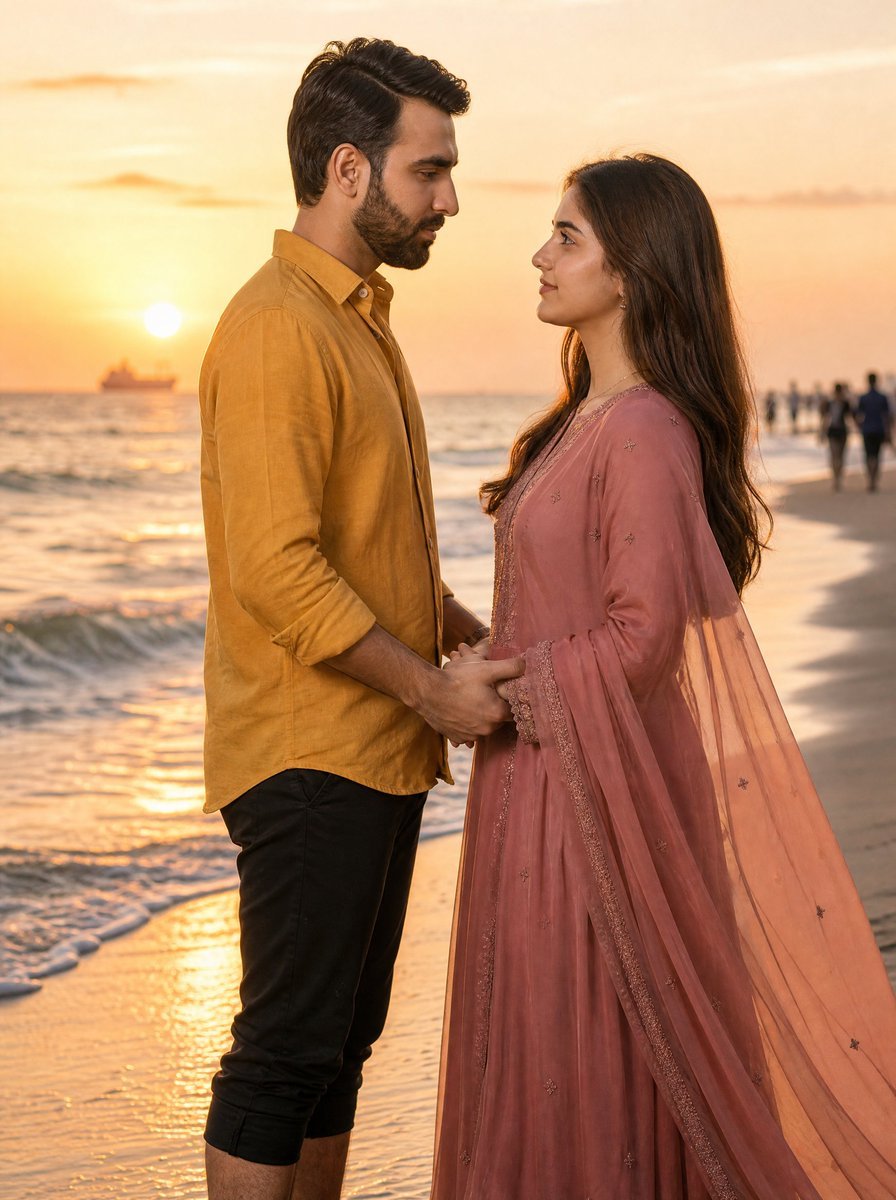
Romantic Sunset Beach Couple Portrait
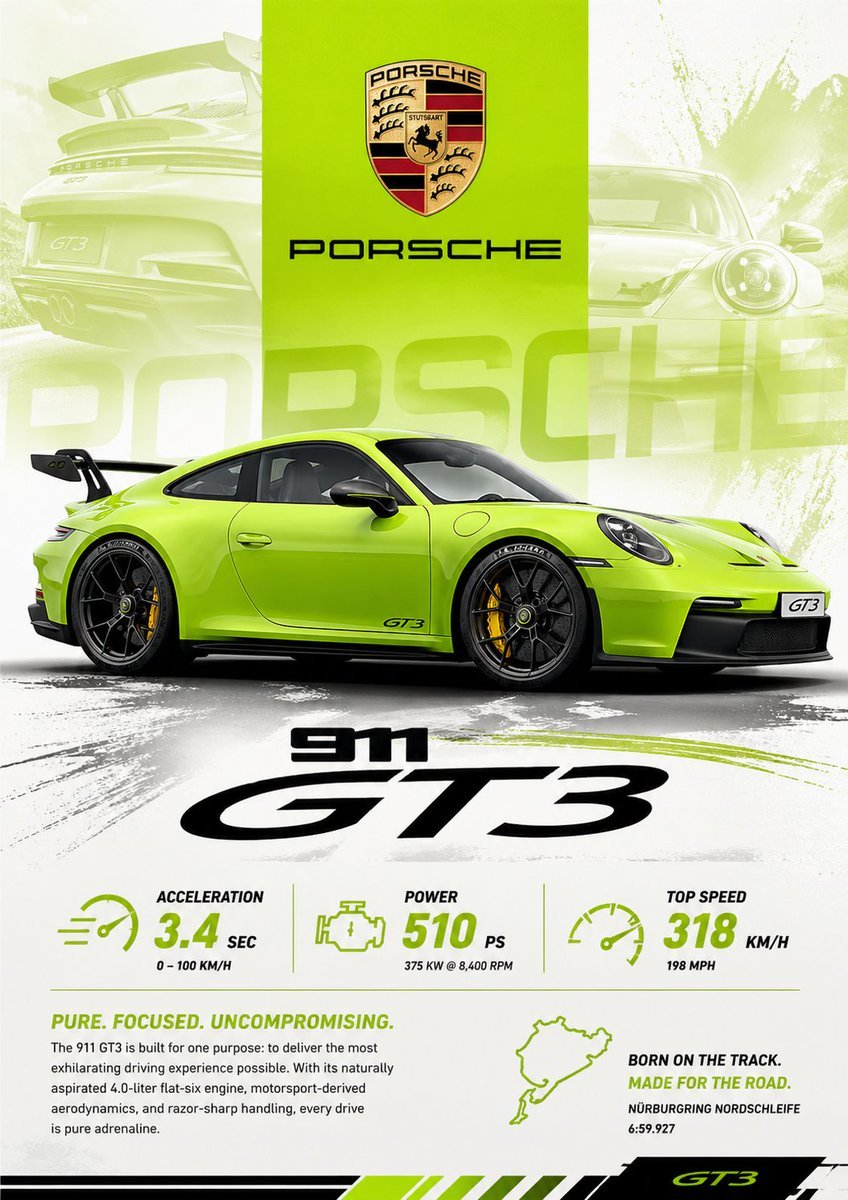
Vibrant Automotive Poster Design
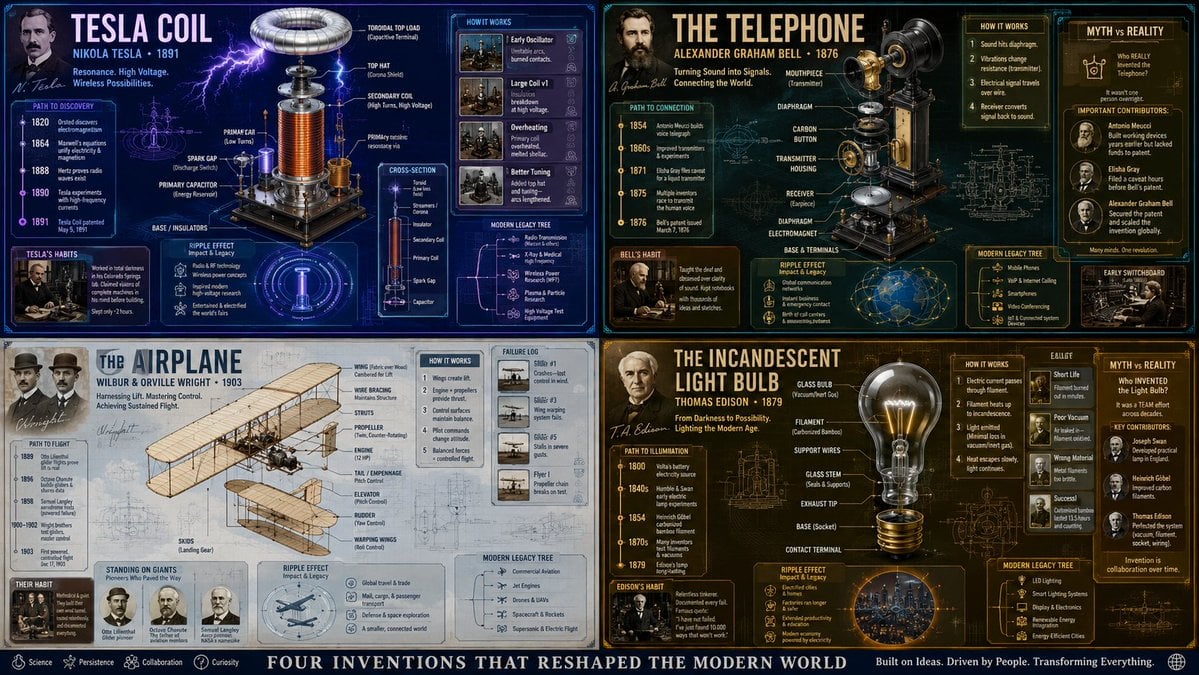
Exploded View Invention Infographic

Dreamy Garden Princess Portrait
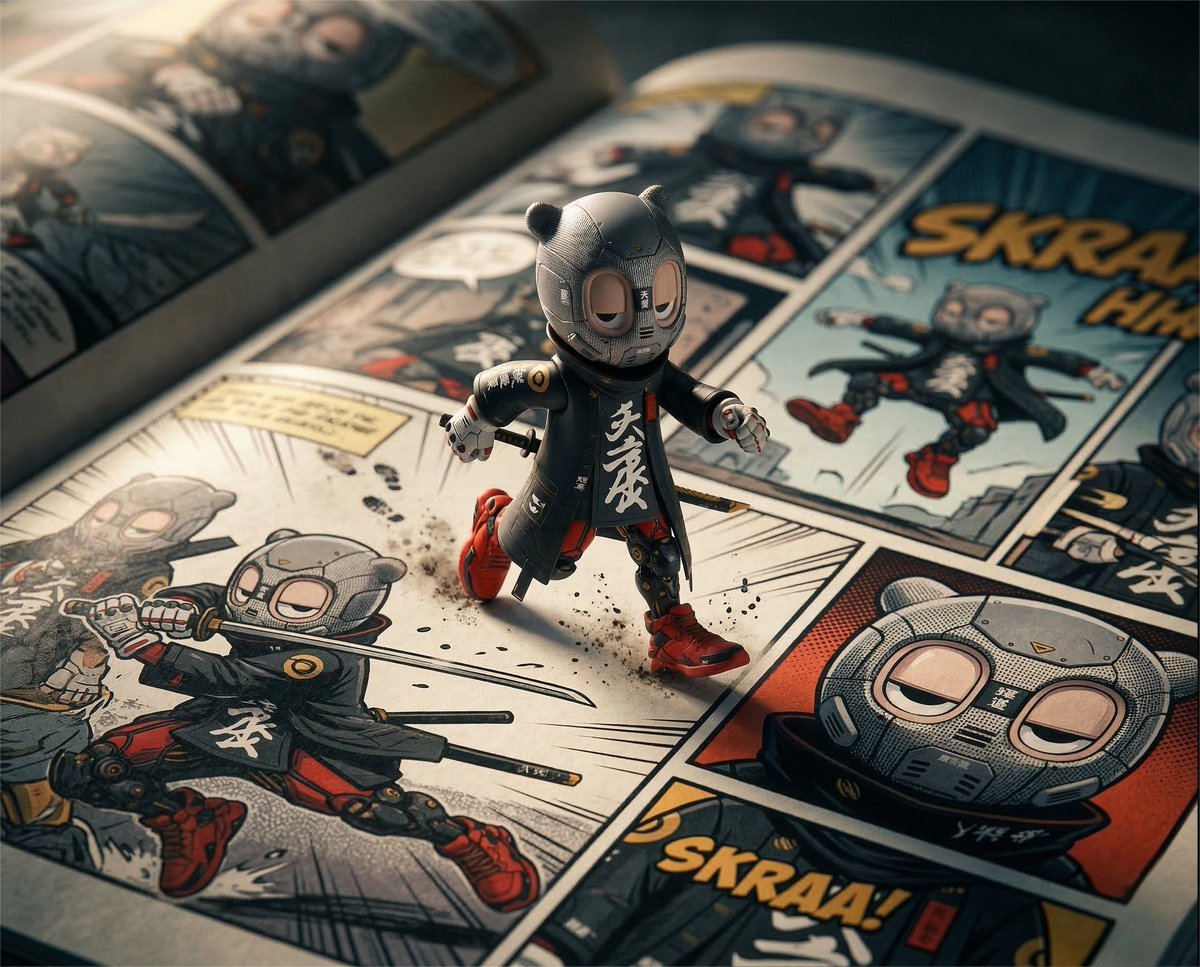
Macro Toy Photography: Beast Escaping Comic Panel
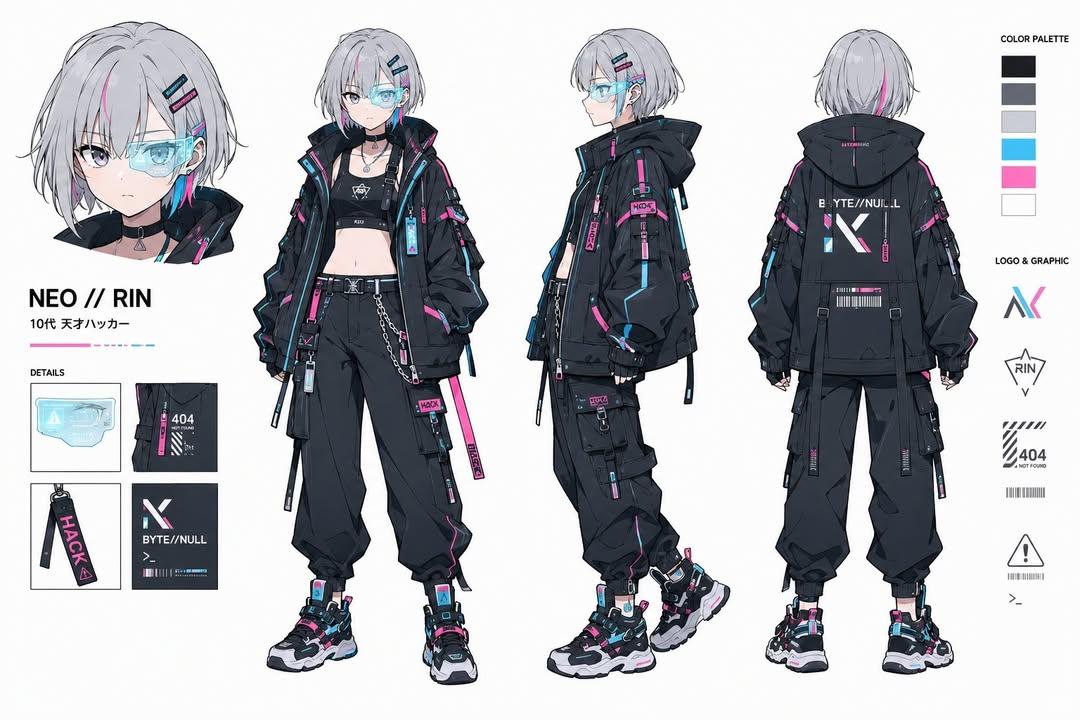
Cyberpunk Hacker Girl Character Design Sheet
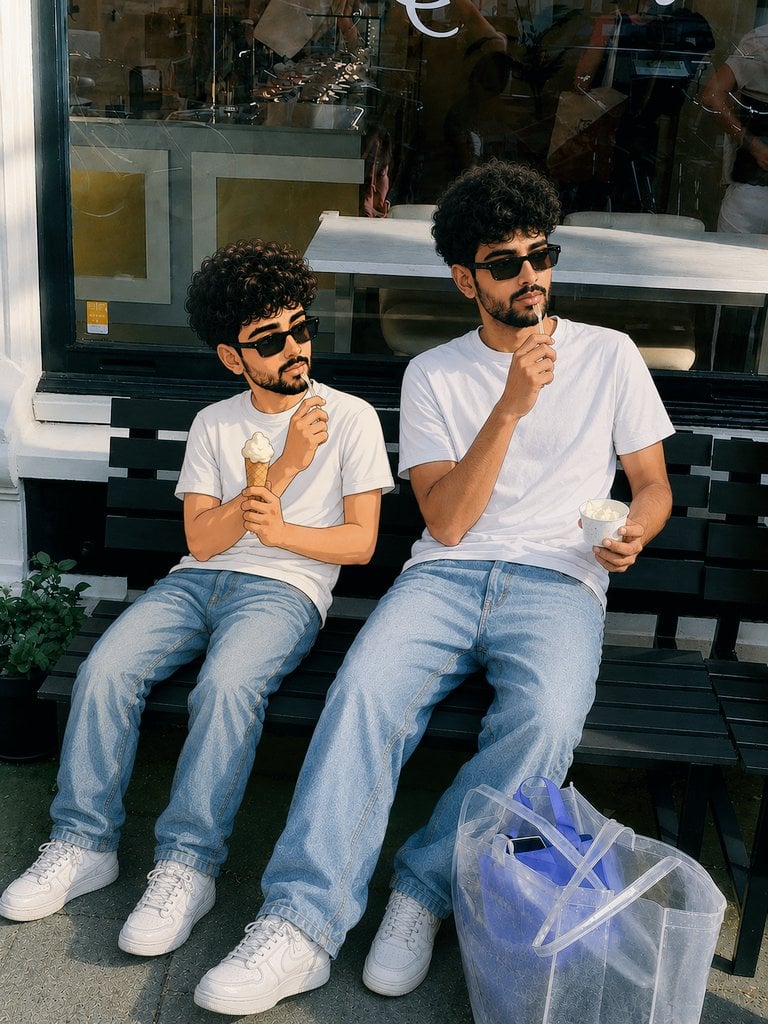
Photorealistic Cartoon Clone Portrait
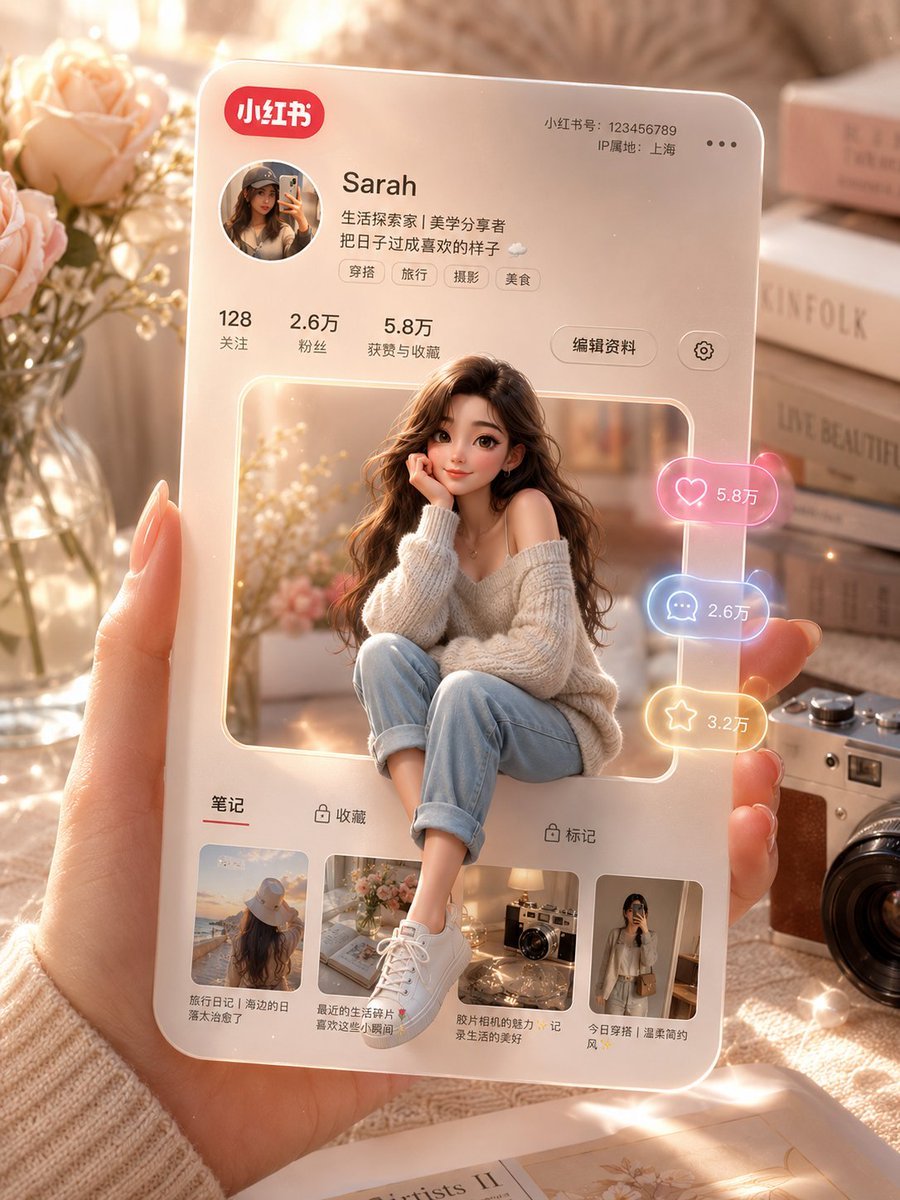
3D Social Media Profile Card

Epic Narrative Graduation Poster
Browse template categories
Nano Banana Pro in Geminiapp questions
How do I use the 150-nano-banana-pro-in-geminiapp template?
Add your photo if the template asks for one, edit the prompt if you like — the template's model and format are already selected — and press Generate. Your version opens in PicX Studio.
Can I customize the 150-nano-banana-pro-in-geminiapp template?
Yes. You can change the subject, setting, lighting, mood, format, and available model controls before creating your image.
Is the 150-nano-banana-pro-in-geminiapp template free?
Opening and editing this template is free. Generating uses credits, shown on the Generate button when you are signed in.
Which AI model should I use?
Start with Nano Banana, which is the model associated with this template. You can compare another compatible model for a different finish.
Looking for something else? Browse all templates.

Your photo, any look
Thousands of ready templates for every top image and video model, from one credit balance.