How do I use the Summer Bubbles in Yukata template?
Edit the prompt in the box under the preview — the template's model and format are already selected — and press Generate. Your version appears right on this page.
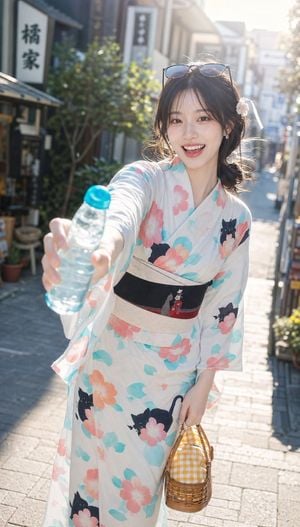
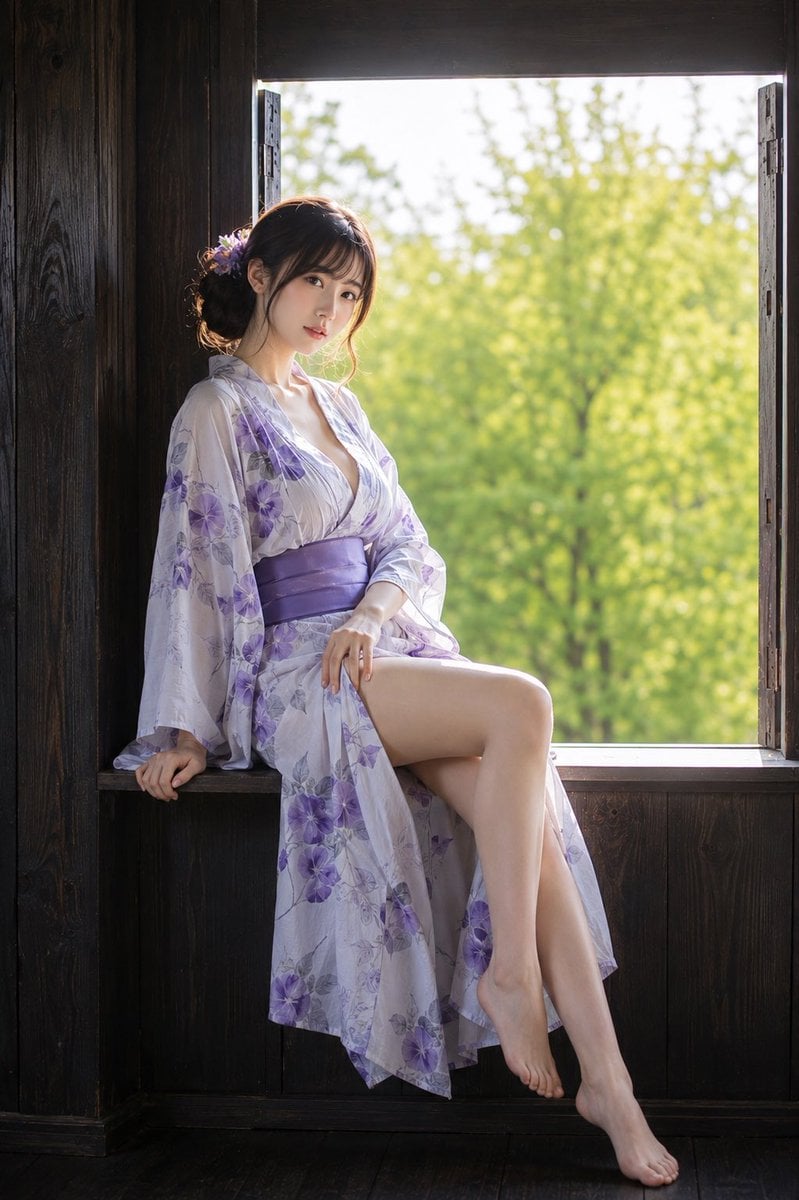
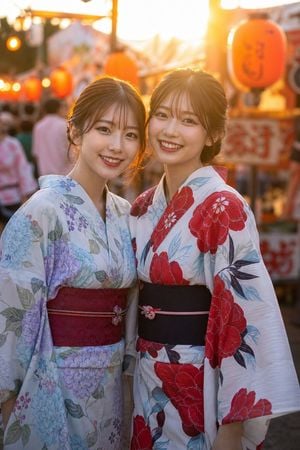
A close-up portrait prompt of a woman in a floral yukata reaching for soap bubbles in a traditional Japanese room with a garden view.

主題: 泡を追う指先 主体: 縦長3:4の写真。畳敷きの和室に座る一人の女性を画面中央に大きく配置し、頭頂から腰付近までを収める。人物は画面の約75%を占め、両手をカメラへ差し出しながら、目の前を漂うシャボン玉に触れようとしている。 人物・表情: 自然な透明感を持つ女性。髪は濃いダークブラウンの肩につくミディアムボブで、毛先は軽く外側へ動き、薄い前髪が額へ自然に落ちる。顔まわりには細い後れ毛を残す。頭をわずかに傾け、澄んだ瞳でカメラの少し上を見る。唇は軽く開き、静かな驚きと好奇心が混ざった表情。淡いコーラル系メイク、自然な肌理、頬に控えめな血色。 服装・ポーズ: {argument name="衣装" default="白地に淡い青と桃色の小花を散らした軽やかな浴衣"}。腰には{argument name="帯の色" default="くすんだローズピンクの帯"}。身体は正面を向き、肩の力を抜いて座る。両肘を曲げ、左右の手をレンズ方向へ伸ばし、指を大きく自然に開く。手のひらはやや内側を向き、中央のシャボン玉を包み込もうとする瞬間。手は顔より手前にあり、遠近感によって大きく見える。 背景・光: 左側に木枠の障子、右奥に開いた縁側と緑豊かな庭。畳の左下には青い栓の透明なラムネ瓶を一本置く。大小さまざまなシャボン玉が前景・人物周辺・背景に漂い、表面に虹色の反射が入る。右後方の庭側から暖かな自然光が差し込み、髪の輪郭、頬、肩、手の甲を照らす。障子側は柔らかな影となり、庭の反射光が顔の影を穏やかに持ち上げる。 構図・カメラ: 人物の目線とほぼ同じ高さから撮影した近距離ポートレート。顔に主焦点を置き、手と前景のシャボン玉は軽くぼかす。中央下に両手、その奥に顔を配置した三角形構図。頭上には少量の余白、左右には障子と庭を残す。85mm相当、浅い被写界深度、背景は大きく柔らかな玉ボケ。 質感・スタイル: 夏の午後を感じる日系写真表現。やや暖色寄りの自然な色調、柔らかなコントラスト、繊細なフィルム粒子。肌は過度に加工せず、細かな産毛や光の透過を残す。シャボン玉の薄膜、浴衣の綿の質感、髪の細い一本一本まで自然に描写する。 ネガティブ: 不自然な顔、不自然な視線、左右非対称な瞳、余分な指、欠けた指、指の融合、硬すぎる手、不自然な関節、浴衣の構造破綻、光源と矛盾する影、過度な美肌補正、プラスチックのような肌、文字化け、ロゴ、透かし。
主題: 泡を追う指先 主体: 縦長3:4の写真。畳敷きの和室に座る一人の女性を画面中央に大きく配置し、頭頂から腰付近までを収める。人物は画面の約75%を占め、両手をカメラへ差し出しながら、目の前を漂うシャボン玉に触れようとしている。 人物・表情: 自然な透明感を持つ女性。髪は濃いダークブラウンの肩につくミディアムボブで、毛先は軽く外側へ動き、薄い前髪が額へ自然に落ちる。顔まわりには細い後れ毛を残す。頭をわずかに傾け、澄んだ瞳でカメラの少し上を見る。唇は軽く開き、静かな驚きと好奇心が混ざった表情。淡いコーラル系メイク、自然な肌理、頬に控えめな血色。 服装・ポーズ: {argument name="衣装" default="白地に淡い青と桃色の小花を散らした軽やかな浴衣"}。腰には{argument name="帯の色" default="くすんだローズピンクの帯"}。身体は正面を向き、肩の力を抜いて座る。両肘を曲げ、左右の手をレンズ方向へ伸ばし、指を大きく自然に開く。手のひらはやや内側を向き、中央のシャボン玉を包み込もうとする瞬間。手は顔より手前にあり、遠近感によって大きく見える。 背景・光: 左側に木枠の障子、右奥に開いた縁側と緑豊かな庭。畳の左下には青い栓の透明なラムネ瓶を一本置く。大小さまざまなシャボン玉が前景・人物周辺・背景に漂い、表面に虹色の反射が入る。右後方の庭側から暖かな自然光が差し込み、髪の輪郭、頬、肩、手の甲を照らす。障子側は柔らかな影となり、庭の反射光が顔の影を穏やかに持ち上げる。 構図・カメラ: 人物の目線とほぼ同じ高さから撮影した近距離ポートレート。顔に主焦点を置き、手と前景のシャボン玉は軽くぼかす。中央下に両手、その奥に顔を配置した三角形構図。頭上には少量の余白、左右には障子と庭を残す。85mm相当、浅い被写界深度、背景は大きく柔らかな玉ボケ。 質感・スタイル: 夏の午後を感じる日系写真表現。やや暖色寄りの自然な色調、柔らかなコントラスト、繊細なフィルム粒子。肌は過度に加工せず、細かな産毛や光の透過を残す。シャボン玉の薄膜、浴衣の綿の質感、髪の細い一本一本まで自然に描写する。 ネガティブ: 不自然な顔、不自然な視線、左右非対称な瞳、余分な指、欠けた指、指の融合、硬すぎる手、不自然な関節、浴衣の構造破綻、光源と矛盾する影、過度な美肌補正、プラスチックのような肌、文字化け、ロゴ、透かし。
Edit the prompt in the box under the preview — the template's model and format are already selected — and press Generate. Your version appears right on this page.
Yes. You can change the subject, setting, lighting, mood, format, and available model controls before creating your image.
Opening and editing this template is free. Generating uses credits, shown on the Generate button when you are signed in.
Start with GPT Image 2, which is the model associated with this template. You can compare another compatible model for a different finish.
Follow a topic to a crawlable collection of related PicX Studio templates.