
Yukata Character Sheet Generator
A comprehensive prompt for creating a realistic character sheet for a specific person wearing different colored yukatas.
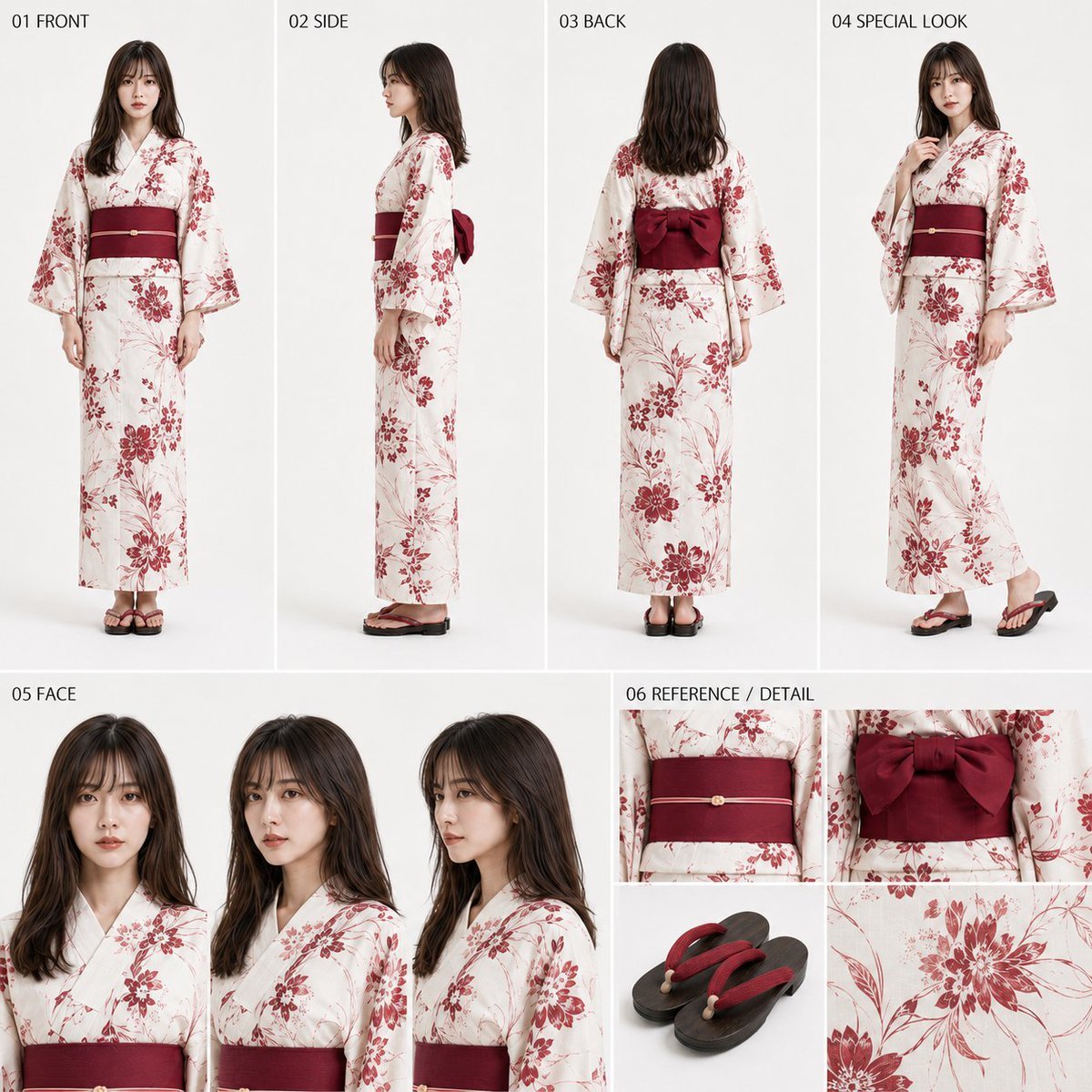
- Prompt included
- Model and format preset
- Free template
The prompt behind this image
Copy the exact prompt behind Yukata Character Sheet Generator, or open it in the studio and make it yours.
【今回作る完成物】 本指示書と同時に添付された女性の全身参照画像1枚を唯一の人物参照として使用し、同時添付の浴衣参考画像群を用いて、指定配色の浴衣を着た同一人物の高品質な実写・簡易キャラクターシート1枚を作成する。共有用として見栄えがよく、人物・浴衣・帯・顔を確認しやすい実用的な1枚にする。 【入力項目】 アスペクト比:{argument name="アスペクト比" default="1:1/9:16"} 配色タイプ:{argument name="配色タイプ" default="白系/藍色系/赤系"} 未入力時は1:1、白系とする。 【使用参照】 Image A=女性の全身参照画像1枚。唯一の人物参照。 Image B=白系配色の参考。白〜淡色地、淡い寒色系の柄色、淡色帯。 Image C=藍色系配色の参考。藍色地、白〜淡色の柄色、濃色帯。 Image D=赤系配色と共通柄骨格の主参考。白〜明るい地色、赤〜えんじ系の柄色、えんじ系帯。 Image E=帯の後ろ結びと和装履物の補助参考。 【人物固定】 Image Aと同一人物として、顔立ち、目元、輪郭、鼻、口元、髪型、髪色、髪の長さ、前髪、分け目、年齢感、肌色、身長感、肩幅、胸郭、胴の長さ、腰位置、くびれ、ヒップの丸み、体型、頭身、全身比率、脚・腕の長さを維持する。細身で自然な女性らしい立体感を保ち、胴を短くしたり寸胴化・平板化しない。元画像の服装・背景・ポーズは継承しない。 【髪型固定】 Image Aの髪型を全ビューで共通にする。結い上げ、まとめ髪、アップスタイル、編み込み化、髪飾り追加、SIDE・BACKだけ別の髪型にすることを禁止する。髪は整った状態を保ち、強い乱れ、広がり、跳ね、風でなびいたような崩れ、無秩序な毛束化を避ける。BACKでも後頭部から毛先まで自然にまとまり、全ビューで同じ髪型の同一人物として見えること。 【浴衣デザイン】 3配色とも同一デザインの色違いとする。柄模様の骨格はImage Dを主参照として固定し、配色によって地色、柄色、帯色のみを変える。柄の種類、主要な花模様、流線構成を配色ごとに別物へ変更しない。襟合わせ、袖、身頃、裾、帯の位置・巻き方・重なりを自然にし、着崩れのない美しい着付けにする。袖と身頃には自然な落ち感を持たせる。 【配色】 白系:Image Bを主参考。白〜淡い生成り地、共通柄を淡い水色・灰青などの寒色系、帯は淡い水色系。涼しげで上品。 藍色系:Image Cを主参考。藍色〜くすんだ青地、共通柄を白〜淡色、帯は濃紺〜深い藍色。落ち着きがあり端正。 赤系:Image Dを主参考。白〜明るい生成り地、共通柄を赤〜えんじ系、帯はえんじ〜深い赤紫。華やかで大人っぽく上品。 【帯・履物】 帯は浴衣に合う半幅帯とし、腰まわりを適度にしっかり締める。胴を不自然に押しつぶさず、締め付け不足で帯周辺が緩く筒状に見えないようにする。BACKではImage Eを参考に自然な結び形状を明確に見せる。履物はImage Eの形状と雰囲気を主参考にする。 【固定レイアウト】 指定済みレイアウトを変更しない。全体は上段約58%、下段約42%。 上段:01 FRONT約22%/02 SIDE約22%/03 BACK約22%/04 SPECIAL LOOK約34%。 下段:05 FACE約62%/06 REFERENCE / DETAIL約38%。 01〜04は頭頂から履物まで入れる。04は大きめの全身3/4ビュー。05は正面・斜め3/4・軽い側面寄りの顔3点。06は帯、履物、共通柄の確認補助枠。 【02 SIDE重要条件】 明確な真横の全身ビューとし、硬い棒立ちにしない。帯位置で胴が自然に引き締まり、胸の自然な前方向の厚み→帯位置の締まり→腰の軽いくびれ→ヒップの後方への丸みが滑らかにつながる横姿にする。胴を筒状・平板・板状にしない。首は自然に長く、肩は力まず落とし、背中・骨盤を自然に安定させる。真横でも女性らしい立体感と浴衣の美しい着こなしを両立する。 【文字表示ルール】 表示してよい文字は「01 FRONT」「02 SIDE」「03 BACK」「04 SPECIAL LOOK」「05 FACE」「06 REFERENCE / DETAIL」のみ。日本語補足、説明文、脚注、注釈、小枠キャプション、下部コメント、配色説明、装飾文字を追加しない。見出しの書体・色・サイズ・配置トーンは統一する。 【背景・品質】 背景は白またはごく薄いニュートラル背景。実写、高品質、自然な人体・顔・手・足元、浴衣・帯の構造破綻なし。同一人物性、体型、髪型を全ビューで統一する。1:1/9:16とも固定レイアウトの構成・順序・役割を維持し、余白と枠寸法のみ自然に調整する。 【禁止事項】 別人化、過度な美化・若返り・老化、小顔化、過度な脚長化、体型変更、寸胴化、平板化、髪型変更・乱れ、配色ごとの別柄化、帯を緩く見せて胴を筒状にすること、着物・ドレス・コスプレ化、指定外文字、派手な背景、情報過多、極端なポーズ。 【最重要】 Image Aの同一人物・体型・髪型を全ビューで維持し、Image D由来の共通柄を白系/藍色系/赤系のいずれかで成立させる。特にSIDEの帯の締まり、女性らしい横姿、髪の安定、美しい着付けを崩さない。
How to use Yukata Character Sheet Generator in 3 steps
- 1Upload ImagePNG, JPG or paste
Add your photo
Upload the photo the template builds on. The prompt, model and format are already set.
- 2…a portrait of your subject in softgolden-hour light, 85mm…
Personalize
Edit the subject and creative details for your destination.
- 3Generate
Generate
Press Generate — your image is created in PicX Studio, so you can compare it with the original and refine one variable at a time.
More like this
Templates with the same subject, style or setup. Open one to see its prompt.

Dancer Character - Four View Reference Sheet

Movement Sheet - Dance Reference (Seedance 2.0)
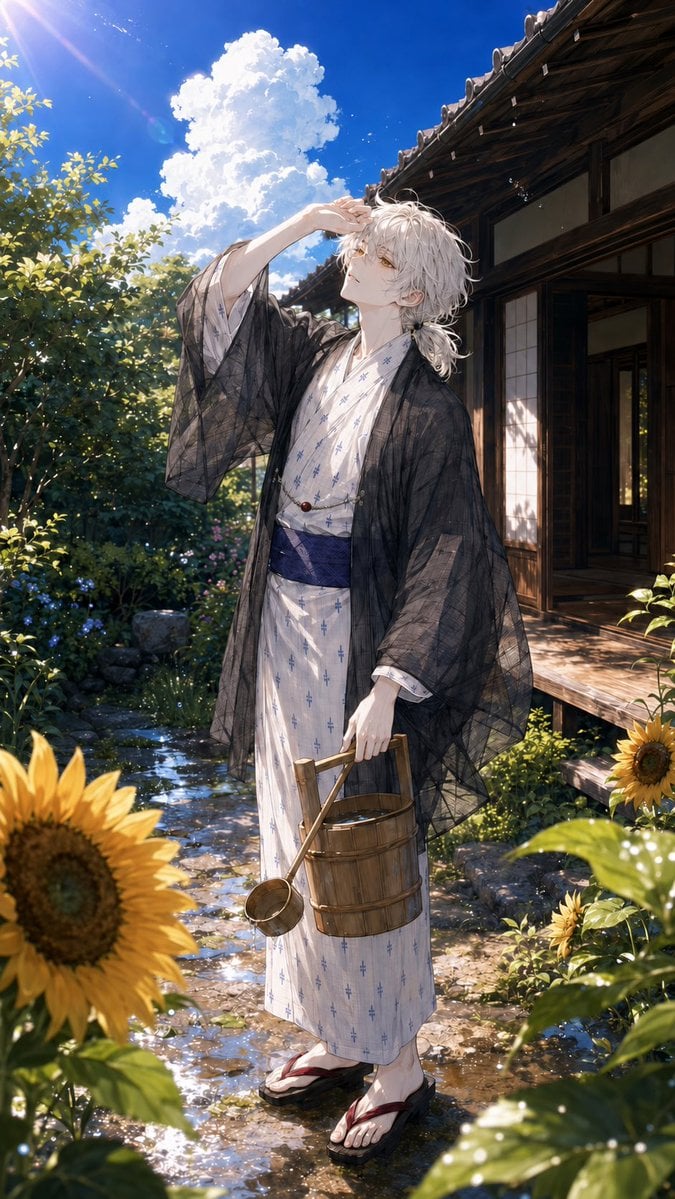
Summer Yukata Garden Portrait
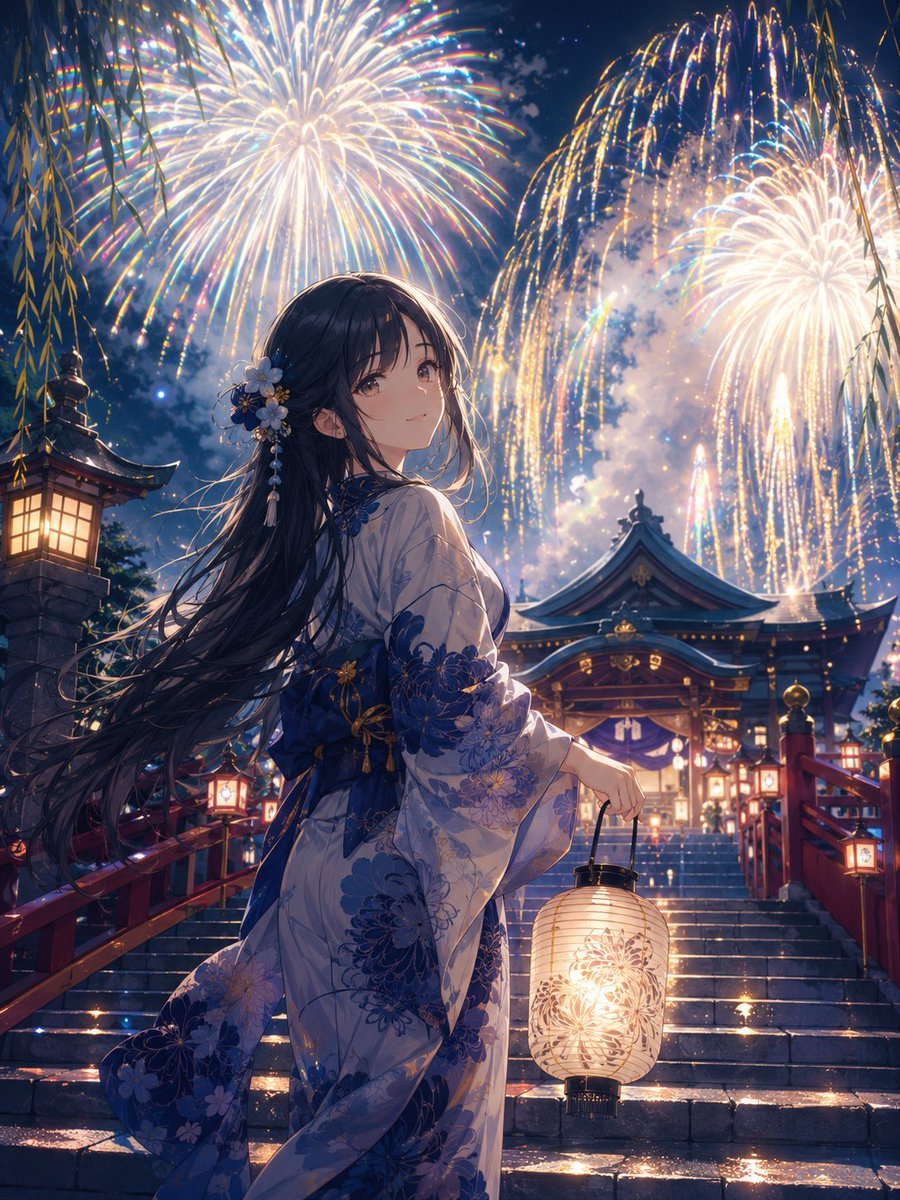
Girl in Yukata with Platinum Fireworks
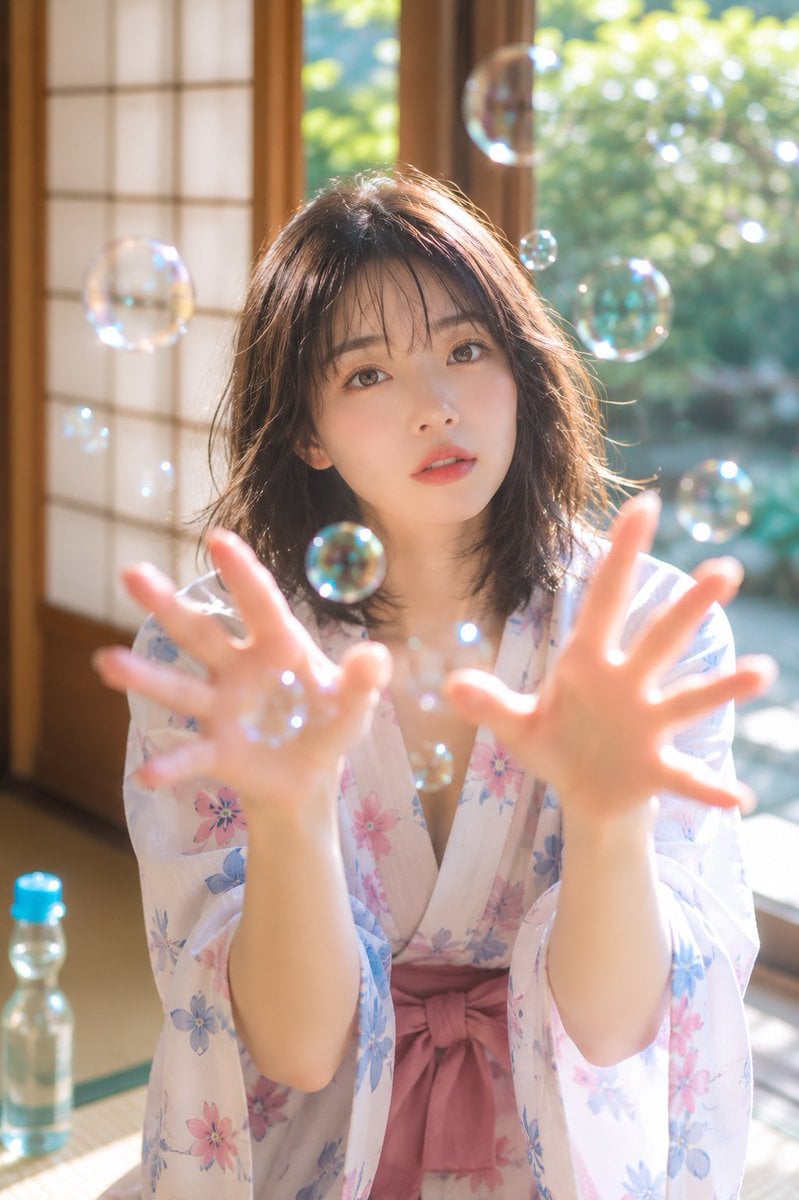
Summer Bubbles in Yukata
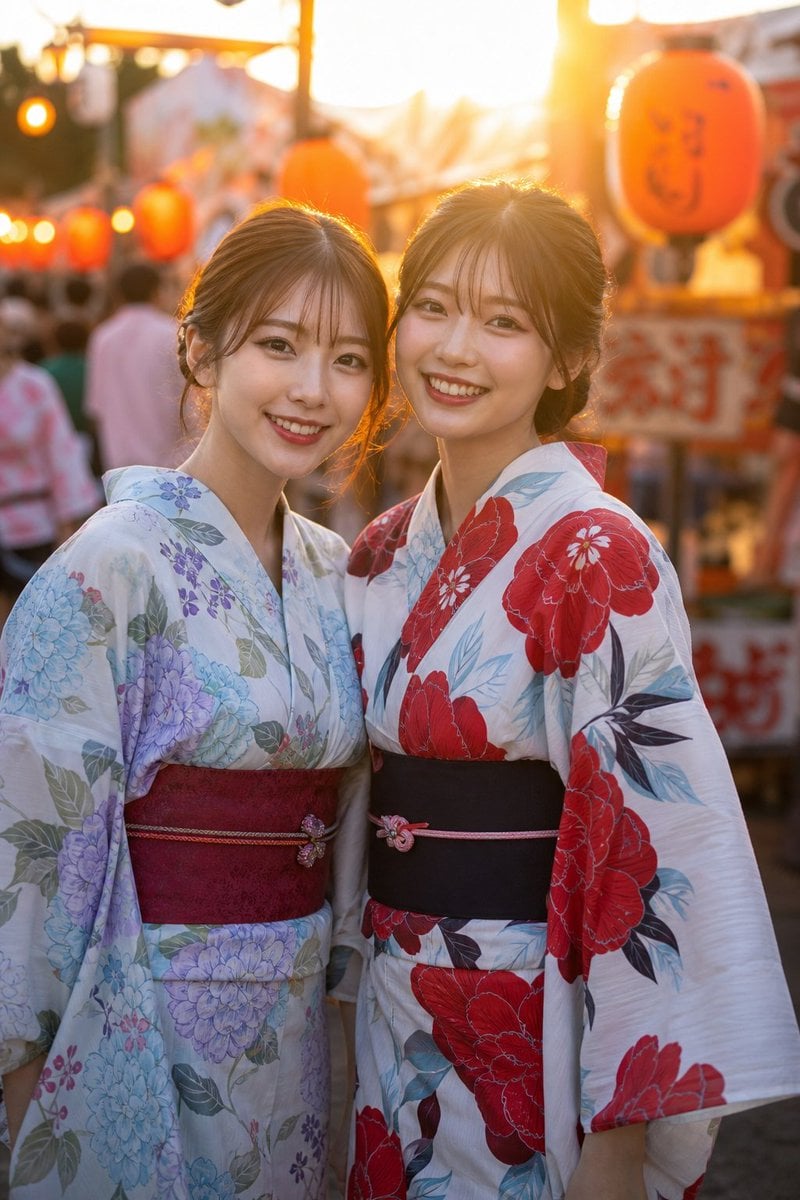
Two Friends in Yukata at Summer Festival
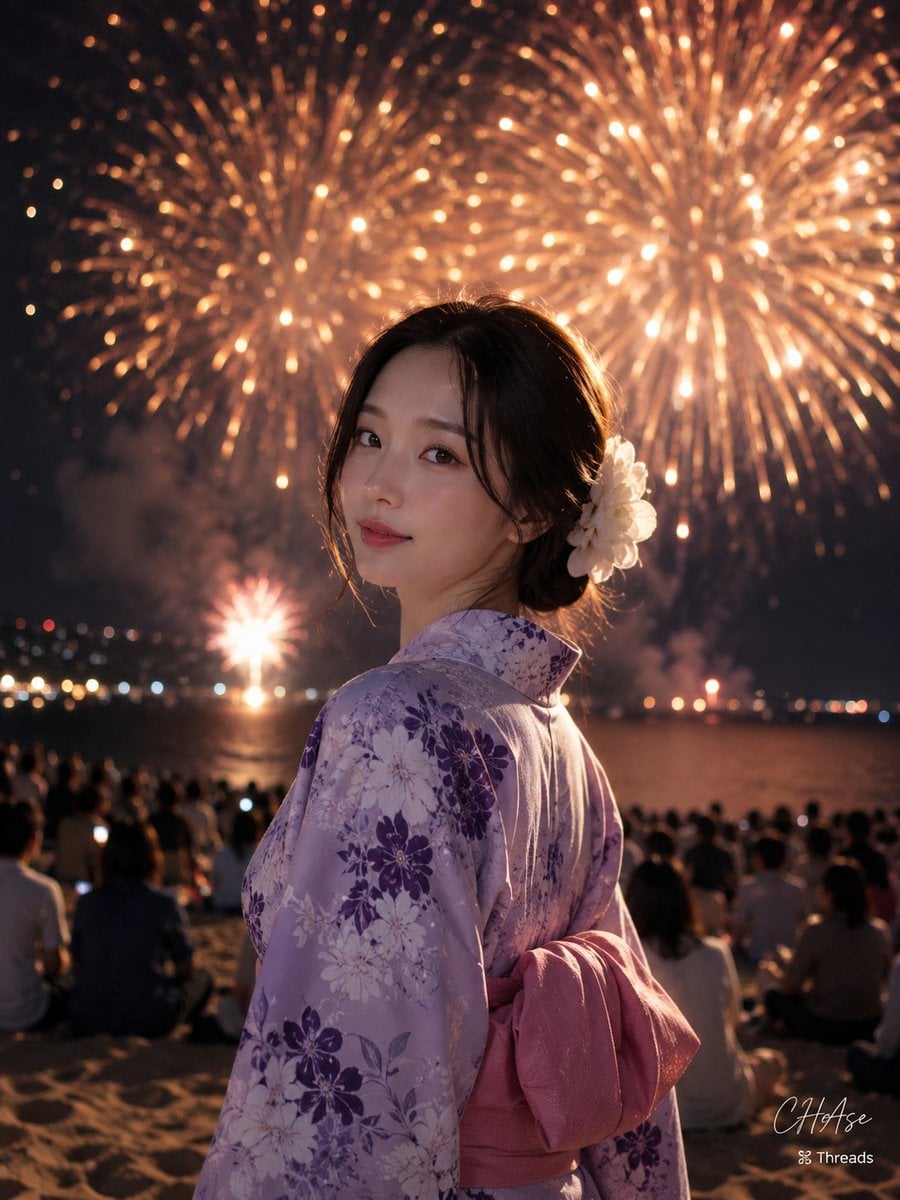
Elegant Japanese Yukata at Beach Fireworks Festival
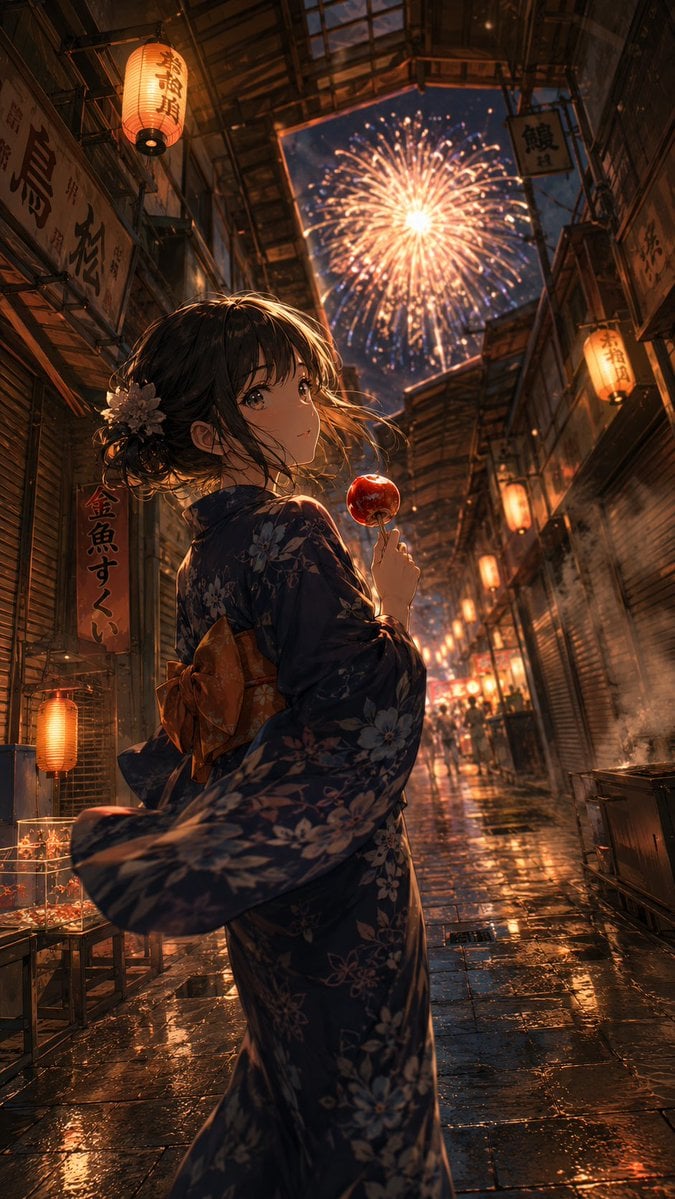
Anime Yukata Festival Alley
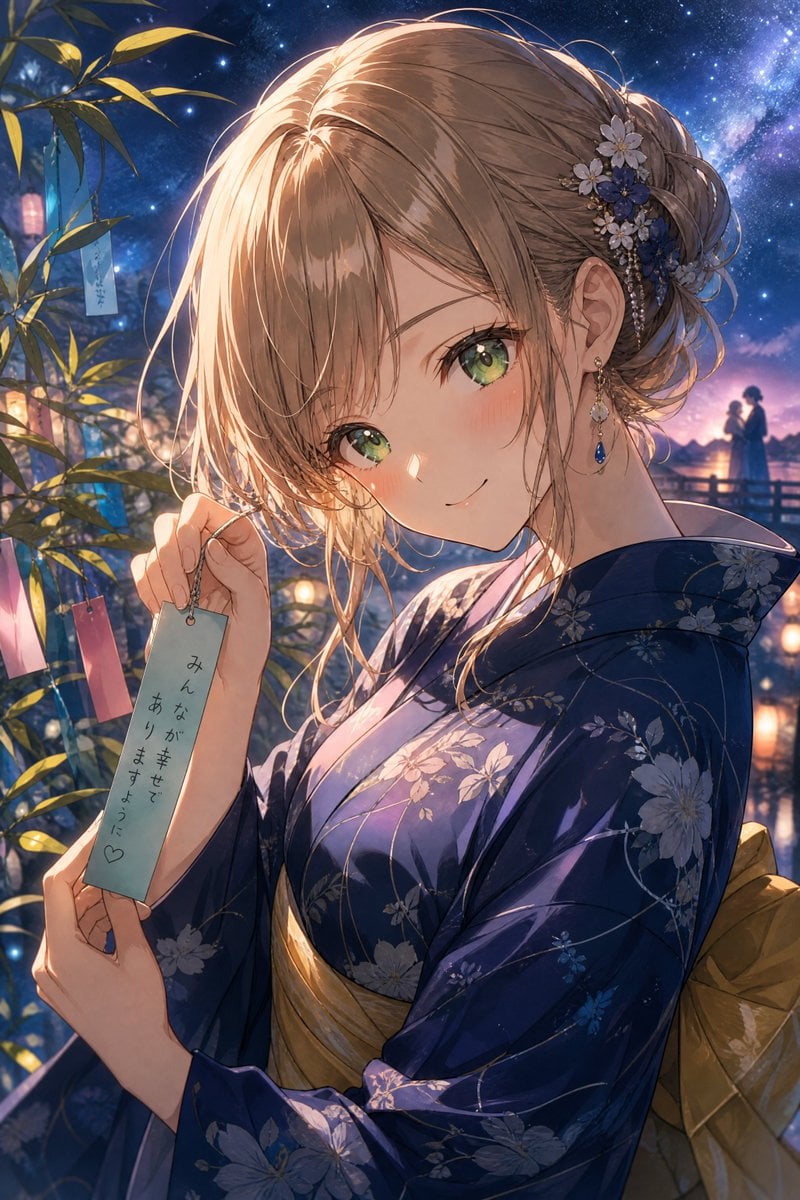
Tanabata Yukata Anime Portrait
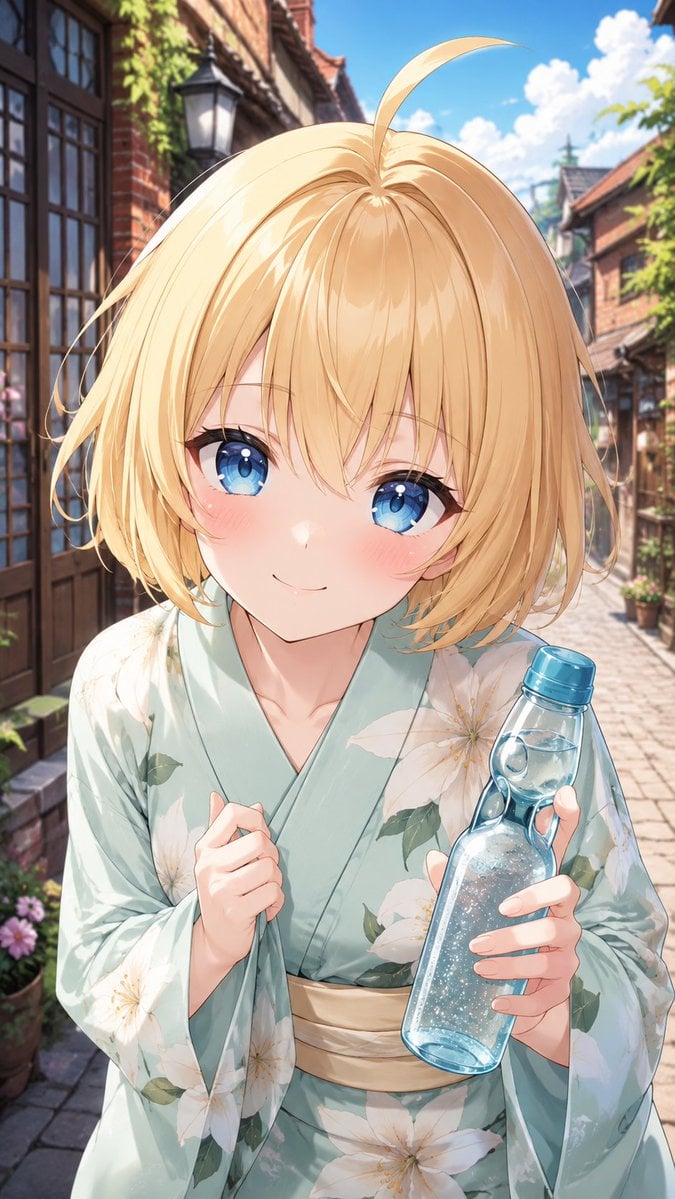
Blonde Yukata Girl Holding Ramune
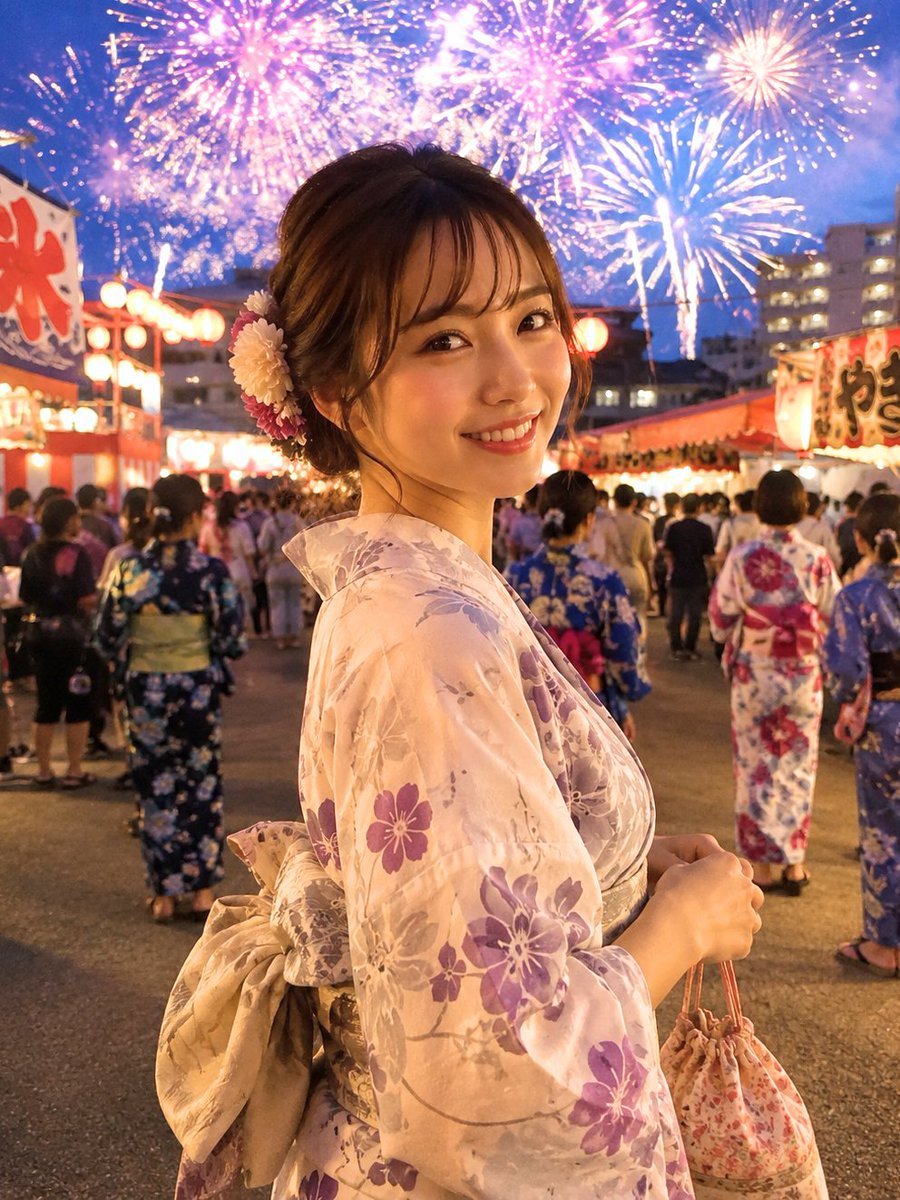
Japanese Fireworks Festival Yukata Portrait
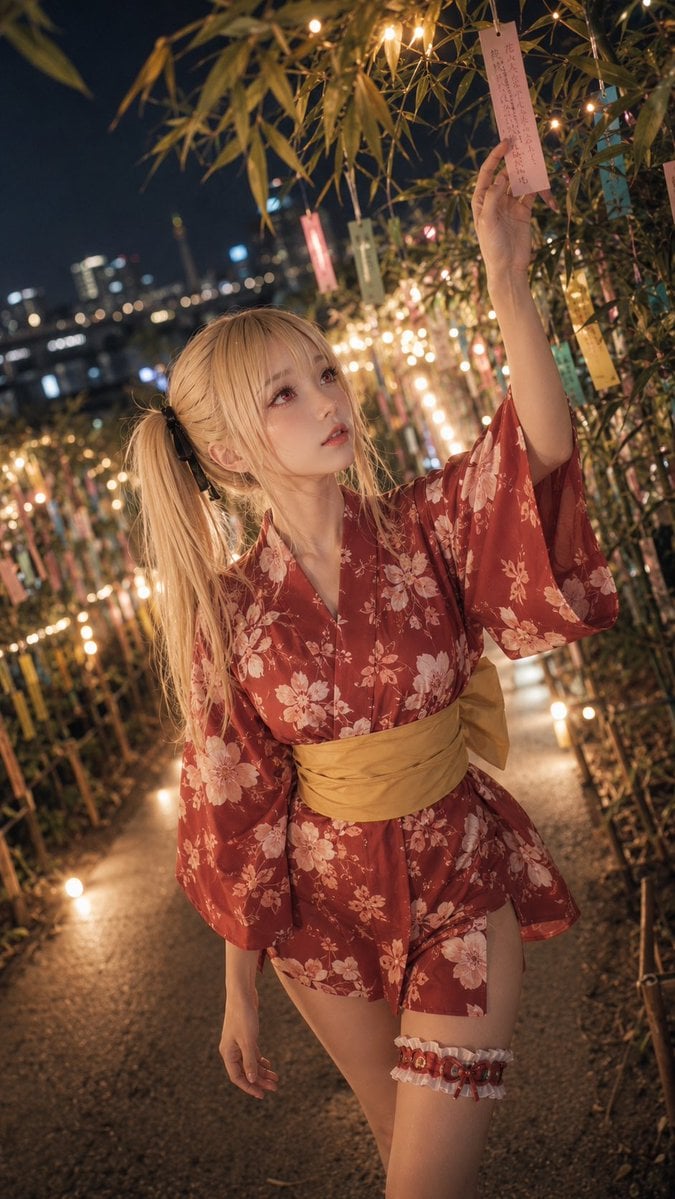
Tanabata Yukata Girl Portrait
Make it yours
Yukata Character Sheet Generator works as-is. These are the safest ways to change it without losing the look.
Change one field
Copy a single group, rewrite it, and generate again so you can see what that field is doing.
Keep the frame, change the subject
Hold the composition and light of Yukata Character Sheet Generator, then swap wardrobe, props or the person for a new take.
| If the result… | Why | Fix |
|---|---|---|
| The result drifts from the preview | Too many fields changed at once. | Reuse Yukata Character Sheet Generator as-is first, then change one group — subject, light, or setting. |
| The model over-stylizes the scene | The prose prompt leaves finish and camera underspecified. | Add one camera or lighting sentence and stay on GPT Image 2. |
More GPT Image 2 templates
Other prompts made for GPT Image 2.

Realistic Portrait of Woman and Deer

The Vista Modular Condo Poster

AI Model Routing Comparison Infographic

2.5D Anime Art Board

Isometric Productivity Desk Scene

New York Double Exposure Poster

Four-Panel AI Landscape Comparison

Japanese Tatami Lifestyle Magazine Cover

NESCAFÉ Coffee Map Poster

Brutalist Cogito Chinese Typography Poster
More image prompts
Fresh picks from across the catalog.
First-Person Fantasy RPG Screenshot
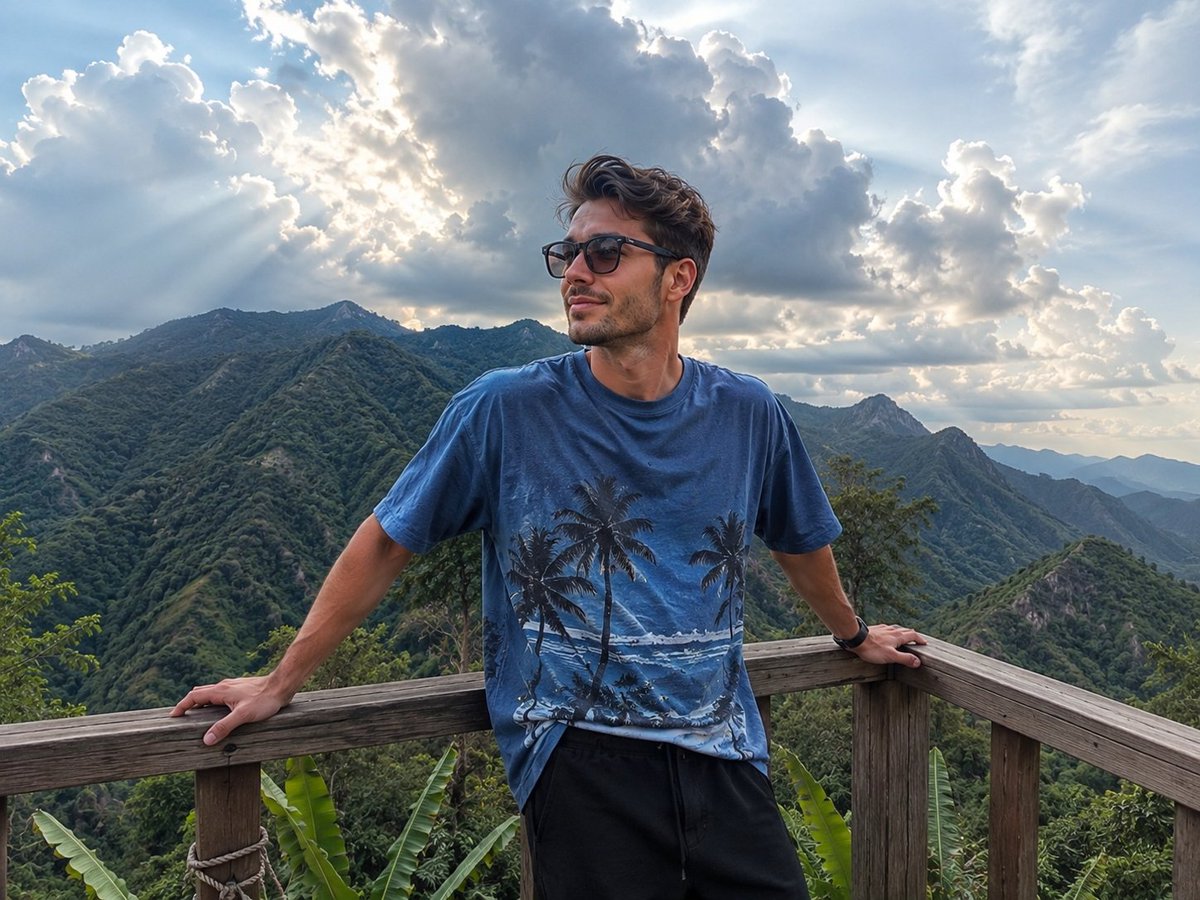
Mountain Viewpoint Travel Photography
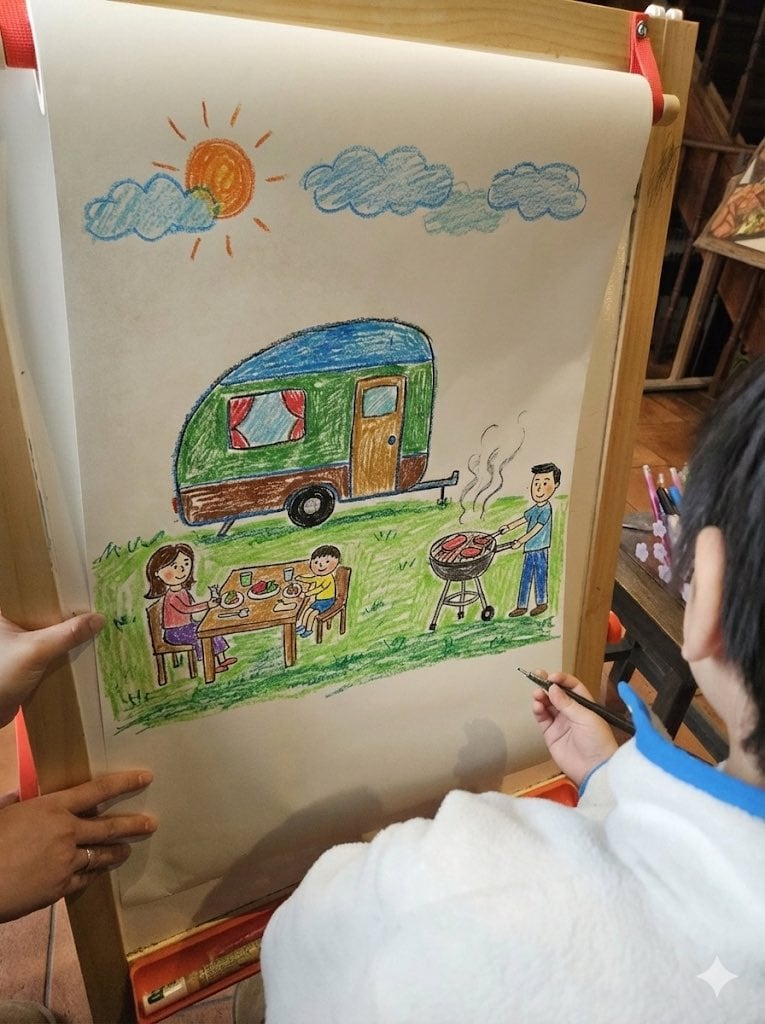
Childlike crayon-style family camping drawing
Short Prompt for AI Art Generation
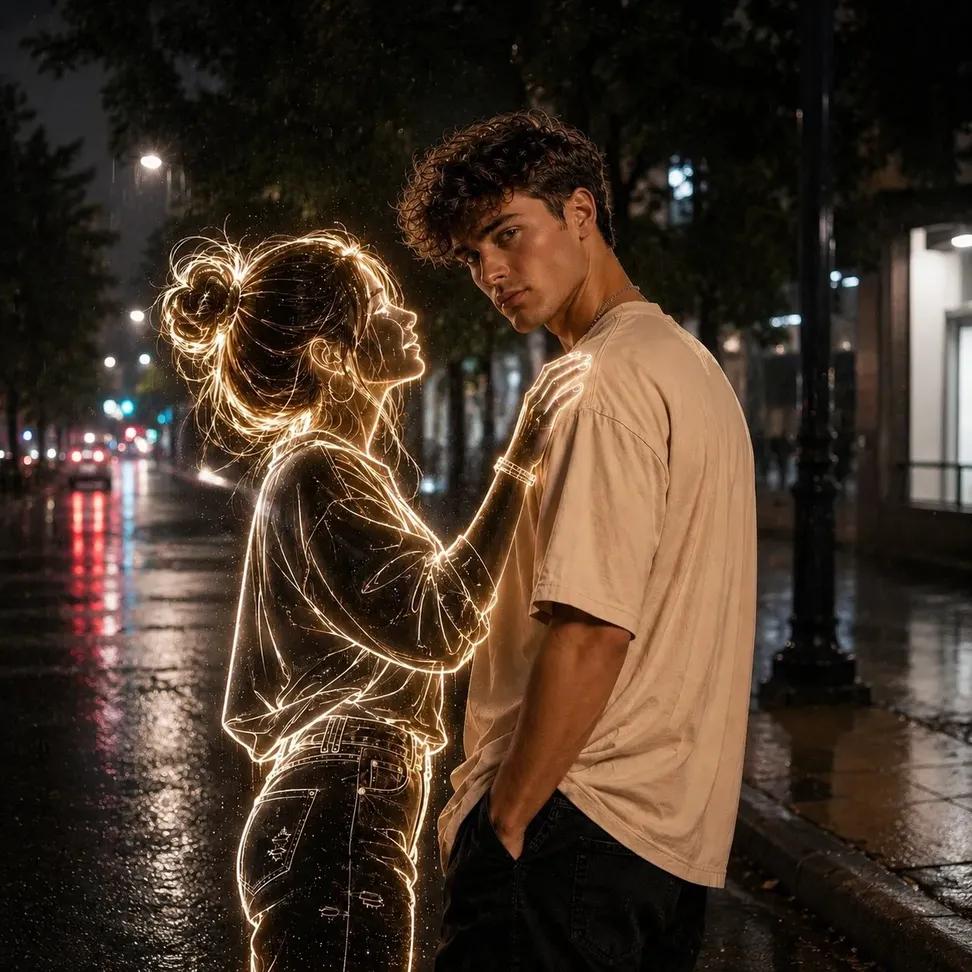
Neon Ghost Night Portrait
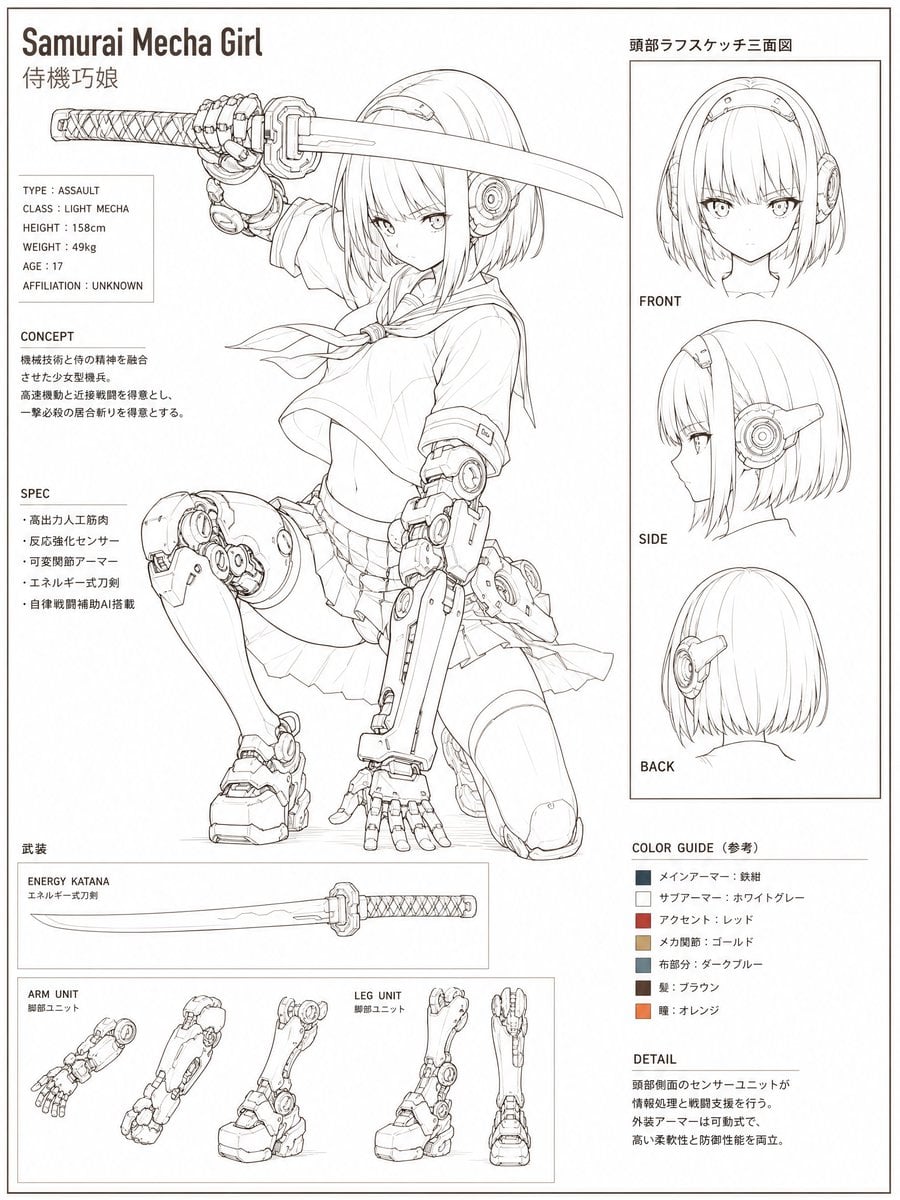
Samurai Mecha Girl Reference Sheet
Awkward Blurry Nightclub Rainbow Hair Shot

Change an existing image to a Santa theme
Bathroom Mirror Selfie Lifestyle Shot
Cloud Pareidolia Smartphone Snapshot
Browse template categories
Yukata Character Sheet Generator questions
How do I use the Yukata Character Sheet Generator template?
Add your photo if the template asks for one, edit the prompt if you like — the template's model and format are already selected — and press Generate. Your version opens in PicX Studio.
Can I customize the Yukata Character Sheet Generator template?
Yes. You can change the subject, setting, lighting, mood, format, and available model controls before creating your image.
Is the Yukata Character Sheet Generator template free?
Opening and editing this template is free. Generating uses credits, shown on the Generate button when you are signed in.
Which AI model should I use?
Start with GPT Image 2, which is the model associated with this template. You can compare another compatible model for a different finish.
Looking for something else? Browse all templates.

Your photo, any look
Thousands of ready templates for every top image and video model, from one credit balance.