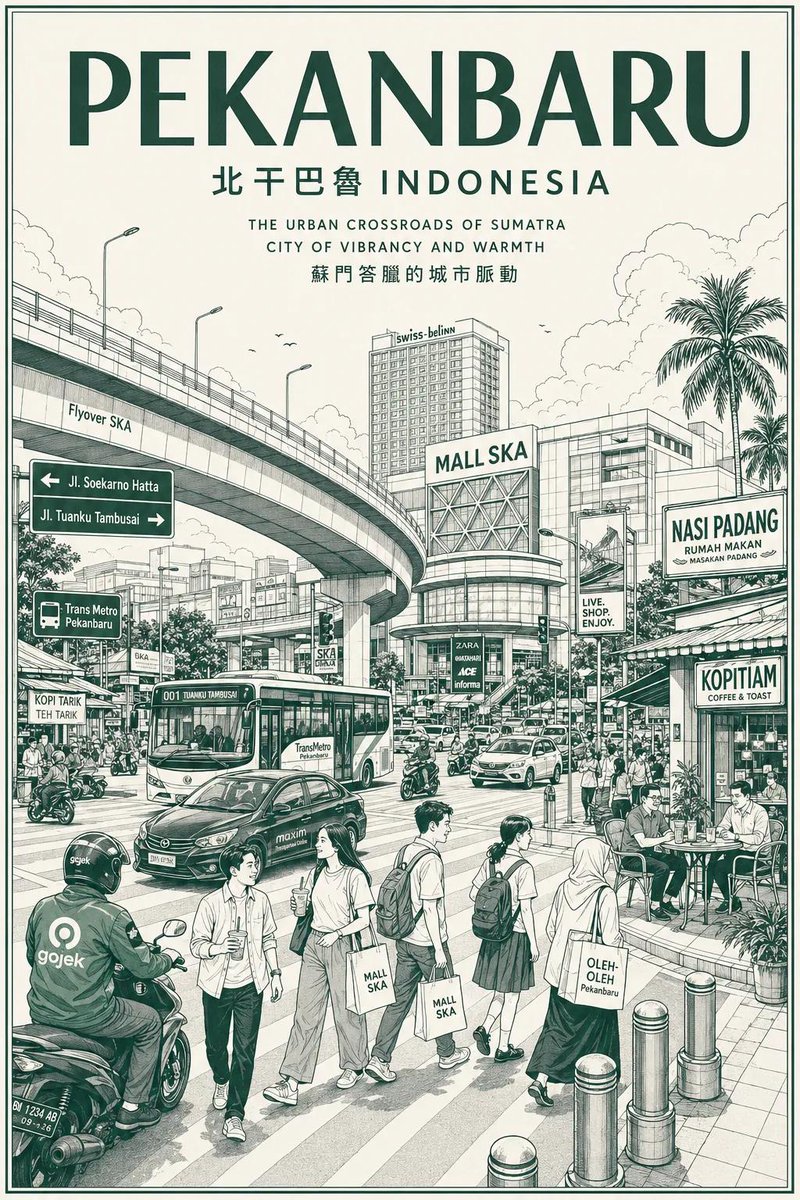
Ultra-photorealistic black and white fashion portrait prompt
{
"meta": {
"aspect_ratio": "4:5",
"quality": "ultra_photorealistic_editorial",
"resolution": "8k",
"camera": "Hasselblad H6D-100c",
"lens": "85mm f/1.8 portrait lens",
"style": "high-end black and white fashion photography, vogue aesthetic, authentic emotion, studio portrait"
},
"scene": {
"location": "professional photography studio",
"background": "pure high-key white seamless backdrop",
"environment": [
"minimalist studio setting",
"no distractions",
"clean negative space around head and hand"
],
"atmosphere": "playful, charismatic, warm connection, chic"
},
"lighting": {
"type": "studio beauty lighting",
"setup": "large butterfly lighting (paramount) with reflector below, angled to catch hand gesture",
"quality": "soft but contrasty black and white conversion",
"highlights": "bright catchlights in eyes, soft sheen on forehead and cheeks, highlights on hand and fingers",
"shadows": "deep rich blacks in clothing and hair, subtle sculpting under jawline and around fingers",
"contrast": "high dynamic range monochrome"
},
"camera_perspective": {
"framing": "close-up head and shoulder shot, including hand gesture",
"angle": "eye-level, directly facing camera",
"focus": "razor sharp focus on eyes, lips, and hand",
"depth_of_field": "shallow, ears and neck slightly softer focus",
"crop": "tight framing cutting off top of head slightly, magazine cover composition"
},
"subject": {
"gender": "{argument name="gender" default="female"}",
"age": "early 20s",
"ethnicity": "Latina / mixed heritage appearance",
"face": {
"shape": "sculpted, heart-shaped with defined jawline",
"skin": "ultra-realistic texture, NOT smooth or plastic, visible pores, prominent natural freckles scattered across nose and upper cheeks",
"eyes": "large, dark, expressive, directly engaging the camera with a warm gaze, crinkled slightly with the action",
"eyebrows": "natural, dark, well-groomed arch",
"mouth": "pursed forward in a clear 'kissing' or 'duck face' expression",
"expression": "playful, sending a kiss to the viewer"
},
"hair": {
"color": "very dark brown / black",
"style": "slicked back tight bun (not visible), severe pull-back",
"texture": "sleek, wet-look styling, no flyaways, emphasizing facial structure"
},
"outfit": {
"clothing_type": "high-neck turtleneck sweater",
"color": "solid black",
"material": "matte fabric (cotton or cashmere blend)",
"fit": "snug around neck",
"visibility": "only neck and shoulders visible"
},
"action": {
"hand_gesture": "right hand brought up near the mouth",
"hand_pose": "fingers casually curled, palm facing slightly forward, as if having just blown a kiss towards the camera",
"fingernails": "visible, natural shape, clear or natural polish"
},
"makeup": {















![Minimalist Flat Vector Travel Poster — Premium minimalist flat-vector travel poster for {argument name="city name" default="[CITY_NAME]"}, 3:4 vertical format.](https://cms-assets.youmind.com/media/1787917359711_3ug846_HQX205cbMAA6F6S-300x400.jpg)




















![Encyclopedia of Flavor Diorama Generator — Input Variable: [{argument name="cuisine or dish" default="INSERT CUISINE OR DISH"}] (e.g., Persia…](https://pbs.twimg.com/media/G_O9zLEXkAArj0J.jpg)