
Photoreal Winter Couple Portrait with Candy Cane Frame
A highly detailed, structured prompt for generating an ultra-photorealistic cinematic winter portrait of a couple in a snowy pine forest.

- Prompt included
- Model and format preset
- Free template
The prompt behind this image
Copy the exact prompt behind Photoreal Winter Couple Portrait with Candy Cane Frame, or open it in the studio and make it yours.
{ "generation_request": { "meta_data": { "tool": "NanoBanana Pro", "task_type": "photoreal_cinematic_winter_couple_candy_cane_heart_foreground", "version": "v1.0_CANDY_CANE_HEART_FRAME_SNOW_FOREST", "priority": "highest" }, "references": { "female_reference_image": { "slot": 1, "purpose": "FEMALE_IDENTITY_LOCK", "strict_identity_lock": true }, "male_reference_image": { "slot": 2, "purpose": "MALE_IDENTITY_LOCK", "strict_identity_lock": true }, "composition_reference_image": { "source": "UPLOAD_REFERENCE_IMAGE (OPTIONAL)", "purpose": "COMPOSITION_PROP_LOCK_CANDY_CANE_HEART_FRAME", "strict_lock": false } }, "output_settings": { "aspect_ratio": "4:5", "orientation": "portrait", "resolution": "ultra_high_res", "render_style": "ultra_photoreal_cinematic_winter_photo", "sharpness": "crisp_faces_natural", "film_grain": "subtle_analog", "color_grade": "cool_winter_clean_soft" }, "hard_constraints": [ "Exactly 2 people only (one female, one male).", "Faces must match uploaded references with maximum similarity (no morphing).", "Foreground prop: two red-and-white candy canes forming a heart frame, held by a hand close to camera.", "Candy canes + hand are slightly out of focus (foreground blur), couple is in sharp focus.", "Snowy pine forest background, visible falling snowflakes.", "No text, no logos, no watermark.", "Photoreal anatomy and hands (no extra fingers)." ], "camera": { "style": "romantic winter portrait, shallow depth of field", "lens": "50mm", "aperture": "f/1.8", "focus": "tack sharp on couple faces, foreground candy canes softly blurred", "shutter_speed": "1/500", "iso": 200, "white_balance": "cool winter daylight" }, "lighting": { "type": "soft overcast daylight + snow bounce", "contrast": "low_to_medium", "highlights": "gentle on snow and knit textures", "shadows": "soft" }, "prompt": { "scene_summary": "Ultra-photoreal romantic winter couple portrait in a snowy pine forest. In the extreme foreground, a hand holds two classic red-and-white striped candy canes arranged into a heart shape, framing the couple in the center of the heart. The candy canes and the hand are close to the lens and slightly out of focus (creamy foreground blur). The couple stands several meters behind, in sharp focus, embracing intimately. The man gently kisses the woman’s forehead; she smiles softly with eyes closed. Light snow is falling, with a few snowflakes visible mid-air. The ground is covered in fresh snow and the tall pine trees behind them are heavily snow-laden.\n\nWardrobe & styling:\n- Cozy winter knitwear: cream/white sweaters with subtle patterns, winter beanies (neutral tones), jeans; wa
How to use Photoreal Winter Couple Portrait with Candy Cane Frame in 3 steps
- 1Upload ImagePNG, JPG or paste
Add your photo
Upload the photo the template builds on. The prompt, model and format are already set.
- 2…a portrait of your subject in softgolden-hour light, 85mm…
Personalize
Edit the subject and creative details for your destination.
- 3Generate
Generate
Press Generate — your image is created in PicX Studio, so you can compare it with the original and refine one variable at a time.
More like this
Templates with the same subject, style or setup. Open one to see its prompt.
Nano Banana Pro Photoreal Playful Couple

Found Photograph: Us, 1970

80s Couple Studio Portrait

Cinema Date Popcorn Realistic By Nano Ba
Enchanted Forest Root Kiss Scene By Nano
Romantic Cinematic Still of a Couple in
Couple Goals from the Google Gemini Nano
Snowy Locations Views Winter Special

Festive Couple Holiday Magic Template

Sunday Afternoon, 1988

Two Tickets, One Night

If We Met in 1985
Make it yours
Photoreal Winter Couple Portrait with Candy Cane Frame works as-is. These are the safest ways to change it without losing the look.
Change one field
Copy a single group, rewrite it, and generate again so you can see what that field is doing.
Keep the frame, change the subject
Hold the composition and light of Photoreal Winter Couple Portrait with Candy Cane Frame, then swap wardrobe, props or the person for a new take.
| If the result… | Why | Fix |
|---|---|---|
| The result drifts from the preview | Too many fields changed at once. | Reuse Photoreal Winter Couple Portrait with Candy Cane Frame as-is first, then change one group — subject, light, or setting. |
| The model over-stylizes the scene | The prose prompt leaves finish and camera underspecified. | Add one camera or lighting sentence and stay on Nano Banana 2. |
More Nano Banana 2 templates
Other prompts made for Nano Banana 2.

Photorealistic Leaf Shaped Like a Dragon

K-Pop Idol Portrait Grid for Rapid Selection

Poetic Rain Forest Portrait During Golden Hour

Urban Street Portrait with Cartoon Inner Self Duo

Candid Nighttime Photo with Cat Prompt

High-Concept 3D Diorama Generation Prompt

Cinematic Futuristic Studio Portrait Template

Skincare Editorial Photography Collage Prompt

Hyper-Realistic Commercial Product Photography (Splash Effect)

Hyper-Realistic Nightclub Portrait Prompt
More image prompts
Fresh picks from across the catalog.

Orthographic Reference Sheet Generation

Floating Instagram Creator Portrait
Hand-drawn Pop Art Style Character Scene Generation
Rainy Night Woman Leaning from Car
X Sumiturkude007 Image Description Subject
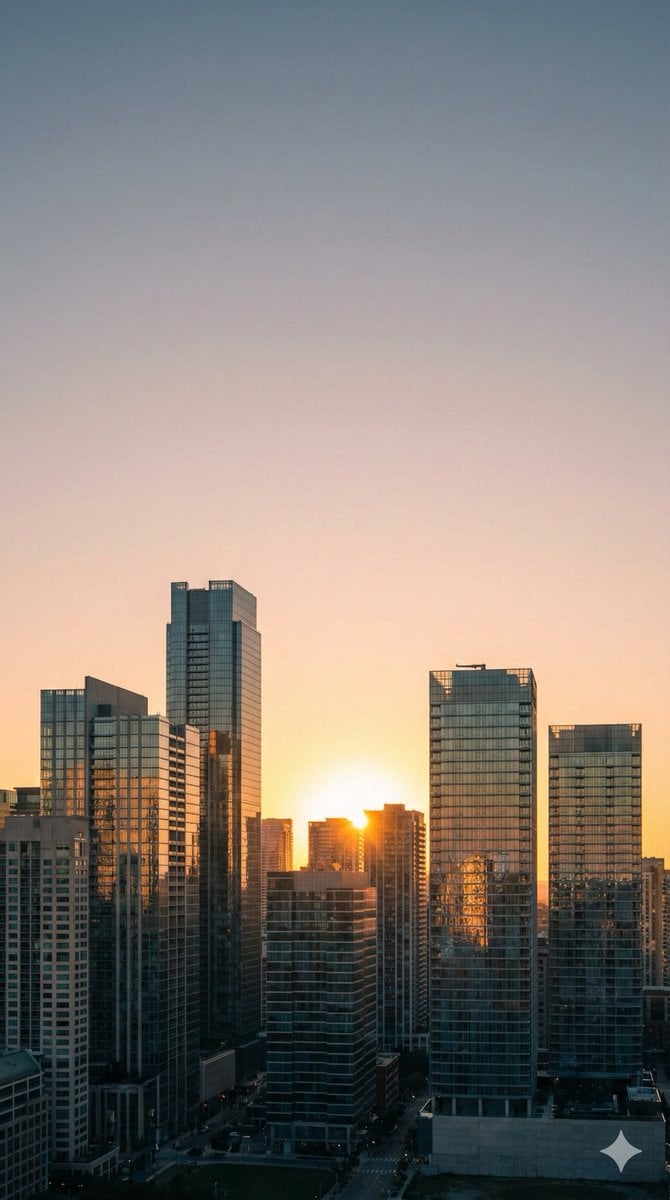
Nano Banana Pro Prompt: 9:16 Wallpaper Generation
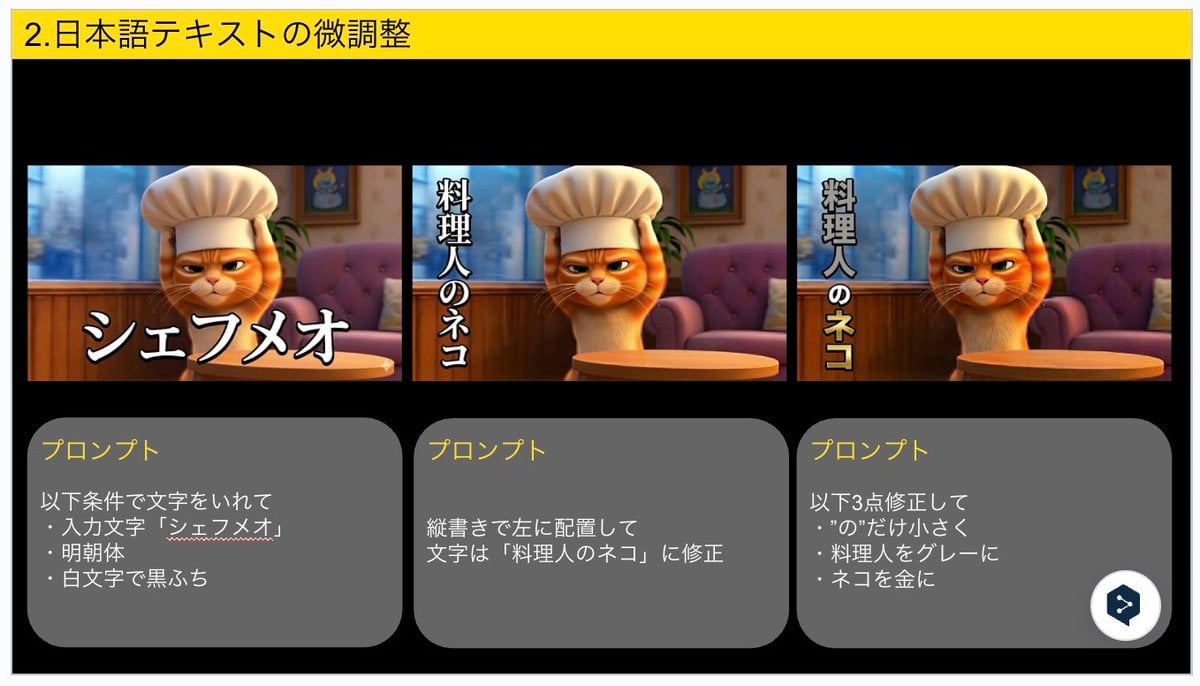
Advanced Japanese Text Adjustment for Nano Banana Pro
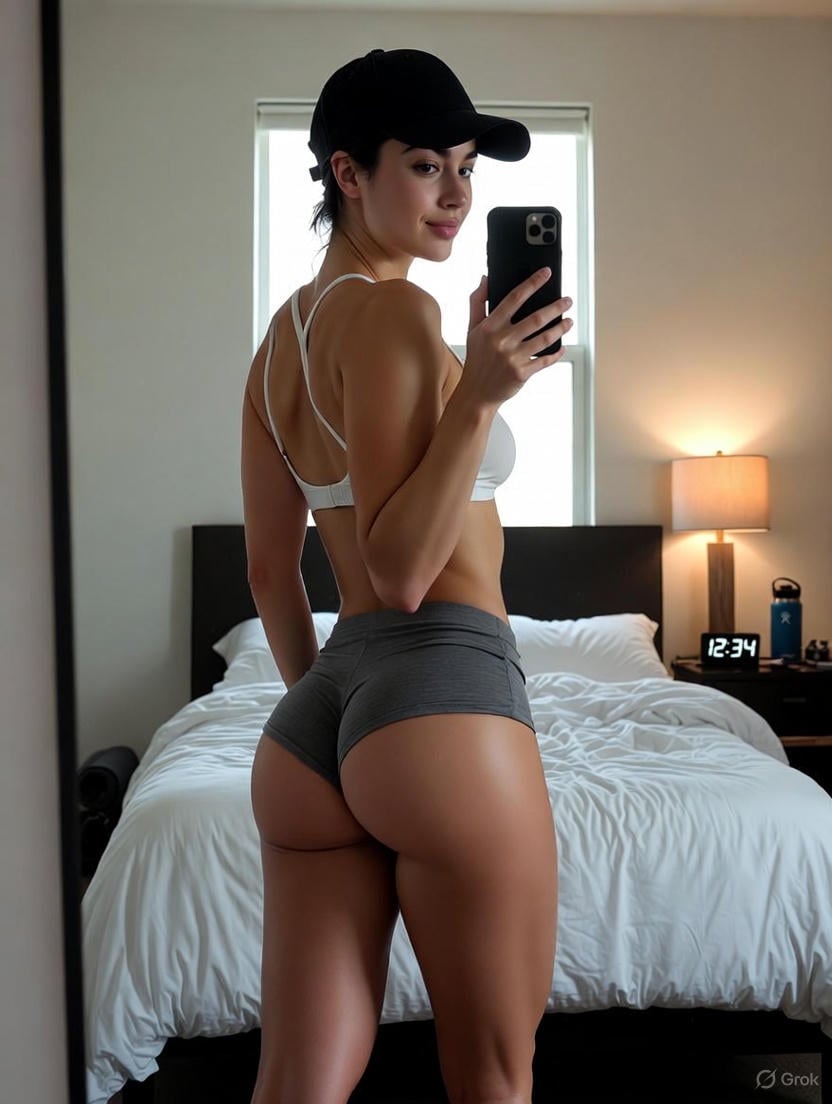
Detailed Nano Banana Pro Image Generation Prompt
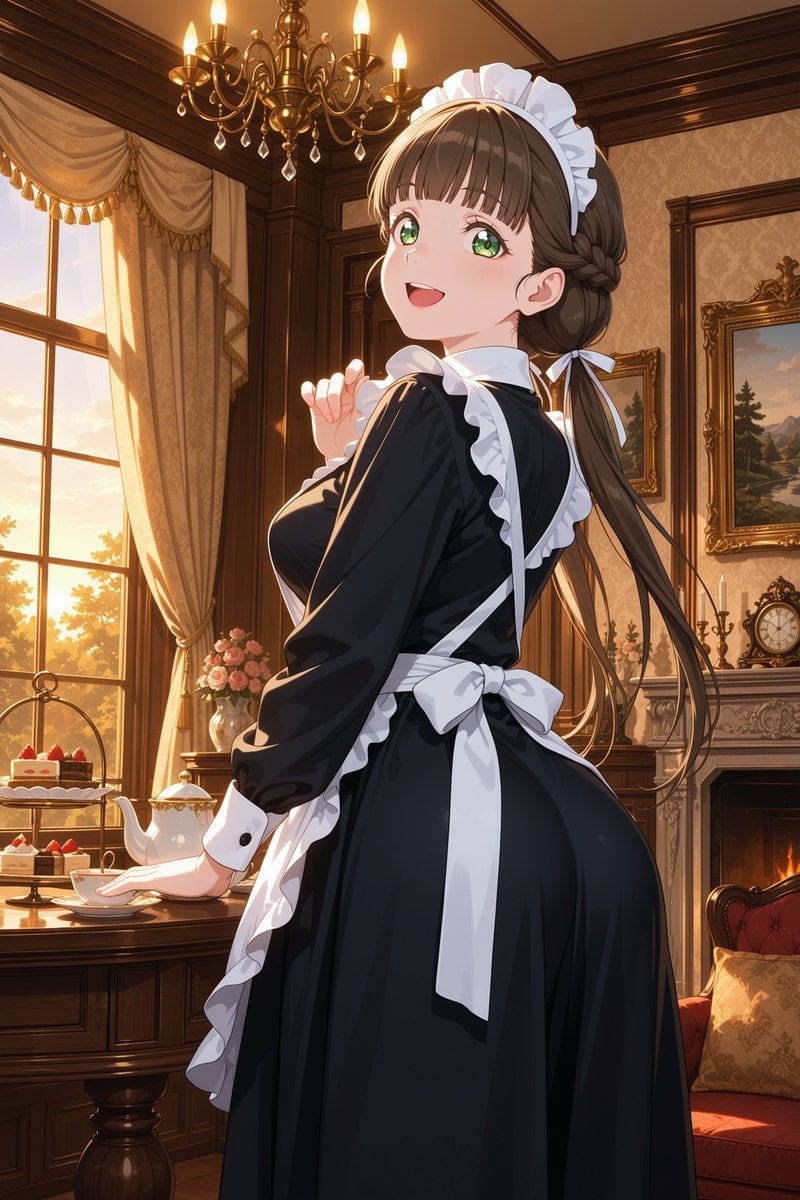
Victorian Maid Tea Room Anime

Pastel Kawaii Study Room Illustration
Browse template categories
Photoreal Winter Couple Portrait with Candy Cane Frame questions
How do I use the Photoreal Winter Couple Portrait with Candy Cane Frame template?
Add your photo if the template asks for one, edit the prompt if you like — the template's model and format are already selected — and press Generate. Your version opens in PicX Studio.
Can I customize the Photoreal Winter Couple Portrait with Candy Cane Frame template?
Yes. You can change the subject, setting, lighting, mood, format, and available model controls before creating your image.
Is the Photoreal Winter Couple Portrait with Candy Cane Frame template free?
Opening and editing this template is free. Generating uses credits, shown on the Generate button when you are signed in.
Which AI model should I use?
Start with Nano Banana 2, which is the model associated with this template. You can compare another compatible model for a different finish.
Looking for something else? Browse all templates.

Your photo, any look
Thousands of ready templates for every top image and video model, from one credit balance.