
Tanabata Yukata Girl Portrait
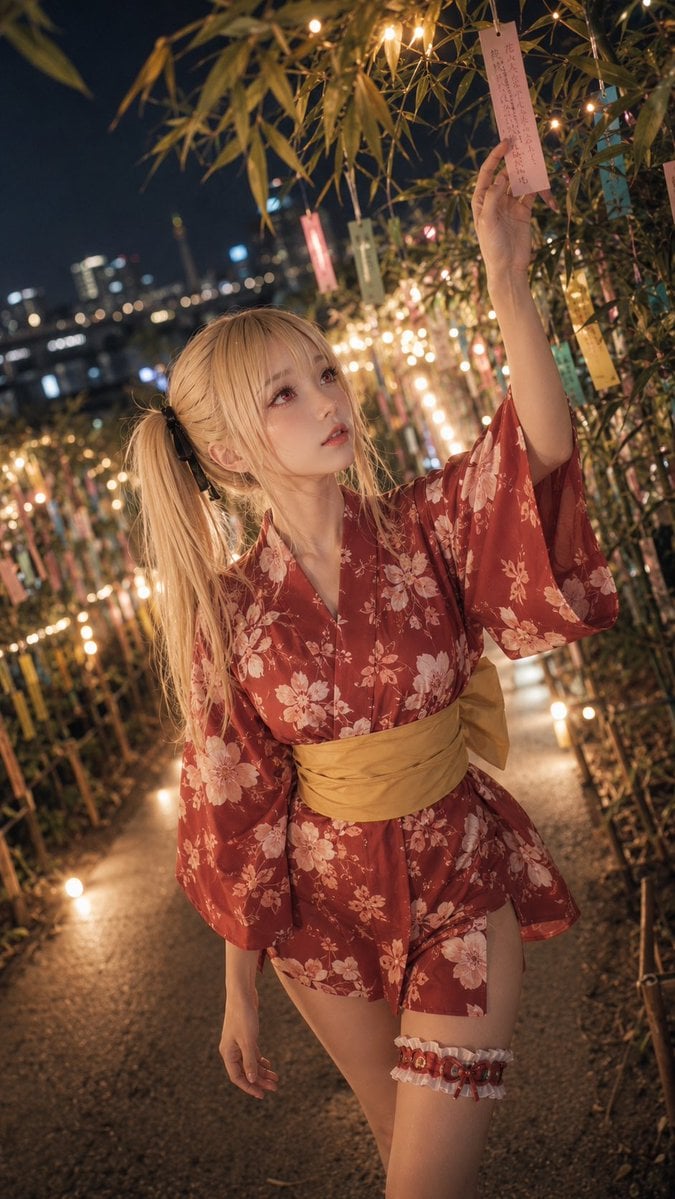
A vertical cinematic anime-realistic portrait of a blonde girl in a floral yukata hanging a Tanabata wish among bamboo and festival lights.
- Prompt included
- Model and format preset
- Free template
The prompt behind this image
Copy the exact prompt behind Tanabata Yukata Girl Portrait, or open it in the studio and make it yours.
Create a cinematic vertical full-body anime-realistic portrait of {argument name="character name" default="Emilia"}, a beautiful young woman at a Japanese Tanabata festival at night, standing on a narrow path lined with bamboo branches, warm fairy lights, and many hanging tanzaku wish papers. She has {argument name="hair color" default="long blonde"} hair in a high side ponytail tied with a black ribbon, soft bangs, large pinkish eyes, pale skin, delicate makeup, and a slightly curious upward gaze. She is reaching up with her right arm to touch or hang one visible pink tanzaku strip with handwritten Japanese-style text, while her left arm hangs relaxed by her side. Dress her in a somewhat awkwardly worn {argument name="yukata color and pattern" default="deep red yukata with pale pink floral prints"}, loose short hem, wide sleeves, and a {argument name="obi color" default="mustard yellow obi"} tied around the waist; show one decorative white-and-red thigh garter on her right thigh. The setting is an intimate bamboo-wish tunnel with exactly three prominent categories of repeated decorations: many green bamboo leaves overhead and along both sides, numerous small warm glowing bulbs forming golden bokeh, and multiple pastel tanzaku strips in pink, cream, yellow, and blue hanging vertically. Background includes a softly blurred urban night skyline with bridge or riverside lights, strong depth of field, warm amber lighting on the subject, dark blue night sky, realistic skin and fabric texture, high-detail gpt-image-2 style, shallow focus, 9:16 composition, slightly tilted dynamic camera angle, subject centered slightly lower than the raised hand, romantic festival atmosphere, no watermark, no extra people, no readable modern signage.
How to use Tanabata Yukata Girl Portrait in 3 steps
- 1Upload ImagePNG, JPG or paste
Add your photo
Upload the photo the template builds on. The prompt, model and format are already set.
- 2…a portrait of your subject in softgolden-hour light, 85mm…
Personalize
Edit the subject and creative details for your destination.
- 3Generate
Generate
Press Generate — your image is created in PicX Studio, so you can compare it with the original and refine one variable at a time.
More like this
Templates with the same subject, style or setup. Open one to see its prompt.
Tanabata Yukata Anime Portrait
Tanabata Ponytail Yukata Portrait

Found Photograph: Us, 1970

80s Couple Studio Portrait

80s Bollywood Star

80s Golden Hour Cinema

Me in 1985

1985 Studio Portrait
Girl in Yukata with Platinum Fireworks

Hyper-Realistic Minecraft POV Portrait

Teen Girl Alpine Lake Mountain View
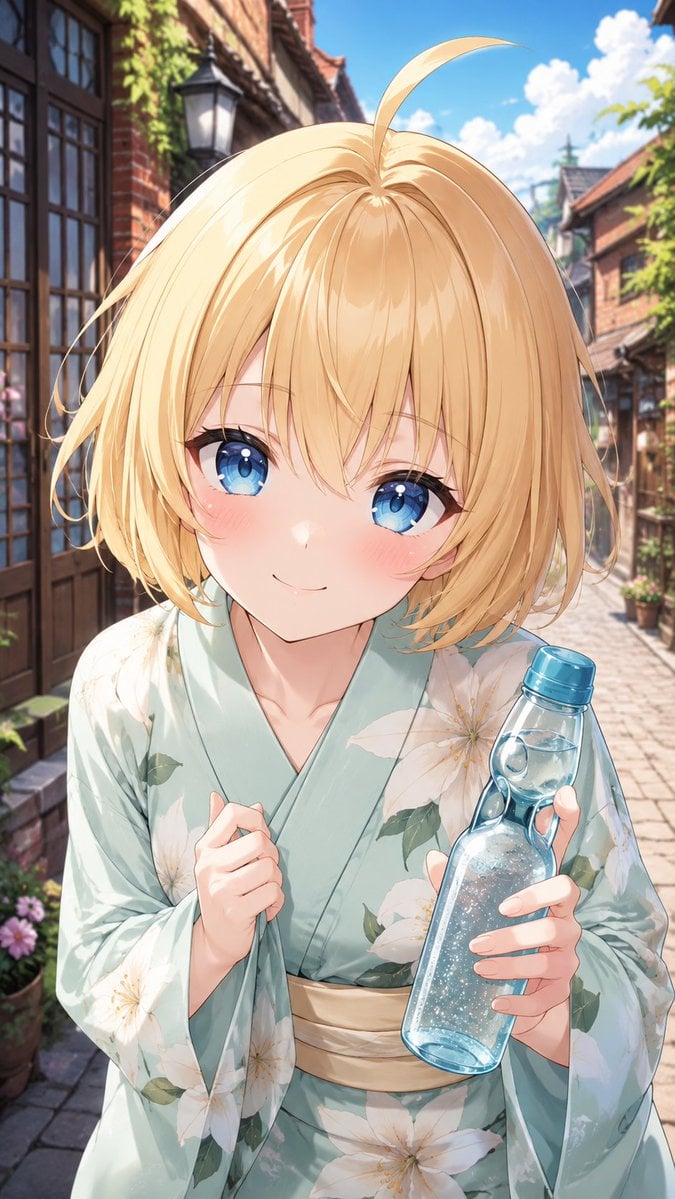
Blonde Yukata Girl Holding Ramune
Make it yours
Tanabata Yukata Girl Portrait works as-is. These are the safest ways to change it without losing the look.
Change one field
Copy a single group, rewrite it, and generate again so you can see what that field is doing.
Keep the frame, change the subject
Hold the composition and light of Tanabata Yukata Girl Portrait, then swap wardrobe, props or the person for a new take.
| If the result… | Why | Fix |
|---|---|---|
| The result drifts from the preview | Too many fields changed at once. | Reuse Tanabata Yukata Girl Portrait as-is first, then change one group — subject, light, or setting. |
| The model over-stylizes the scene | The prose prompt leaves finish and camera underspecified. | Add one camera or lighting sentence and stay on GPT Image 2. |
More GPT Image 2 templates
Other prompts made for GPT Image 2.

Six VTuber Japanese Logo Sheet

Realistic Portrait of Woman and Deer

The Vista Modular Condo Poster

AI Model Routing Comparison Infographic

2.5D Anime Art Board

Isometric Productivity Desk Scene

New York Double Exposure Poster

Four-Panel AI Landscape Comparison

Japanese Tatami Lifestyle Magazine Cover

NESCAFÉ Coffee Map Poster
More image prompts
Fresh picks from across the catalog.
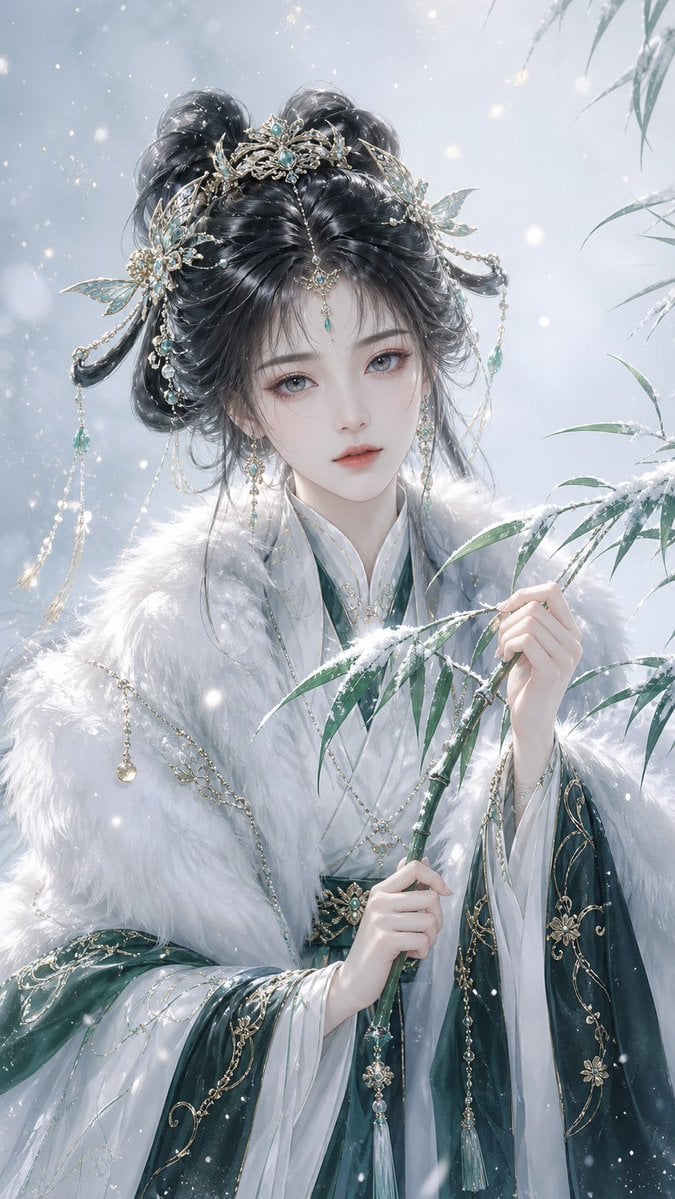
Elegant Oriental Fantasy Illustration
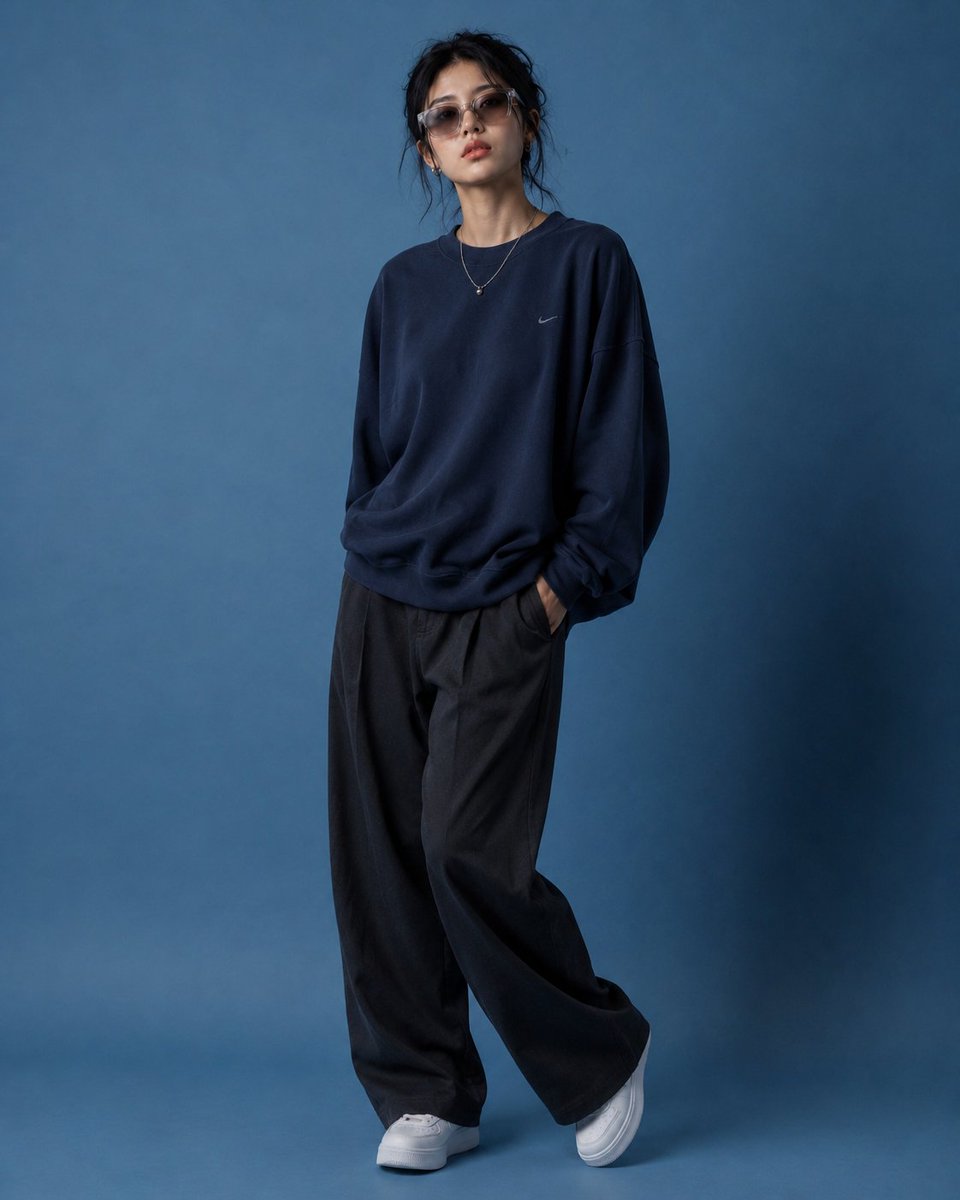
Editorial Fashion Pose Transformation
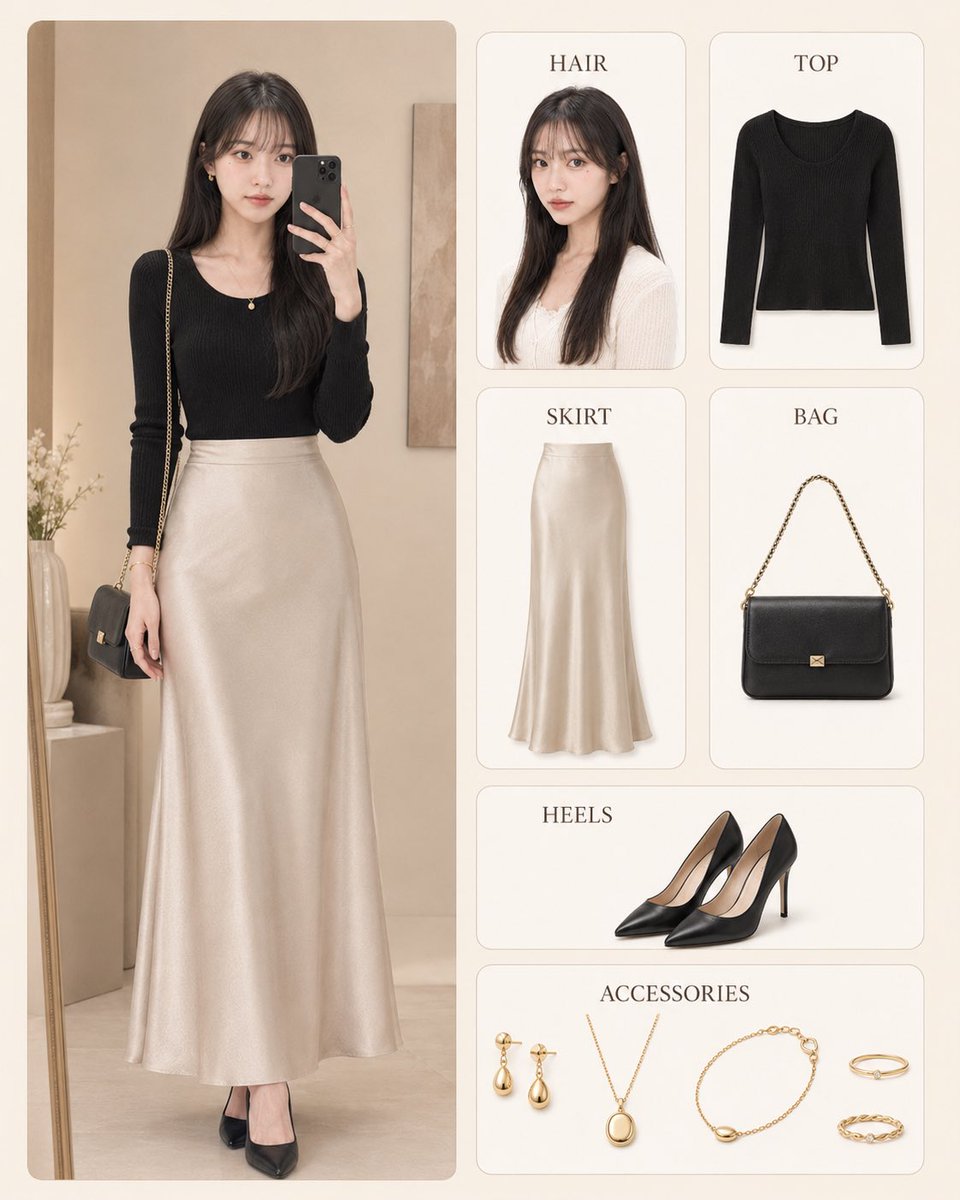
Korean Style Fashion Outfit Infographic
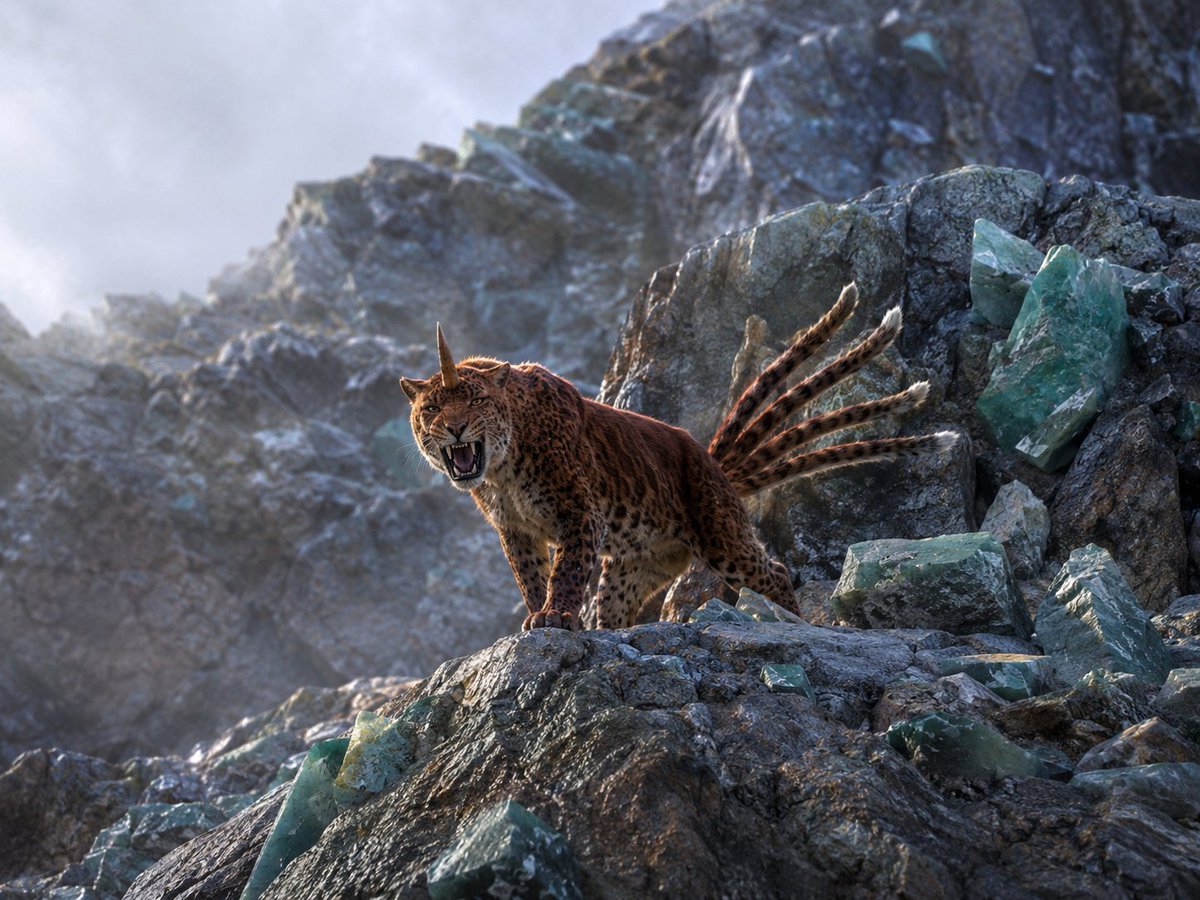
Horned Six-Tailed Mountain Beast

Royal Golden Cobra Emblem
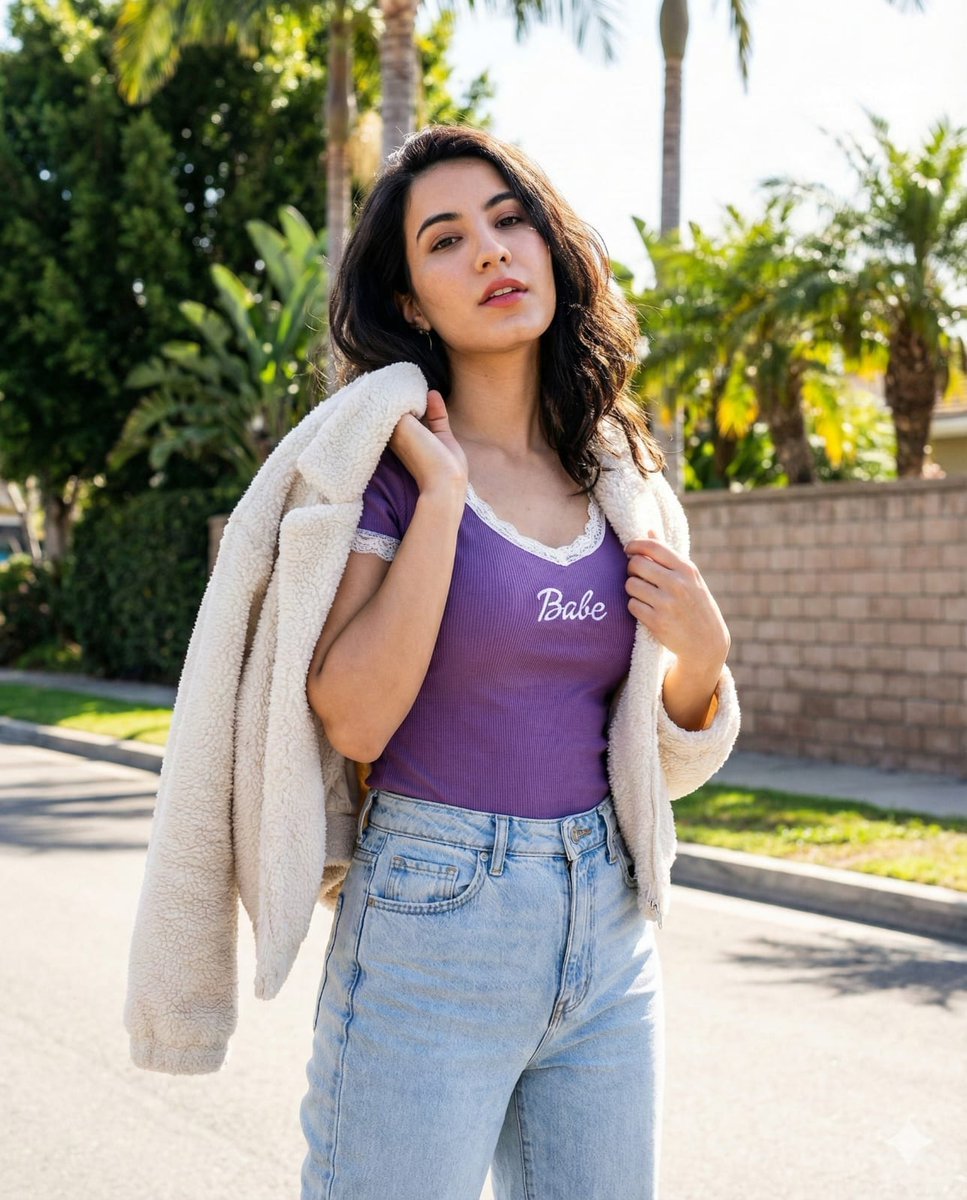
Vertical Street Portrait of a Young Woman
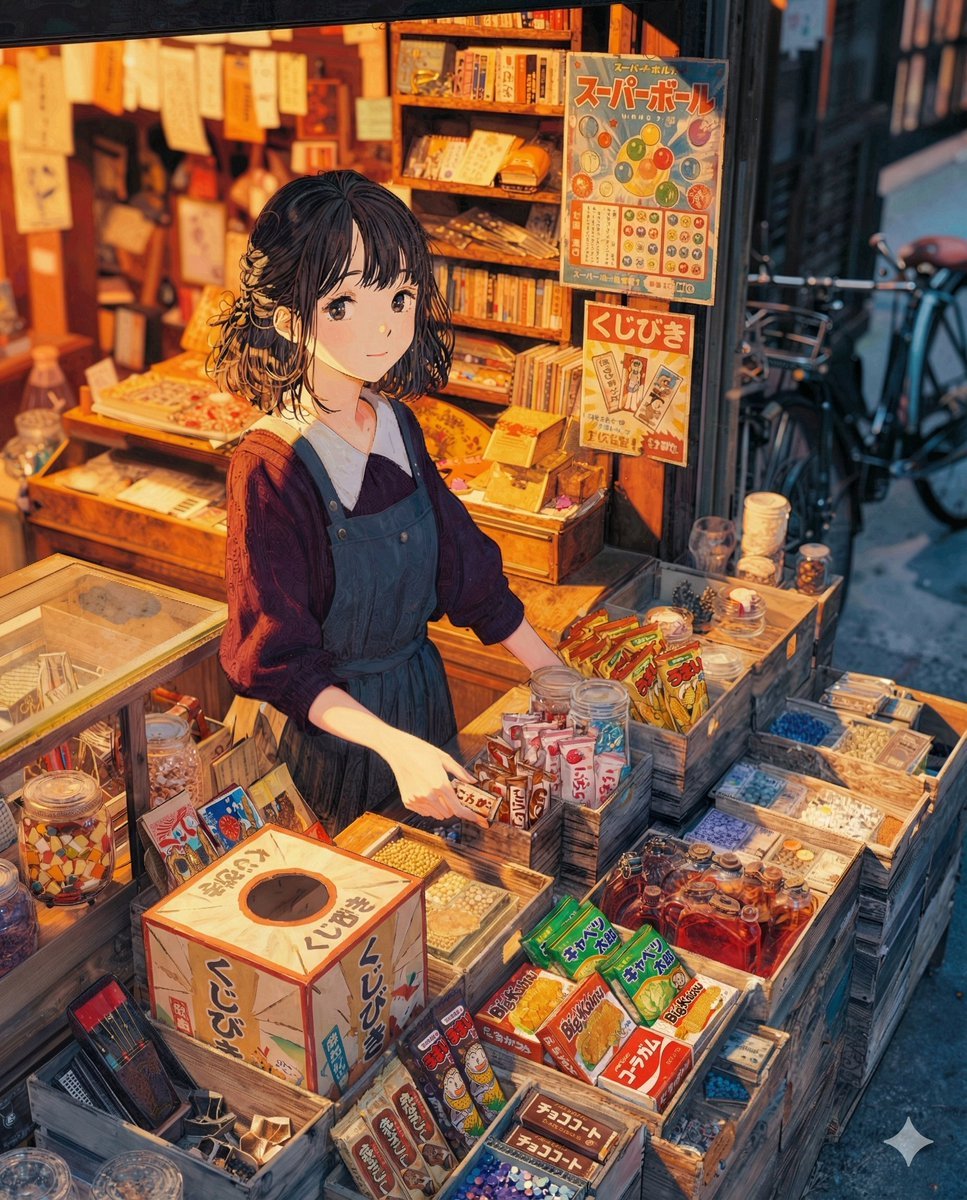
To the Candy Shop Image Generation
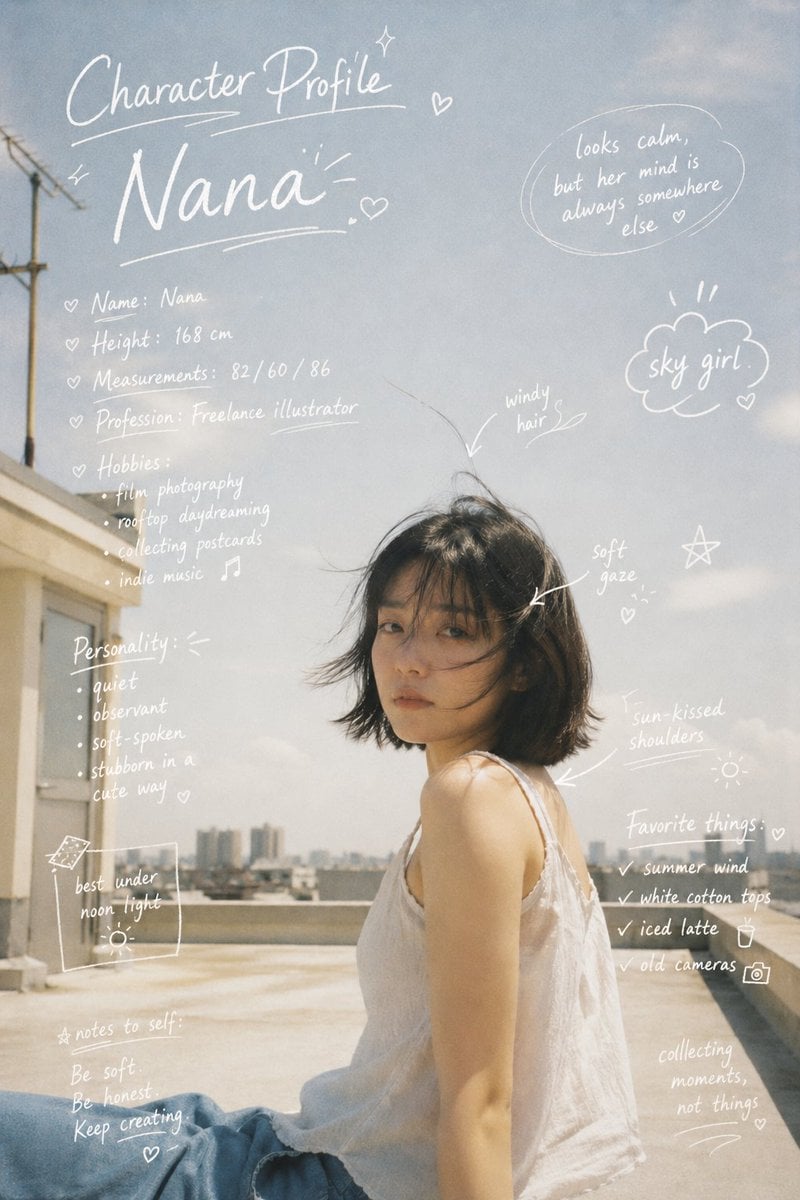
Character Profile Annotation Overlay
Pikachu Mirror Selfie
Ultimate Fashion and Cinematic Lifestyle Grid (Multi-Panel)
Browse template categories
Tanabata Yukata Girl Portrait questions
How do I use the Tanabata Yukata Girl Portrait template?
Add your photo if the template asks for one, edit the prompt if you like — the template's model and format are already selected — and press Generate. Your version opens in PicX Studio.
Can I customize the Tanabata Yukata Girl Portrait template?
Yes. You can change the subject, setting, lighting, mood, format, and available model controls before creating your image.
Is the Tanabata Yukata Girl Portrait template free?
Opening and editing this template is free. Generating uses credits, shown on the Generate button when you are signed in.
Which AI model should I use?
Start with GPT Image 2, which is the model associated with this template. You can compare another compatible model for a different finish.
Looking for something else? Browse all templates.

Your photo, any look
Thousands of ready templates for every top image and video model, from one credit balance.