
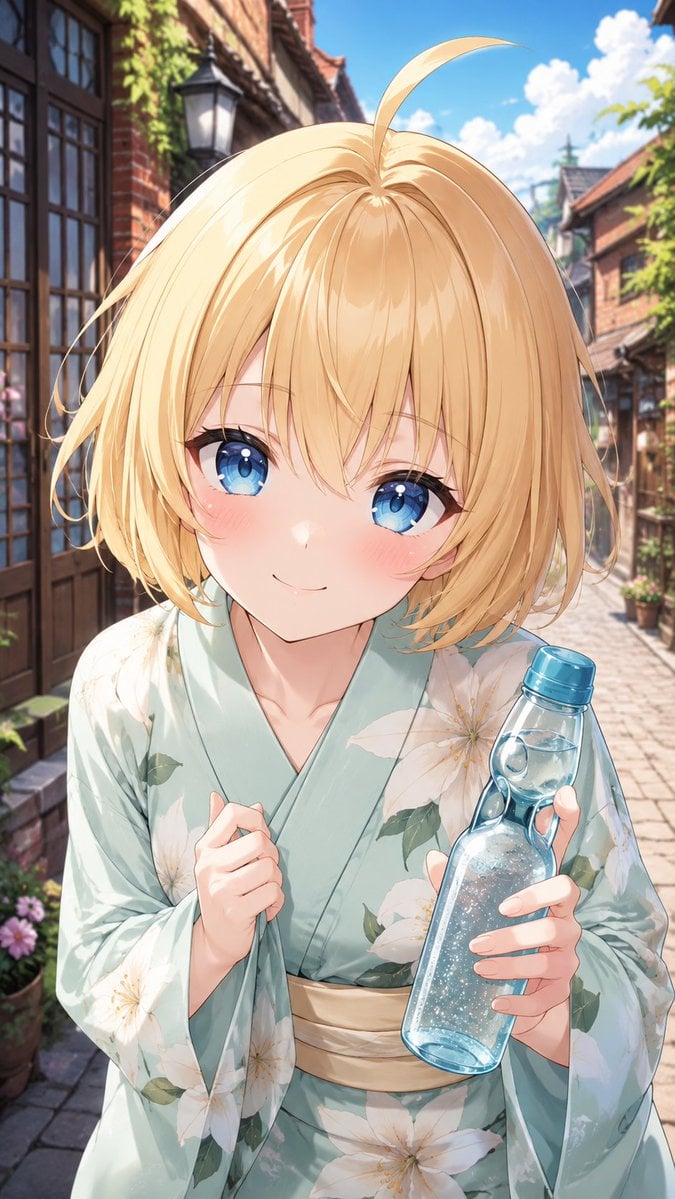
Blonde Yukata Girl Holding Ramune
A vertical anime illustration prompt for creating a summer yukata character scene with a censored face and a sparkling ramune bottle.
- Prompt included
- Model and format preset
- Free template
The prompt behind this image
Copy the exact prompt behind Blonde Yukata Girl Holding Ramune, or open it in the studio and make it yours.
Create a vertical 9:16 anime-style illustration of {argument name="character name" default="Hikari"}, a cheerful young woman in a summer yukata, shown from the waist up in a close perspective on a sunny old-fashioned brick-and-cobblestone street. She has short fluffy {argument name="hair color" default="golden blonde"} bobbed hair with a single long ahoge strand curving upward, soft layered strands, and bright backlit highlights. Place a large flat peach-beige square censor block centered over the entire face, covering the eyes, nose, mouth, and most facial features while leaving the hair, neck, hands, and outfit visible. She wears exactly 2 visible clothing pieces: a pale mint-green yukata with large white flower blossoms and green leaves, and a cream-colored obi sash at the waist. Pose her leaning slightly toward the viewer; her left hand lightly grips the front collar of the yukata near her chest, and her right hand holds exactly 1 transparent blue glass ramune-style soda bottle with a blue cap, visible water, bubbles, condensation, and sparkling highlights. The background is a picturesque European-Japanese festival-like alley with brick buildings, dark wooden window frames, climbing greenery, potted flowers, a wall lantern, rooflines receding into the distance, and a bright blue sky with soft white clouds. Use polished modern anime rendering, crisp linework, soft skin shading, luminous hair, detailed fabric folds, shallow depth of field, warm summer sunlight, vibrant colors, and a romantic cheerful mood. No text, no watermark, no extra characters, and keep the face fully hidden by the plain square block.
How to use Blonde Yukata Girl Holding Ramune in 3 steps
- 1Upload ImagePNG, JPG or paste
Add your photo
Upload the photo the template builds on. The prompt, model and format are already set.
- 2…a portrait of your subject in softgolden-hour light, 85mm…
Personalize
Edit the subject and creative details for your destination.
- 3Generate
Generate
Press Generate — your image is created in PicX Studio, so you can compare it with the original and refine one variable at a time.
More like this
Templates with the same subject, style or setup. Open one to see its prompt.
Anime Girl Holding Tabby Cat
Girl in Yukata with Platinum Fireworks
Chibi Office Girl Holding 4-Panel Manga

Teen Girl Alpine Lake Mountain View
Tanabata Yukata Girl Portrait
Girl in Yucatan Yukata
Blonde Anime Girl with Ice Cream
Chibi Girl Holding Japanese Notice Sign
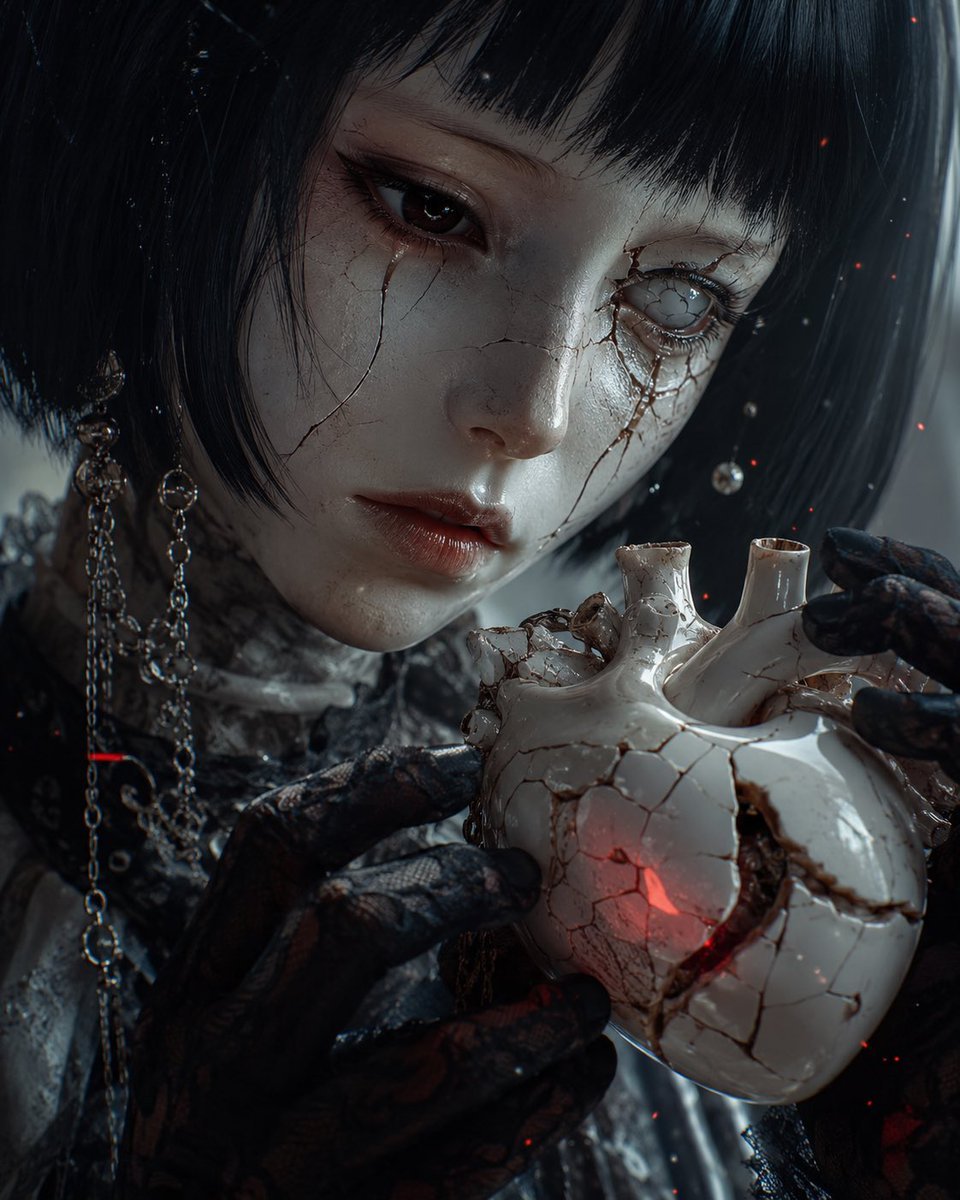
Cracked Porcelain Girl Holding Heart
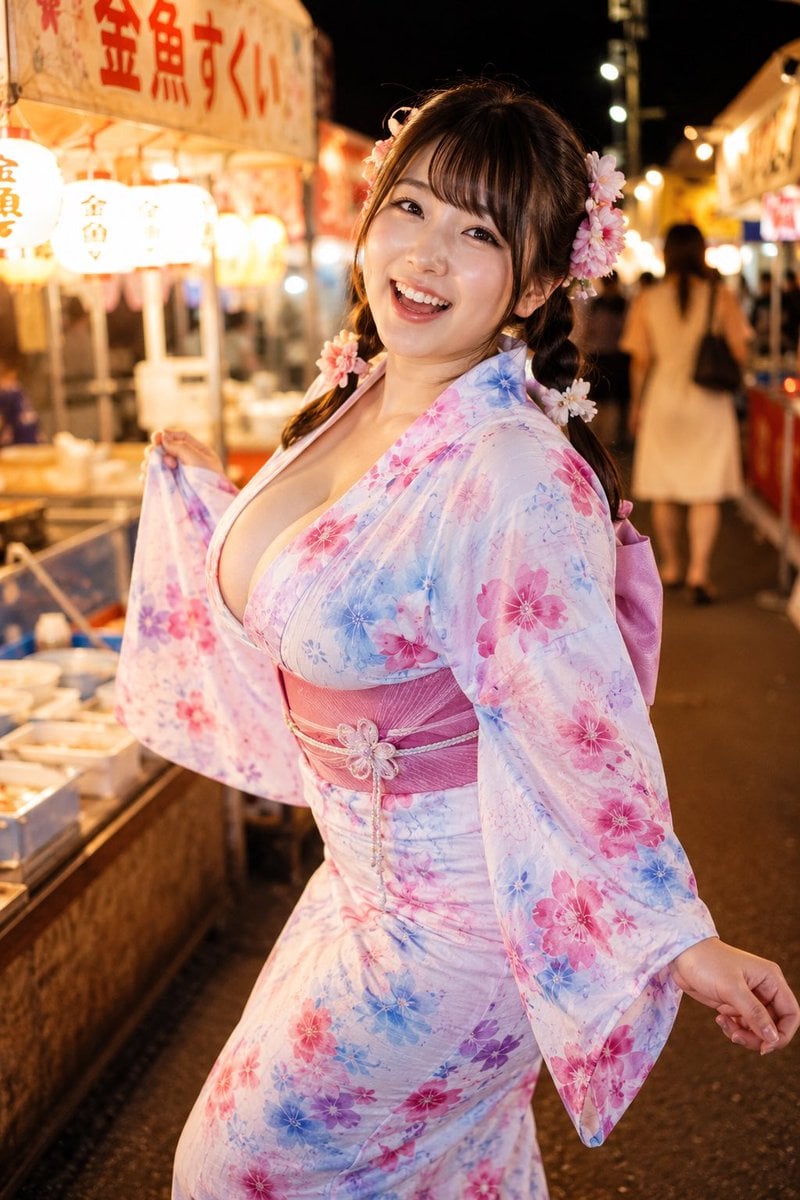
Yukata Girl at Night Festival
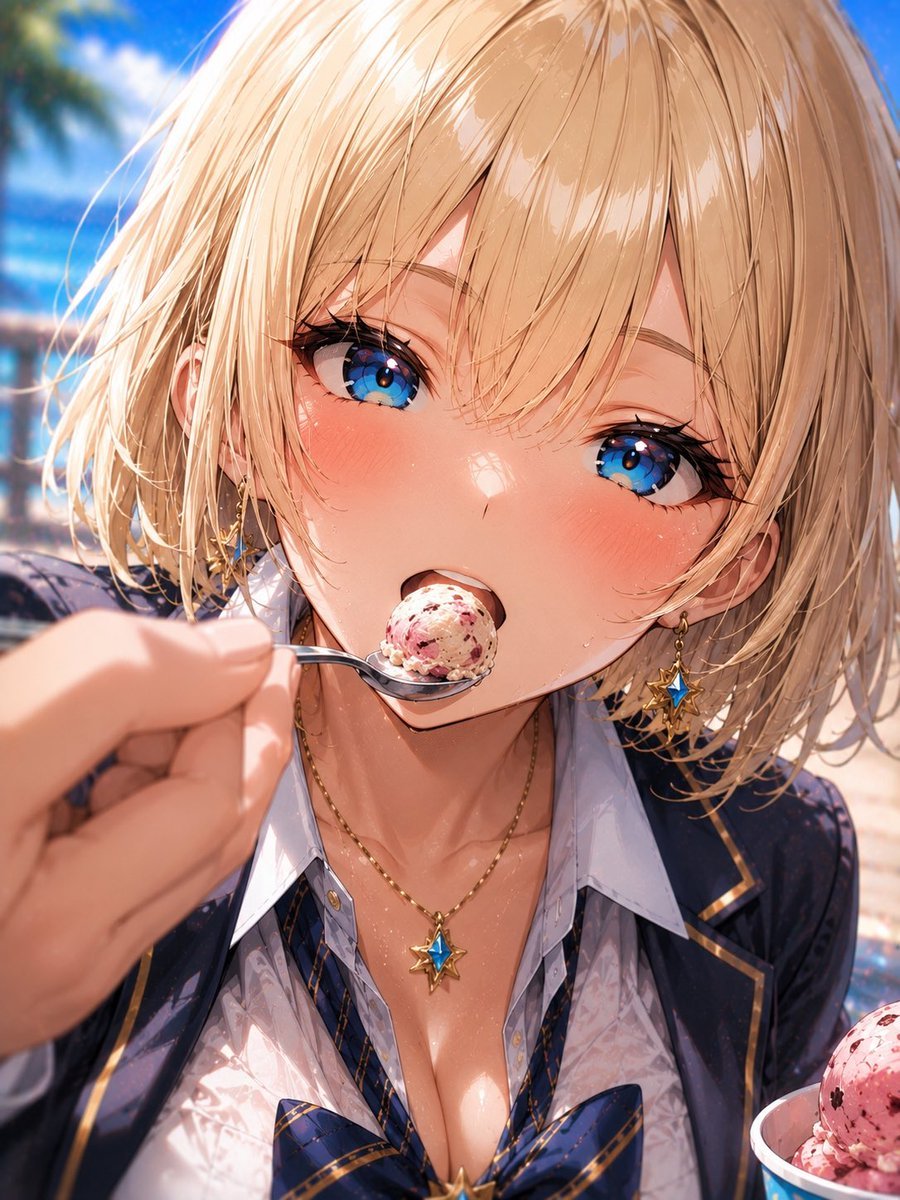
Blonde Beach Anime Girl with Ice Cream
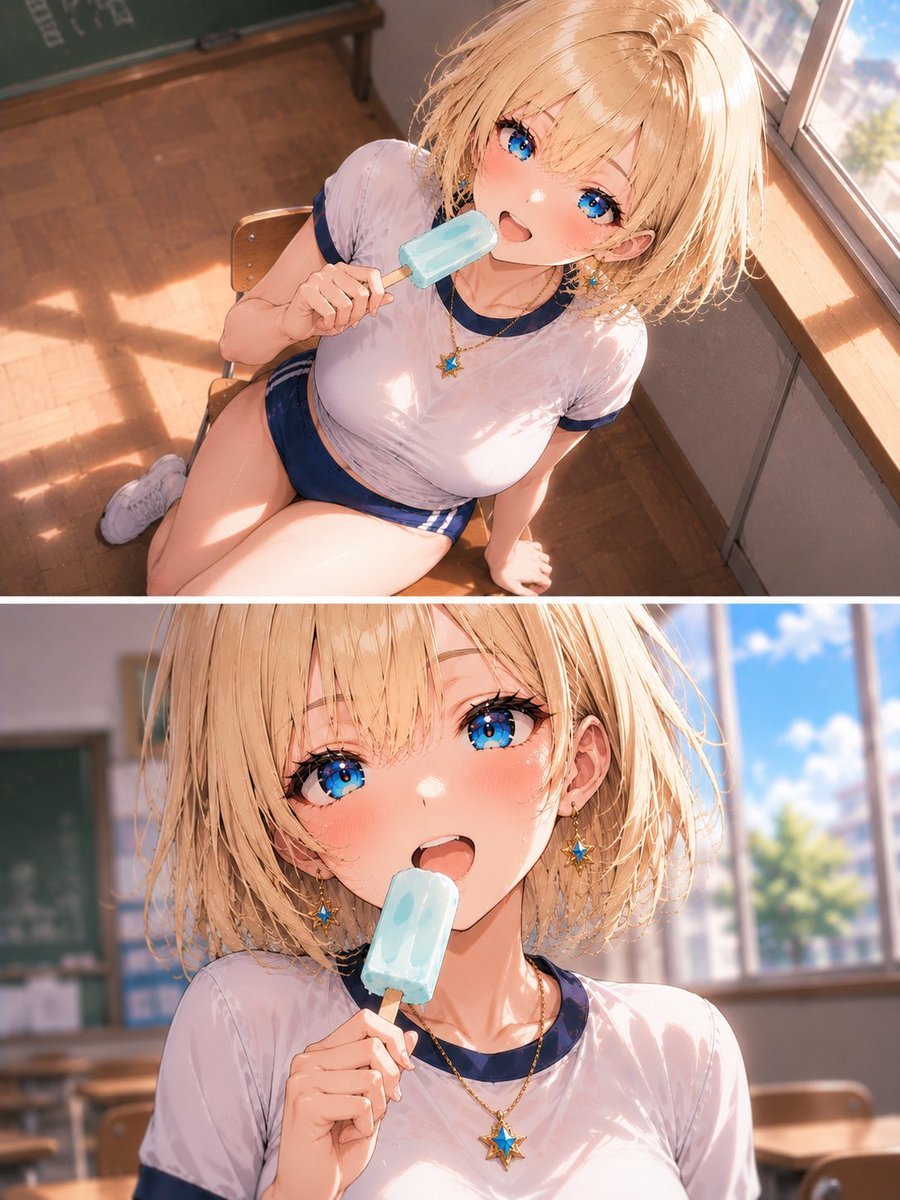
Blonde Schoolgirl Ice Pop Diptych
Make it yours
Blonde Yukata Girl Holding Ramune works as-is. These are the safest ways to change it without losing the look.
Change one field
Copy a single group, rewrite it, and generate again so you can see what that field is doing.
Keep the frame, change the subject
Hold the composition and light of Blonde Yukata Girl Holding Ramune, then swap wardrobe, props or the person for a new take.
| If the result… | Why | Fix |
|---|---|---|
| The result drifts from the preview | Too many fields changed at once. | Reuse Blonde Yukata Girl Holding Ramune as-is first, then change one group — subject, light, or setting. |
| The model over-stylizes the scene | The prose prompt leaves finish and camera underspecified. | Add one camera or lighting sentence and stay on GPT Image 2. |
More GPT Image 2 templates
Other prompts made for GPT Image 2.

Six VTuber Japanese Logo Sheet

Realistic Portrait of Woman and Deer

The Vista Modular Condo Poster

AI Model Routing Comparison Infographic

2.5D Anime Art Board

Isometric Productivity Desk Scene

New York Double Exposure Poster

Four-Panel AI Landscape Comparison

Japanese Tatami Lifestyle Magazine Cover

NESCAFÉ Coffee Map Poster
More image prompts
Fresh picks from across the catalog.
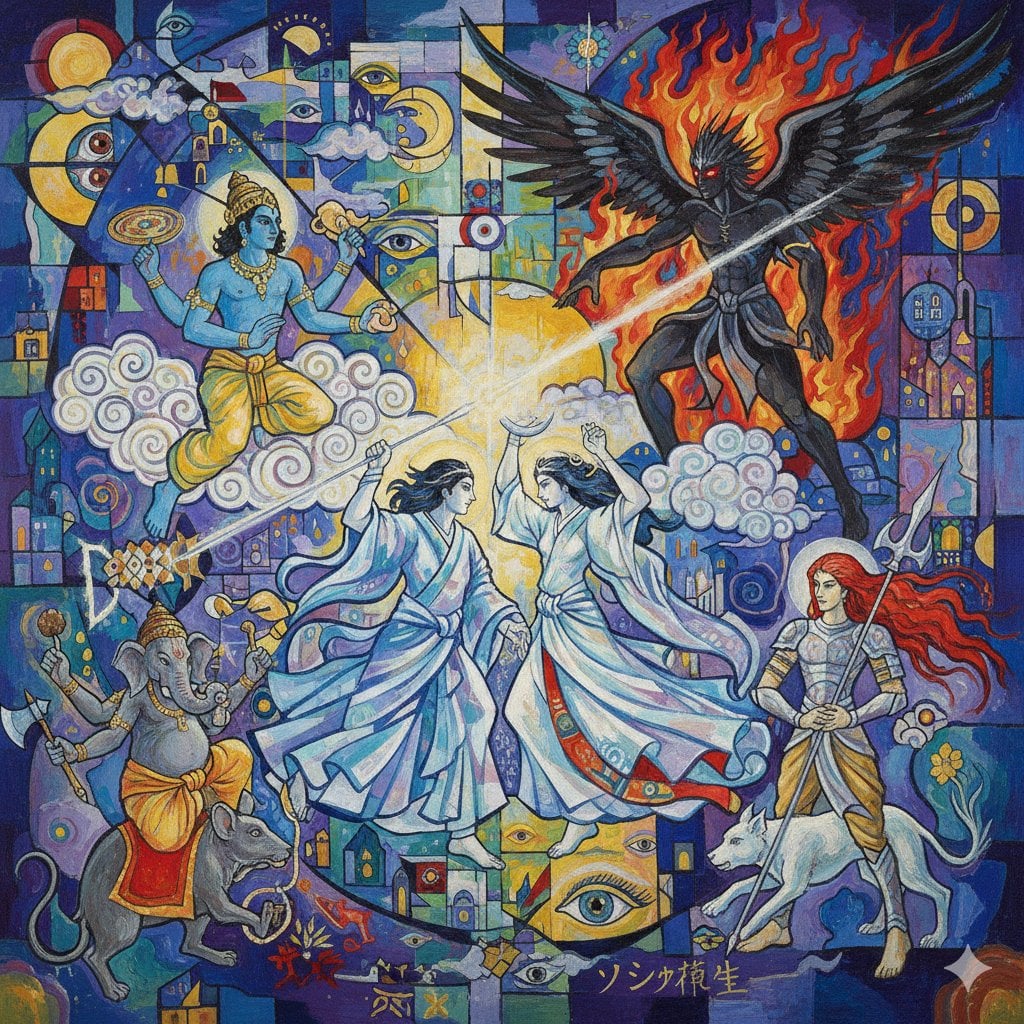
Megami Tensei Pantheon Battle Prompt
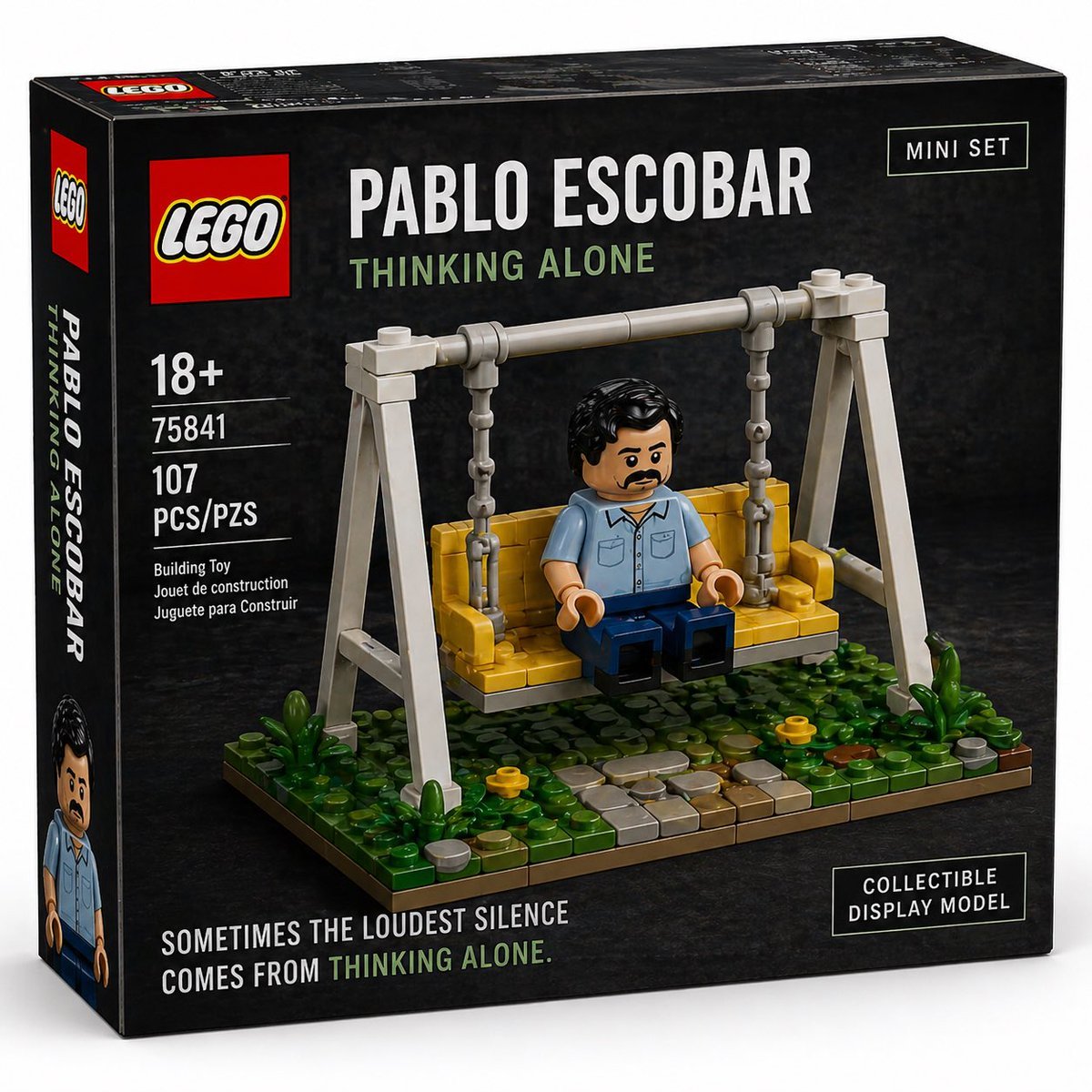
Brick Mini Set Box Mockup
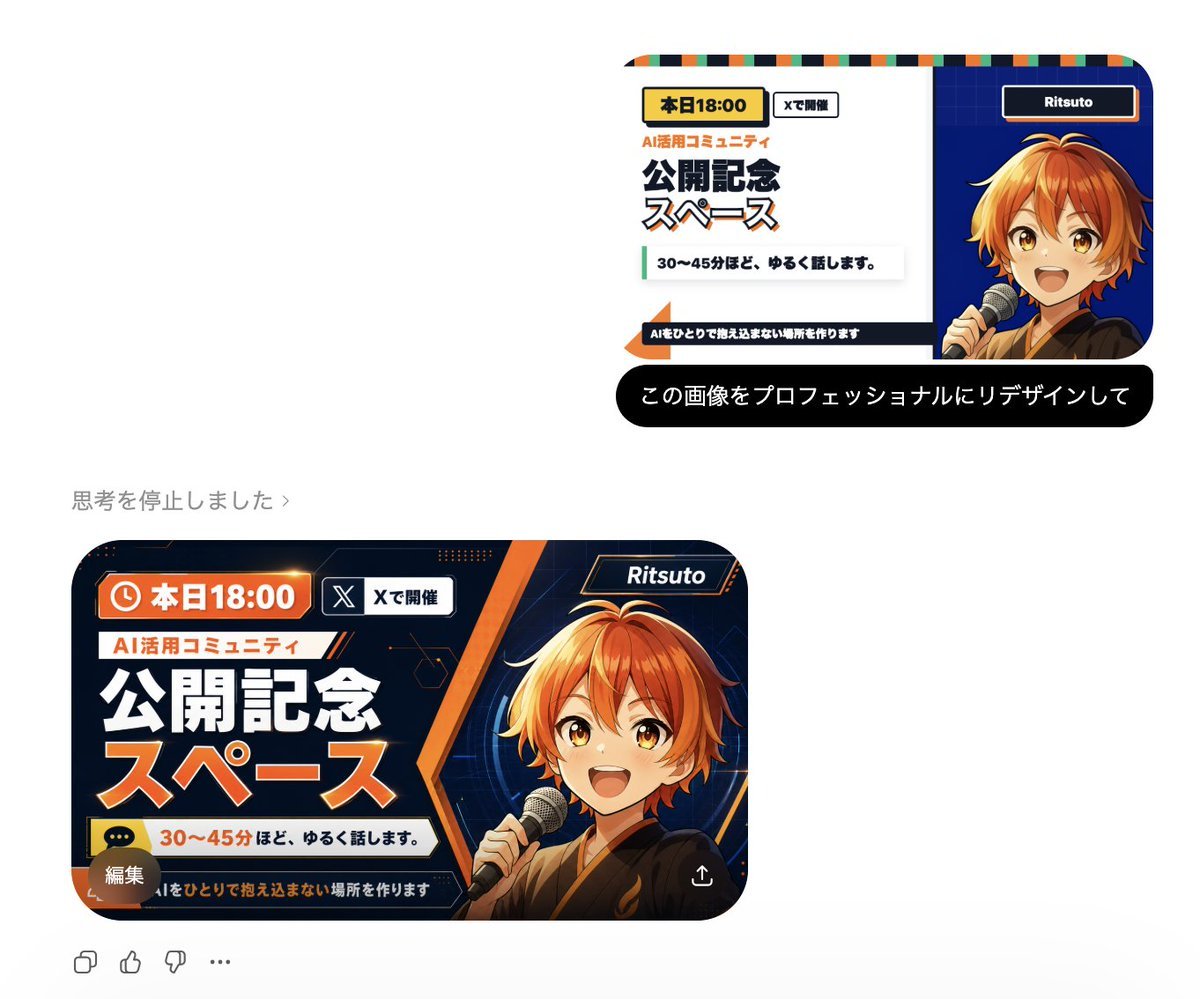
Professional Image Redesign
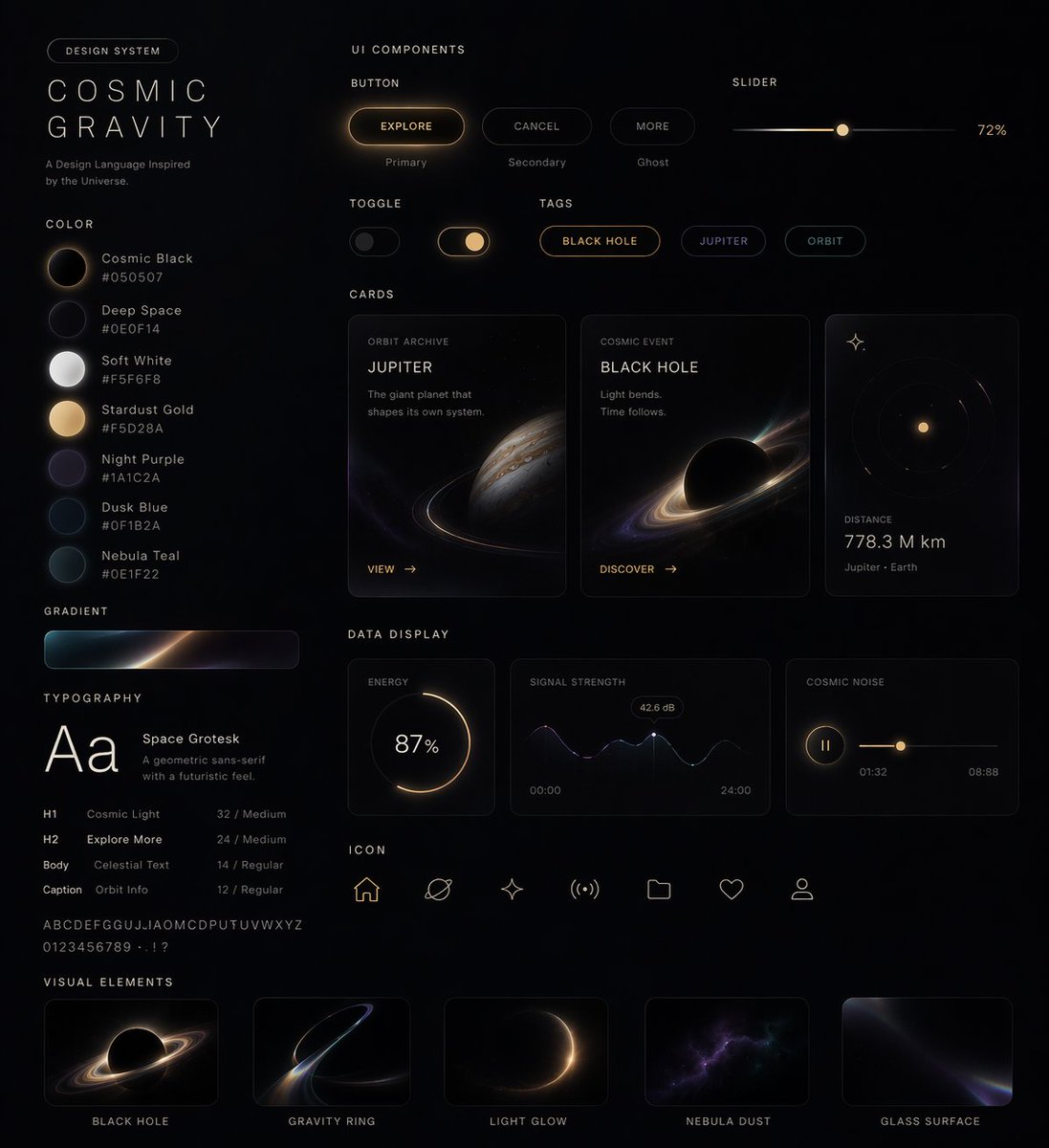
UI Design System Prompt
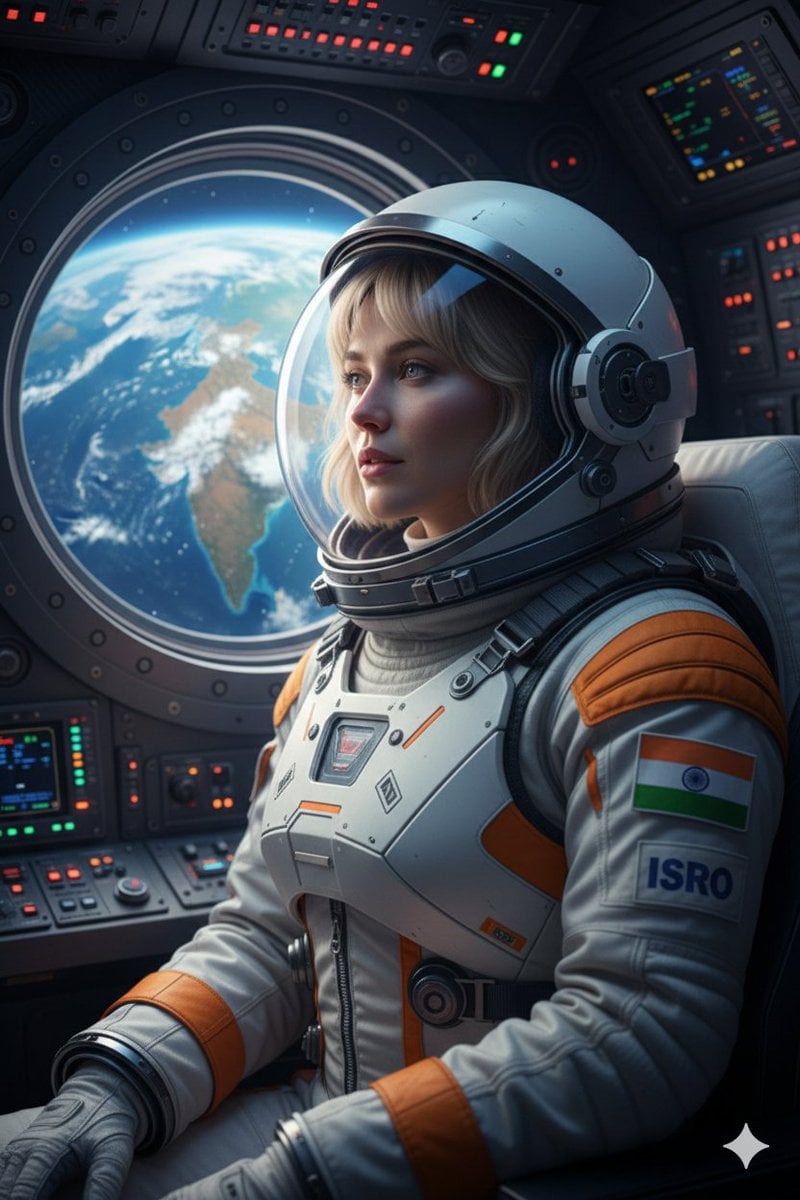
Cinematic Portrait of Indian Astronaut in ISRO Spacesuit
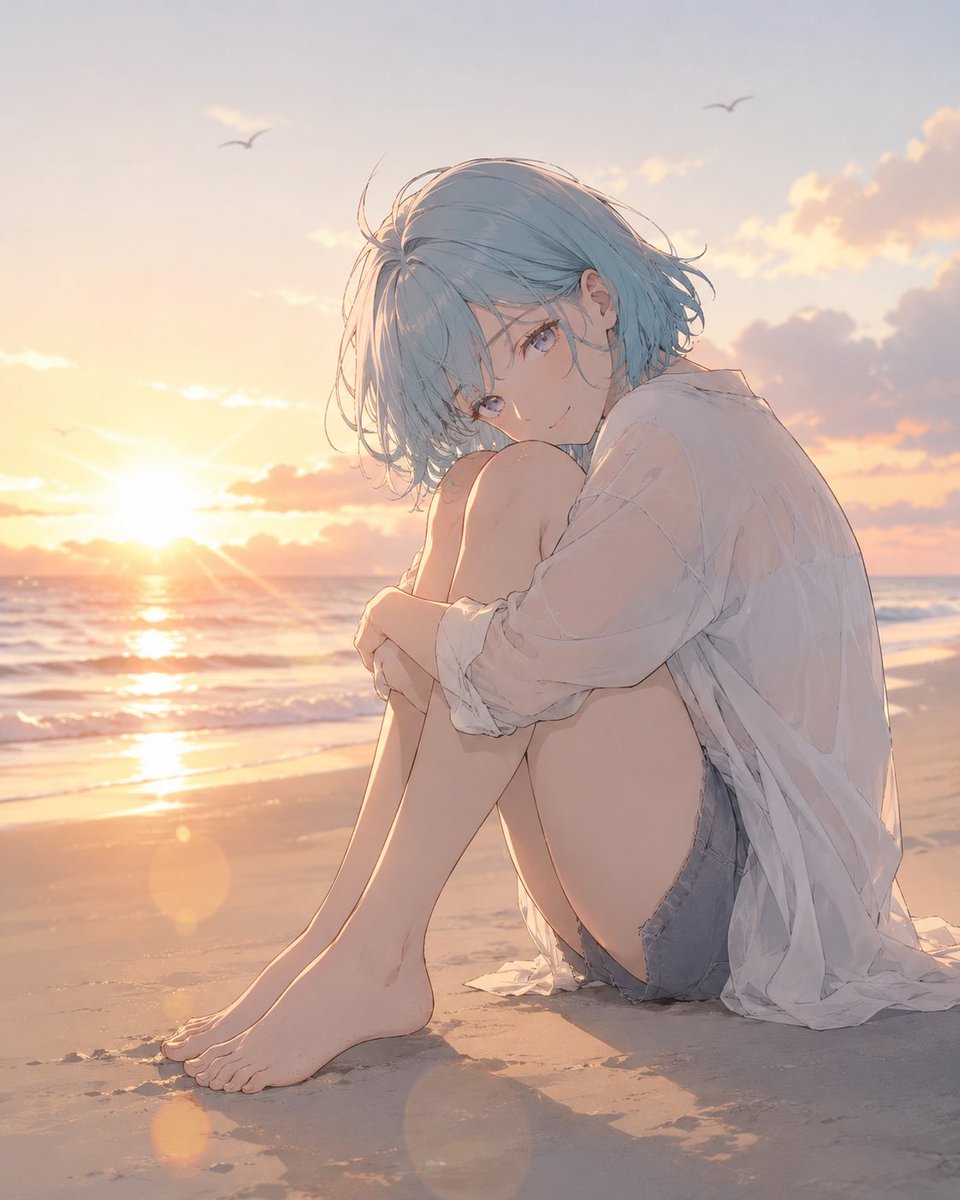
Anime Woman at Sunset Beach

Humanoid Robot Keynote Reveal
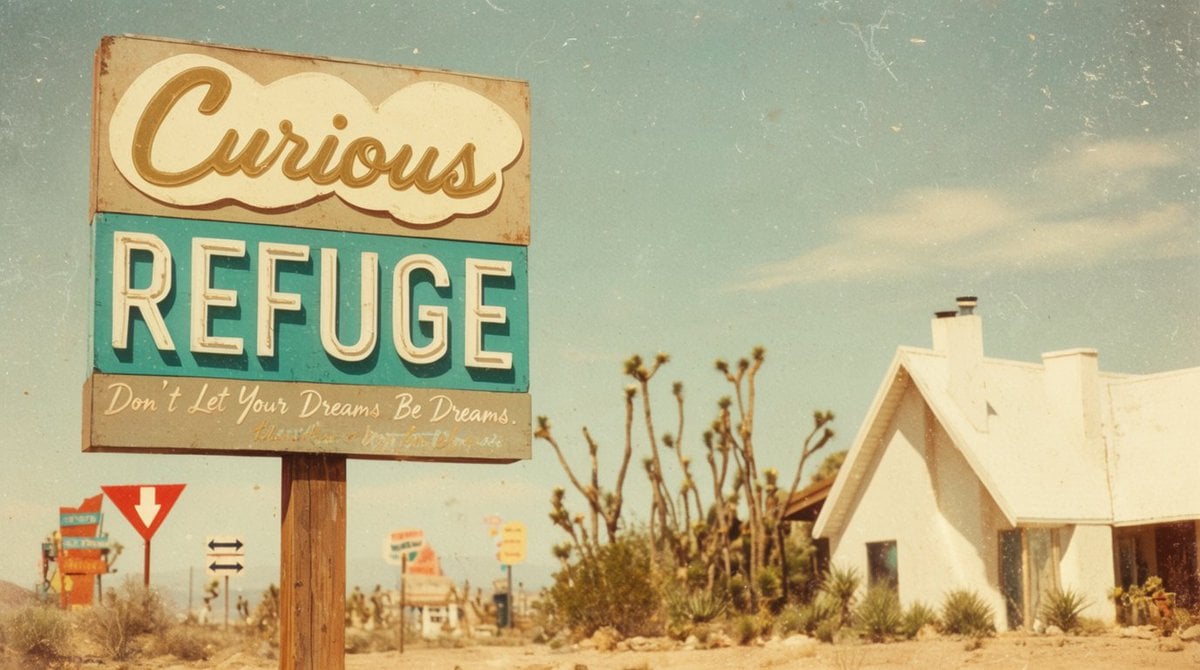
Vintage Desert Refuge Road Sign
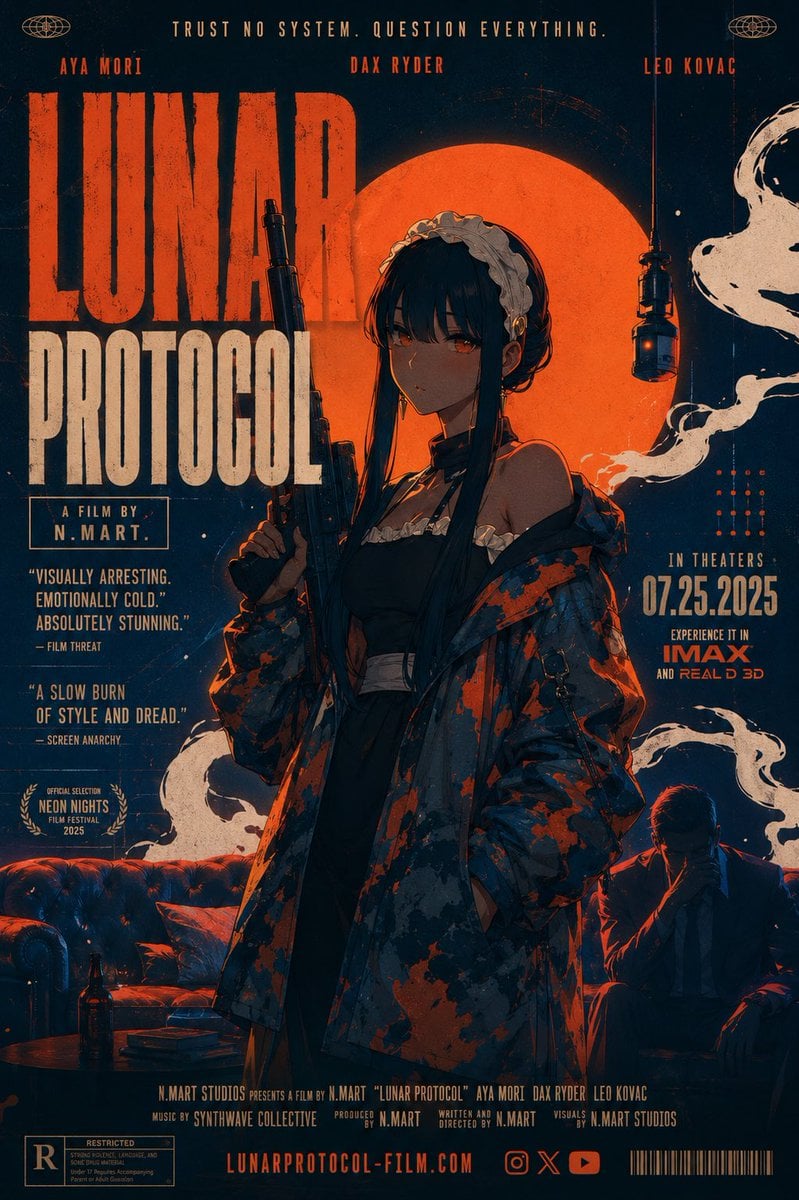
Retro Lunar Protocol Movie Poster
Chinese Traditional Luxury Product Design
Browse template categories
Blonde Yukata Girl Holding Ramune questions
How do I use the Blonde Yukata Girl Holding Ramune template?
Add your photo if the template asks for one, edit the prompt if you like — the template's model and format are already selected — and press Generate. Your version opens in PicX Studio.
Can I customize the Blonde Yukata Girl Holding Ramune template?
Yes. You can change the subject, setting, lighting, mood, format, and available model controls before creating your image.
Is the Blonde Yukata Girl Holding Ramune template free?
Opening and editing this template is free. Generating uses credits, shown on the Generate button when you are signed in.
Which AI model should I use?
Start with GPT Image 2, which is the model associated with this template. You can compare another compatible model for a different finish.
Looking for something else? Browse all templates.

Your photo, any look
Thousands of ready templates for every top image and video model, from one credit balance.