
Horned Six-Tailed Mountain Beast
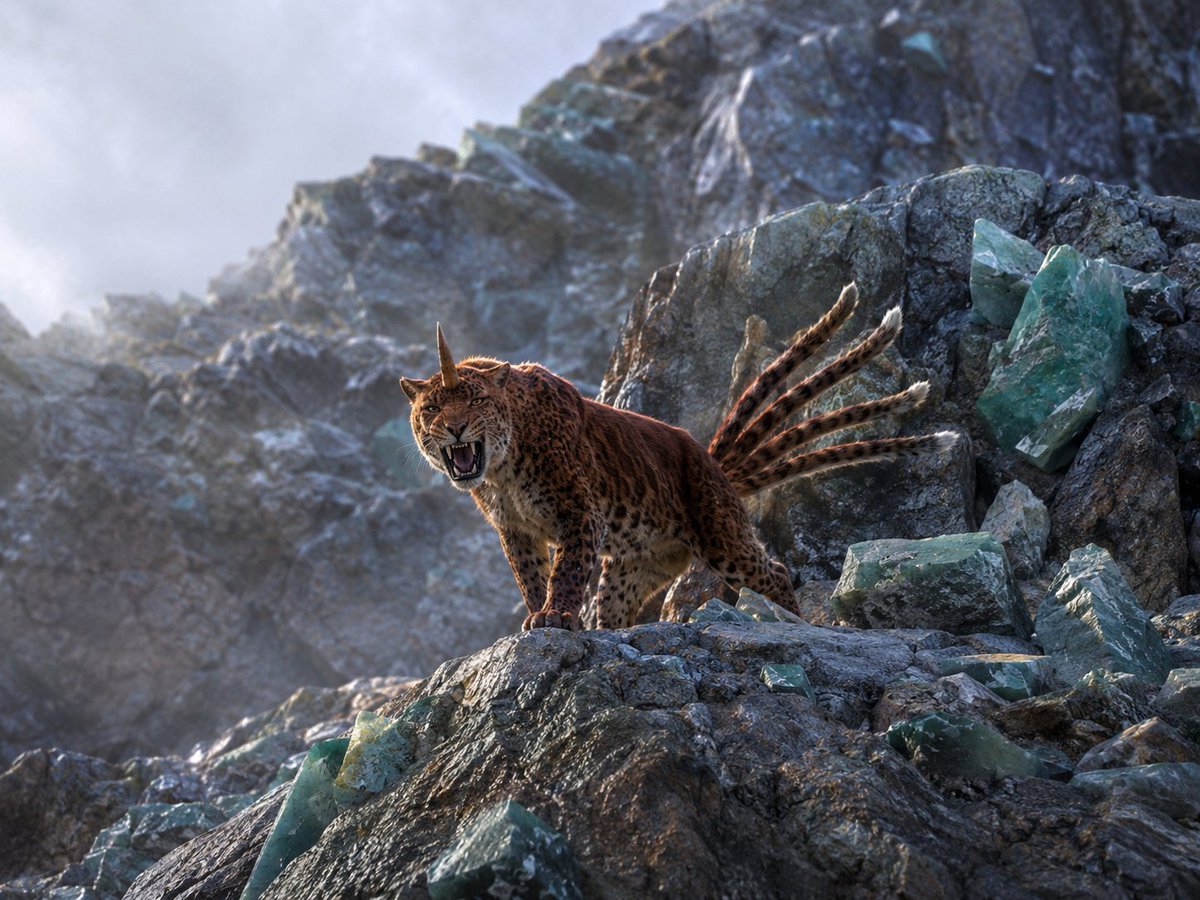
A cinematic photorealistic wildlife-style scene of a mythic horned spotted feline roaring among crystal-studded mountain cliffs.
- Prompt included
- Model and format preset
- Free template
The prompt behind this image
Copy the exact prompt behind Horned Six-Tailed Mountain Beast, or open it in the studio and make it yours.
Create a hyper-realistic collectible wildlife photograph inspired by ancient Chinese myth: a fierce horned leopard-lynx hybrid, the {argument name="mythic beast" default="Zheng, a leopard-like mountain beast"}, standing on a jagged alpine rock ledge and roaring directly toward the camera. The creature has tawny-orange fur covered in dark leopard spots, a compact muscular feline body, lynx-like facial ruff and ears, one straight dark horn rising from the center of its forehead, and exactly six long ringed tails fanned upward behind it like a dramatic plume. Set the scene in a harsh high-mountain mineral landscape with dark fractured slate-gray cliffs, cold mist, and scattered translucent blue-green crystal formations embedded in the rocks. Use a low telephoto wildlife-photography angle from slightly below the animal, placing the beast left of center on the ledge, with the rocky slope and crystals receding into a blurred mountainous background. Lighting should be cinematic natural dawn light from the upper left, cool blue-gray atmosphere with warm rim highlights on the fur, visible breath-like mist, sharp detail on the animal’s face, open mouth, teeth, whiskers, spots, paws, horn, and tails, with shallow depth of field and realistic texture. Style: top-tier National Geographic fantasy realism, physically plausible anatomy and fur, no illustration look, no painting, no text, no humans, no watermark. Use a {argument name="camera lens" default="85mm telephoto lens"}, {argument name="lighting mood" default="cold misty dawn with warm side light"}, and {argument name="image aspect ratio" default="4:3 landscape"}.
How to use Horned Six-Tailed Mountain Beast in 3 steps
- 1Upload ImagePNG, JPG or paste
Add your photo
Upload the photo the template builds on. The prompt, model and format are already set.
- 2…a portrait of your subject in softgolden-hour light, 85mm…
Personalize
Edit the subject and creative details for your destination.
- 3Generate
Generate
Press Generate — your image is created in PicX Studio, so you can compare it with the original and refine one variable at a time.
More like this
Templates with the same subject, style or setup. Open one to see its prompt.
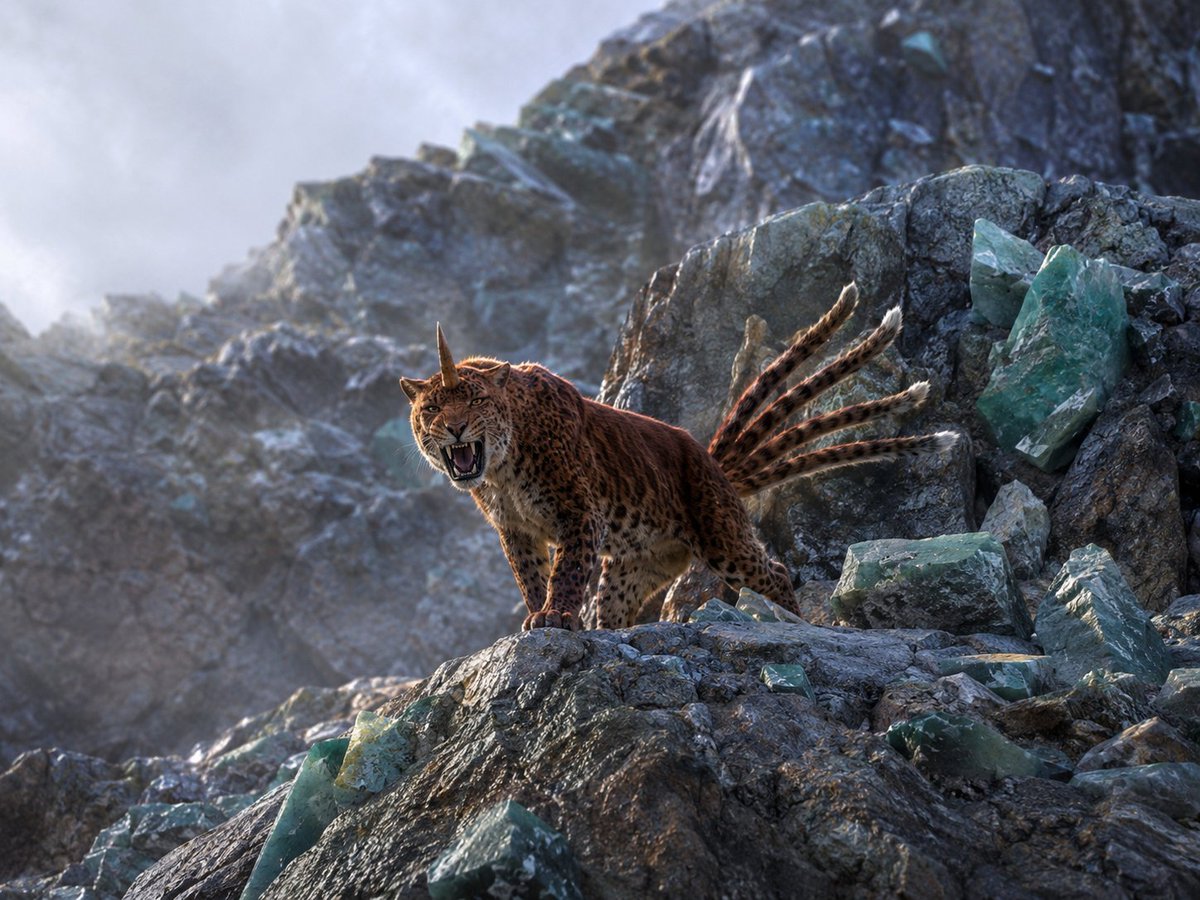
Horned Seven-Tailed Mountain Beast
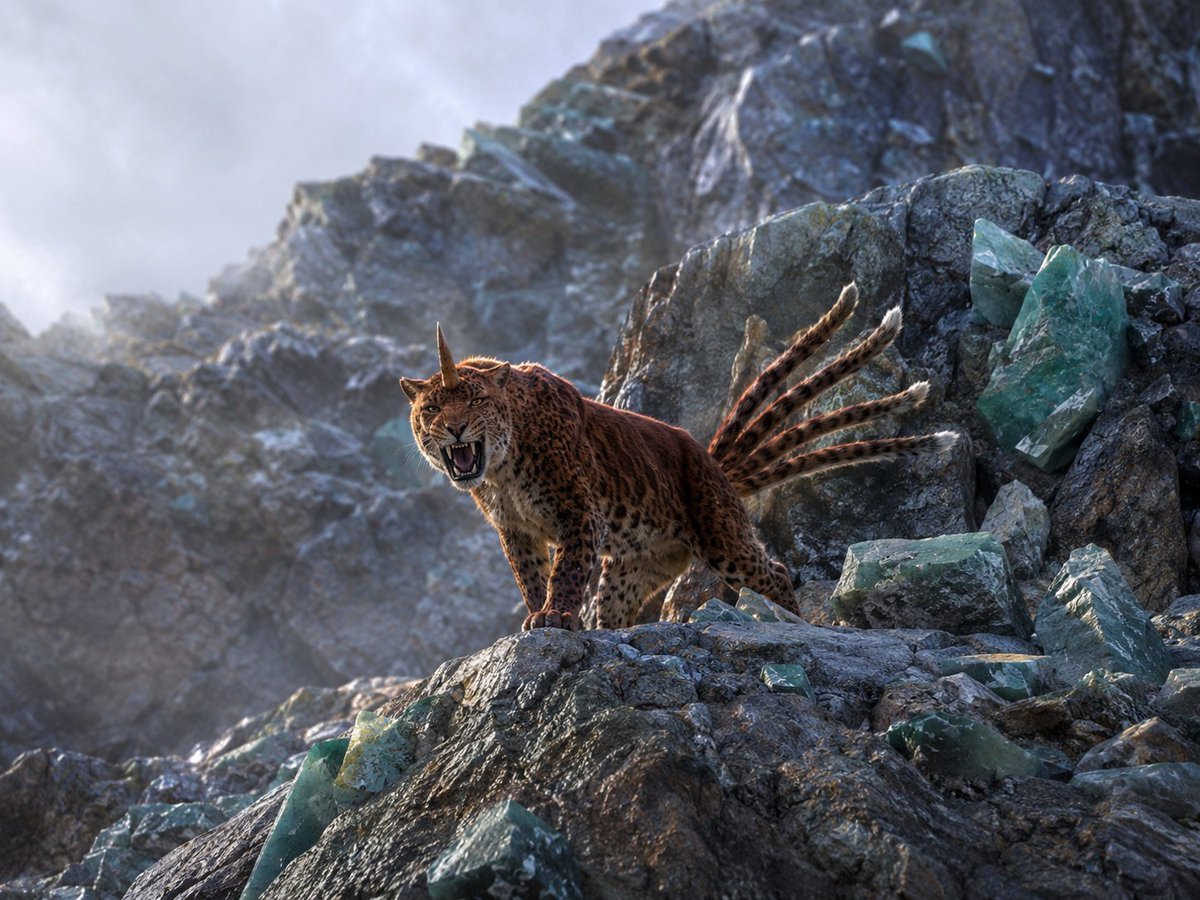
Horned Five-Tailed Leopard Beast

Teen Girl Alpine Lake Mountain View

Mountain Lake Sunset Landscape

Premium Vintage Travel Poster Landscape
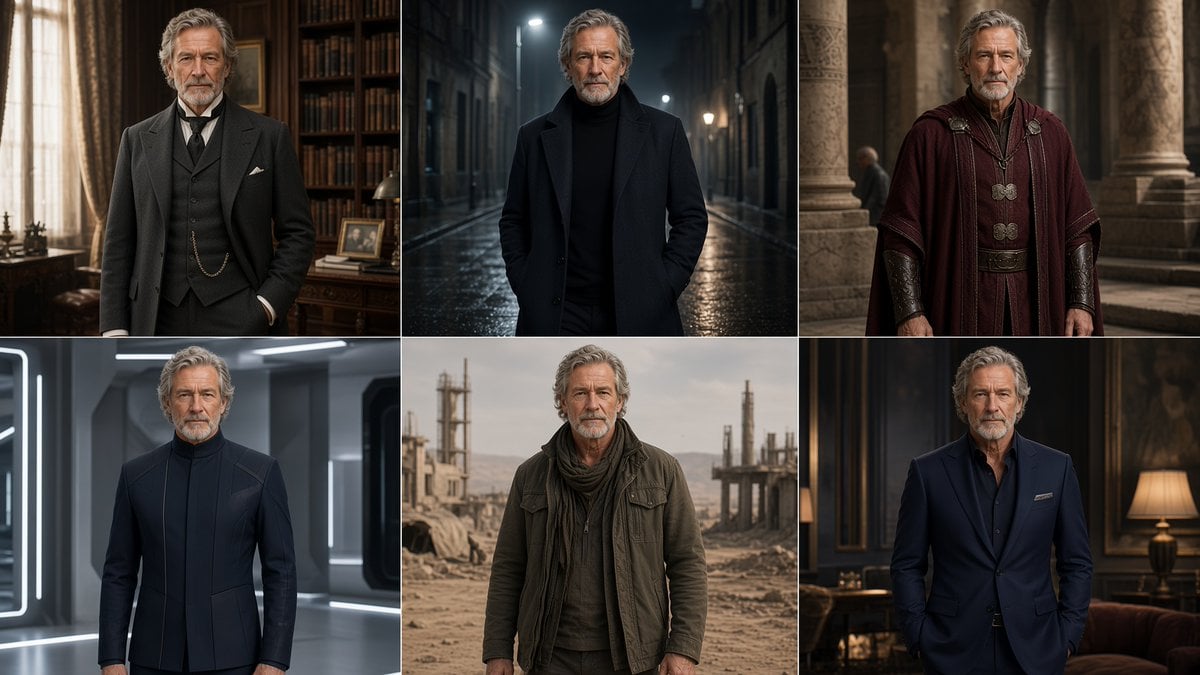
Six-Panel Cinematic Character Variations
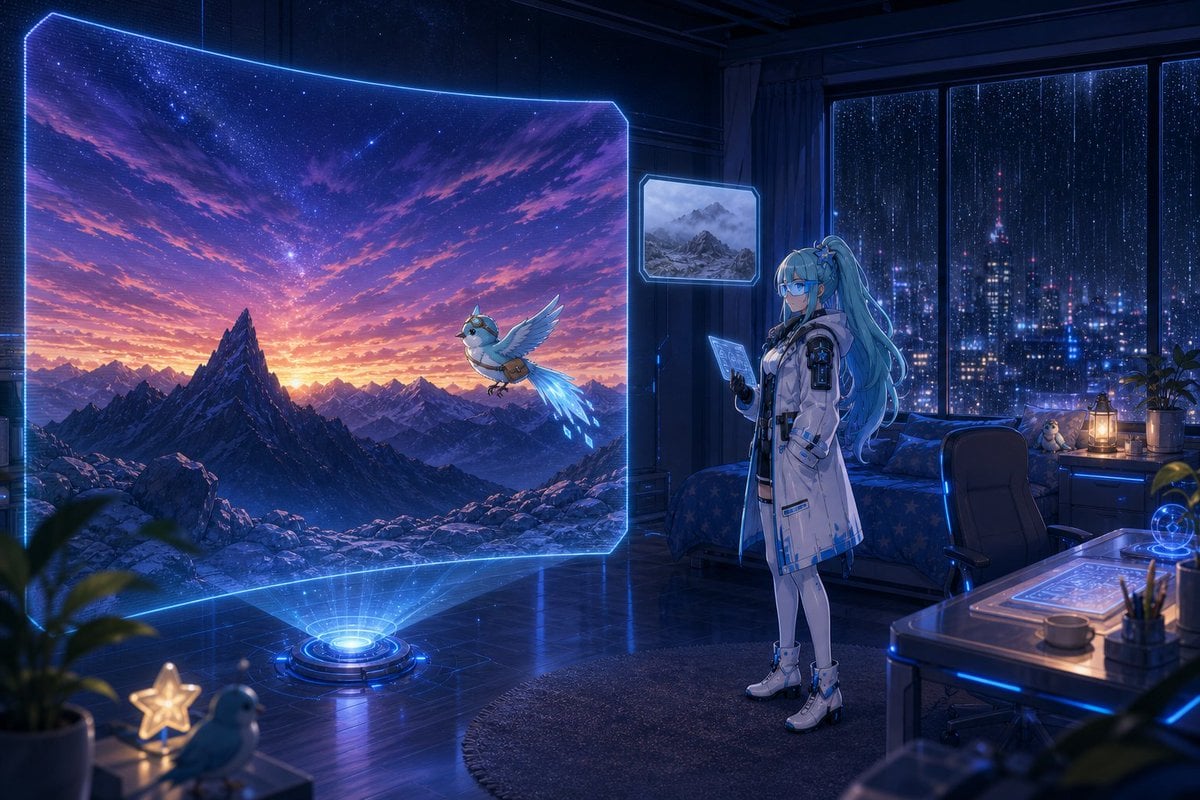
Holographic Mountain Bedroom

Lone Mountaineer in Moonlit Snow
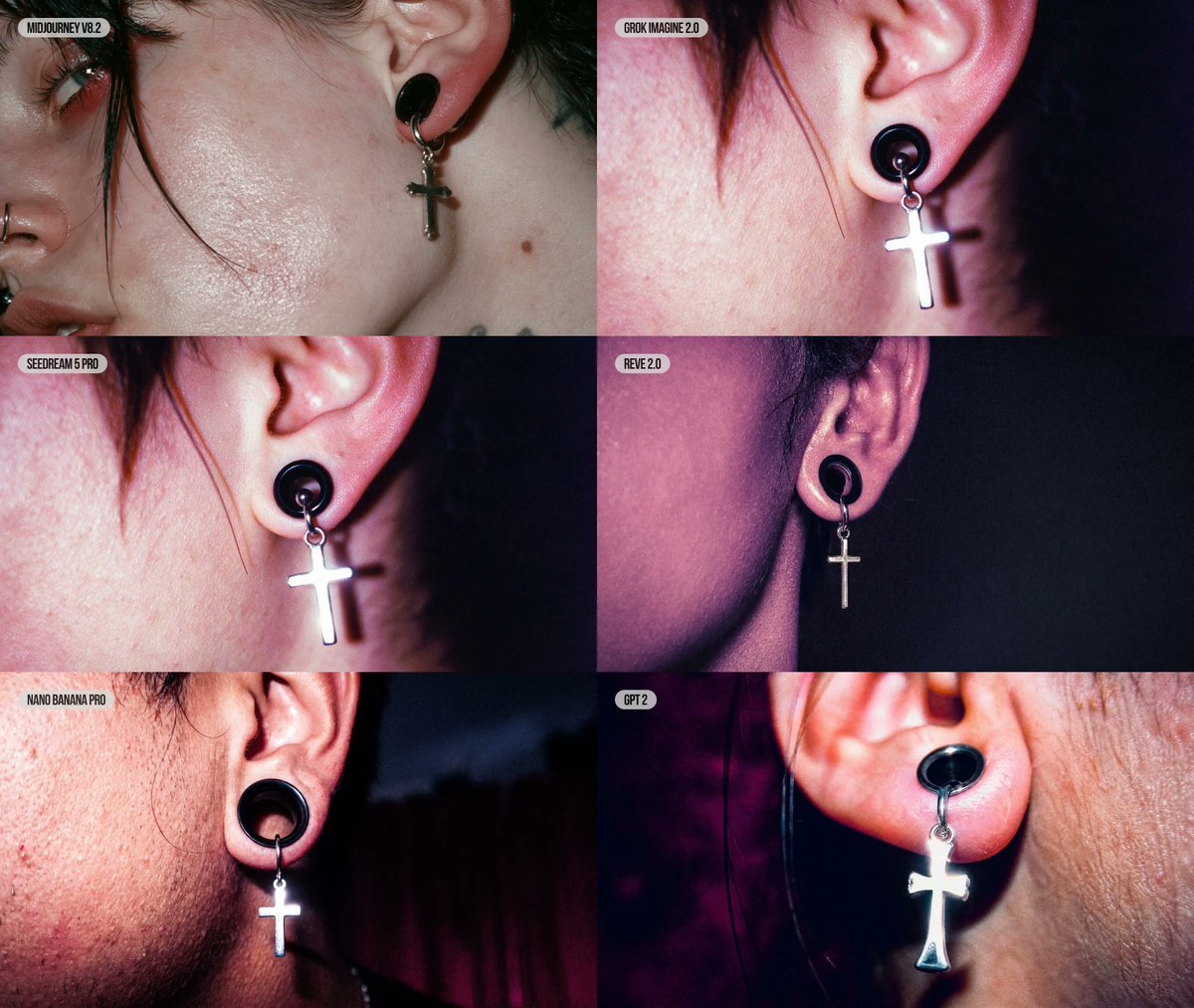
Six-Panel AI Jewelry Portrait Comparison
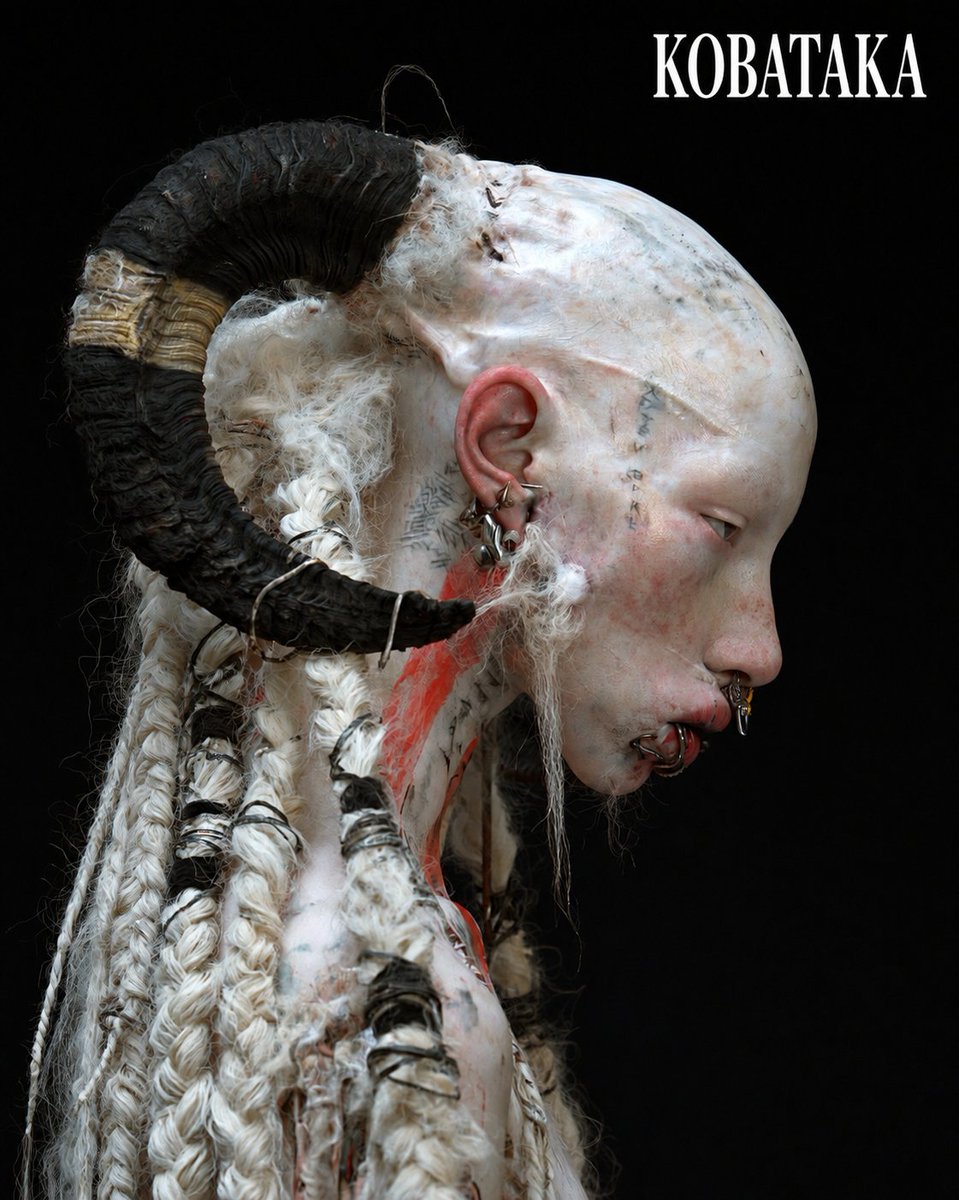
Albino Ram-Horned Gothic Portrait
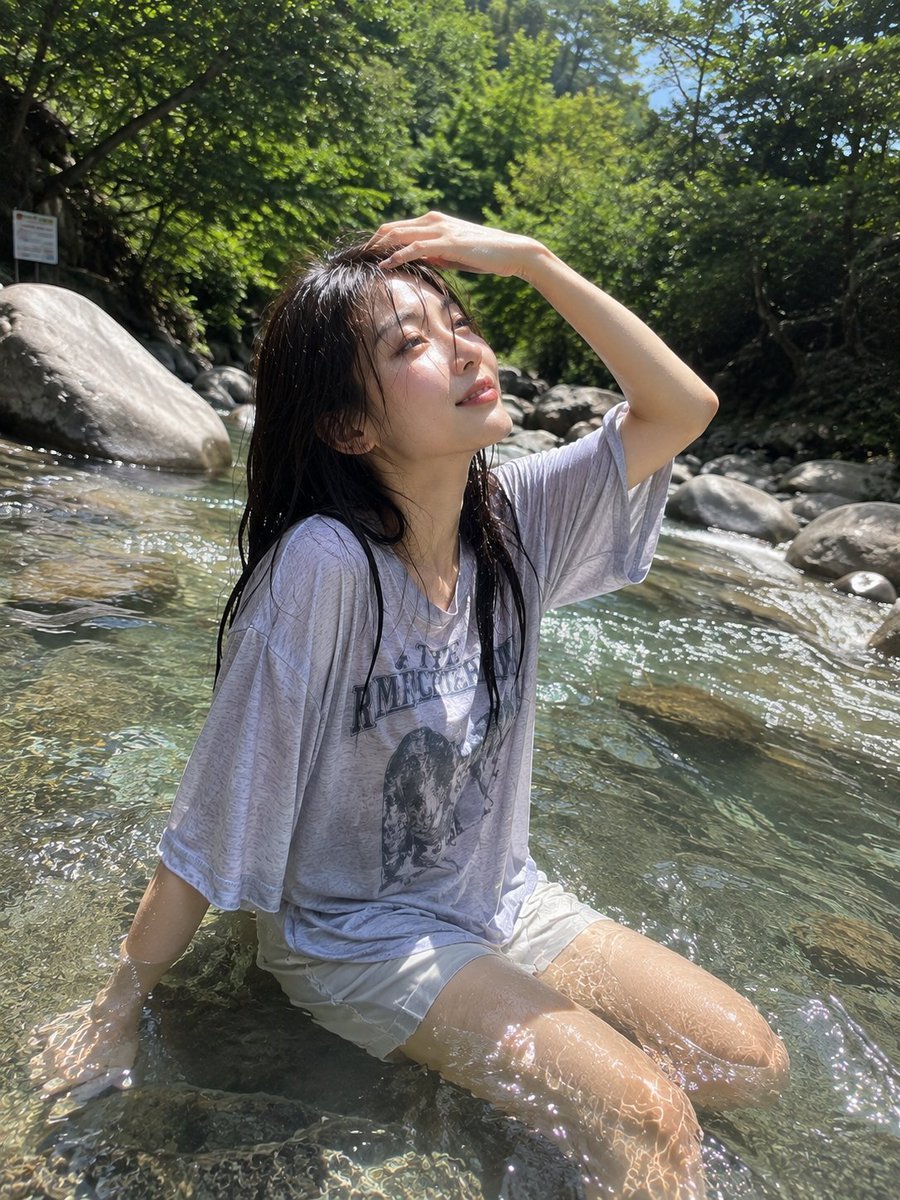
Candid Mountain Stream Photography

Six VTuber Japanese Logo Sheet
Make it yours
Horned Six-Tailed Mountain Beast works as-is. These are the safest ways to change it without losing the look.
Change one field
Copy a single group, rewrite it, and generate again so you can see what that field is doing.
Keep the frame, change the subject
Hold the composition and light of Horned Six-Tailed Mountain Beast, then swap wardrobe, props or the person for a new take.
| If the result… | Why | Fix |
|---|---|---|
| The result drifts from the preview | Too many fields changed at once. | Reuse Horned Six-Tailed Mountain Beast as-is first, then change one group — subject, light, or setting. |
| The model over-stylizes the scene | The prose prompt leaves finish and camera underspecified. | Add one camera or lighting sentence and stay on GPT Image 2. |
More GPT Image 2 templates
Other prompts made for GPT Image 2.

Realistic Portrait of Woman and Deer

The Vista Modular Condo Poster

AI Model Routing Comparison Infographic

2.5D Anime Art Board

Isometric Productivity Desk Scene

New York Double Exposure Poster

Four-Panel AI Landscape Comparison

Japanese Tatami Lifestyle Magazine Cover

NESCAFÉ Coffee Map Poster

Brutalist Cogito Chinese Typography Poster
More image prompts
Fresh picks from across the catalog.

Penguin Pirate Admiral Parody
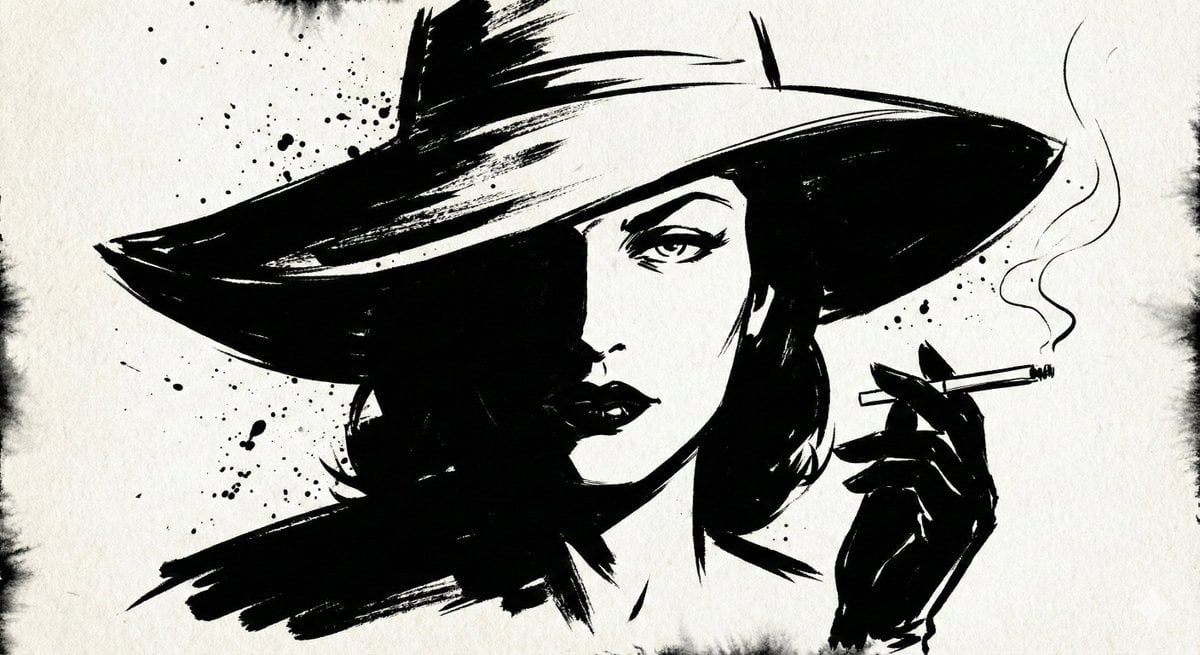
Ink Noir Splatter Portrait

Muted Speech Editorial Portrait

Op Art LOVE Typography Poster Prompt

Anime Chibi Character in a Photorealistic Christmas Snow Globe
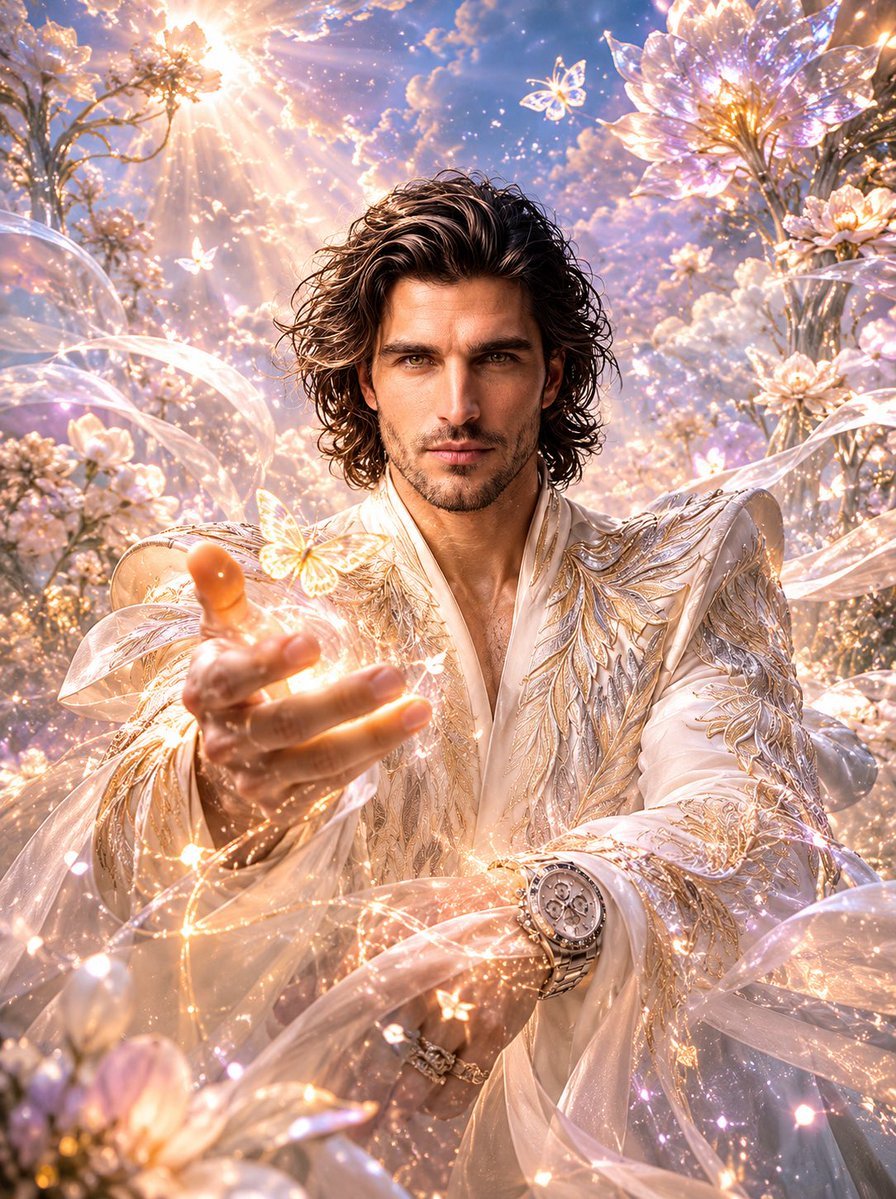
Dreamlike Fantasy Forest Boy
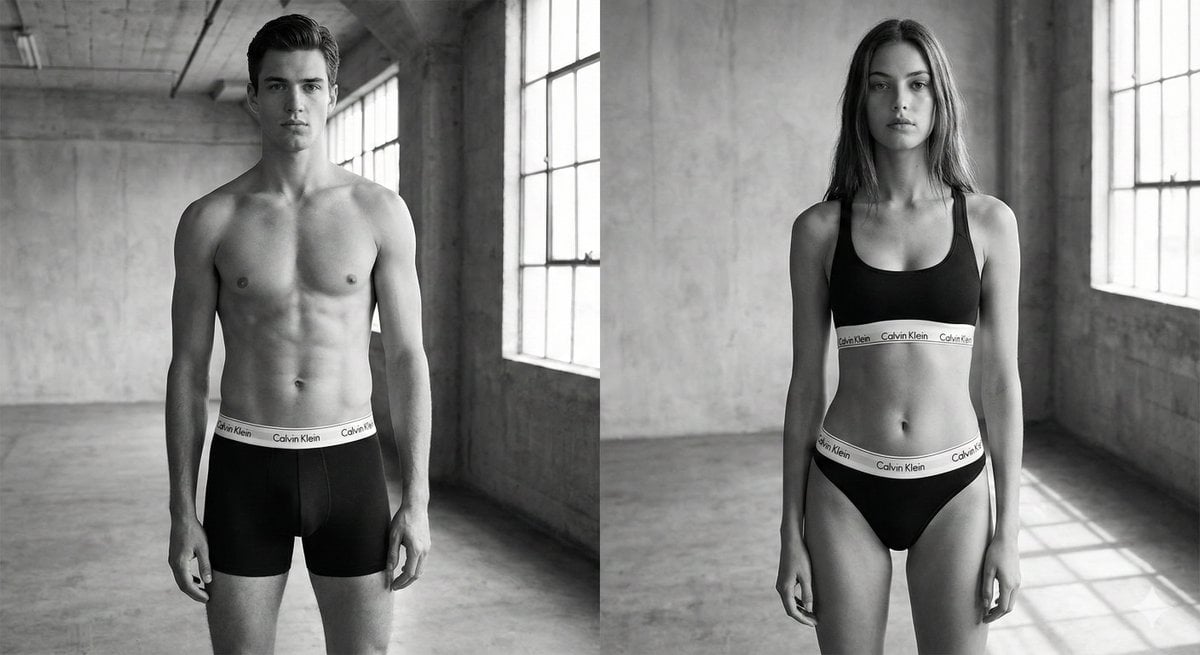
Black and White Brand Marketing Photography
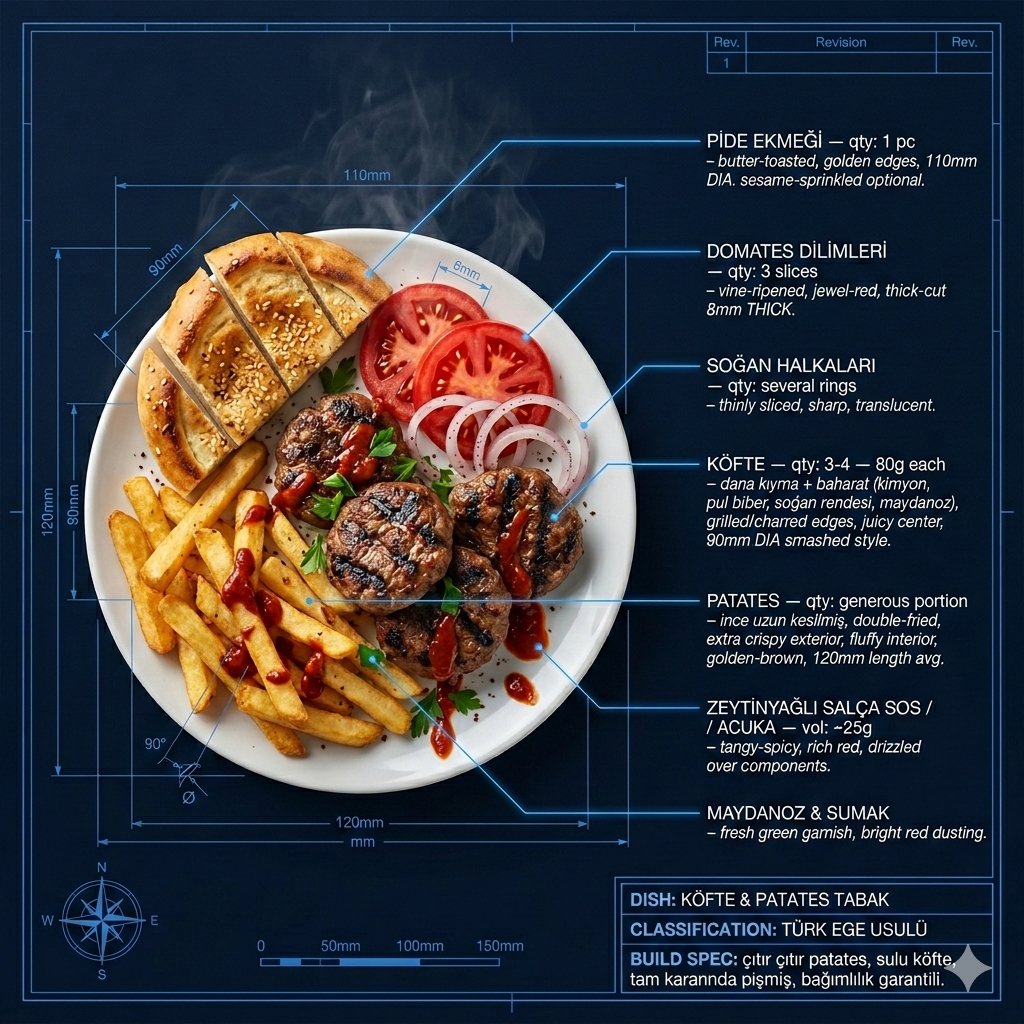
Technical Architectural Blueprint of KÖFTE & PATATES
Abstract Background for Premium Website
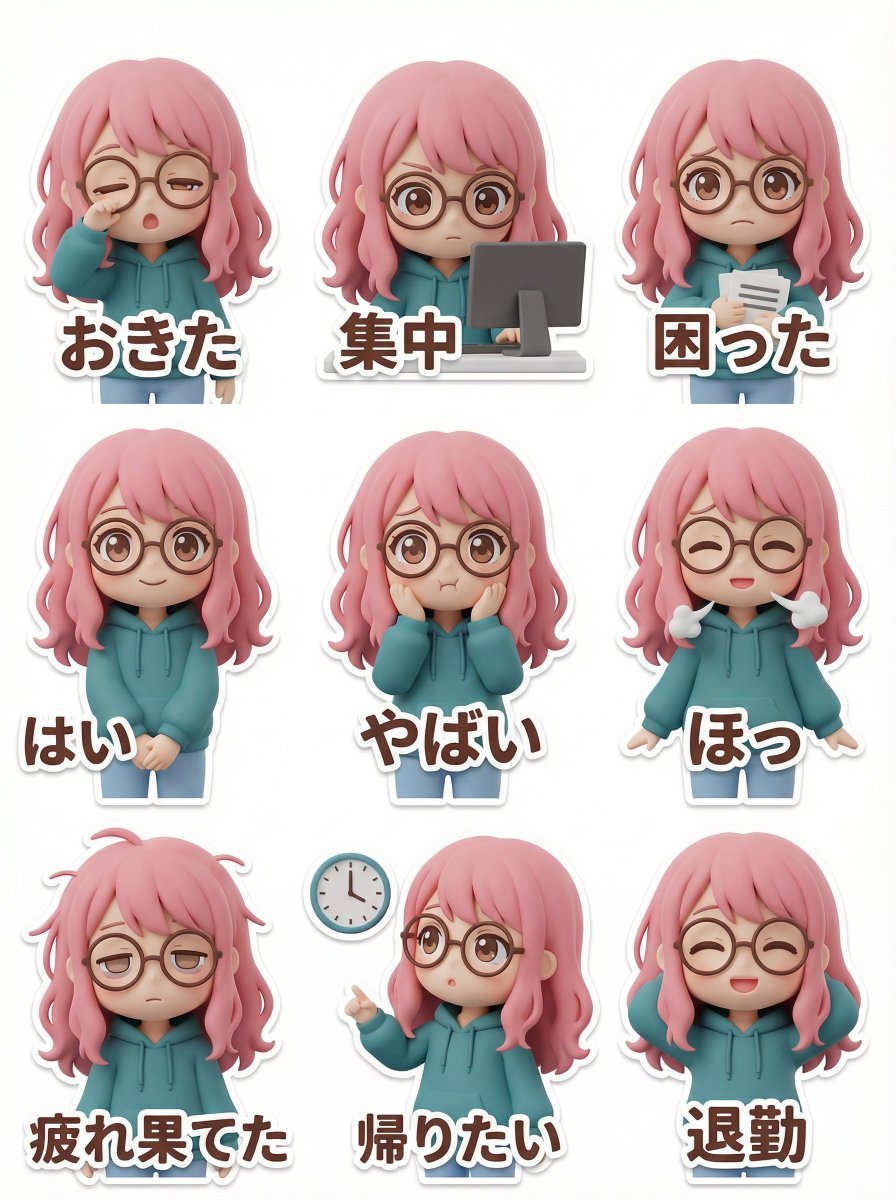
LINE Sticker Generation Prompt (3D Clay Style)
Browse template categories
Horned Six-Tailed Mountain Beast questions
How do I use the Horned Six-Tailed Mountain Beast template?
Add your photo if the template asks for one, edit the prompt if you like — the template's model and format are already selected — and press Generate. Your version opens in PicX Studio.
Can I customize the Horned Six-Tailed Mountain Beast template?
Yes. You can change the subject, setting, lighting, mood, format, and available model controls before creating your image.
Is the Horned Six-Tailed Mountain Beast template free?
Opening and editing this template is free. Generating uses credits, shown on the Generate button when you are signed in.
Which AI model should I use?
Start with GPT Image 2, which is the model associated with this template. You can compare another compatible model for a different finish.
Looking for something else? Browse all templates.

Your photo, any look
Thousands of ready templates for every top image and video model, from one credit balance.