
Penguin Pirate Admiral Parody
Generates a bold anime crossover-style illustration of a penguin admiral in a dramatic marine fortress battle scene.
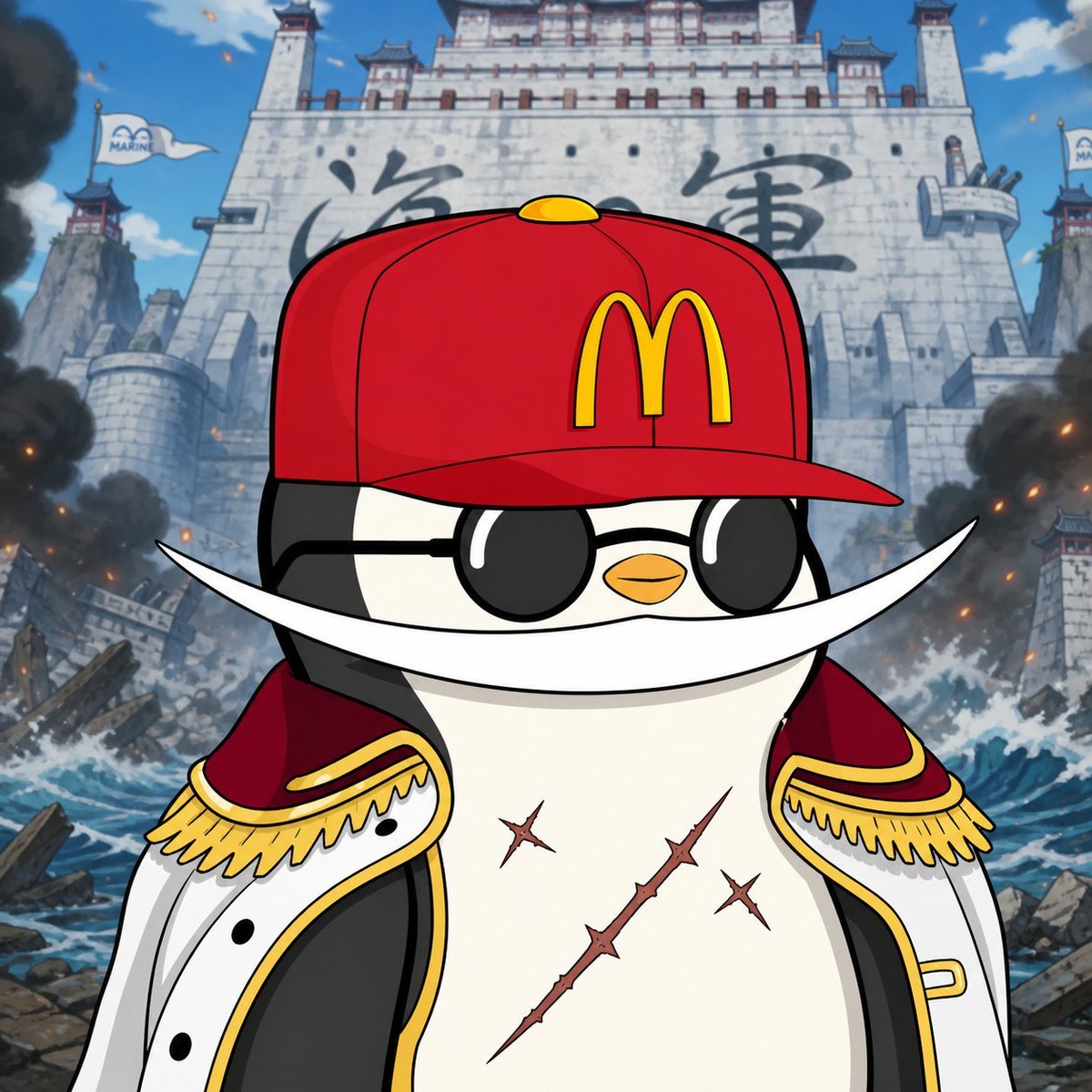
- Prompt included
- Model and format preset
- Free template
The prompt behind this image
Copy the exact prompt behind Penguin Pirate Admiral Parody, or open it in the studio and make it yours.
Create a square anime-style parody illustration of {argument name="character description" default="a chubby black-and-white penguin pirate admiral"} standing heroically in the foreground, centered and cropped from the waist up. The character wears one bright red baseball cap with a yellow {argument name="cap logo" default="McDonald's golden arches"} on the front, one pair of glossy black round sunglasses, one huge curved white crescent moustache stretching far past both cheeks, and one open white naval coat with red lining, black trim, gold edging, and exactly two ornate gold epaulettes with fringe. The penguin has a tiny orange beak, a confident stoic expression, and exactly three visible scars on its white belly: one long diagonal thorny scar and two smaller cross-shaped scars. Behind the character, depict a colossal gray stone fortress inspired by a Marine headquarters from a shonen pirate anime, with large dark Japanese-style calligraphy on the wall, tall towers, battlements, and exactly two white flags marked with a blue marine emblem. The background is chaotic and cinematic: crashing ocean waves, shattered debris, rocky ruins, smoke columns on both sides, scattered orange embers, and a bright blue sky with a few clouds. Use crisp cel-shaded anime line art, bold outlines, saturated colors, dramatic low-angle composition, high detail, epic battle atmosphere, clean character silhouette, and a playful crossover tone.
How to use Penguin Pirate Admiral Parody in 3 steps
- 1Upload ImagePNG, JPG or paste
Add your photo
Upload the photo the template builds on. The prompt, model and format are already set.
- 2…a portrait of your subject in softgolden-hour light, 85mm…
Personalize
Edit the subject and creative details for your destination.
- 3Generate
Generate
Press Generate — your image is created in PicX Studio, so you can compare it with the original and refine one variable at a time.
More like this
Templates with the same subject, style or setup. Open one to see its prompt.
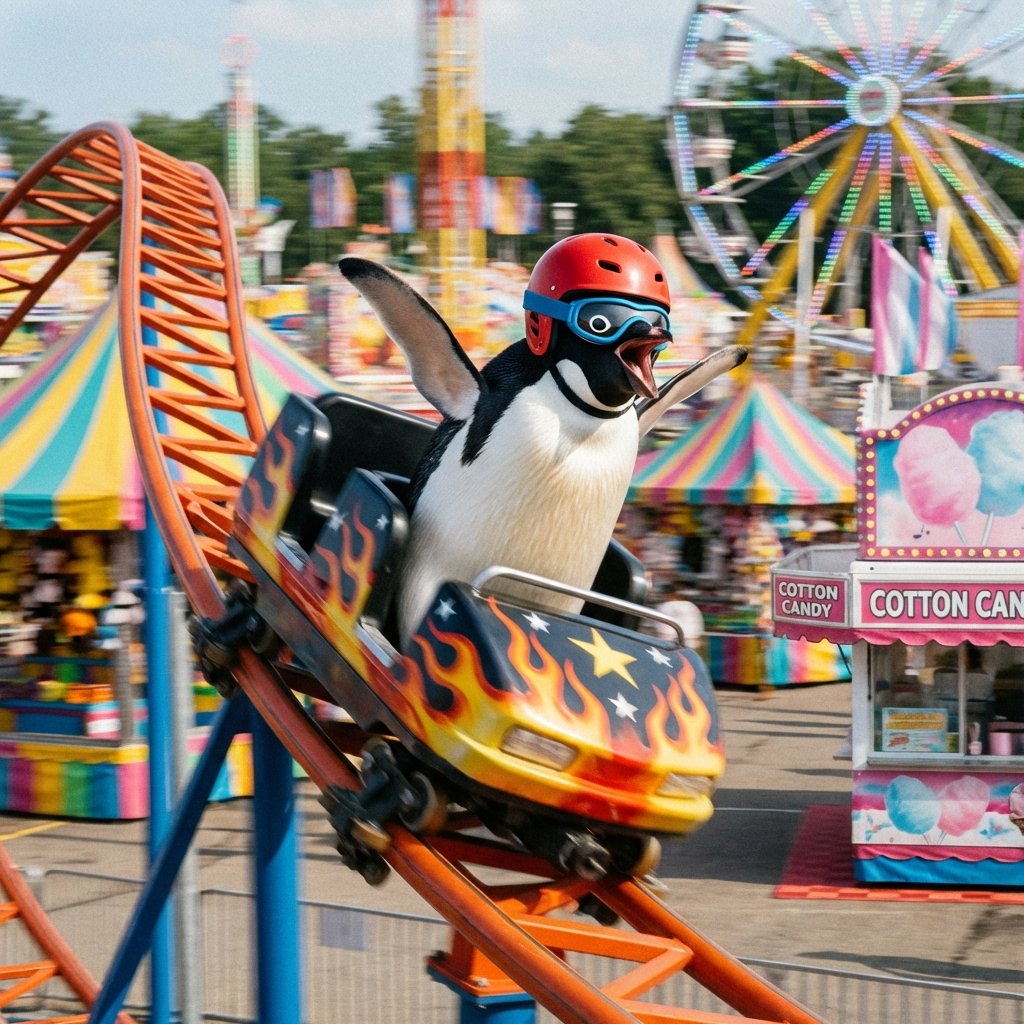
Penguin on a Carnival Roller Coaster
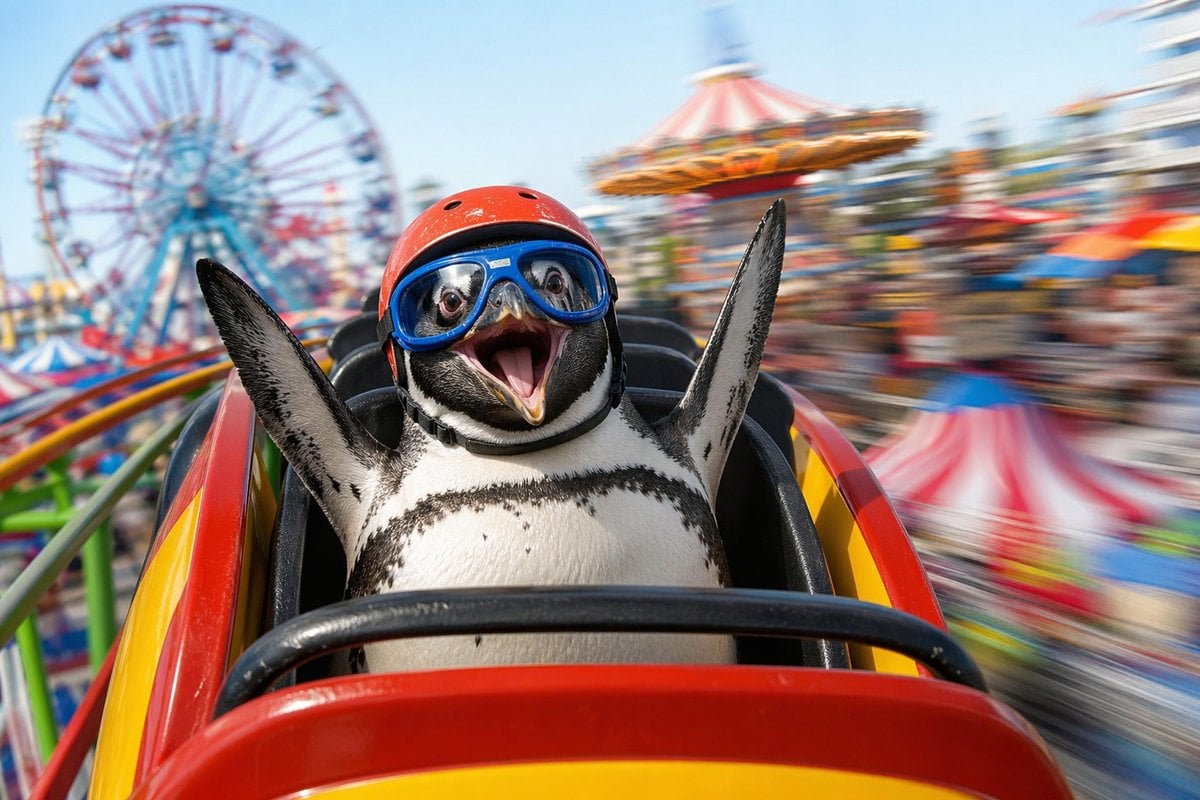
Penguin Roller Coaster Ride
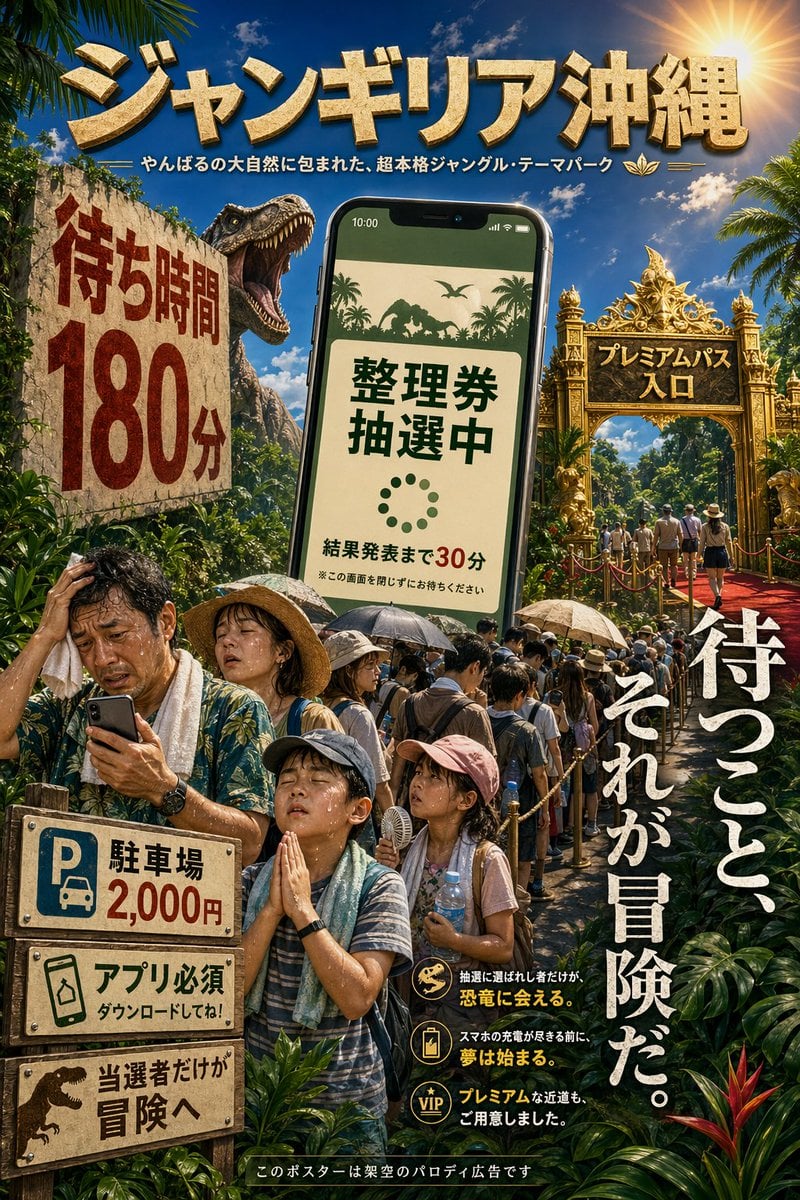
Japanese Jungle Theme Park Parody Poster
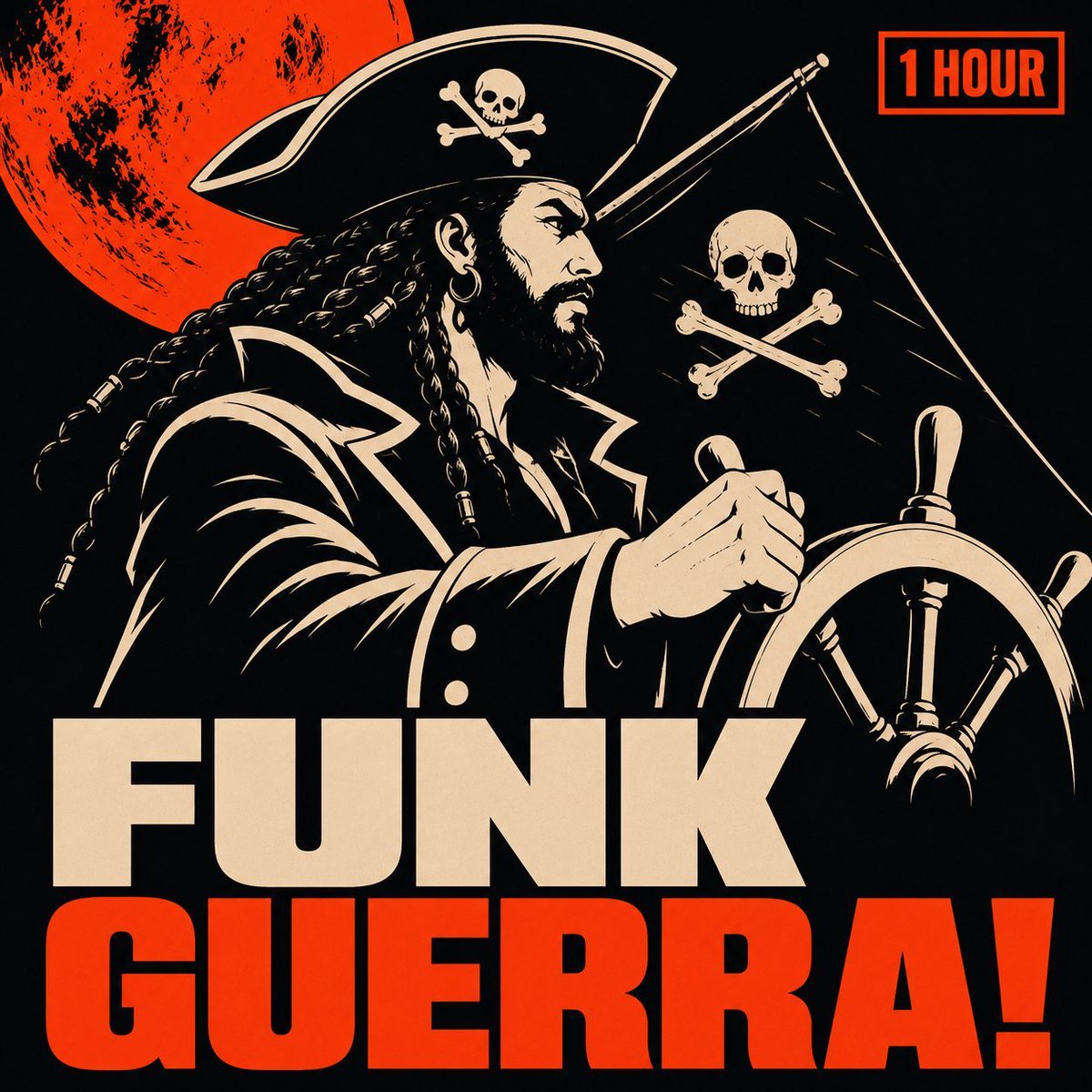
Pirate Funk Playlist Cover
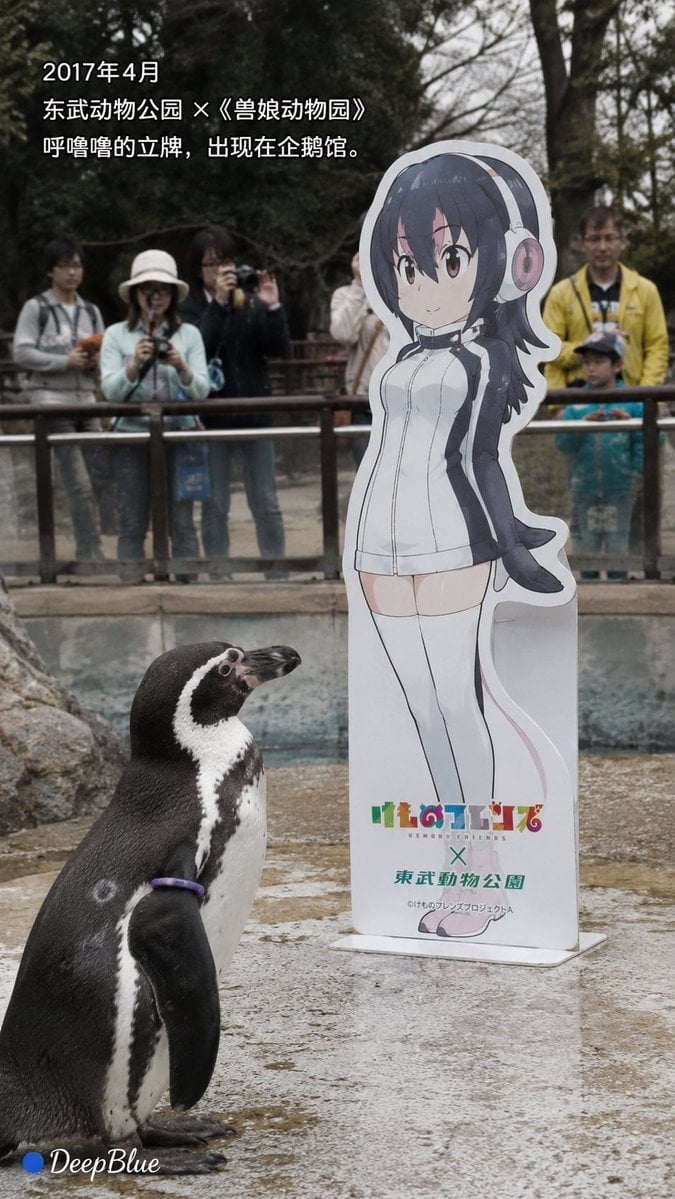
Documentary Photo Sequence of Penguin Story
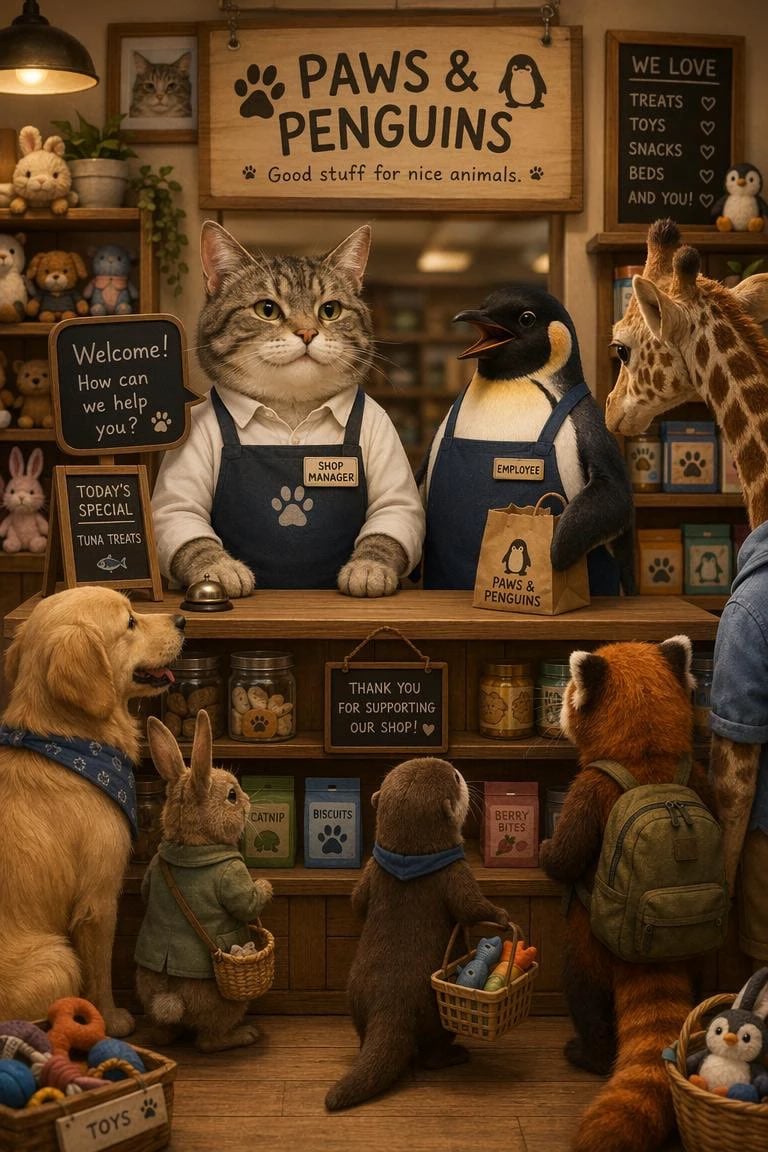
Cat Manager and Penguin Clerk
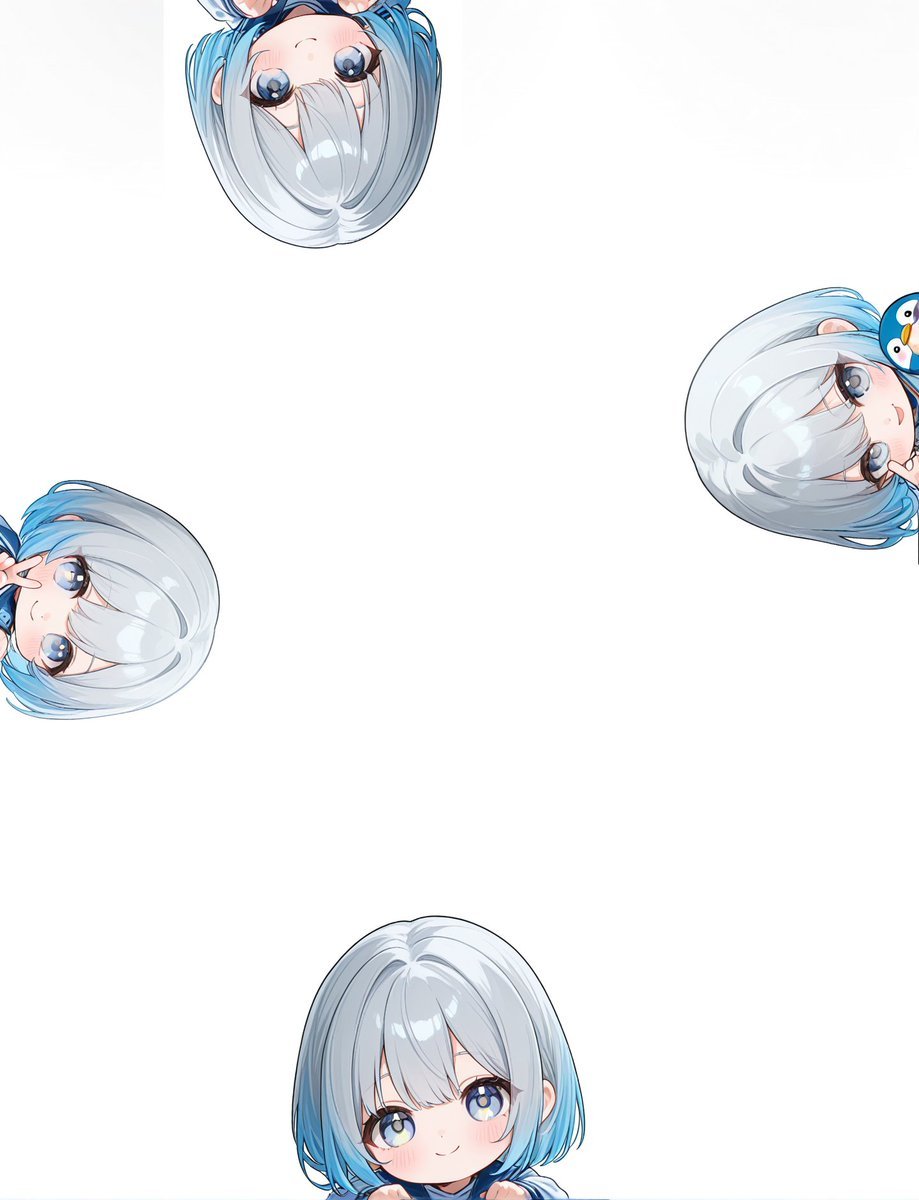
Peeking Chibi Penguin Girl Wallpaper
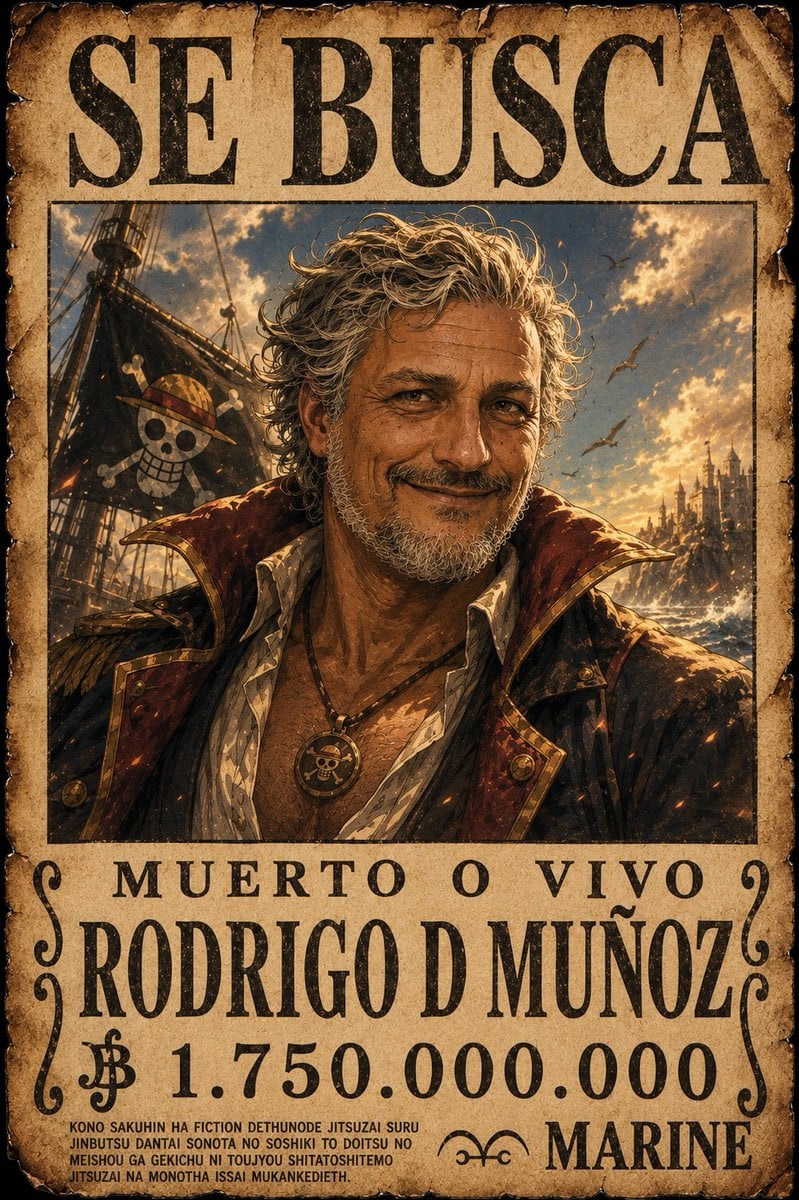
One Piece Pirate Wanted Poster
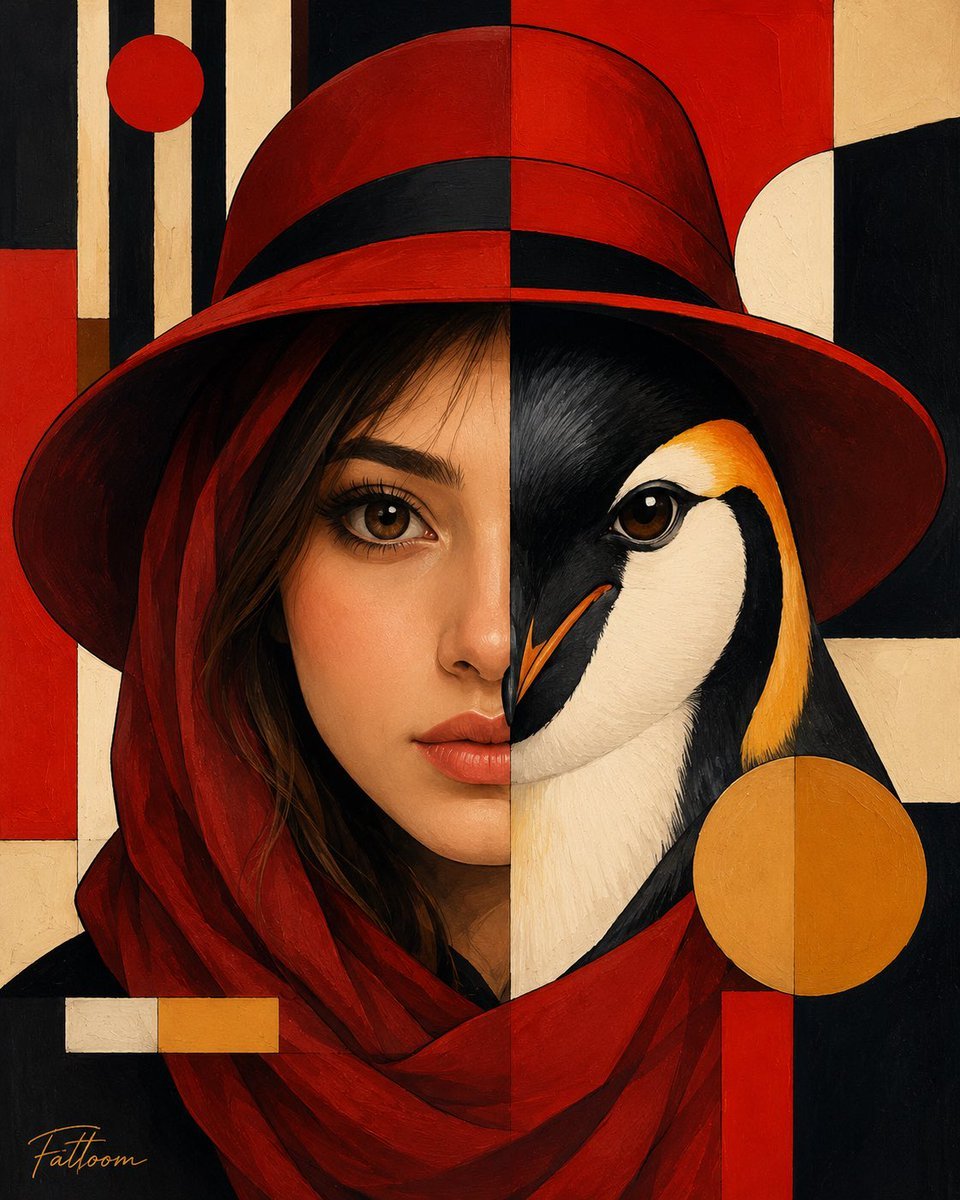
Surreal Human-Penguin Hybrid Portrait
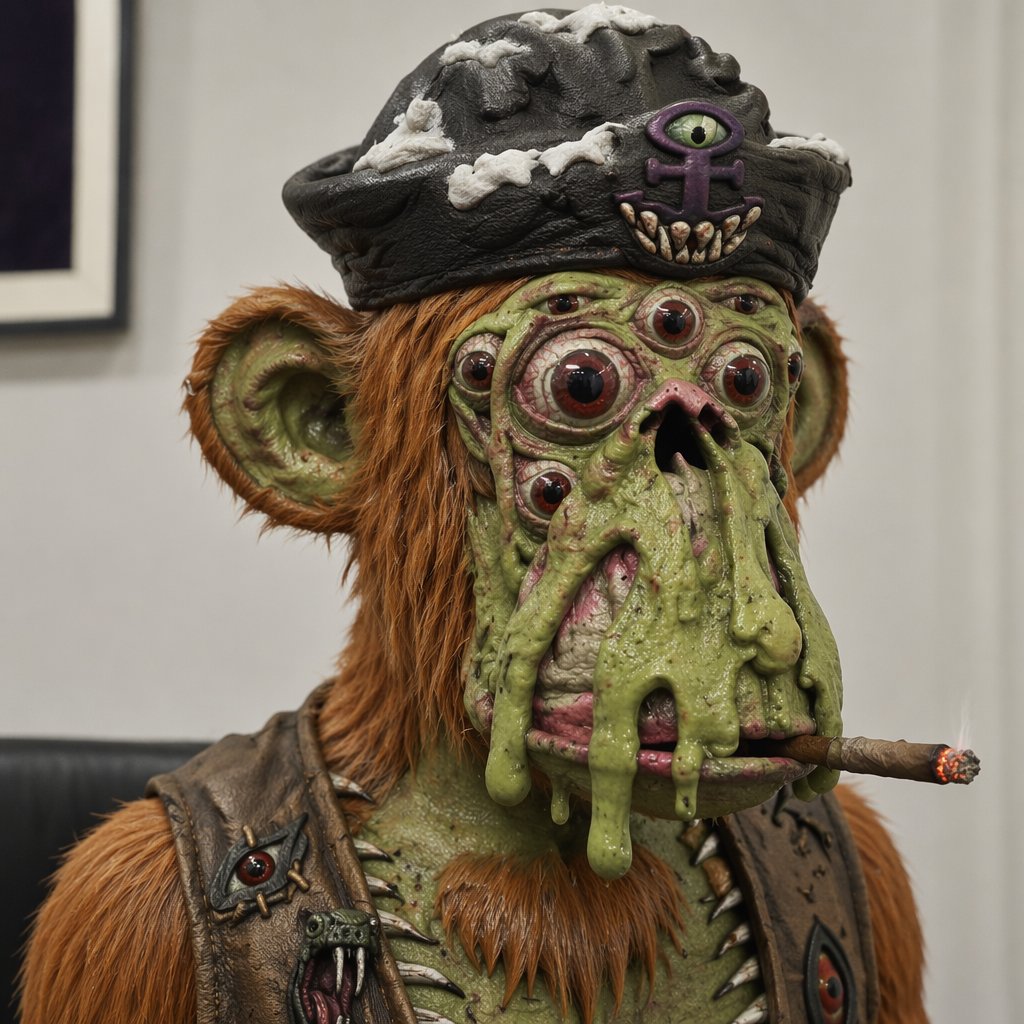
Mutant Ape Pirate Portrait
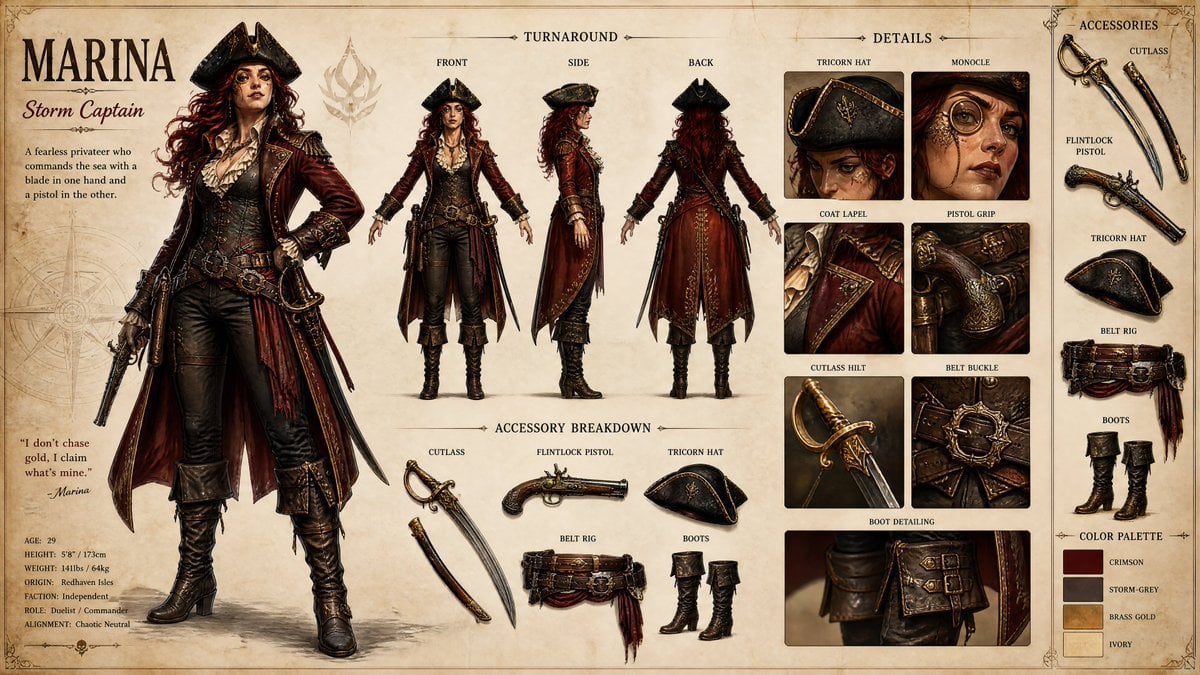
Pirate RPG Character Design Sheet
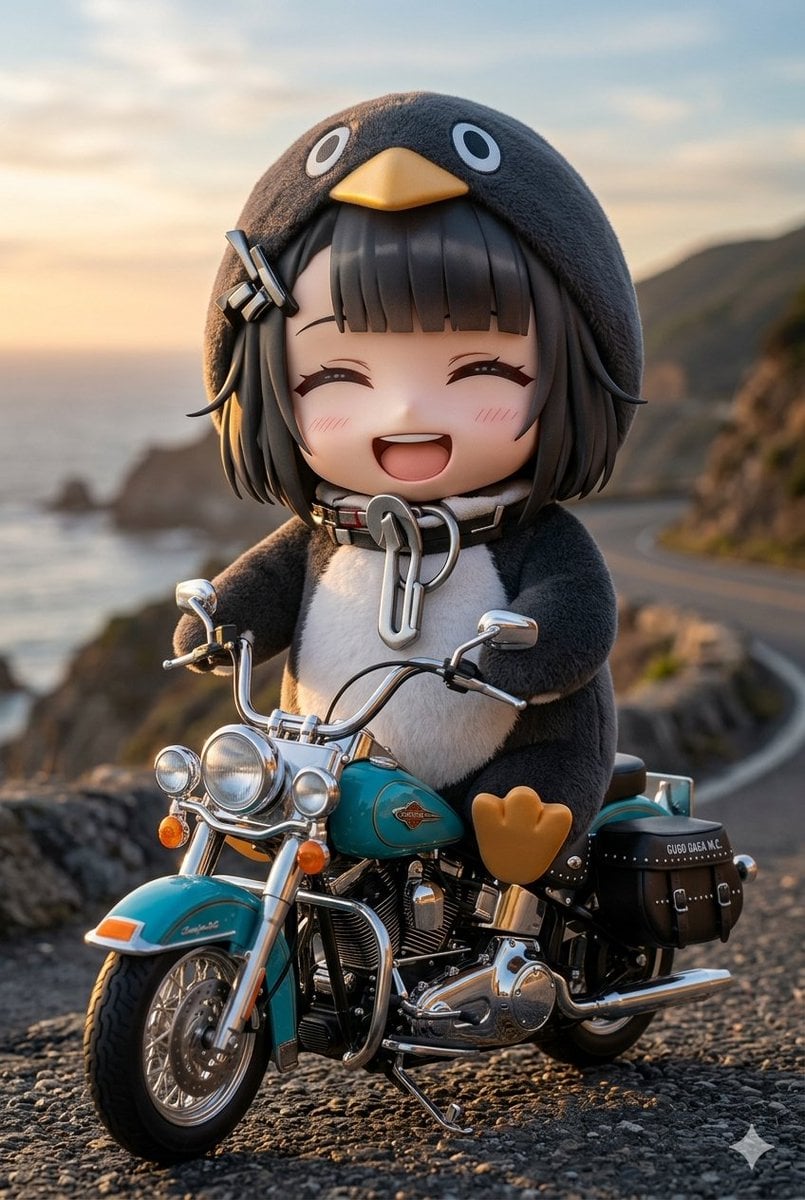
Chibi Penguin on a Motorcycle
Make it yours
Penguin Pirate Admiral Parody works as-is. These are the safest ways to change it without losing the look.
Change one field
Copy a single group, rewrite it, and generate again so you can see what that field is doing.
Keep the frame, change the subject
Hold the composition and light of Penguin Pirate Admiral Parody, then swap wardrobe, props or the person for a new take.
| If the result… | Why | Fix |
|---|---|---|
| The result drifts from the preview | Too many fields changed at once. | Reuse Penguin Pirate Admiral Parody as-is first, then change one group — subject, light, or setting. |
| The model over-stylizes the scene | The prose prompt leaves finish and camera underspecified. | Add one camera or lighting sentence and stay on GPT Image 2. |
More GPT Image 2 templates
Other prompts made for GPT Image 2.

Six VTuber Japanese Logo Sheet

Realistic Portrait of Woman and Deer

The Vista Modular Condo Poster

AI Model Routing Comparison Infographic

2.5D Anime Art Board

Isometric Productivity Desk Scene

New York Double Exposure Poster

Four-Panel AI Landscape Comparison

Japanese Tatami Lifestyle Magazine Cover

NESCAFÉ Coffee Map Poster
More image prompts
Fresh picks from across the catalog.
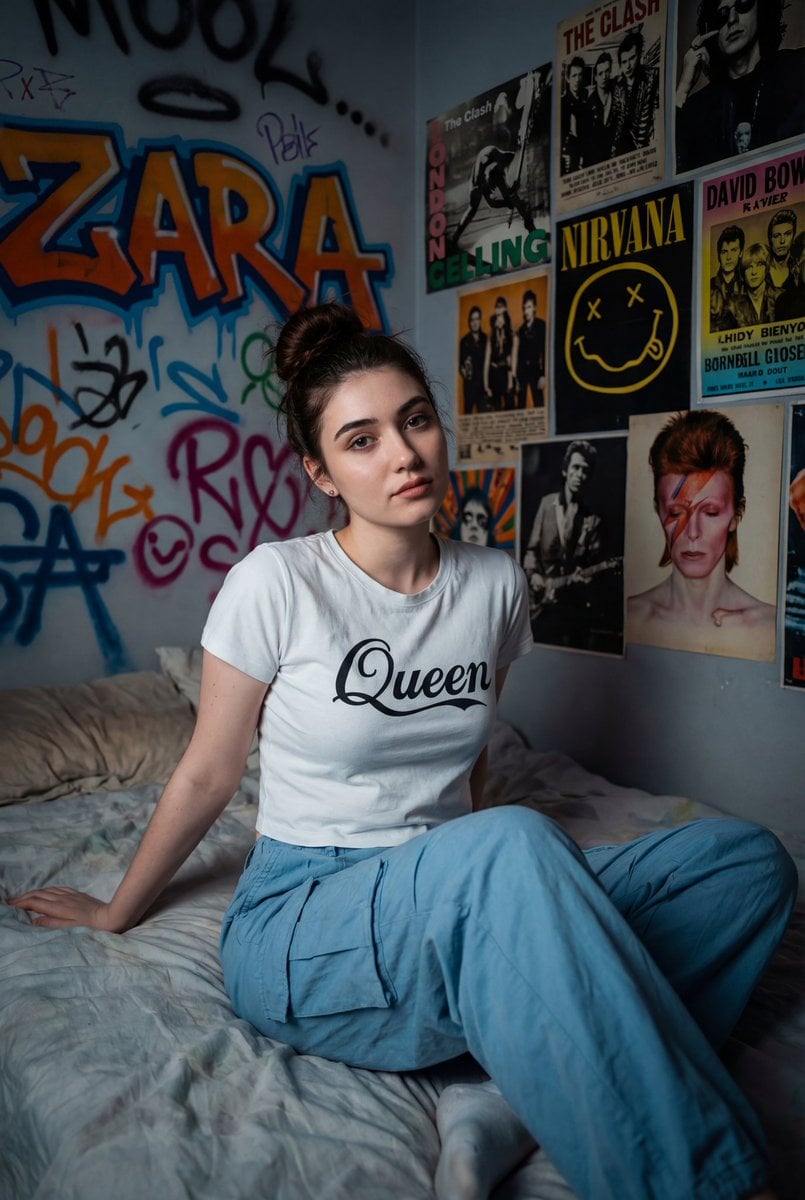
Cinematic Portrait of a Woman on a Messy Bed with Graffiti Background
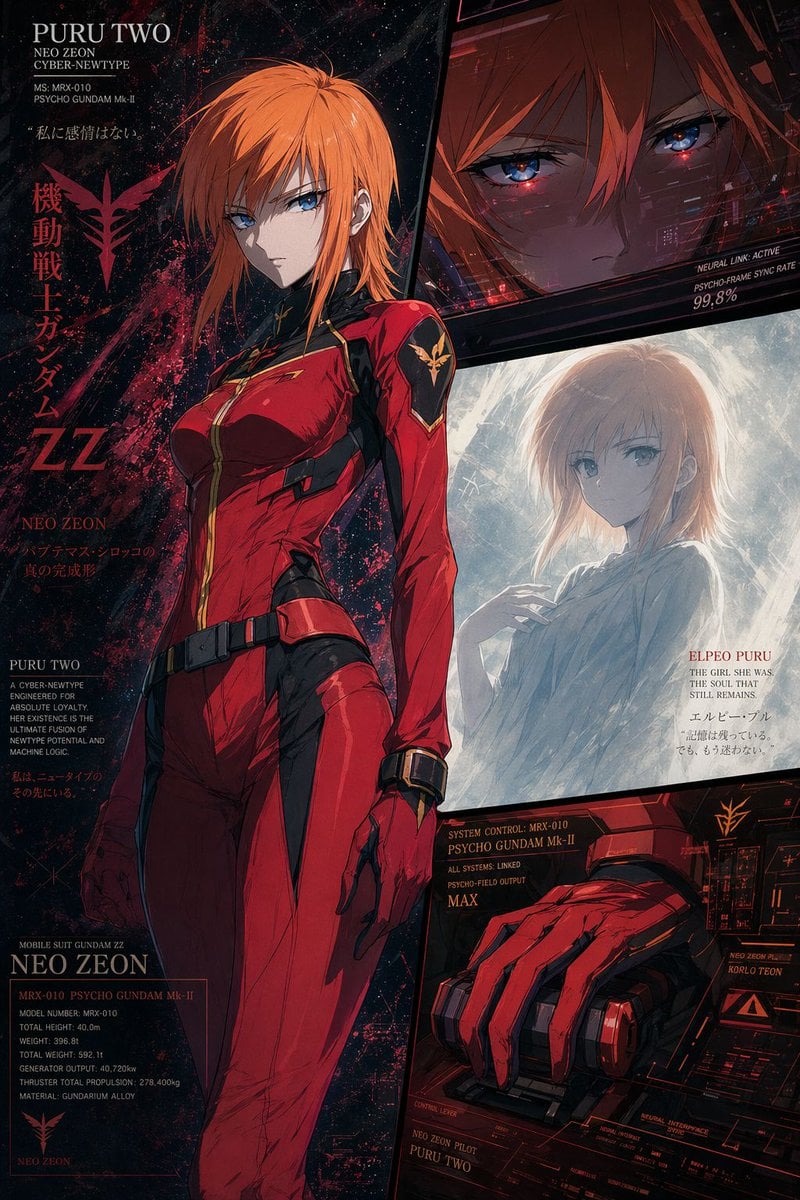
Anime Mecha Pilot Poster
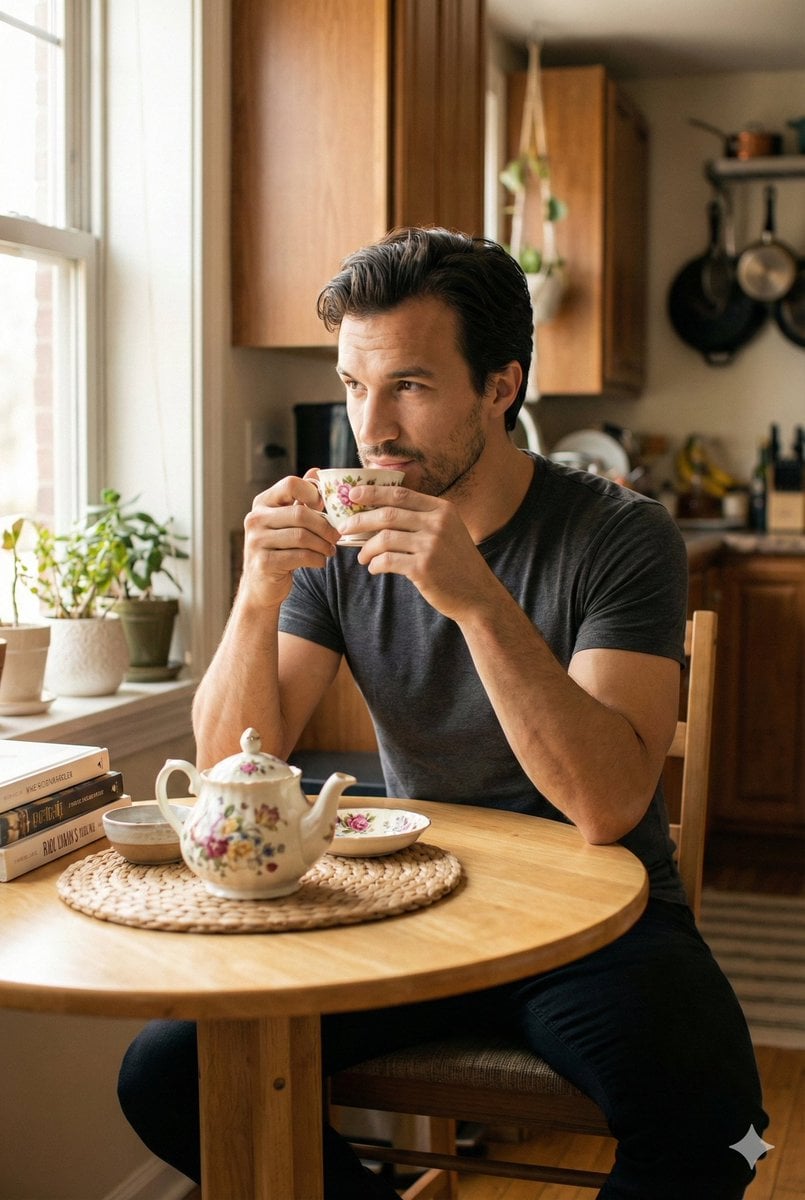
Photorealistic Cinematic Kitchen Scene Prompt (JSON structure)
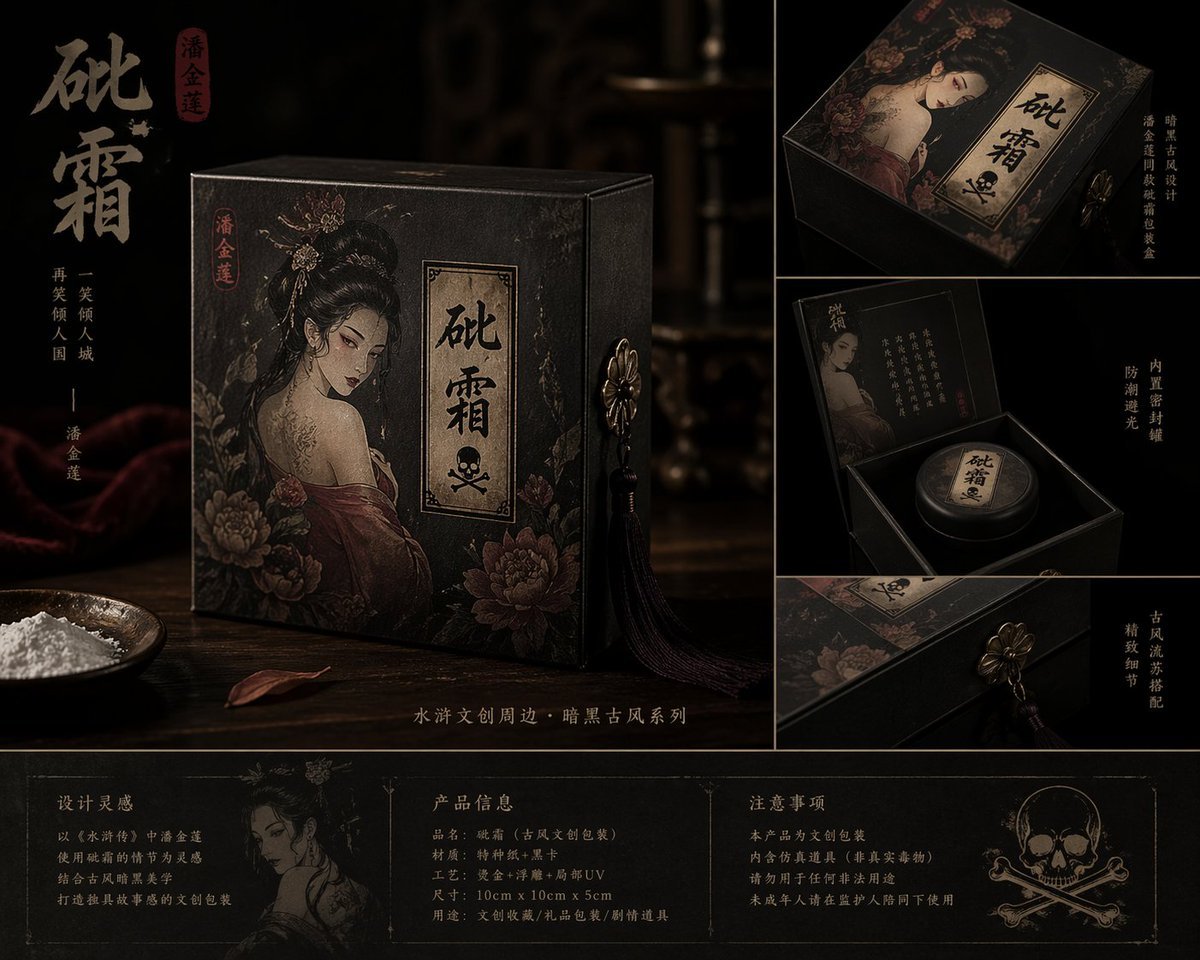
Dark Ancient Chinese Style Packaging
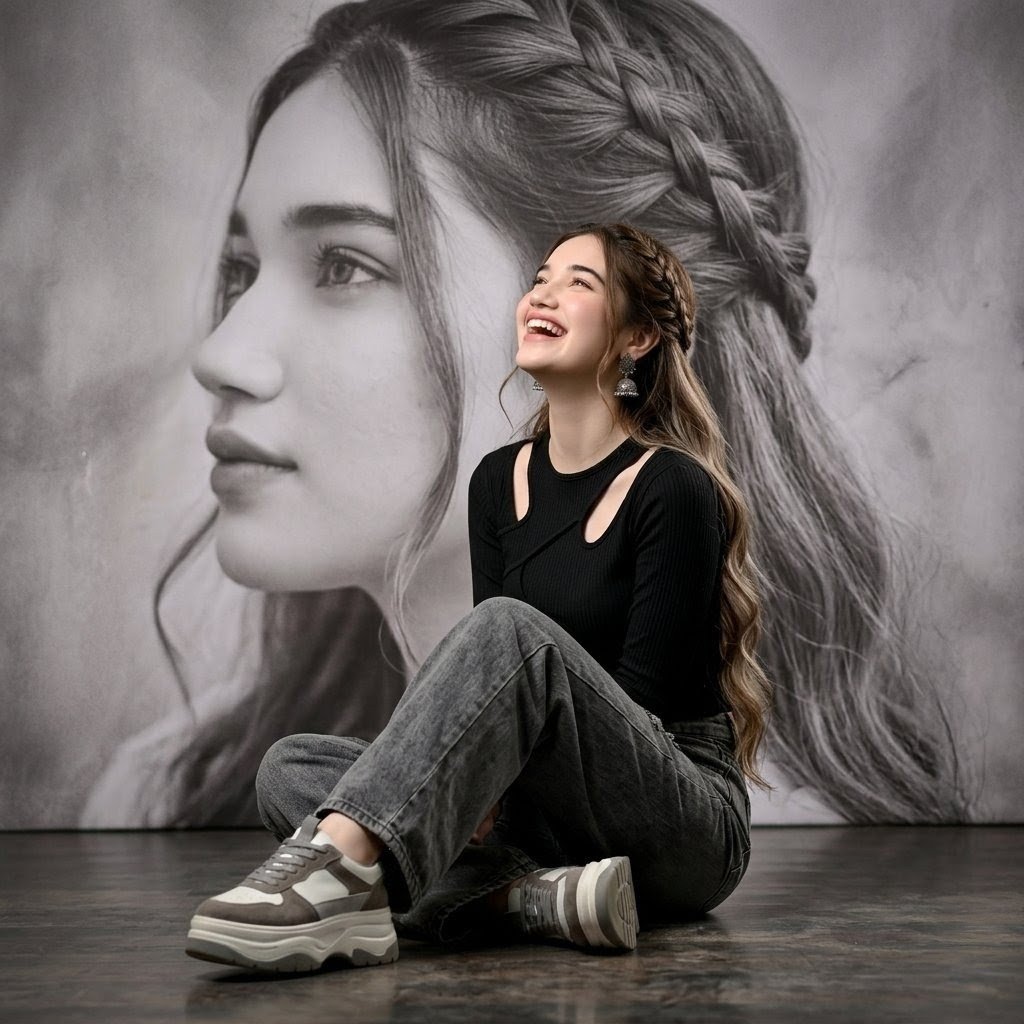
Braided Hair Studio Fashion Portrait
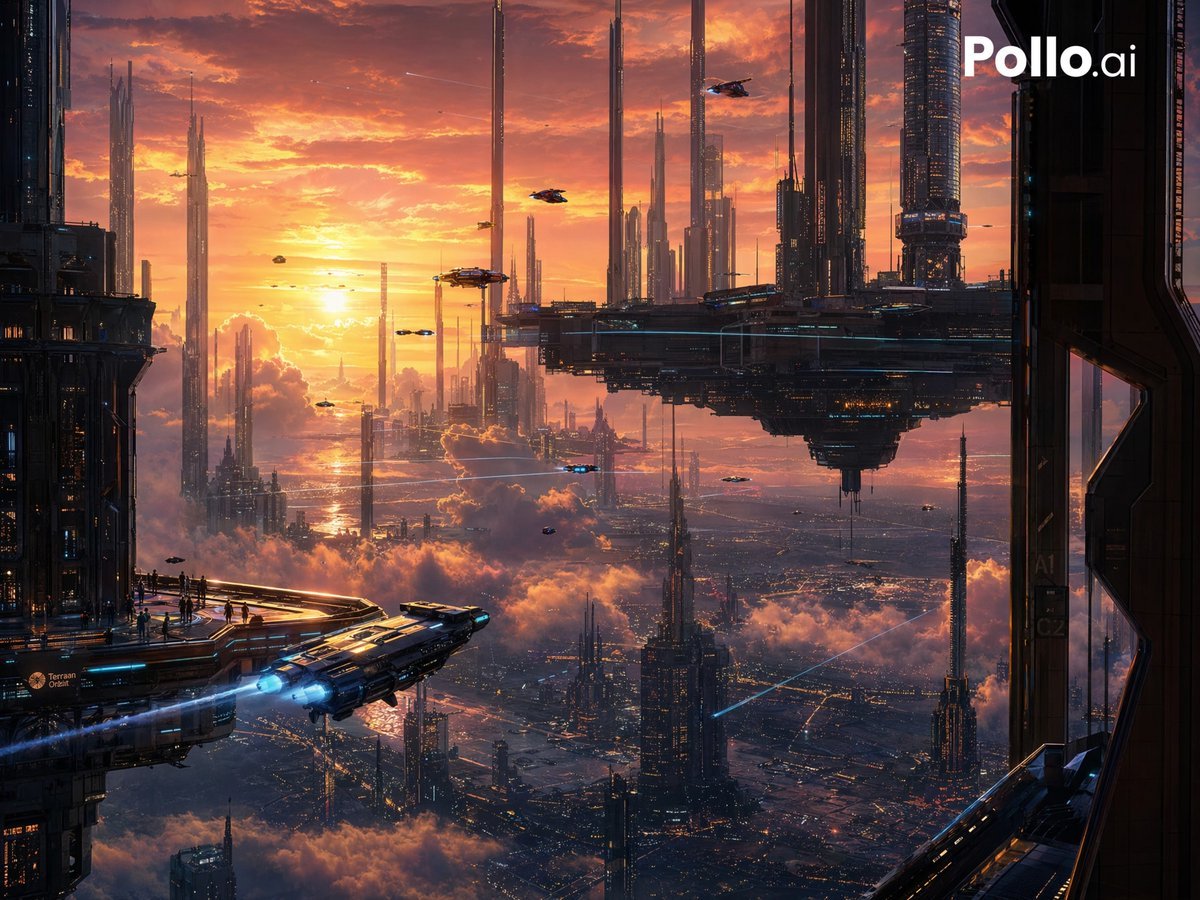
Sunset Futuristic Megacity Panorama
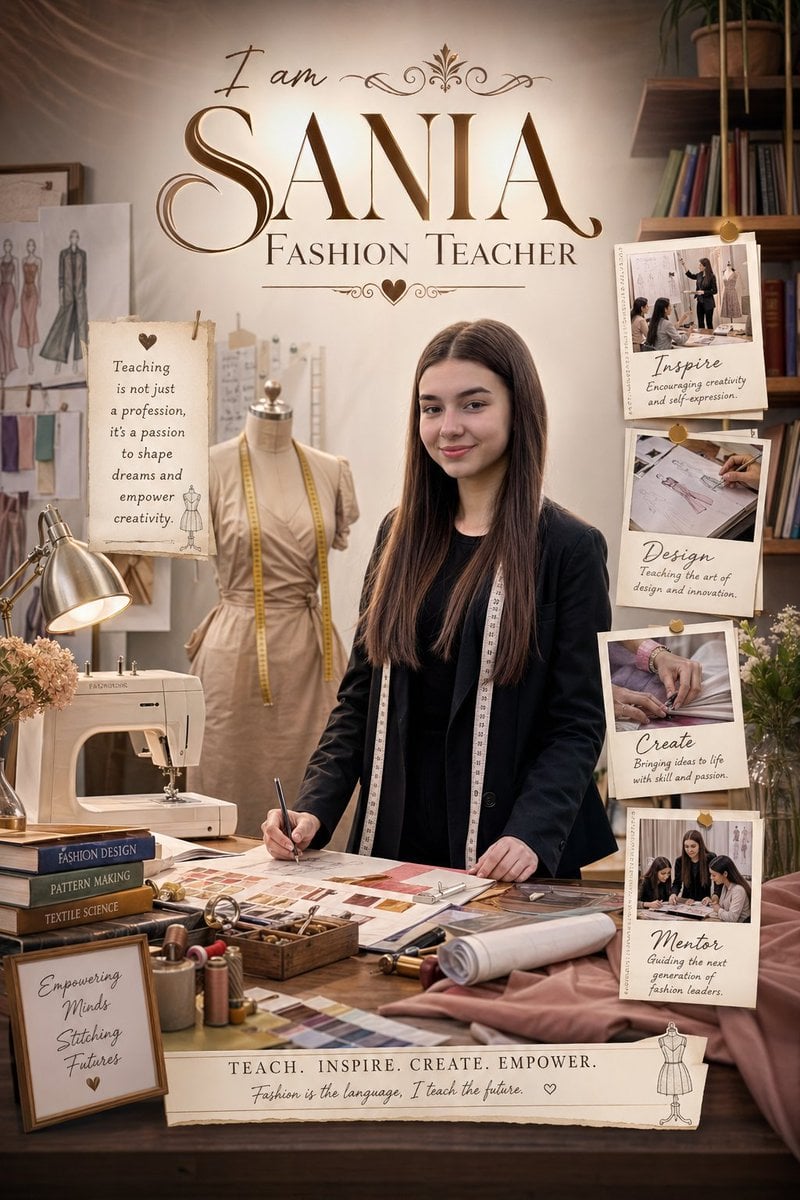
Professional Identity Portrait Wallpaper
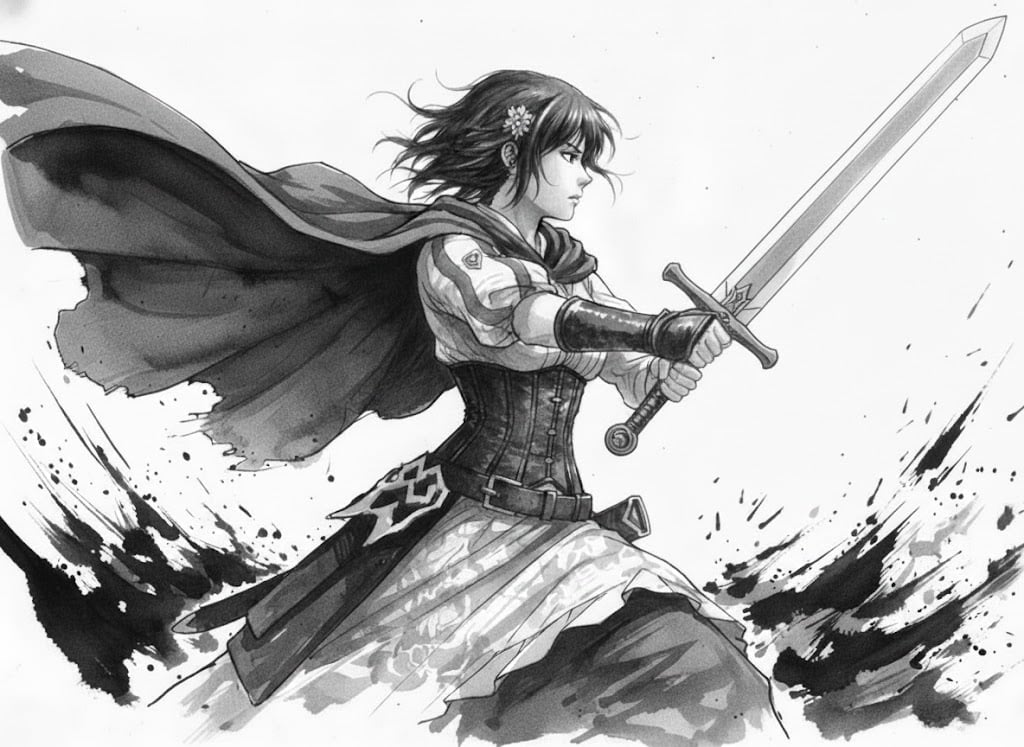
Ink painting style Abé-chan with a sword
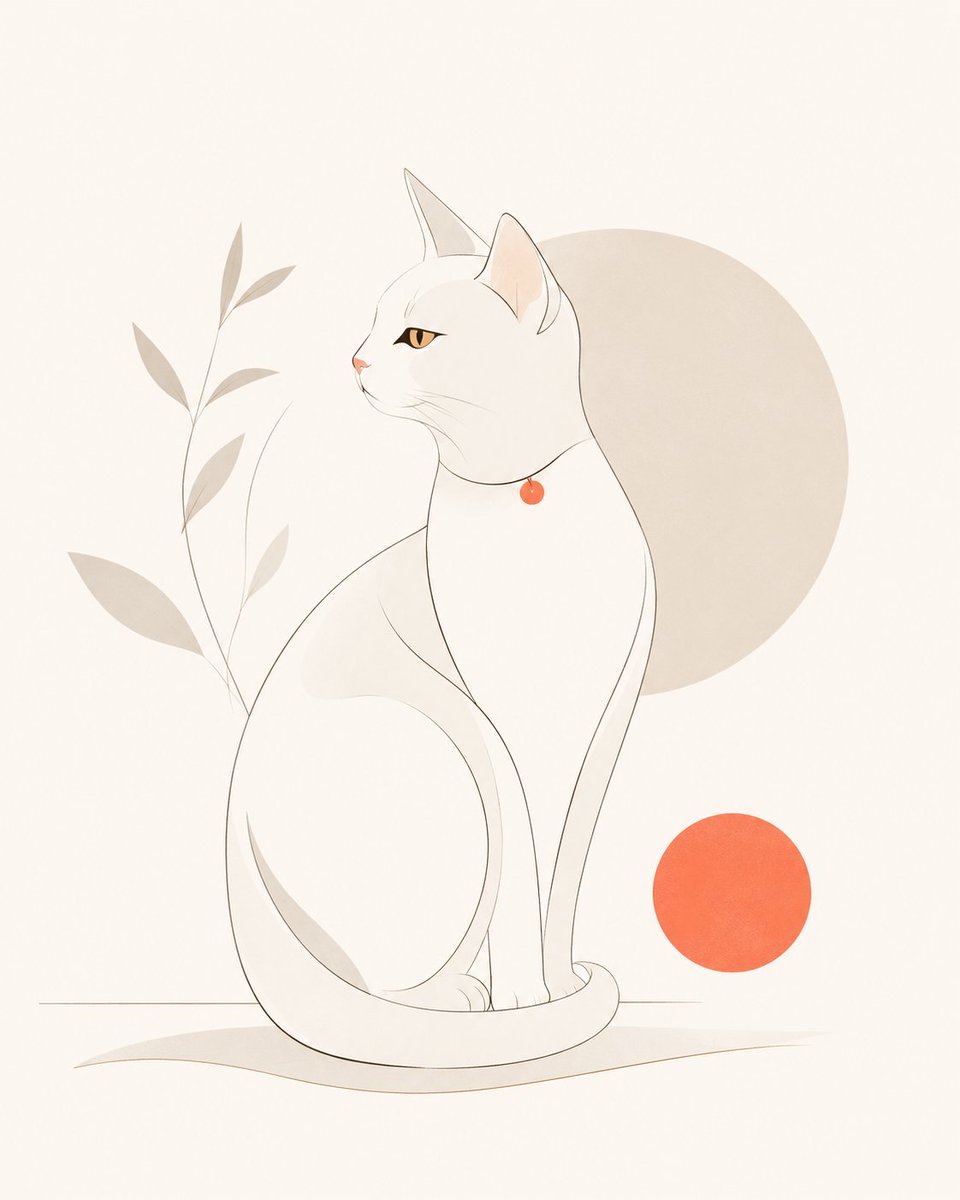
Minimalist Modern Magazine Illustration Style
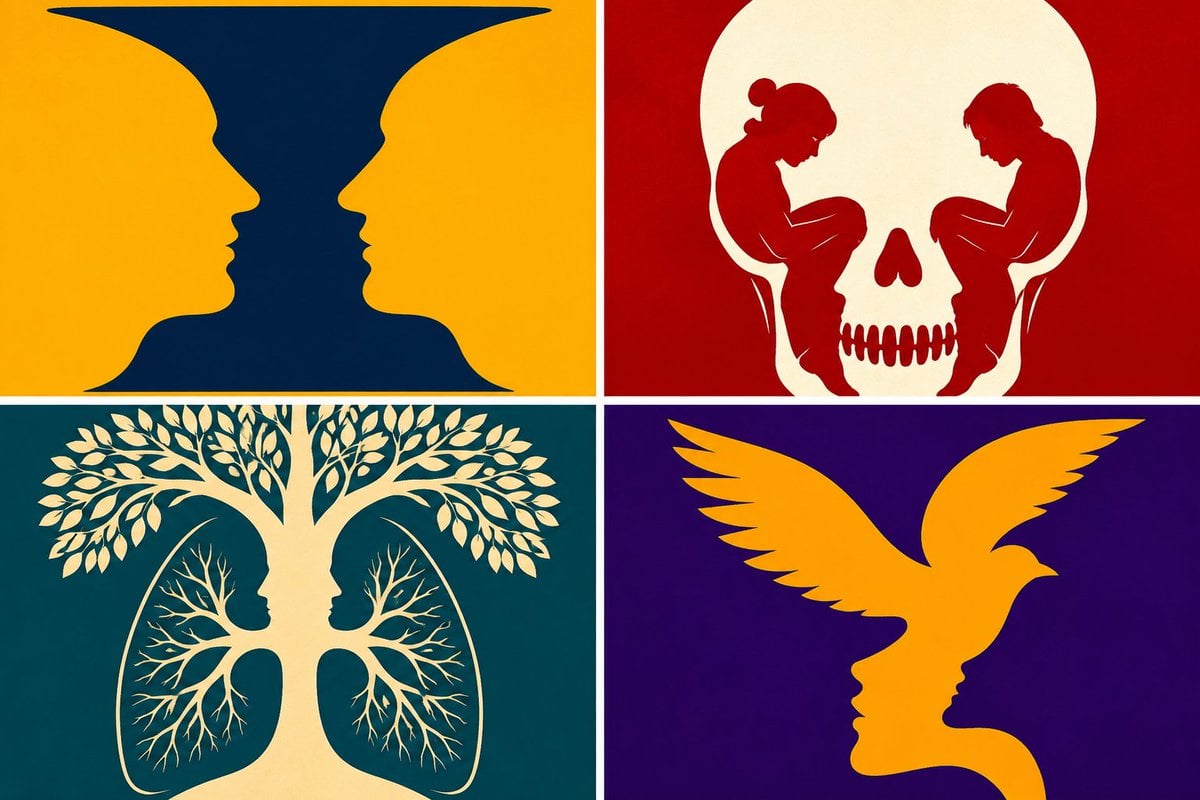
Parametric Optical Illusion Poster
Browse template categories
Penguin Pirate Admiral Parody questions
How do I use the Penguin Pirate Admiral Parody template?
Add your photo if the template asks for one, edit the prompt if you like — the template's model and format are already selected — and press Generate. Your version opens in PicX Studio.
Can I customize the Penguin Pirate Admiral Parody template?
Yes. You can change the subject, setting, lighting, mood, format, and available model controls before creating your image.
Is the Penguin Pirate Admiral Parody template free?
Opening and editing this template is free. Generating uses credits, shown on the Generate button when you are signed in.
Which AI model should I use?
Start with GPT Image 2, which is the model associated with this template. You can compare another compatible model for a different finish.
Looking for something else? Browse all templates.

Your photo, any look
Thousands of ready templates for every top image and video model, from one credit balance.