
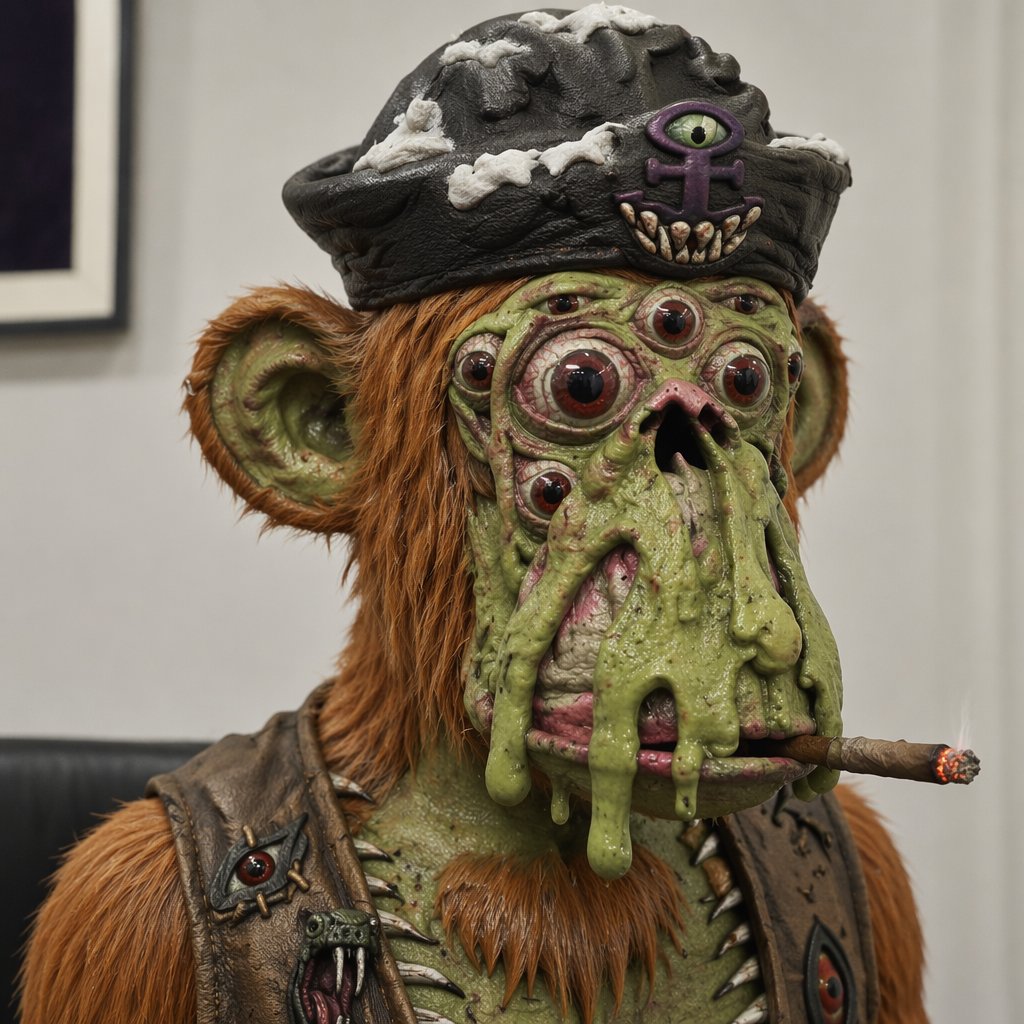
Mutant Ape Pirate Portrait
A photorealistic close-up portrait prompt for generating a creepy slimy mutant ape pirate character with many eyes, a cigar, and grotesque cinematic detail.
- Prompt included
- Model and format preset
- Free template
The prompt behind this image
Copy the exact prompt behind Mutant Ape Pirate Portrait, or open it in the studio and make it yours.
Create a square, hyper-detailed photorealistic creature portrait of a creepy mutant ape pirate in an indoor gallery-like room, shot as a close-up bust from the chest up with shallow depth of field. The subject is a grotesque green-skinned ape with orange-brown shaggy fur, large rounded ears, a small pointed orange beard, wrinkled slimy skin, wart-like bumps, and sagging melted folds of green flesh dripping down over its mouth. Give the face exactly 9 visible eyes: 2 large main bulging red-brown eyes, 2 smaller cheek eyes, 2 tiny upper-face eyes, 1 central forehead eye, and 2 additional small side eyes embedded in the mutated face. The mouth area is distorted with a dark nostril-like opening and pink raw tissue partly covered by slime, with a lit brown cigar clenched horizontally at the lower right of the mouth and a glowing ember tip. Dress the creature in a black worn pirate tricorn hat with gray-white bone-like patches and a front emblem showing exactly 1 purple all-seeing eye symbol above exactly 6 small fang teeth. Add a battered dark leather vest with metal studs and spikes, including exactly 2 visible eye-shaped patches or ornaments on the chest, one on each side. Use realistic cinematic lighting, crisp skin and fur texture, disgusting wet specular highlights, museum-display realism, muted beige wall background, a blurred framed picture on the left, and a dark bench line behind the shoulders. Make the creature unsettling but slightly humorous, centered and looking forward. Character concept: {argument name="creature type" default="mutant ape pirate"}; hat style: {argument name="hat style" default="black worn pirate tricorn hat"}; fur color: {argument name="fur color" default="orange-brown"}; skin color: {argument name="skin color" default="slimy green"}; accessory: {argument name="mouth accessory" default="lit cigar"}.
How to use Mutant Ape Pirate Portrait in 3 steps
- 1Upload ImagePNG, JPG or paste
Add your photo
Upload the photo the template builds on. The prompt, model and format are already set.
- 2…a portrait of your subject in softgolden-hour light, 85mm…
Personalize
Edit the subject and creative details for your destination.
- 3Generate
Generate
Press Generate — your image is created in PicX Studio, so you can compare it with the original and refine one variable at a time.
More like this
Templates with the same subject, style or setup. Open one to see its prompt.

Caution Tape Fashion — Industrial Editorial

Found Photograph: Us, 1970

80s Couple Studio Portrait

80s Bollywood Star

80s Golden Hour Cinema

Me in 1985

1985 Studio Portrait

Hyper-Realistic Minecraft POV Portrait

Rooftop Fisheye — Cat-Ear Balaclava at Golden Hour

Rainy Café Window Moody Portrait
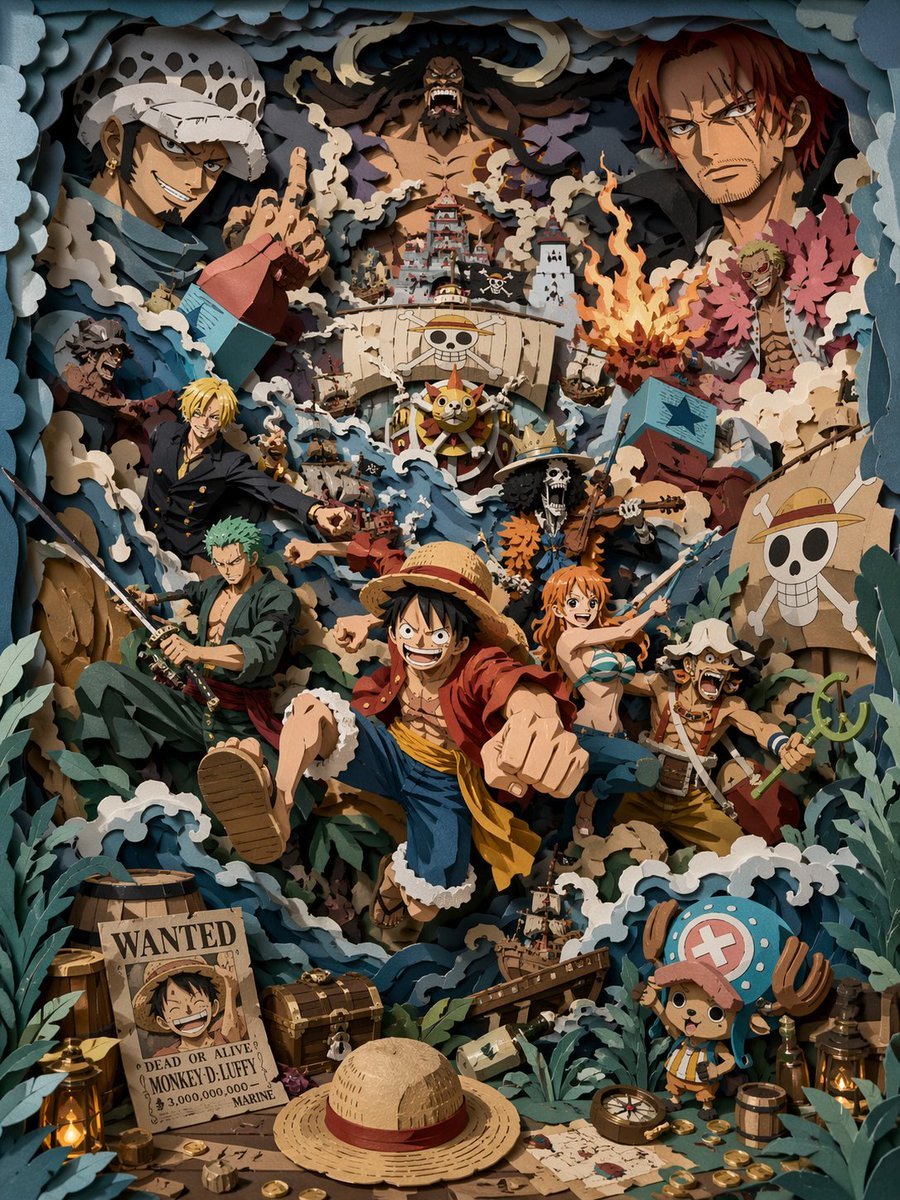
3D Papercut Pirate Scene

untitled
Make it yours
Mutant Ape Pirate Portrait works as-is. These are the safest ways to change it without losing the look.
Change one field
Copy a single group, rewrite it, and generate again so you can see what that field is doing.
Keep the frame, change the subject
Hold the composition and light of Mutant Ape Pirate Portrait, then swap wardrobe, props or the person for a new take.
| If the result… | Why | Fix |
|---|---|---|
| The result drifts from the preview | Too many fields changed at once. | Reuse Mutant Ape Pirate Portrait as-is first, then change one group — subject, light, or setting. |
| The model over-stylizes the scene | The prose prompt leaves finish and camera underspecified. | Add one camera or lighting sentence and stay on GPT Image 2. |
More GPT Image 2 templates
Other prompts made for GPT Image 2.

Six VTuber Japanese Logo Sheet

Realistic Portrait of Woman and Deer

The Vista Modular Condo Poster

AI Model Routing Comparison Infographic

2.5D Anime Art Board

Isometric Productivity Desk Scene

New York Double Exposure Poster

Four-Panel AI Landscape Comparison

Japanese Tatami Lifestyle Magazine Cover

NESCAFÉ Coffee Map Poster
More image prompts
Fresh picks from across the catalog.
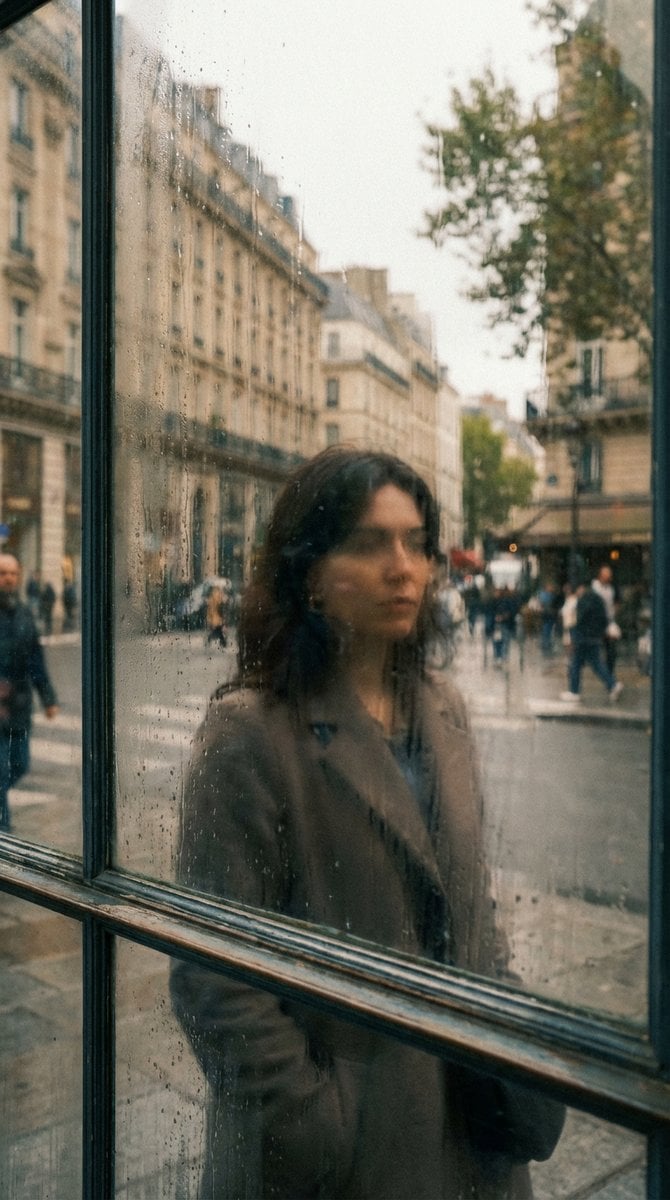
Layered Reflection in Glass Window

Cinematic Profile Portrait Prompt with Backlighting and Bokeh
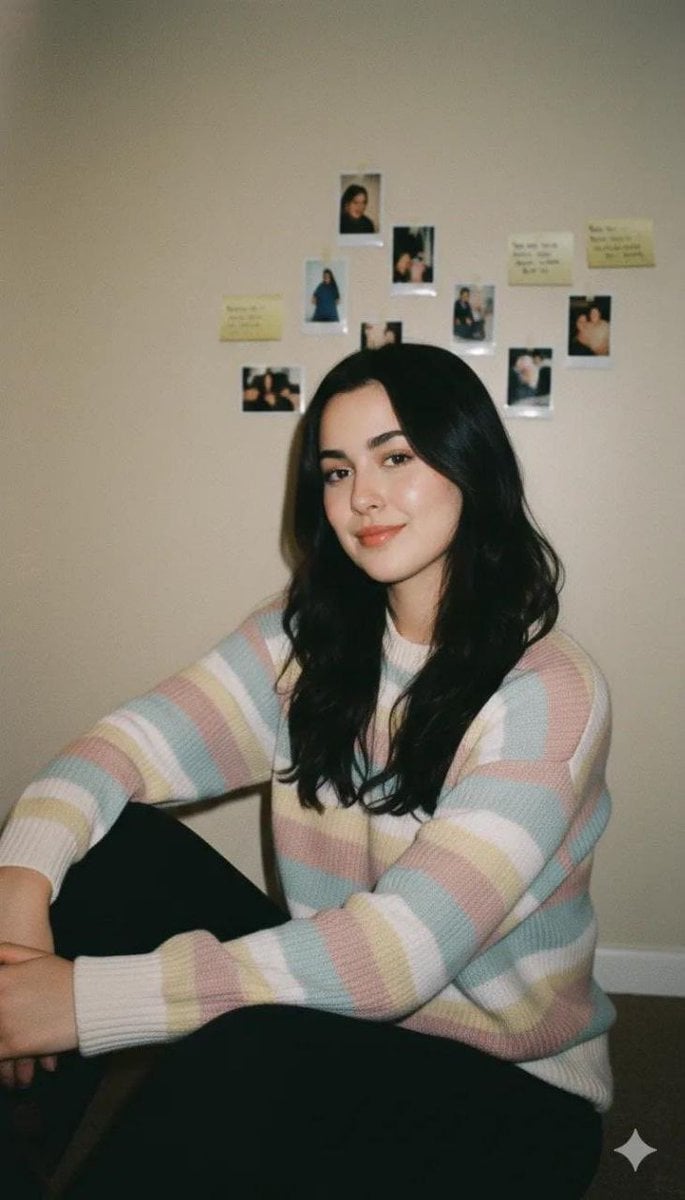
Cozy Vintage Indoor Lifestyle Portrait Prompt
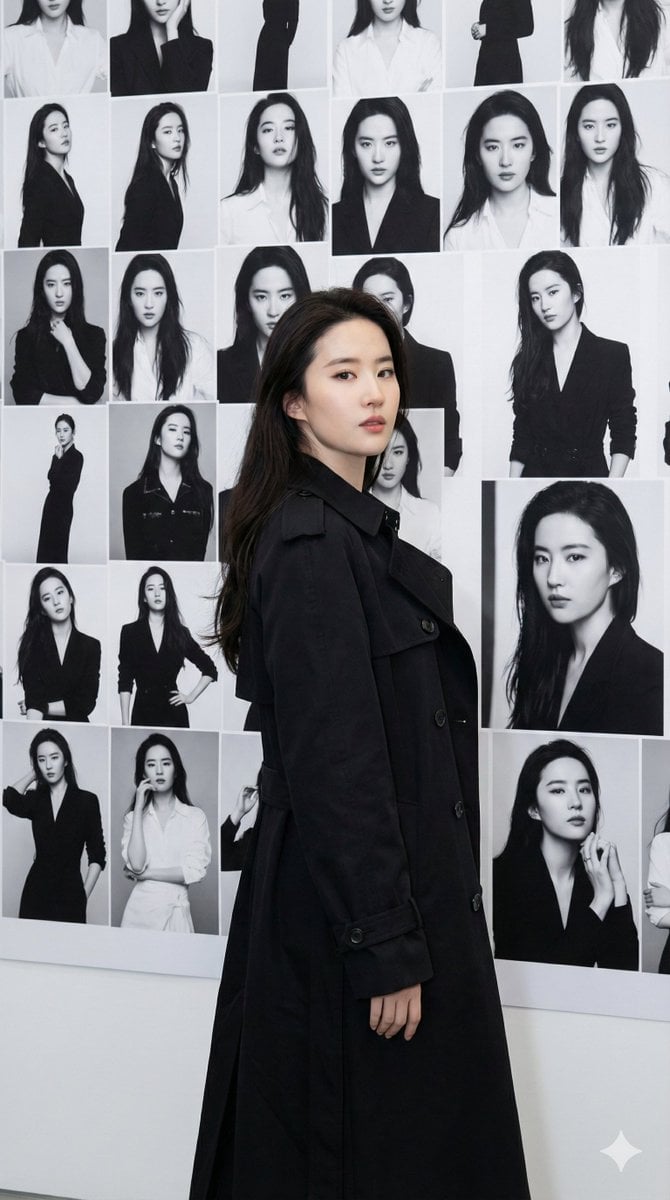
Gallery Wall Portrait with Identity Lock
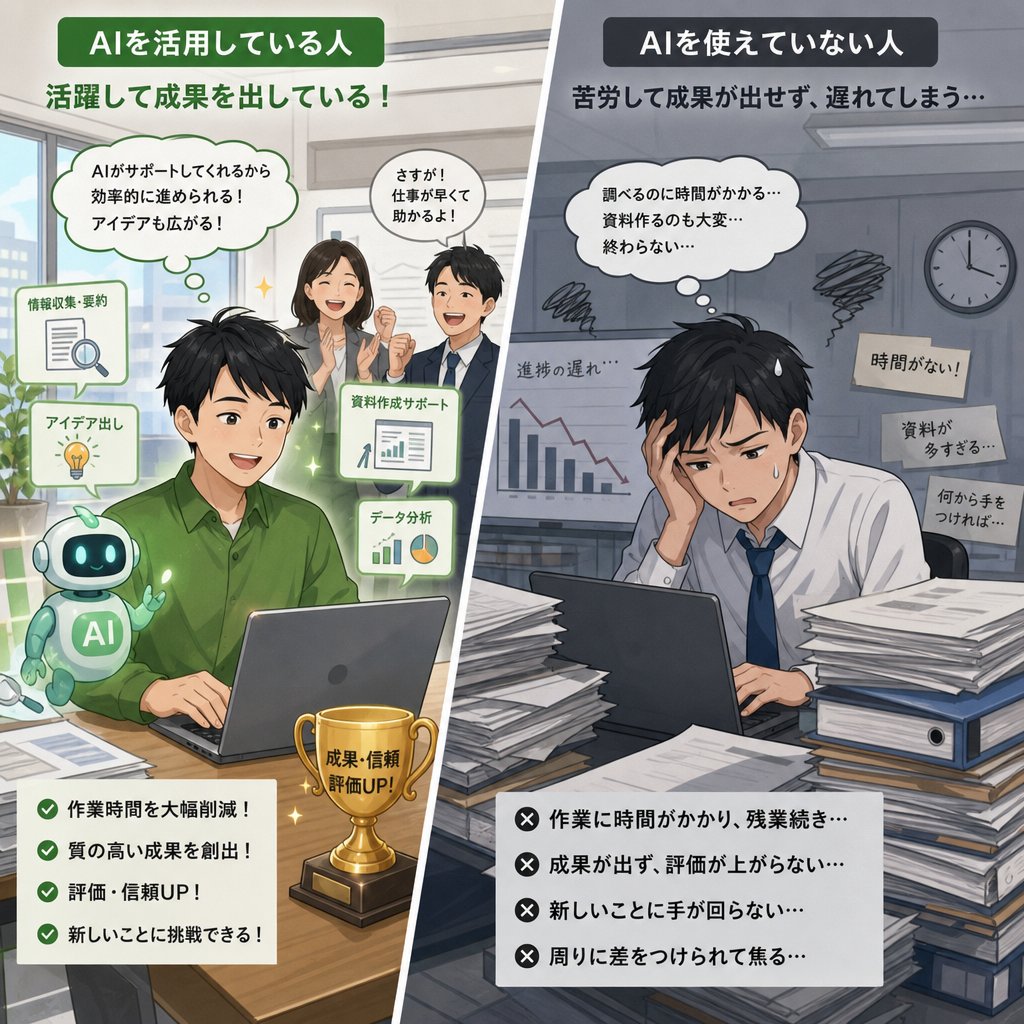
AI Use Comparison Infographic
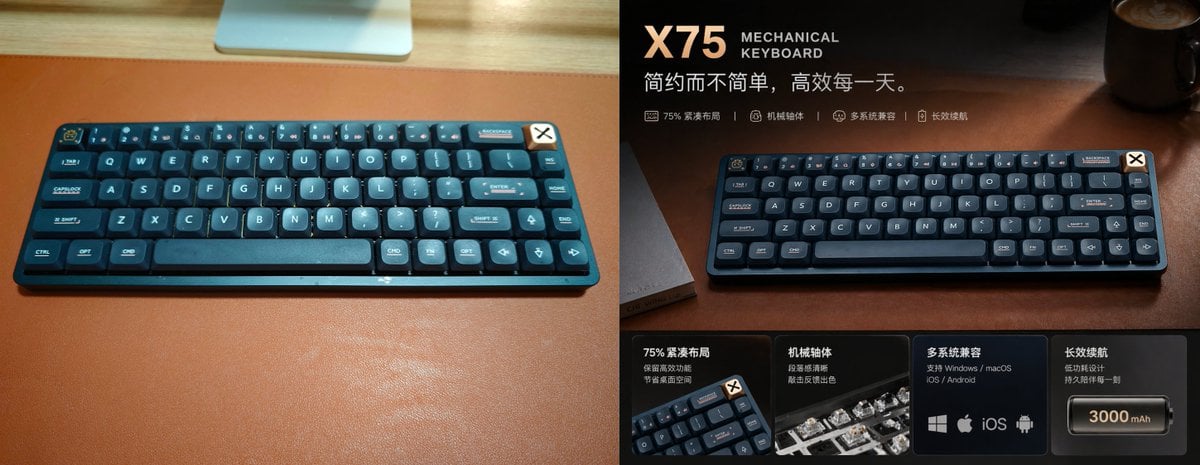
Premium Mechanical Keyboard Ad Poster
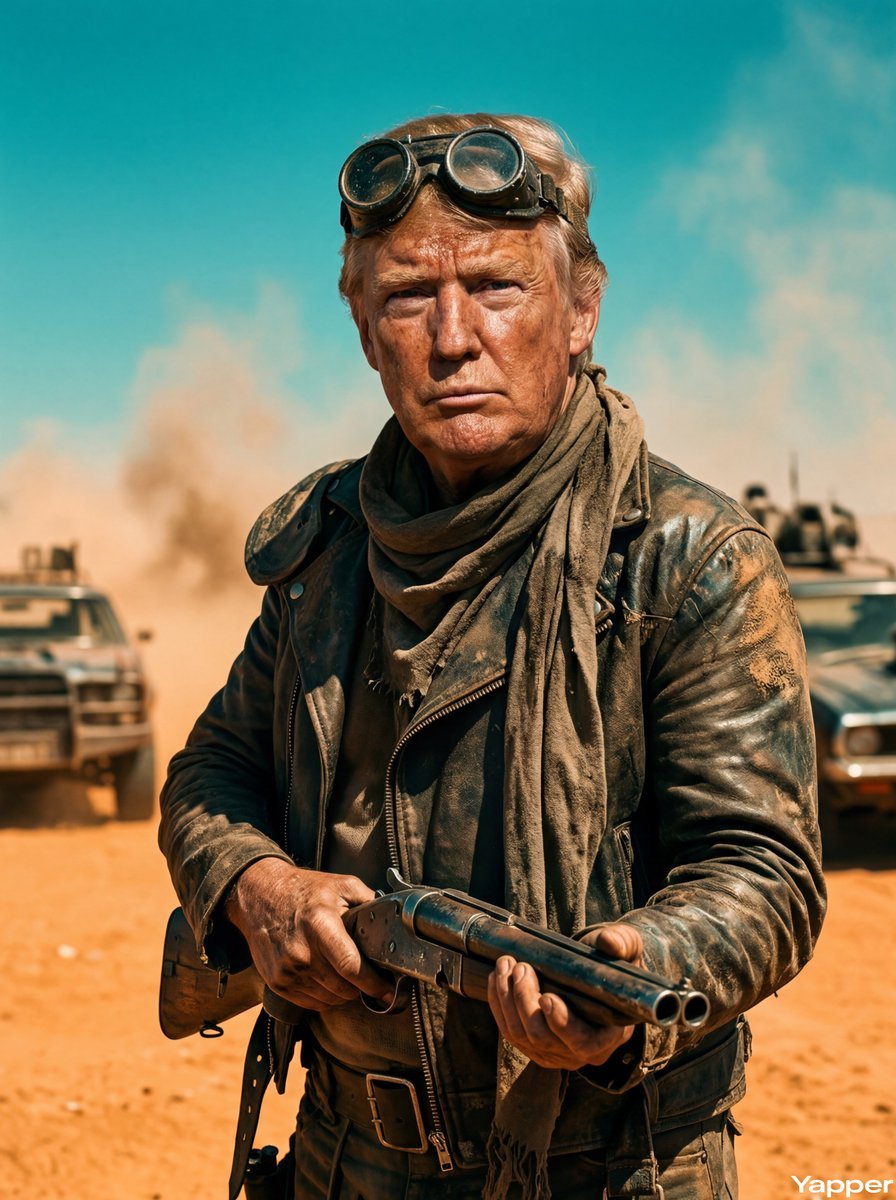
Mad Max Wasteland Survivor Film Still
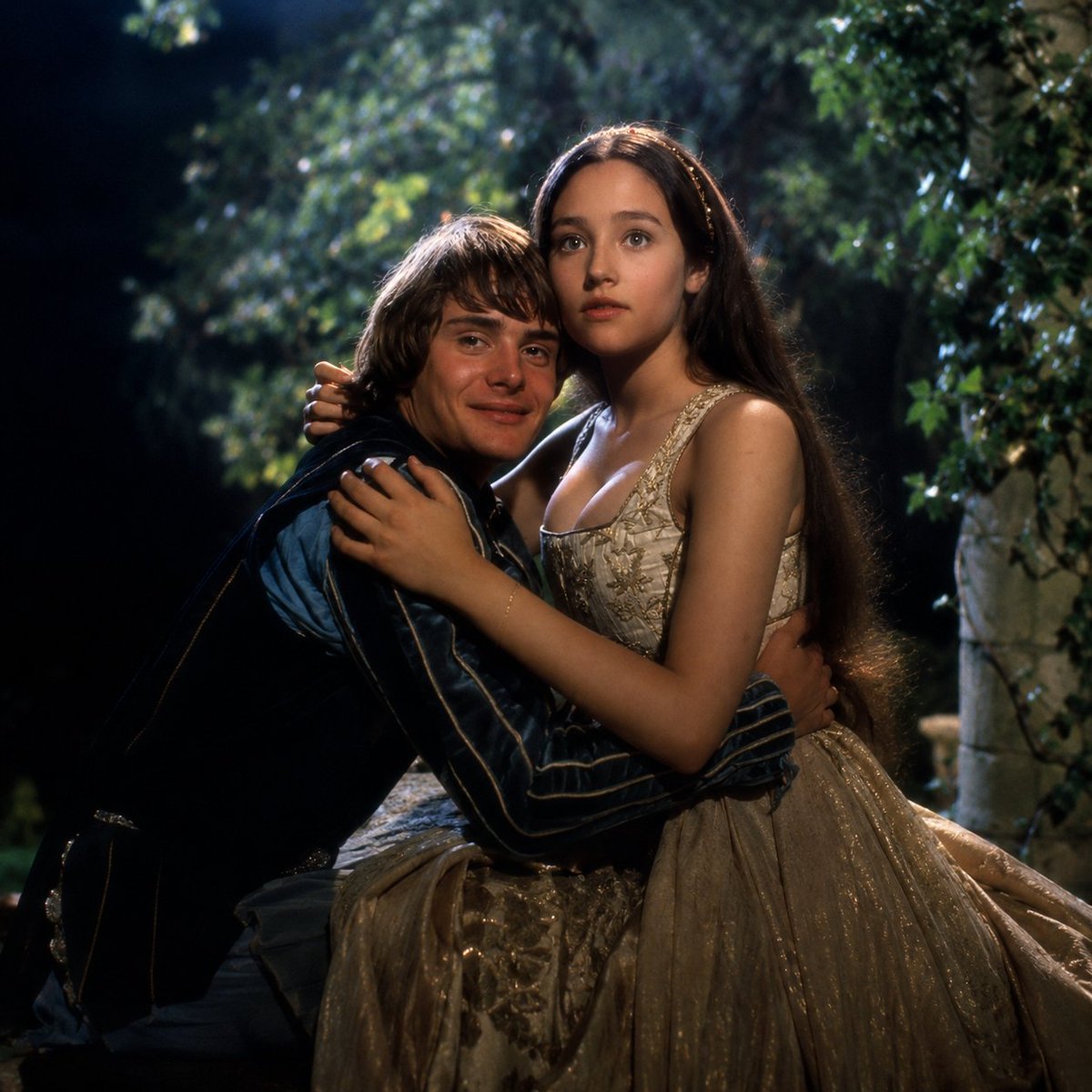
Renaissance Moonlit Balcony Romance
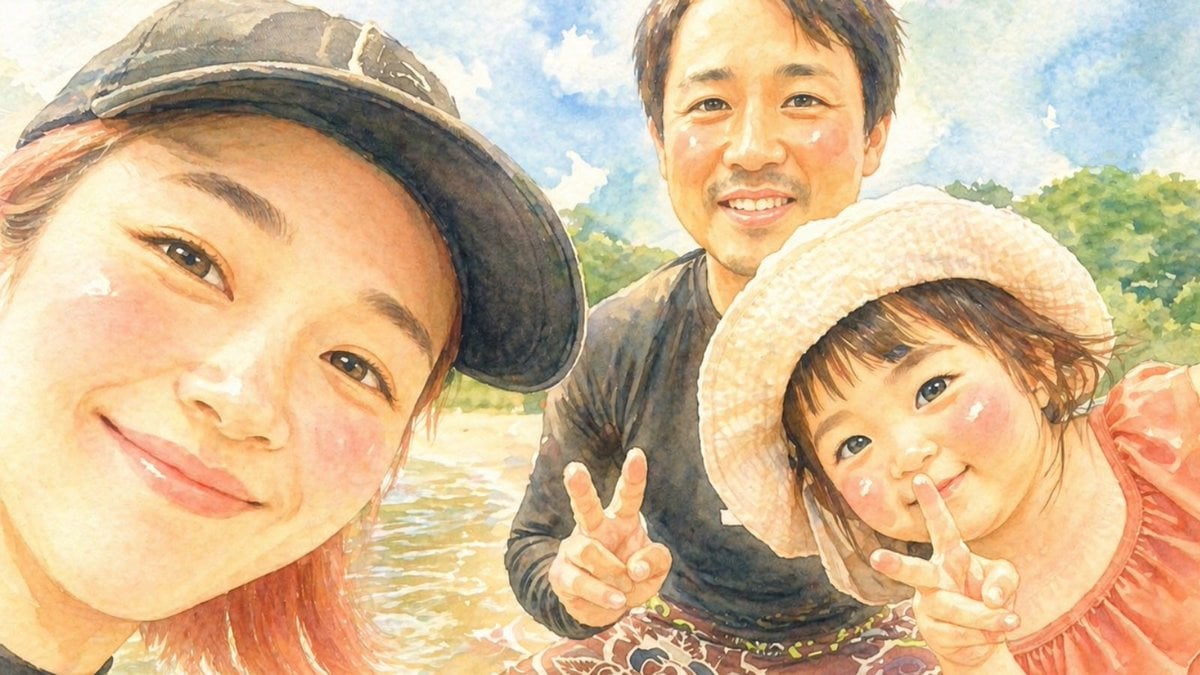
Watercolor Family Riverside Selfie
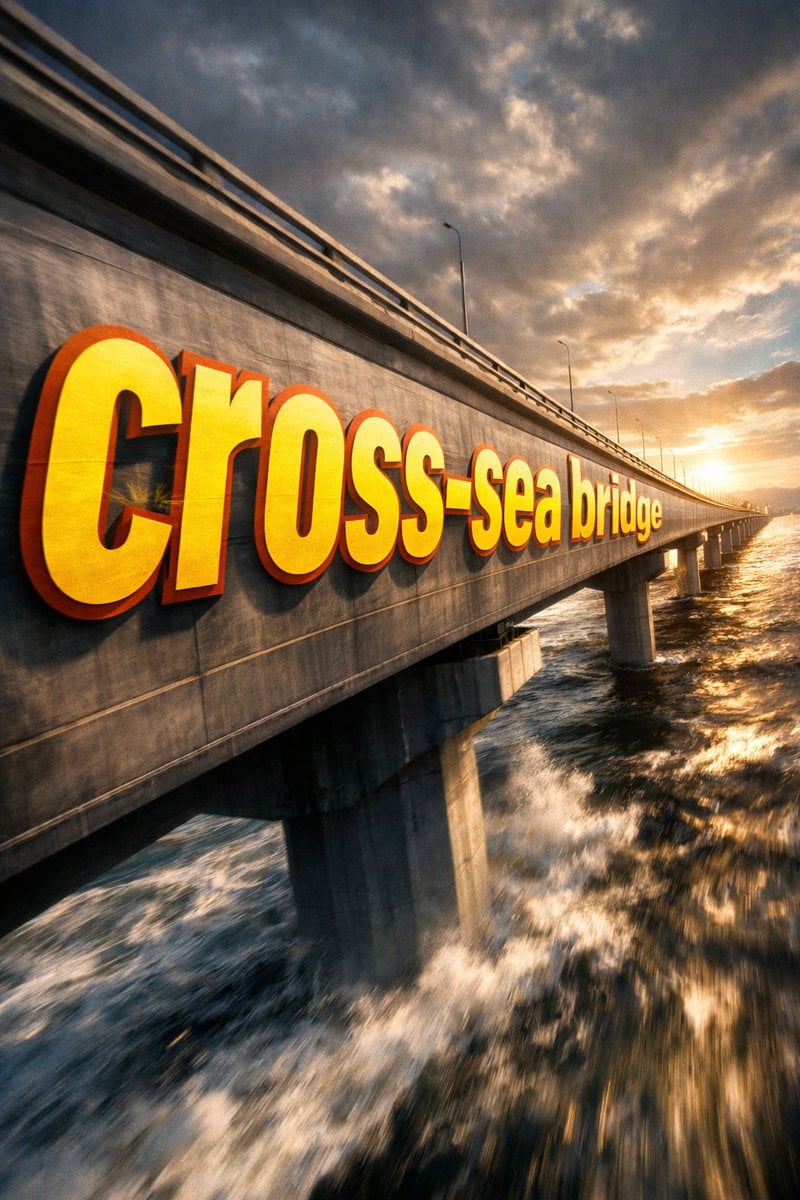
3D Perspective Text Effect Prompt
Browse template categories
Mutant Ape Pirate Portrait questions
How do I use the Mutant Ape Pirate Portrait template?
Add your photo if the template asks for one, edit the prompt if you like — the template's model and format are already selected — and press Generate. Your version opens in PicX Studio.
Can I customize the Mutant Ape Pirate Portrait template?
Yes. You can change the subject, setting, lighting, mood, format, and available model controls before creating your image.
Is the Mutant Ape Pirate Portrait template free?
Opening and editing this template is free. Generating uses credits, shown on the Generate button when you are signed in.
Which AI model should I use?
Start with GPT Image 2, which is the model associated with this template. You can compare another compatible model for a different finish.
Looking for something else? Browse all templates.

Your photo, any look
Thousands of ready templates for every top image and video model, from one credit balance.