
Penguin on a Carnival Roller Coaster
This prompt generates a humorous photorealistic amusement-park scene of an excited penguin riding a flame-painted roller coaster car, ideal for viral surreal imagery and playful AI art.
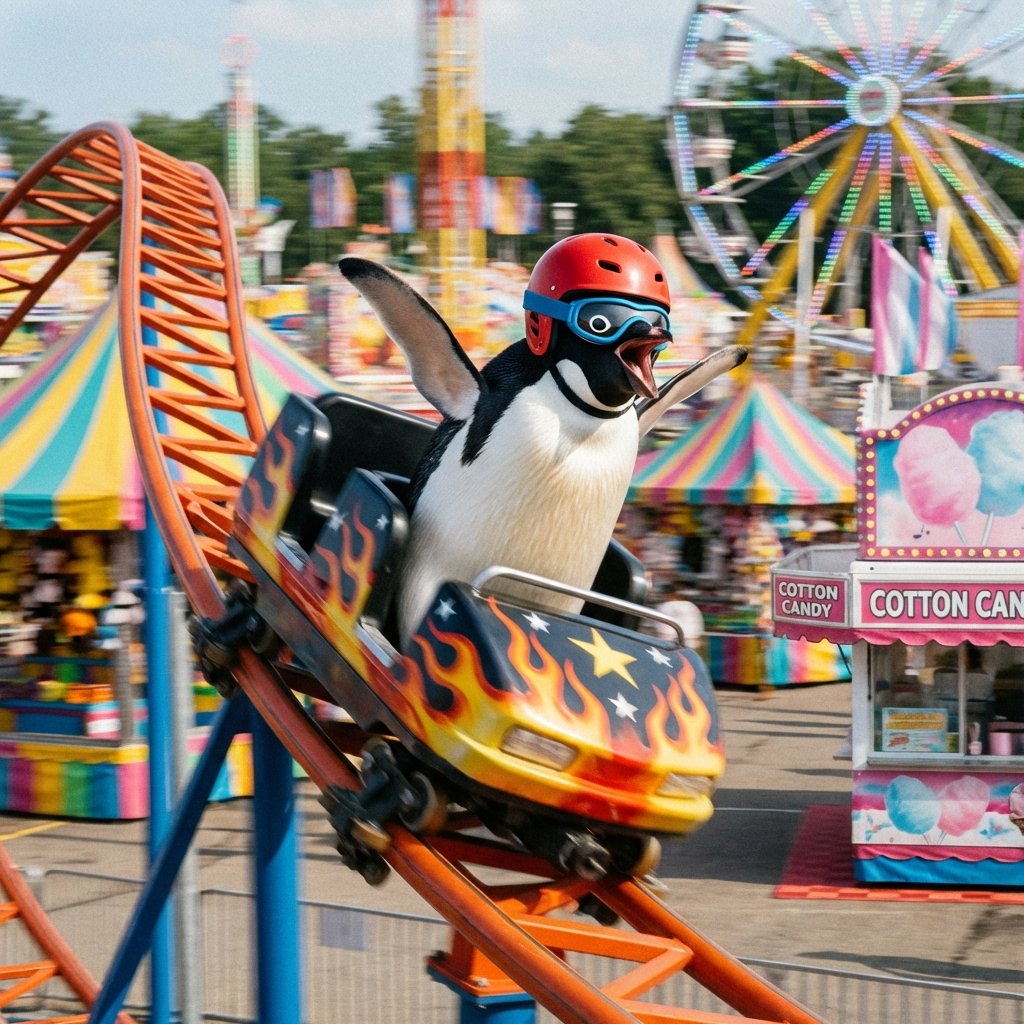
- Prompt included
- Model and format preset
- Free template
The prompt behind this image
Copy the exact prompt behind Penguin on a Carnival Roller Coaster, or open it in the studio and make it yours.
A whimsical, photorealistic action shot of a penguin riding a carnival roller coaster in broad daylight. The penguin is centered in the frame, black and white with a sleek body, wearing a bright red safety helmet and blue wraparound goggles, beak wide open in an excited scream, with both flippers stretched outward like it is enjoying the ride. The roller coaster car is small and glossy black with vivid yellow-to-orange flame graphics along the sides and a silver safety bar across the front. The car is tipping down a steep curve on a bright orange track in the left foreground, creating strong motion and energy. In the background, show a colorful county fair with rainbow-striped tents, a large Ferris wheel lit with multicolored lights, tall amusement rides, and a pink cotton candy stand with a visible “COTTON CANDY” sign. Use a shallow depth of field and slight motion blur in the background to emphasize speed, while keeping the penguin and coaster car sharp. Bright saturated colors, playful surreal humor, dynamic composition, sunny outdoor fairground atmosphere, high detail, cinematic realism.
How to use Penguin on a Carnival Roller Coaster in 3 steps
- 1Upload ImagePNG, JPG or paste
Add your photo
Upload the photo the template builds on. The prompt, model and format are already set.
- 2…a portrait of your subject in softgolden-hour light, 85mm…
Personalize
Edit the subject and creative details for your destination.
- 3Generate
Generate
Press Generate — your image is created in PicX Studio, so you can compare it with the original and refine one variable at a time.
More like this
Templates with the same subject, style or setup. Open one to see its prompt.
Penguin Roller Coaster Ride
Japanese Roller Coaster Sales Banner
Documentary Photo Sequence of Penguin Story
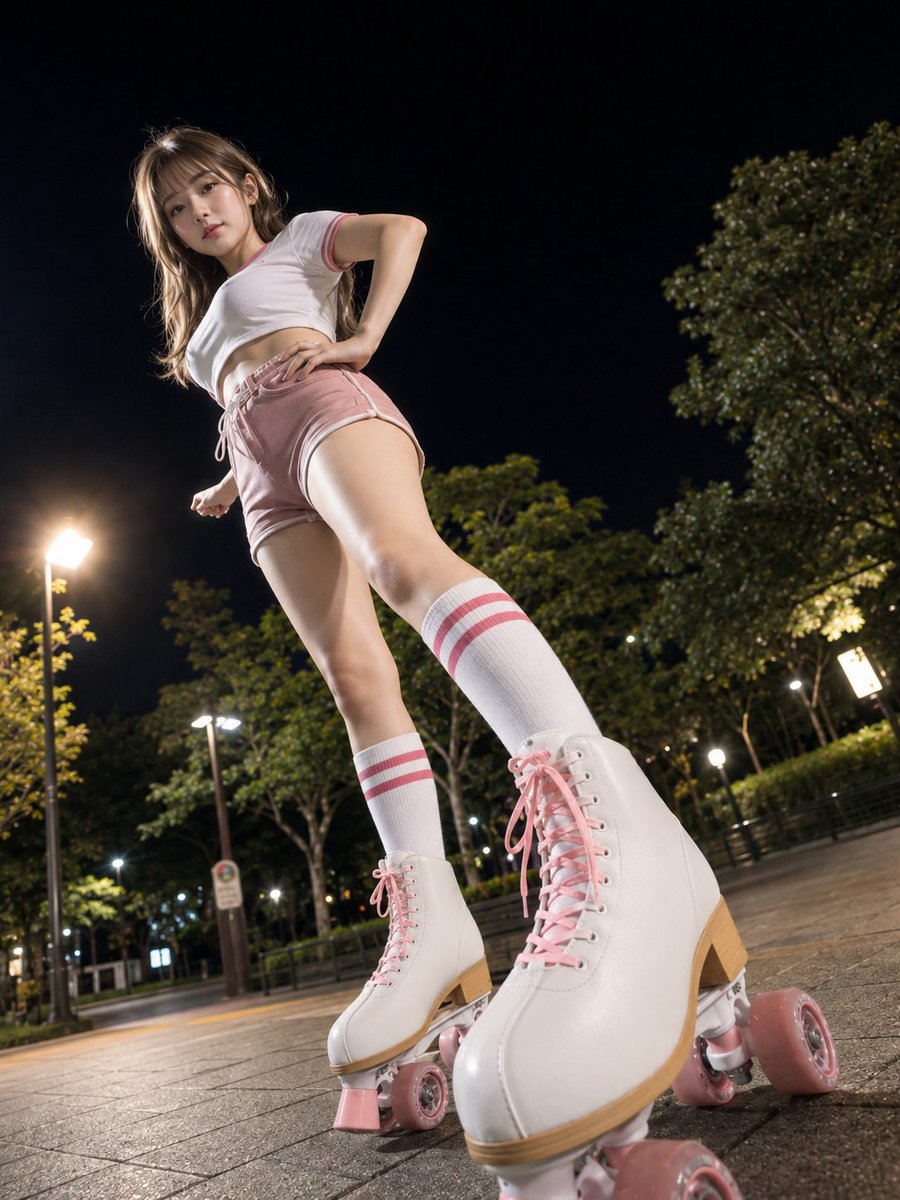
Night Roller Skate Low Angle Portrait
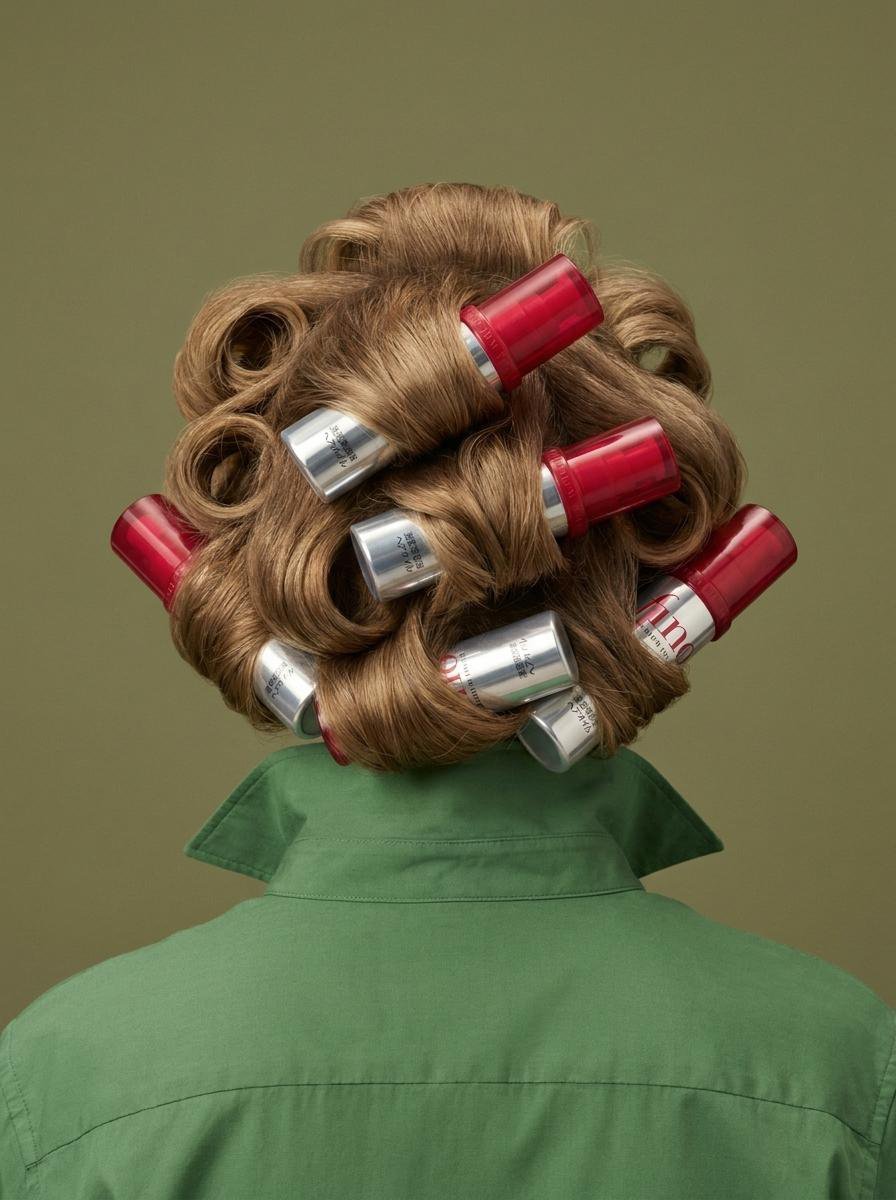
Surreal Beauty Product Hair Roller
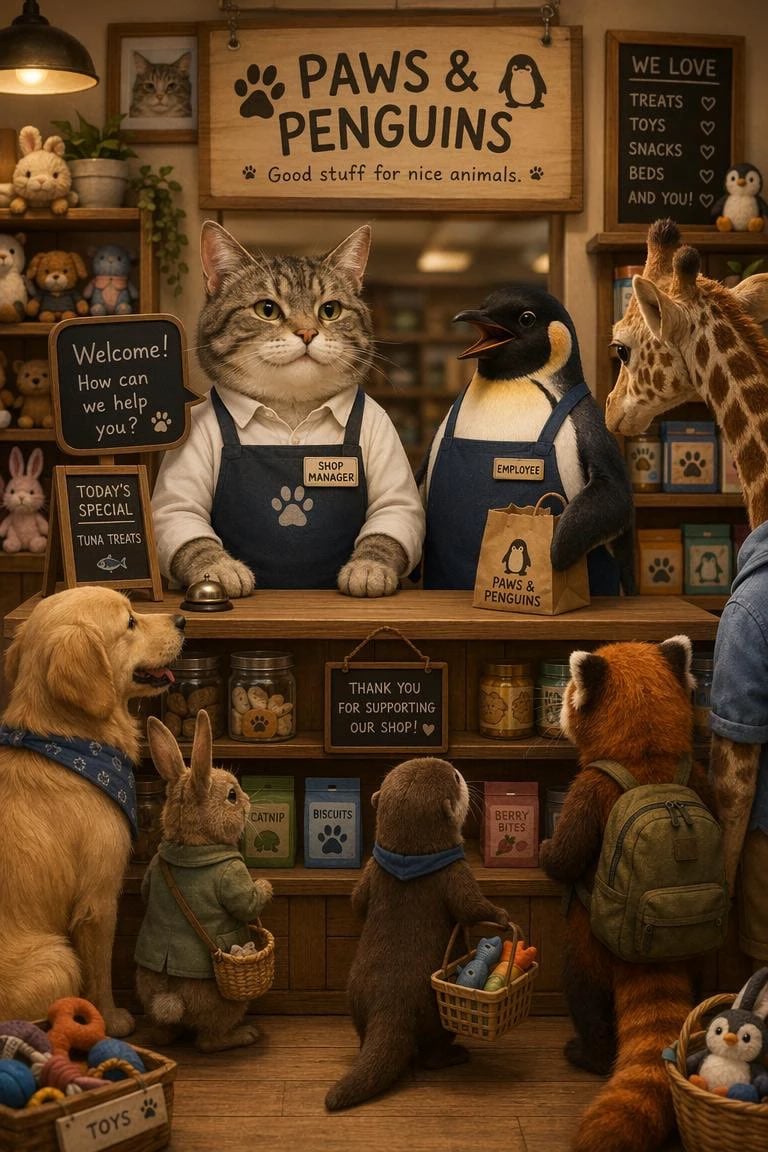
Cat Manager and Penguin Clerk
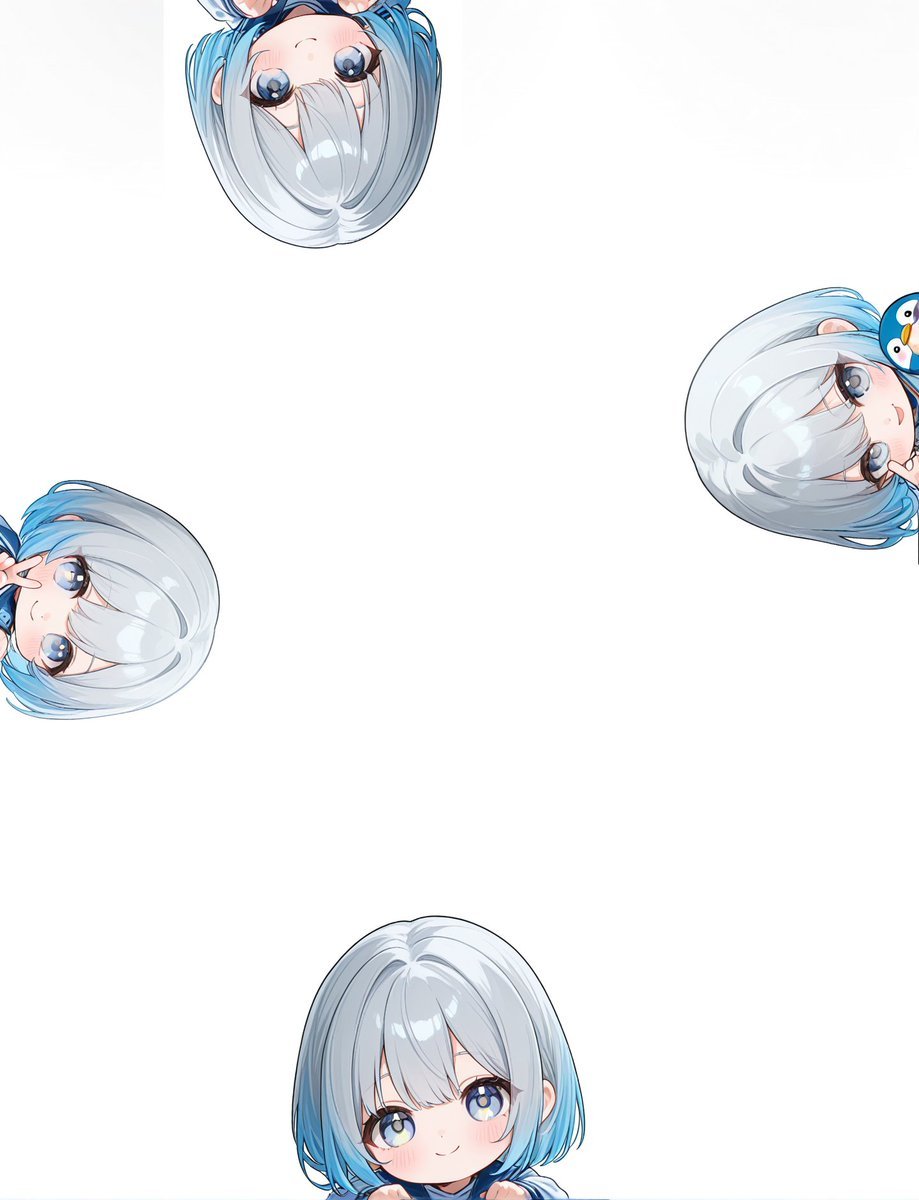
Peeking Chibi Penguin Girl Wallpaper
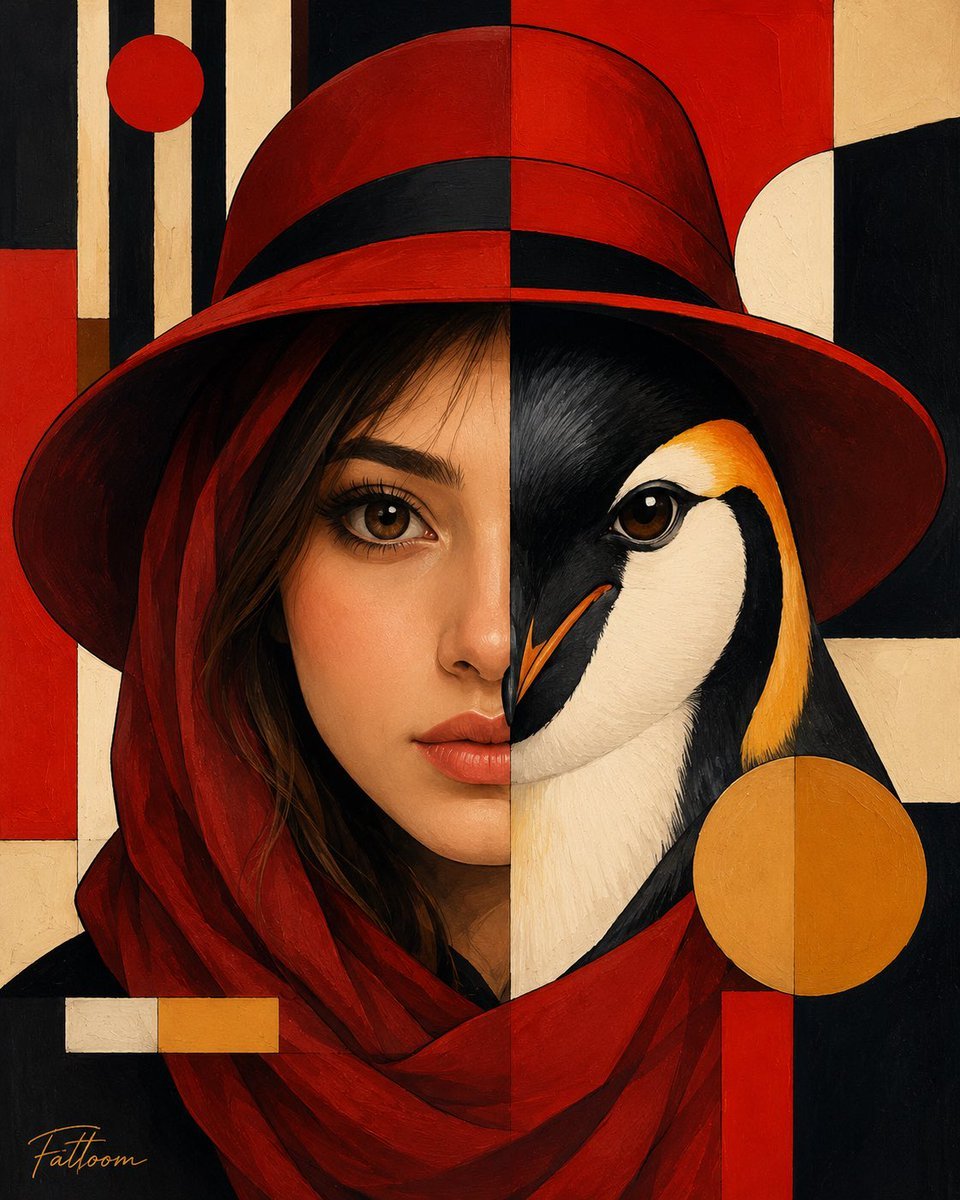
Surreal Human-Penguin Hybrid Portrait
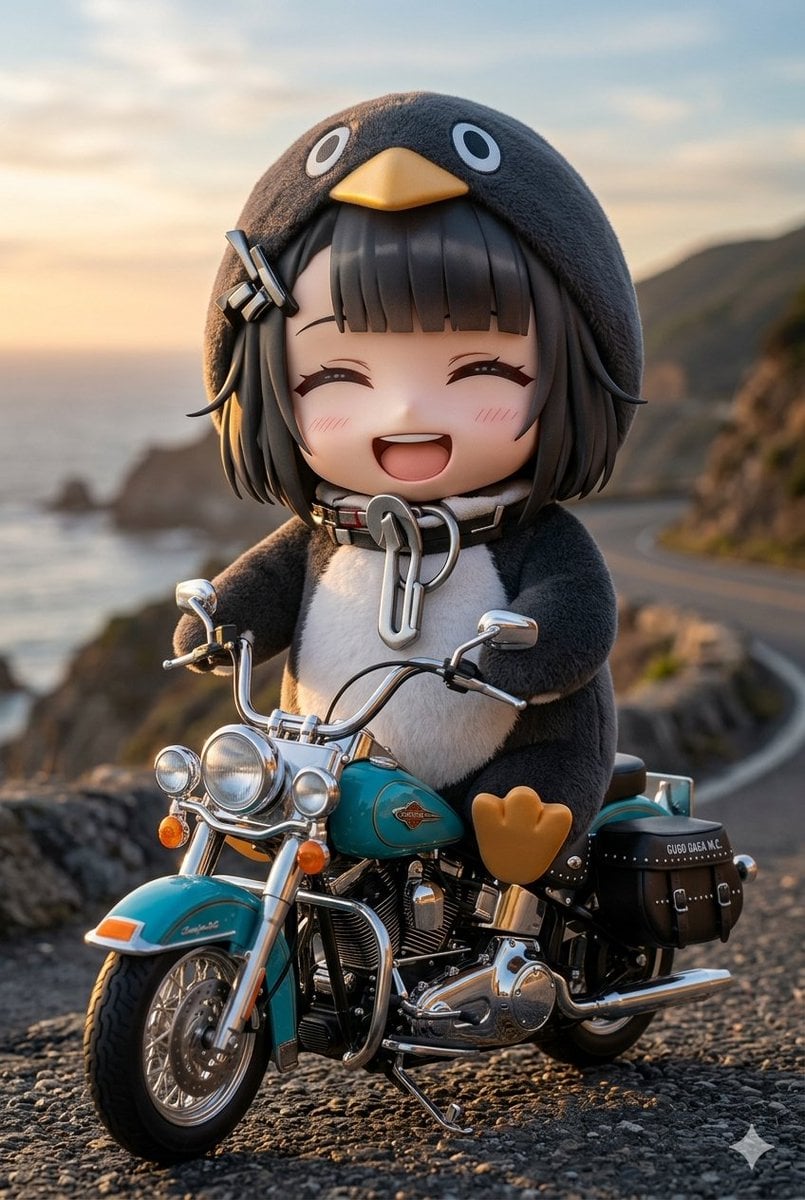
Chibi Penguin on a Motorcycle

Toon Cartoon Carnival Ride

Paper Cut Carnival Ride

Pixel Limited Carnival Ride
Make it yours
Penguin on a Carnival Roller Coaster works as-is. These are the safest ways to change it without losing the look.
Change one field
Copy a single group, rewrite it, and generate again so you can see what that field is doing.
Keep the frame, change the subject
Hold the composition and light of Penguin on a Carnival Roller Coaster, then swap wardrobe, props or the person for a new take.
| If the result… | Why | Fix |
|---|---|---|
| The result drifts from the preview | Too many fields changed at once. | Reuse Penguin on a Carnival Roller Coaster as-is first, then change one group — subject, light, or setting. |
| The model over-stylizes the scene | The prose prompt leaves finish and camera underspecified. | Add one camera or lighting sentence and stay on GPT Image 2. |
More GPT Image 2 templates
Other prompts made for GPT Image 2.

Six VTuber Japanese Logo Sheet

Realistic Portrait of Woman and Deer

The Vista Modular Condo Poster

AI Model Routing Comparison Infographic

2.5D Anime Art Board

Isometric Productivity Desk Scene

New York Double Exposure Poster

Four-Panel AI Landscape Comparison

Japanese Tatami Lifestyle Magazine Cover

NESCAFÉ Coffee Map Poster
More image prompts
Fresh picks from across the catalog.
Ultra-Photorealistic Gym Mirror Selfie Prompt
Cinematic lakeside hanging chair concept prompt with space object theme
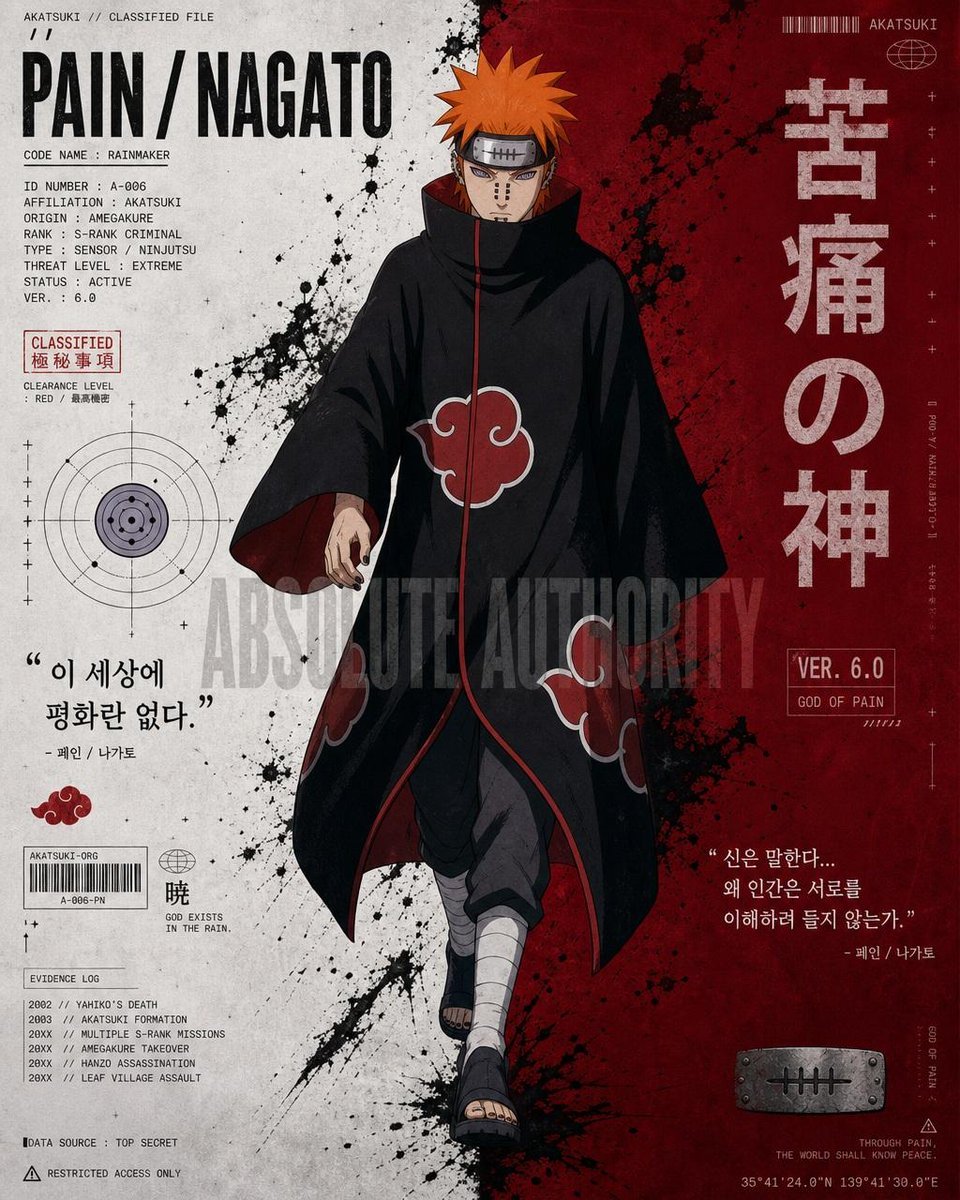
Anime Character Editorial Poster Prompt
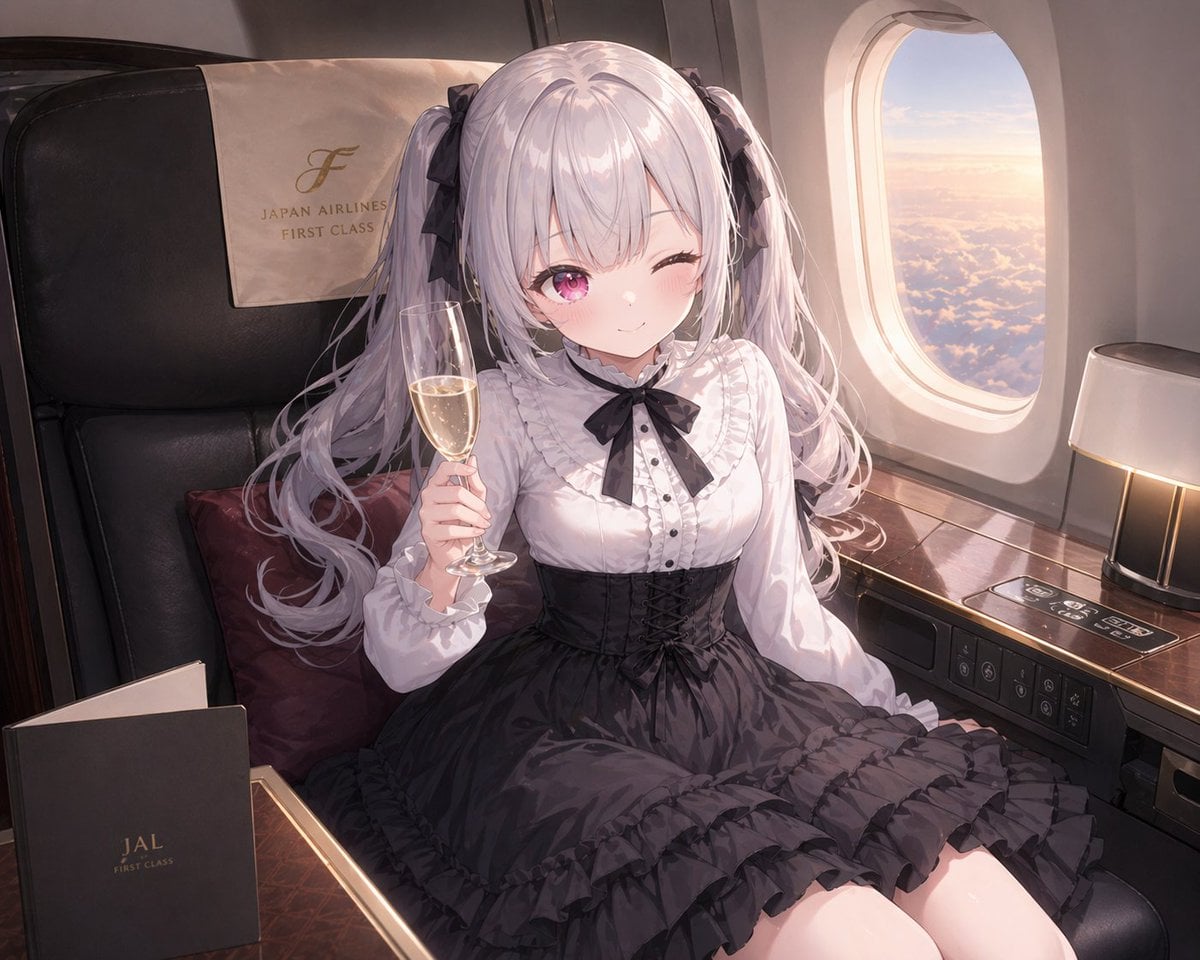
JAL First Class Cabin Interior
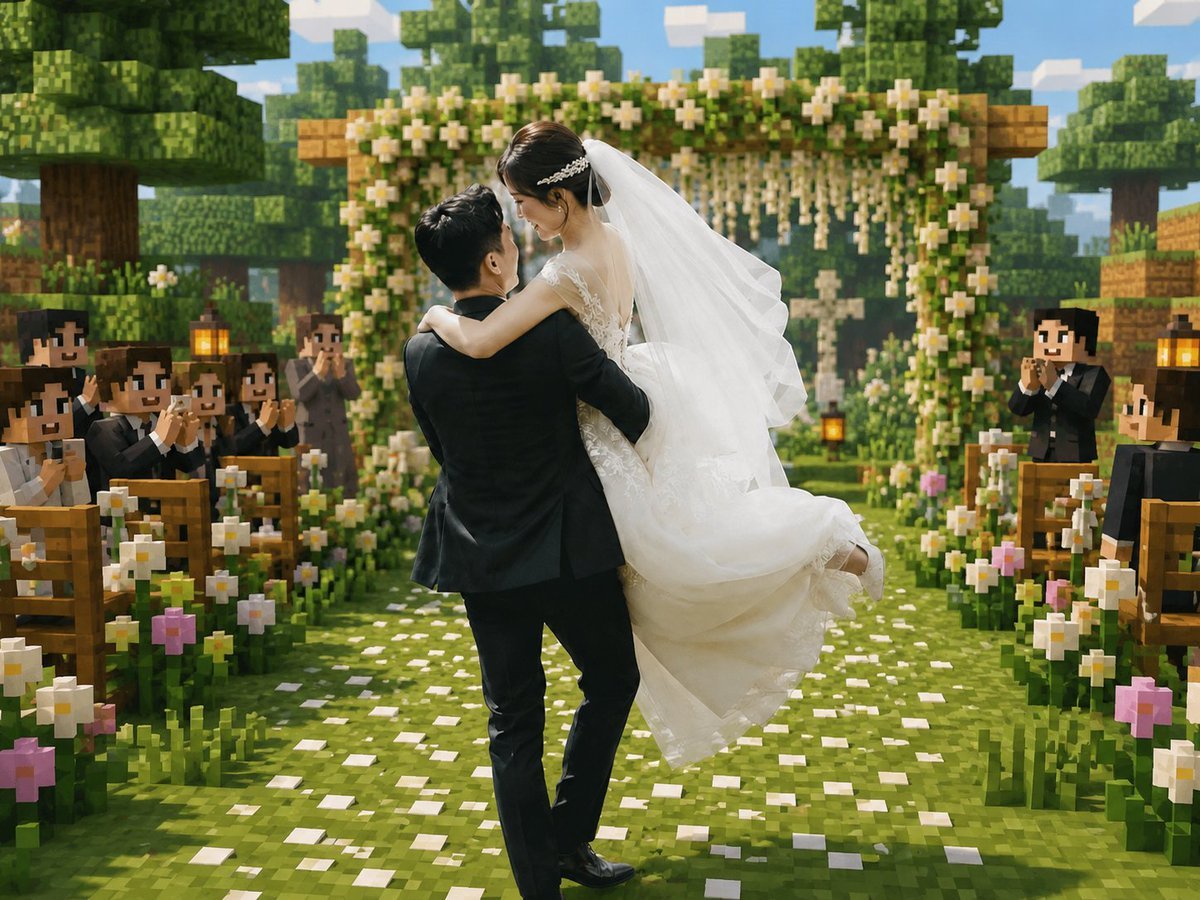
Minecraft Voxel Wedding Ceremony

2x2 Grid of Online School Banner Ads
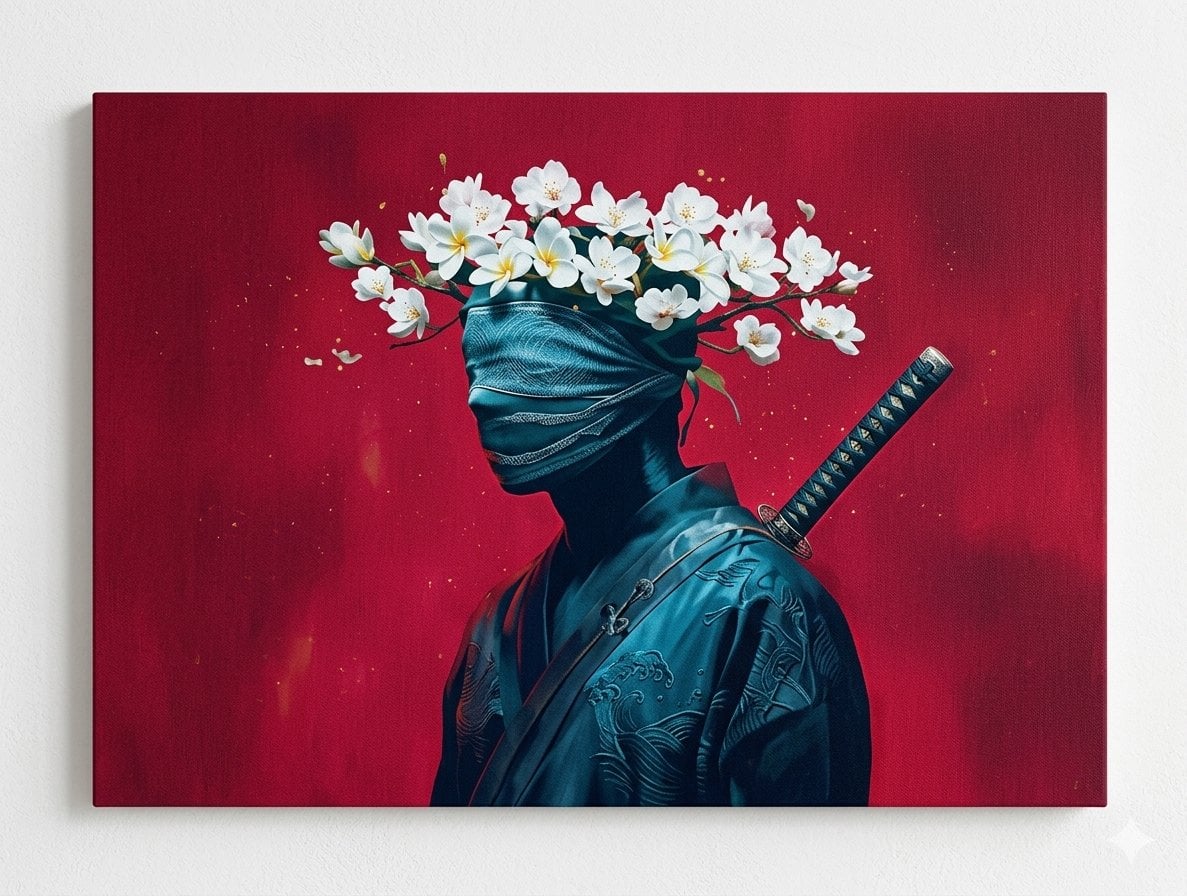
Surreal Canvas Art Edition Prompts
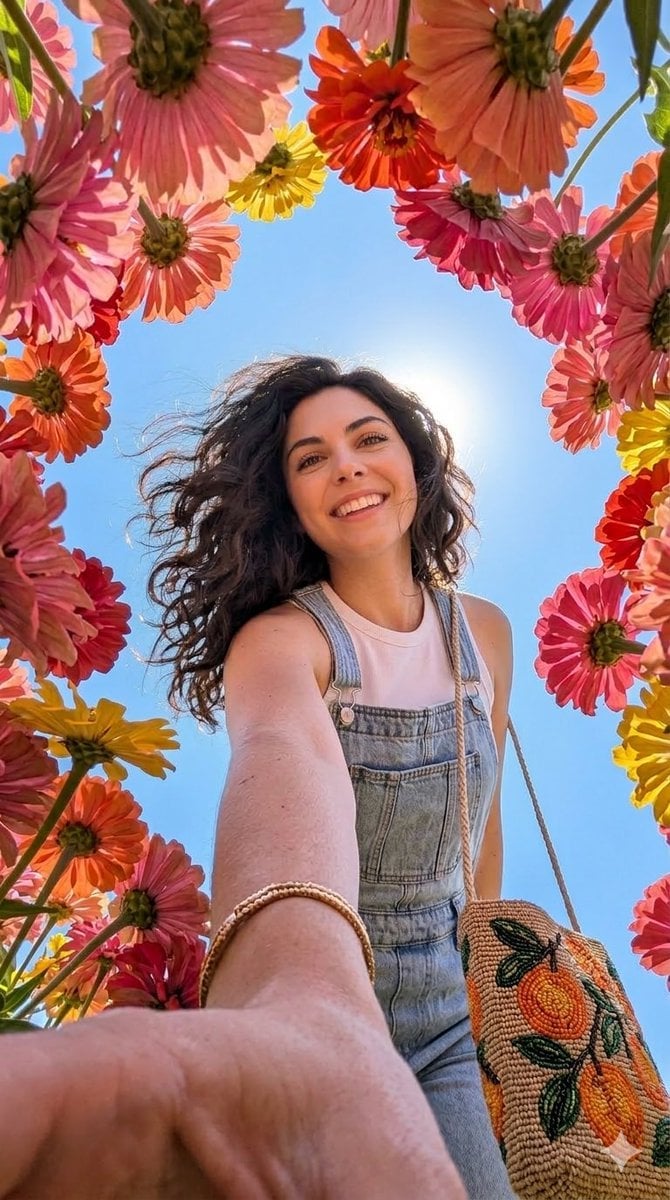
Smartphone Selfie with Flowers
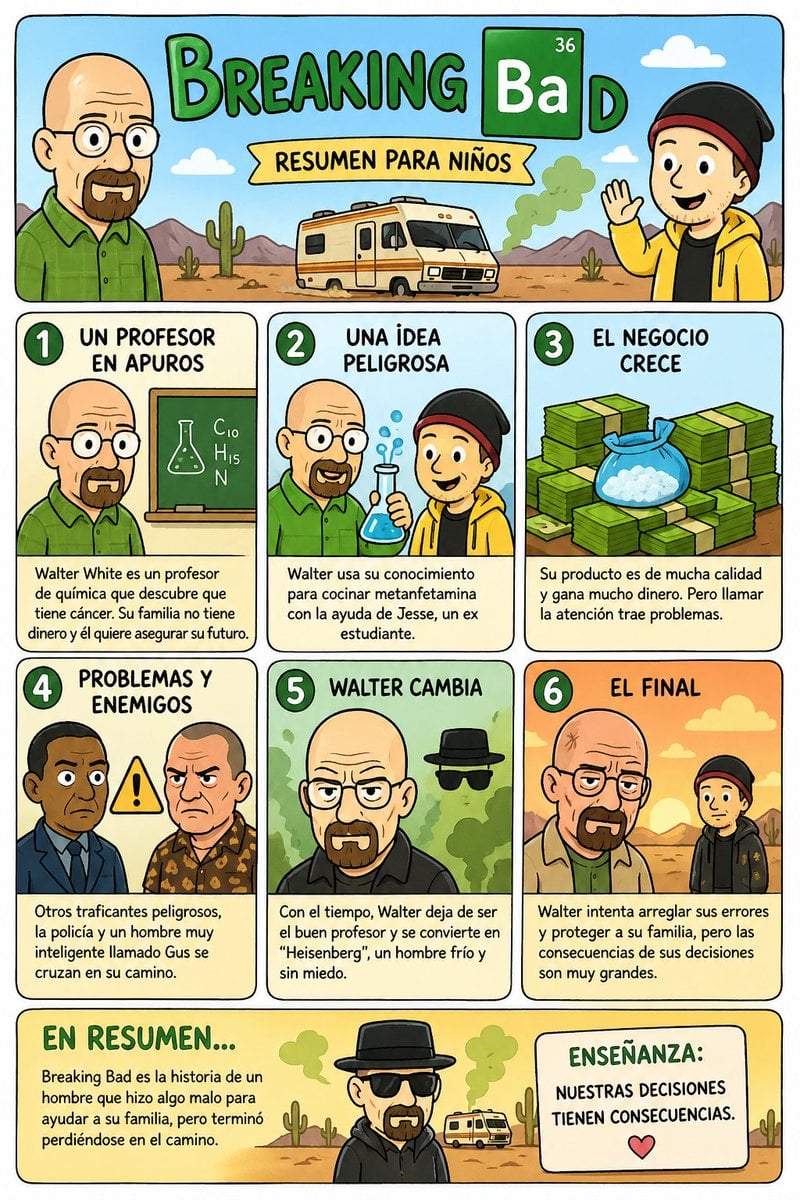
Kids' Breaking Bad Summary Poster
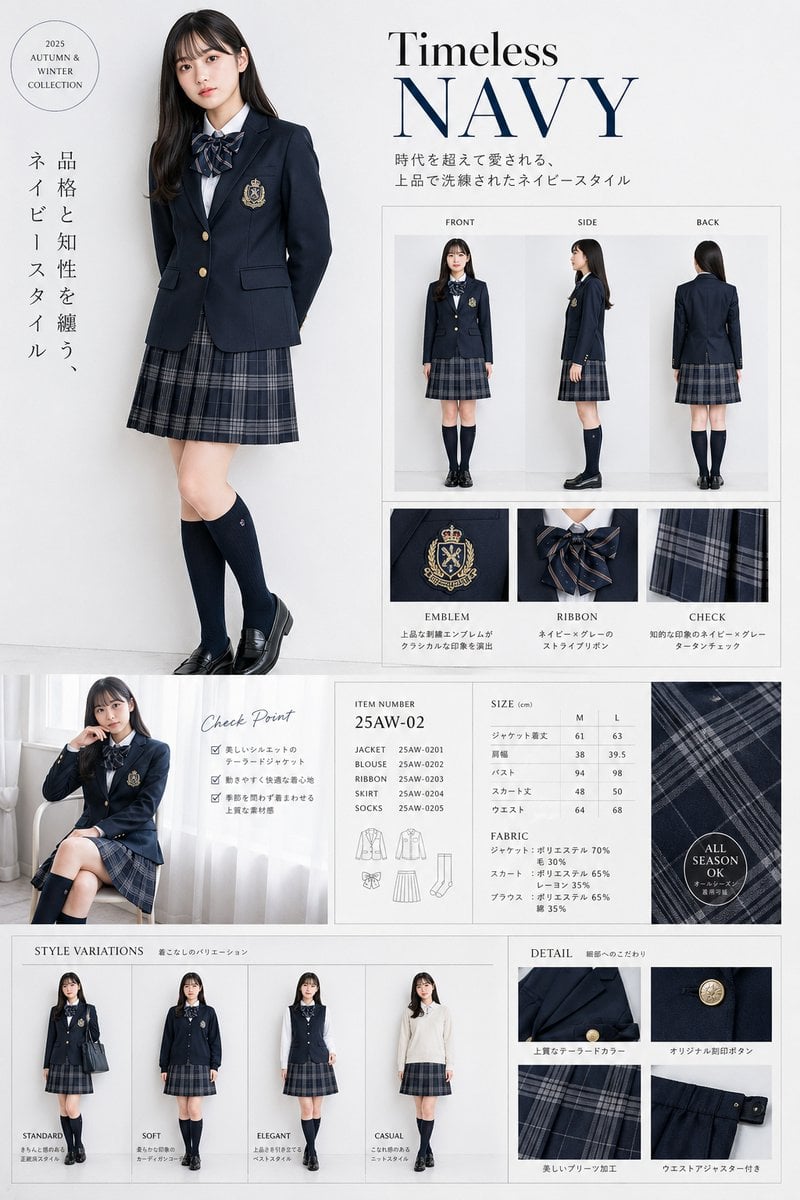
Luxury Navy School Uniform Catalog
Browse template categories
Penguin on a Carnival Roller Coaster questions
How do I use the Penguin on a Carnival Roller Coaster template?
Add your photo if the template asks for one, edit the prompt if you like — the template's model and format are already selected — and press Generate. Your version opens in PicX Studio.
Can I customize the Penguin on a Carnival Roller Coaster template?
Yes. You can change the subject, setting, lighting, mood, format, and available model controls before creating your image.
Is the Penguin on a Carnival Roller Coaster template free?
Opening and editing this template is free. Generating uses credits, shown on the Generate button when you are signed in.
Which AI model should I use?
Start with GPT Image 2, which is the model associated with this template. You can compare another compatible model for a different finish.
Looking for something else? Browse all templates.

Your photo, any look
Thousands of ready templates for every top image and video model, from one credit balance.