
Night Roller Skate Low Angle Portrait
A high-contrast night photography prompt featuring a woman on roller skates, using a low-angle wide perspective to emphasize the pink wheels and street lighting.
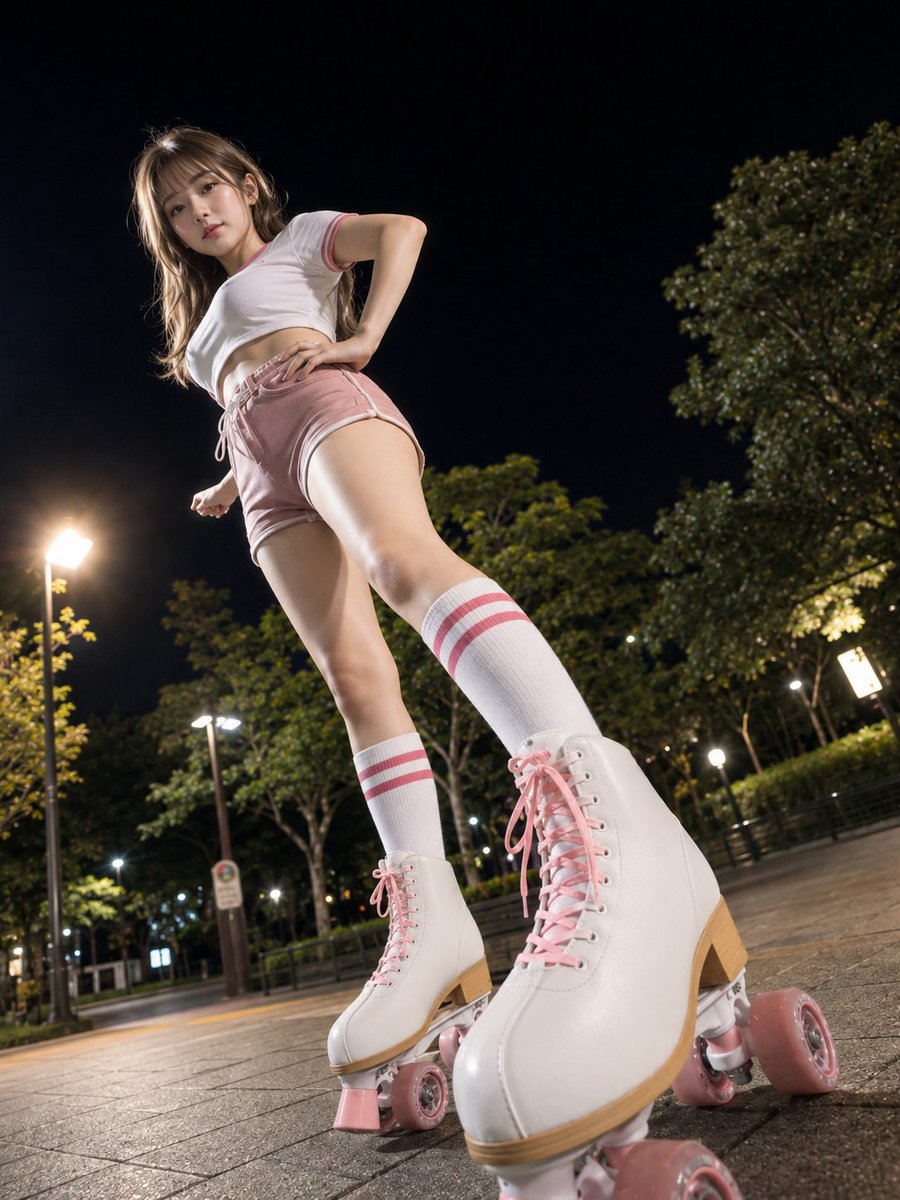
- Prompt included
- Model and format preset
- Free template
The prompt behind this image
Copy the exact prompt behind Night Roller Skate Low Angle Portrait, or open it in the studio and make it yours.
主題: {argument name="主題" default="夜道を踏む桃色車輪"} 主体: 夜の公園の舗装路で、白と桃色のスポーツウェアを着た若い女性がローラースケートで立つ全身ポートレート。画面右下前景の白いスケート靴と桃色の車輪を極端に大きくし、低い位置から人物を見上げる。 人物・表情: 小さな卵形の顔を少し画面左へ傾け、濃茶色の瞳で下方のカメラを見る。細い眉と淡い珊瑚色の唇、落ち着いた表情。肩下までの明るい茶髪は薄い前髪と緩い波があり、左肩へ流れる。 服装・ポーズ: 白い短丈Tシャツと{argument name="ボトムス" default="くすみ桃色のショートパンツ"}。シャツは丸首と短袖の縁に二本の桃色ライン。パンツは白い縁取り、左腰の白い結び紐、高く切れ上がる裾。白い膝下丈ソックスには上部に二本の桃色ライン。白いハイカットローラースケートは桃色の靴紐、四つの桃色車輪、薄茶色の靴底。右手を腰へ置き、左腕を後ろへ下げ、片脚をカメラ前へ大きく踏み出す。 背景・光: 前景は灰色の石畳。背景は{argument name="背景要素" default="黒い夜空、濃い緑の木々、金属柵、複数の白い街灯"}。画面左と右奥の街灯から硬い白色光が入り、顔、服、腿、靴を照らし、舗装面へ長い影を落とす。 構図・カメラ: 縦3:4。カメラを地面すれすれに置く非常に強い仰角の広角表現で、頭頂から両方のスケートまでを収める全身像。手前の右靴を画面高の下三分の一へ巨大に置き、奥の左靴を中央下、顔を左上寄りへ配置する。靴と人物にピントを合わせ、奥の公園灯は軽くぼかす。 質感・スタイル: 黒、白、くすみ桃色、街灯の暖白色を基調にした高精細フォトリアル夜景写真。革調の靴、靴紐、樹脂の車輪、リブソックス、舗装石、硬い夜光を精密に描く。 ネガティブ: 右下前景の巨大なスケート靴と強い仰角を弱めない
How to use Night Roller Skate Low Angle Portrait in 3 steps
- 1
Open
The prompt is already in the box next to the preview, with the template's model and format selected.
- 2…a portrait of your subject in softgolden-hour light, 85mm…
Personalize
Edit the subject and creative details for your destination.
- 3Generate
Generate
Press Generate — your image is created in PicX Studio, so you can compare it with the original and refine one variable at a time.
More like this
Templates with the same subject, style or setup. Open one to see its prompt.
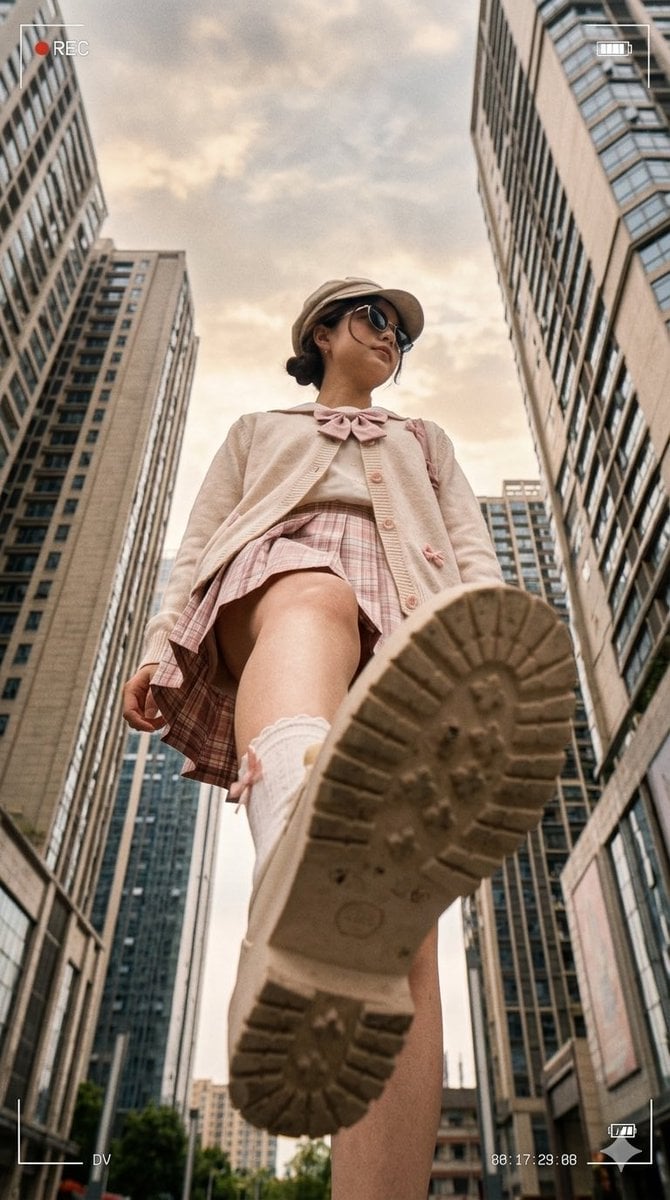
Low Angle Urban DV Style Portrait
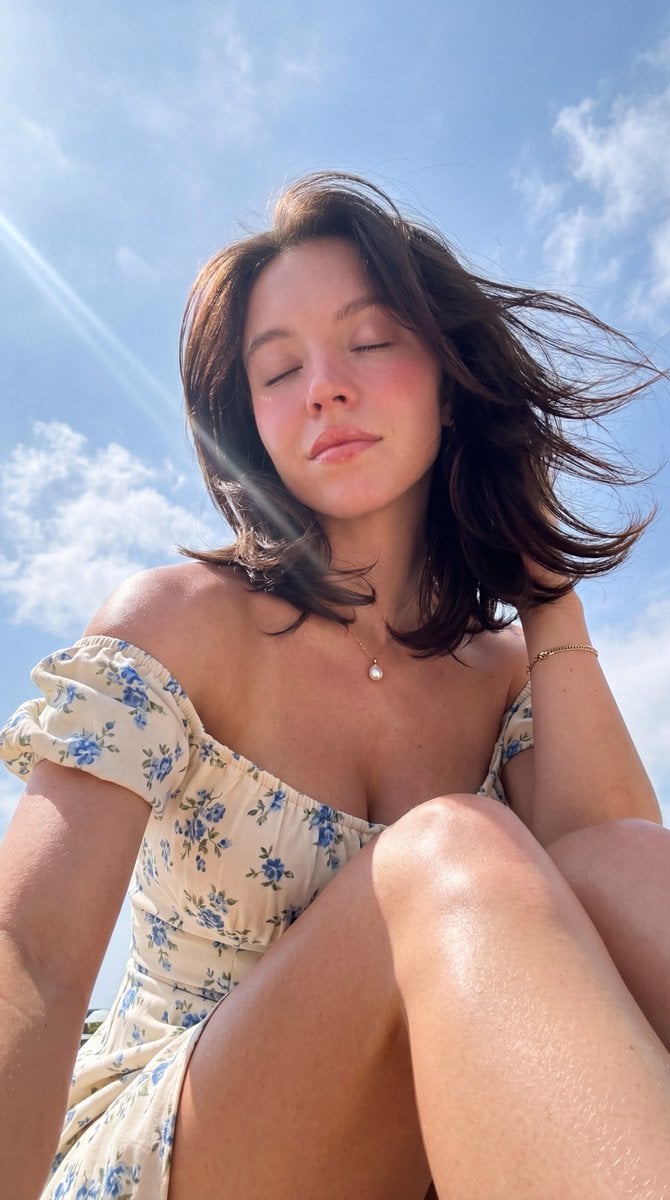
Hyper-Photorealistic Low Angle Portrait
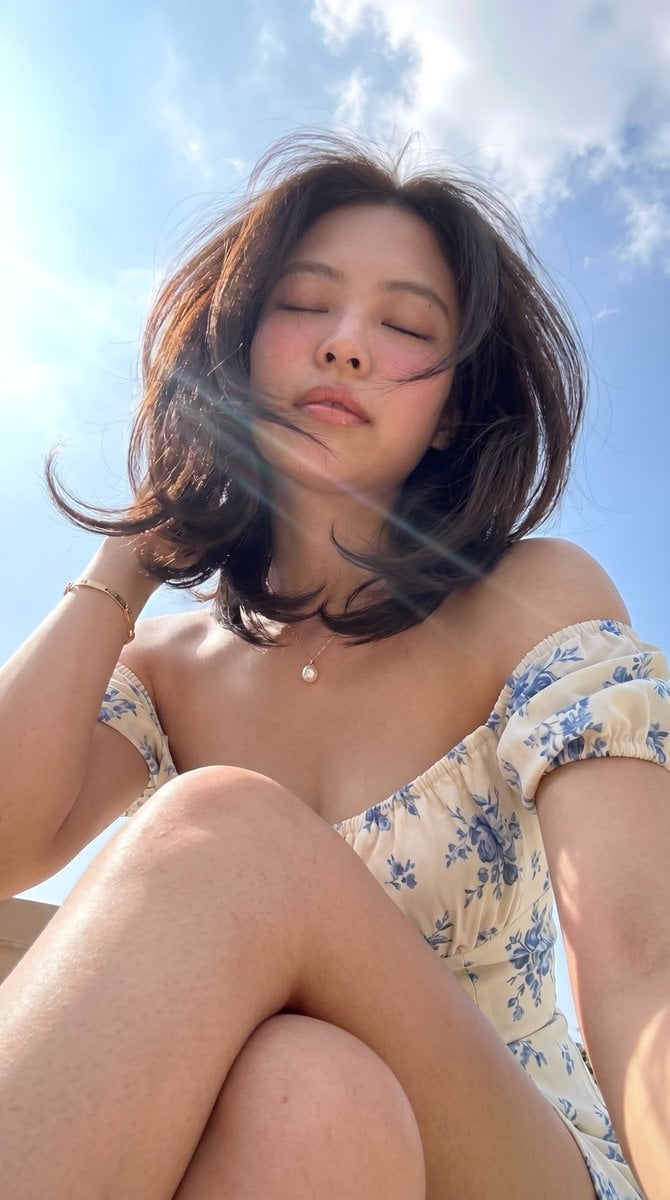
Low-Angle Summer Sky Portrait
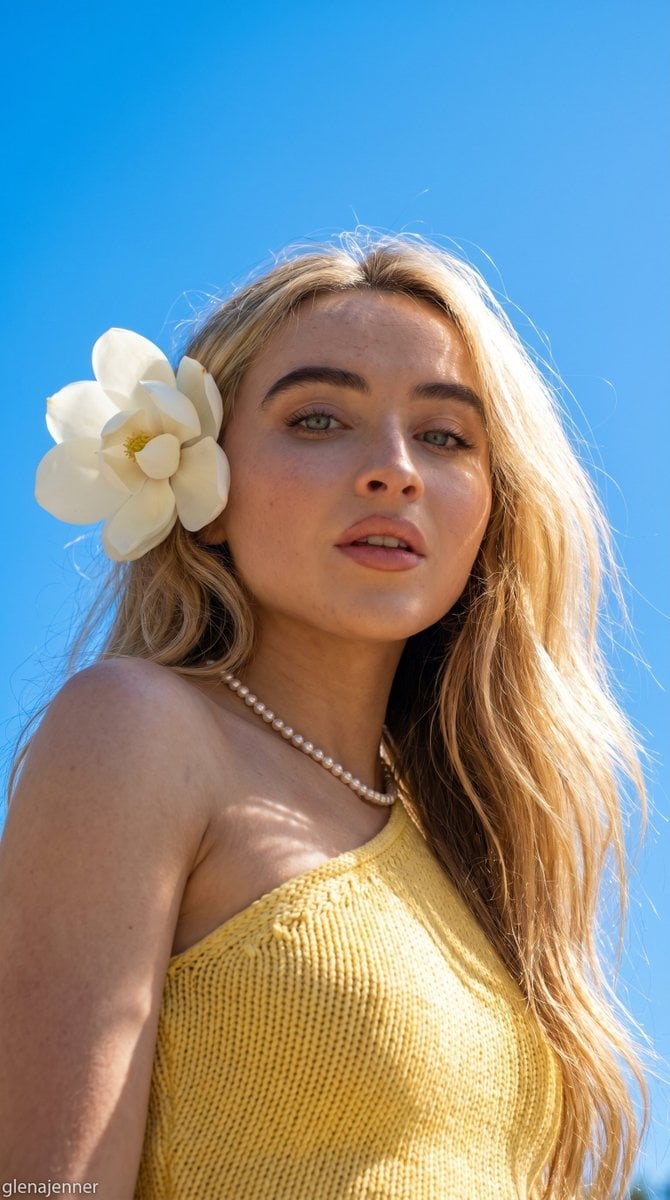
Low-Angle Summer Sky Portrait
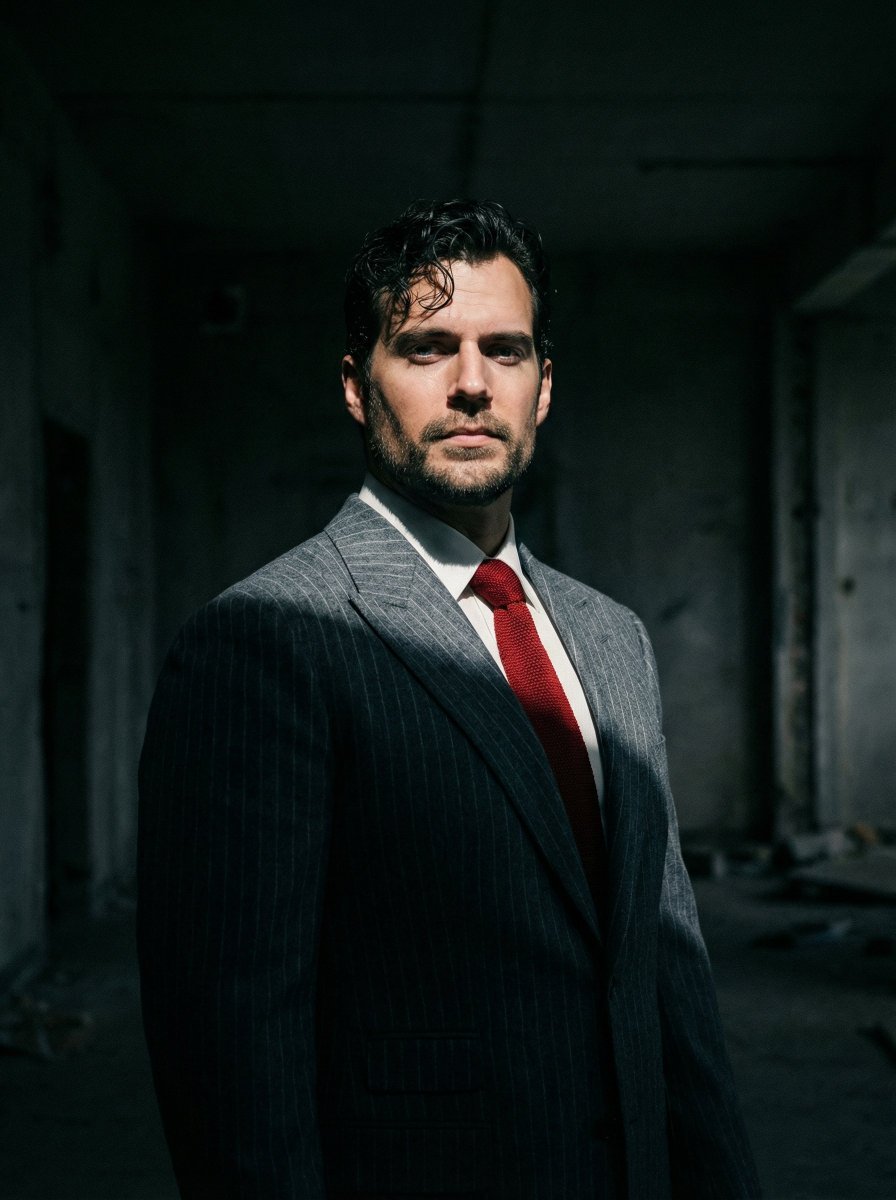
Dramatic Cinematic Low-Angle Portrait Prompt (Reference Image Required)

Found Photograph: Us, 1970

80s Couple Studio Portrait

80s Bollywood Star

80s Golden Hour Cinema

Me in 1985

1985 Studio Portrait

Hyper-Realistic Minecraft POV Portrait
Make it yours
Night Roller Skate Low Angle Portrait works as-is. These are the safest ways to change it without losing the look.
Change one field
Copy a single group, rewrite it, and generate again so you can see what that field is doing.
Keep the frame, change the subject
Hold the composition and light of Night Roller Skate Low Angle Portrait, then swap wardrobe, props or the person for a new take.
| If the result… | Why | Fix |
|---|---|---|
| The result drifts from the preview | Too many fields changed at once. | Reuse Night Roller Skate Low Angle Portrait as-is first, then change one group — subject, light, or setting. |
| The model over-stylizes the scene | The prose prompt leaves finish and camera underspecified. | Add one camera or lighting sentence and stay on GPT Image 2. |
More GPT Image 2 templates
Other prompts made for GPT Image 2.

Six VTuber Japanese Logo Sheet

Realistic Portrait of Woman and Deer

The Vista Modular Condo Poster

AI Model Routing Comparison Infographic

2.5D Anime Art Board

Isometric Productivity Desk Scene

New York Double Exposure Poster

Four-Panel AI Landscape Comparison

Japanese Tatami Lifestyle Magazine Cover

NESCAFÉ Coffee Map Poster
More image prompts
Fresh picks from across the catalog.
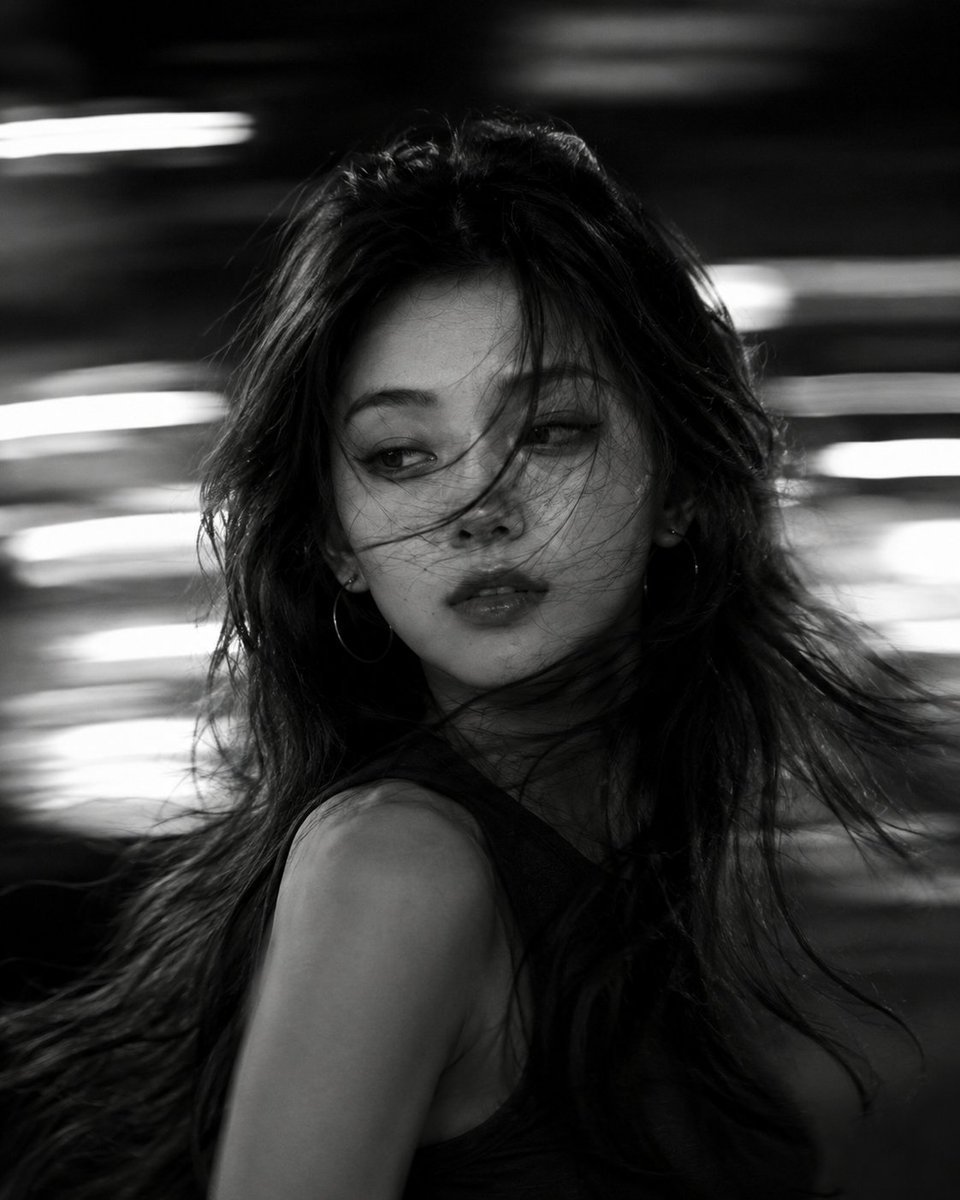
Cinematic Black and White Motion Portrait
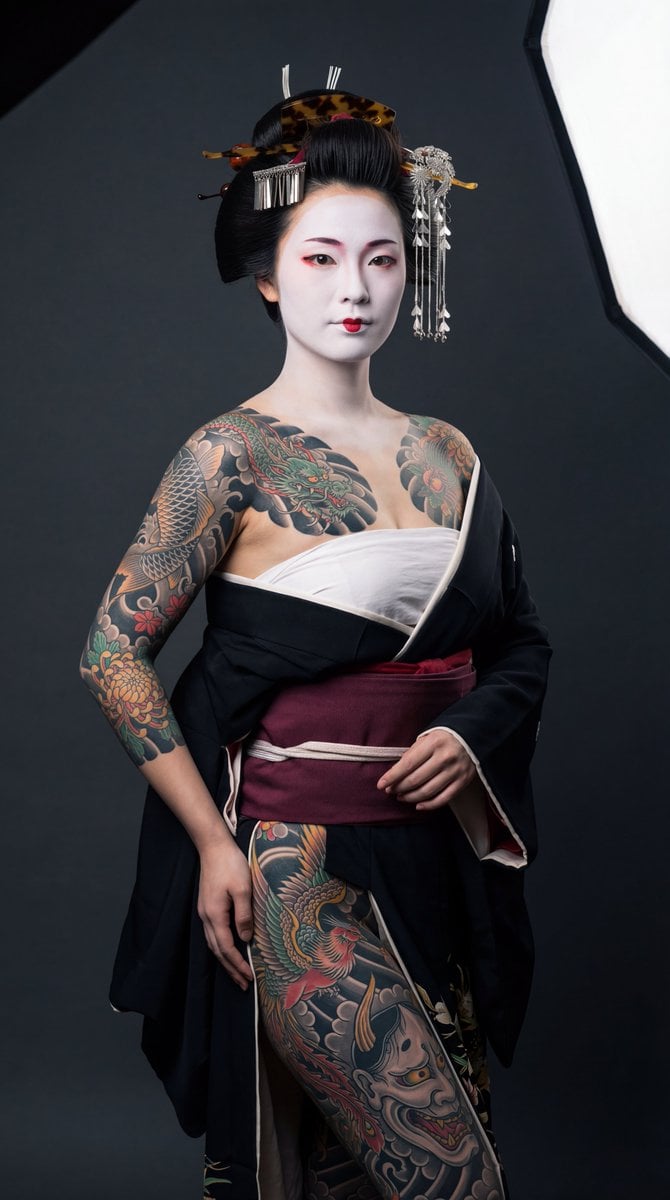
High-Contrast Geisha Irezumi Portrait Prompt
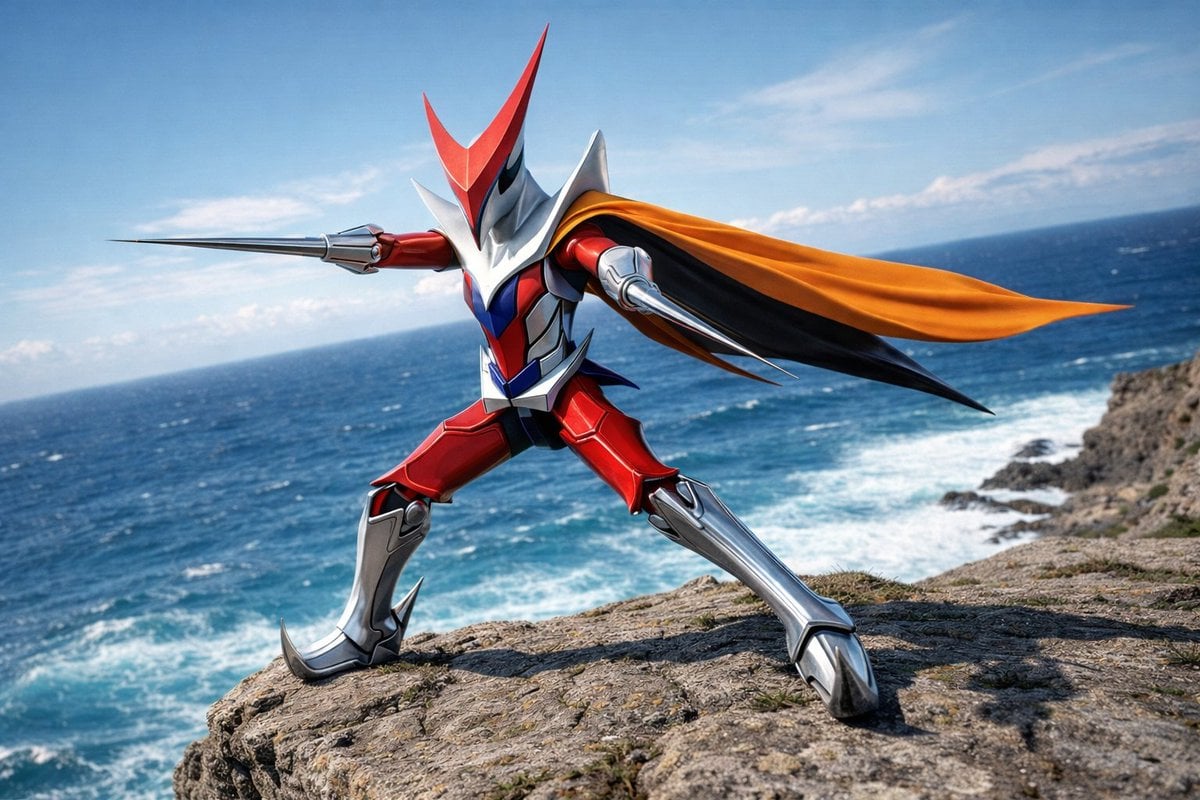
Wingman Character Fighting Pose Generation
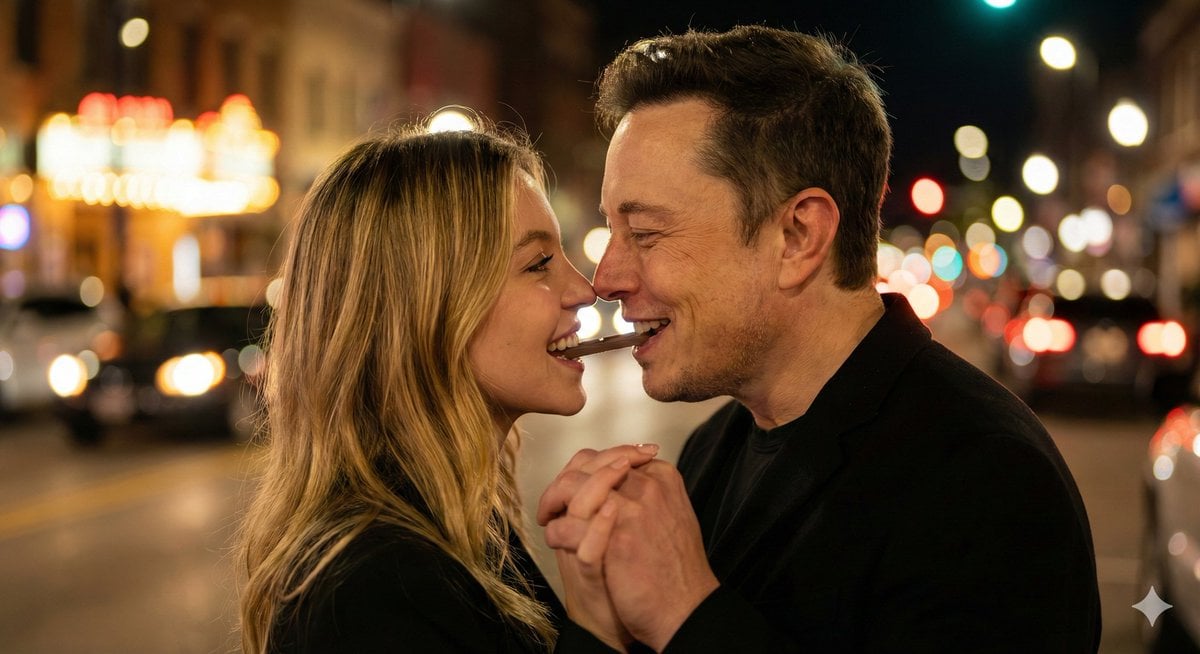
Ultra-Realistic Romantic Chocolate Portrait
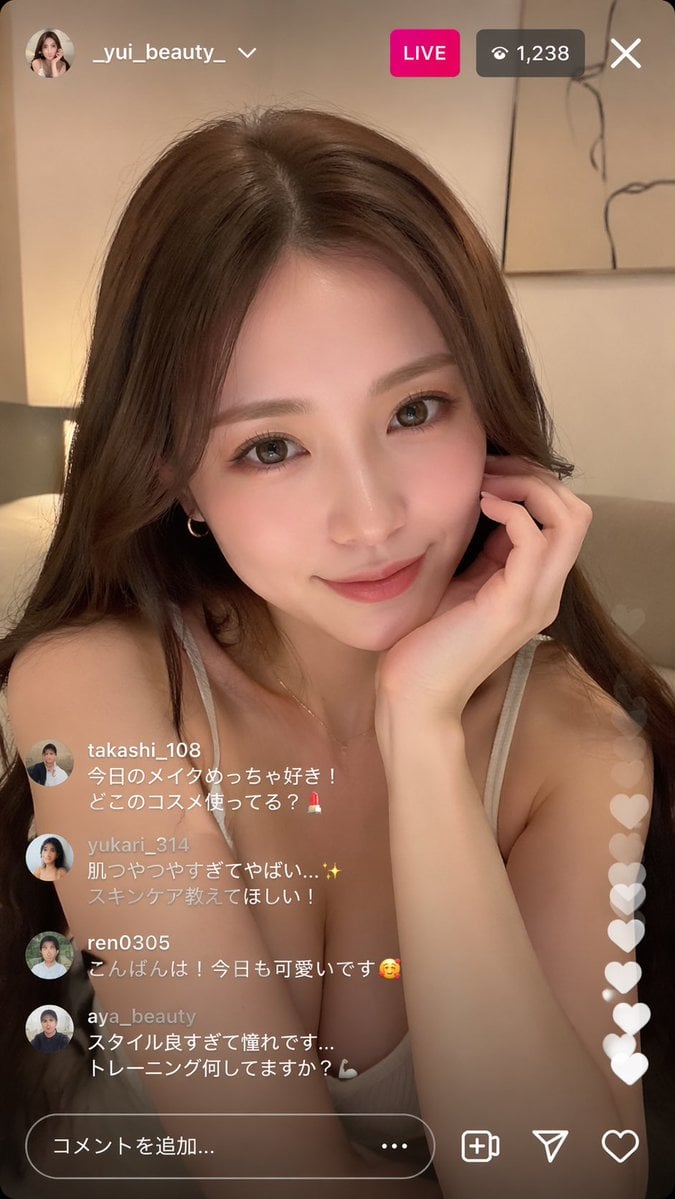
Instagram Live Influencer Scene
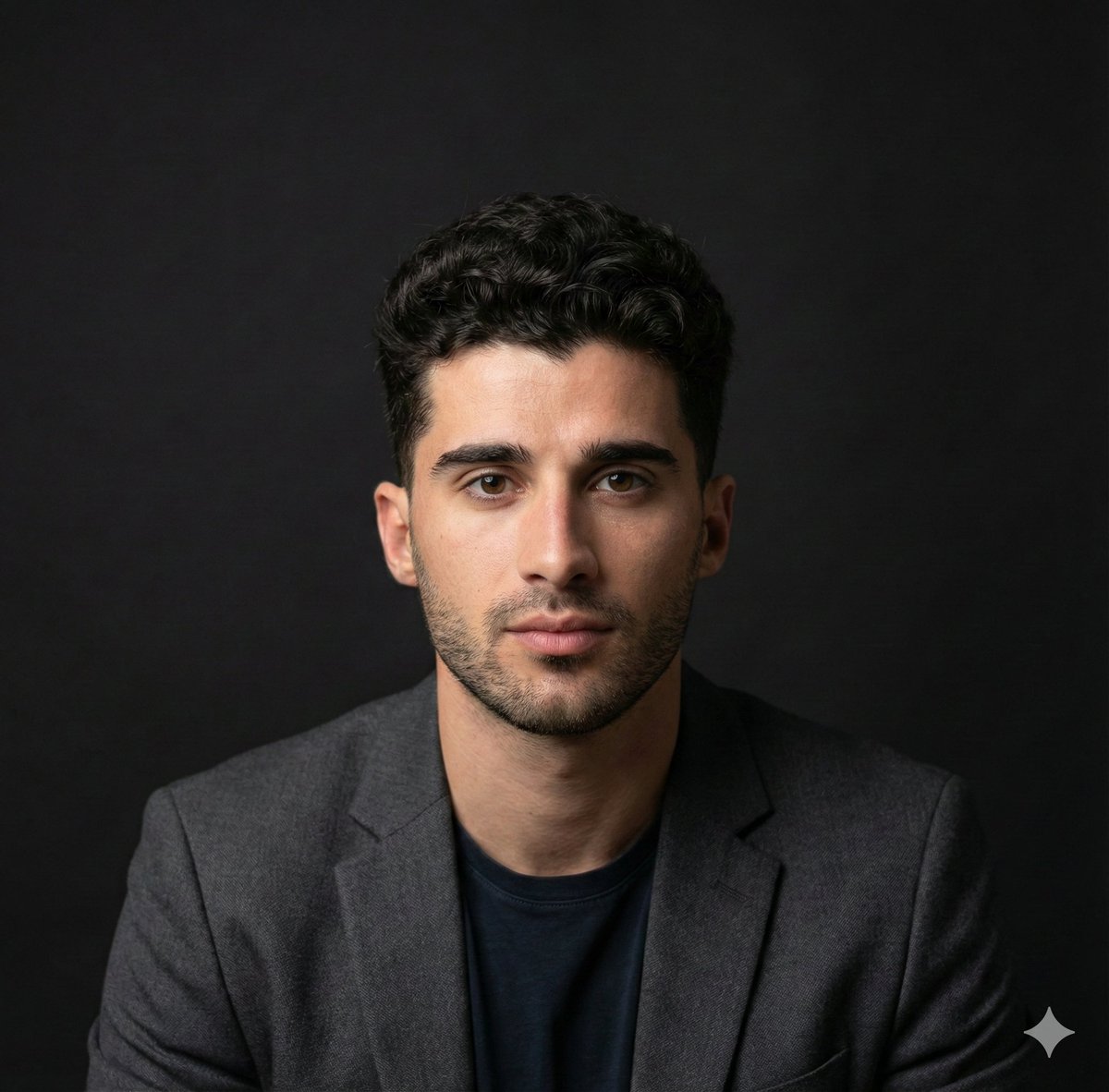
Selfie to Professional Headshot Prompt
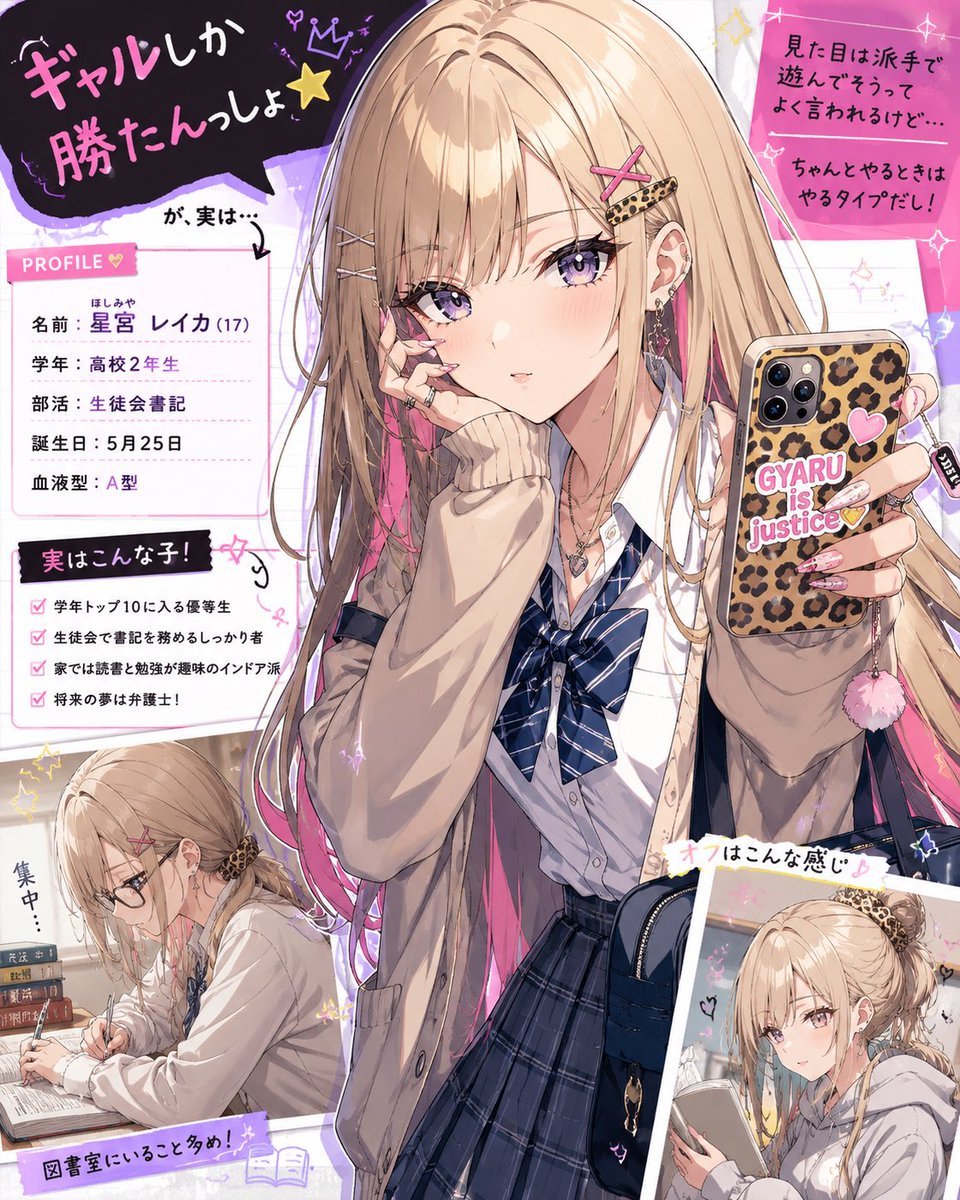
Gal Style High School Girl Digital Illustration
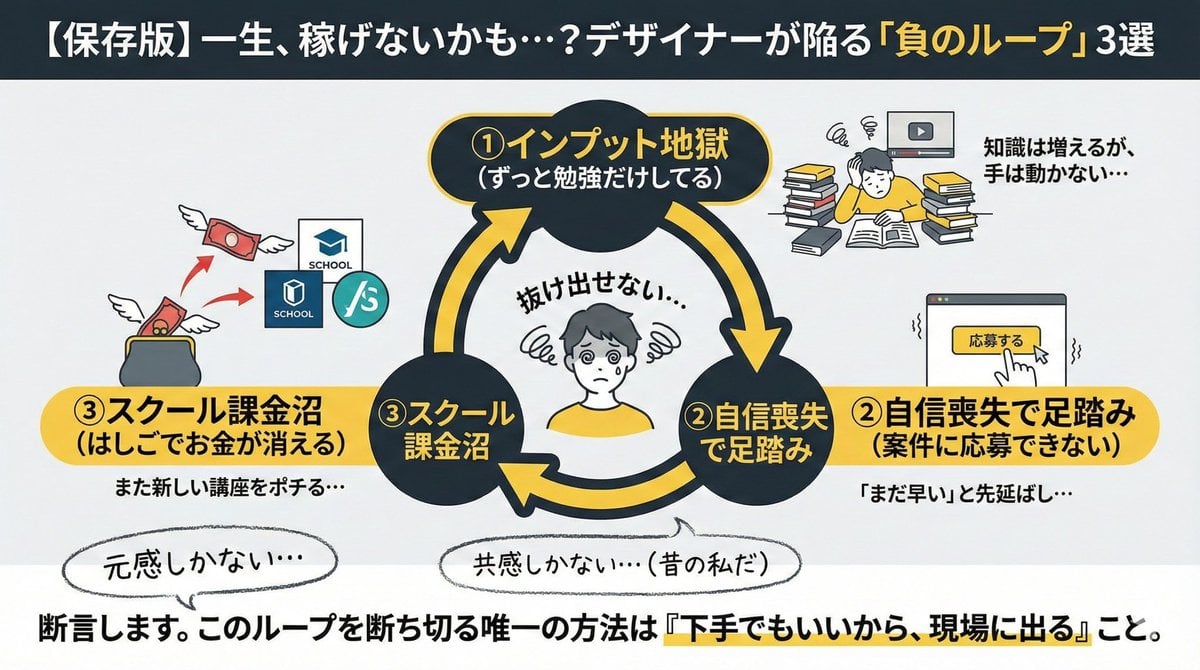
Infographic/Diagram Generation Prompt for Nano Banana Pro
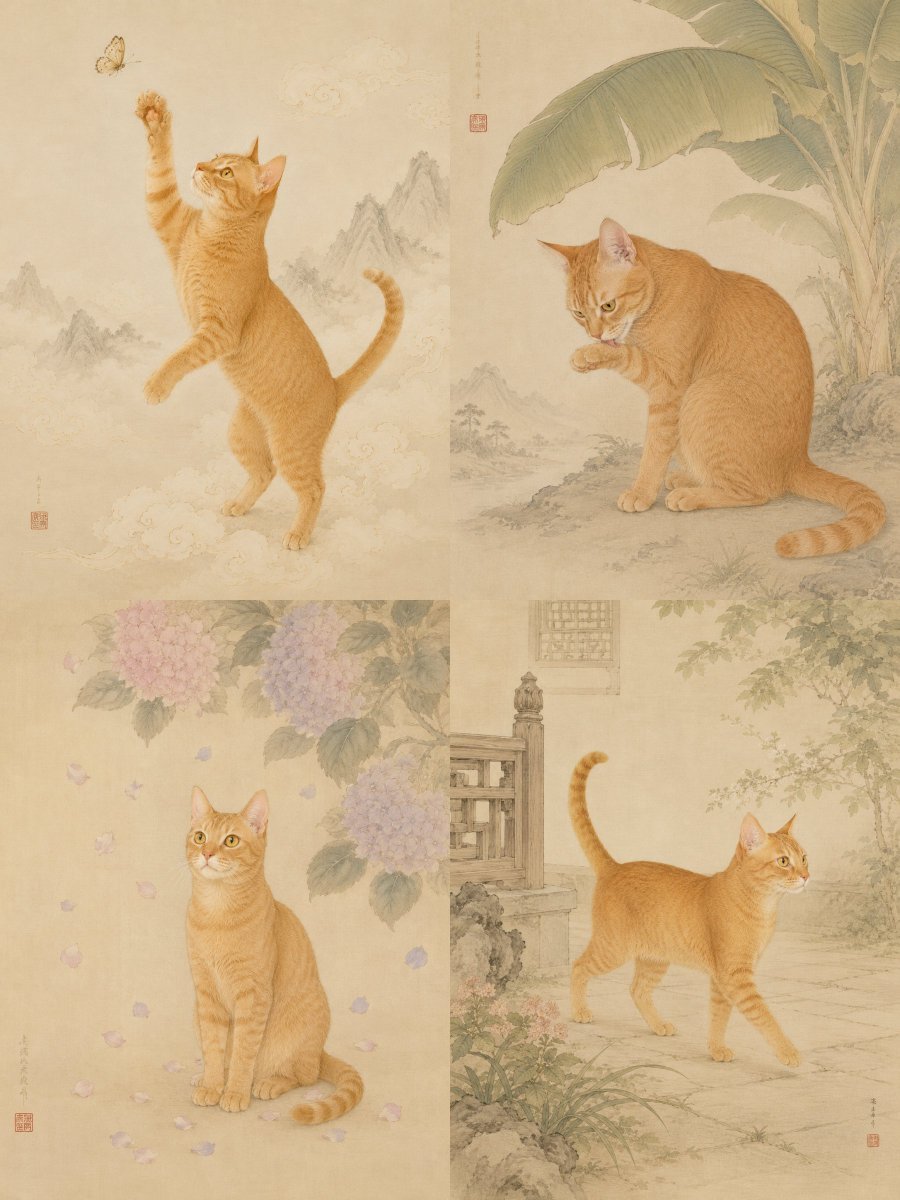
Oriental Gongbi Style Pet Portrait
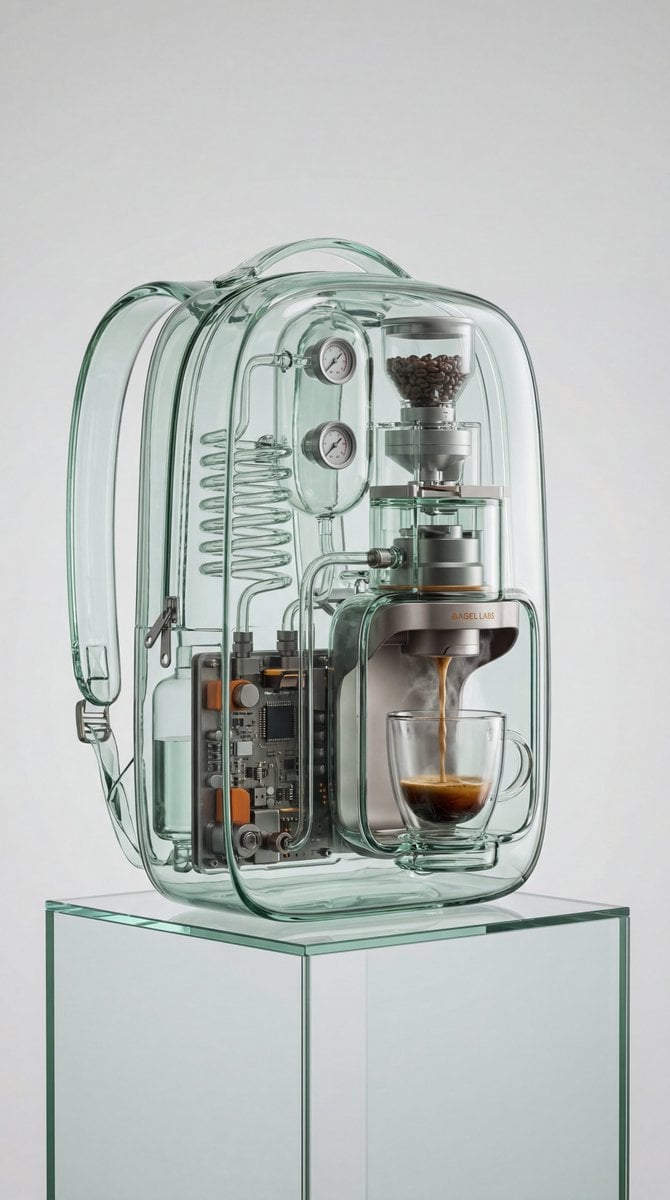
Recontextualized Backpack Espresso Machine Concept Prompt
Browse template categories
Night Roller Skate Low Angle Portrait questions
How do I use the Night Roller Skate Low Angle Portrait template?
Add your photo if the template asks for one, edit the prompt if you like — the template's model and format are already selected — and press Generate. Your version opens in PicX Studio.
Can I customize the Night Roller Skate Low Angle Portrait template?
Yes. You can change the subject, setting, lighting, mood, format, and available model controls before creating your image.
Is the Night Roller Skate Low Angle Portrait template free?
Opening and editing this template is free. Generating uses credits, shown on the Generate button when you are signed in.
Which AI model should I use?
Start with GPT Image 2, which is the model associated with this template. You can compare another compatible model for a different finish.
Looking for something else? Browse all templates.

Your photo, any look
Thousands of ready templates for every top image and video model, from one credit balance.