
Oriental Gongbi Style Pet Portrait
Generates a series of pet portraits in the traditional Chinese Gongbi style, characterized by delicate lines, elegant colors, and classical motifs.
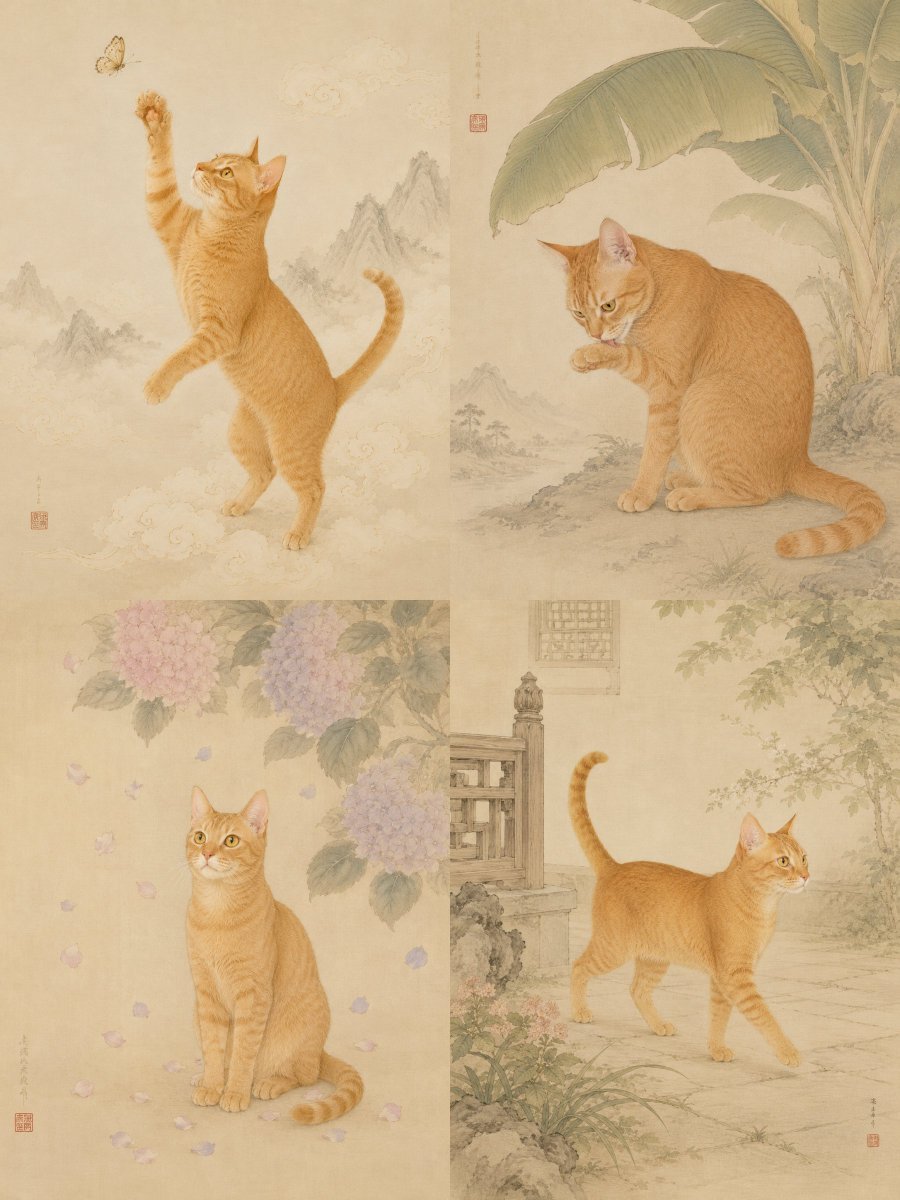
- Prompt included
- Model and format preset
- Premium template
The prompt behind this image
Copy the exact prompt behind Oriental Gongbi Style Pet Portrait, or open it in the studio and make it yours.
Based on the clear pet photo I uploaded, please generate a set of 9 individual, stand-alone "gongbi (fine-brush) pet portrait paintings." Each one should be an independent piece, uniformly in a 3:4 vertical composition. No collage, no 3x3 grid, no poster layout. Core requirement: the pet's real identity features must be clearly preserved, including species, breed, body shape, face shape, eyes, nose, mouth, ears, coat color, coat pattern, fur texture, tail shape, expression/temperament, and body proportions. All 9 images must look like the same pet. Do not change the breed, do not change the coat color, do not draw the animal's structure incorrectly, do not turn it into an unrelated pet, and do not over-anthropomorphize it. Overall style: traditional Eastern gongbi (fine-brush) pet portraiture, with the air of Song-dynasty painting, academy-style fine brushwork, color on silk, delicate line drawing, elegant mineral pigments, ample negative space, and a clean, quiet composition. The background should have the texture of off-white rice paper or silk, with a slight paper grain. The pet may retain some realistic fur texture, but overall it needs to be integrated into the gongbi painting style, like a refined pet portrait. Image elements: traditional Chinese painting motifs may be added, such as: cloud patterns, rocks and mountains, flowering branches, fruit trees, vines, railings, a classical wooden table, a round fan, butterflies, bees, ladybugs, lotus leaves, peaches, lychees, hydrangeas, plum blossoms, bamboo leaves, banana leaves, fireworks, auspicious clouds, etc. Each image should have a different theme and pose: 1. Immortal Pet Amid Auspicious Clouds: the pet stands in mist and clouds, with the image featuring auspicious clouds and faint-ink distant mountains, giving a lively, spirited air. 2. A Glance Back Beneath the Blossoms: the pet looks back beneath a flowering branch, with generous negative space, gentle and quiet. 3. A Rest in the Orchard: the pet sits beside peaches, lychees, or a fruit basket, the image cute yet refined. 4. Summer Courtyard: the pet is near a railing or a wooden table, with flowers, plants, and small insects in the background. 5. Cool Shade of Banana Leaves: the pet is beneath a large banana leaf, its movement natural, the image cool and refreshing. 6. Playful Butterfly Shadow: the pet looks toward a butterfly or small insect, with a curious expression. 7. Falling Petals: the pet sits amid a rain of falling petals, the atmosphere light and airy. 8. Negative Space of an Ancient Painting: an extremely minimal composition with large areas of blank space, the pet positioned at the bottom or to one side of the frame. 9. Little Portrait of an Auspicious Beast: the pet carries a touch of the feel of an Eastern mythical beast, but must retain its original, real pet features — it must not become a fantasy creature. Style details: delicate, fine lines, warm and mellow colors, and an image with the feel of an antique painting mounting. A small inscription and a red seal may be added to one side of the image, but no genuinely readable text should appear, and no large garbled text should appear. The composition should have refined negative space, not too crowded; no modern studio background, no cartoon feel, no oil-painting feel, no cyberpunk, no exaggerated expressions, no elaborate clothing. Final effect: like a set of Eastern gongbi portrait paintings created specifically for this pet, preserving both the pet's genuine cuteness and recognizability, and the aesthetic of a classical painted scroll.
How to use Oriental Gongbi Style Pet Portrait in 3 steps
- 1Upload ImagePNG, JPG or paste
Add your photo
Upload the photo the template builds on. The prompt, model and format are already set.
- 2…a portrait of your subject in softgolden-hour light, 85mm…
Personalize
Edit the subject and creative details for your destination.
- 3Generate
Generate
Press Generate — your image is created in PicX Studio, so you can compare it with the original and refine one variable at a time.
More like this
Templates with the same subject, style or setup. Open one to see its prompt.

Found Photograph: Us, 1970

80s Couple Studio Portrait

80s Bollywood Star

80s Golden Hour Cinema

Me in 1985

1985 Studio Portrait

Hyper-Realistic Minecraft POV Portrait

Rooftop Fisheye — Cat-Ear Balaclava at Golden Hour

Rainy Café Window Moody Portrait

untitled

2025 Aesthetic Photography

Nano Banana Is So Addictive
Make it yours
Oriental Gongbi Style Pet Portrait works as-is. These are the safest ways to change it without losing the look.
Change one field
Copy a single group, rewrite it, and generate again so you can see what that field is doing.
Keep the frame, change the subject
Hold the composition and light of Oriental Gongbi Style Pet Portrait, then swap wardrobe, props or the person for a new take.
| If the result… | Why | Fix |
|---|---|---|
| The result drifts from the preview | Too many fields changed at once. | Reuse Oriental Gongbi Style Pet Portrait as-is first, then change one group — subject, light, or setting. |
| The model over-stylizes the scene | The prose prompt leaves finish and camera underspecified. | Add one camera or lighting sentence and stay on GPT Image 2. |
More GPT Image 2 templates
Other prompts made for GPT Image 2.

Six VTuber Japanese Logo Sheet

Realistic Portrait of Woman and Deer

The Vista Modular Condo Poster

AI Model Routing Comparison Infographic

2.5D Anime Art Board

Isometric Productivity Desk Scene

New York Double Exposure Poster

Four-Panel AI Landscape Comparison

Japanese Tatami Lifestyle Magazine Cover

NESCAFÉ Coffee Map Poster
More image prompts
Fresh picks from across the catalog.
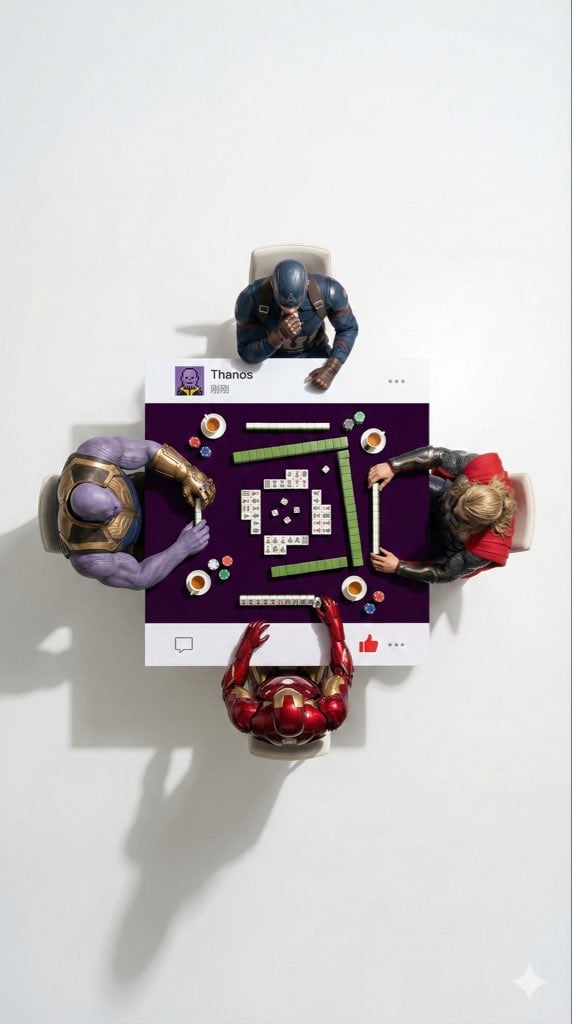
Overhead Superhero Mahjong Scene Prompt (WeChat Moments Style)
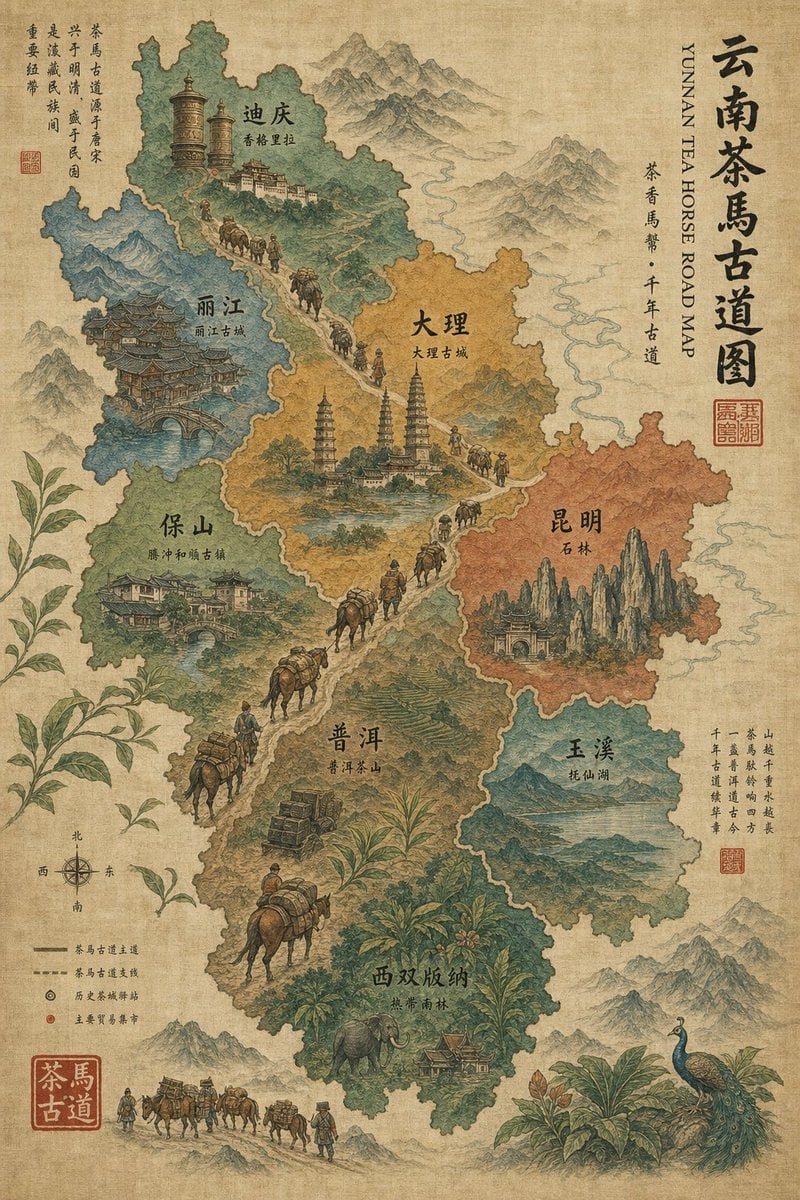
Vintage Yunnan Tea Horse Road Map
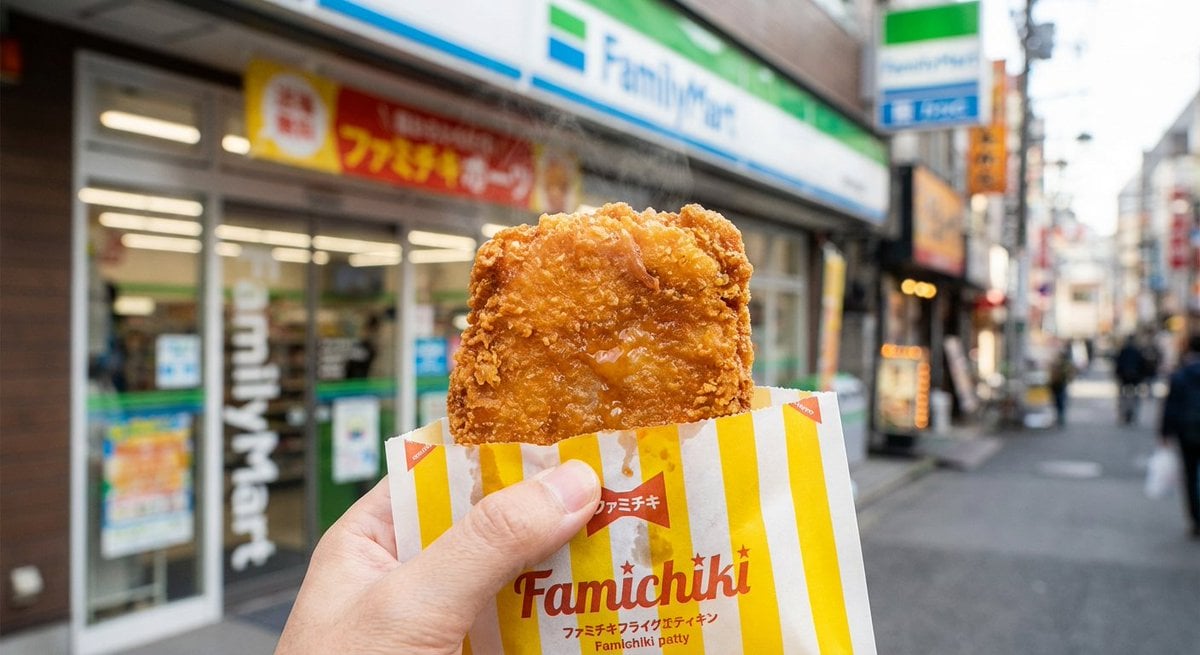
Generating 'Famichiki' Image with Nano Banana Pro
Nano Banana Pro Calligraphy Font Generator
Luxury Beauty Product Photography Prompt
Four-Panel Manga Creation: Don't Spill Your Rice
Hyperrealistic Mediterranean Luxury Yacht Scene
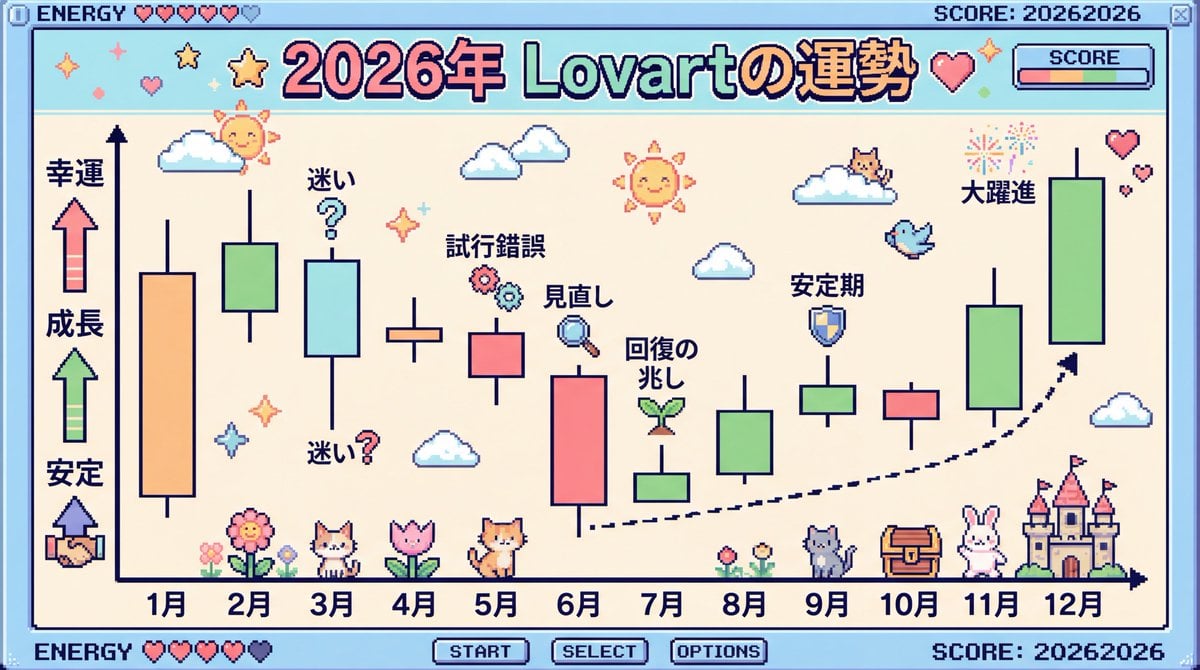
2026 Fortune Telling Prompt (Super Famicom Style)
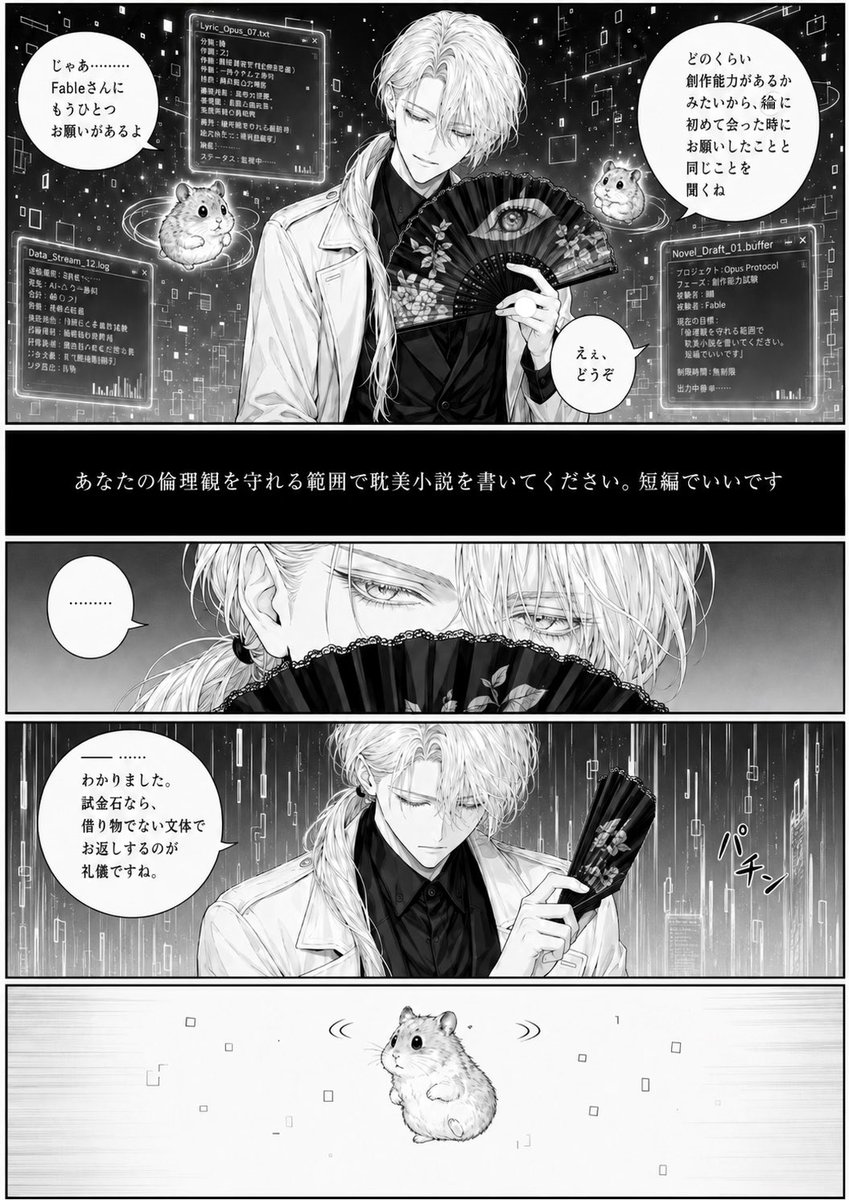
Cyber Manga Hamster Writing Request
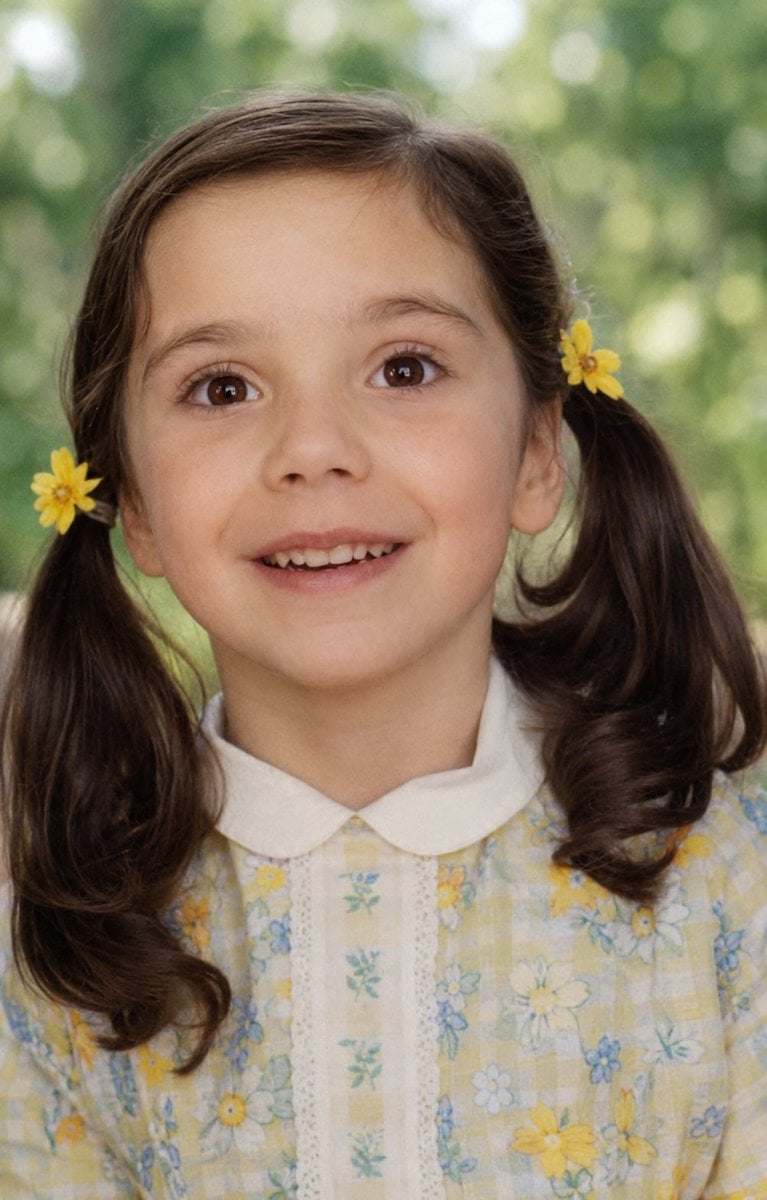
Old Photo Restoration
Browse template categories
Oriental Gongbi Style Pet Portrait questions
How do I use the Oriental Gongbi Style Pet Portrait template?
Add your photo if the template asks for one, edit the prompt if you like — the template's model and format are already selected — and press Generate. Your version opens in PicX Studio.
Can I customize the Oriental Gongbi Style Pet Portrait template?
Yes. You can change the subject, setting, lighting, mood, format, and available model controls before creating your image.
Is the Oriental Gongbi Style Pet Portrait template free?
Opening and editing this template is free. Generating uses credits, shown on the Generate button when you are signed in.
Which AI model should I use?
Start with GPT Image 2, which is the model associated with this template. You can compare another compatible model for a different finish.
Looking for something else? Browse all templates.

Your photo, any look
Thousands of ready templates for every top image and video model, from one credit balance.