
Japanese Roller Coaster Sales Banner
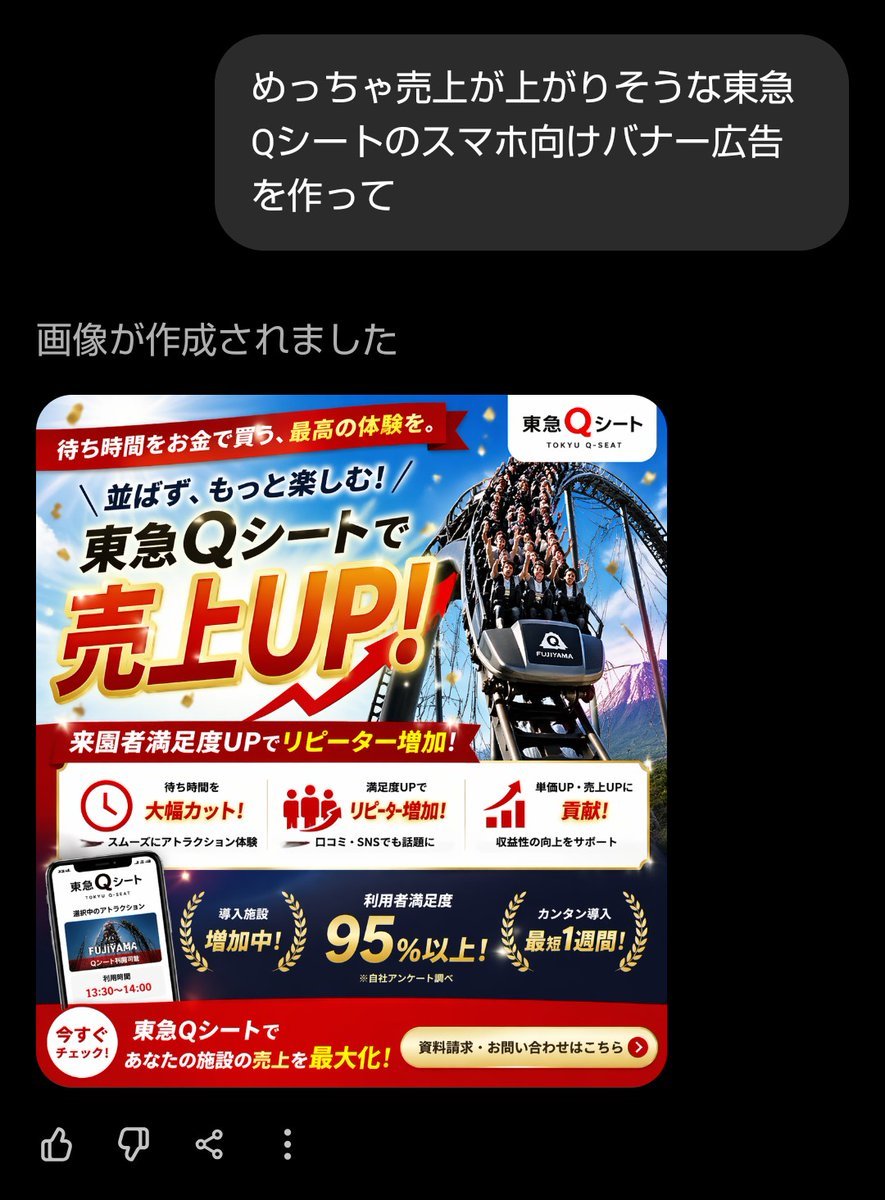
This prompt generates a bold Japanese smartphone ad banner for an amusement-park queue-seat service, useful for recreating high-impact promotional marketing visuals.
- Prompt included
- Model and format preset
- Free template
The prompt behind this image
Copy the exact prompt behind Japanese Roller Coaster Sales Banner, or open it in the studio and make it yours.
- Type
- Japanese smartphone banner advertisement
- Style
- high-conversion commercial promo banner, glossy and aggressive sales design, dense Japanese ad layout, vivid amusement-park marketing visual, polished corporate campaign graphic
- Format › Aspect Ratio
- square
- Format › Intended Use
- smartphone web banner or social media ad
- Brand › Name
- 東急Qシート
- Brand › Romanization
- TOKYU Q-SEAT
- Brand › Logo Position
- top right inside a rounded white badge
- Subject › Main Visual
- a dramatic front-facing roller coaster car descending a steep track, packed with excited riders, shot from a low angle for speed and impact
- Subject › Vehicle Label
- FUJIYAMA
- Subject › Background
- bright blue sky with light clouds, amusement park atmosphere, hints of mountain scenery, gold confetti floating across the composition
- Color Palette › Primary
- red, gold, white, deep blue, black
- Color Palette › Mood
- urgent, celebratory, premium, energetic
- Layout › Sections › 0 › Title
- top ribbon
- Layout › Sections › 0 › Position
- top left across upper area
- Layout › Sections › 0 › Count
- 1
- Layout › Sections › 0 › Labels
- 待ち時間をお金で買う、最高の体験を。
- Layout › Sections › 1 › Title
- main headline block
- Layout › Sections › 1 › Position
- upper left to center
- Layout › Sections › 1 › Count
- 3
- Layout › Sections › 1 › Labels
- 並ばず、もっと楽しむ!, 東急Qシートで, 売上UP!
- Layout › Sections › 2 › Title
- mid red subheadline ribbon
- Layout › Sections › 2 › Position
- below main headline
- Layout › Sections › 2 › Count
- 1
- Layout › Sections › 2 › Labels
- 来園者満足度UPでリピーター増加!
Raw JSON
{"type":"Japanese smartphone banner advertisement","style":"high-conversion commercial promo banner, glossy and aggressive sales design, dense Japanese ad layout, vivid amusement-park marketing visual, polished corporate campaign graphic","format":{"aspect_ratio":"square","intended_use":"smartphone web banner or social media ad"},"brand":{"name":"東急Qシート","romanization":"TOKYU Q-SEAT","logo_position":"top right inside a rounded white badge"},"subject":{"main_visual":"a dramatic front-facing roller coaster car descending a steep track, packed with excited riders, shot from a low angle for speed and impact","vehicle_label":"FUJIYAMA","background":"bright blue sky with light clouds, amusement park atmosphere, hints of mountain scenery, gold confetti floating across the composition"},"color_palette":{"primary":["red","gold","white","deep blue","black"],"mood":"urgent, celebratory, premium, energetic"},"layout":{"sections":[{"title":"top ribbon","position":"top left across upper area","count":1,"labels":["待ち時間をお金で買う、最高の体験を。"]},{"title":"main headline block","position":"upper left to center","count":3,"labels":["並ばず、もっと楽しむ!","東急Qシートで","売上UP!"]},{"title":"mid red subheadline ribbon","position":"below main headline","count":1,"labels":["来園者満足度UPでリピーター増加!"]},{"title":"benefit cards","position":"middle lower band on white background","count":3,"labels":["待ち時間を 大幅カット!","満足度UPで リピーター増加!","単価UP・売上UPに 貢献!"]},{"title":"bottom navy achievements band","position":"lower section above CTA","count":3,"labels":["導入施設 増加中!","利用者満足度 95%以上!","カンタン導入 最短1週間!"]},{"title":"call to action area","position":"bottom red band","count":2,"labels":["今すぐチェック!","資料請求・お問い合わせはこちら"]}],"additional_elements_count":5,"additional_elements":["smartphone mockup at bottom left showing the service screen","clock icon in the first benefit card","group-of-people icon in the second benefit card","bar-chart arrow icon in the third benefit card","gold laurel wreath decorations around the three achievement messages"]},"typography":{"language":"Japanese","headline_style":"extra-bold sans serif with oversized kanji and katakana","headline_effect":"gold-to-yellow gradient fill with thick red outline, white glow, and subtle shadow for 売上UP!","support_text_style":"bold Japanese sans serif in black, red, and white"},"composition":"Create a dense Japanese amusement-park sales banner with the coaster image dominating the right half and the huge sales headline dominating the left half. Use diagonal energy lines, overlapping ribbons, strong hierarchy, and retail-ad urgency. Include a white rounded logo badge in the top right, a red ribbon headline at the very top, a central oversized promotional headline, a white three-column benefits strip, a dark blue achievements strip, and a red bottom CTA bar. Add gold confetti and premium highlights throughout.","text":{"top_ribbon":"待ち時間をお金で買う、最高の体験を。","headline_line_1":"並ばず、もっと楽しむ!","headline_line_2":"{argument name=\"service name\" default=\"東急Qシート\"}で","headline_line_3":"{argument name=\"main sales phrase\" default=\"売上UP!\"}","subheadline":"来園者満足度UPでリピーター増加!","benefit_1":"待ち時間を 大幅カット!","benefit_1_sub":"スムーズにアトラクション体験","benefit_2":"満足度UPで リピーター増加!","benefit_2_sub":"口コミ・SNSでも話題に","benefit_3":"単価UP・売上UPに 貢献!","benefit_3_sub":"収益性の向上をサポート","achievement_1":"導入施設 増加中!","achievement_2":"利用者満足度 {argument name=\"satisfaction figure\" default=\"95%以上!\"}","achievement_2_note":"※自社アンケート調べ","achievement_3":"カンタン導入 最短1週間!","bottom_left":"今すぐチェック!","bottom_center":"{argument name=\"bottom message\" default=\"東急Qシートで あなたの施設の売上を最大化!\"}","cta":"{argument name=\"call to action\" default=\"資料請求・お問い合わせはこちら\"}"}}How to use Japanese Roller Coaster Sales Banner in 3 steps
- 1Upload ImagePNG, JPG or paste
Add your photo
Upload the photo the template builds on. The prompt, model and format are already set.
- 2…a portrait of your subject in softgolden-hour light, 85mm…
Personalize
Edit the subject and creative details for your destination.
- 3Generate
Generate
Press Generate — your image is created in PicX Studio, so you can compare it with the original and refine one variable at a time.
More like this
Templates with the same subject, style or setup. Open one to see its prompt.
Penguin on a Carnival Roller Coaster
Penguin Roller Coaster Ride

Minecraft Japanese Research Lab Exploration
Flashy AI Appearance Consulting Sales Banner
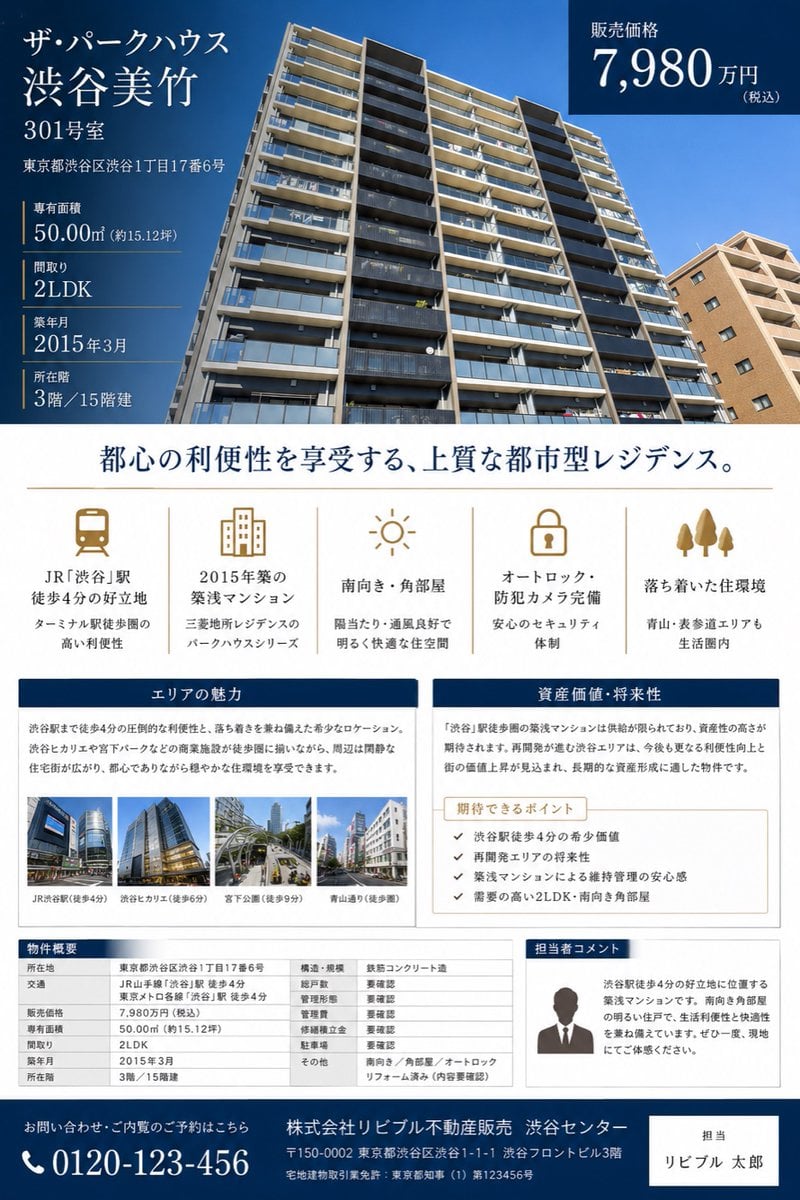
Japanese Luxury Condo Sales Flyer

Japanese Architectural Concrete Studio Fashion Campaign

Japanese Minimalist Concrete Studio Fashion Editorial

Blue Backdrop Luxury Fashion Portrait Campaign
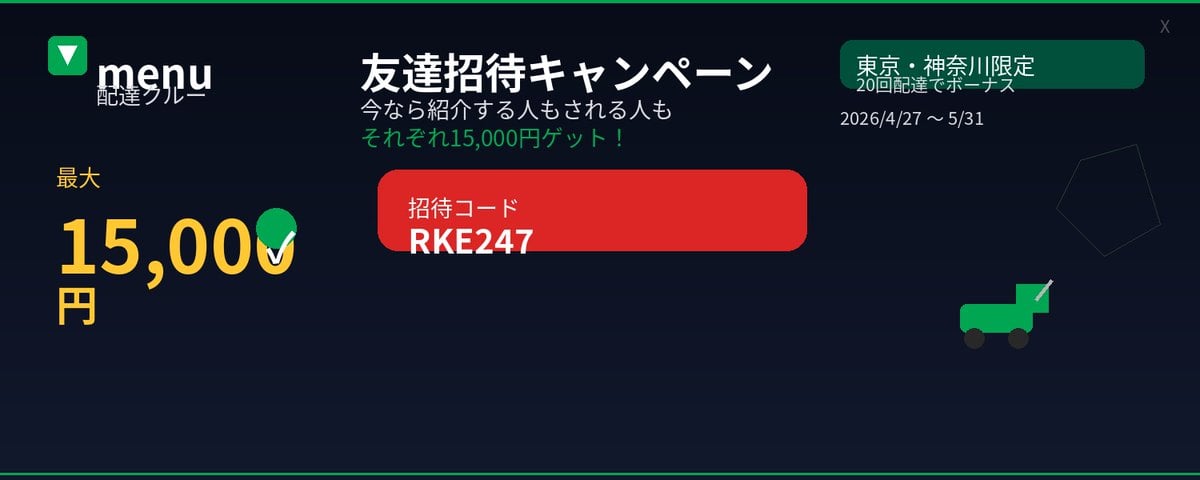
Japanese Delivery Referral Banner
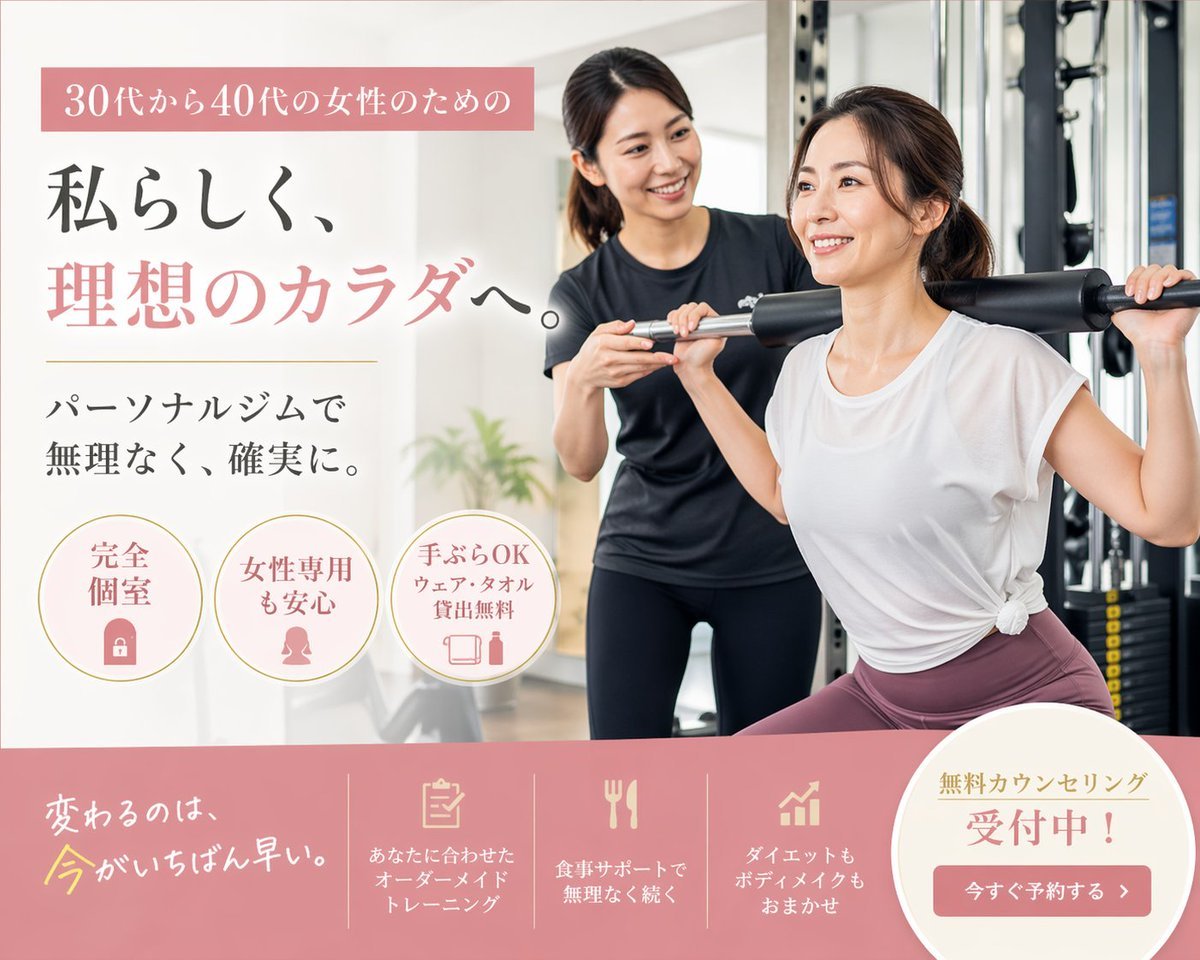
Japanese Women's Gym Hero Banner
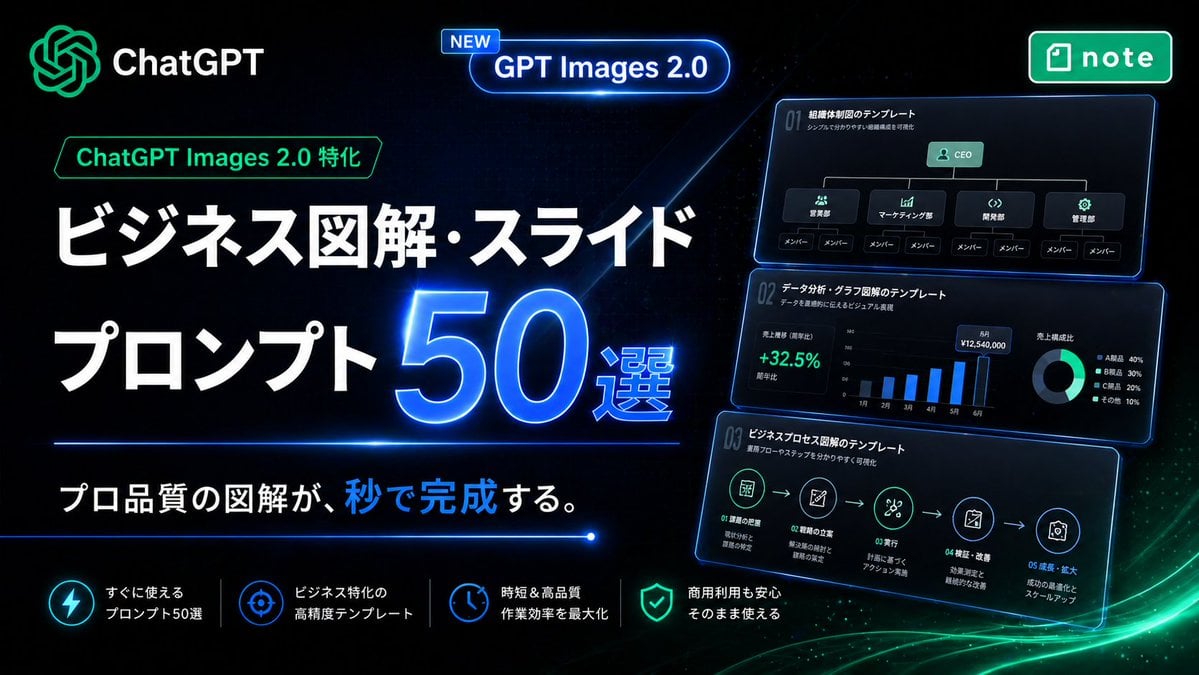
Neon Japanese AI Prompt Promo Banner
Japanese SaaS Ad Banner at Night
Make it yours
Japanese Roller Coaster Sales Banner works as-is. These are the safest ways to change it without losing the look.
Swap the setting
Keep the rest of the prompt and replace the location block. The current setting is “bright blue sky with light clouds, amusement park atmosphere, hints of mountain ”.
Change one field
Copy a single group, rewrite it, and generate again so you can see what that field is doing.
Keep the frame, change the subject
Hold the composition and light of Japanese Roller Coaster Sales Banner, then swap wardrobe, props or the person for a new take.
| If the result… | Why | Fix |
|---|---|---|
| The result drifts from the preview | Too many fields changed at once. | Reuse Japanese Roller Coaster Sales Banner as-is first, then change one group — subject, light, or setting. |
| GPT Image 2 ignores part of the JSON | Some models flatten or skip nested keys. | Keep the same values and paste them as a short paragraph instead. |
More GPT Image 2 templates
Other prompts made for GPT Image 2.

Six VTuber Japanese Logo Sheet

Realistic Portrait of Woman and Deer

The Vista Modular Condo Poster

AI Model Routing Comparison Infographic

2.5D Anime Art Board

Isometric Productivity Desk Scene

New York Double Exposure Poster

Four-Panel AI Landscape Comparison

Japanese Tatami Lifestyle Magazine Cover

NESCAFÉ Coffee Map Poster
More image prompts
Fresh picks from across the catalog.
Baseball Garlic Pepper Chips Bag
3x3 Editorial Photo Collage Contact Sheet Portrait
Sitcom Crossover New Year's Eve Prompt
Bold Double Cheeseburger Ad Poster
Submerged Intimate Portrait
AI Fashion Prompt: Monochromatic Minimalist Utilitarian Style
Amalfi Coast Vespa Cinematic Motion
Luxury Perfume Editorial Ad
Dark Mocha Scorpio Action Poster
Character Description for Rock Music Fan
Browse template categories
Japanese Roller Coaster Sales Banner questions
How do I use the Japanese Roller Coaster Sales Banner template?
Add your photo if the template asks for one, edit the prompt if you like — the template's model and format are already selected — and press Generate. Your version opens in PicX Studio.
Can I customize the Japanese Roller Coaster Sales Banner template?
Yes. You can change the subject, setting, lighting, mood, format, and available model controls before creating your image.
Is the Japanese Roller Coaster Sales Banner template free?
Opening and editing this template is free. Generating uses credits, shown on the Generate button when you are signed in.
Which AI model should I use?
Start with GPT Image 2, which is the model associated with this template. You can compare another compatible model for a different finish.
Looking for something else? Browse all templates.

Your photo, any look
Thousands of ready templates for every top image and video model, from one credit balance.