How do I use the One Piece Pirate Wanted Poster template?
Edit the prompt in the box under the preview — the template's model and format are already selected — and press Generate. Your version appears right on this page.
Transforms a reference portrait into a vintage One Piece-inspired pirate bounty poster with customizable Spanish wanted text and bounty amount.

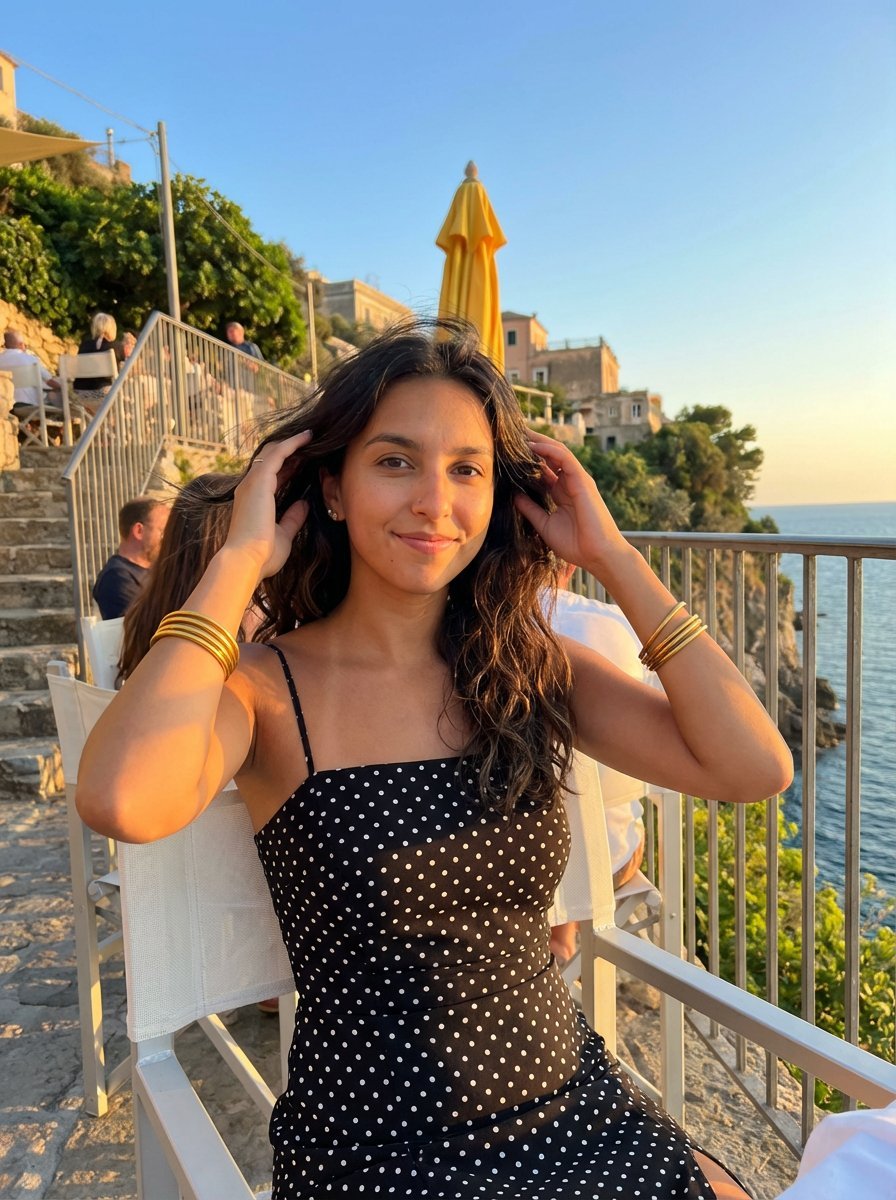
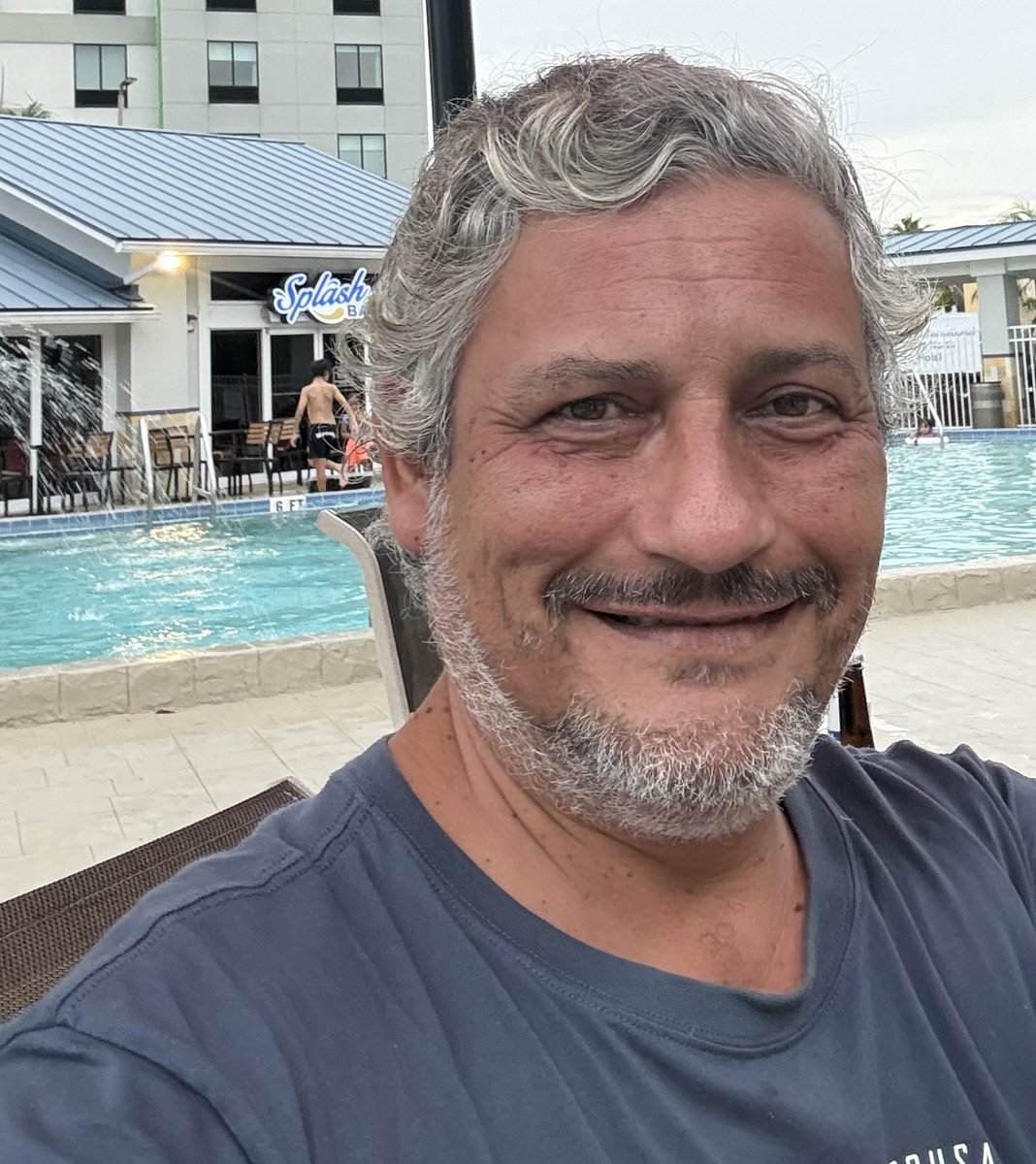
This template uses your photo — add one with the + button.
Using the provided reference image as the facial and hair identity base, transform the person into a dramatic One Piece-style pirate wanted poster. Keep the face covered/obscured as in the reference, but reinterpret the visible head, gray curly hair, beard, and upper body as an illustrated anime pirate portrait. Replace the real pool setting with an epic pirate scene: a ship mast and rigging on the left, a Straw Hat skull-and-crossbones emblem on a sail or flag, ocean waves, birds in the sky, and a distant island/castle on the right at golden sunset. Dress the subject in a rugged open pirate coat with red and dark tones, layered shirt, and a skull pendant necklace. Poster design: aged parchment paper, burned and cracked edges, sepia stains, heavy black vintage typography, rectangular portrait frame, distressed ink texture, cinematic warm lighting, detailed hand-painted manga/anime realism inspired by One Piece bounty posters. Text: Use a Spanish wanted-poster layout with exactly 5 main text areas: top headline “{argument name="headline text" default="SE BUSCA"}”; status line “{argument name="status text" default="MUERTO O VIVO"}”; large name “{argument name="wanted name" default="RODRIGO D MUÑOZ"}”; bounty amount “{argument name="bounty amount" default="$ 1.750.000.000"}”; bottom faction label “MARINE”. Add small decorative unreadable legal-style fine print near the bottom, matching the poster texture. Constraints: preserve the reference person’s recognizable hair and beard structure while stylizing everything else; do not recreate the pool background; keep the composition vertical like a classic bounty poster; avoid modern objects, watermarks, or extra readable text.
Using the provided reference image as the facial and hair identity base, transform the person into a dramatic One Piece-style pirate wanted poster. Keep the face covered/obscured as in the reference, but reinterpret the visible head, gray curly hair, beard, and upper body as an illustrated anime pirate portrait. Replace the real pool setting with an epic pirate scene: a ship mast and rigging on the left, a Straw Hat skull-and-crossbones emblem on a sail or flag, ocean waves, birds in the sky, and a distant island/castle on the right at golden sunset. Dress the subject in a rugged open pirate coat with red and dark tones, layered shirt, and a skull pendant necklace. Poster design: aged parchment paper, burned and cracked edges, sepia stains, heavy black vintage typography, rectangular portrait frame, distressed ink texture, cinematic warm lighting, detailed hand-painted manga/anime realism inspired by One Piece bounty posters. Text: Use a Spanish wanted-poster layout with exactly 5 main text areas: top headline “{argument name="headline text" default="SE BUSCA"}”; status line “{argument name="status text" default="MUERTO O VIVO"}”; large name “{argument name="wanted name" default="RODRIGO D MUÑOZ"}”; bounty amount “{argument name="bounty amount" default="$ 1.750.000.000"}”; bottom faction label “MARINE”. Add small decorative unreadable legal-style fine print near the bottom, matching the poster texture. Constraints: preserve the reference person’s recognizable hair and beard structure while stylizing everything else; do not recreate the pool background; keep the composition vertical like a classic bounty poster; avoid modern objects, watermarks, or extra readable text.
One Piece Pirate Wanted Poster needs input media to work. Open it in the studio and these load alongside the prompt — pick whichever ones your chosen model can take.
Edit the prompt in the box under the preview — the template's model and format are already selected — and press Generate. Your version appears right on this page.
Yes. You can change the subject, setting, lighting, mood, format, and available model controls before creating your image.
Opening and editing this template is free. Generating uses credits, shown on the Generate button when you are signed in.
Start with GPT Image 2, which is the model associated with this template. You can compare another compatible model for a different finish.
Follow a topic to a crawlable collection of related PicX Studio templates.