
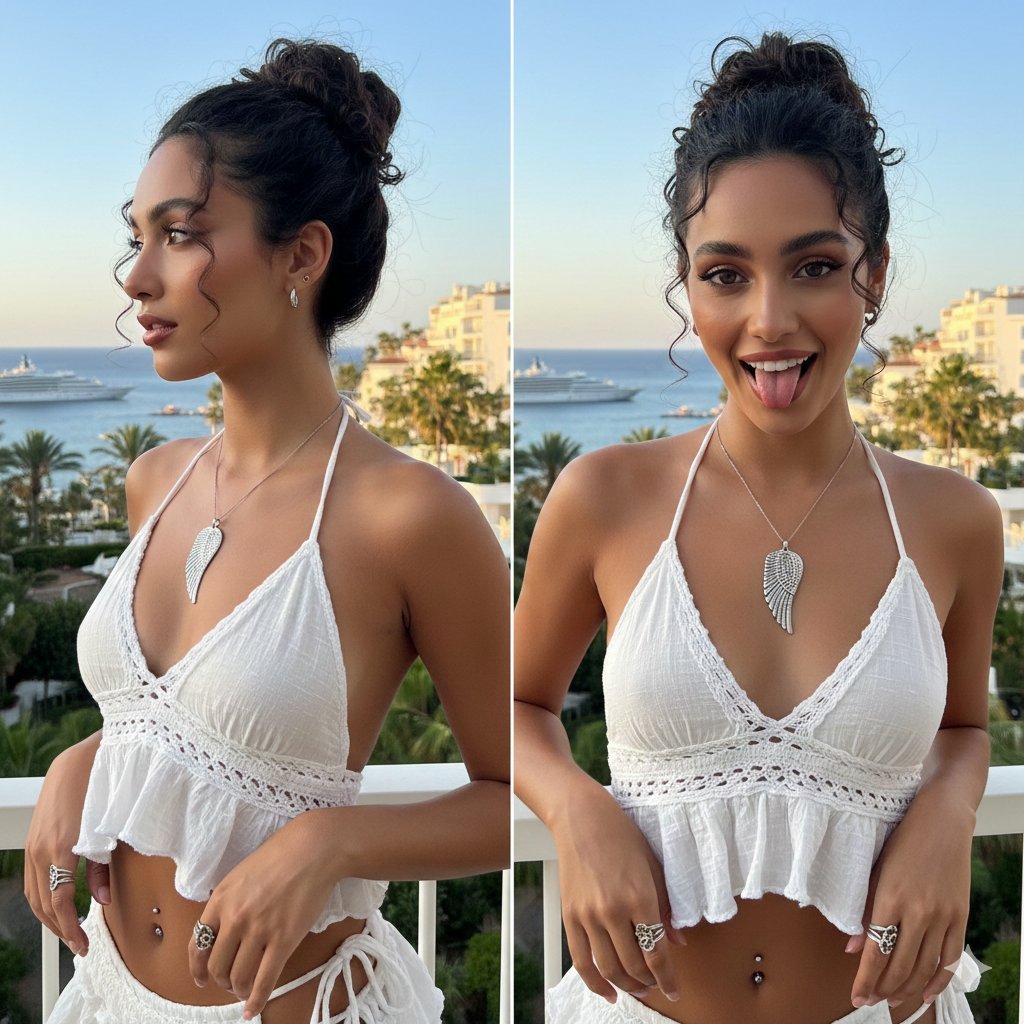
Coastal Chic Two-Panel Collage Portrait
An image generation prompt for Gemini Nano Banana Pro detailing a two-panel collage portrait of a young woman in a Y2K-influenced coastal chic aesthetic.
- Prompt included
- Model and format preset
- Free template
The prompt behind this image
Copy the exact prompt behind Coastal Chic Two-Panel Collage Portrait, or open it in the studio and make it yours.
{ "subject": { "identity": "Young woman with a slim build and sun-kissed complexion", "pose": "Two-panel collage; left side showing a profile view looking away, right side showing a playful frontal view with tongue slightly out", "expression": "Left: Serene and poised; Right: Playful, energetic, and expressive" }, "face_and_makeup": { "features": "Doe-shaped brown eyes, well-defined dark eyebrows, slender nose, and full lips", "makeup": "Soft 'clean girl' aesthetic: shimmering bronze eyeshadow, winged eyeliner, peach-toned blush, and a lined glossy mauve lip", "details": "Subtle nose stud on the nostril" }, "hair": { "style": "Curly high bun (updo) with a textured, wet-look finish", "details": "Two distinct face-framing curly tendrils hanging down the forehead and sides", "color": "Dark espresso / black" }, "clothing": { "top": "Deconstructed {argument name="top color" default="white"} halter-neck top with an asymmetrical, ruffled hemline", "fabric": "Textured gauze or lightweight linen with crochet/knit detailing on the bust", "fit": "Cropped, exposing the midriff with thin string ties" }, "accessories": { "necklace": "Large silver statement pendant shaped like a detailed bird wing", "rings": "Ornate silver rings, including a matching wing-shaped wrap ring and a chunky band", "jewelry_other": "Small silver hoop earrings and a dark-jeweled navel piercing" }, "environment": { "location": "Outdoor balcony overlooking a coastal Mediterranean-style city", "background_elements": [ "Deep blue ocean with luxury yachts and cruise ships", "Palm trees and lush greenery", "White multi-story resort or apartment buildings", "Bright, diffused natural daylight" ] }, "style_and_composition": { "aesthetic": "Summer luxury, Y2K-influenced coastal chic", "lighting": "Bright, warm golden hour sunlight with soft shadows", "color_palette": "Dominant whites and blues contrasted with warm skin tones and silver accents", "image_type": "High-resolution digital photography, portrait orientation" } }
How to use Coastal Chic Two-Panel Collage Portrait in 3 steps
- 1
Open
The prompt is already in the box next to the preview, with the template's model and format selected.
- 2…a portrait of your subject in softgolden-hour light, 85mm…
Personalize
Edit the subject and creative details for your destination.
- 3Generate
Generate
Press Generate — your image is created in PicX Studio, so you can compare it with the original and refine one variable at a time.
More like this
Templates with the same subject, style or setup. Open one to see its prompt.

Found Photograph: Us, 1970

80s Couple Studio Portrait

80s Bollywood Star

80s Golden Hour Cinema

Me in 1985

1985 Studio Portrait

Coastal Freedom Sunset Portrait

Hyper-Realistic Minecraft POV Portrait

Panel Mirror Selfie Collage
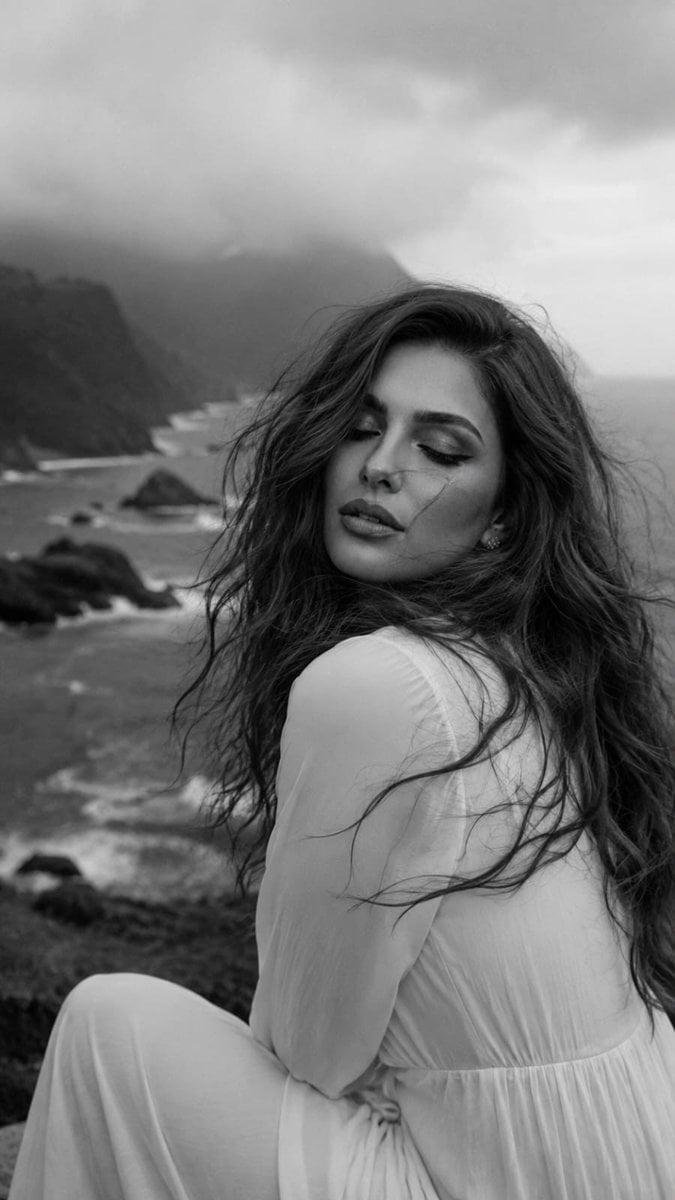
Cinematic Coastal Monochrome Portrait

Cozy Six-Panel Bedtime Stages Collage

Indonesian Woman Newspaper Collage Portrait
Make it yours
Coastal Chic Two-Panel Collage Portrait works as-is. These are the safest ways to change it without losing the look.
Change one field
Copy a single group, rewrite it, and generate again so you can see what that field is doing.
Keep the frame, change the subject
Hold the composition and light of Coastal Chic Two-Panel Collage Portrait, then swap wardrobe, props or the person for a new take.
| If the result… | Why | Fix |
|---|---|---|
| The result drifts from the preview | Too many fields changed at once. | Reuse Coastal Chic Two-Panel Collage Portrait as-is first, then change one group — subject, light, or setting. |
| The model over-stylizes the scene | The prose prompt leaves finish and camera underspecified. | Add one camera or lighting sentence and stay on Nano Banana 2. |
More Nano Banana 2 templates
Other prompts made for Nano Banana 2.

Photorealistic Leaf Shaped Like a Dragon

K-Pop Idol Portrait Grid for Rapid Selection

Poetic Rain Forest Portrait During Golden Hour

Urban Street Portrait with Cartoon Inner Self Duo

Candid Nighttime Photo with Cat Prompt

High-Concept 3D Diorama Generation Prompt

Cinematic Futuristic Studio Portrait Template

Skincare Editorial Photography Collage Prompt

Hyper-Realistic Commercial Product Photography (Splash Effect)

Hyper-Realistic Nightclub Portrait Prompt
More image prompts
Fresh picks from across the catalog.

Retro Americana Fashion Portrait with Vintage Car

untitled
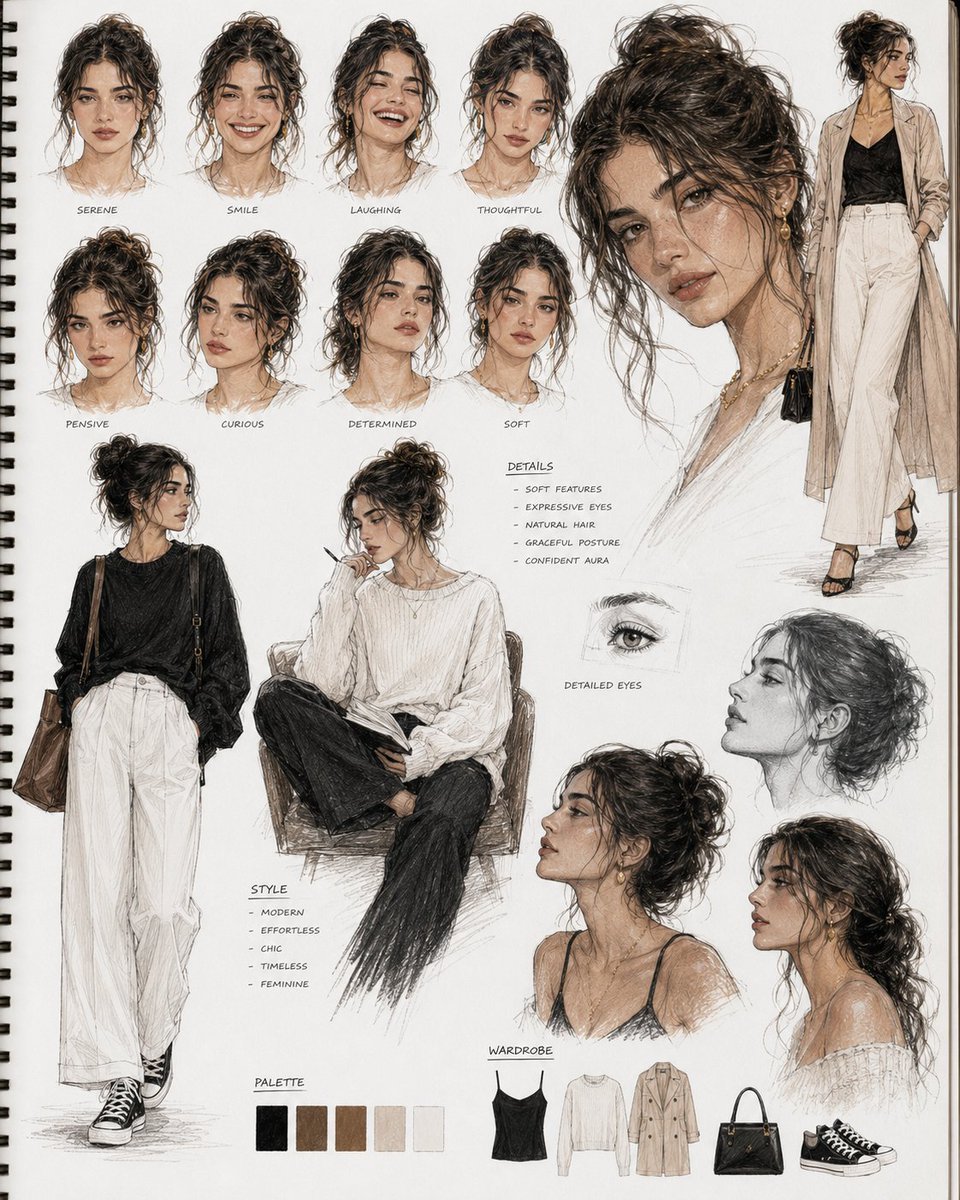
Cinematic Sketchbook Character Board

Google Gemini Nano Banana 2

2x2 Grid of Online School Banner Ads
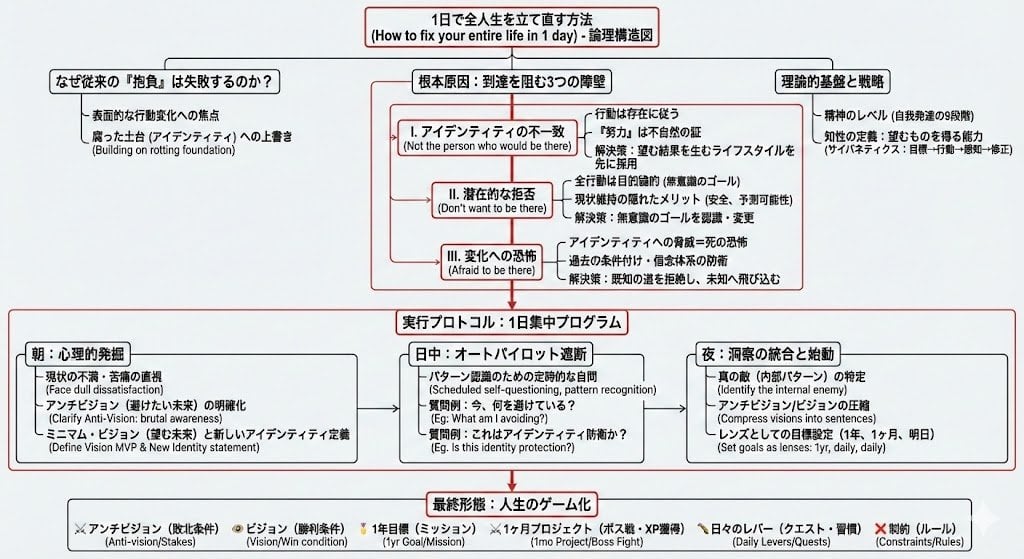
Prompt for Generating Logical Tree Diagrams with Nano Banana Pro
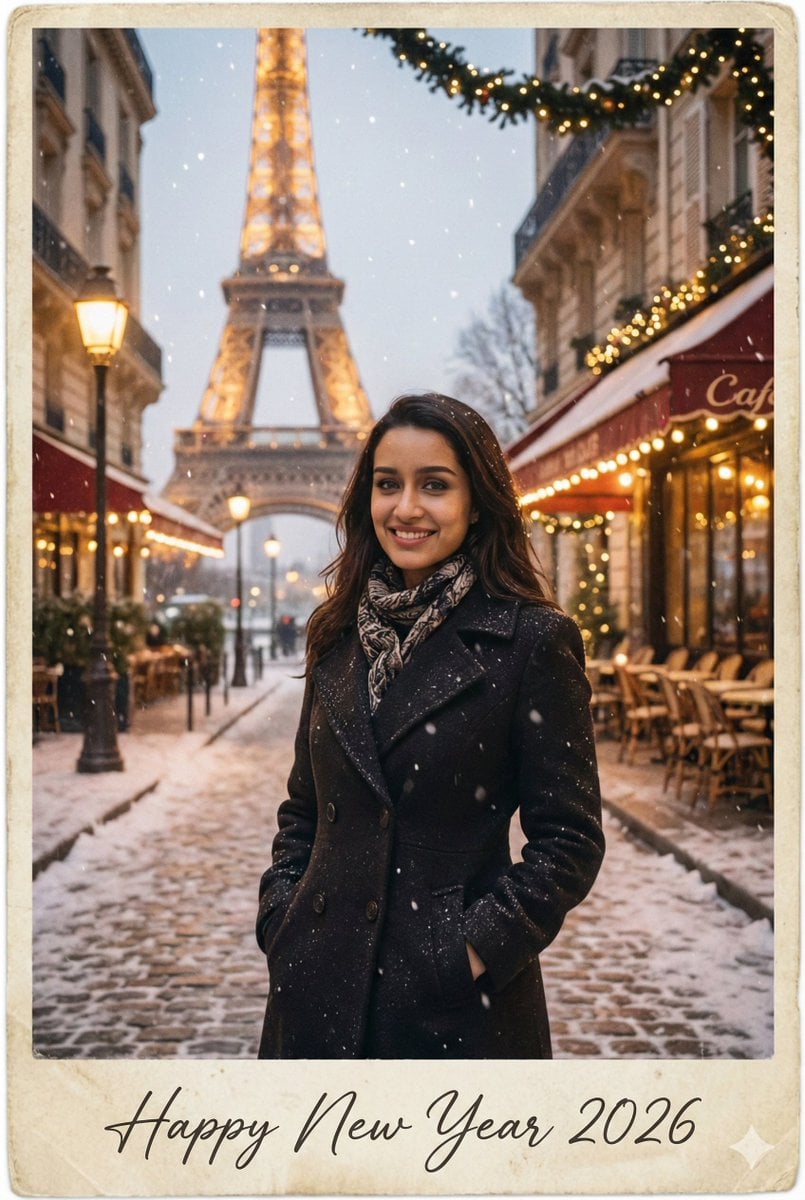
New Year 2026 Postcard and Studio Portrait Prompts
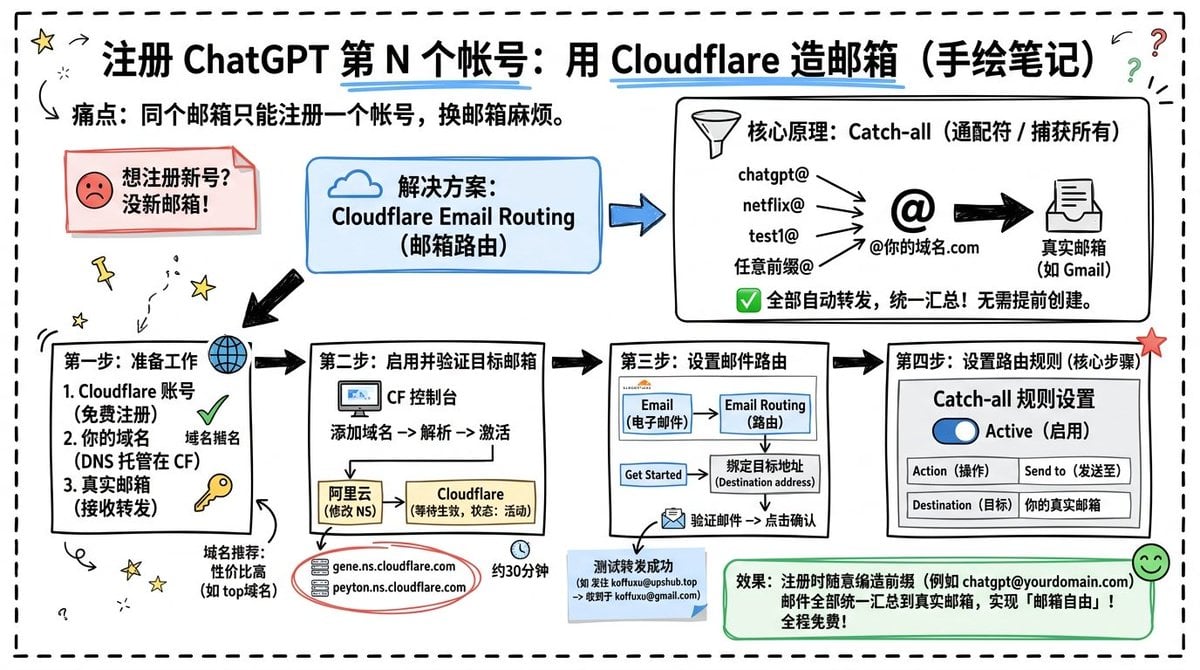
Cloudflare Catch-All Email Routing Infographic

Gpt2 Youtube Thumbnail Anime Bl Promo Thumbnail

Time Traveler Night Market Grid
Browse template categories
Coastal Chic Two-Panel Collage Portrait questions
How do I use the Coastal Chic Two-Panel Collage Portrait template?
Add your photo if the template asks for one, edit the prompt if you like — the template's model and format are already selected — and press Generate. Your version opens in PicX Studio.
Can I customize the Coastal Chic Two-Panel Collage Portrait template?
Yes. You can change the subject, setting, lighting, mood, format, and available model controls before creating your image.
Is the Coastal Chic Two-Panel Collage Portrait template free?
Opening and editing this template is free. Generating uses credits, shown on the Generate button when you are signed in.
Which AI model should I use?
Start with Nano Banana 2, which is the model associated with this template. You can compare another compatible model for a different finish.
Looking for something else? Browse all templates.

Your photo, any look
Thousands of ready templates for every top image and video model, from one credit balance.