
Gpt2 Youtube Thumbnail Anime Bl Promo Thumbnail
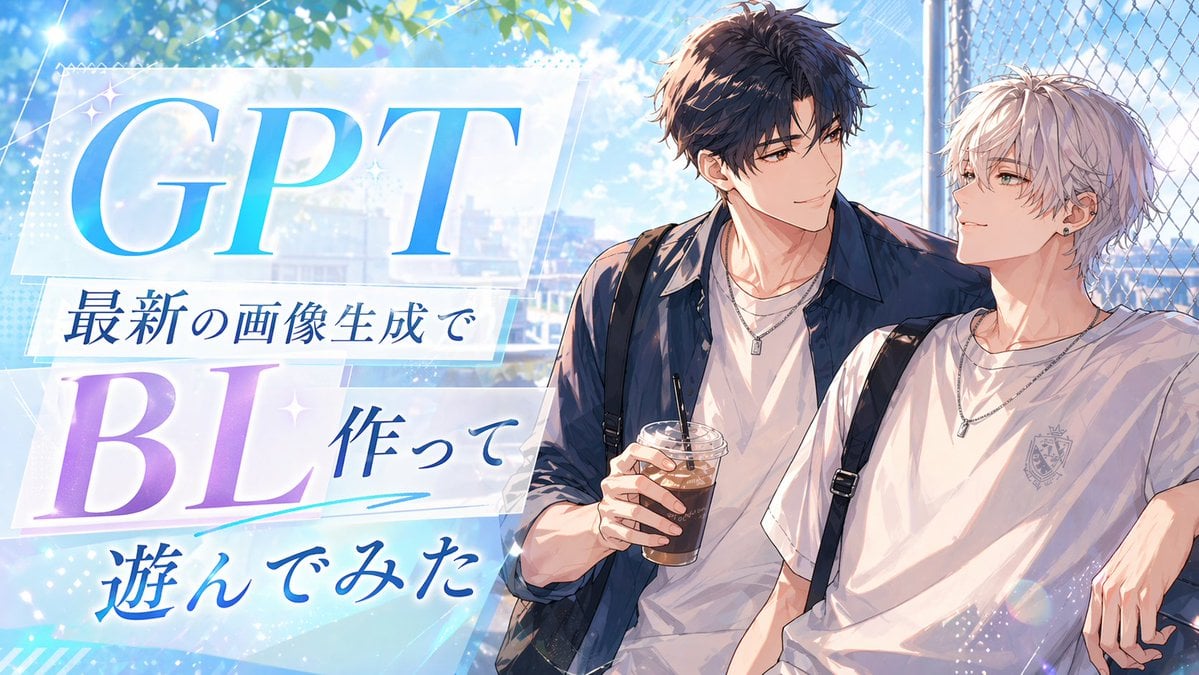
This prompt generates a glossy anime-style promotional banner with Japanese headline text and two stylish young men, suitable for blog thumbnails, social posts, or article headers.
- Prompt included
- Model and format preset
- Free template
The prompt behind this image
Copy the exact prompt behind Gpt2 Youtube Thumbnail Anime Bl Promo Thumbnail, or open it in the studio and make it yours.
A bright, polished anime-style promotional thumbnail with a summer romance atmosphere. The composition is split visually, with large typography on the left and two handsome young men on the right. On the left side, place layered translucent white panels with soft glow and sparkles over a sky-blue background, featuring large elegant serif text "GPT" in a blue gradient at the top and "BL" in a lavender-to-violet gradient below. Add three lines of Japanese text arranged between and under them: "最新の画像生成で", "作って", and "遊んでみた", in deep blue calligraphic Japanese type. Include subtle decorative accents such as small star glints, diagonal light streaks, dotted texture, and a cyan underline swoosh beneath the middle text. On the right side, show 2 anime boys from the waist up, leaning casually together beside a chain-link fence under leafy trees. The taller boy has tousled dark brown hair, a navy overshirt worn open over a white T-shirt, layered silver necklaces, and holds 1 plastic cup of iced coffee with a straw. The shorter boy has messy silver-white hair, a white T-shirt with a small crest emblem on the chest, black backpack straps over both shoulders, layered silver necklaces, and one small earring. Their poses are relaxed and intimate, with the dark-haired boy’s arm resting around the other. Use a luminous blue-and-white palette with soft sunlight, lens flare, bokeh, and a faint cityscape in the background, creating a clean social-media header or article thumbnail aesthetic.
How to use Gpt2 Youtube Thumbnail Anime Bl Promo Thumbnail in 3 steps
- 1
Open
The prompt is already in the box next to the preview, with the template's model and format selected.
- 2…a portrait of your subject in softgolden-hour light, 85mm…
Personalize
Edit the subject and creative details for your destination.
- 3Generate
Generate
Press Generate — your image is created in PicX Studio, so you can compare it with the original and refine one variable at a time.
More like this
Templates with the same subject, style or setup. Open one to see its prompt.

Gpt2 Youtube Thumbnail Anime Music Bootcamp Promo Poster
Gpt2 Youtube Thumbnail Anime Vtuber Minecraft Stream Thumbnail
Gpt2 Youtube Thumbnail Dreamy Anime Sayori Banner

Gpt2 Youtube Thumbnail Wuxia Movie Character Posters
Gpt2 Youtube Thumbnail Cinematic City Explosion Chase
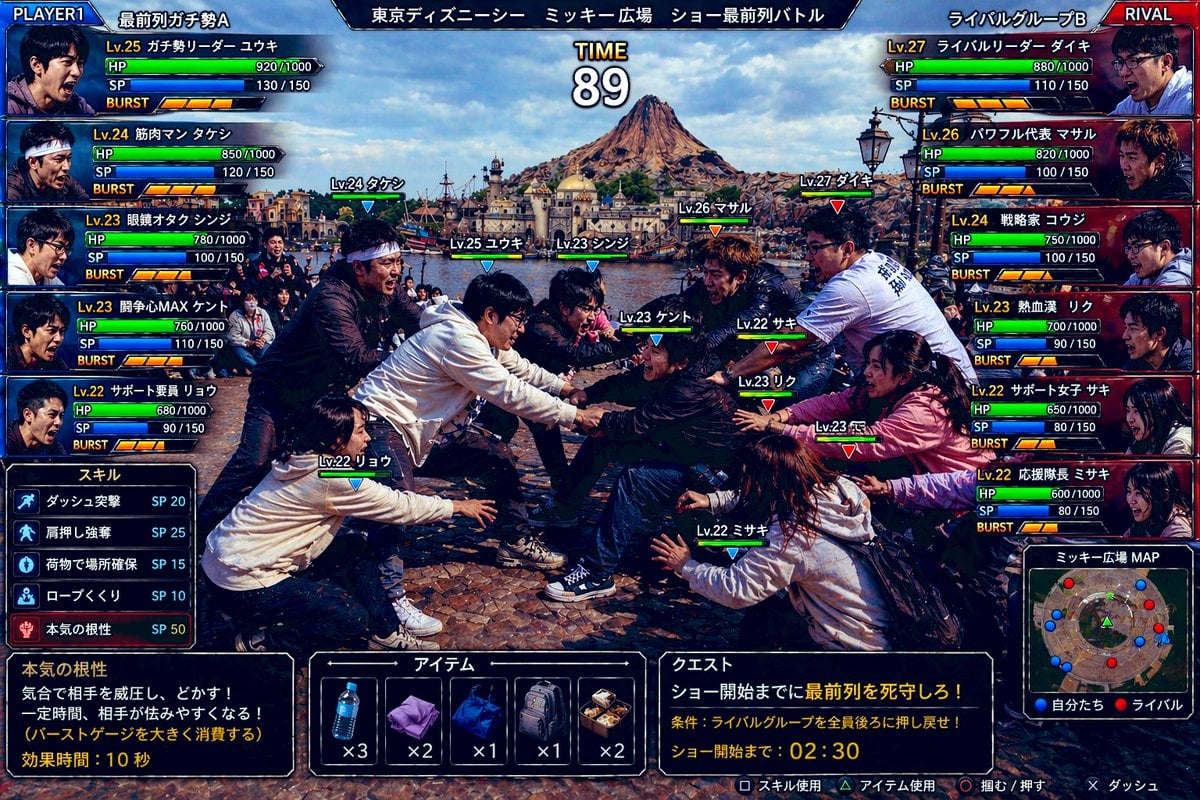
Gpt2 Youtube Thumbnail Tokyo Disneysea Front Row Battle Ui
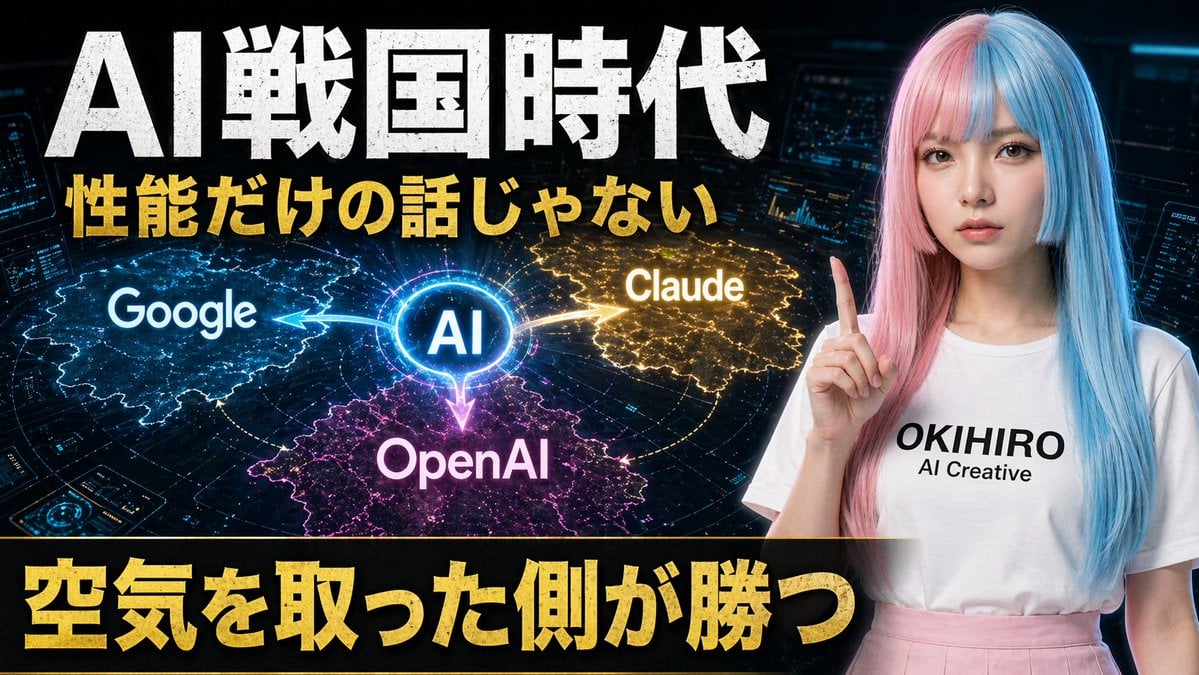
Gpt2 Youtube Thumbnail Japanese Ai Battle Youtube Thumbnail
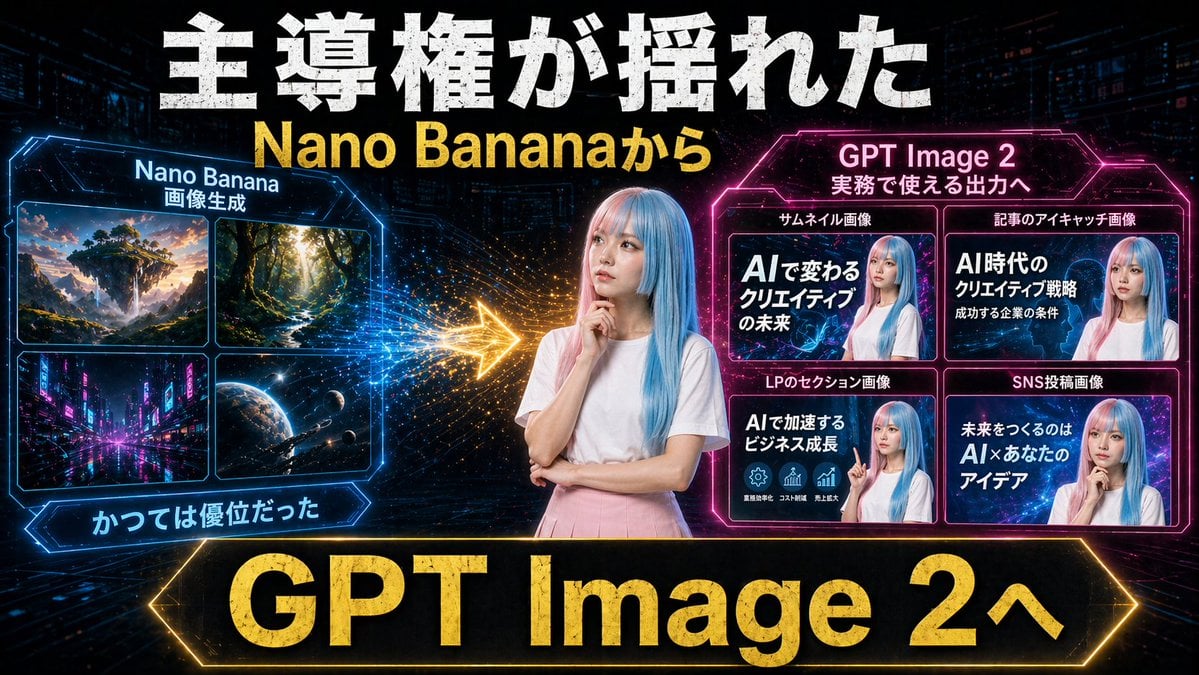
Gpt2 Youtube Thumbnail Neon Ai Thumbnail Comparison

Gpt2 Infographic Edu Visual Ink Wash Tribute Poster for Chen Uen
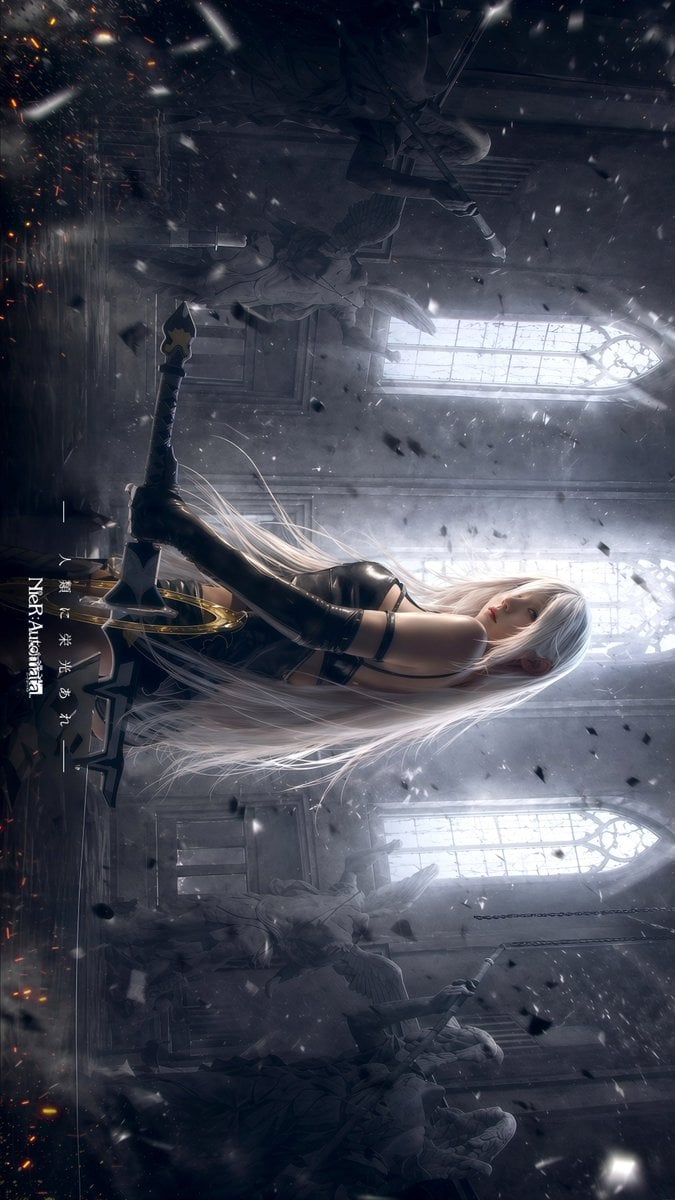
Gpt2 Social Media Post Gothic Android Warrior Cathedral Key Art
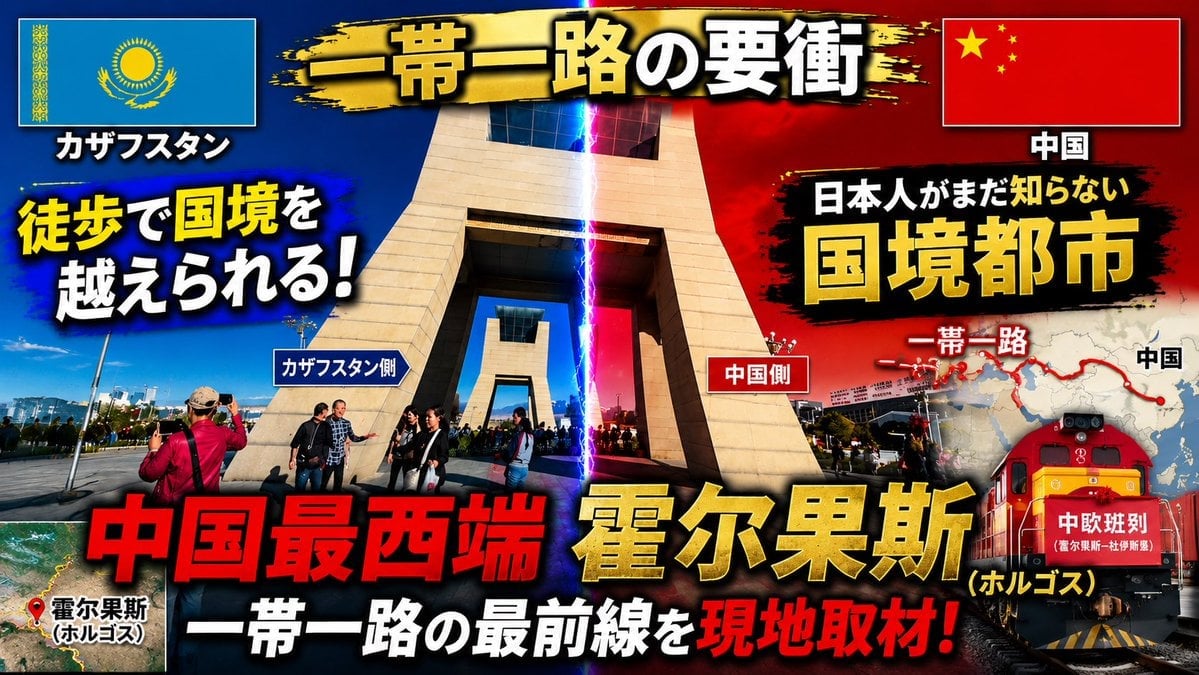
Dramatic Border City YouTube Thumbnail
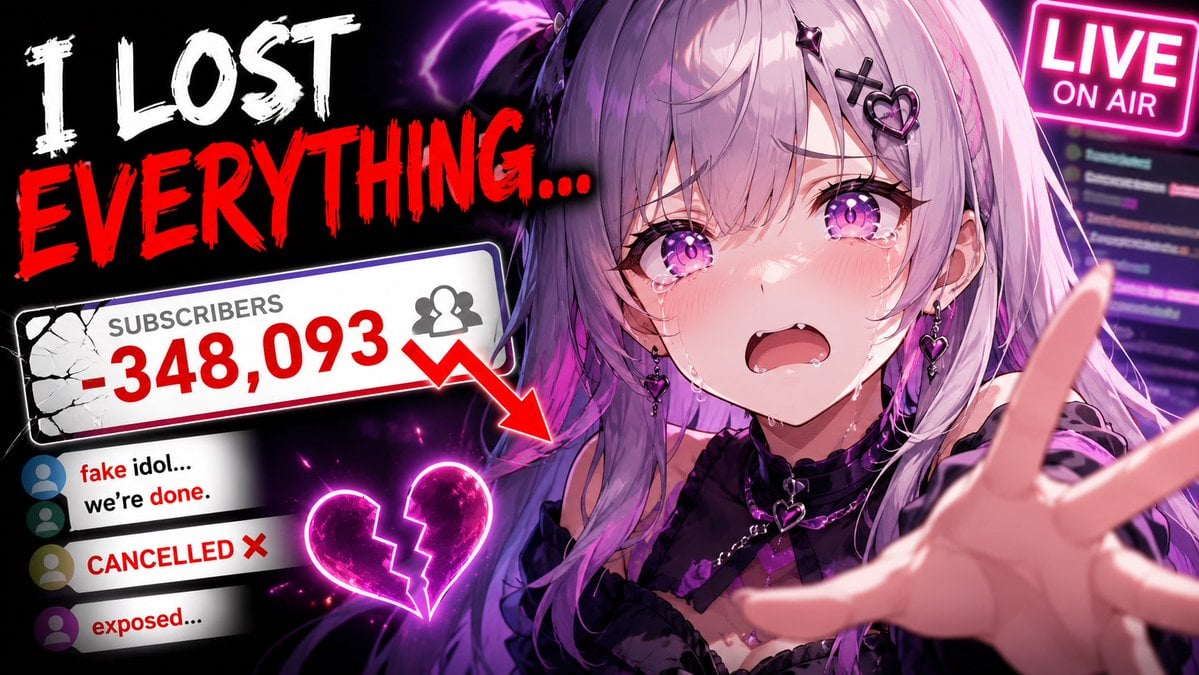
Viral YouTube Thumbnail Template
Make it yours
Gpt2 Youtube Thumbnail Anime Bl Promo Thumbnail works as-is. These are the safest ways to change it without losing the look.
Change one field
Copy a single group, rewrite it, and generate again so you can see what that field is doing.
Keep the frame, change the subject
Hold the composition and light of gpt2-youtube-thumbnail-anime-bl-promo-thumbnail, then swap wardrobe, props or the person for a new take.
| If the result… | Why | Fix |
|---|---|---|
| The result drifts from the preview | Too many fields changed at once. | Reuse gpt2-youtube-thumbnail-anime-bl-promo-thumbnail as-is first, then change one group — subject, light, or setting. |
| The model over-stylizes the scene | The prose prompt leaves finish and camera underspecified. | Add one camera or lighting sentence and stay on GPT Image 2. |
More GPT Image 2 templates
Other prompts made for GPT Image 2.

Six VTuber Japanese Logo Sheet

Realistic Portrait of Woman and Deer

The Vista Modular Condo Poster

AI Model Routing Comparison Infographic

2.5D Anime Art Board

Isometric Productivity Desk Scene

New York Double Exposure Poster

Four-Panel AI Landscape Comparison

Japanese Tatami Lifestyle Magazine Cover

NESCAFÉ Coffee Map Poster
More image prompts
Fresh picks from across the catalog.
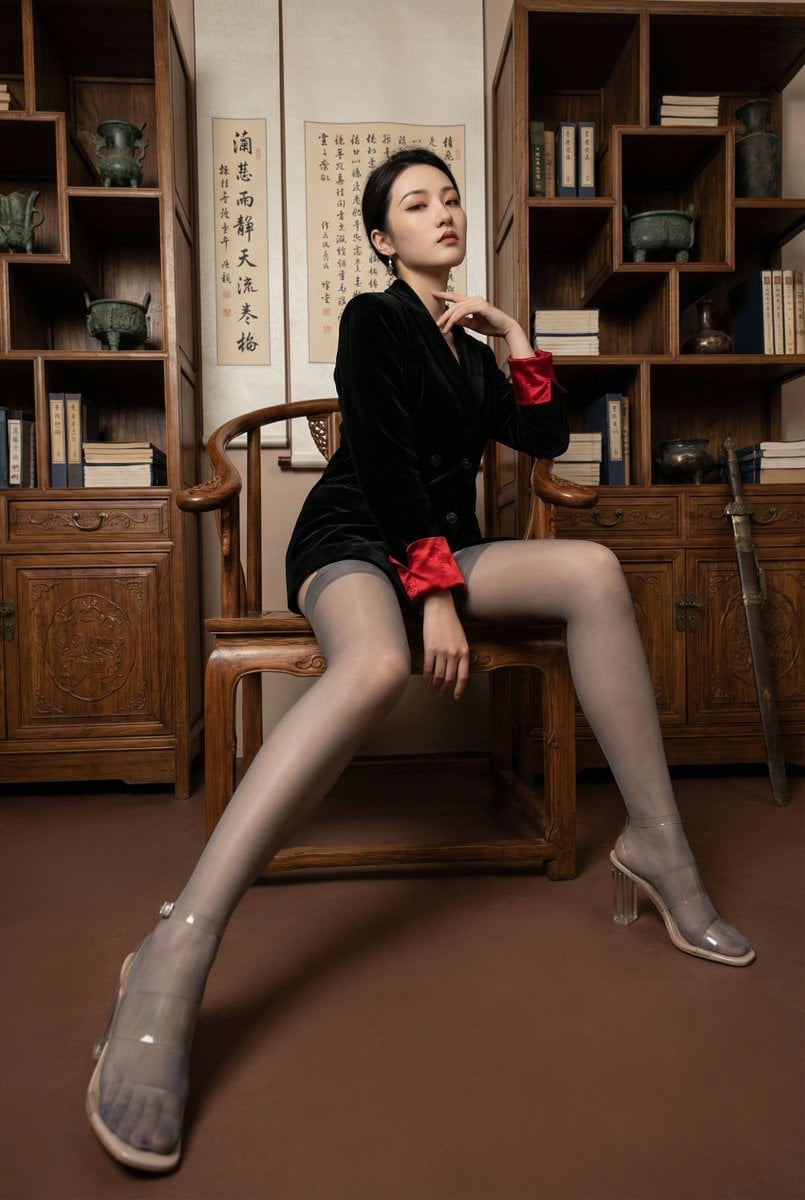
Modern Chinese Retro Fashion Photography Prompt
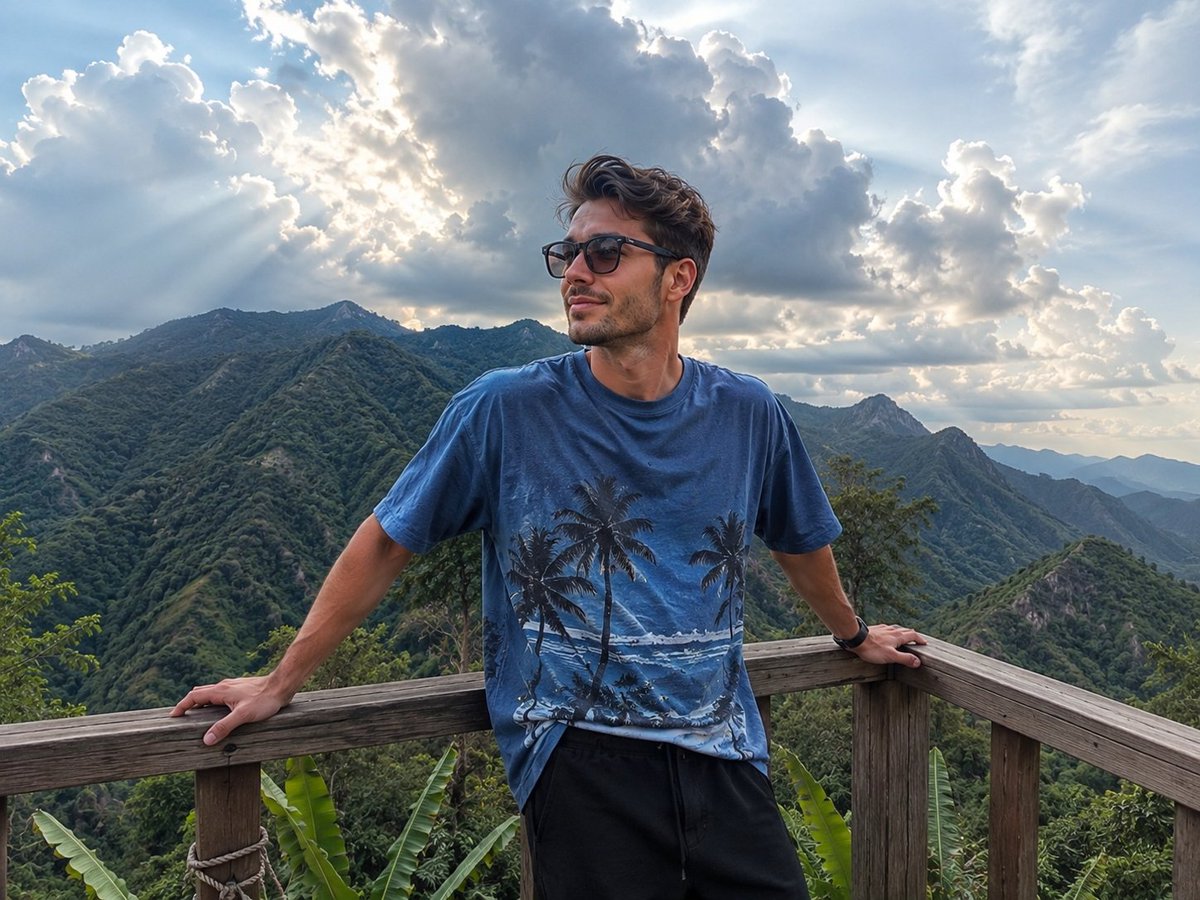
Mountain Viewpoint Travel Photography
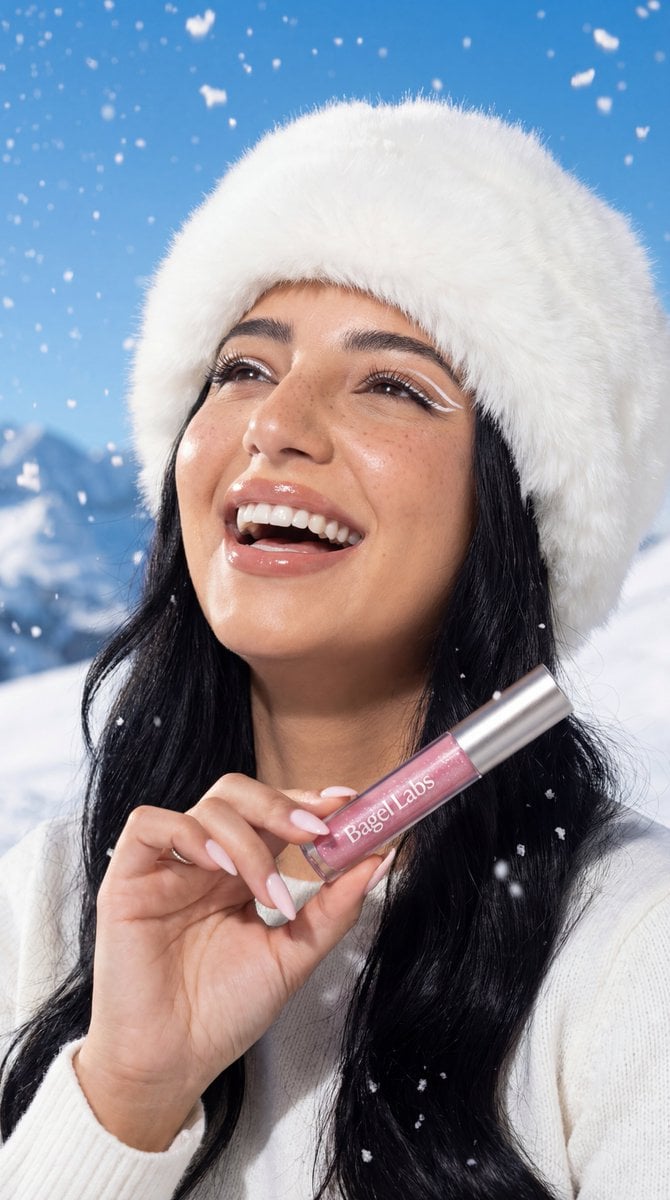
Ultra-Photorealistic Winter Beauty Ad Product Replacement
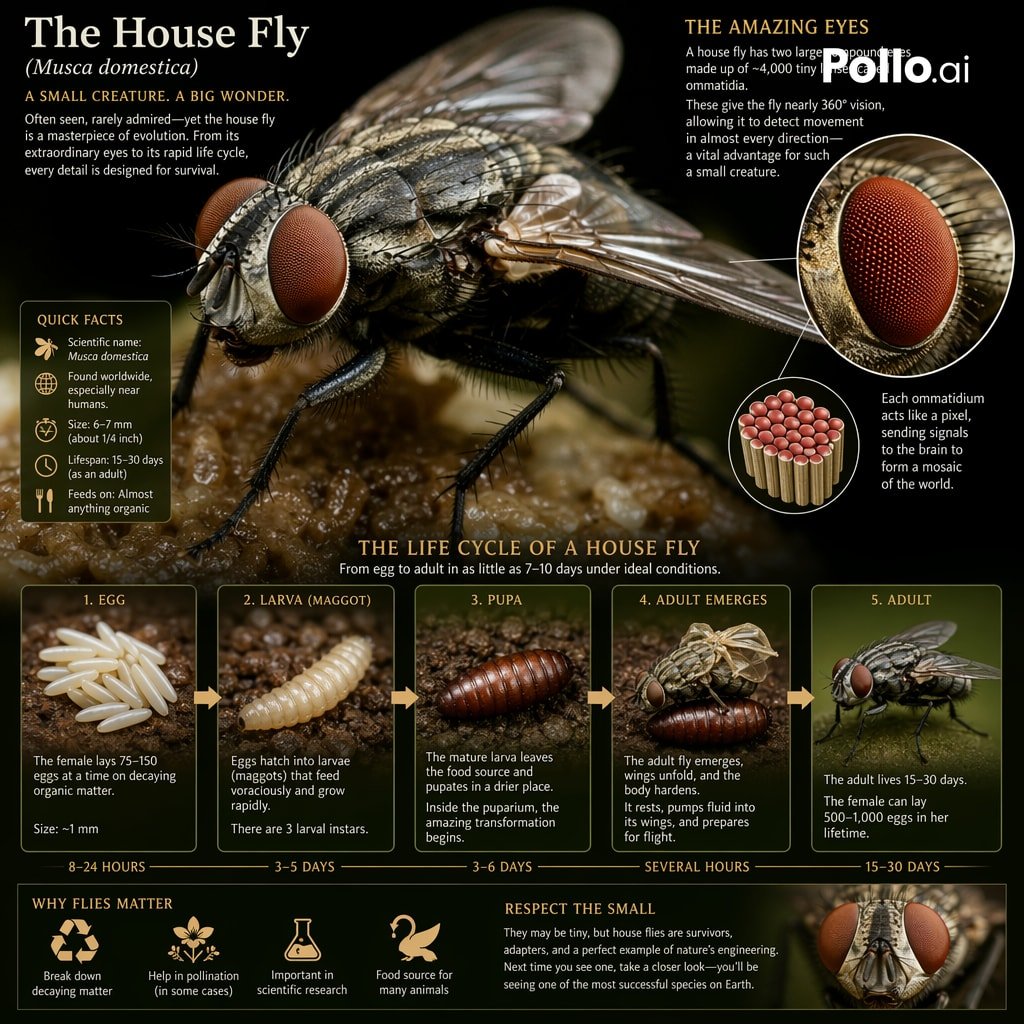
Biological Life Cycle Diagram
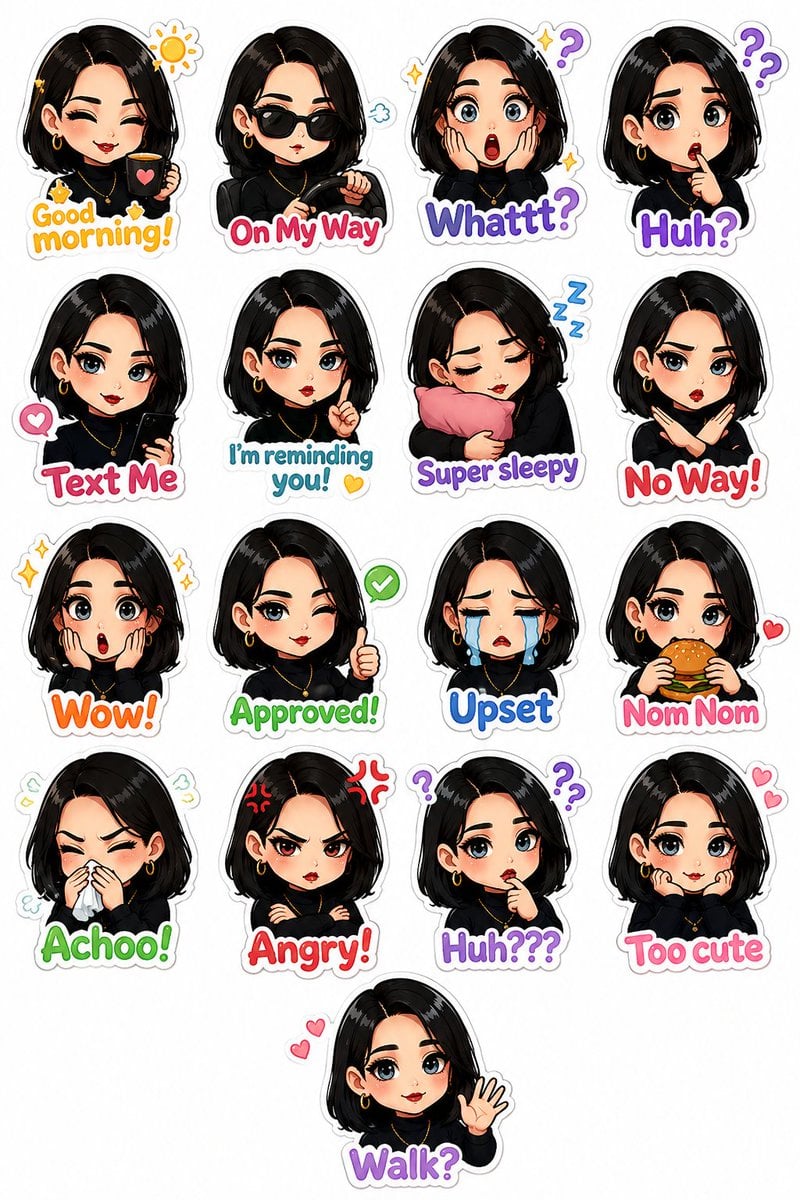
Personalized Chibi Sticker Pack

Pixar-Style Banana Character Animation Prompt
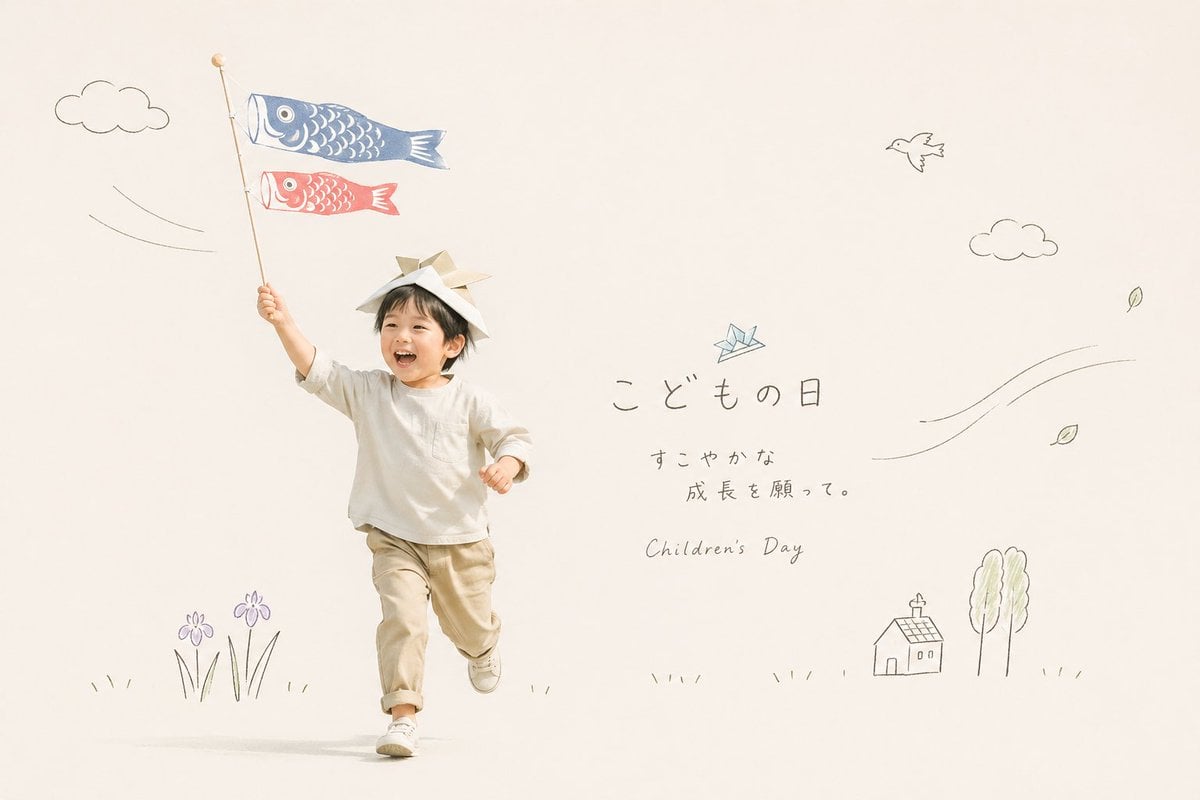
Japanese Children's Day Photo Card
Calm Heron Sunrise Lake
Config 2026 Nail Art Board

High-angle fairy grunge idol in cluttered closet
Browse template categories
Gpt2 Youtube Thumbnail Anime Bl Promo Thumbnail questions
How do I use the gpt2-youtube-thumbnail-anime-bl-promo-thumbnail template?
Add your photo if the template asks for one, edit the prompt if you like — the template's model and format are already selected — and press Generate. Your version opens in PicX Studio.
Can I customize the gpt2-youtube-thumbnail-anime-bl-promo-thumbnail template?
Yes. You can change the subject, setting, lighting, mood, format, and available model controls before creating your image.
Is the gpt2-youtube-thumbnail-anime-bl-promo-thumbnail template free?
Opening and editing this template is free. Generating uses credits, shown on the Generate button when you are signed in.
Which AI model should I use?
Start with GPT Image 2, which is the model associated with this template. You can compare another compatible model for a different finish.
Looking for something else? Browse all templates.

Your photo, any look
Thousands of ready templates for every top image and video model, from one credit balance.