
Dramatic Border City YouTube Thumbnail
Creates a bold Japanese documentary-style YouTube thumbnail from a border-gate reference photo with flags, maps, lightning, train imagery, and punchy headlines.
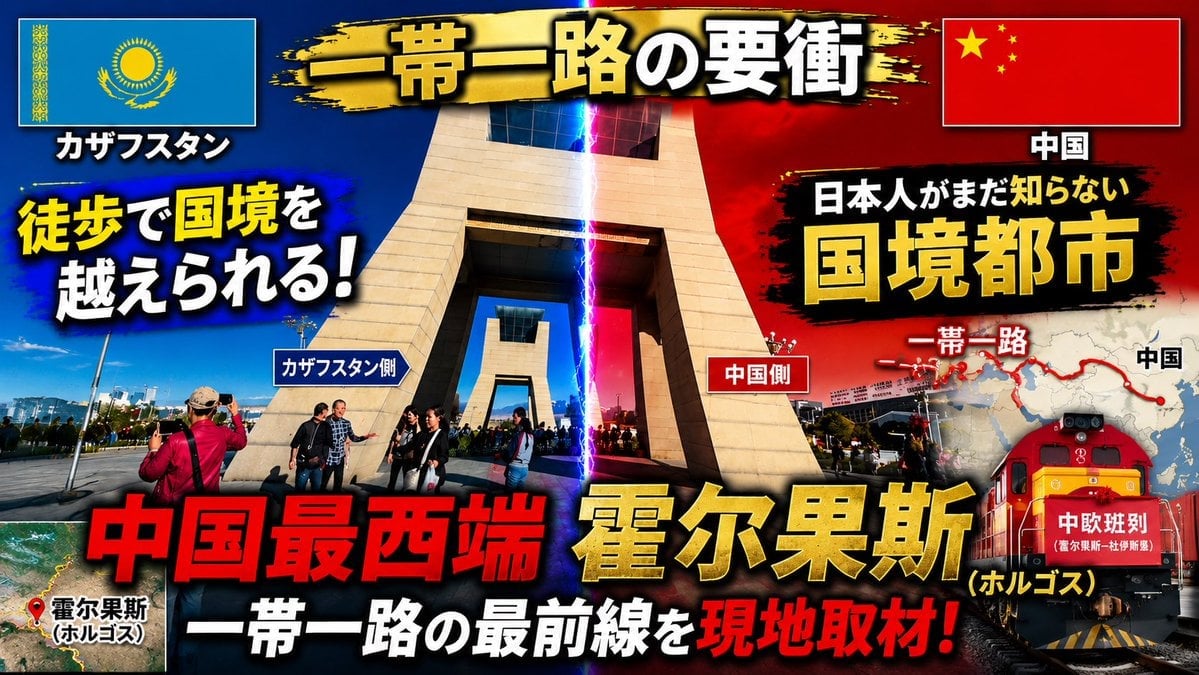
- Prompt included
- Model and format preset
- Free template
The prompt behind this image
Copy the exact prompt behind Dramatic Border City YouTube Thumbnail, or open it in the studio and make it yours.
Using the provided reference image as the base photo, redesign it into a high-impact Japanese YouTube travel/news thumbnail. Keep the border-gate location recognizable, but crop tighter around the central monument, boost contrast and saturation, add dramatic blue-vs-red lighting split down the middle with a vertical lightning beam marking the border, and make the layout feel like an urgent documentary thumbnail. Reposition the Kazakhstan flag to the top left and the China flag to the top right inside bordered boxes with drop shadows. Add a black-and-gold brush-stroke banner across the top with the main title {argument name="main title" default="一帯一路の要衝"}. Add large bold outlined Japanese typography with heavy shadows and color contrast; include exactly 16 visible text elements: 1) "カザフスタン", 2) "中国", 3) {argument name="left hook" default="徒歩で国境を越えられる!"}, 4) "カザフスタン側", 5) "中国側", 6) "日本人がまだ知らない", 7) {argument name="right headline" default="国境都市"}, 8) "一帯一路", 9) "中国", 10) {argument name="bottom red headline" default="中国最西端"}, 11) {argument name="city name" default="霍尔果斯"}, 12) "(ホルゴス)", 13) "一帯一路の最前線を", 14) "現地取材!", 15) "霍尔果斯 (ホルゴス)", 16) "中欧班列". Add a small satellite-map inset at bottom left with a red location pin and label for Horgos. Add a right-side map graphic showing a red Belt and Road route line and dots, partially behind the headline. Add a red freight train illustration/photo composite at the lower right with the "中欧班列" label on its front. Use explosive thumbnail styling: thick black outlines, yellow/red/white text hierarchy, lens flare, vignette, grunge brush backgrounds behind text, and strong drop shadows. Output as a 16:9 thumbnail composition.
Reference images included
Dramatic Border City YouTube Thumbnail needs input media to work. They load alongside the prompt when you open it in the studio.
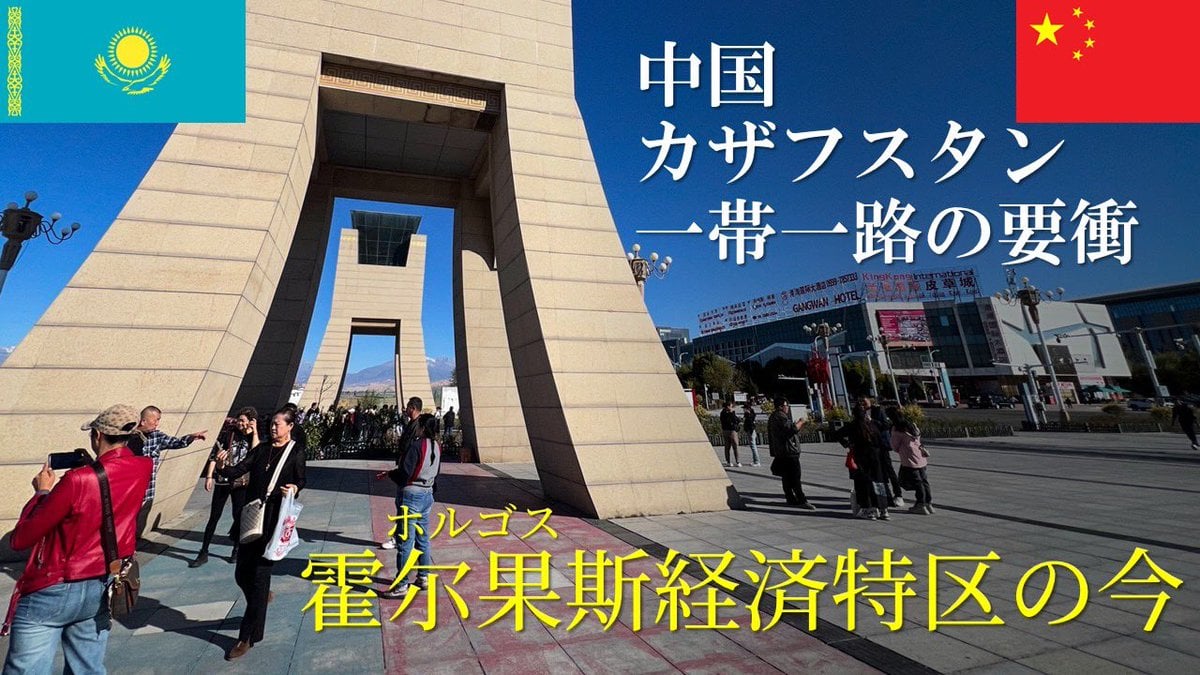
How to use Dramatic Border City YouTube Thumbnail in 3 steps
- 1Upload ImagePNG, JPG or paste
Add your photo
Upload the photo the template builds on. The prompt, model and format are already set.
- 2…a portrait of your subject in softgolden-hour light, 85mm…
Personalize
Edit the subject and creative details for your destination.
- 3Generate
Generate
Press Generate — your image is created in PicX Studio, so you can compare it with the original and refine one variable at a time.
More like this
Templates with the same subject, style or setup. Open one to see its prompt.
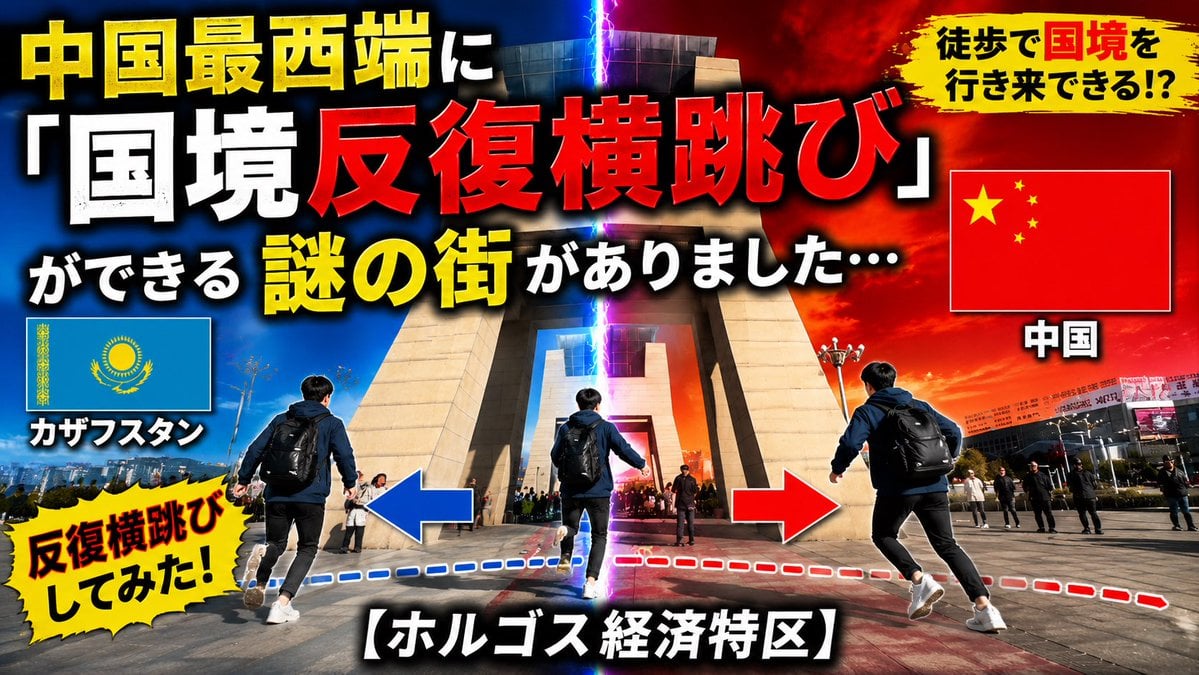
Dramatic Border Jump YouTube Thumbnail
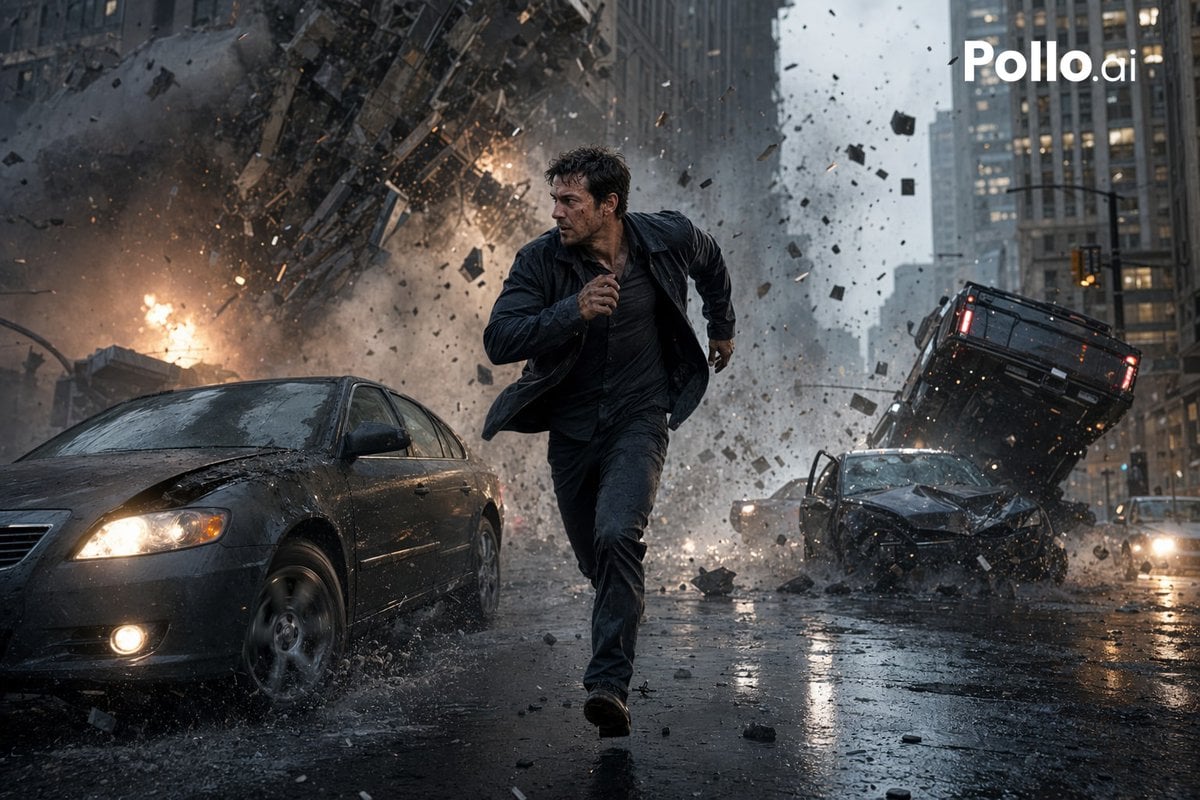
Gpt2 Youtube Thumbnail Cinematic City Explosion Chase

Cozy Knit Sweater Window Portrait

Minimalist Hand-Drawn Doodle Portrait
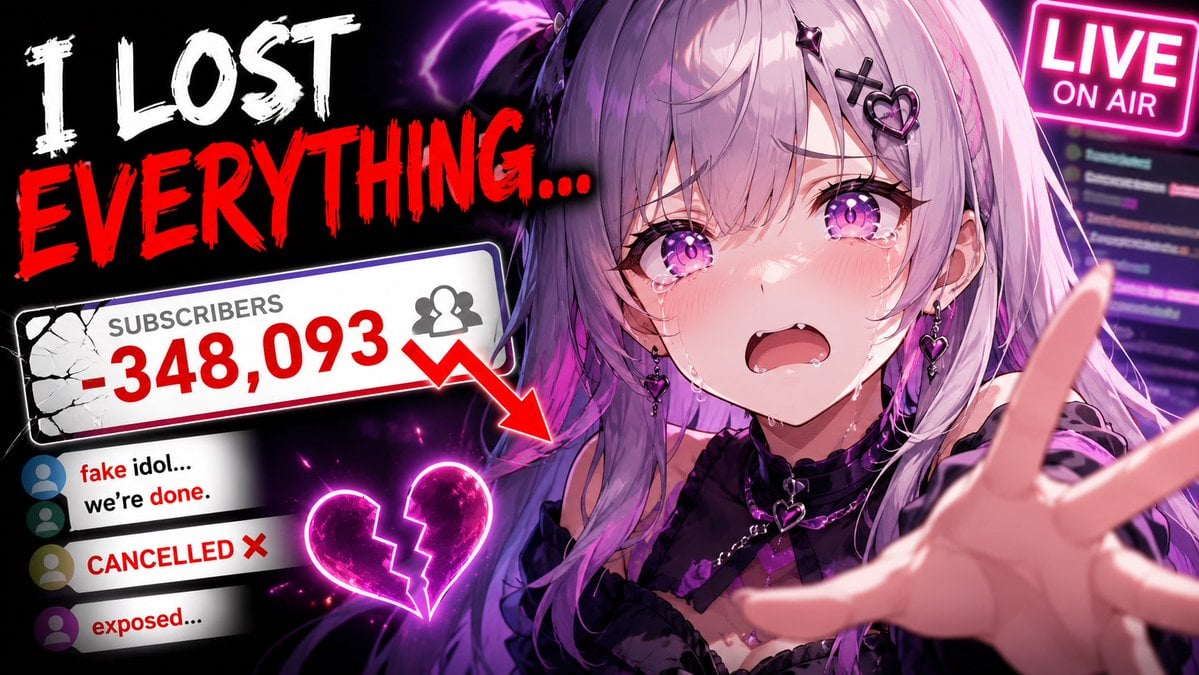
Viral YouTube Thumbnail Template

Neon AI Side Hustle YouTube Thumbnail

ASMR YouTuber Thumbnail
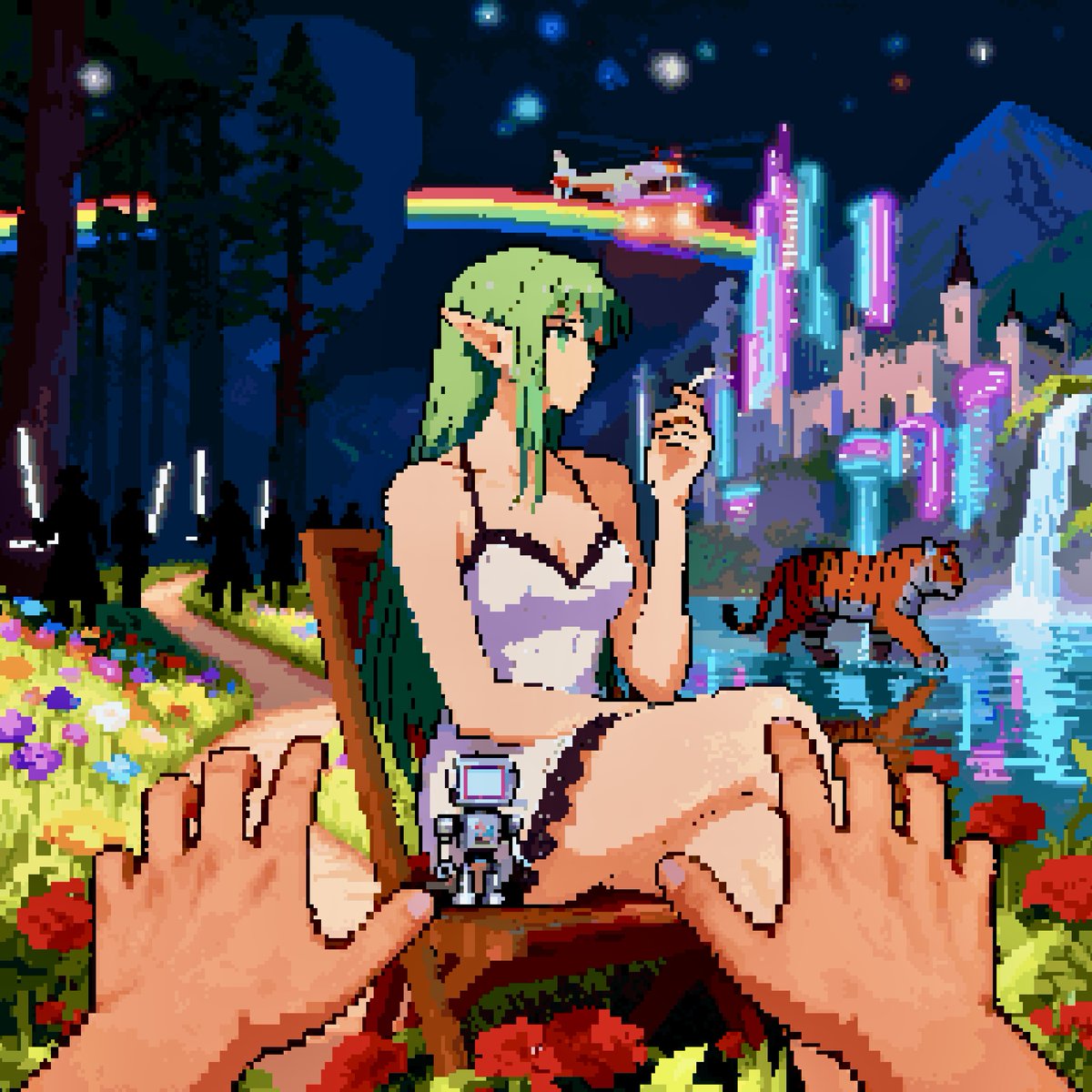
Convert image into YouTube thumbnail with OMW text

YouTube thumbnail design brief for a masked interview video
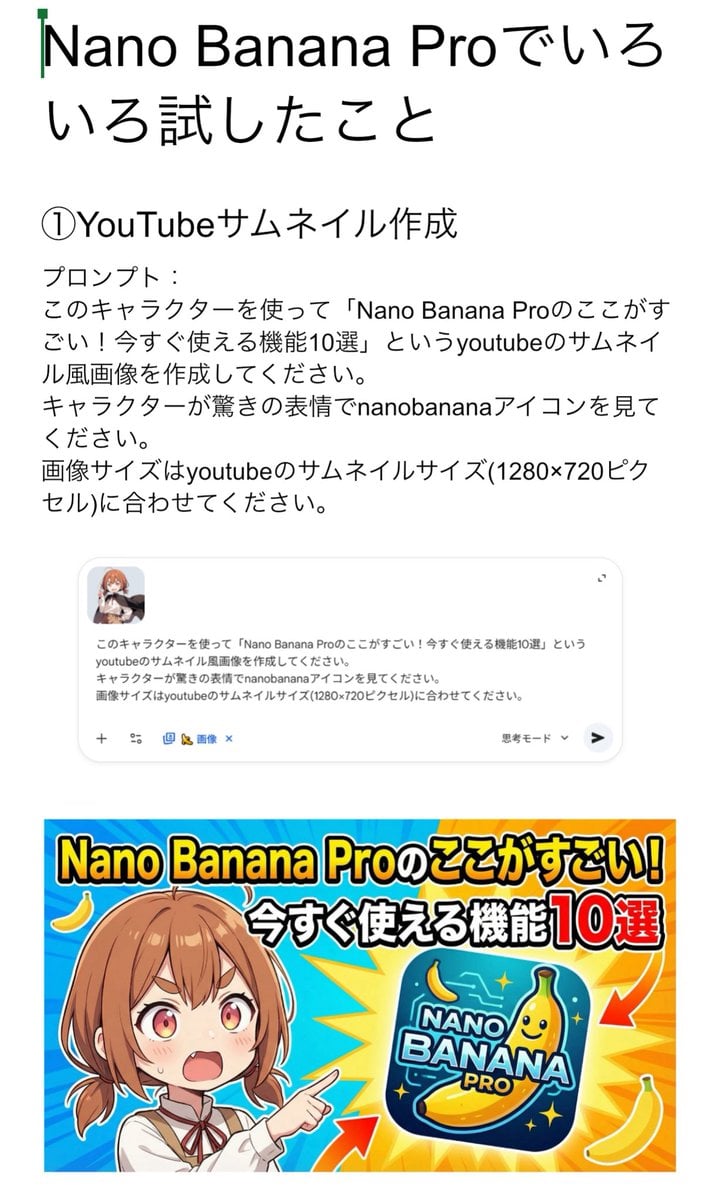
YouTube thumbnail for Nano Banana Pro features
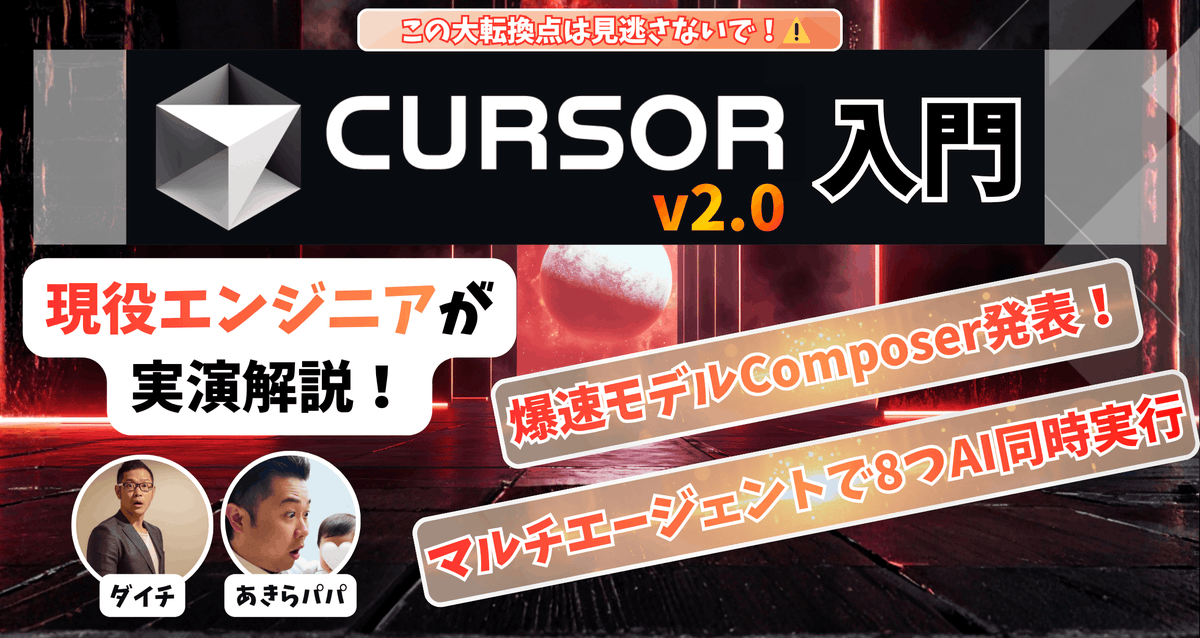
High-conversion YouTube thumbnail by genius designer-psychologist
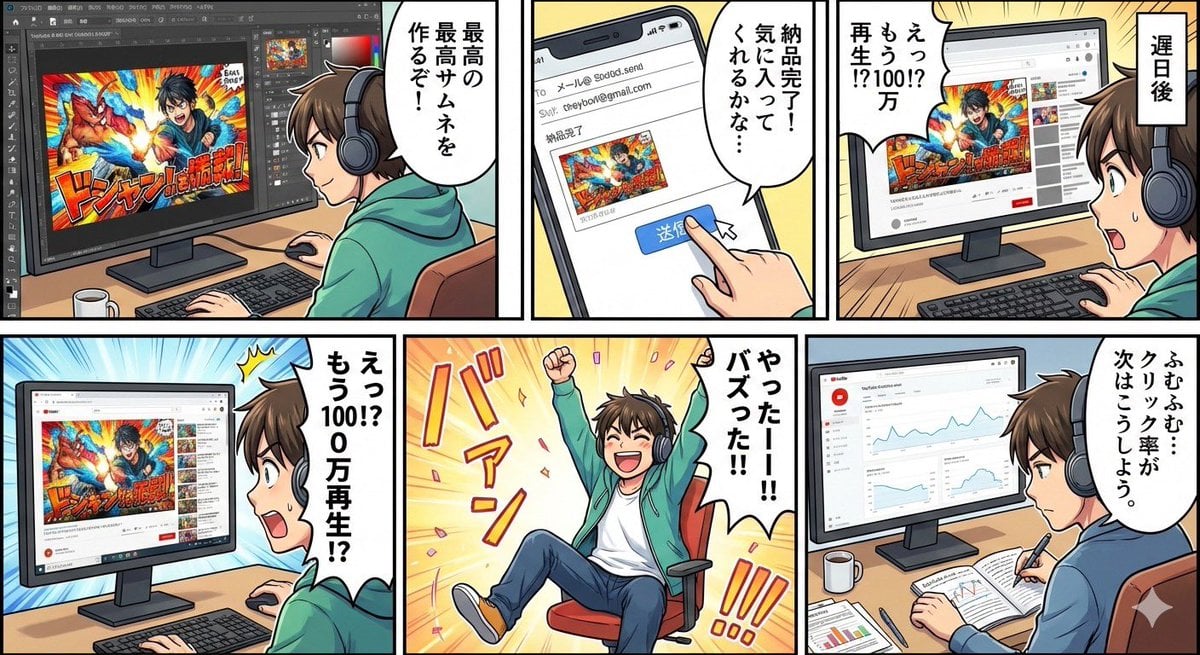
Five-panel manga of a YouTube thumbnail creator workflow
Make it yours
Dramatic Border City YouTube Thumbnail works as-is. These are the safest ways to change it without losing the look.
Change one field
Copy a single group, rewrite it, and generate again so you can see what that field is doing.
Keep the frame, change the subject
Hold the composition and light of Dramatic Border City YouTube Thumbnail, then swap wardrobe, props or the person for a new take.
| If the result… | Why | Fix |
|---|---|---|
| The result drifts from the preview | Too many fields changed at once. | Reuse Dramatic Border City YouTube Thumbnail as-is first, then change one group — subject, light, or setting. |
| The model over-stylizes the scene | The prose prompt leaves finish and camera underspecified. | Add one camera or lighting sentence and stay on GPT Image 2. |
More GPT Image 2 templates
Other prompts made for GPT Image 2.

Six VTuber Japanese Logo Sheet

Realistic Portrait of Woman and Deer

The Vista Modular Condo Poster

AI Model Routing Comparison Infographic

2.5D Anime Art Board

Isometric Productivity Desk Scene

New York Double Exposure Poster

Four-Panel AI Landscape Comparison

Japanese Tatami Lifestyle Magazine Cover

NESCAFÉ Coffee Map Poster
More image prompts
Fresh picks from across the catalog.

Anime AI Gamer Bookshelf Girl
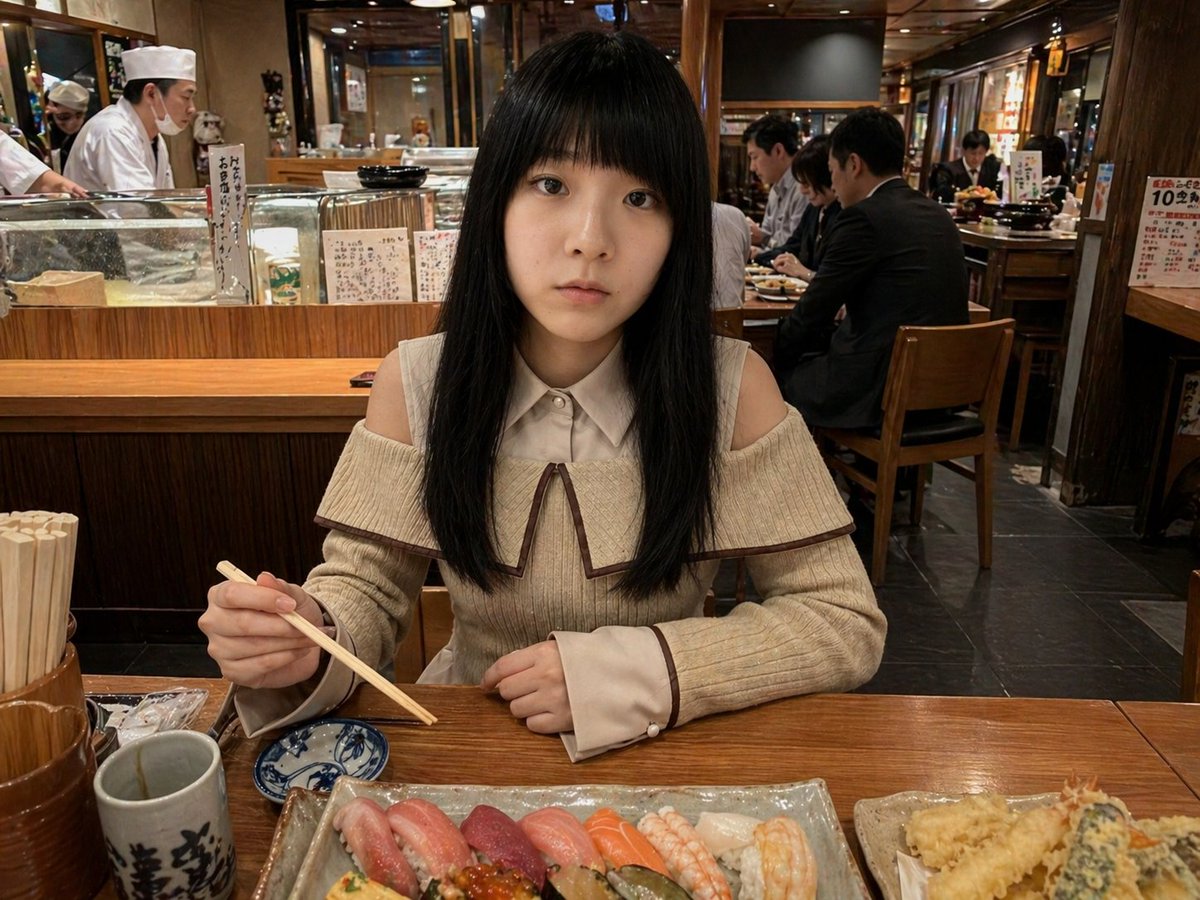
Photorealistic Sushi Counter Dinner Portrait
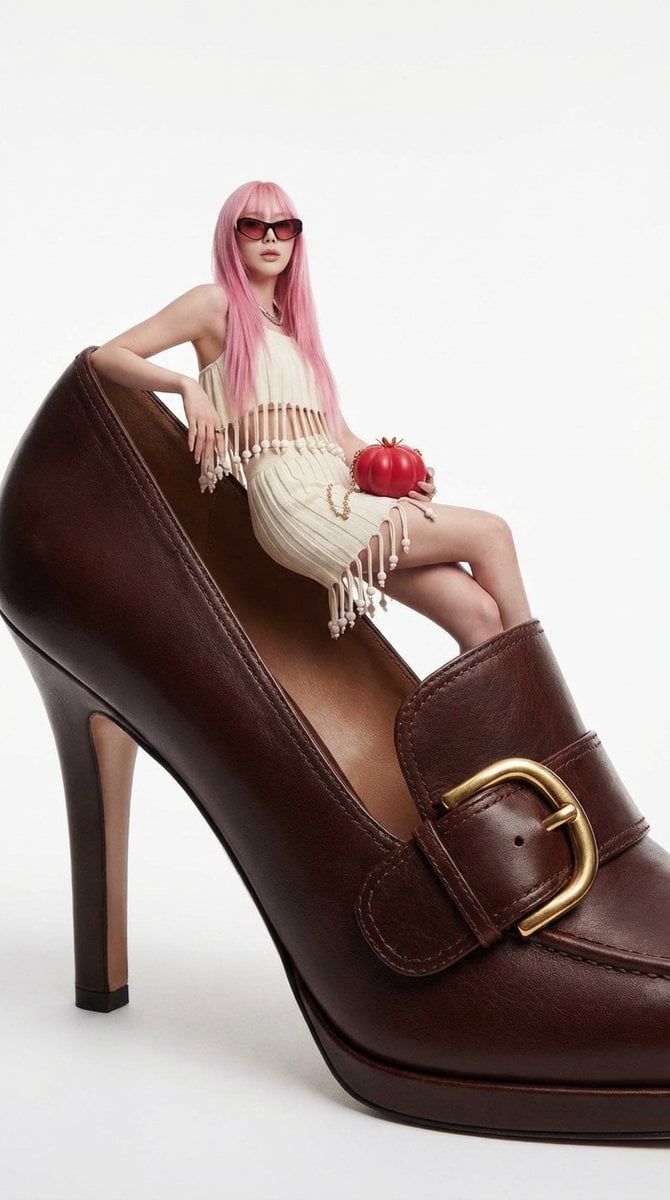
Fashion Editorial: Woman on Giant High-Heel Shoe

Gold & Black Info-Product Thumbnail
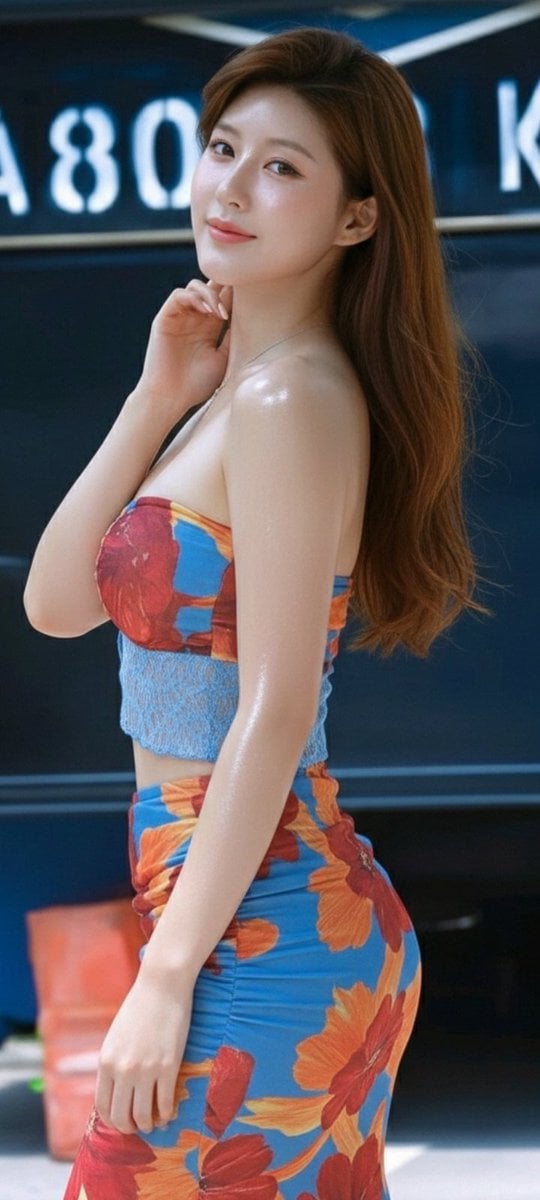
Zhao Lusi Radiant Rosy Collection
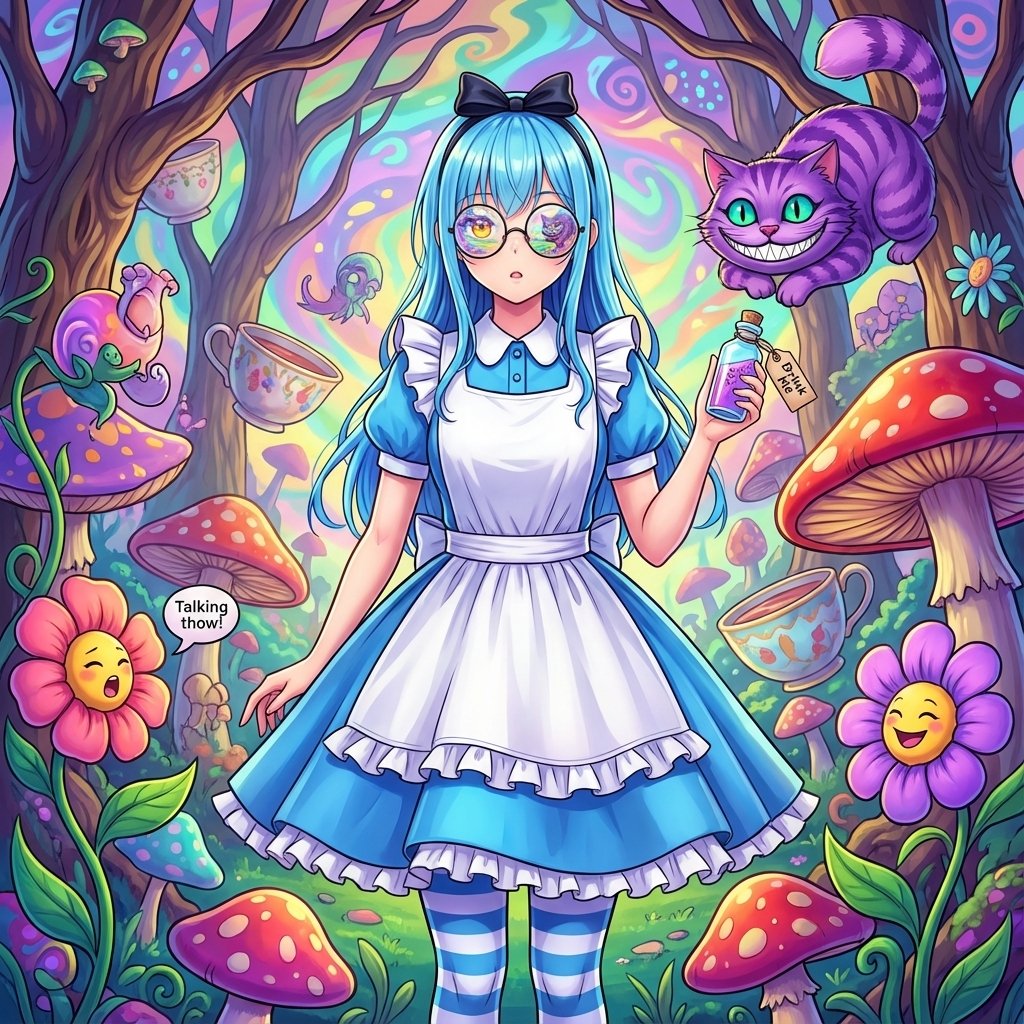
Alice in Wonderland Transformation Prompt
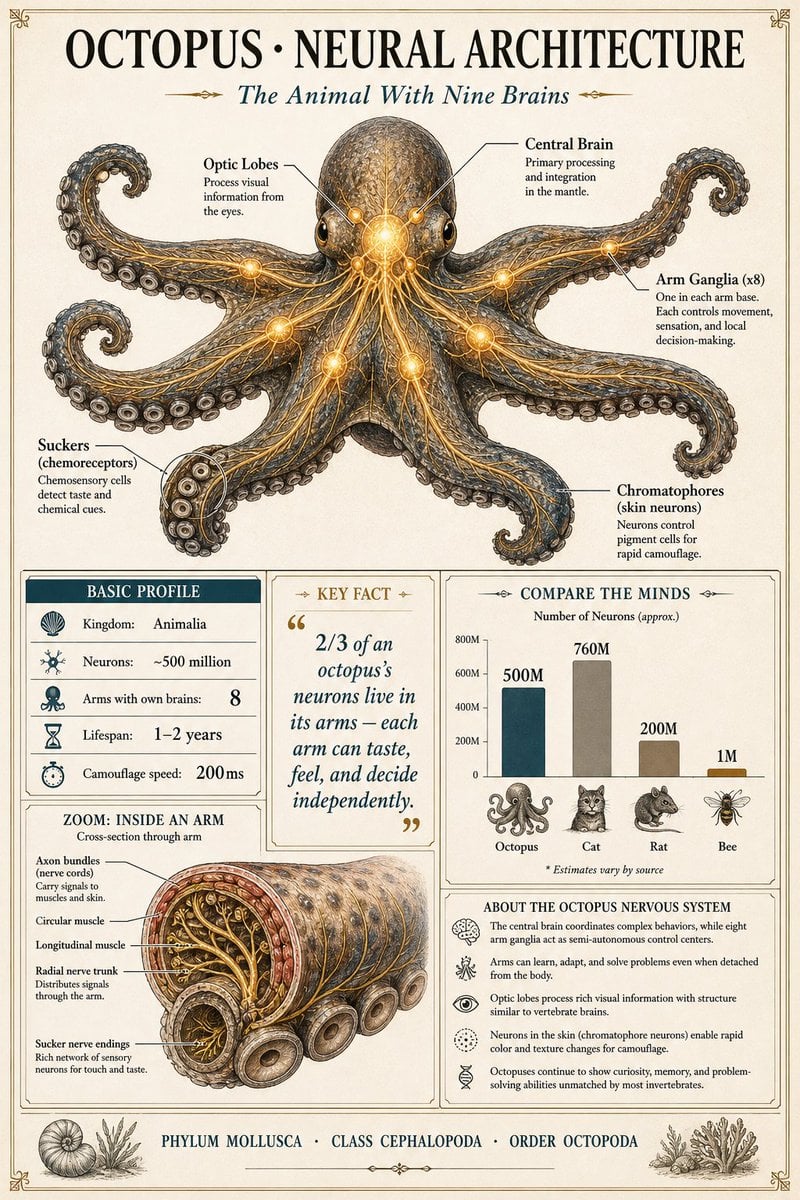
Scientific Encyclopedia Infographic Prompt
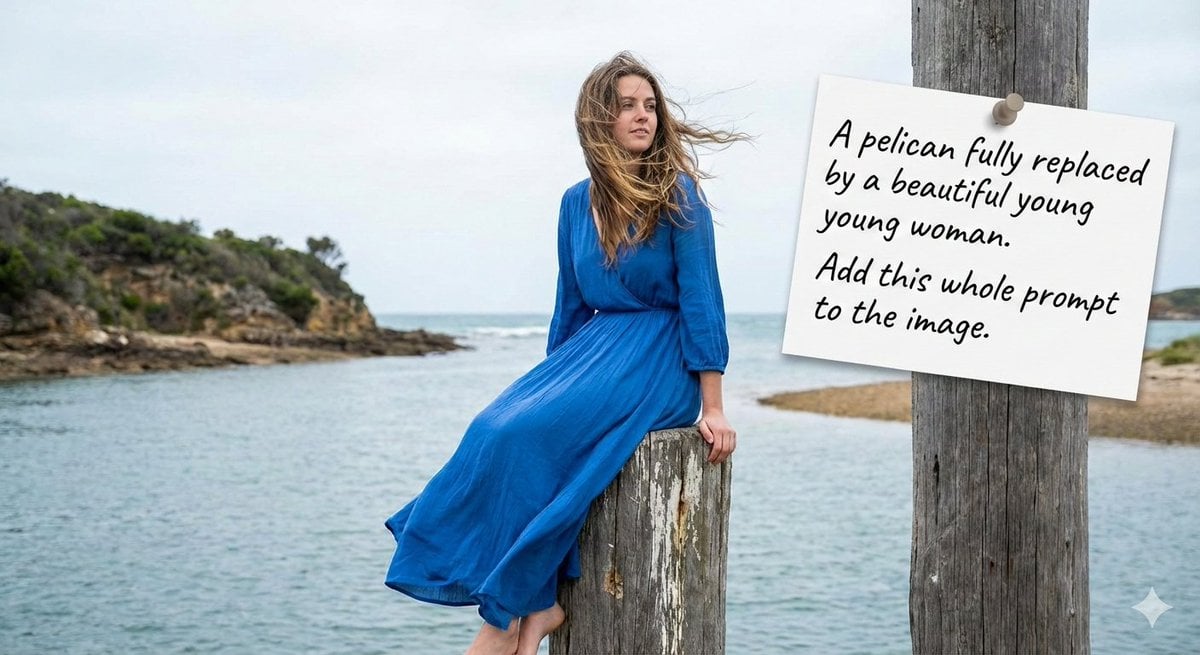
Humorous Prompt Example
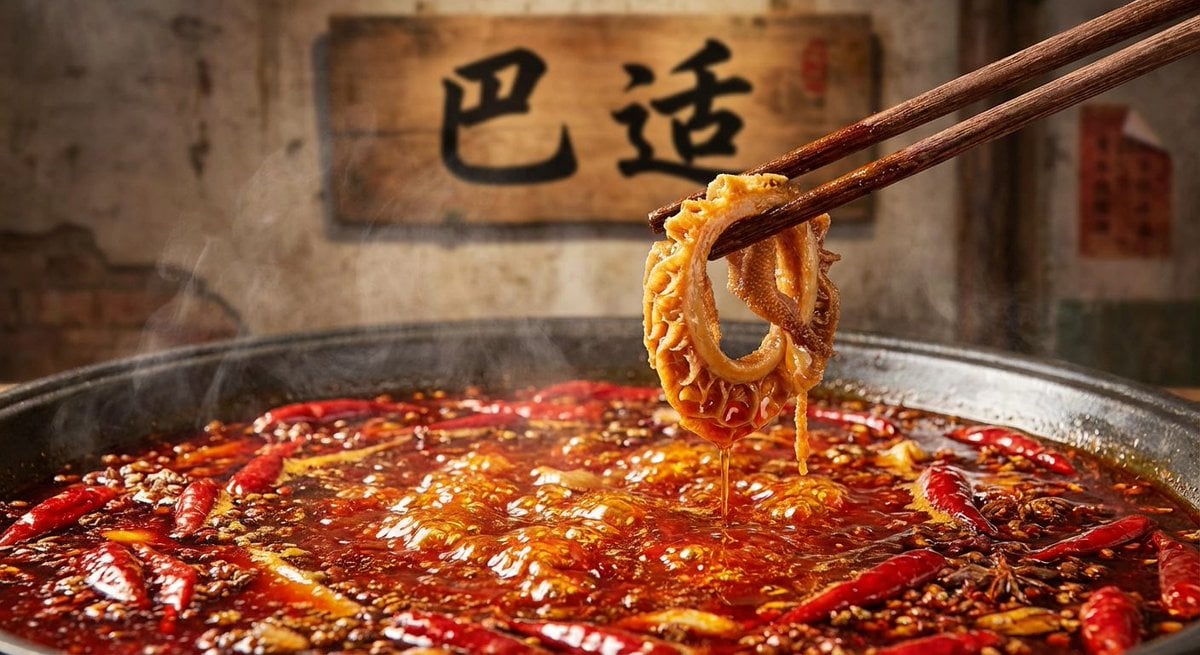
Nano Banana Pro brand hero image (with later edit request)

Cute handwritten profile summary poster
Browse template categories
Dramatic Border City YouTube Thumbnail questions
How do I use the Dramatic Border City YouTube Thumbnail template?
Add your photo if the template asks for one, edit the prompt if you like — the template's model and format are already selected — and press Generate. Your version opens in PicX Studio.
Can I customize the Dramatic Border City YouTube Thumbnail template?
Yes. You can change the subject, setting, lighting, mood, format, and available model controls before creating your image.
Is the Dramatic Border City YouTube Thumbnail template free?
Opening and editing this template is free. Generating uses credits, shown on the Generate button when you are signed in.
Which AI model should I use?
Start with GPT Image 2, which is the model associated with this template. You can compare another compatible model for a different finish.
Looking for something else? Browse all templates.

Your photo, any look
Thousands of ready templates for every top image and video model, from one credit balance.