
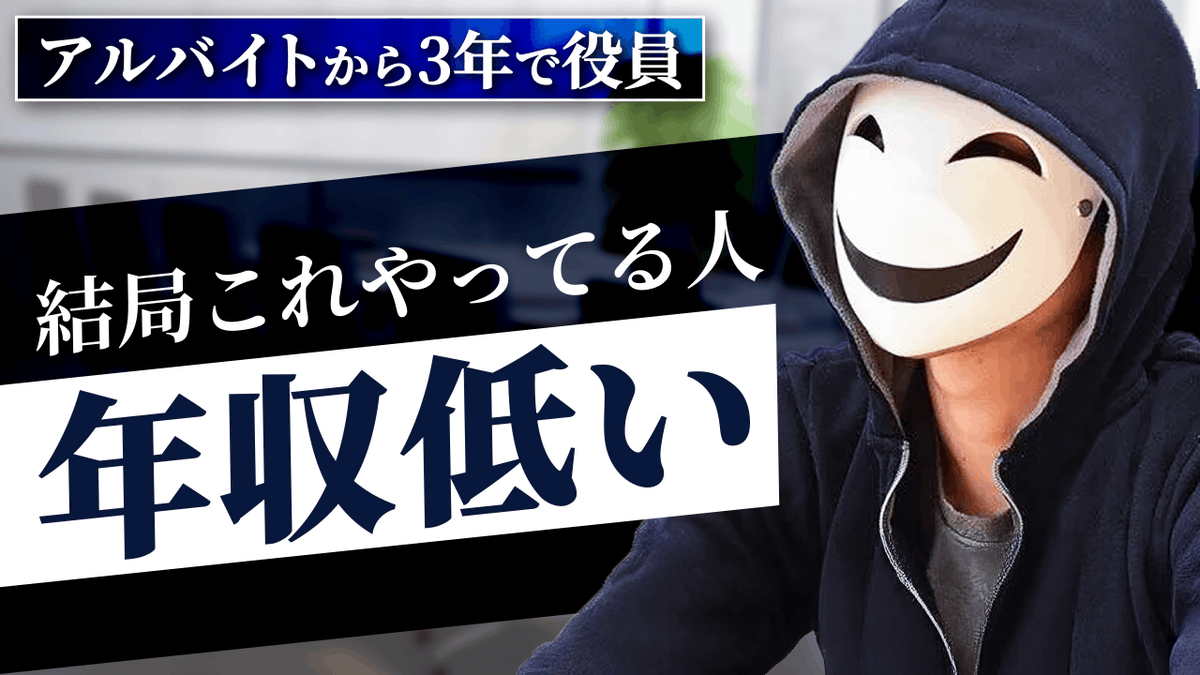
YouTube thumbnail design brief for a masked interview video
A long, detailed prompt asking the AI to design a high-conversion YouTube thumbnail using a masked character from a reference image, focusing on layout, text, and target audience.
- Prompt included
- Model and format preset
- Premium template
The prompt behind this image
Copy the exact prompt behind YouTube thumbnail design brief for a masked interview video, or open it in the studio and make it yours.
これはYouTubeのサムネで、右側には白い仮面を被った人がインタビューを受けている様子の画像が映ってます。 このテイストで、AIにサムネの情報設計を共有してサムネを作らせたいのでプロンプトを考えてください。 参考画像はあくまで、右側に映っている仮面の人物({argument name="キャラ名" default="える"})を参照してほしいだけで、最もクリック率が最大化する構図、文字の大きさ、デザインにしてちょ。 ターゲットはコミュニケーション力に悩む{argument name="ターゲット年齢層" default="20代後半から30代"}の男性です。 # サムネ情報設計 <左側> 会話の3レイヤー(小さく) 逆三角で表す 3色に分ける 実際は上から以下の3つ。(文字をモザイクにする) ・抽象 ・事実 ・具体 <右側> {argument name="キャラ名_再" default="える"}(仮面の人) 会話にはこれしかない(吹き出しにする) <下側> これで 会話無限に続く(横幅いっぱい)
How to use YouTube thumbnail design brief for a masked interview video in 3 steps
- 1
Open
The prompt is already in the box next to the preview, with the template's model and format selected.
- 2…a portrait of your subject in softgolden-hour light, 85mm…
Personalize
Edit the subject and creative details for your destination.
- 3Generate
Generate
Press Generate — your image is created in PicX Studio, so you can compare it with the original and refine one variable at a time.
More like this
Templates with the same subject, style or setup. Open one to see its prompt.
Masked Vigilante Noir Poster
Dramatic Border City YouTube Thumbnail
Viral YouTube Thumbnail Template
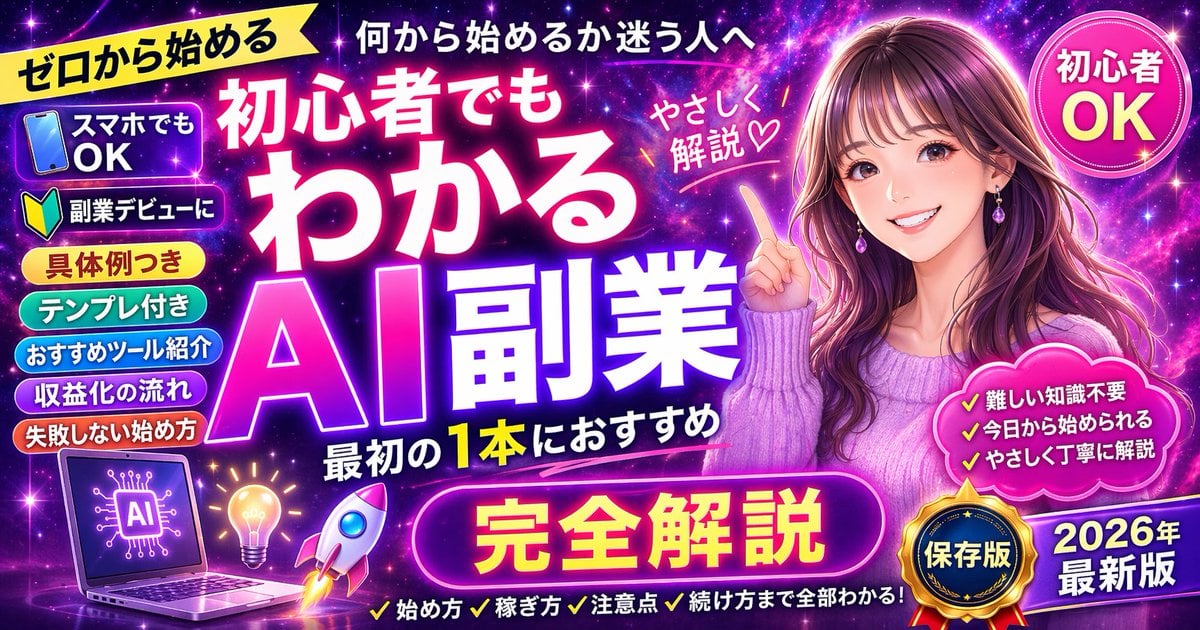
Neon AI Side Hustle YouTube Thumbnail
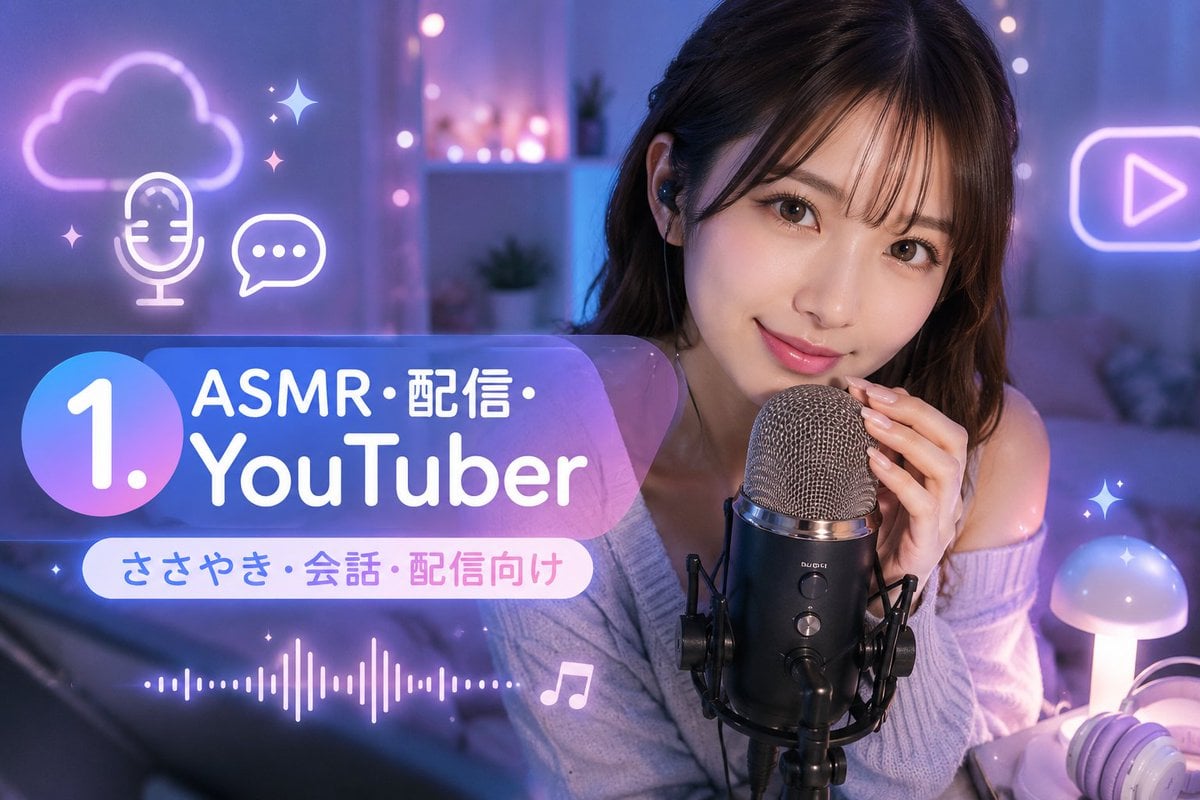
ASMR YouTuber Thumbnail
Convert image into YouTube thumbnail with OMW text
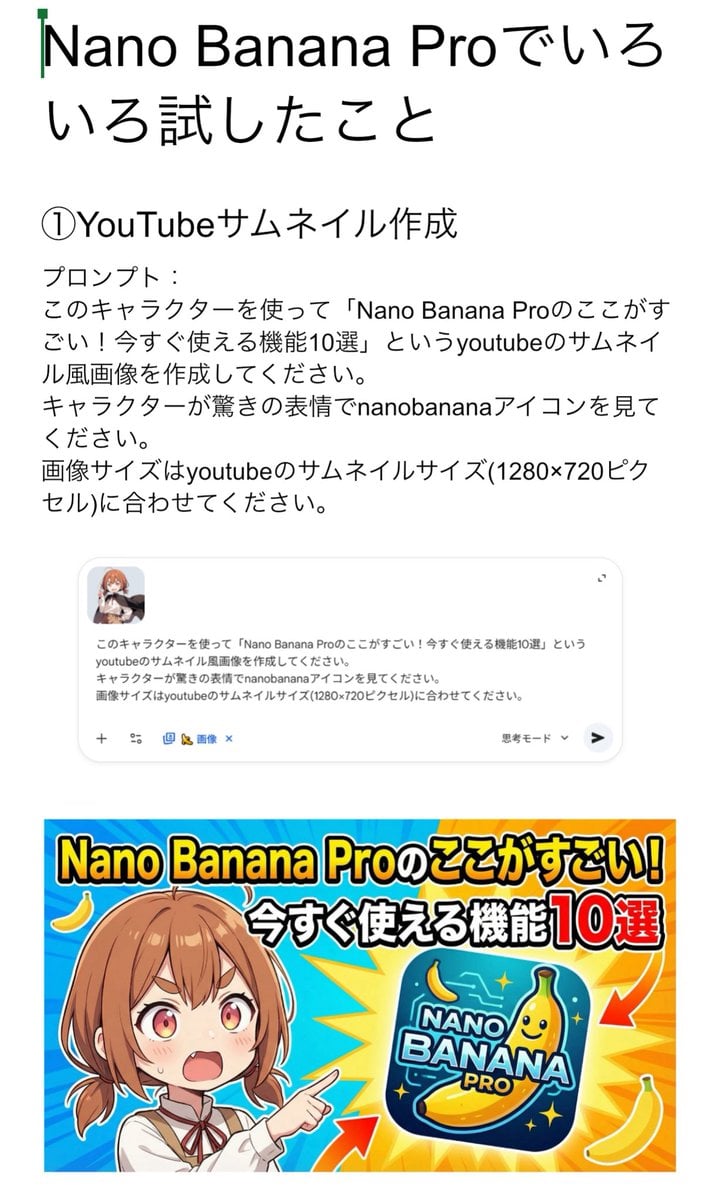
YouTube thumbnail for Nano Banana Pro features
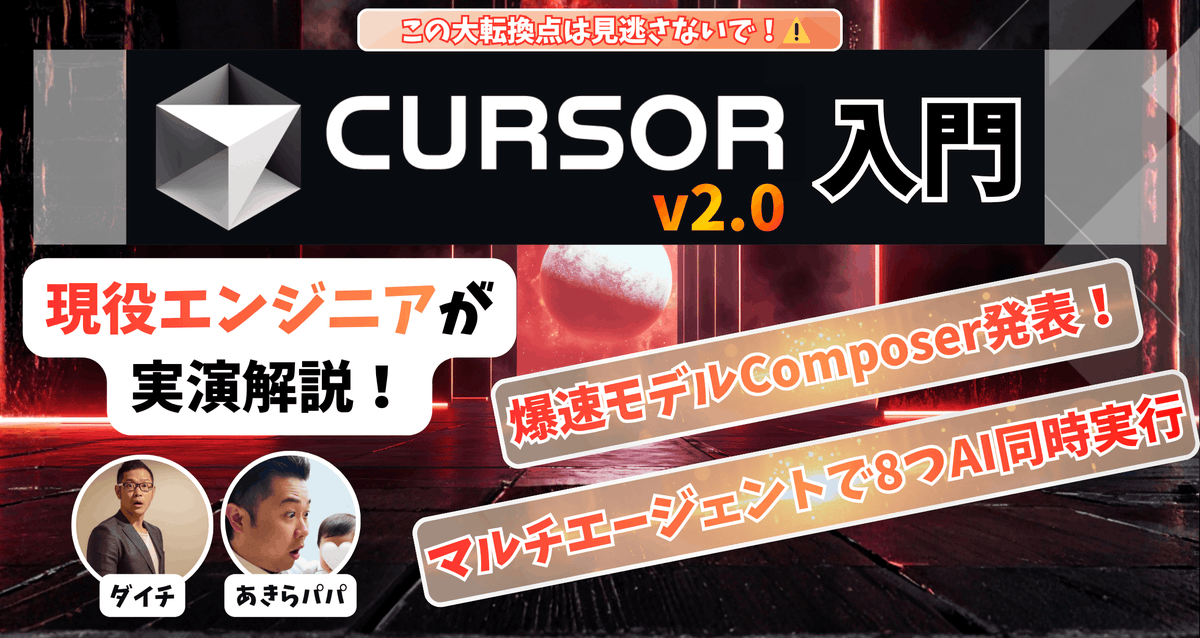
High-conversion YouTube thumbnail by genius designer-psychologist
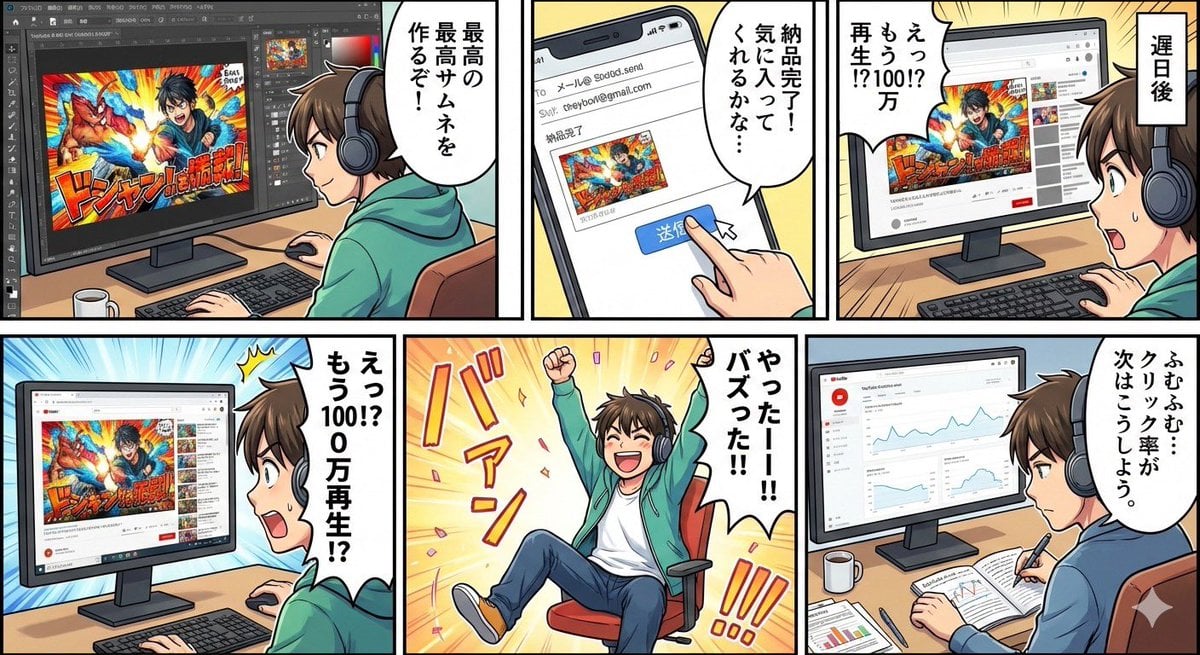
Five-panel manga of a YouTube thumbnail creator workflow
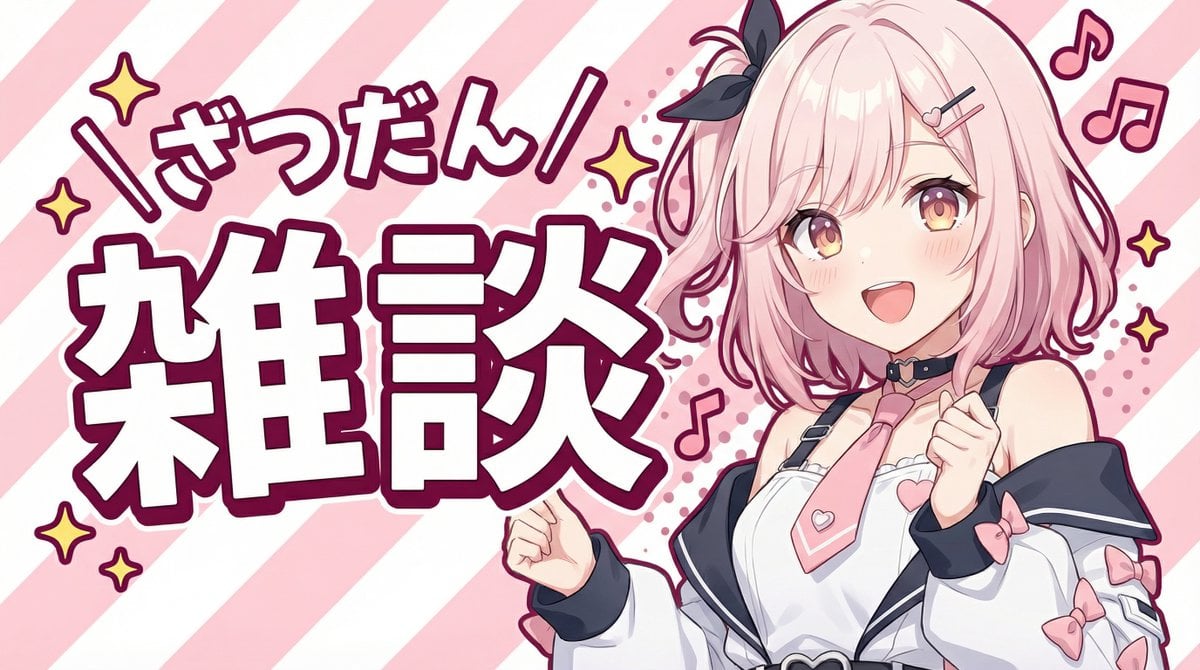
YouTube thumbnail using a specific character for chat stream
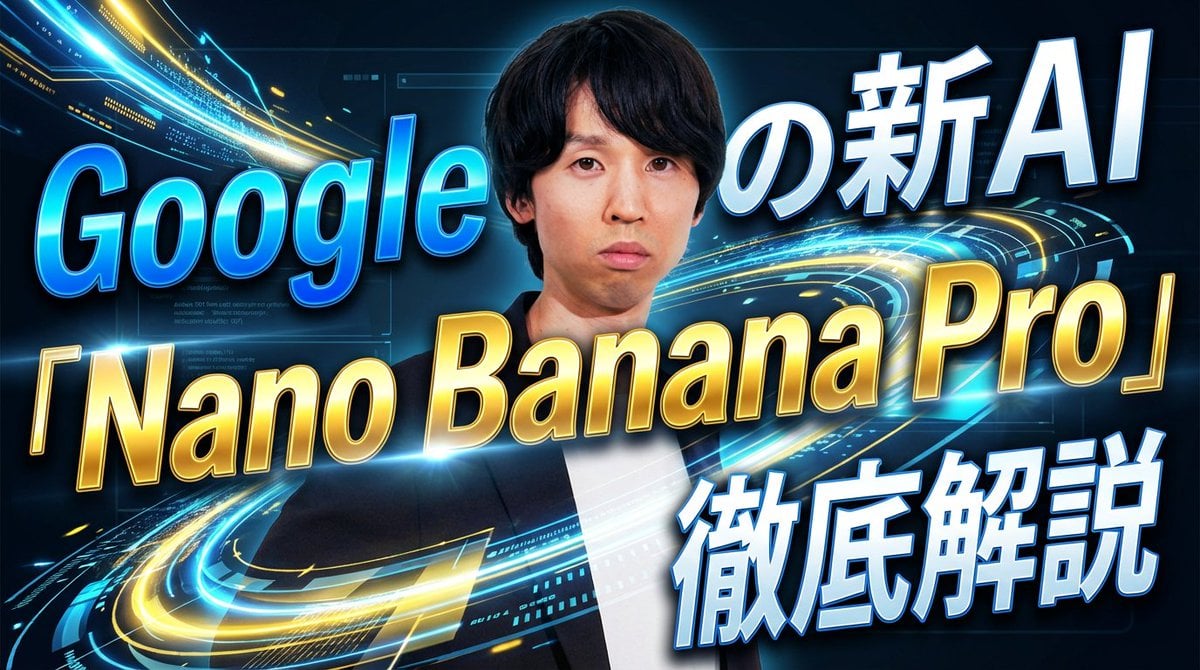
YouTube thumbnail introducing Nano Banana Pro
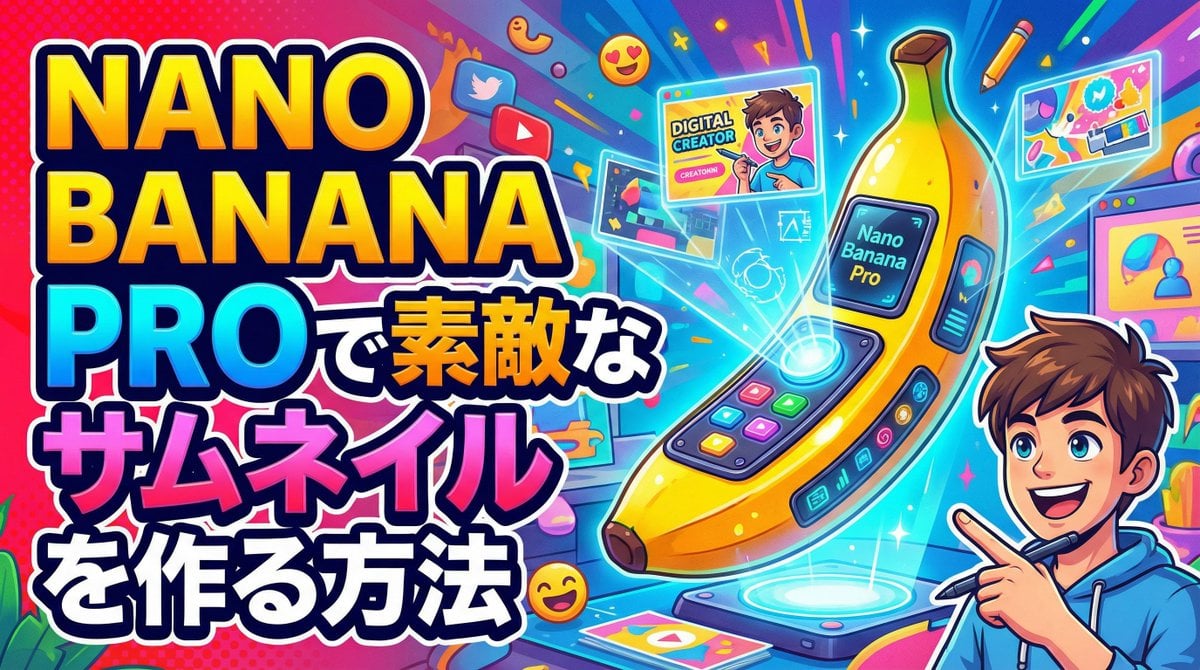
Simple YouTube Thumbnail Generation Prompt
Make it yours
YouTube thumbnail design brief for a masked interview video works as-is. These are the safest ways to change it without losing the look.
Change one field
Copy a single group, rewrite it, and generate again so you can see what that field is doing.
Keep the frame, change the subject
Hold the composition and light of YouTube thumbnail design brief for a masked interview video, then swap wardrobe, props or the person for a new take.
| If the result… | Why | Fix |
|---|---|---|
| The result drifts from the preview | Too many fields changed at once. | Reuse YouTube thumbnail design brief for a masked interview video as-is first, then change one group — subject, light, or setting. |
| The model over-stylizes the scene | The prose prompt leaves finish and camera underspecified. | Add one camera or lighting sentence and stay on Nano Banana 2. |
More Nano Banana 2 templates
Other prompts made for Nano Banana 2.

Photorealistic Leaf Shaped Like a Dragon

K-Pop Idol Portrait Grid for Rapid Selection

Poetic Rain Forest Portrait During Golden Hour

Urban Street Portrait with Cartoon Inner Self Duo

Candid Nighttime Photo with Cat Prompt

High-Concept 3D Diorama Generation Prompt

Cinematic Futuristic Studio Portrait Template

Skincare Editorial Photography Collage Prompt

Hyper-Realistic Commercial Product Photography (Splash Effect)

Hyper-Realistic Nightclub Portrait Prompt
More image prompts
Fresh picks from across the catalog.
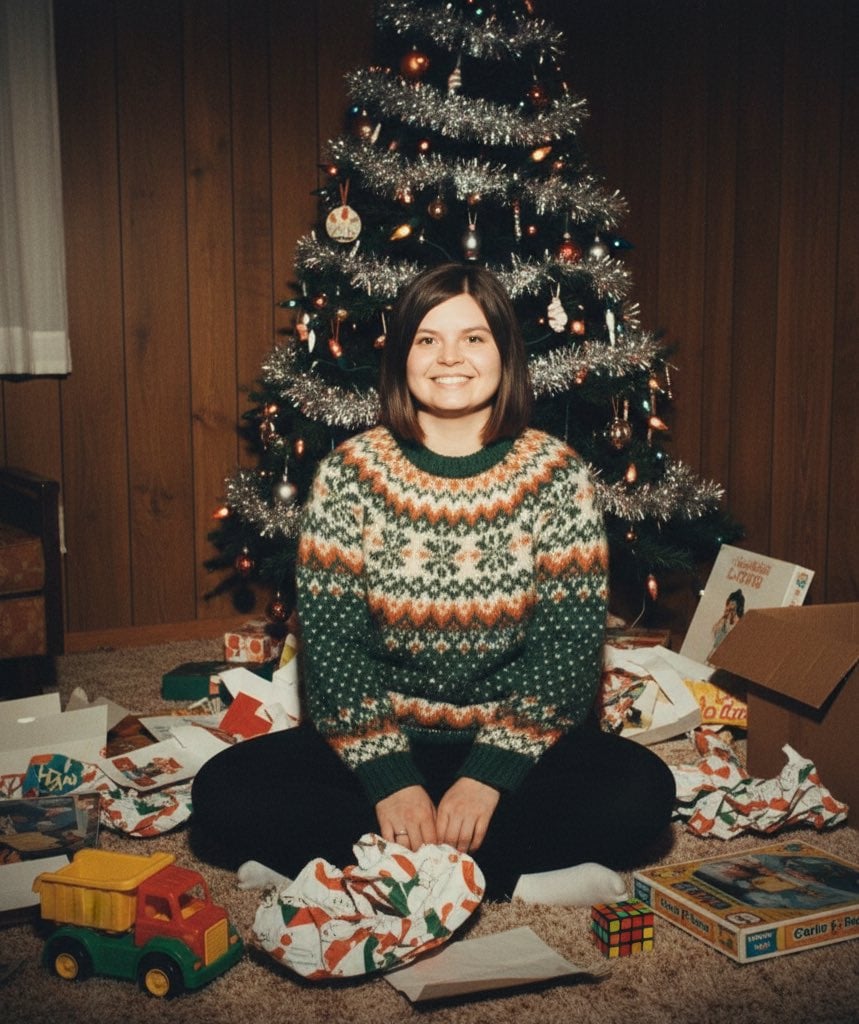
Vintage 1970s/1980s Christmas Family Photo
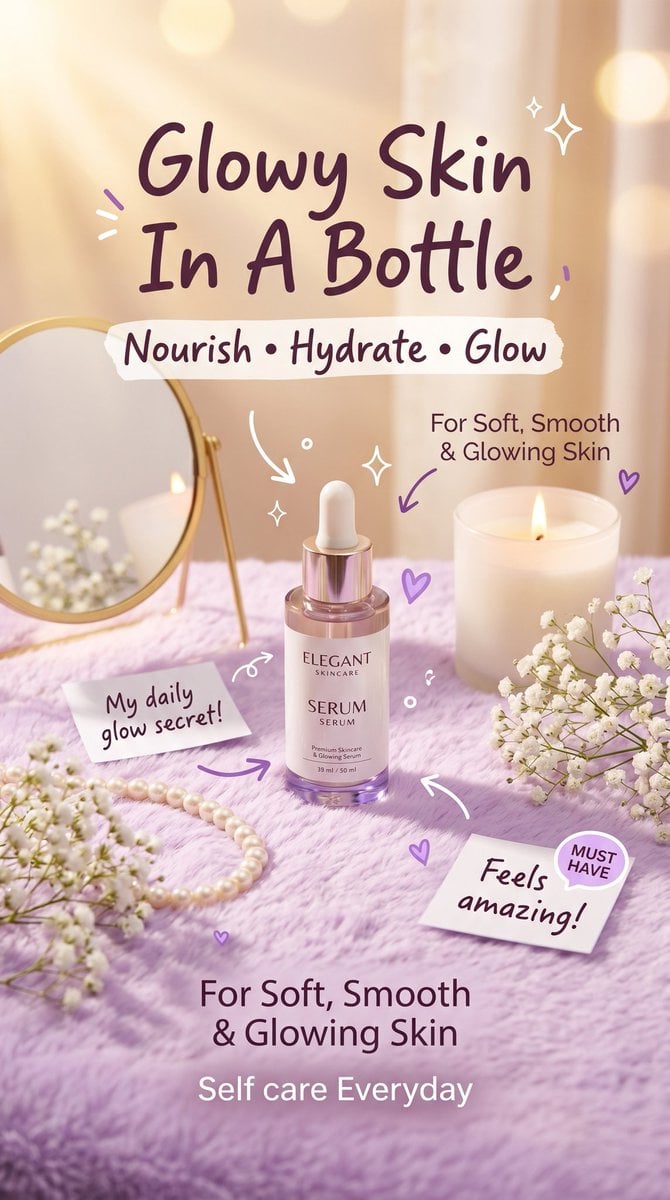
Pastel Luxury Skincare Ad
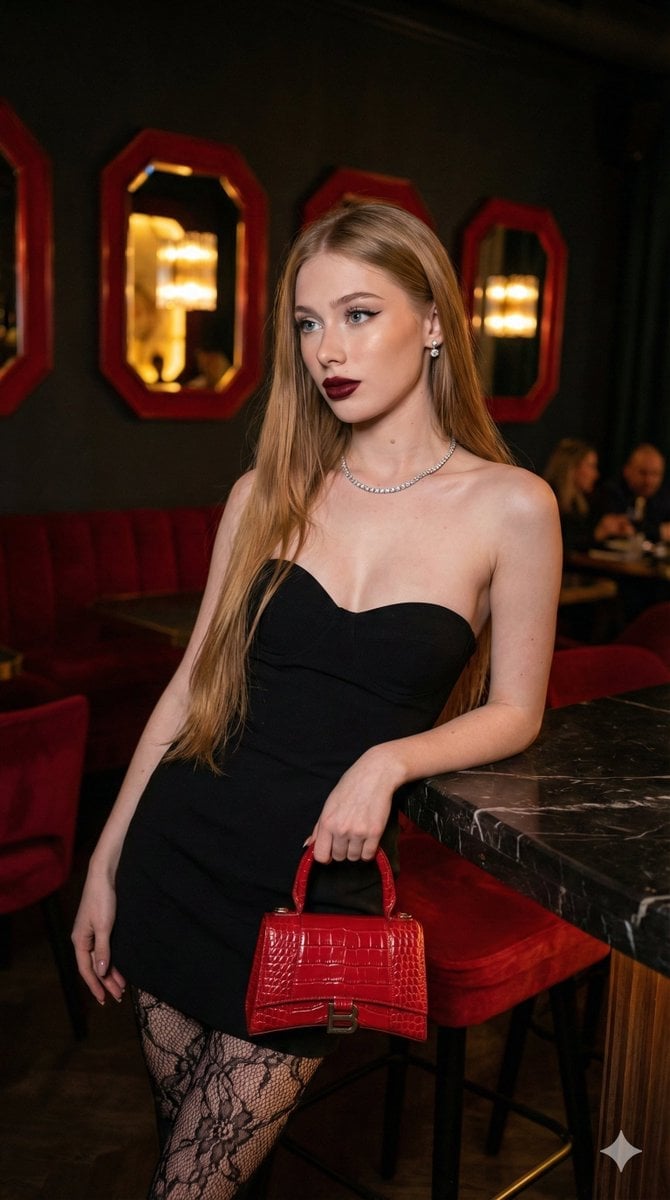
High-Fashion, Moody Portrait in a Luxury Lounge
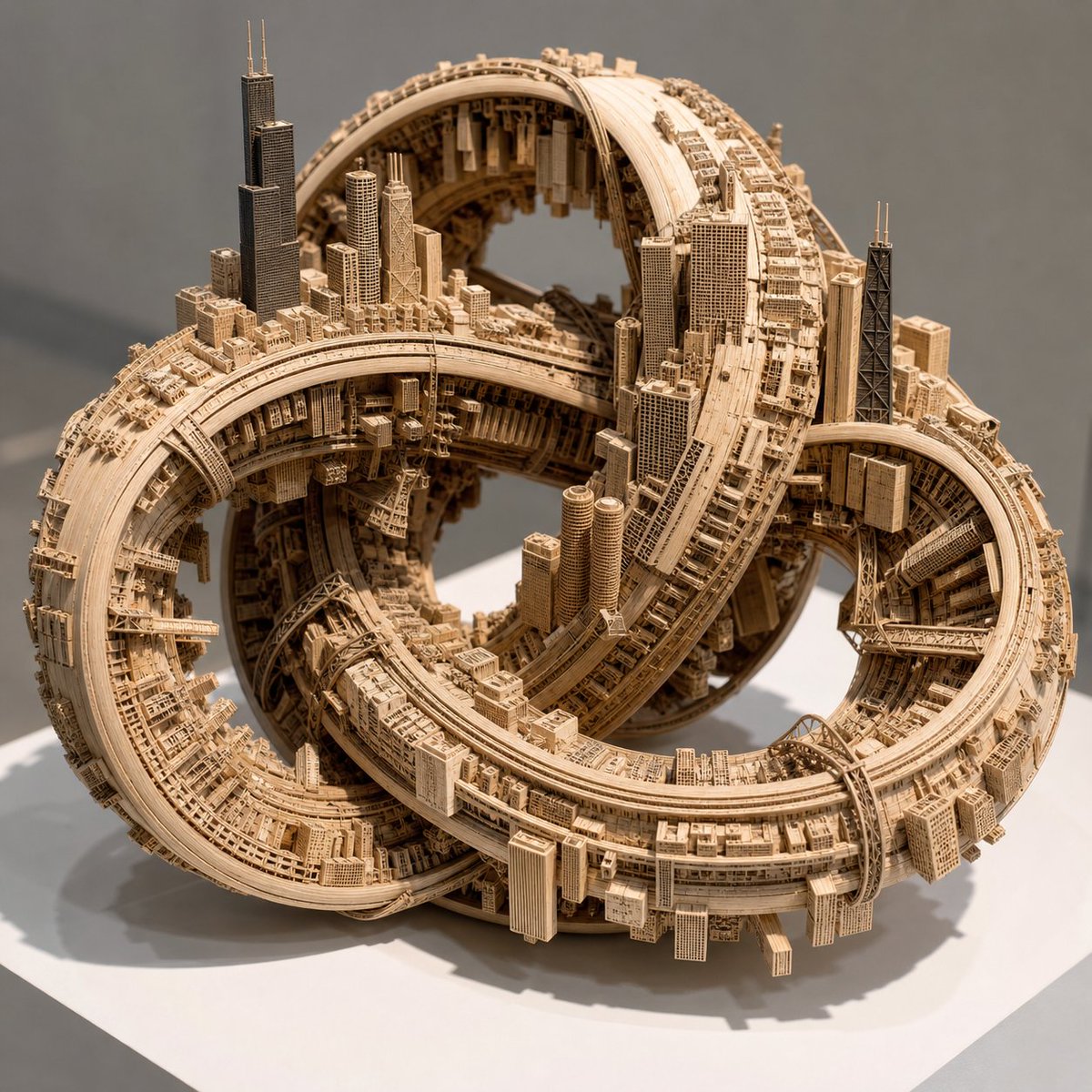
Impossible Wooden Chicago Knot City
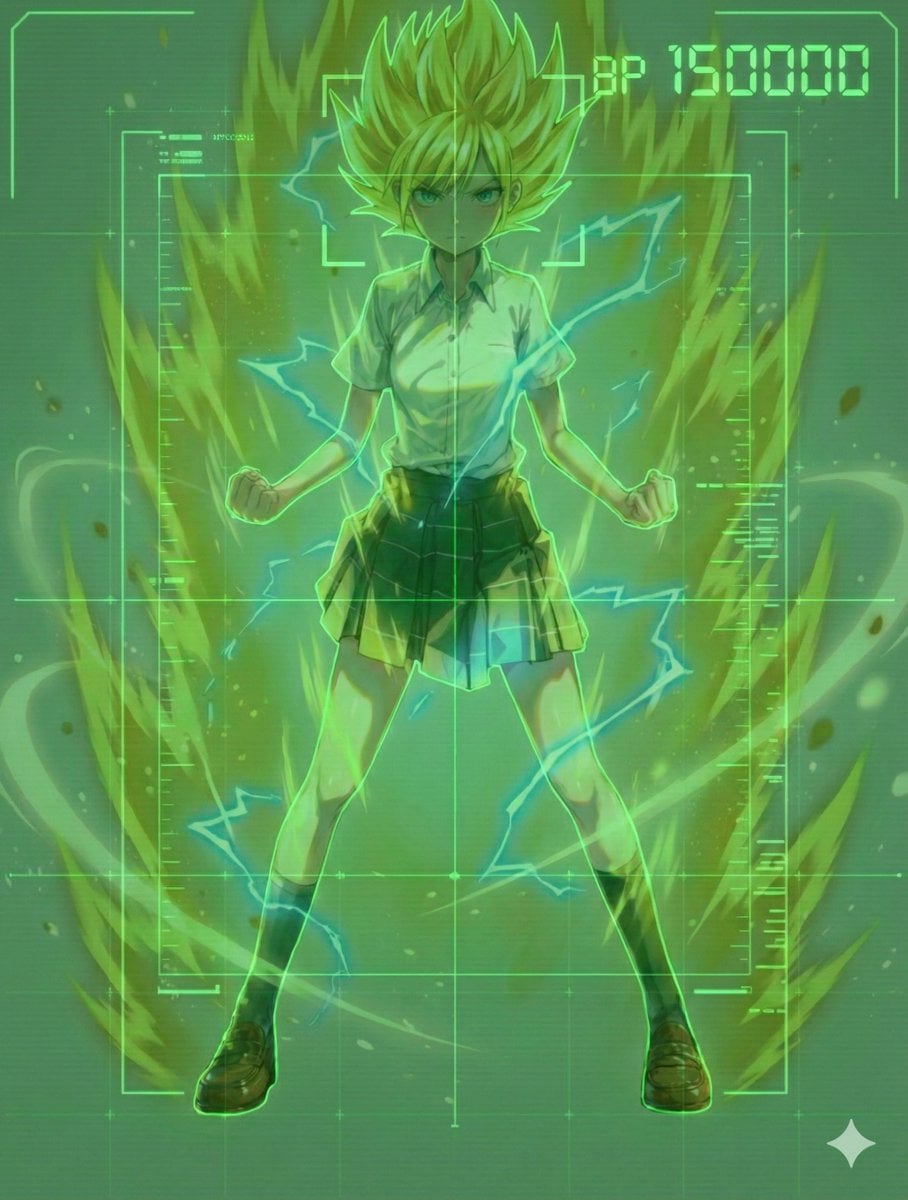
Scouter Prompt (Combat Power Analysis) - Summary
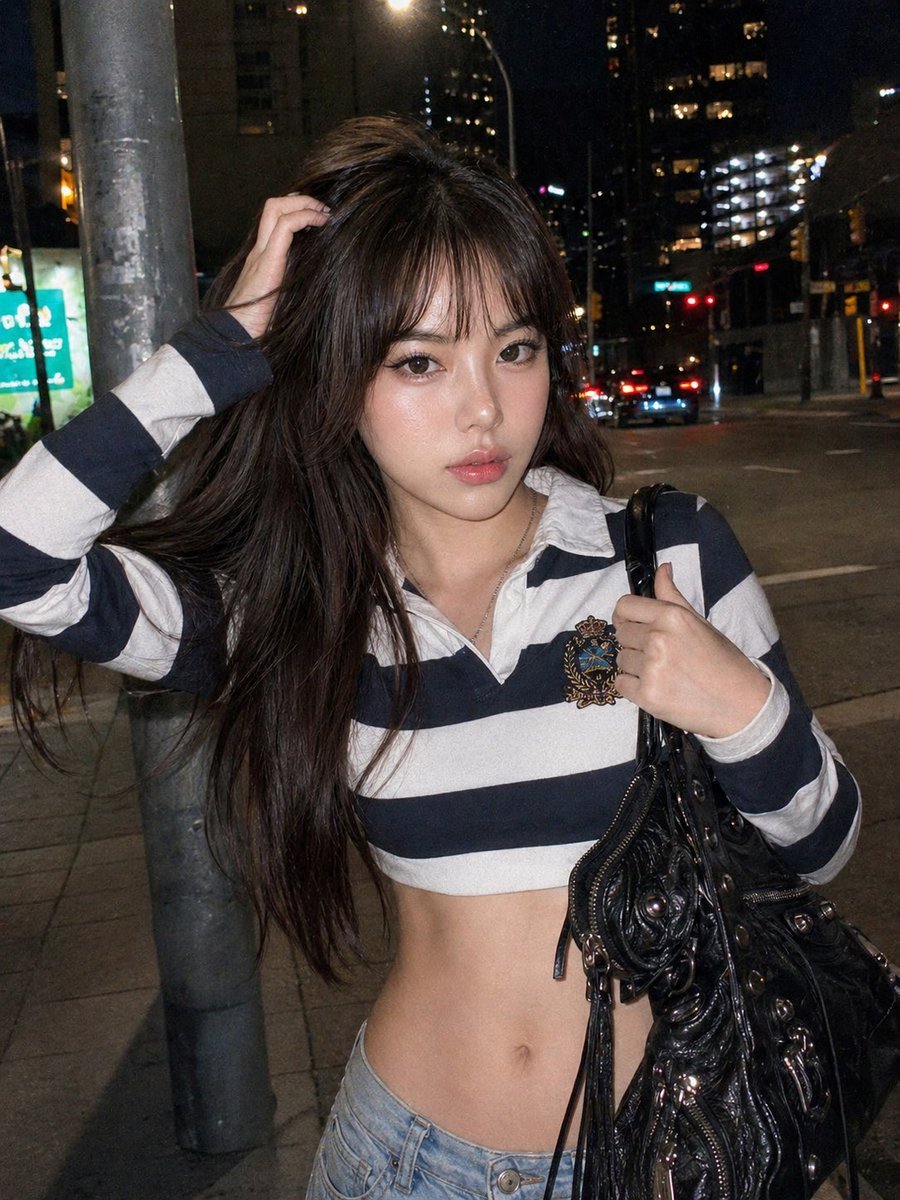
Y2K Urban Twilight Portrait
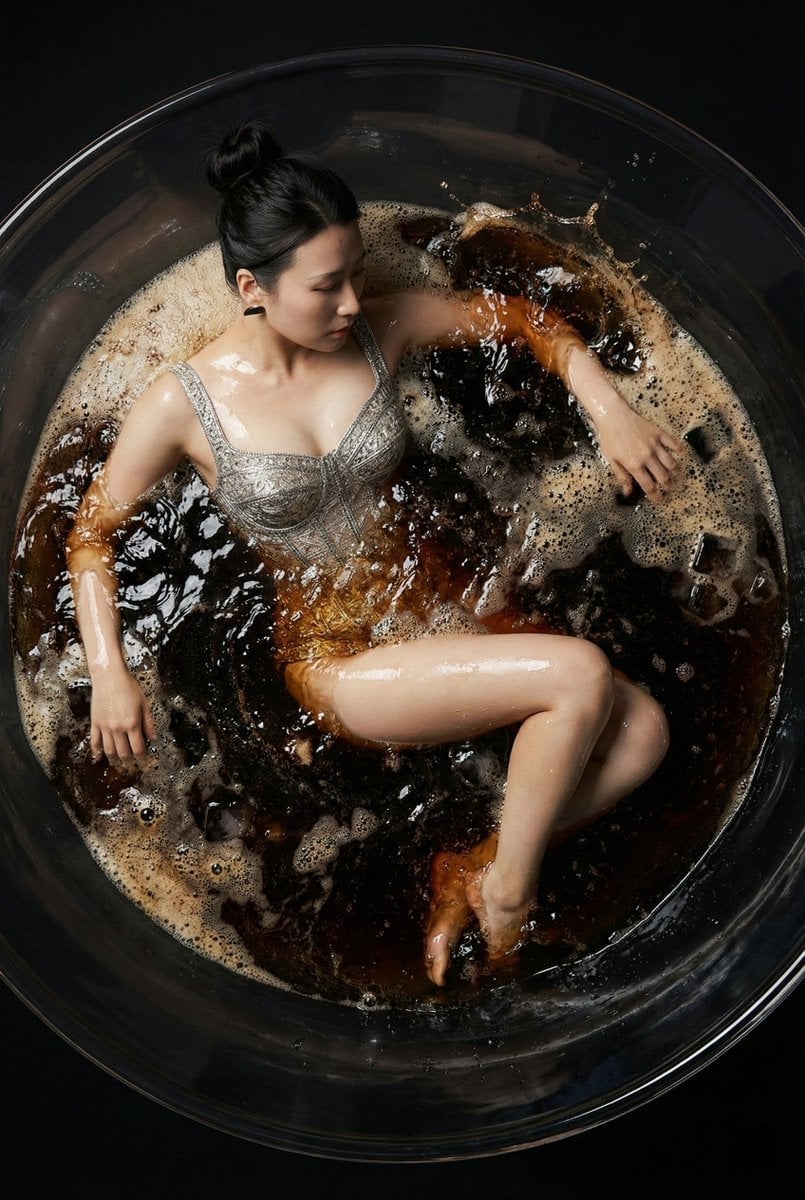
Hyper-Realistic Commercial Fashion Photo Prompt for Nano Banana Pro
Surreal Dreamy Portrait with Cloud Headphones
Candid Mirror Selfie Prompt for Image Generation
Cinematic Portrait Restoration with Golden-Hour Lighting
Browse template categories
YouTube thumbnail design brief for a masked interview video questions
How do I use the YouTube thumbnail design brief for a masked interview video template?
Add your photo if the template asks for one, edit the prompt if you like — the template's model and format are already selected — and press Generate. Your version opens in PicX Studio.
Can I customize the YouTube thumbnail design brief for a masked interview video template?
Yes. You can change the subject, setting, lighting, mood, format, and available model controls before creating your image.
Is the YouTube thumbnail design brief for a masked interview video template free?
Opening and editing this template is free. Generating uses credits, shown on the Generate button when you are signed in.
Which AI model should I use?
Start with Nano Banana 2, which is the model associated with this template. You can compare another compatible model for a different finish.
Looking for something else? Browse all templates.

Your photo, any look
Thousands of ready templates for every top image and video model, from one credit balance.