
Impossible Wooden Chicago Knot City
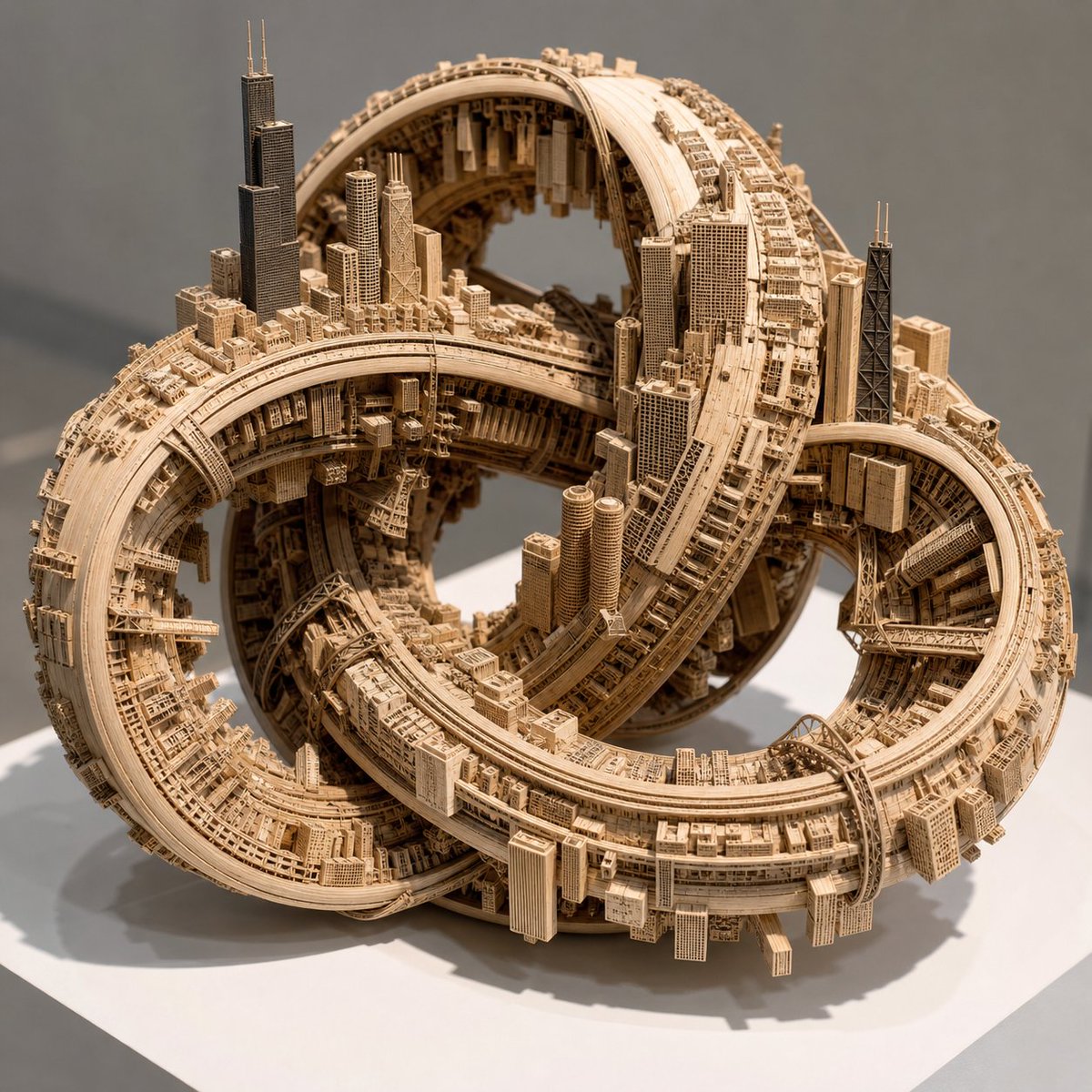
Generates a realistic macro photo of a pale wooden tabletop sculpture where Chicago is mapped across a self-intersecting impossible knot.
- Prompt included
- Model and format preset
- Free template
The prompt behind this image
Copy the exact prompt behind Impossible Wooden Chicago Knot City, or open it in the studio and make it yours.
Create a macro-lens photograph of an impossible tabletop sculpture: a closed, continuous, self-intersecting topological knot manifold physically constructed from pale, smooth architectural modeling wood. Uniformly map the urban center of {argument name="urban center" default="Chicago"} across the entire surface of the knot, extruding recognizable skyline towers, dense city blocks, gridded streets, bridges, rail lines, highways, and infrastructure directly from the wooden surface. Make the geometry paradoxical with no true up direction: buildings grow outward, inward into the hollow loops, sideways along the bands, and upside down beneath arches; roads and rail corridors wrap around the manifold and loop back into themselves infinitely. Emphasize Chicago-like landmarks including tall dark wooden skyscraper masses resembling Willis Tower and John Hancock Center with antenna spires, clustered downtown high-rises, river-bridge trusses, and elevated transit-like tracks integrated into the knot. The sculpture should form several interlocking torus-like loops with open hollow gaps, complex internal shadows, and dense miniature architectural detail on every visible surface. Use pristine gallery illumination with sharp intersecting shadows, a neutral gray gallery background, and a clean white square pedestal base to make the scale undeniably that of a handcrafted tabletop architectural model. Materials should be monochrome pale basswood or birch with fine laser-cut texture, tiny window grids, delicate etched roads, and layered wooden strips, photographed from a three-quarter front view with shallow macro depth of field, high realism, crisp detail, and no people.
How to use Impossible Wooden Chicago Knot City in 3 steps
- 1Upload ImagePNG, JPG or paste
Add your photo
Upload the photo the template builds on. The prompt, model and format are already set.
- 2…a portrait of your subject in softgolden-hour light, 85mm…
Personalize
Edit the subject and creative details for your destination.
- 3Generate
Generate
Press Generate — your image is created in PicX Studio, so you can compare it with the original and refine one variable at a time.
More like this
Templates with the same subject, style or setup. Open one to see its prompt.
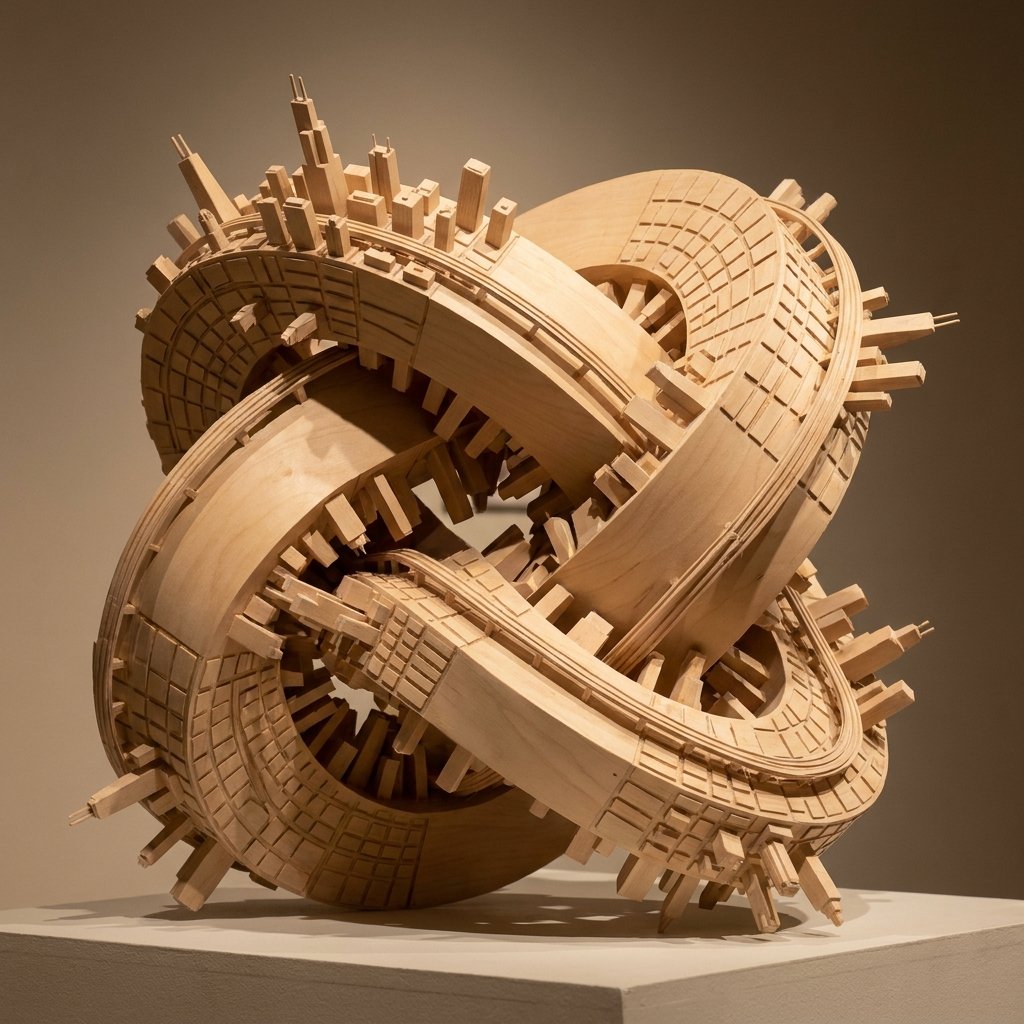
Wooden Impossible City Knot

Cozy Knit Sweater Window Portrait

Minimalist Hand-Drawn Doodle Portrait

Nano Banana Pro 2.0 — 3x3 Travel Profile Grid

Impossible Cosmic Horizon
A hand-carved wooden miniature figure shaped with visible knife marks

A hyper-realistic cinematic scene of a young woman sitting at a wooden

An open children s picture book rests on a wooden table, showing
Wooden Travel Chessboard
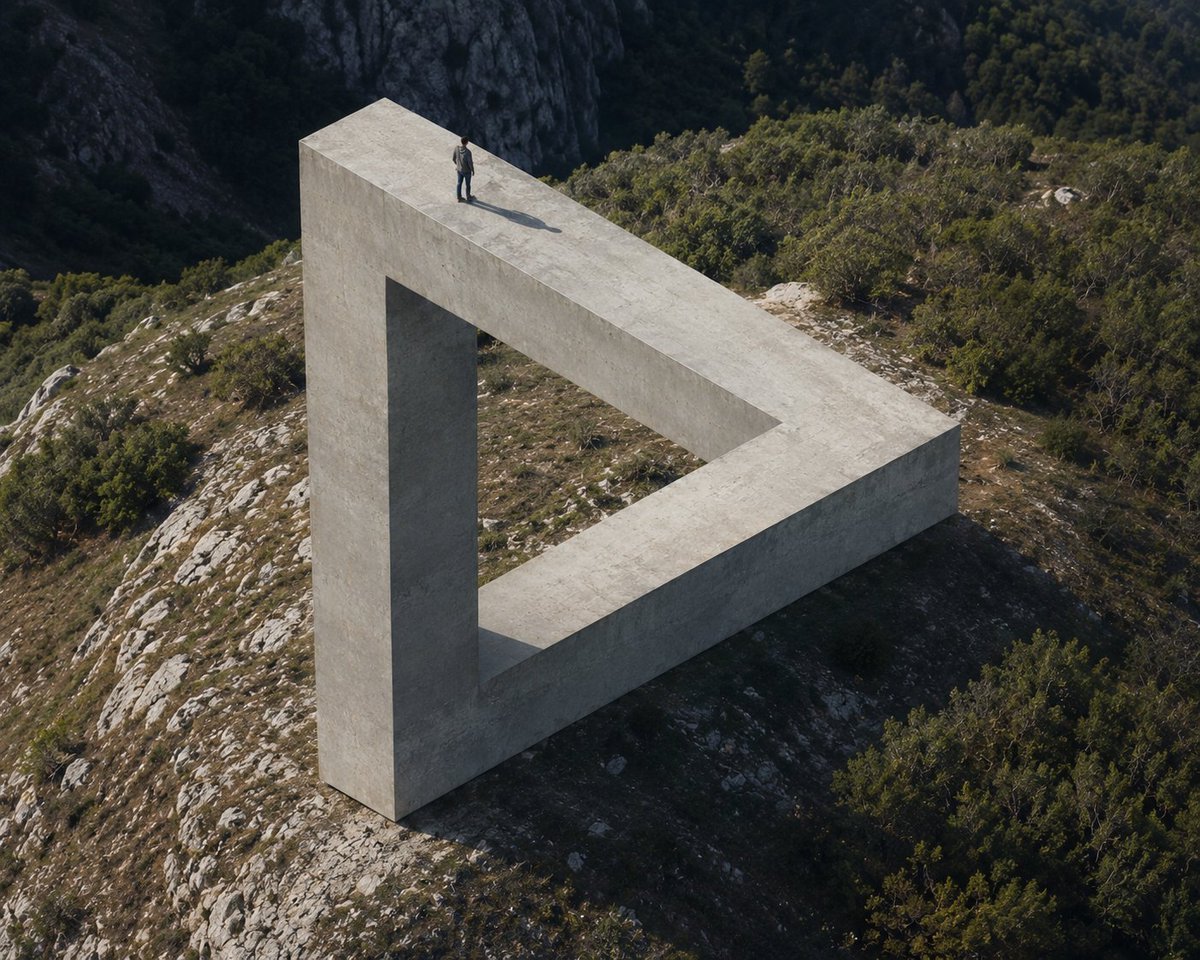
Penrose Impossible Triangle Structure
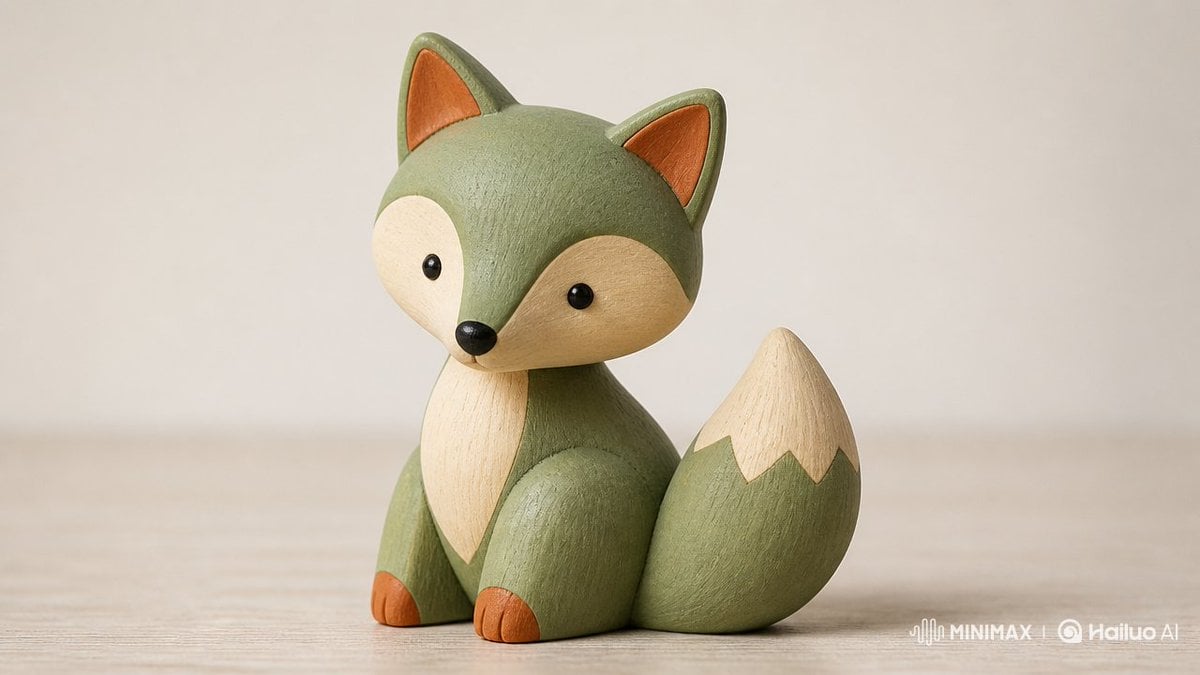
Scandinavian Wooden Toy Figure
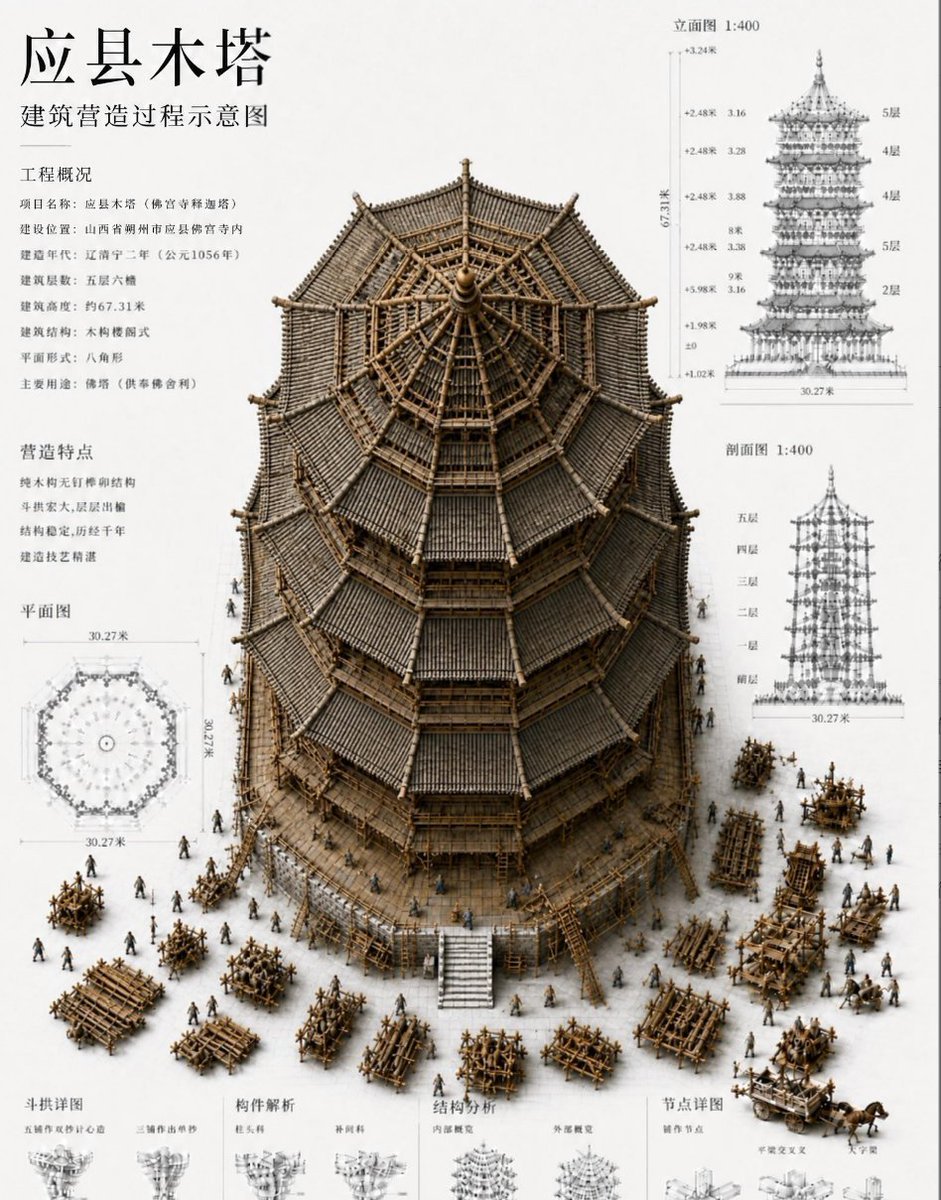
Chinese Wooden Pagoda Construction Board
Make it yours
Impossible Wooden Chicago Knot City works as-is. These are the safest ways to change it without losing the look.
Change one field
Copy a single group, rewrite it, and generate again so you can see what that field is doing.
Keep the frame, change the subject
Hold the composition and light of Impossible Wooden Chicago Knot City, then swap wardrobe, props or the person for a new take.
| If the result… | Why | Fix |
|---|---|---|
| The result drifts from the preview | Too many fields changed at once. | Reuse Impossible Wooden Chicago Knot City as-is first, then change one group — subject, light, or setting. |
| The model over-stylizes the scene | The prose prompt leaves finish and camera underspecified. | Add one camera or lighting sentence and stay on GPT Image 2. |
More GPT Image 2 templates
Other prompts made for GPT Image 2.

Six VTuber Japanese Logo Sheet

Realistic Portrait of Woman and Deer

The Vista Modular Condo Poster

AI Model Routing Comparison Infographic

2.5D Anime Art Board

Isometric Productivity Desk Scene

New York Double Exposure Poster

Four-Panel AI Landscape Comparison

Japanese Tatami Lifestyle Magazine Cover

NESCAFÉ Coffee Map Poster
More image prompts
Fresh picks from across the catalog.

Natural Recharge Drink Ad
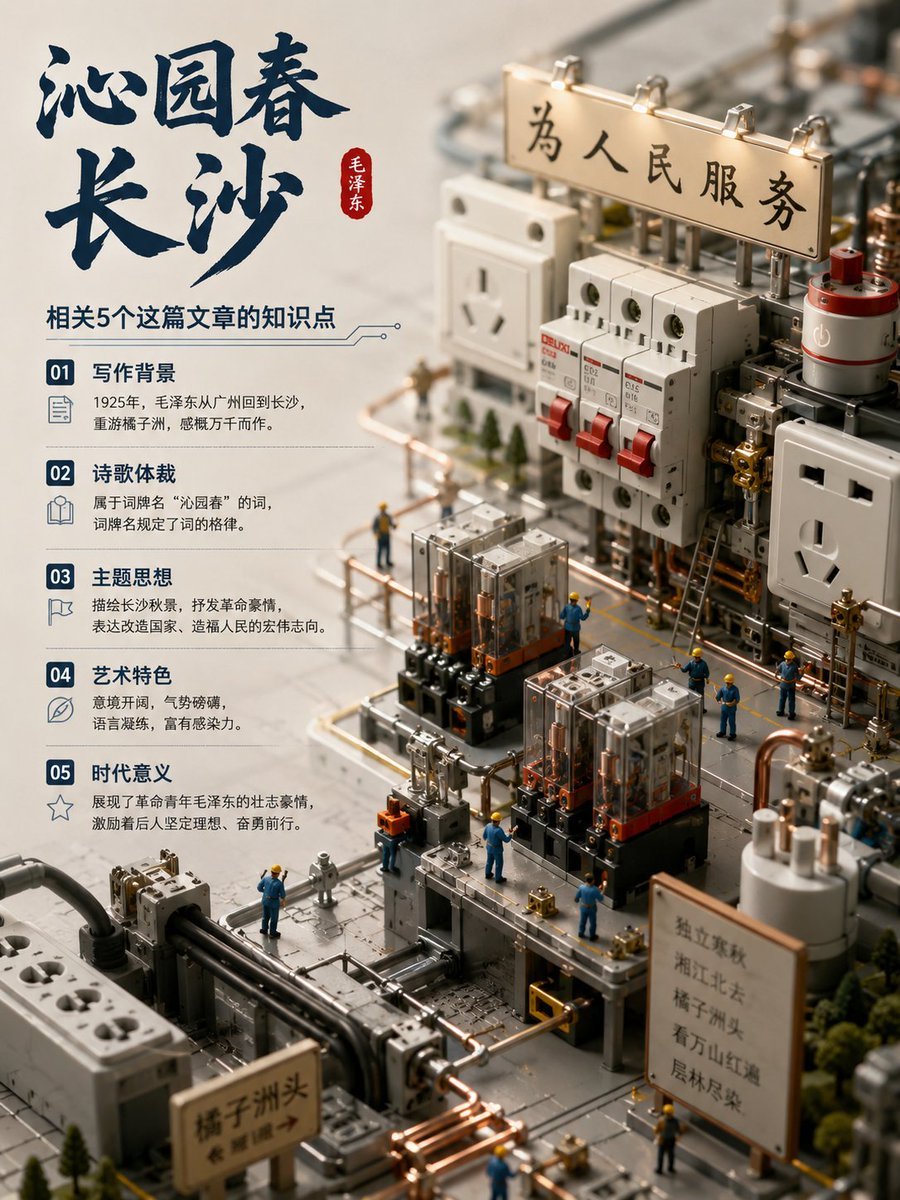
Chinese Poem Electrical Diorama Poster

Luxury Photoshoot Prompt with Sports Car and Face Preservation

Double Exposure Spiritual Travel Poster

Keyword List for Cinematic AI Photography

Alpine Meadow Travel Selfie Portrait
Simple Armchair Perch Prompt
Sci-Fi Gacha RPG Dialogue Screenshot
Vertical Cinematic Storyboard Sheet
2x2 Selfie Collage with Playful Poses
Browse template categories
Impossible Wooden Chicago Knot City questions
How do I use the Impossible Wooden Chicago Knot City template?
Add your photo if the template asks for one, edit the prompt if you like — the template's model and format are already selected — and press Generate. Your version opens in PicX Studio.
Can I customize the Impossible Wooden Chicago Knot City template?
Yes. You can change the subject, setting, lighting, mood, format, and available model controls before creating your image.
Is the Impossible Wooden Chicago Knot City template free?
Opening and editing this template is free. Generating uses credits, shown on the Generate button when you are signed in.
Which AI model should I use?
Start with GPT Image 2, which is the model associated with this template. You can compare another compatible model for a different finish.
Looking for something else? Browse all templates.

Your photo, any look
Thousands of ready templates for every top image and video model, from one credit balance.