
Chinese Wooden Pagoda Construction Board
Generates a dense Chinese architectural presentation board showing an ancient wooden pagoda construction process with diagrams, annotations, and a central 3D model.
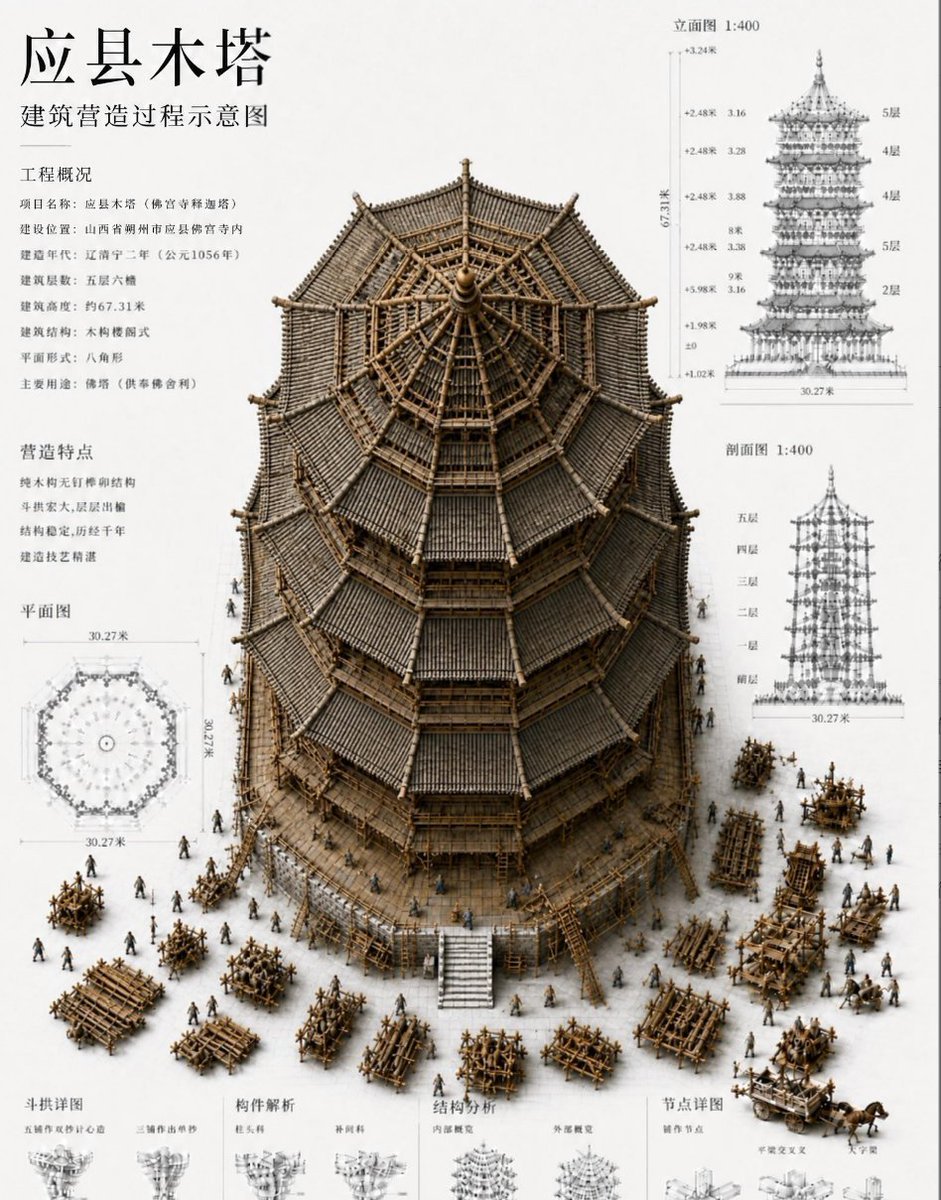
- Prompt included
- Model and format preset
- Free template
The prompt behind this image
Copy the exact prompt behind Chinese Wooden Pagoda Construction Board, or open it in the studio and make it yours.
Goal: Create a high-density architectural presentation board in Chinese showing the construction process diagram of an ancient wooden pagoda, centered on a realistic 3D cutaway/isometric model of {argument name="building name" default="应县木塔"} under construction. Canvas: Portrait poster, off-white drafting-paper background, 4:5 ratio, clean museum-exhibition / architectural blueprint style. Use black Chinese typography, fine grey measurement lines, and sepia-brown timber materials. The image should feel like a technical architecture plate mixed with a miniature diorama. Layout: Place a huge detailed octagonal timber pagoda model in the center, occupying most of the poster. Show the pagoda from a slightly elevated front angle so the roof structure and interior radial timber frame are visible. Surround the base with many tiny construction workers, scaffolds, timber piles, carts, ladders, cranes, and assembly frames. The surrounding drawings and text must stay aligned like a professional architectural sheet. Text content: At top left, large title text: 「应县木塔」. Directly below, subtitle: 「建筑营造过程示意图」. Add two left-column information blocks titled 「工程概况」 and 「营造特点」 with multiple short Chinese lines describing project name, location, construction period, height, structure type, plan form, and craft characteristics. Keep the Chinese legible and not garbled. Required diagram elements: Include exactly 7 major labeled diagram areas: 1) central 3D pagoda construction model, 2) left-column工程概况 text block, 3) left-column营造特点 text block, 4) lower-left 「平面图」 octagonal plan drawing with dimension marks around 30.27米, 5) upper-right 「立面图 1:400」 elevation drawing with floor labels and vertical dimensions, 6) mid-right 「剖面图 1:400」 section drawing with storey labels, 7) bottom strip of small technical detail panels labeled with categories such as 「斗拱详图」, 「构件解析」, 「结构分析」, and 「节点详图」. Subject details: The pagoda should be an octagonal, multi-eaved Chinese timber tower with dark grey tiled roofs, exposed brown wooden beams, dense bracket sets, layered eaves, a central finial, and radial roof framing visible at the top. Add construction staging: unfinished upper interior trusses, scaffolding around lower levels, timber fences, and workers carrying beams. Use {argument name="primary material" default="wooden timber frame"} as the dominant construction material and {argument name="drawing scale" default="1:400"} for the elevation and section labels. Visual style: Highly detailed architectural visualization, realistic miniature model rendering, precise technical annotation, fine ink lines, soft shadows, muted sepia and grey palette, no bright colors. Combine photorealistic 3D construction diorama with crisp 2D blueprint overlays. Make the typography resemble a formal Chinese architectural drawing sheet. Constraints: Preserve the dense Chinese layout and technical drawing clarity. Do not add logos, watermarks, English labels, or modern buildings. Keep all diagrams spatially organized, with no overlapping text on the main pagoda. Ensure Chinese characters render correctly, especially the title {argument name="main title" default="应县木塔"} and subtitle {argument name="subtitle" default="建筑营造过程示意图"}.
How to use Chinese Wooden Pagoda Construction Board in 3 steps
- 1Upload ImagePNG, JPG or paste
Add your photo
Upload the photo the template builds on. The prompt, model and format are already set.
- 2…a portrait of your subject in softgolden-hour light, 85mm…
Personalize
Edit the subject and creative details for your destination.
- 3Generate
Generate
Press Generate — your image is created in PicX Studio, so you can compare it with the original and refine one variable at a time.
More like this
Templates with the same subject, style or setup. Open one to see its prompt.
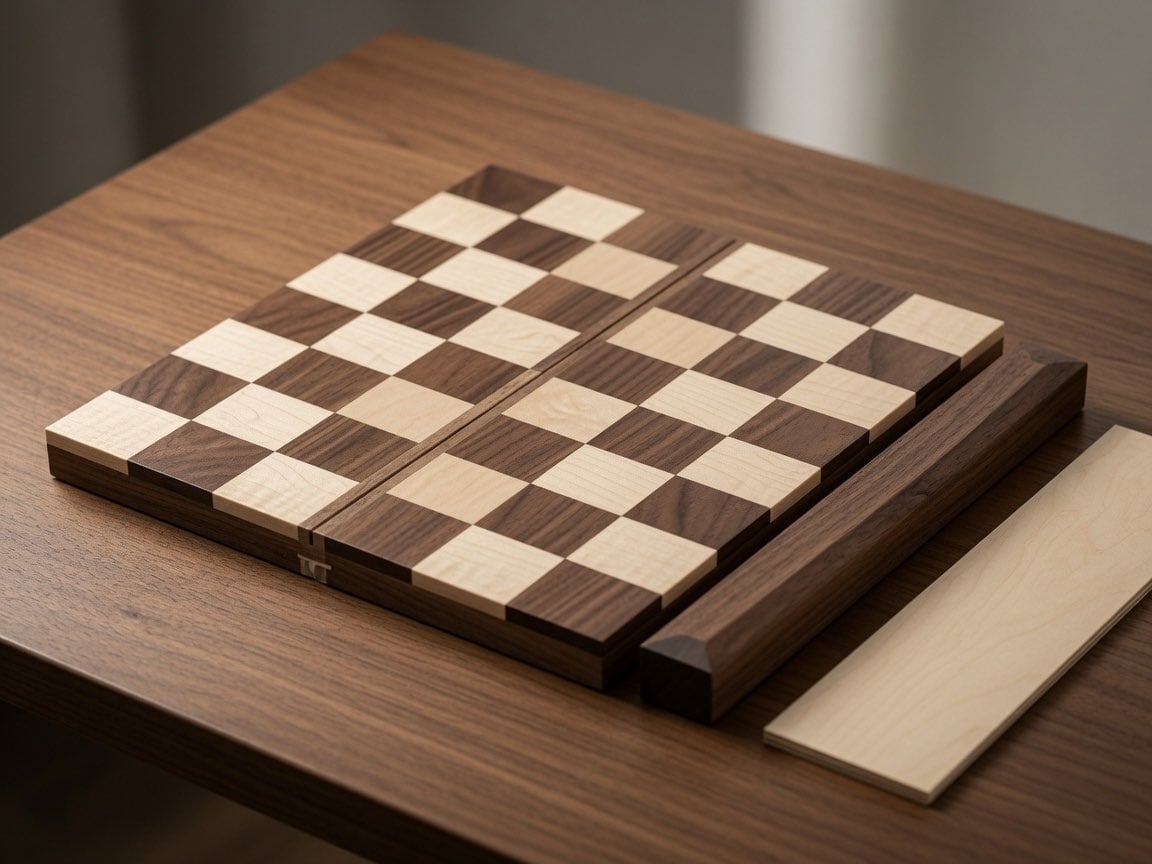
Wooden Travel Chessboard
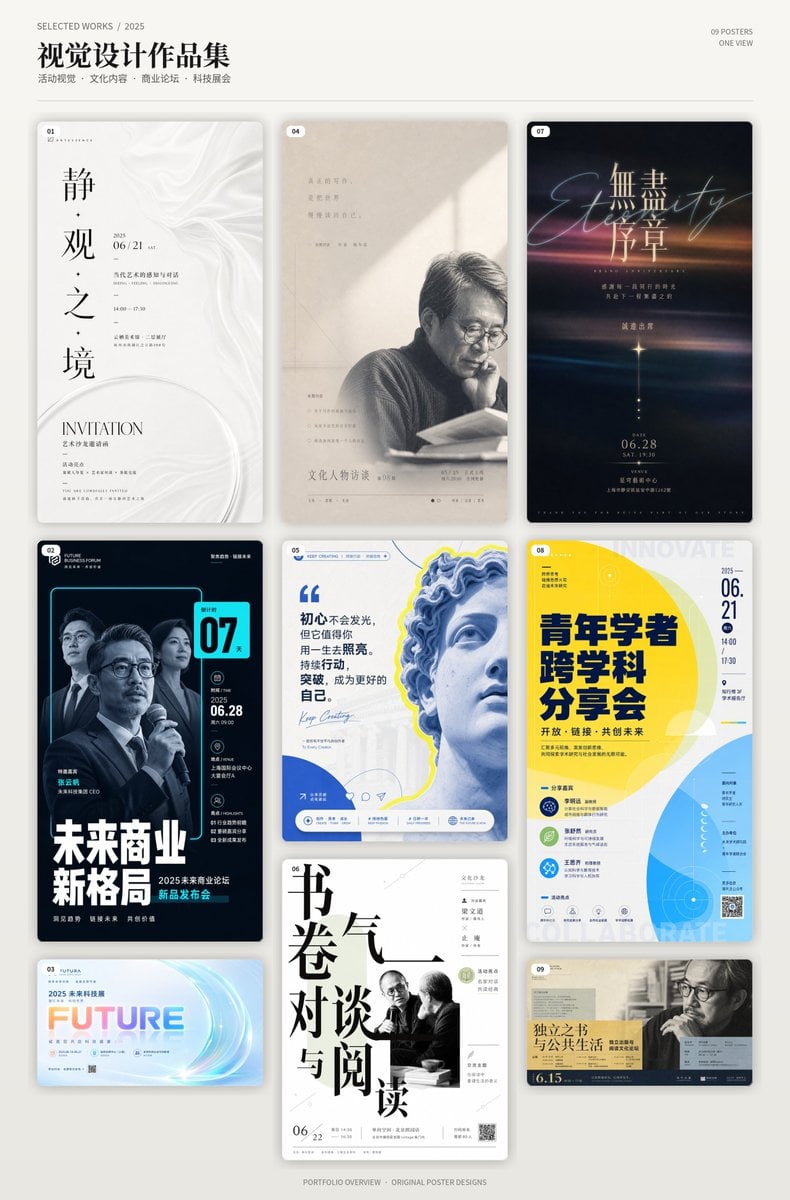
Chinese Event Poster Portfolio Board

Pastel Fantasy Pagoda Mountain Landscape
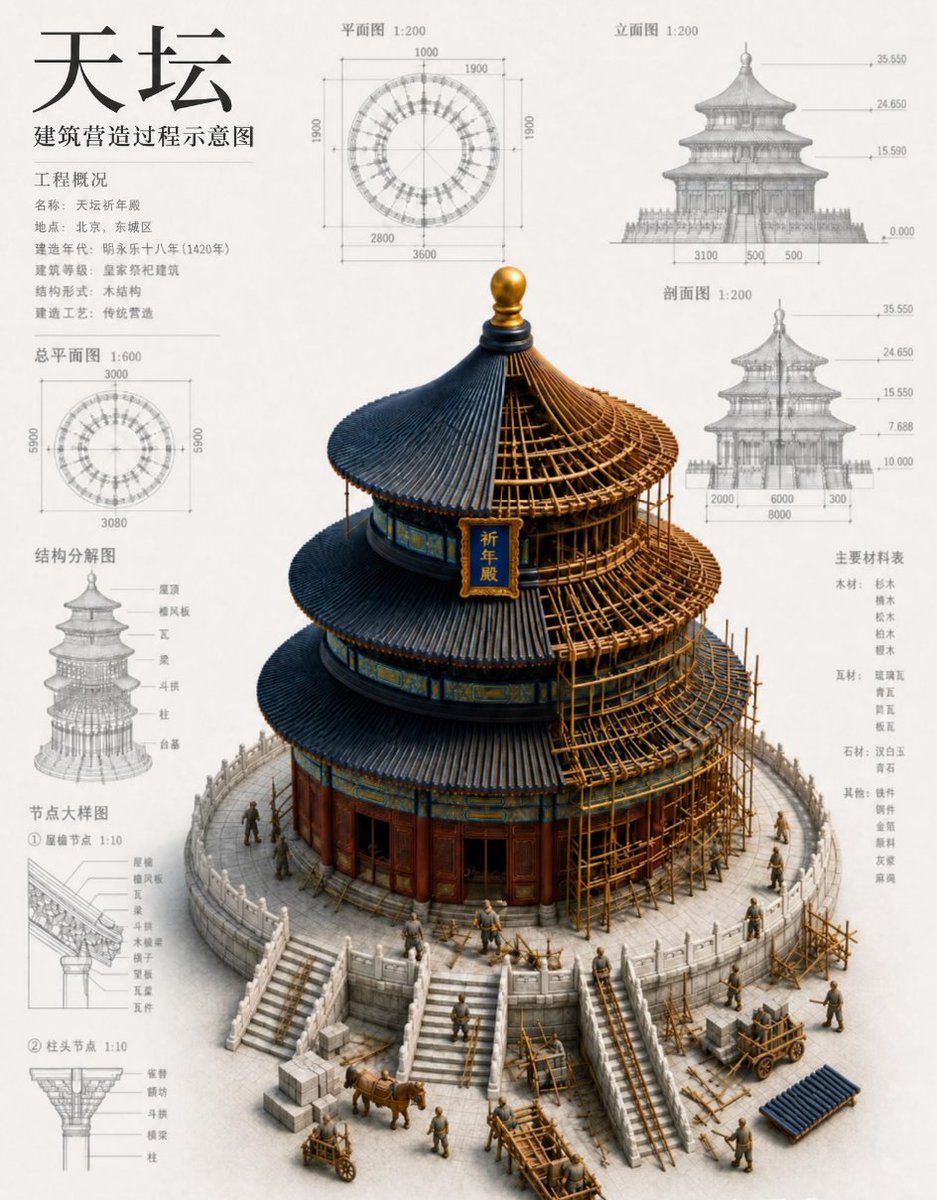
Chinese Temple Construction Blueprint
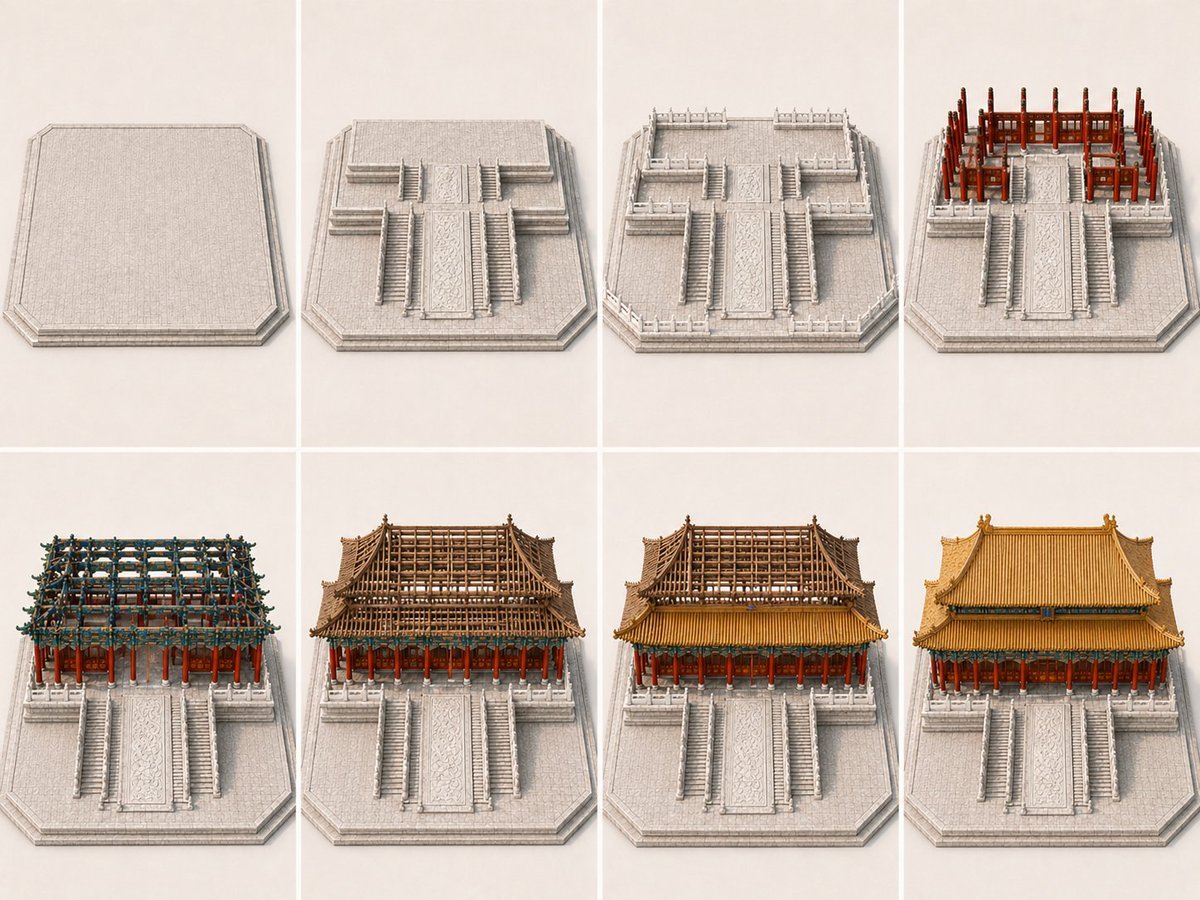
Panel Palace Hall Construction Board

Sushi Kata/Forms Movement Arrangement on a Wooden Board

敦煌纸雕飞天 — 3D Layered Paper Cutout

博物馆图鉴式汉服拆解图 — GPT-image-2
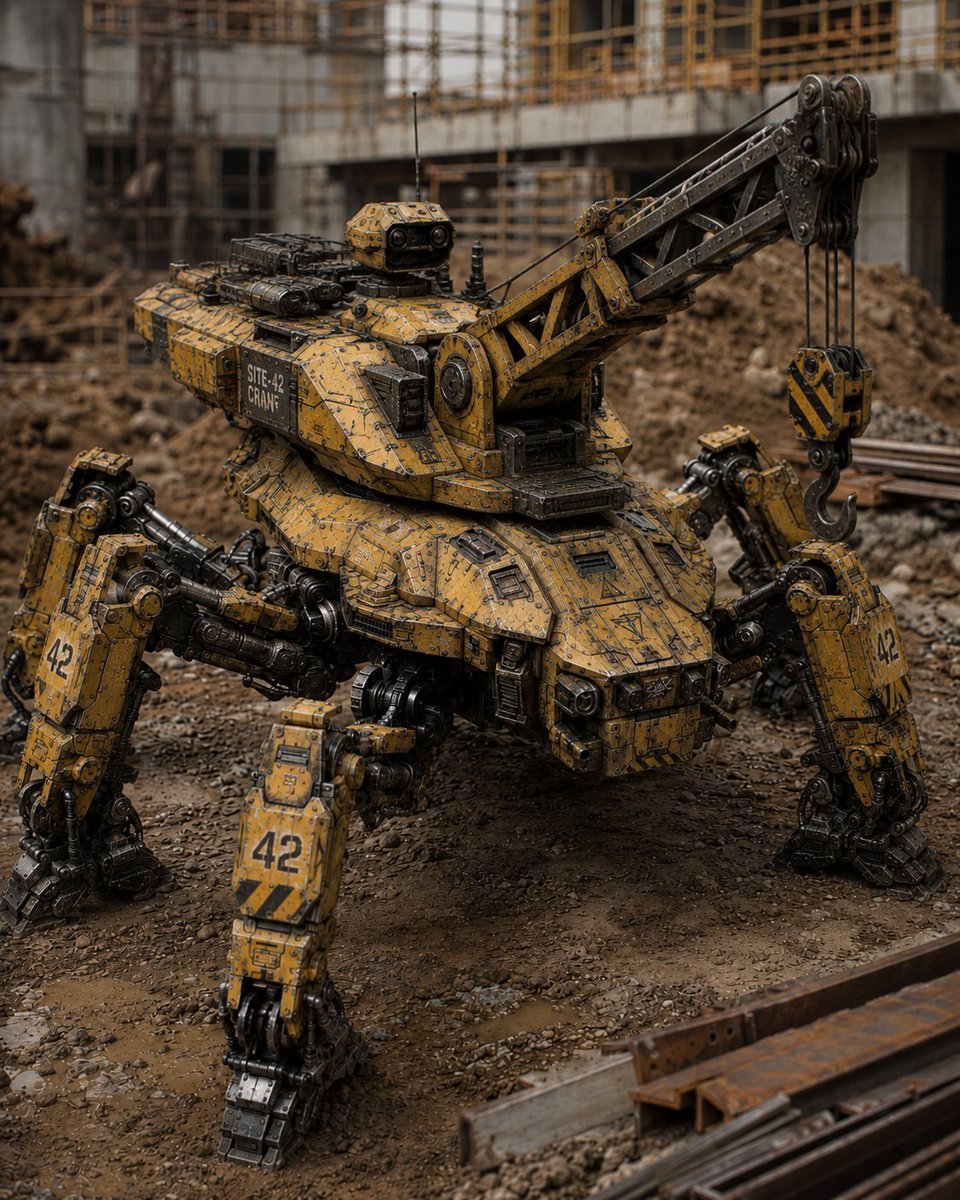
Peaceful Multi-Legged Construction Machine
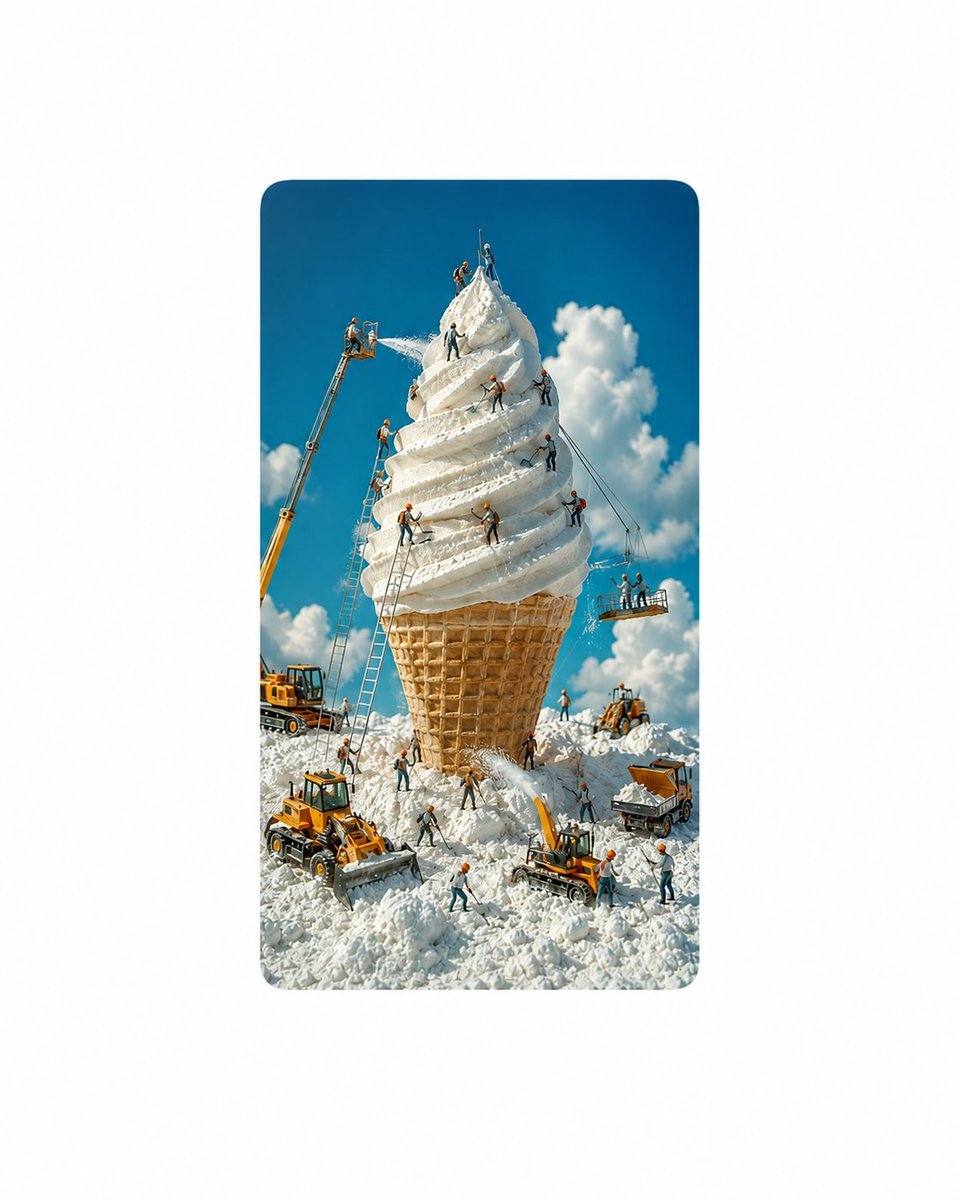
Giant Ice Cream Construction Site

A hand-carved wooden miniature figure shaped with visible knife marks
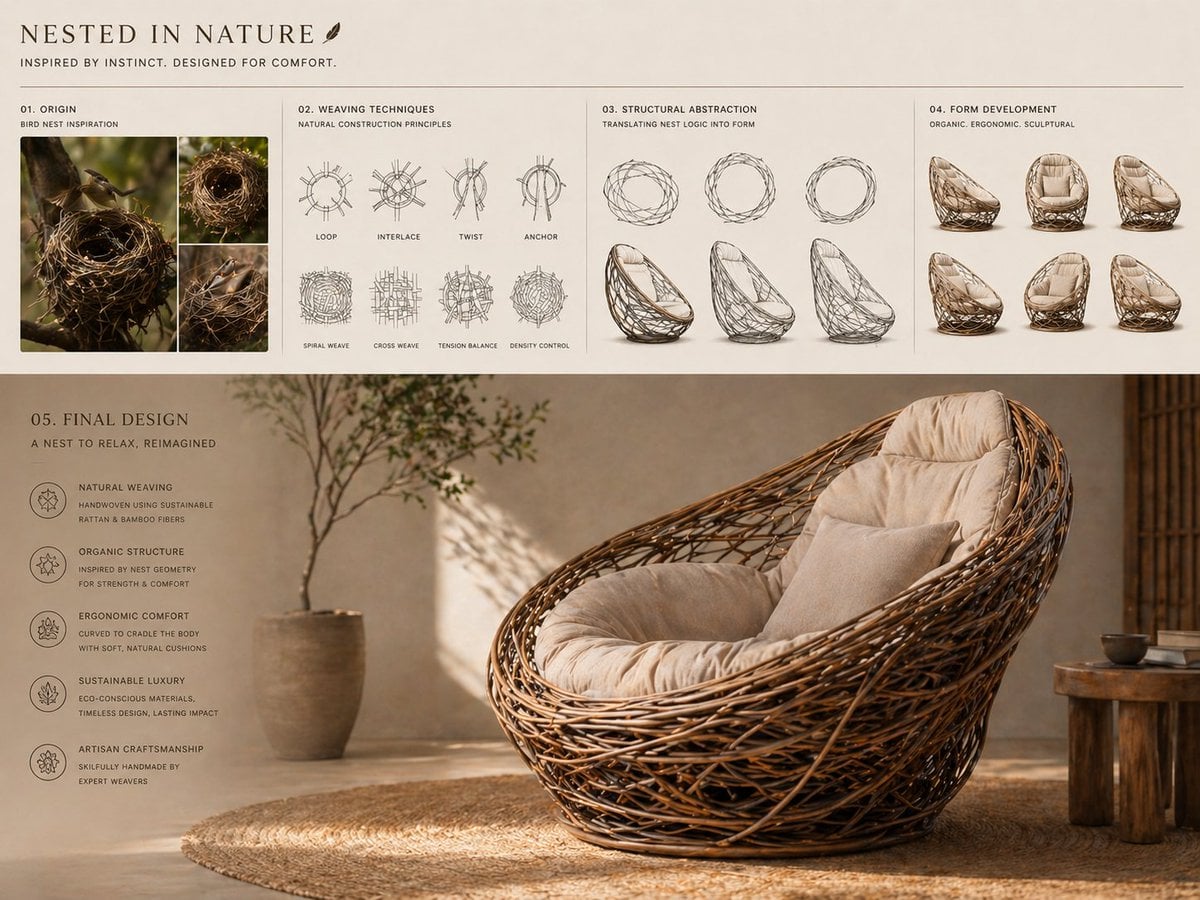
Conceptual transformation, bird nest construction techniques shaping
Make it yours
Chinese Wooden Pagoda Construction Board works as-is. These are the safest ways to change it without losing the look.
Change one field
Copy a single group, rewrite it, and generate again so you can see what that field is doing.
Keep the frame, change the subject
Hold the composition and light of Chinese Wooden Pagoda Construction Board, then swap wardrobe, props or the person for a new take.
| If the result… | Why | Fix |
|---|---|---|
| The result drifts from the preview | Too many fields changed at once. | Reuse Chinese Wooden Pagoda Construction Board as-is first, then change one group — subject, light, or setting. |
| The model over-stylizes the scene | The prose prompt leaves finish and camera underspecified. | Add one camera or lighting sentence and stay on GPT Image 2. |
More GPT Image 2 templates
Other prompts made for GPT Image 2.

Six VTuber Japanese Logo Sheet

Realistic Portrait of Woman and Deer

The Vista Modular Condo Poster

AI Model Routing Comparison Infographic

Isometric Productivity Desk Scene

New York Double Exposure Poster

Four-Panel AI Landscape Comparison

Japanese Tatami Lifestyle Magazine Cover

NESCAFÉ Coffee Map Poster

Brutalist Cogito Chinese Typography Poster
More image prompts
Fresh picks from across the catalog.

Photorealistic Couple Portrait with Harsh Midday Sun and Red Roses

Vintage Amalfi Coast Travel Poster

Encyclopedia of Flavor Diorama Generator

Stylized 3D Glass Skeleton Render Prompt

Editorial Beauty Collage for Hairstyle Variations
Cinematic black-and-white portrait of a woman
3D Pirate Character in T-Pose for Modeling
Japanese Suburb in 2000s Atmosphere

Futuristic Tech Skyscraper City
Vintage Desert Refuge Road Sign
Browse template categories
Chinese Wooden Pagoda Construction Board questions
How do I use the Chinese Wooden Pagoda Construction Board template?
Add your photo if the template asks for one, edit the prompt if you like — the template's model and format are already selected — and press Generate. Your version opens in PicX Studio.
Can I customize the Chinese Wooden Pagoda Construction Board template?
Yes. You can change the subject, setting, lighting, mood, format, and available model controls before creating your image.
Is the Chinese Wooden Pagoda Construction Board template free?
Opening and editing this template is free. Generating uses credits, shown on the Generate button when you are signed in.
Which AI model should I use?
Start with GPT Image 2, which is the model associated with this template. You can compare another compatible model for a different finish.
Looking for something else? Browse all templates.

Your photo, any look
Thousands of ready templates for every top image and video model, from one credit balance.