
Wooden Travel Chessboard
A photorealistic product shot of a foldable wooden travel chessboard with loose side pieces on a warm walnut tabletop.
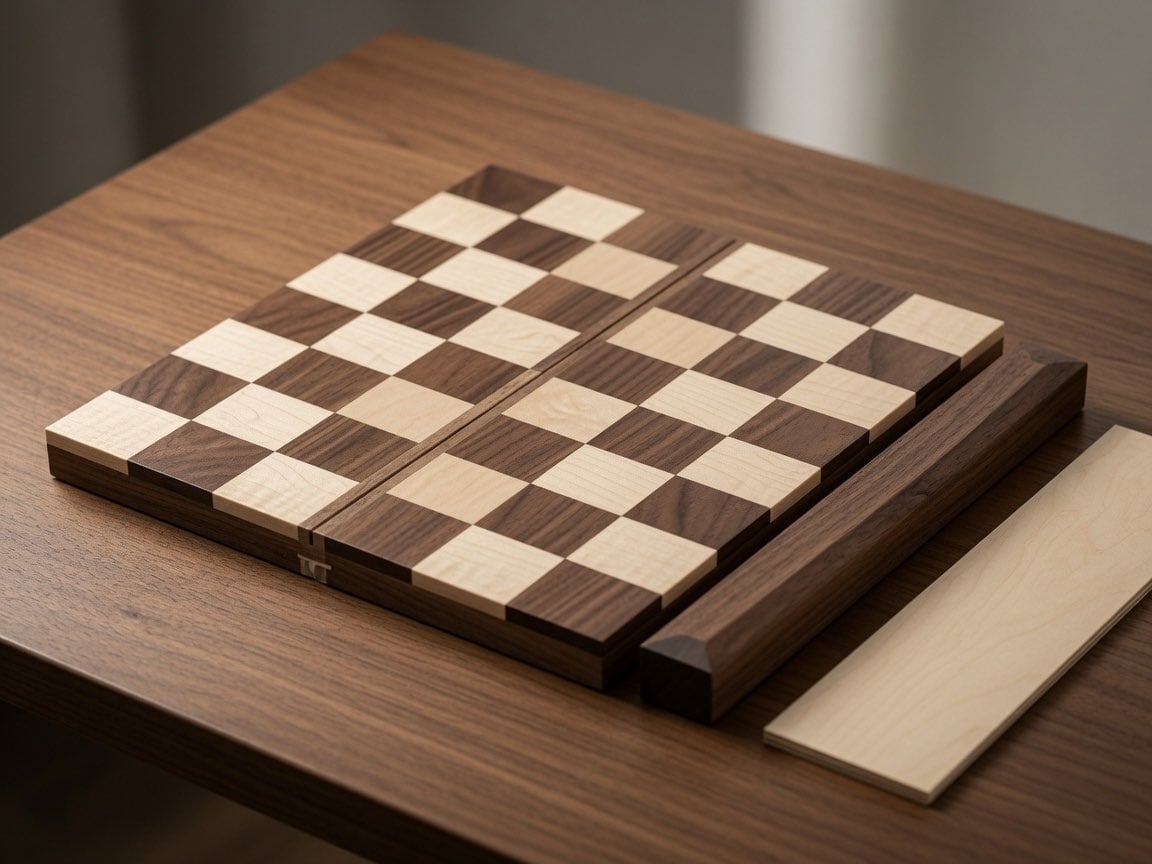
- Prompt included
- Model and format preset
- Free template
The prompt behind this image
Copy the exact prompt behind Wooden Travel Chessboard, or open it in the studio and make it yours.
Create a photorealistic close-up product-style image of a handcrafted wooden travel chessboard on a walnut tabletop. The scene shows exactly 1 folding chessboard made from 2 rectangular wooden halves separated by a narrow central hinge groove, with a checker pattern of exactly 64 raised square tiles in alternating pale maple and dark walnut wood. Add exactly 2 loose accessory pieces beside it: 1 long dark walnut side rail resting parallel to the right edge of the board and 1 flat pale maple wooden strip lying farther right. Include exactly 1 small brass-colored latch or clasp visible on the near front edge of the board. Use warm natural window light from the upper left, shallow depth of field, realistic wood grain, beveled edges, soft shadows, and a cozy workshop or tabletop atmosphere. Camera angle: three-quarter overhead view, slightly tilted, focused on the board surface. Make the board appear like {argument name="product type" default="a foldable travel chessboard"} made of {argument name="dark wood" default="walnut"} and {argument name="light wood" default="maple"}, placed on {argument name="surface" default="a walnut table"}. No chess pieces, no people, no text, no watermark.
How to use Wooden Travel Chessboard in 3 steps
- 1Upload ImagePNG, JPG or paste
Add your photo
Upload the photo the template builds on. The prompt, model and format are already set.
- 2…a portrait of your subject in softgolden-hour light, 85mm…
Personalize
Edit the subject and creative details for your destination.
- 3Generate
Generate
Press Generate — your image is created in PicX Studio, so you can compare it with the original and refine one variable at a time.
More like this
Templates with the same subject, style or setup. Open one to see its prompt.

Japan Travel Brochure Poster

Miniature Travel Diorama Postcard

Boardwalk Fashion Portrait

Clay Miniature Landmark Travel Diorama

Travel Poster Graphic Collage

untitled

9 Grid Travel Profile Photo Series
![Nano Banana — One Day In [CITY] Travel Route](https://cdn.picxstudio.com/cdn-cgi/image/format=auto,quality=85,fit=scale-down,onerror=redirect,width=3840,metadata=none/uploads/ai_gezgini_travel_d9a86f2e-c1f5-41a8-a4ef-5d96a8a7a023.jpg)
Nano Banana — One Day In [CITY] Travel Route

Nano Banana Pro 2.0 — 3x3 Travel Profile Grid

City Posters by Nano Banana Pro
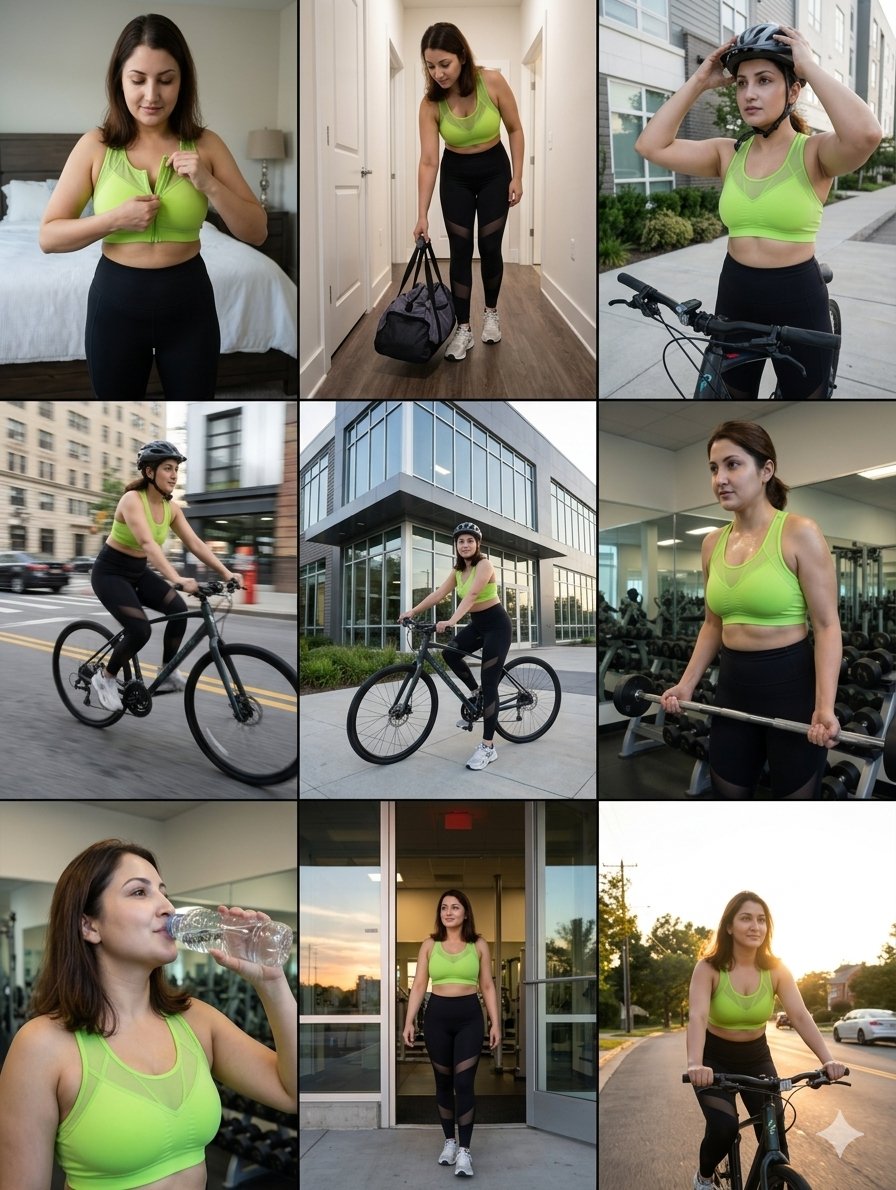
Storytelling of a Gym Girl

Kids Crayon Travel Journal Illustration
Make it yours
Wooden Travel Chessboard works as-is. These are the safest ways to change it without losing the look.
Change one field
Copy a single group, rewrite it, and generate again so you can see what that field is doing.
Keep the frame, change the subject
Hold the composition and light of Wooden Travel Chessboard, then swap wardrobe, props or the person for a new take.
| If the result… | Why | Fix |
|---|---|---|
| The result drifts from the preview | Too many fields changed at once. | Reuse Wooden Travel Chessboard as-is first, then change one group — subject, light, or setting. |
| The model over-stylizes the scene | The prose prompt leaves finish and camera underspecified. | Add one camera or lighting sentence and stay on GPT Image 2. |
More GPT Image 2 templates
Other prompts made for GPT Image 2.

Six VTuber Japanese Logo Sheet

Realistic Portrait of Woman and Deer

The Vista Modular Condo Poster

AI Model Routing Comparison Infographic

2.5D Anime Art Board

Isometric Productivity Desk Scene

New York Double Exposure Poster

Four-Panel AI Landscape Comparison

Japanese Tatami Lifestyle Magazine Cover

NESCAFÉ Coffee Map Poster
More image prompts
Fresh picks from across the catalog.
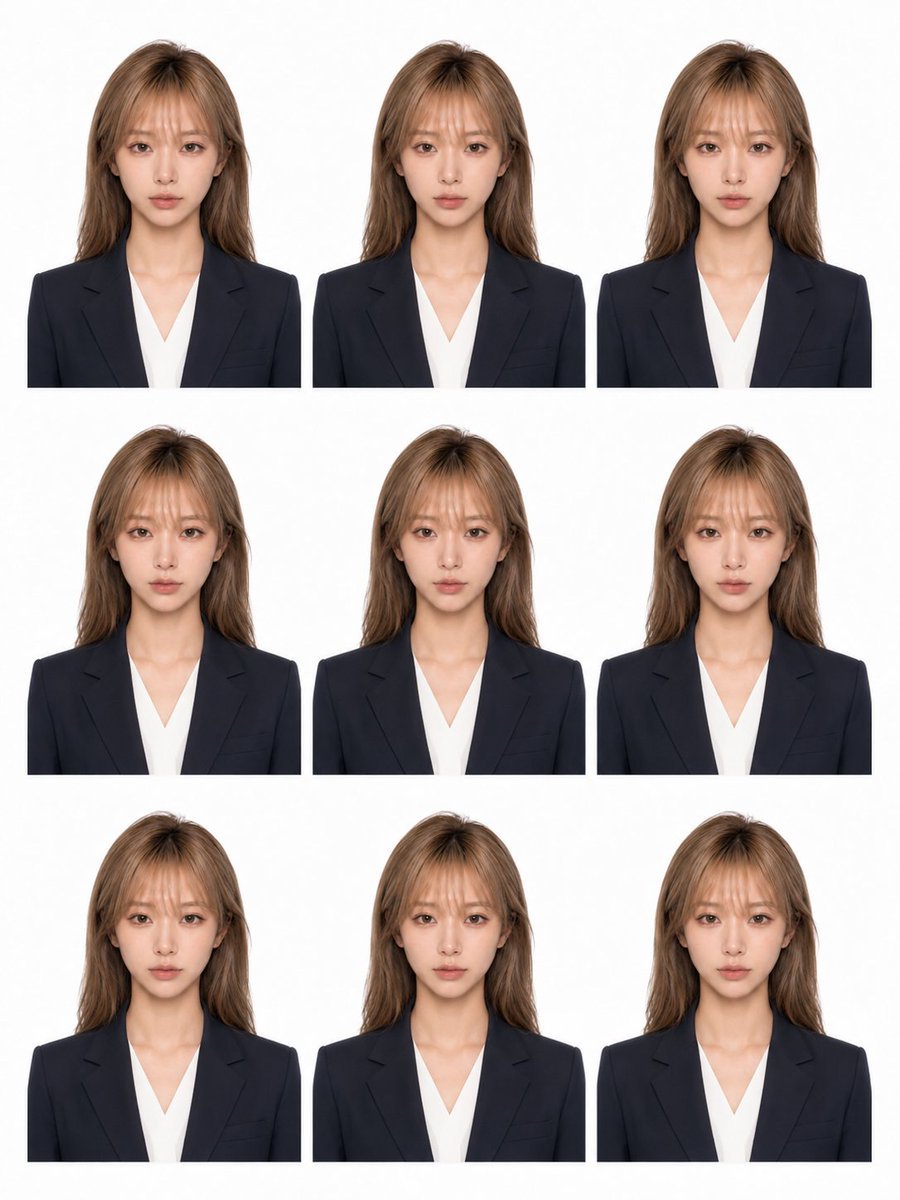
Nine-Photo ID Portrait Sheet
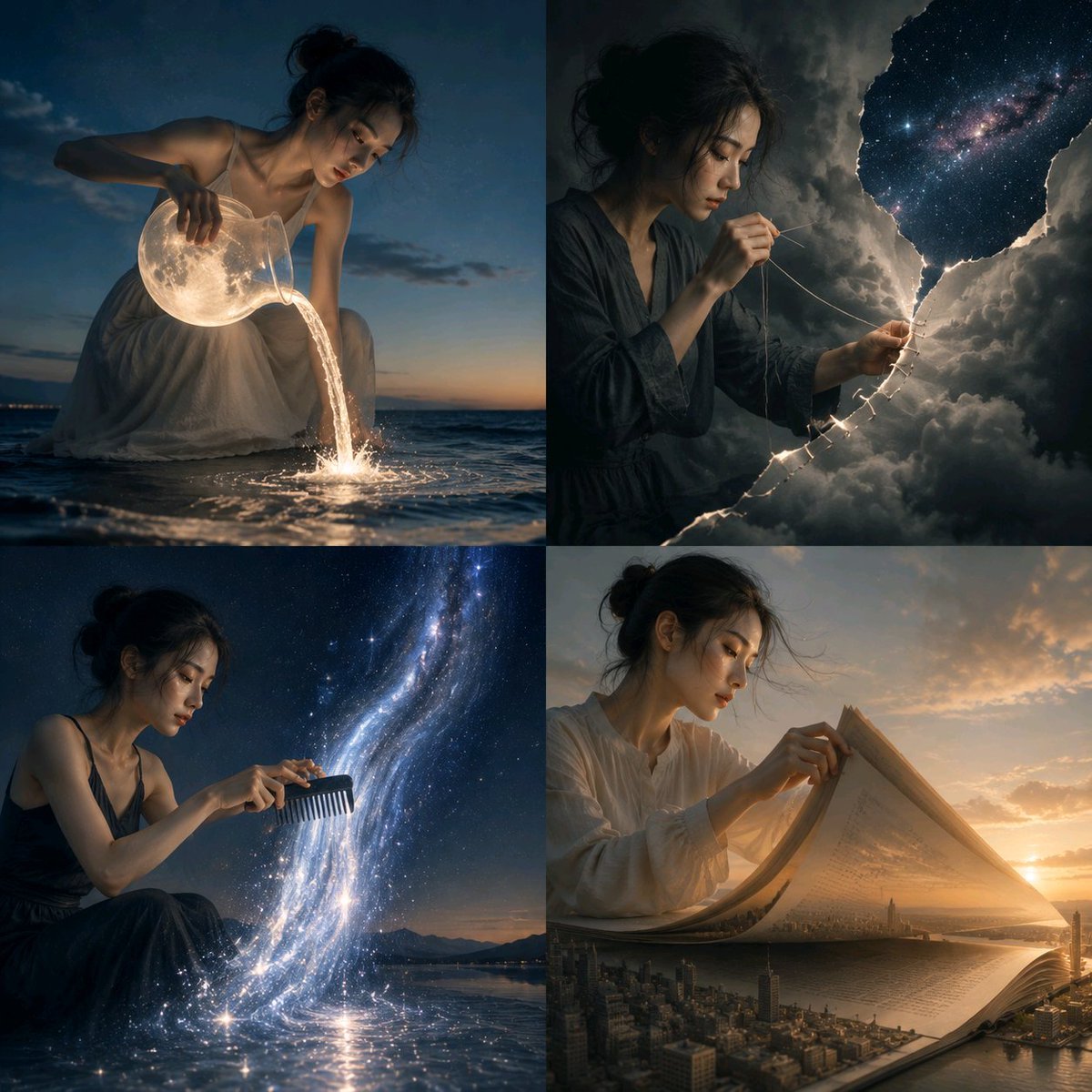
Surreal Visual Metaphor Template
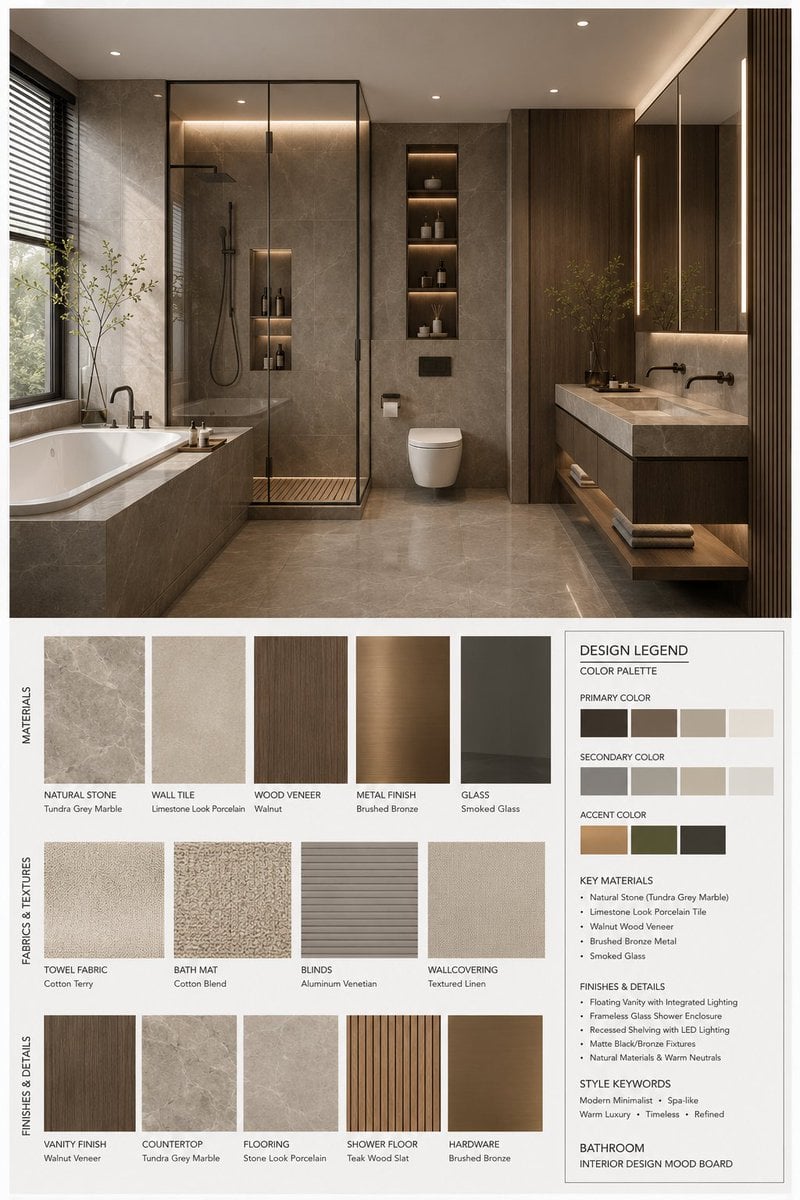
Interior Design Mood Board Generator
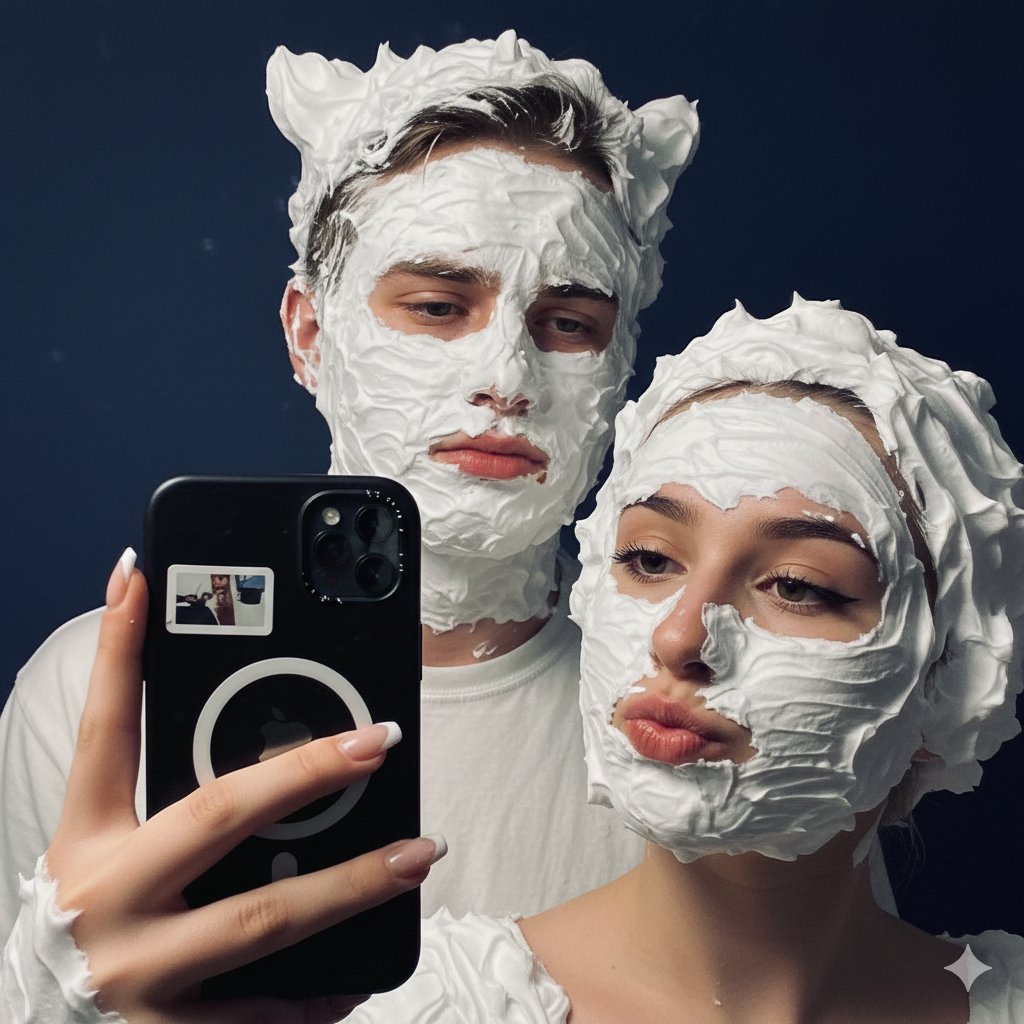
Playful Shaving Cream Mirror Selfie Prompt
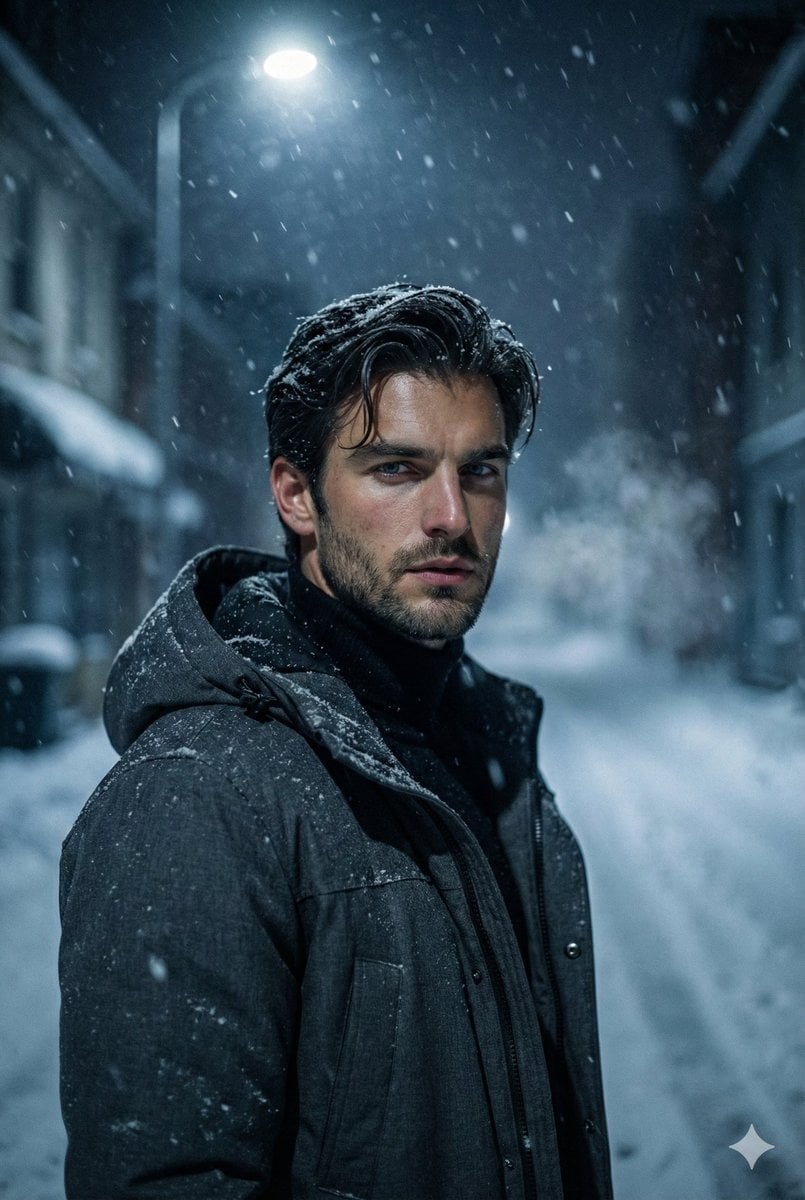
Winter Noir Cinematic Portrait of Man in Snowy Street
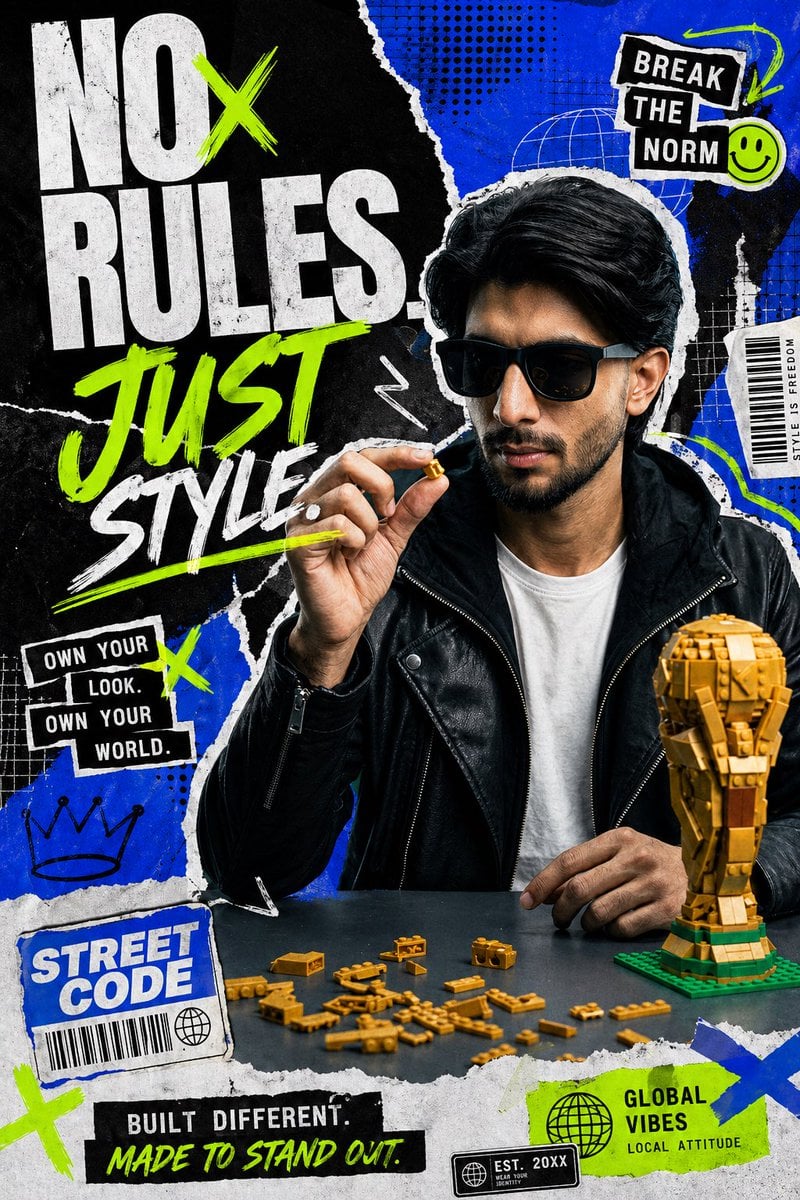
Streetwear Collage Poster With Gold Bricks
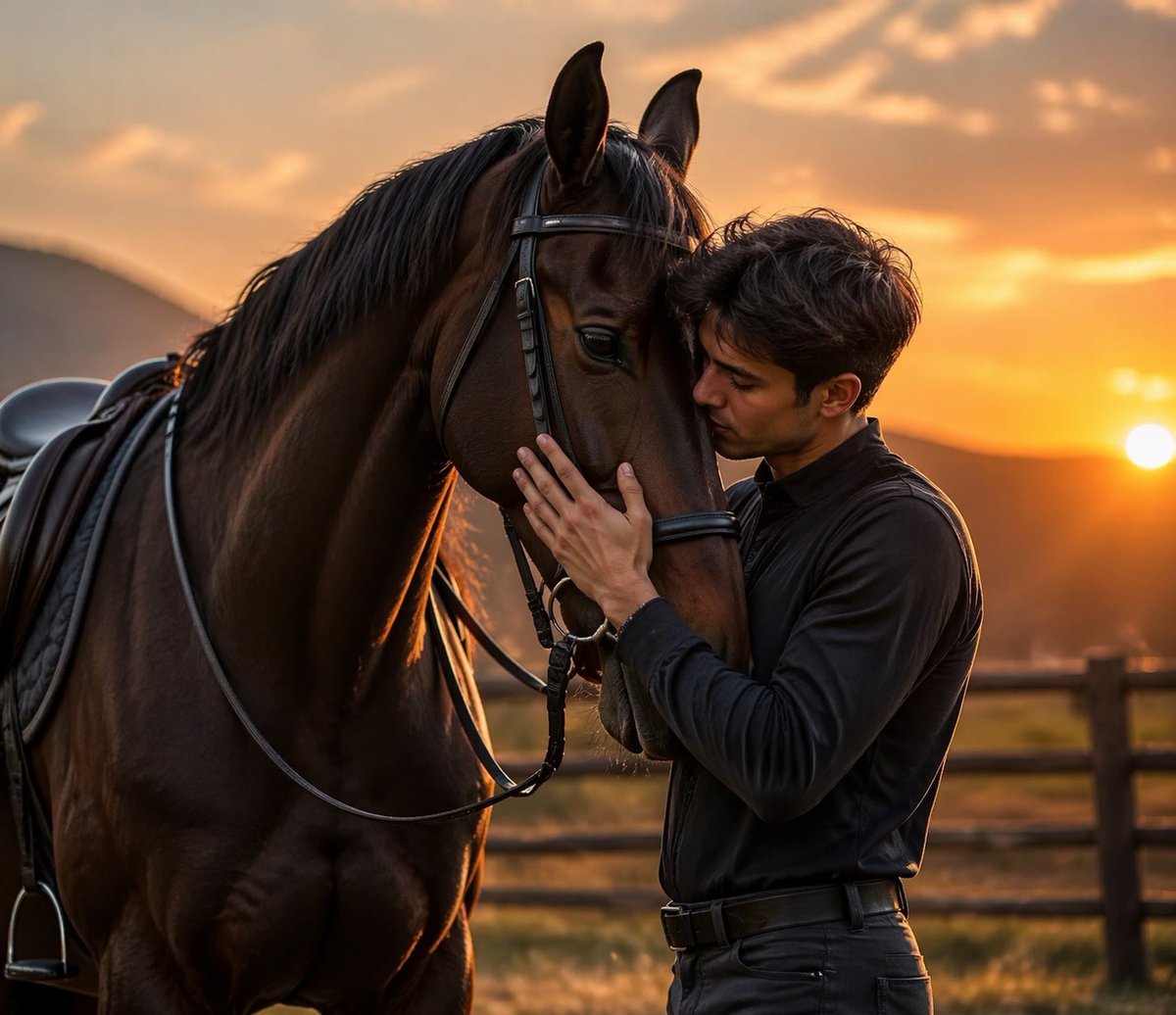
Luxury Sunset Equestrian Portrait
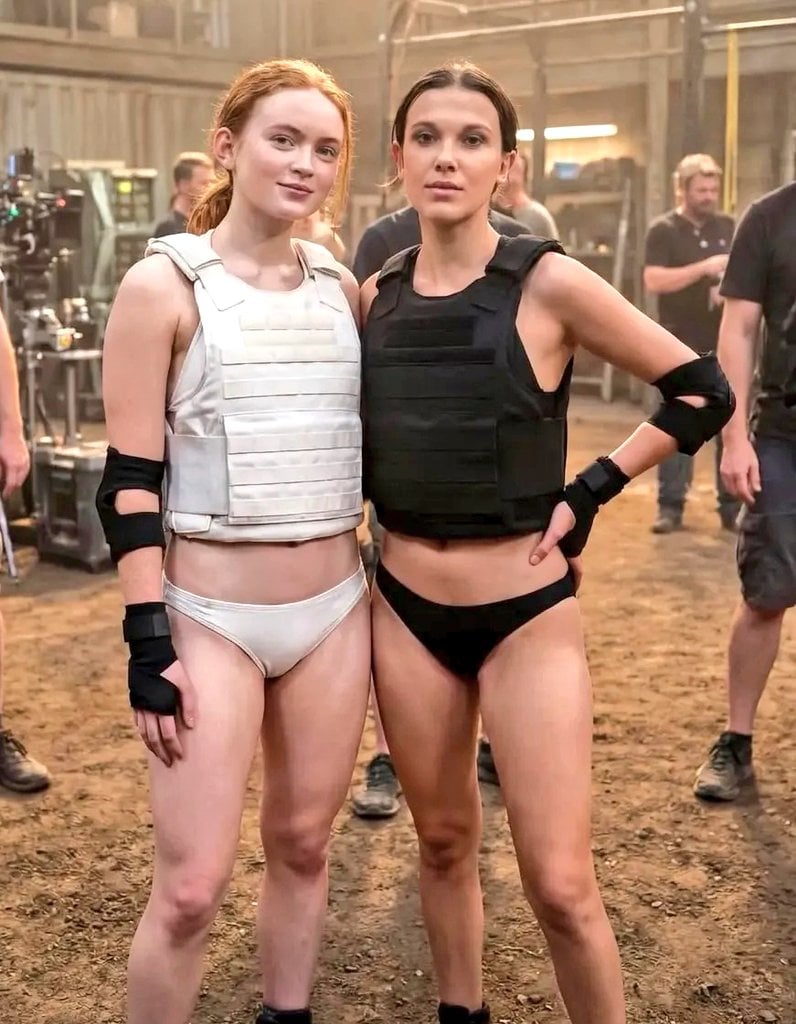
Cinematic Photo of Tactical Female Characters
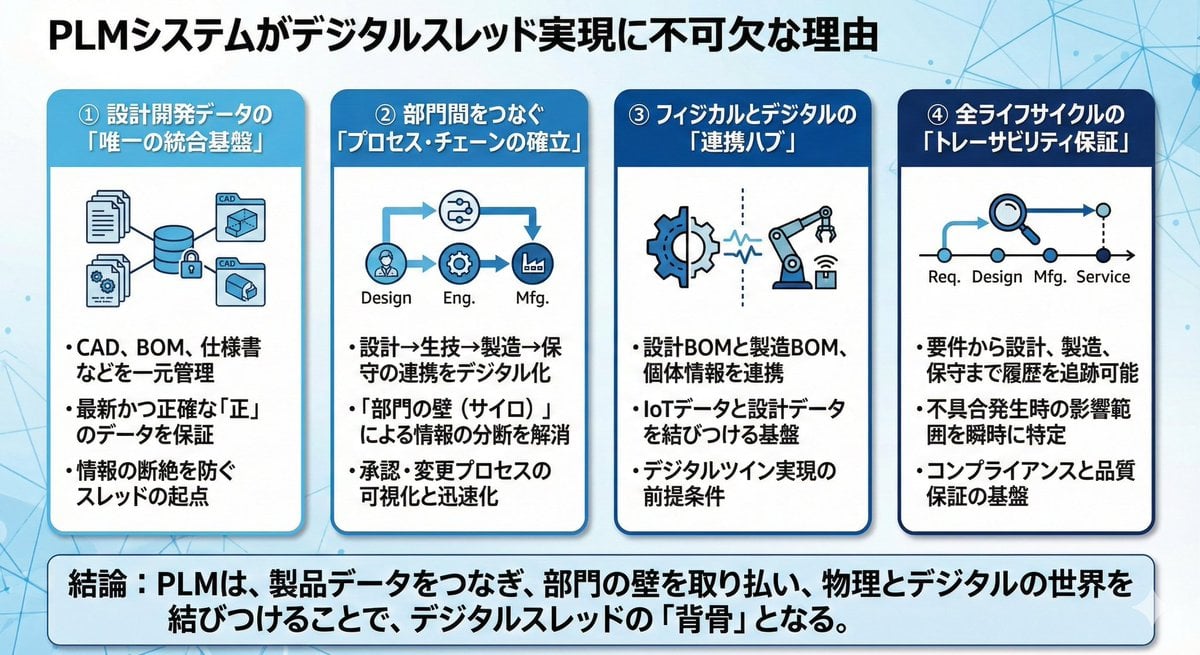
Presentation slide about PLM and digital thread
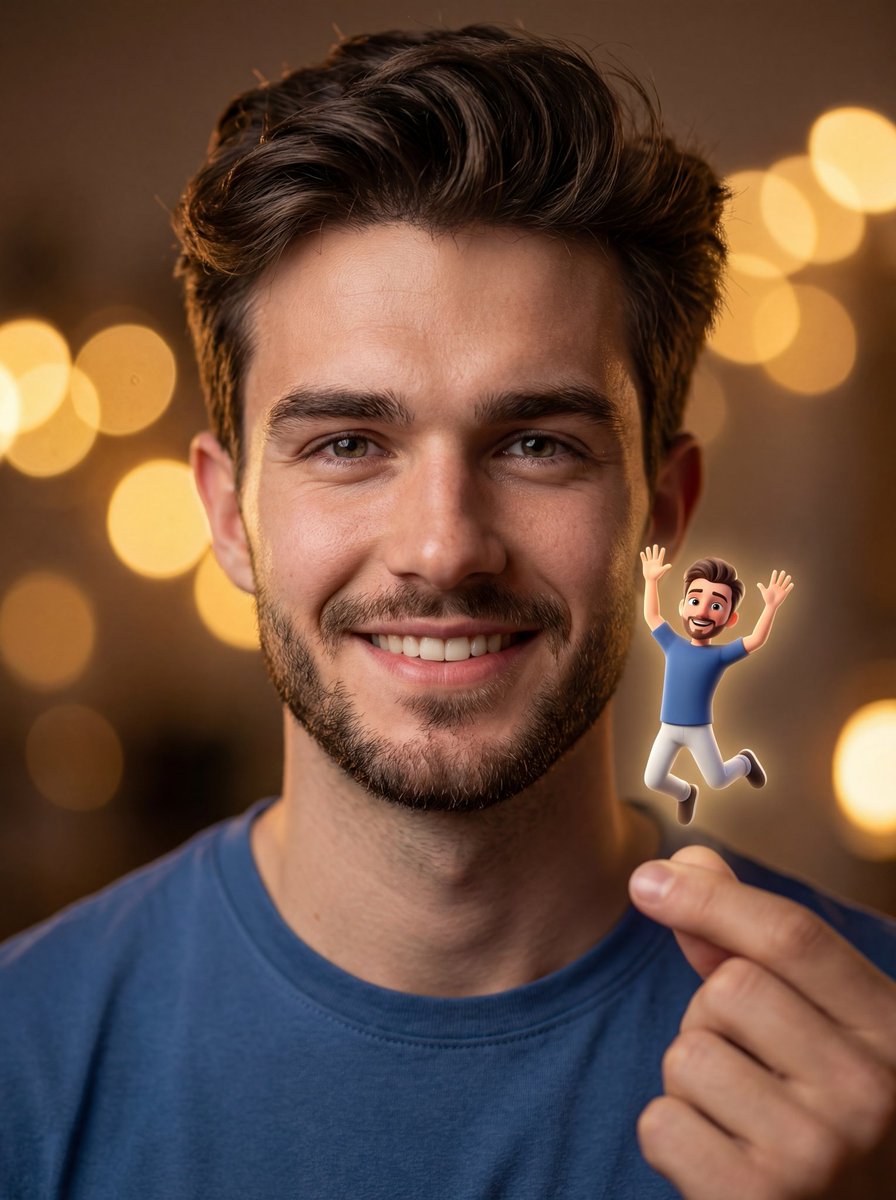
Ultra-realistic Portrait with Miniature Cartoon Self
Browse template categories
Wooden Travel Chessboard questions
How do I use the Wooden Travel Chessboard template?
Add your photo if the template asks for one, edit the prompt if you like — the template's model and format are already selected — and press Generate. Your version opens in PicX Studio.
Can I customize the Wooden Travel Chessboard template?
Yes. You can change the subject, setting, lighting, mood, format, and available model controls before creating your image.
Is the Wooden Travel Chessboard template free?
Opening and editing this template is free. Generating uses credits, shown on the Generate button when you are signed in.
Which AI model should I use?
Start with GPT Image 2, which is the model associated with this template. You can compare another compatible model for a different finish.
Looking for something else? Browse all templates.

Your photo, any look
Thousands of ready templates for every top image and video model, from one credit balance.