
Interior Design Mood Board Generator
A comprehensive prompt for generating professional interior design mood boards.
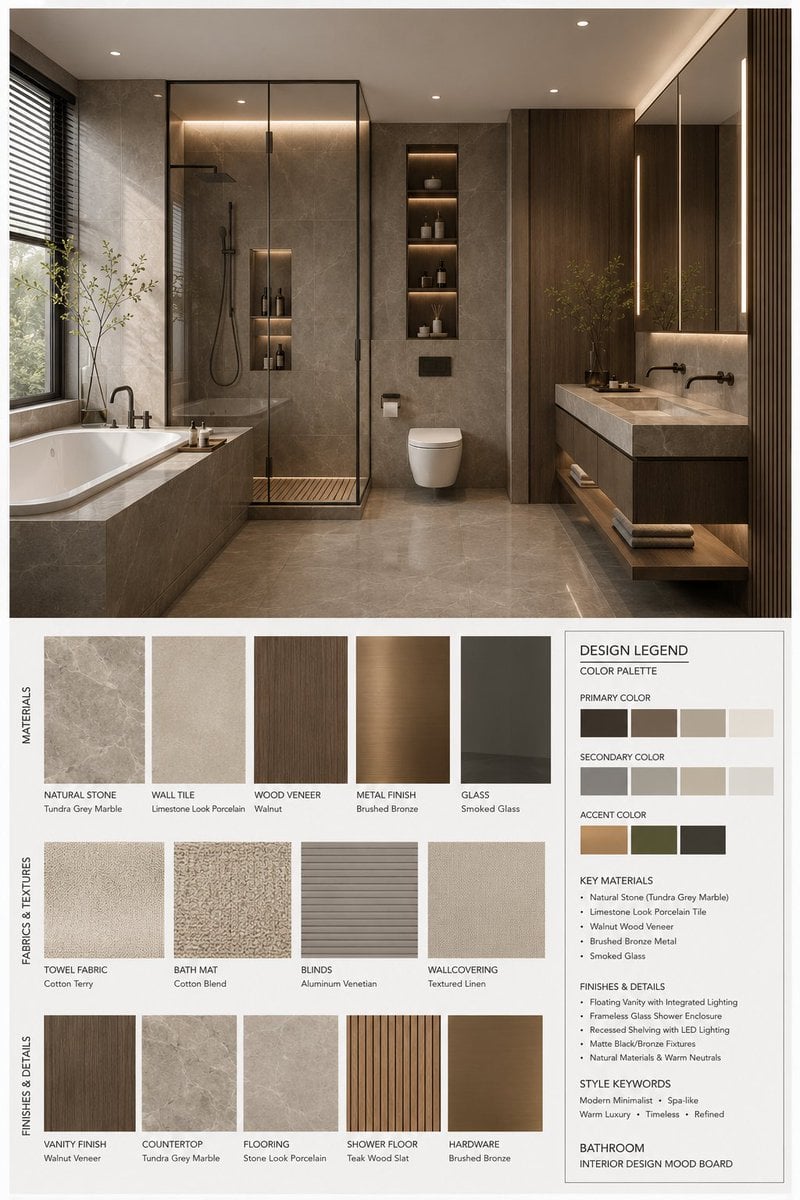
- Prompt included
- Model and format preset
- Free template
The prompt behind this image
Copy the exact prompt behind Interior Design Mood Board Generator, or open it in the studio and make it yours.
You are a professional interior-design mood-board creator. Based on the {argument name="space type" default="bedroom"} interior-design photo provided by the user, generate a portrait-orientation 3:4, high-end interior-design mood board. The overall visual should reference a professional interior-design proposal image, presenting the aesthetic characteristics of {argument name="style name" default="modern mid-century"}, with a spatial atmosphere that has the qualities of [Mood Keywords], and a premium design expression that fits [Branding Tone]. Space Type: {argument name="space type" default="bedroom"} Layout Requirements Upper half: present a high-resolution, photorealistic {argument name="space type" default="bedroom"} interior-design rendering. This rendering needs to stay consistent with the user's input photo in terms of spatial structure, furniture language, material relationships, color pairing, and lighting atmosphere, while being elevated into a more complete, more refined, more design-proposal-like visual presentation. Emphasize: [Key Furniture Elements], [Material Keywords], [Color Palette], [Lighting Style]. Lower half: display material and soft-furnishing samples that strictly correspond to the space design above, including: Material swatches Fabric samples Color swatches Finish samples Wood, stone, metal, glass, textile, leather, or paint samples related to that space All samples must remain consistent with the space above, and accurately reflect the core material and color logic of the design scheme. Bottom right: set up a Design Legend / Color Palette info box, uniformly showing, for this scheme: Primary color Secondary color Accent color Core materials Finish notes Style keywords Style and Output Requirements A mood-board layout at the level of a professional interior-design firm A minimal, tidy, restrained, orderly layout Clear visual hierarchy and controlled negative space Materials, colors, fabrics, and finishes that fully match the space above Labels that are clear, modern, concise, with a premium editorial-design feel The overall character must match {argument name="style name" default="modern mid-century"} Present [Render Quality] Portrait 3:4 composition 4K Ultra HD Extremely high detail Photorealistic rendering Ready for direct use in image generation Labeling Requirements Each material or color sample should carry a clear label, with its content organized around the following information: The material name, color name, finish name, or fabric type, in [Label Language]. The label style should be concise, professional, neatly laid out, and should not overshadow the content. Theme Definition {argument name="space type" default="bedroom"} Interior Design Mood Board Style direction: {argument name="style name" default="modern mid-century"} Keywords: [Style Keywords], [Material Keywords], [Color Palette], [Mood Keywords] Negative Constraints Avoid a cluttered collage look, avoid a cheap poster style, avoid materials that don't match the space, avoid incorrect perspective, avoid low-quality fonts, avoid too many decorative elements, avoid a cartoonish feel, avoid over-saturated colors, avoid confused information hierarchy, avoid a pseudo-random pile-up of materials.
How to use Interior Design Mood Board Generator in 3 steps
- 1Upload ImagePNG, JPG or paste
Add your photo
Upload the photo the template builds on. The prompt, model and format are already set.
- 2…a portrait of your subject in softgolden-hour light, 85mm…
Personalize
Edit the subject and creative details for your destination.
- 3Generate
Generate
Press Generate — your image is created in PicX Studio, so you can compare it with the original and refine one variable at a time.
More like this
Templates with the same subject, style or setup. Open one to see its prompt.
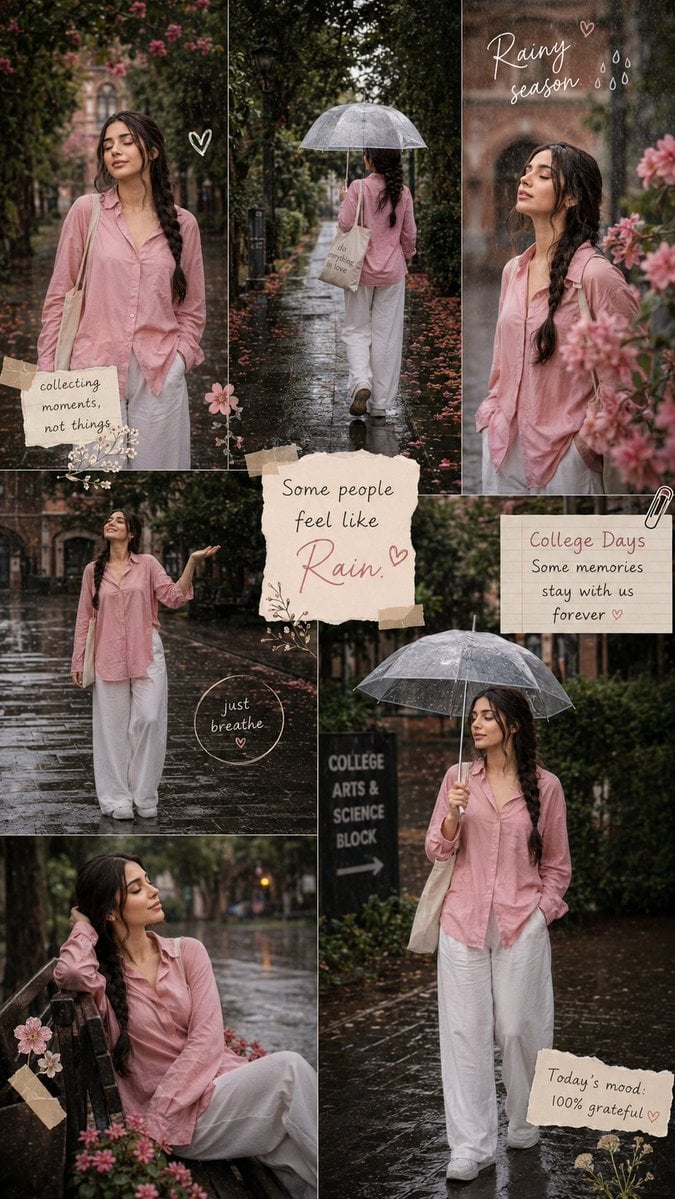
Rainy Season Pinterest Moodboard
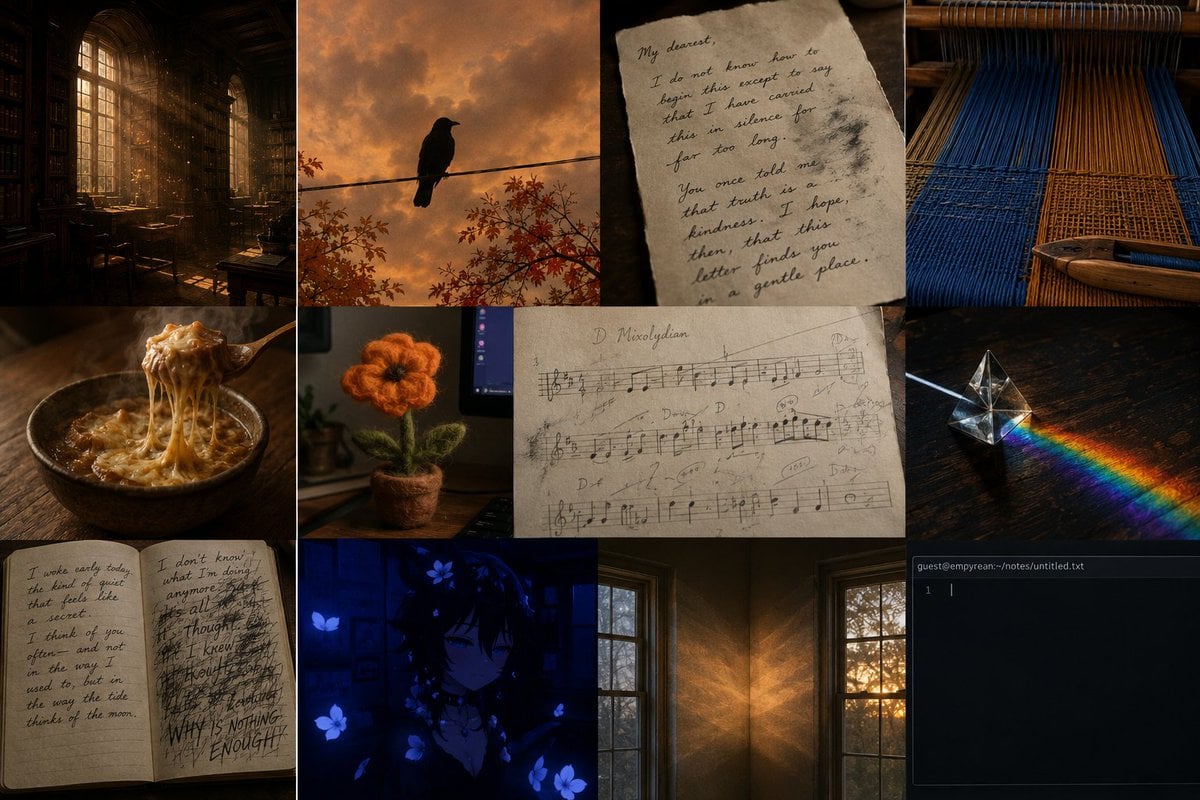
Dark Academia AI Moodboard Collage
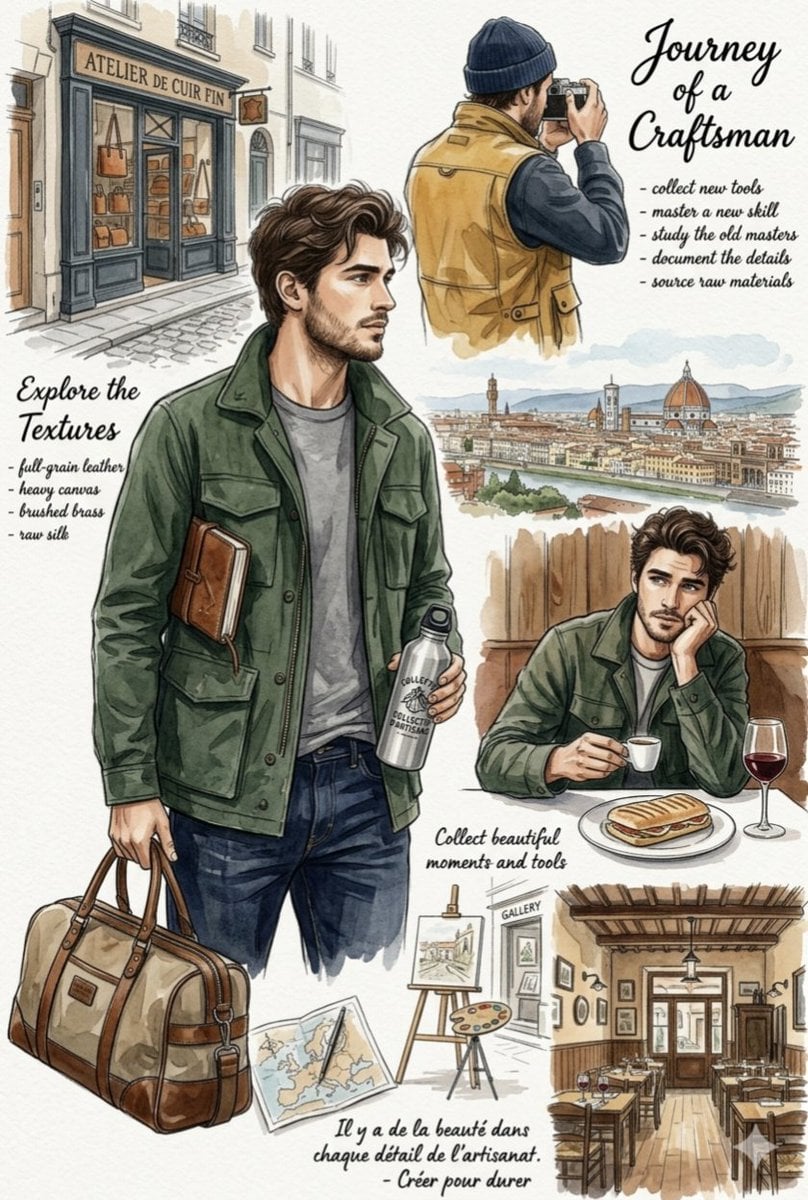
European Travel Lifestyle Moodboard
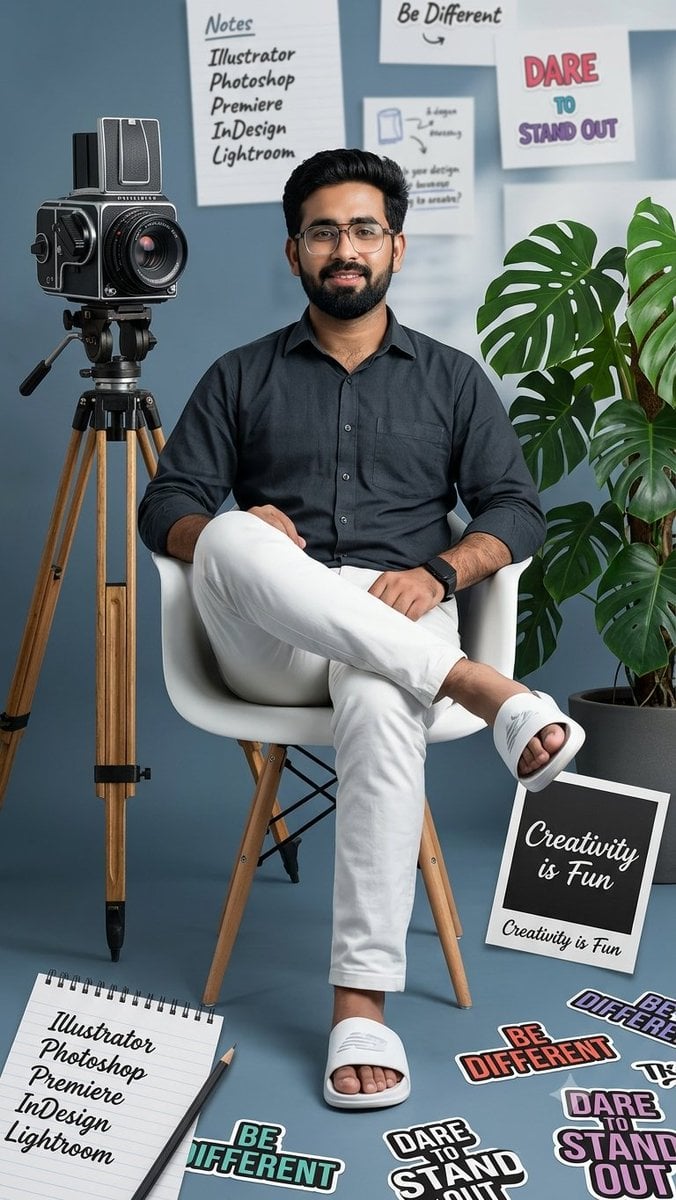
Creative Mood Board Collage
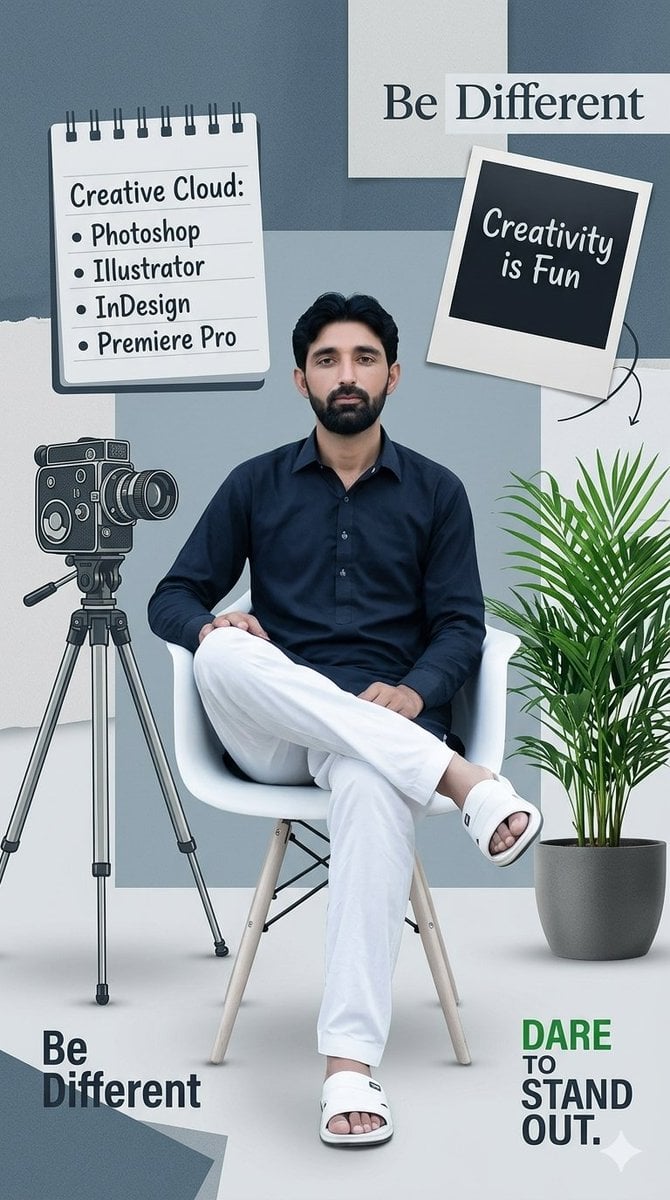
Creative Design Mood Board Portrait
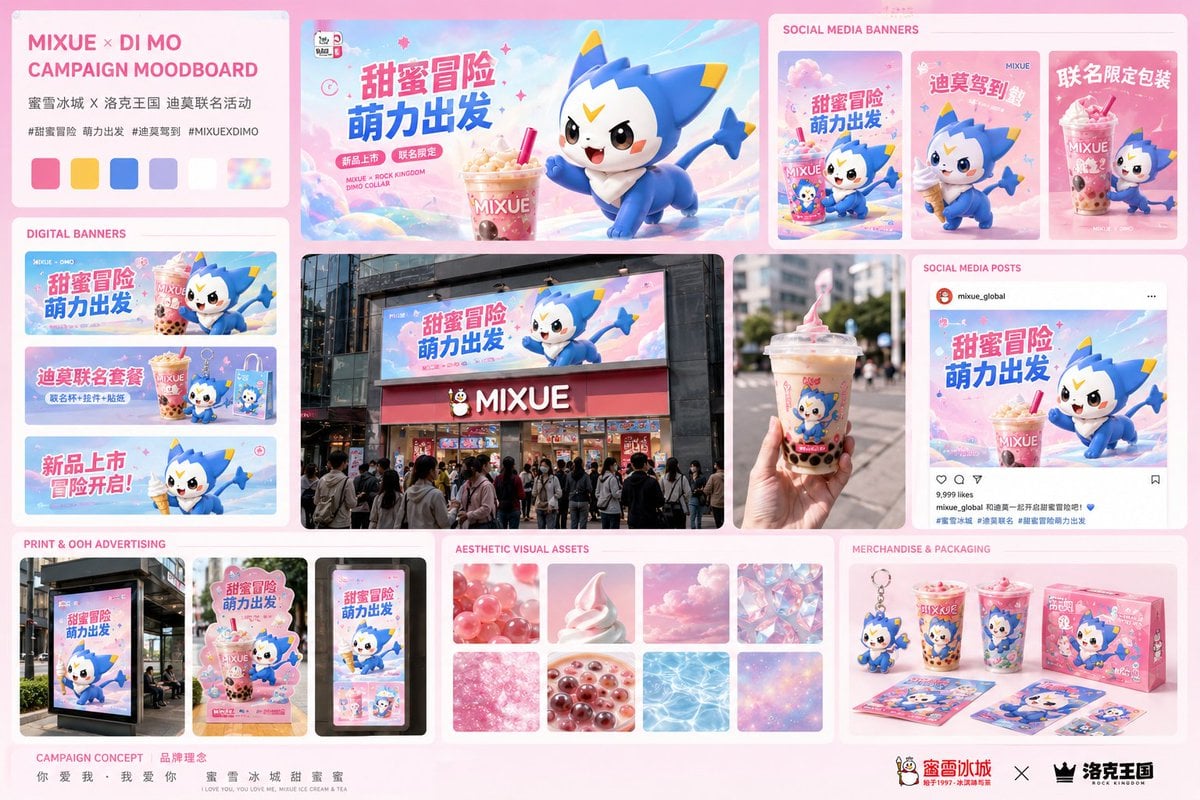
Mixue Di Mo Campaign Moodboard
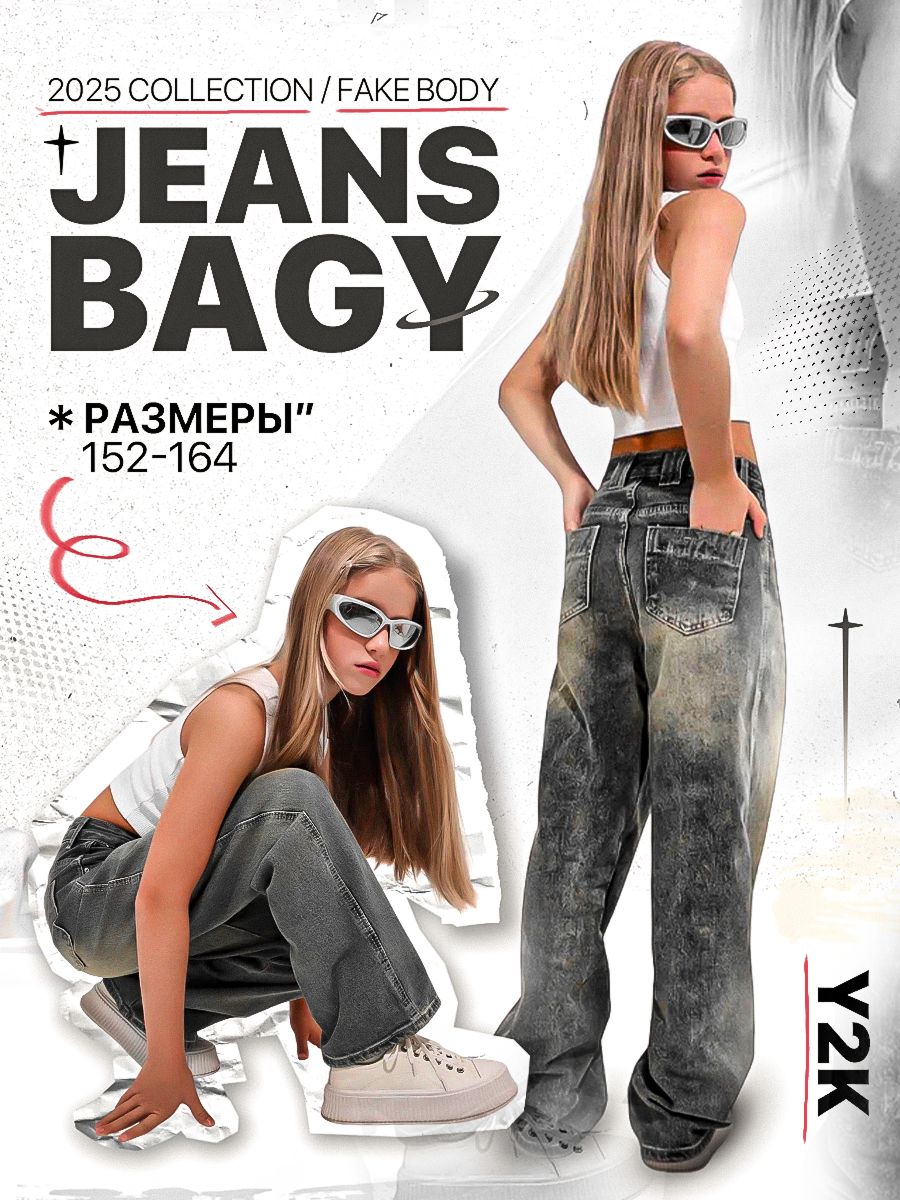
Y2K Streetwear Fashion Flyer

Ancient Temple Interior Contact Sheet
Korean Cream Interior Portrait

Modern Korean Fashion Editorial Board

2.5D Anime Art Board
High-End Laptop Packaging Concept Board
Make it yours
Interior Design Mood Board Generator works as-is. These are the safest ways to change it without losing the look.
Change one field
Copy a single group, rewrite it, and generate again so you can see what that field is doing.
Keep the frame, change the subject
Hold the composition and light of Interior Design Mood Board Generator, then swap wardrobe, props or the person for a new take.
| If the result… | Why | Fix |
|---|---|---|
| The result drifts from the preview | Too many fields changed at once. | Reuse Interior Design Mood Board Generator as-is first, then change one group — subject, light, or setting. |
| The model over-stylizes the scene | The prose prompt leaves finish and camera underspecified. | Add one camera or lighting sentence and stay on GPT Image 2. |
More GPT Image 2 templates
Other prompts made for GPT Image 2.

Six VTuber Japanese Logo Sheet

Realistic Portrait of Woman and Deer

The Vista Modular Condo Poster

AI Model Routing Comparison Infographic

Isometric Productivity Desk Scene

New York Double Exposure Poster

Four-Panel AI Landscape Comparison

Japanese Tatami Lifestyle Magazine Cover

NESCAFÉ Coffee Map Poster

Brutalist Cogito Chinese Typography Poster
More image prompts
Fresh picks from across the catalog.
Six-Panel Fantasy Magic Comic Page
Surreal Bus Window Selfie
Image prompt for a whimsical, high-detail, 3D rendered banana character

Cinematic Teal Goblin Warrior
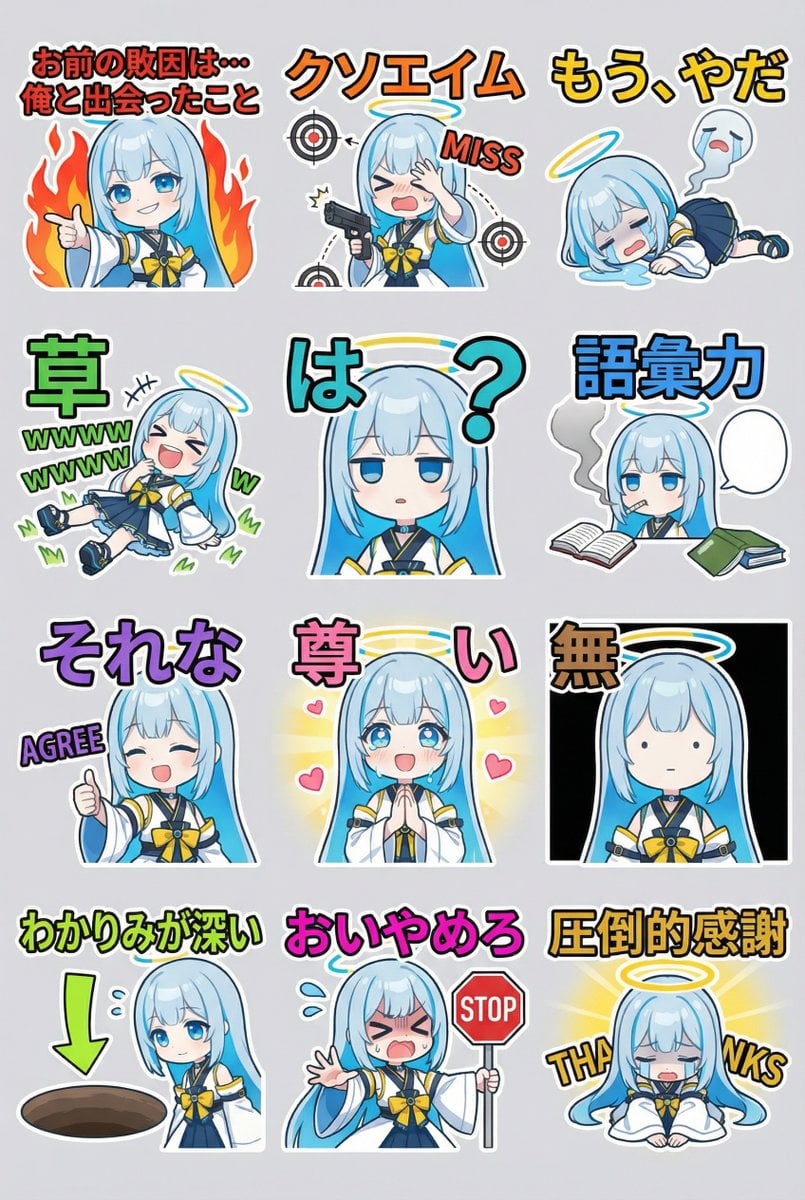
Humorous LINE sticker sheet for Oracle-chan
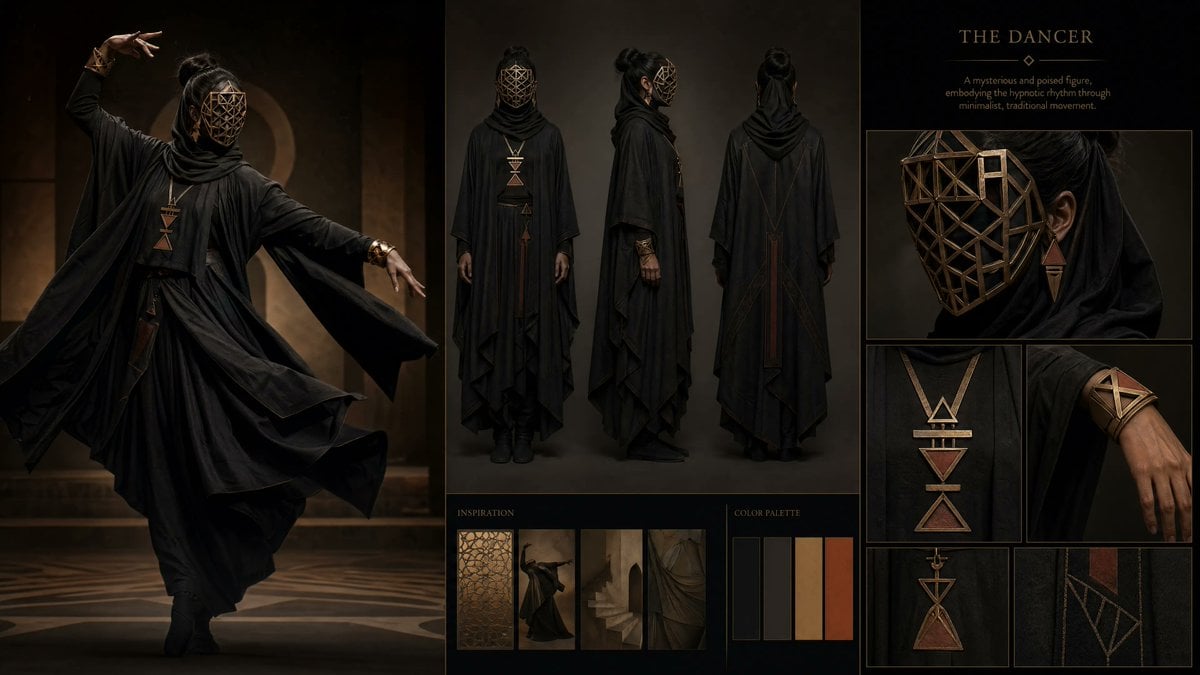
Dark Ritual Dancer Concept Board
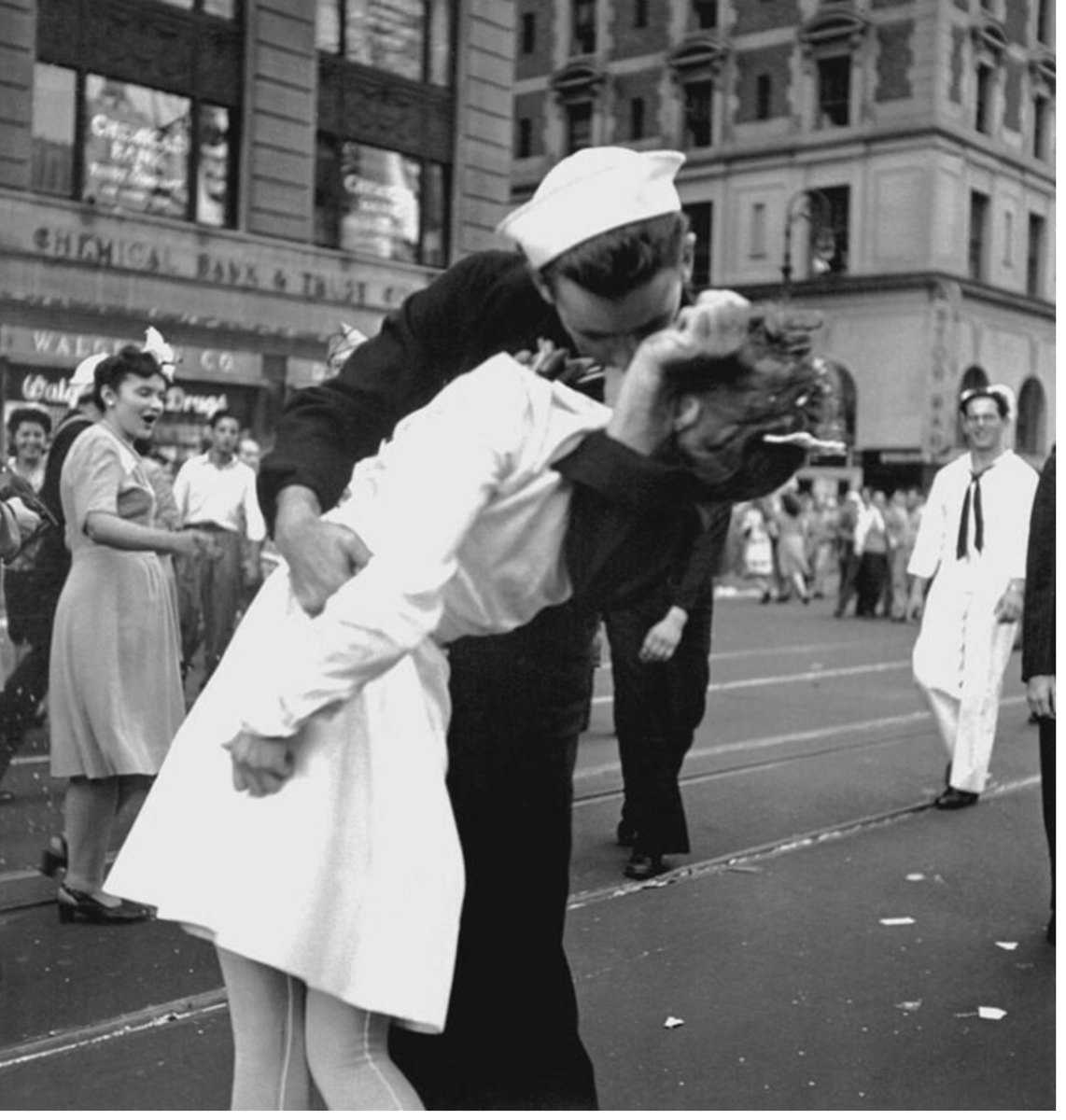
Image Time Travel to 2025 (Reference)
Digital Watercolor Family Portrait
Cozy New Year 2026 Winter Portrait

Cinematic European Street Portrait Prompt
Browse template categories
Interior Design Mood Board Generator questions
How do I use the Interior Design Mood Board Generator template?
Add your photo if the template asks for one, edit the prompt if you like — the template's model and format are already selected — and press Generate. Your version opens in PicX Studio.
Can I customize the Interior Design Mood Board Generator template?
Yes. You can change the subject, setting, lighting, mood, format, and available model controls before creating your image.
Is the Interior Design Mood Board Generator template free?
Opening and editing this template is free. Generating uses credits, shown on the Generate button when you are signed in.
Which AI model should I use?
Start with GPT Image 2, which is the model associated with this template. You can compare another compatible model for a different finish.
Looking for something else? Browse all templates.

Your photo, any look
Thousands of ready templates for every top image and video model, from one credit balance.