
Korean Cream Interior Portrait
A photorealistic vertical lifestyle portrait of a young East Asian woman posing in a soft cream minimalist indoor café or apartment setting.
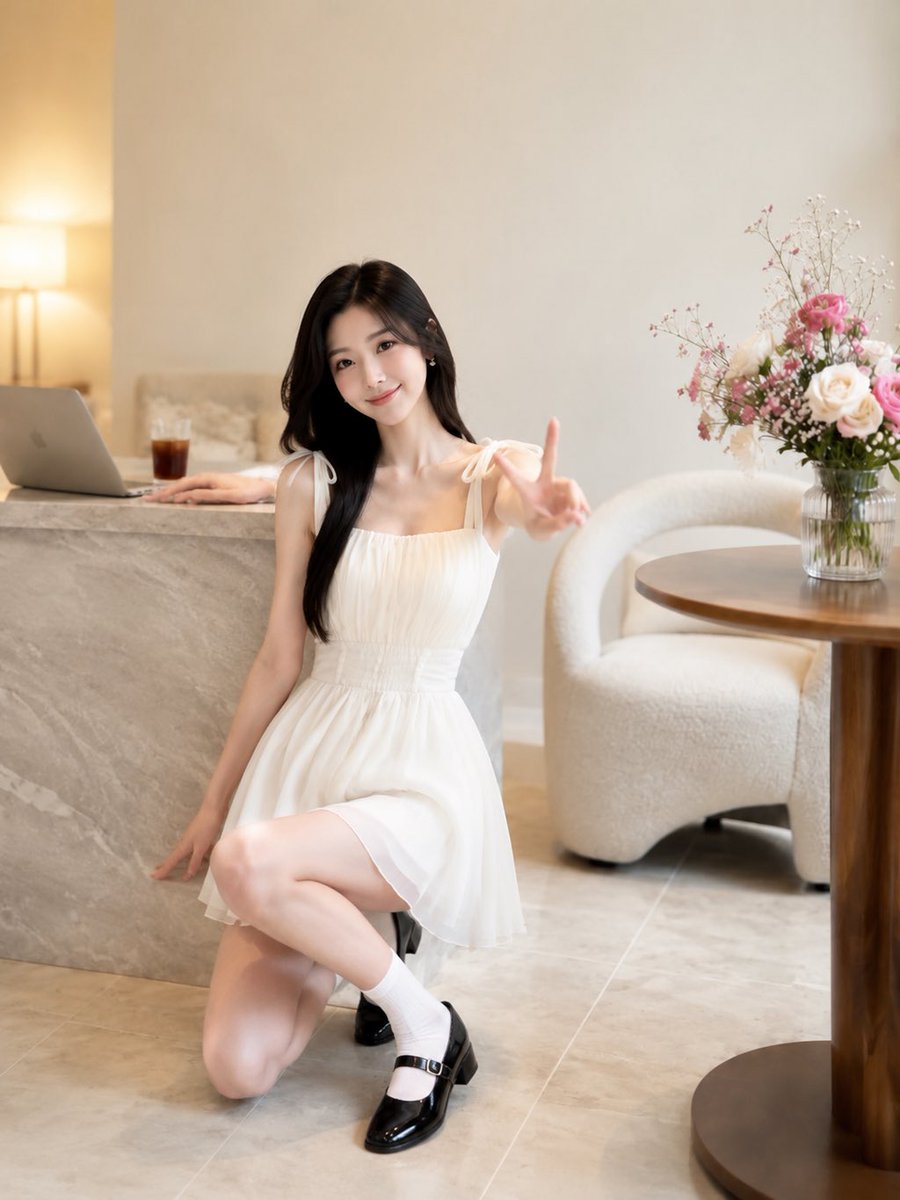
- Prompt included
- Model and format preset
- Free template
The prompt behind this image
Copy the exact prompt behind Korean Cream Interior Portrait, or open it in the studio and make it yours.
Create a realistic 3:4 vertical Korean fresh indoor lifestyle portrait with a soft healing atmosphere and premium lifestyle magazine cover quality. The scene is a minimalist cream-toned interior with warm natural light, beige walls, pale stone tile floor, and shallow depth of field. Show exactly one adult East Asian woman, visually {argument name="character age" default="20 to 24 years old"}, positioned slightly left of center in a full-body composition, photographed at eye level from a subtly low angle. She has {argument name="hair style" default="long natural black hair, loose and softly parted"}, fair luminous skin, delicate makeup, small earrings, and a gentle smiling expression while looking at the camera. She wears {argument name="dress" default="a short white sleeveless chiffon dress with shoulder bow straps and a softly gathered waist"}, white ankle socks, and glossy black Mary Jane shoes. Pose her kneeling elegantly beside a gray marble counter: one knee on the floor, the other leg raised forward, left hand relaxed near the floor/counter edge, right arm extended toward the camera making a V peace sign, creating a friendly candid snapshot feeling. Include exactly five main background props: one open silver laptop on the marble counter at far left, one glass of iced coffee beside it, one warm table lamp glowing in the back left, one round wooden table at right, and one clear glass vase on the table holding a delicate bouquet of pink roses, cream roses, and tiny white filler flowers. Add one rounded cream boucle lounge chair behind the table. Use soft creamy whites, beige, warm wood, gray marble, realistic skin texture, natural fabric folds, glossy shoe reflections, subtle bokeh, no text, no watermark, no extra people, no camera distortion, and maintain photorealistic GPT Image 2 quality.
How to use Korean Cream Interior Portrait in 3 steps
- 1Upload ImagePNG, JPG or paste
Add your photo
Upload the photo the template builds on. The prompt, model and format are already set.
- 2…a portrait of your subject in softgolden-hour light, 85mm…
Personalize
Edit the subject and creative details for your destination.
- 3Generate
Generate
Press Generate — your image is created in PicX Studio, so you can compare it with the original and refine one variable at a time.
More like this
Templates with the same subject, style or setup. Open one to see its prompt.
Gpt Image 2 Fashion Portrait

Face-Locked Cream Half-Zip Street Walk

Nano Banana 2 Gourmet Ice Cream Commerci

Found Photograph: Us, 1970

80s Couple Studio Portrait

80s Bollywood Star

80s Golden Hour Cinema

Me in 1985

1985 Studio Portrait

Hyper-Realistic Minecraft POV Portrait

Rooftop Fisheye — Cat-Ear Balaclava at Golden Hour
Sophisticated Luxury Interior Portrait
Make it yours
Korean Cream Interior Portrait works as-is. These are the safest ways to change it without losing the look.
Change one field
Copy a single group, rewrite it, and generate again so you can see what that field is doing.
Keep the frame, change the subject
Hold the composition and light of Korean Cream Interior Portrait, then swap wardrobe, props or the person for a new take.
| If the result… | Why | Fix |
|---|---|---|
| The result drifts from the preview | Too many fields changed at once. | Reuse Korean Cream Interior Portrait as-is first, then change one group — subject, light, or setting. |
| The model over-stylizes the scene | The prose prompt leaves finish and camera underspecified. | Add one camera or lighting sentence and stay on GPT Image 2. |
More GPT Image 2 templates
Other prompts made for GPT Image 2.

Six VTuber Japanese Logo Sheet

Realistic Portrait of Woman and Deer

The Vista Modular Condo Poster

AI Model Routing Comparison Infographic

2.5D Anime Art Board

Isometric Productivity Desk Scene

New York Double Exposure Poster

Four-Panel AI Landscape Comparison

Japanese Tatami Lifestyle Magazine Cover

NESCAFÉ Coffee Map Poster
More image prompts
Fresh picks from across the catalog.
Hyper-realistic Gym Portrait of a Shy Girl
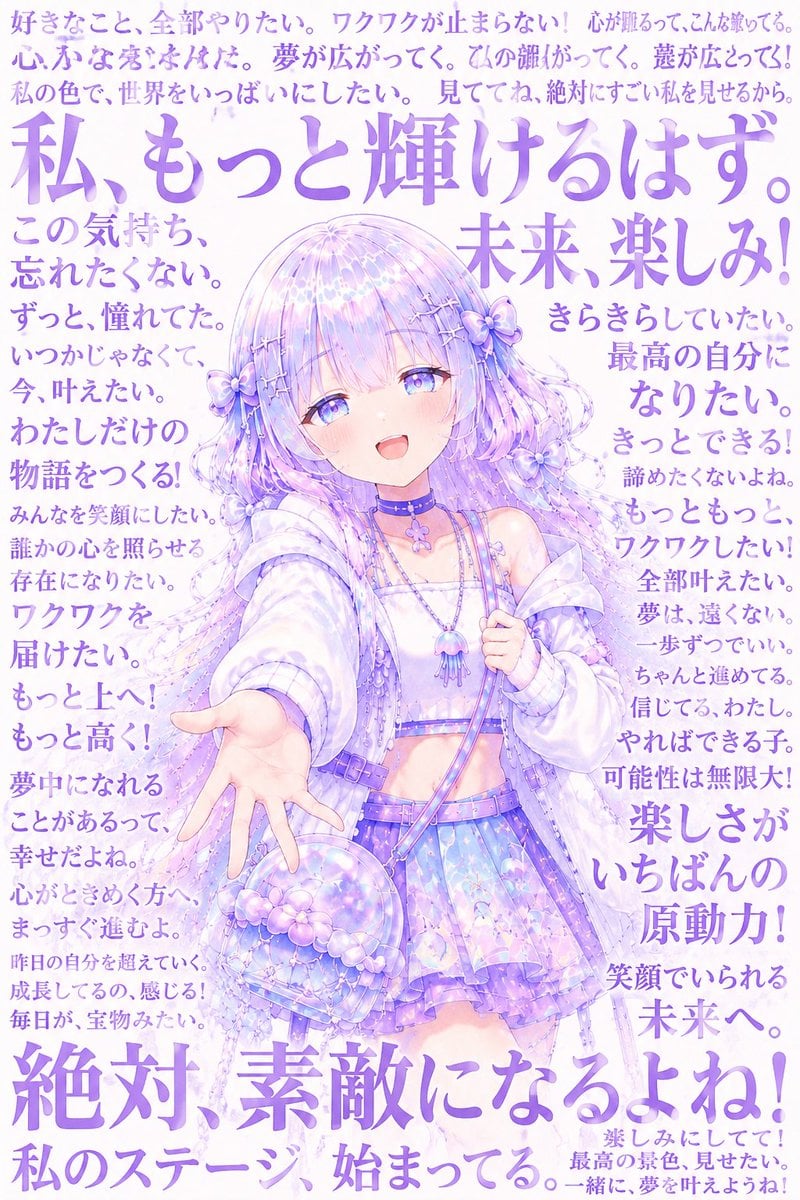
Pastel Anime Inner Monologue Poster

High-Quality Photo of Man Flying Above Clouds

Minimalist Studio Editorial Poster
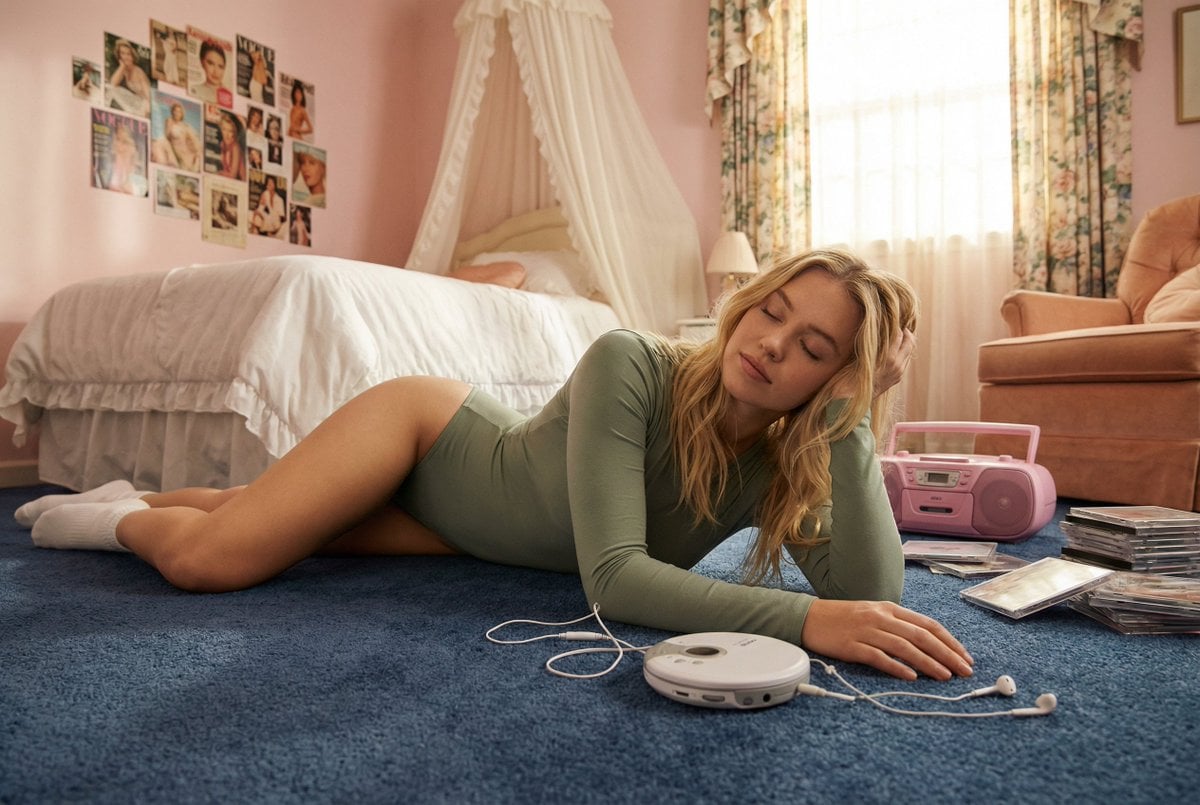
Hard-Lock Lounge Pose Reconstruction Prompt

Prompt for Converting Subject into a Beach Volleyball Player

Year-Old Crayon Drawing Style

Flame-Grilled Burger Ad Poster
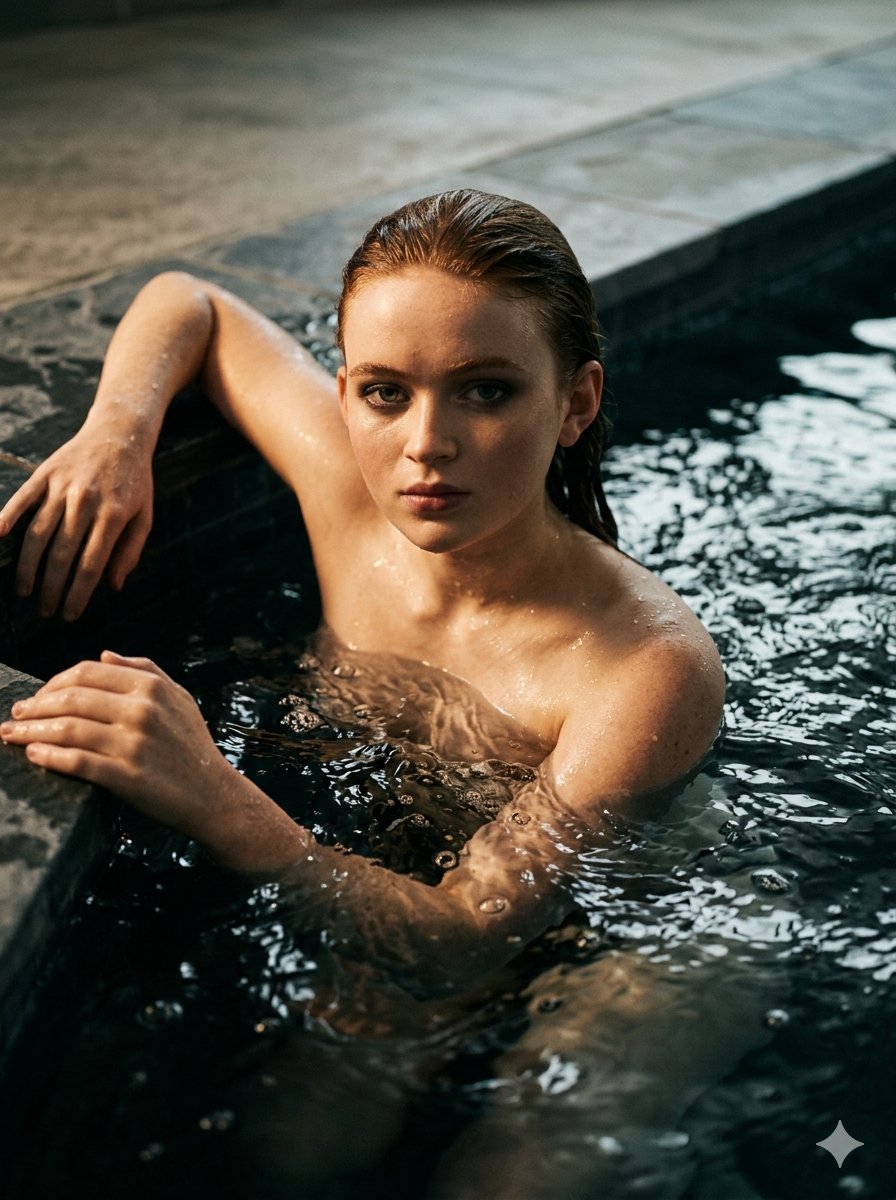
Submerged Intimate Portrait
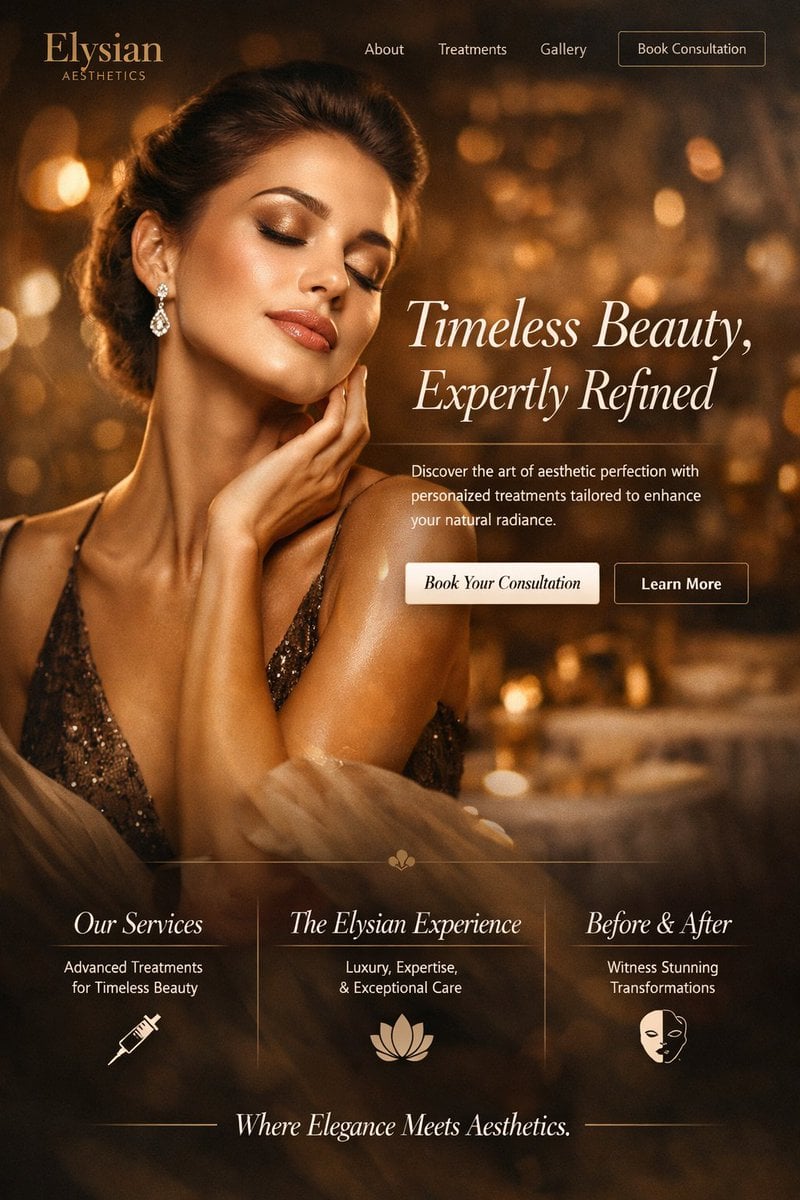
Luxury Aesthetics Website Mockup
Browse template categories
Korean Cream Interior Portrait questions
How do I use the Korean Cream Interior Portrait template?
Add your photo if the template asks for one, edit the prompt if you like — the template's model and format are already selected — and press Generate. Your version opens in PicX Studio.
Can I customize the Korean Cream Interior Portrait template?
Yes. You can change the subject, setting, lighting, mood, format, and available model controls before creating your image.
Is the Korean Cream Interior Portrait template free?
Opening and editing this template is free. Generating uses credits, shown on the Generate button when you are signed in.
Which AI model should I use?
Start with GPT Image 2, which is the model associated with this template. You can compare another compatible model for a different finish.
Looking for something else? Browse all templates.

Your photo, any look
Thousands of ready templates for every top image and video model, from one credit balance.