
Streetwear Collage Poster With Gold Bricks
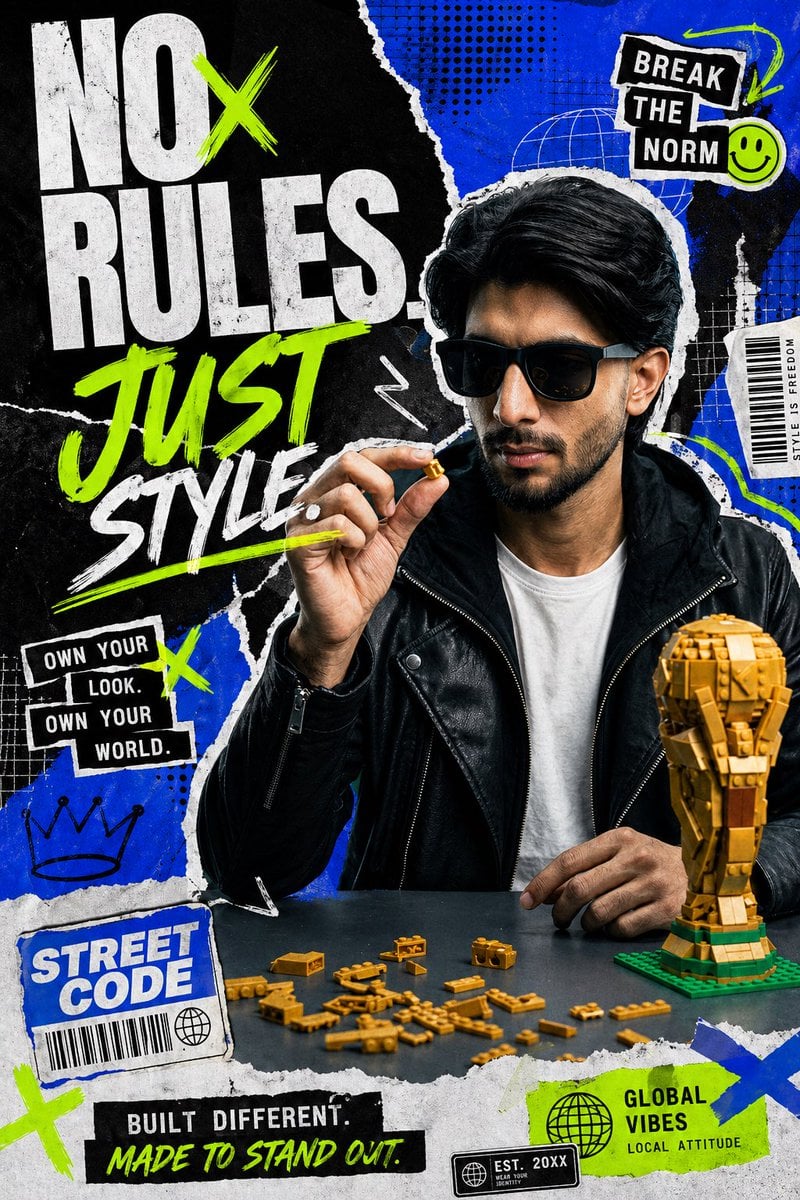
This prompt generates a high-energy streetwear campaign poster featuring a censored male subject, bold collage typography, and graphic editorial elements for fashion ads or social media branding.
- Prompt included
- Model and format preset
- Free template
The prompt behind this image
Copy the exact prompt behind Streetwear Collage Poster With Gold Bricks, or open it in the studio and make it yours.
Create a bold streetwear fashion campaign poster with a gritty editorial collage aesthetic. Show a young man from the waist up seated behind a dark table, centered slightly right, with thick dark hair swept back, wearing a black leather biker jacket over a plain white t-shirt. His face is obscured by a rectangular censor-style blur block. His right hand is raised near his face, pinching a tiny gold building brick piece between thumb and index finger, while his left hand rests on the table. On the table, place exactly 1 partially assembled gold brick trophy on a green base at the lower right and exactly 18 scattered small gold brick pieces spread across the tabletop in front of him. Build the background as a layered black-and-electric-blue torn paper collage with rough ripped edges, distressed print texture, halftone dot patterns, white scribble marks, thin grid overlays, and sticker-like graphic elements in neon green, white, and black. Make the oversized headline dominate the left half in stacked typography reading “NO RULES.” in huge distressed white block letters, with a neon green X slashing across the O area, then “JUST” in large neon green hand-painted brush script, and “STYLE” in white brush script beneath it with a neon green underline. Add exactly 8 secondary sticker/text graphics around the composition: 1) top right black taped sticker reading “BREAK THE NORM” in white stacked text with a small neon green smiley face beside it, 2) mid right narrow white vertical label reading “STYLE IS FREEDOM”, 3) mid left black stacked sticker reading “OWN YOUR LOOK. OWN YOUR WORLD.”, 4) lower left blue torn-paper label reading “STREET CODE” with a barcode and small globe icon, 5) bottom center black strip reading “BUILT DIFFERENT.” with neon green script underneath reading “MADE TO STAND OUT.”, 6) bottom right neon green label reading “GLOBAL VIBES” with smaller text “LOCAL ATTITUDE” and a globe icon, 7) bottom right small black stamp reading “EST. 20XX” with tiny subtext, 8) lower left hand-drawn crown doodle. Also add several neon green X marks and white arrow/squiggle doodles as accent graphics. Use a high-contrast palette of electric blue, black, white, and neon green, with the gold bricks as warm metallic accents. The mood should feel youthful, confident, rebellious, energetic, and like a modern Instagram ad for a fashion-forward streetwear brand.
How to use Streetwear Collage Poster With Gold Bricks in 3 steps
- 1Upload ImagePNG, JPG or paste
Add your photo
Upload the photo the template builds on. The prompt, model and format are already set.
- 2…a portrait of your subject in softgolden-hour light, 85mm…
Personalize
Edit the subject and creative details for your destination.
- 3Generate
Generate
Press Generate — your image is created in PicX Studio, so you can compare it with the original and refine one variable at a time.
More like this
Templates with the same subject, style or setup. Open one to see its prompt.

Usa Cinematic Hyperreal Collage Poster
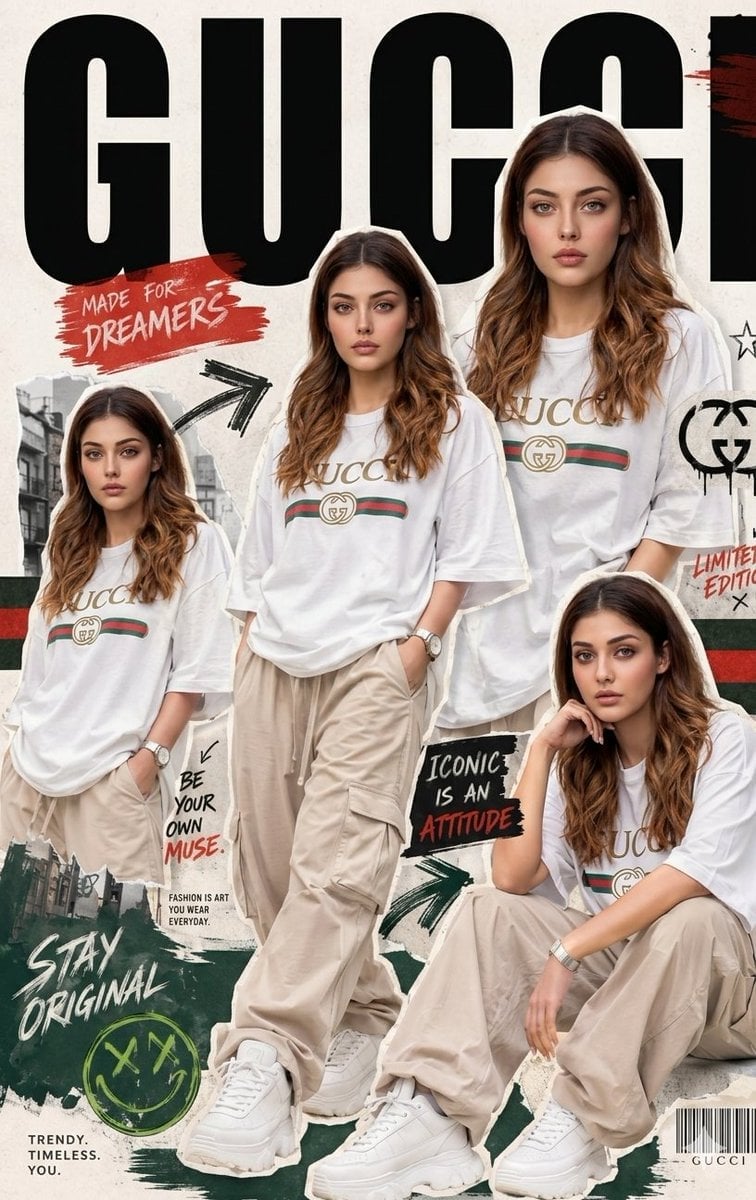
Urban Streetwear Fashion Collage Poster

Gpt2 Product Marketing Streetwear Sneaker Poster Ad

1988 Mall Style

Japan Travel Brochure Poster
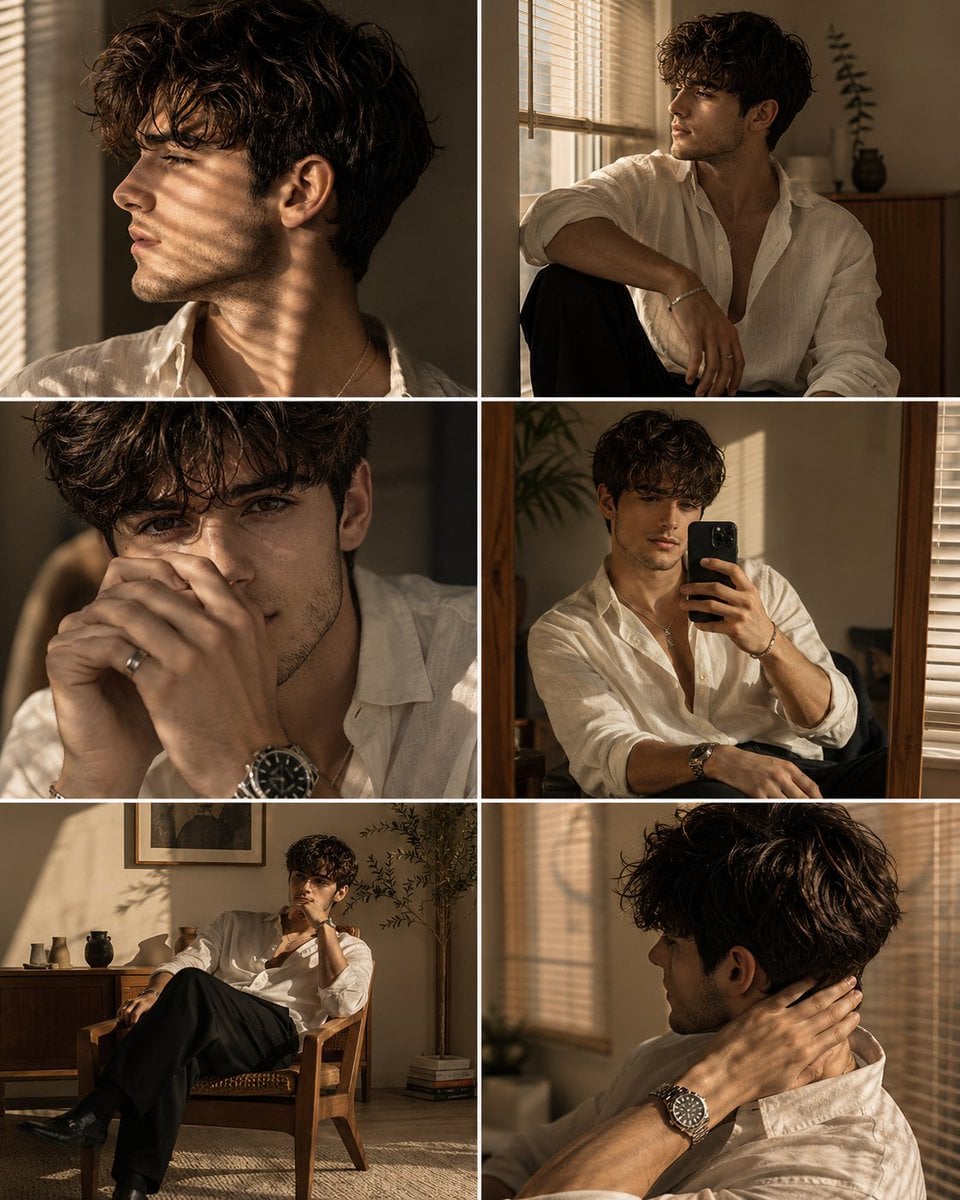
Luxury Men's Golden Hour Collage

Six-Panel Retro Japanese Poster Collage
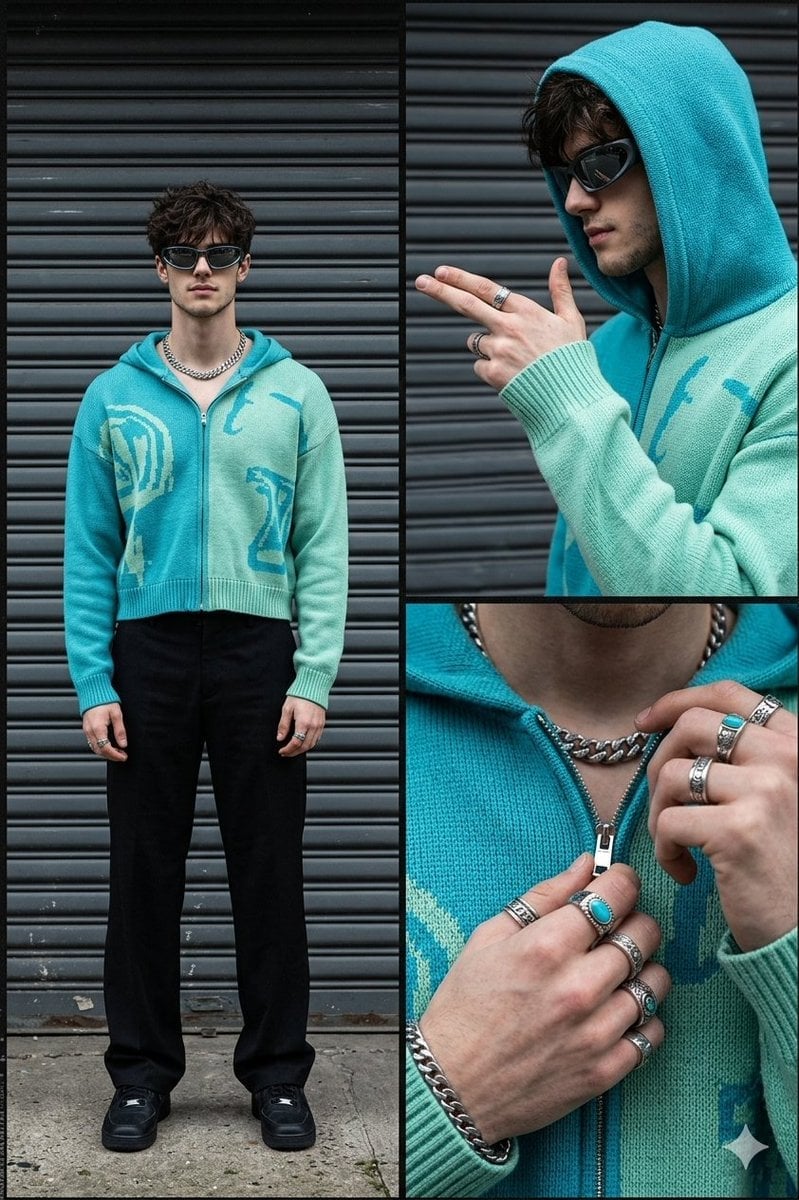
Streetwear Fashion Collage Prompt
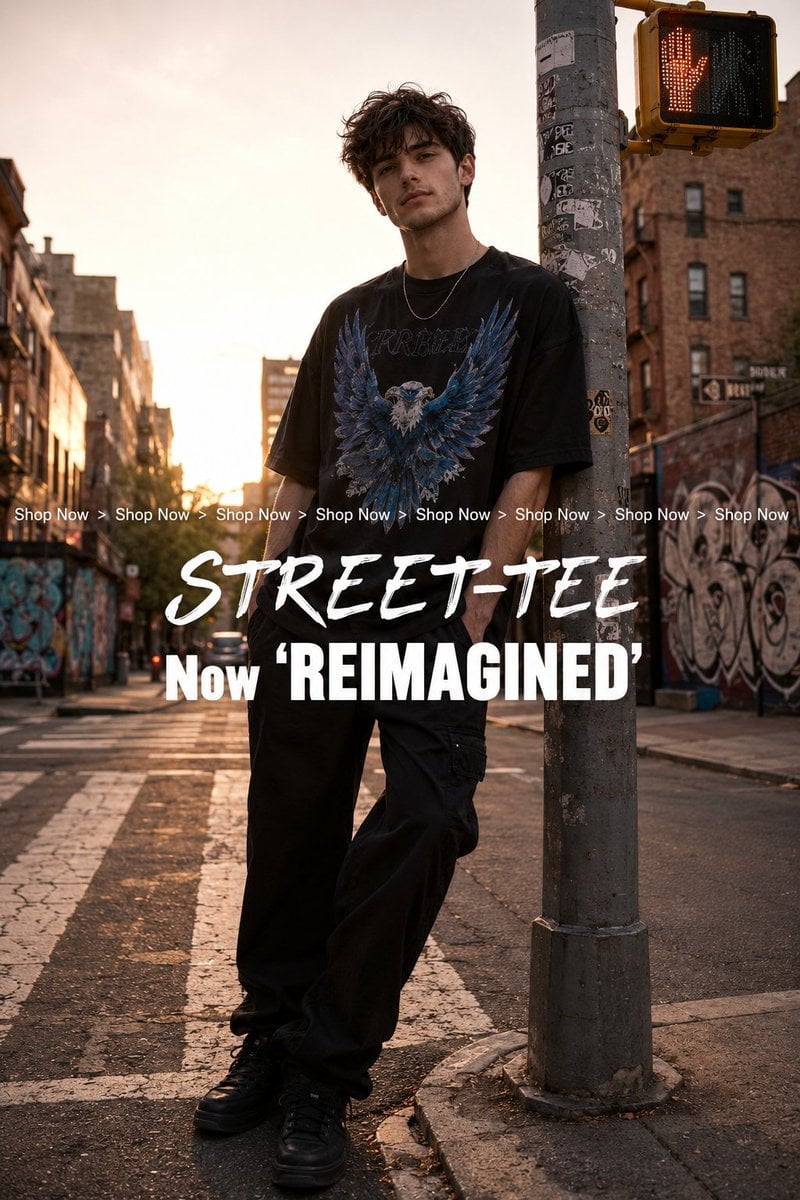
Golden Hour Streetwear Facebook Ad
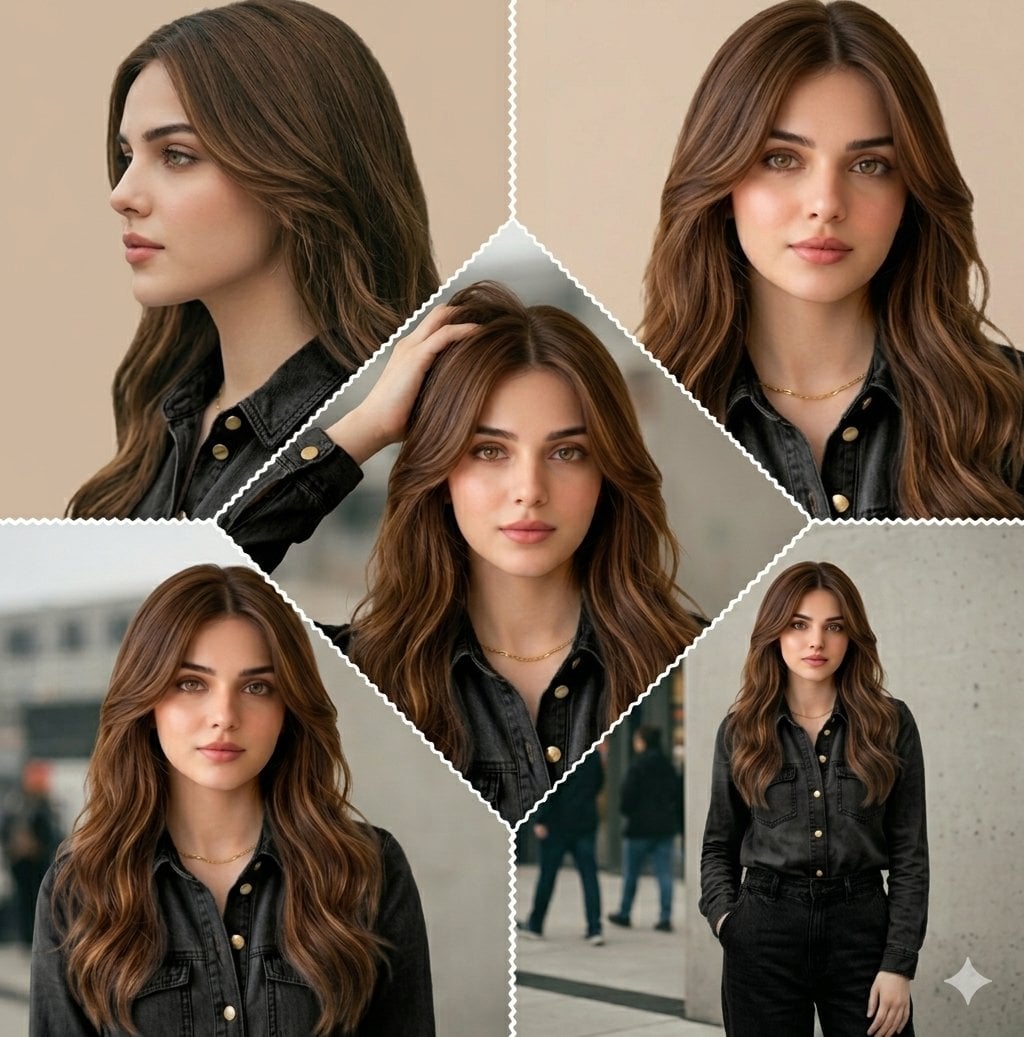
Cinematic Streetwear Model Collage
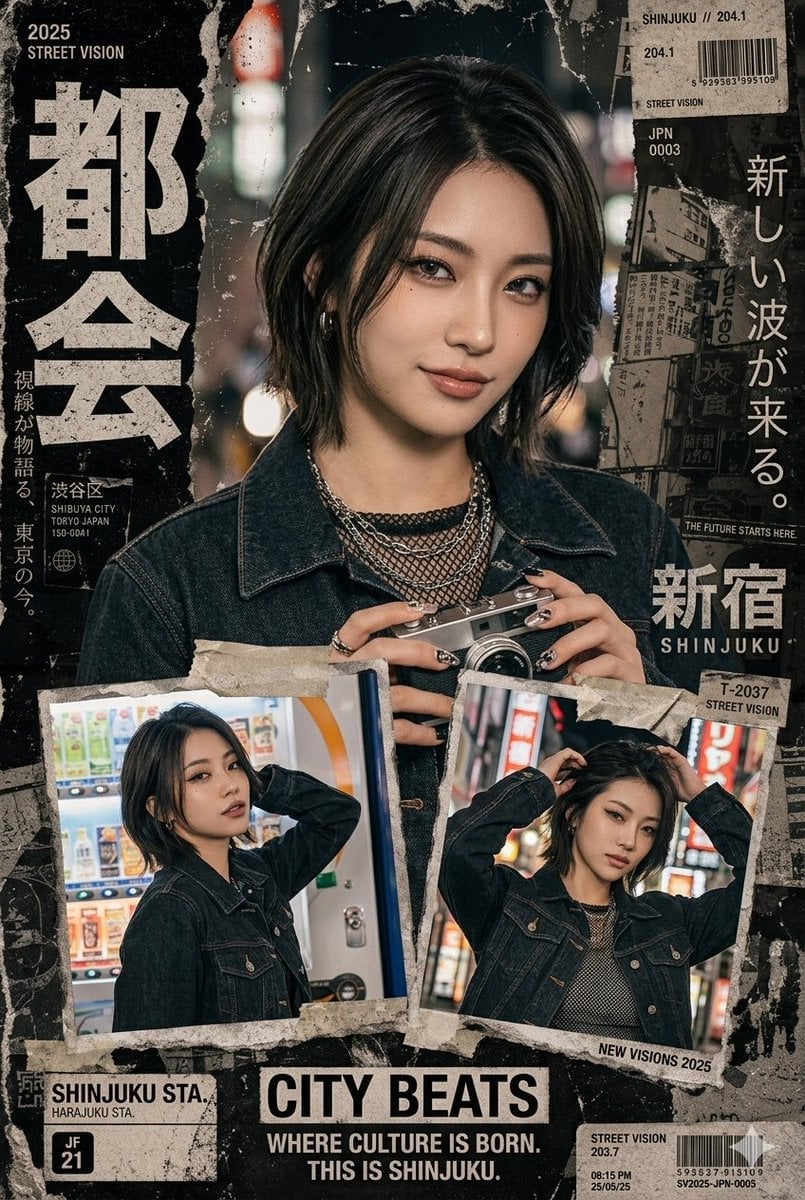
Japanese Streetwear Magazine Collage

Paper Cut Finale Fireworks
Make it yours
Streetwear Collage Poster With Gold Bricks works as-is. These are the safest ways to change it without losing the look.
Change one field
Copy a single group, rewrite it, and generate again so you can see what that field is doing.
Keep the frame, change the subject
Hold the composition and light of Streetwear Collage Poster With Gold Bricks, then swap wardrobe, props or the person for a new take.
| If the result… | Why | Fix |
|---|---|---|
| The result drifts from the preview | Too many fields changed at once. | Reuse Streetwear Collage Poster With Gold Bricks as-is first, then change one group — subject, light, or setting. |
| The model over-stylizes the scene | The prose prompt leaves finish and camera underspecified. | Add one camera or lighting sentence and stay on GPT Image 2. |
More GPT Image 2 templates
Other prompts made for GPT Image 2.

Six VTuber Japanese Logo Sheet

Realistic Portrait of Woman and Deer

The Vista Modular Condo Poster

AI Model Routing Comparison Infographic

2.5D Anime Art Board

Isometric Productivity Desk Scene

New York Double Exposure Poster

Four-Panel AI Landscape Comparison

Japanese Tatami Lifestyle Magazine Cover

NESCAFÉ Coffee Map Poster
More image prompts
Fresh picks from across the catalog.
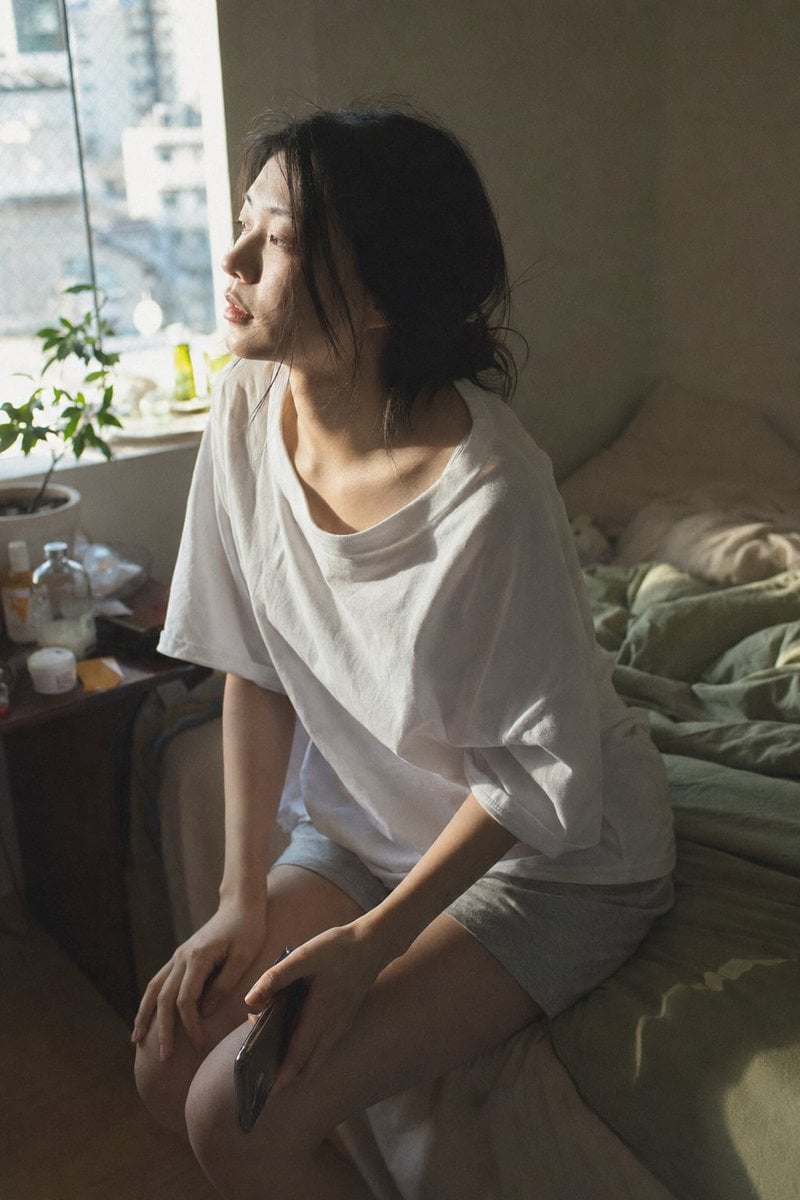
Candid Morning Bedroom Portrait
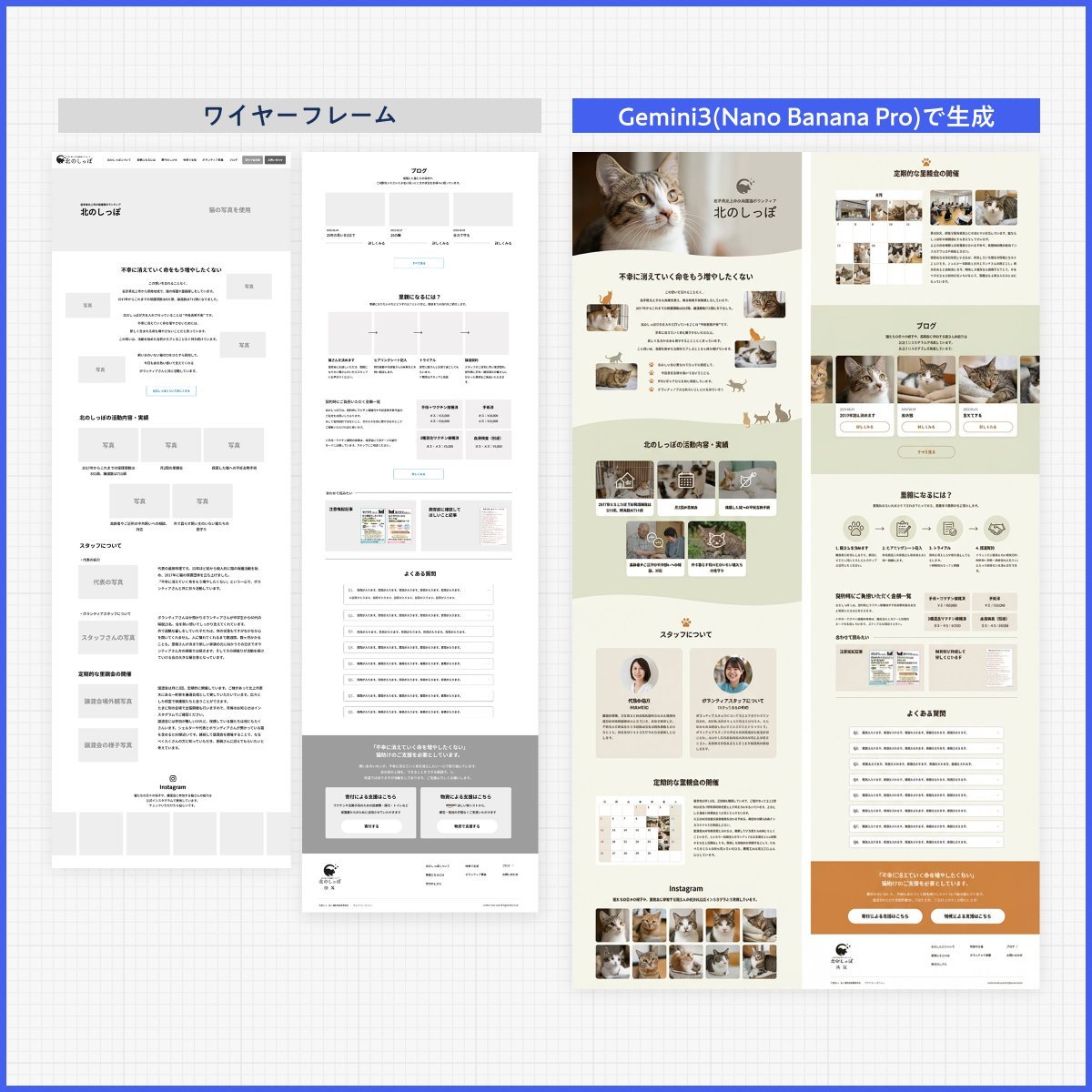
Web page design from reference wireframe
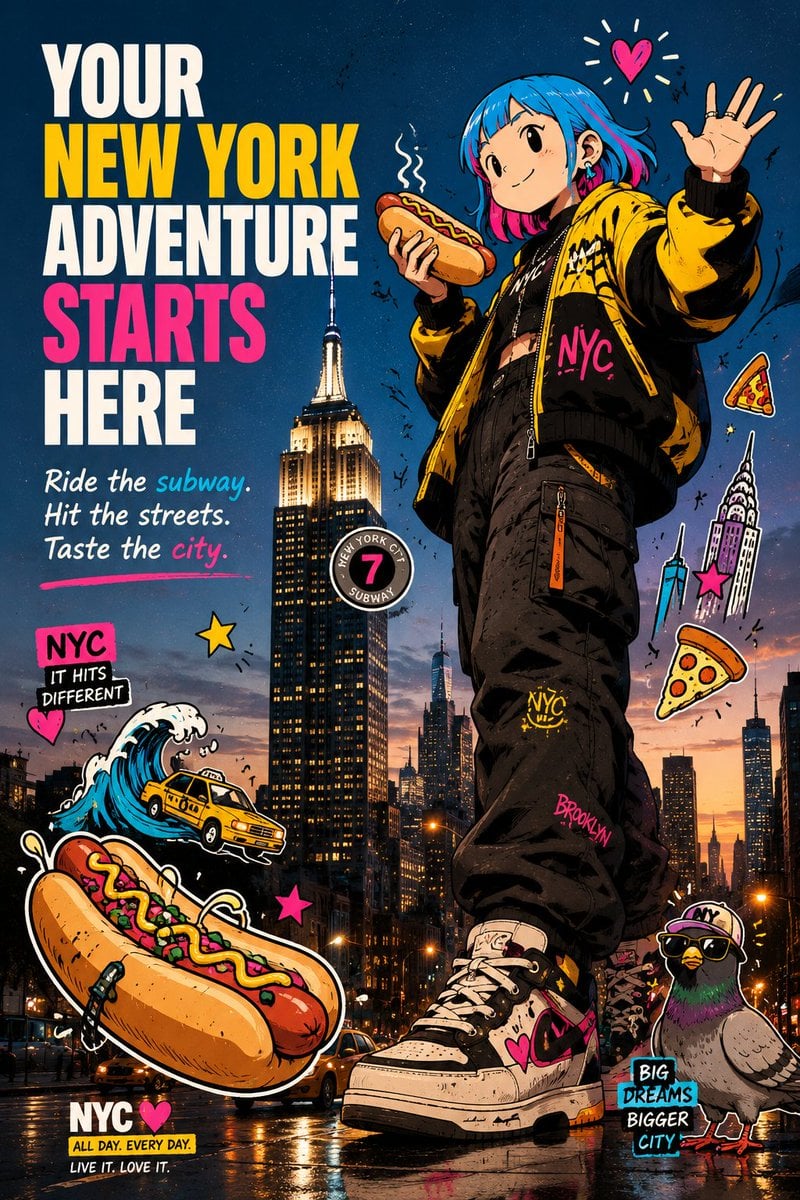
Anime NYC Adventure Poster
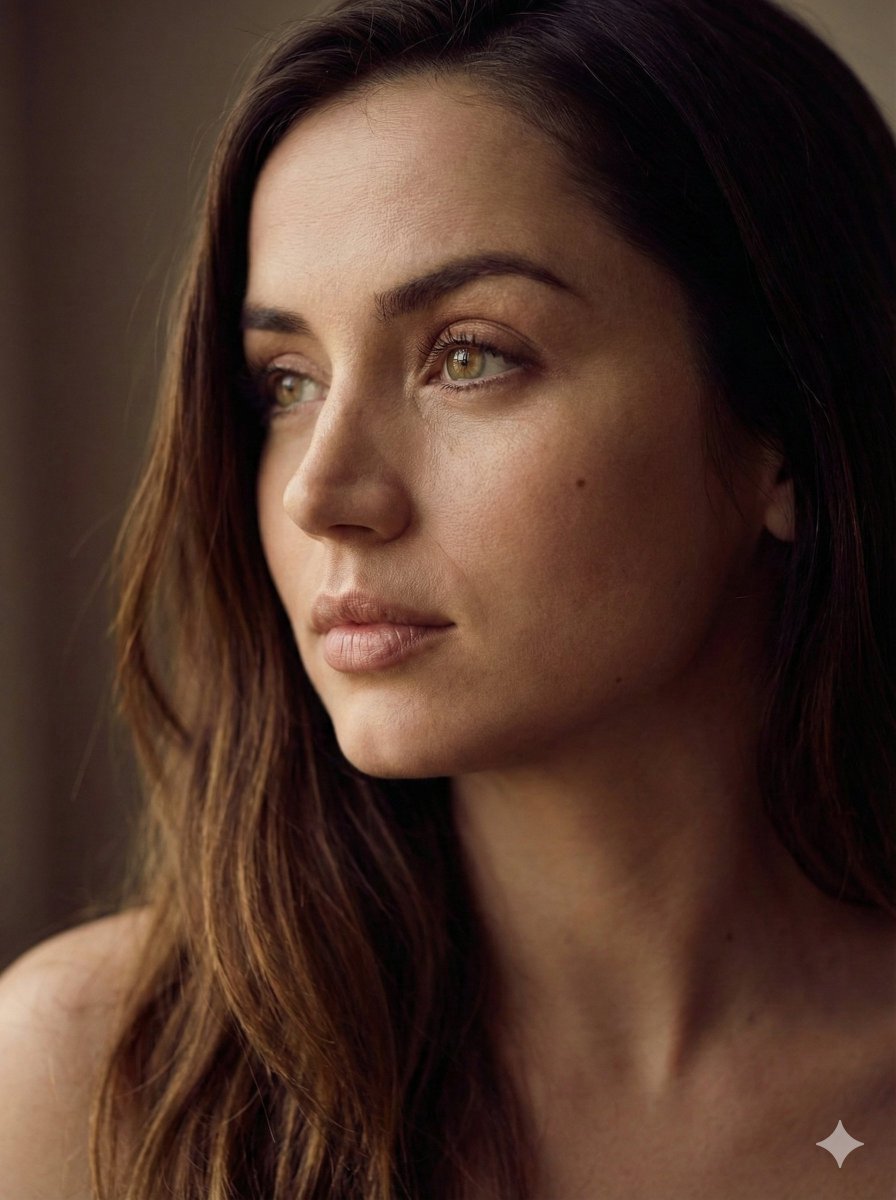
Aesthetic Side-Profile Portrait Generator
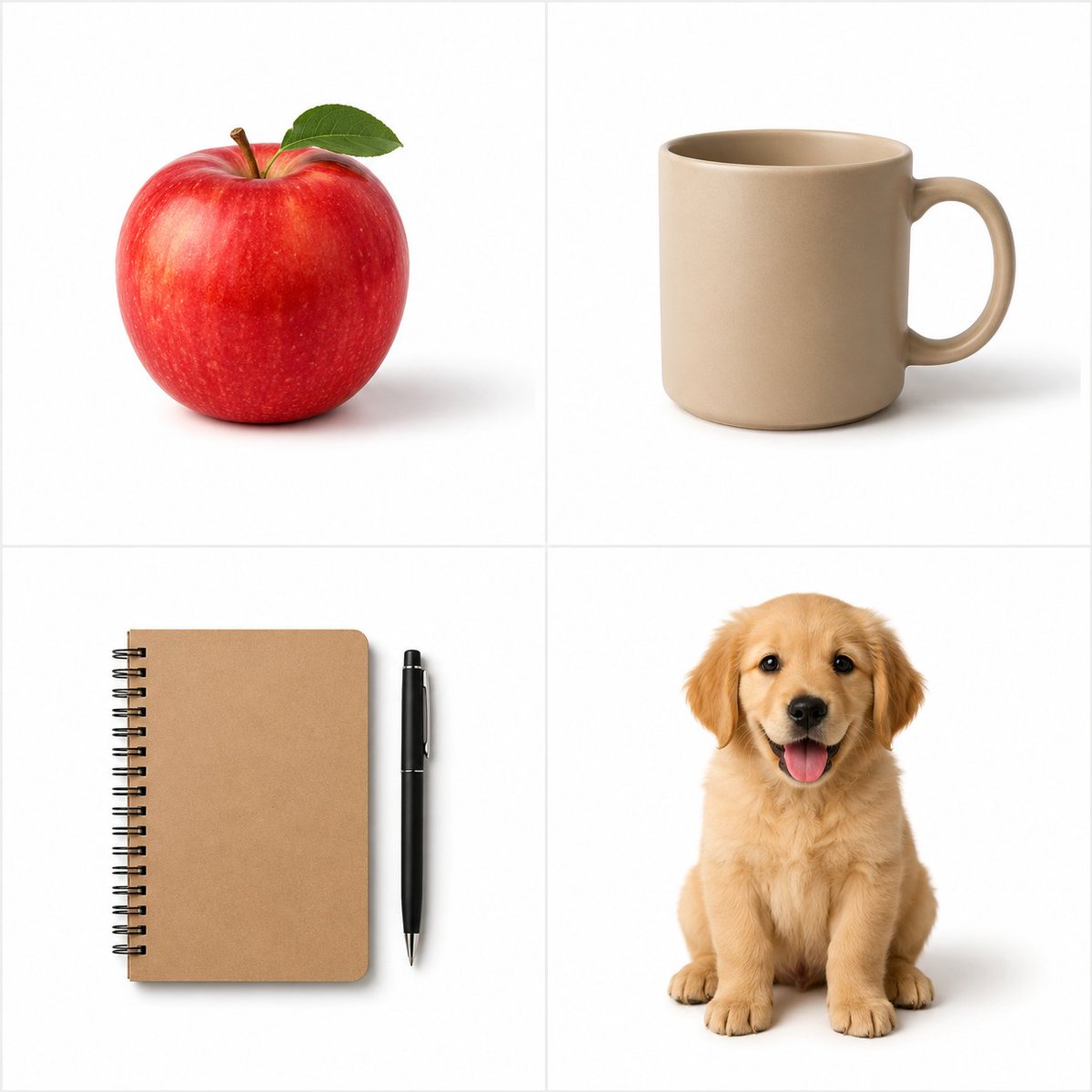
Minimalist Studio Object Photography
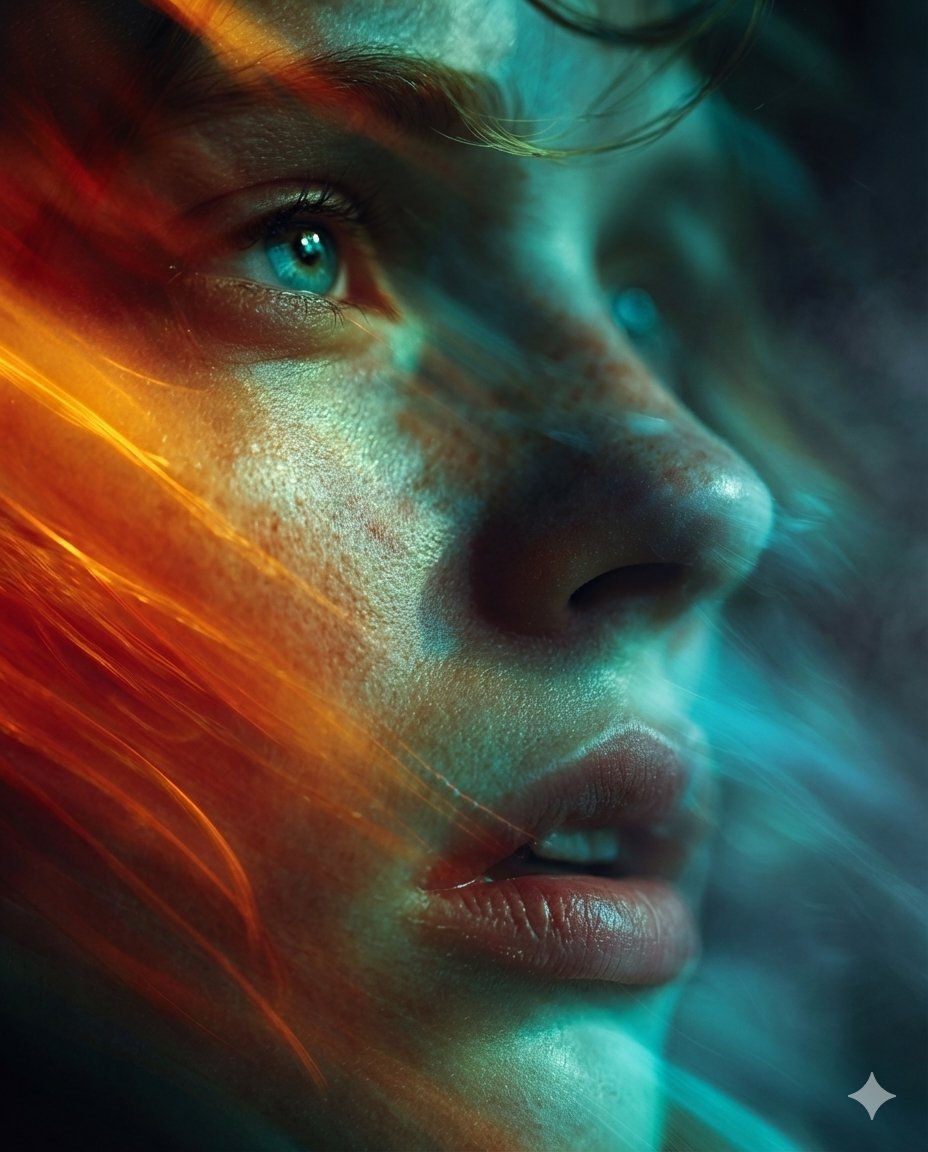
Cyber-Cinematic Split Lighting Portrait Prompt
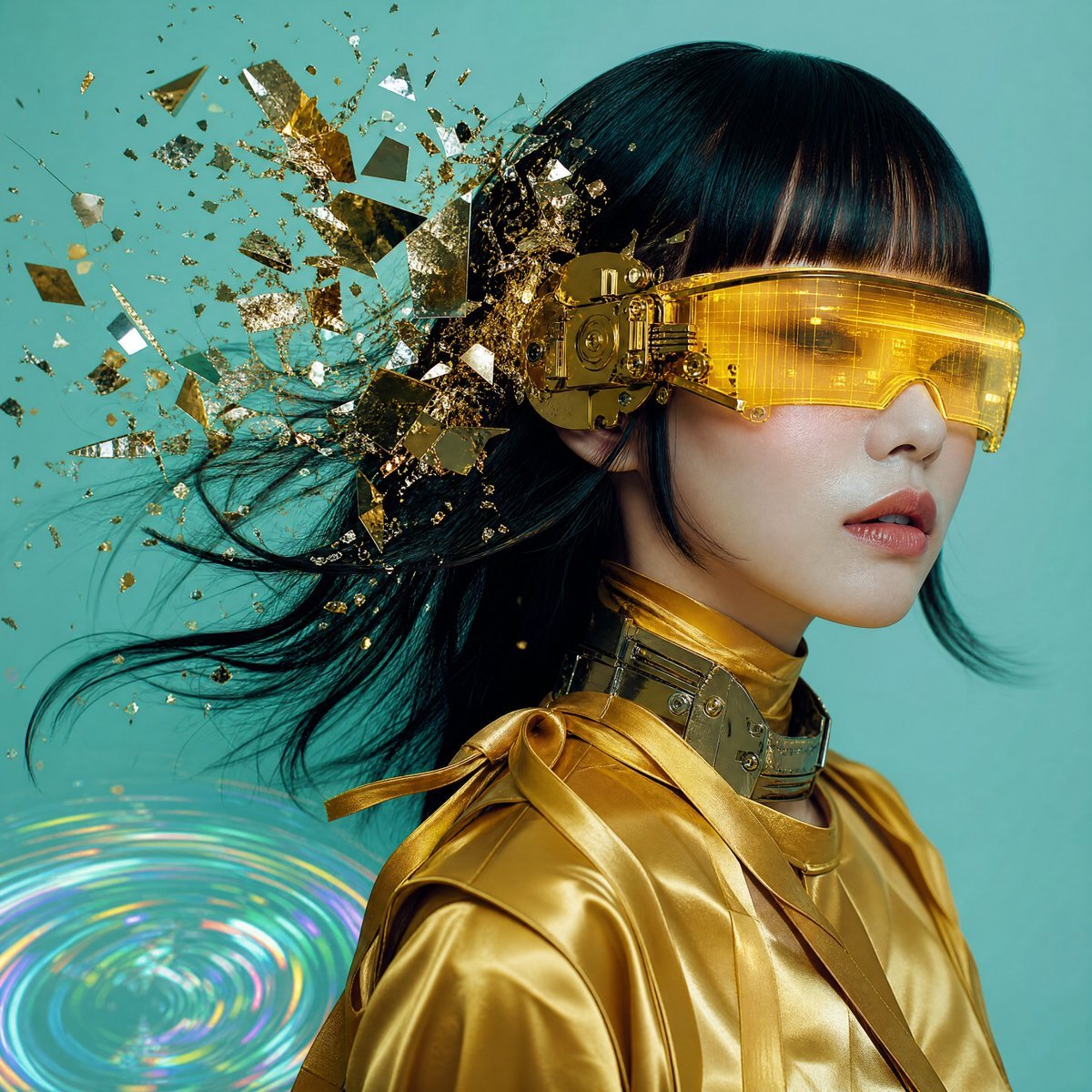
Editorial Portrait with Asymmetrical Composition
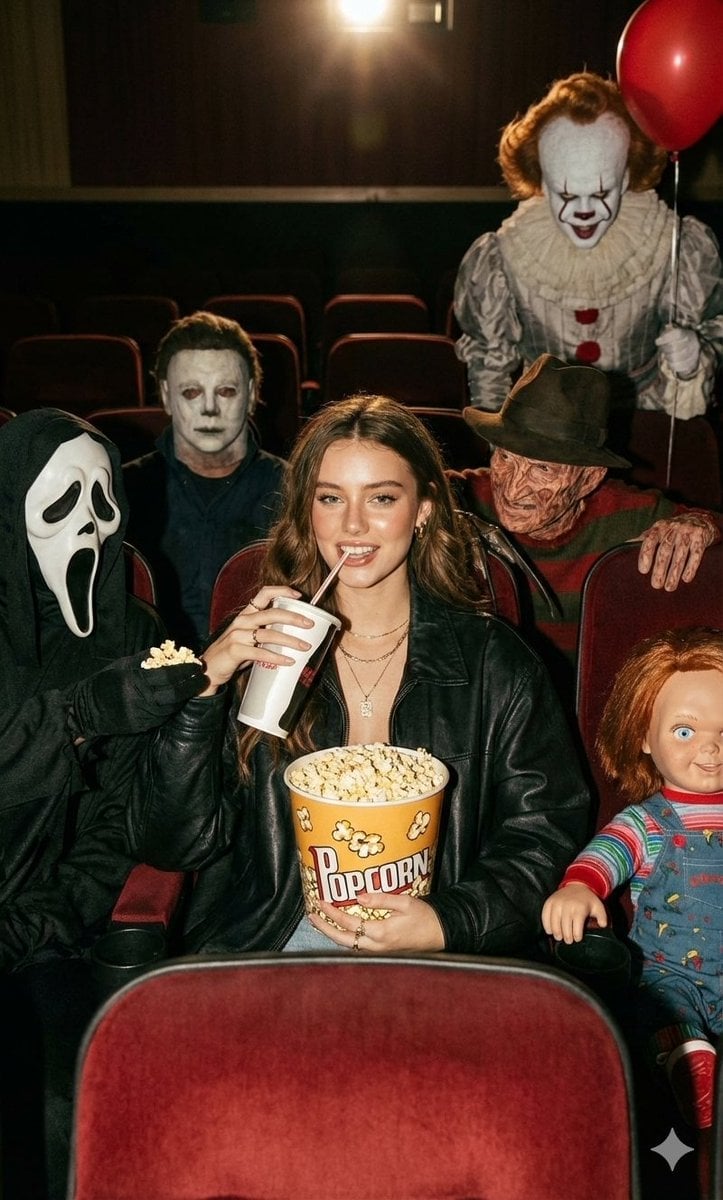
Halloween Horror Movie Theater Prompt
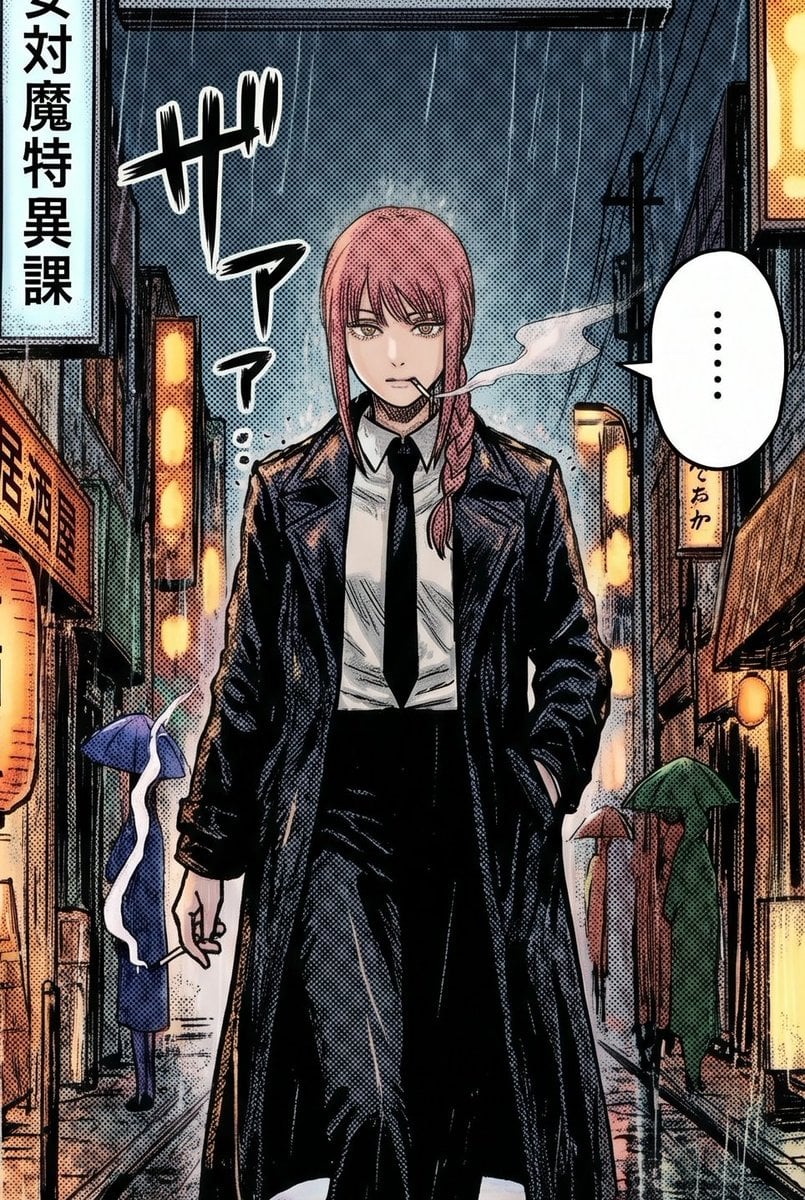
Rainy Manga Alley Woman Portrait
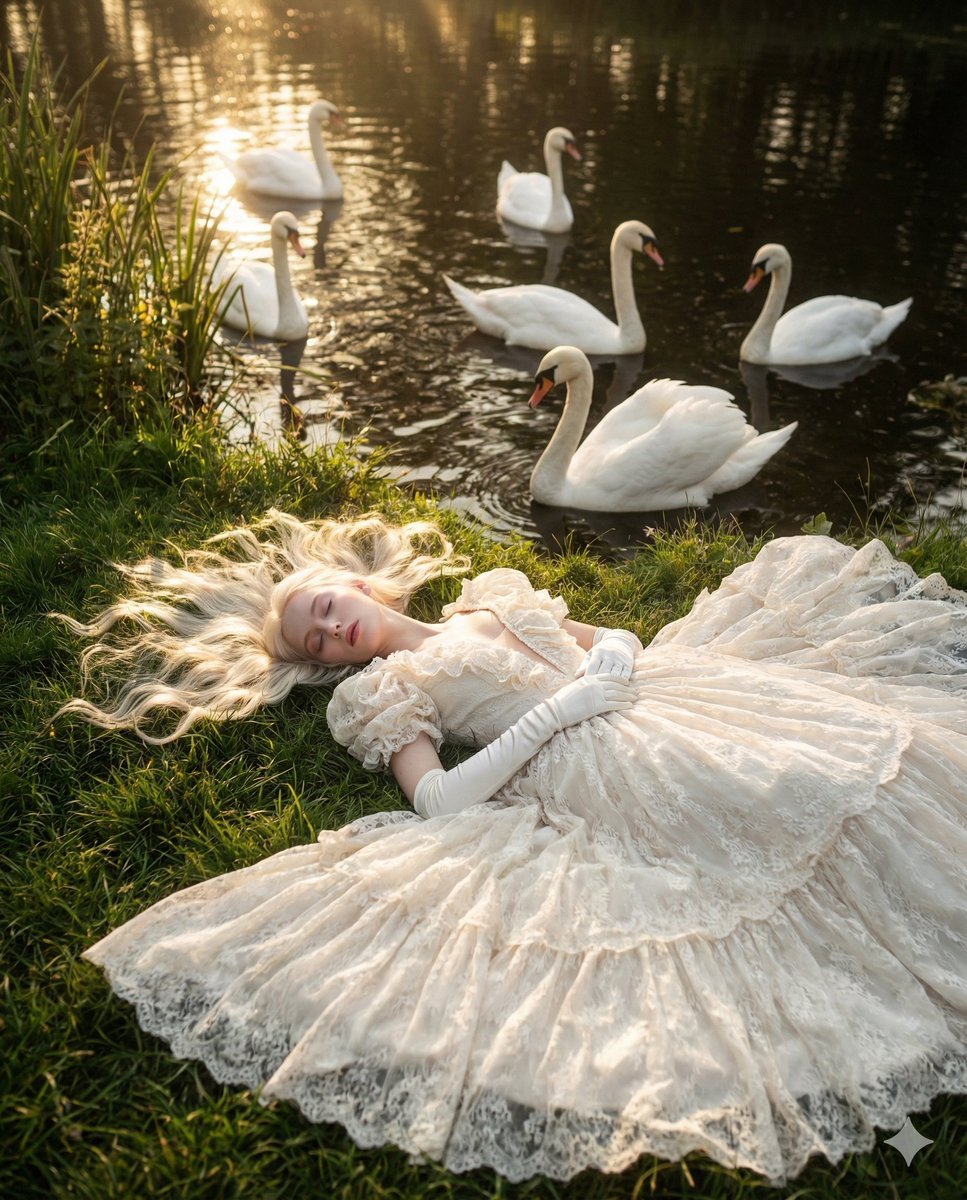
Ethereal Fantasy Portrait with Swans and Golden Hour Light
Browse template categories
Streetwear Collage Poster With Gold Bricks questions
How do I use the Streetwear Collage Poster With Gold Bricks template?
Add your photo if the template asks for one, edit the prompt if you like — the template's model and format are already selected — and press Generate. Your version opens in PicX Studio.
Can I customize the Streetwear Collage Poster With Gold Bricks template?
Yes. You can change the subject, setting, lighting, mood, format, and available model controls before creating your image.
Is the Streetwear Collage Poster With Gold Bricks template free?
Opening and editing this template is free. Generating uses credits, shown on the Generate button when you are signed in.
Which AI model should I use?
Start with GPT Image 2, which is the model associated with this template. You can compare another compatible model for a different finish.
Looking for something else? Browse all templates.

Your photo, any look
Thousands of ready templates for every top image and video model, from one credit balance.