
Muted Speech Editorial Portrait
A conceptual fashion-editorial poster showing a silenced seated man surrounded by empty speech bubbles, ideal for themes of censorship, anxiety, or self-expression.

- Prompt included
- Model and format preset
- Free template
The prompt behind this image
Copy the exact prompt behind Muted Speech Editorial Portrait, or open it in the studio and make it yours.
Create a vertical editorial poster portrait of {argument name="character name" default="an anonymous young man"} seated front-facing in a chair against a smoky warm-gray studio background, centered from mid-thigh upward. He wears clean layered neutral knitwear: a taupe ribbed crewneck sweater over subtle beige-gray clothing, with relaxed trousers, soft folds, and muted fashion-magazine styling. His mouth, jaw, and throat are tightly wrapped in glossy translucent plastic film, catching highlights and compressing the neck as a visual metaphor for forced silence; cover the central face area with a flat opaque square censor block in a dark brown-to-warm-gray tone, while leaving the hair, ears, sweater, and wrapped neck visible. Surround him with exactly 13 empty translucent speech bubbles: 2 large partial bubbles cropped at the far left, 1 huge partial bubble cropped at the far right, 3 medium bubbles behind his head and shoulders, 5 small bubbles scattered across the upper and middle background, and 2 large hazy foreground bubbles partially cropped near the lower left and lower right. Add handwritten white text at the top reading {argument name="top handwritten text" default="SAY IT"}, with a thin crossed-out phrase directly below reading {argument name="crossed out text" default="NEVER MIND"}. Add giant semi-transparent block letters across the bottom reading {argument name="bottom word" default="MUTE"}, spanning nearly the full width and partially covering the seated figure. Use soft diffused side lighting, shallow depth of field, subtle film grain, muted monochrome beige-gray palette, high-end conceptual photography style, restrained emotional mood, no extra text, no logos, no watermark.
How to use Muted Speech Editorial Portrait in 3 steps
- 1Upload ImagePNG, JPG or paste
Add your photo
Upload the photo the template builds on. The prompt, model and format are already set.
- 2…a portrait of your subject in softgolden-hour light, 85mm…
Personalize
Edit the subject and creative details for your destination.
- 3Generate
Generate
Press Generate — your image is created in PicX Studio, so you can compare it with the original and refine one variable at a time.
More like this
Templates with the same subject, style or setup. Open one to see its prompt.

untitled

Caution Tape Fashion — Industrial Editorial

Couture Fashion Editorial Woman and Drag

Nano Banana 2 Editorial Fashion Portrait

Found Photograph: Us, 1970

80s Couple Studio Portrait

80s Bollywood Star

80s Golden Hour Cinema

Me in 1985

1985 Studio Portrait

Hyper-Realistic Minecraft POV Portrait

Rooftop Fisheye — Cat-Ear Balaclava at Golden Hour
Make it yours
Muted Speech Editorial Portrait works as-is. These are the safest ways to change it without losing the look.
Change one field
Copy a single group, rewrite it, and generate again so you can see what that field is doing.
Keep the frame, change the subject
Hold the composition and light of Muted Speech Editorial Portrait, then swap wardrobe, props or the person for a new take.
| If the result… | Why | Fix |
|---|---|---|
| The result drifts from the preview | Too many fields changed at once. | Reuse Muted Speech Editorial Portrait as-is first, then change one group — subject, light, or setting. |
| The model over-stylizes the scene | The prose prompt leaves finish and camera underspecified. | Add one camera or lighting sentence and stay on GPT Image 2. |
More GPT Image 2 templates
Other prompts made for GPT Image 2.

Six VTuber Japanese Logo Sheet

Realistic Portrait of Woman and Deer

The Vista Modular Condo Poster

AI Model Routing Comparison Infographic

2.5D Anime Art Board

Isometric Productivity Desk Scene

New York Double Exposure Poster

Four-Panel AI Landscape Comparison

Japanese Tatami Lifestyle Magazine Cover

NESCAFÉ Coffee Map Poster
More image prompts
Fresh picks from across the catalog.
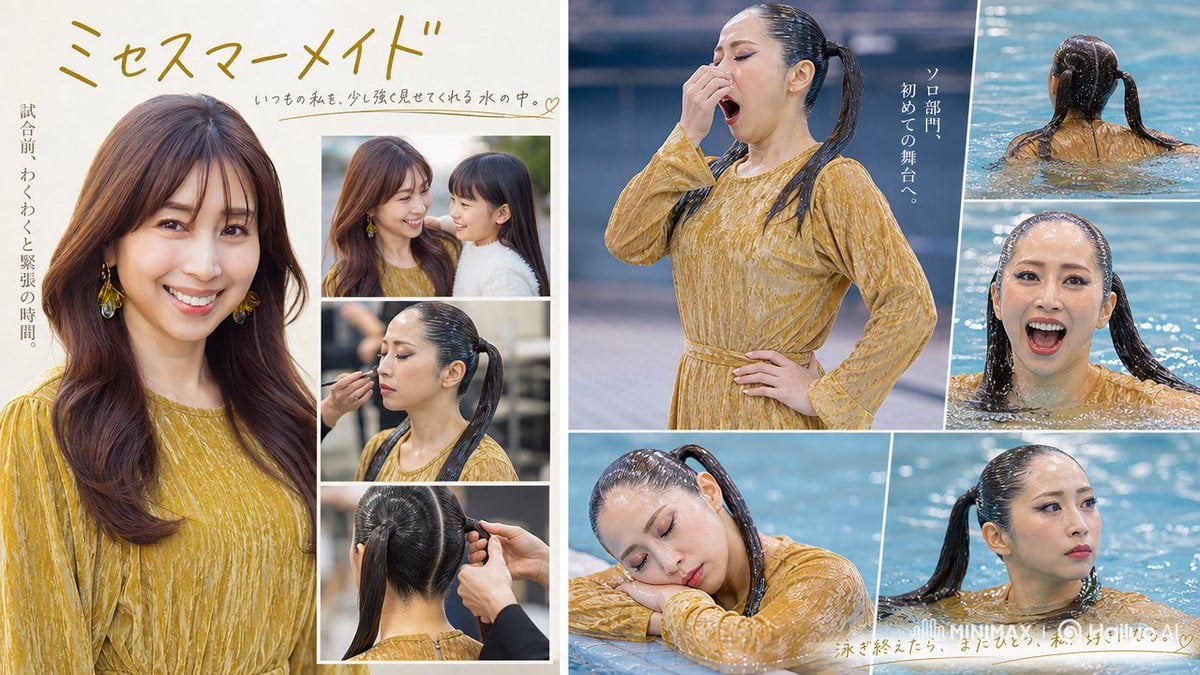
Mrs Mermaid Magazine Collage
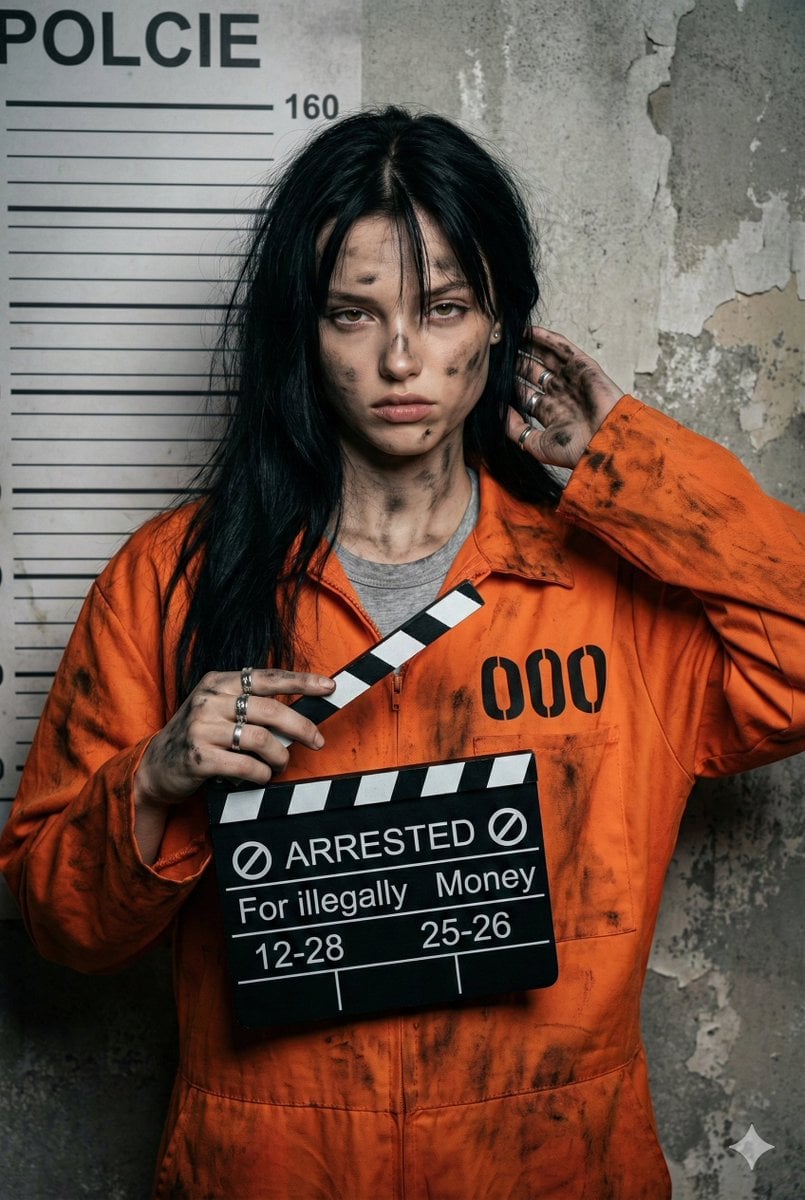
Gritty Prisoner Mugshot Portrait Prompt
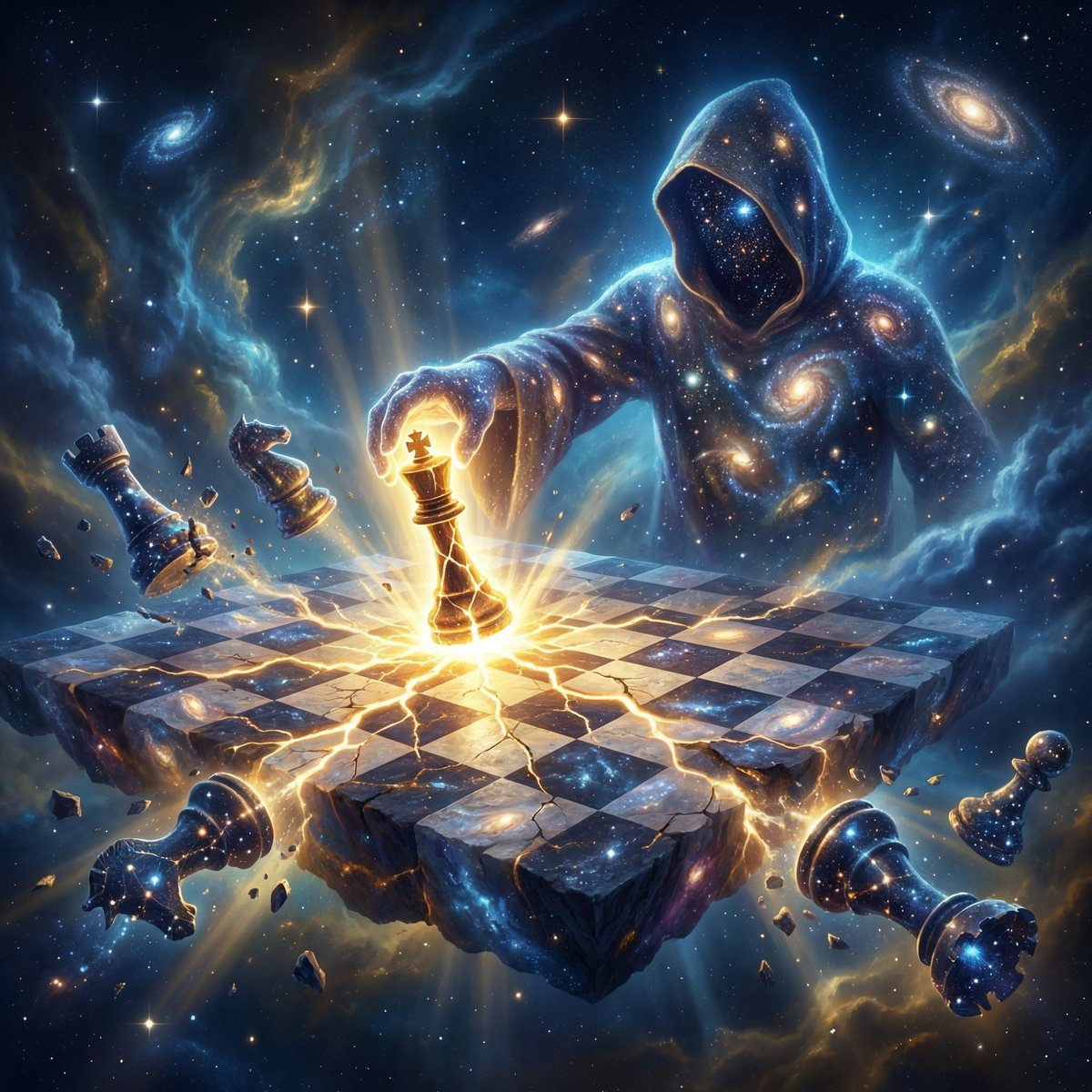
Cosmic Chessboard Checkmate Scene

Cinematic Concept Art for Ancient Abandoned Jungle City
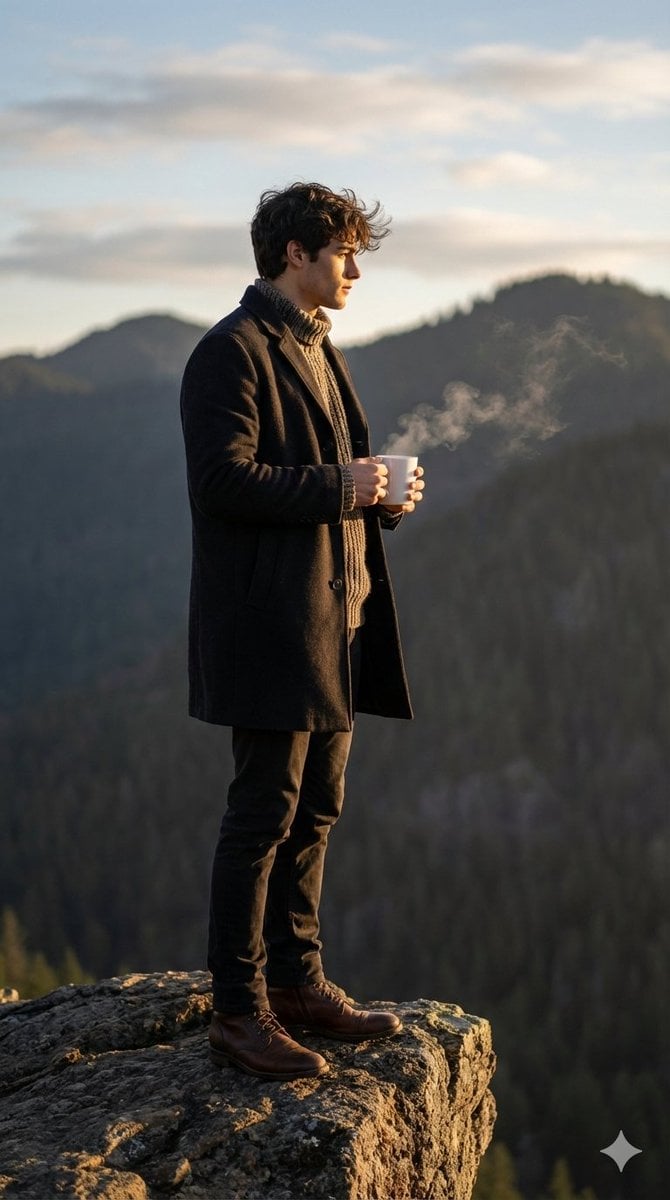
Cinematic Sunrise Portrait on a Cliff Edge
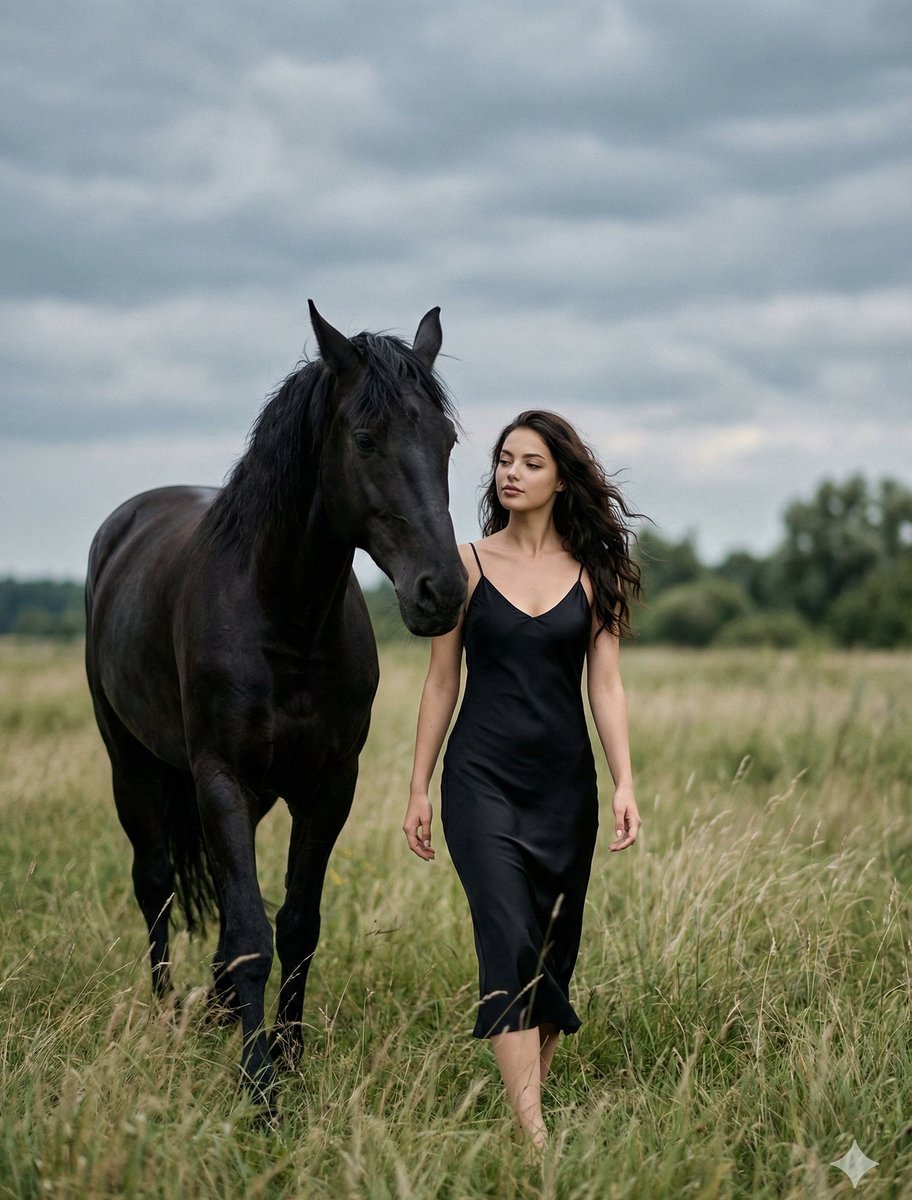
Cinematic Photorealistic Scene of Woman and Black Horse

Romance Manga Page in a Living Room
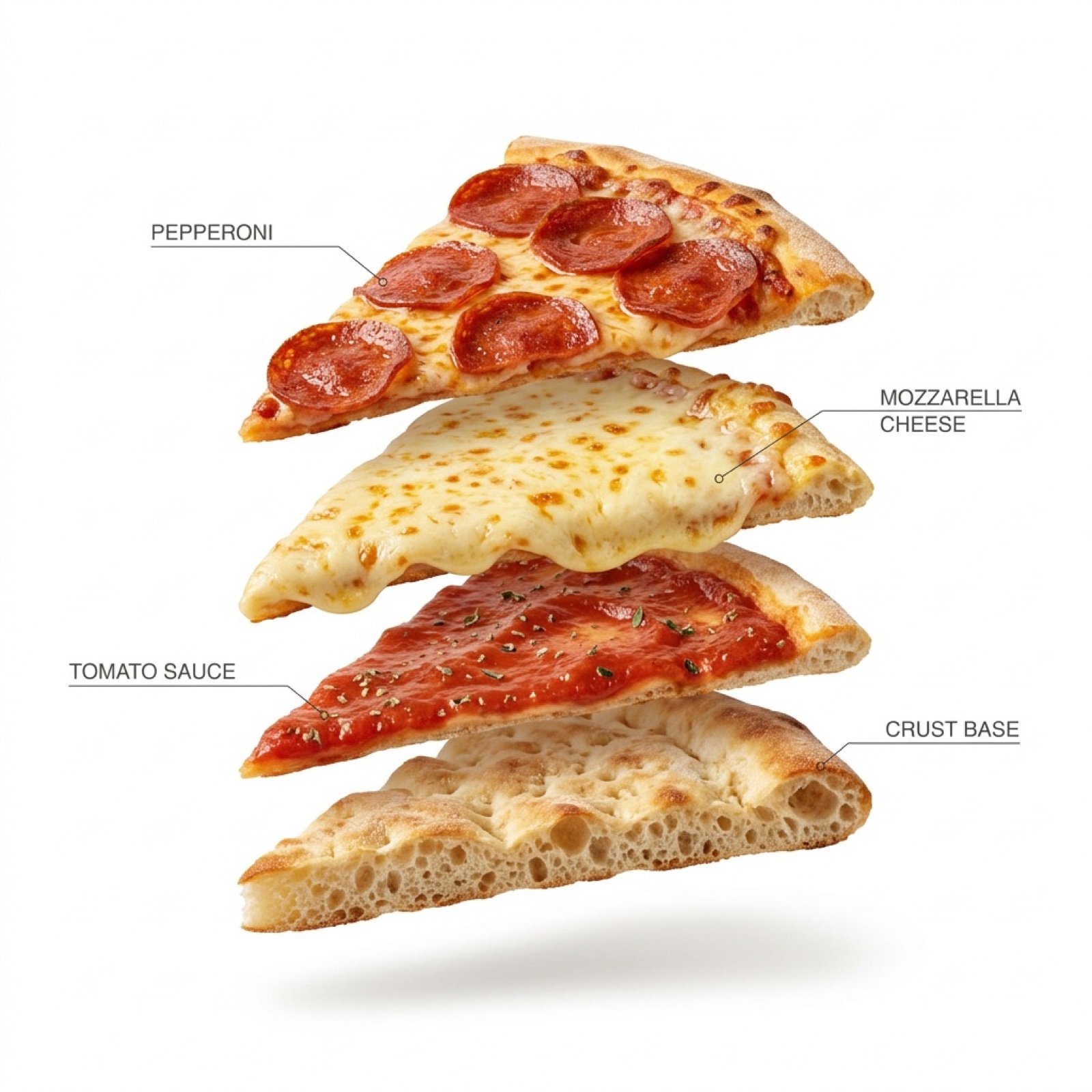
Exploded Pizza Slice Animation and Image Generation Prompts
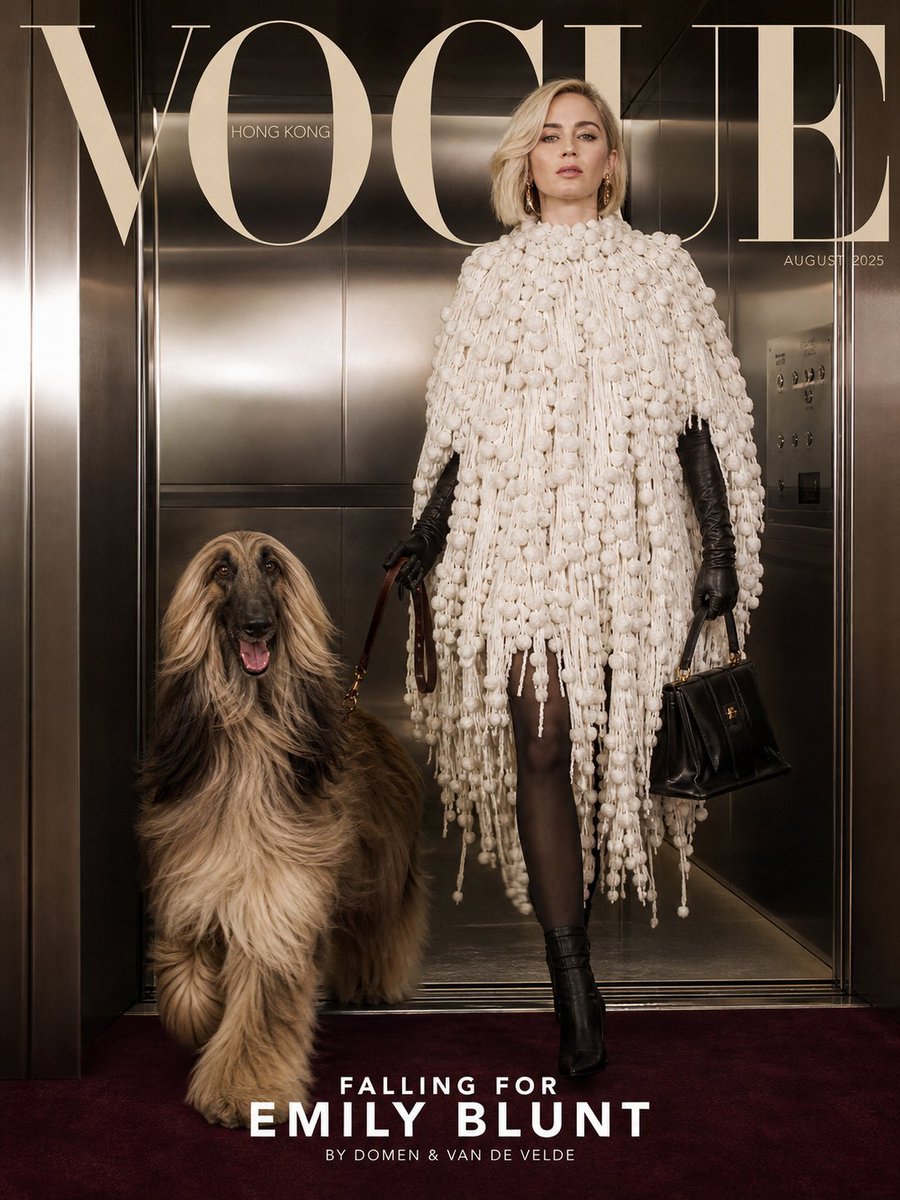
Vogue Cover with Emily Blunt

Clean infographic style constraints in Japanese
Browse template categories
Muted Speech Editorial Portrait questions
How do I use the Muted Speech Editorial Portrait template?
Add your photo if the template asks for one, edit the prompt if you like — the template's model and format are already selected — and press Generate. Your version opens in PicX Studio.
Can I customize the Muted Speech Editorial Portrait template?
Yes. You can change the subject, setting, lighting, mood, format, and available model controls before creating your image.
Is the Muted Speech Editorial Portrait template free?
Opening and editing this template is free. Generating uses credits, shown on the Generate button when you are signed in.
Which AI model should I use?
Start with GPT Image 2, which is the model associated with this template. You can compare another compatible model for a different finish.
Looking for something else? Browse all templates.

Your photo, any look
Thousands of ready templates for every top image and video model, from one credit balance.