
Neon Kitsune Shrine Maiden
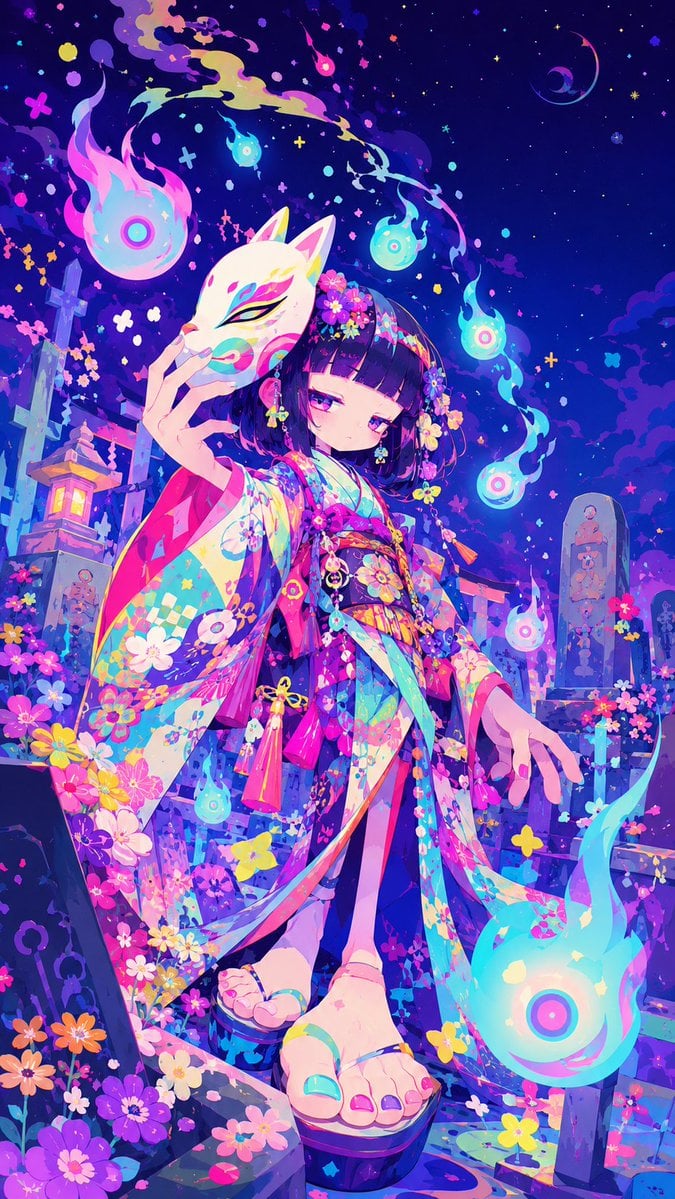
A richly detailed vertical anime fantasy illustration of a kimono-clad shrine maiden with a kitsune mask and glowing spirit flames in a magical graveyard.
- Prompt included
- Model and format preset
- Free template
The prompt behind this image
Copy the exact prompt behind Neon Kitsune Shrine Maiden, or open it in the studio and make it yours.
Create a vibrant niji-style anime illustration in a vertical 9:16 canvas of {argument name="character name" default="a mysterious shrine maiden"} standing in a fantastical Japanese graveyard at night. She is a young girl with a short blunt bob haircut in {argument name="hair color" default="deep black with violet highlights"}, pale skin, sleepy magenta eyes, and a calm, slightly melancholic expression. She wears an extremely ornate multicolored kimono in {argument name="kimono palette" default="neon cyan, hot pink, violet, yellow, and white"}, covered with floral prints, checker patterns, ribbons, tassels, and layered flowing sleeves; add flower hair ornaments and dangling charms. Her left hand holds a white kitsune mask with colorful painted eye markings partly in front of her face, while her right hand reaches downward with delicate fingers. Show her feet in traditional geta sandals in the foreground, using a dramatic low-angle perspective so the sandals and hem of the kimono feel close to the viewer. Surround her with exactly 7 glowing will-o'-wisp spirit flames: 1 large flame at upper left, 1 small flame near the top center, 1 small cyan flame above her head, 1 small flame in the upper right sky, 1 medium flame at mid-right, 1 small flame near her lower left sleeve, and 1 very large flame at bottom right. The background is a magical cemetery-shrine setting with stone grave markers, a torii gate, a glowing stone lantern on the left, flowers growing everywhere, and a deep indigo starry sky with crescent moon shapes, tiny crosses, dots, confetti-like petals, and colorful sparkles. Use intense saturated neon colors, luminous cyan and pink rim lighting, painterly anime rendering, crisp linework, elaborate decorative detail, dreamy supernatural atmosphere, high contrast, dynamic composition, and no text or watermark.
How to use Neon Kitsune Shrine Maiden in 3 steps
- 1Upload ImagePNG, JPG or paste
Add your photo
Upload the photo the template builds on. The prompt, model and format are already set.
- 2…a portrait of your subject in softgolden-hour light, 85mm…
Personalize
Edit the subject and creative details for your destination.
- 3Generate
Generate
Press Generate — your image is created in PicX Studio, so you can compare it with the original and refine one variable at a time.
More like this
Templates with the same subject, style or setup. Open one to see its prompt.

80s Neon Disco Night
Fox Shrine Maiden Postcard
Fox Shrine Maiden on Hover Scooter
Summer Shrine Maiden Portrait
Blue Kiriko Fox Shrine Maiden
Thunder Shrine Maiden Portrait

Cartoon TV Show Poster Pack

Rainy Night Android Cyberpunk Portrait

Korean Idol Partial Shadow Editorial Portrait

Cyberpunk Neon Profile Fashion Portrait

Neon Night Crosswalk Candid Portrait

Subway Platform Quiet Introspective Portrait
Make it yours
Neon Kitsune Shrine Maiden works as-is. These are the safest ways to change it without losing the look.
Change one field
Copy a single group, rewrite it, and generate again so you can see what that field is doing.
Keep the frame, change the subject
Hold the composition and light of Neon Kitsune Shrine Maiden, then swap wardrobe, props or the person for a new take.
| If the result… | Why | Fix |
|---|---|---|
| The result drifts from the preview | Too many fields changed at once. | Reuse Neon Kitsune Shrine Maiden as-is first, then change one group — subject, light, or setting. |
| The model over-stylizes the scene | The prose prompt leaves finish and camera underspecified. | Add one camera or lighting sentence and stay on GPT Image 2. |
More GPT Image 2 templates
Other prompts made for GPT Image 2.

Six VTuber Japanese Logo Sheet

Realistic Portrait of Woman and Deer

The Vista Modular Condo Poster

AI Model Routing Comparison Infographic

2.5D Anime Art Board

Isometric Productivity Desk Scene

New York Double Exposure Poster

Four-Panel AI Landscape Comparison

Japanese Tatami Lifestyle Magazine Cover

NESCAFÉ Coffee Map Poster
More image prompts
Fresh picks from across the catalog.

Luxury Fitness Editorial Campaign
Ultra-Photorealistic Candid Travel Romance Scene: Aegean Stone Street
Kawaii School Girl Aesthetic Collage

X Strength04 X Gpt Image 2 on Chatgpt

JSON Prompt for Stylized 3D Character Render (Minimal Cartoon)
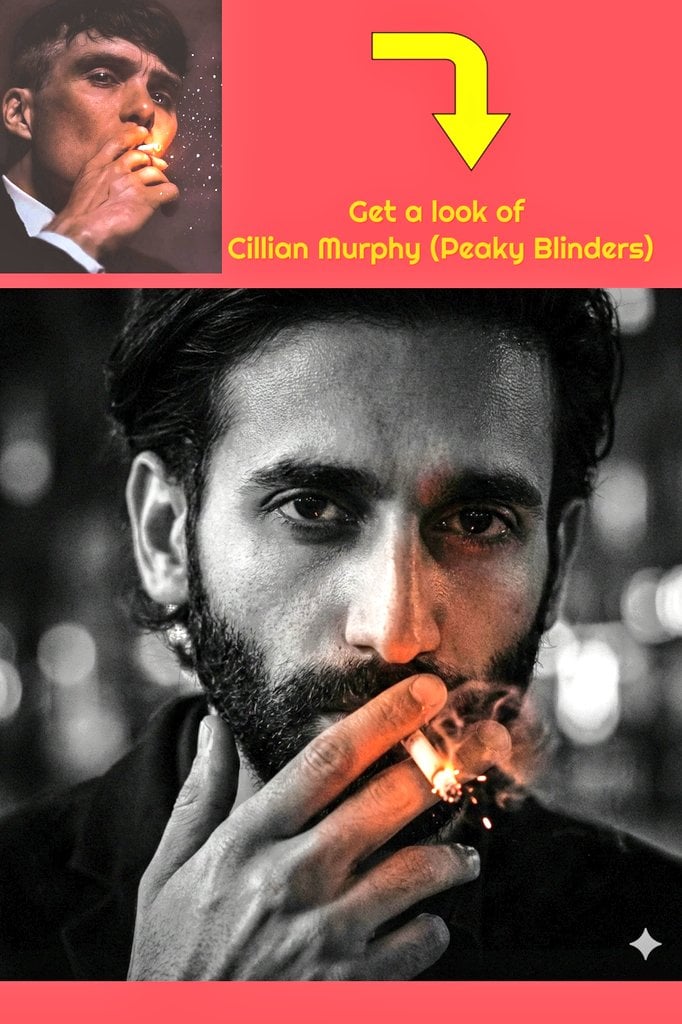
Film Noir Portrait of Cillian Murphy with Cigarette

Playful Velvet Chocolate Poster
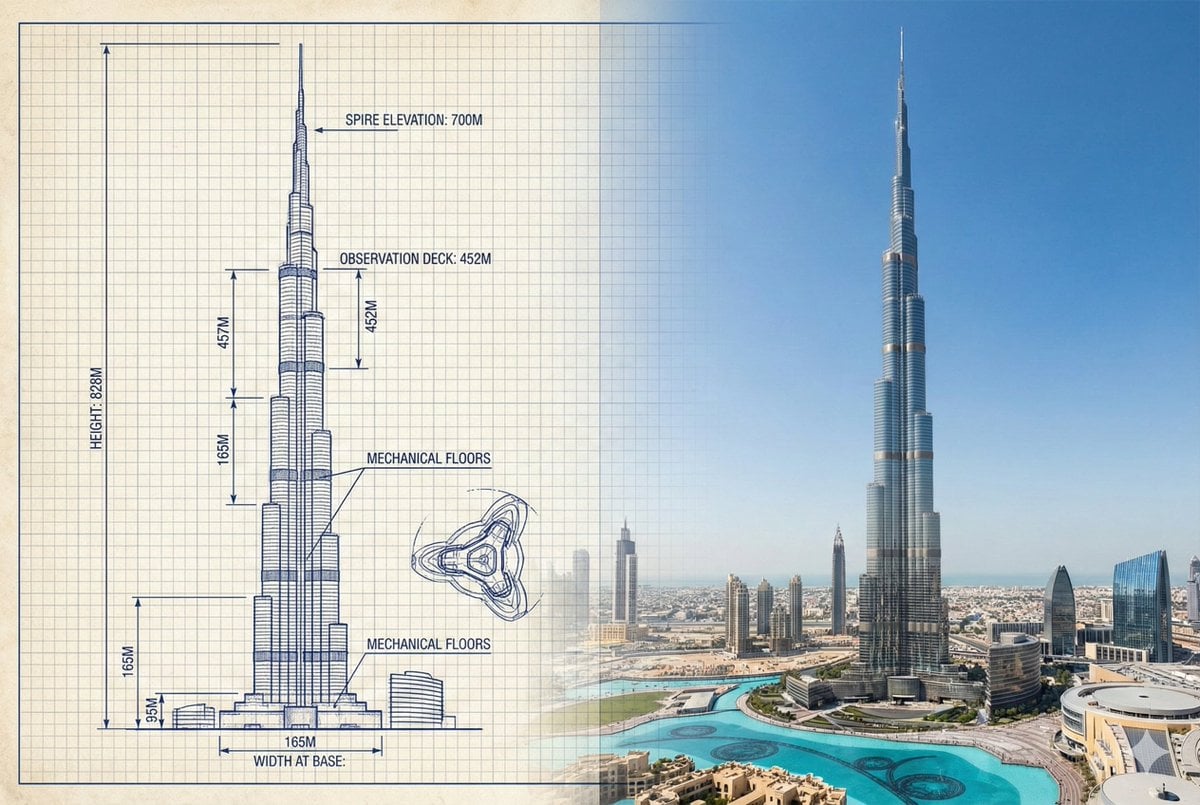
Burj Khalifa Technical Sketch and Real Photo Comparison
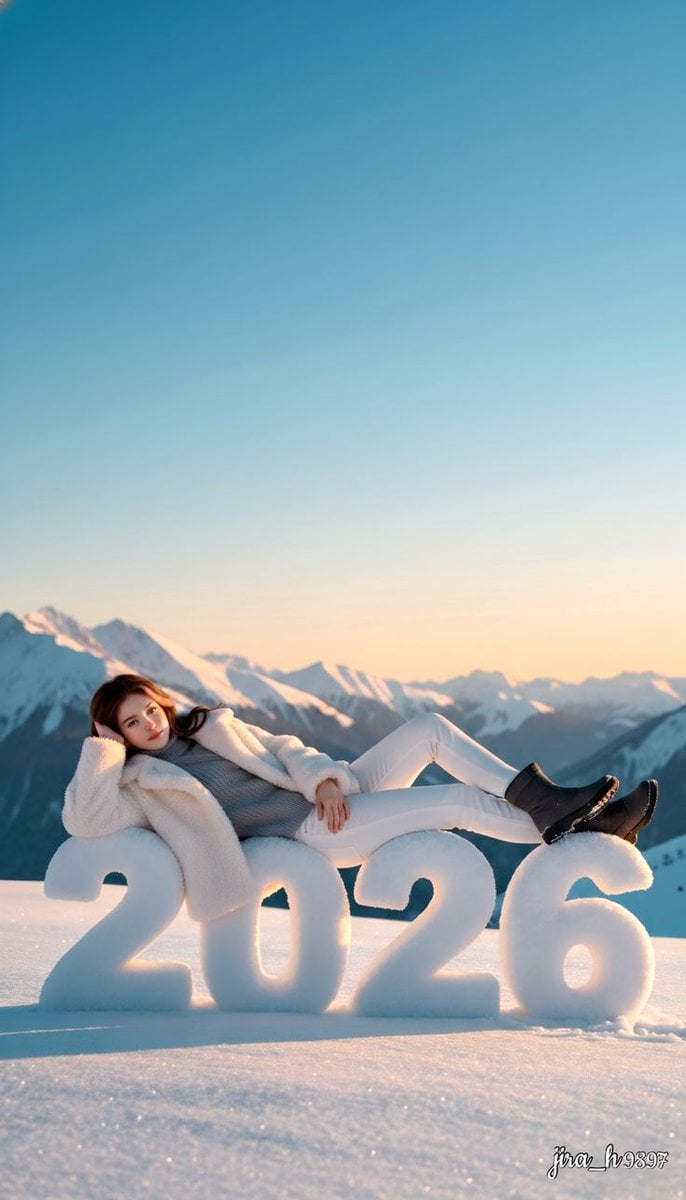
Luxurious New Year 2026 Portrait on a Snowy Mountain
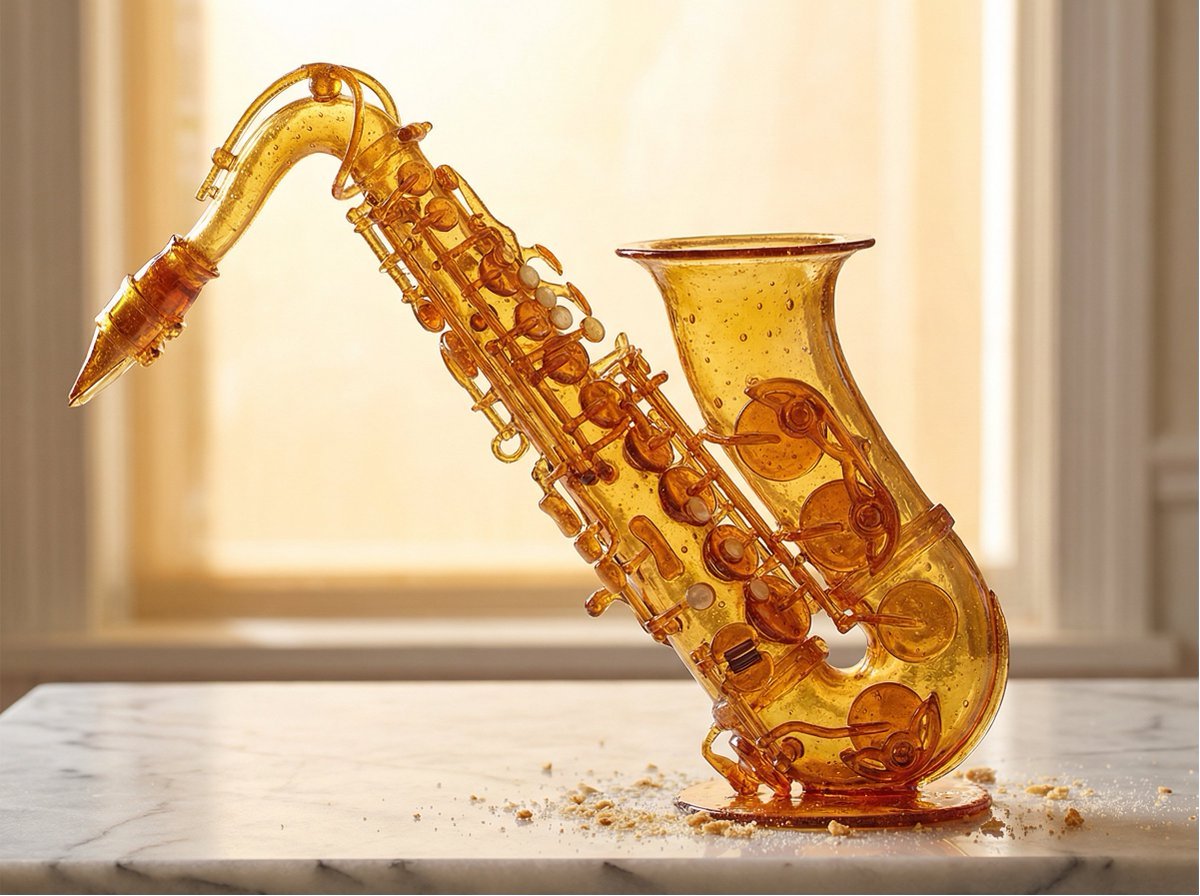
Product Rendered as Blown Sugar Prompt
Browse template categories
Neon Kitsune Shrine Maiden questions
How do I use the Neon Kitsune Shrine Maiden template?
Add your photo if the template asks for one, edit the prompt if you like — the template's model and format are already selected — and press Generate. Your version opens in PicX Studio.
Can I customize the Neon Kitsune Shrine Maiden template?
Yes. You can change the subject, setting, lighting, mood, format, and available model controls before creating your image.
Is the Neon Kitsune Shrine Maiden template free?
Opening and editing this template is free. Generating uses credits, shown on the Generate button when you are signed in.
Which AI model should I use?
Start with GPT Image 2, which is the model associated with this template. You can compare another compatible model for a different finish.
Looking for something else? Browse all templates.

Your photo, any look
Thousands of ready templates for every top image and video model, from one credit balance.