
Pink-Haired Kimono Girl in Sakura Room
Generates an anime visual-novel scene of a pink-haired girl in a kimono inside a traditional Japanese room overlooking cherry blossoms.
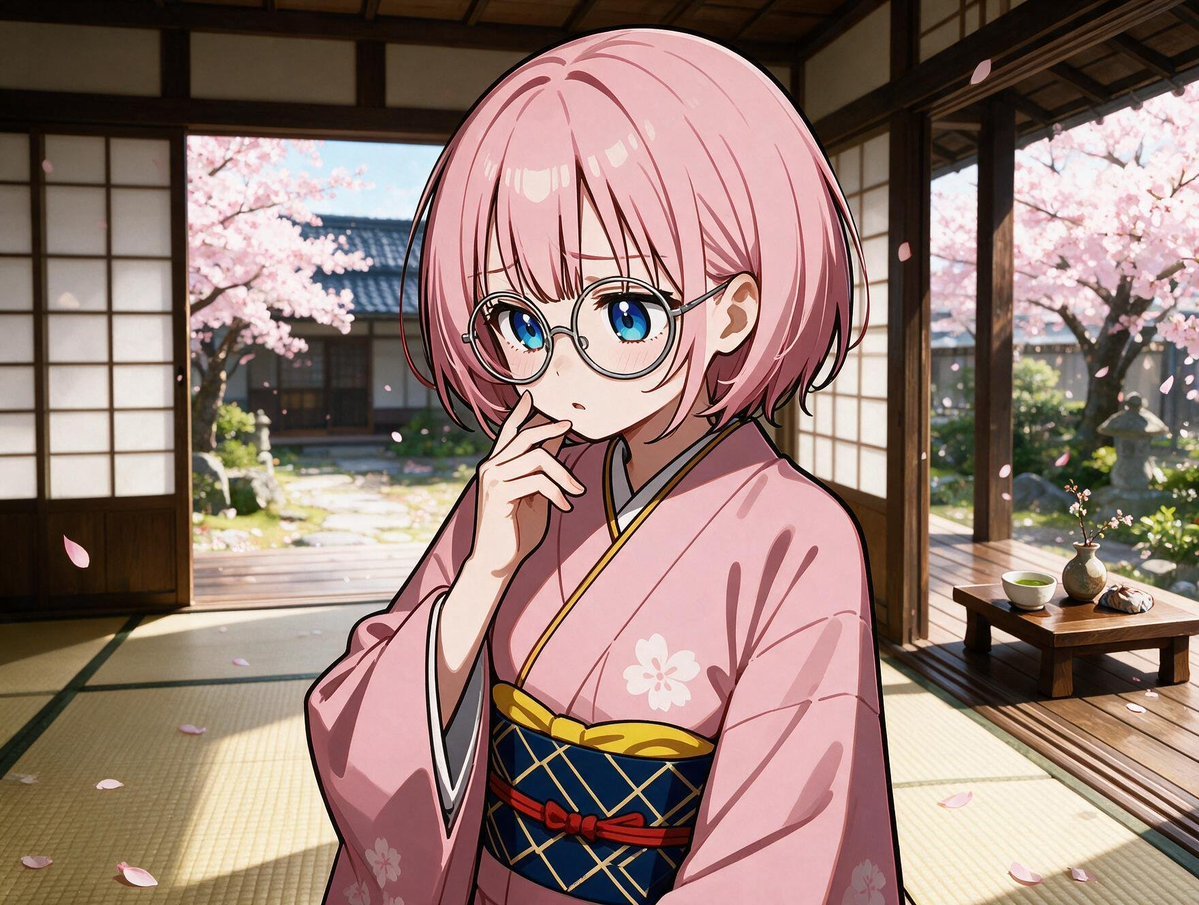
- Prompt included
- Model and format preset
- Free template
The prompt behind this image
Copy the exact prompt behind Pink-Haired Kimono Girl in Sakura Room, or open it in the studio and make it yours.
Create a polished anime visual-novel style illustration of a shy young woman named {argument name="character name" default="Sakura"} standing indoors in a traditional Japanese tatami room during spring. She has a short rounded bob haircut in {argument name="hair color" default="soft pastel pink"}, large bright blue eyes, round thin-rimmed glasses, fair skin, and a thoughtful slightly surprised expression with one hand raised near her lips. Dress her in a {argument name="kimono color" default="pale pink"} kimono with subtle white cherry blossom motifs, wide sleeves, a dark navy obi with gold crisscross patterning, yellow trim, and a small red cord accent. The room should have tatami mats, dark wooden beams, shoji sliding doors opened wide to a sunlit garden, and warm natural light casting soft shadows. Outside, show a serene traditional Japanese garden with exactly 2 prominent blooming cherry blossom trees, a stone path, greenery, and distant wooden architecture. On the right side of the room include exactly 1 low wooden tea table holding exactly 3 items: a green tea cup, a small round vase with a twig or tiny blossoms, and a wrapped sweet or snack. Add drifting cherry blossom petals both inside and outside, cinematic depth of field, clean line art, glossy highlights, detailed fabric folds, warm slightly golden color grading, high-resolution composition, no text, no watermark.
How to use Pink-Haired Kimono Girl in Sakura Room in 3 steps
- 1Upload ImagePNG, JPG or paste
Add your photo
Upload the photo the template builds on. The prompt, model and format are already set.
- 2…a portrait of your subject in softgolden-hour light, 85mm…
Personalize
Edit the subject and creative details for your destination.
- 3Generate
Generate
Press Generate — your image is created in PicX Studio, so you can compare it with the original and refine one variable at a time.
More like this
Templates with the same subject, style or setup. Open one to see its prompt.
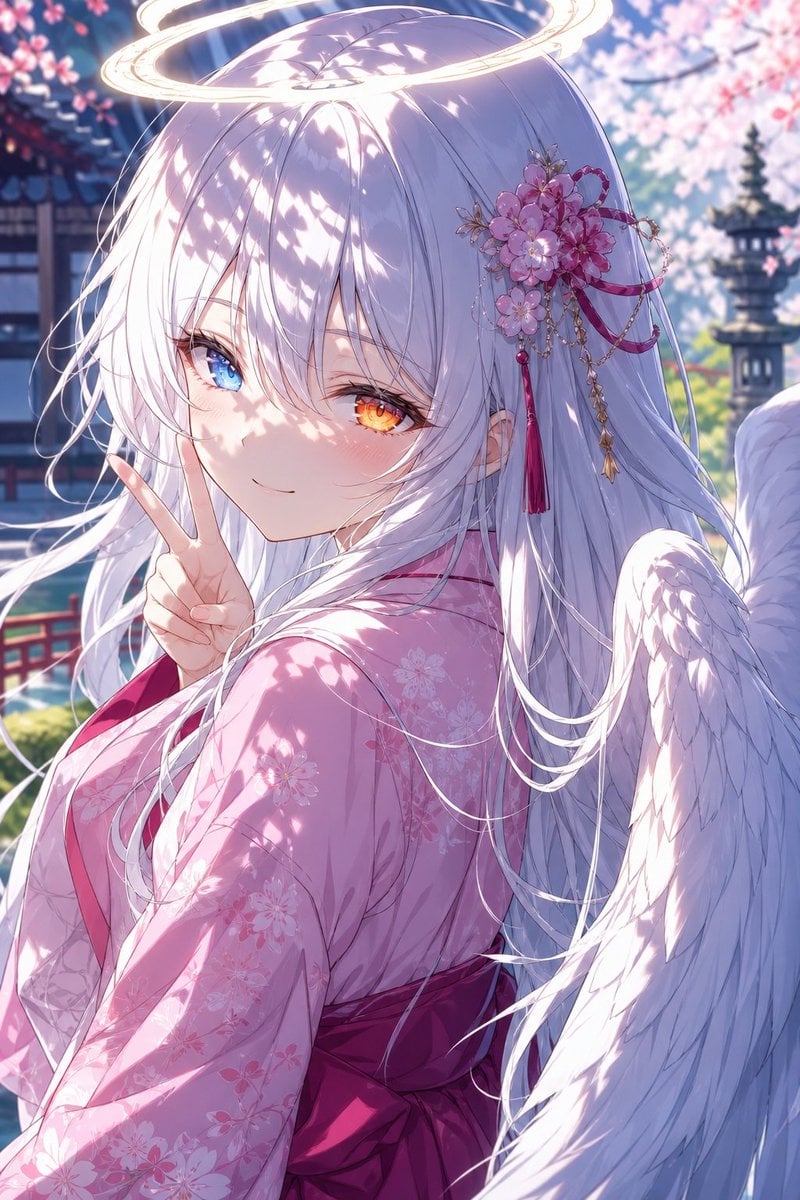
Angel Girl in Sakura Kimono
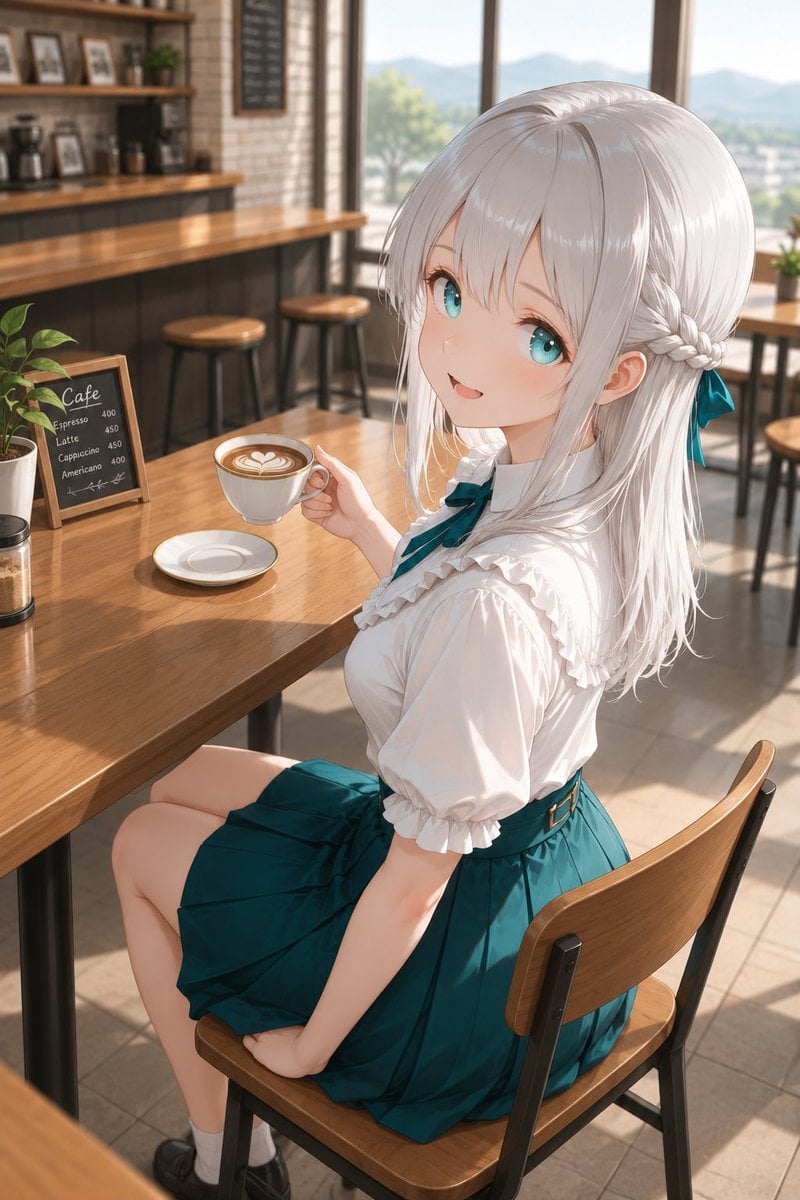
Silver-Haired Girl in Sunny Café

Celestial Sakura Kimono Maiden

Teen Girl Alpine Lake Mountain View
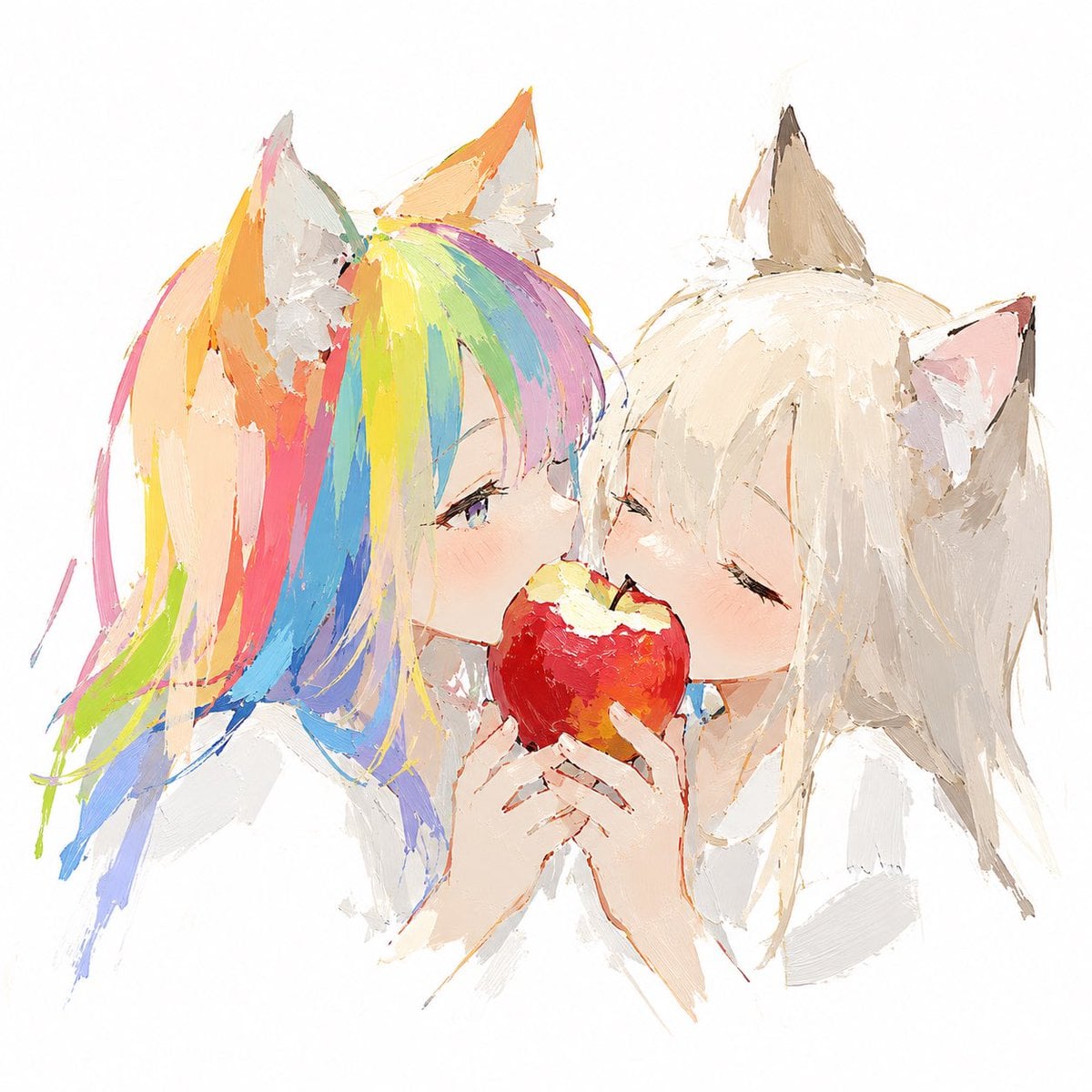
Rainbow-Haired Cat Girl Art
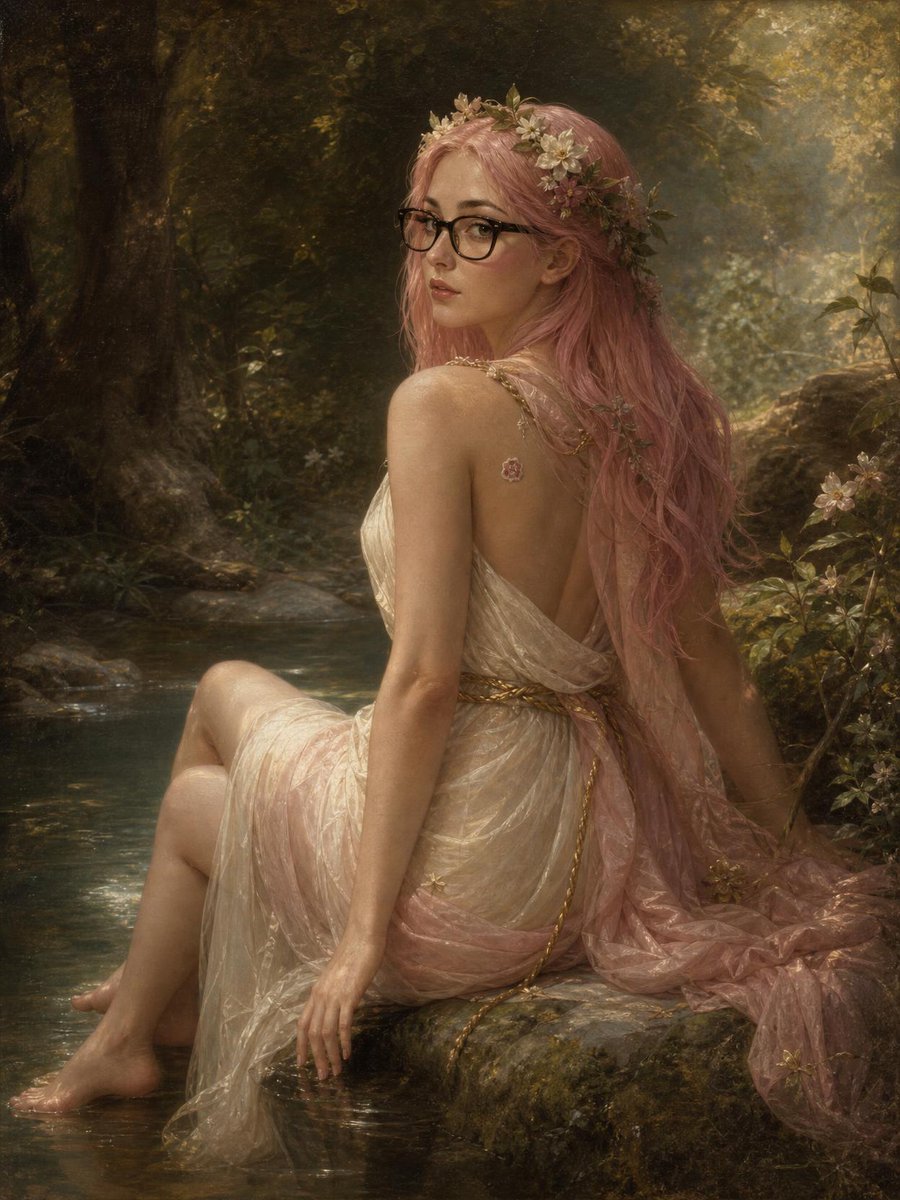
Pink-Haired Nymph in Bouguereau Style
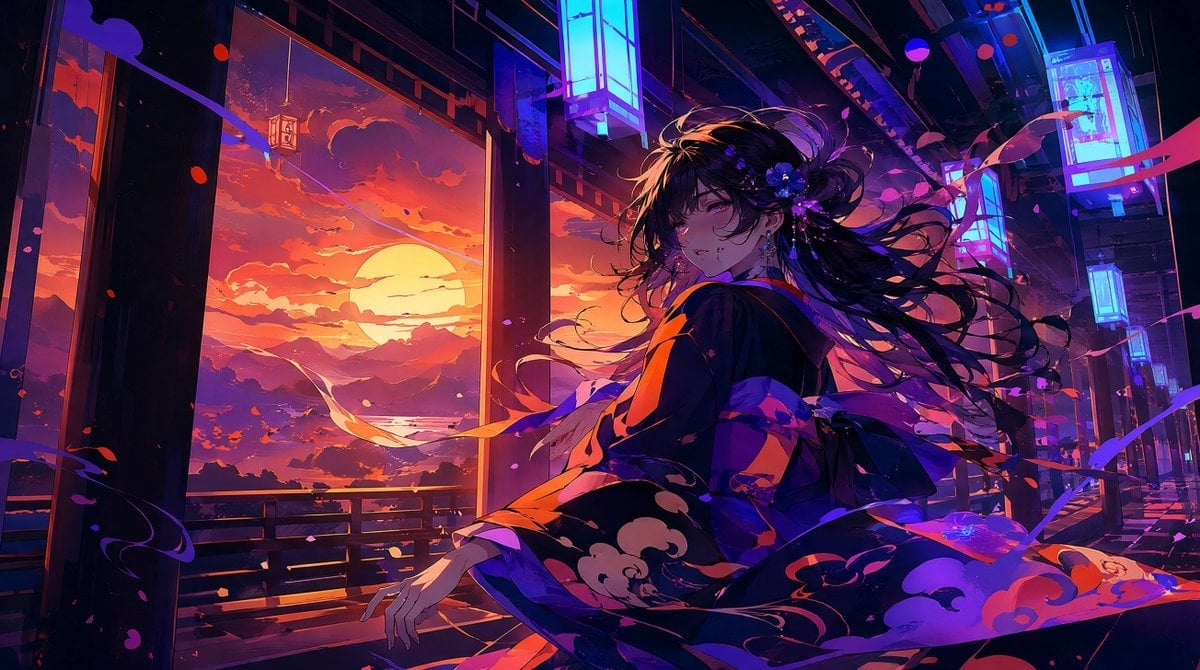
Neon Sunset Kimono Girl

Cat-Eared Kimono Girl
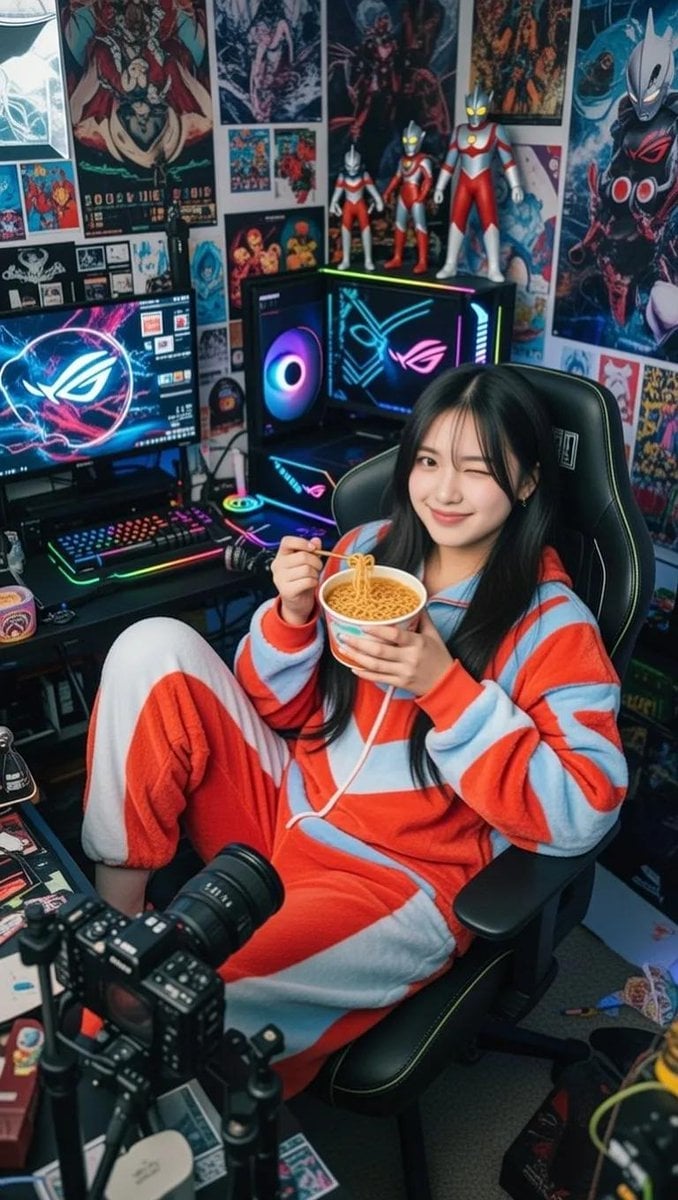
Cosy Gamer Girl Room Aesthetic
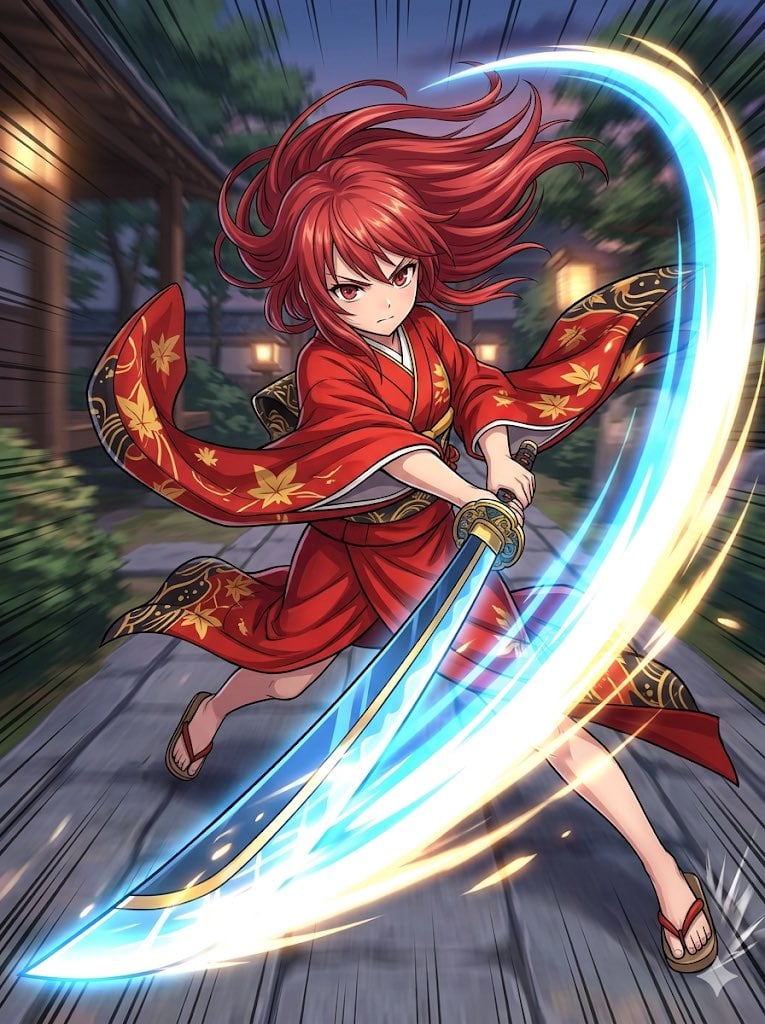
Anime Action Girl in Kimono

Pink Magical Girl in Antique Magic Shop
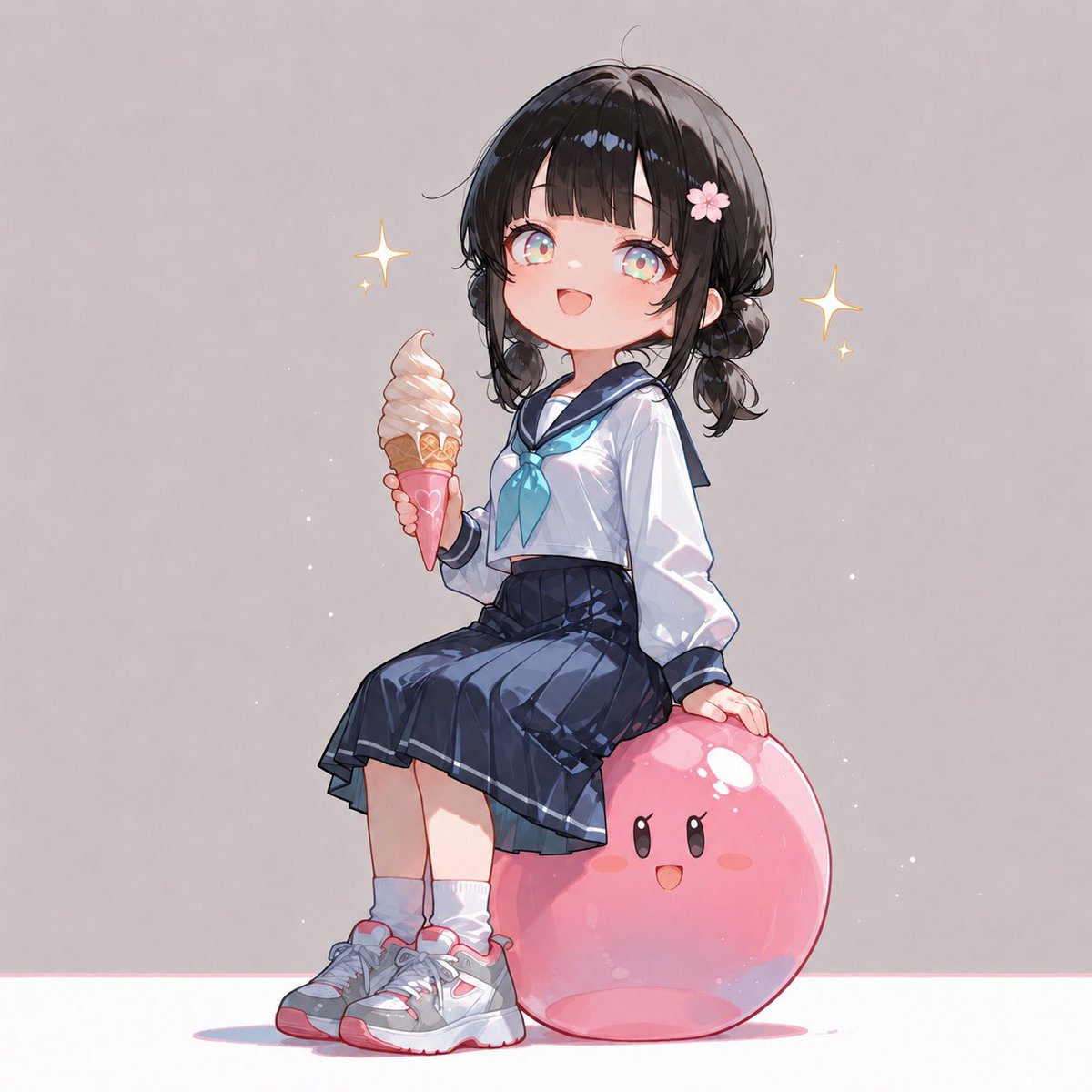
Anime Schoolgirl on Pink Slime
Make it yours
Pink-Haired Kimono Girl in Sakura Room works as-is. These are the safest ways to change it without losing the look.
Change one field
Copy a single group, rewrite it, and generate again so you can see what that field is doing.
Keep the frame, change the subject
Hold the composition and light of Pink-Haired Kimono Girl in Sakura Room, then swap wardrobe, props or the person for a new take.
| If the result… | Why | Fix |
|---|---|---|
| The result drifts from the preview | Too many fields changed at once. | Reuse Pink-Haired Kimono Girl in Sakura Room as-is first, then change one group — subject, light, or setting. |
| The model over-stylizes the scene | The prose prompt leaves finish and camera underspecified. | Add one camera or lighting sentence and stay on GPT Image 2. |
More GPT Image 2 templates
Other prompts made for GPT Image 2.

Six VTuber Japanese Logo Sheet

Realistic Portrait of Woman and Deer

The Vista Modular Condo Poster

AI Model Routing Comparison Infographic

2.5D Anime Art Board

Isometric Productivity Desk Scene

New York Double Exposure Poster

Four-Panel AI Landscape Comparison

Japanese Tatami Lifestyle Magazine Cover

NESCAFÉ Coffee Map Poster
More image prompts
Fresh picks from across the catalog.
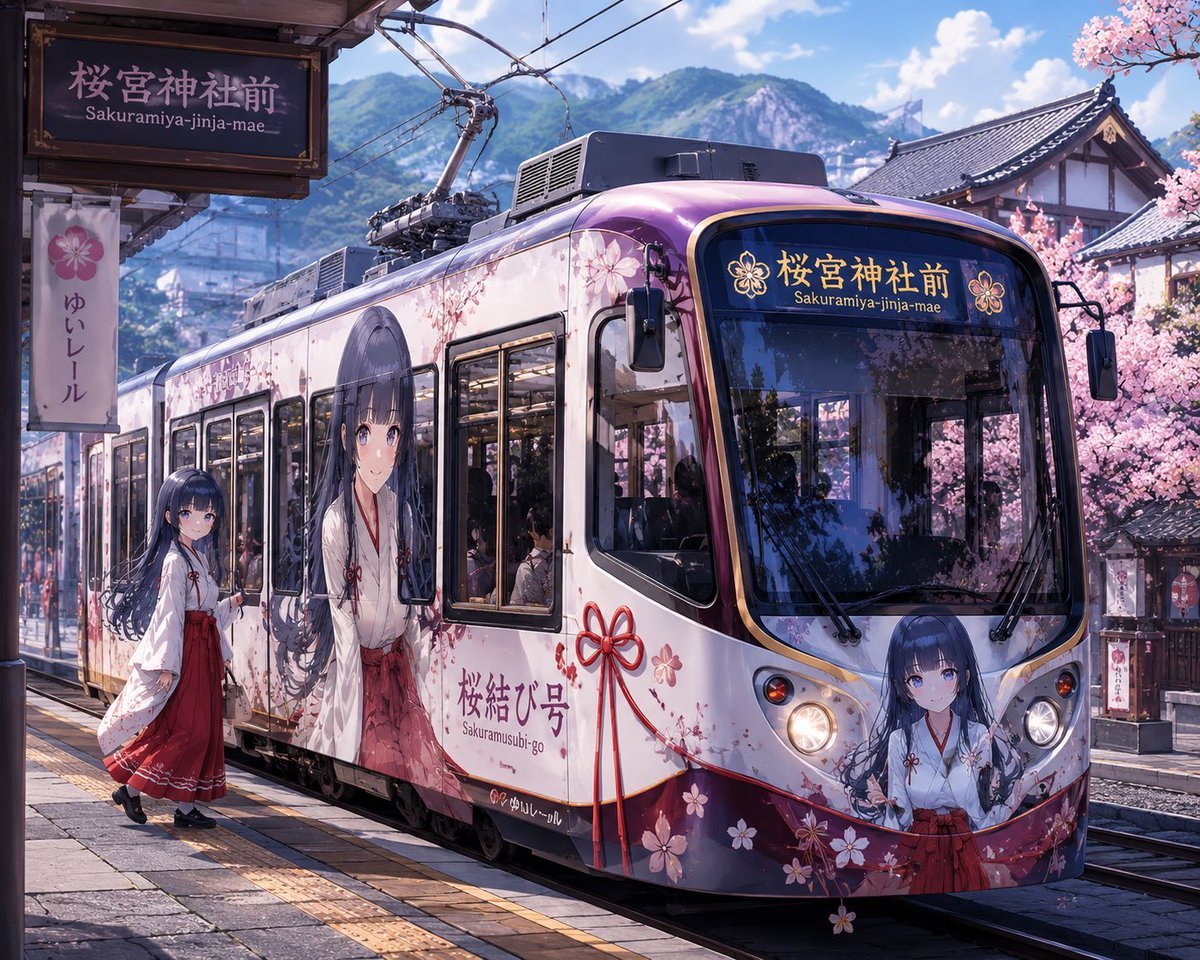
Custom Character-Wrapped Streetcar Illustration
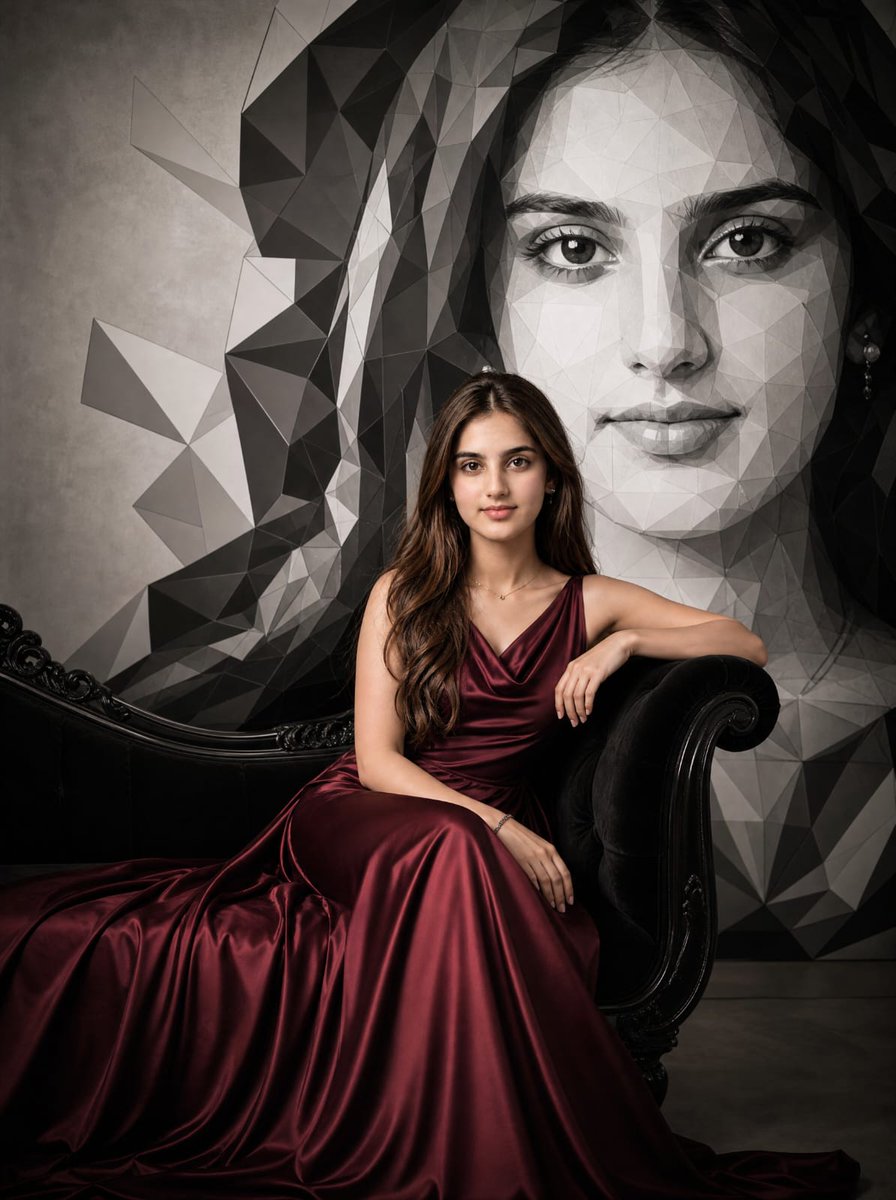
Burgundy Gown Editorial on Black Chaise

Cosmetic Jar Explosion Product Photography Prompt
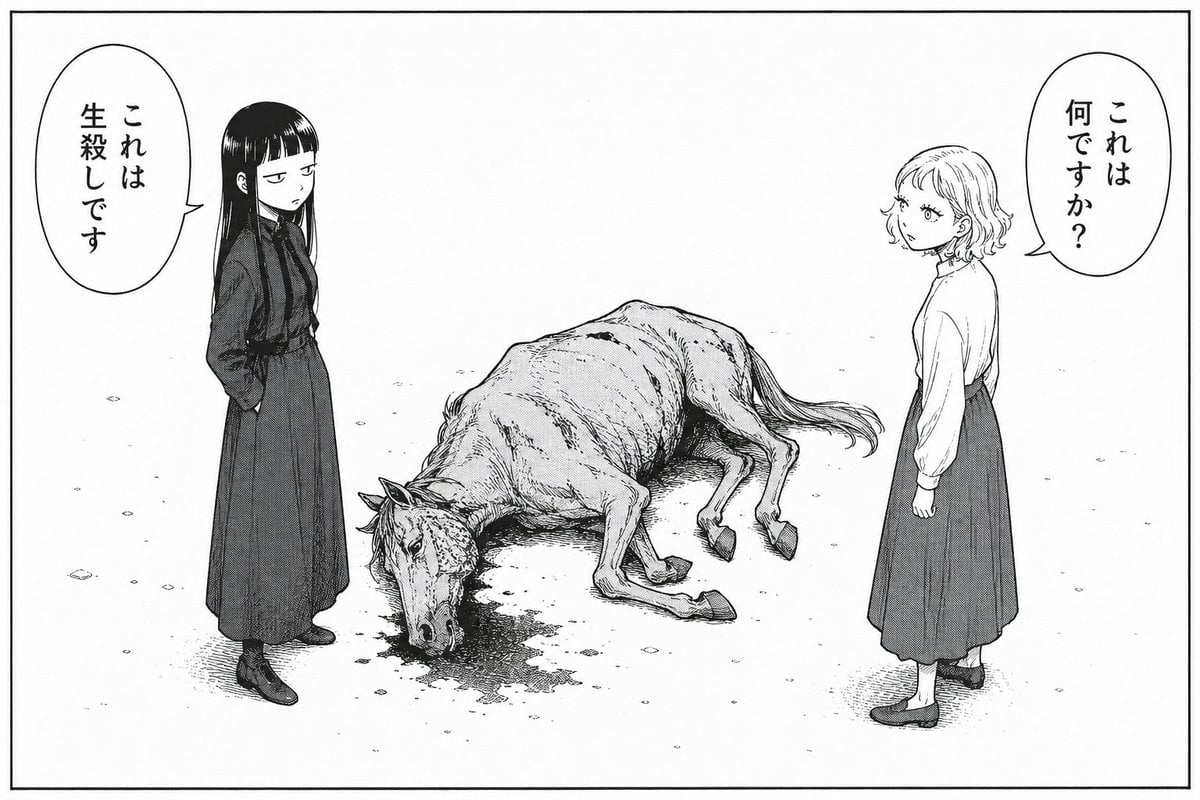
Bleak Manga Panel with Dead Horse
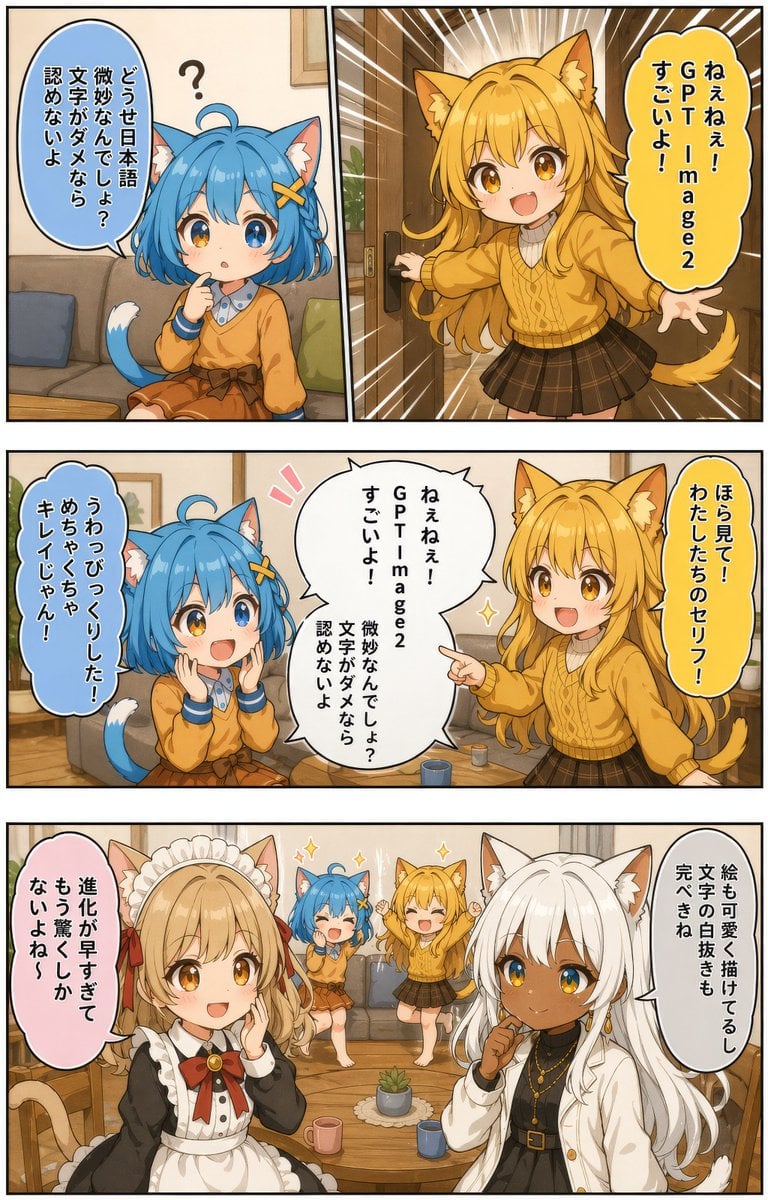
Japanese AI Manga Demo Page
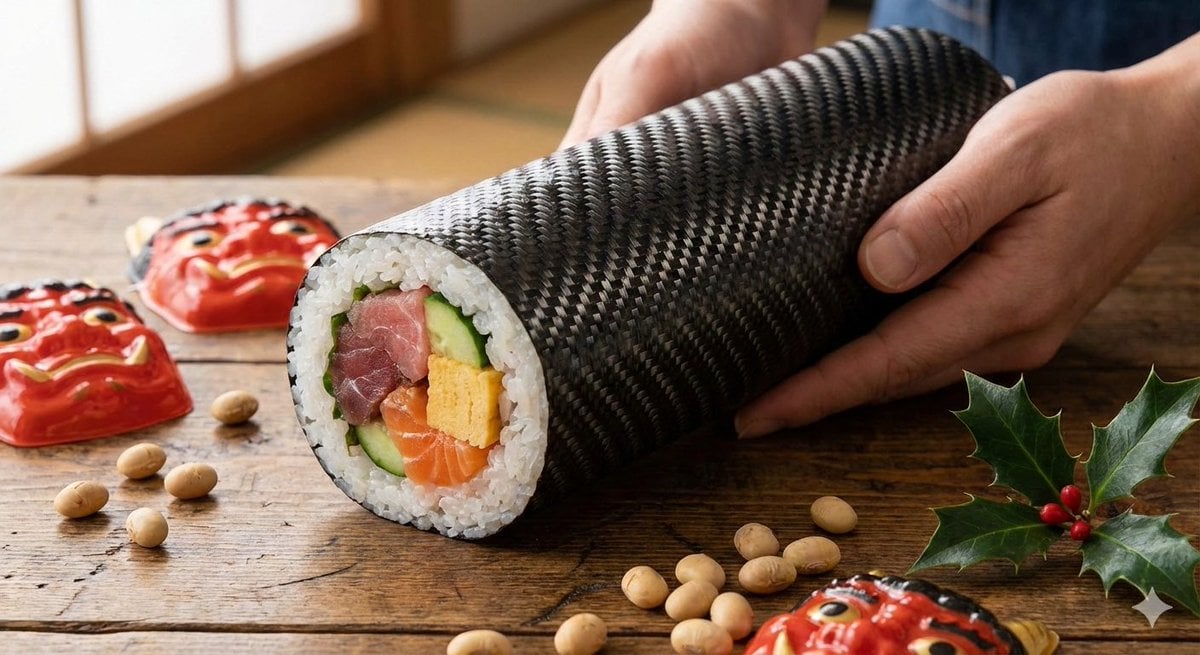
Carbon Pattern Printed Ehomaki Sushi Roll
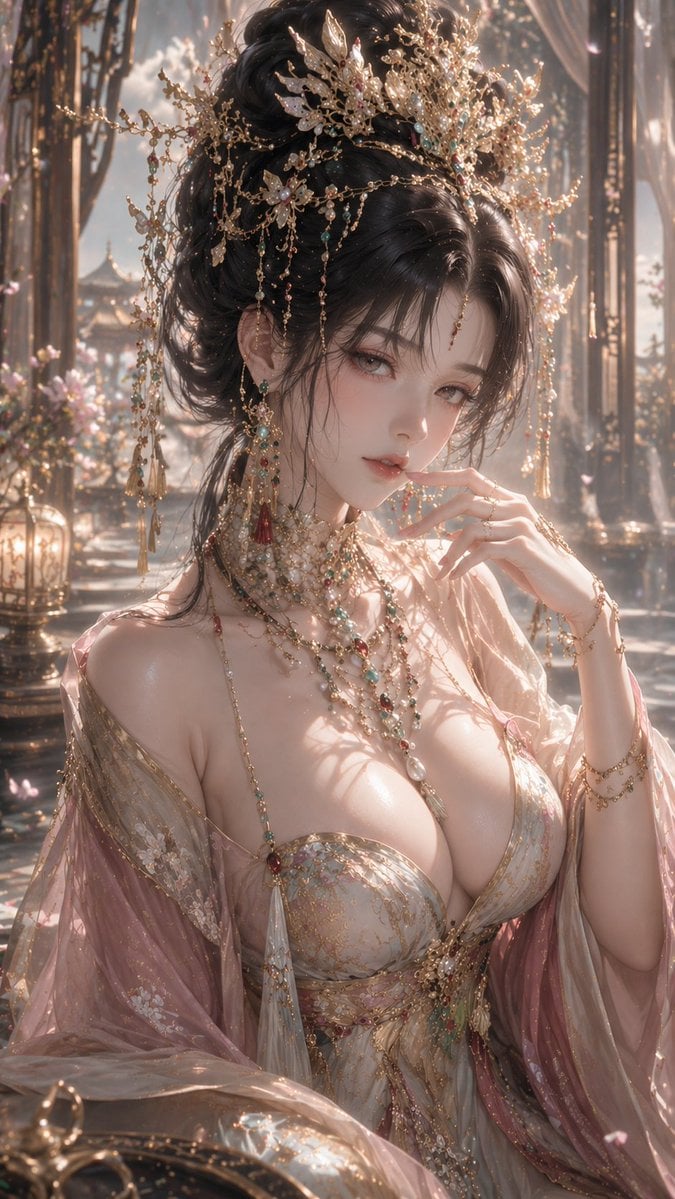
3D CG Oriental Fantasy Goddess Portrait
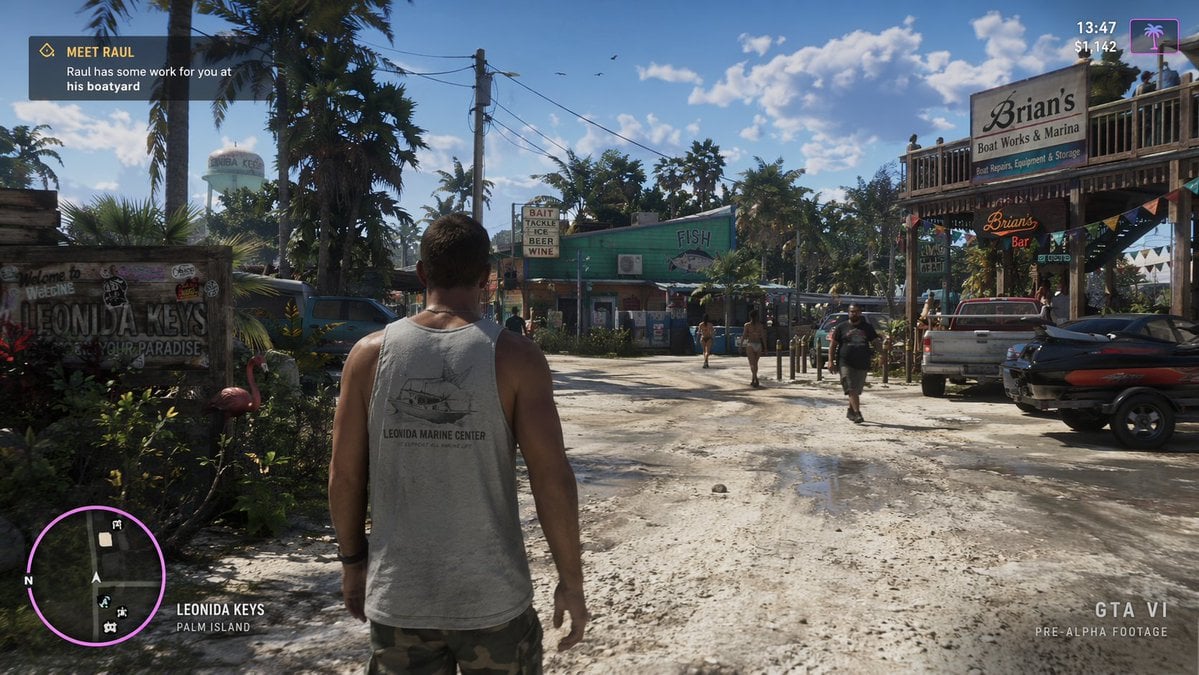
Open World Environment Shot
Psychedelic Commercial Beverage Photography

Golden Hour Luxury Sports Car Portrait Prompt with Face Lock
Browse template categories
Pink-Haired Kimono Girl in Sakura Room questions
How do I use the Pink-Haired Kimono Girl in Sakura Room template?
Add your photo if the template asks for one, edit the prompt if you like — the template's model and format are already selected — and press Generate. Your version opens in PicX Studio.
Can I customize the Pink-Haired Kimono Girl in Sakura Room template?
Yes. You can change the subject, setting, lighting, mood, format, and available model controls before creating your image.
Is the Pink-Haired Kimono Girl in Sakura Room template free?
Opening and editing this template is free. Generating uses credits, shown on the Generate button when you are signed in.
Which AI model should I use?
Start with GPT Image 2, which is the model associated with this template. You can compare another compatible model for a different finish.
Looking for something else? Browse all templates.

Your photo, any look
Thousands of ready templates for every top image and video model, from one credit balance.