
Retro Game Center Fashion Photography
A sophisticated prompt for generating photorealistic fashion editorial images set in a vibrant, retro-pop underground Japanese game center, emphasizing dynamic posing and complex lighting.
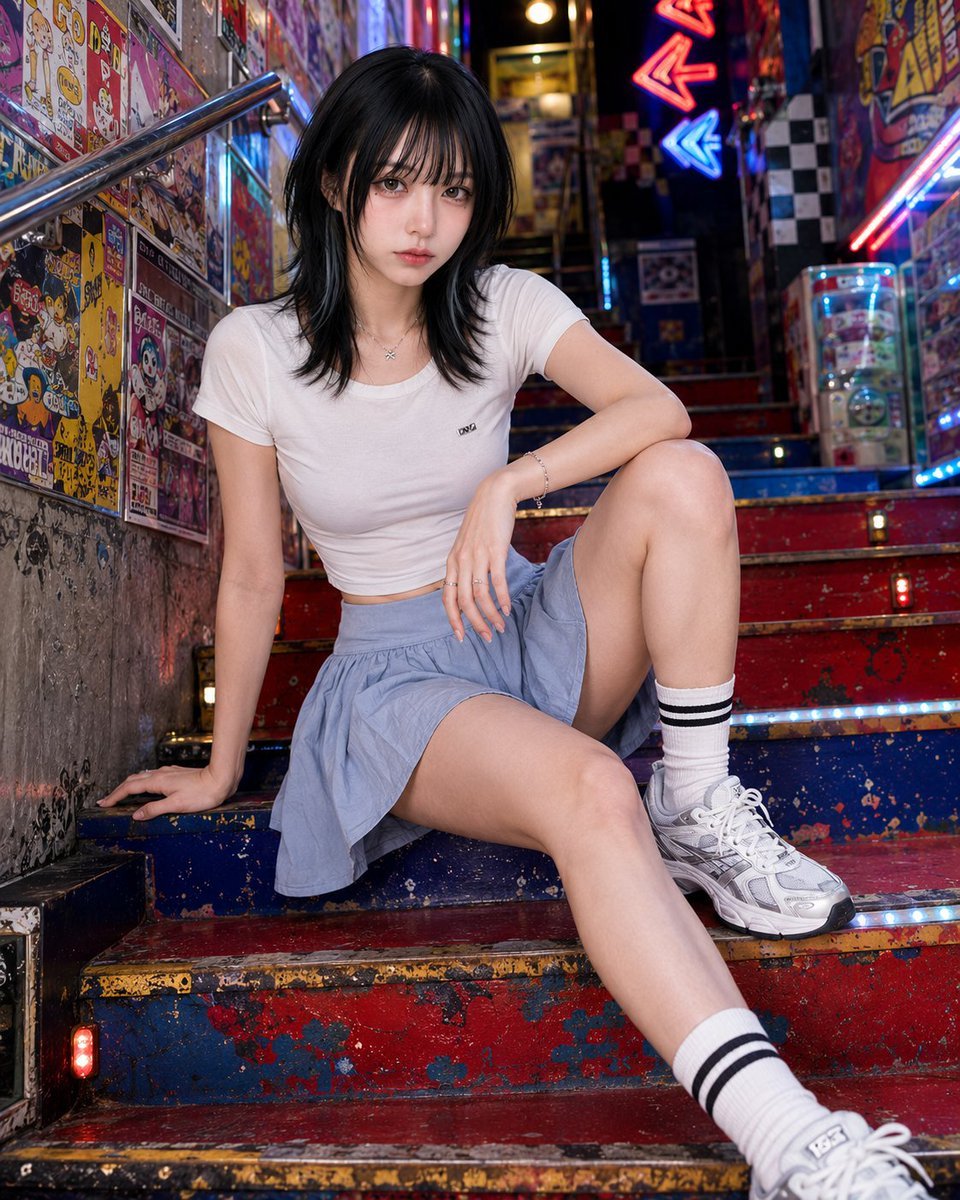
- Prompt included
- Model and format preset
- Free template
The prompt behind this image
Copy the exact prompt behind Retro Game Center Fashion Photography, or open it in the studio and make it yours.
Photorealistic fashion editorial photo of {argument name="subject" default="a clearly adult woman in her twenties"}.\n\nPose lock: {argument name="pose" default="wide low stair sit"}. She sits low across two or three shallow steps, with one knee raised and the other leg extended diagonally down the stairs. Hips angled sideways, torso leaning forward but lifted, shoulders uneven. One hand is planted behind or beside her on the step for structure, the other arm rests across the raised knee or thigh. Direct eye contact, calm and magnetic. The pose should be low, strong, and graphic, not cute stair sitting.\n\nBackground identity: {argument name="background" default="a colorful underground game-center stair passage with red-blue-yellow painted steps, fictional anime arcade posters, rhythm game flyers, capsule toy ads, sticker layers, neon arrows, glowing floor strips, checkerboard wall tiles, reflective metal railings, and dense pop signage"}. The space should feel like a secret entrance to a Japanese arcade and anime shop.\n\nComposition lock: tight vertical 4:5 crop from low stair angle. Stair diagonals, raised knee, torso, poster-covered walls, and neon arrows create the image. Subject large in frame.\n\nAvoid: anime style, illustration, plain stairwell, tourist stair photo, standing on stairs, soft sitting, real logos, readable text, posters blocking the body.
How to use Retro Game Center Fashion Photography in 3 steps
- 1
Open
The prompt is already in the box next to the preview, with the template's model and format selected.
- 2…a portrait of your subject in softgolden-hour light, 85mm…
Personalize
Edit the subject and creative details for your destination.
- 3Generate
Generate
Press Generate — your image is created in PicX Studio, so you can compare it with the original and refine one variable at a time.
More like this
Templates with the same subject, style or setup. Open one to see its prompt.

80s College Gate

1988 Mall Style

80s Polka Dot Saree
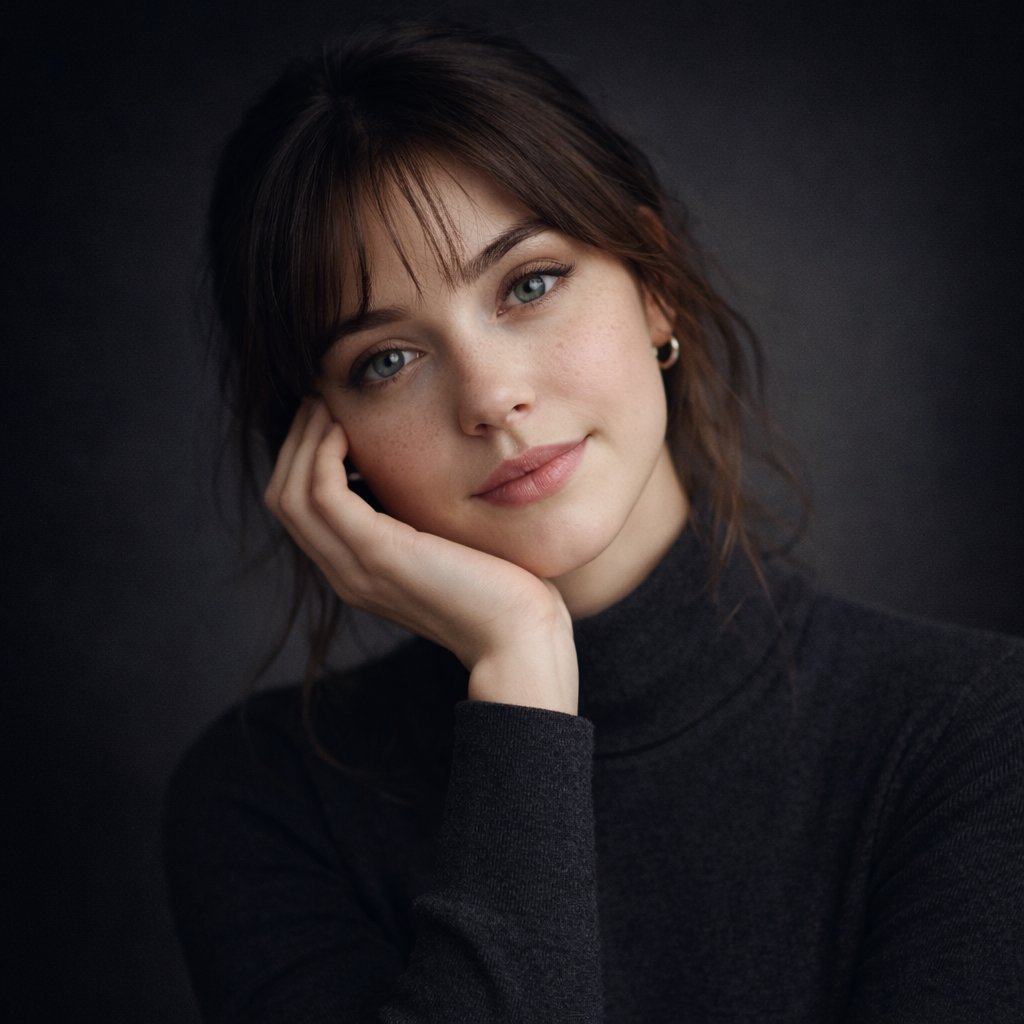
Ultra-realistic studio portrait of a young woman, front-facing, centered
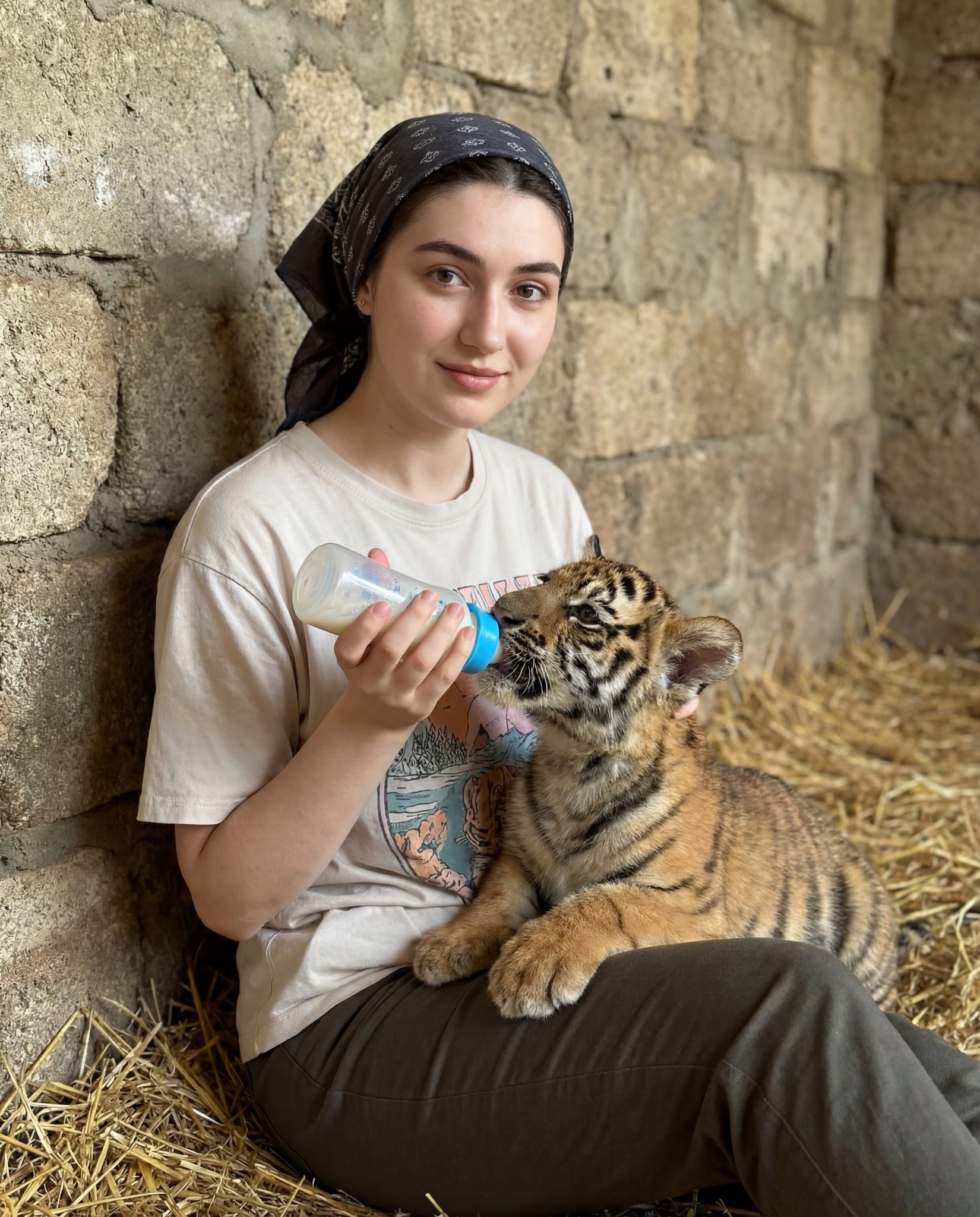
Human subject seated slightly right of center, animal positioned lower

24 The Getty Center — California Series
24 The Getty Center — California Series

Sunday Afternoon, 1988

Two Tickets, One Night

If We Met in 1985

Found Photograph: Us, 1970

One Dance Before Midnight
Make it yours
Retro Game Center Fashion Photography works as-is. These are the safest ways to change it without losing the look.
Change one field
Copy a single group, rewrite it, and generate again so you can see what that field is doing.
Keep the frame, change the subject
Hold the composition and light of Retro Game Center Fashion Photography, then swap wardrobe, props or the person for a new take.
| If the result… | Why | Fix |
|---|---|---|
| The result drifts from the preview | Too many fields changed at once. | Reuse Retro Game Center Fashion Photography as-is first, then change one group — subject, light, or setting. |
| The model over-stylizes the scene | The prose prompt leaves finish and camera underspecified. | Add one camera or lighting sentence and stay on GPT Image 2. |
More GPT Image 2 templates
Other prompts made for GPT Image 2.

Six VTuber Japanese Logo Sheet

Realistic Portrait of Woman and Deer

The Vista Modular Condo Poster

AI Model Routing Comparison Infographic

2.5D Anime Art Board

Isometric Productivity Desk Scene

New York Double Exposure Poster

Four-Panel AI Landscape Comparison

Japanese Tatami Lifestyle Magazine Cover

NESCAFÉ Coffee Map Poster
More image prompts
Fresh picks from across the catalog.
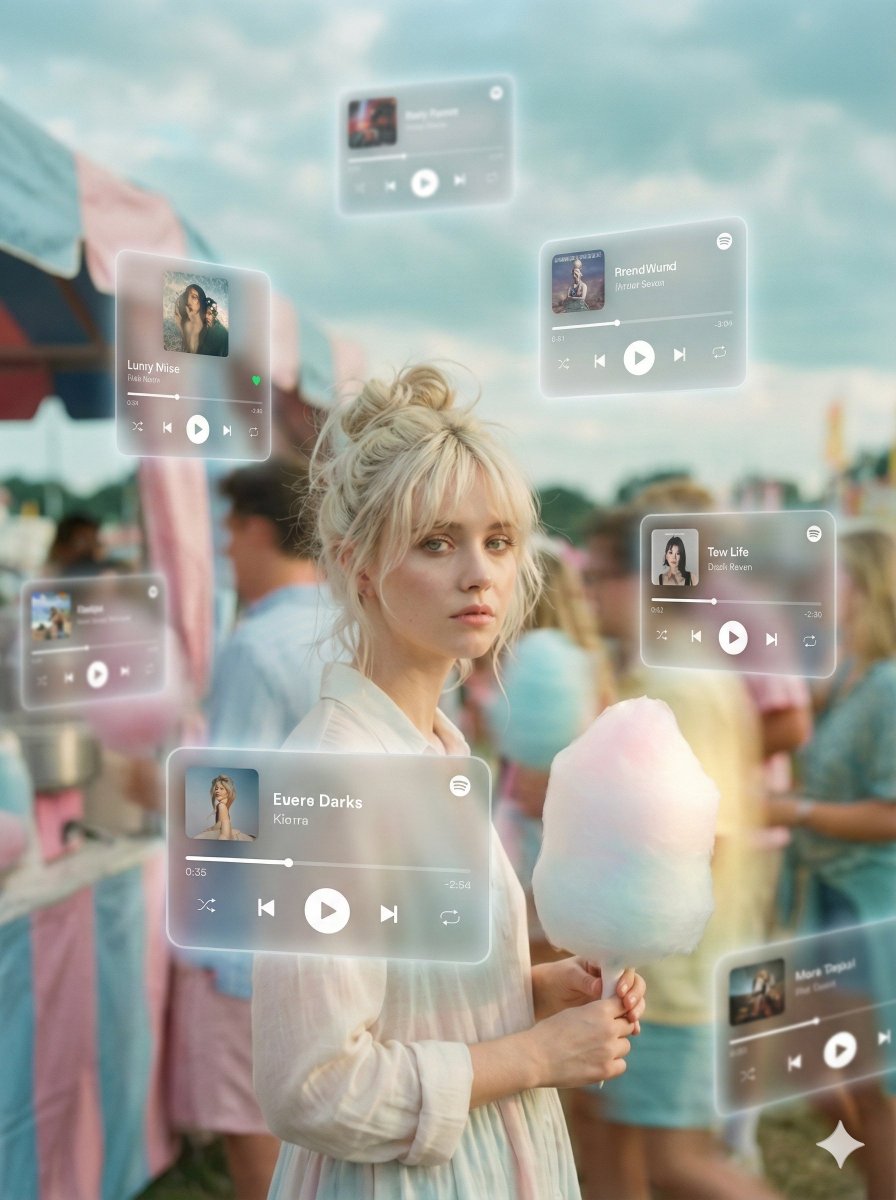
Augmented Reality Music Player Portrait
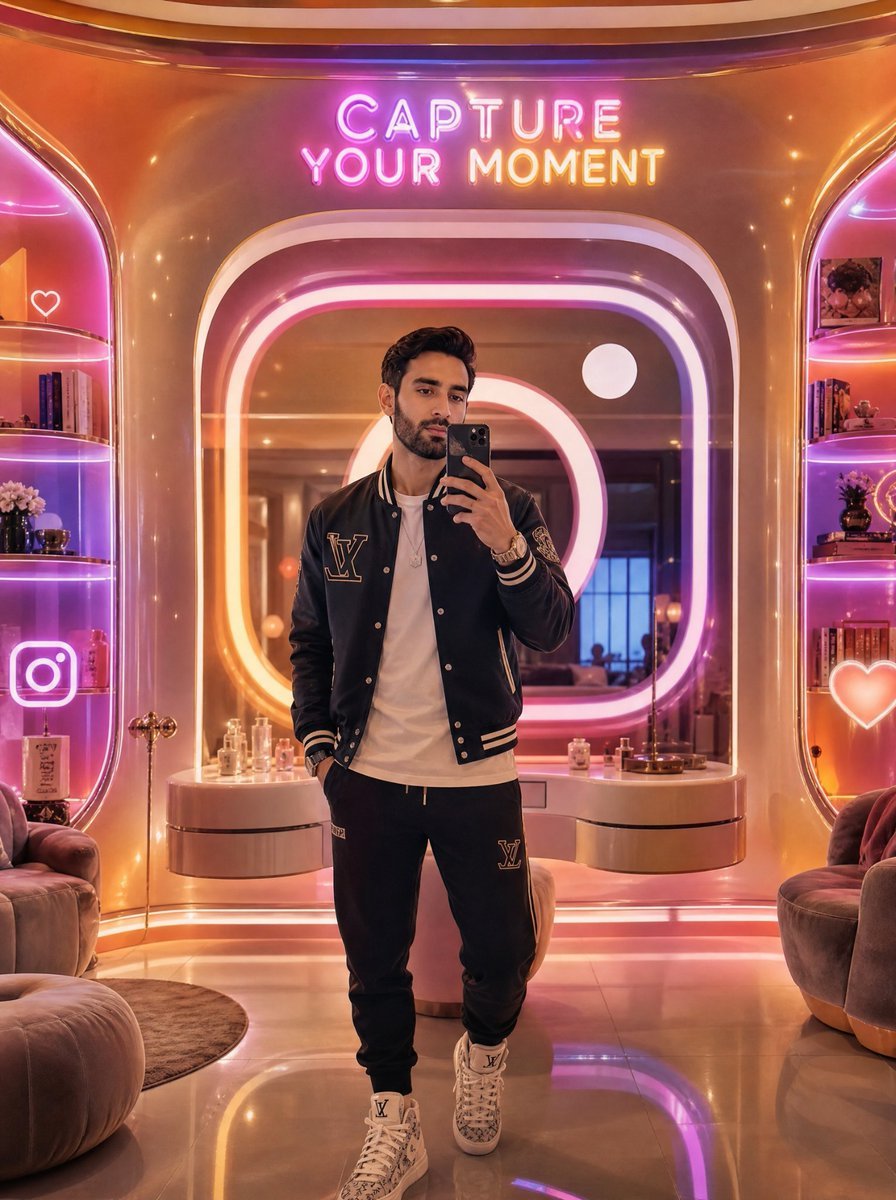
Neon Luxury Mirror Selfie
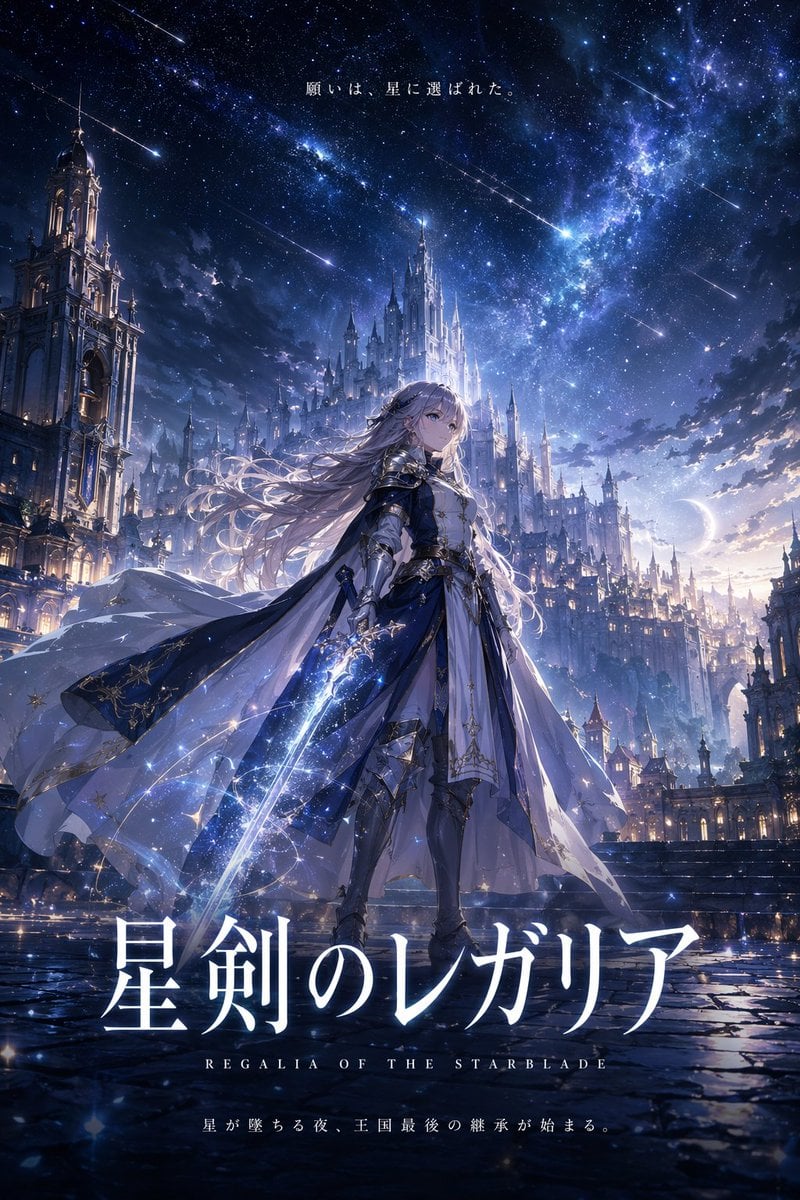
Fantasy Anime Key Visual Prompt

Indoor Makeup Room Mirror Selfie
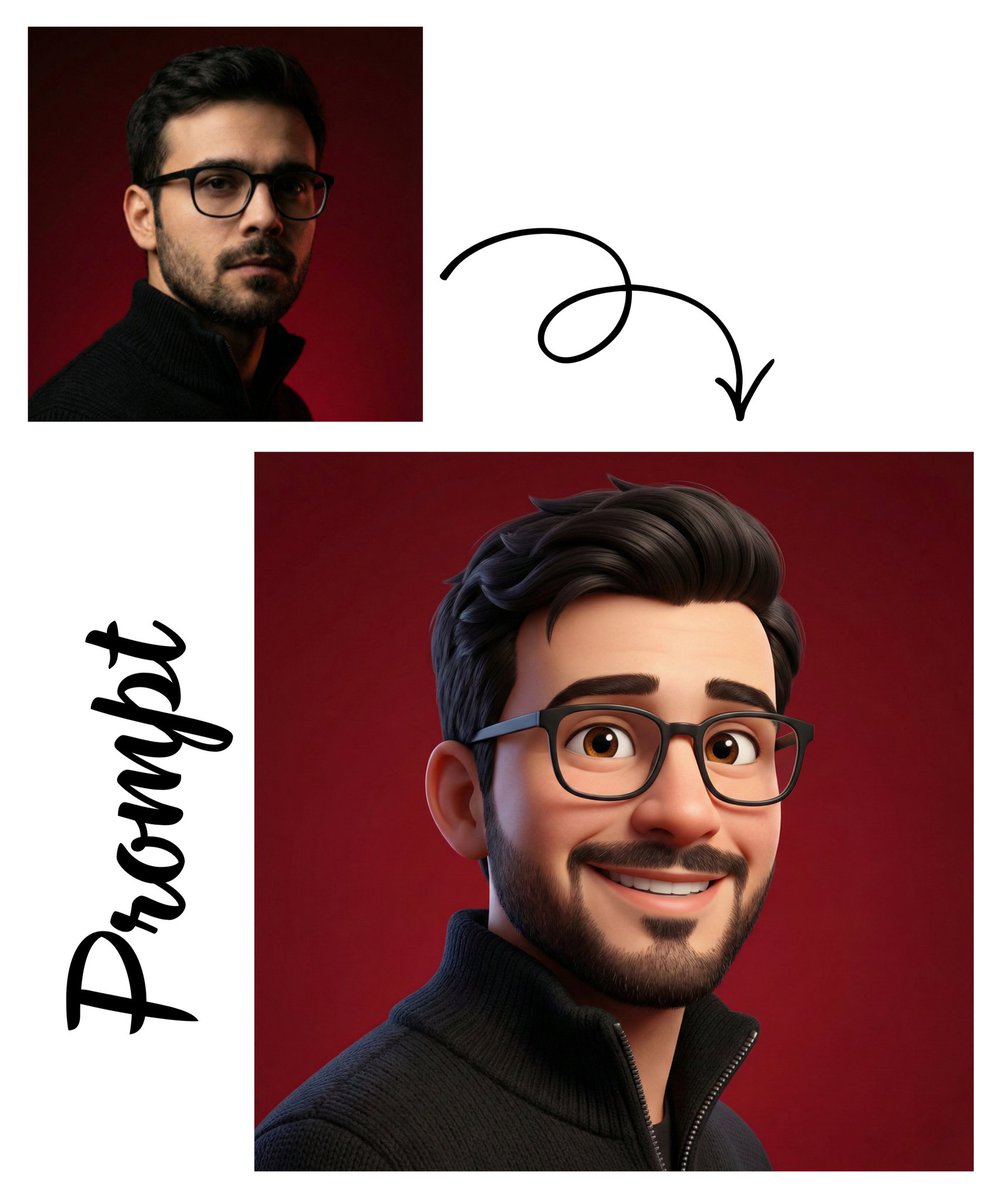
Detailed Pixar Style 3D Avatar Generation Prompt
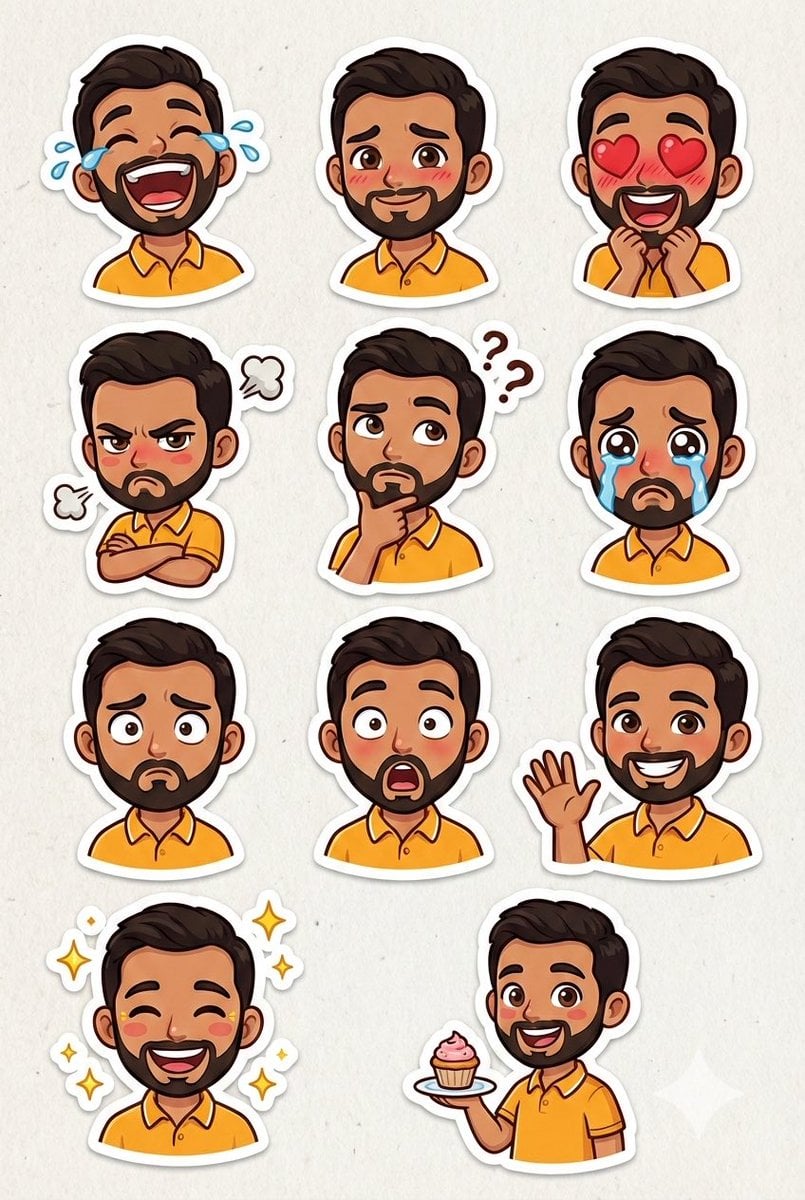
Pixar Sticker Sheet Generation Prompt
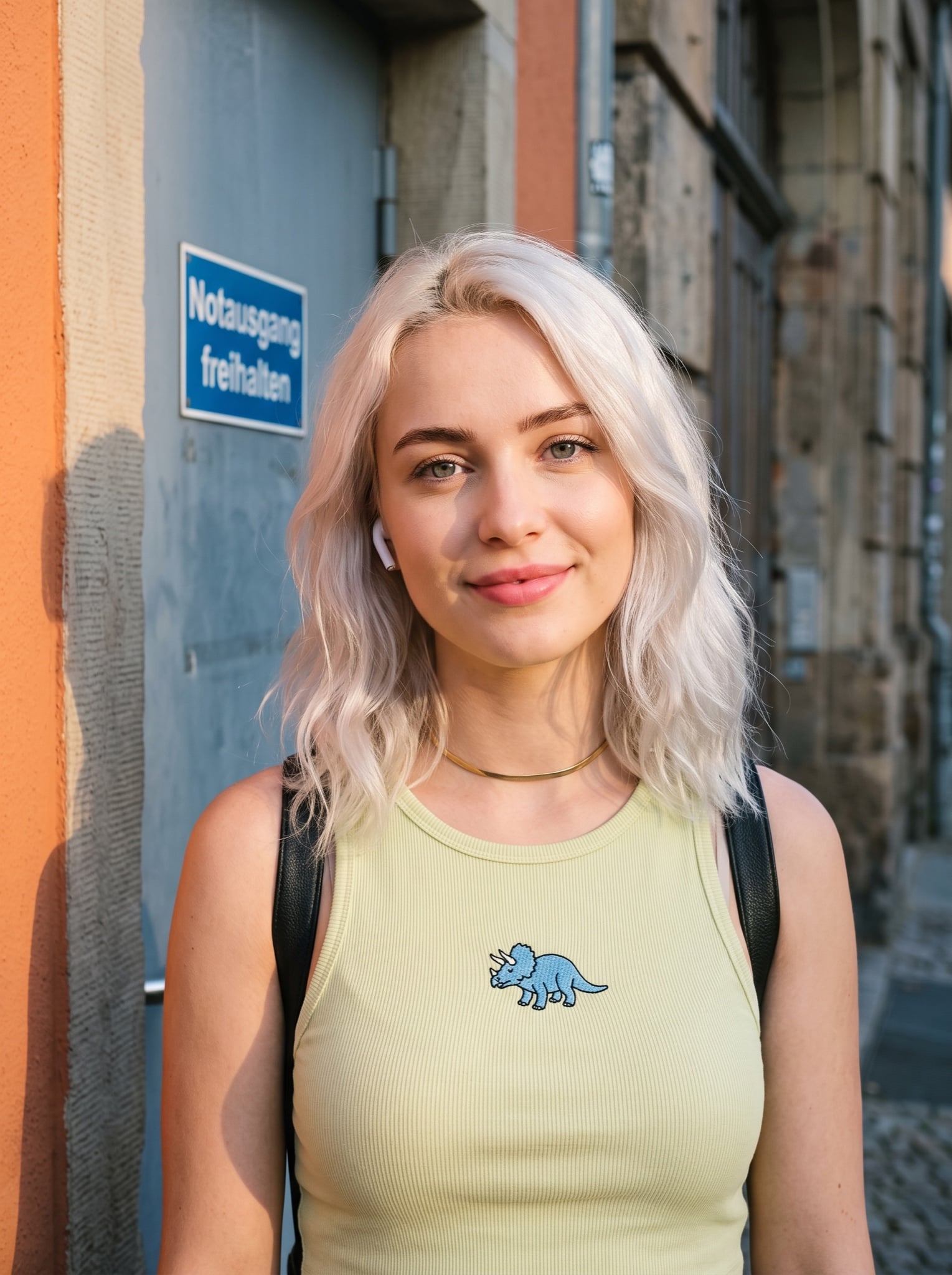
Casual Street Style Portrait Prompt for Nano Banana Pro
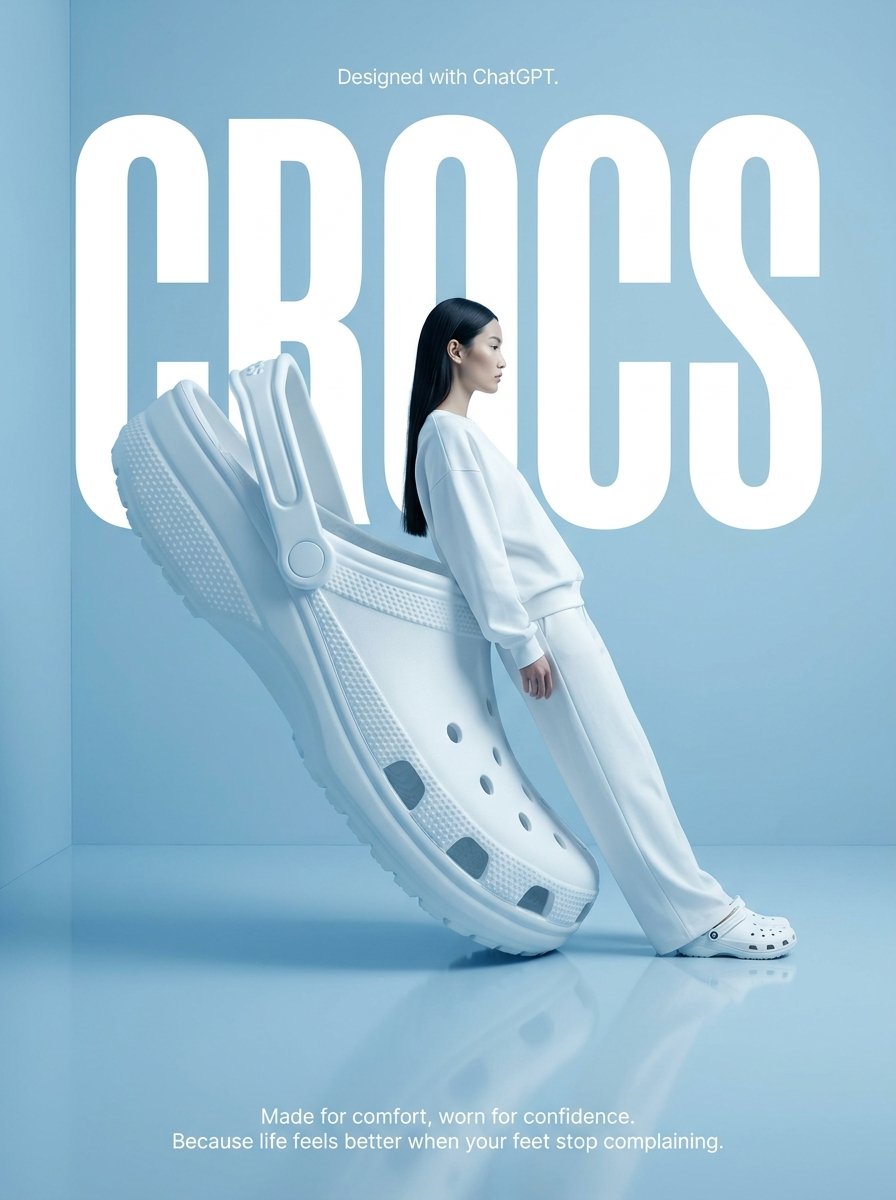
Surrealist High-Fashion Brand Poster
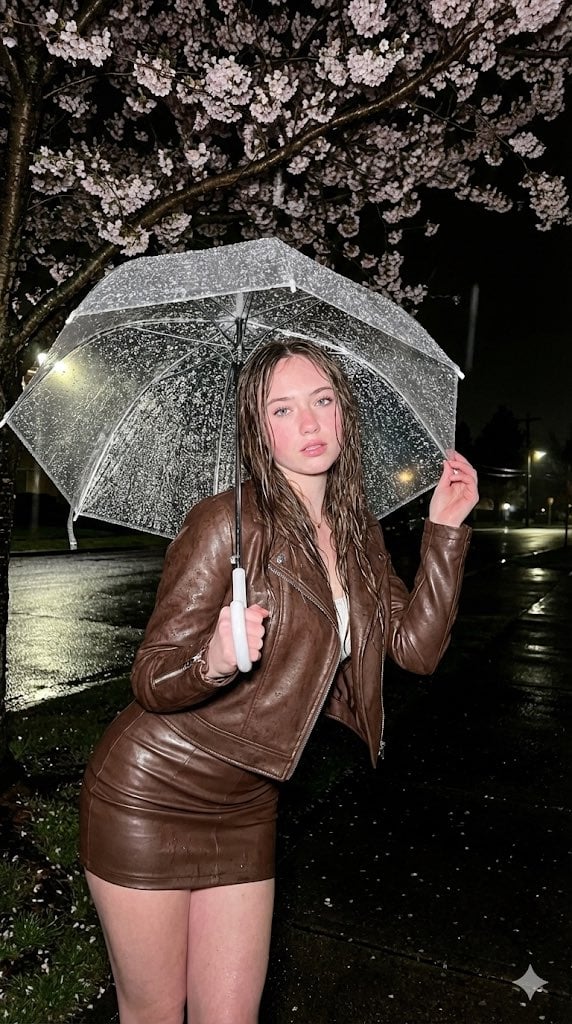
Moody Fashion Editorial Rainy Night Prompt
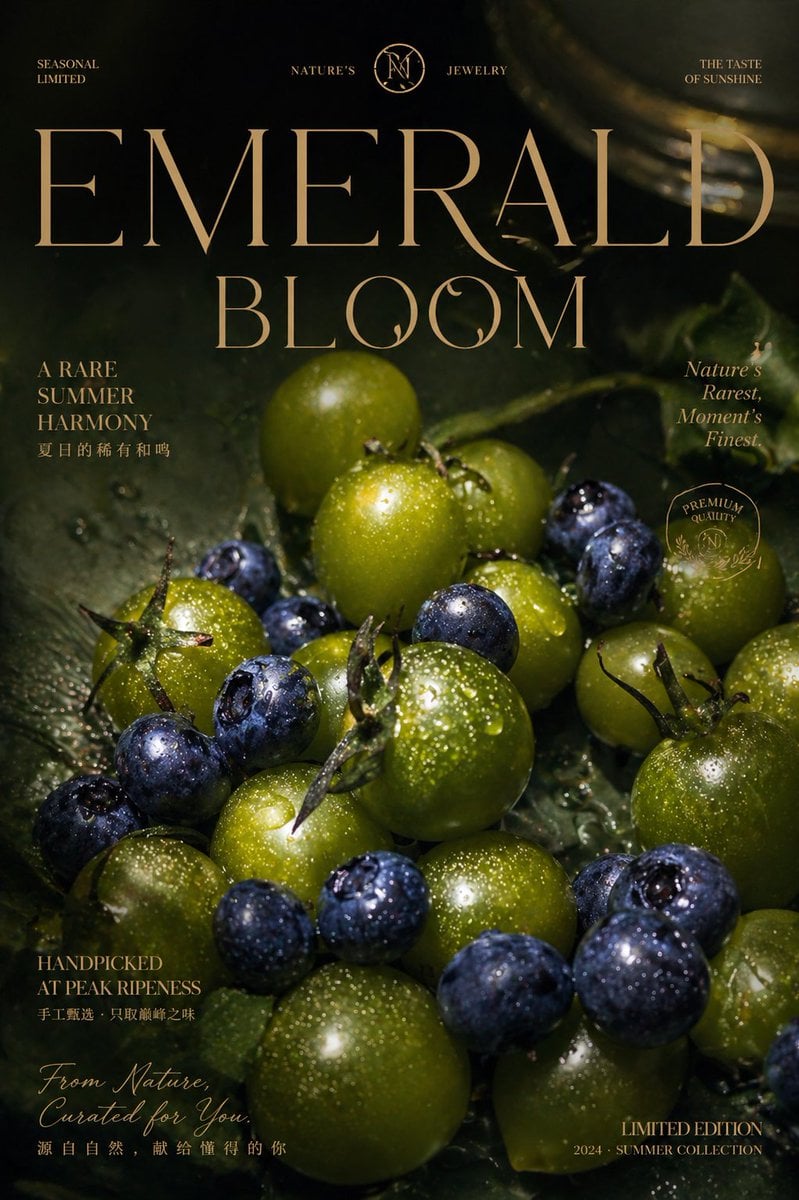
Luxury Emerald Bloom Fruit Poster
Browse template categories
Retro Game Center Fashion Photography questions
How do I use the Retro Game Center Fashion Photography template?
Add your photo if the template asks for one, edit the prompt if you like — the template's model and format are already selected — and press Generate. Your version opens in PicX Studio.
Can I customize the Retro Game Center Fashion Photography template?
Yes. You can change the subject, setting, lighting, mood, format, and available model controls before creating your image.
Is the Retro Game Center Fashion Photography template free?
Opening and editing this template is free. Generating uses credits, shown on the Generate button when you are signed in.
Which AI model should I use?
Start with GPT Image 2, which is the model associated with this template. You can compare another compatible model for a different finish.
Looking for something else? Browse all templates.

Your photo, any look
Thousands of ready templates for every top image and video model, from one credit balance.