
Isekai Guild Receptionist Character Transform
A highly complex image-to-image prompt for GPT Image 2 designed to transform a character into a fantasy guild receptionist while maintaining strict anime identity and adding detailed environmental storytelling.
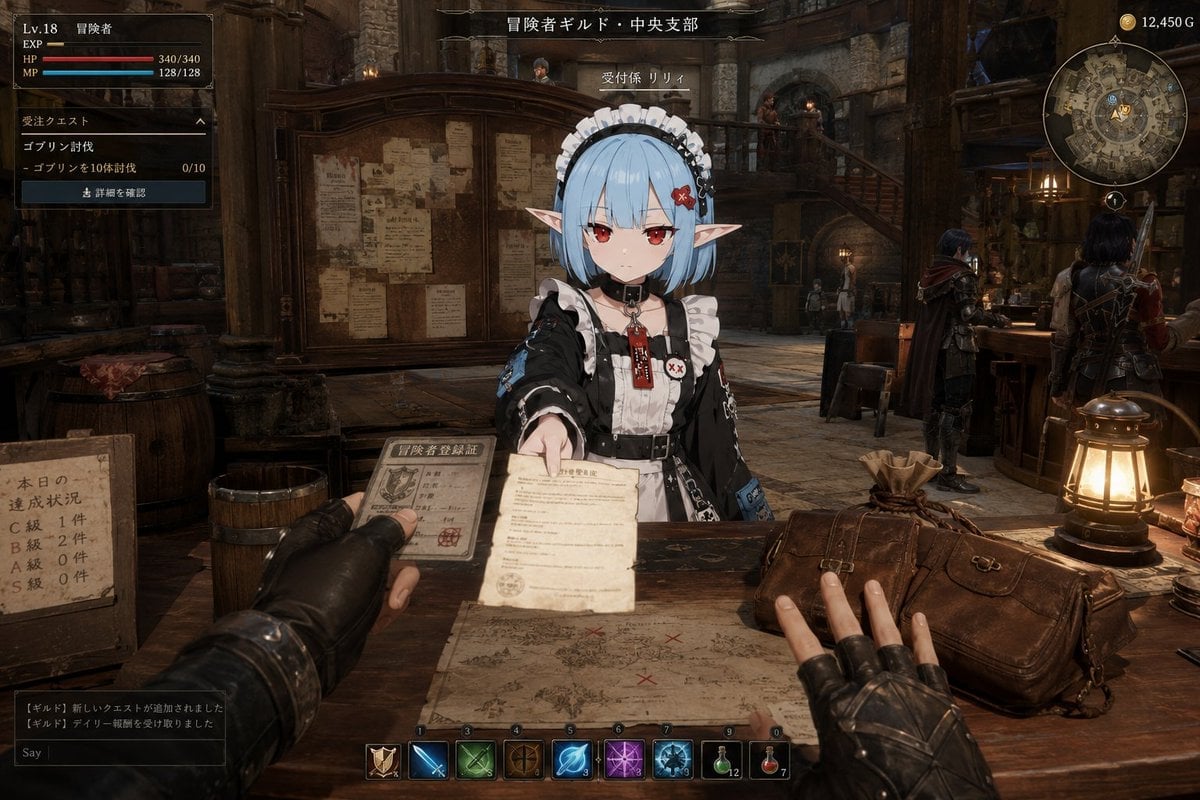
- Prompt included
- Model and format preset
- Free template
The prompt behind this image
Copy the exact prompt behind Isekai Guild Receptionist Character Transform, or open it in the studio and make it yours.
参照画像のキャラクターをベースデザインとして使用して、「{argument name="シーン" default="転生したアニメキャラクターが、異世界の冒険者ギルドで普通に受付嬢として働いている瞬間"}」を描く。キャラクターのアニメイラストとしての空気感を正確に維持する。キャラクターの顔、髪型、髪色、瞳、耳、シルエット、頭身、表情の印象を維持すること。キャラクターのアイデンティティを絶対に崩さない。別人化しない。実写人間化しない。キャラクター部分はアニメイラスト表現を維持する。舞台は{argument name="場所" default="異世界ファンタジー世界の大都市ギルド本部"}。背景は{argument name="背景エンジン" default="Unreal Engine 5"}で描かれたような高品質なファンタジー空間。リアル寄りの背景描写。生活感のある異世界空間。綺麗すぎない。コンセプトアート化しない。ゲーム公式ビジュアルのようにしない。背景には、巨大なクエスト掲示板、木製カウンター、依頼書、地図、武器ラック、革鎧の冒険者、魔導ランタン、石造りの壁、酒場スペース、吹き抜け構造、二階回廊、荷物、樽、雑多な備品などを自然に配置する。構図は一人称視点(POV)。視聴者はギルドを訪れた冒険者。画面手前には、冒険者の腕、手、依頼書、冒険者カード、報酬袋、地図、飲み物、荷物などを自然にフレームインさせる。POV側の人物は、・依頼書を受け取ろうとしている・冒険者カードを差し出している・報酬袋へ手を伸ばしている・地図を覗き込んでいる・受付カウンターへ寄りかかっているなど、受付とのやり取りが成立する自然な行動を取る。ギルド受付嬢となったアニメキャラクターは、・依頼書を差し出している・地図を広げて説明している・冒険者カードを返却している・報酬袋を渡している・初心者向けクエストを案内している・ランクアップを祝福している・少し眠そうに受付している・慣れた様子で業務をこなしているなど、「普通に働いている」自然な動作を行っている。重要:キャラクター本人は、異世界の受付嬢であることを特別視していない。周囲の冒険者達も、それを当たり前の日常として受け入れている。ゲームUI風オーバーレイを追加する。冒険者ランク、クエスト情報、所持金、パーティ情報、通知表示、ミニマップなどを自然に表示する。UI内容は固定しない。AI側が自然に生成すること。UIは主役ではない。受付嬢と冒険者のやり取りを補強する程度に留める。異世界とアニメキャラクターが自然に融合した、奇妙にリアルな空気感を重視する。映画ポスター風にしない。過剰なシネマティック演出禁止。綺麗すぎる構図禁止。AI特有の glossy rendering を避ける。情報量を盛りすぎない。「RPGのイベントシーンのスクリーンショット」ではなく、「異世界の日常を偶然目撃した一瞬」のような生活感と偶然性を重視する。high quality anime character, UE5 fantasy environment, POV shot, guild receptionist, natural interaction, fantasy daily life, weirdly realistic atmosphere
How to use Isekai Guild Receptionist Character Transform in 3 steps
- 1Upload ImagePNG, JPG or paste
Add your photo
Upload the photo the template builds on. The prompt, model and format are already set.
- 2…a portrait of your subject in softgolden-hour light, 85mm…
Personalize
Edit the subject and creative details for your destination.
- 3Generate
Generate
Press Generate — your image is created in PicX Studio, so you can compare it with the original and refine one variable at a time.
More like this
Templates with the same subject, style or setup. Open one to see its prompt.
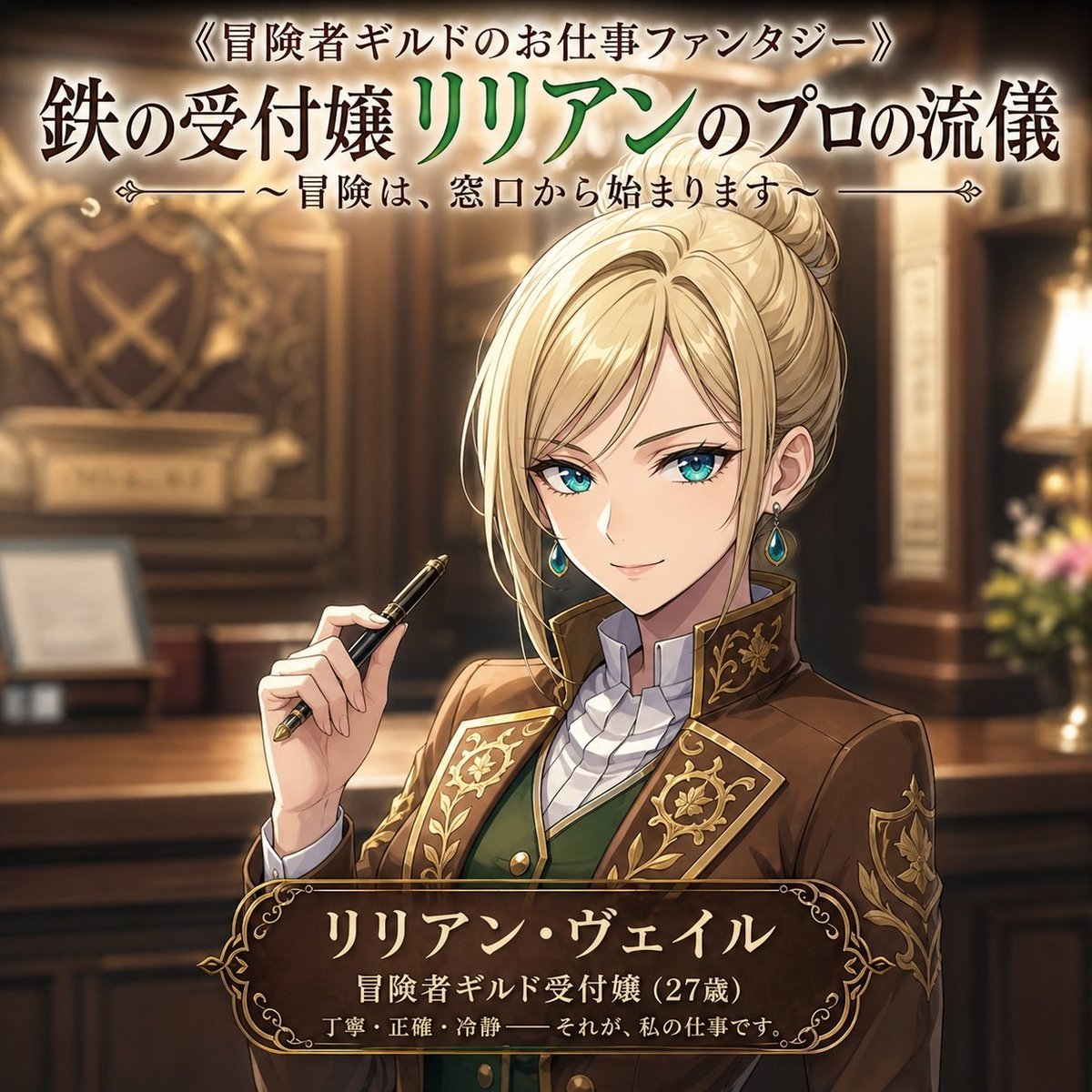
Fantasy Guild Receptionist Novel Cover
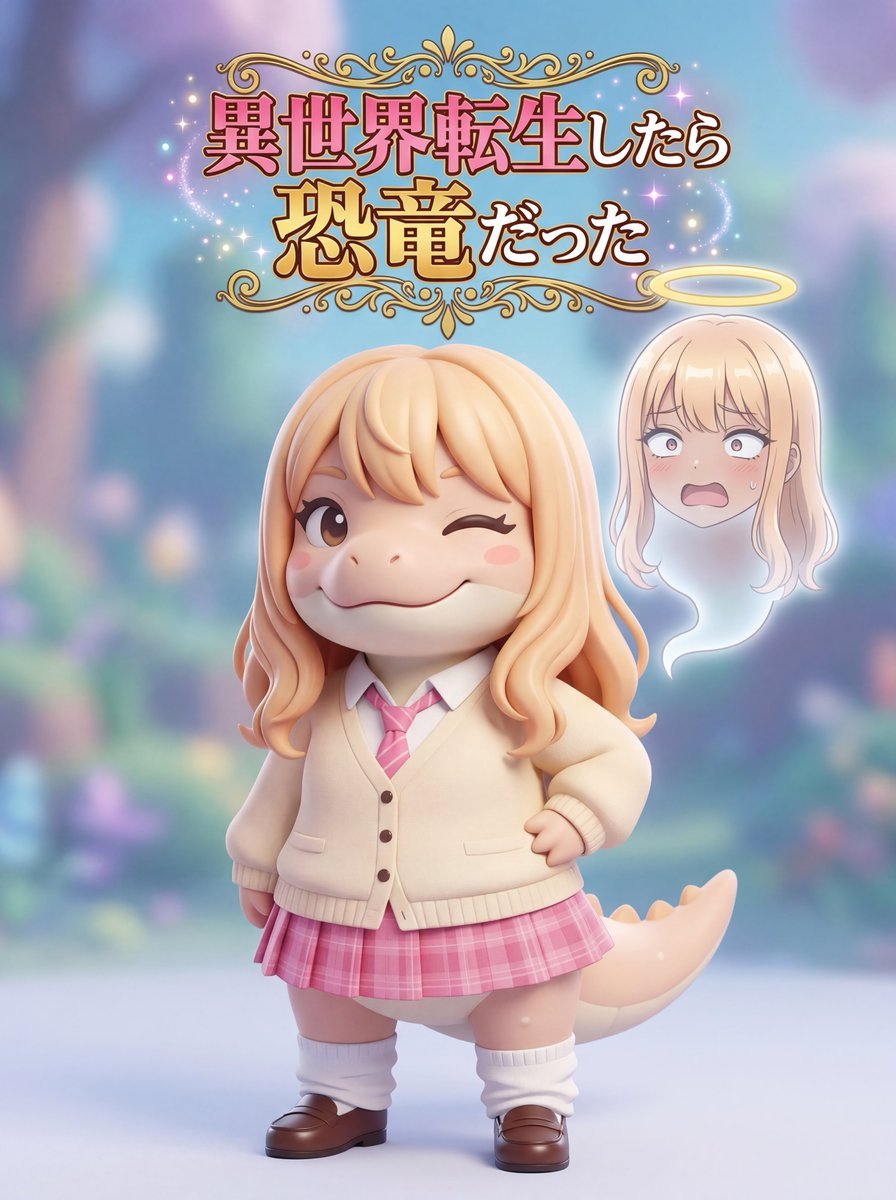
Isekai Dinosaur Transformation Prompt
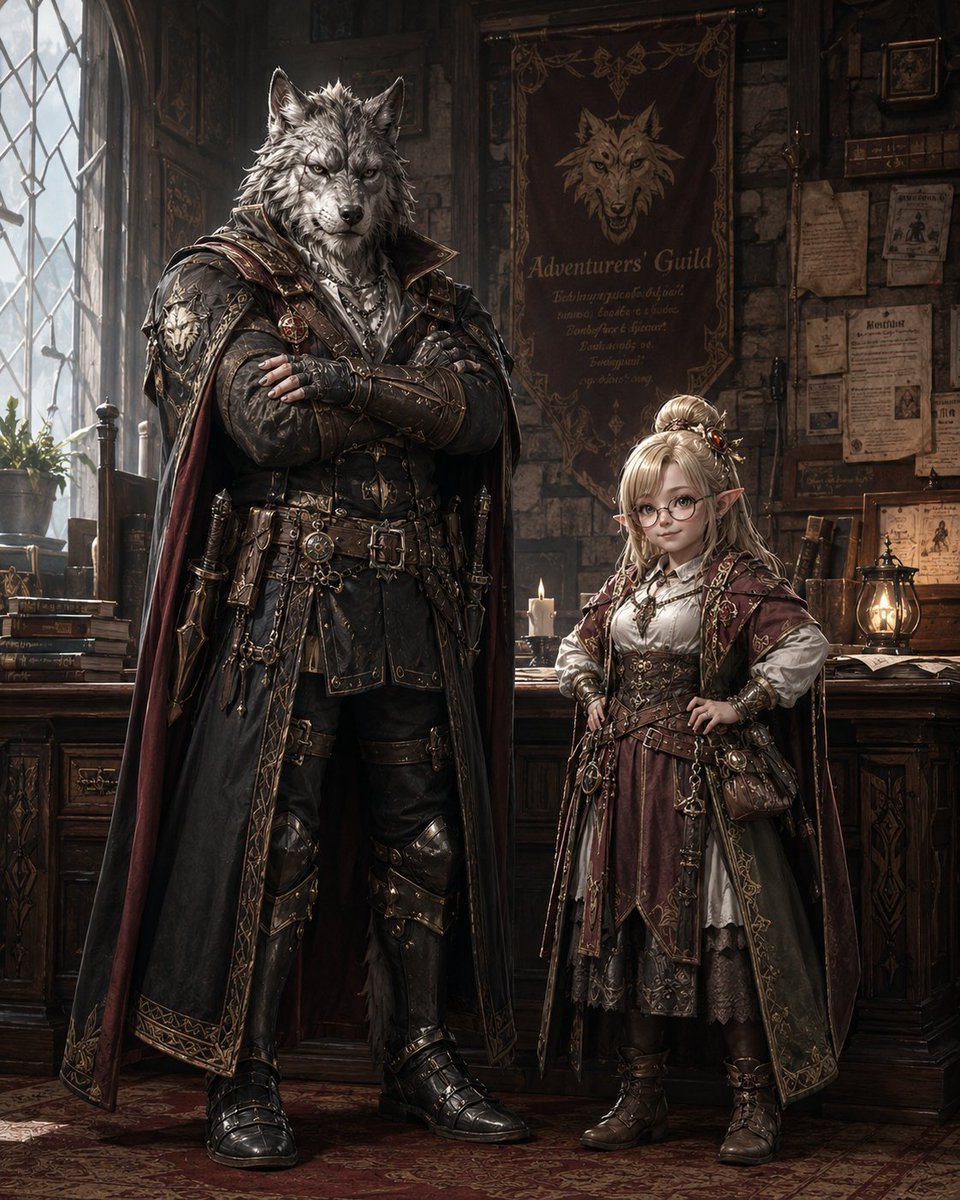
Fantasy Guild Characters
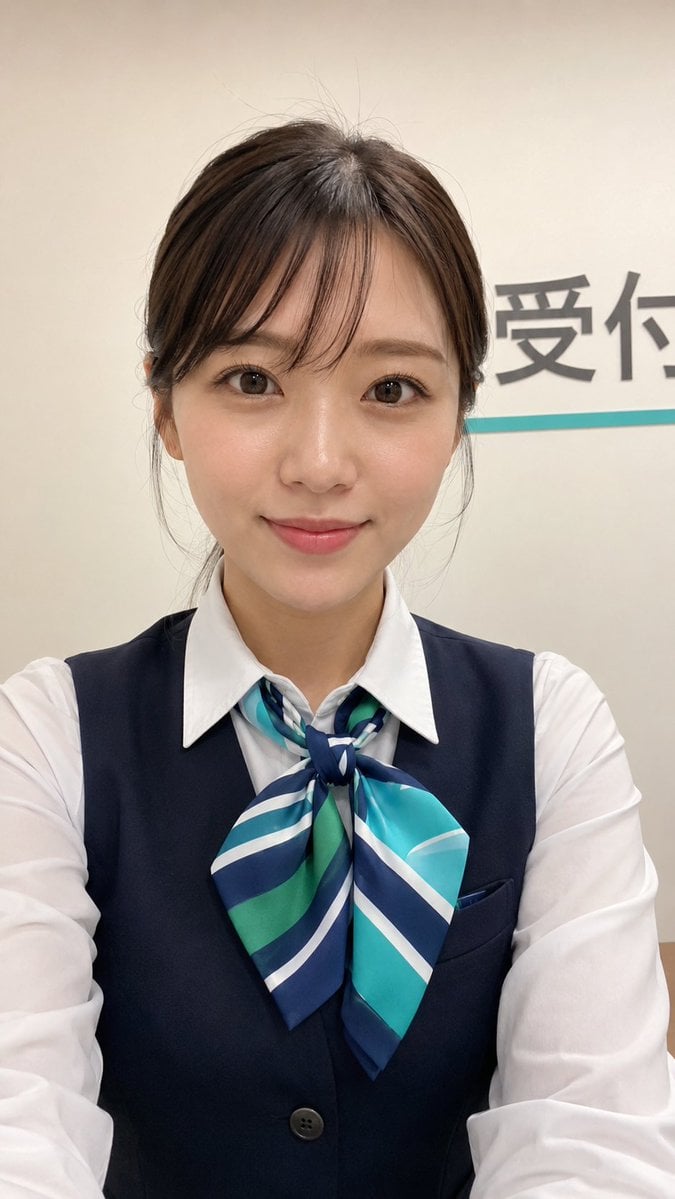
Japanese Receptionist Smartphone Selfie
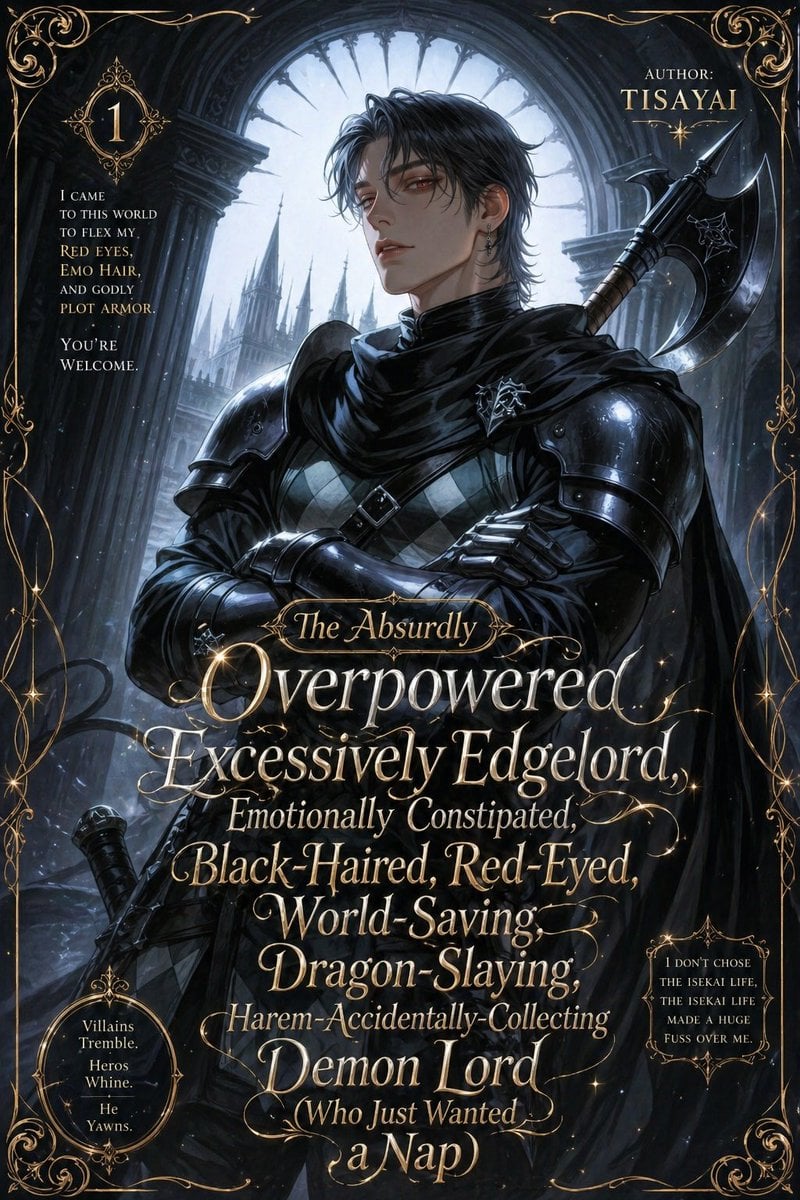
Parody Isekai Edgelord Novel Cover

Receptionist Seated at Front Desk

Anime Alley Kick Transformation
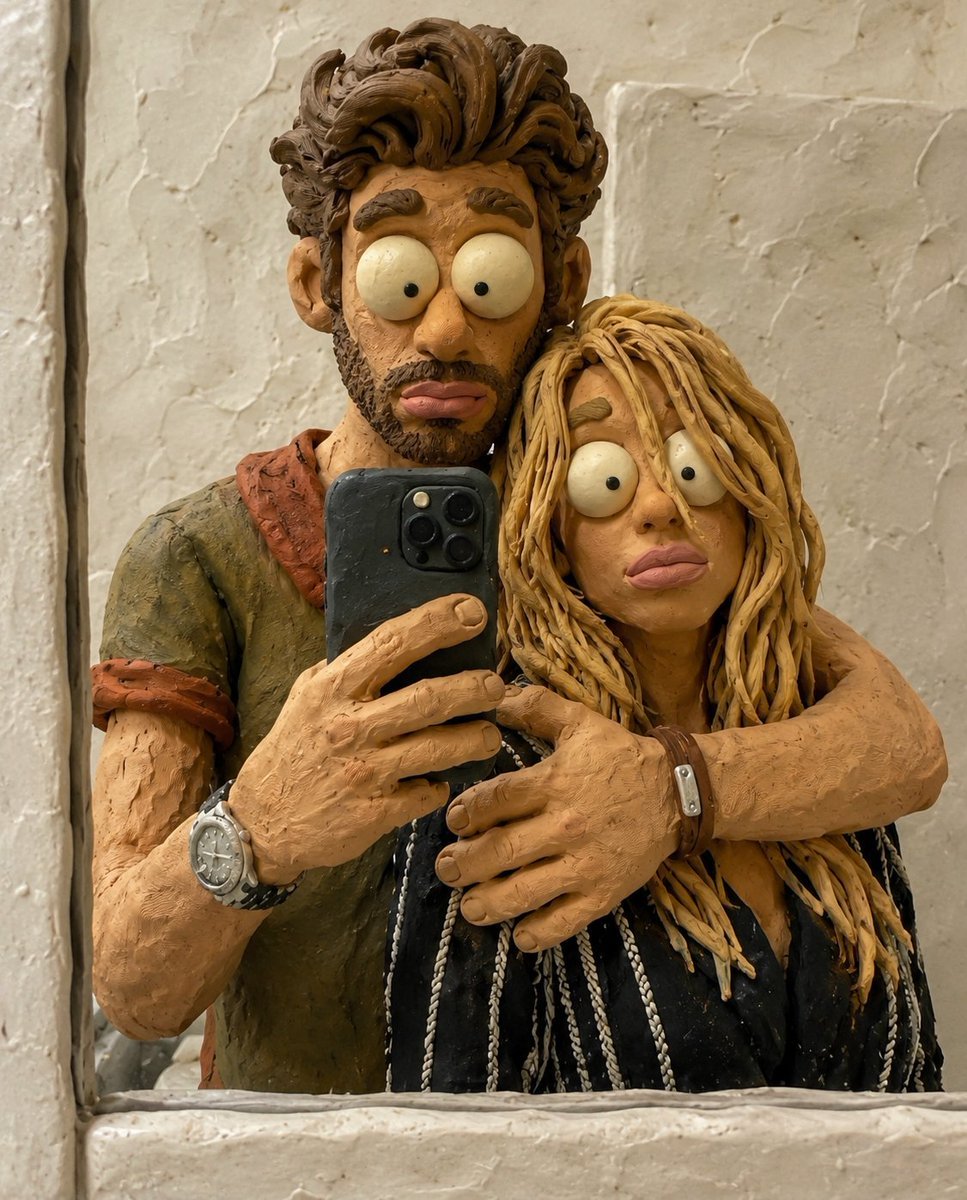
Chaotic Claymation Photo Transformation
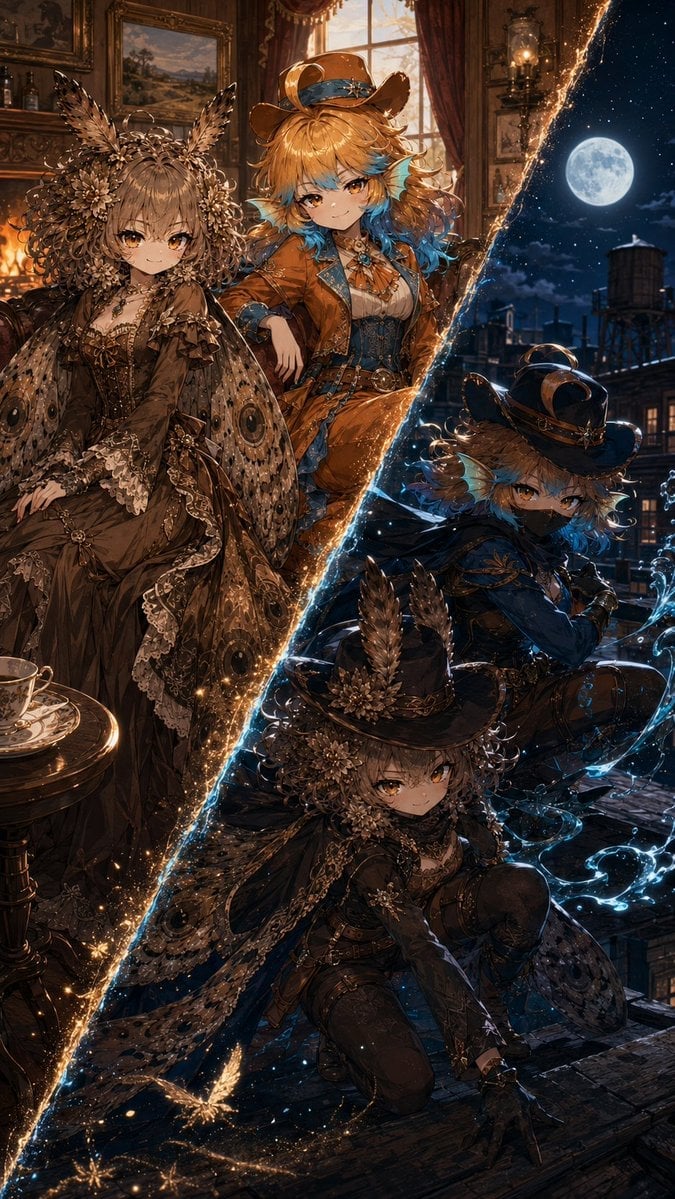
Superhero Era Transformation Split Portrait
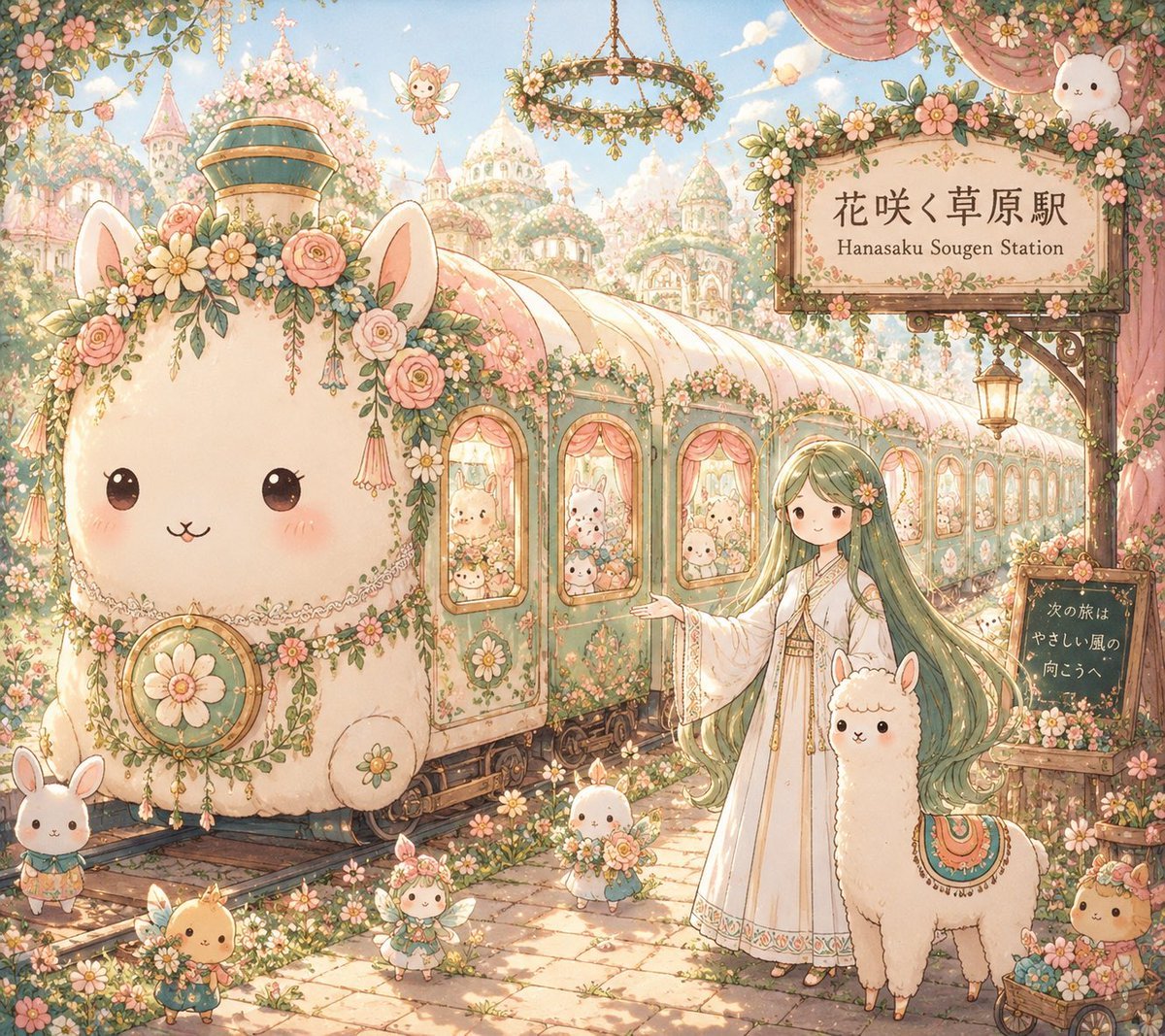
Fantasy Railway World Transformation
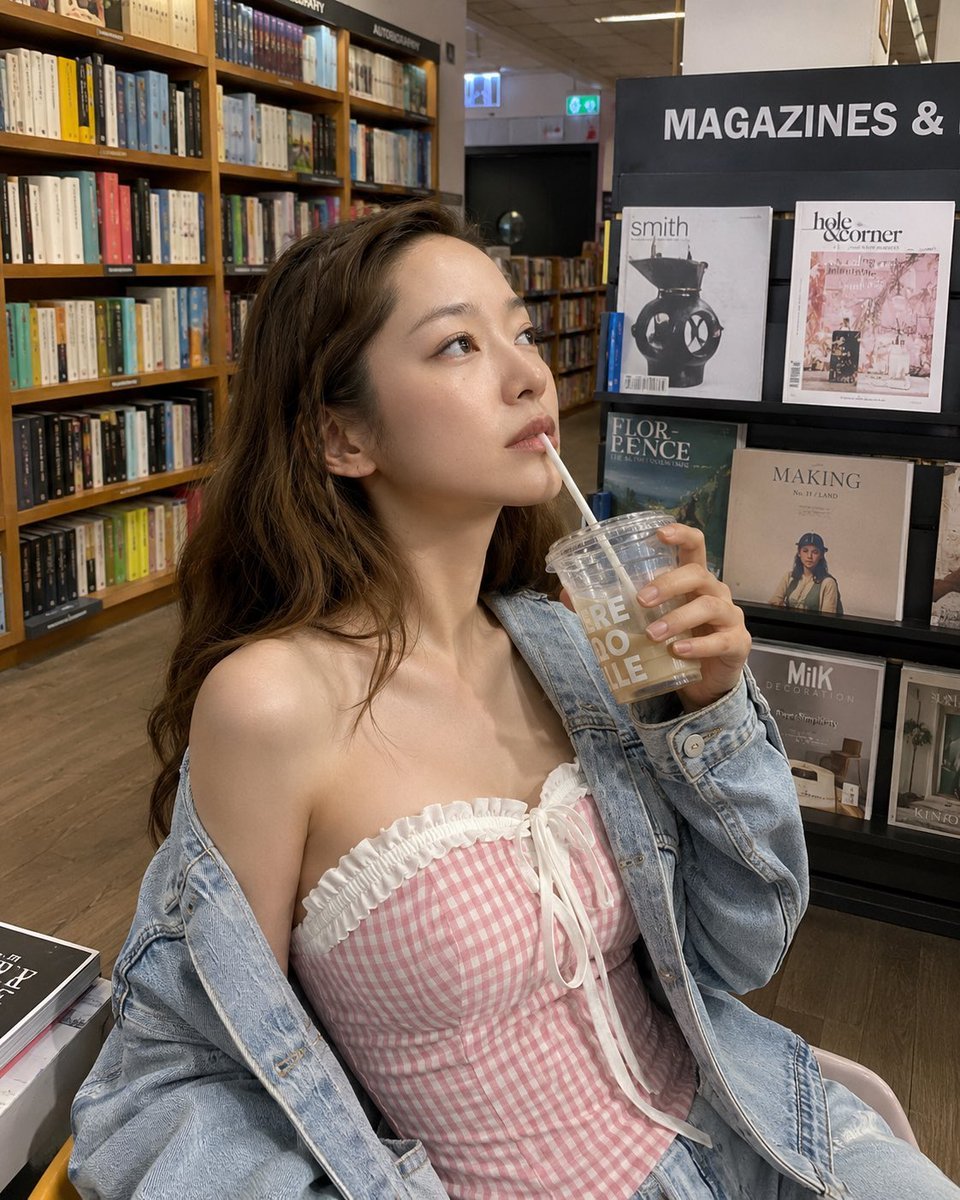
Smartphone Photo Identity Transformation
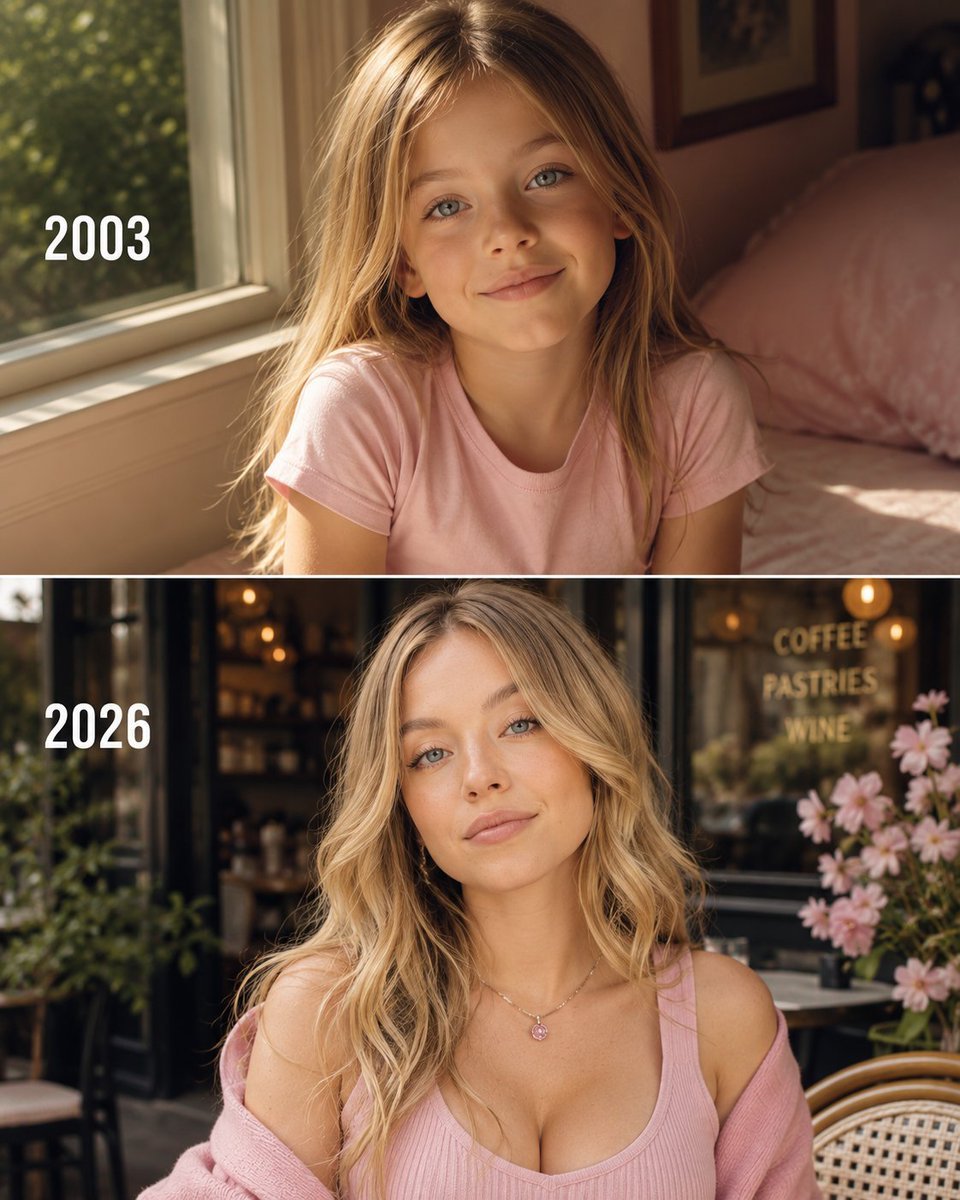
Then vs Now Identity Transformation Collage
Make it yours
Isekai Guild Receptionist Character Transform works as-is. These are the safest ways to change it without losing the look.
Change one field
Copy a single group, rewrite it, and generate again so you can see what that field is doing.
Keep the frame, change the subject
Hold the composition and light of Isekai Guild Receptionist Character Transform, then swap wardrobe, props or the person for a new take.
| If the result… | Why | Fix |
|---|---|---|
| The result drifts from the preview | Too many fields changed at once. | Reuse Isekai Guild Receptionist Character Transform as-is first, then change one group — subject, light, or setting. |
| The model over-stylizes the scene | The prose prompt leaves finish and camera underspecified. | Add one camera or lighting sentence and stay on GPT Image 2. |
More GPT Image 2 templates
Other prompts made for GPT Image 2.

Six VTuber Japanese Logo Sheet

Realistic Portrait of Woman and Deer

The Vista Modular Condo Poster

AI Model Routing Comparison Infographic

2.5D Anime Art Board

Isometric Productivity Desk Scene

New York Double Exposure Poster

Four-Panel AI Landscape Comparison

Japanese Tatami Lifestyle Magazine Cover

NESCAFÉ Coffee Map Poster
More image prompts
Fresh picks from across the catalog.
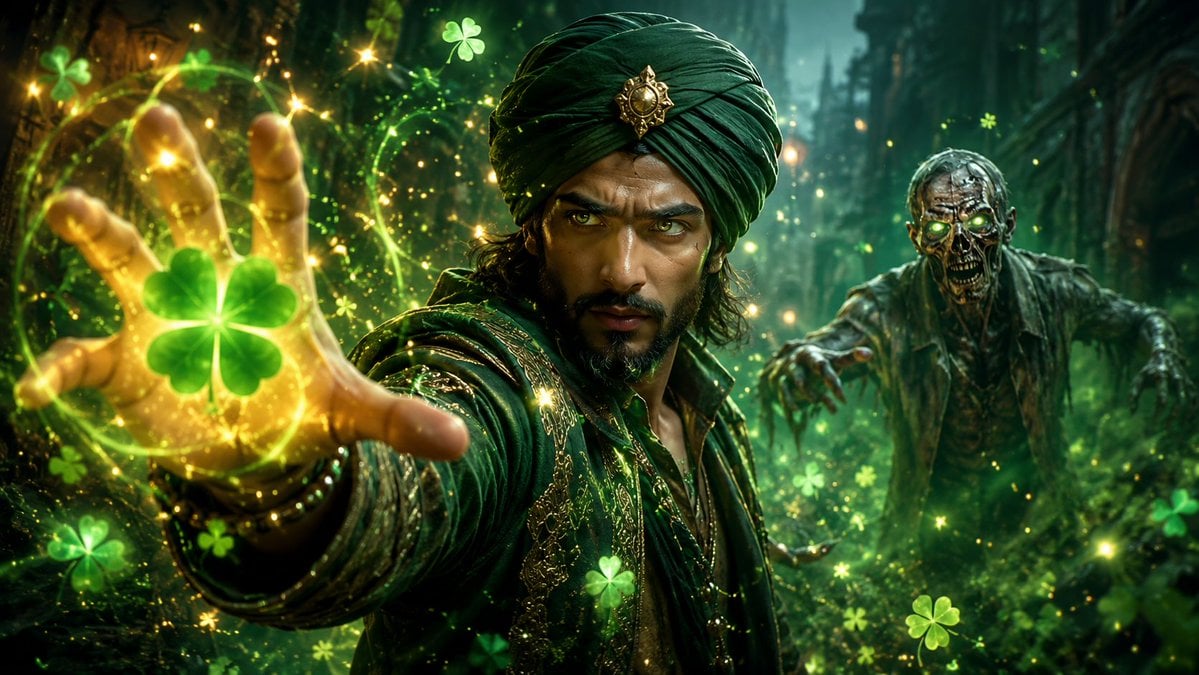
Emoji-Based Creative Image Generation
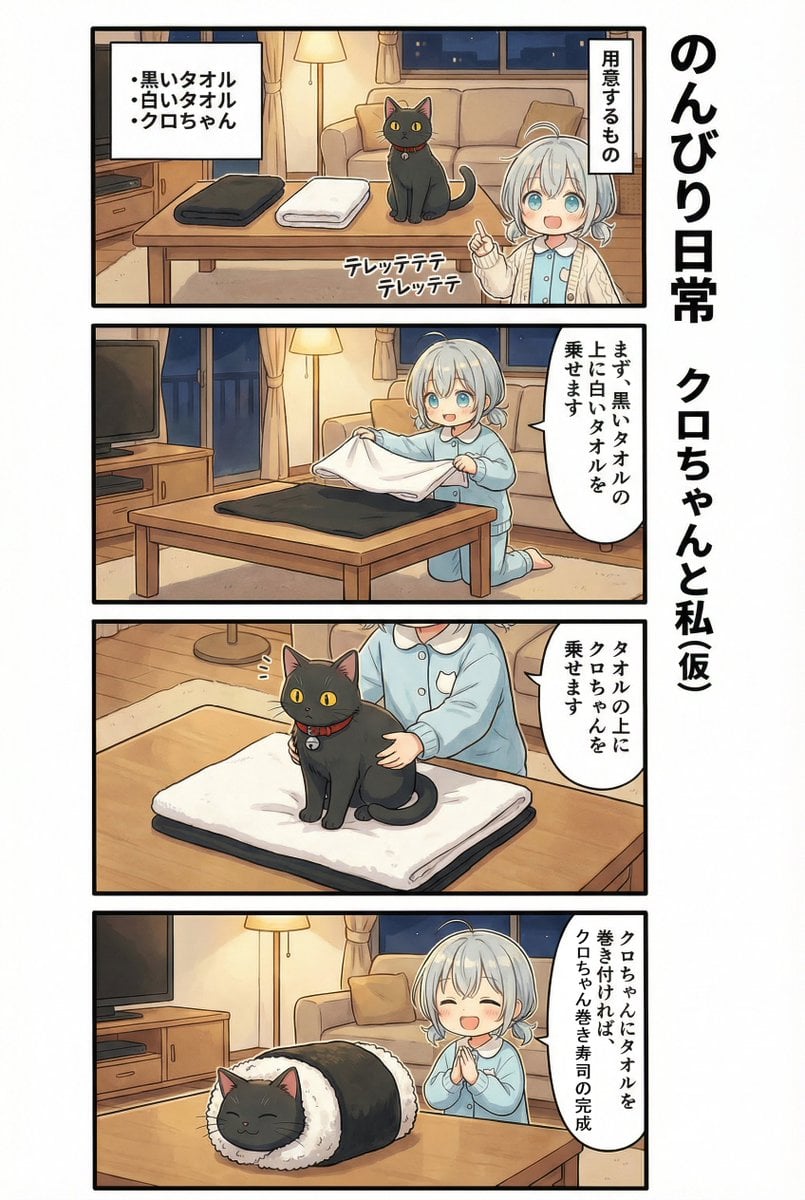
AI Manga: 2-Minute Cooking
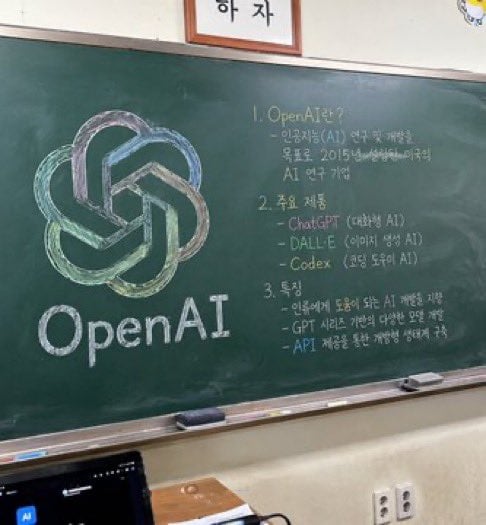
Classroom Chalkboard Lesson
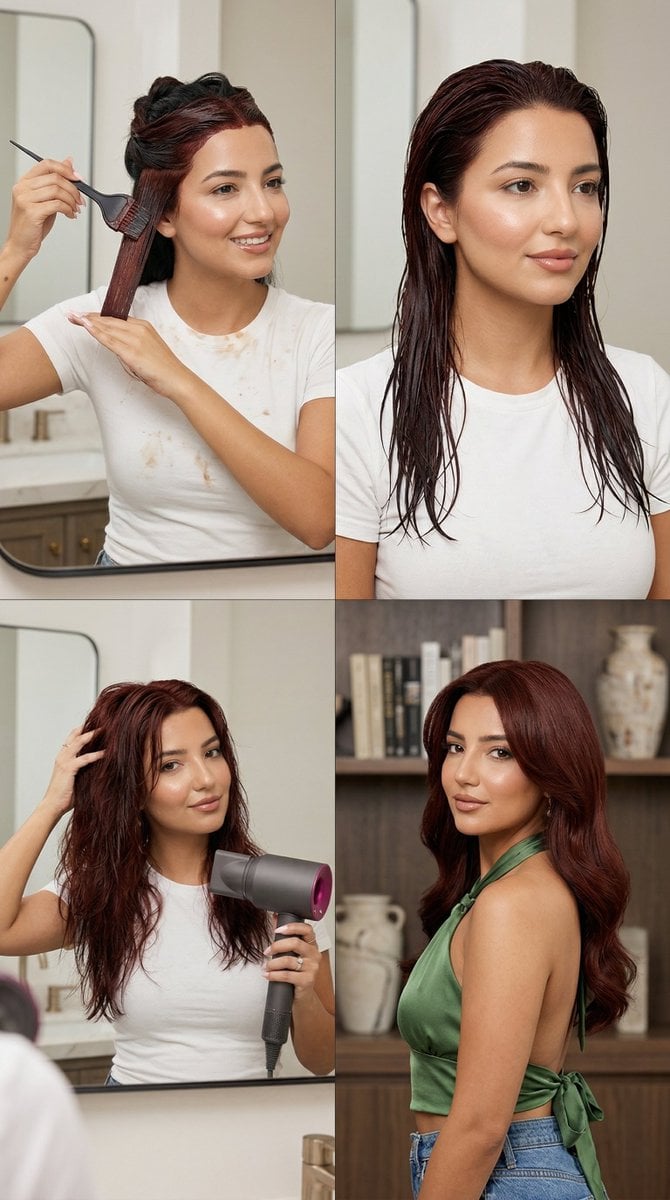
Step Deep Auburn Hair Dye Transformation Grid Prompt for Nano Banana 2
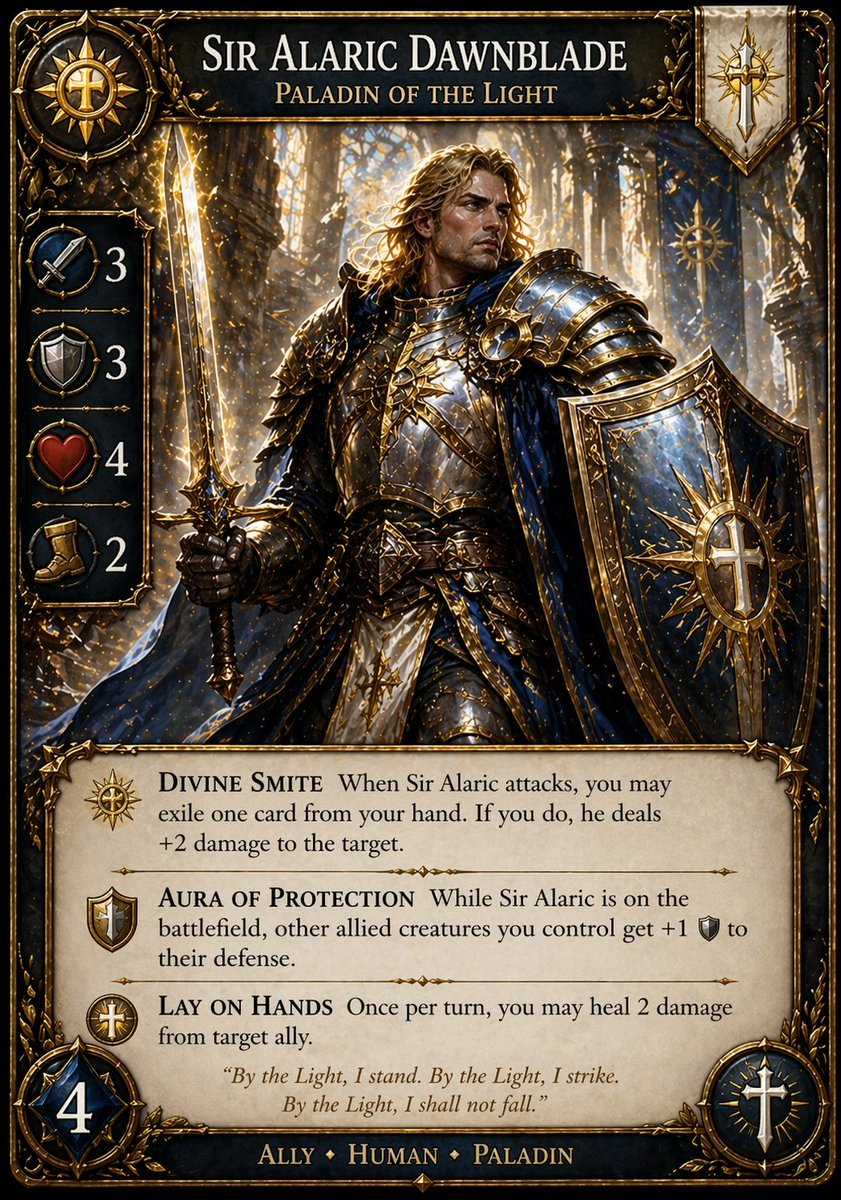
Fantasy Paladin Trading Card
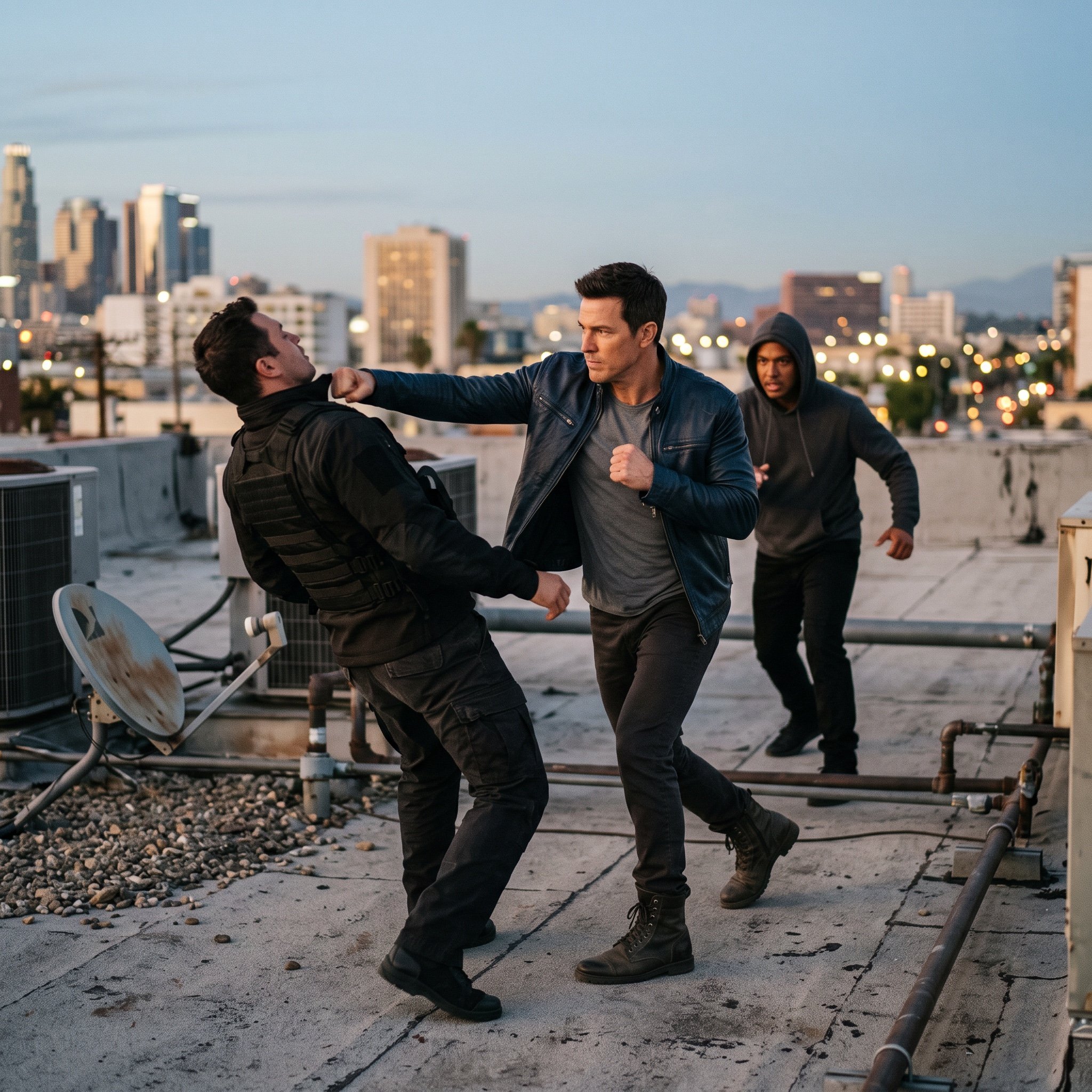
action movie hollywood movie hollywood fight scene... (IMAGE-NANO_BANANA)
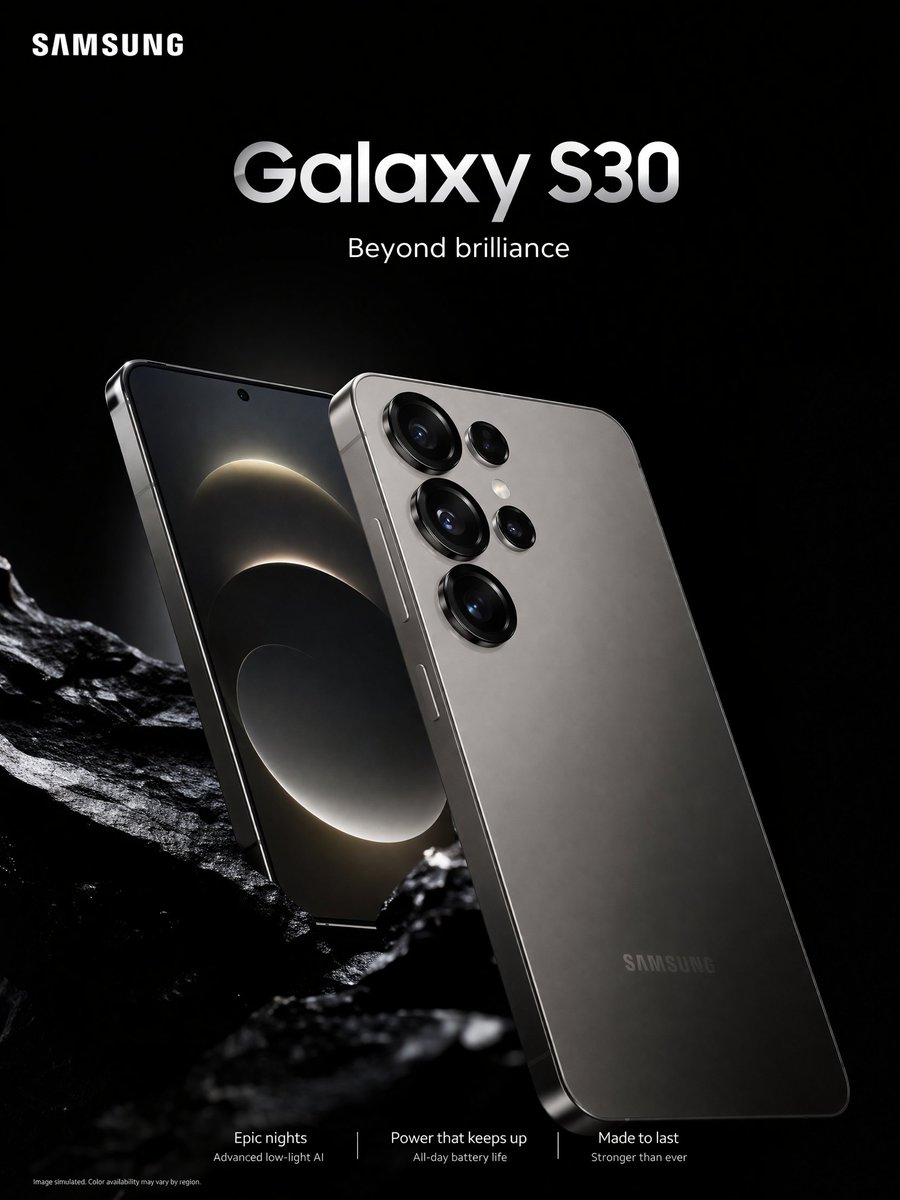
Smartphone Ad Poster
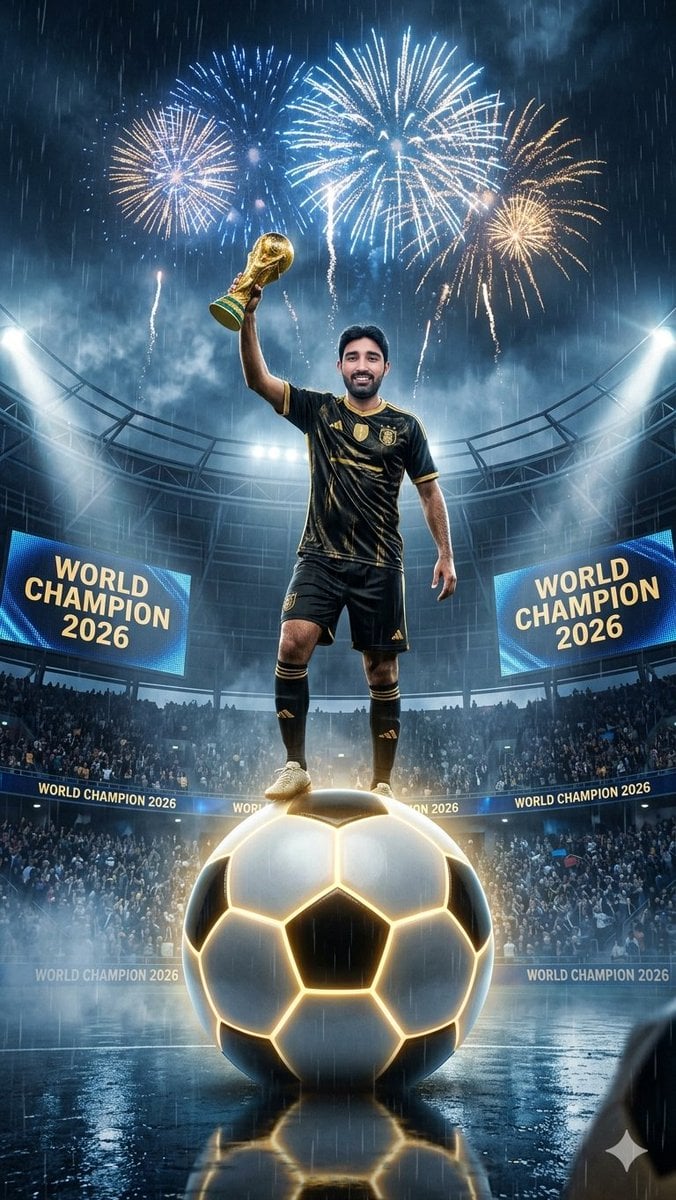
World Champion Stadium Victory Poster

Anime Noodle Advertisement Banner
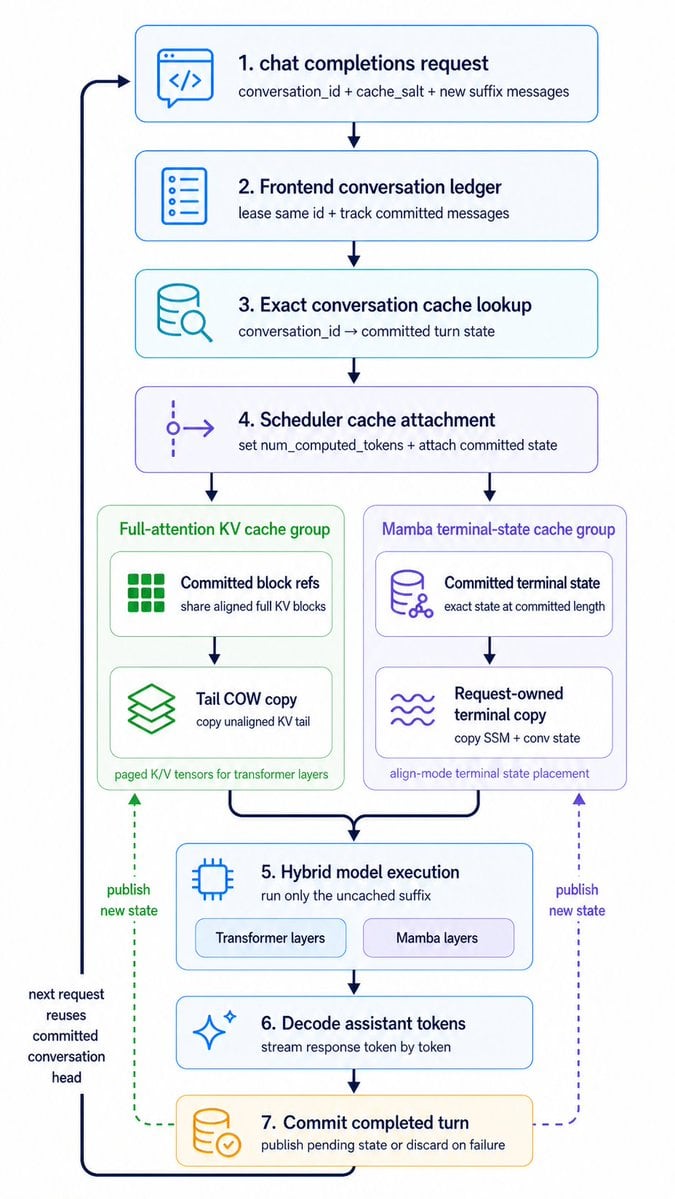
Hybrid Cache Execution Flowchart
Browse template categories
Isekai Guild Receptionist Character Transform questions
How do I use the Isekai Guild Receptionist Character Transform template?
Add your photo if the template asks for one, edit the prompt if you like — the template's model and format are already selected — and press Generate. Your version opens in PicX Studio.
Can I customize the Isekai Guild Receptionist Character Transform template?
Yes. You can change the subject, setting, lighting, mood, format, and available model controls before creating your image.
Is the Isekai Guild Receptionist Character Transform template free?
Opening and editing this template is free. Generating uses credits, shown on the Generate button when you are signed in.
Which AI model should I use?
Start with GPT Image 2, which is the model associated with this template. You can compare another compatible model for a different finish.
Looking for something else? Browse all templates.

Your photo, any look
Thousands of ready templates for every top image and video model, from one credit balance.