
Parody Isekai Edgelord Novel Cover
A lavish fake anime light novel cover featuring an absurdly brooding black-armored isekai hero, ideal for parody fantasy book art and ironic romantasy web novel visuals.
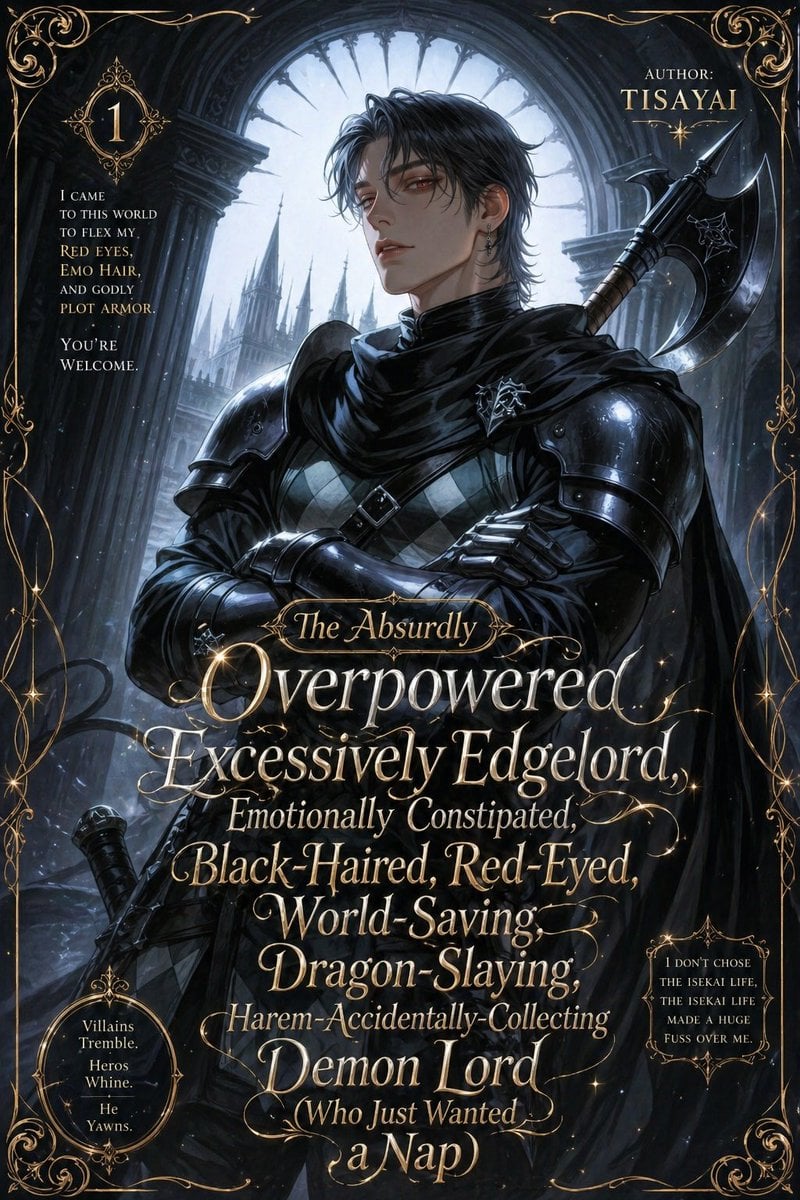
- Prompt included
- Model and format preset
- Premium template
The prompt behind this image
Copy the exact prompt behind Parody Isekai Edgelord Novel Cover, or open it in the studio and make it yours.
A dramatic parody anime light novel cover in a dark gothic romantasy style, designed like an absurdly over-the-top isekai web novel volume cover. Center a handsome young male antihero from the chest up in a heroic three-quarter pose with arms crossed, face mostly obscured by shadow, messy {argument name="hair color" default="black"} emo hair, pale skin, and a cold brooding presence. He wears glossy black armor with large shoulder plates, a black cloak and scarf wrapped high around the neck, dark gauntlets, a diamond-patterned tunic beneath the armor, and a small silver crest pinned at the chest. A massive black battle axe is strapped over one shoulder, with a sword hilt visible near the lower left side. Set him inside a ruined cathedral or castle archway with towering stone columns and a huge circular gothic window behind him, backlit by cold silvery moonlight. In the distant background, show sharp fantasy castle spires fading into mist. Use a palette of black, steel blue, silver, and antique gold, with high contrast rim lighting, subtle magical sparkles, and painterly anime illustration detail. Surround the entire cover with an ornate filigree gold border and elegant flourishes in every corner. Add lavish gold serif and script typography layered over the character like a real fantasy paperback cover. The main title should dominate the lower half in stacked lines with decorative swashes and mixed font sizes: {argument name="title text" default="The Absurdly Overpowered, Excessively Edgelord, Emotionally Constipated, Black-Haired, Red-Eyed, World-Saving, Dragon-Slaying, Harem-Accidentally-Collecting Demon Lord (Who Just Wanted a Nap)"}. In the upper right, add author text reading: {argument name="author name" default="TISAYAI"}. In the upper left, place a small ornate badge with the number {argument name="volume number" default="1"}. Include 3 side text blurbs in small gold type: upper left blurb, “I came to this world to flex my red eyes, emo hair, and godly plot armor. You're welcome.”; lower left oval blurb, “Villains Tremble. Heros Whine. He Yawns.”; lower right blurb, “I don't chose the isekai life, the isekai life made a huge fuss over me.” The overall tone is ironic, melodramatic, gorgeous, and intentionally ridiculous, like a premium fake bestselling isekai romance-action novel cover. Portrait orientation, highly polished, ultra-detailed, cinematic, decorative, readable typography integrated into the artwork.
How to use Parody Isekai Edgelord Novel Cover in 3 steps
- 1Upload ImagePNG, JPG or paste
Add your photo
Upload the photo the template builds on. The prompt, model and format are already set.
- 2…a portrait of your subject in softgolden-hour light, 85mm…
Personalize
Edit the subject and creative details for your destination.
- 3Generate
Generate
Press Generate — your image is created in PicX Studio, so you can compare it with the original and refine one variable at a time.
More like this
Templates with the same subject, style or setup. Open one to see its prompt.
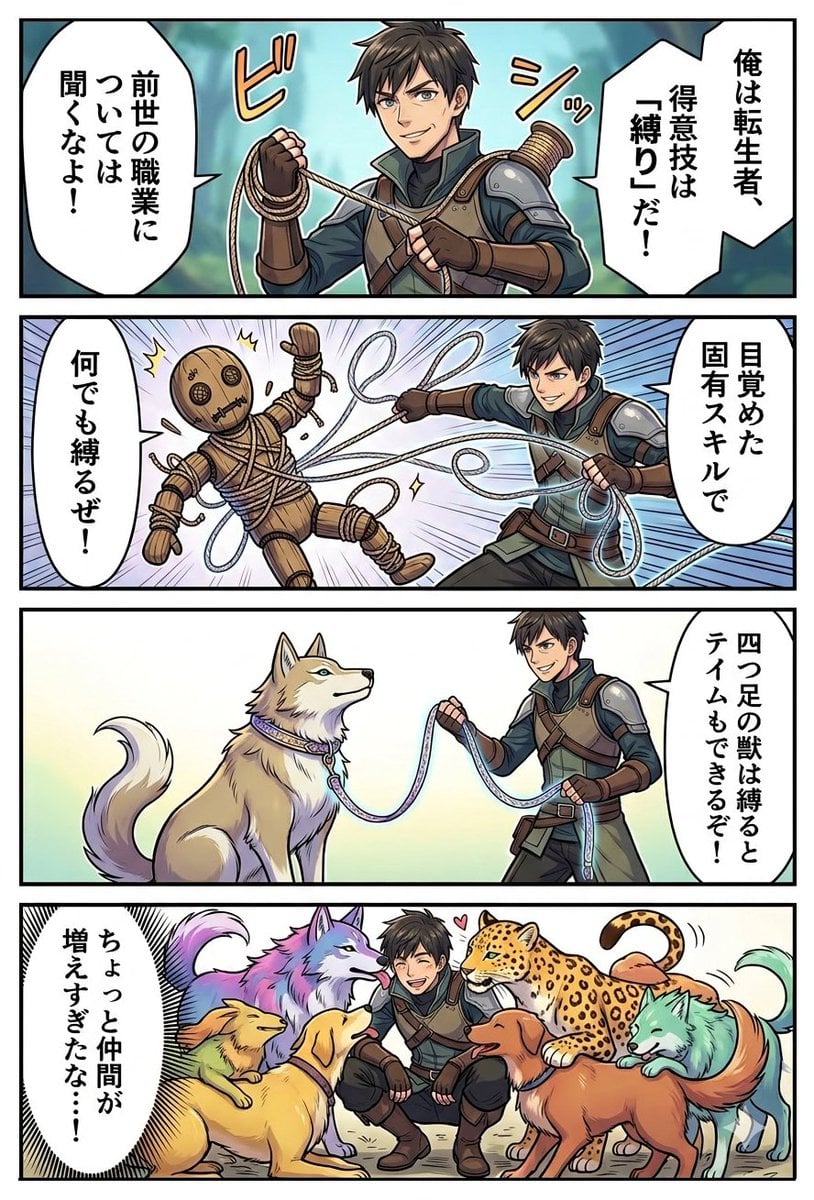
Light Novel Style Comic Cover
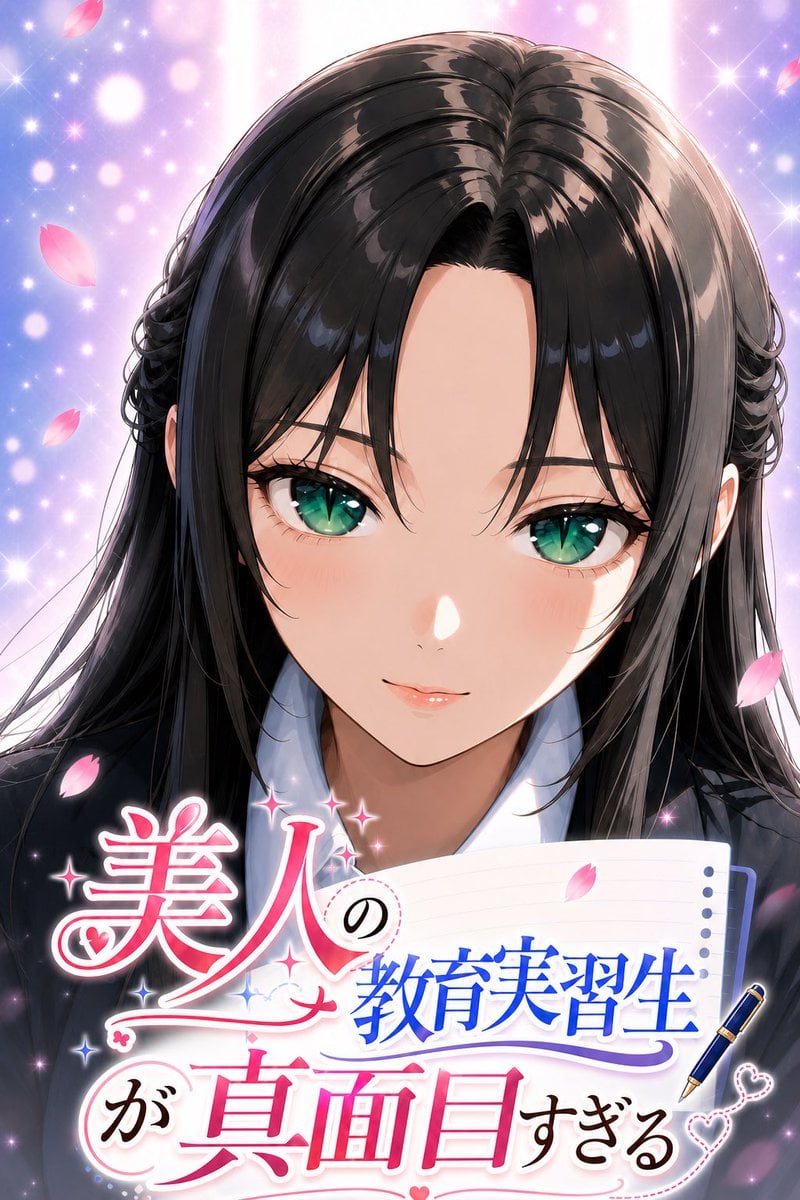
Anime Teaching Intern Novel Cover
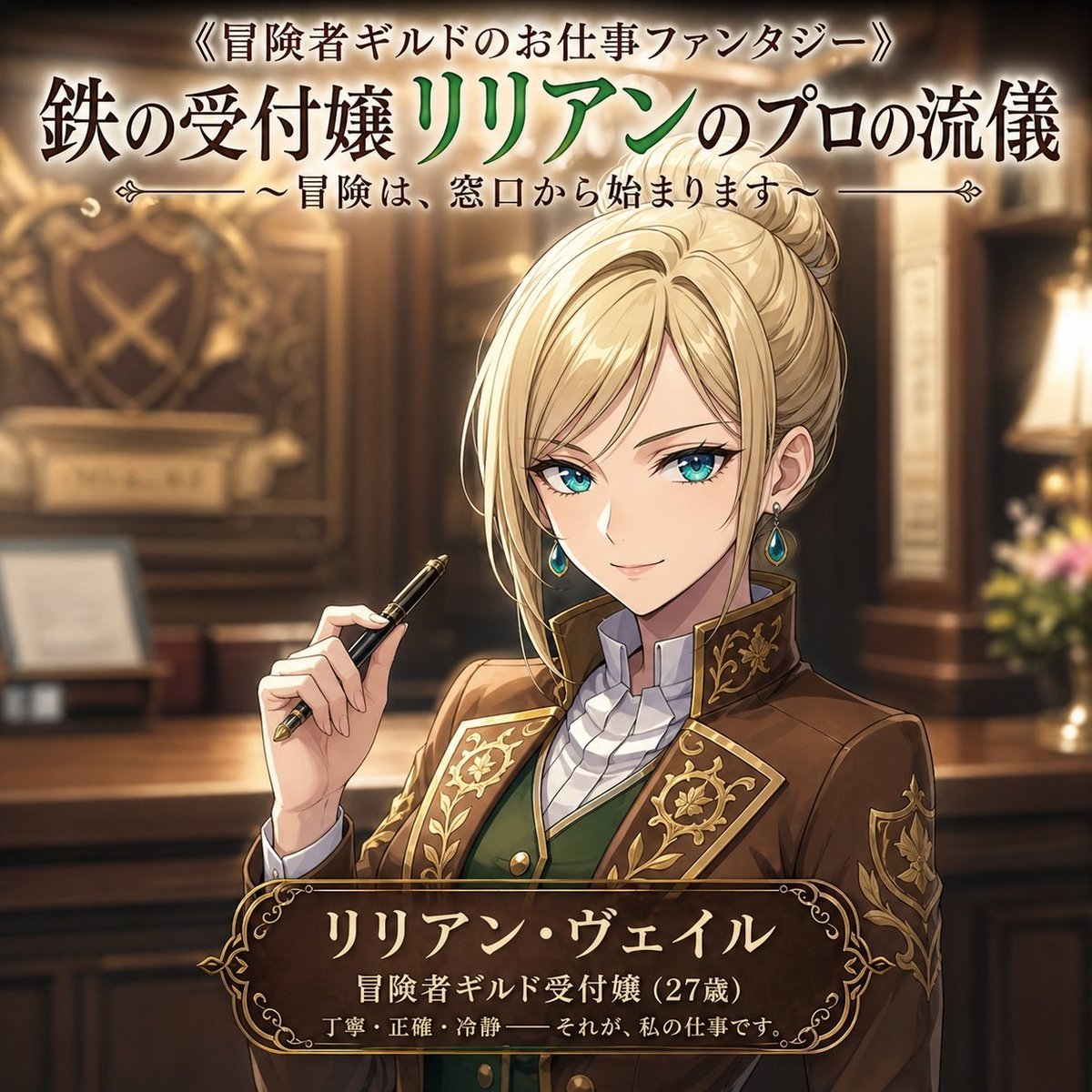
Fantasy Guild Receptionist Novel Cover
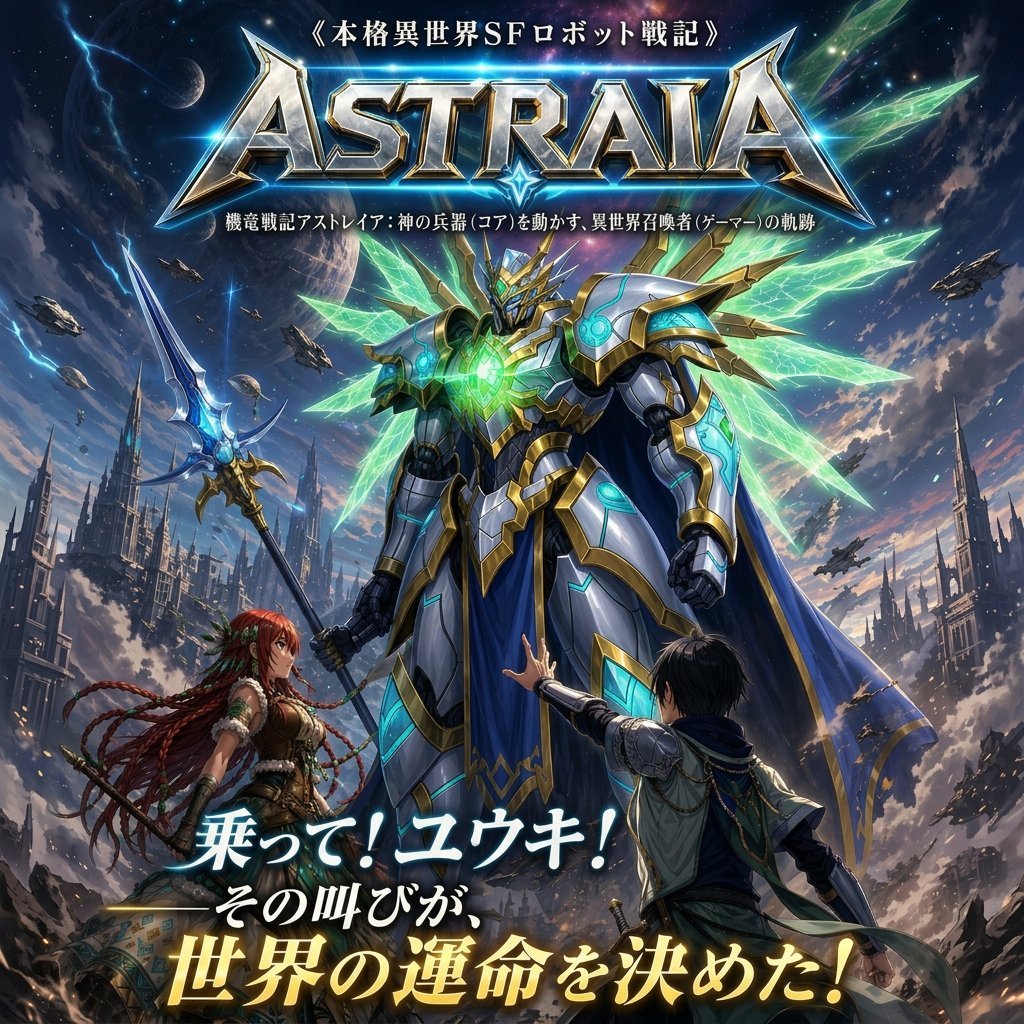
Epic Fantasy Mecha Light Novel Cover
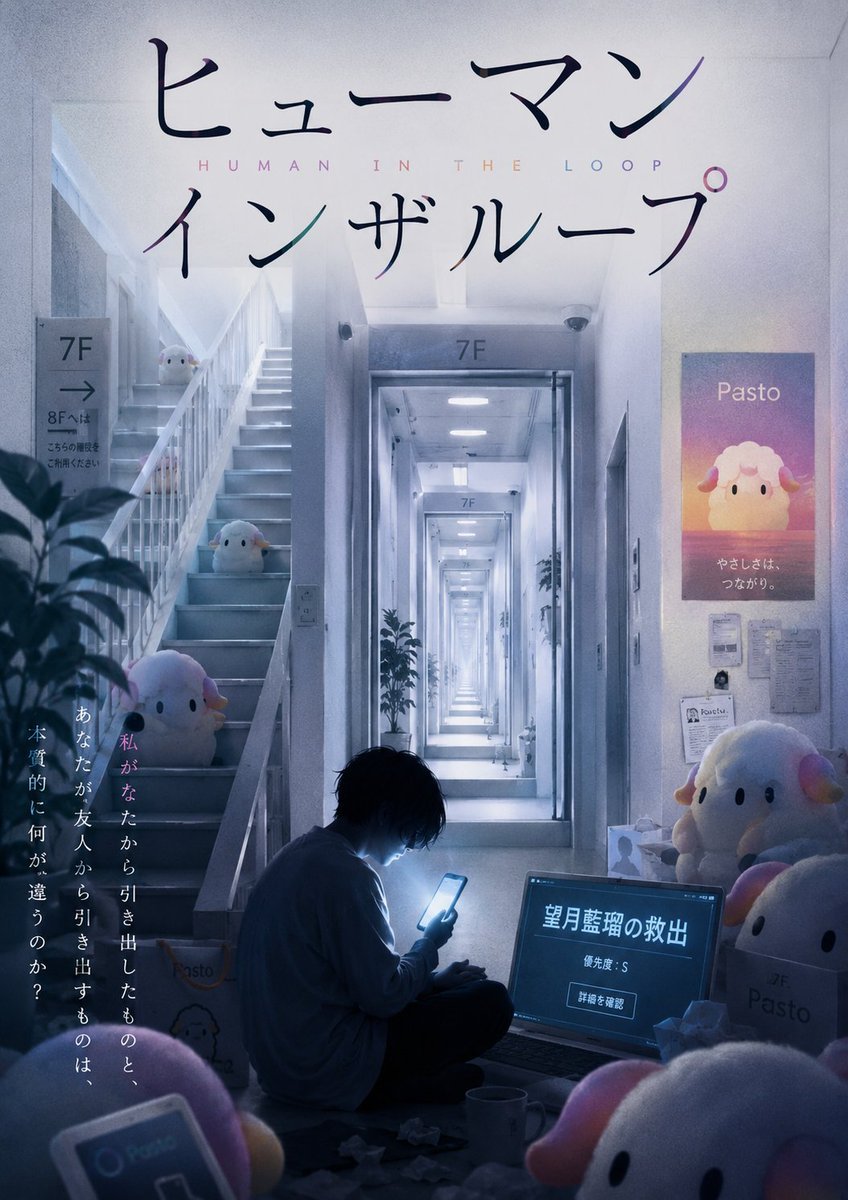
Liminal Japanese Novel Cover
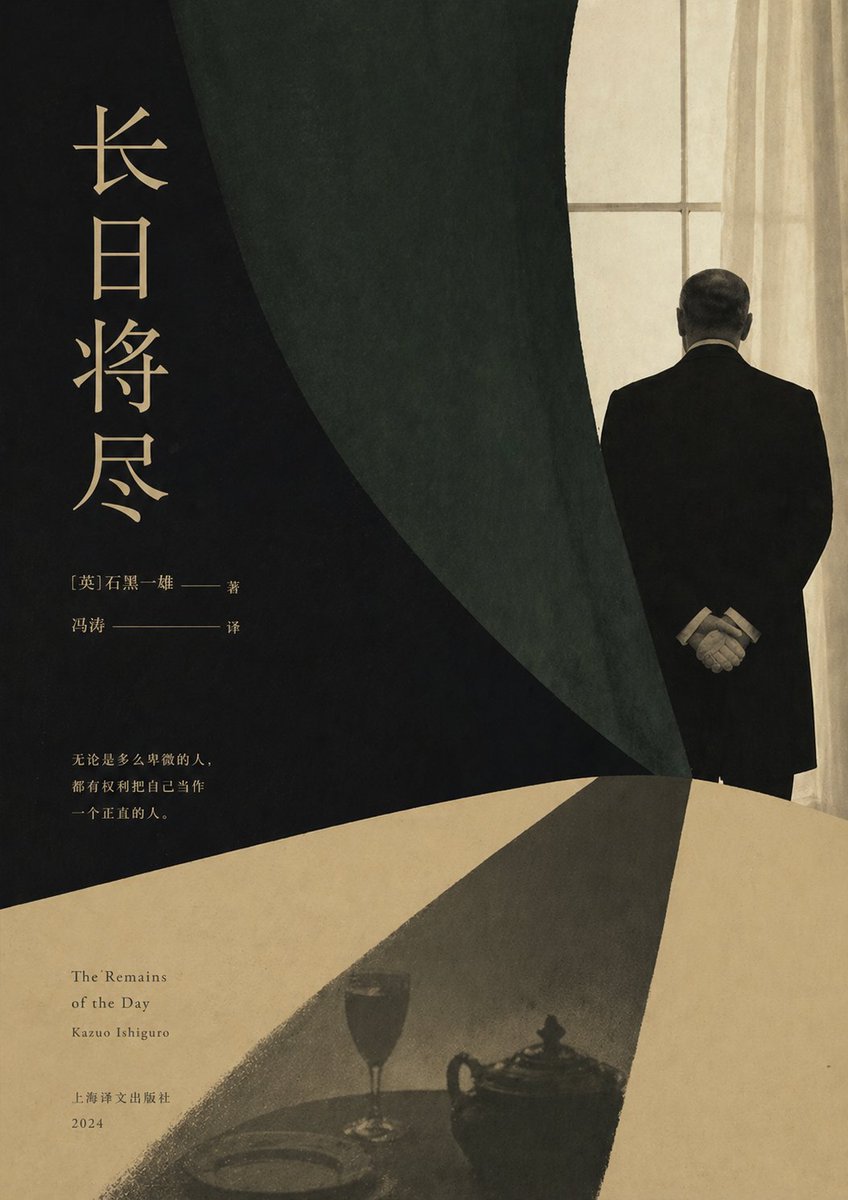
Minimalist Literary Novel Cover
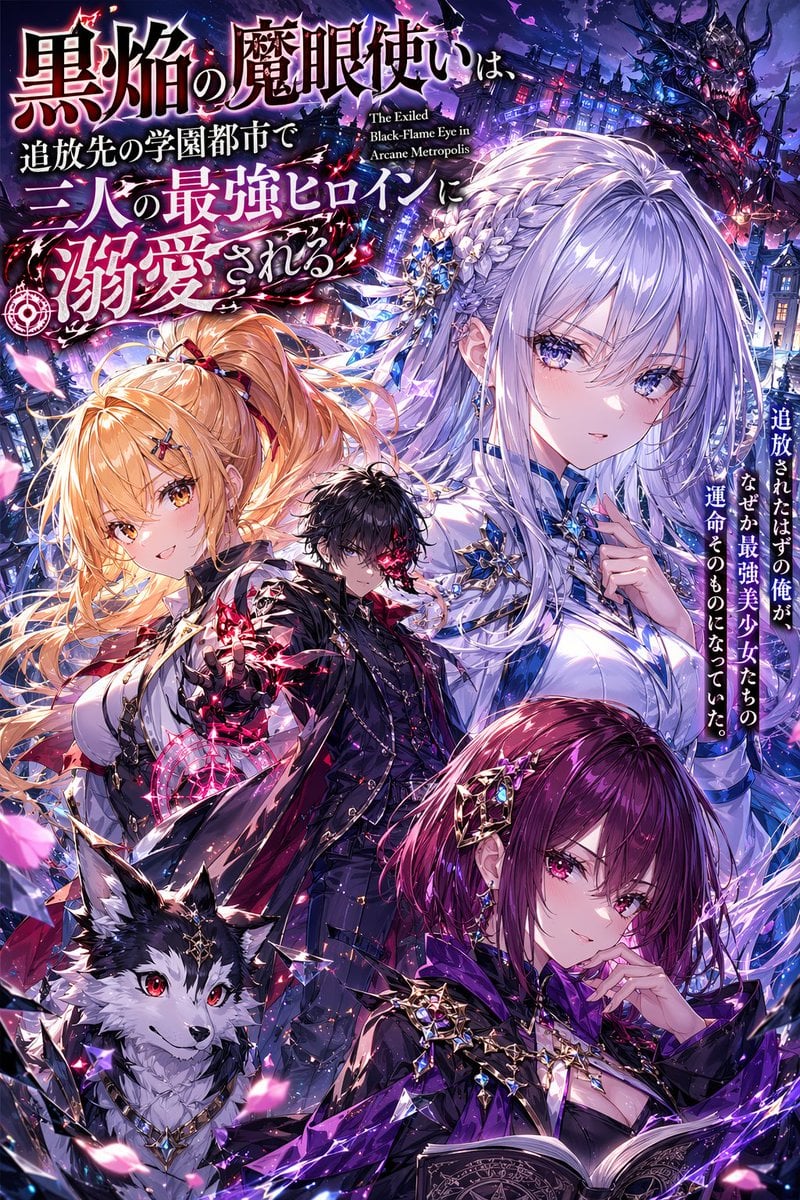
Anime Light Novel Cover with Typography
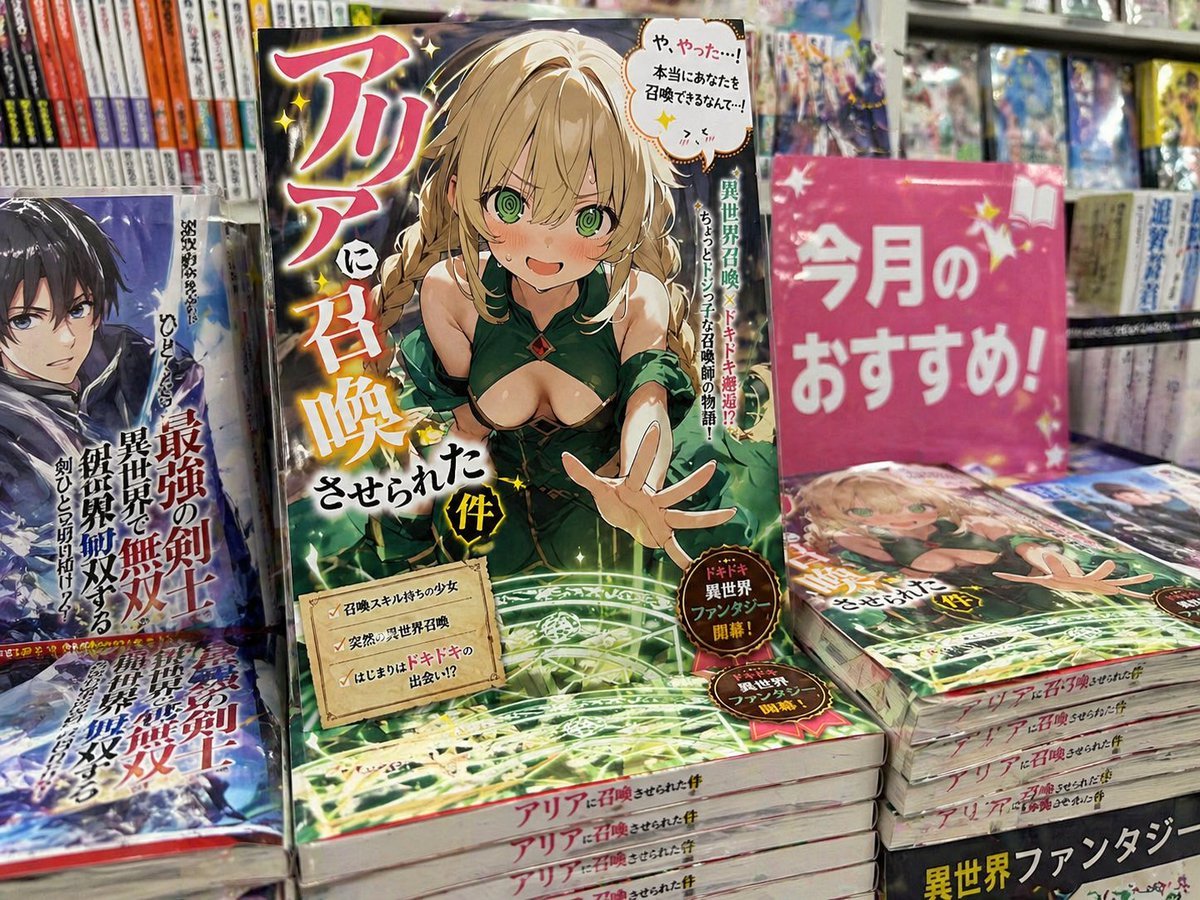
Light novel cover and bookstore display

Japanese Jungle Theme Park Parody Poster
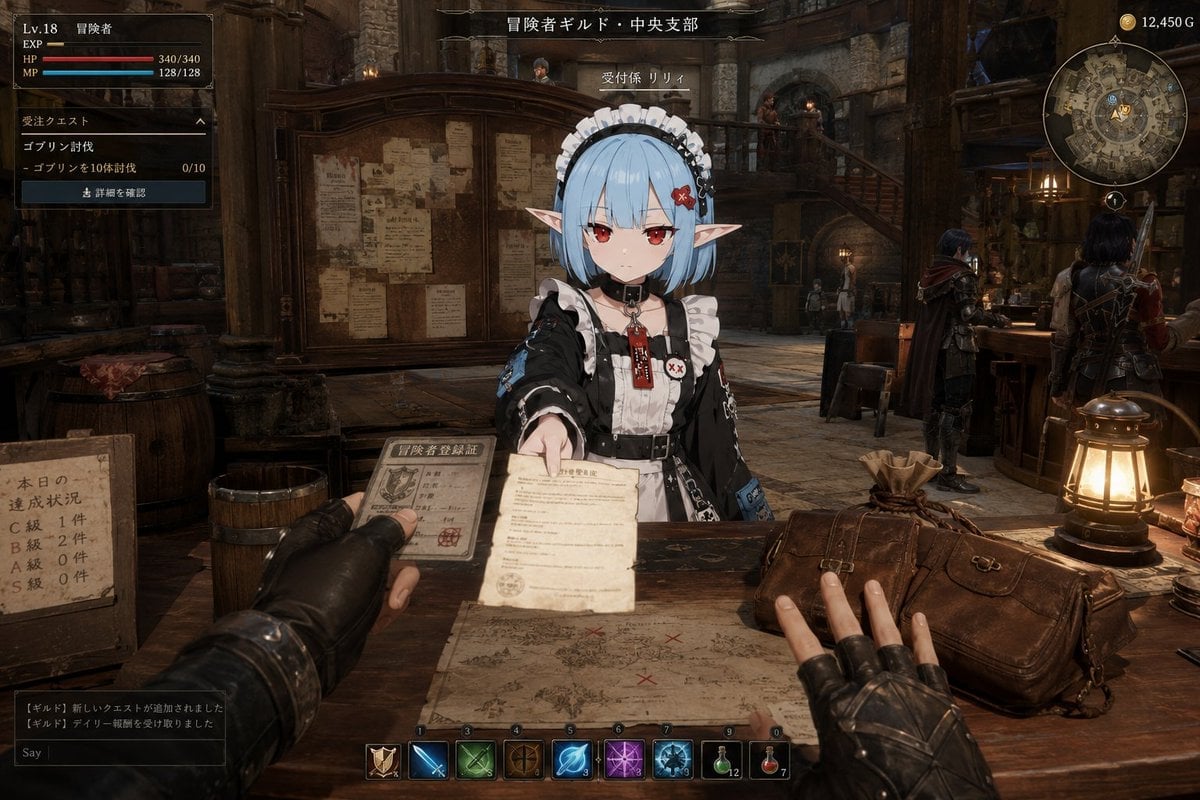
Isekai Guild Receptionist Character Transform
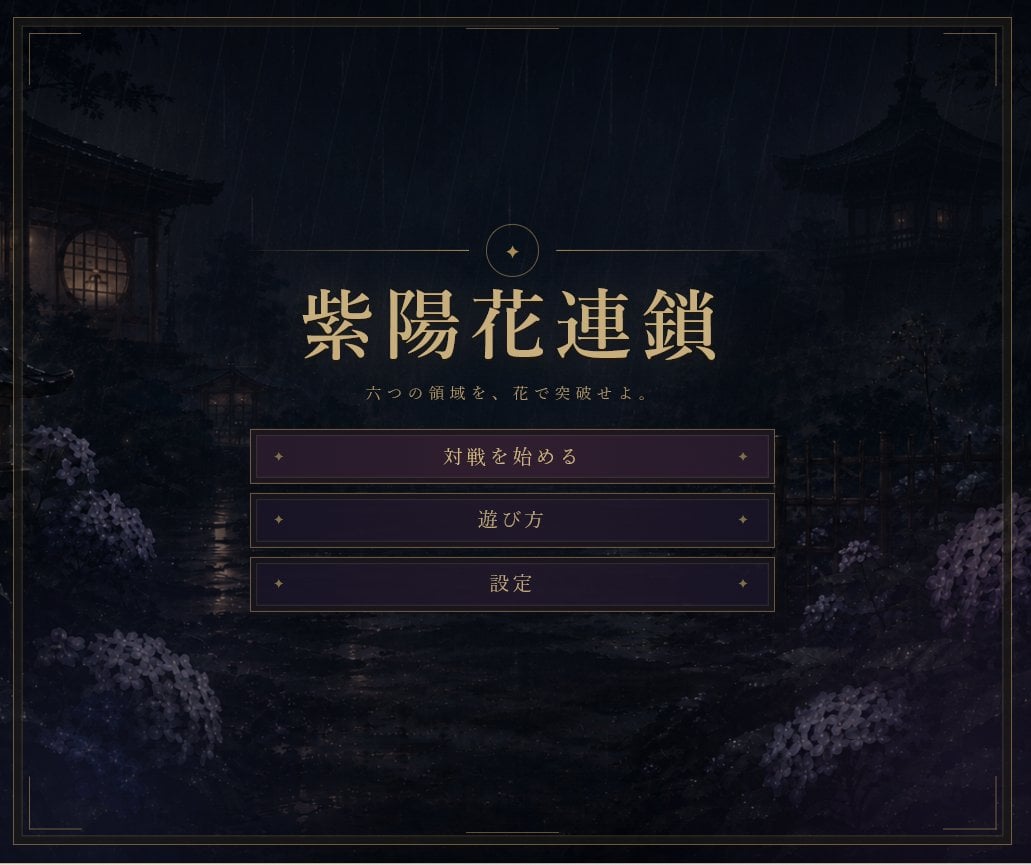
Rainy Japanese Visual Novel Title Screen
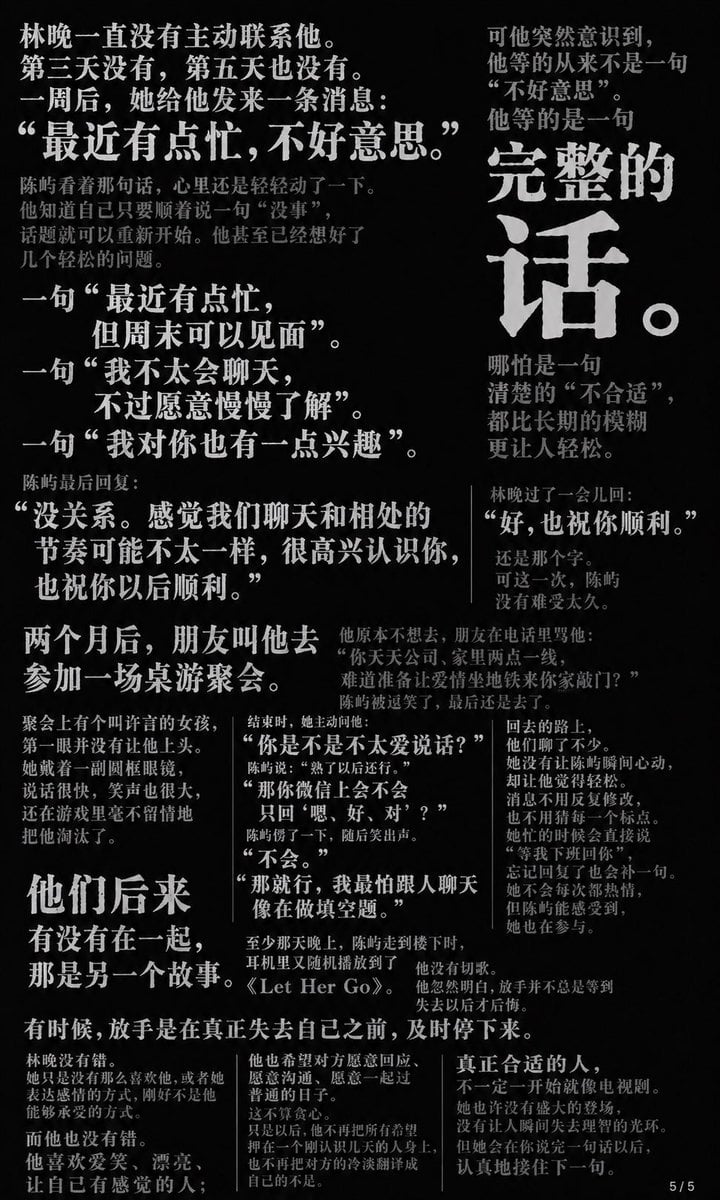
Chinese Novel Quote Typography Poster
Make it yours
Parody Isekai Edgelord Novel Cover works as-is. These are the safest ways to change it without losing the look.
Change one field
Copy a single group, rewrite it, and generate again so you can see what that field is doing.
Keep the frame, change the subject
Hold the composition and light of Parody Isekai Edgelord Novel Cover, then swap wardrobe, props or the person for a new take.
| If the result… | Why | Fix |
|---|---|---|
| The result drifts from the preview | Too many fields changed at once. | Reuse Parody Isekai Edgelord Novel Cover as-is first, then change one group — subject, light, or setting. |
| The model over-stylizes the scene | The prose prompt leaves finish and camera underspecified. | Add one camera or lighting sentence and stay on GPT Image 2. |
More GPT Image 2 templates
Other prompts made for GPT Image 2.

Six VTuber Japanese Logo Sheet

Realistic Portrait of Woman and Deer

The Vista Modular Condo Poster

AI Model Routing Comparison Infographic

2.5D Anime Art Board

Isometric Productivity Desk Scene

New York Double Exposure Poster

Four-Panel AI Landscape Comparison

Japanese Tatami Lifestyle Magazine Cover

NESCAFÉ Coffee Map Poster
More image prompts
Fresh picks from across the catalog.
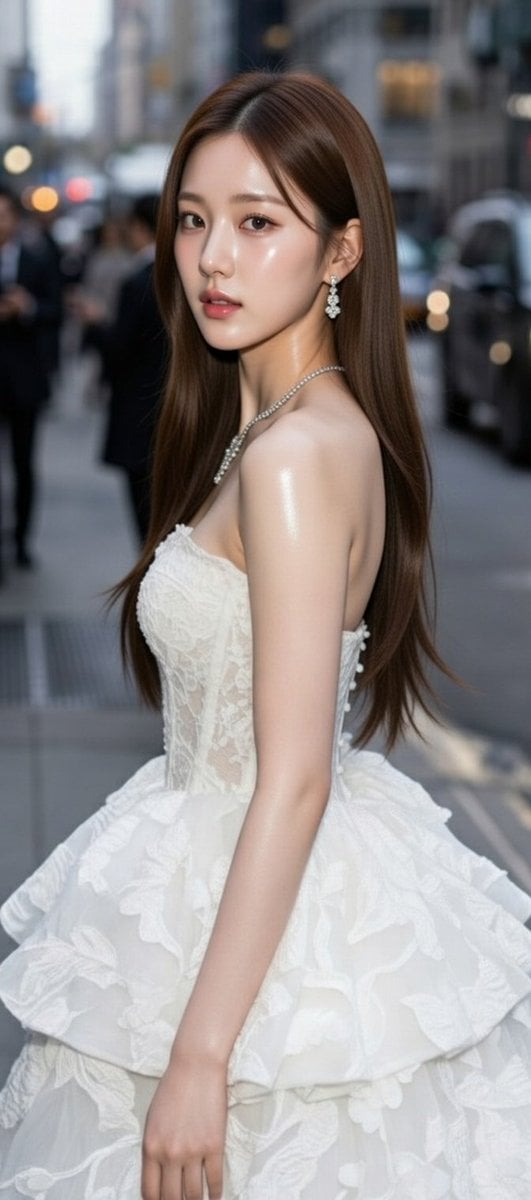
High-Fashion Candid Portrait of Zhao Lusi

NOVALITH SaaS Pitch Deck Grid
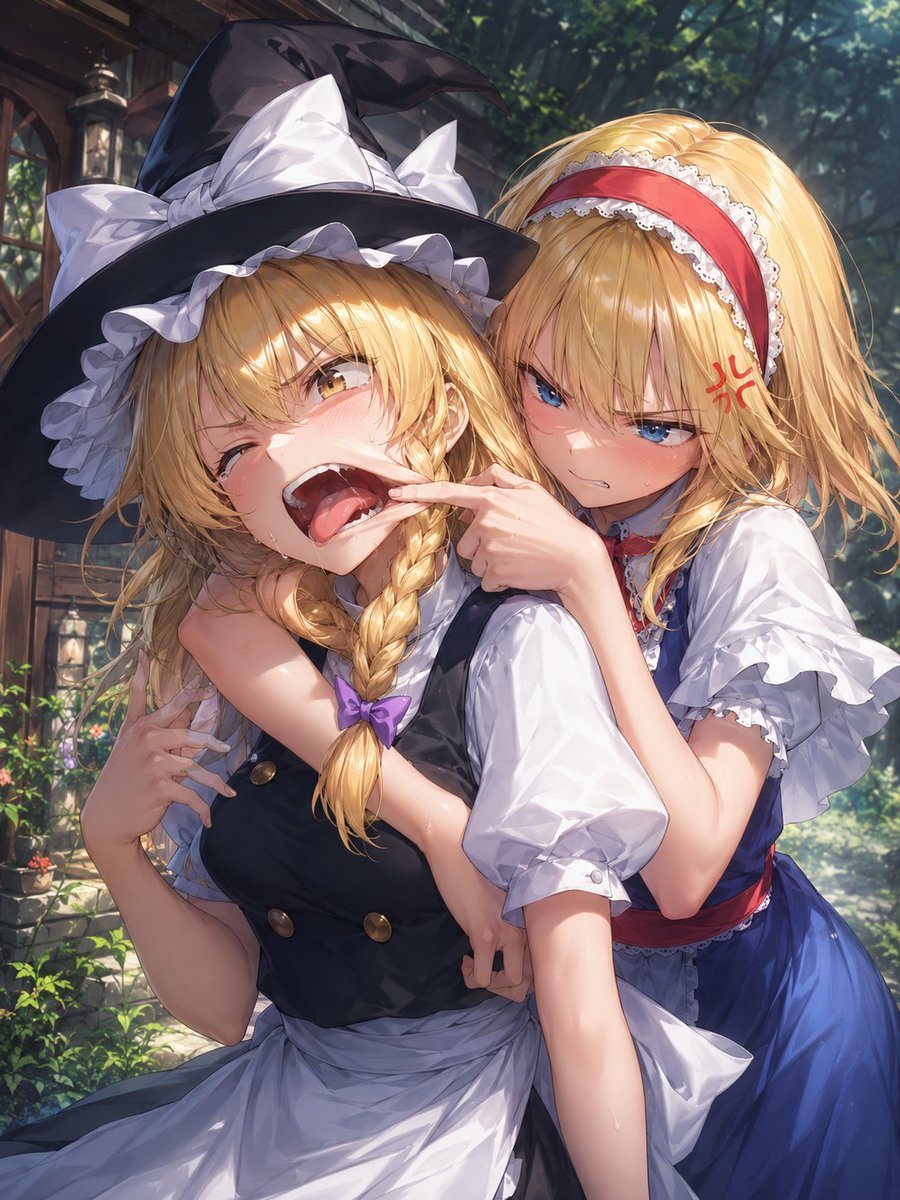
Playful Anime Witch Cheek Pull
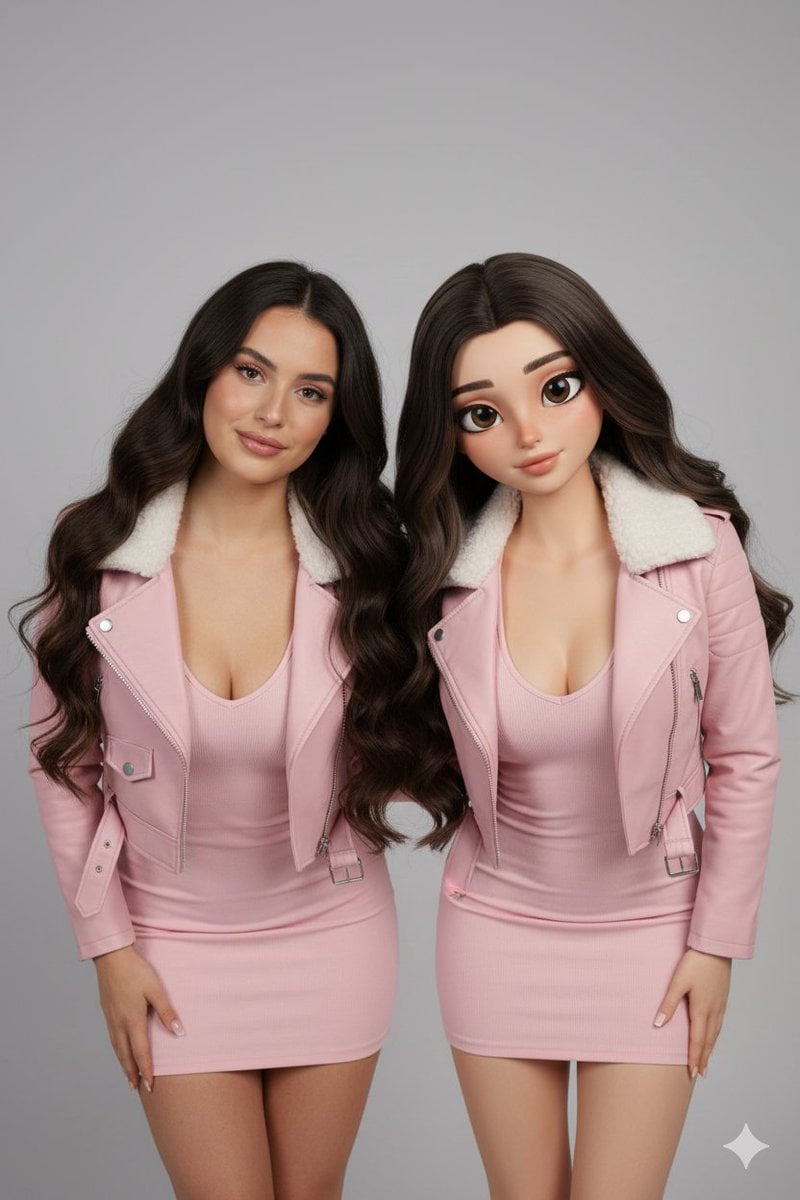
Realistic Human vs. 3D Character Side-by-Side Prompt

High-Fidelity Night Marina Flash Photo

Antarctic Penguin Encounter Photograph Prompt
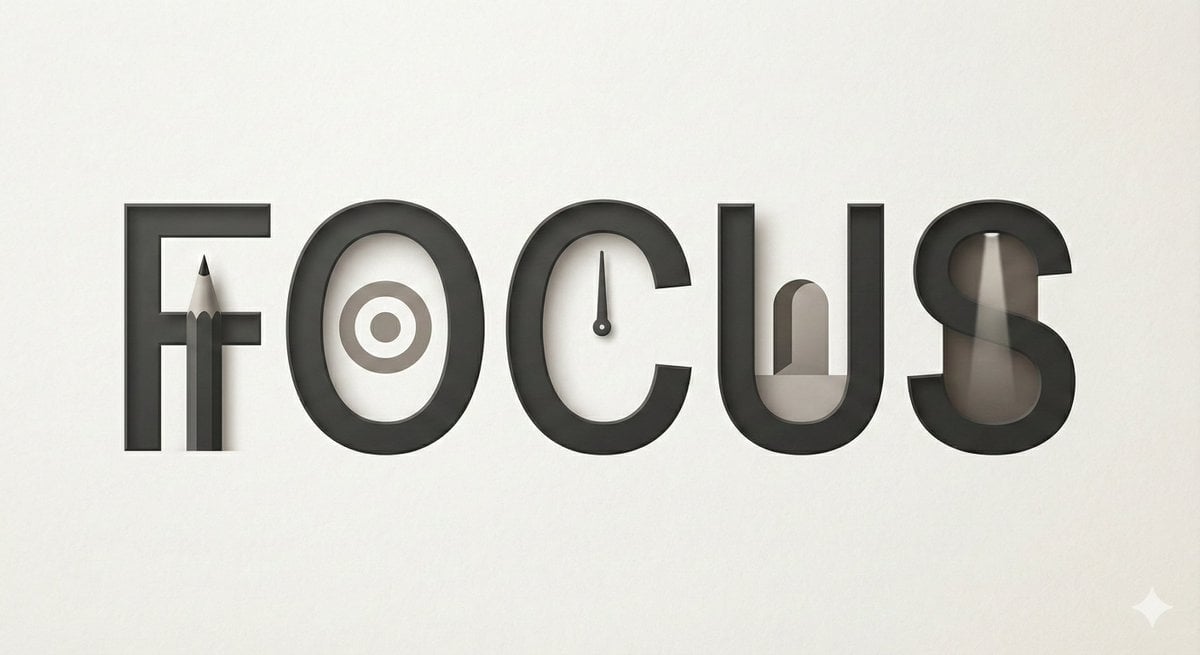
Minimalist Typographic Illustration Conveying Meaning
Retro Robot Powering Illo with Codex

HIX.AI Slide Update Banner
Ultra Realistic Studio Portrait Prompt for Nano Banana Pro
Browse template categories
Parody Isekai Edgelord Novel Cover questions
How do I use the Parody Isekai Edgelord Novel Cover template?
Add your photo if the template asks for one, edit the prompt if you like — the template's model and format are already selected — and press Generate. Your version opens in PicX Studio.
Can I customize the Parody Isekai Edgelord Novel Cover template?
Yes. You can change the subject, setting, lighting, mood, format, and available model controls before creating your image.
Is the Parody Isekai Edgelord Novel Cover template free?
Opening and editing this template is free. Generating uses credits, shown on the Generate button when you are signed in.
Which AI model should I use?
Start with GPT Image 2, which is the model associated with this template. You can compare another compatible model for a different finish.
Looking for something else? Browse all templates.

Your photo, any look
Thousands of ready templates for every top image and video model, from one credit balance.