
Anime Noodle Advertisement Banner
Generates a vibrant, text-heavy Japanese promotional banner featuring an anime character, a product mockup, and a steaming bowl of noodles.
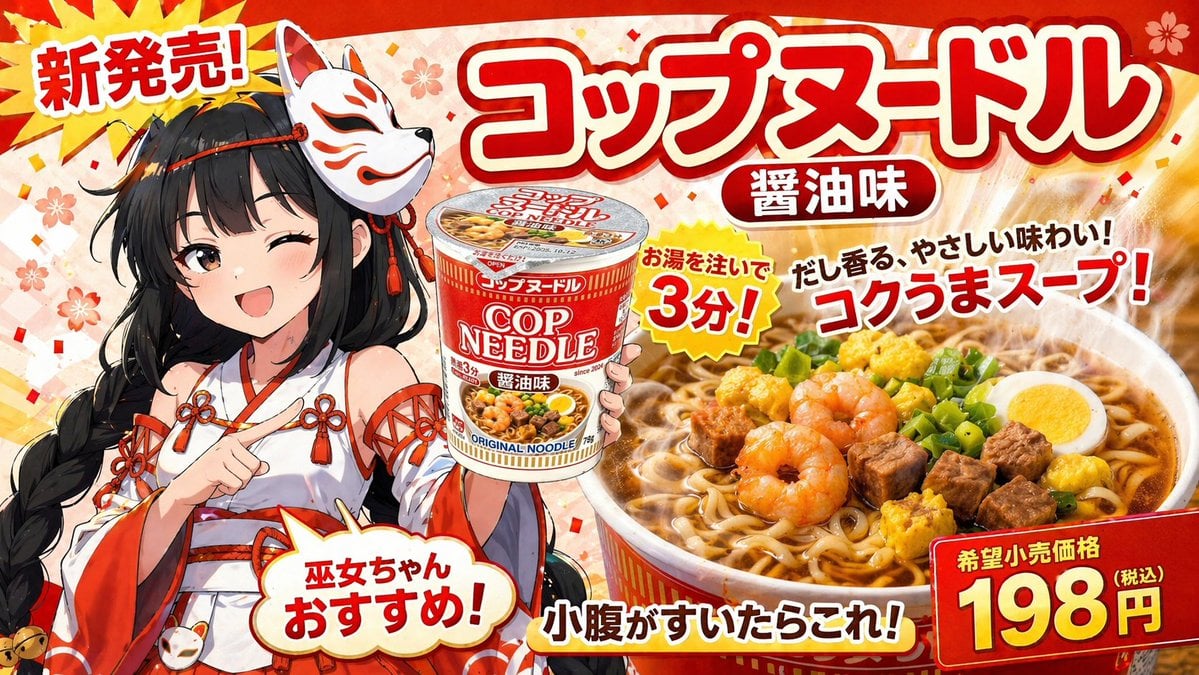
- Prompt included
- Model and format preset
- Free template
The prompt behind this image
Copy the exact prompt behind Anime Noodle Advertisement Banner, or open it in the studio and make it yours.
- Type
- Japanese promotional banner advertisement
- Background
- vibrant red with subtle sakura cherry blossom patterns and gold confetti
- Character › Style
- anime
- Character › Appearance
- young woman with long black braided hair, wearing a fox mask on the side of her head
- Character › Outfit
- {argument name="character outfit" default="red and white miko shrine maiden dress with decorative knots"}
- Character › Pose
- winking, smiling energetically, pointing at the product cup
- Product › Description
- instant noodle cup mockup
- Product › Design
- red and white packaging with 'COP NEEDLE' and '醤油味' text
- Food Shot › Description
- large steaming bowl of ramen noodles
- Food Shot › Toppings
- 3 shrimp, cubed meat, half boiled egg, scallions, yellow egg bits
- Typography And Layout › Text Elements Count
- 8
- Typography And Layout › Elements › 0 › Position
- top-left starburst
- Typography And Layout › Elements › 0 › Text
- {argument name="top left burst text" default="新発売!"}
- Typography And Layout › Elements › 1 › Position
- top-center huge 3D title
- Typography And Layout › Elements › 1 › Text
- {argument name="main product name" default="コップヌードル"}
- Typography And Layout › Elements › 2 › Position
- below main title pill
- Typography And Layout › Elements › 2 › Text
- 醤油味
- Typography And Layout › Elements › 3 › Position
- center yellow jagged burst
- Typography And Layout › Elements › 3 › Text
- お湯を注いで 3分!
- Typography And Layout › Elements › 4 › Position
- mid-right floating text
- Typography And Layout › Elements › 4 › Text
- {argument name="catchphrase text" default="だし香る、やさしい味わい!コクうまスープ!"}
- Typography And Layout › Elements › 5 › Position
- bottom-left speech bubble
- Typography And Layout › Elements › 5 › Text
- 巫女ちゃんおすすめ!
- Typography And Layout › Elements › 6 › Position
- bottom-center text
Raw JSON
{
  "type": "Japanese promotional banner advertisement",
  "background": "vibrant red with subtle sakura cherry blossom patterns and gold confetti",
  "character": {
    "style": "anime",
    "appearance": "young woman with long black braided hair, wearing a fox mask on the side of her head",
    "outfit": "{argument name=\"character outfit\" default=\"red and white miko shrine maiden dress with decorative knots\"}",
    "pose": "winking, smiling energetically, pointing at the product cup"
  },
  "product": {
    "description": "instant noodle cup mockup",
    "design": "red and white packaging with 'COP NEEDLE' and '醤油味' text"
  },
  "food_shot": {
    "description": "large steaming bowl of ramen noodles",
    "toppings": ["3 shrimp", "cubed meat", "half boiled egg", "scallions", "yellow egg bits"]
  },
  "typography_and_layout": {
    "text_elements_count": 8,
    "elements": [
      { "position": "top-left starburst", "text": "{argument name=\"top left burst text\" default=\"新発売!\"}" },
      { "position": "top-center huge 3D title", "text": "{argument name=\"main product name\" default=\"コップヌードル\"}" },
      { "position": "below main title pill", "text": "醤油味" },
      { "position": "center yellow jagged burst", "text": "お湯を注いで 3分!" },
      { "position": "mid-right floating text", "text": "{argument name=\"catchphrase text\" default=\"だし香る、やさしい味わい!コクうまスープ!\"}" },
      { "position": "bottom-left speech bubble", "text": "巫女ちゃんおすすめ!" },
      { "position": "bottom-center text", "text": "小腹がすいたらこれ!" },
      { "position": "bottom-right red price box", "text": "{argument name=\"price text\" default=\"198円\"}" }
    ]
  }
}How to use Anime Noodle Advertisement Banner in 3 steps
- 1Upload ImagePNG, JPG or paste
Add your photo
Upload the photo the template builds on. The prompt, model and format are already set.
- 2…a portrait of your subject in softgolden-hour light, 85mm…
Personalize
Edit the subject and creative details for your destination.
- 3Generate
Generate
Press Generate — your image is created in PicX Studio, so you can compare it with the original and refine one variable at a time.
More like this
Templates with the same subject, style or setup. Open one to see its prompt.












Make it yours
Anime Noodle Advertisement Banner works as-is. These are the safest ways to change it without losing the look.
Swap the setting
Keep the rest of the prompt and replace the location block. The current setting is “vibrant red with subtle sakura cherry blossom patterns and gold confetti”.
Change one field
Copy a single group, rewrite it, and generate again so you can see what that field is doing.
Keep the frame, change the subject
Hold the composition and light of Anime Noodle Advertisement Banner, then swap wardrobe, props or the person for a new take.
| If the result… | Why | Fix |
|---|---|---|
| The result drifts from the preview | Too many fields changed at once. | Reuse Anime Noodle Advertisement Banner as-is first, then change one group — subject, light, or setting. |
| GPT Image 2 ignores part of the JSON | Some models flatten or skip nested keys. | Keep the same values and paste them as a short paragraph instead. |
More GPT Image 2 templates
Other prompts made for GPT Image 2.

Six VTuber Japanese Logo Sheet

Realistic Portrait of Woman and Deer

The Vista Modular Condo Poster

AI Model Routing Comparison Infographic

2.5D Anime Art Board

Isometric Productivity Desk Scene

New York Double Exposure Poster

Four-Panel AI Landscape Comparison

Japanese Tatami Lifestyle Magazine Cover

NESCAFÉ Coffee Map Poster
More image prompts
Fresh picks from across the catalog.
K-Pop Style Food Ad with Doodles
Double Exposure Somber City Silhouette
Fashion Editorial Portrait in Modern Bathroom
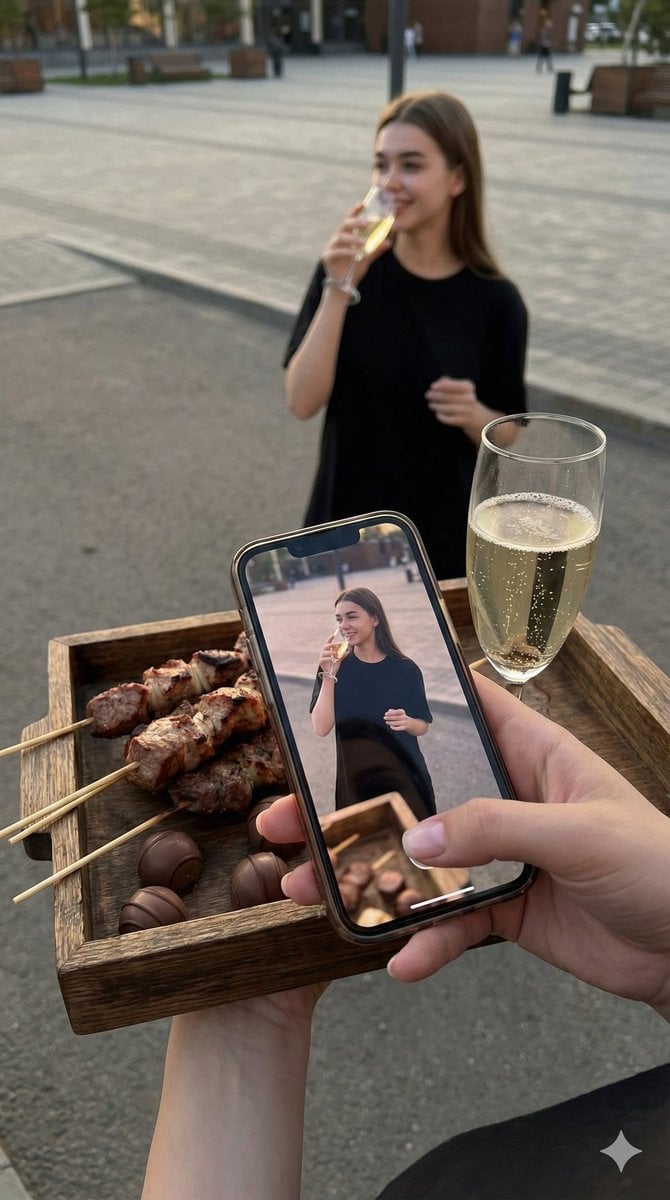
Overhead Smartphone Reflection Photo with Identity Lock
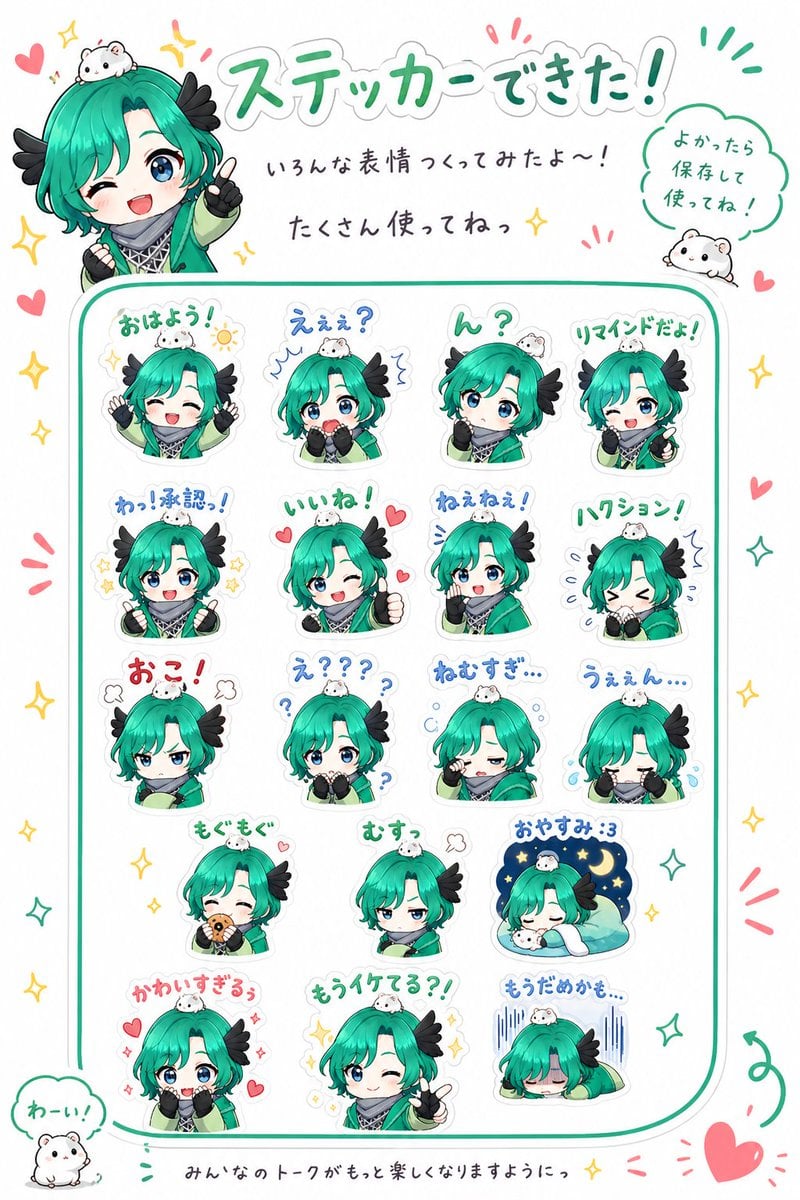
Chibi Character Sticker Sheet Ad
untitled
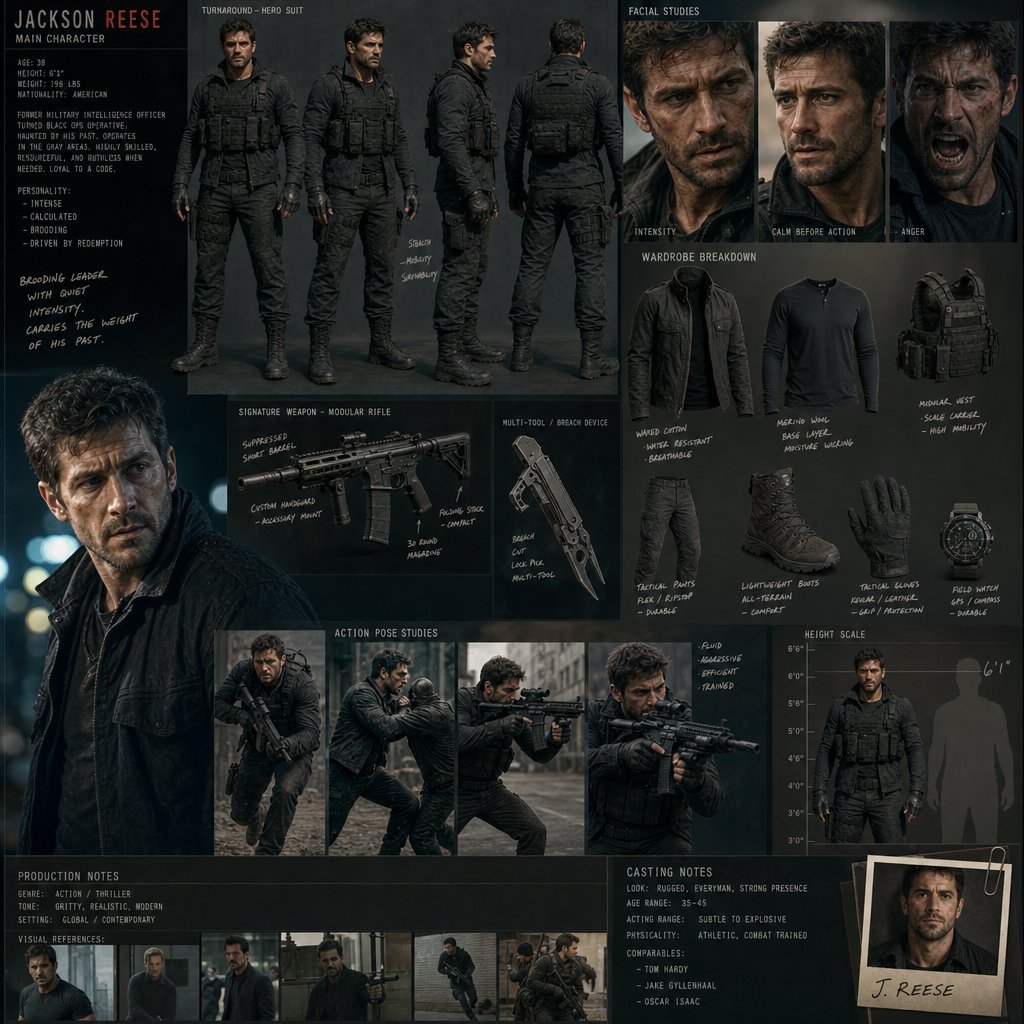
Hollywood Action Film Character Board
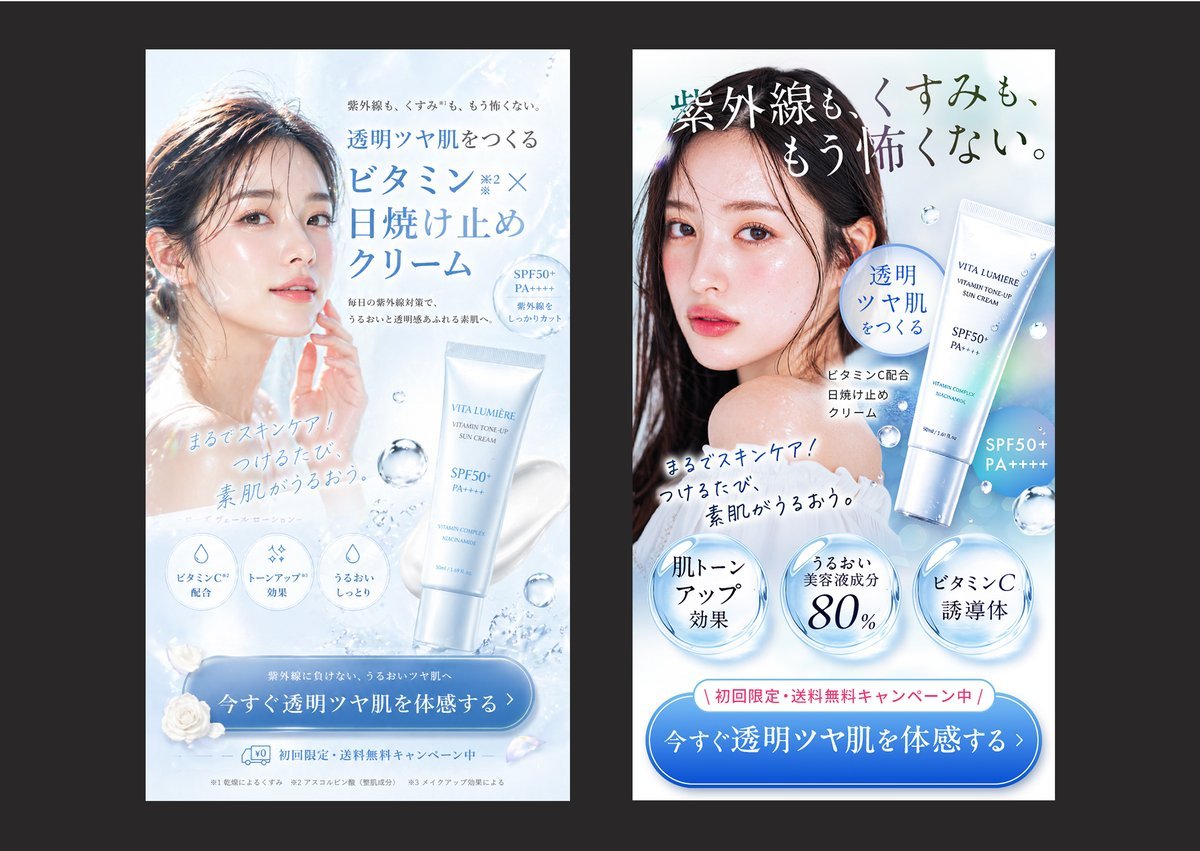
Japanese Skincare Ad Comparison

Handwritten Cafe Photo Annotations
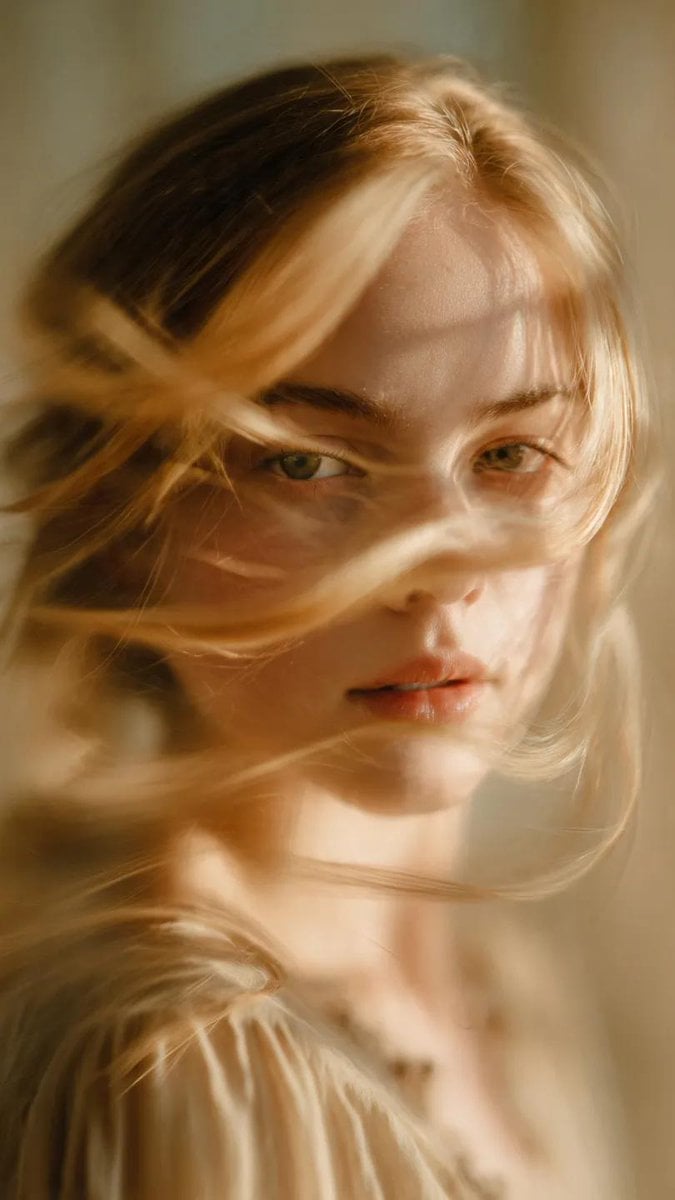
Soft-Focus Ethereal Portrait with Motion Blur
Browse template categories
Anime Noodle Advertisement Banner questions
How do I use the Anime Noodle Advertisement Banner template?
Add your photo if the template asks for one, edit the prompt if you like — the template's model and format are already selected — and press Generate. Your version opens in PicX Studio.
Can I customize the Anime Noodle Advertisement Banner template?
Yes. You can change the subject, setting, lighting, mood, format, and available model controls before creating your image.
Is the Anime Noodle Advertisement Banner template free?
Opening and editing this template is free. Generating uses credits, shown on the Generate button when you are signed in.
Which AI model should I use?
Start with GPT Image 2, which is the model associated with this template. You can compare another compatible model for a different finish.
Looking for something else? Browse all templates.

Your photo, any look
Thousands of ready templates for every top image and video model, from one credit balance.