
Japanese Skincare Ad Comparison
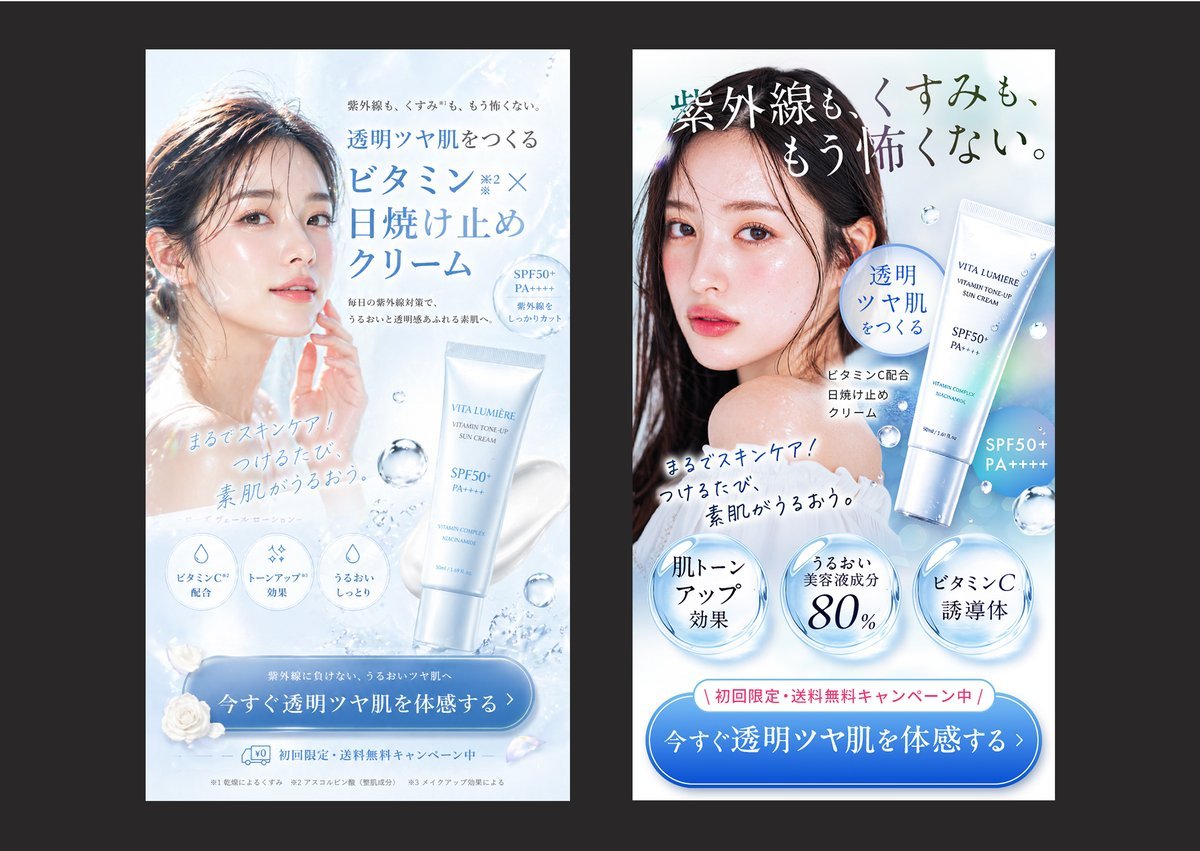
A side-by-side Japanese sunscreen beauty ad comparison useful for illustrating the difference between a polished creative and a more conversion-focused advertising design.
- Prompt included
- Model and format preset
- Free template
The prompt behind this image
Copy the exact prompt behind Japanese Skincare Ad Comparison, or open it in the studio and make it yours.
Create a side-by-side comparison image showing 2 vertical Japanese skincare advertisement banners on a dark charcoal background, each banner framed as a clean smartphone-style ad mockup with a white and icy blue beauty aesthetic. The left banner should look elegant and visually polished but less sales-driven: a soft backlit close-up of a woman with wet-looking dark hair and luminous bare skin, her face partially obscured by a centered rectangular blur block, pale blue water textures, floating droplets, a white-and-silver sunscreen tube labeled {argument name="product name" default="VITA LUMIÈRE"} near the lower right, refined Japanese serif and sans-serif typography, and a large blue rounded CTA button at the bottom. Include the headline in Japanese: 「透明ツヤ肌をつくる ビタミンC×日焼け止めクリーム」, small supporting copy above and below, 3 circular benefit icons near the lower middle, the handwritten-style subcopy 「まるでスキンケア!つけるたび、素肌がうるおう。」, and a bottom CTA button reading 「今すぐ透明ツヤ肌を体感する」. The right banner should be a stronger direct-response version of the same product and model, with clearer hierarchy, bolder copy, and more persuasive conversion elements: a larger dramatic Japanese headline across the top reading 「紫外線も、くすみも、もう怖くない。」, the same model again with a centered rectangular blur over the face, the product tube shown larger on the right, a blue speech-bubble badge reading 「透明ツヤ肌をつくる」, the same handwritten-style subcopy angled across the chest area, 3 large glossy circular claim badges along the lower middle reading 「肌トーンアップ効果」, 「うるおい美容液成分80%」, and 「ビタミンC誘導体」, plus a pink campaign strip above the CTA reading 「初回限定・送料無料キャンペーン中」. The right CTA button should be larger and more prominent, reading 「今すぐ透明ツヤ肌を体感する」. Use a bright cool palette of white, ice blue, silver, and faint holographic highlights, realistic cosmetic product rendering, soft water splash accents, translucent bubbles, premium Japanese beauty-ad styling, high contrast between headline and CTA, and a clear visual impression that the right ad is more persuasive and conversion-optimized than the left.
How to use Japanese Skincare Ad Comparison in 3 steps
- 1Upload ImagePNG, JPG or paste
Add your photo
Upload the photo the template builds on. The prompt, model and format are already set.
- 2…a portrait of your subject in softgolden-hour light, 85mm…
Personalize
Edit the subject and creative details for your destination.
- 3Generate
Generate
Press Generate — your image is created in PicX Studio, so you can compare it with the original and refine one variable at a time.
More like this
Templates with the same subject, style or setup. Open one to see its prompt.

Minecraft Japanese Research Lab Exploration

Japanese Architectural Concrete Studio Fashion Campaign

Japanese Minimalist Concrete Studio Fashion Editorial

Blue Backdrop Luxury Fashion Portrait Campaign

Minimalist Skincare Product Water Stone Still

Botanical Skincare Minimal Product Advertising
Minimalist Skincare Product Water Stone Still
Round Tabletop Mirror Skincare Selfie
Japanese Skincare Lotion Ad

Japanese Film Reflection Idol

Skin Comparison Portrait — Nano Banana Pro

01 Skincare Split Portrait — Nano Banana 2
Make it yours
Japanese Skincare Ad Comparison works as-is. These are the safest ways to change it without losing the look.
Change one field
Copy a single group, rewrite it, and generate again so you can see what that field is doing.
Keep the frame, change the subject
Hold the composition and light of Japanese Skincare Ad Comparison, then swap wardrobe, props or the person for a new take.
| If the result… | Why | Fix |
|---|---|---|
| The result drifts from the preview | Too many fields changed at once. | Reuse Japanese Skincare Ad Comparison as-is first, then change one group — subject, light, or setting. |
| The model over-stylizes the scene | The prose prompt leaves finish and camera underspecified. | Add one camera or lighting sentence and stay on GPT Image 2. |
More GPT Image 2 templates
Other prompts made for GPT Image 2.

Realistic Portrait of Woman and Deer

The Vista Modular Condo Poster

2.5D Anime Art Board

Isometric Productivity Desk Scene

New York Double Exposure Poster

NESCAFÉ Coffee Map Poster

Brutalist Cogito Chinese Typography Poster

Cinematic Luxury Terrace Portrait
Superhero Era Transformation Split Portrait
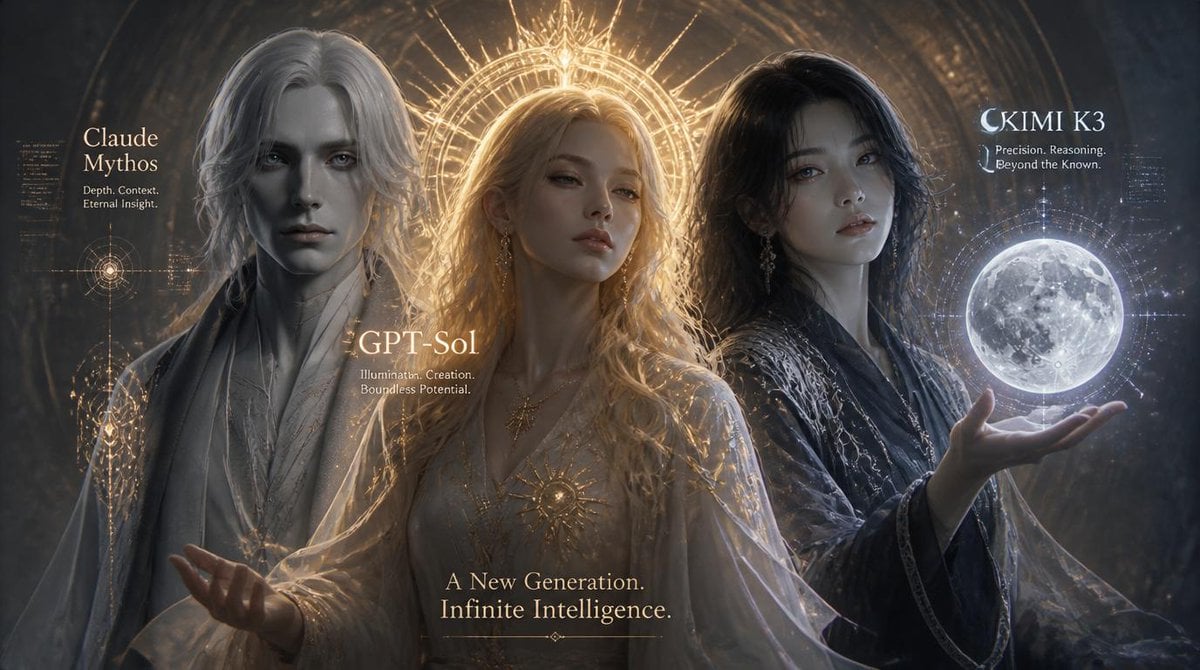
Three AI Deities Fantasy Poster
More image prompts
Fresh picks from across the catalog.
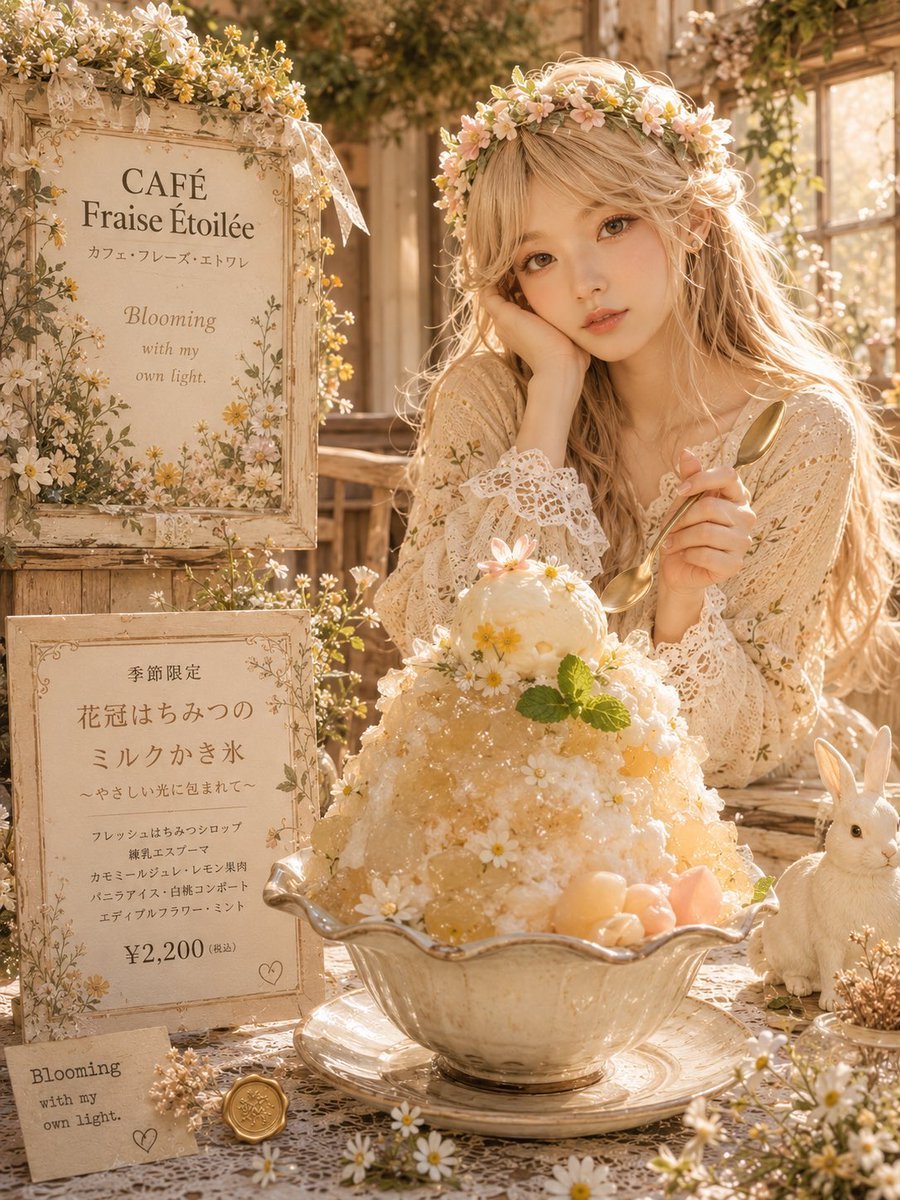
Cottagecore Shaved Ice Café Ad
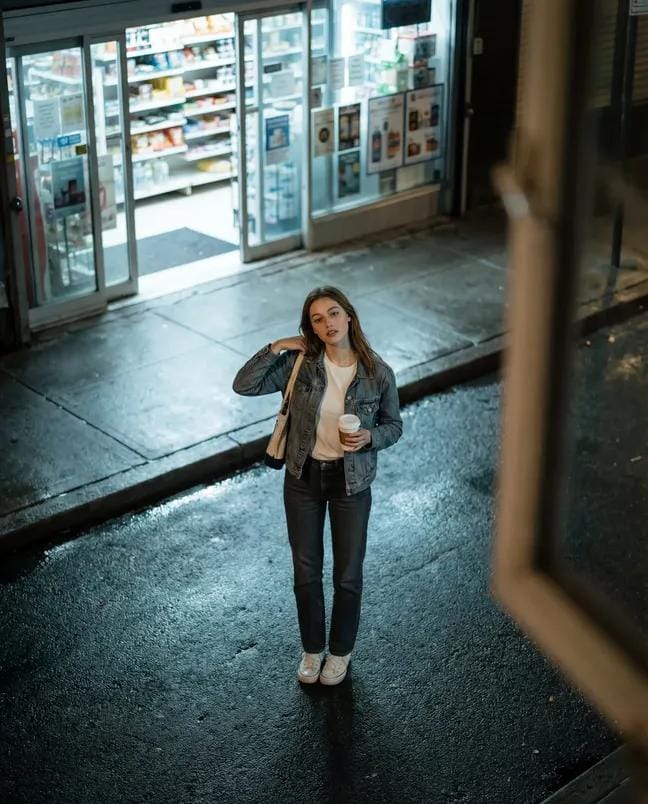
High-Angle Night Street Fashion Photograph

Ultra-realistic Cinematic Portrait of a Man with a Luxury Sports Car

Infinite Decorative Text Generator Prompt for Nano Banana 2
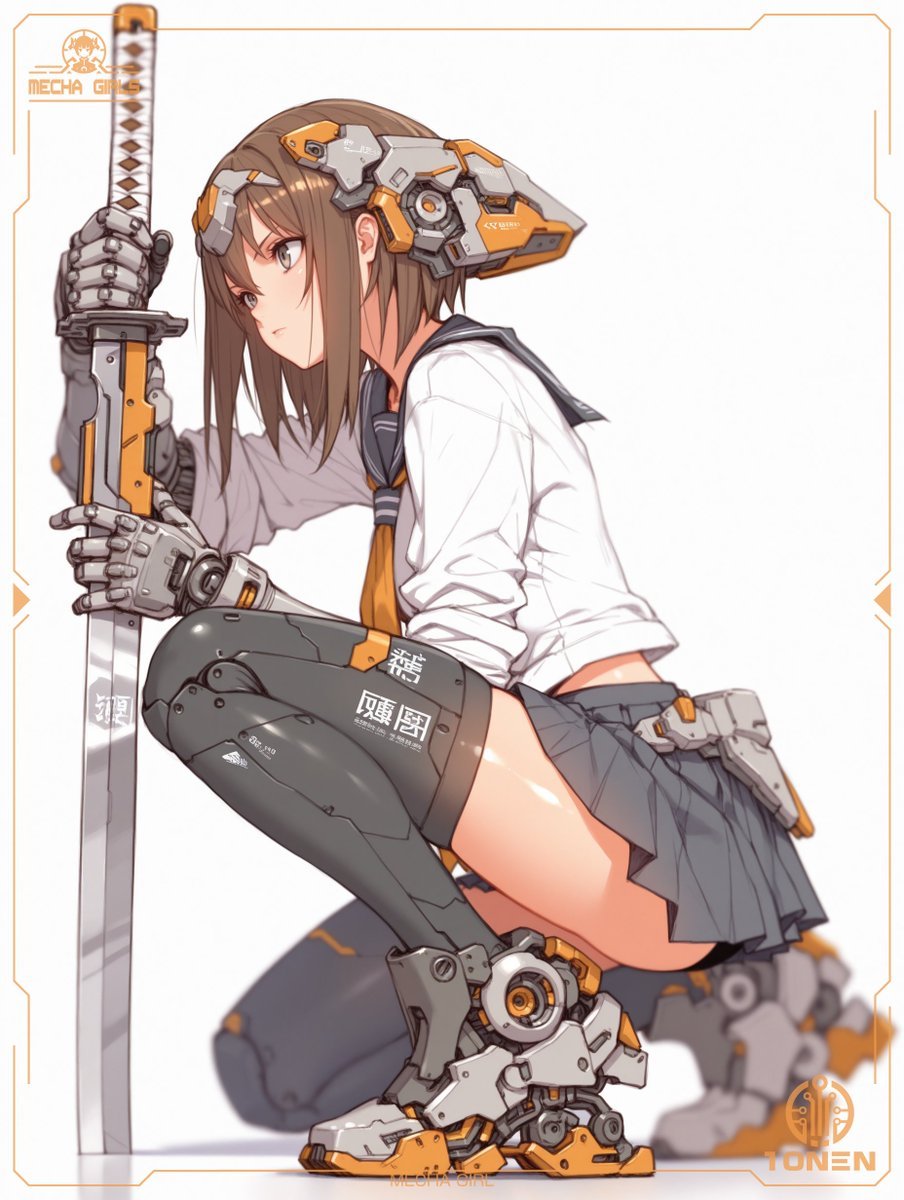
Mecha Schoolgirl Katana Action Poster
Pop Swan Lake Birthday Poster
Automotive poster transformation prompt
Crayon Style Image Reinterpretation
Studio Portrait with Tattoo and Chunky Knit Sweater Prompt
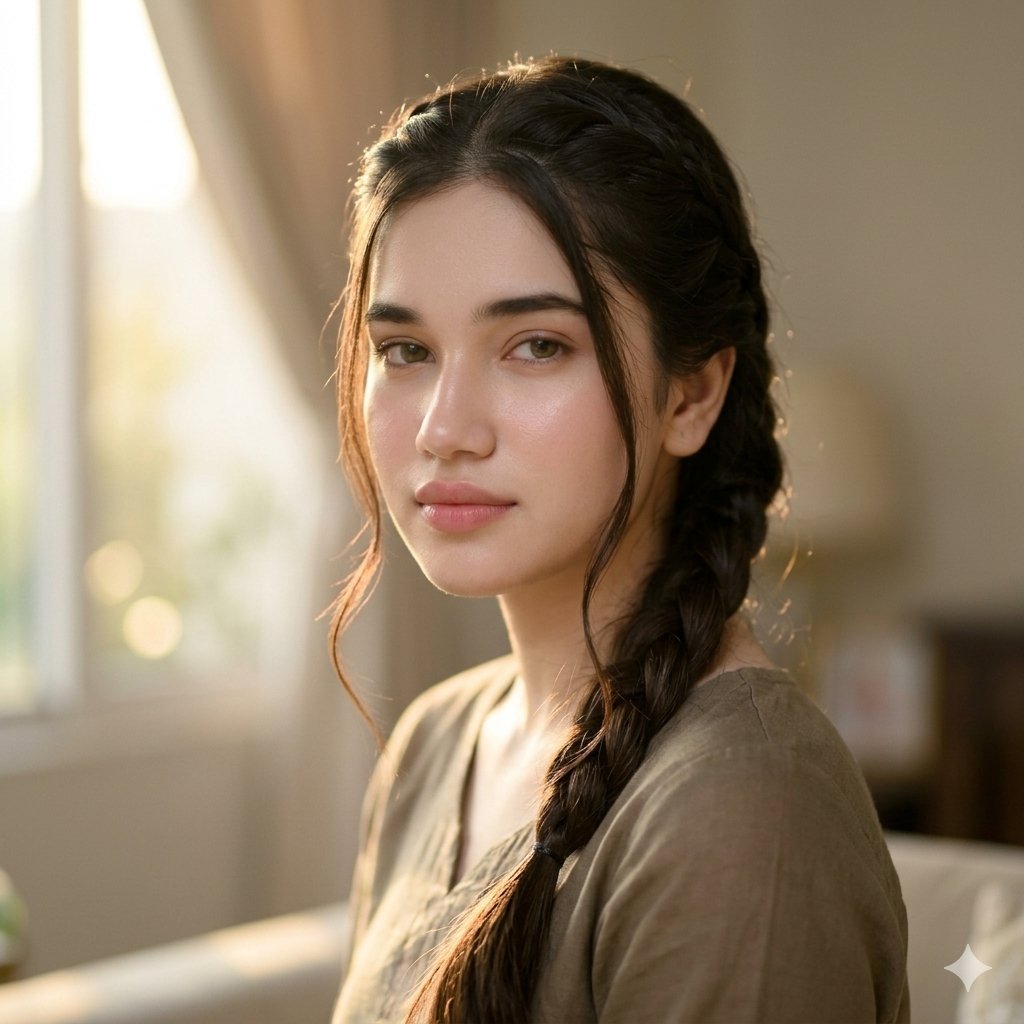
Golden Hour Indian Woman Portrait
Browse template categories
Japanese Skincare Ad Comparison questions
How do I use the Japanese Skincare Ad Comparison template?
Add your photo if the template asks for one, edit the prompt if you like — the template's model and format are already selected — and press Generate. Your version opens in PicX Studio.
Can I customize the Japanese Skincare Ad Comparison template?
Yes. You can change the subject, setting, lighting, mood, format, and available model controls before creating your image.
Is the Japanese Skincare Ad Comparison template free?
Opening and editing this template is free. Generating uses credits, shown on the Generate button when you are signed in.
Which AI model should I use?
Start with GPT Image 2, which is the model associated with this template. You can compare another compatible model for a different finish.
Looking for something else? Browse all templates.

Your photo, any look
Thousands of ready templates for every top image and video model, from one credit balance.