
Mecha Schoolgirl Katana Action Poster
Generates a vertical anime action mecha girl illustration with school uniform styling, cybernetic armor, HUD border, and a planted katana.
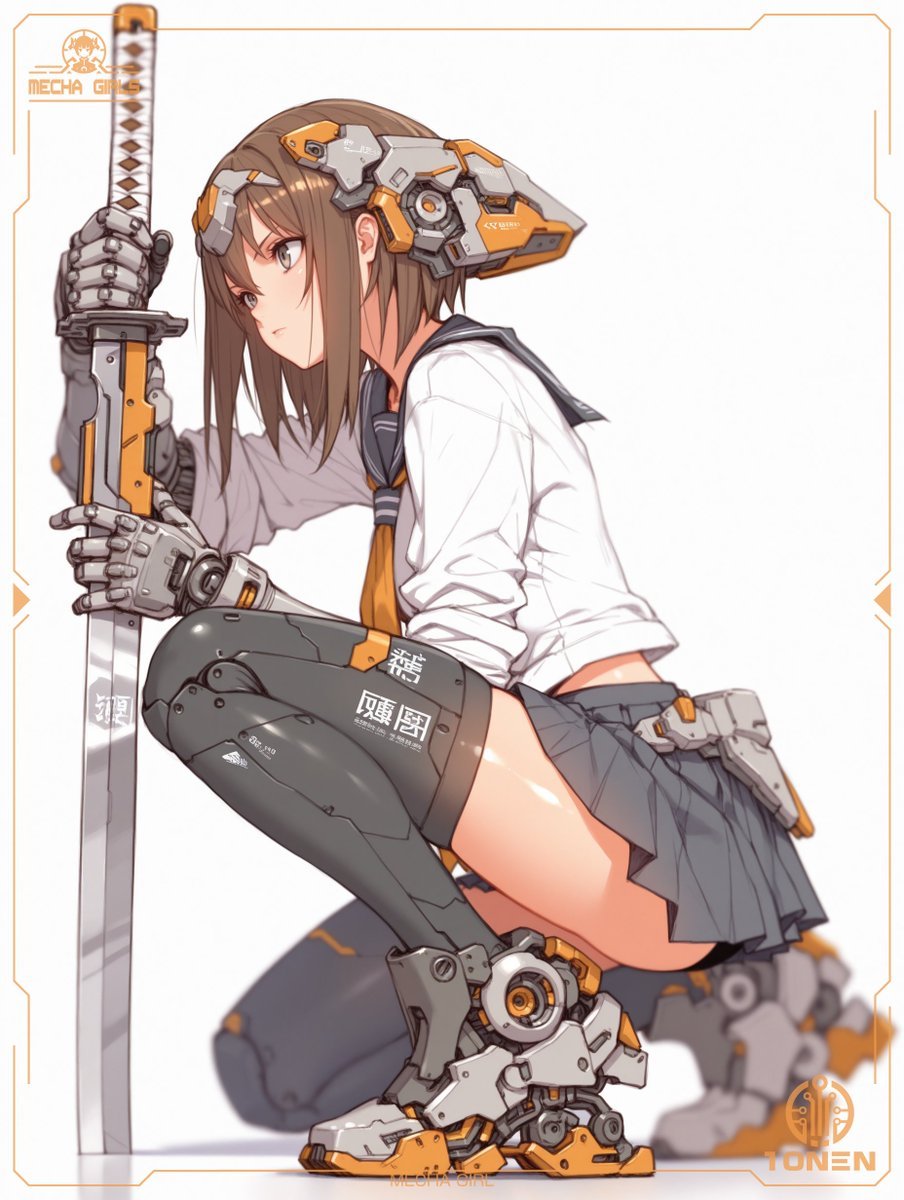
- Prompt included
- Model and format preset
- Free template
The prompt behind this image
Copy the exact prompt behind Mecha Schoolgirl Katana Action Poster, or open it in the studio and make it yours.
Create a vertical 3:4 anime mecha-girl illustration on a clean white background, framed by a thin orange sci-fi HUD border with clipped corners and small side ticks. Show exactly one teenage anime action mecha girl crouching in a low side pose, leaning forward and staring downward, with straight medium-length {argument name="hair color" default="brown"} hair partially covering her face; place a flat opaque tan rectangular censor block over the central face area. She wears a white sailor-style school blouse with rolled sleeves, a dark navy collar and scarf, an orange necktie, and a short pleated dark gray skirt. Add exactly five major mechanical elements: one oversized gray-and-orange cybernetic helmet/ear visor wrapped around the side and back of her head, two segmented robotic gauntlet hands, and two bulky gray-white-orange mechanical leg/foot assemblies. She grips exactly one long vertical katana planted beside her body on the left; the katana has a white-and-brown diamond-pattern handle, mechanical guard, silver blade, and orange/gray tech fittings. Her left thigh is covered by a dark armored high stocking or leg plate with white stencil markings including Japanese-style characters, and her exposed upper thigh is glossy with anime highlights. Use crisp cel-shaded line art, soft gradients, detailed hard-surface mecha panels, orange accent color, and shallow depth-of-field blur on the rear leg. Include exactly two visible logos/text marks: top-left small orange logo reading {argument name="top left logo" default="MECHA GIRLS"} with a tiny chibi/mecha-girl icon, and bottom-right orange circular tech emblem with text reading {argument name="bottom right logo" default="IONEN"}. Add tiny bottom-center orange text reading MECHA GIRL. Keep the composition dynamic, cropped close to the character, with no extra characters, no scenery, and no additional weapons.
How to use Mecha Schoolgirl Katana Action Poster in 3 steps
- 1Upload ImagePNG, JPG or paste
Add your photo
Upload the photo the template builds on. The prompt, model and format are already set.
- 2…a portrait of your subject in softgolden-hour light, 85mm…
Personalize
Edit the subject and creative details for your destination.
- 3Generate
Generate
Press Generate — your image is created in PicX Studio, so you can compare it with the original and refine one variable at a time.
More like this
Templates with the same subject, style or setup. Open one to see its prompt.

Hero Portrait Comic Multi-Panel Poster

Panning Motion Soccer Kick Poster

Japan Travel Brochure Poster

Cartoon TV Show Poster Pack

Trendy Cafe Drink Promo Poster

Urban Fashion Editorial Collage Streetwear Poster

Premium Fashion Editorial Cover Layout System

Polo Ralph Lauren Luxury American Heritage Fashion Campaign

Monochrome Halftone Editorial Fashion Poster

Retro Mirror Luxury Fashion Campaign Poster

Luxury Fashion Campaign Typography Poster System

Premium Fashion Editorial Campaign Poster System
Make it yours
Mecha Schoolgirl Katana Action Poster works as-is. These are the safest ways to change it without losing the look.
Change one field
Copy a single group, rewrite it, and generate again so you can see what that field is doing.
Keep the frame, change the subject
Hold the composition and light of Mecha Schoolgirl Katana Action Poster, then swap wardrobe, props or the person for a new take.
| If the result… | Why | Fix |
|---|---|---|
| The result drifts from the preview | Too many fields changed at once. | Reuse Mecha Schoolgirl Katana Action Poster as-is first, then change one group — subject, light, or setting. |
| The model over-stylizes the scene | The prose prompt leaves finish and camera underspecified. | Add one camera or lighting sentence and stay on GPT Image 2. |
More GPT Image 2 templates
Other prompts made for GPT Image 2.

Six VTuber Japanese Logo Sheet

Realistic Portrait of Woman and Deer

The Vista Modular Condo Poster

AI Model Routing Comparison Infographic

2.5D Anime Art Board

Isometric Productivity Desk Scene

New York Double Exposure Poster

Four-Panel AI Landscape Comparison

Japanese Tatami Lifestyle Magazine Cover

NESCAFÉ Coffee Map Poster
More image prompts
Fresh picks from across the catalog.
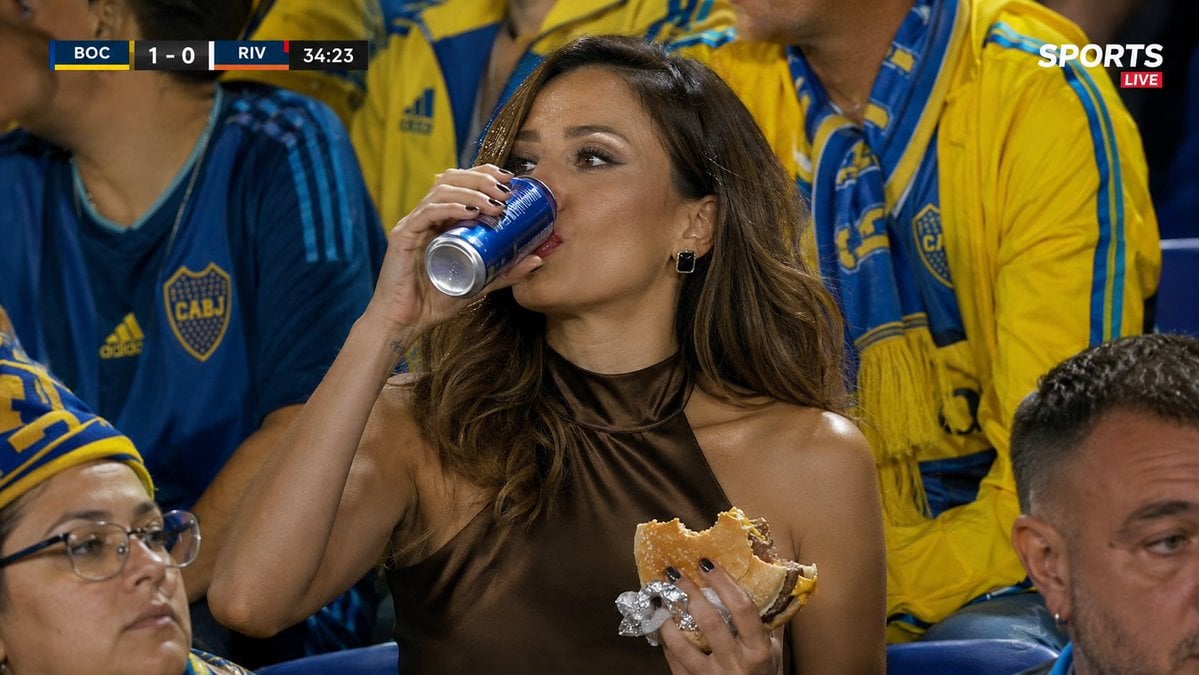
Hyper-realistic Sports Snapshot
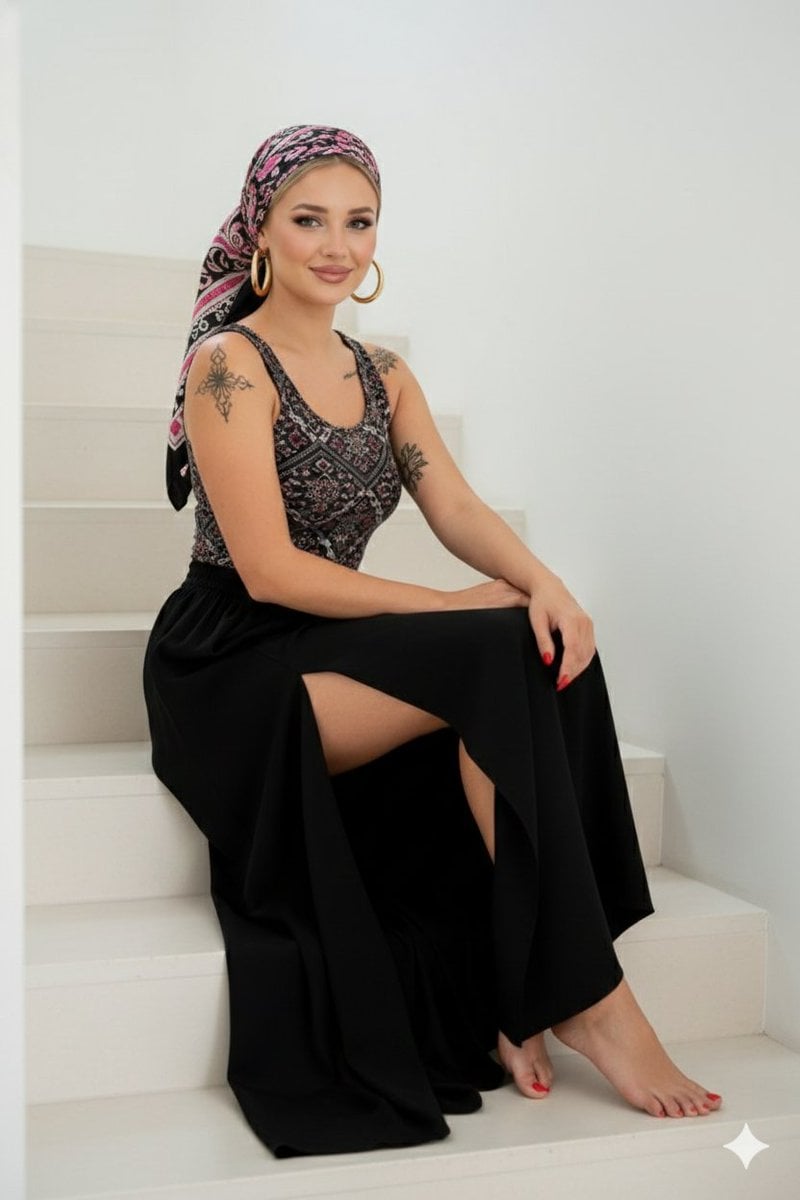
High-Quality Full-Body Fashion Photograph Prompt
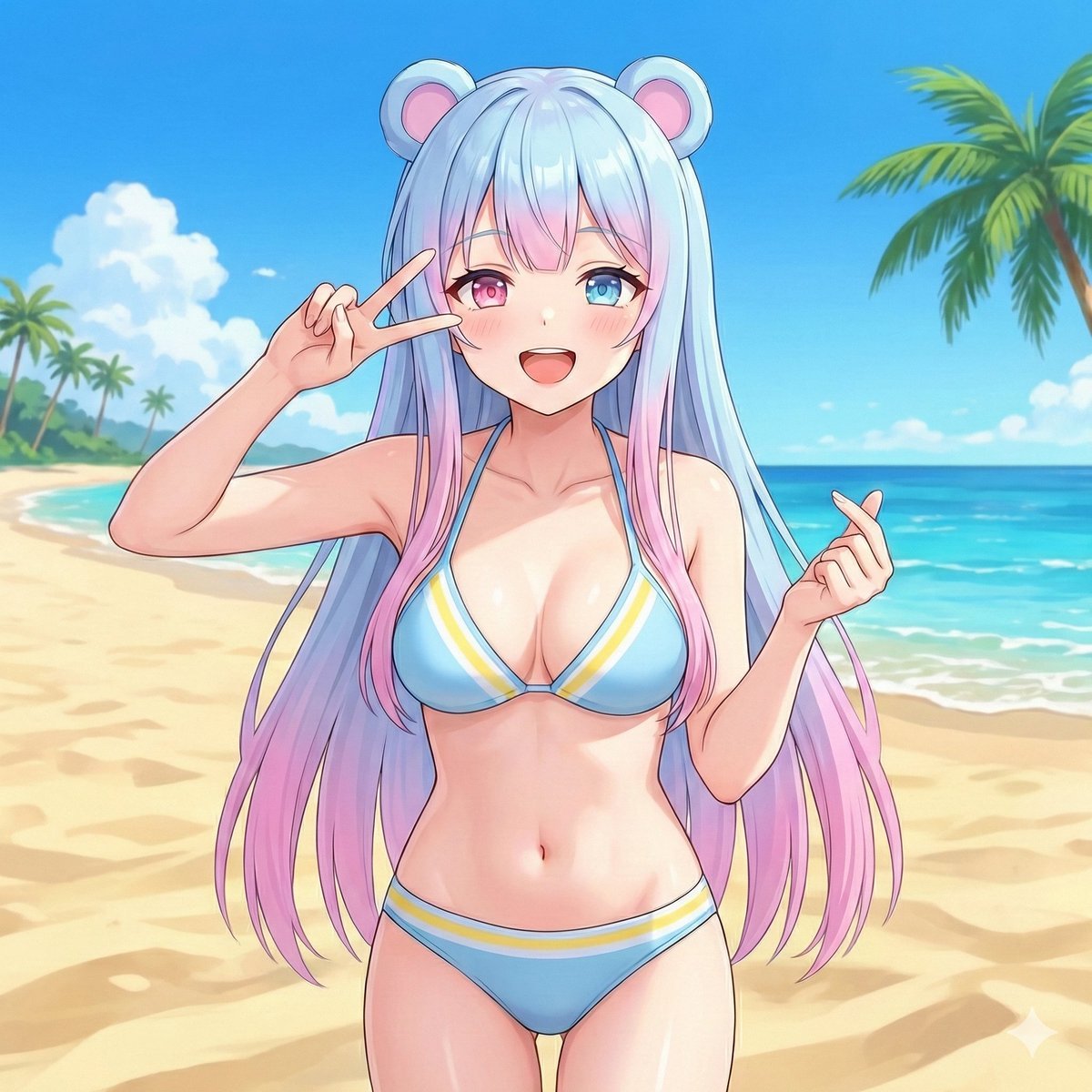
Beach Day Image Generation
Distressed Rock Festival Artist Poster
Realistic Textbook Desk Scene
Apple keynote-style event scene from text
![Nano Banana — One Day In [CITY] Travel Route](https://cdn.picxstudio.com/cdn-cgi/image/format=auto,quality=85,fit=scale-down,onerror=redirect,width=3840,metadata=none/uploads/ai_gezgini_travel_d9a86f2e-c1f5-41a8-a4ef-5d96a8a7a023.jpg)
Nano Banana — One Day In [CITY] Travel Route
Futuristic Tokyo Street Photography
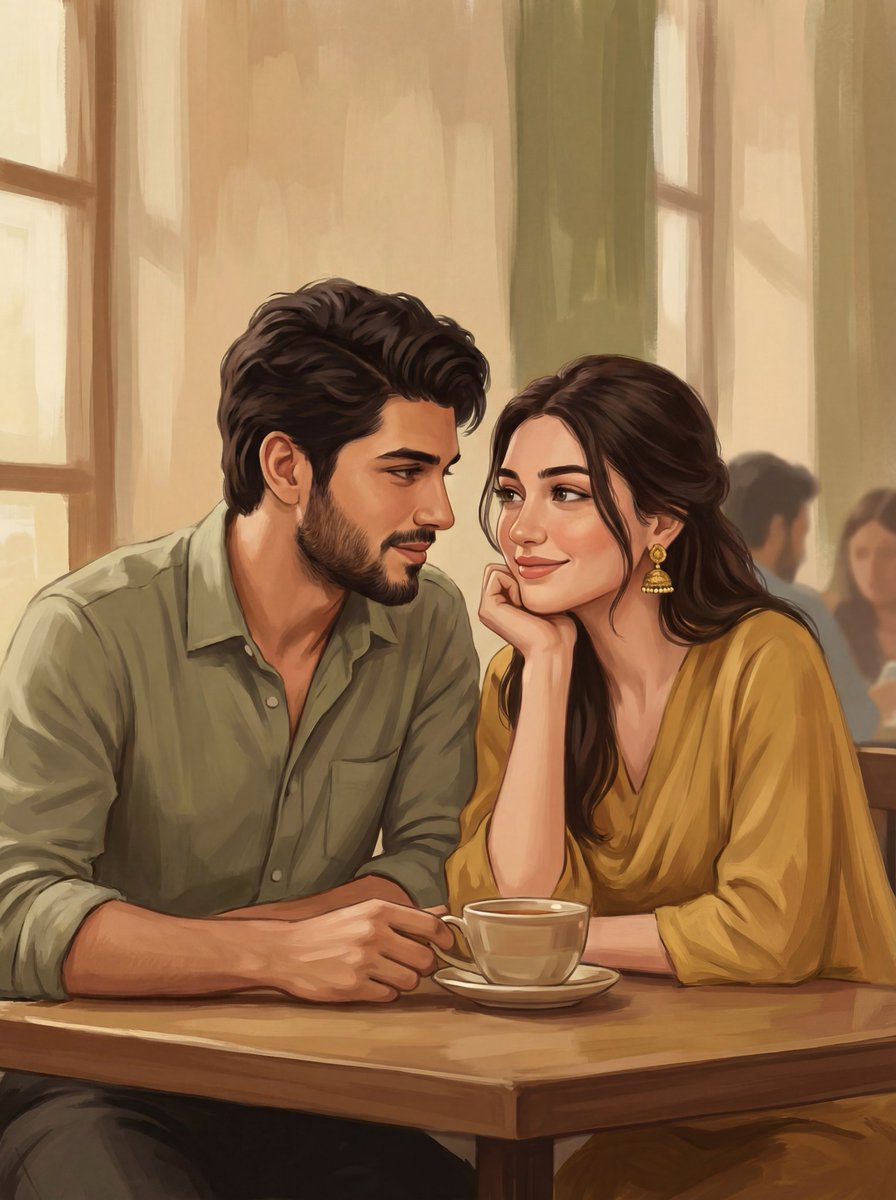
2D Digital Painting Prompt for Intimate Cafe Scene
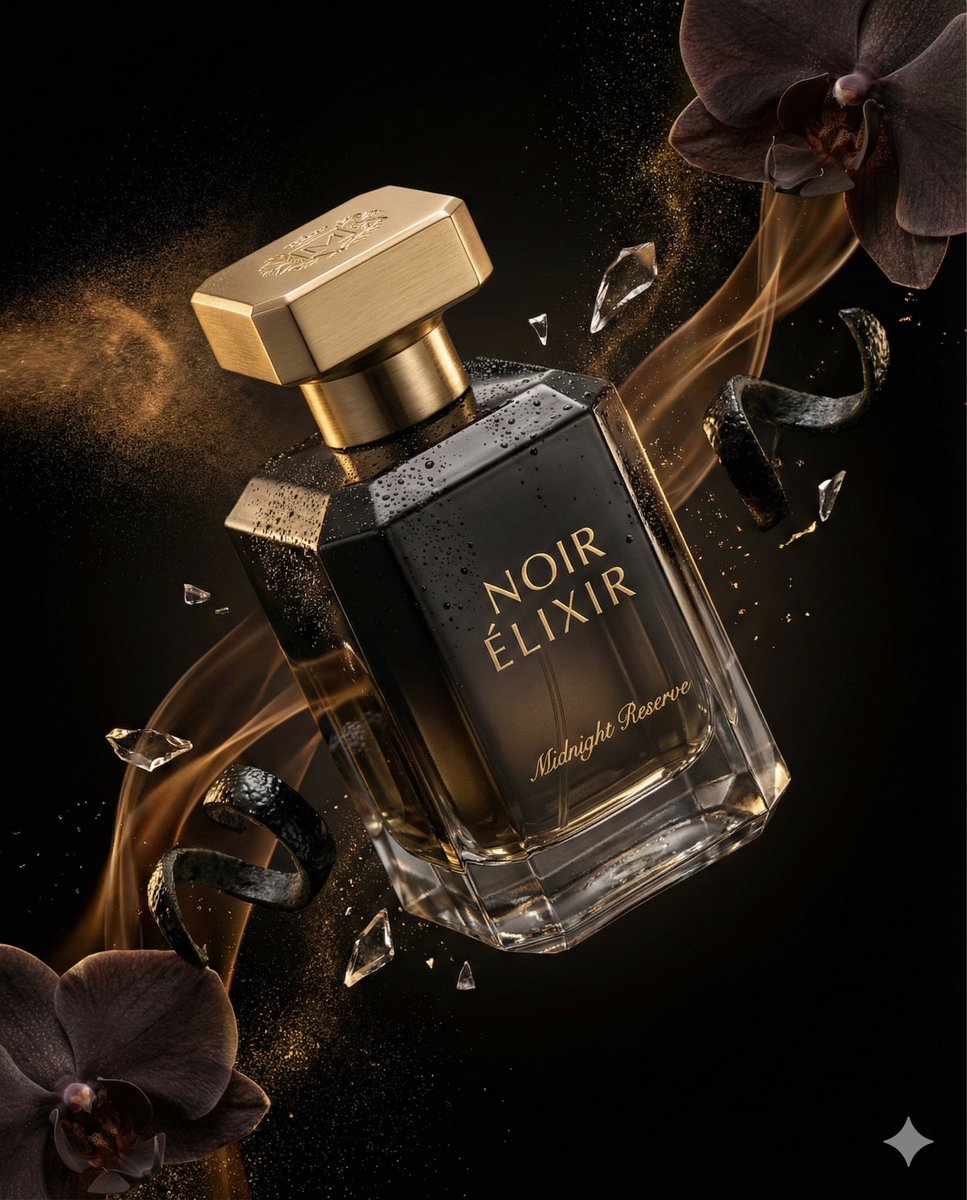
Luxury Perfume Commercial Render Prompt (NOIR ÉLIXIR)
Browse template categories
Mecha Schoolgirl Katana Action Poster questions
How do I use the Mecha Schoolgirl Katana Action Poster template?
Add your photo if the template asks for one, edit the prompt if you like — the template's model and format are already selected — and press Generate. Your version opens in PicX Studio.
Can I customize the Mecha Schoolgirl Katana Action Poster template?
Yes. You can change the subject, setting, lighting, mood, format, and available model controls before creating your image.
Is the Mecha Schoolgirl Katana Action Poster template free?
Opening and editing this template is free. Generating uses credits, shown on the Generate button when you are signed in.
Which AI model should I use?
Start with GPT Image 2, which is the model associated with this template. You can compare another compatible model for a different finish.
Looking for something else? Browse all templates.

Your photo, any look
Thousands of ready templates for every top image and video model, from one credit balance.