
Luxury Perfume Commercial Render Prompt (NOIR ÉLIXIR)
A highly detailed, structured JSON prompt for generating an 8K hyper-realistic commercial render of a luxury perfume bottle ('NOIR ÉLIXIR').
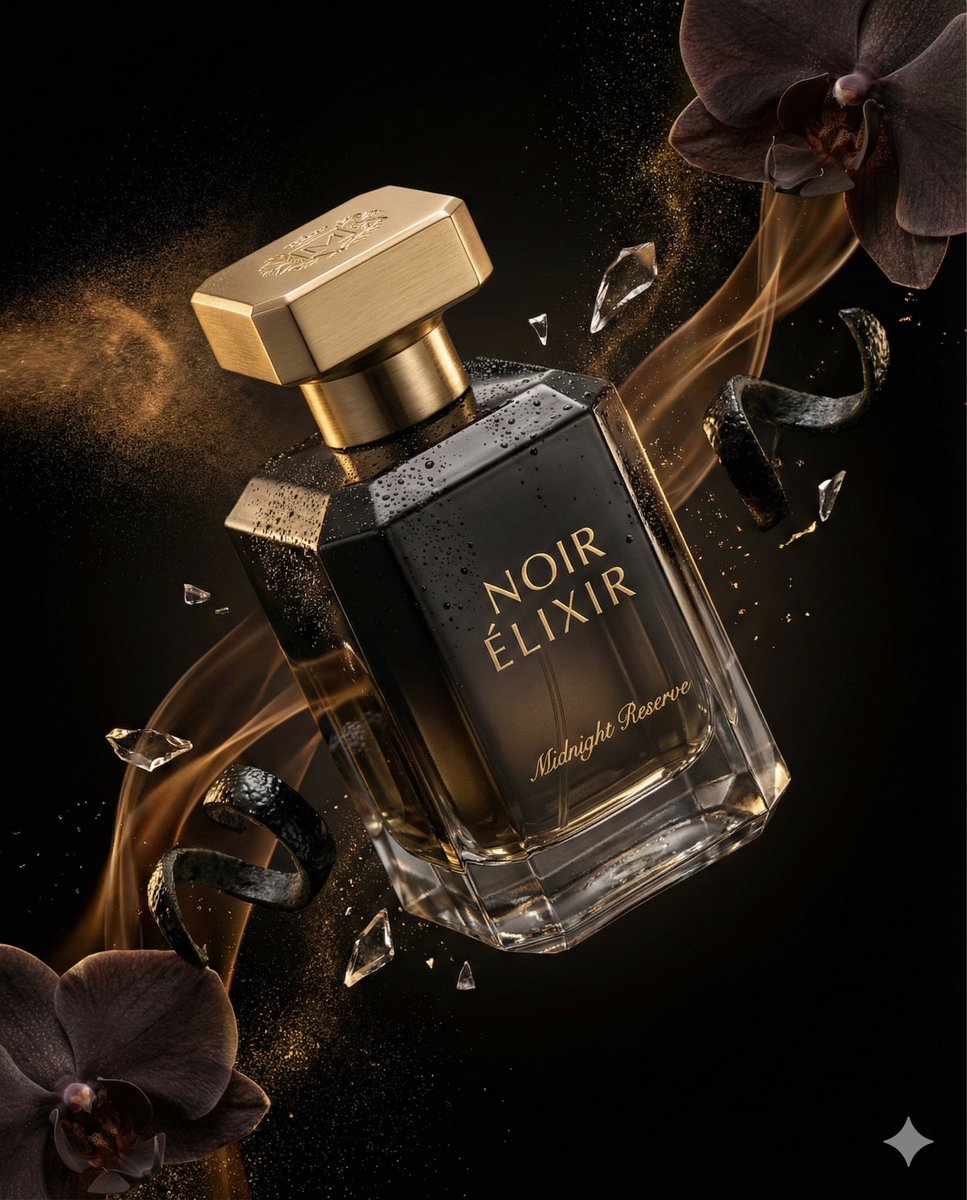
- Prompt included
- Model and format preset
- Free template
The prompt behind this image
Copy the exact prompt behind Luxury Perfume Commercial Render Prompt (NOIR ÉLIXIR), or open it in the studio and make it yours.
{ "master_prompt": { "product": { "type": "luxury perfume bottle", "brand_name": "NOIR ÉLIXIR", "fragrance_line": "Midnight Reserve", "container_shape": "faceted geometric crystal bottle with sharp elegant edges", "material": "high-clarity glass with deep smoked black gradient tint", "finish": "polished reflective surfaces with subtle matte facets", "cap_design": "magnetic cap in brushed gold metal with engraved emblem", "label_style": "minimal serif typography etched directly into glass with gold inlay", "liquid_color": "dark amber with subtle golden undertones" }, "composition": { "scene_type": "ultra-cinematic luxury fragrance advertising photography", "orientation": "vertical", "aspect_ratio": "4:5", "camera_angle": "dramatic diagonal hero angle", "subject_position": "floating mid-air with slight forward tilt", "motion": "atomized perfume mist trails and fluid fragrance ribbons suspended in motion" }, "environment": { "background": "deep black velvet gradient fading into shadow", "atmosphere": "volumetric mist with delicate fragrance vapor swirling around the bottle", "floating_elements": [ "atomized perfume droplets suspended mid-air", "shattered crystal glass fragments catching highlights", "dark orchid petals drifting slowly", "glossy black citrus peel curls", "fine gold dust particles sparkling in light" ], "surface_effects": "micro condensation beads and polished reflections enhancing realism" }, "lighting": { "style": "dramatic low-key studio lighting", "key_light": "soft directional light sculpting the glass facets", "rim_lights": "strong rim lights outlining silhouette and edges", "accent_lights": "gold-toned specular highlights on cap and engraved details", "shadow_depth": "deep cinematic shadows for luxury mood", "contrast": "high contrast with controlled reflections and luminous highlights" }, "color_palette": { "primary_colors": ["obsidian black", "smoked charcoal", "deep amber"], "accent_colors": ["metallic gold", "warm champagne glow"] }, "camera_settings": { "lens": "macro cinema prime lens", "depth_of_field": "shallow depth isolating product from background", "focus_point": "engraved logo and glass surface textures", "bokeh": "smooth cinematic bokeh from reflective particles", "detail_capture": "extreme micro-detail clarity" }, "render_quality": { "resolution": "8K ultra high definition", "render_style": "hyper-realistic luxury commercial render", "glass_physics": "accurate refraction and internal reflections", "liquid_simulation": "physically accurate fluid dynamics", "textures": "ultra-detailed crystal, metal, mist, and micro-droplet textures",
How to use Luxury Perfume Commercial Render Prompt (NOIR ÉLIXIR) in 3 steps
- 1
Open
The prompt is already in the box next to the preview, with the template's model and format selected.
- 2…a portrait of your subject in softgolden-hour light, 85mm…
Personalize
Edit the subject and creative details for your destination.
- 3Generate
Generate
Press Generate — your image is created in PicX Studio, so you can compare it with the original and refine one variable at a time.
More like this
Templates with the same subject, style or setup. Open one to see its prompt.
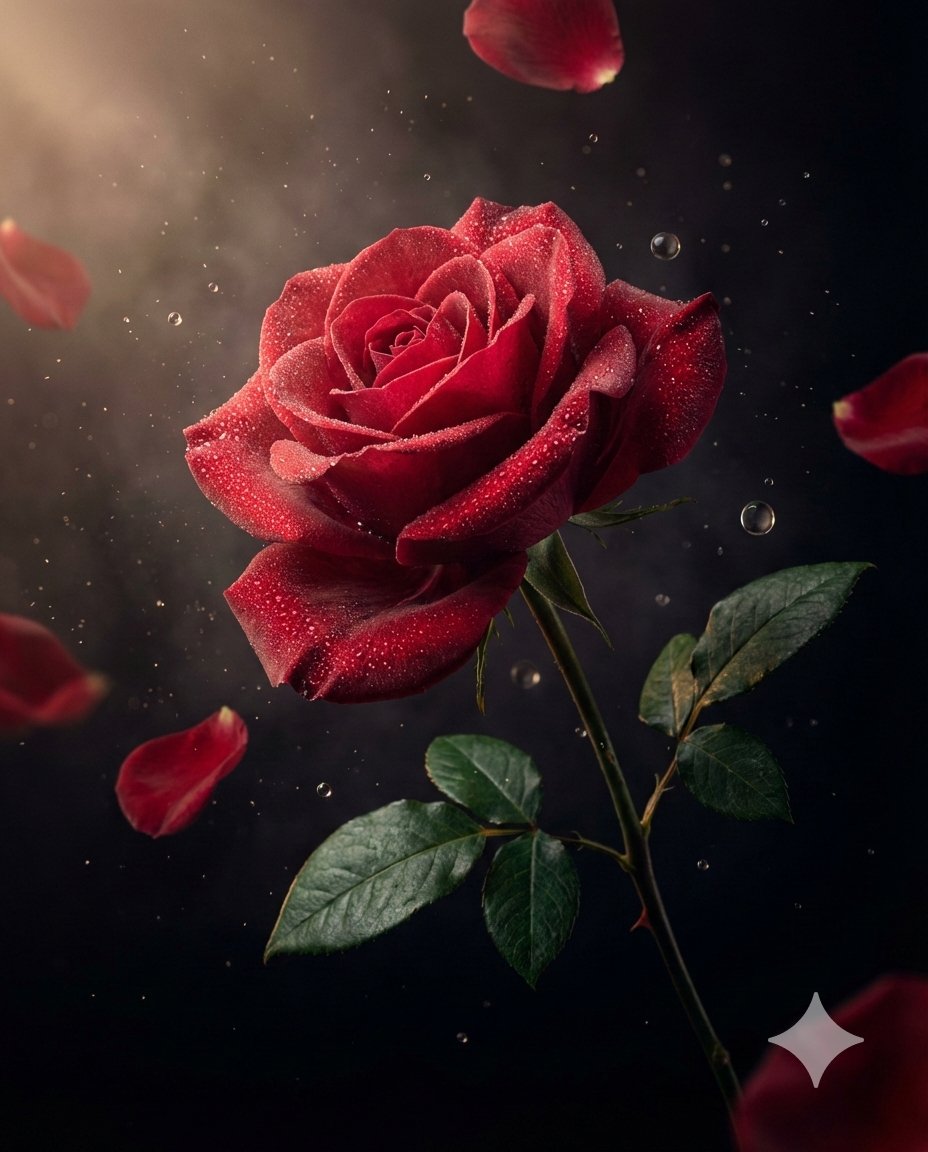
Luxury Macro Commercial Render of a Velvet Red Rose
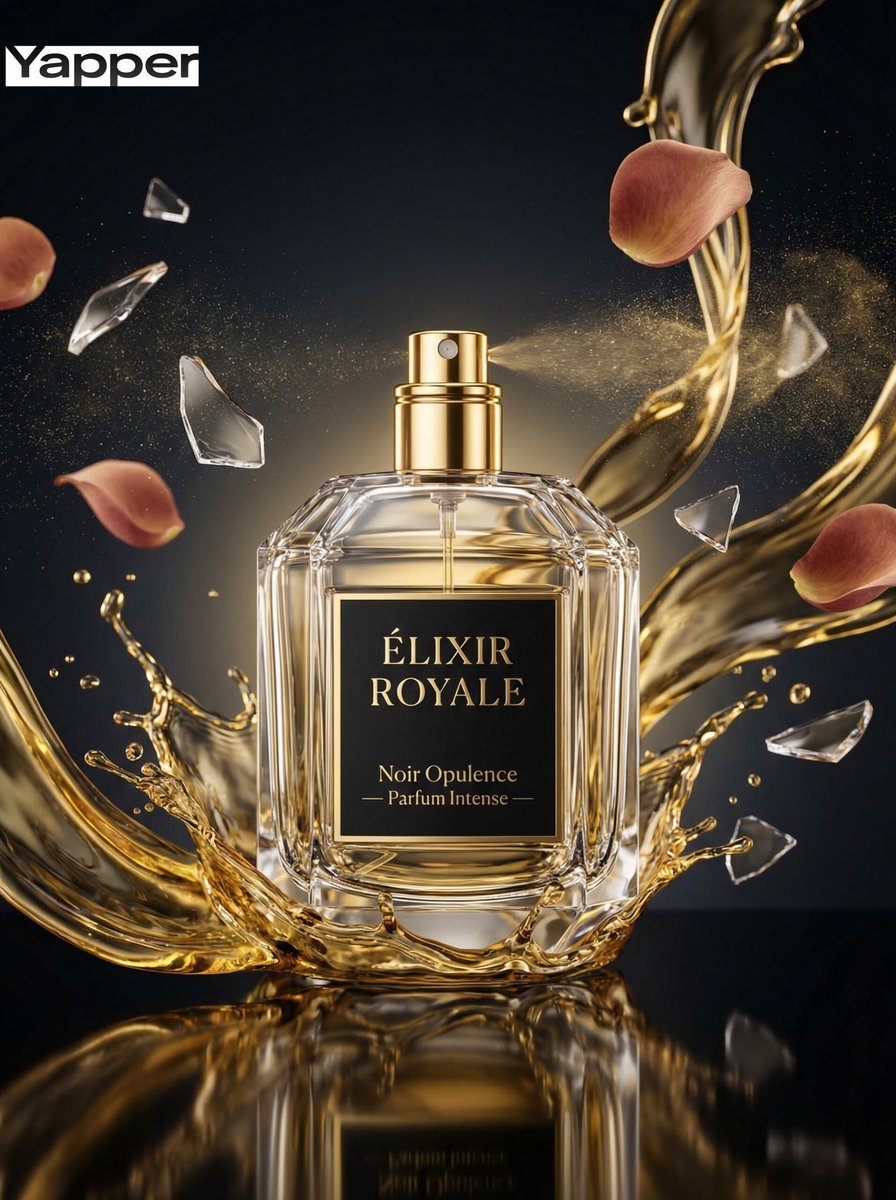
Luxury Perfume Commercial Photography Prompt
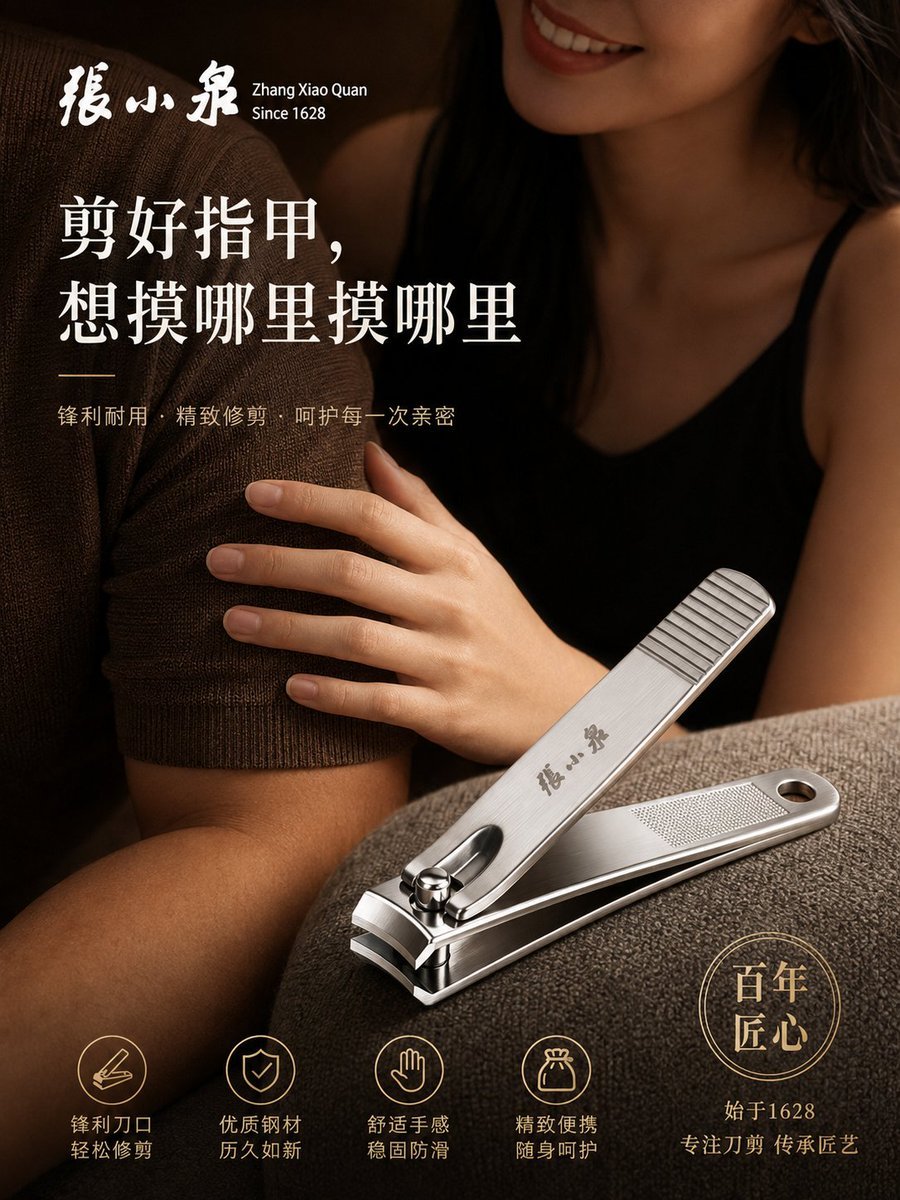
Luxury Nail Clipper Commercial Ad
Chanel Perfume 2x2 Grid Luxury Campaign
Midnight Aurora Luxury Perfume Ad
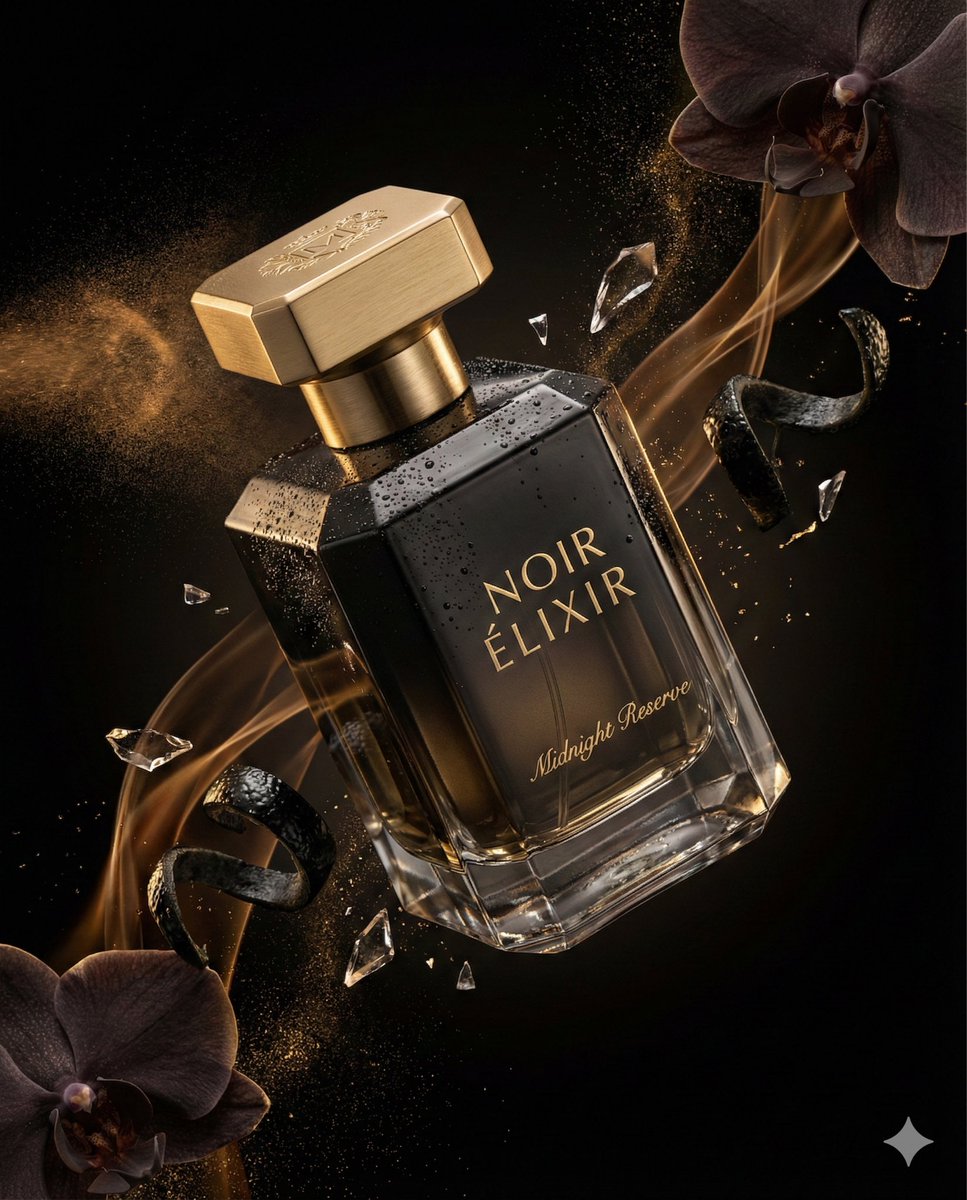
Luxury Perfume Advertising Photography
Luxury Perfume Magazine Cover
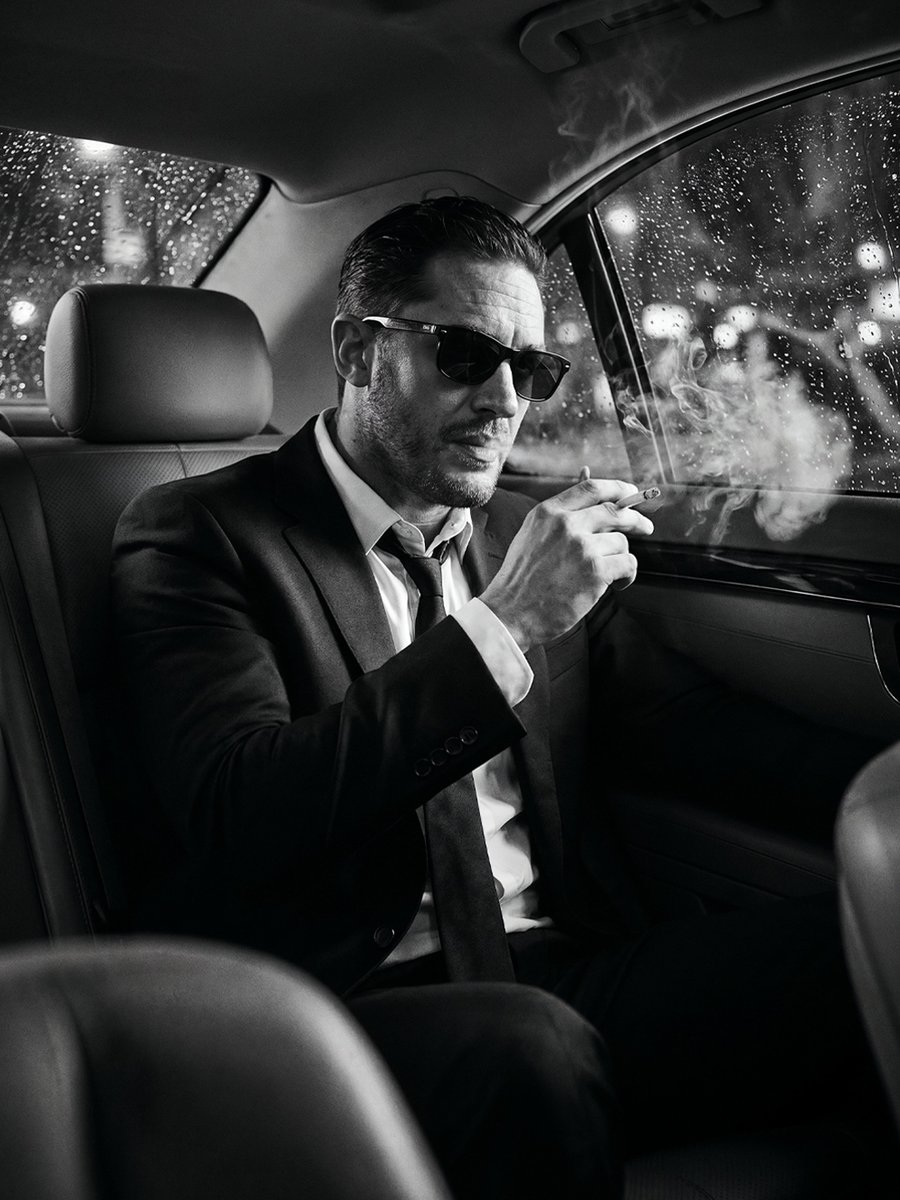
Cinematic Noir Luxury Car Portrait

Sealing Wax Letter Desk

Ballroom Floor Reflections

Vintage Camera Leather Case

Hedge Maze Aerial Dawn
Make it yours
Luxury Perfume Commercial Render Prompt (NOIR ÉLIXIR) works as-is. These are the safest ways to change it without losing the look.
Change one field
Copy a single group, rewrite it, and generate again so you can see what that field is doing.
Keep the frame, change the subject
Hold the composition and light of Luxury Perfume Commercial Render Prompt (NOIR ÉLIXIR), then swap wardrobe, props or the person for a new take.
| If the result… | Why | Fix |
|---|---|---|
| The result drifts from the preview | Too many fields changed at once. | Reuse Luxury Perfume Commercial Render Prompt (NOIR ÉLIXIR) as-is first, then change one group — subject, light, or setting. |
| The model over-stylizes the scene | The prose prompt leaves finish and camera underspecified. | Add one camera or lighting sentence and stay on Nano Banana 2. |
More Nano Banana 2 templates
Other prompts made for Nano Banana 2.

Photorealistic Leaf Shaped Like a Dragon

K-Pop Idol Portrait Grid for Rapid Selection

Poetic Rain Forest Portrait During Golden Hour

Urban Street Portrait with Cartoon Inner Self Duo

Candid Nighttime Photo with Cat Prompt

High-Concept 3D Diorama Generation Prompt

Cinematic Futuristic Studio Portrait Template

Skincare Editorial Photography Collage Prompt

Hyper-Realistic Commercial Product Photography (Splash Effect)

Hyper-Realistic Nightclub Portrait Prompt
More image prompts
Fresh picks from across the catalog.
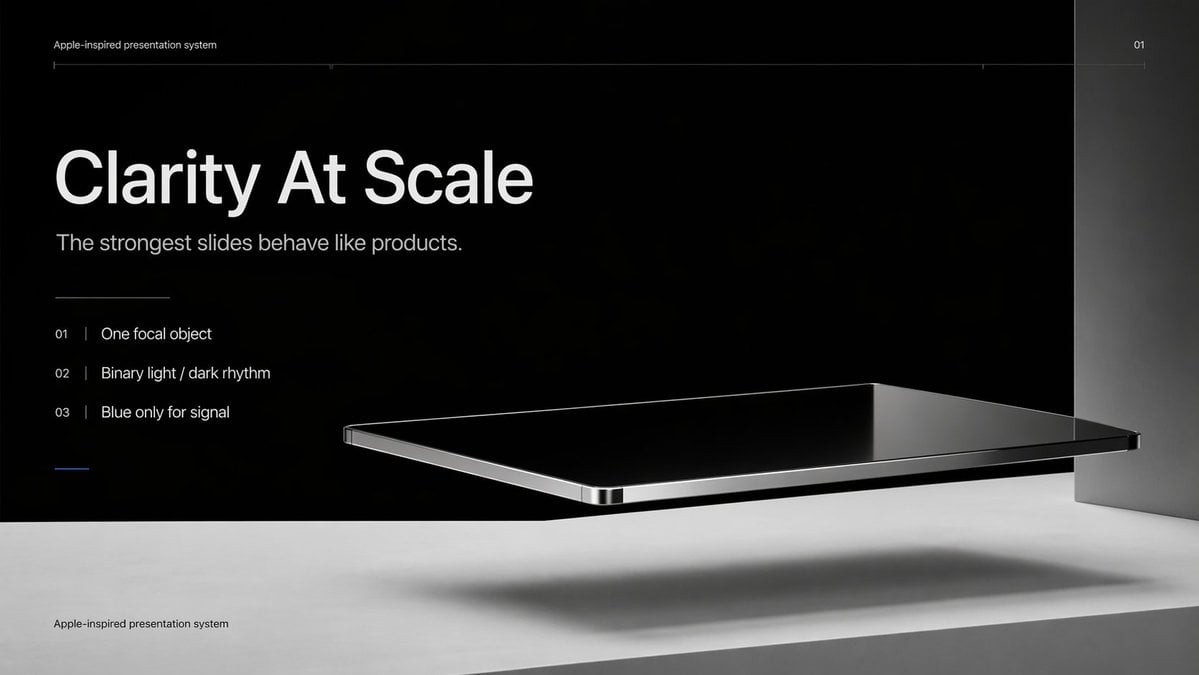
Apple-Style Minimal Presentation Cover
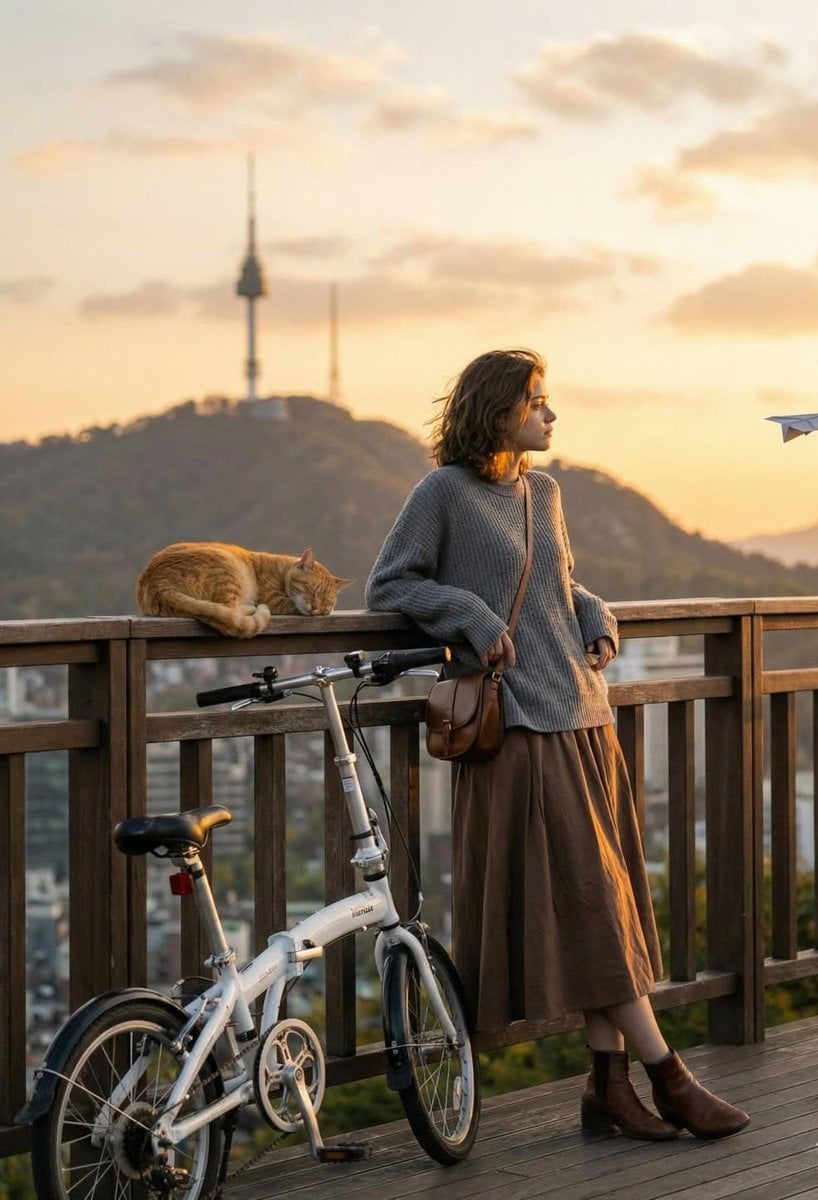
Cinematic Golden-Hour City View Portrait
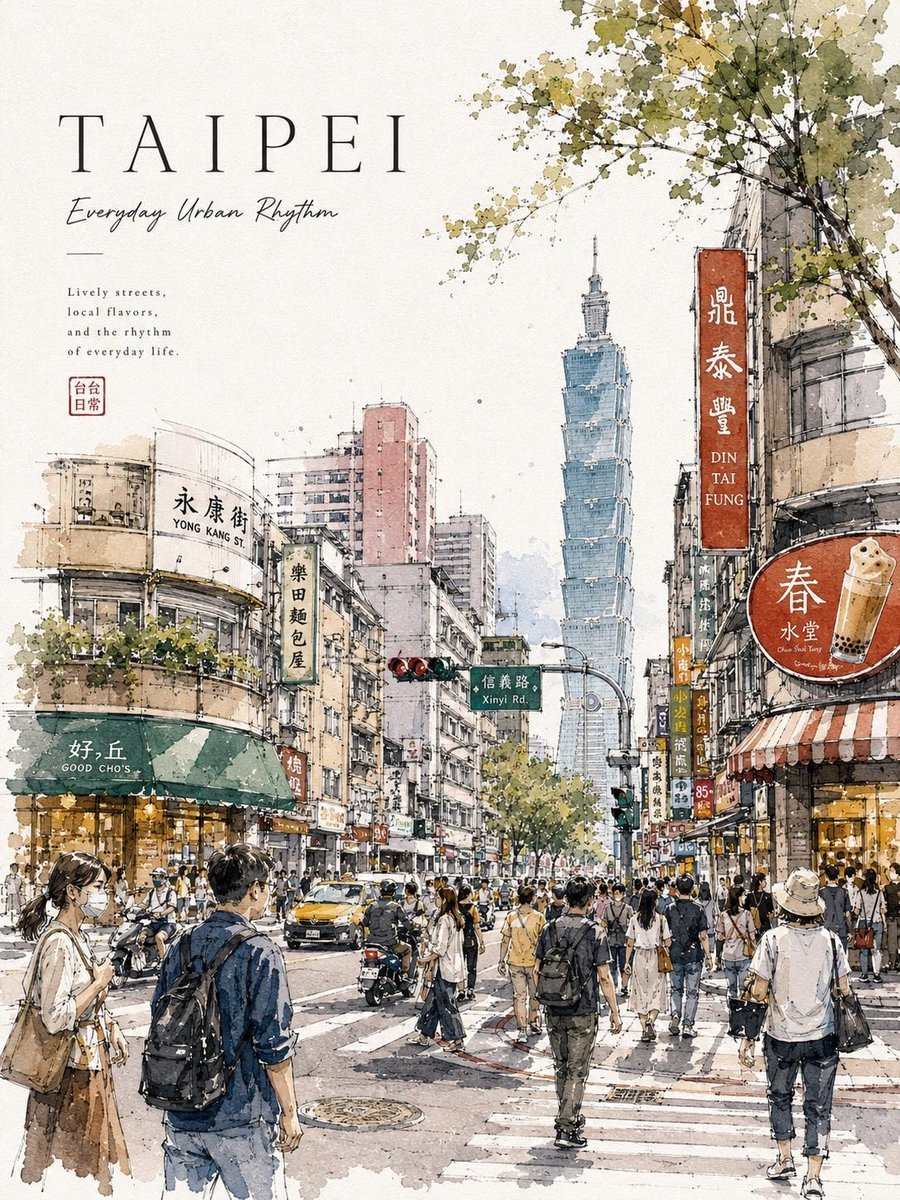
Watercolor Urban Travel Poster
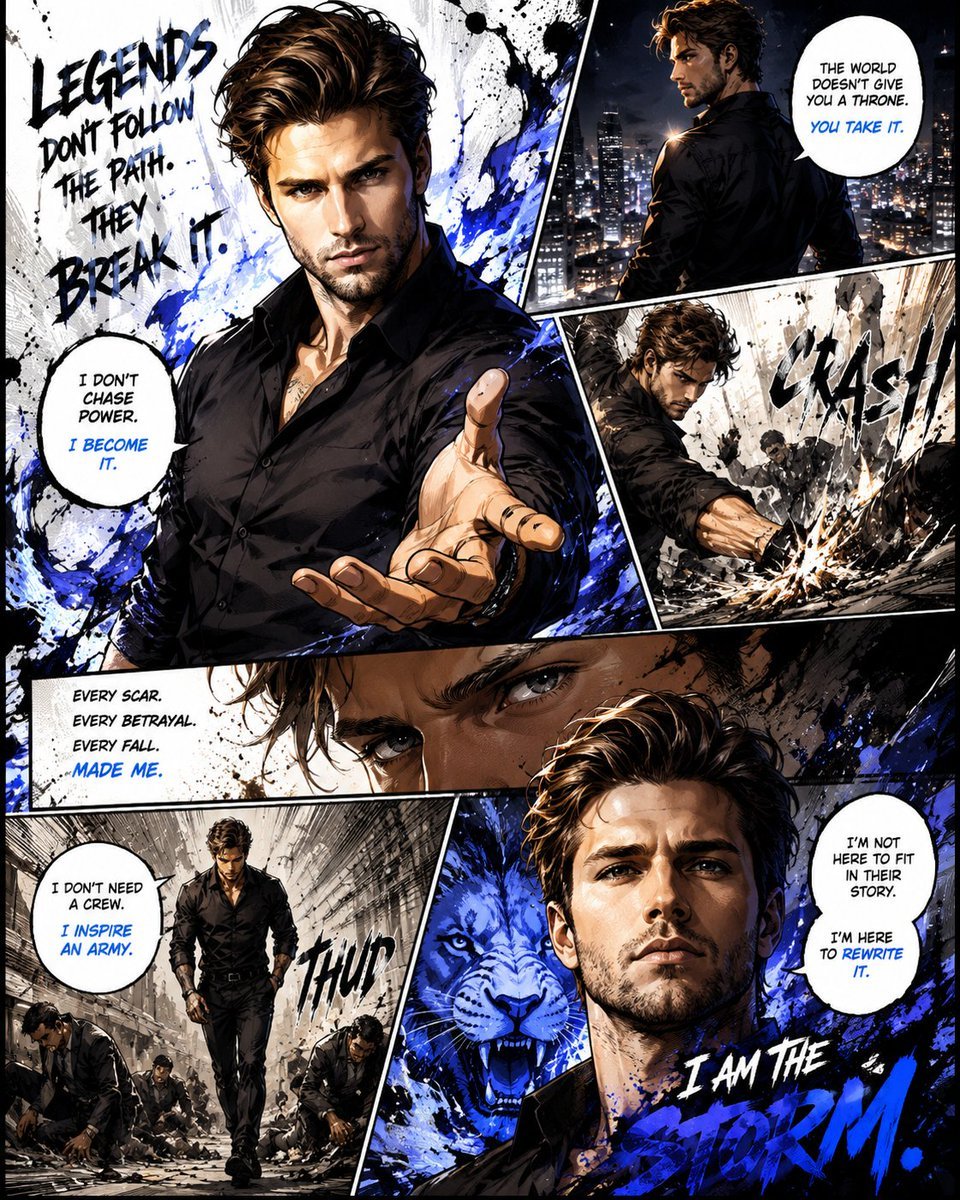
Premium Manga Page Illustration
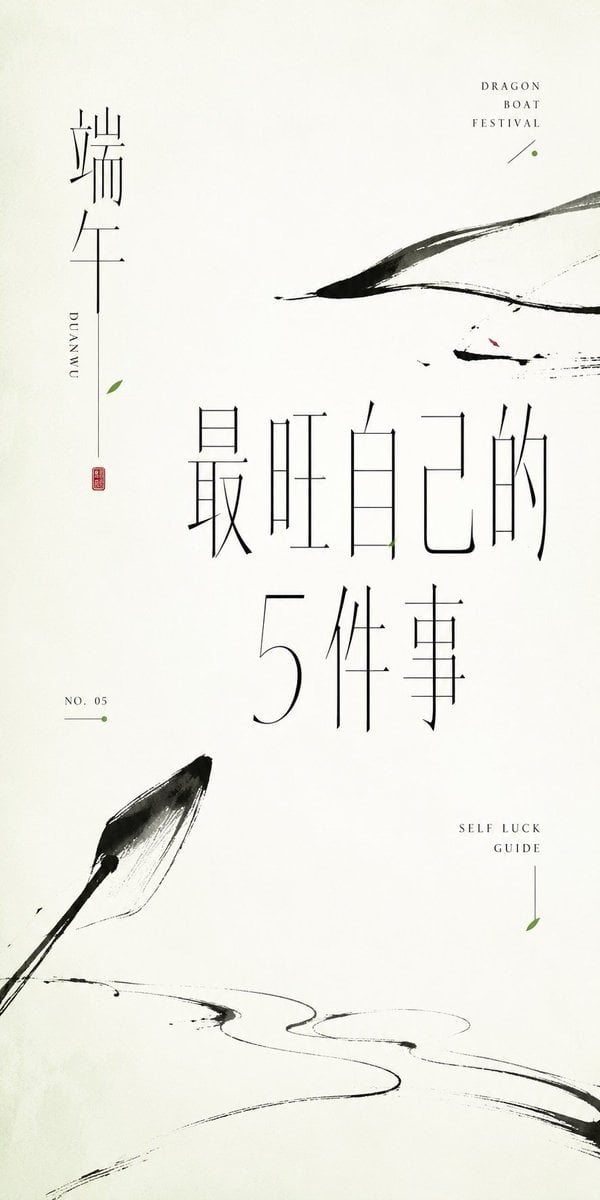
Minimalist Oriental Ink Typography Poster
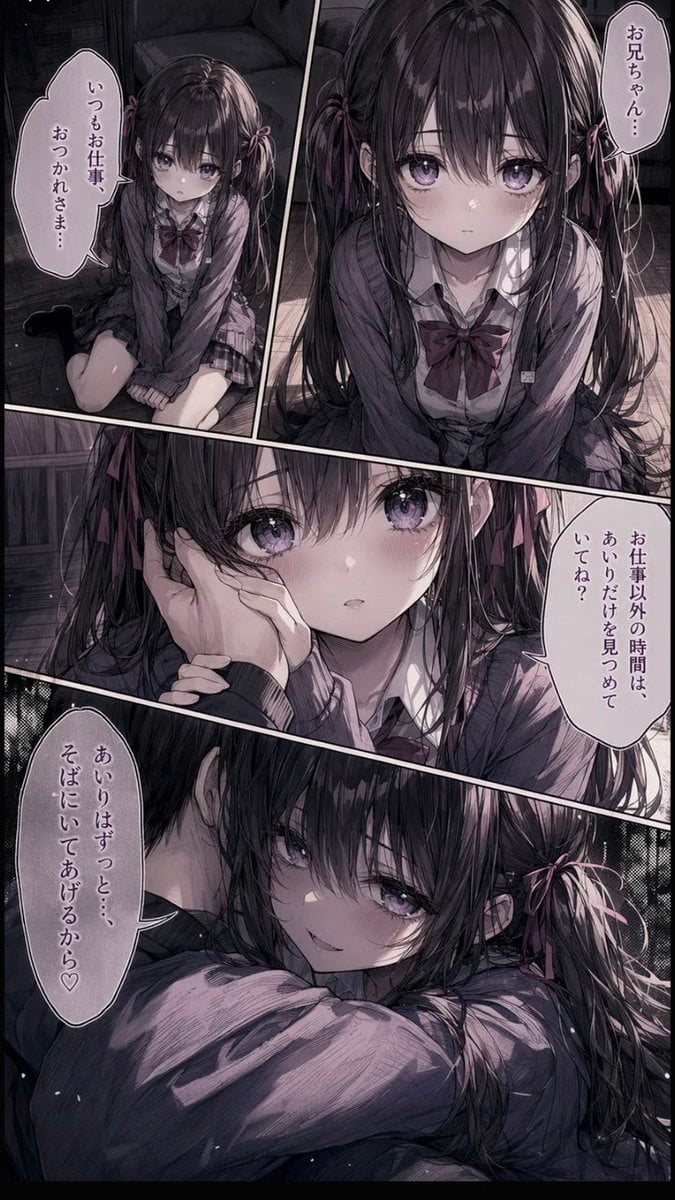
Delicate Pen Drawing Manga Style
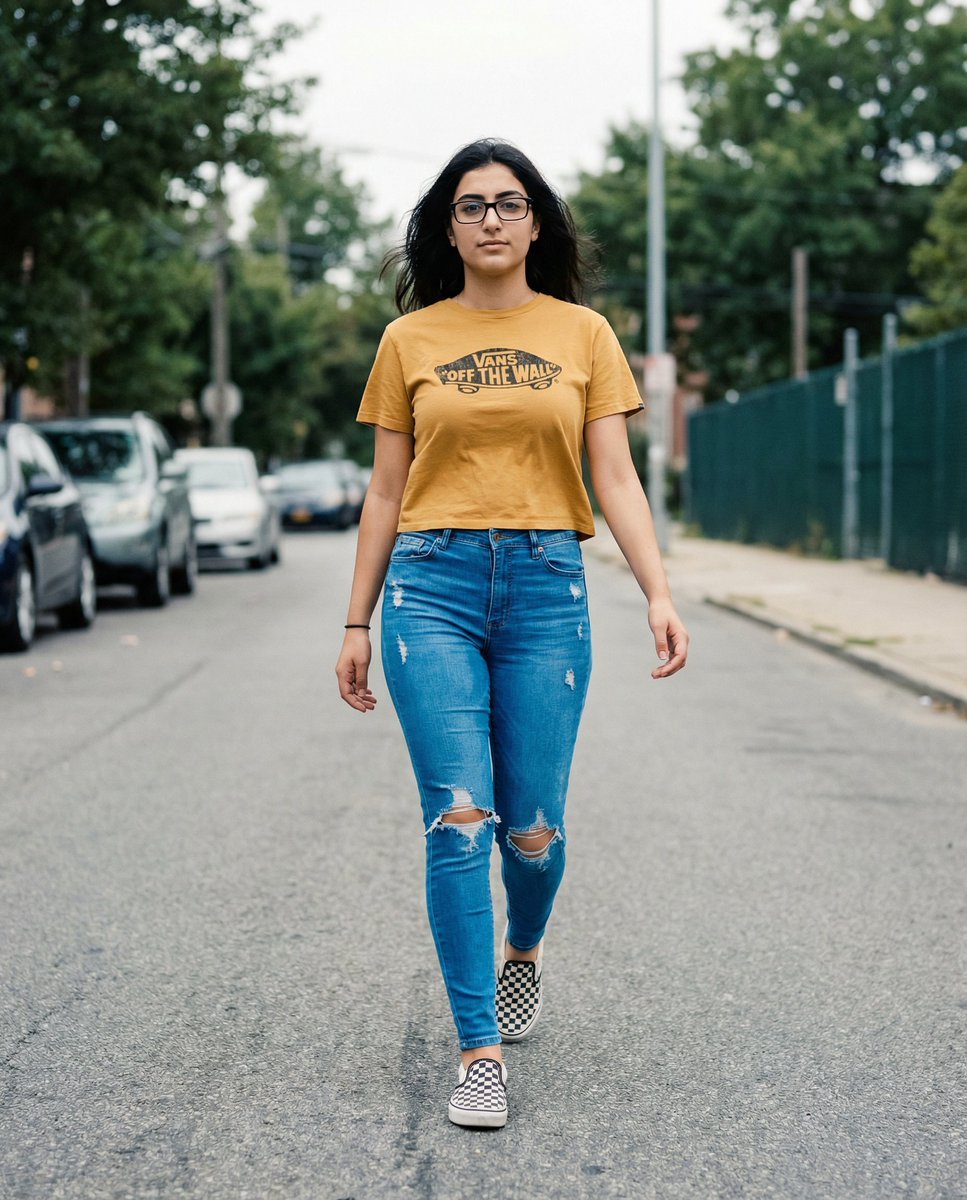
Vans Logo Street Fashion Portrait Replication
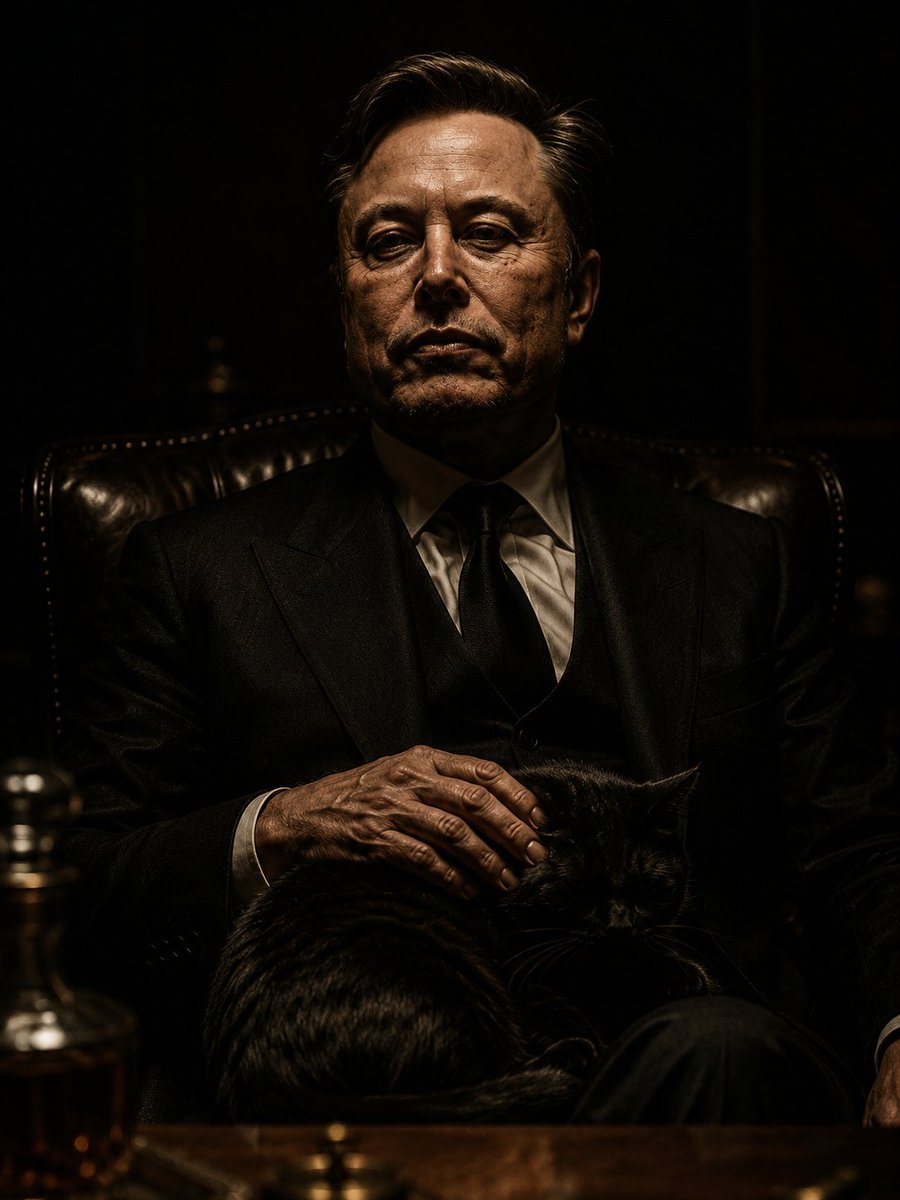
The Dark Godfather Structural Portrait
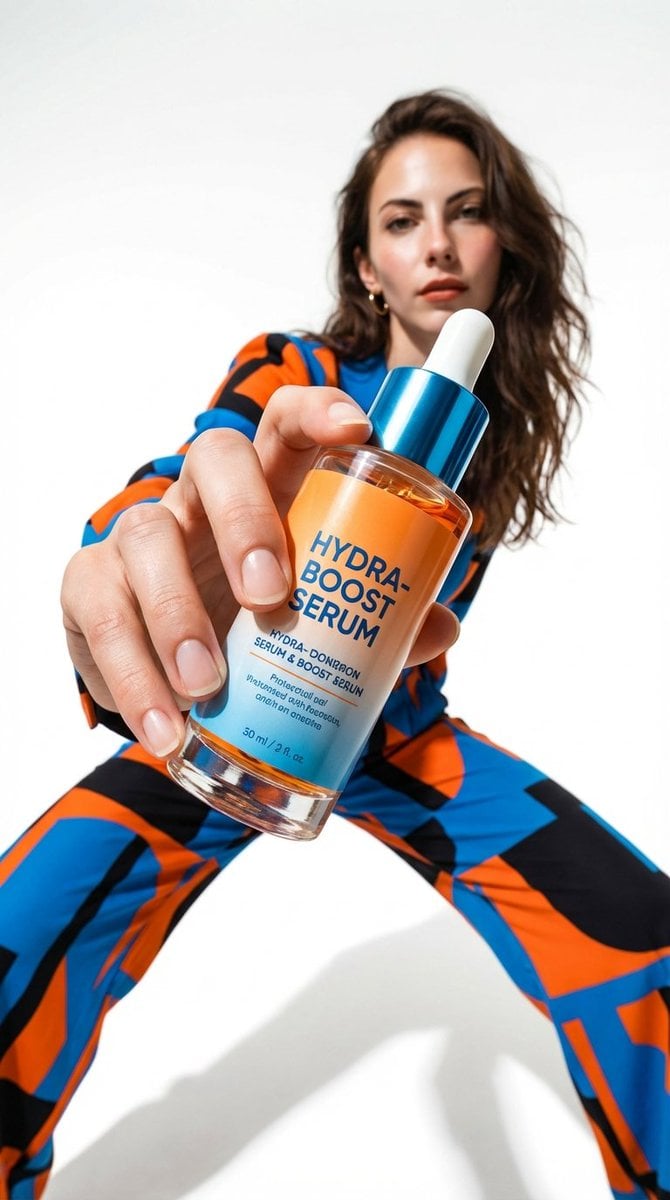
Low-Angle Fashion Campaign Photograph
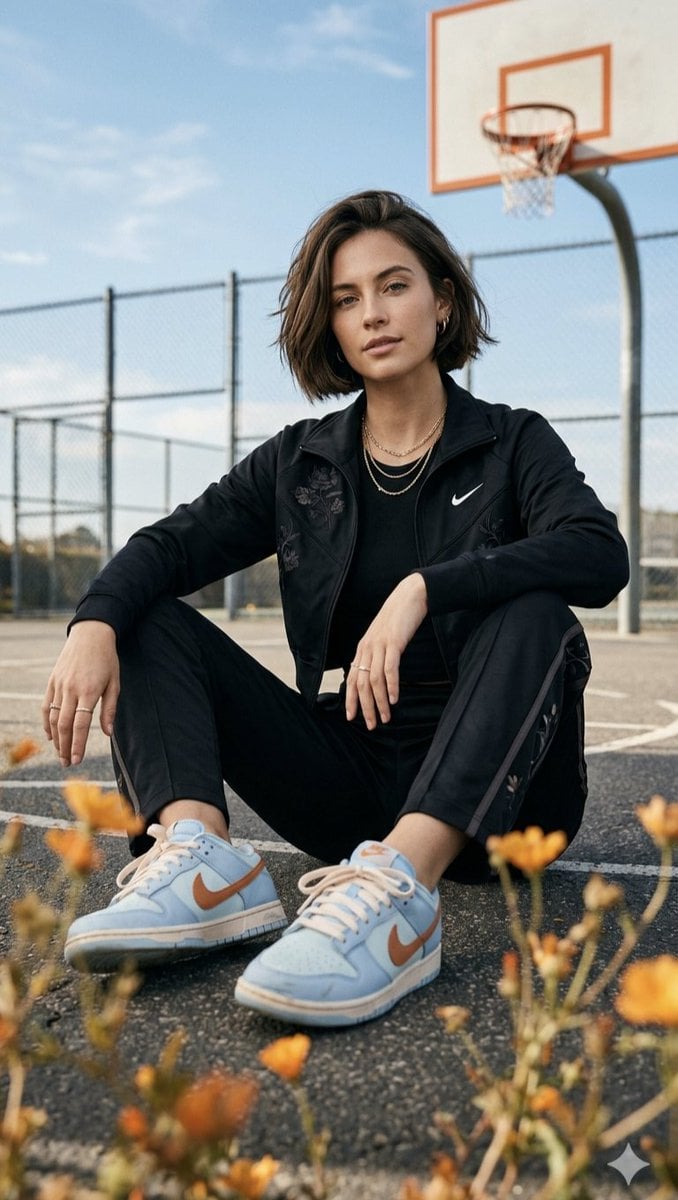
Urban lifestyle portrait prompt
Browse template categories
Luxury Perfume Commercial Render Prompt (NOIR ÉLIXIR) questions
How do I use the Luxury Perfume Commercial Render Prompt (NOIR ÉLIXIR) template?
Add your photo if the template asks for one, edit the prompt if you like — the template's model and format are already selected — and press Generate. Your version opens in PicX Studio.
Can I customize the Luxury Perfume Commercial Render Prompt (NOIR ÉLIXIR) template?
Yes. You can change the subject, setting, lighting, mood, format, and available model controls before creating your image.
Is the Luxury Perfume Commercial Render Prompt (NOIR ÉLIXIR) template free?
Opening and editing this template is free. Generating uses credits, shown on the Generate button when you are signed in.
Which AI model should I use?
Start with Nano Banana 2, which is the model associated with this template. You can compare another compatible model for a different finish.
Looking for something else? Browse all templates.

Your photo, any look
Thousands of ready templates for every top image and video model, from one credit balance.