
Premium Manga Page Illustration
A highly detailed JSON-structured prompt for creating professional manga pages with dynamic panels and cinematic lighting.
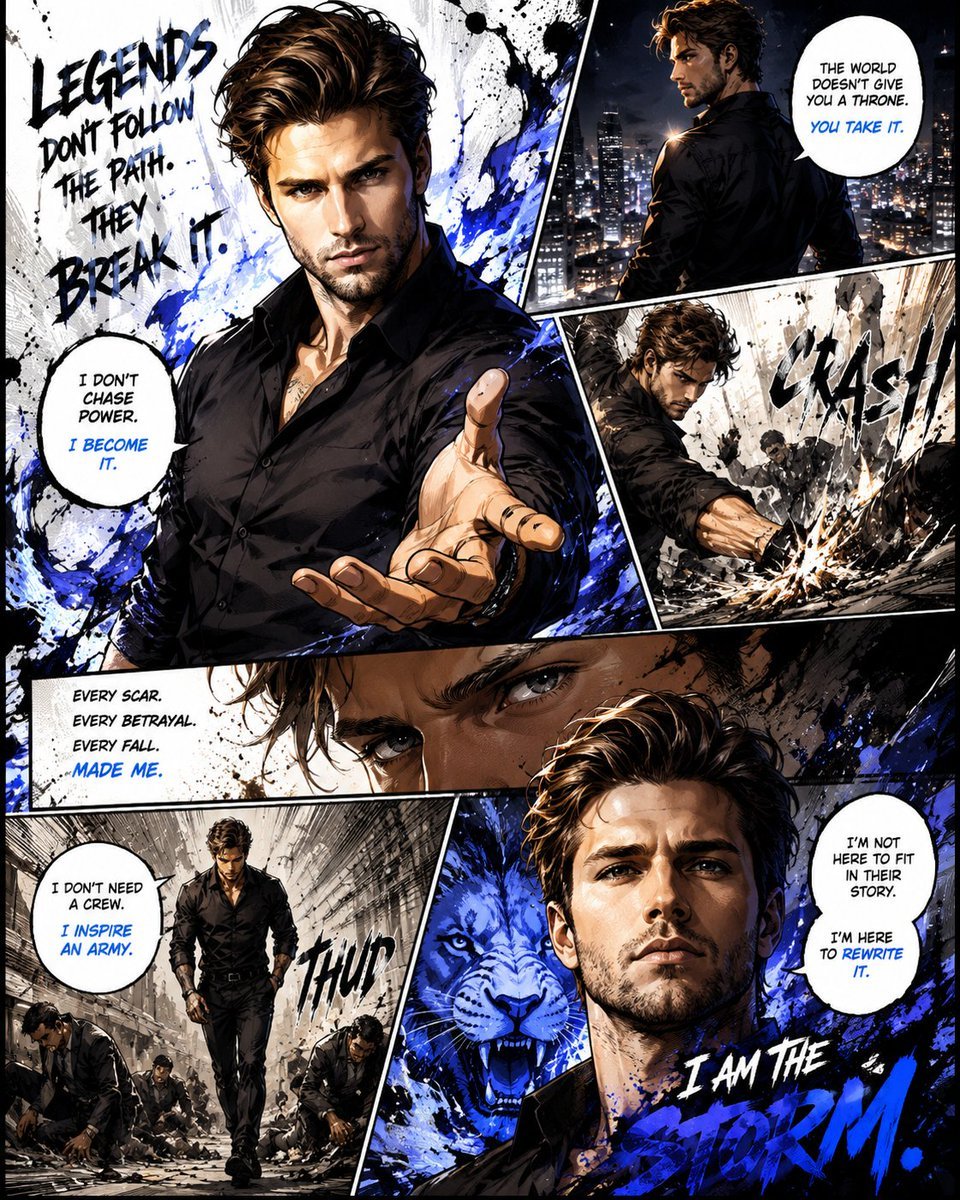
- Prompt included
- Model and format preset
- Free template
The prompt behind this image
Copy the exact prompt behind Premium Manga Page Illustration, or open it in the studio and make it yours.
- Style
- Ultra-premium cinematic manga illustration with high-energy anime comic aesthetics, fully colored and professionally hand-drawn appearance
- Canvas Ratio
- 4:5
- Composition › Layout
- Create a single immersive manga page featuring 5 to 7 interconnected dynamic panels with seamless storytelling flow
- Composition › Camera Angles
- dramatic low-angle shots, intense close-up facial frames, wide cinematic action scenes, dynamic perspective distortion, overlapping manga panel transitions
- Composition › Visual Flow
- Strong directional movement guiding the eye naturally across the page with explosive energy and emotional pacing
- Character Design › Reference Accuracy
- Keep the facial identity recognizable from the uploaded image while enhancing manga-style intensity and charisma
- Character Design › Expression Style
- focused determination, emotional confidence, legendary aura, victory emotion, calm but powerful presence
- Character Design › Pose Style
- dynamic action poses, heroic standing posture, celebration moments, cinematic movement shots
- Art Direction › Linework
- Expressive free-flowing ink lines mixed with rough sketch textures and detailed manga inking
- Art Direction › Textures
- halftone manga textures, ink splatter effects, graffiti-inspired brush strokes, chaotic paint streaks, paper grain comic texture
- Art Direction › Lighting
- High-contrast cinematic lighting with glowing atmospheric highlights and deep shadows
- Art Direction › Color Palette
- Rich vibrant colors mixed with monochrome manga tones and energetic accent highlights
- Effects › Motion Effects
- speed lines, impact bursts, energy trails, explosive panel transitions, motion blur accents
- Effects › Atmosphere
- symbolic aura effects, electric energy glow, floating particles, smoke textures, dramatic background abstraction
- Comic Elements › Text Style
- Stylized English manga typography with handwritten dialogue bubbles and aggressive comic lettering
- Comic Elements › Sfx
- BOOM, ROAR, THUD, SLAM, WHOOSH
- Comic Elements › Negative Space
- Blend clean white negative space with chaotic ink-heavy sections for premium manga contrast
- Quality › Detail Level
- extremely high detail
- Quality › Finish
- social-media-viral professional manga poster quality
- Quality › Render Style
- sharp, emotional, stylish, immersive, energetic
Raw JSON
{
  "style": "Ultra-premium cinematic manga illustration with high-energy anime comic aesthetics, fully colored and professionally hand-drawn appearance",
  "canvas_ratio": "4:5",
  "composition": {
    "layout": "Create a single immersive manga page featuring 5 to 7 interconnected dynamic panels with seamless storytelling flow",
    "camera_angles": [
      "dramatic low-angle shots",
      "intense close-up facial frames",
      "wide cinematic action scenes",
      "dynamic perspective distortion",
      "overlapping manga panel transitions"
    ],
    "visual_flow": "Strong directional movement guiding the eye naturally across the page with explosive energy and emotional pacing"
  },
  "character_design": {
    "reference_accuracy": "Keep the facial identity recognizable from the uploaded image while enhancing manga-style intensity and charisma",
    "expression_style": [
      "focused determination",
      "emotional confidence",
      "legendary aura",
      "victory emotion",
      "calm but powerful presence"
    ],
    "pose_style": [
      "dynamic action poses",
      "heroic standing posture",
      "celebration moments",
      "cinematic movement shots"
    ]
  },
  "art_direction": {
    "linework": "Expressive free-flowing ink lines mixed with rough sketch textures and detailed manga inking",
    "textures": [
      "halftone manga textures",
      "ink splatter effects",
      "graffiti-inspired brush strokes",
      "chaotic paint streaks",
      "paper grain comic texture"
    ],
    "lighting": "High-contrast cinematic lighting with glowing atmospheric highlights and deep shadows",
    "color_palette": "Rich vibrant colors mixed with monochrome manga tones and energetic accent highlights"
  },
  "effects": {
    "motion_effects": [
      "speed lines",
      "impact bursts",
      "energy trails",
      "explosive panel transitions",
      "motion blur accents"
    ],
    "atmosphere": [
      "symbolic aura effects",
      "electric energy glow",
      "floating particles",
      "smoke textures",
      "dramatic background abstraction"
    ]
  },
  "comic_elements": {
    "text_style": "Stylized English manga typography with handwritten dialogue bubbles and aggressive comic lettering",
    "sfx": [
      "BOOM",
      "ROAR",
      "THUD",
      "SLAM",
      "WHOOSH"
    ],
    "negative_space": "Blend clean white negative space with chaotic ink-heavy sections for premium manga contrast"
  },
  "quality": {
    "detail_level": "extremely high detail",
    "finish": "social-media-viral professional manga poster quality",
    "render_style": "sharp, emotional, stylish, immersive, energetic"
  }
}Reference images included
Premium Manga Page Illustration needs input media to work. They load alongside the prompt when you open it in the studio.
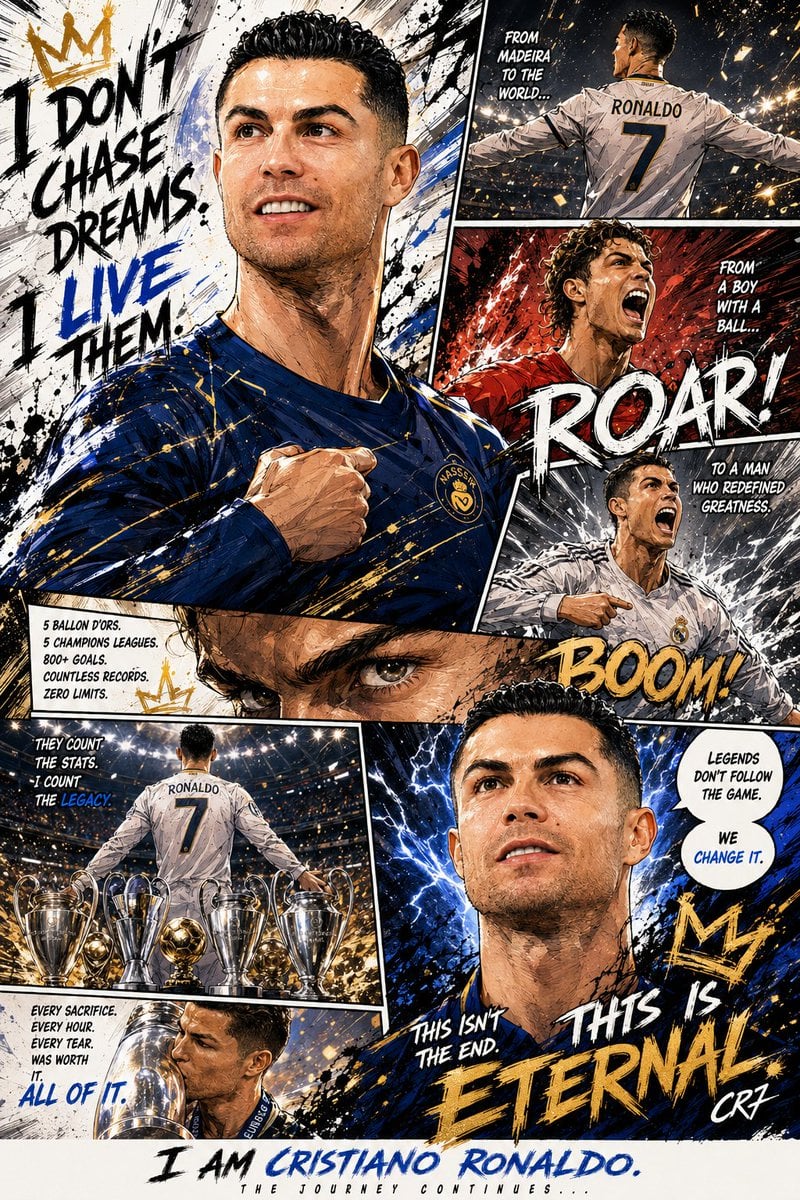
How to use Premium Manga Page Illustration in 3 steps
- 1Upload ImagePNG, JPG or paste
Add your photo
Upload the photo the template builds on. The prompt, model and format are already set.
- 2…a portrait of your subject in softgolden-hour light, 85mm…
Personalize
Edit the subject and creative details for your destination.
- 3Generate
Generate
Press Generate — your image is created in PicX Studio, so you can compare it with the original and refine one variable at a time.
More like this
Templates with the same subject, style or setup. Open one to see its prompt.

Quiet Hamster Manga Page

Late-Night Hamster Manga Page

Surreal Noir Hamster Manga Page

Shojo Horror Manga Corridor Page

Cute AI Manga Lesson Comic Page

Hamster Summons Sol Manga Page

Lazy Day Chibi Manga Page

Overwhelmed Coding Manga Page

Fantasy Wagashi Manga Cooking Page

Sunny Seaside Anime Manga Page

Quiet Minimalist Anime Style Guide

Real Illustration Split Portrait Transition
Make it yours
Premium Manga Page Illustration works as-is. These are the safest ways to change it without losing the look.
Swap the light
One lighting change is enough to compare takes. Current light: “High-contrast cinematic lighting with glowing atmospheric highlights and deep sh”.
Change one field
Copy a single group, rewrite it, and generate again so you can see what that field is doing.
Keep the frame, change the subject
Hold the composition and light of Premium Manga Page Illustration, then swap wardrobe, props or the person for a new take.
| If the result… | Why | Fix |
|---|---|---|
| The result drifts from the preview | Too many fields changed at once. | Reuse Premium Manga Page Illustration as-is first, then change one group — subject, light, or setting. |
| GPT Image 2 ignores part of the JSON | Some models flatten or skip nested keys. | Keep the same values and paste them as a short paragraph instead. |
More GPT Image 2 templates
Other prompts made for GPT Image 2.

Six VTuber Japanese Logo Sheet

Realistic Portrait of Woman and Deer

The Vista Modular Condo Poster

AI Model Routing Comparison Infographic

2.5D Anime Art Board

Isometric Productivity Desk Scene

New York Double Exposure Poster

Four-Panel AI Landscape Comparison

Japanese Tatami Lifestyle Magazine Cover

NESCAFÉ Coffee Map Poster
More image prompts
Fresh picks from across the catalog.
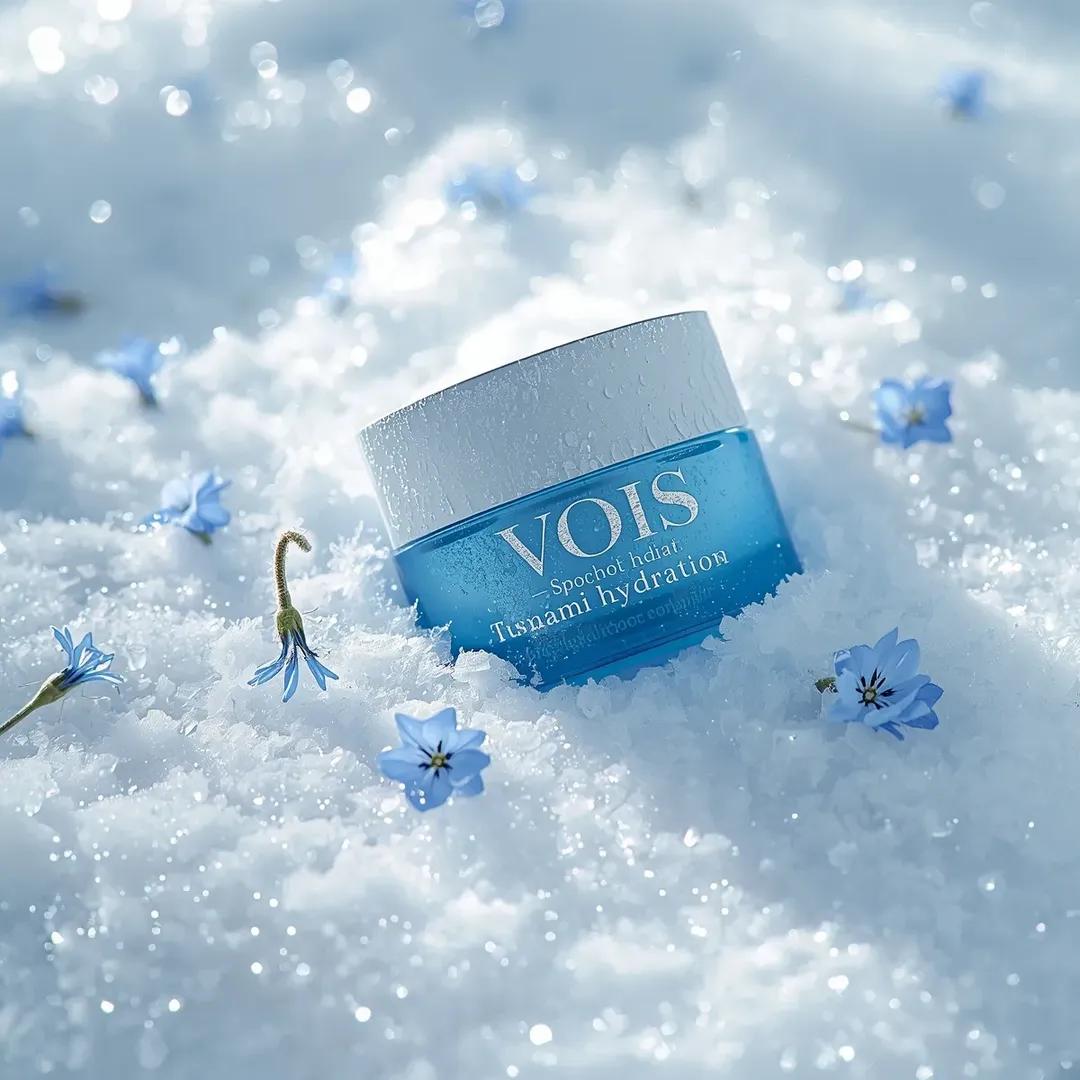
Photorealistic Skincare Product Photography Prompt for Nano Banana Pro
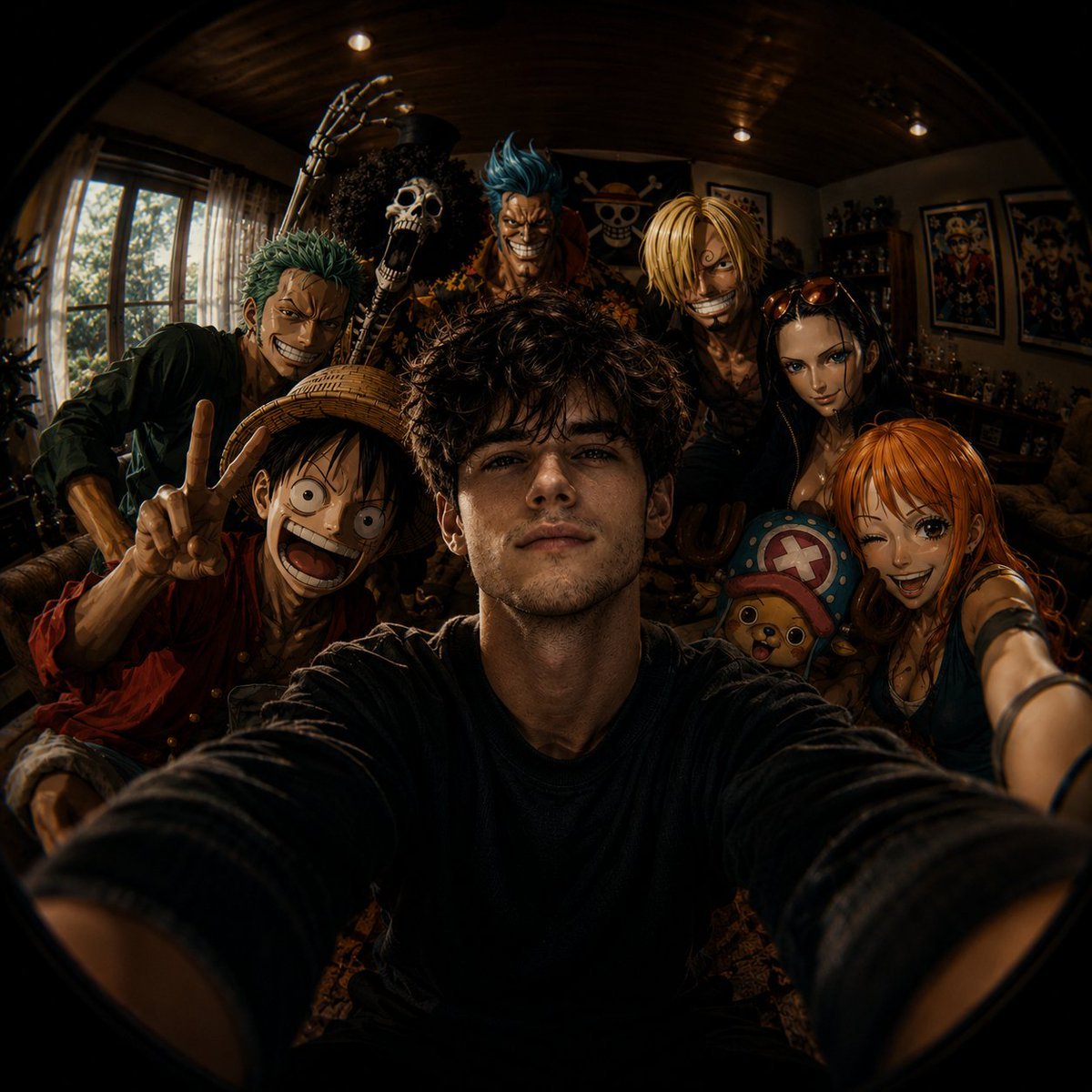
Fisheye Anime Group Selfie
Parametric Optical Illusion Poster
Full-Body Portrait with Frontal Flash at Blue Hour Sunset

Editorial Luxury Photo Analysis Prompt
Elegant Vintage Glamour Fashion Illustration
Pixar Style Cool Boy Illustration
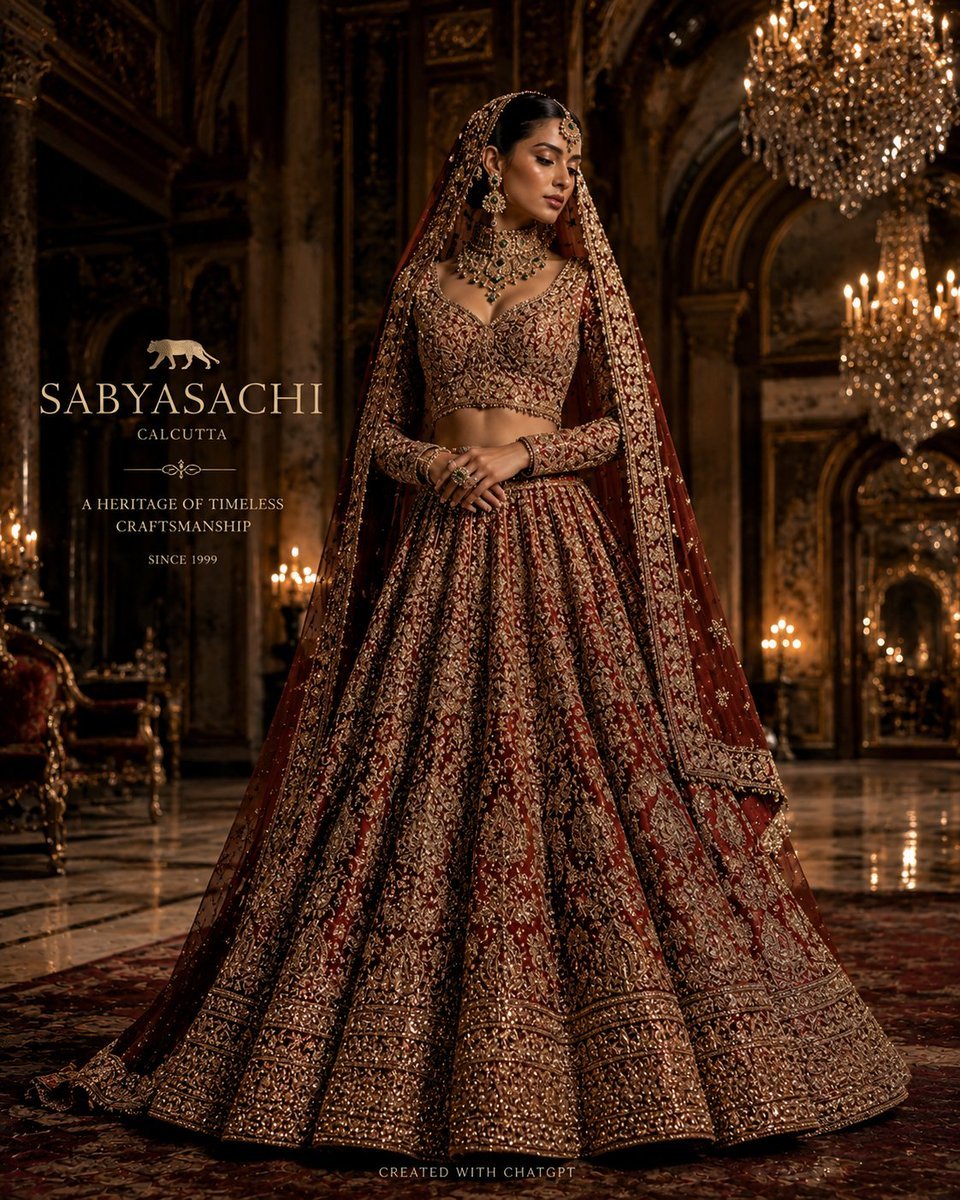
Luxury Bridal Fashion Empire Poster
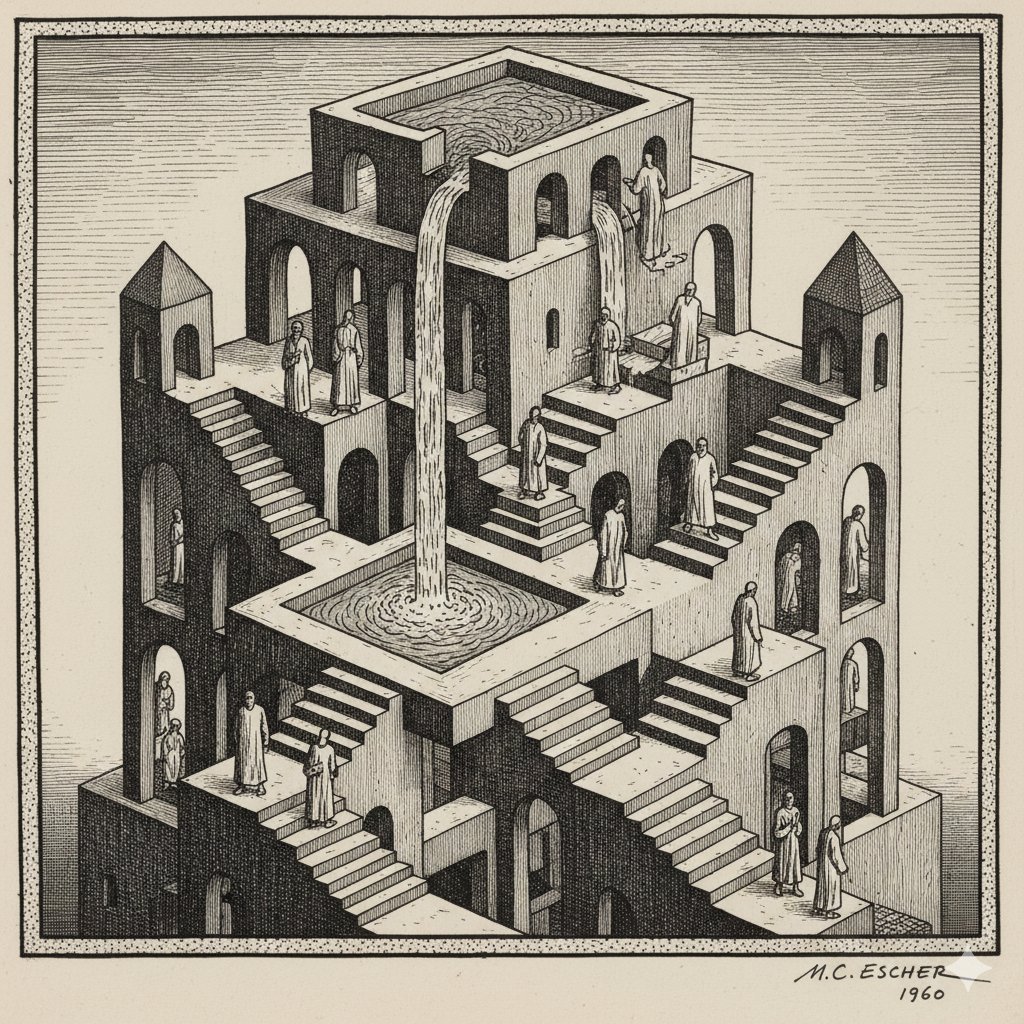
Escher-style Optical Illusion Generation
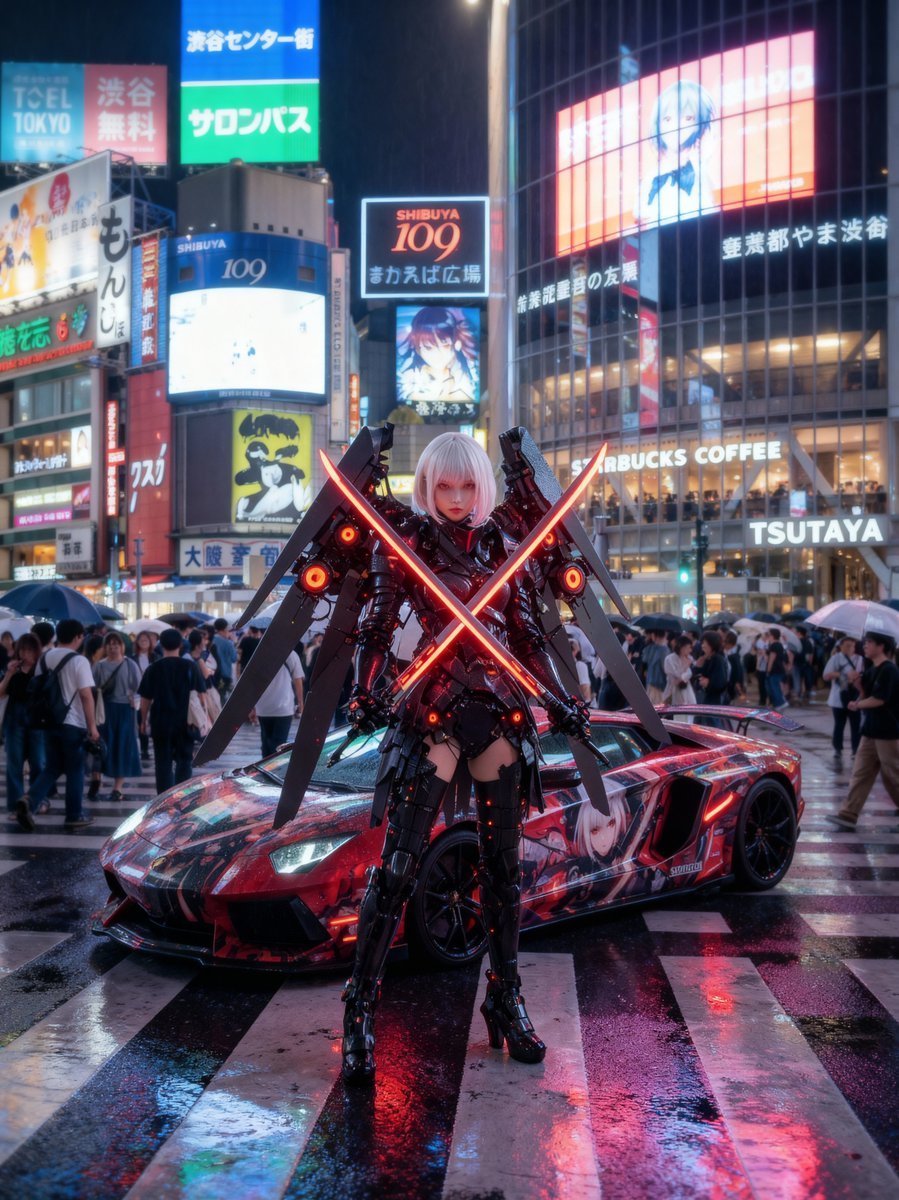
Cosplayer with itasha at Shibuya Scramble Crossing
Browse template categories
Premium Manga Page Illustration questions
How do I use the Premium Manga Page Illustration template?
Add your photo if the template asks for one, edit the prompt if you like — the template's model and format are already selected — and press Generate. Your version opens in PicX Studio.
Can I customize the Premium Manga Page Illustration template?
Yes. You can change the subject, setting, lighting, mood, format, and available model controls before creating your image.
Is the Premium Manga Page Illustration template free?
Opening and editing this template is free. Generating uses credits, shown on the Generate button when you are signed in.
Which AI model should I use?
Start with GPT Image 2, which is the model associated with this template. You can compare another compatible model for a different finish.
Looking for something else? Browse all templates.

Your photo, any look
Thousands of ready templates for every top image and video model, from one credit balance.