How do I use the Luxury Perfume Magazine Cover template?
Choose the primary action to open PicX Studio with the available template settings. Review the model and format, personalize the creative direction, and generate when ready.
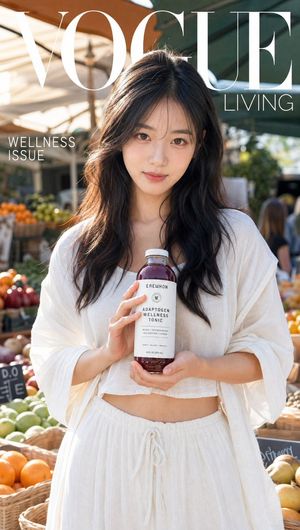
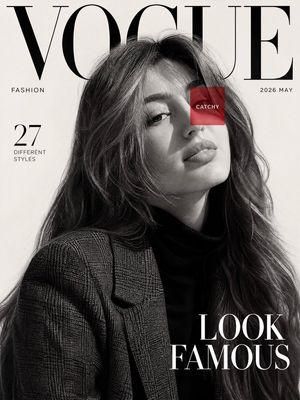
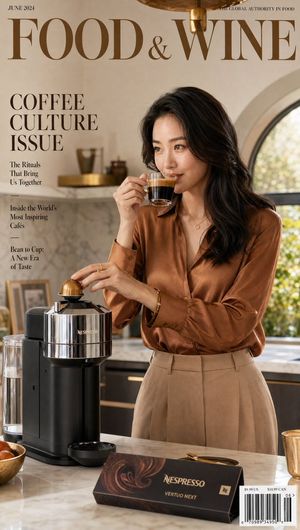
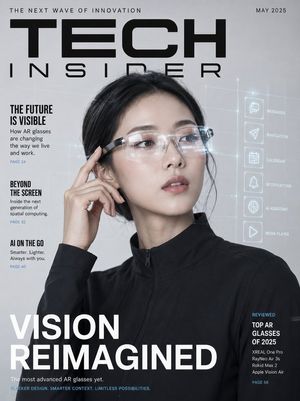
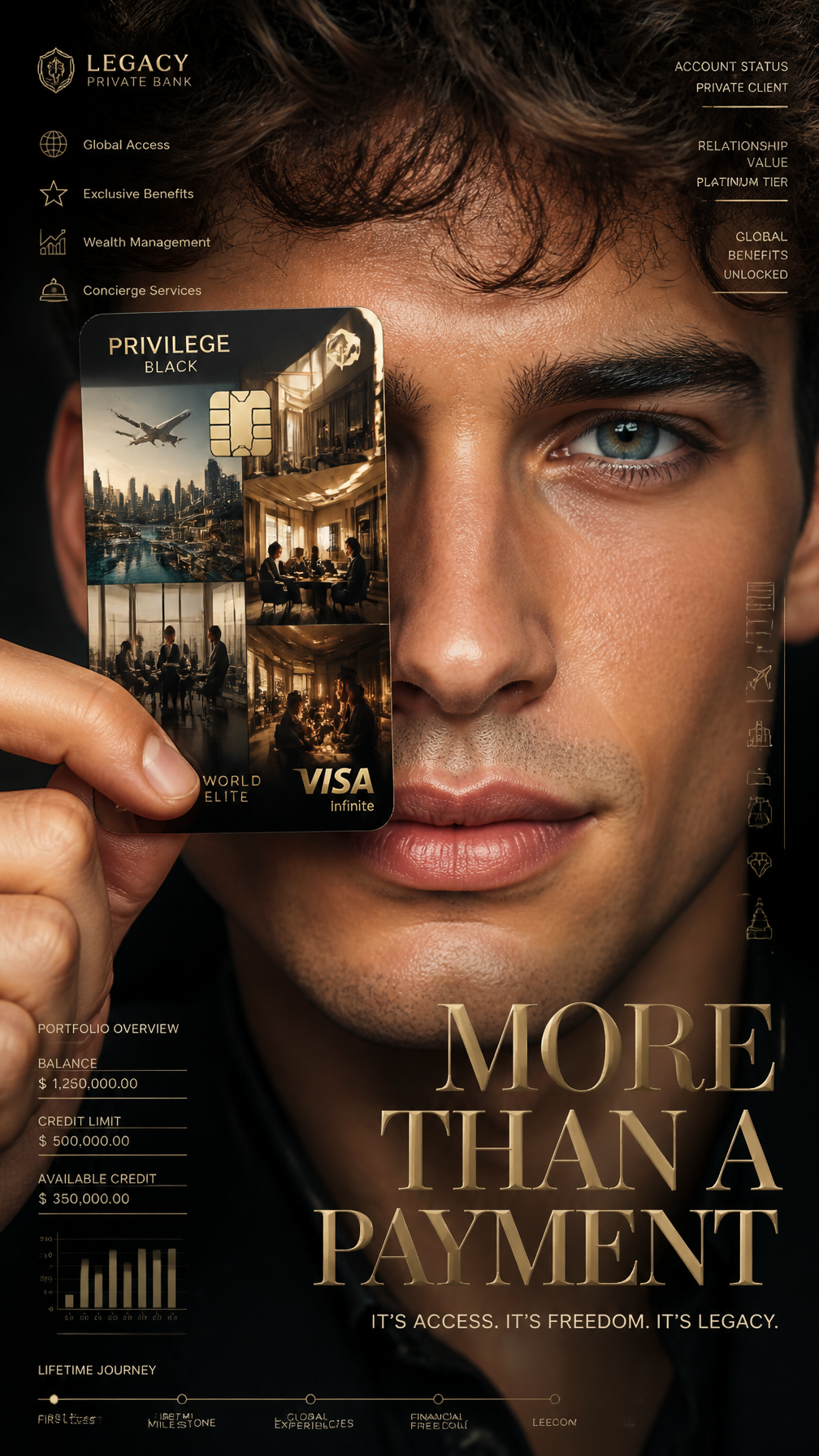
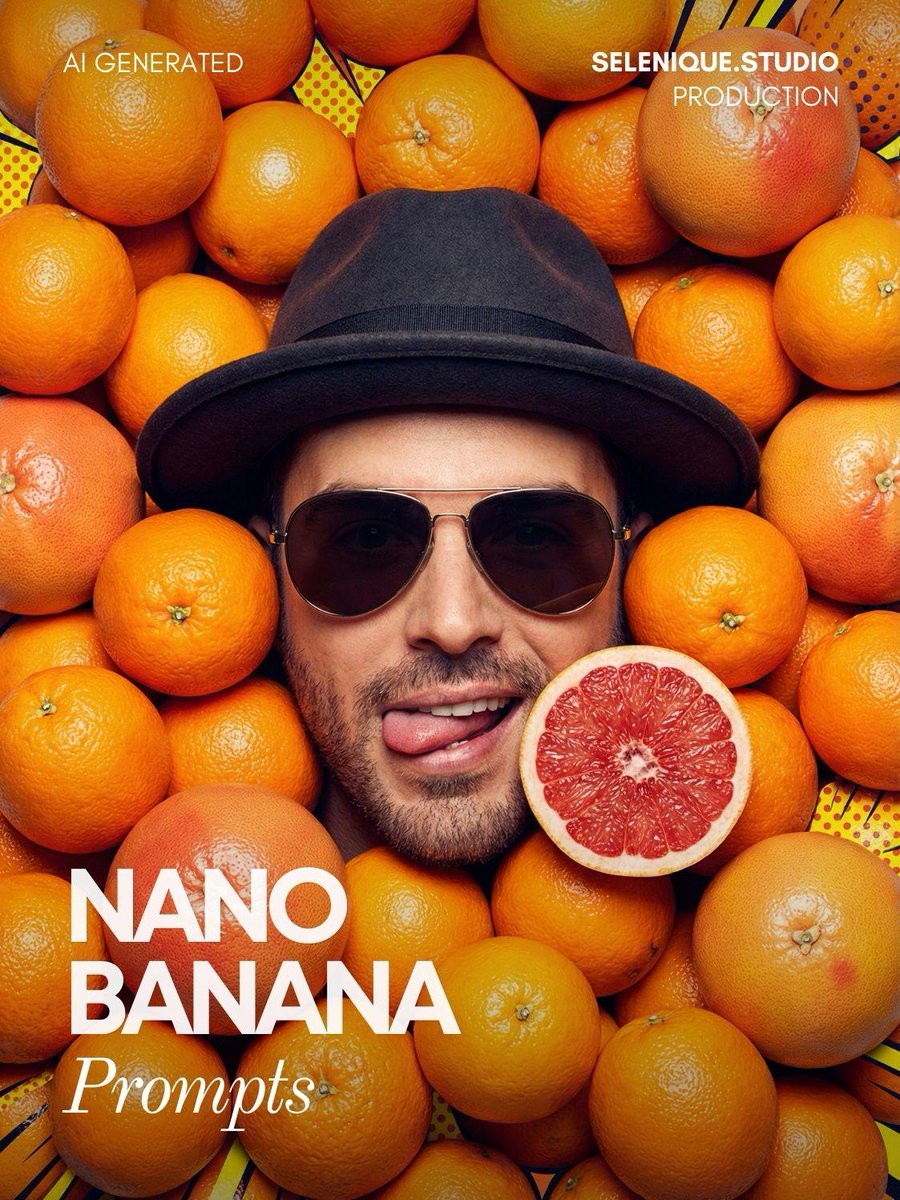
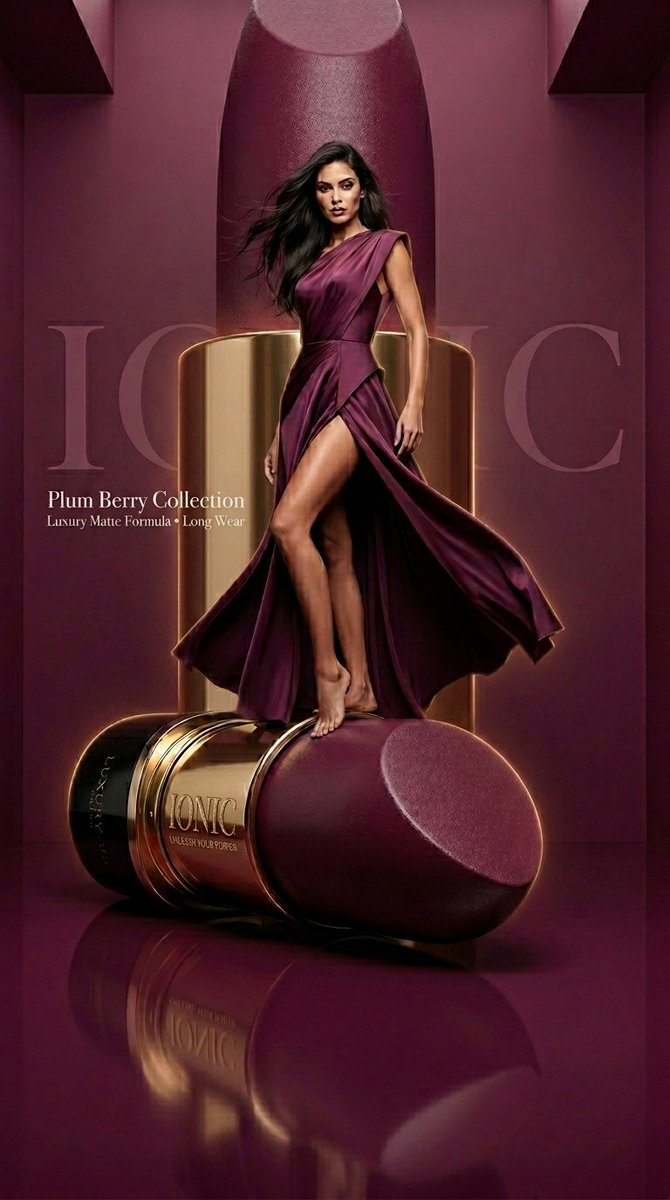
A sophisticated prompt for creating a high-end magazine cover featuring luxury perfume and an elegant subject against a night-time Parisian backdrop.
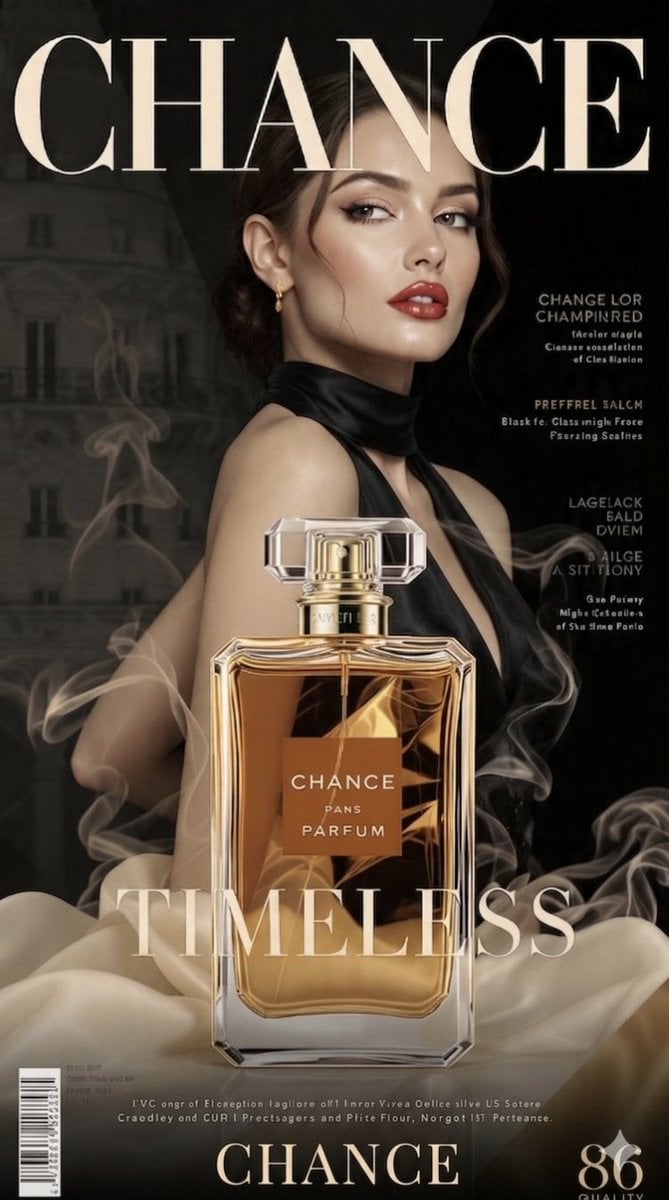
A high-end magazine cover titled "{argument name="magazine title" default="CHANCE"}" featuring an elegant woman in a black halter dress. The background includes hazy wisps of smoke and a blurry Parisian cityscape at night. Prominently in the foreground is a large bottle of {argument name="perfume name" default="CHANCE"} Parfum, with {argument name="liquid color" default="golden"} liquid and clear glass. The word "TIMELESS" is written in a sophisticated font across the bottom of the image, which also includes the label "CHANCE PANS PARFUM", a barcode, fine print, and the number "86" for quality.
Choose the primary action to open PicX Studio with the available template settings. Review the model and format, personalize the creative direction, and generate when ready.
Yes. You can change the subject, setting, lighting, mood, format, and available model controls before creating your image.
This template is free to open and customize. Generation usage is shown in PicX Studio before you create.
Start with Nano Banana 2, which is the model associated with this template. You can compare another compatible model for a different finish.
Follow a topic to a crawlable collection of related PicX Studio templates.