
Hollywood Action Film Character Board
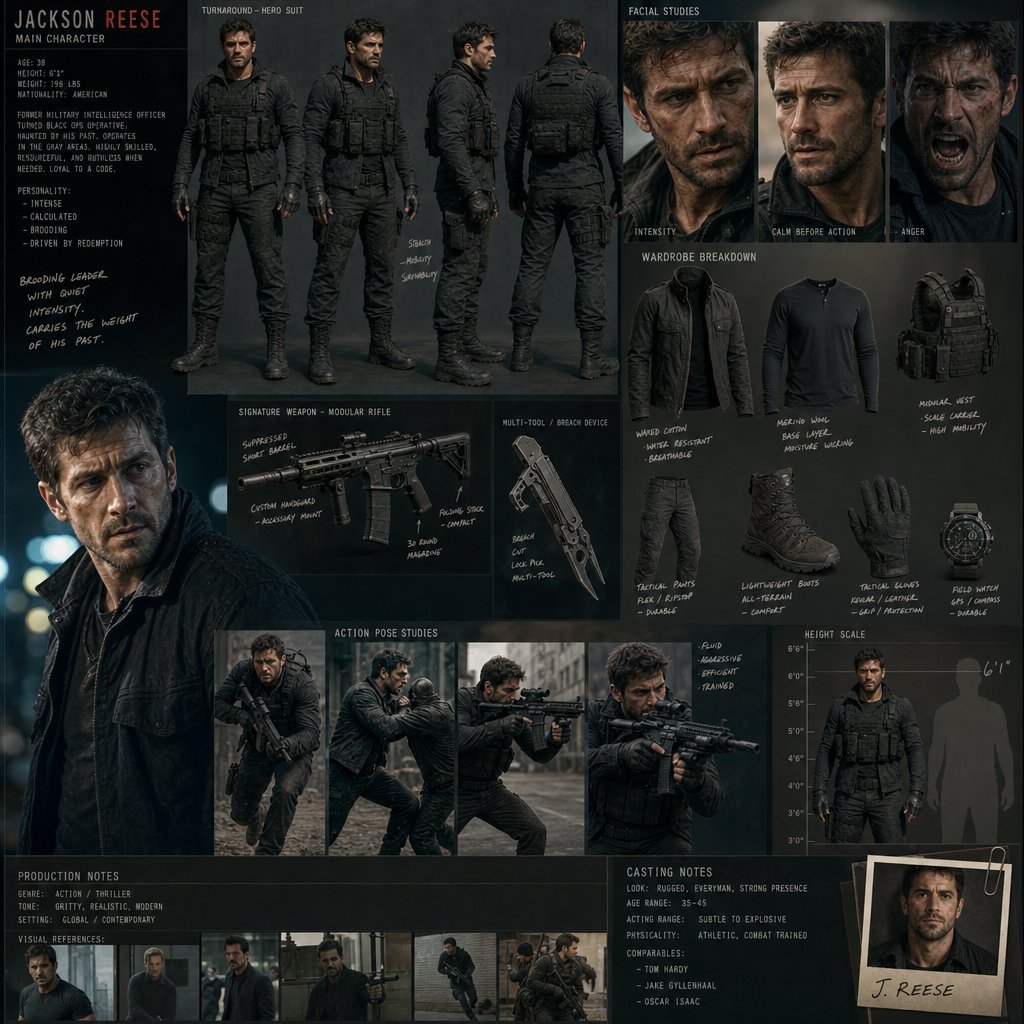
A comprehensive cinematic character design board for a Hollywood male protagonist, including full-body turnarounds and facial studies.
- Prompt included
- Model and format preset
- Free template
The prompt behind this image
Copy the exact prompt behind Hollywood Action Film Character Board, or open it in the studio and make it yours.
Create a cinematic Hollywood-style character design board for a big-budget action film featuring a {argument name="protagonist" default="male protagonist"}. Avoid clean grid layouts; composition should feel like a senior concept artist’s film pitch board used in a studio meeting. Design a grounded, realistic {argument name="character type" default="male lead actor-type character"} with strong screen presence, subtle imperfections, and emotional depth. Include: Full-body turnaround (hero suit / tactical modern outfit) Close-up facial expression studies (intensity, calm before action, anger) Wardrobe breakdown (jacket layers, tactical gear, fabric realism) Signature weapon or gadget design sheet Motion/action pose studies (running, fighting, aiming) Height scale with production notes and casting-style annotations Style: Hollywood blockbuster realism, cinematic lighting, shallow depth of field, premium film still aesthetic, dramatic contrast.
How to use Hollywood Action Film Character Board in 3 steps
- 1
Open
The prompt is already in the box next to the preview, with the template's model and format selected.
- 2…a portrait of your subject in softgolden-hour light, 85mm…
Personalize
Edit the subject and creative details for your destination.
- 3Generate
Generate
Press Generate — your image is created in PicX Studio, so you can compare it with the original and refine one variable at a time.
More like this
Templates with the same subject, style or setup. Open one to see its prompt.

Chessboard Candle Strategy
Pinball Machine Action
Boardwalk Carnival Retro Night
Desert Sci-Fi Action Storyboard

Sepia Family Portrait Studio

Monogram Luggage Cart

Statue Garden Twilight
Opera Glasses Velvet Seat

Fountain Pen Ink Splash

Manor Garden Topiary Path

Black And White Piano Keys

Cigar Lounge Leather Smoke
Make it yours
Hollywood Action Film Character Board works as-is. These are the safest ways to change it without losing the look.
Change one field
Copy a single group, rewrite it, and generate again so you can see what that field is doing.
Keep the frame, change the subject
Hold the composition and light of Hollywood Action Film Character Board, then swap wardrobe, props or the person for a new take.
| If the result… | Why | Fix |
|---|---|---|
| The result drifts from the preview | Too many fields changed at once. | Reuse Hollywood Action Film Character Board as-is first, then change one group — subject, light, or setting. |
| The model over-stylizes the scene | The prose prompt leaves finish and camera underspecified. | Add one camera or lighting sentence and stay on GPT Image 2. |
More GPT Image 2 templates
Other prompts made for GPT Image 2.

Six VTuber Japanese Logo Sheet

Realistic Portrait of Woman and Deer

The Vista Modular Condo Poster

AI Model Routing Comparison Infographic

2.5D Anime Art Board

Isometric Productivity Desk Scene

New York Double Exposure Poster

Four-Panel AI Landscape Comparison

Japanese Tatami Lifestyle Magazine Cover

NESCAFÉ Coffee Map Poster
More image prompts
Fresh picks from across the catalog.
Dark AI Chat 4K Upscale Tutorial
Bizarre Flat Cartoon Character
Ultra-Realistic Top-Down Flat Lay Photo of a Custom Conference Table
Realistic X-Style French Profile Screen
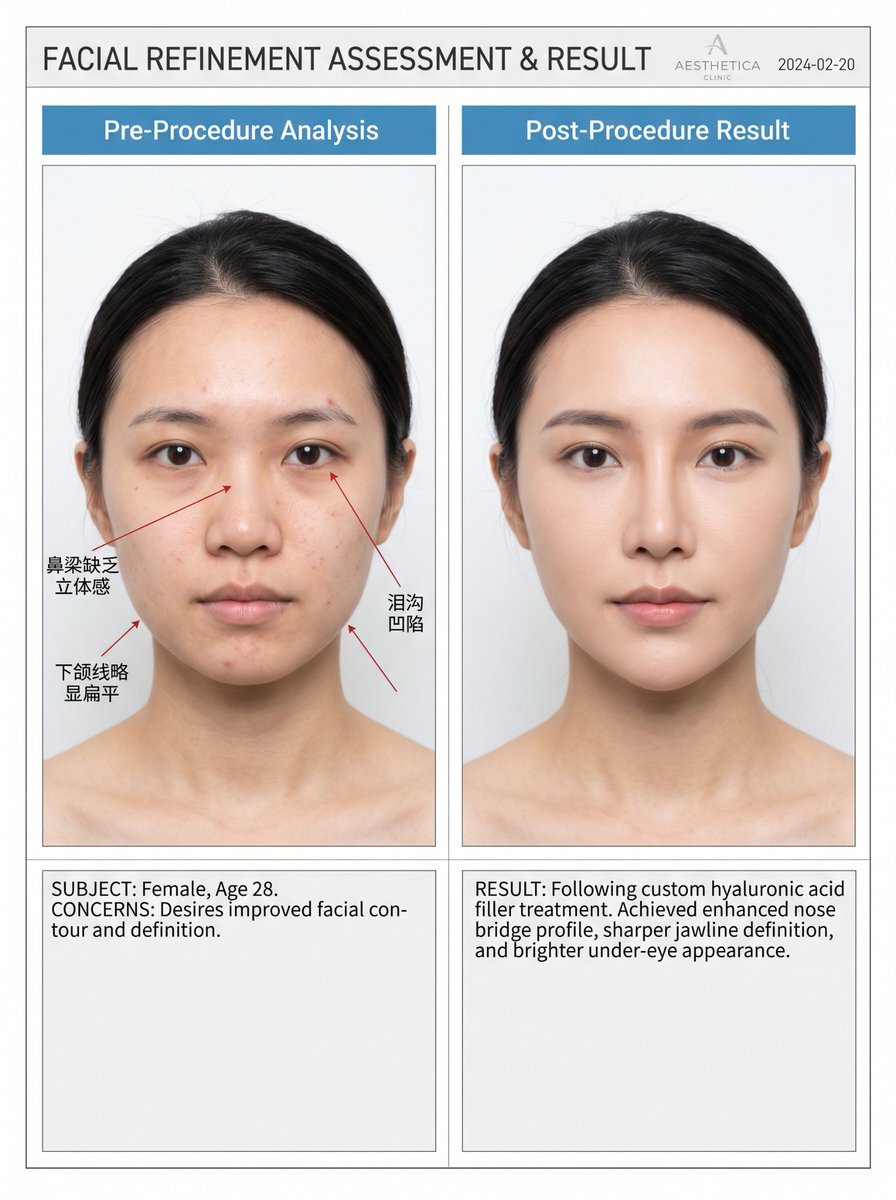
Medical Aesthetic Analysis Comparison Prompt
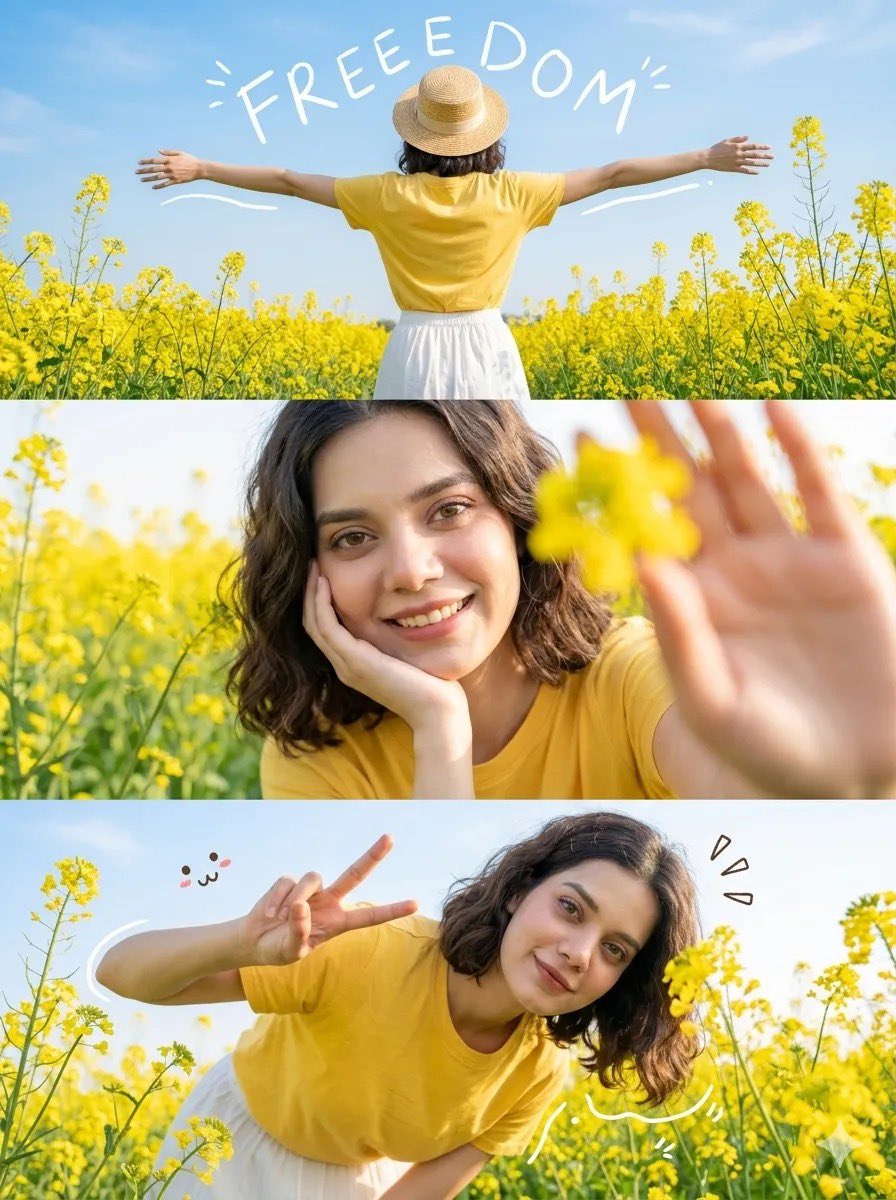
Flower Field Lifestyle Photography
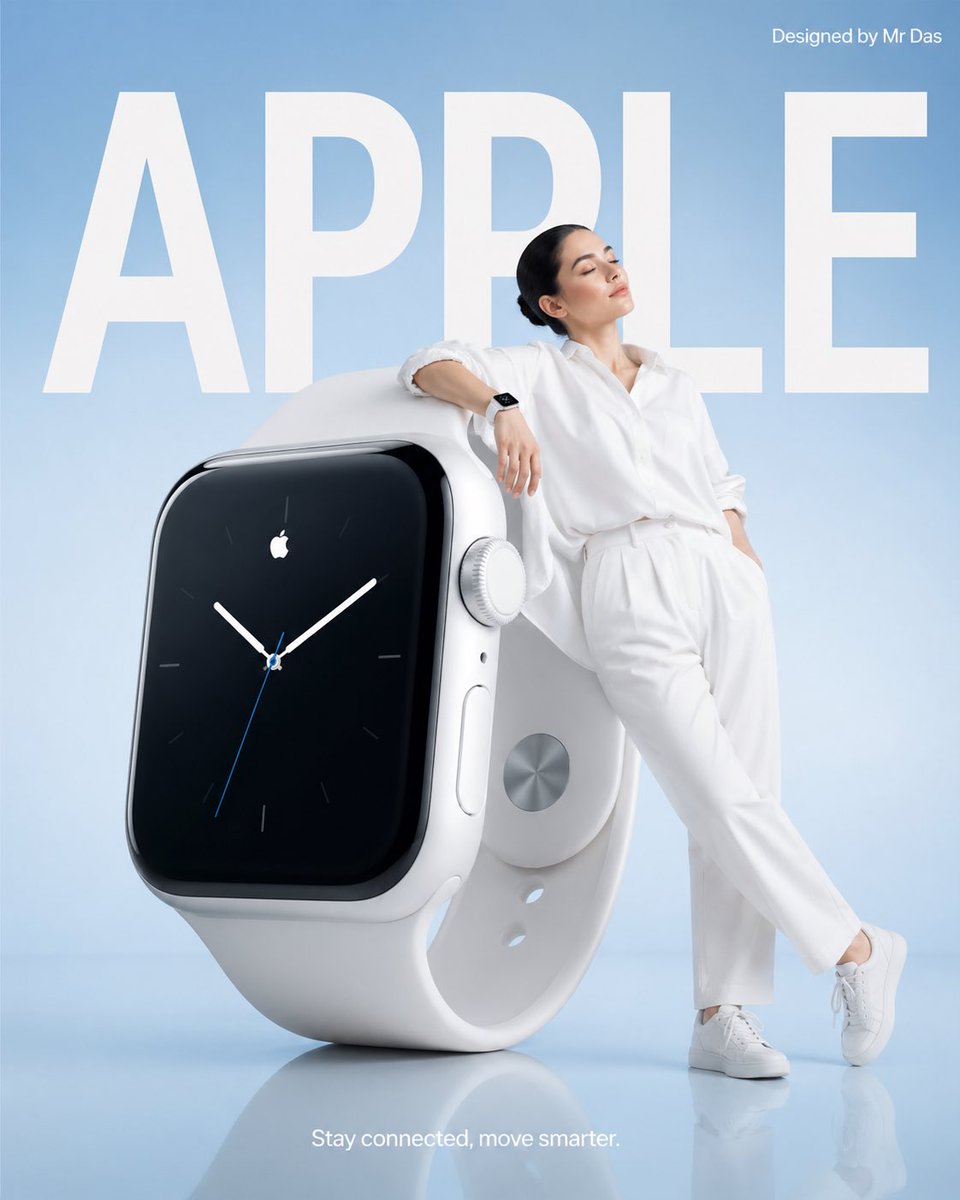
Minimalist Smartwatch Commercial Ad
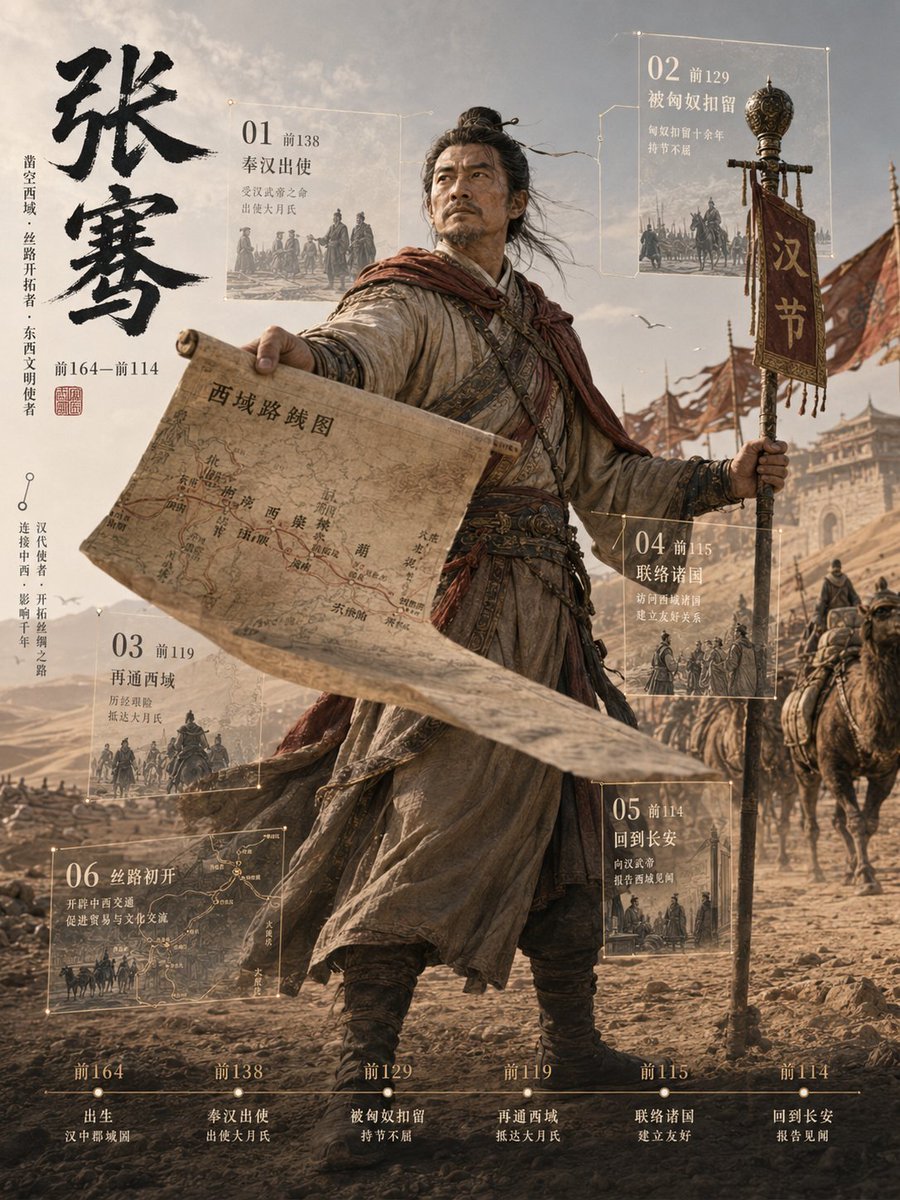
Zhang Qian 3D Historical Archive Poster
Tattooed Woman Mirror Selfie Prompt
Maximalist Create Everything Poster
Browse template categories
Hollywood Action Film Character Board questions
How do I use the Hollywood Action Film Character Board template?
Add your photo if the template asks for one, edit the prompt if you like — the template's model and format are already selected — and press Generate. Your version opens in PicX Studio.
Can I customize the Hollywood Action Film Character Board template?
Yes. You can change the subject, setting, lighting, mood, format, and available model controls before creating your image.
Is the Hollywood Action Film Character Board template free?
Opening and editing this template is free. Generating uses credits, shown on the Generate button when you are signed in.
Which AI model should I use?
Start with GPT Image 2, which is the model associated with this template. You can compare another compatible model for a different finish.
Looking for something else? Browse all templates.

Your photo, any look
Thousands of ready templates for every top image and video model, from one credit balance.